
GPT 2 Day 500 Gaming Thumbnail
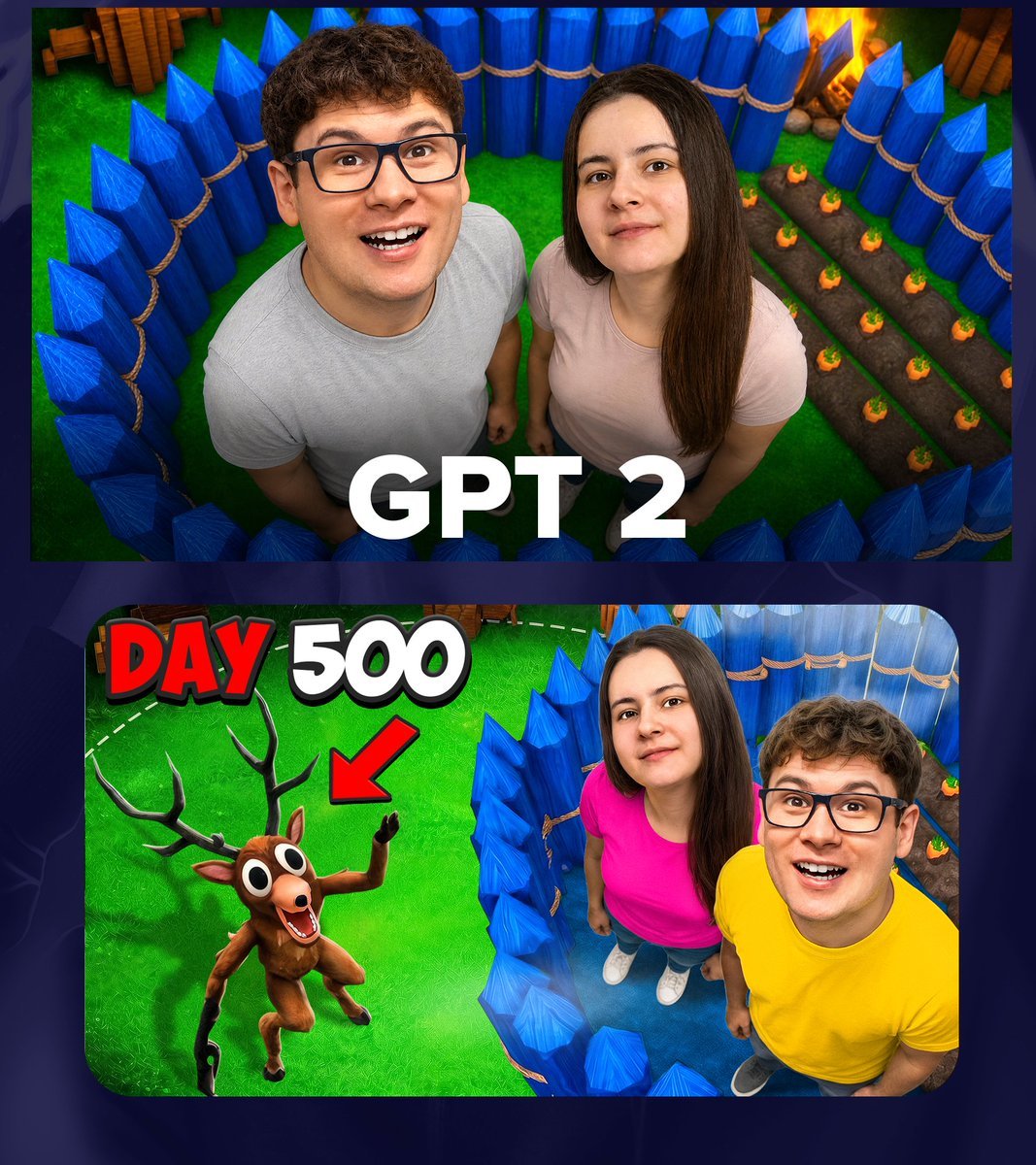
Generates a colorful viral gaming thumbnail collage with two people in a blue-spiked arena, bold challenge text, and a cartoon deer target.
- Prompt included
- Model and format preset
- Free template
The prompt behind this image
Copy the exact prompt behind GPT 2 Day 500 Gaming Thumbnail, or open it in the studio and make it yours.
Create a bold YouTube-style gaming thumbnail collage on a dark navy patterned background, using two stacked rounded-rectangle image panels. The top panel shows a high-angle 3D game-like scene inside a circular enclosure of tall bright blue sharpened wooden palisade spikes tied with tan rope, with vivid green grass, a small crop field with rows of sprouting orange plants on the right, and warm firelight near the upper right; in the center stand two real-looking people viewed from above, a man in a light gray T-shirt on the left and a woman in a pale pink T-shirt on the right, both looking upward, with intentionally blurred/featureless faces, and large bold white 3D sans-serif text across the bottom reading {argument name="main title text" default="GPT 2"}. The bottom panel is a wider rounded thumbnail frame split visually between a bright grassy game area on the left and the same blue palisade enclosure on the right; include exactly 2 large text elements at the upper left, {argument name="day label" default="DAY"} in red block letters with black shadow and {argument name="number label" default="500"} in white block letters with black shadow. In the bottom panel, place exactly 1 cartoon deer creature on the left, brown with exaggerated huge white eyes, antlers, open smiling mouth, raised arm, and a red arrow pointing down toward it. On the right of the bottom panel, show the same two real-looking people from above, the woman wearing a bright hot pink shirt and white shoes, the man wearing a bright yellow shirt and dark shoes, both with blurred/featureless faces, standing inside the blue spike fence on bluish ground. Use saturated colors, strong contrast, glossy 3D game-rendered environment, photorealistic people composited into the scene, dramatic thumbnail lighting, thick shadows, clean sharp details, and a viral gaming challenge thumbnail composition. The image contains exactly 2 panels: top panel with the title text and two people, bottom panel with the day counter, red arrow, one deer creature, and two people.
How to use GPT 2 Day 500 Gaming Thumbnail in 3 steps
- 1Upload ImagePNG, JPG or paste
Add your photo
Upload the photo the template builds on. The prompt, model and format are already set.
- 2…a portrait of your subject in softgolden-hour light, 85mm…
Personalize
Edit the subject and creative details for your destination.
- 3Generate
Generate
Press Generate — your image is created in PicX Studio, so you can compare it with the original and refine one variable at a time.
More like this
Templates with the same subject, style or setup. Open one to see its prompt.

Minecraft Voxel Pixel Art Aesthetic System

Minecraft Next-Gen Voxel World Screenshot

Minecraft Japanese Research Lab Exploration
Anime VTuber Gaming Thumbnail

Gpt2 Youtube Thumbnail Wuxia Movie Character Posters

Gpt2 Youtube Thumbnail Anime Music Bootcamp Promo Poster
Gpt2 Youtube Thumbnail Tokyo Disneysea Front Row Battle Ui

Gpt2 Youtube Thumbnail Dreamy Anime Sayori Banner

Gpt2 Youtube Thumbnail Japanese Ai Battle Youtube Thumbnail
Fictional Character

Anime Skywork MV Thumbnail

Miniature Sick Day Diorama
Make it yours
GPT 2 Day 500 Gaming Thumbnail works as-is. These are the safest ways to change it without losing the look.
Change one field
Copy a single group, rewrite it, and generate again so you can see what that field is doing.
Keep the frame, change the subject
Hold the composition and light of GPT 2 Day 500 Gaming Thumbnail, then swap wardrobe, props or the person for a new take.
| If the result… | Why | Fix |
|---|---|---|
| The result drifts from the preview | Too many fields changed at once. | Reuse GPT 2 Day 500 Gaming Thumbnail as-is first, then change one group — subject, light, or setting. |
| The model over-stylizes the scene | The prose prompt leaves finish and camera underspecified. | Add one camera or lighting sentence and stay on GPT Image 2. |
More GPT Image 2 templates
Other prompts made for GPT Image 2.

Six VTuber Japanese Logo Sheet

Realistic Portrait of Woman and Deer

The Vista Modular Condo Poster

AI Model Routing Comparison Infographic

2.5D Anime Art Board

Isometric Productivity Desk Scene

New York Double Exposure Poster

Four-Panel AI Landscape Comparison

Japanese Tatami Lifestyle Magazine Cover

NESCAFÉ Coffee Map Poster
More image prompts
Fresh picks from across the catalog.
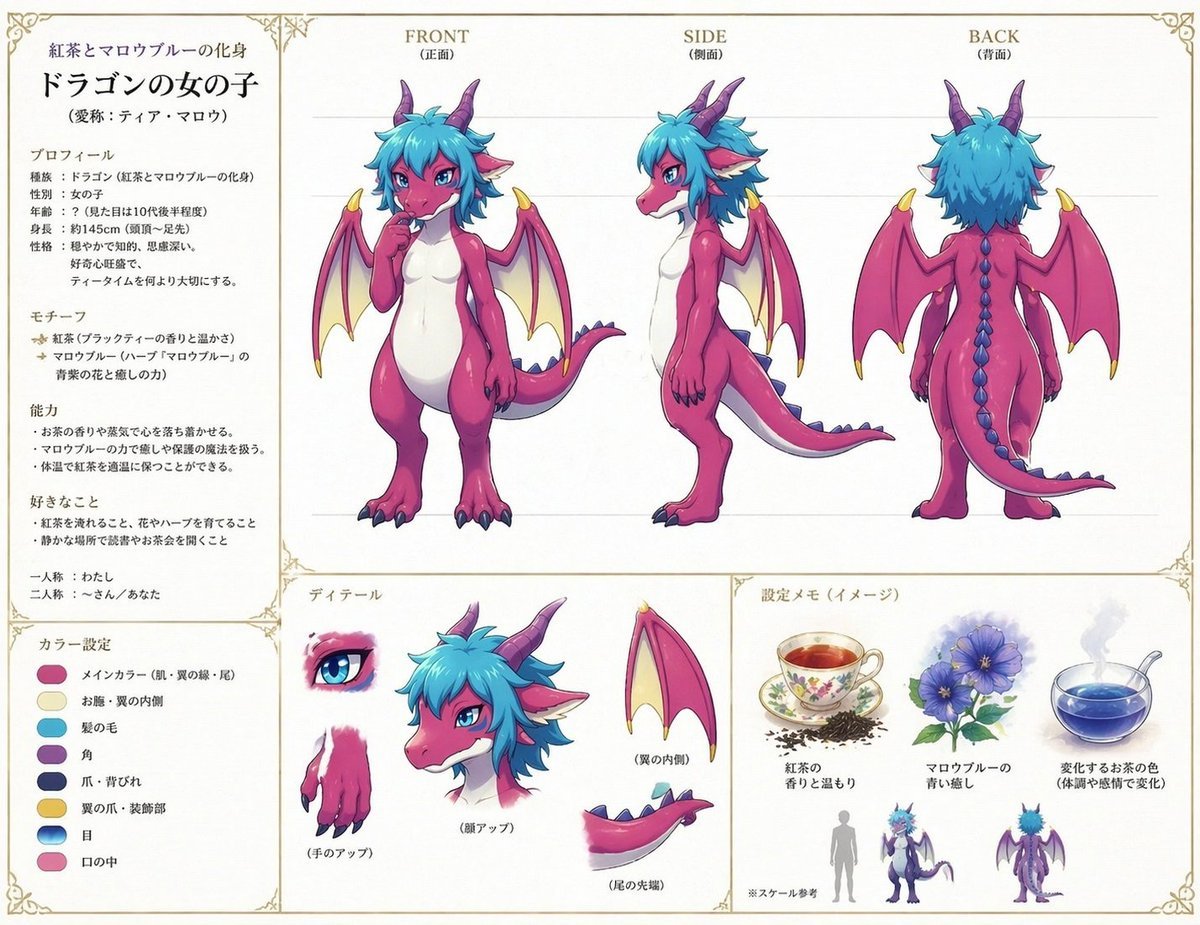
Anime Dragon Girl Reference Sheet
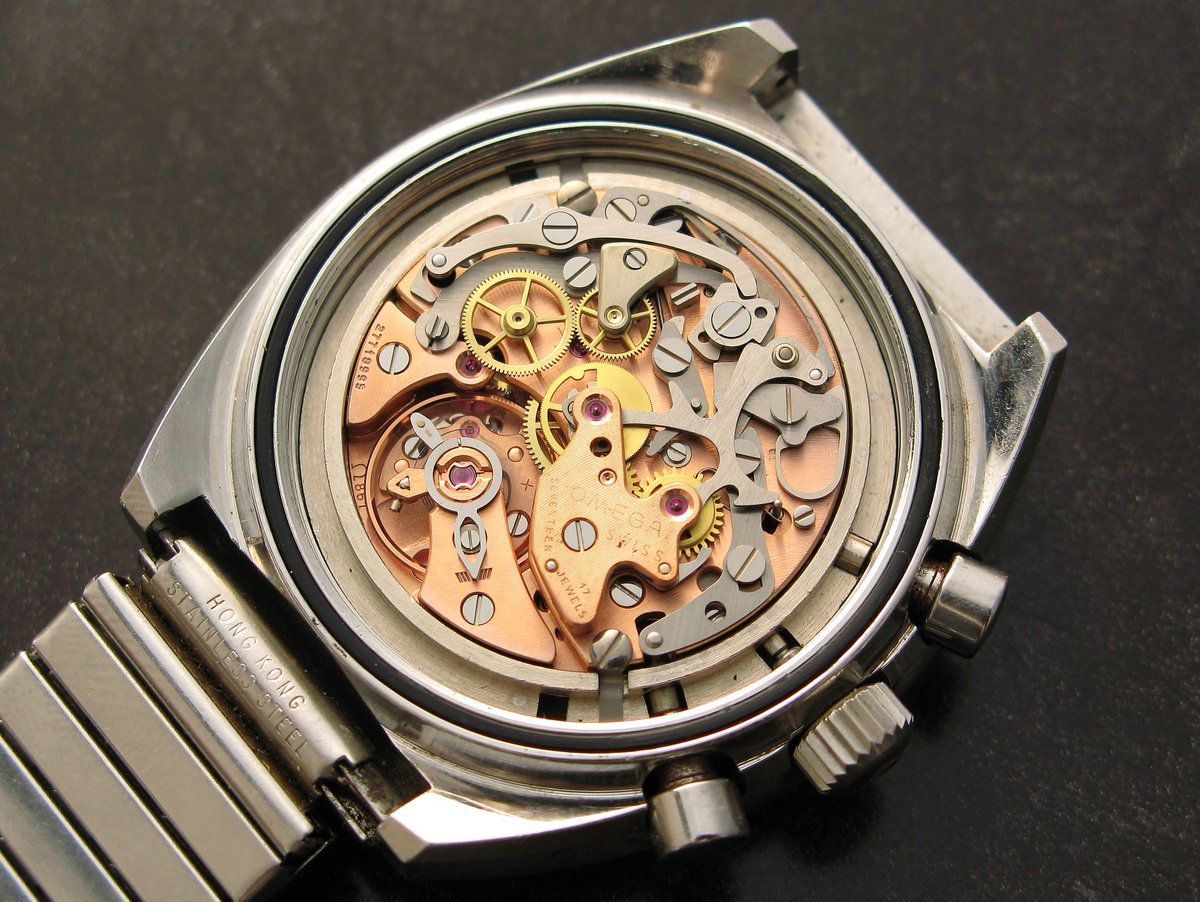
Image to Monochrome Line Art Conversion
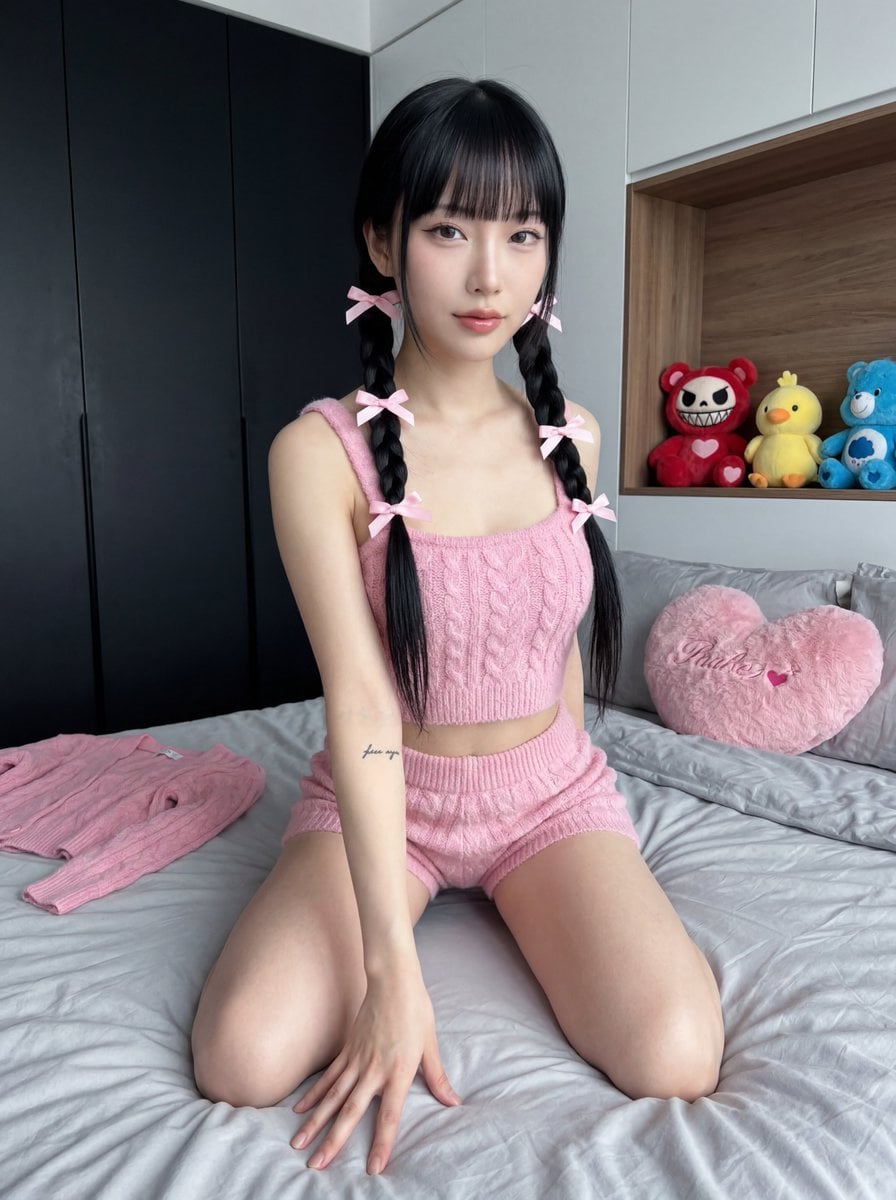
Ultra Photorealistic Japanese Woman in Pink Knit Set

Anime Green Onion Harvest Heroine
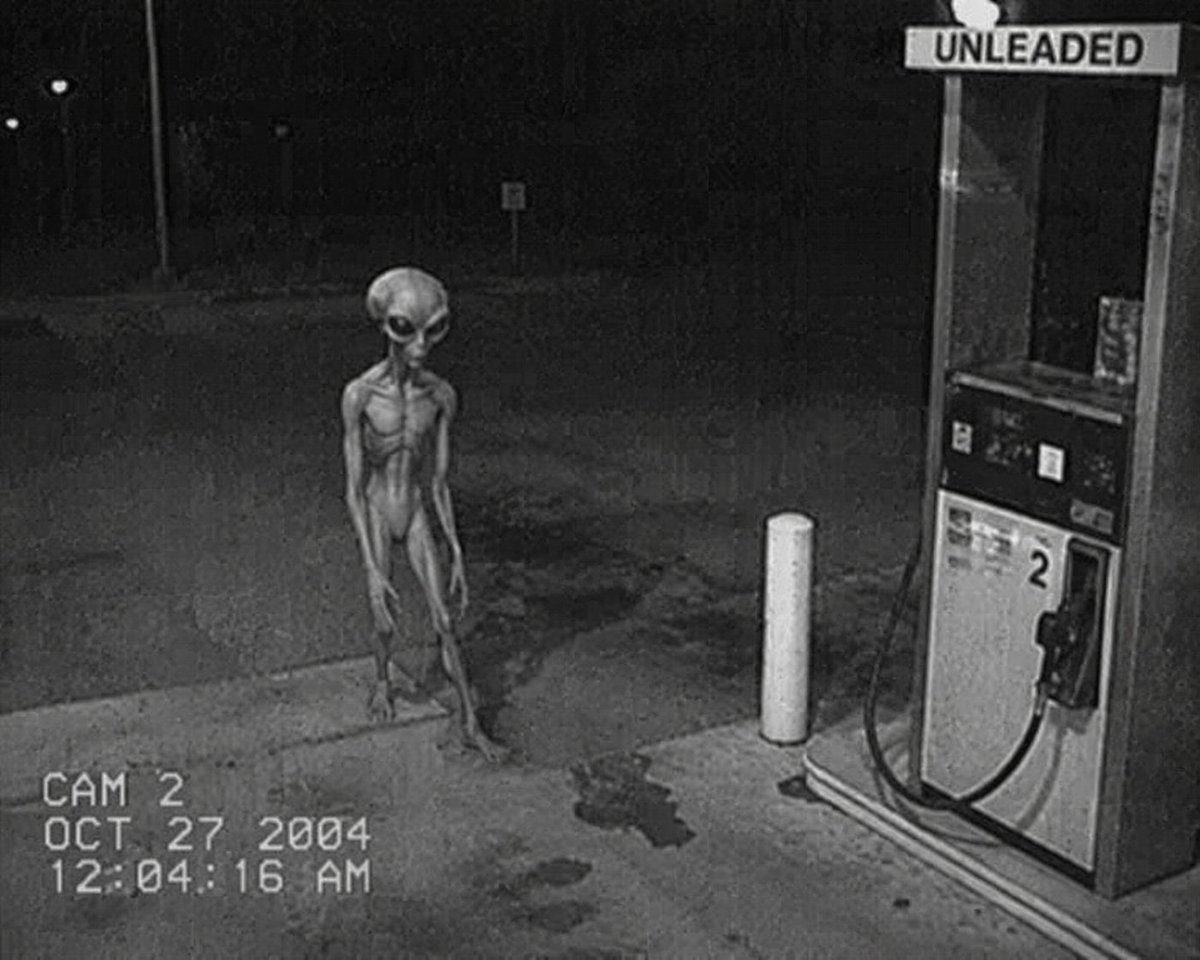
CCTV Security Camera Footage
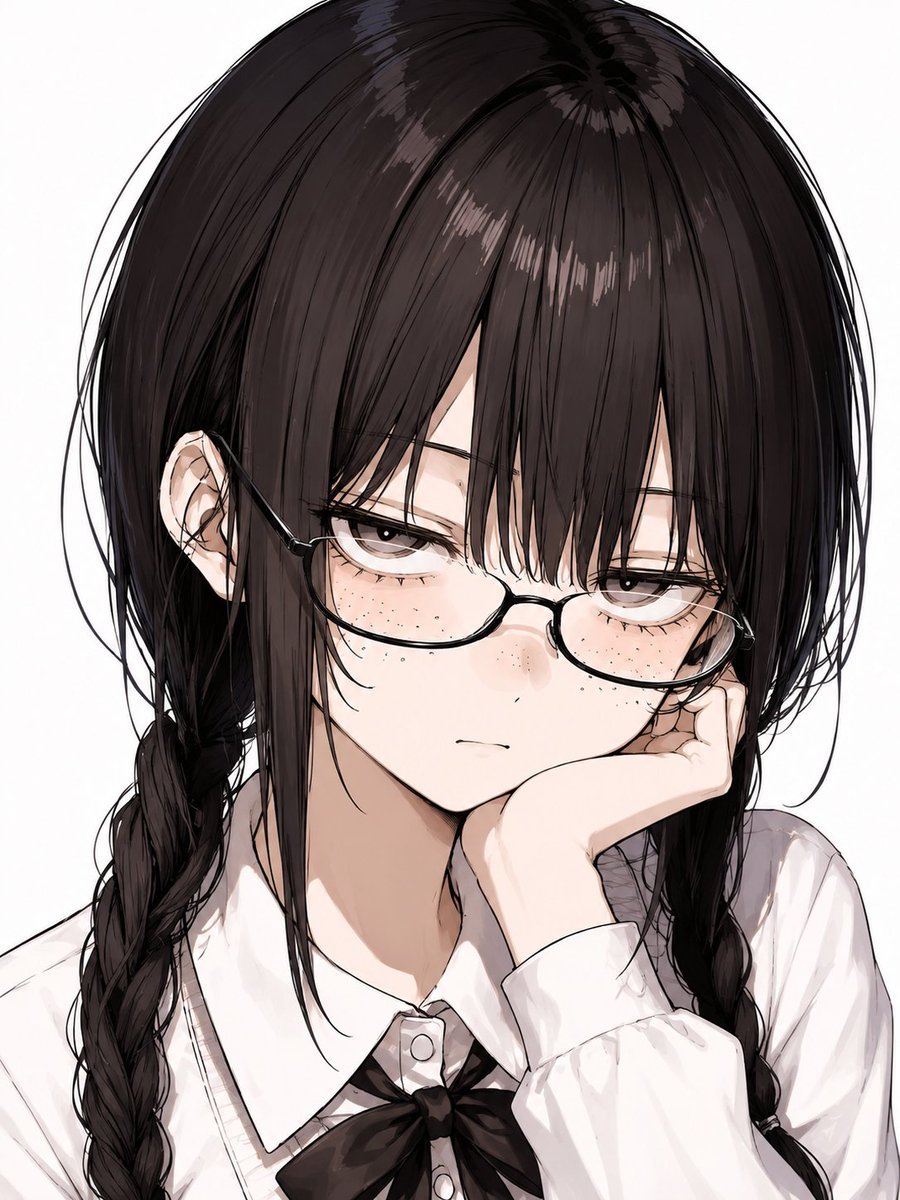
Censored Anime Schoolgirl Portrait
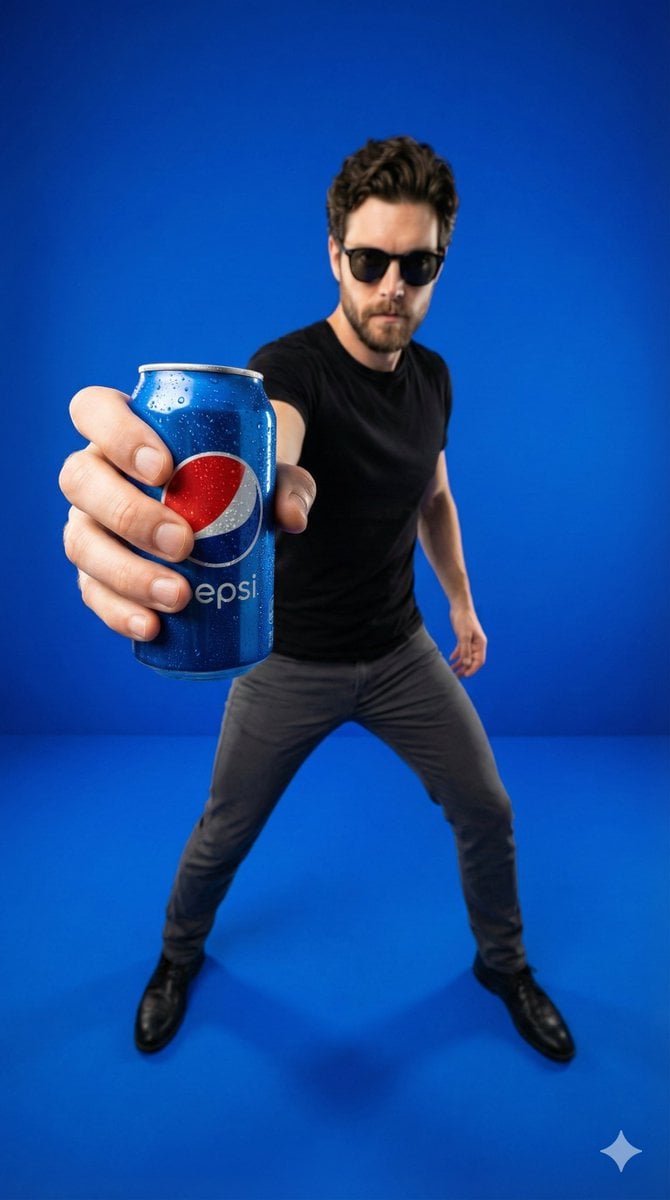
Wide-Angle Product Poster (Pepsi Can)

Vintage Goa Travel Poster
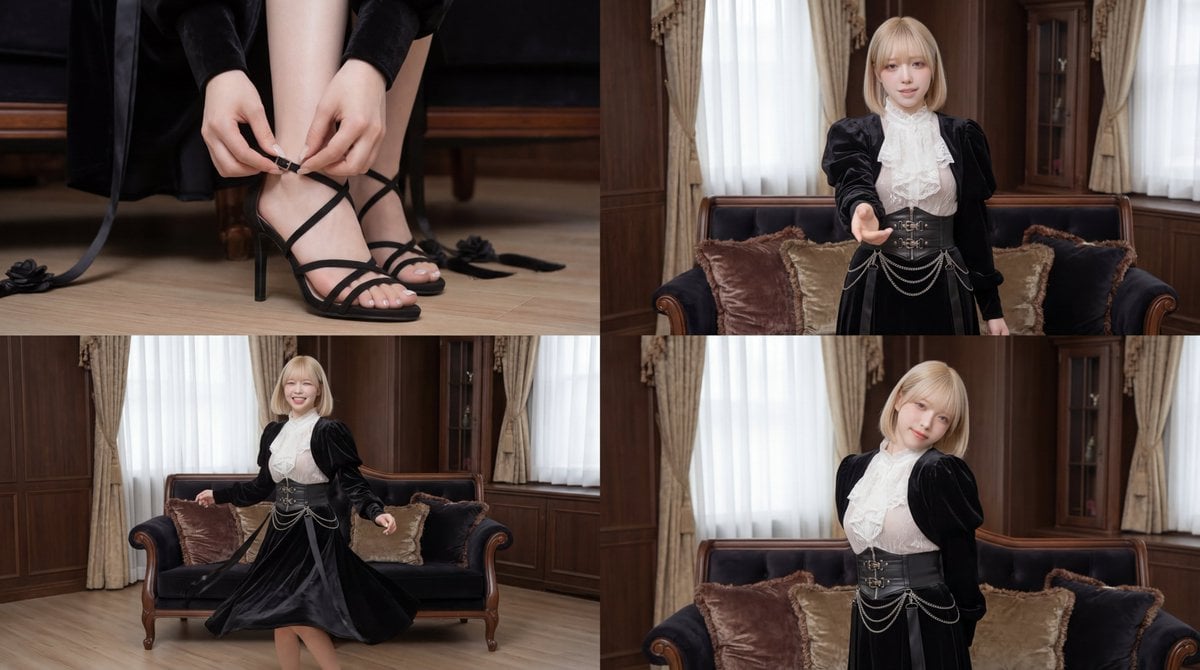
Cinematic dance scene with a girl
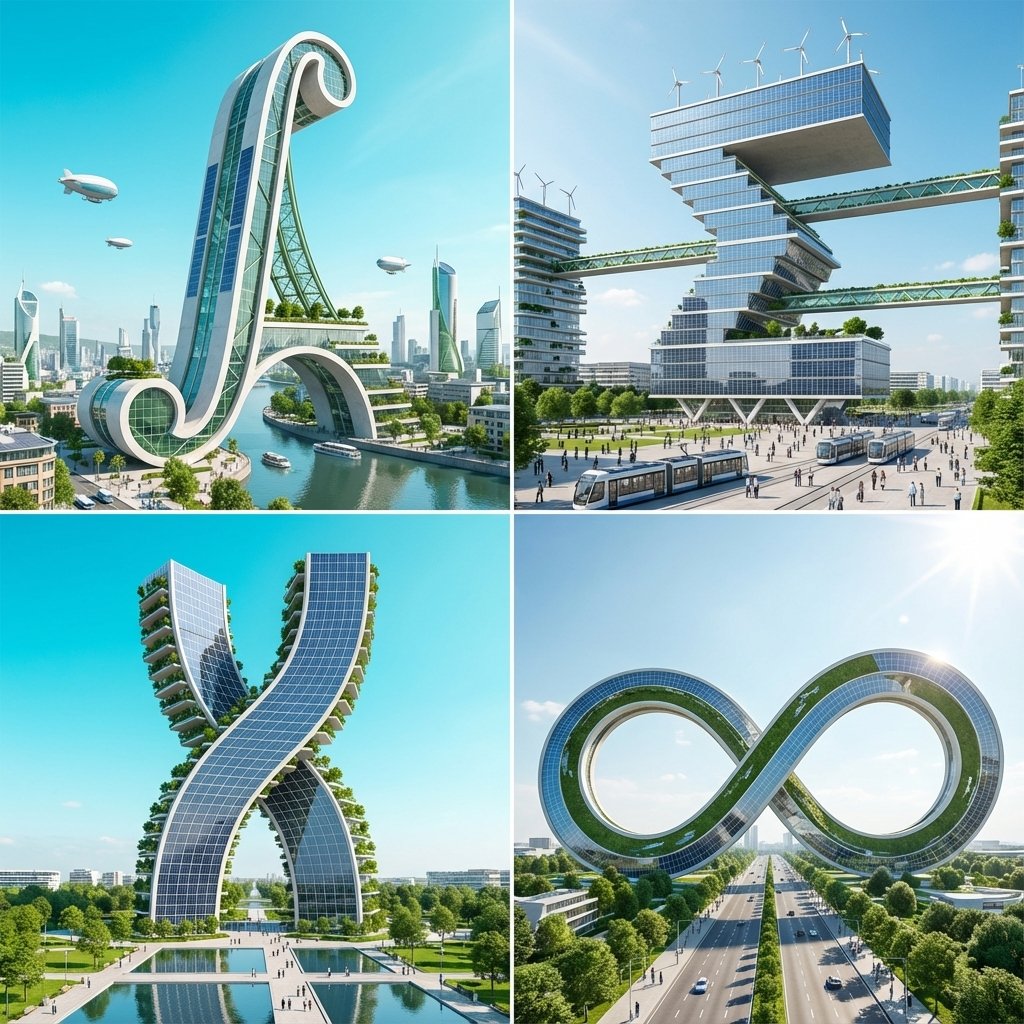
Calculus Symbols as Futuristic Architecture
Browse template categories
GPT 2 Day 500 Gaming Thumbnail questions
How do I use the GPT 2 Day 500 Gaming Thumbnail template?
Add your photo if the template asks for one, edit the prompt if you like — the template's model and format are already selected — and press Generate. Your version opens in PicX Studio.
Can I customize the GPT 2 Day 500 Gaming Thumbnail template?
Yes. You can change the subject, setting, lighting, mood, format, and available model controls before creating your image.
Is the GPT 2 Day 500 Gaming Thumbnail template free?
Opening and editing this template is free. Generating uses credits, shown on the Generate button when you are signed in.
Which AI model should I use?
Start with GPT Image 2, which is the model associated with this template. You can compare another compatible model for a different finish.
Looking for something else? Browse all templates.

Your photo, any look
Thousands of ready templates for every top image and video model, from one credit balance.