
Anime Skywork MV Thumbnail
A colorful anime idol promotional thumbnail for a Skywork Video music video tutorial or announcement.
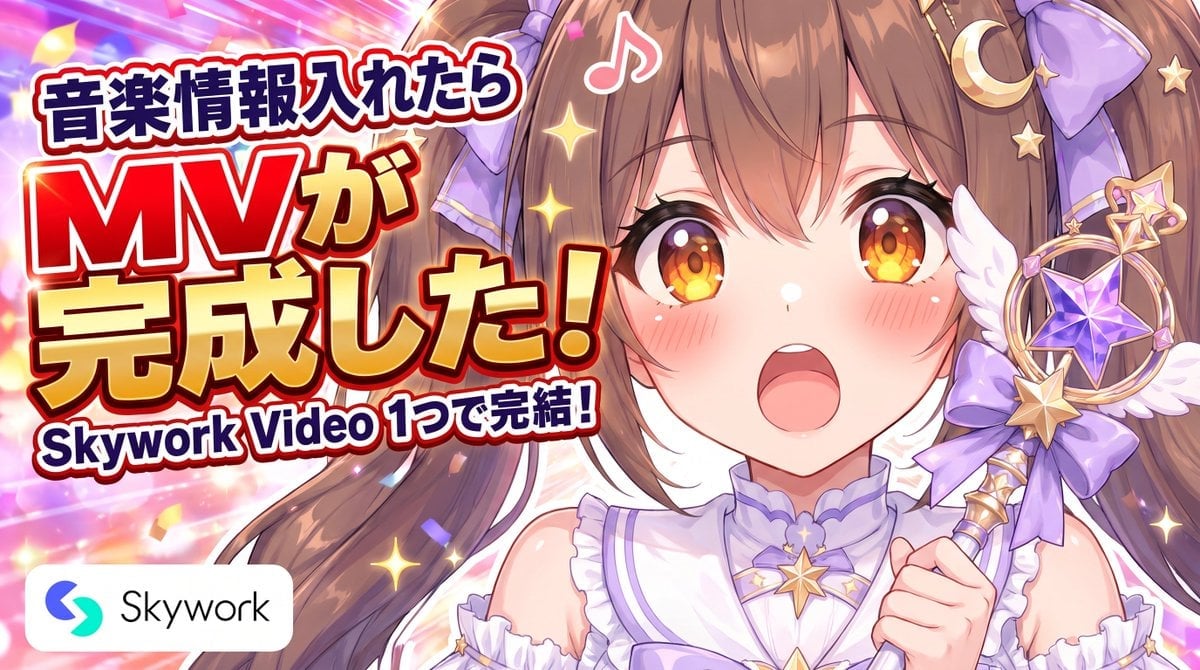
- Prompt included
- Model and format preset
- Free template
The prompt behind this image
Copy the exact prompt behind Anime Skywork MV Thumbnail, or open it in the studio and make it yours.
Goal: Create a bright anime YouTube thumbnail / promotional banner for a music-video-making tutorial, with a cute idol mascot on the right and bold Japanese headline typography on the left. Canvas: Wide 16:9 horizontal banner, approximately 1200×675 px. High-energy composition with no empty space, suitable for social media and YouTube promotion. Layout: Left half is dominated by large stacked headline text with thick outlines and drop shadows. Right half shows exactly 1 anime idol girl in close-up from chest up, facing the viewer, mouth open in an excited singing expression. Bottom-left contains exactly 1 white rounded rectangle brand badge with the Skywork logo icon and the word “Skywork.” Text content: Use exactly 3 main Japanese headline blocks: 1) top small headline {argument name="top headline text" default="音楽情報入れたら"}, 2) central oversized headline {argument name="main headline text" default="MVが完成した!"}, 3) bottom subtitle {argument name="subtitle text" default="Skywork Video 1つで完結!"}. Make the central “MV” especially huge, bright red with white and dark navy outlines; make the rest of the central headline yellow-gold with red and dark outlines. Keep the typography bold, rounded, pop-style, slightly tilted, with strong white stroke and dark red/navy shadow for readability. Subject details: The character is {argument name="character name" default="Mona"}, a cheerful kawaii anime idol girl with long brown twin tails, amber-orange sparkling eyes, flushed cheeks, and glossy highlights. She wears a white and lavender frilly idol outfit with a high collar, bare shoulders, purple trim, gold star ornaments, and large lavender bows in her hair. She holds exactly 1 magical idol wand near the right edge: gold handle, circular gold frame, purple faceted star gem in the center, small angel wings, ribbons, crescent moon, and star charms. Visible accessories should include exactly 2 large lavender hair bows, 1 gold crescent moon hair ornament, multiple small gold star clips, 1 star choker ornament, and the single wand. Background and effects: Use a vivid pink, purple, orange, and gold concert-light background with diagonal speed lines, bokeh, confetti, sparkles, and glow effects. Add exactly 1 white music note icon floating above the character’s head. Scatter many small star-shaped sparkles around the text and character. Overall mood is celebratory, cute, magical idol, and energetic. Visual style: Polished modern Japanese anime illustration, glossy eyes, soft cel shading, clean line art, saturated colors, strong rim lighting, high contrast, crisp thumbnail readability, commercial PR banner style. Constraints: Keep all important text fully legible and inside the safe area. Do not add extra characters, extra logos, watermarks, QR codes, or additional text beyond the specified headline and Skywork badge.
How to use Anime Skywork MV Thumbnail in 3 steps
- 1Upload ImagePNG, JPG or paste
Add your photo
Upload the photo the template builds on. The prompt, model and format are already set.
- 2…a portrait of your subject in softgolden-hour light, 85mm…
Personalize
Edit the subject and creative details for your destination.
- 3Generate
Generate
Press Generate — your image is created in PicX Studio, so you can compare it with the original and refine one variable at a time.
More like this
Templates with the same subject, style or setup. Open one to see its prompt.












Make it yours
Anime Skywork MV Thumbnail works as-is. These are the safest ways to change it without losing the look.
Change one field
Copy a single group, rewrite it, and generate again so you can see what that field is doing.
Keep the frame, change the subject
Hold the composition and light of Anime Skywork MV Thumbnail, then swap wardrobe, props or the person for a new take.
| If the result… | Why | Fix |
|---|---|---|
| The result drifts from the preview | Too many fields changed at once. | Reuse Anime Skywork MV Thumbnail as-is first, then change one group — subject, light, or setting. |
| The model over-stylizes the scene | The prose prompt leaves finish and camera underspecified. | Add one camera or lighting sentence and stay on GPT Image 2. |
More GPT Image 2 templates
Other prompts made for GPT Image 2.

Six VTuber Japanese Logo Sheet

Realistic Portrait of Woman and Deer

The Vista Modular Condo Poster

AI Model Routing Comparison Infographic

2.5D Anime Art Board

Isometric Productivity Desk Scene

New York Double Exposure Poster

Four-Panel AI Landscape Comparison

Japanese Tatami Lifestyle Magazine Cover

NESCAFÉ Coffee Map Poster
More image prompts
Fresh picks from across the catalog.
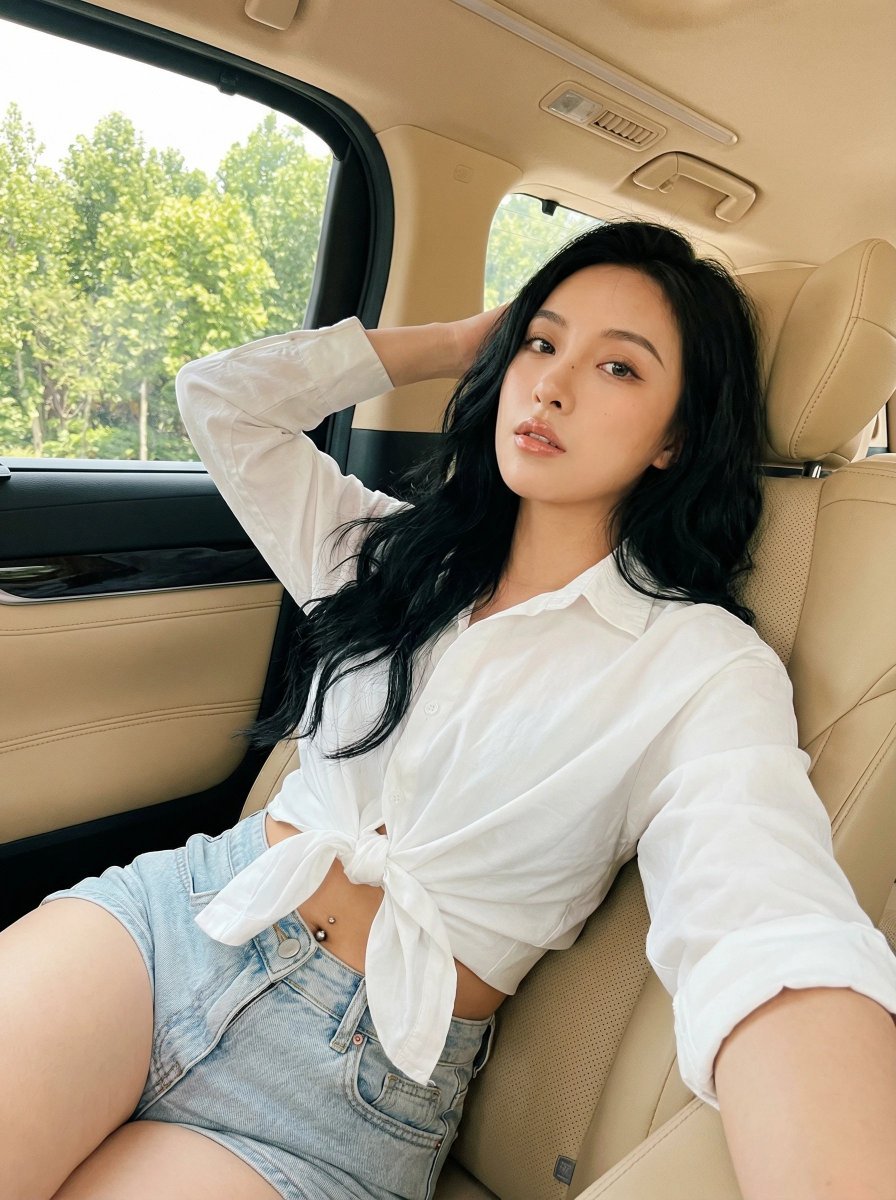
Natural Instagram-style car selfie prompt
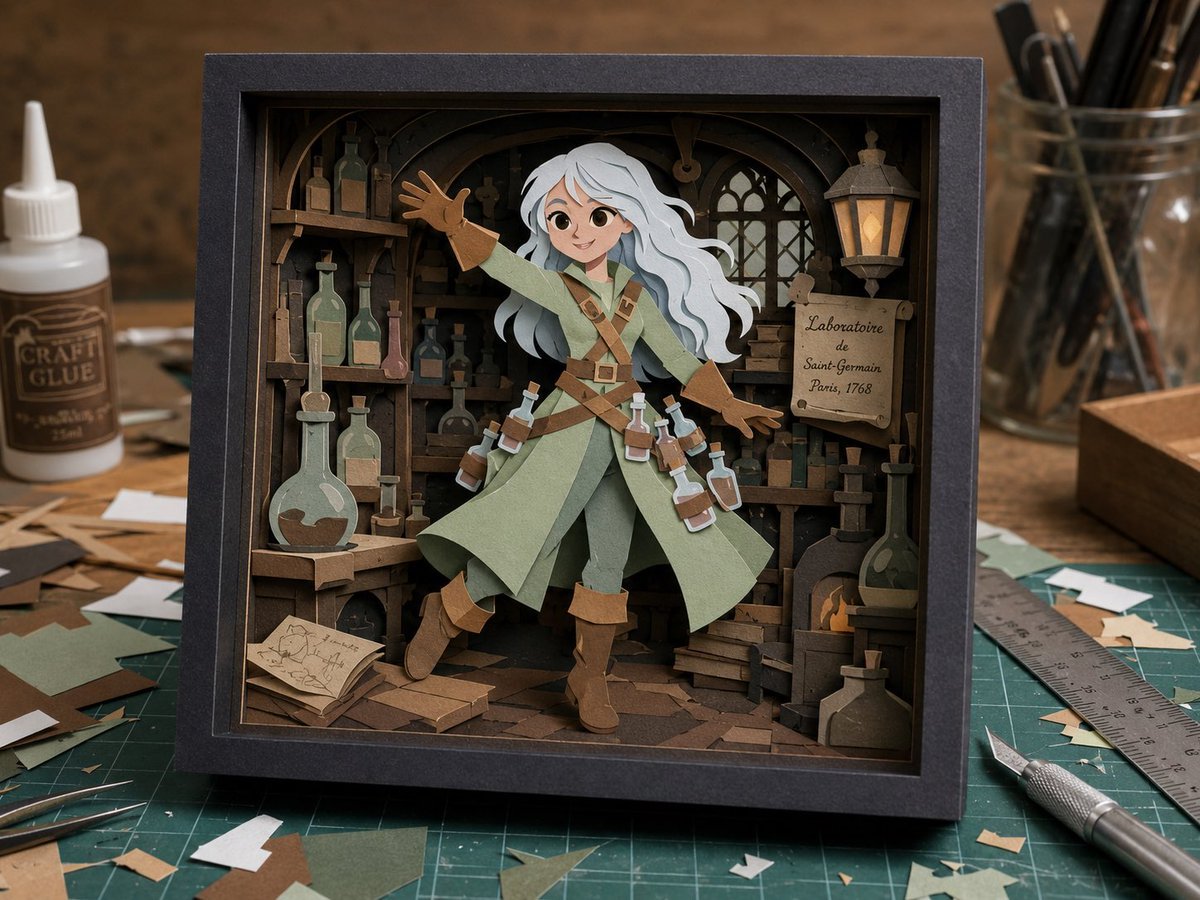
Layered Alchemist Shadow Box
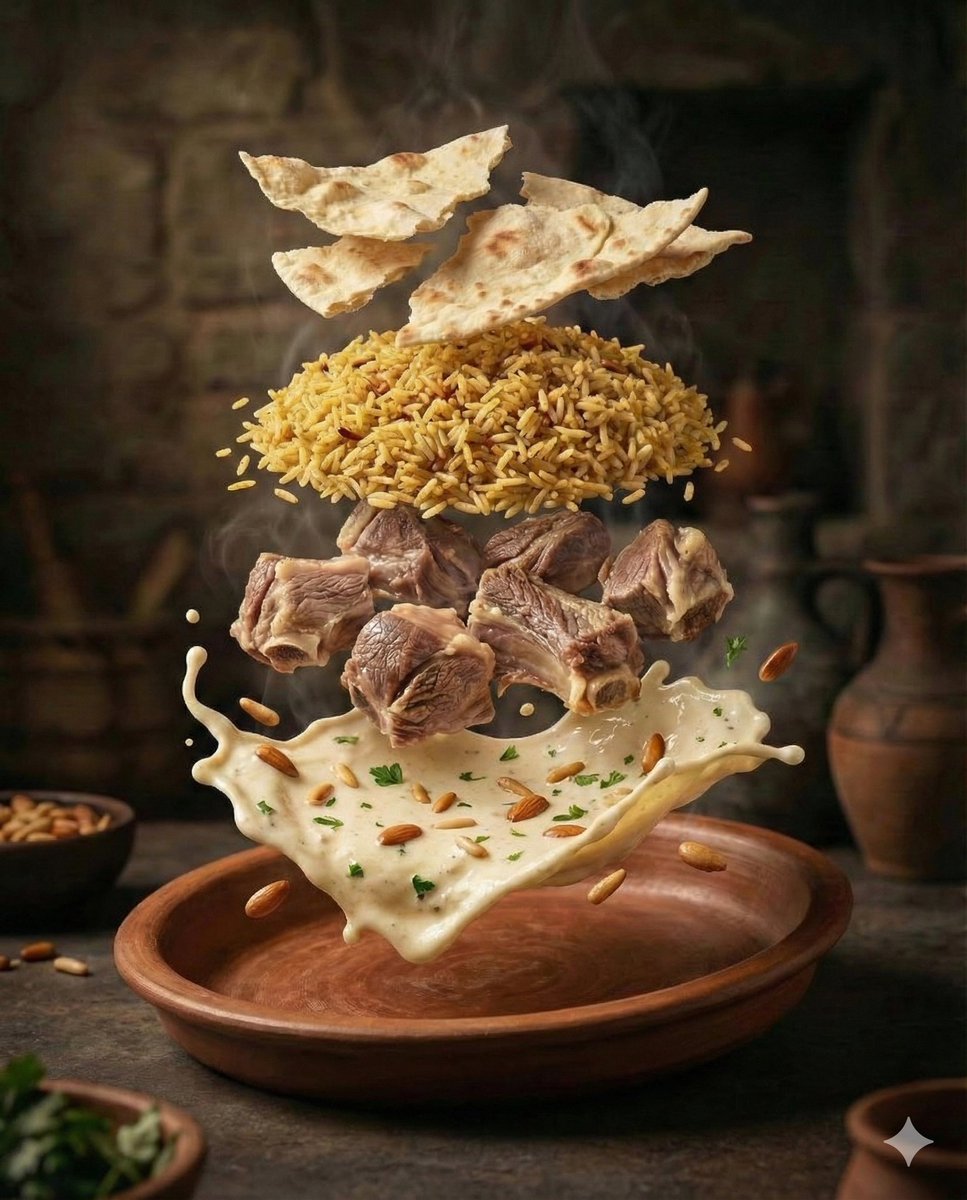
Cinematic Food Photography of Deconstructed Middle Eastern Cuisine
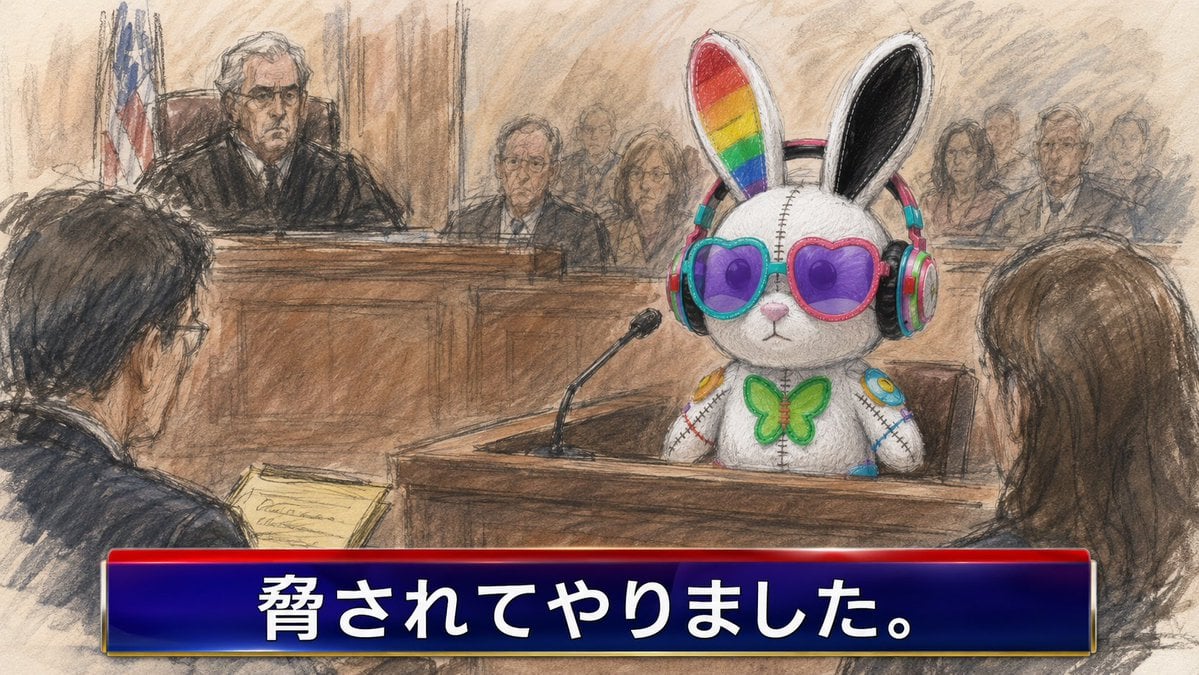
Courtroom Sketch Rabbit Witness
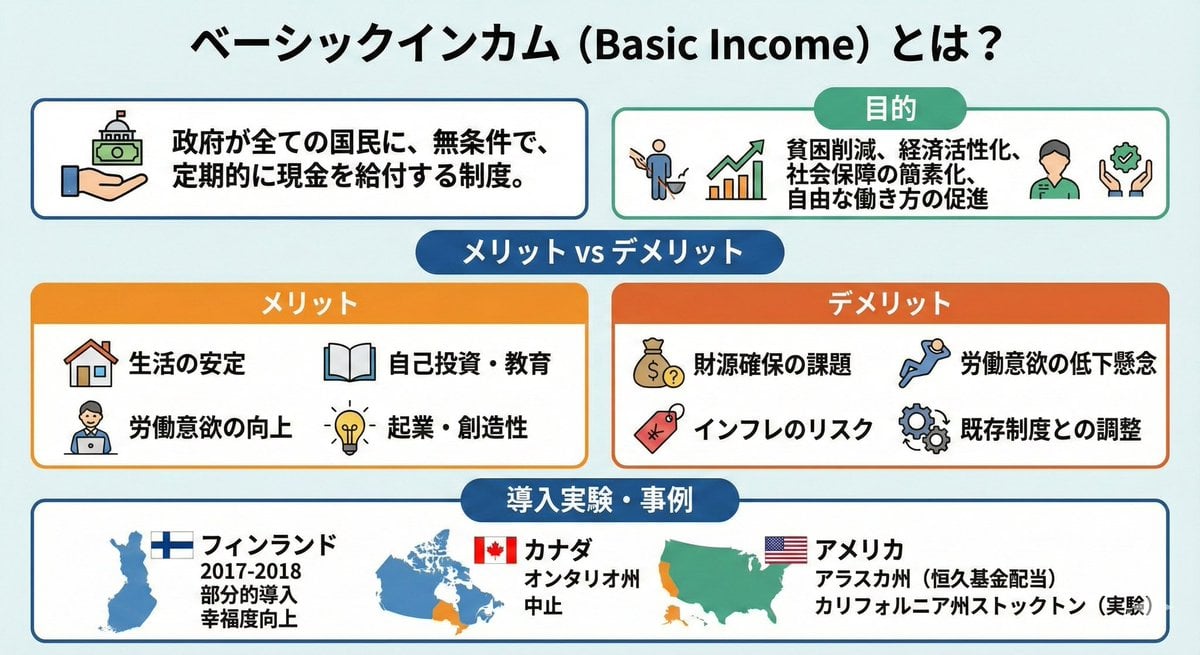
Image summarizing basic income
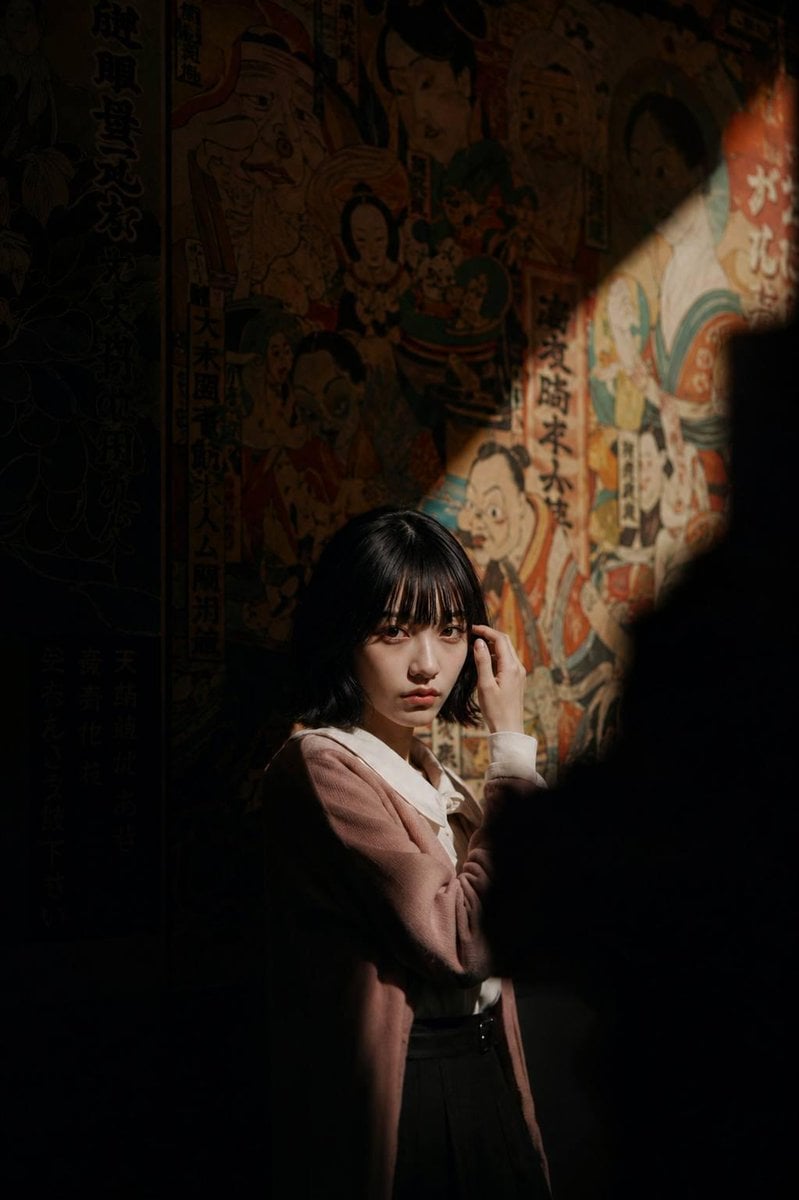
Cinematic Exhibition Room Portrait
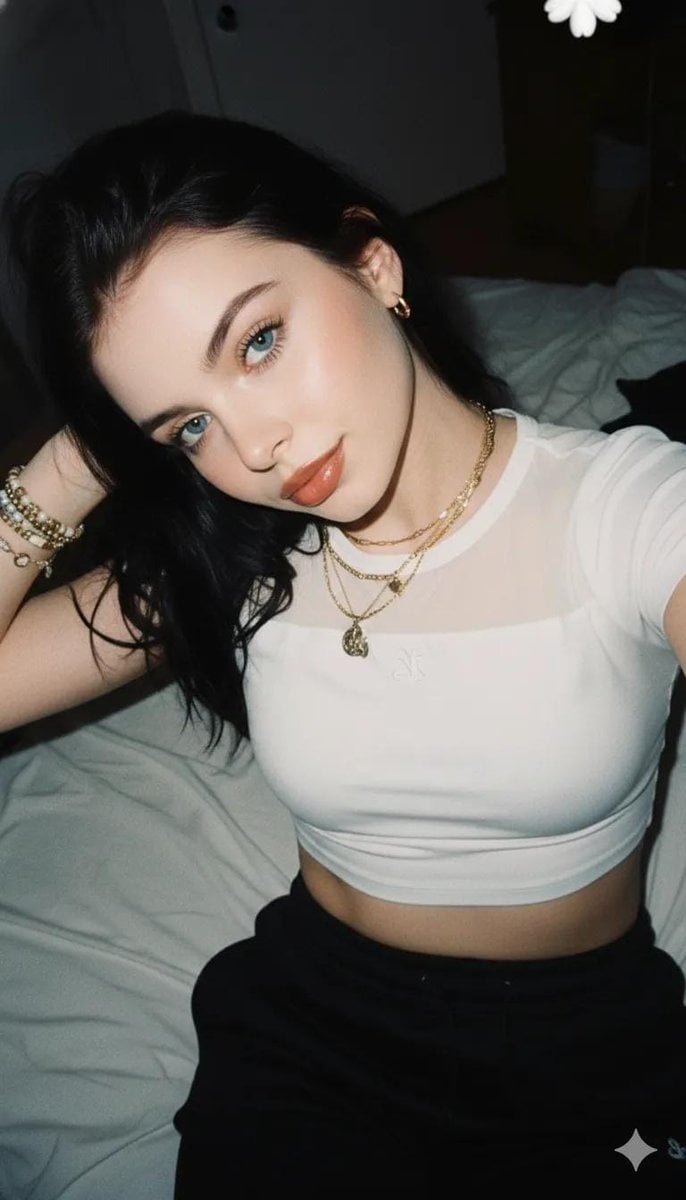
2000s Aesthetic Flash Selfie Prompt
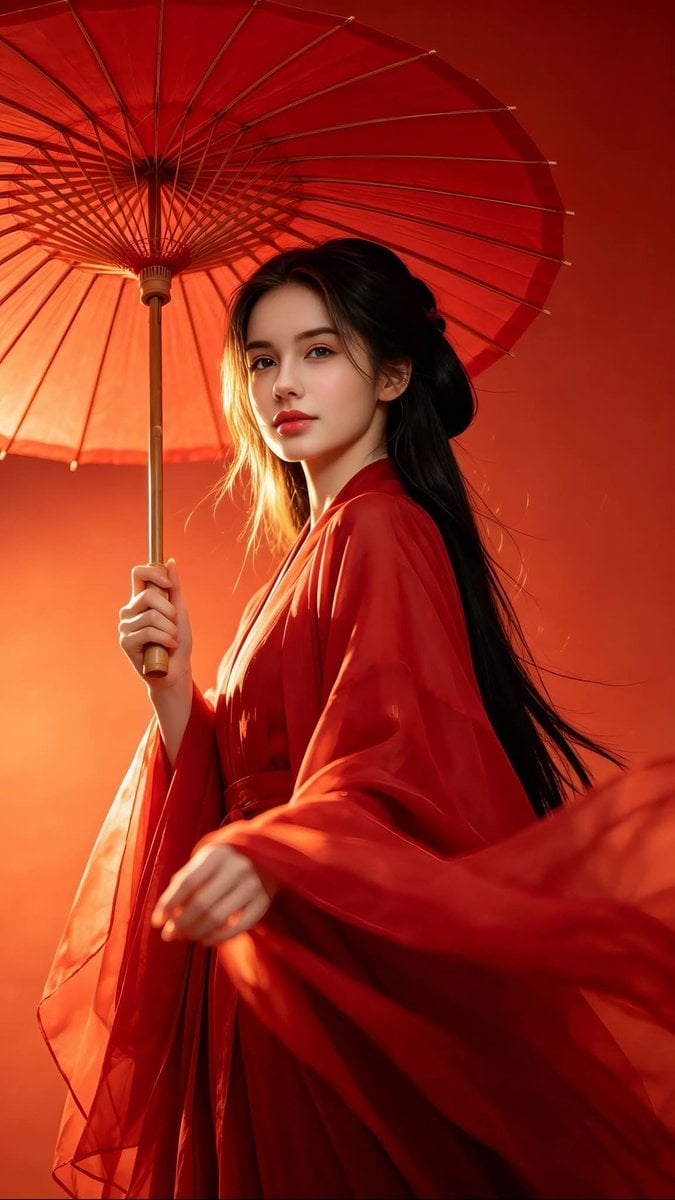
Chinese Hanfu Red Fantasy Portrait
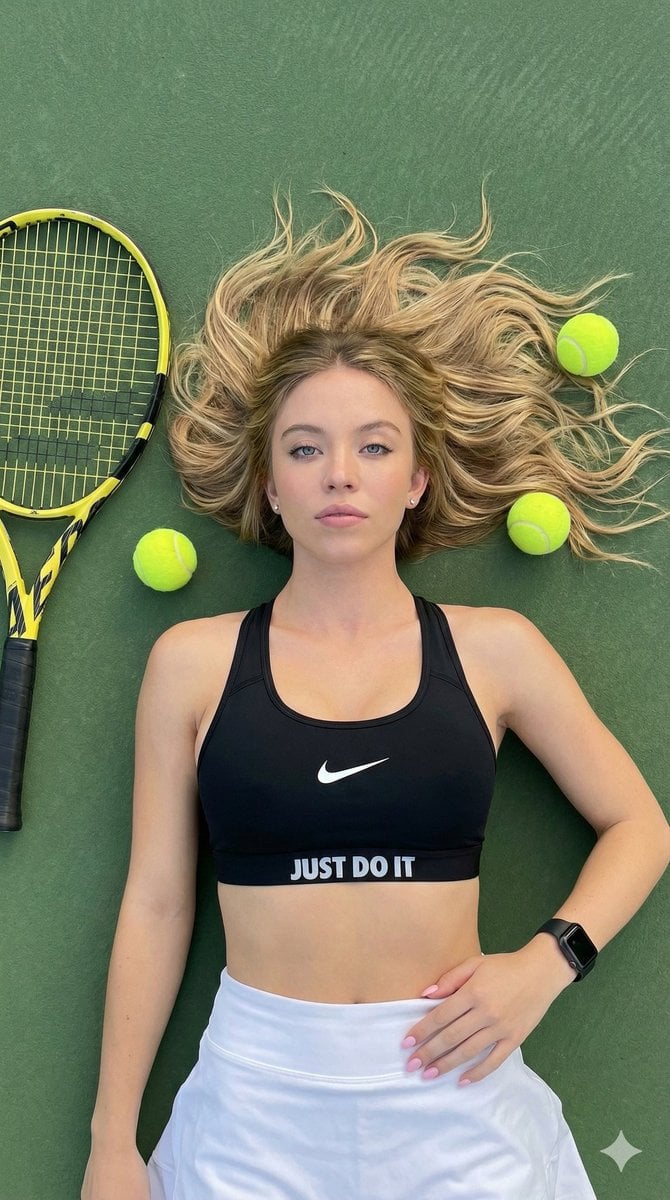
Top-Down Tennis Court Editorial Portrait
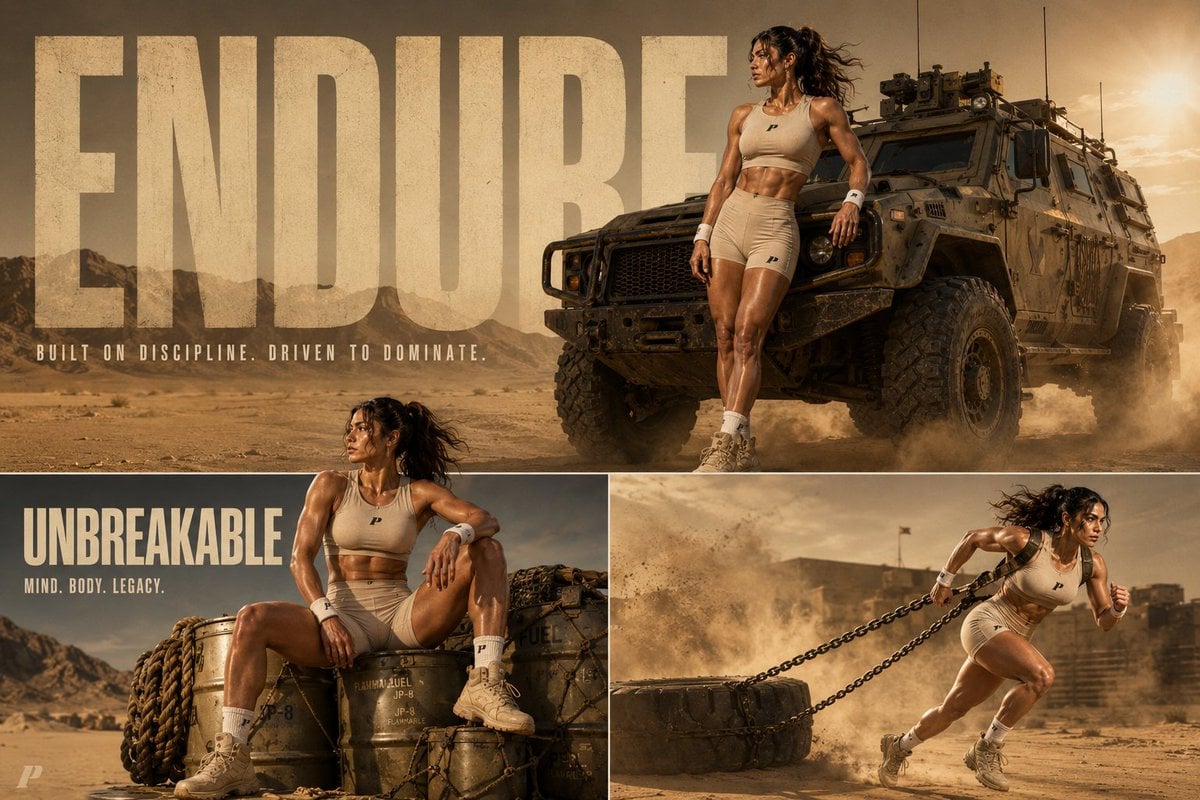
Tactical Athlete Desert Magazine Layout
Browse template categories
Anime Skywork MV Thumbnail questions
How do I use the Anime Skywork MV Thumbnail template?
Add your photo if the template asks for one, edit the prompt if you like — the template's model and format are already selected — and press Generate. Your version opens in PicX Studio.
Can I customize the Anime Skywork MV Thumbnail template?
Yes. You can change the subject, setting, lighting, mood, format, and available model controls before creating your image.
Is the Anime Skywork MV Thumbnail template free?
Opening and editing this template is free. Generating uses credits, shown on the Generate button when you are signed in.
Which AI model should I use?
Start with GPT Image 2, which is the model associated with this template. You can compare another compatible model for a different finish.
Looking for something else? Browse all templates.

Your photo, any look
Thousands of ready templates for every top image and video model, from one credit balance.