
Cinematic Exhibition Room Portrait
A moody museum-core aesthetic portrait featuring a woman in an exhibition room with a vintage Japanese mural and dramatic spotlighting.
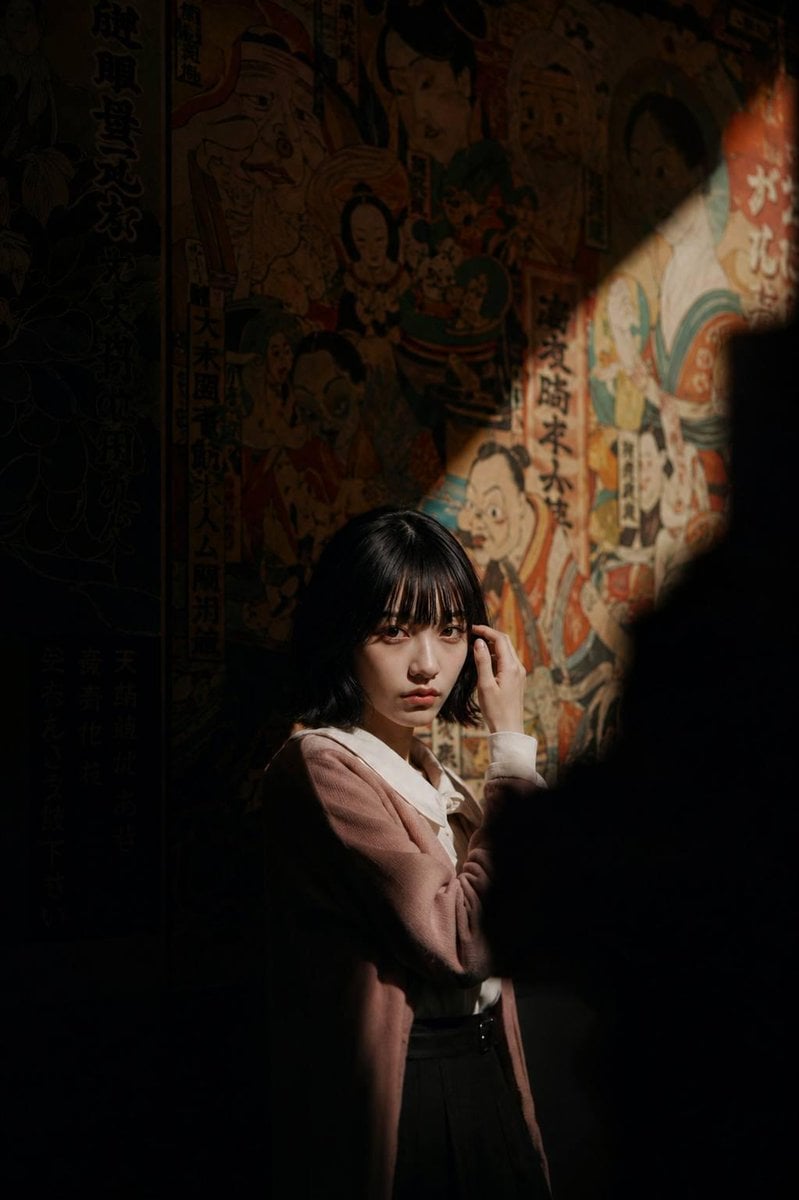
- Prompt included
- Model and format preset
- Free template
The prompt behind this image
Copy the exact prompt behind Cinematic Exhibition Room Portrait, or open it in the studio and make it yours.
Use my reference photo to preserve the exact facial features, hairstyle, bangs, facial proportions, skin tone, body posture, and overall silhouette with high identity consistency. Cinematic portrait of a woman standing alone inside a dark exhibition room. She wears a vintage white shirt layered with a {argument name="jacket color" default="soft pink"} outer jacket and a black vintage-textured skirt. Minimal makeup. Front-profile pose with her body facing the camera, relaxed posture, one shoulder slightly lowered, hands gently adjusting her hair. Calm, mysterious expression with an intellectual and elegant aura. She is positioned in the lower center of the frame, surrounded by darkness. A single dramatic diagonal spotlight cuts across the scene from the upper right to the lower left, illuminating only half of her body while the rest fades into shadow. Behind her is a {argument name="mural style" default="colorful vintage Japanese mural wall"} filled with retro cartoon illustrations and traditional artistic details. Foreground shadows naturally frame the composition like torn darkness, creating a moody museum atmosphere with lonely artistic energy and a contemplative cinematic mood. Realistic photography with subtle film grain, analog texture, muted blacks, and vibrant mural accents. Camera angle: eye-level shot, medium-close portrait framing, subject captured at approximately a 70-degree side profile angle, slight distance from the subject for environmental storytelling, centered cinematic composition. Camera settings: cinematic low-light photography, shallow depth of field, realistic shadow falloff, Kodak Portra film color grading. Lighting: {argument name="lighting source" default="harsh focused spotlight from the upper right"} creating a strong diagonal beam and deep high-contrast shadows, minimal ambient light, rich blacks, soft warm highlights along the face and glasses edges. Vibe: mysterious, artistic, museum-core aesthetic, intelligent quiet energy, melancholic cinematic atmosphere, indie film still, luxury editorial photography, solitary nighttime mood, understated elegance. Style: ultra-realistic cinematic photography, analog grain, editorial fashion portrait, natural skin texture, subtle imperfections, realistic color science, masterpiece quality. Negative prompt: anime, smiling, overexposed lighting, extra limbs, bad anatomy, overly colorful outfit, cyberpunk neon, blurry face, low quality, distorted hands, unrealistic skin, HDR overload, exaggerated makeup, busy composition, duplicate person.
How to use Cinematic Exhibition Room Portrait in 3 steps
- 1Upload ImagePNG, JPG or paste
Add your photo
Upload the photo the template builds on. The prompt, model and format are already set.
- 2…a portrait of your subject in softgolden-hour light, 85mm…
Personalize
Edit the subject and creative details for your destination.
- 3Generate
Generate
Press Generate — your image is created in PicX Studio, so you can compare it with the original and refine one variable at a time.
More like this
Templates with the same subject, style or setup. Open one to see its prompt.

Found Photograph: Us, 1970

80s Couple Studio Portrait

80s Bollywood Star

80s Golden Hour Cinema

Me in 1985

1985 Studio Portrait

Hyper-Realistic Minecraft POV Portrait

Rooftop Fisheye — Cat-Ear Balaclava at Golden Hour

Rainy Café Window Moody Portrait

untitled

2025 Aesthetic Photography

Nano Banana Is So Addictive
Make it yours
Cinematic Exhibition Room Portrait works as-is. These are the safest ways to change it without losing the look.
Change one field
Copy a single group, rewrite it, and generate again so you can see what that field is doing.
Keep the frame, change the subject
Hold the composition and light of Cinematic Exhibition Room Portrait, then swap wardrobe, props or the person for a new take.
| If the result… | Why | Fix |
|---|---|---|
| The result drifts from the preview | Too many fields changed at once. | Reuse Cinematic Exhibition Room Portrait as-is first, then change one group — subject, light, or setting. |
| The model over-stylizes the scene | The prose prompt leaves finish and camera underspecified. | Add one camera or lighting sentence and stay on GPT Image 2. |
More GPT Image 2 templates
Other prompts made for GPT Image 2.

Six VTuber Japanese Logo Sheet

Realistic Portrait of Woman and Deer

The Vista Modular Condo Poster

AI Model Routing Comparison Infographic

2.5D Anime Art Board

Isometric Productivity Desk Scene

New York Double Exposure Poster

Four-Panel AI Landscape Comparison

Japanese Tatami Lifestyle Magazine Cover

NESCAFÉ Coffee Map Poster
More image prompts
Fresh picks from across the catalog.

Rainy Maple Garden Kimono Scene

Commercial Cosmetic Product Photography Prompt

Pink Anime Natsuki Banner
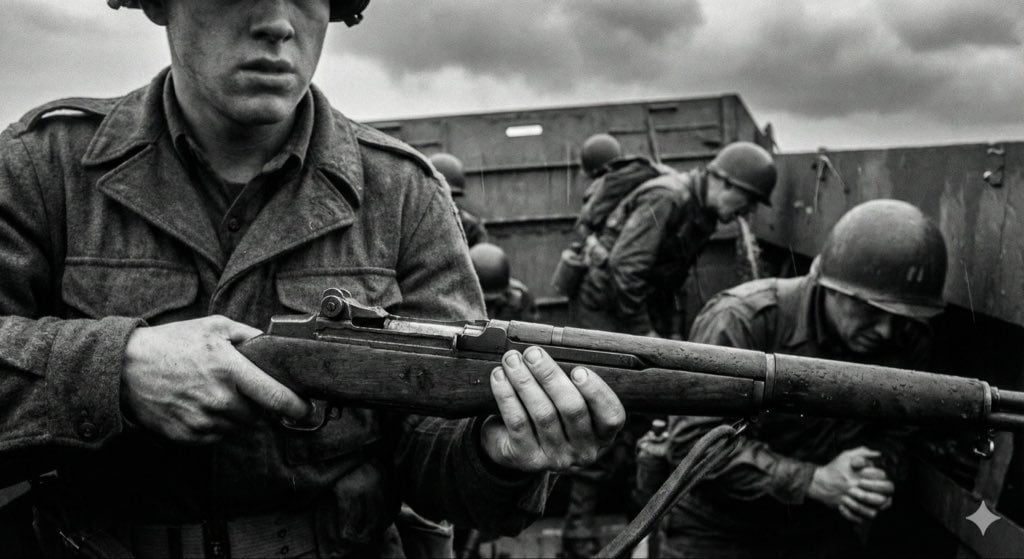
Mid-20th-century war photojournalism style framework
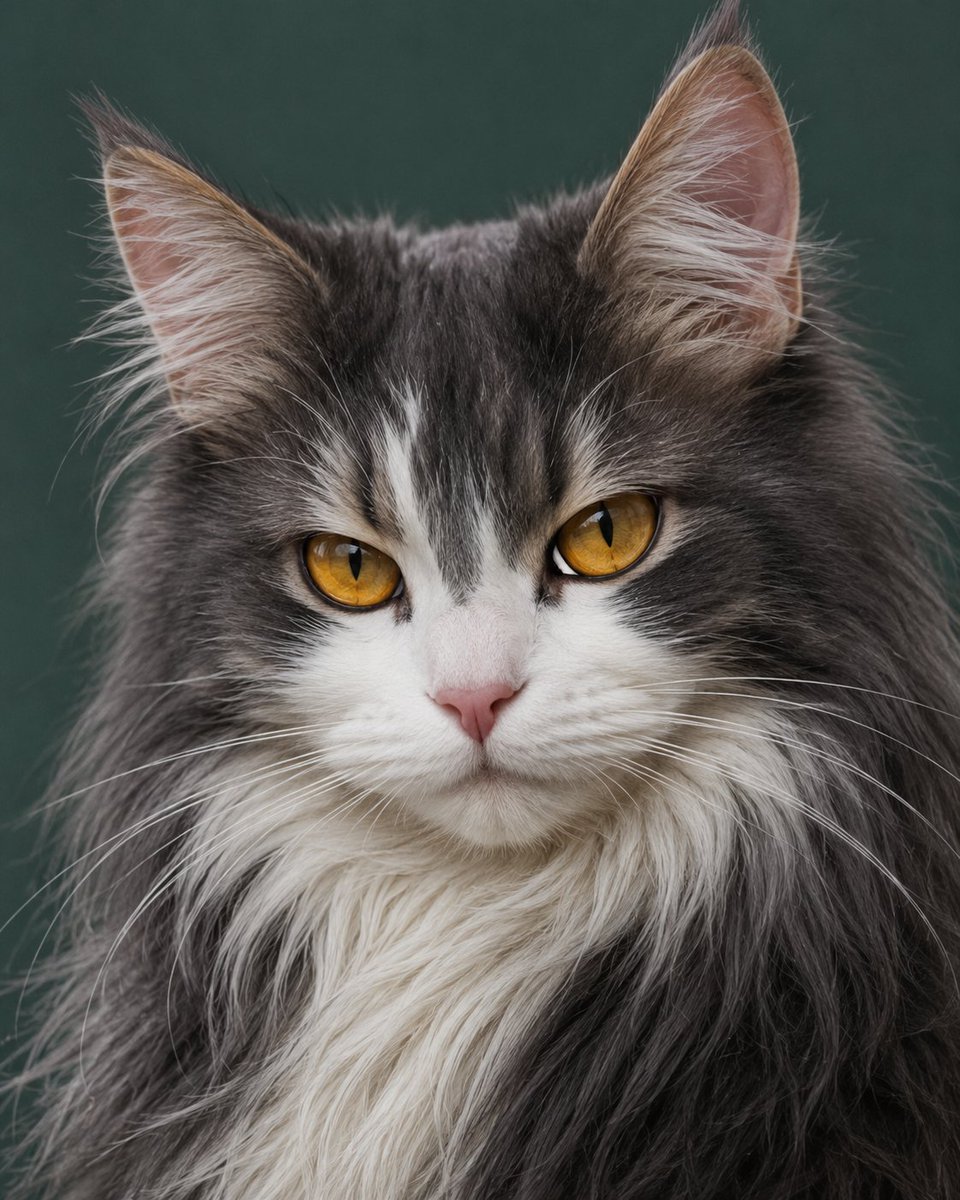
Photorealistic Amber-Eyed Cat Portrait
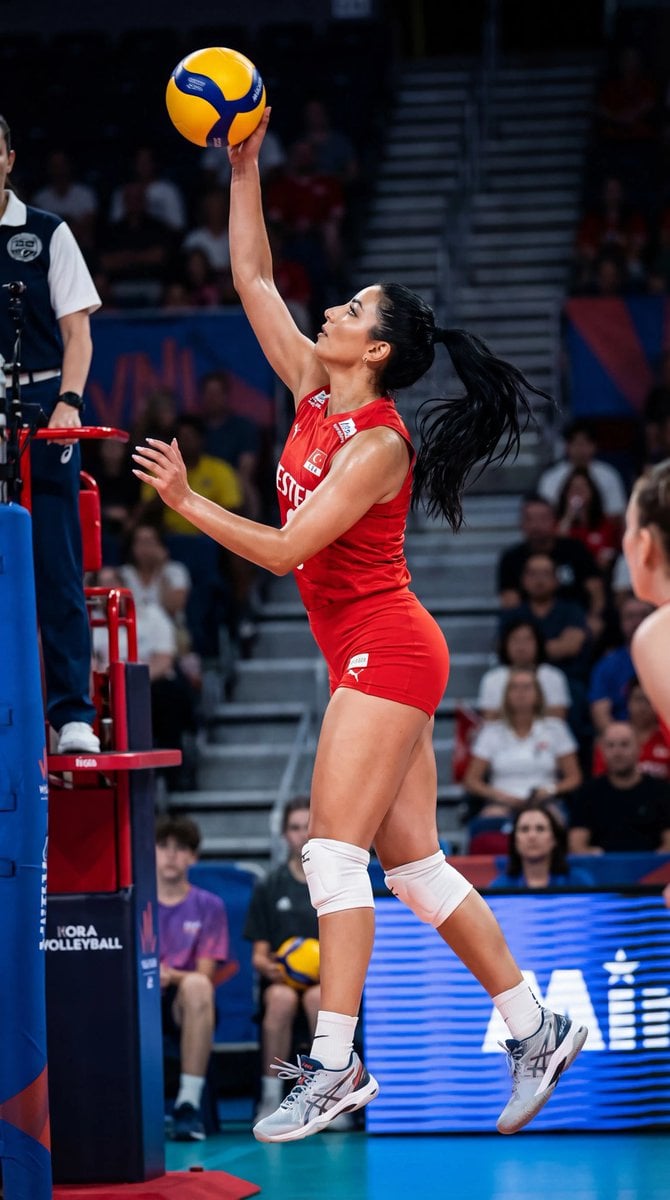
Ultra-Photorealistic Volleyball Action Shot (Identity Lock)
Blue Jays Broadcast Crowd Screenshot

ZARA Fitting Room Mirror Selfie

AI Use Comparison Infographic

Cinematic Portrait of Man on Modern Motorbike
Browse template categories
Cinematic Exhibition Room Portrait questions
How do I use the Cinematic Exhibition Room Portrait template?
Add your photo if the template asks for one, edit the prompt if you like — the template's model and format are already selected — and press Generate. Your version opens in PicX Studio.
Can I customize the Cinematic Exhibition Room Portrait template?
Yes. You can change the subject, setting, lighting, mood, format, and available model controls before creating your image.
Is the Cinematic Exhibition Room Portrait template free?
Opening and editing this template is free. Generating uses credits, shown on the Generate button when you are signed in.
Which AI model should I use?
Start with GPT Image 2, which is the model associated with this template. You can compare another compatible model for a different finish.
Looking for something else? Browse all templates.

Your photo, any look
Thousands of ready templates for every top image and video model, from one credit balance.