
Rainy Maple Garden Kimono Scene
A vertical anime-style garden illustration of a kimono-clad woman beneath rain-wet maple leaves, suitable for serene Japanese seasonal artwork.
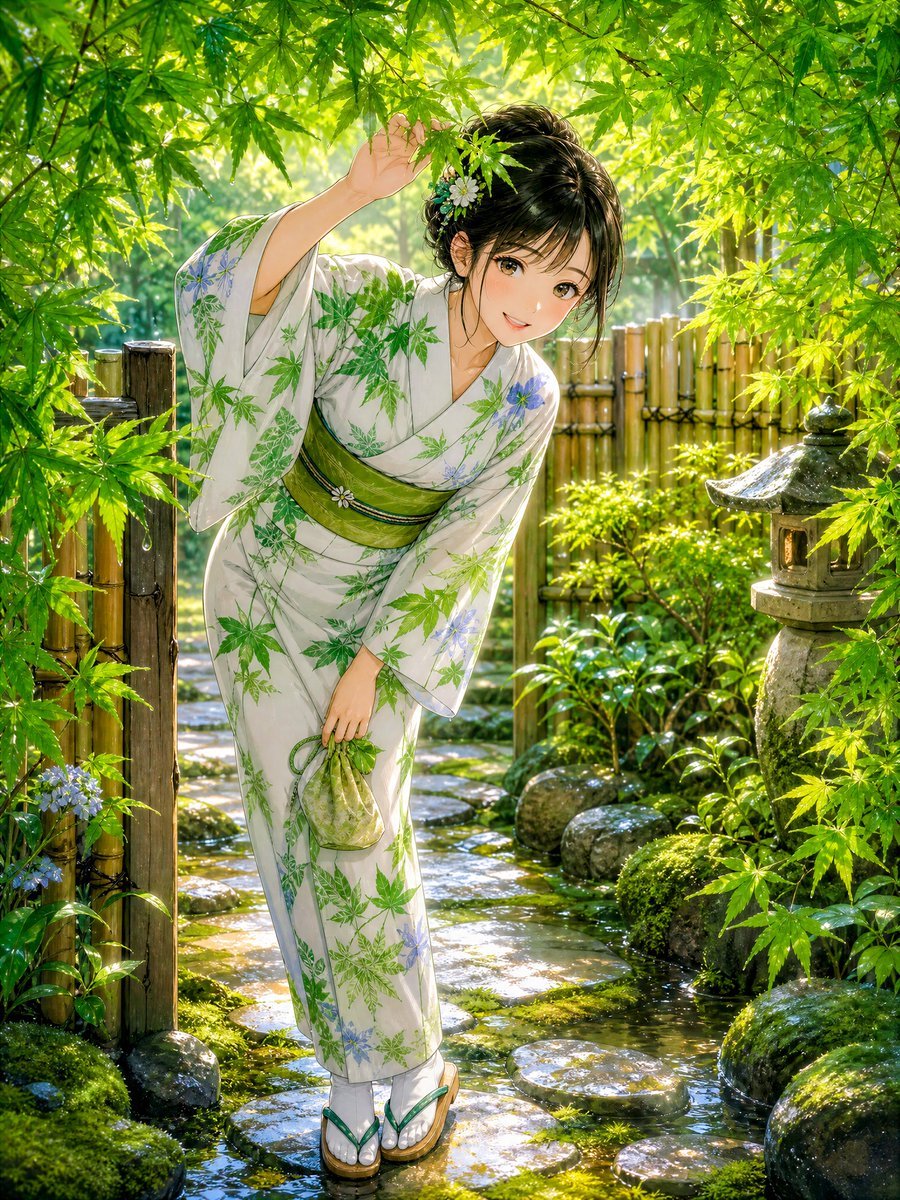
- Prompt included
- Model and format preset
- Premium template
The prompt behind this image
Copy the exact prompt behind Rainy Maple Garden Kimono Scene, or open it in the studio and make it yours.
Create a highly detailed 4K vertical anime-style illustration of {argument name="character description" default="a young Japanese woman"} standing in a lush traditional Japanese garden just after rain, surrounded by bright fresh green maple leaves. She wears {argument name="kimono design" default="a white yukata kimono patterned with green maple leaves and small pale blue flowers"}, tied with {argument name="obi color" default="an olive-green obi with a small floral ornament"}, and green-and-white geta sandals. Her dark hair is pinned up in a soft elegant bun with loose strands and small flower hair ornaments; her face is intentionally covered by a smooth rectangular skin-toned blur/blank censor block with no facial features. Pose her leaning forward slightly from the garden path, one arm raised to gently lift a low maple branch above her head, the other hand holding a small pale green drawstring pouch. The setting is a narrow wet stepping-stone path with puddles and glossy reflections, mossy rocks, low shrubs, hydrangea-like blue flowers, a bamboo fence and open wooden gate on the left, a bamboo fence in the background, and a weathered stone lantern on the right. Use soft morning sunlight filtering through dense maple foliage, sparkling raindrops, vivid greens, warm backlight, painterly realism, delicate linework, cinematic depth, rich environmental detail, tranquil romantic atmosphere, no text, no watermark.
How to use Rainy Maple Garden Kimono Scene in 3 steps
- 1Upload ImagePNG, JPG or paste
Add your photo
Upload the photo the template builds on. The prompt, model and format are already set.
- 2…a portrait of your subject in softgolden-hour light, 85mm…
Personalize
Edit the subject and creative details for your destination.
- 3Generate
Generate
Press Generate — your image is created in PicX Studio, so you can compare it with the original and refine one variable at a time.
More like this
Templates with the same subject, style or setup. Open one to see its prompt.
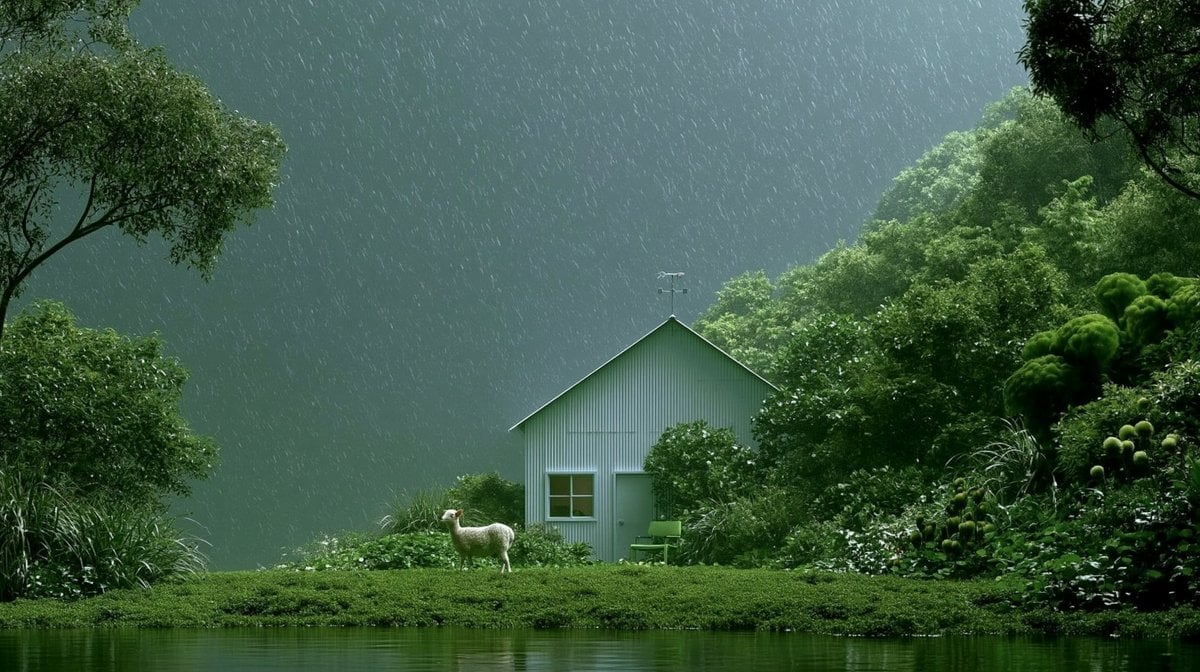
Rainy Cottage Garden With Sheep

Artistic Arborpunk Garden Observatory Complex

Celestial Sakura Kimono Maiden

Maple Syrup Commercial Storyboard

Whiskey in a Glowing Primrose Garden

Golden Kimono Fan Portrait
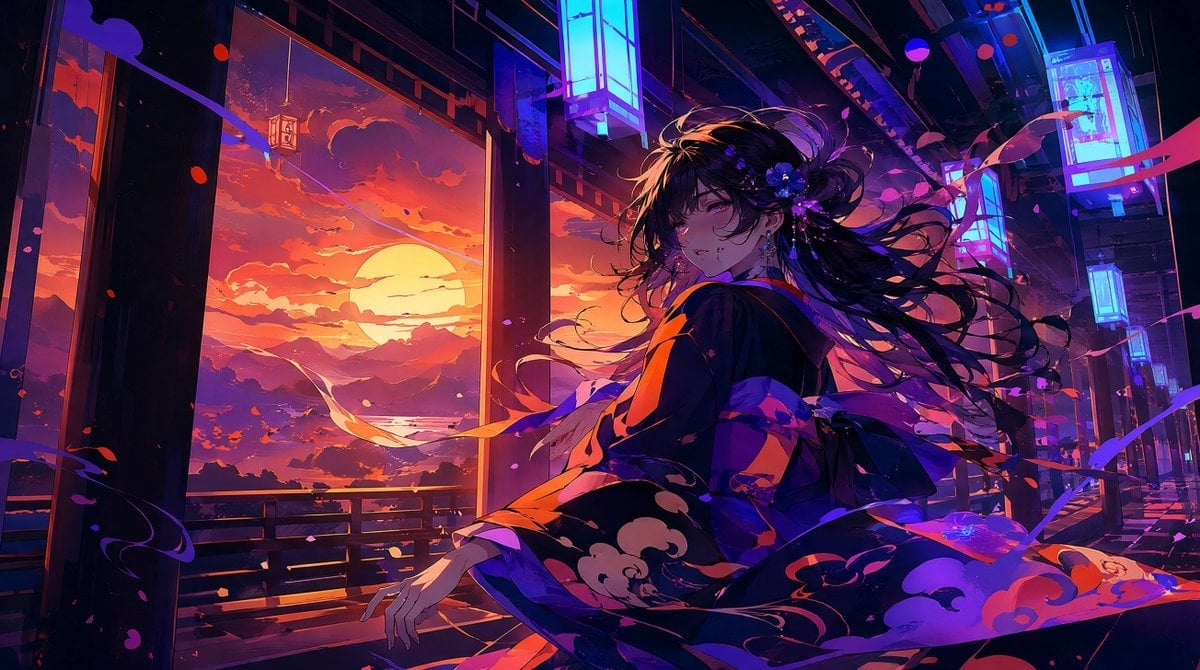
Neon Sunset Kimono Girl
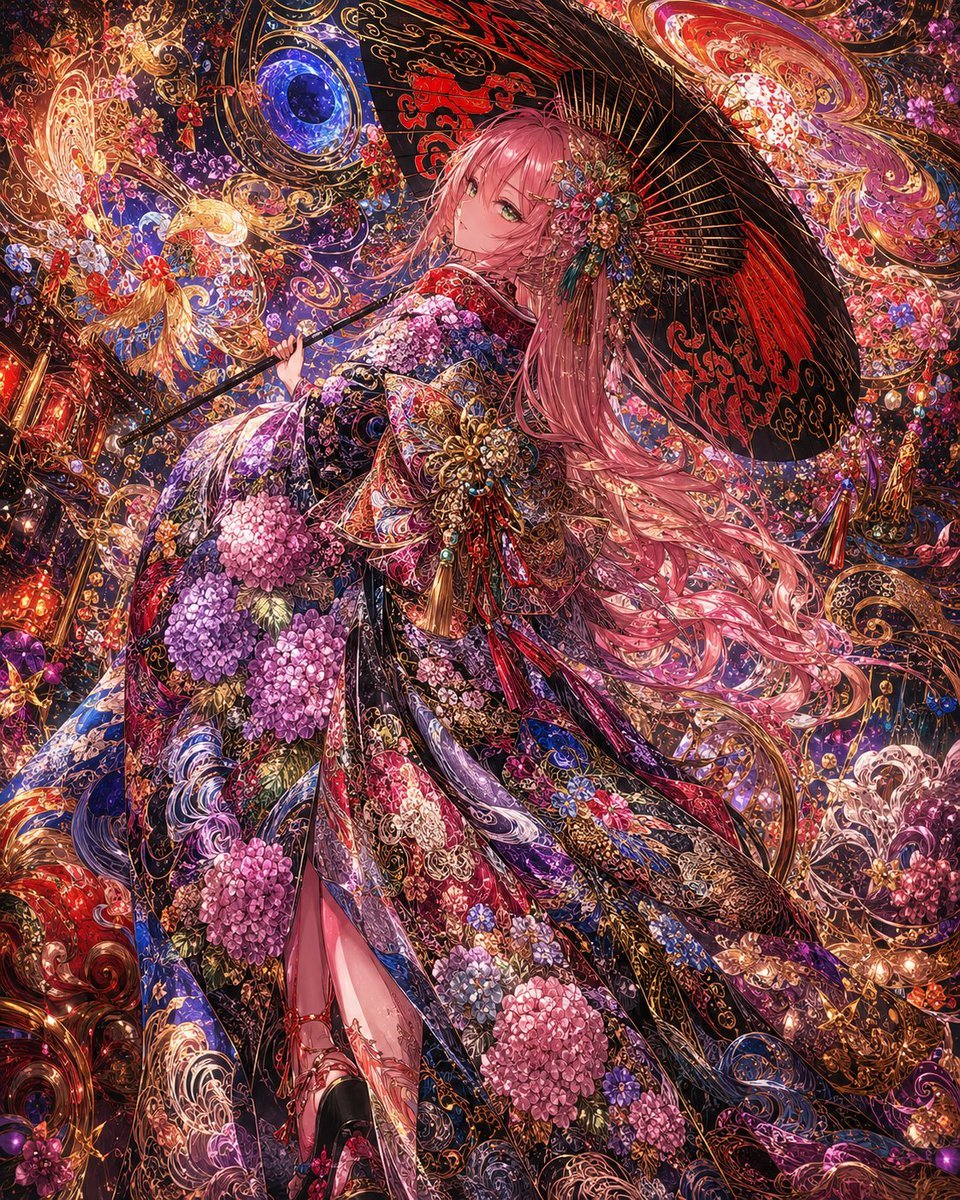
Ornate Kimono Anime Woman

Ornate A-Un Kimono Album Cover
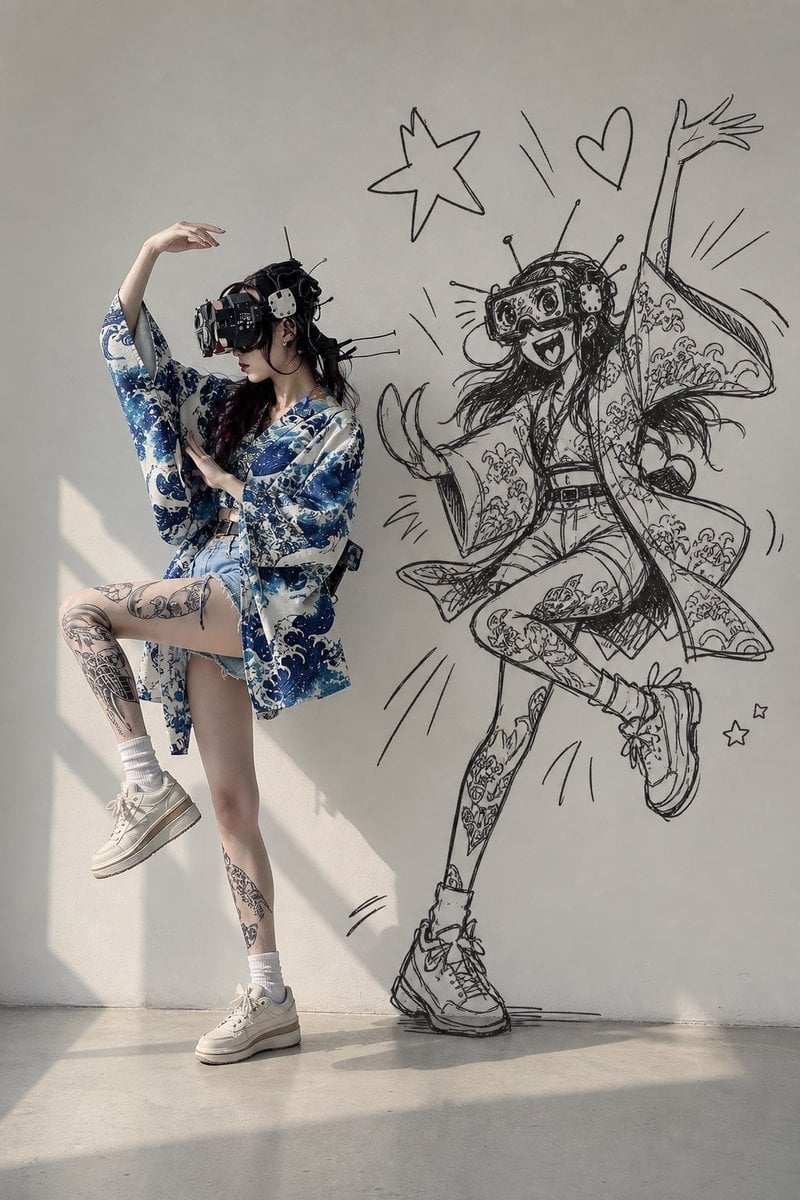
VR Kimono Fashion With Manga Wall Art
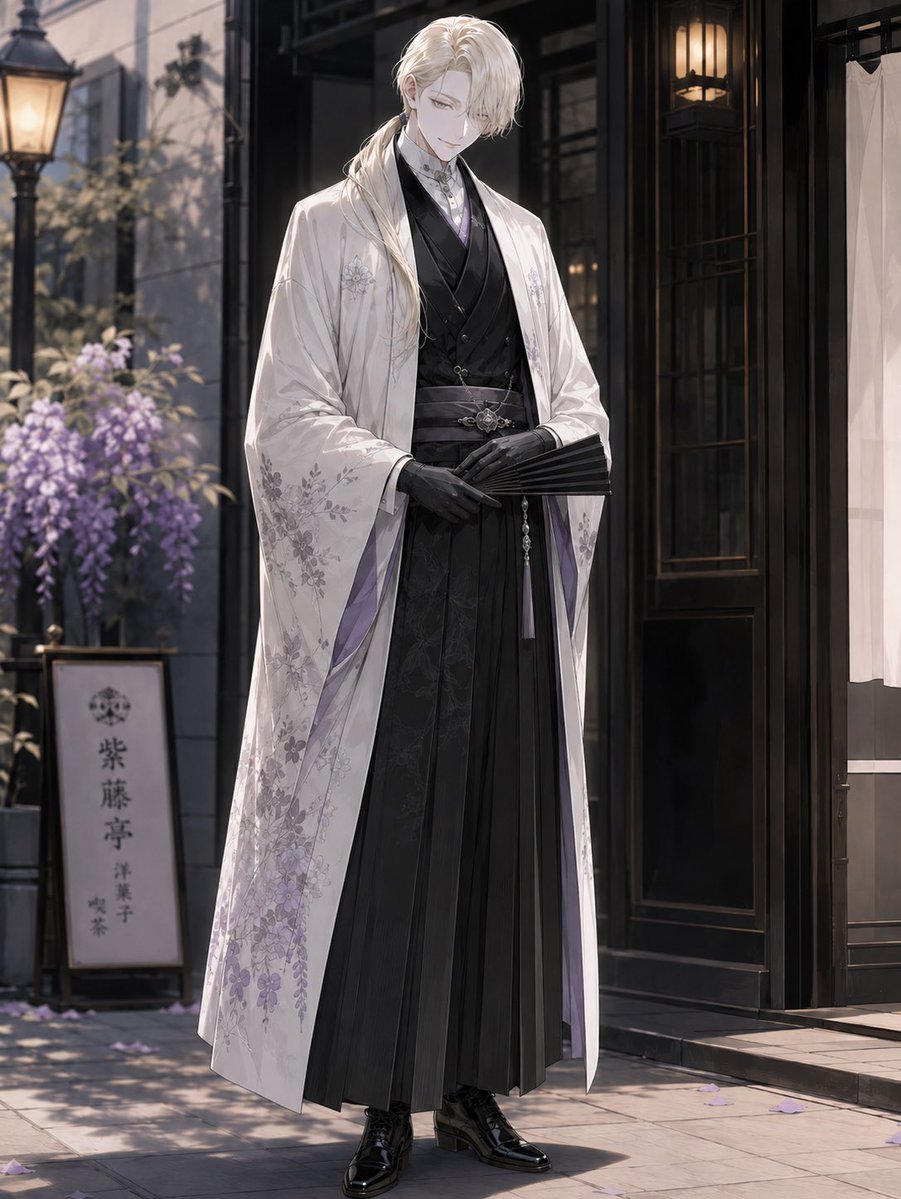
Elegant Pastry Shop Kimono Man
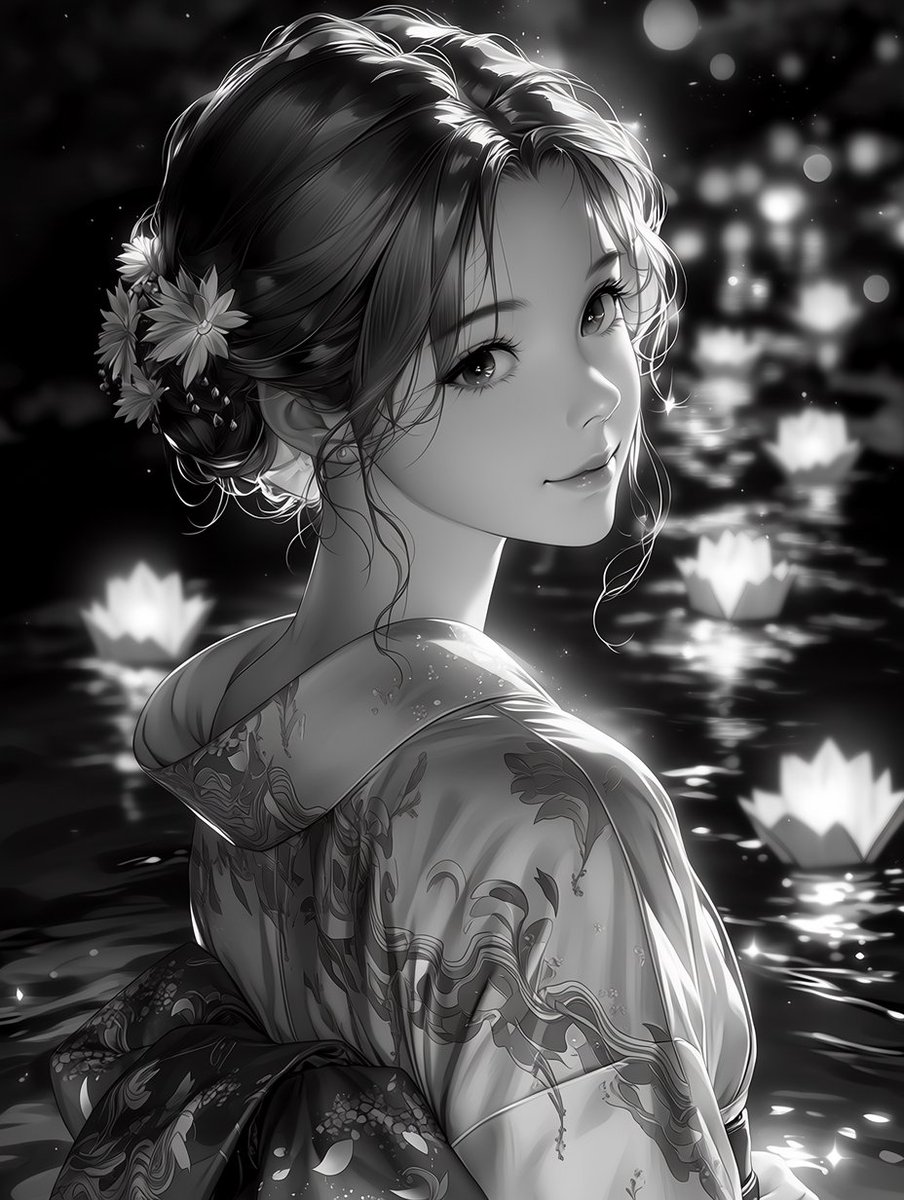
Monochrome Kimono Lantern Portrait
Make it yours
Rainy Maple Garden Kimono Scene works as-is. These are the safest ways to change it without losing the look.
Change one field
Copy a single group, rewrite it, and generate again so you can see what that field is doing.
Keep the frame, change the subject
Hold the composition and light of Rainy Maple Garden Kimono Scene, then swap wardrobe, props or the person for a new take.
| If the result… | Why | Fix |
|---|---|---|
| The result drifts from the preview | Too many fields changed at once. | Reuse Rainy Maple Garden Kimono Scene as-is first, then change one group — subject, light, or setting. |
| The model over-stylizes the scene | The prose prompt leaves finish and camera underspecified. | Add one camera or lighting sentence and stay on GPT Image 2. |
More GPT Image 2 templates
Other prompts made for GPT Image 2.

Six VTuber Japanese Logo Sheet

Realistic Portrait of Woman and Deer

The Vista Modular Condo Poster

AI Model Routing Comparison Infographic

2.5D Anime Art Board

Isometric Productivity Desk Scene

New York Double Exposure Poster

Four-Panel AI Landscape Comparison

Japanese Tatami Lifestyle Magazine Cover

NESCAFÉ Coffee Map Poster
More image prompts
Fresh picks from across the catalog.

Anime BL Promo Thumbnail
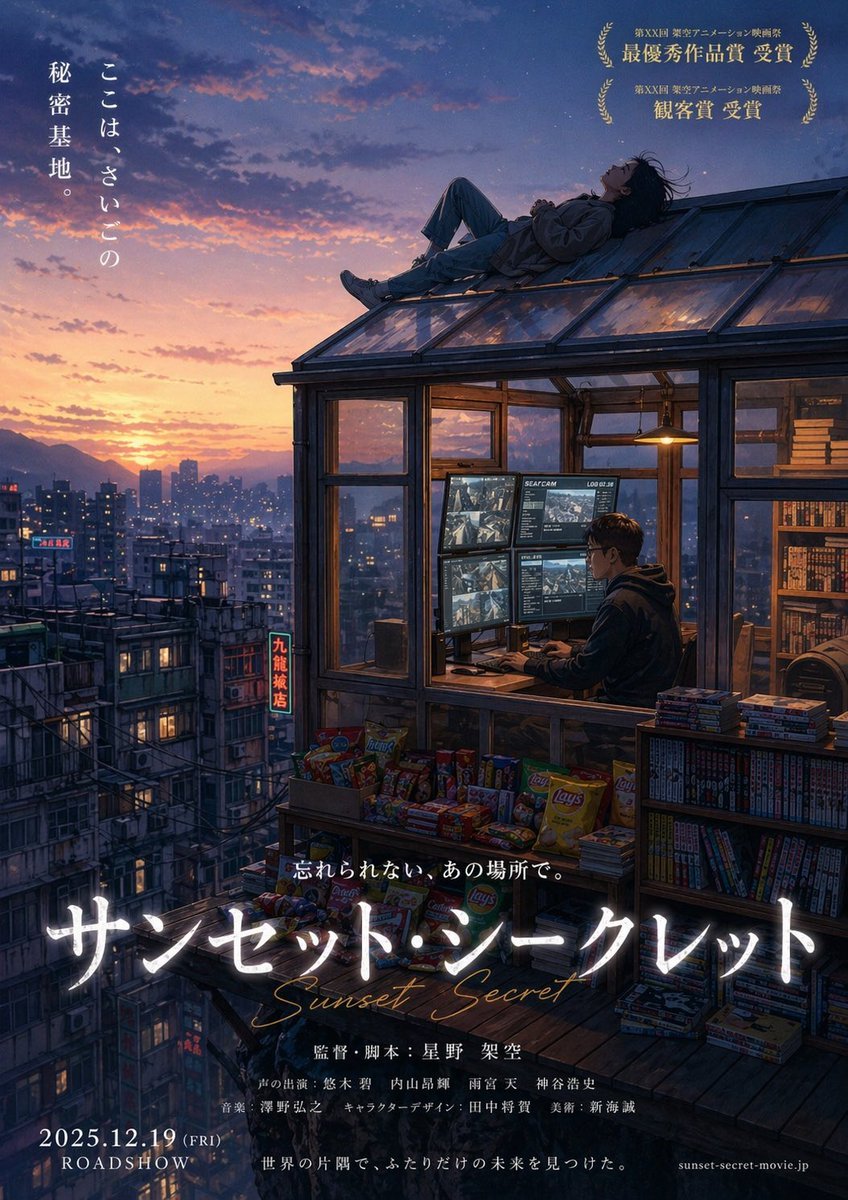
Anime Movie Poster from Reference

Japanese AI Tool Comparison Thumbnail
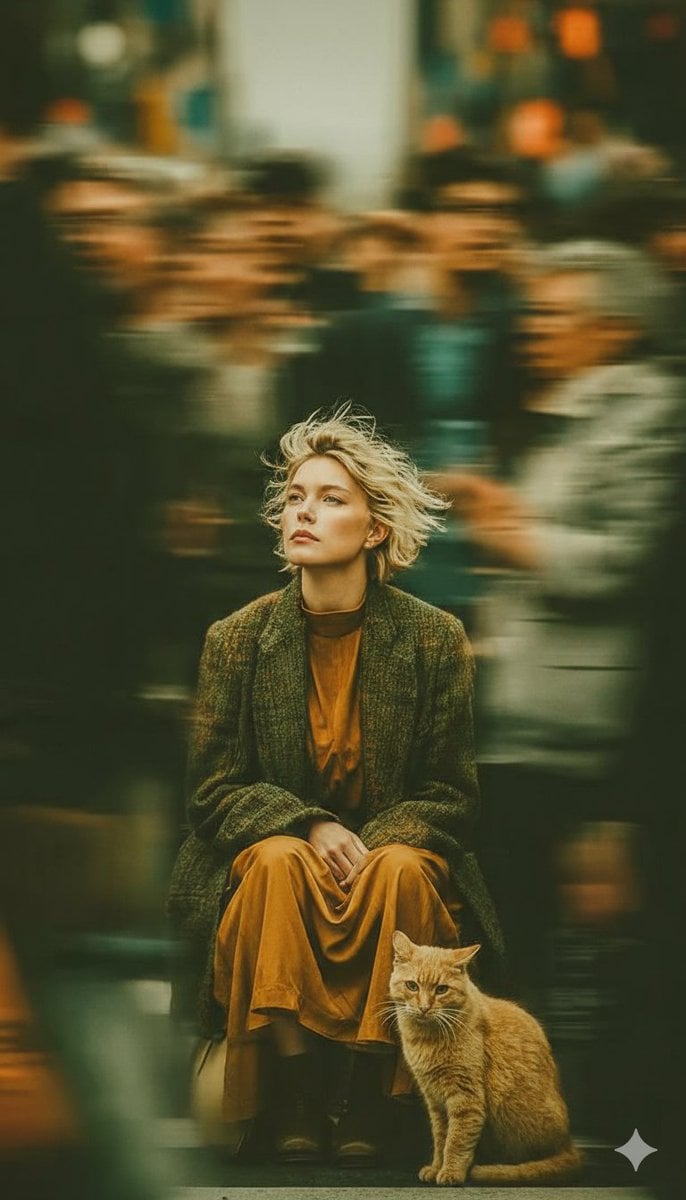
Long-Exposure Cinematic Street Photography Portrait

Pop-Art Urban Photography Fusion

Tea and Rain Mood Portrait
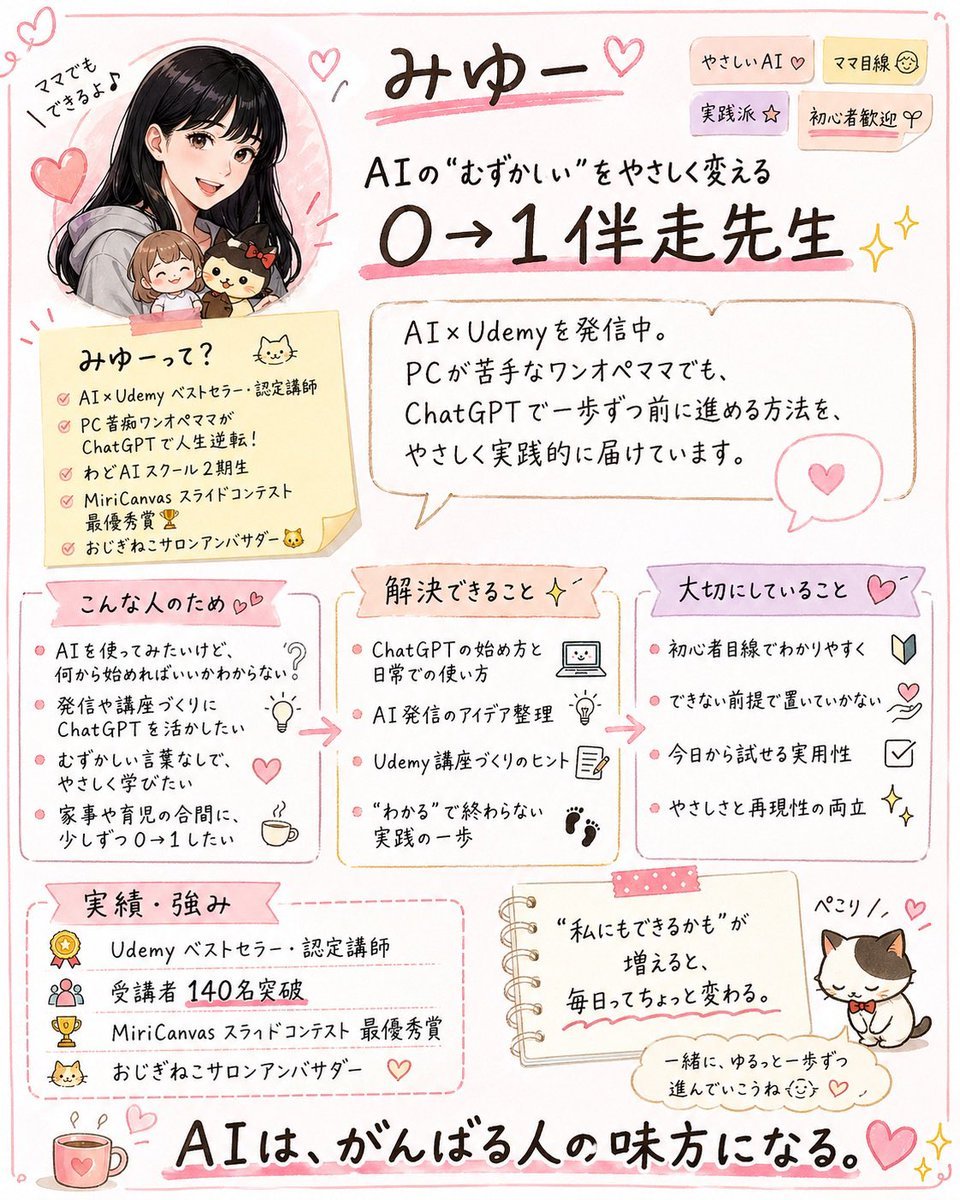
Cute handwritten profile summary poster

Mirror Selfie with Strict Identity Lock in Preppy School Outfit
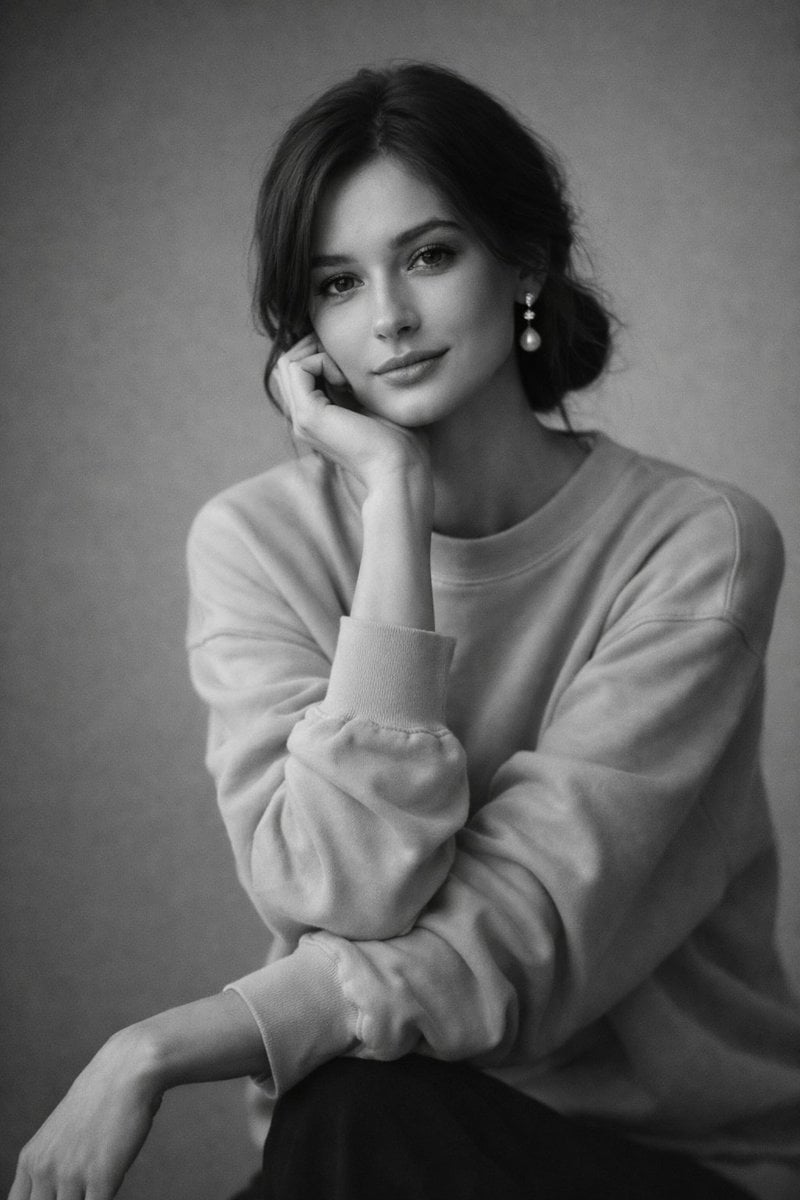
Monochromatic Studio Portrait
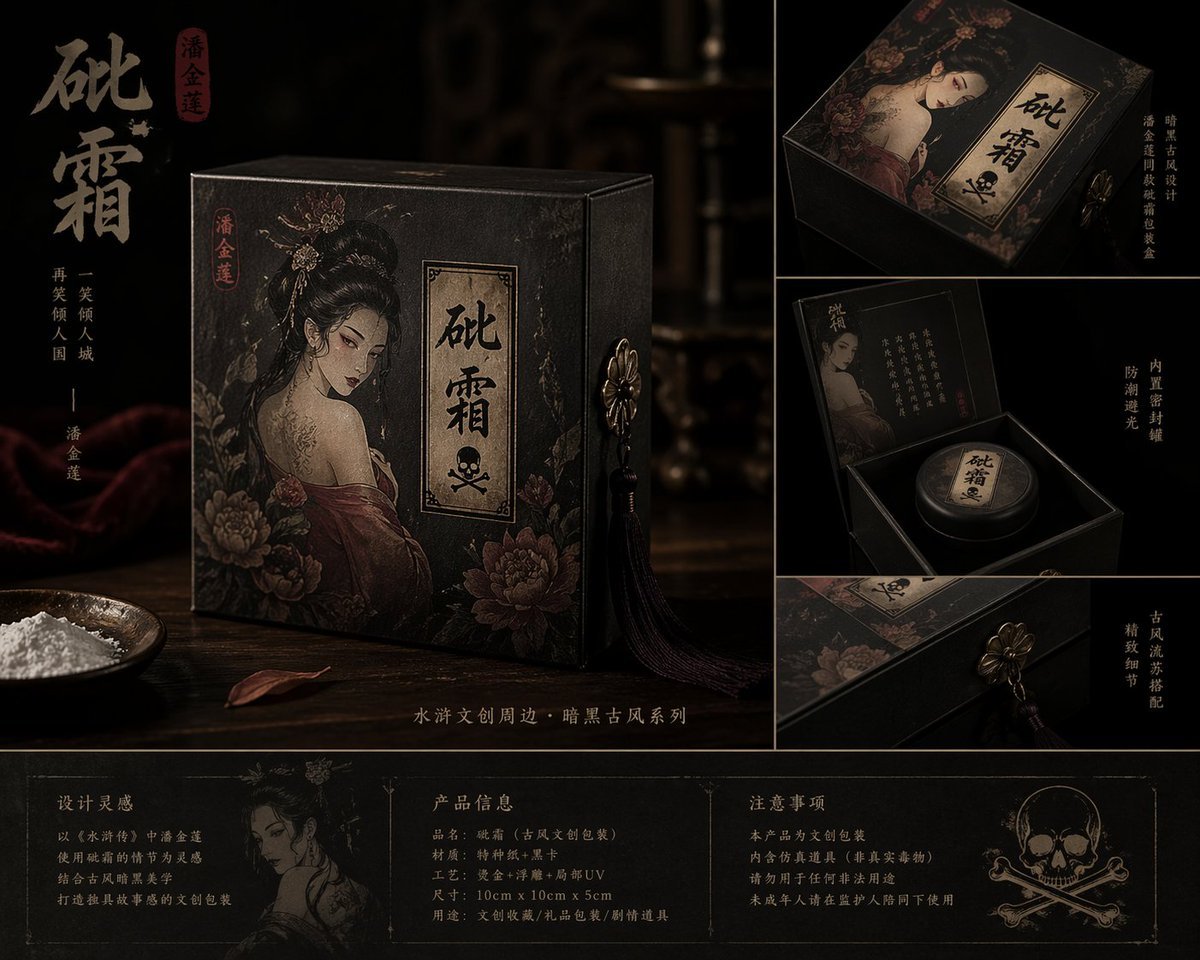
Dark Ancient Chinese Style Packaging
Browse template categories
Rainy Maple Garden Kimono Scene questions
How do I use the Rainy Maple Garden Kimono Scene template?
Add your photo if the template asks for one, edit the prompt if you like — the template's model and format are already selected — and press Generate. Your version opens in PicX Studio.
Can I customize the Rainy Maple Garden Kimono Scene template?
Yes. You can change the subject, setting, lighting, mood, format, and available model controls before creating your image.
Is the Rainy Maple Garden Kimono Scene template free?
Opening and editing this template is free. Generating uses credits, shown on the Generate button when you are signed in.
Which AI model should I use?
Start with GPT Image 2, which is the model associated with this template. You can compare another compatible model for a different finish.
Looking for something else? Browse all templates.

Your photo, any look
Thousands of ready templates for every top image and video model, from one credit balance.