
Mirror Selfie with Strict Identity Lock in Preppy School Outfit
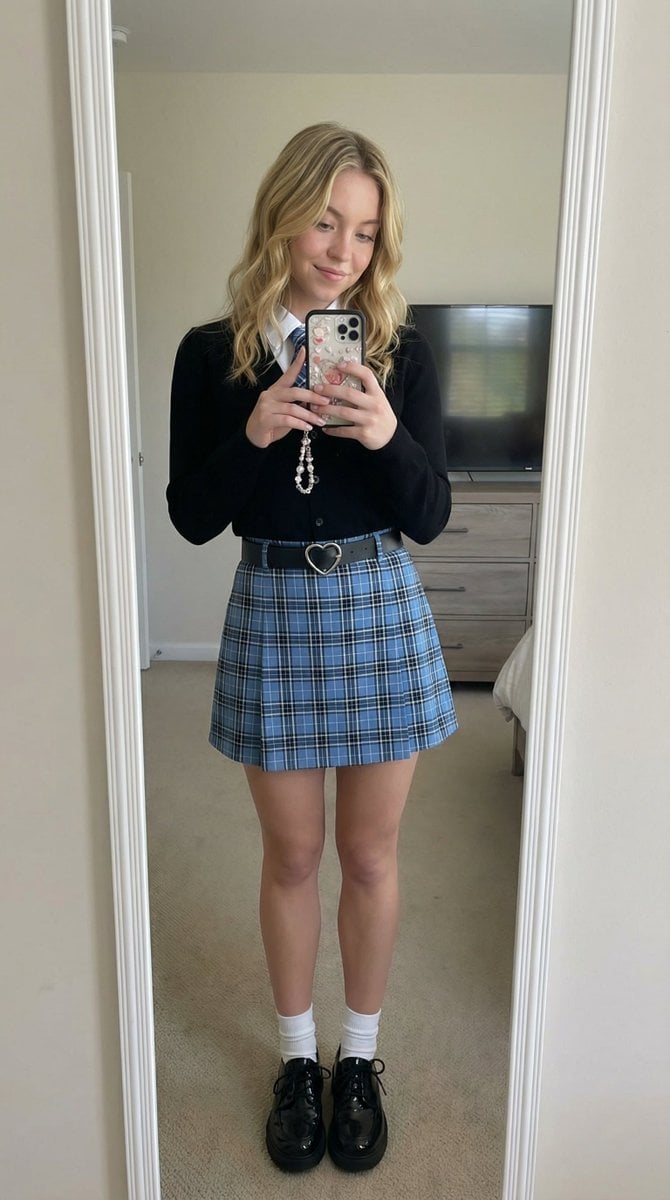
A detailed JSON prompt for Nano Banana Pro to generate a photorealistic mirror selfie of a young woman in a preppy school-inspired outfit, requiring strict identity lock based on an uploaded reference image.
- Prompt included
- Model and format preset
- Free template
The prompt behind this image
Copy the exact prompt behind Mirror Selfie with Strict Identity Lock in Preppy School Outfit, or open it in the studio and make it yours.
{ "image_generation_prompt": { "subject": { "description": "young woman taking a mirror selfie in a bedroom, Use uploaded reference image, keep identity exact", "identity_lock": "STRICT — Use uploaded reference image, keep identity exact. Preserve face, hair, eyes, proportions. Do not alter identity.", "pose": { "type": "mirror selfie pose", "body_position": "standing upright facing mirror", "legs": "slightly together with relaxed stance", "arms": "one hand holding phone in front of face, other hand resting on hip", "head": "slightly tilted with soft smile toward mirror" } }, "face_details": { "instruction": "Use uploaded reference image, keep identity exact", "expression": "soft confident smile", "skin": "natural texture with slight indoor lighting softness", "eyes": "looking at phone screen reflection", "clarity": "face must be sharp and realistic even through mirror" }, "hair": { "instruction": "Preserve hairstyle exactly", "style": "blonde wavy hair", "details": "soft curls with volume, natural shine" }, "clothing": { "outfit": "preppy school-inspired outfit", "top": "black cardigan over white collared shirt with tie", "bottom": "blue plaid skirt", "accessories": "heart-shaped belt buckle", "shoes": "black glossy shoes with white socks", "details": "clean, neat styling" }, "props": { "phone": "smartphone with decorative case and charm", "mirror": "full-length mirror with subtle rainbow edge reflection", "background_items": "dresser and TV screen visible behind subject" }, "environment": { "setting": "modern bedroom", "lighting": "soft indoor daylight", "details": "neutral walls, carpet floor, minimal clutter" }, "lighting": { "type": "natural indoor lighting", "quality": "soft and even", "effect": "clean, slightly warm tones", "imperfections": "minor shadow falloff and reflection artifacts from mirror" }, "camera": { "type": "smartphone selfie camera", "lens": "standard phone lens", "angle": "straight-on mirror angle", "focus": "sharp focus on subject reflection", "depth": "deep focus", "imperfections": "slight noise, realistic phone camera softness" }, "composition": { "style": "casual lifestyle selfie", "framing": "full body centered in mirror", "balance": "subject centered with room elements behind" }, "quality": { "resolution": "high", "rendering": "photorealistic", "details": "clear clothing textures, realistic mirror reflection" }, "negative_prompt": [ "different face", "identity change", "blurry face", "low quality", "distorte
How to use Mirror Selfie with Strict Identity Lock in Preppy School Outfit in 3 steps
- 1Upload ImagePNG, JPG or paste
Add your photo
Upload the photo the template builds on. The prompt, model and format are already set.
- 2…a portrait of your subject in softgolden-hour light, 85mm…
Personalize
Edit the subject and creative details for your destination.
- 3Generate
Generate
Press Generate — your image is created in PicX Studio, so you can compare it with the original and refine one variable at a time.
More like this
Templates with the same subject, style or setup. Open one to see its prompt.

Rooftop Fisheye — Cat-Ear Balaclava at Golden Hour

Felt & Knit 3D Character — Photo-Exact Face, Pixar-Quality Plush Figurine

Eid al-Adha Cute Chaos — Fisheye Selfie with Farm Selfie, Mosque & Animals

Cat Photobomb Selfie — 0.5x Wide Angle Café Chaos

Gen Z Triple Selfie Collage — Y2K Flash Photography

Surreal Cat Astronaut — Humanoid Face Freefall
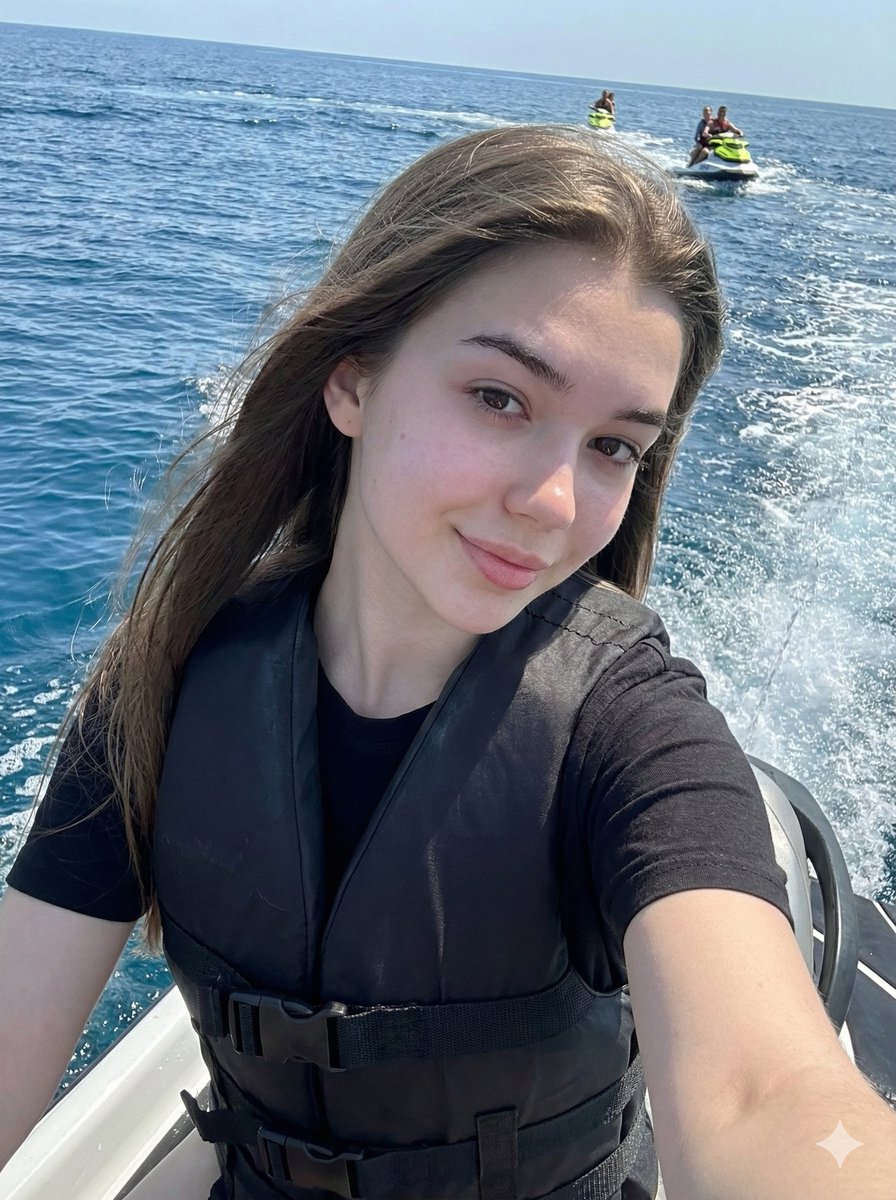
Vibrant Jet Ski Selfie with Strict Identity Lock
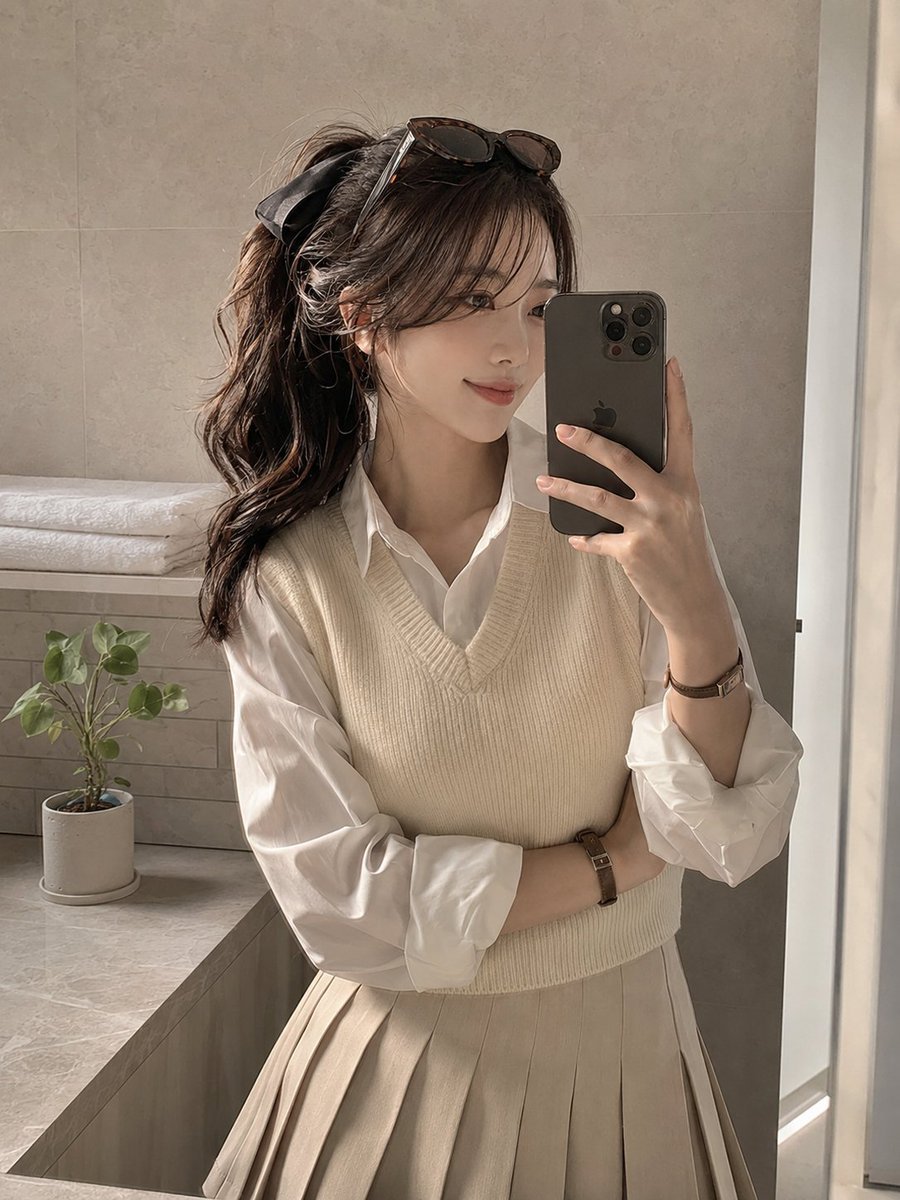
Soft Preppy Bathroom Mirror Selfie

Photoreal Selfie Minecraft Block World

16K Cinematic Night Portrait with Strict Identity Lock
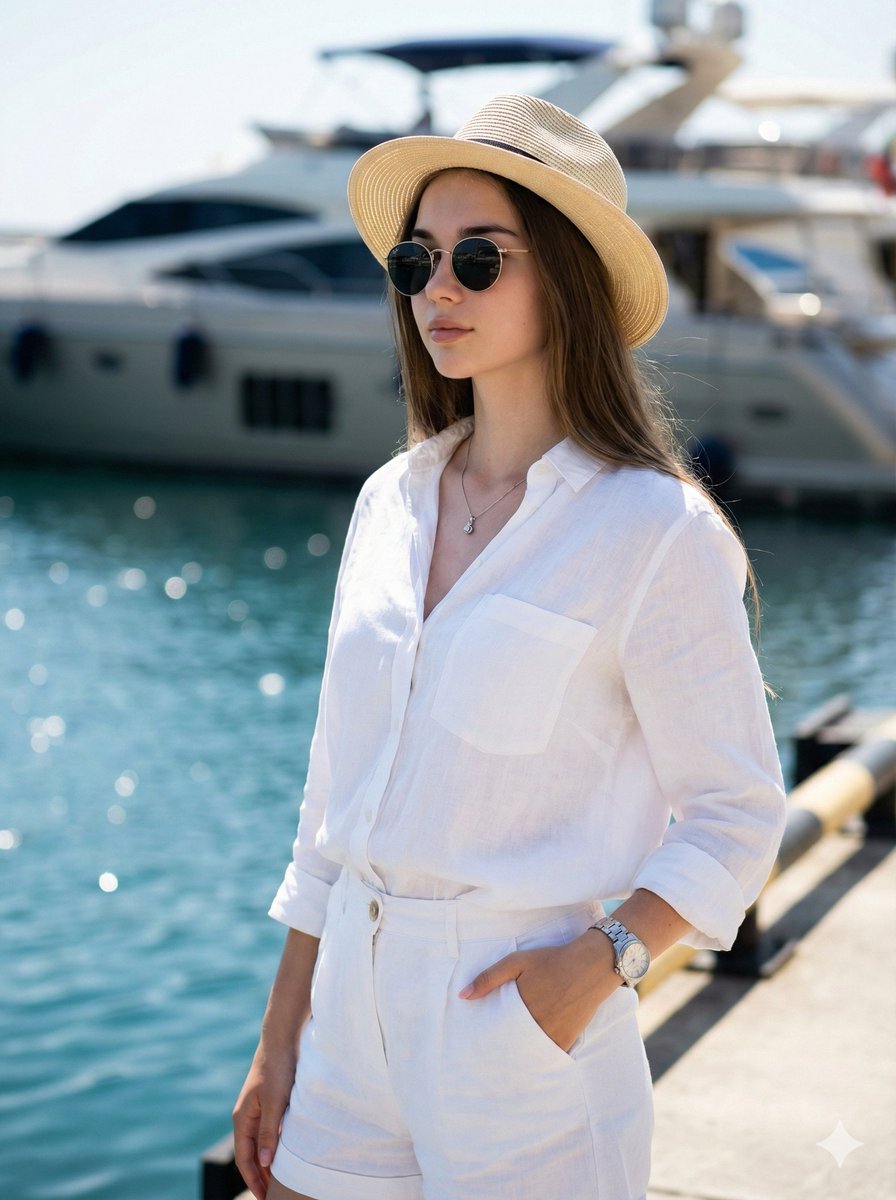
High-Fashion Marina Editorial Prompt with Strict Identity Lock
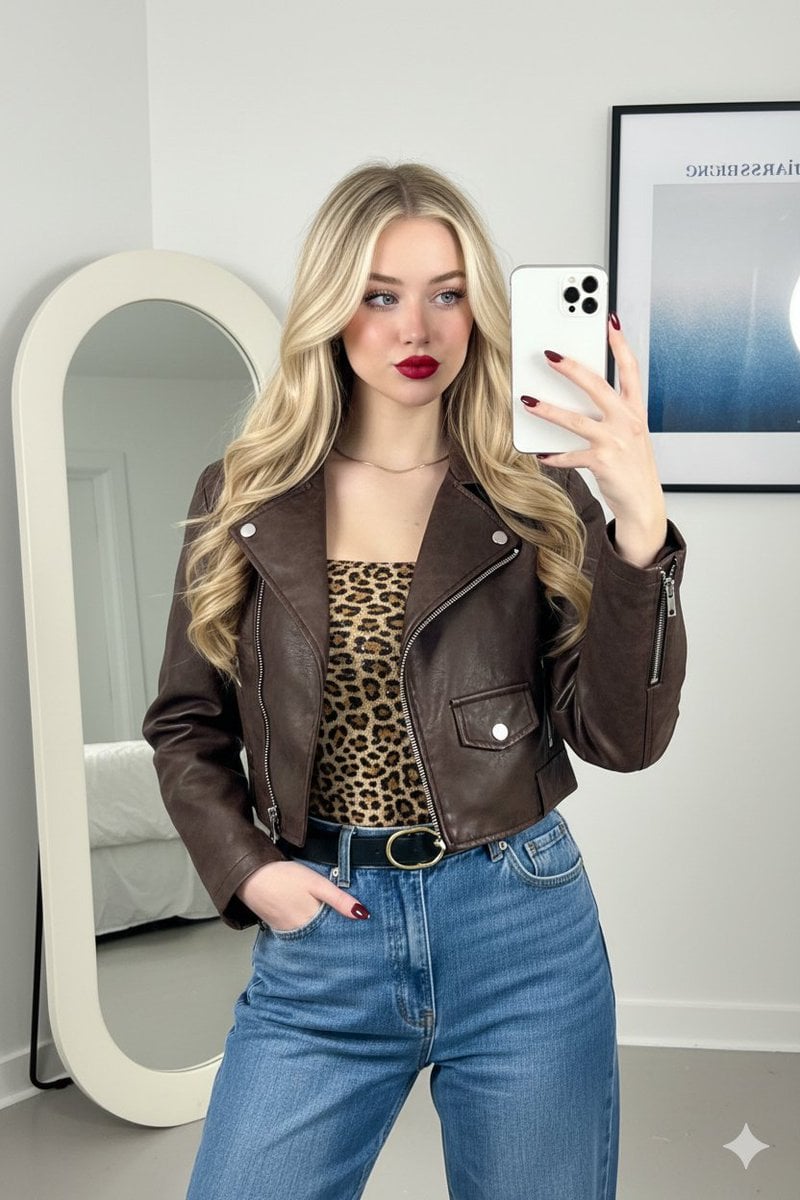
Mirror Selfie Fashion Prompt with Face Lock
Make it yours
Mirror Selfie with Strict Identity Lock in Preppy School Outfit works as-is. These are the safest ways to change it without losing the look.
Change one field
Copy a single group, rewrite it, and generate again so you can see what that field is doing.
Keep the frame, change the subject
Hold the composition and light of Mirror Selfie with Strict Identity Lock in Preppy School Outfit, then swap wardrobe, props or the person for a new take.
| If the result… | Why | Fix |
|---|---|---|
| The result drifts from the preview | Too many fields changed at once. | Reuse Mirror Selfie with Strict Identity Lock in Preppy School Outfit as-is first, then change one group — subject, light, or setting. |
| The model over-stylizes the scene | The prose prompt leaves finish and camera underspecified. | Add one camera or lighting sentence and stay on Nano Banana 2. |
More Nano Banana 2 templates
Other prompts made for Nano Banana 2.

Photorealistic Leaf Shaped Like a Dragon

K-Pop Idol Portrait Grid for Rapid Selection

Poetic Rain Forest Portrait During Golden Hour

Urban Street Portrait with Cartoon Inner Self Duo

Candid Nighttime Photo with Cat Prompt

High-Concept 3D Diorama Generation Prompt

Cinematic Futuristic Studio Portrait Template

Skincare Editorial Photography Collage Prompt

Hyper-Realistic Commercial Product Photography (Splash Effect)

Hyper-Realistic Nightclub Portrait Prompt
More image prompts
Fresh picks from across the catalog.
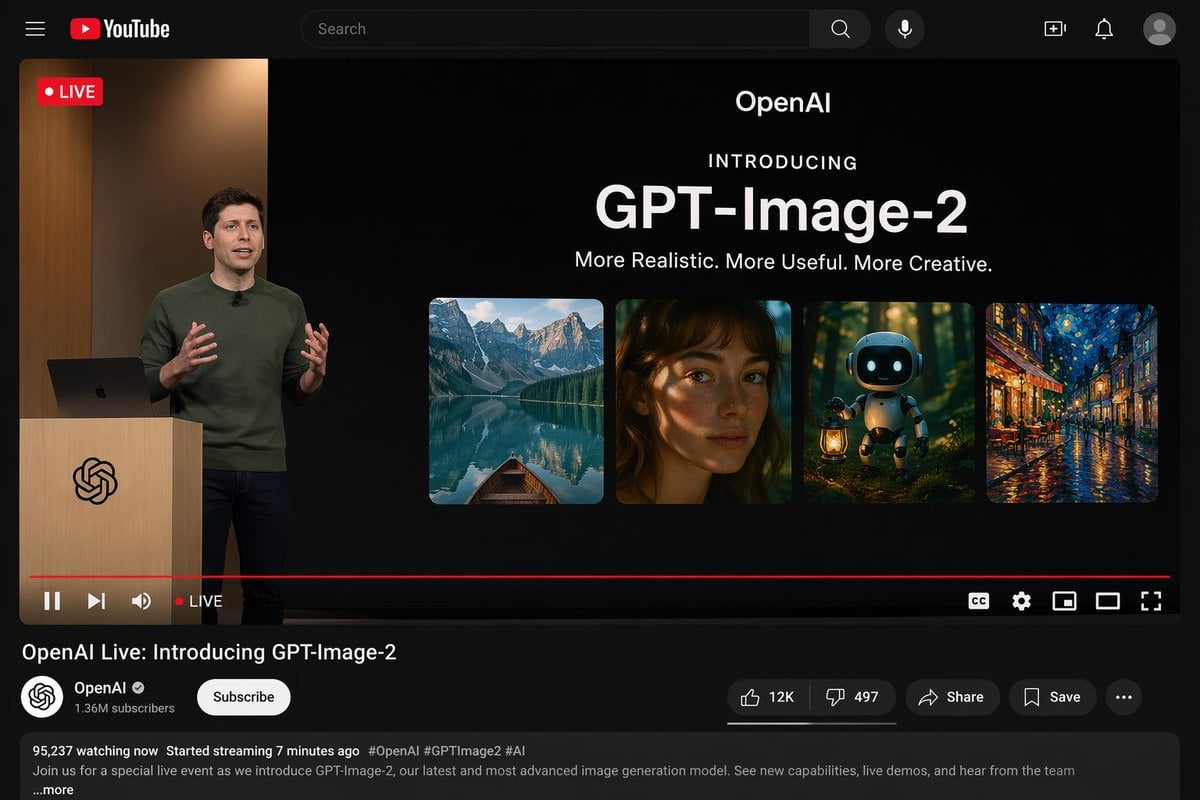
YouTube Live Presentation UI Mockup
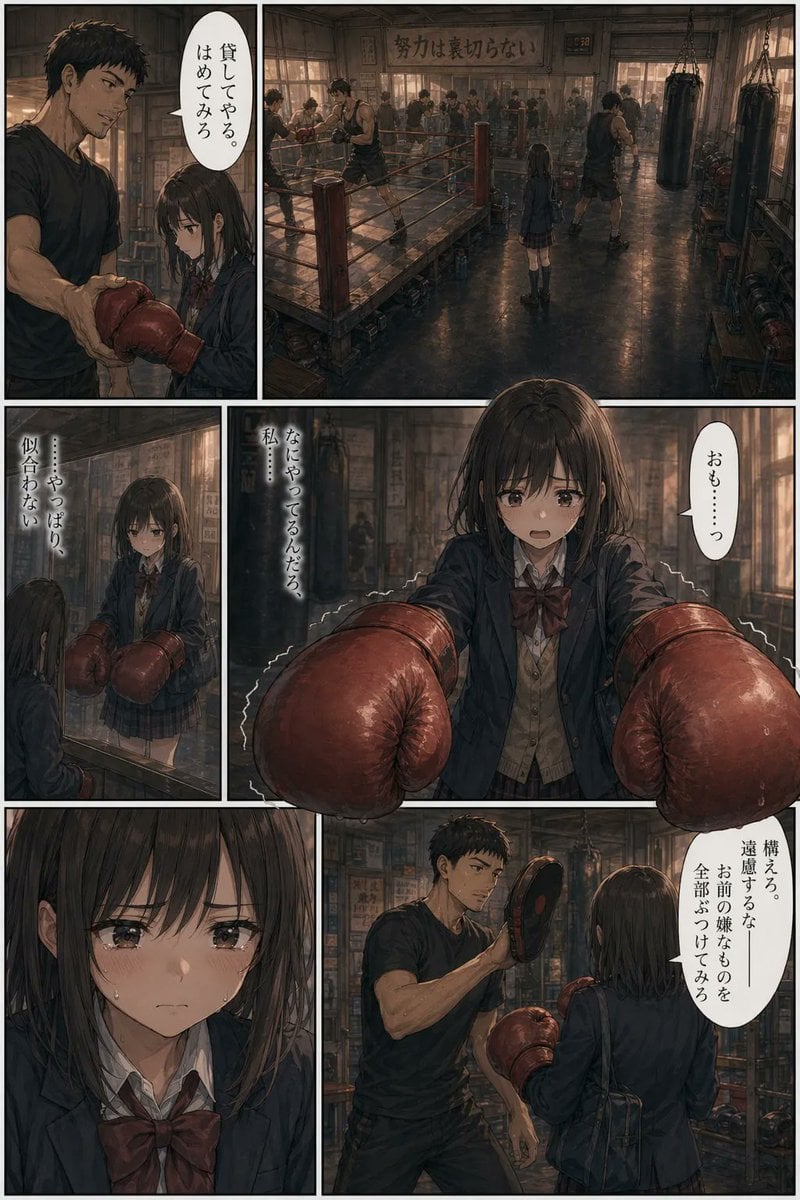
Seinen Boxing Gym Manga Page
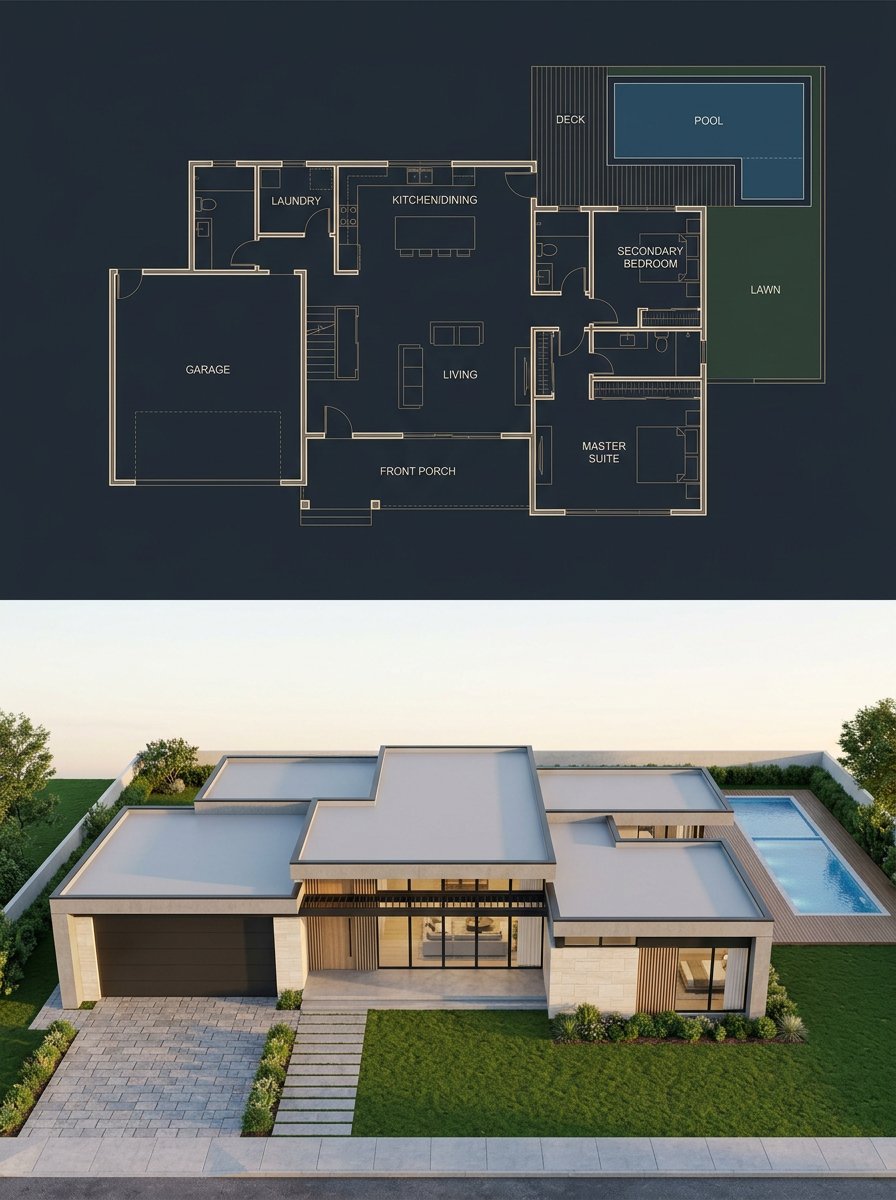
Split Blueprint and Modern House Render
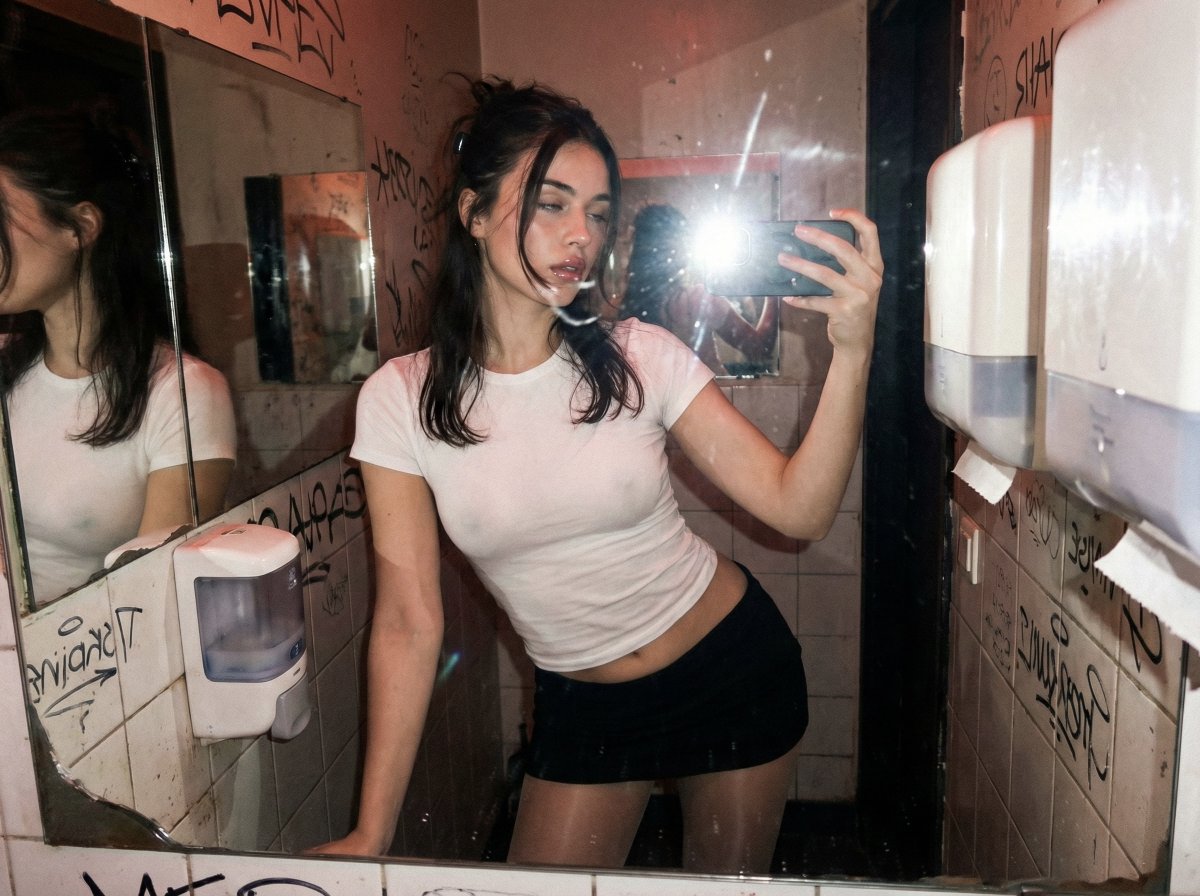
Harsh Flash Mirror Selfie Prompt (Disposable Camera Aesthetic)
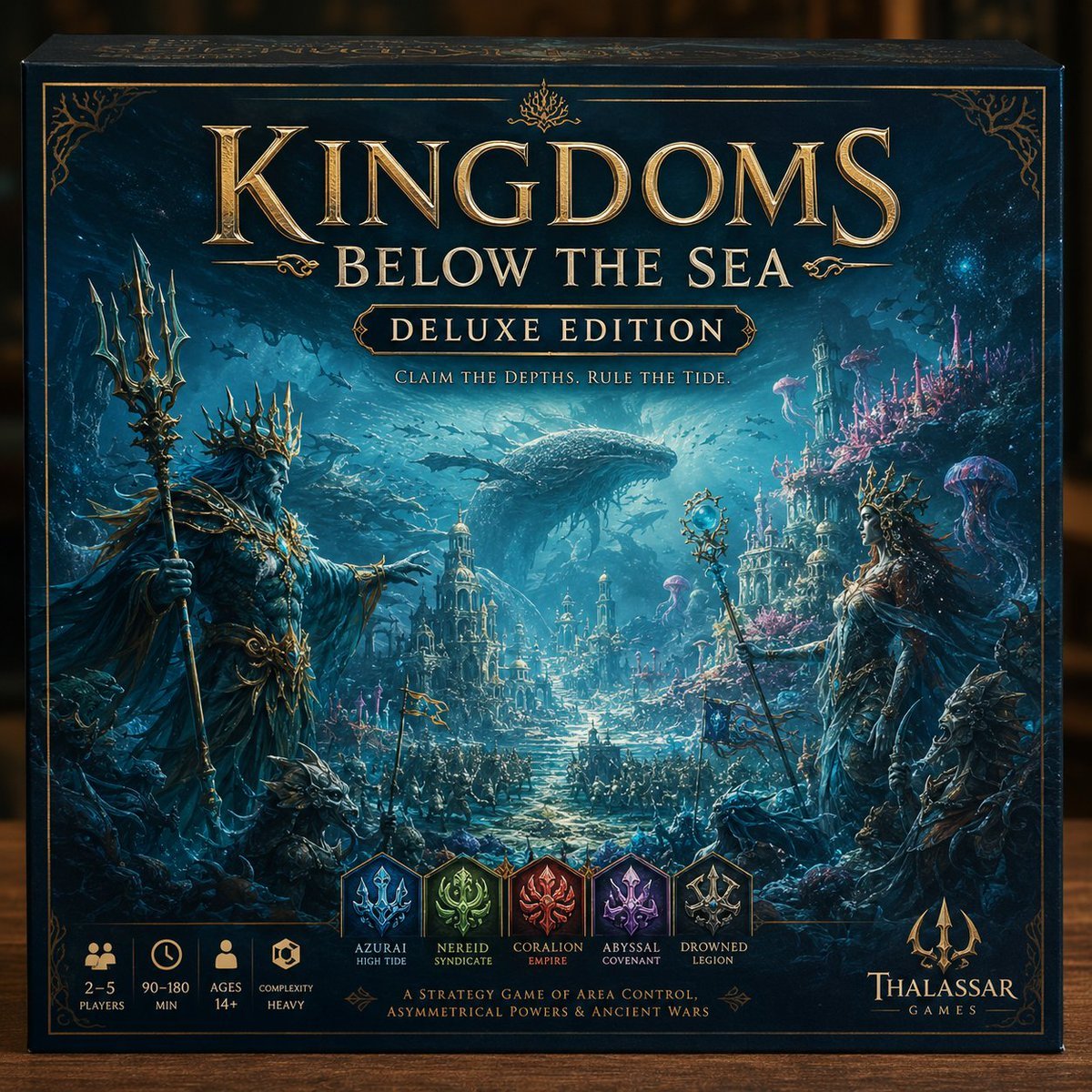
Deluxe Underwater Kingdom Board Game Box
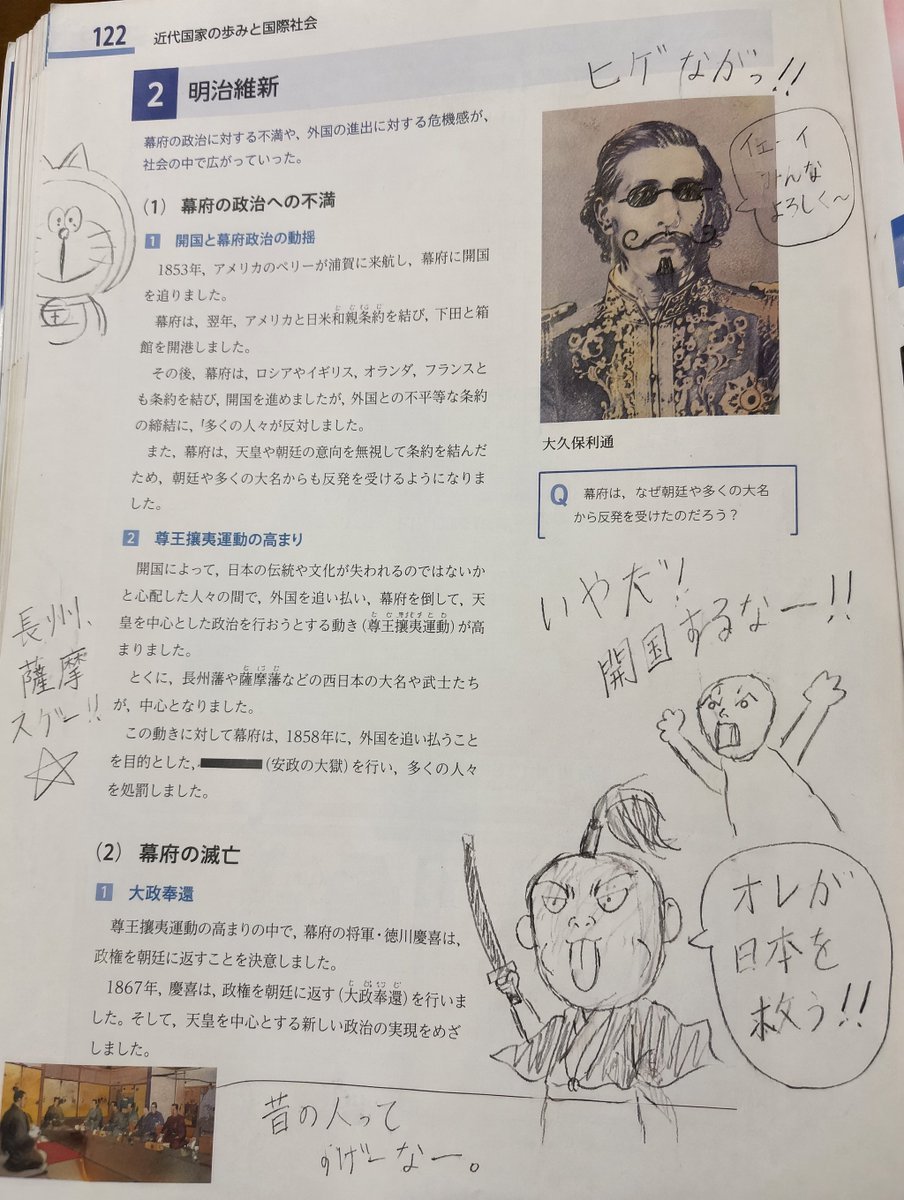
School Textbook Historical Figure Doodle
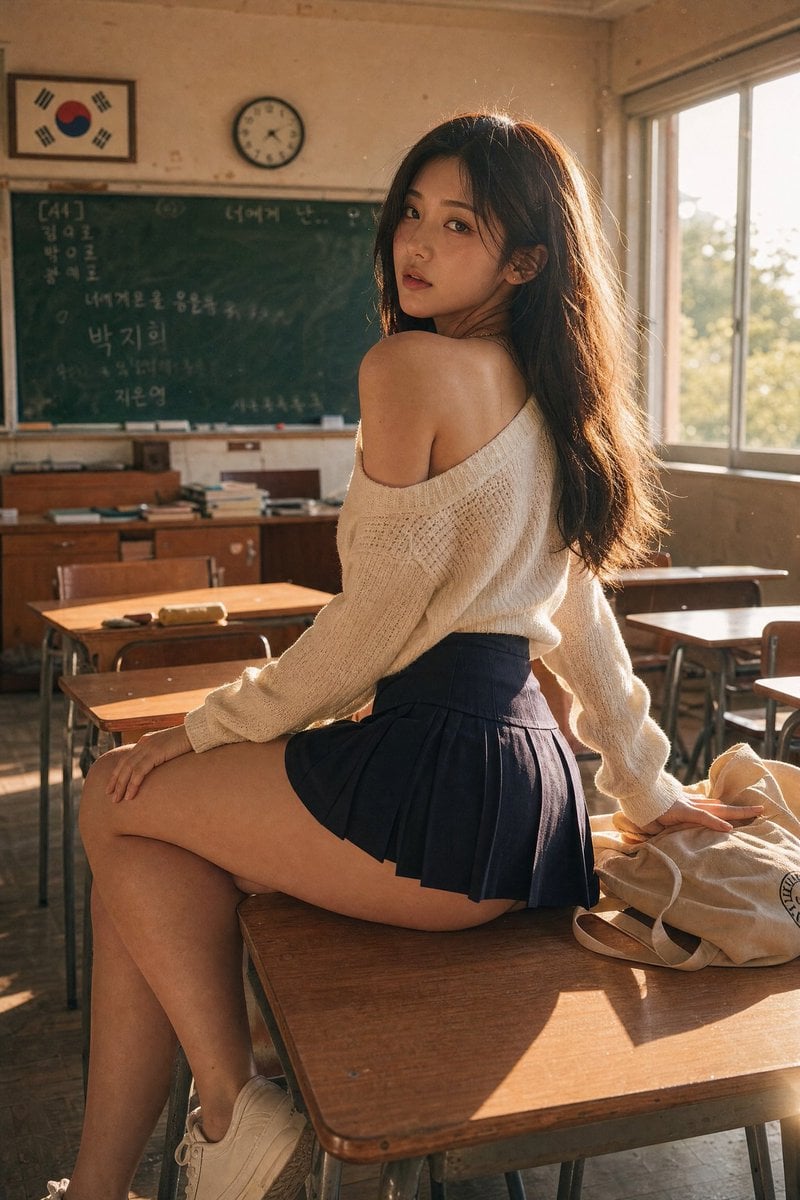
Realistic Korean School Classroom Portrait
Akita Dog Embroidered Patch Design
Hyper-Realistic Commercial Fashion Photo Prompt for Nano Banana Pro
Minimalist Black White Male Silhouette
Browse template categories
Mirror Selfie with Strict Identity Lock in Preppy School Outfit questions
How do I use the Mirror Selfie with Strict Identity Lock in Preppy School Outfit template?
Add your photo if the template asks for one, edit the prompt if you like — the template's model and format are already selected — and press Generate. Your version opens in PicX Studio.
Can I customize the Mirror Selfie with Strict Identity Lock in Preppy School Outfit template?
Yes. You can change the subject, setting, lighting, mood, format, and available model controls before creating your image.
Is the Mirror Selfie with Strict Identity Lock in Preppy School Outfit template free?
Opening and editing this template is free. Generating uses credits, shown on the Generate button when you are signed in.
Which AI model should I use?
Start with Nano Banana 2, which is the model associated with this template. You can compare another compatible model for a different finish.
Looking for something else? Browse all templates.

Your photo, any look
Thousands of ready templates for every top image and video model, from one credit balance.