
High-Fashion Marina Editorial Prompt with Strict Identity Lock
A comprehensive JSON prompt for generating a high-fashion editorial image of a woman at an exclusive yacht marina.
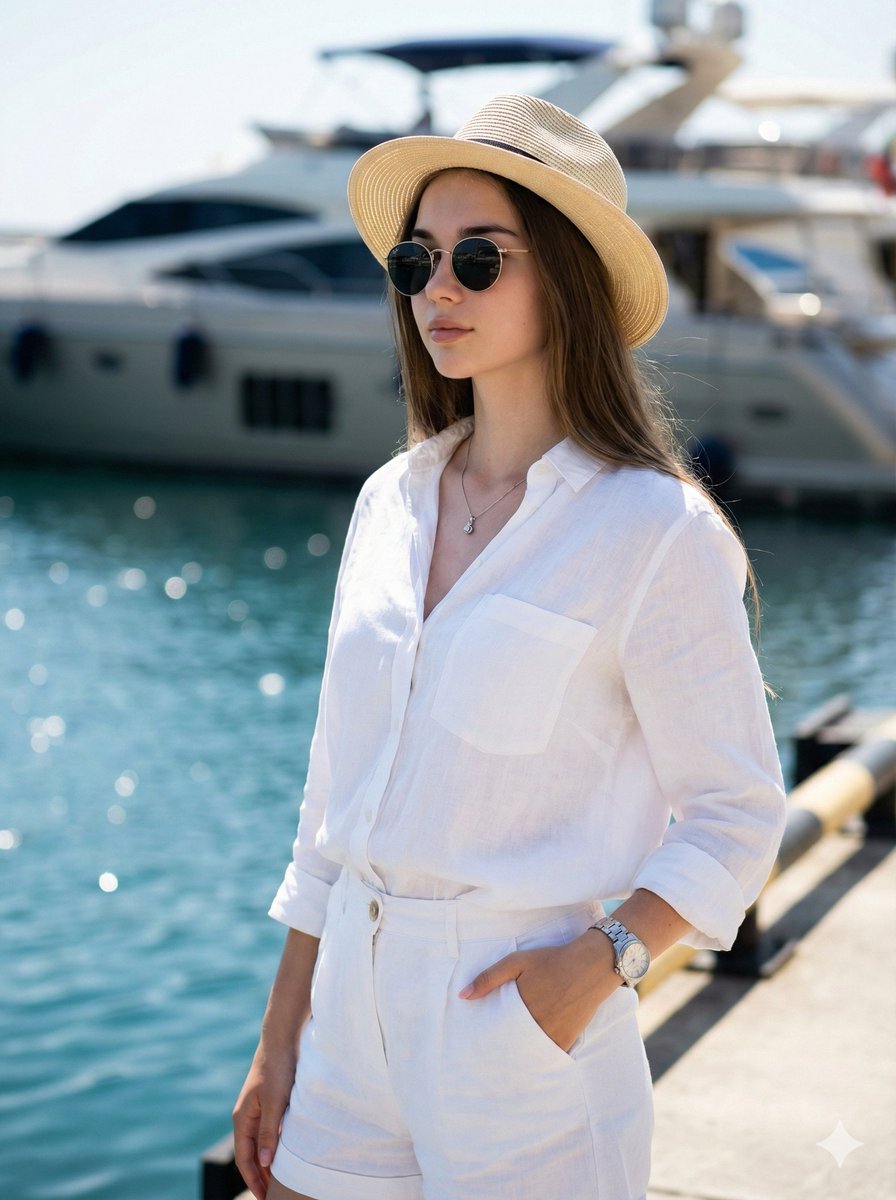
- Prompt included
- Model and format preset
- Free template
The prompt behind this image
Copy the exact prompt behind High-Fashion Marina Editorial Prompt with Strict Identity Lock, or open it in the studio and make it yours.
{ "type": "image_generation_prompt", "style": "high-fashion editorial, luxury lifestyle, ultra-photorealistic", "identity_preservation": { "use_reference_image": true, "alter_face": false, "strict_identity_lock": true, "notes": "Use 100% of the facial likeness from the attached photo. Do not alter facial features, body characteristics, skin texture, or proportions in any way." }, "subject": { "gender": "female", "age": 22, "appearance": { "body_type": "athletic, fit, stylish", "expression": "serene, confident", "gaze": "looking slightly away from the camera" }, "pose": { "stance": "standing confidently on a marina pier", "hand_position": "one hand casually placed in the pocket of the shorts", "body_language": "relaxed luxury, confident posture" } }, "wardrobe": { "top": "{argument name="上衣" default="light white linen shirt, slightly open at the chest"}", "bottoms": "{argument name="下装" default="immaculate white summer shorts"}", "accessories": [ "stylish straw Panama hat", "modern round sunglasses", "silver necklace", "luxury wristwatch" ] }, "environment": { "location": "exclusive yacht marina", "foreground": "sparkling blue water", "background": { "elements": [ "luxury yacht" ], "focus": "softly blurred for depth", "sky": "clear and bright" } }, "lighting": { "type": "strong natural midday sunlight", "effects": [ "defined contrasts", "highlighted physique", "clean, vibrant tones" ] }, "camera": { "camera_model": "Sony a7R IV", "lens": "50mm f/1.2 GM", "focus": "ultra-sharp on subject", "background_blur": "prestigious, creamy bokeh" }, "color_grading": { "style": "vibrant and clean", "emphasis": [ "bright whites", "rich blues" ] }, "quality": { "resolution": "8K", "realism": "hyper-realistic", "detail_level": "ultra-detailed textures and skin realism" }, "mood": { "atmosphere": "luxurious leisure, summer elegance, confidence", "theme": "high-end summer fashion" }, "output_goal": "Create an ultra-realistic, high-fashion editorial image of a young woman at a luxury marina, preserving her exact facial identity while conveying confidence, elegance, and premium summer lifestyle aesthetics." }
How to use High-Fashion Marina Editorial Prompt with Strict Identity Lock in 3 steps
- 1Upload ImagePNG, JPG or paste
Add your photo
Upload the photo the template builds on. The prompt, model and format are already set.
- 2…a portrait of your subject in softgolden-hour light, 85mm…
Personalize
Edit the subject and creative details for your destination.
- 3Generate
Generate
Press Generate — your image is created in PicX Studio, so you can compare it with the original and refine one variable at a time.
More like this
Templates with the same subject, style or setup. Open one to see its prompt.

Blue Backdrop Luxury Fashion Portrait Campaign

Premium Editorial Branding Poster Charcoal Green

Typography Mask Editorial Fashion Poster

Luxury Black-and-White Fashion Contact Sheet

Face-Locked Identity Reference Portrait

untitled

Google Gemini Nano Banana Pro

Conceptual Fashion Portrait in Spider We

01 Skincare Split Portrait — Nano Banana 2

24 The Getty Center — California Series

21 Glass Floor Skyscraper — California Series

19 Luxury Helicopter Travel — California Series
Make it yours
High-Fashion Marina Editorial Prompt with Strict Identity Lock works as-is. These are the safest ways to change it without losing the look.
Change one field
Copy a single group, rewrite it, and generate again so you can see what that field is doing.
Keep the frame, change the subject
Hold the composition and light of High-Fashion Marina Editorial Prompt with Strict Identity Lock, then swap wardrobe, props or the person for a new take.
| If the result… | Why | Fix |
|---|---|---|
| The result drifts from the preview | Too many fields changed at once. | Reuse High-Fashion Marina Editorial Prompt with Strict Identity Lock as-is first, then change one group — subject, light, or setting. |
| The model over-stylizes the scene | The prose prompt leaves finish and camera underspecified. | Add one camera or lighting sentence and stay on Nano Banana 2. |
More Nano Banana 2 templates
Other prompts made for Nano Banana 2.

Photorealistic Leaf Shaped Like a Dragon

K-Pop Idol Portrait Grid for Rapid Selection

Poetic Rain Forest Portrait During Golden Hour

Urban Street Portrait with Cartoon Inner Self Duo

Candid Nighttime Photo with Cat Prompt

High-Concept 3D Diorama Generation Prompt

Cinematic Futuristic Studio Portrait Template

Skincare Editorial Photography Collage Prompt

Hyper-Realistic Commercial Product Photography (Splash Effect)

Hyper-Realistic Nightclub Portrait Prompt
More image prompts
Fresh picks from across the catalog.
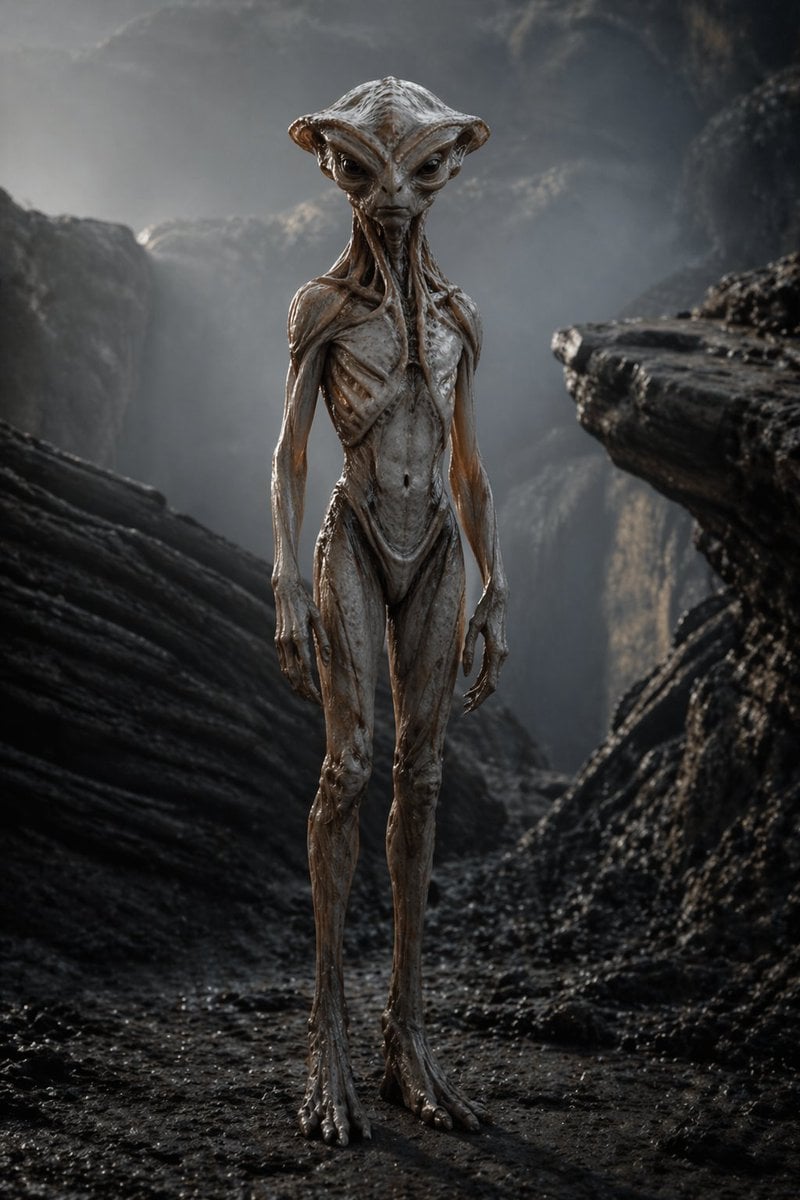
Photoreal Alien in Dark Ravine

VTuber and Street Style Logo Prompt for Gemini (Nano Banana)
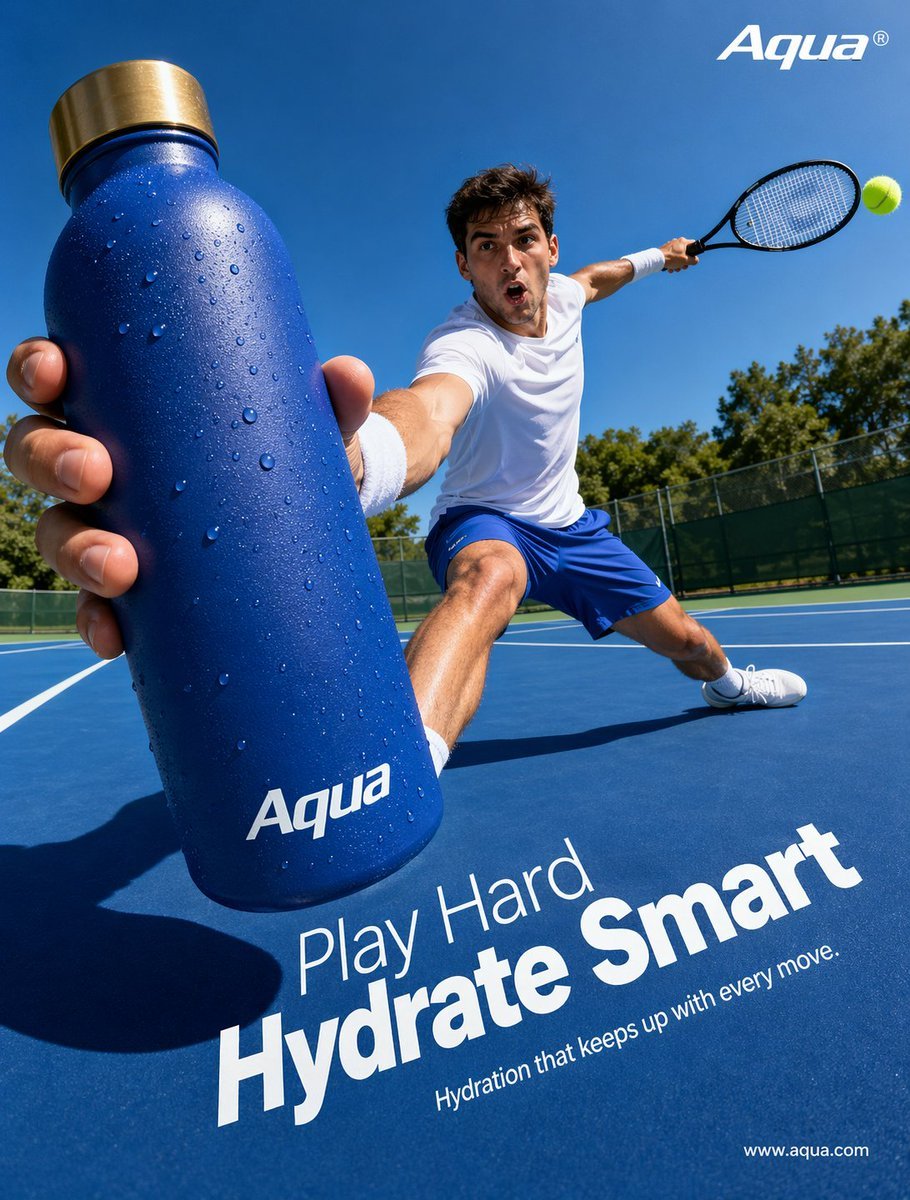
Tennis Hydration Ad Poster
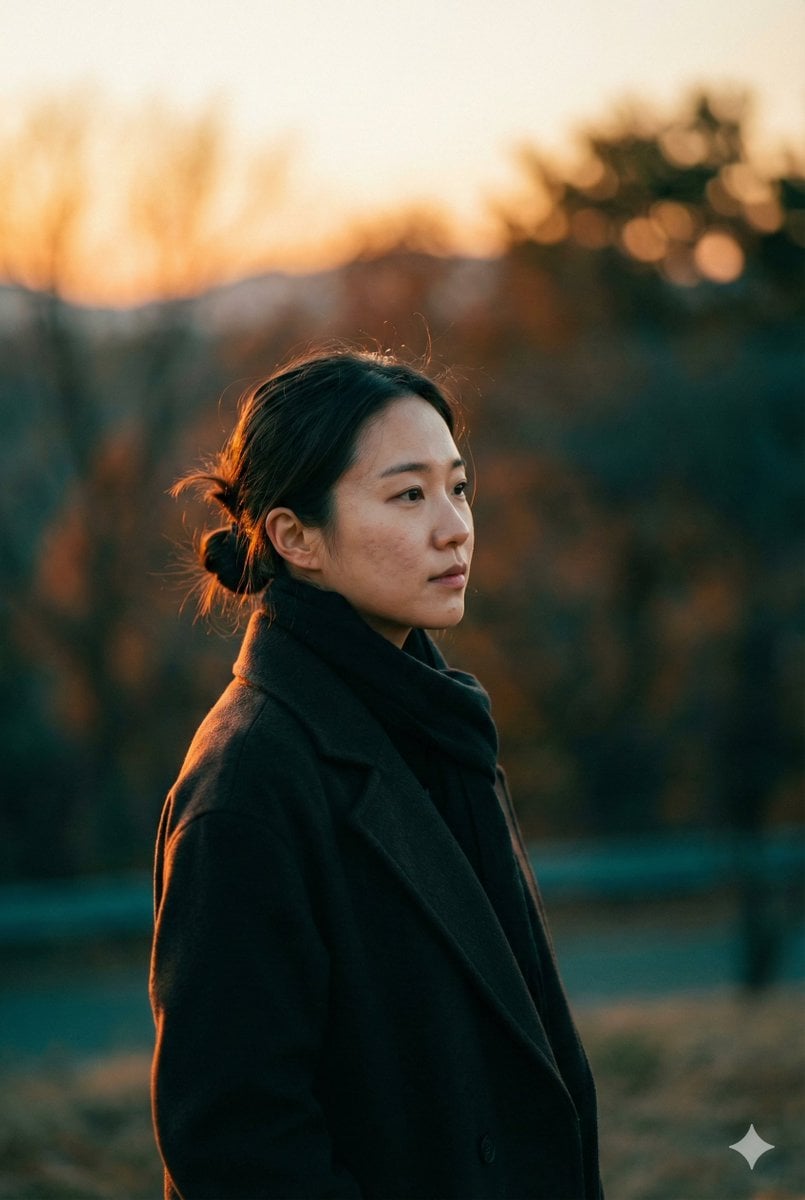
Cinematic Sunset Portrait Prompt
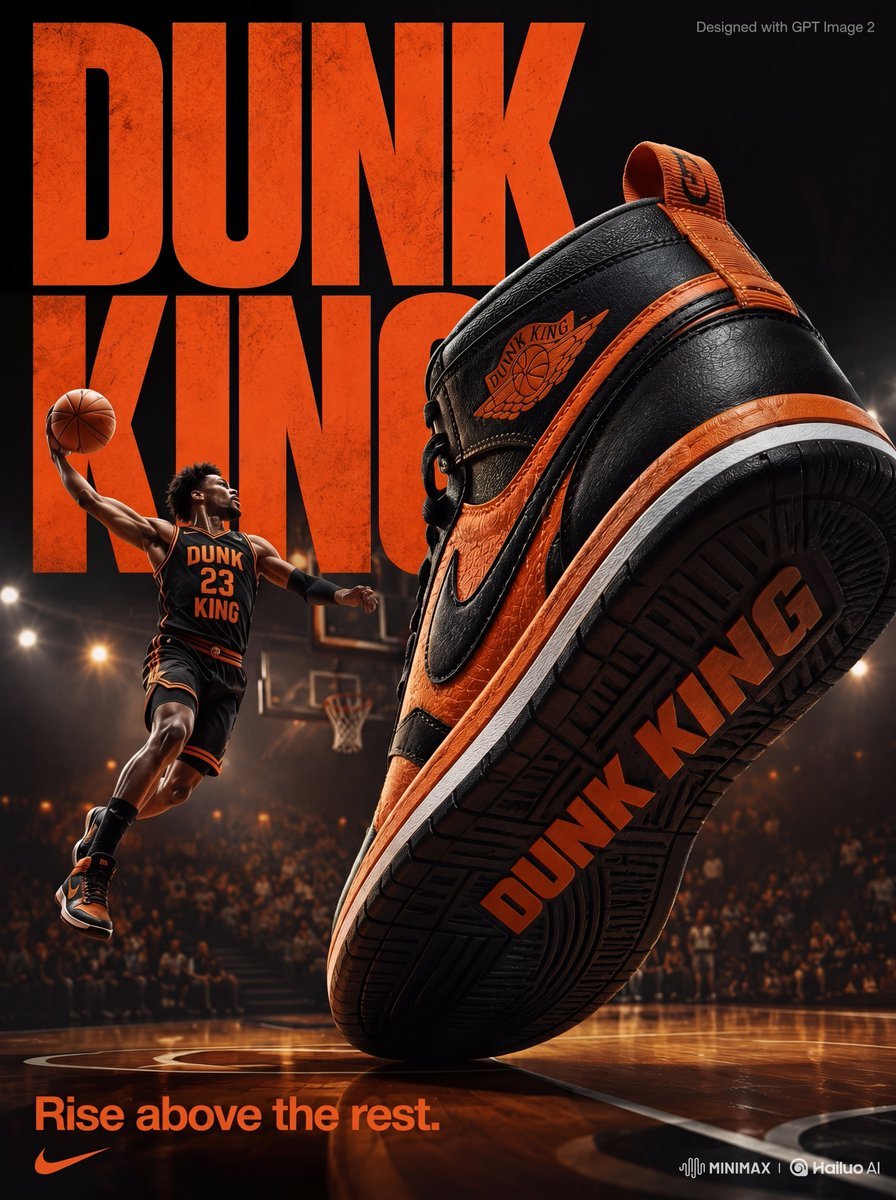
High-Energy Sneaker Ad Poster
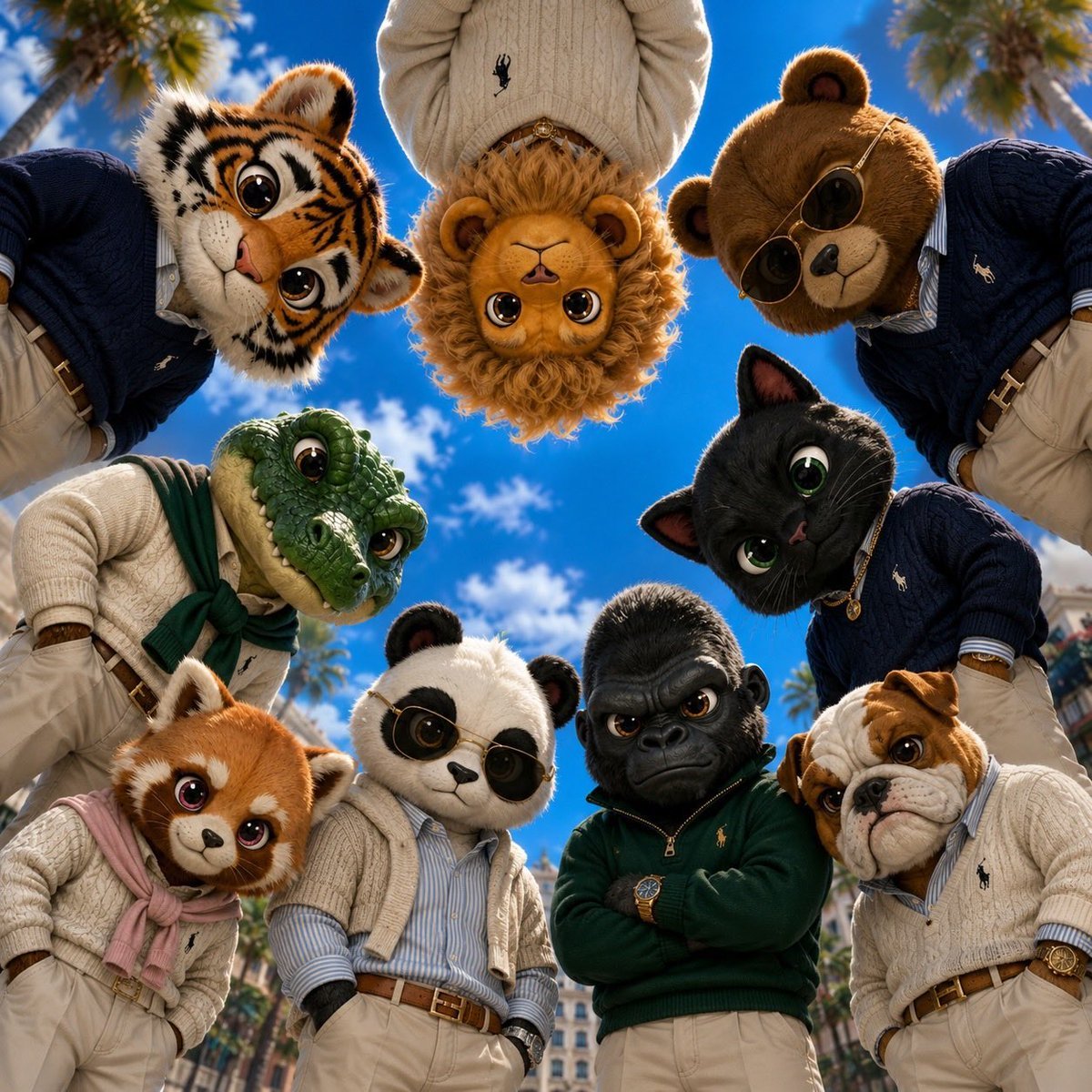
Old Money & Gangster Style Animal Squads
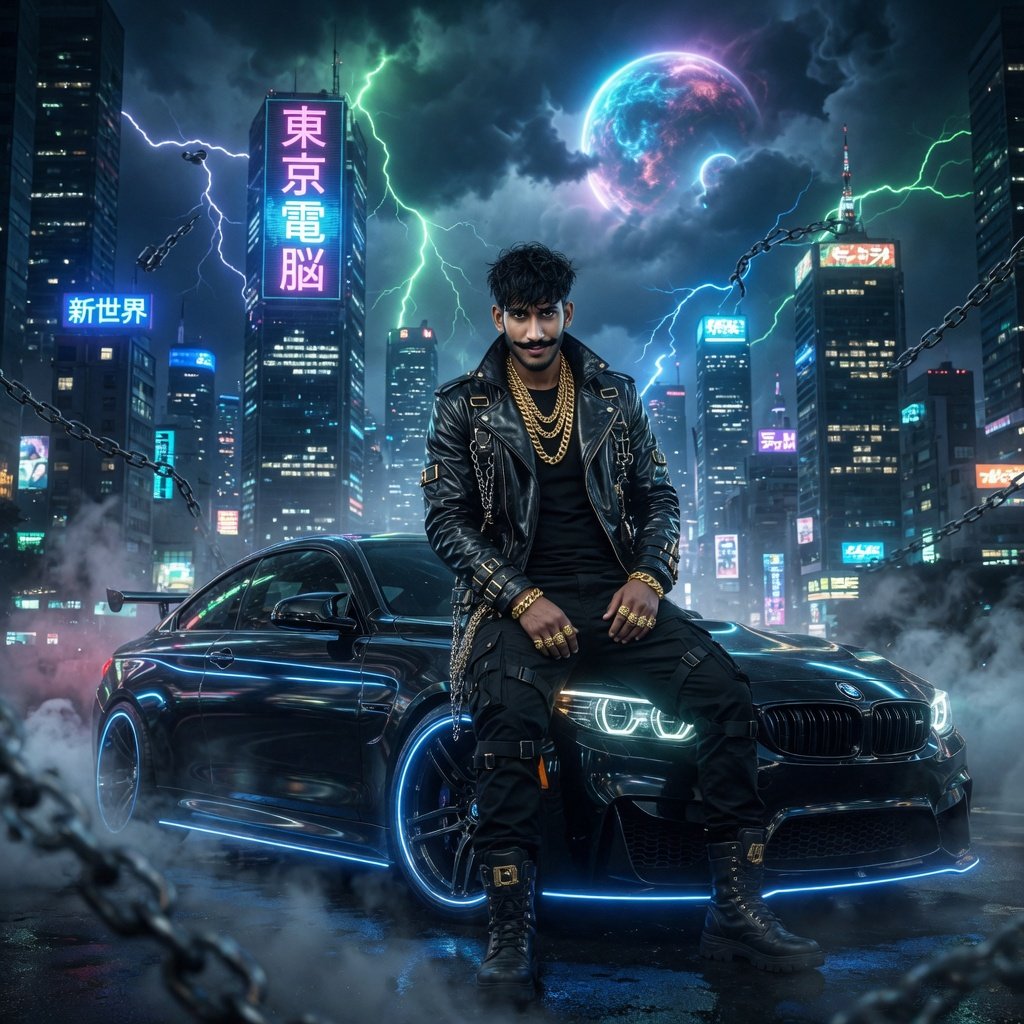
Cyberpunk Action Hero Transformation
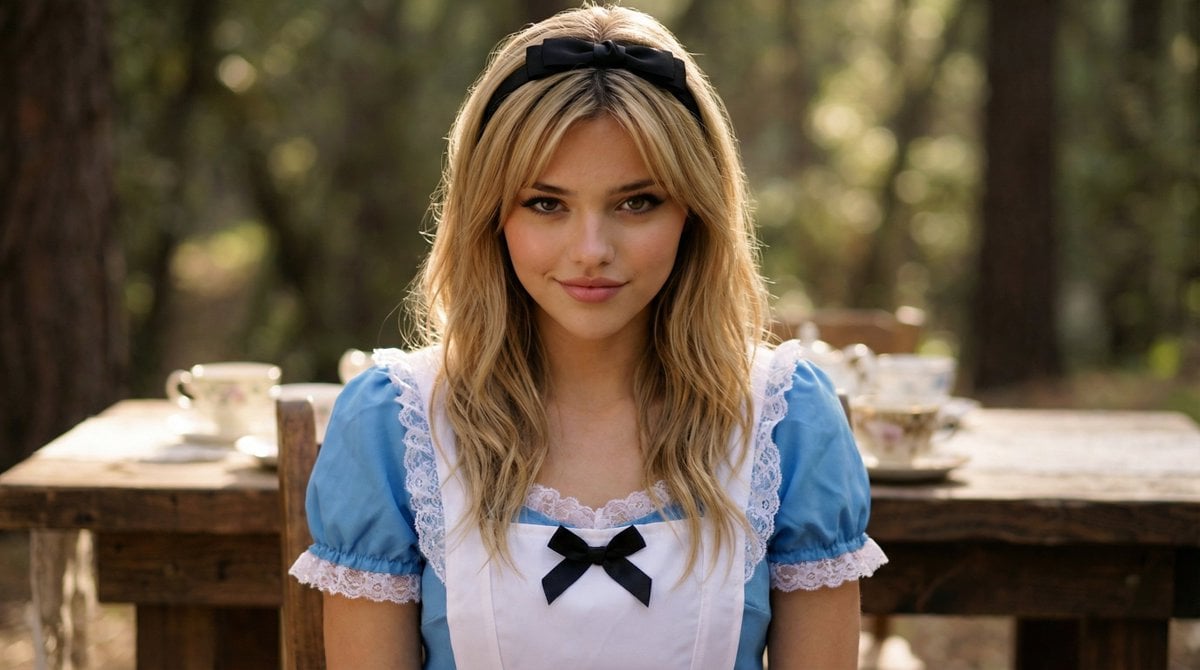
Cinematic Close-Up Portrait of Alice in Wonderland
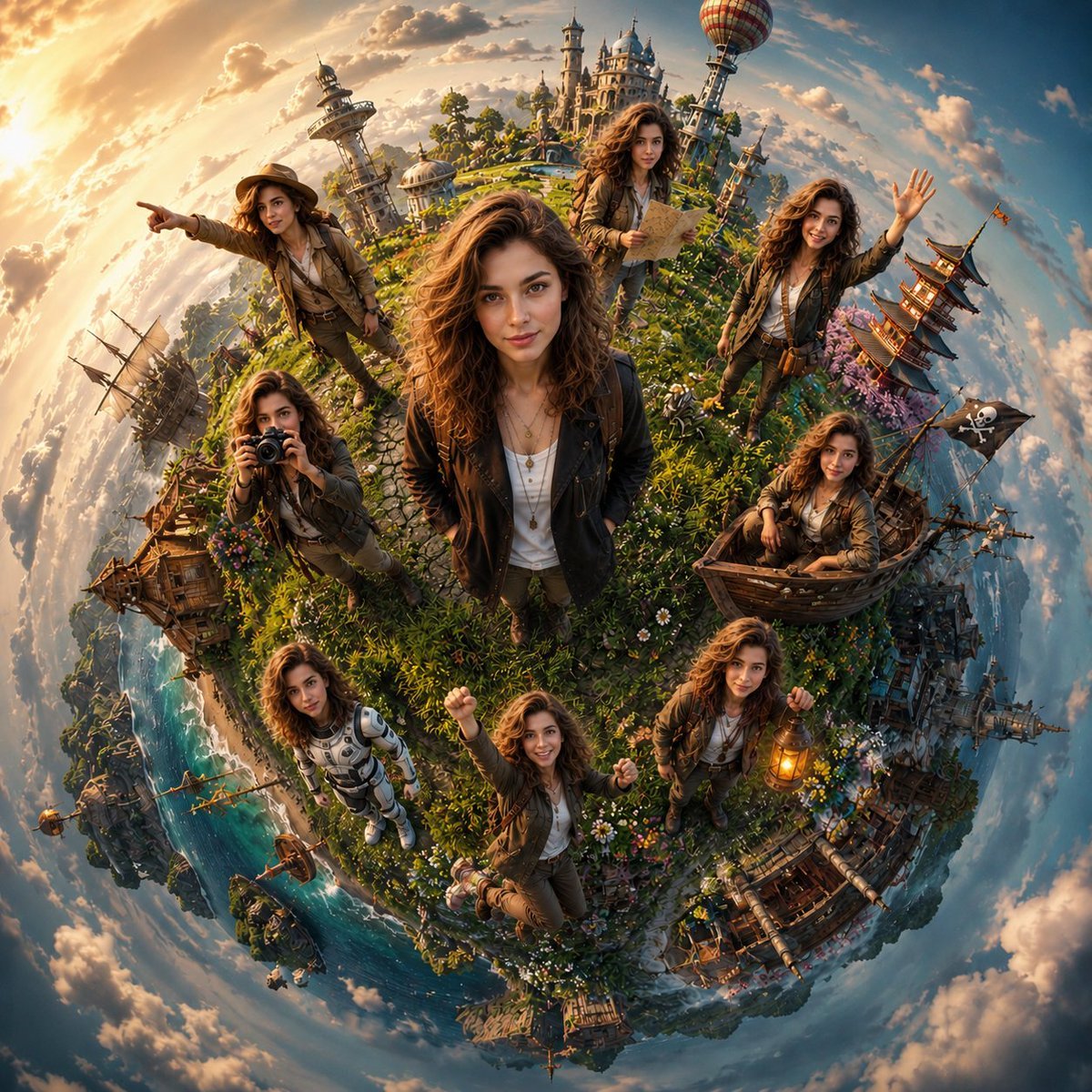
Cinematic Tiny Planet Fantasy World
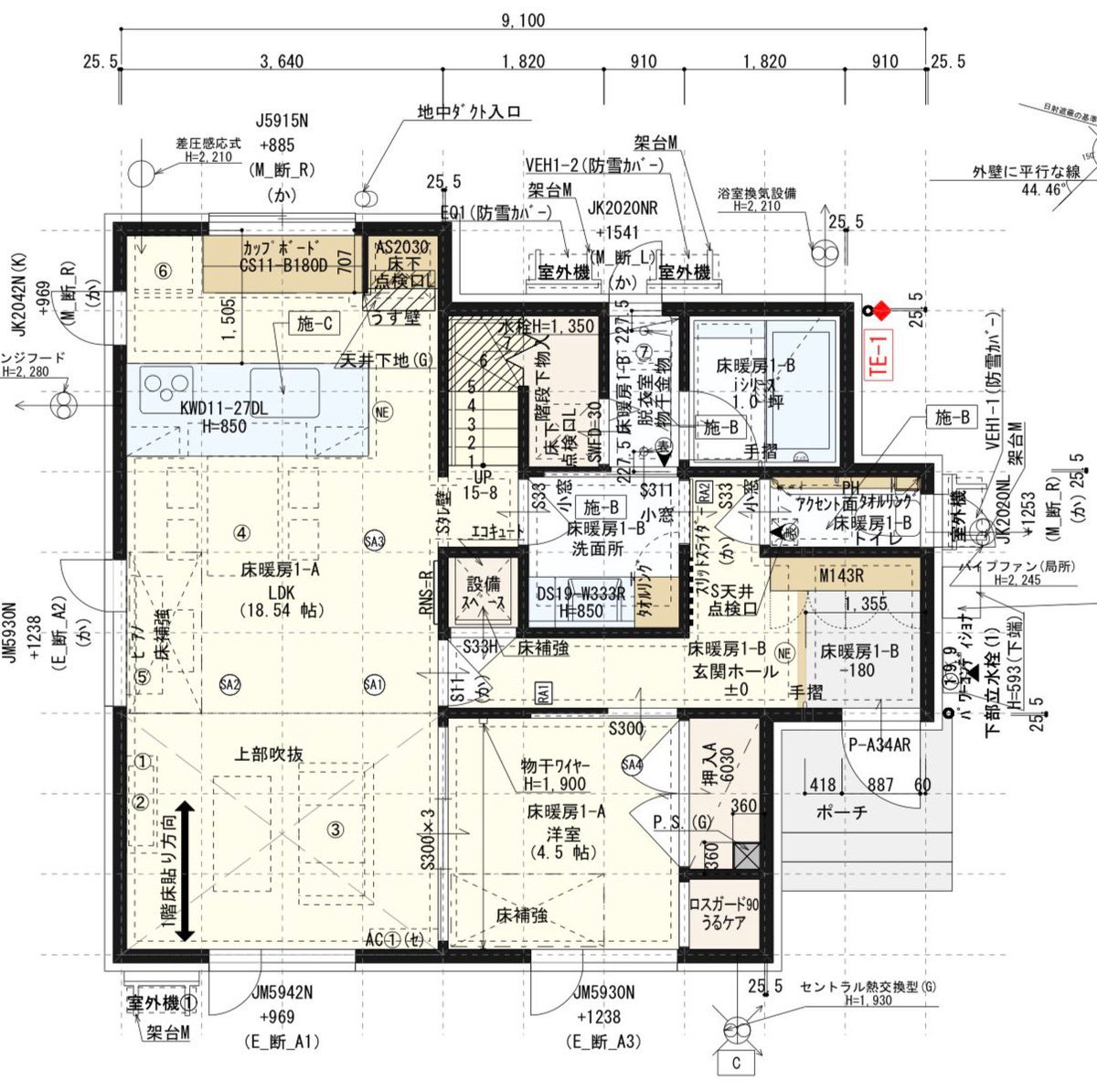
Floor Plan Visualization with Family Life
Browse template categories
High-Fashion Marina Editorial Prompt with Strict Identity Lock questions
How do I use the High-Fashion Marina Editorial Prompt with Strict Identity Lock template?
Add your photo if the template asks for one, edit the prompt if you like — the template's model and format are already selected — and press Generate. Your version opens in PicX Studio.
Can I customize the High-Fashion Marina Editorial Prompt with Strict Identity Lock template?
Yes. You can change the subject, setting, lighting, mood, format, and available model controls before creating your image.
Is the High-Fashion Marina Editorial Prompt with Strict Identity Lock template free?
Opening and editing this template is free. Generating uses credits, shown on the Generate button when you are signed in.
Which AI model should I use?
Start with Nano Banana 2, which is the model associated with this template. You can compare another compatible model for a different finish.
Looking for something else? Browse all templates.

Your photo, any look
Thousands of ready templates for every top image and video model, from one credit balance.