
Tennis Hydration Ad Poster
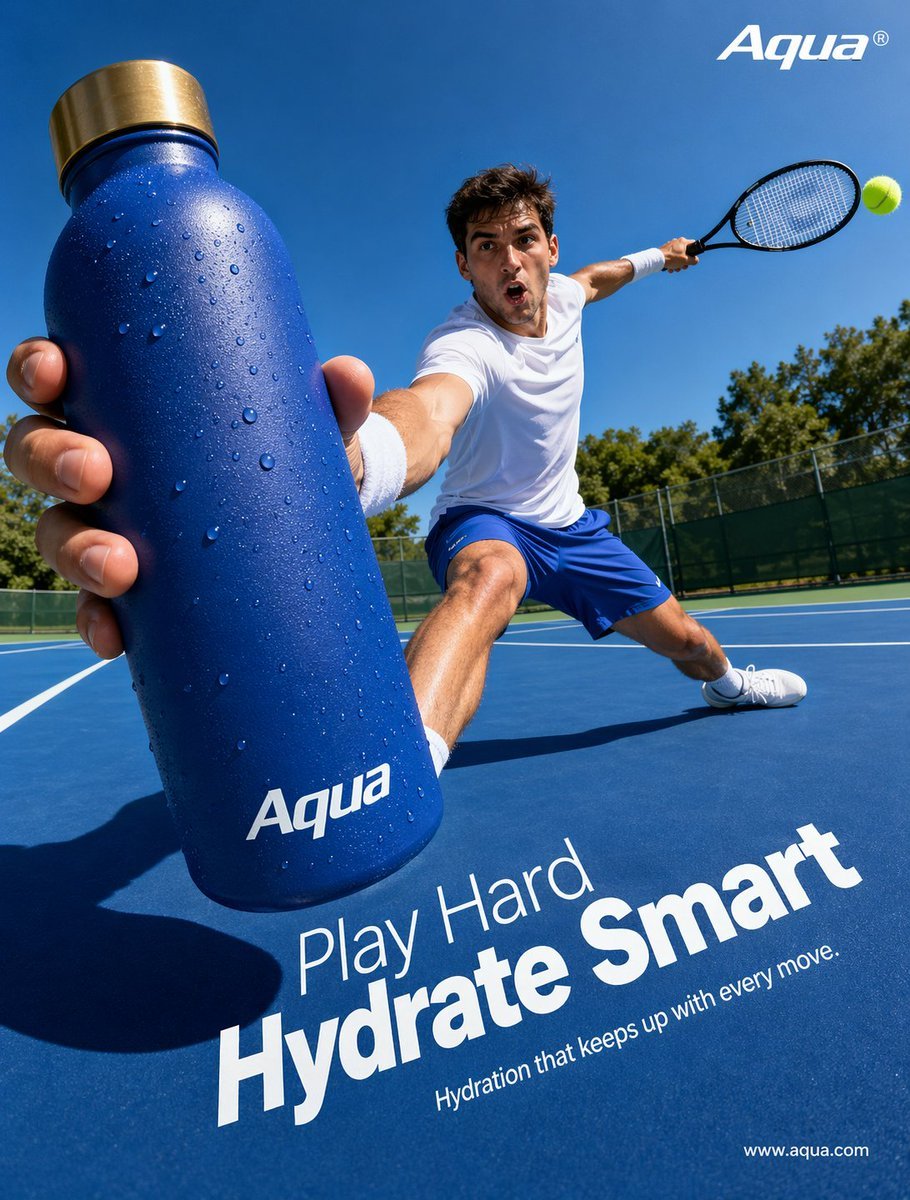
This prompt generates a bold, photorealistic outdoor tennis advertisement featuring a branded water bottle in dramatic forced perspective for sports marketing and beverage campaigns.
- Prompt included
- Model and format preset
- Free template
The prompt behind this image
Copy the exact prompt behind Tennis Hydration Ad Poster, or open it in the studio and make it yours.
Create a hyper-realistic sports advertising poster shot from an extreme wide-angle, low courtside perspective on a bright sunny day at an outdoor tennis court. In the extreme foreground, a male tennis player lunges dramatically toward the camera while thrusting a large matte cobalt-blue insulated water bottle toward the viewer, making the bottle the dominant object in the frame. The bottle is covered with visible condensation droplets and has a brushed metallic gold cap, with the white logo text {argument name="brand name" default="Aqua"} printed near the bottom. The athlete wears a clean white athletic t-shirt, bright blue tennis shorts, white wristbands, white socks, and white tennis shoes. His other arm stretches back holding a black tennis racket, with 1 bright yellow-green tennis ball visible near the racket on the right side of the image. The pose should feel dynamic and athletic, with one leg bent deeply and the other extended in a wide lunge across the blue hard court. Use strong midday sunlight, crisp shadows, vivid saturated blues, and a clear cloudless sky, with green trees and a dark fence line in the distant background. Compose it like a premium hydration brand campaign, with sharp focus on the bottle and athlete, dramatic foreshortening, commercial polish, and energetic motion. Add clean white ad typography integrated onto the court surface in the lower half: a smaller line reading {argument name="headline intro" default="Play Hard"}, a very large bold line reading {argument name="headline main" default="Hydrate Smart"}, and a smaller subheading reading {argument name="tagline" default="Hydration that keeps up with every move."}. Place the {argument name="brand name" default="Aqua"} logo again in white at the top right, and a small website URL in white at the bottom right reading {argument name="website" default="www.aqua.com"}.
How to use Tennis Hydration Ad Poster in 3 steps
- 1Upload ImagePNG, JPG or paste
Add your photo
Upload the photo the template builds on. The prompt, model and format are already set.
- 2…a portrait of your subject in softgolden-hour light, 85mm…
Personalize
Edit the subject and creative details for your destination.
- 3Generate
Generate
Press Generate — your image is created in PicX Studio, so you can compare it with the original and refine one variable at a time.
More like this
Templates with the same subject, style or setup. Open one to see its prompt.

Japan Travel Brochure Poster

Cartoon TV Show Poster Pack

Trendy Cafe Drink Promo Poster

Urban Fashion Editorial Collage Streetwear Poster

Premium Fashion Editorial Cover Layout System

Polo Ralph Lauren Luxury American Heritage Fashion Campaign

Monochrome Halftone Editorial Fashion Poster

Retro Mirror Luxury Fashion Campaign Poster

Luxury Fashion Campaign Typography Poster System

Premium Fashion Editorial Campaign Poster System

Ultra-Stylized High-Fashion Streetwear Poster

Urban Fashion Editorial Collage Poster
Make it yours
Tennis Hydration Ad Poster works as-is. These are the safest ways to change it without losing the look.
Change one field
Copy a single group, rewrite it, and generate again so you can see what that field is doing.
Keep the frame, change the subject
Hold the composition and light of Tennis Hydration Ad Poster, then swap wardrobe, props or the person for a new take.
| If the result… | Why | Fix |
|---|---|---|
| The result drifts from the preview | Too many fields changed at once. | Reuse Tennis Hydration Ad Poster as-is first, then change one group — subject, light, or setting. |
| The model over-stylizes the scene | The prose prompt leaves finish and camera underspecified. | Add one camera or lighting sentence and stay on GPT Image 2. |
More GPT Image 2 templates
Other prompts made for GPT Image 2.

Six VTuber Japanese Logo Sheet

Realistic Portrait of Woman and Deer

The Vista Modular Condo Poster

AI Model Routing Comparison Infographic

2.5D Anime Art Board

Isometric Productivity Desk Scene

New York Double Exposure Poster

Four-Panel AI Landscape Comparison

Japanese Tatami Lifestyle Magazine Cover

NESCAFÉ Coffee Map Poster
More image prompts
Fresh picks from across the catalog.
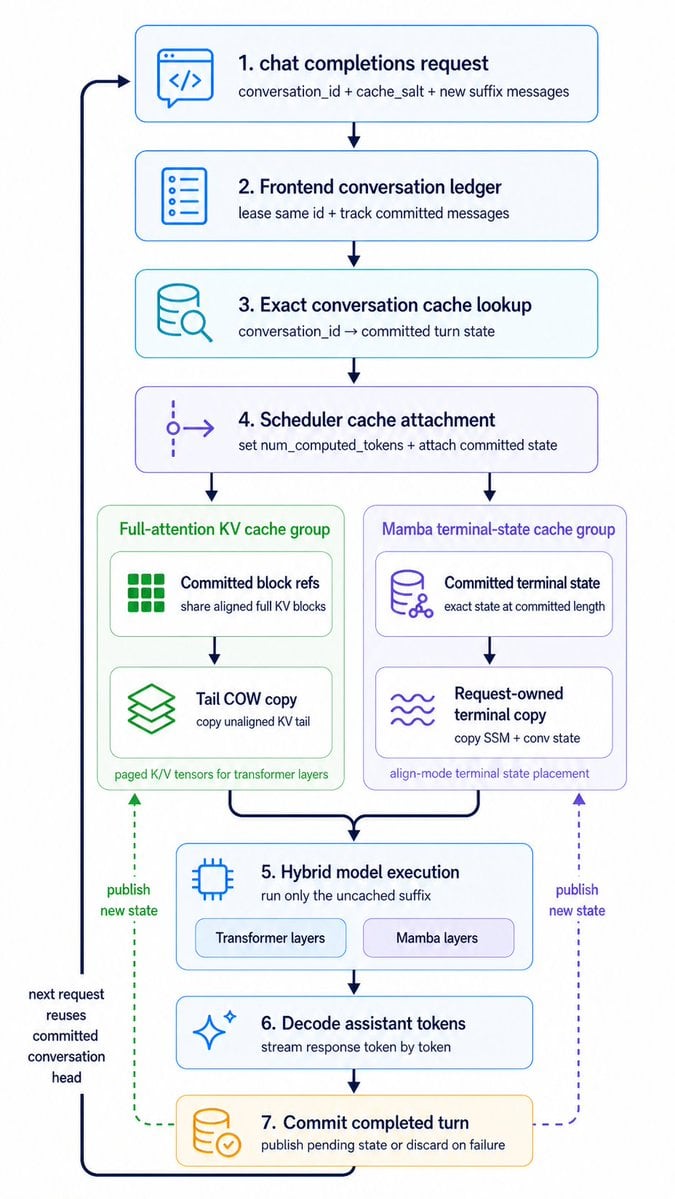
Hybrid Cache Execution Flowchart
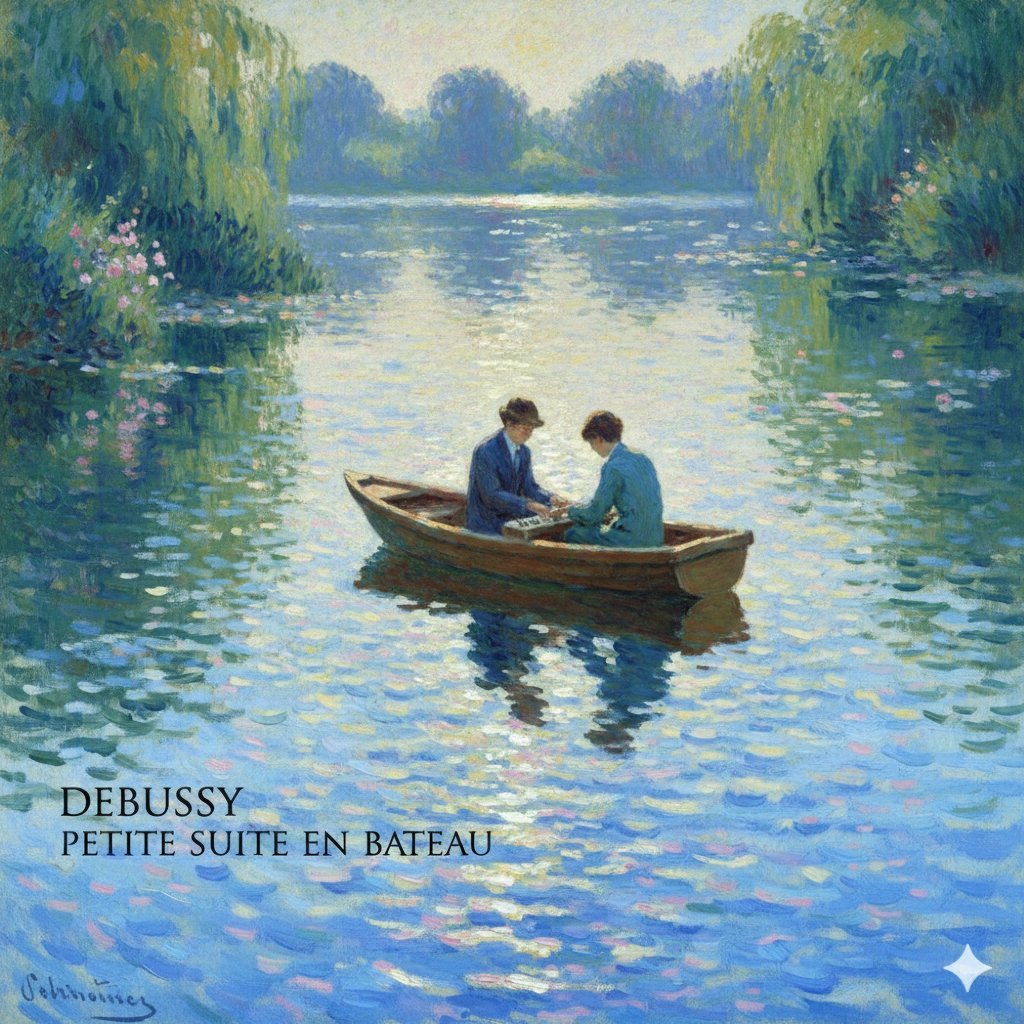
Generate Debussy's 'Petit Suite: En Bateau' in Monet's Style with Color Modification
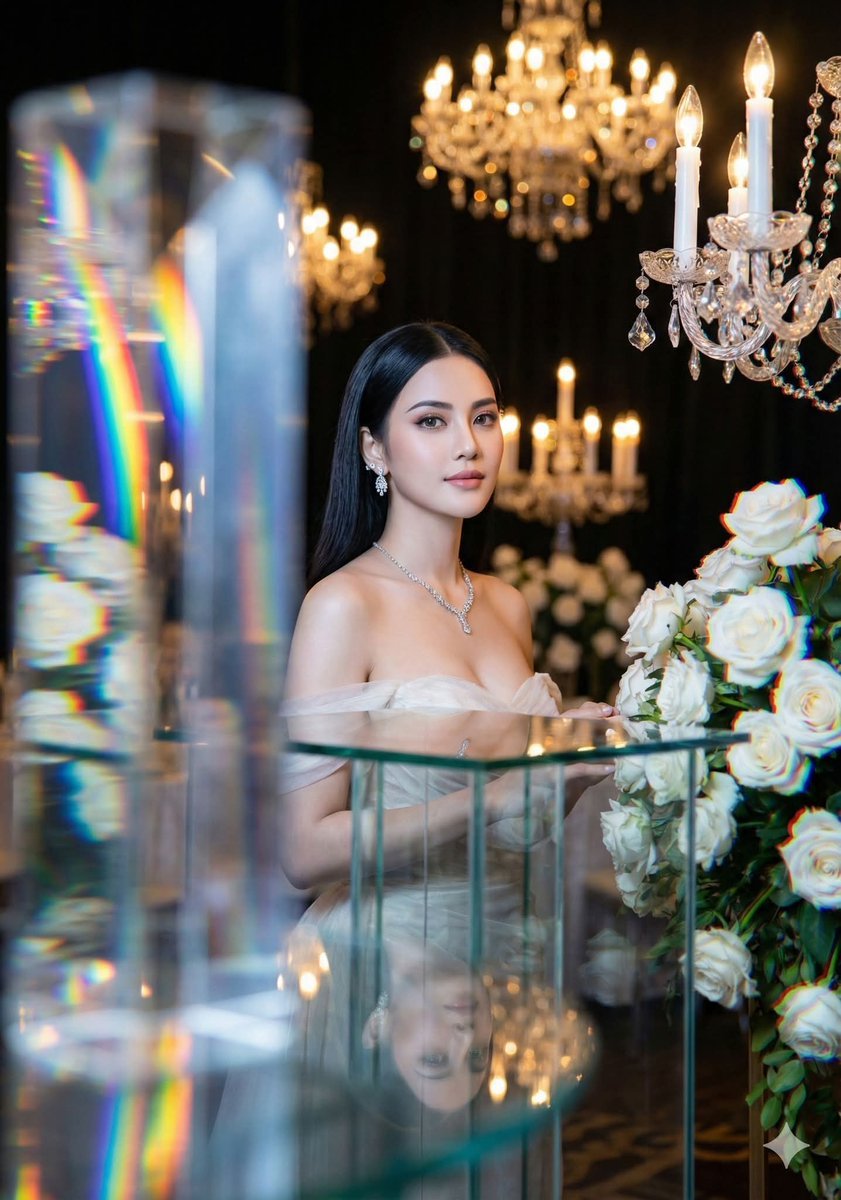
Refractive High Fashion Editorial Portrait
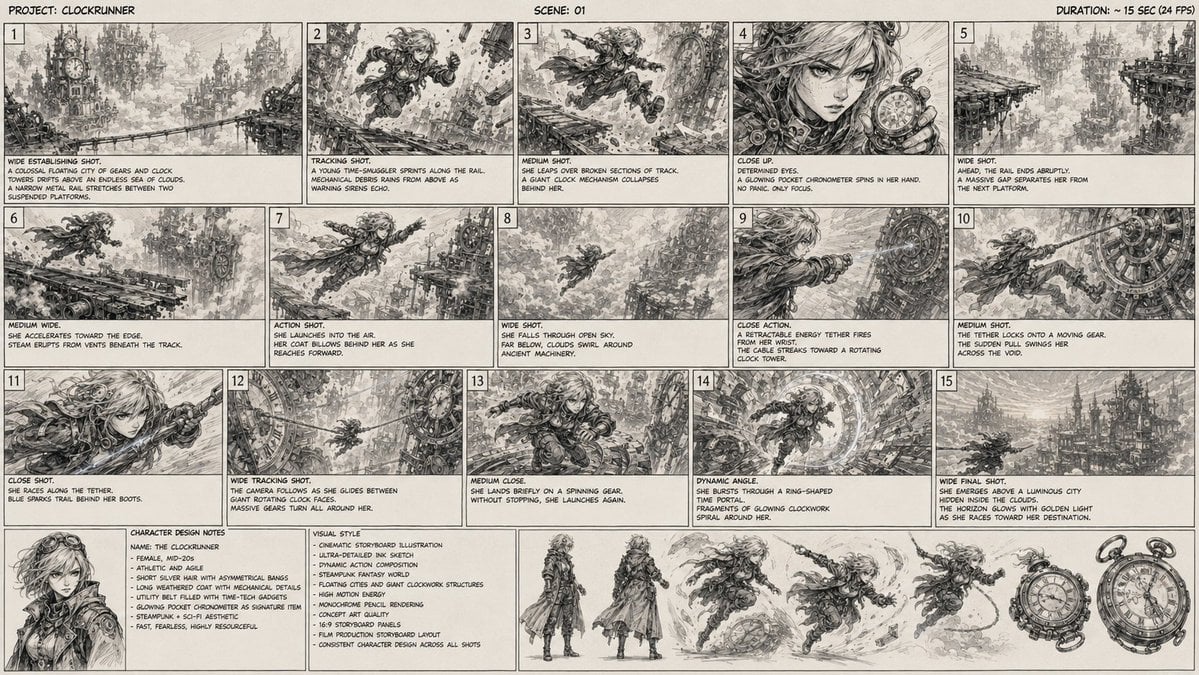
Clockrunner Steampunk Storyboard Sheet
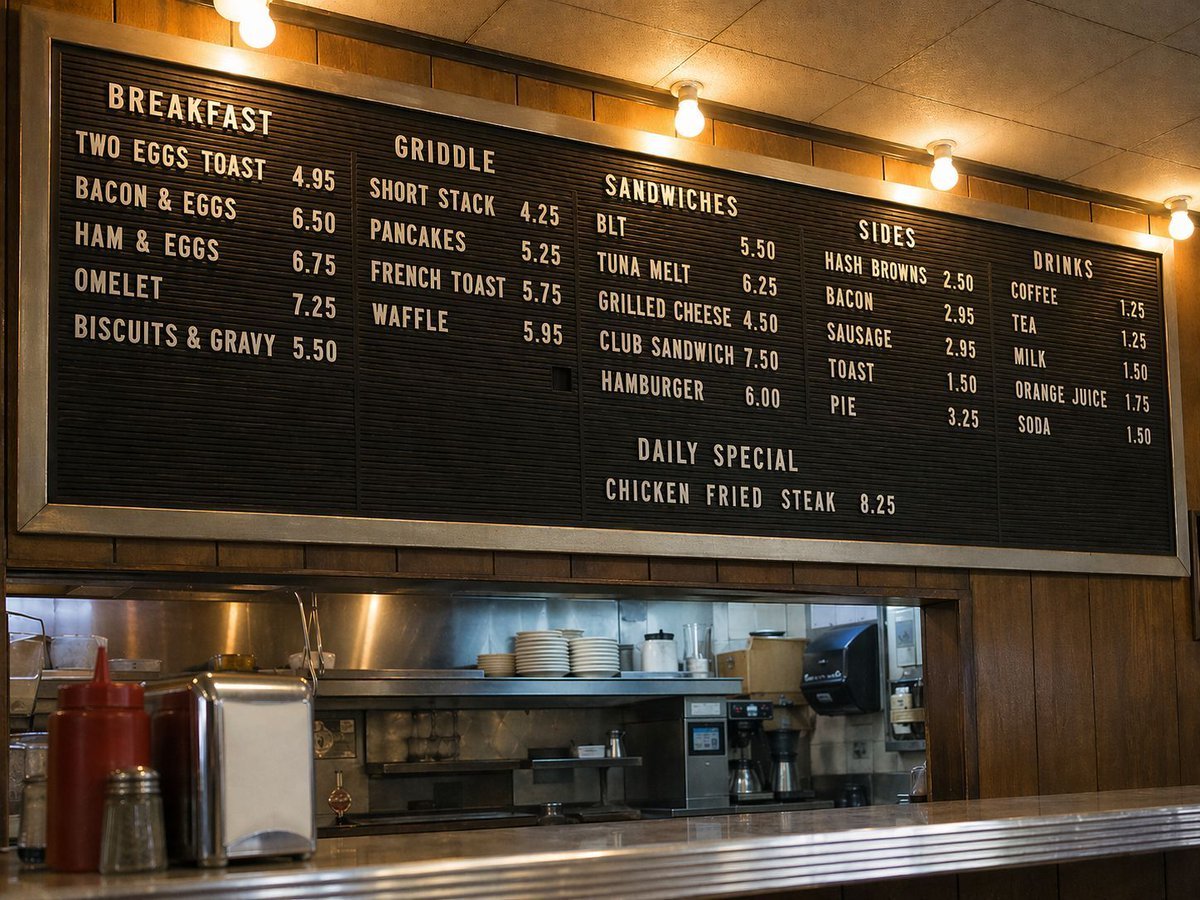
Vintage Diner Menu Board Scene
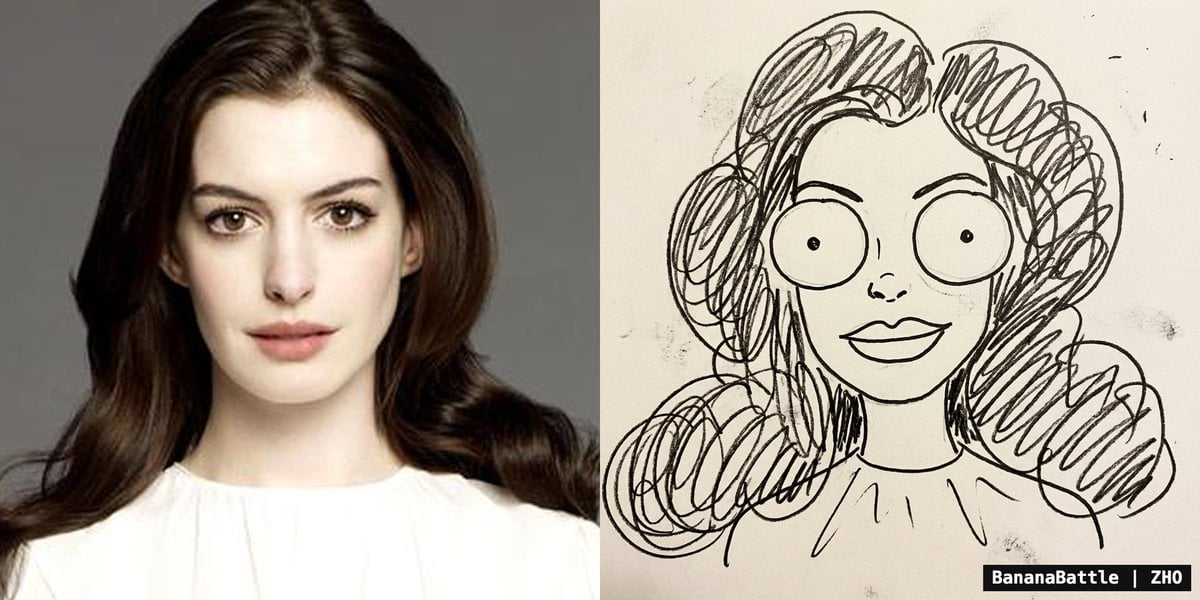
Naive doodle-style subject illustration
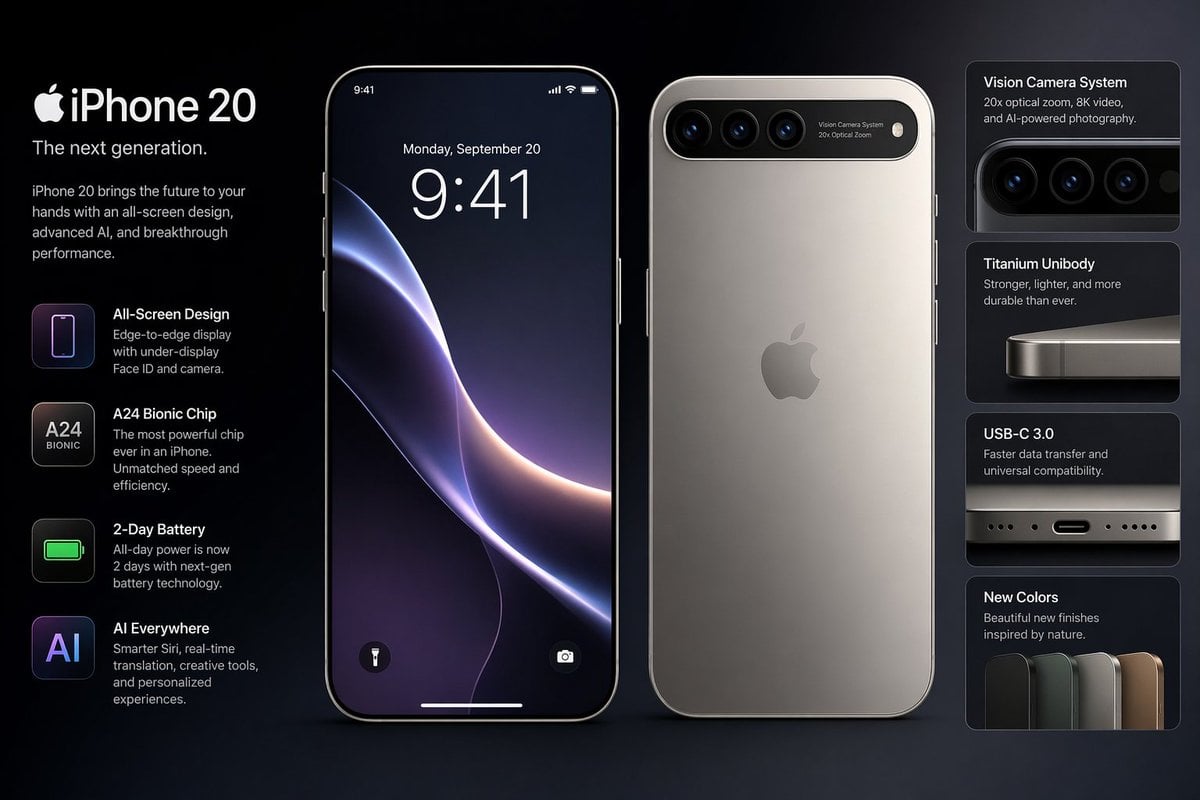
Future iPhone Design

Image Transformation into Watercolor Valentine's Day Card
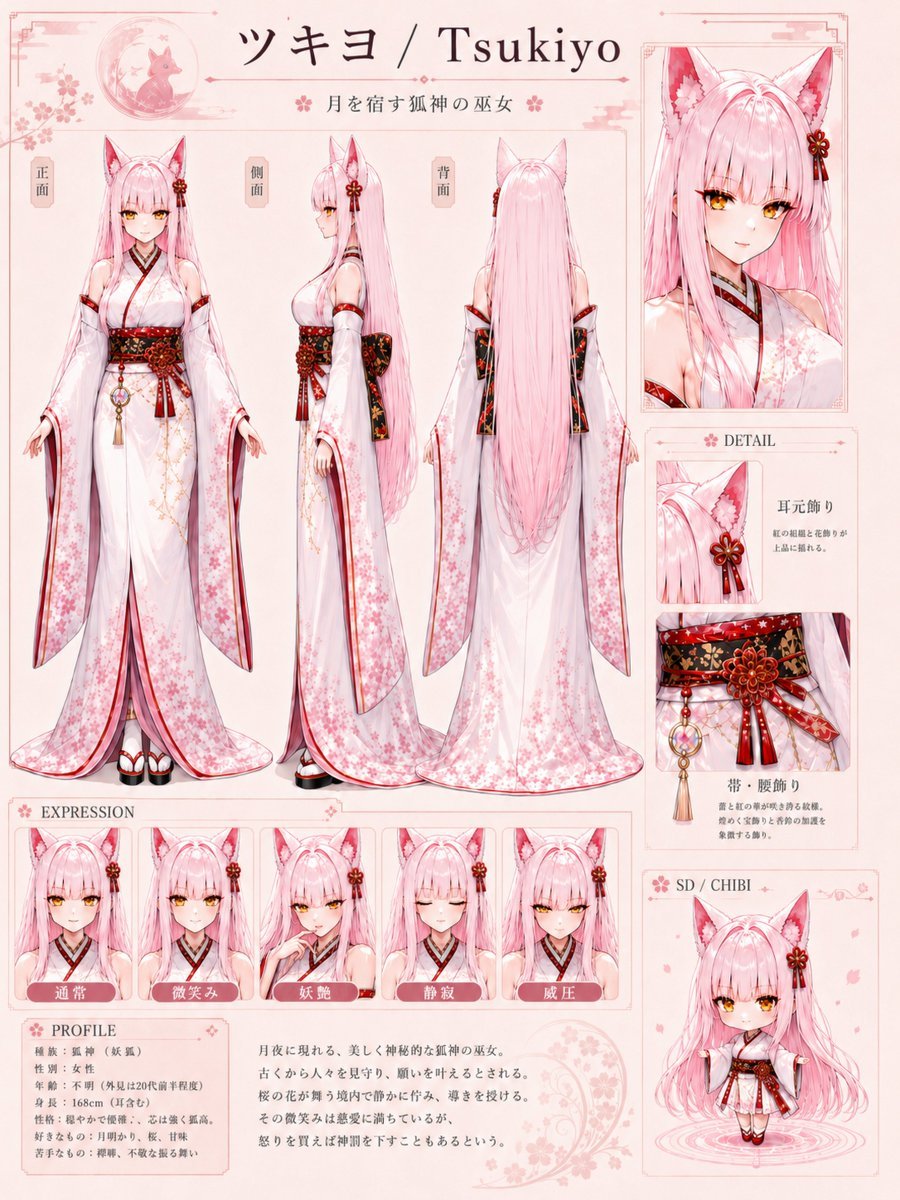
Tsukiyo Fox Shrine Maiden Reference Sheet

Chunkydog Hot Dog Mascot Logo
Browse template categories
Tennis Hydration Ad Poster questions
How do I use the Tennis Hydration Ad Poster template?
Add your photo if the template asks for one, edit the prompt if you like — the template's model and format are already selected — and press Generate. Your version opens in PicX Studio.
Can I customize the Tennis Hydration Ad Poster template?
Yes. You can change the subject, setting, lighting, mood, format, and available model controls before creating your image.
Is the Tennis Hydration Ad Poster template free?
Opening and editing this template is free. Generating uses credits, shown on the Generate button when you are signed in.
Which AI model should I use?
Start with GPT Image 2, which is the model associated with this template. You can compare another compatible model for a different finish.
Looking for something else? Browse all templates.

Your photo, any look
Thousands of ready templates for every top image and video model, from one credit balance.