
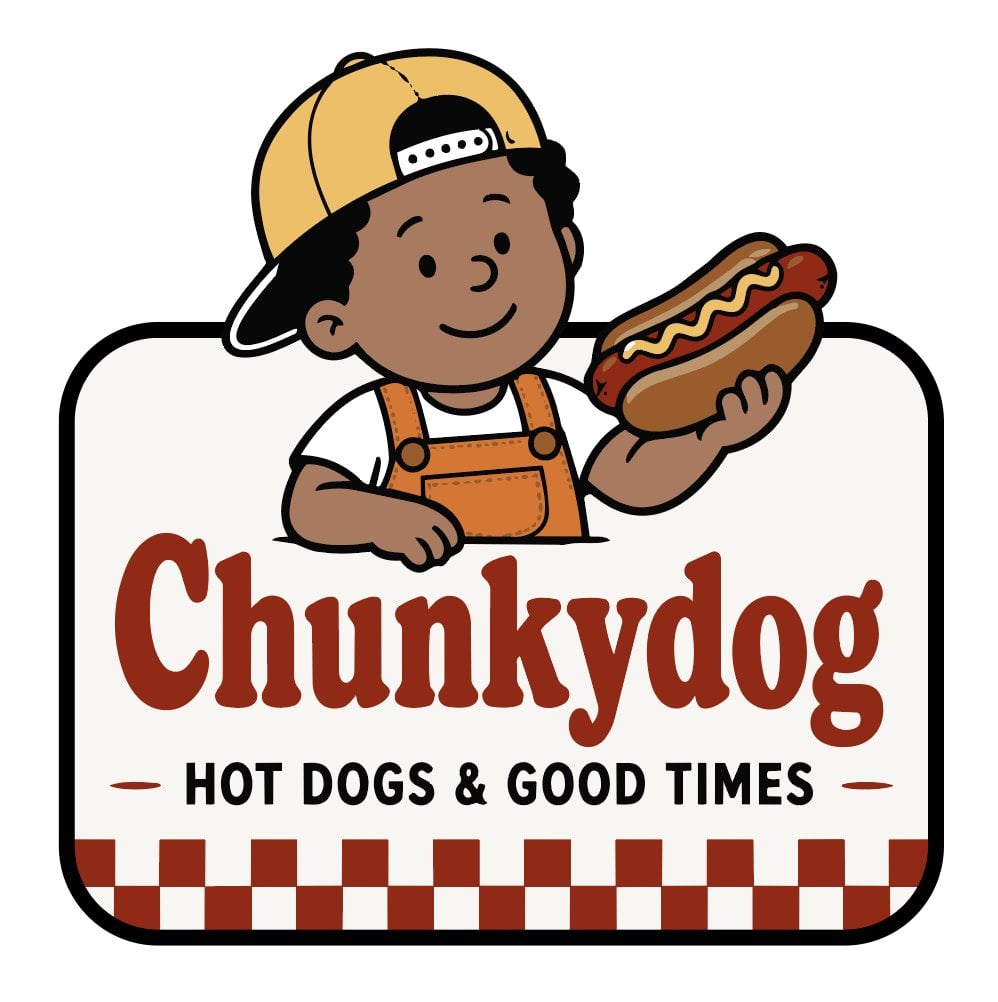
Chunkydog Hot Dog Mascot Logo
A friendly vector mascot logo for a hot dog restaurant featuring a smiling boy holding a hot dog above bold retro branding.
- Prompt included
- Model and format preset
- Free template
The prompt behind this image
Copy the exact prompt behind Chunkydog Hot Dog Mascot Logo, or open it in the studio and make it yours.
Create a clean vector-style mascot logo for a hot dog shop named {argument name="brand name" default="Chunkydog"}. The design is centered on a white background inside a rounded rectangular sign with a thick black outline and an off-white fill. At the top, show exactly 1 cheerful cartoon boy mascot leaning over the sign: medium-brown skin, simple dot eyes, small rounded nose, smiling mouth, short curly black hair, and a yellow baseball cap worn backward with a white adjustable strap. He wears exactly 2 visible clothing pieces: a white T-shirt and orange overalls with black outlines, stitching details, a front pocket, and 2 round overall buttons. His right arm rests on the sign edge, and his left hand holds exactly 1 oversized hot dog with a toasted brown bun, red sausage, yellow mustard zigzag, and red ketchup detail. Below the mascot, place the large brand word {argument name="brand name" default="Chunkydog"} in dark reddish-brown chunky retro serif lettering. Under it, add the tagline {argument name="tagline" default="HOT DOGS & GOOD TIMES"} in bold black uppercase sans-serif letters, centered, with exactly 2 small horizontal red dash ornaments, one on each side of the tagline. Along the bottom of the sign, create exactly 1 checkerboard border made of two rows of alternating dark red and off-white squares, approximately 18 columns across, aligned to the rounded sign edge. Use thick smooth black outlines, flat colors, friendly children’s-book proportions, minimal shading, and a polished restaurant logo look. Keep the composition symmetrical, readable, and uncluttered; no extra characters, no extra food items, no shadows outside the logo, no watermark.
How to use Chunkydog Hot Dog Mascot Logo in 3 steps
- 1Upload ImagePNG, JPG or paste
Add your photo
Upload the photo the template builds on. The prompt, model and format are already set.
- 2…a portrait of your subject in softgolden-hour light, 85mm…
Personalize
Edit the subject and creative details for your destination.
- 3Generate
Generate
Press Generate — your image is created in PicX Studio, so you can compare it with the original and refine one variable at a time.
More like this
Templates with the same subject, style or setup. Open one to see its prompt.











Make it yours
Chunkydog Hot Dog Mascot Logo works as-is. These are the safest ways to change it without losing the look.
Change one field
Copy a single group, rewrite it, and generate again so you can see what that field is doing.
Keep the frame, change the subject
Hold the composition and light of Chunkydog Hot Dog Mascot Logo, then swap wardrobe, props or the person for a new take.
| If the result… | Why | Fix |
|---|---|---|
| The result drifts from the preview | Too many fields changed at once. | Reuse Chunkydog Hot Dog Mascot Logo as-is first, then change one group — subject, light, or setting. |
| The model over-stylizes the scene | The prose prompt leaves finish and camera underspecified. | Add one camera or lighting sentence and stay on GPT Image 2. |
More GPT Image 2 templates
Other prompts made for GPT Image 2.

Six VTuber Japanese Logo Sheet

Realistic Portrait of Woman and Deer

The Vista Modular Condo Poster

AI Model Routing Comparison Infographic

2.5D Anime Art Board

Isometric Productivity Desk Scene

New York Double Exposure Poster

Four-Panel AI Landscape Comparison

Japanese Tatami Lifestyle Magazine Cover

NESCAFÉ Coffee Map Poster
More image prompts
Fresh picks from across the catalog.
Partial Petrification Knight Card Art
Barbarian Fantasy City Gate Procession
PET LOVE
Luxury food advertising hero frame prompt
Hyper-realistic Travel Food Postcard
Cinematic Mafia Boss Portrait Prompt

Entry-Level Gen Z Woman Generation
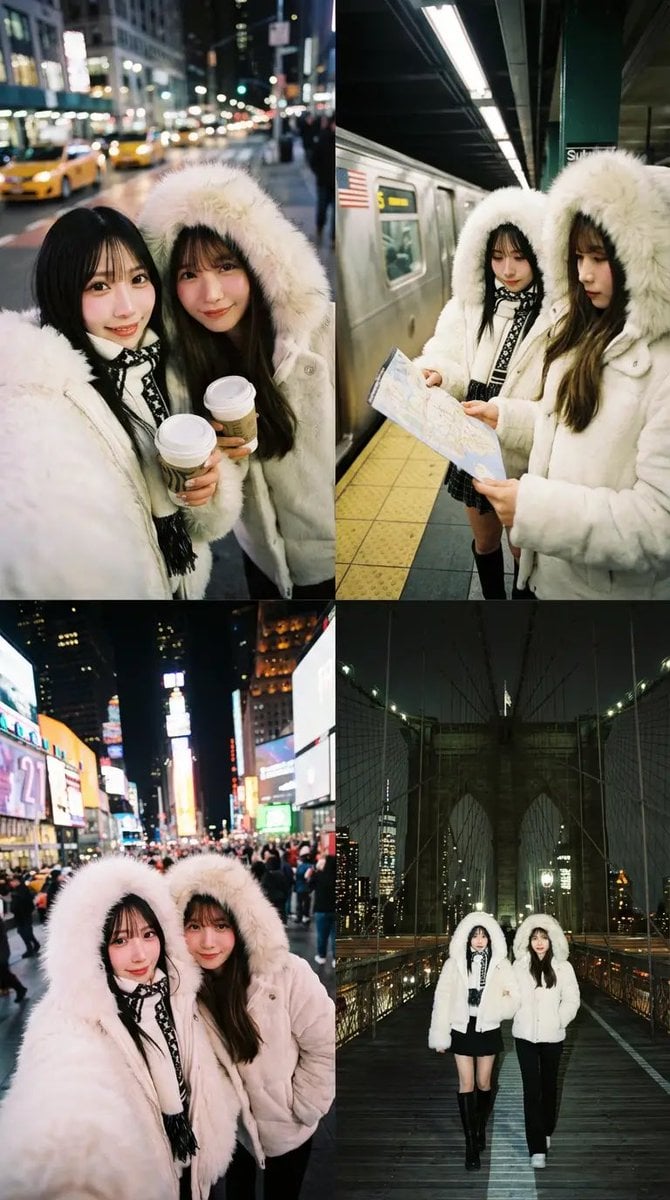
Dual Portrait Arrangement with Location Context
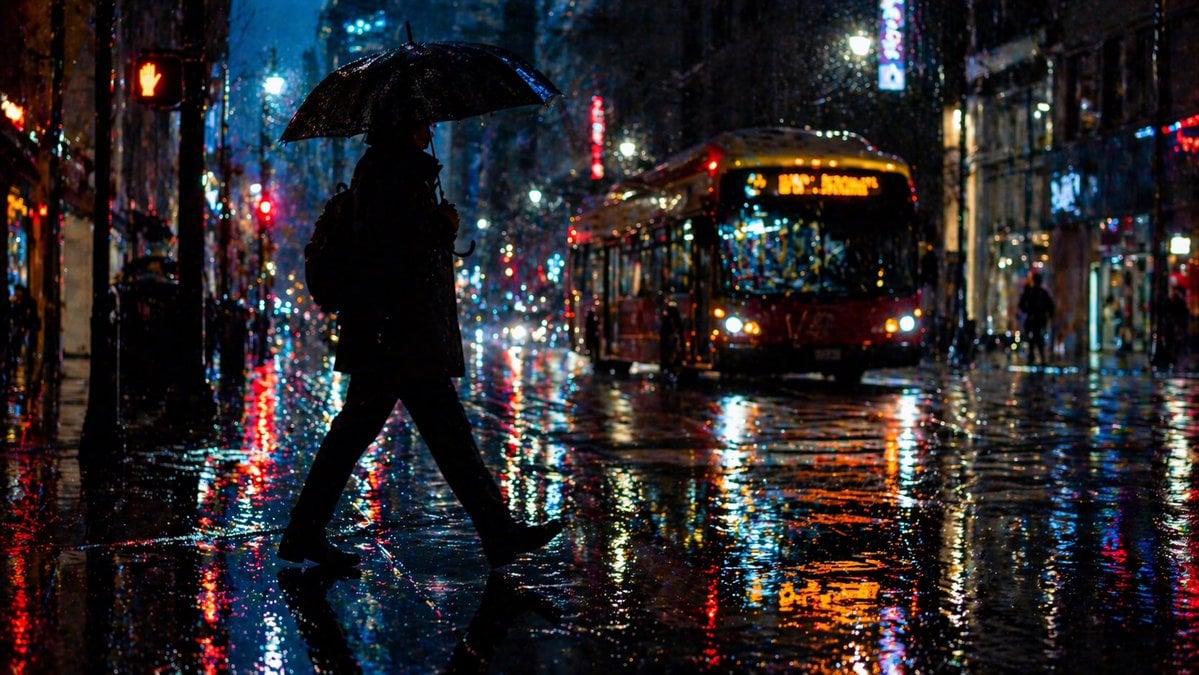
Rainy Night City Crossing
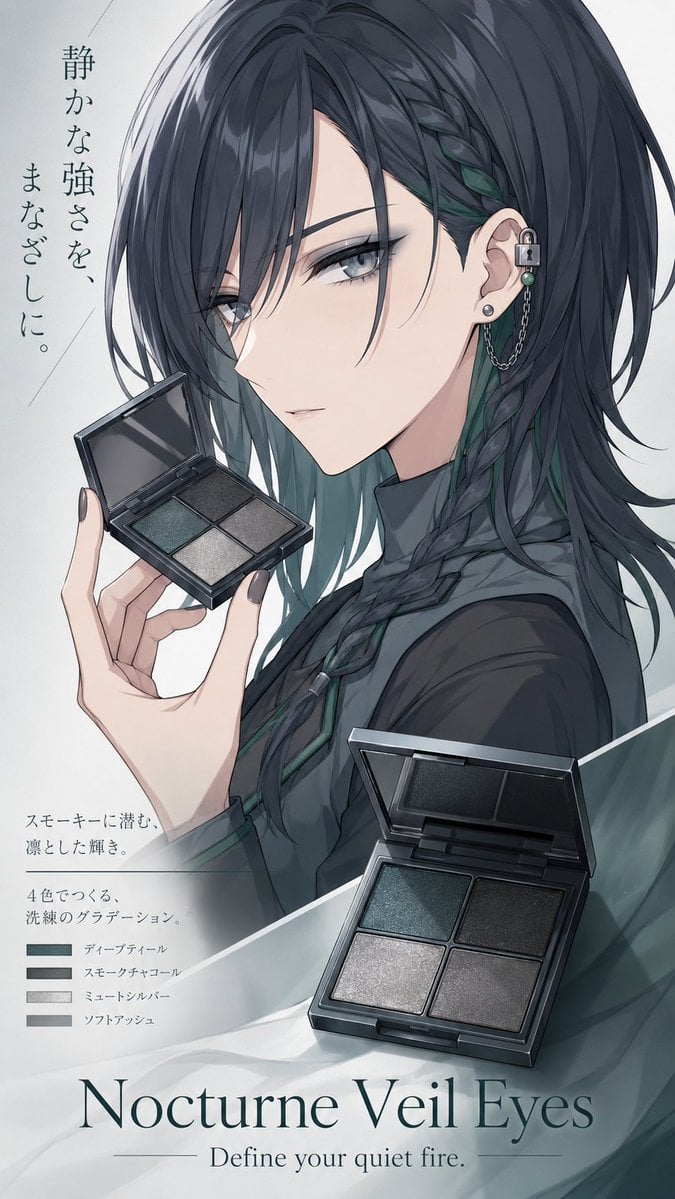
Nocturne Veil Eyes Anime Beauty Poster
Browse template categories
Chunkydog Hot Dog Mascot Logo questions
How do I use the Chunkydog Hot Dog Mascot Logo template?
Add your photo if the template asks for one, edit the prompt if you like — the template's model and format are already selected — and press Generate. Your version opens in PicX Studio.
Can I customize the Chunkydog Hot Dog Mascot Logo template?
Yes. You can change the subject, setting, lighting, mood, format, and available model controls before creating your image.
Is the Chunkydog Hot Dog Mascot Logo template free?
Opening and editing this template is free. Generating uses credits, shown on the Generate button when you are signed in.
Which AI model should I use?
Start with GPT Image 2, which is the model associated with this template. You can compare another compatible model for a different finish.
Looking for something else? Browse all templates.

Your photo, any look
Thousands of ready templates for every top image and video model, from one credit balance.