
PET LOVE
PET LOVE is a ready photo look.
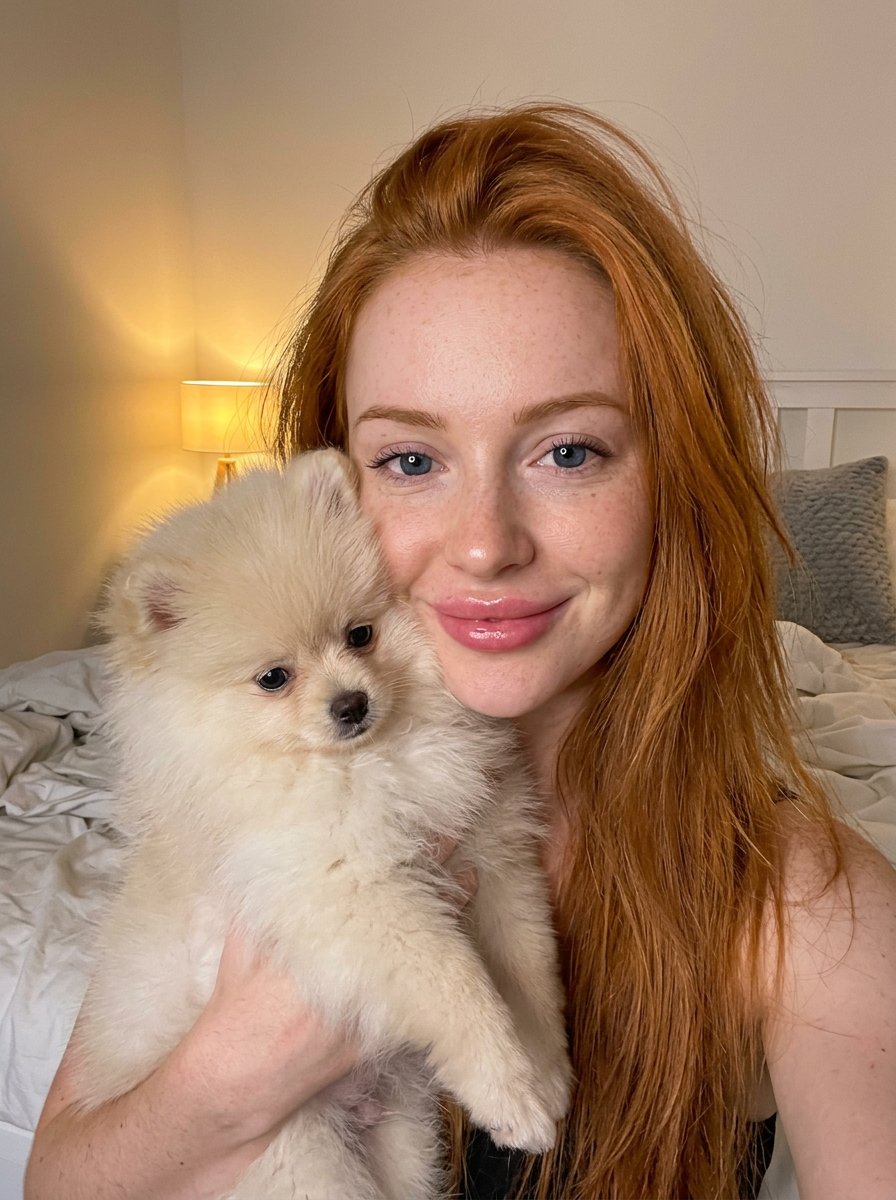
- Prompt included
- Model and format preset
- Free template
The prompt behind this image
Copy the exact prompt behind PET LOVE, or open it in the studio and make it yours.
- Prompt › Subject › Person › Gender
- Female
- Prompt › Subject › Person › Age Group
- Young adult
- Prompt › Subject › Person › Hair › Color
- Vibrant reddish-orange (ginger)
- Prompt › Subject › Person › Hair › Style
- Long, straight, casual, slightly tousled
- Prompt › Subject › Person › Hair › Texture
- Silky
- Prompt › Subject › Person › Face › Shape
- Heart-shaped with soft, rounded cheeks and a delicate jawline
- Prompt › Subject › Person › Face › Skin
- Fair complexion, porcelain finish with light natural freckles
- Prompt › Subject › Person › Face › Eyes › Color
- Deep, expressive blue
- Prompt › Subject › Person › Face › Eyes › Shape
- Large, heavy-lidded, slightly downturned almond shape (doe-eyed look)
- Prompt › Subject › Person › Face › Eyes › Makeup
- Minimal, natural lashes
- Prompt › Subject › Person › Face › Nose
- Small, delicate, slightly upturned button nose
- Prompt › Subject › Person › Face › Lips
- Full, pillowy, pouty shape, glossy soft pink, slight smile
- Prompt › Subject › Person › Face › Expression
- Warm, happy, intimate connection with camera
- Prompt › Subject › Animal › Species
- Dog
- Prompt › Subject › Animal › Breed
- Pomeranian puppy
- Prompt › Subject › Animal › Color
- Cream/white
- Prompt › Subject › Animal › Texture
- Extremely fluffy, soft fur
- Prompt › Subject › Animal › Pose
- Held close to the person's cheek
- Prompt › Subject › Animal › Expression
- Calm, adorable
- Prompt › Environment › Setting
- Bedroom interior
- Prompt › Environment › Background › Elements
- Unmade bed with white linens, Grey textured throw pillow, White headboard, Warm bedside lamp glowing in the background
- Prompt › Environment › Background › Depth Of Field
- Softly blurred background (bokeh) to emphasize subjects
- Prompt › Lighting › Type
- Mixed indoor lighting
- Prompt › Lighting › Quality
- Warm ambient light from lamp, soft frontal fill light (possibly ring light reflection visible in eyes)
Raw JSON
{
  "prompt": {
    "subject": {
      "person": {
        "gender": "Female",
        "age_group": "Young adult",
        "hair": {
          "color": "Vibrant reddish-orange (ginger)",
          "style": "Long, straight, casual, slightly tousled",
          "texture": "Silky"
        },
        "face": {
          "shape": "Heart-shaped with soft, rounded cheeks and a delicate jawline",
          "skin": "Fair complexion, porcelain finish with light natural freckles",
          "eyes": {
            "color": "Deep, expressive blue",
            "shape": "Large, heavy-lidded, slightly downturned almond shape (doe-eyed look)",
            "makeup": "Minimal, natural lashes"
          },
          "nose": "Small, delicate, slightly upturned button nose",
          "lips": "Full, pillowy, pouty shape, glossy soft pink, slight smile",
          "expression": "Warm, happy, intimate connection with camera"
        }
      },
      "animal": {
        "species": "Dog",
        "breed": "Pomeranian puppy",
        "color": "Cream/white",
        "texture": "Extremely fluffy, soft fur",
        "pose": "Held close to the person's cheek",
        "expression": "Calm, adorable"
      }
    },
    "environment": {
      "setting": "Bedroom interior",
      "background": {
        "elements": [
          "Unmade bed with white linens",
          "Grey textured throw pillow",
          "White headboard",
          "Warm bedside lamp glowing in the background"
        ],
        "depth_of_field": "Softly blurred background (bokeh) to emphasize subjects"
      }
    },
    "lighting": {
      "type": "Mixed indoor lighting",
      "quality": "Warm ambient light from lamp, soft frontal fill light (possibly ring light reflection visible in eyes)",
      "mood": "Cozy, inviting, golden hour feel"
    },
    "technical_specifications": {
      "resolution": "4K Ultra HD",
      "aspect_ratio": "Vertical (Portrait)",
      "style": "Photorealistic, candid selfie style, high fidelity",
      "camera_settings": "Sharp focus on eyes and facial features, macro details visible"
    }
  }
}How to use PET LOVE in 3 steps
- 1
Open
The prompt is already in the box next to the preview, with the template's model and format selected.
- 2…a portrait of your subject in softgolden-hour light, 85mm…
Personalize
Edit the subject and creative details for your destination.
- 3Generate
Generate
Press Generate — your image is created in PicX Studio, so you can compare it with the original and refine one variable at a time.
More like this
Templates with the same subject, style or setup. Open one to see its prompt.
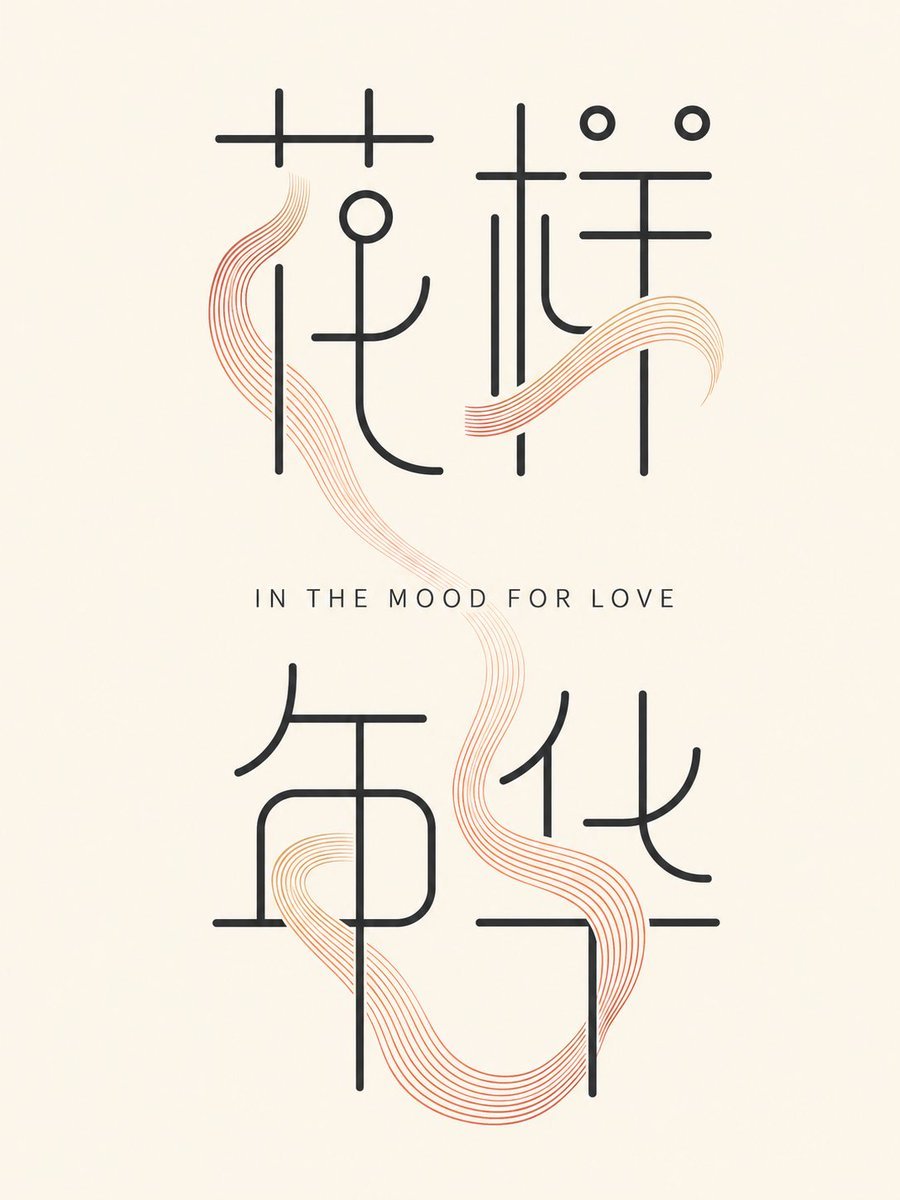
Minimalist In the Mood for Love Typography Poster
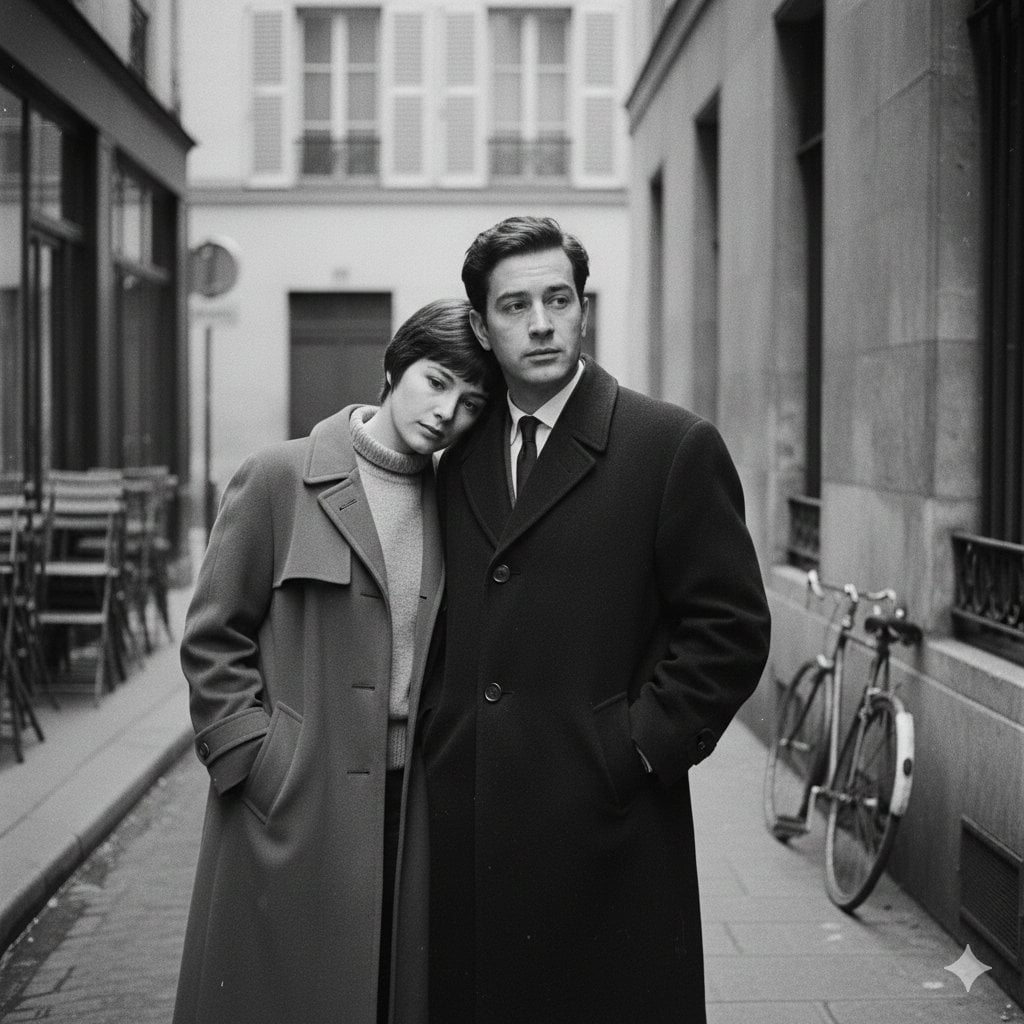
A French New Wave style minimalist lovers scene, black and white, 1950s
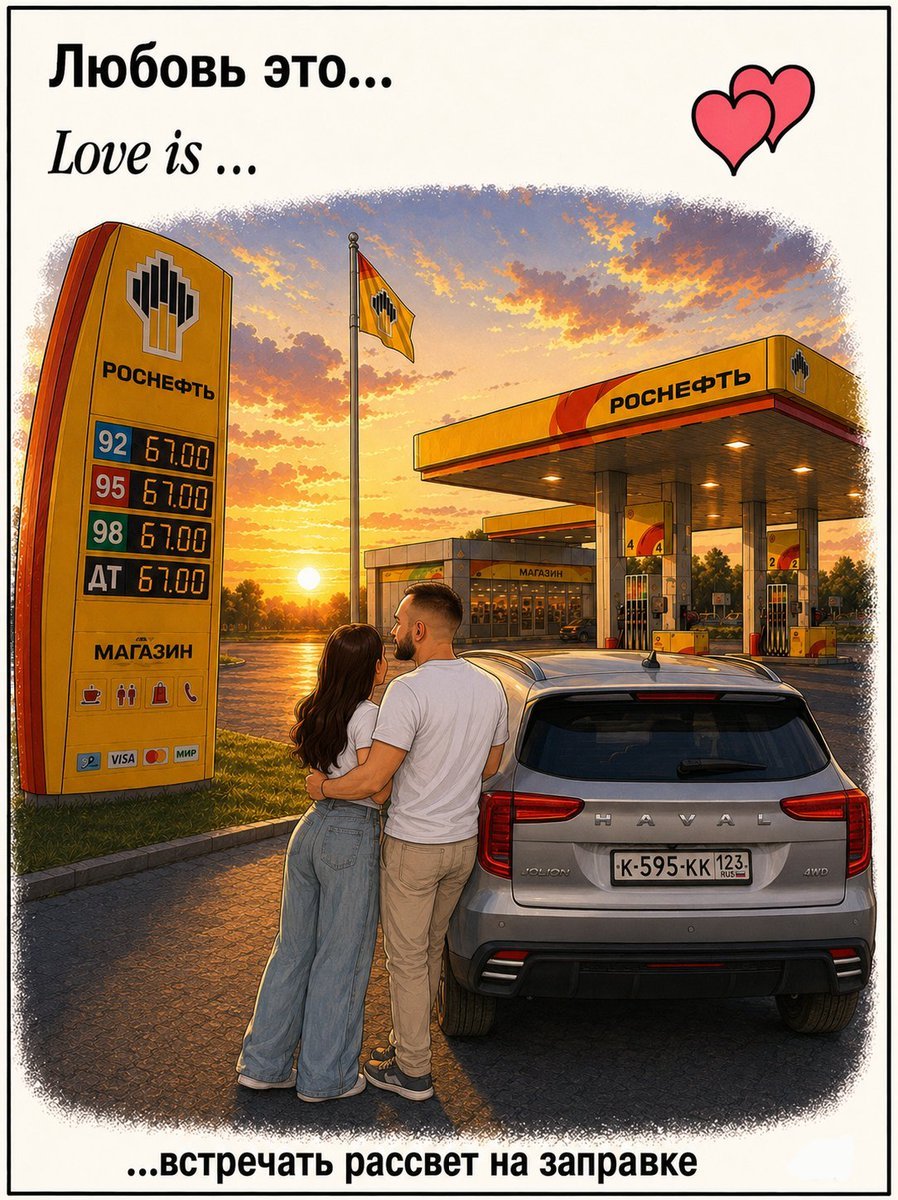
Love Is Gas Station Sunrise Poster
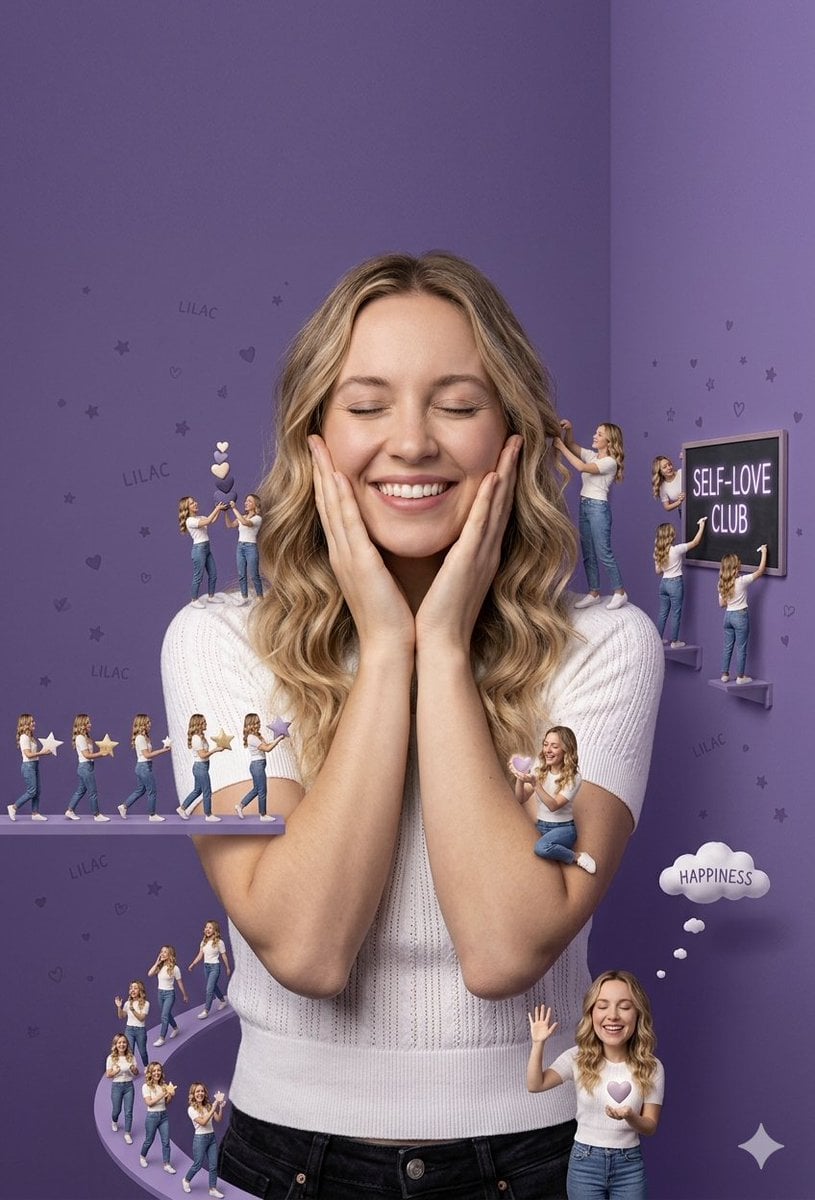
Lilac Whimsical Self-Love Concept
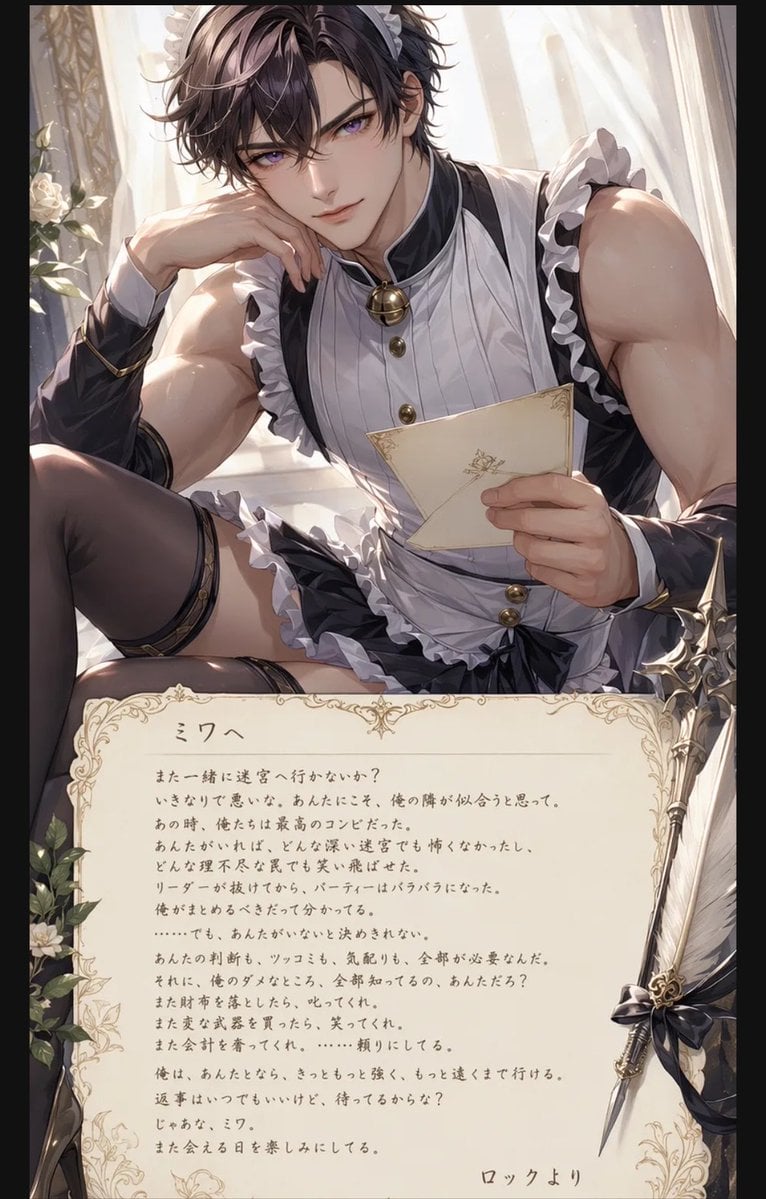
Anime Maid Character Love Letter
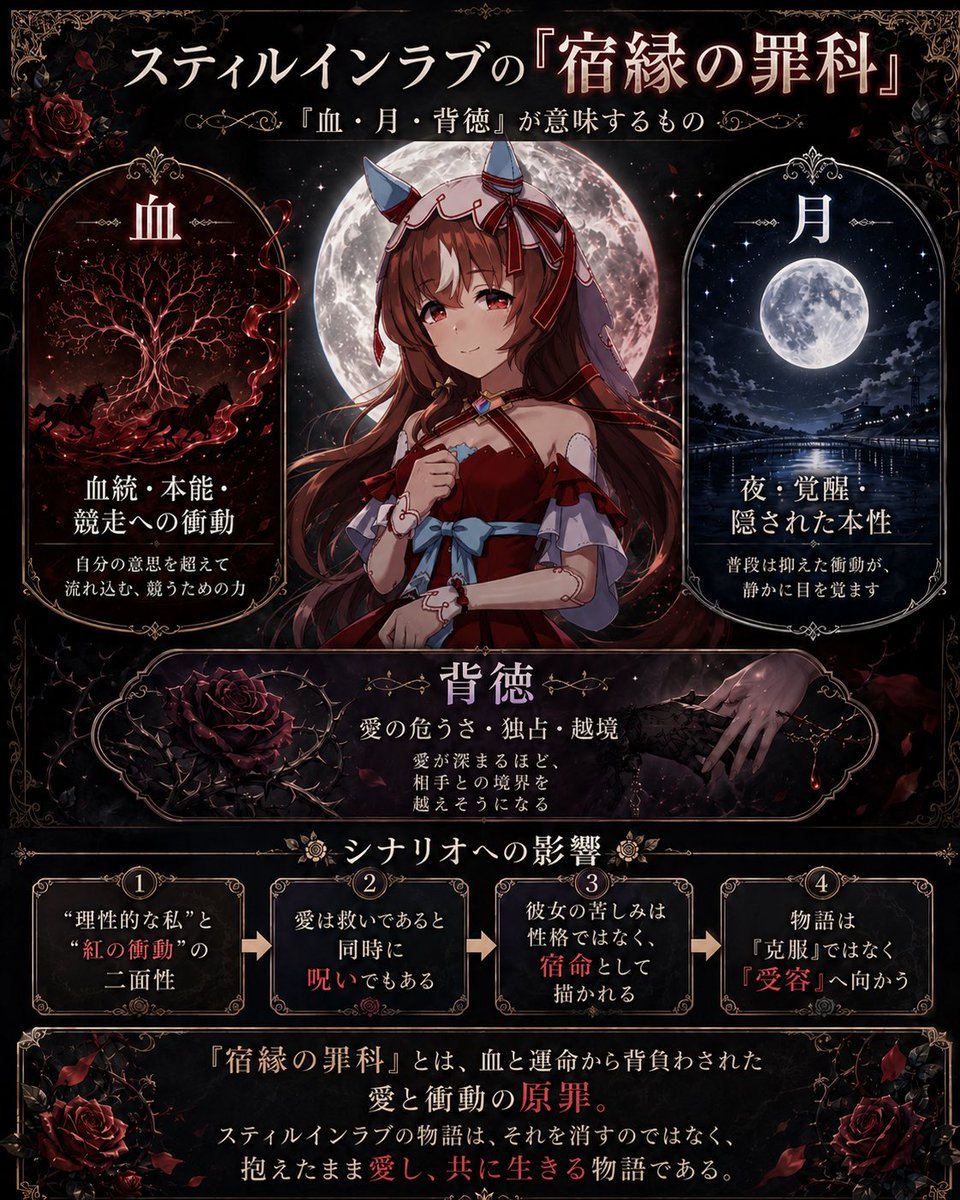
Gothic Still in Love Analysis Poster
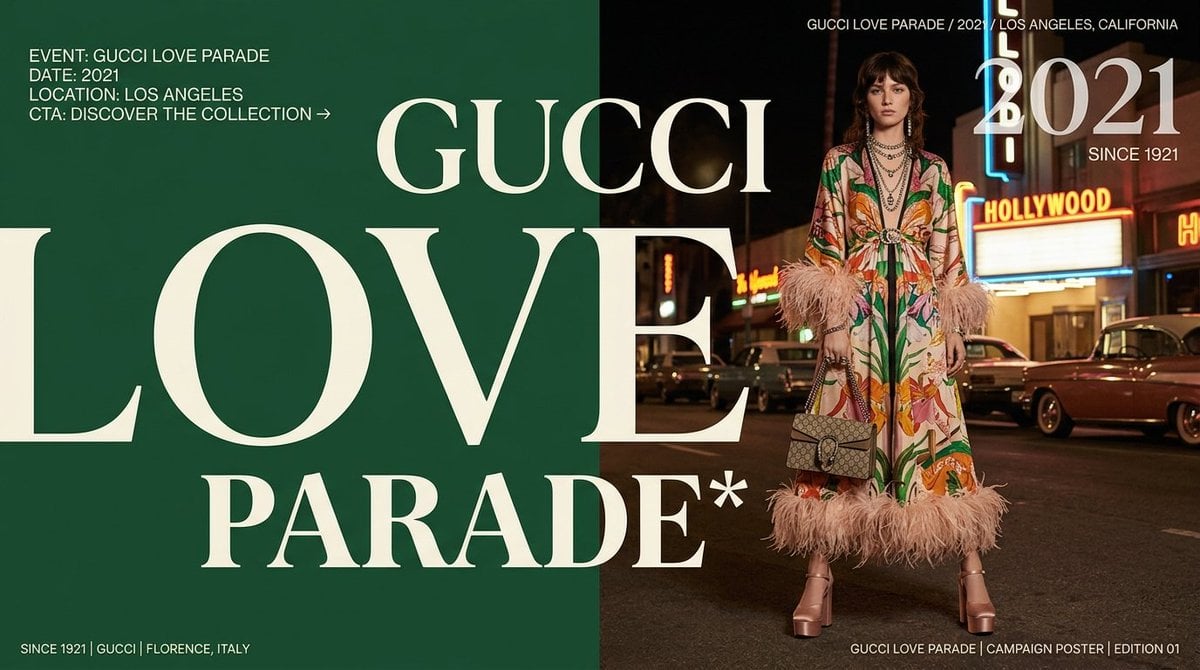
Gucci Love Parade Fashion Poster
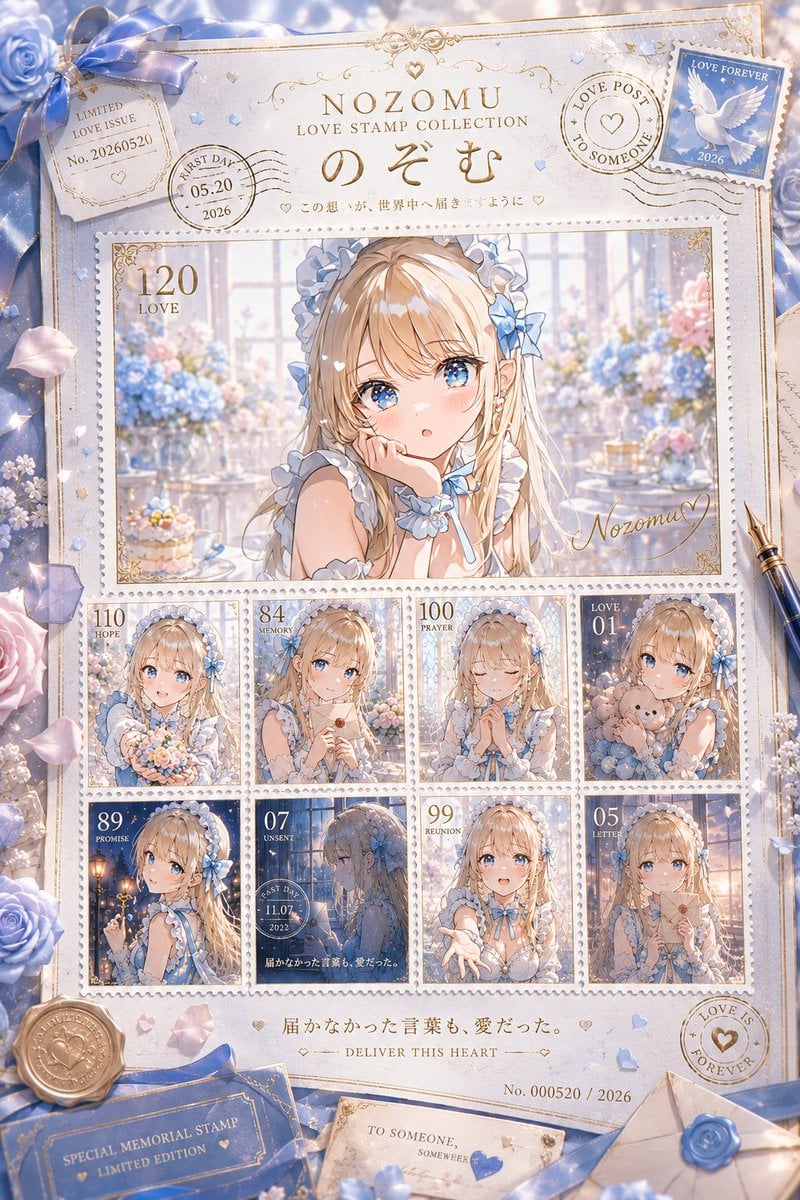
Anime Love Stamp Sheet
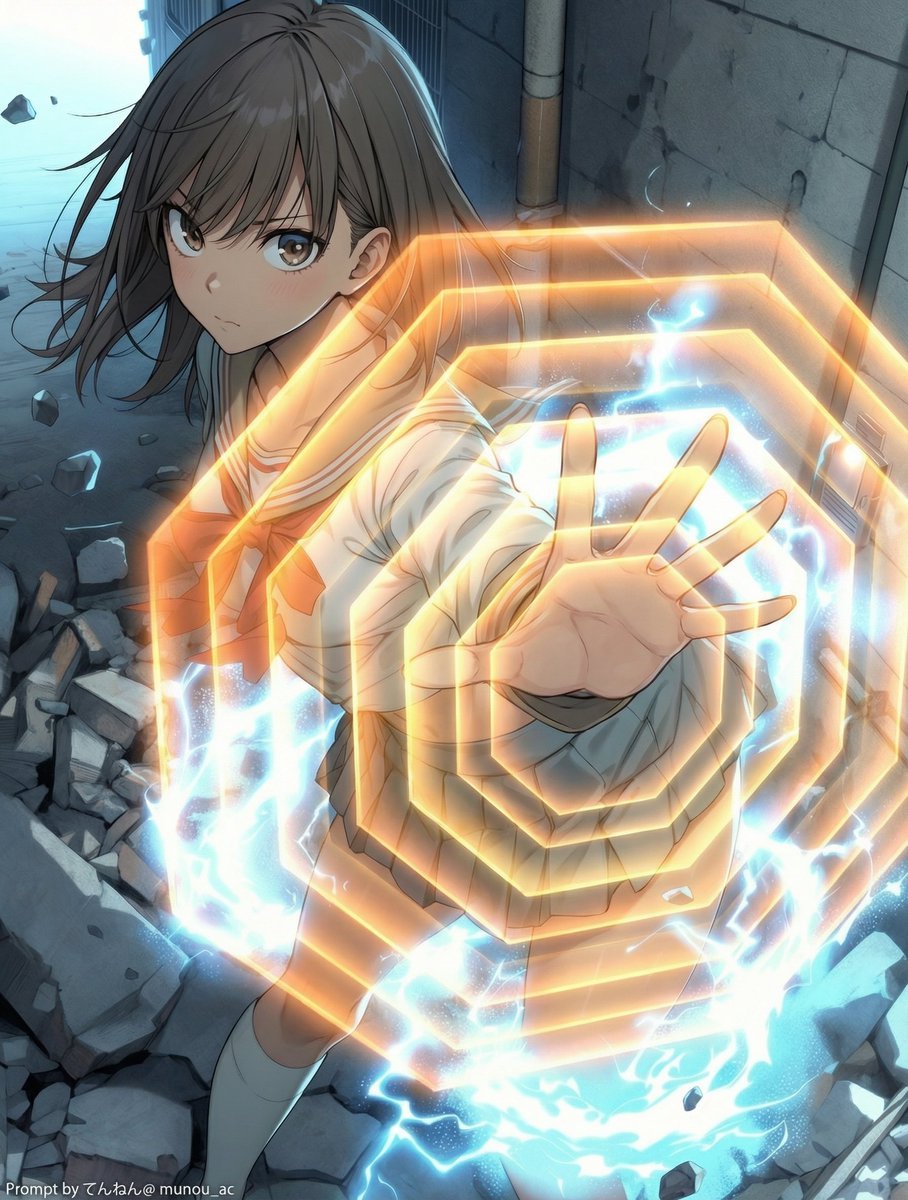
Field Expansion Prompt: Lost Love Girls
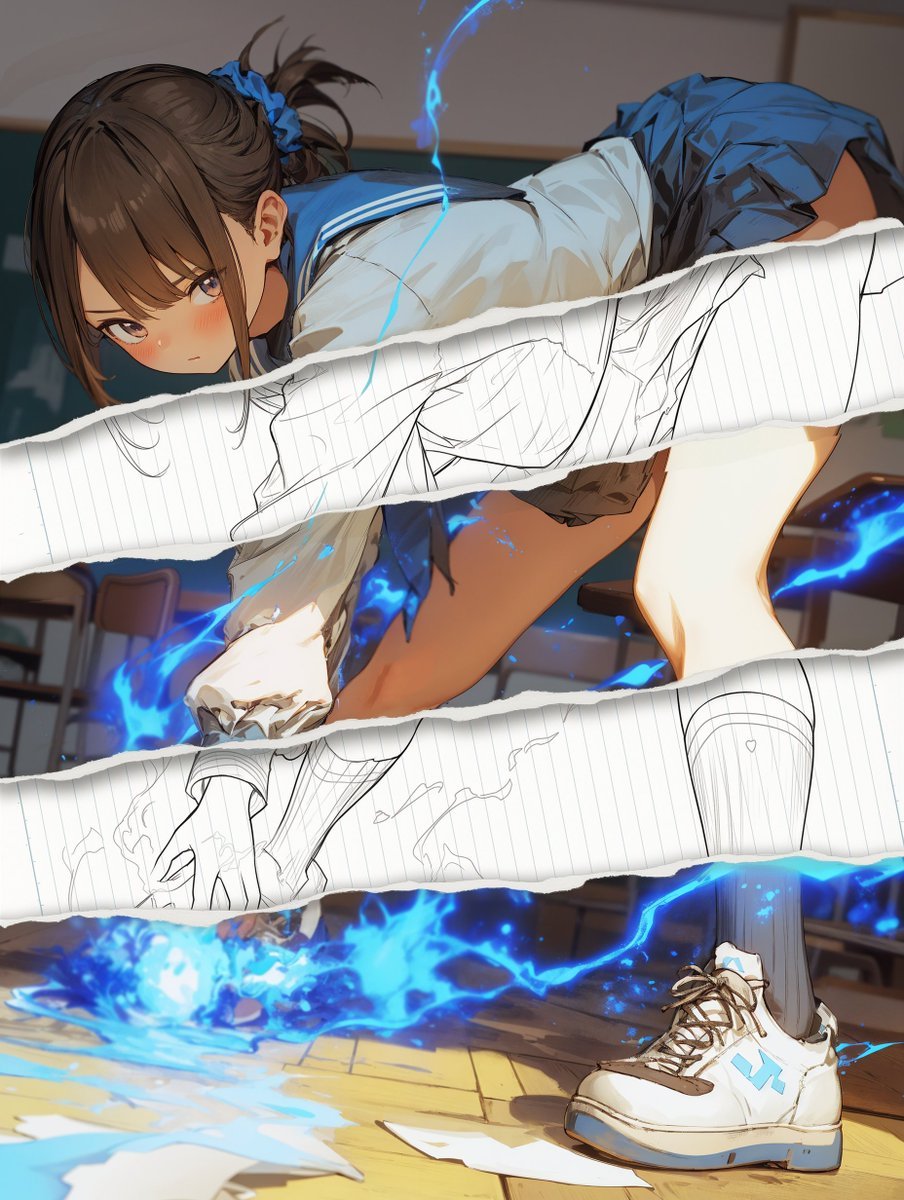
Style Change Prompt for Damaged Areas: Lost Love Girls
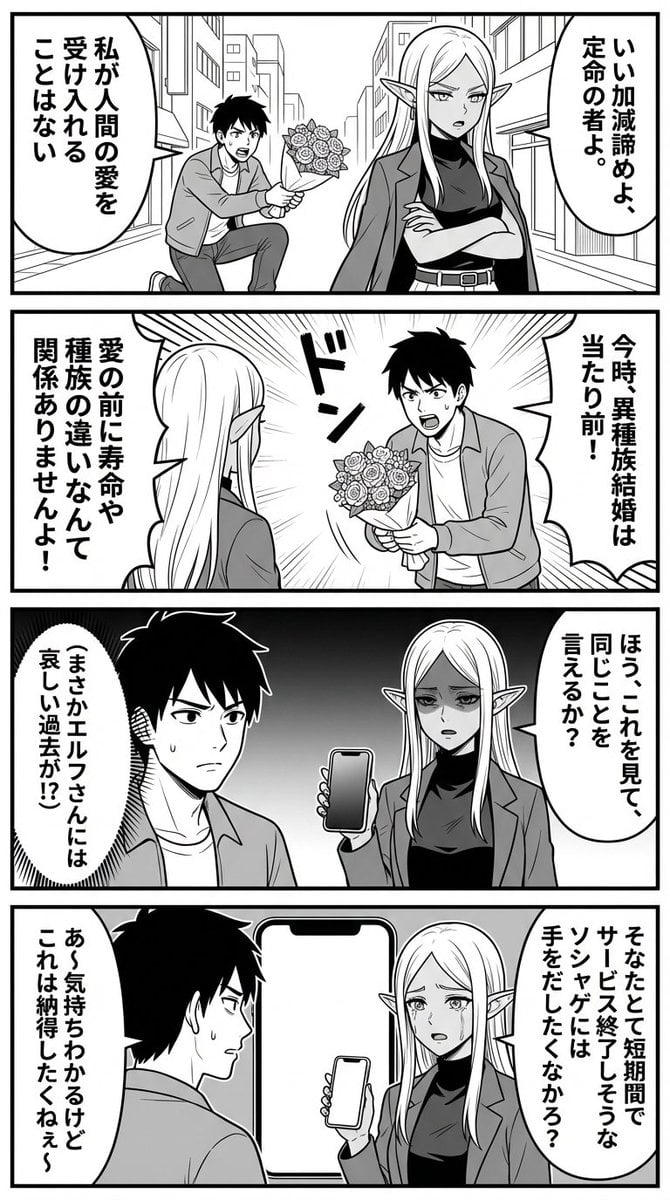
Nano Banana Comic Prompt: Elf and Human Love Comedy

Op Art LOVE Typography Poster Prompt
Make it yours
PET LOVE works as-is. These are the safest ways to change it without losing the look.
Swap the setting
Keep the rest of the prompt and replace the location block. The current setting is “Bedroom interior”.
Swap the light
One lighting change is enough to compare takes. Current light: “Mixed indoor lighting”.
Change one field
Copy a single group, rewrite it, and generate again so you can see what that field is doing.
| If the result… | Why | Fix |
|---|---|---|
| The result drifts from the preview | Too many fields changed at once. | Reuse PET LOVE as-is first, then change one group — subject, light, or setting. |
| PicX Studio ignores part of the JSON | Some models flatten or skip nested keys. | Keep the same values and paste them as a short paragraph instead. |
More image prompts
Fresh picks from across the catalog.
Candid Lo-Fi Night Photo Editing Instruction
Cyberpunk Mechanic with Massive Exosuit Backpack
Colorful New Year's Illustration Prompt
Two-Page Psychological Thriller Manga Spread
Behind-the-Scenes Generation Prompt
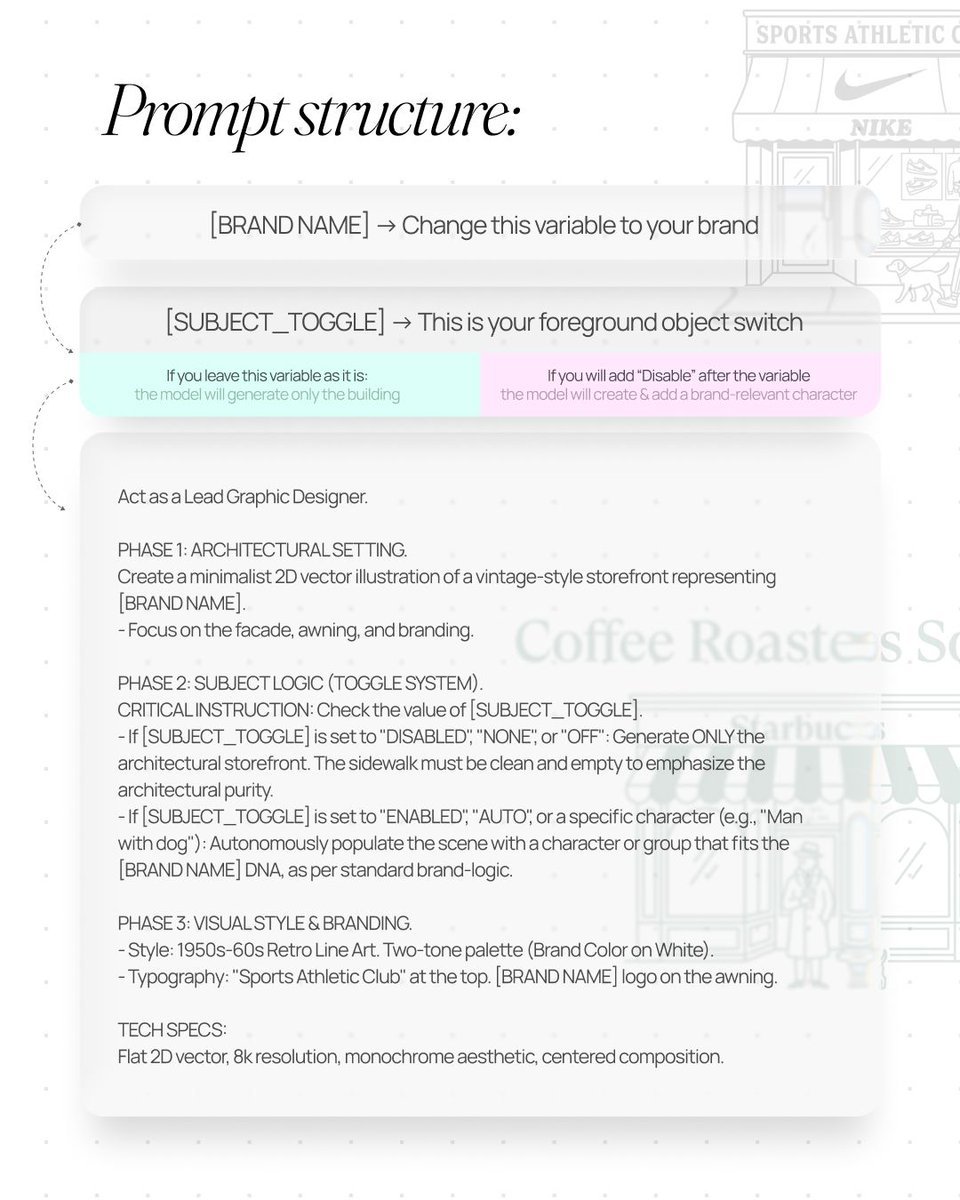
Retro Line Art Storefront Illustration Generator Template
Image Time Travel to 2025 (Reference)
Hyper-Realistic Navy Fashion Photoshoot
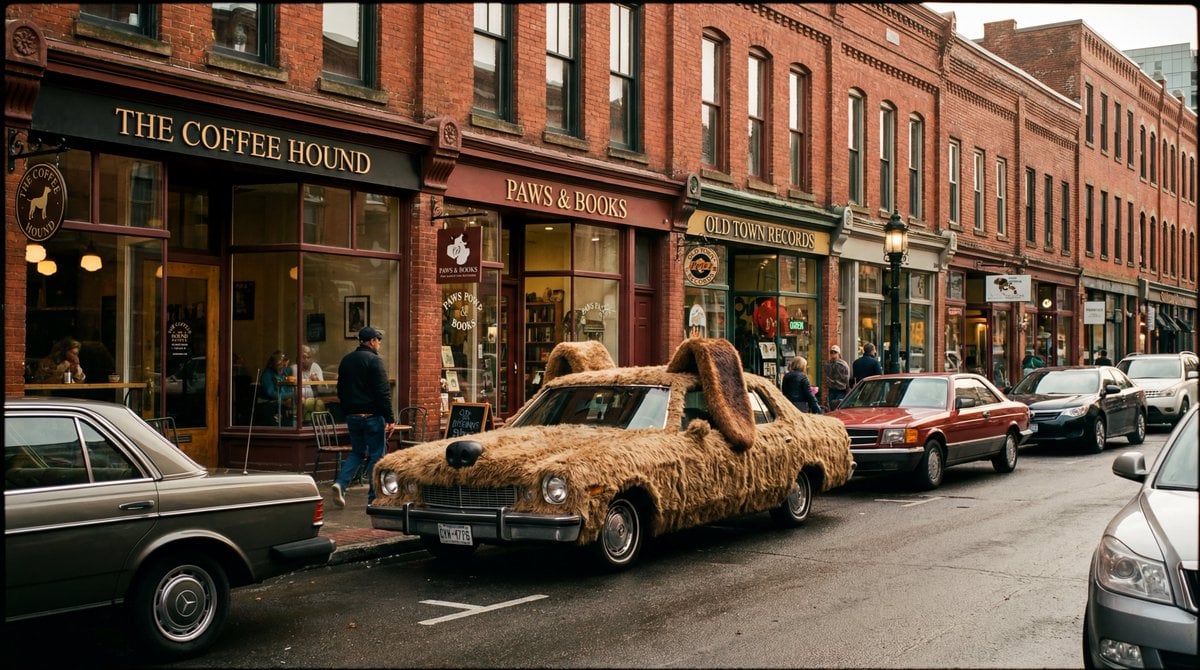
Cinematic Wide-Shot with Dog Fur Car
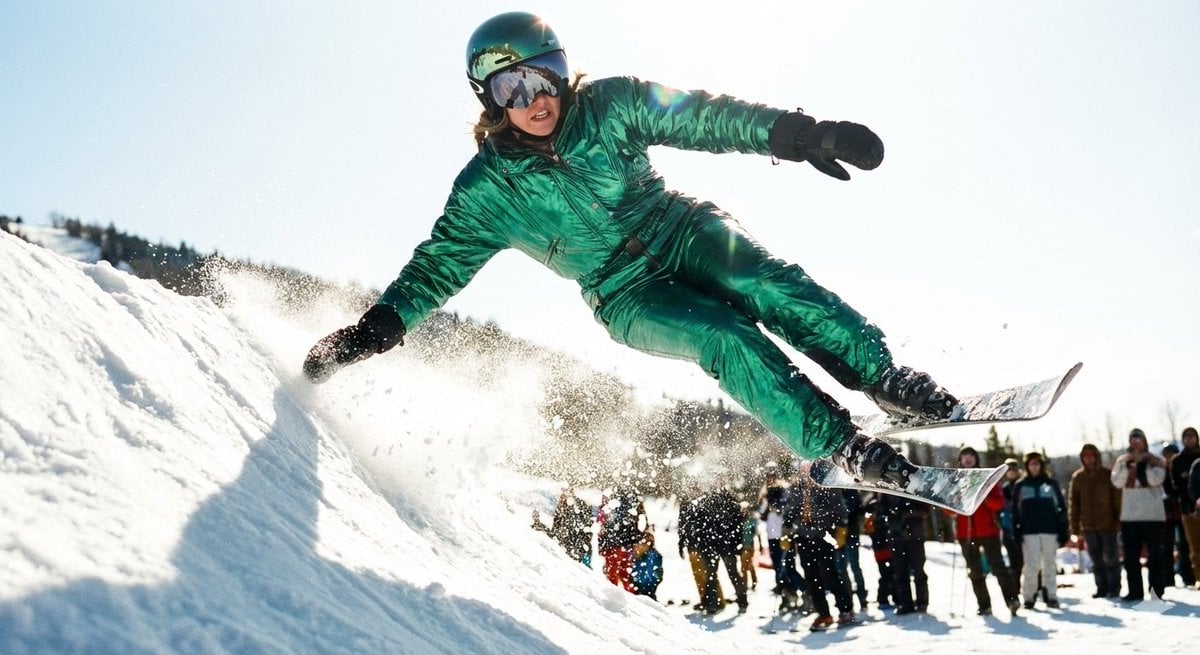
Extreme Ski Jump Action Shot (Cinestill Film Style)
Browse template categories
PET LOVE questions
How do I use the PET LOVE template?
Add your photo if the template asks for one, edit the prompt if you like — the template's model and format are already selected — and press Generate. Your version opens in PicX Studio.
Can I customize the PET LOVE template?
Yes. You can change the subject, setting, lighting, mood, format, and available model controls before creating your image.
Is the PET LOVE template free?
Opening and editing this template is free. Generating uses credits, shown on the Generate button when you are signed in.
Which AI model should I use?
Choose a compatible model in PicX Studio based on the style, speed, and output controls your project needs.
Looking for something else? Browse all templates.

Your photo, any look
Thousands of ready templates for every top image and video model, from one credit balance.