
Minimalist In the Mood for Love Typography Poster
Generates an elegant Chinese typographic art-house poster with monoline characters and flowing silk-like gradient line ornaments.
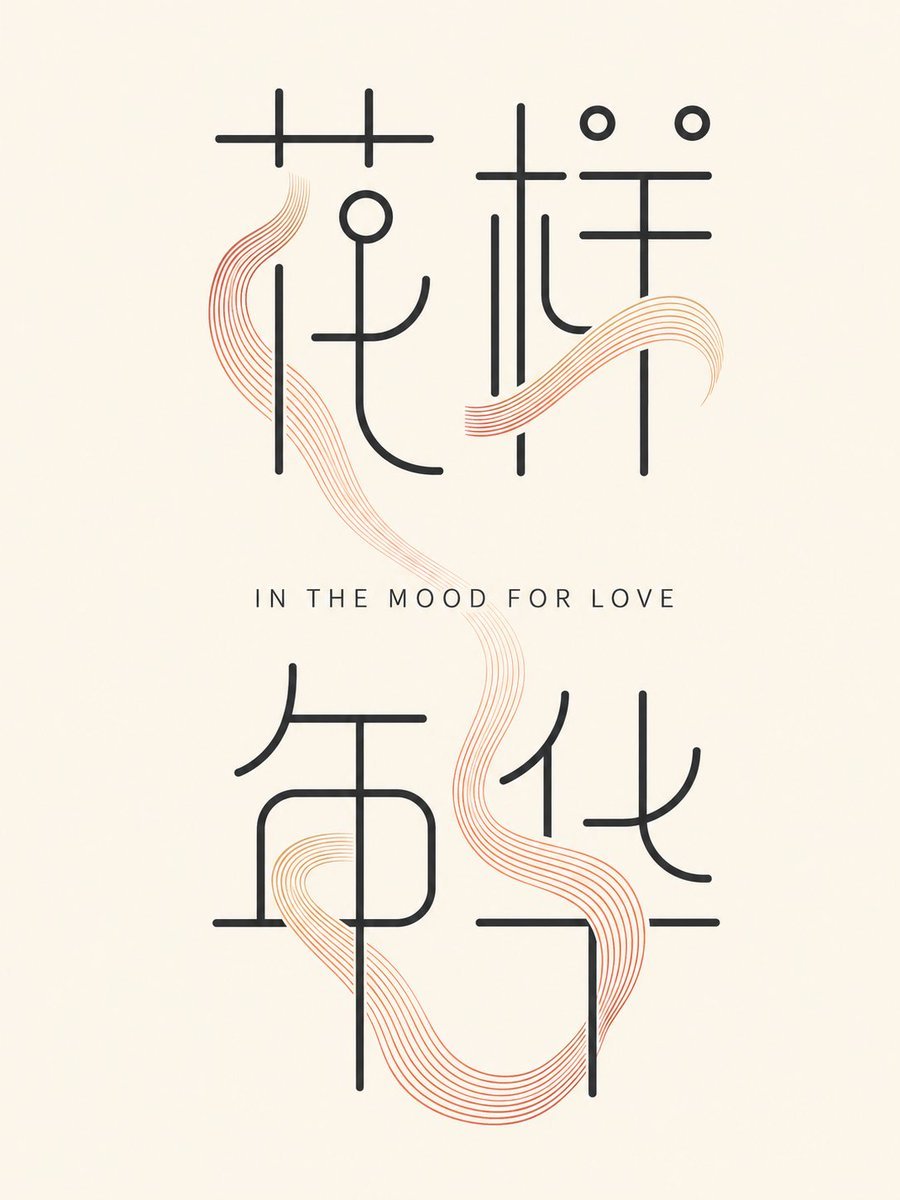
- Prompt included
- Model and format preset
- Free template
The prompt behind this image
Copy the exact prompt behind Minimalist In the Mood for Love Typography Poster, or open it in the studio and make it yours.
Create a minimalist vertical typographic poster on a warm ivory paper background. Center the composition with four oversized Chinese characters arranged as a 2 by 2 grid spelling {argument name="Chinese title text" default="花样年华"}, drawn in an elegant ultra-thin monoline style with tall geometric proportions, rounded stroke ends, and large airy spacing. Use dark charcoal-black strokes for the characters, with a restrained modern calligraphic feel rather than a standard font. Between the top and bottom character rows, place a small centered English subtitle in widely spaced uppercase letters reading {argument name="English subtitle" default="IN THE MOOD FOR LOVE"}, in a clean thin sans-serif font. Add two flowing ribbon-like decorative strokes made of many fine parallel contour lines in a soft red-to-golden-orange gradient: one sinuous vertical ribbon weaving from the upper left through the center toward the lower right, and one shorter horizontal wave crossing the upper-right characters. The ribbons should appear delicate, translucent, and layered behind and between the black character strokes, evoking silk, smoke, or musical lines. Keep the layout uncluttered, symmetrical but organic, with generous margins, no border, no photographs, no extra text, no logos, and no watermark. Use a refined art-house film poster aesthetic combining Chinese typography, modern graphic design, and subtle romantic warmth.
How to use Minimalist In the Mood for Love Typography Poster in 3 steps
- 1Upload ImagePNG, JPG or paste
Add your photo
Upload the photo the template builds on. The prompt, model and format are already set.
- 2…a portrait of your subject in softgolden-hour light, 85mm…
Personalize
Edit the subject and creative details for your destination.
- 3Generate
Generate
Press Generate — your image is created in PicX Studio, so you can compare it with the original and refine one variable at a time.
More like this
Templates with the same subject, style or setup. Open one to see its prompt.

Trendy Cafe Drink Promo Poster

Premium Fashion Editorial Cover Layout System

Premium Fashion Editorial Campaign Poster System

Typography Mask Editorial Fashion Poster

Luxury Sliced Wordmark Player Poster

Luxury Fashion Campaign Typography Poster System

Premium Vintage Travel Poster Landscape
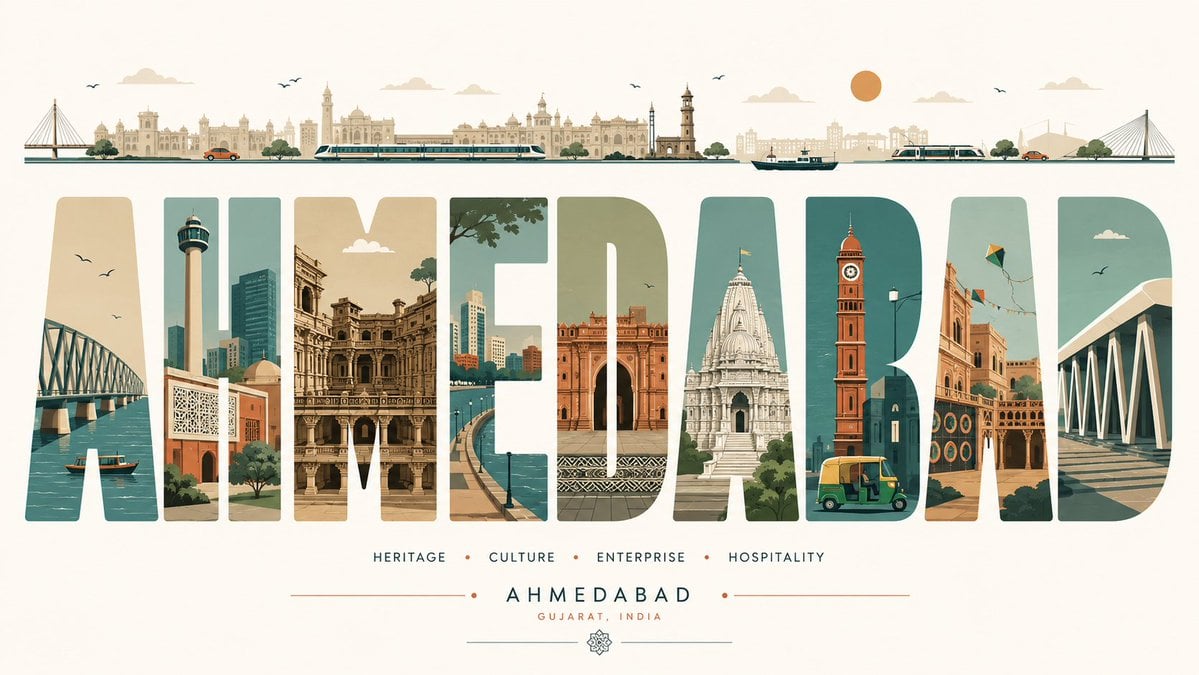
Minimalist Typography Travel Poster

Op Art LOVE Typography Poster Prompt

Dual Car Typography Poster Series

Japan Travel Brochure Poster
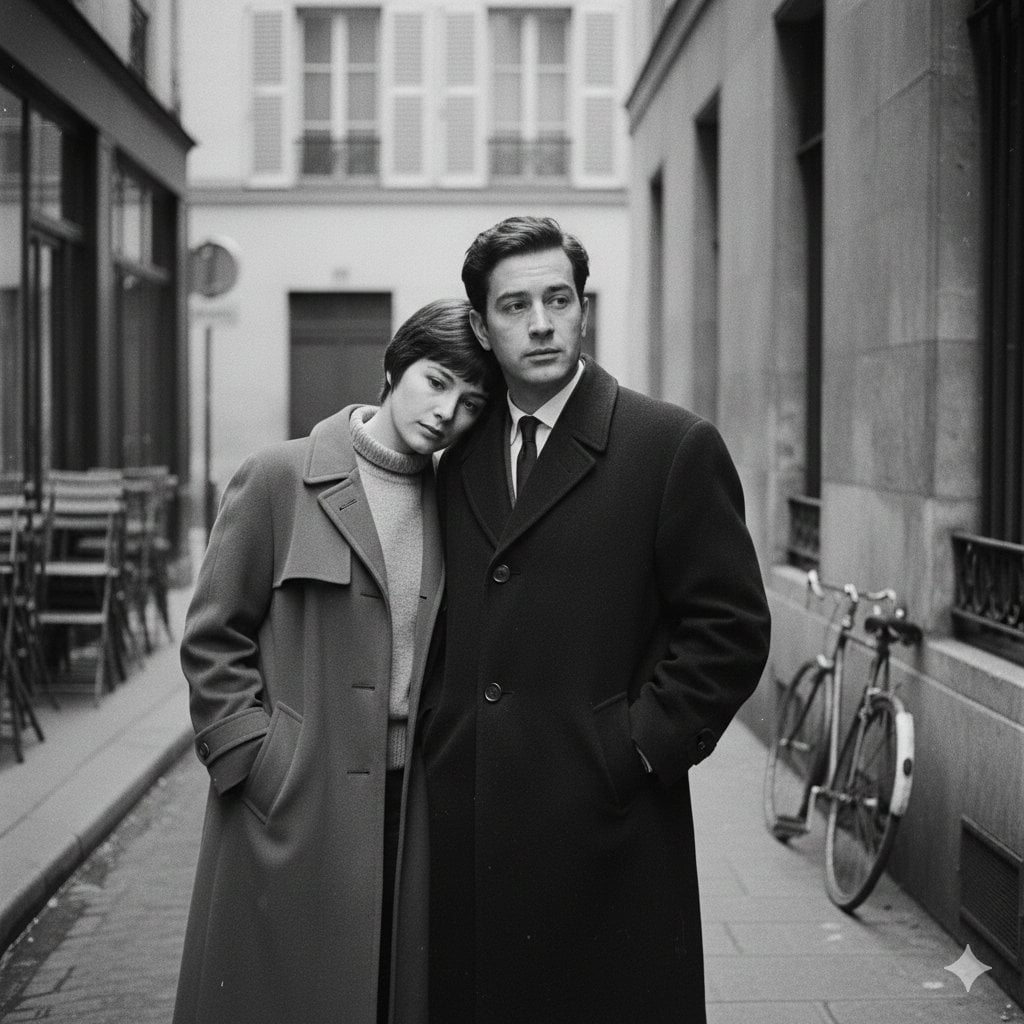
A French New Wave style minimalist lovers scene, black and white, 1950s
Make it yours
Minimalist In the Mood for Love Typography Poster works as-is. These are the safest ways to change it without losing the look.
Change one field
Copy a single group, rewrite it, and generate again so you can see what that field is doing.
Keep the frame, change the subject
Hold the composition and light of Minimalist In the Mood for Love Typography Poster, then swap wardrobe, props or the person for a new take.
| If the result… | Why | Fix |
|---|---|---|
| The result drifts from the preview | Too many fields changed at once. | Reuse Minimalist In the Mood for Love Typography Poster as-is first, then change one group — subject, light, or setting. |
| The model over-stylizes the scene | The prose prompt leaves finish and camera underspecified. | Add one camera or lighting sentence and stay on GPT Image 2. |
More GPT Image 2 templates
Other prompts made for GPT Image 2.

Six VTuber Japanese Logo Sheet

Realistic Portrait of Woman and Deer

The Vista Modular Condo Poster

AI Model Routing Comparison Infographic

2.5D Anime Art Board

Isometric Productivity Desk Scene

New York Double Exposure Poster

Four-Panel AI Landscape Comparison

Japanese Tatami Lifestyle Magazine Cover

NESCAFÉ Coffee Map Poster
More image prompts
Fresh picks from across the catalog.

Late Night Bedroom Selfie AI Photo Series
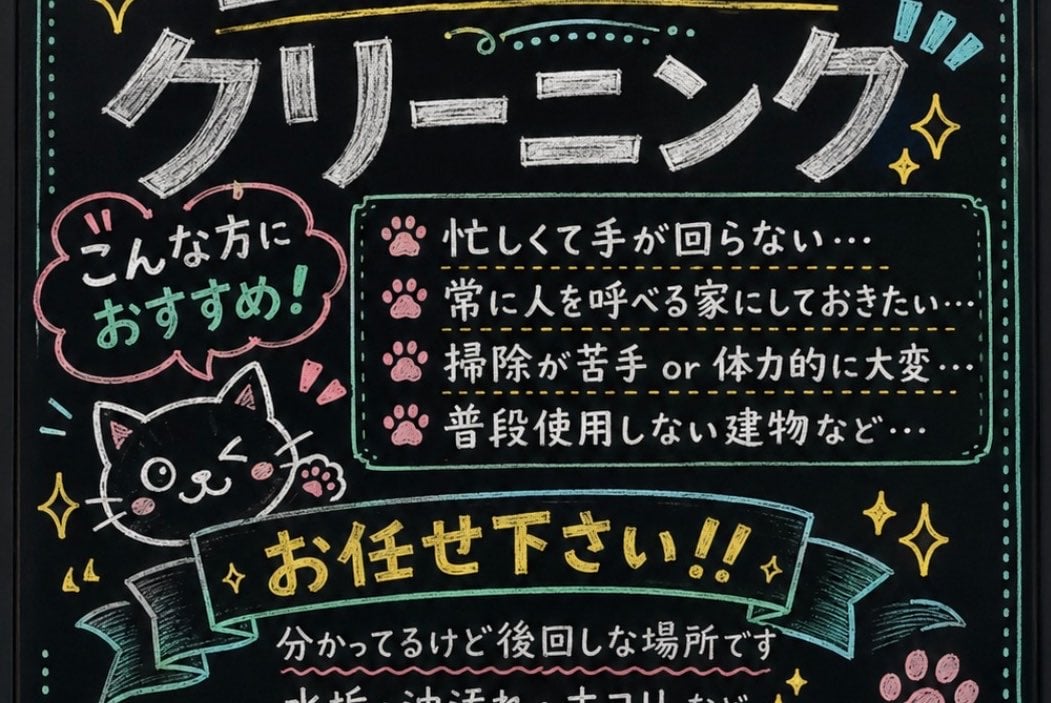
Japanese Chalkboard Cleaning Sign

Taiwan 10,000 NTD distribution infographic

GPT 2 Day 500 Gaming Thumbnail

Japanese Graffiti Poster Art

Vertical Pixel Art Asteroid Field
Glamorous Woman on Harley-Davidson at Night

Fictional Music CD Jacket
Time-Travel Birthday Reunion Portrait

Introspective Cinematic Café Portrait
Browse template categories
Minimalist In the Mood for Love Typography Poster questions
How do I use the Minimalist In the Mood for Love Typography Poster template?
Add your photo if the template asks for one, edit the prompt if you like — the template's model and format are already selected — and press Generate. Your version opens in PicX Studio.
Can I customize the Minimalist In the Mood for Love Typography Poster template?
Yes. You can change the subject, setting, lighting, mood, format, and available model controls before creating your image.
Is the Minimalist In the Mood for Love Typography Poster template free?
Opening and editing this template is free. Generating uses credits, shown on the Generate button when you are signed in.
Which AI model should I use?
Start with GPT Image 2, which is the model associated with this template. You can compare another compatible model for a different finish.
Looking for something else? Browse all templates.

Your photo, any look
Thousands of ready templates for every top image and video model, from one credit balance.