
Late Night Bedroom Selfie AI Photo Series
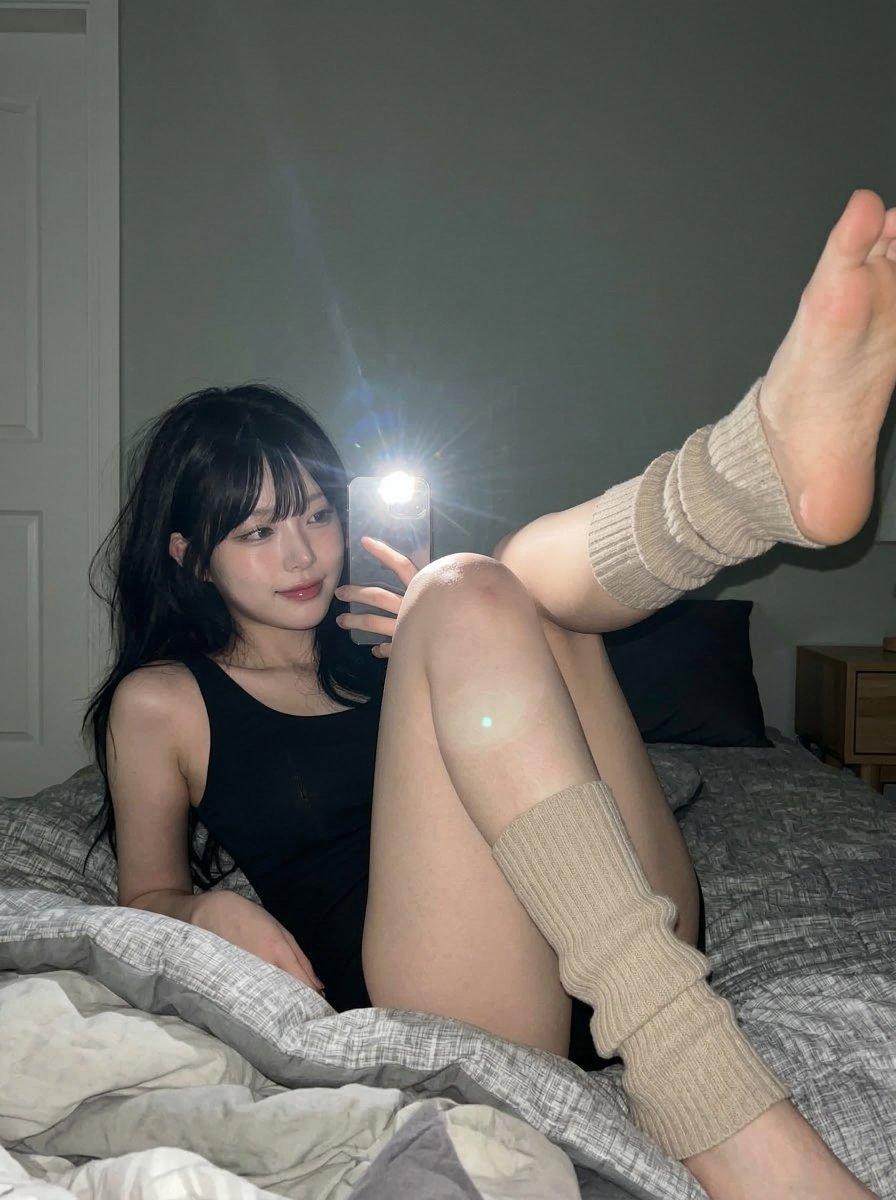
A highly detailed and comprehensive prompt for generating a realistic, late-night bedroom selfie using Nano Banana 2.
- Prompt included
- Model and format preset
- Premium template
The prompt behind this image
Copy the exact prompt behind Late Night Bedroom Selfie AI Photo Series, or open it in the studio and make it yours.
1. Subject Setup 1 Character description: based on the reference image, a young woman with delicate features, a small, soft face shape, overall makeup referencing a Korean-actress style, the image showing the natural, playful feel of a casual late-night bedroom selfie 2 Age status: young adult 2. Expression and Face 1 Eye state: soft, focused eyes, with a hint of a smile, a gentle, calm, slightly playful demeanor, gaze directed toward the phone screen and the camera area 2 Mouth state: lips closed, with a slight curve of a smile, feeling sweet and restrained, relaxed and natural 3 Overall expression: showing an approachable, soft, slightly playful look, a subtle yet attractive presence 4 Facial preservation: the face stays small and natural, cheeks with soft fullness, a soft jawline, preserving natural asymmetry and real proportions 5 Makeup features: a Korean-actress-style makeup, sheer, clean base makeup, smooth skin feel, straight, soft eyebrows, light brown eyeliner, natural lashes, slight under-eye "aegyo-sal" puffiness, soft blush, delicate nose highlight, a low-saturation rose glossy lip color 3. Hair Setup 1 Hair color: deep black 2 Hairstyle state: long hair falling naturally, with soft layers and light, airy bangs, framing the forehead 3 Strand effect: smooth hair texture, slightly tousled, falling naturally around the cheeks and pillow 4. Body and Skin Texture 1 Body-shape features: a slender, compact figure, a soft, feminine-leaning demeanor 2 Waist state: a slender waist, but mostly hidden by the curled-up pose 3 Chest state: shown subtly, and mostly obscured by the pose and the phone's position 4 Leg state: the legs are the main subject of the image, clearly affected by the phone's close-up perspective, with one knee near the camera, both feet raised upward, forming an asymmetric yet playful arrangement 5 Exposed-skin areas: face, arms, thighs, knees, calves, feet 6 Skin-tone features: fair skin tone, with a soft, neutral-to-warm undertone 7 Skin texture: smooth skin with a real, touchable feel, appearing soft under the flash, no plastic-smoothing effect — real skin detail should be preserved 8 Effect of light: direct flash creates bright highlights on the knees, feet, cheeks, and forehead, while shadows transition naturally into the darker parts of the room 5. Pose and Compositional Action 1 Basic pose: the person lies on a bed against the wall, upper body propped up slightly, one hand holding the phone near the face 2 Core posture: overall it's a naturally curled-up, casual reclining pose 3 Sense of motion: both legs raised high, forming a deliberately unbalanced yet playful composition, like a casually snapped private moment 6. Clothing and Accessories 1 Top setup: a simple black loungewear top or dress, black in color, minimalist and fitted in style, mostly hidden due to the pose and the legs 2 Role of the top: the visual focus is concentrated on the face, legs, and the skin lit by the flash 3 Bottom setup: the bottoms are not clearly visible, dark-colored or hidden, mostly obscured by the body pose, bedding, and framing 4 Phone setup: a light-gold phone, the rear flash pointed directly at the camera, creating a distinct starburst flare 5 Other accessories: beige ribbed knit leg warmers, loosely bunched near the calves and ankles 7. Shooting Method 1 Overall style: a real casual-phone-photo texture, close to everyday social-media photos, with the natural feel of a casual bedroom selfie 2 Camera angle: a low camera position, close to the bed surface, using a wide-angle phone perspective 3 Image type: vertical composition, a full-body casual selfie, with bedding taking up a large part of the foreground, exaggerated leg perspective 4 Frame ratio: a tall vertical format 5 Image texture: sharp phone-imaging detail, with slight natural noise, realistic flash bloom, clean but not over-retouched skin 6 Lighting setup: the main light source is the phone's direct front flash, a hard frontal light, the room overall fairly dark, shadows falling off quickly 7 Focus rendering: fairly deep depth of field for a phone, most of the subject area staying sharp and legible 8. Background Environment 1 Scene location: a corner of a quiet bedroom at night 2 Wall color: a clean, low-saturation gray wall 3 Background elements: a plaid comforter and messy bedding in the foreground, a dark pillow behind the person, a white door edge on the left, a wooden chest of drawers on the right 4 Environmental mood: private, quiet, with a slight lived-in feel — not overly tidy 5 Background lighting: the environment itself is fairly dark, mostly overpowered by the phone flash 9. Overall Mood 1 Keywords for the mood: soft, playful, understated, unforced 2 Emotional state: an intimacy of late night, with a touch of light laughter 3 Aesthetic direction: a Korean-female-star-style beauty combined with the feel of a real, casual bedroom snapshot 4 Realism requirements: preserve the imperfect composition, messy bedding, wide-angle distortion, and the harshness of the flash, making the image feel like it was really captured rather than deliberately staged 5 Expression of mood: like the room has already gone quiet, a moment casually captured in a pause before sleep, with only the phone flash breaking the darkness 6 Visual story: not a studio shoot, not a deliberate performance, but a brief, good-looking moment captured in bed, letting comfort, youth, and natural charm incidentally bring out a cinematic feel 7 Visual feel: casual enough to feel real, yet good-looking enough to feel a little distant
How to use Late Night Bedroom Selfie AI Photo Series in 3 steps
- 1Upload ImagePNG, JPG or paste
Add your photo
Upload the photo the template builds on. The prompt, model and format are already set.
- 2…a portrait of your subject in softgolden-hour light, 85mm…
Personalize
Edit the subject and creative details for your destination.
- 3Generate
Generate
Press Generate — your image is created in PicX Studio, so you can compare it with the original and refine one variable at a time.
More like this
Templates with the same subject, style or setup. Open one to see its prompt.

Nano Banana - Peace Sign Bedroom Selfie
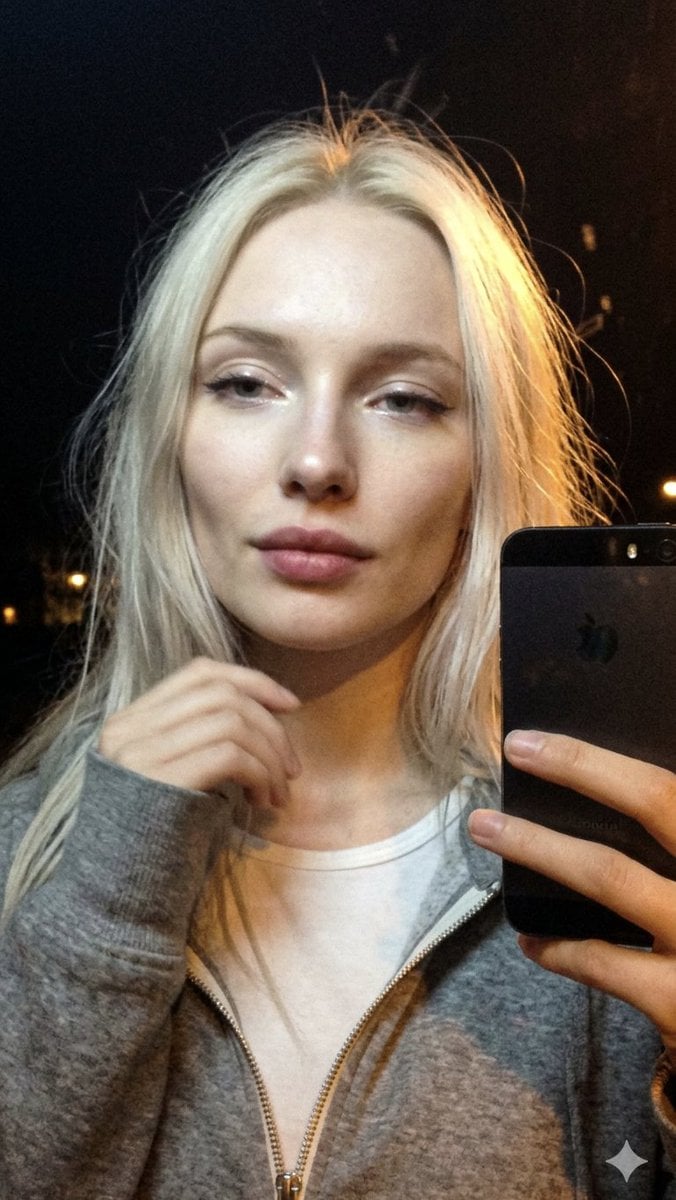
Cinematic Late Night City Selfie
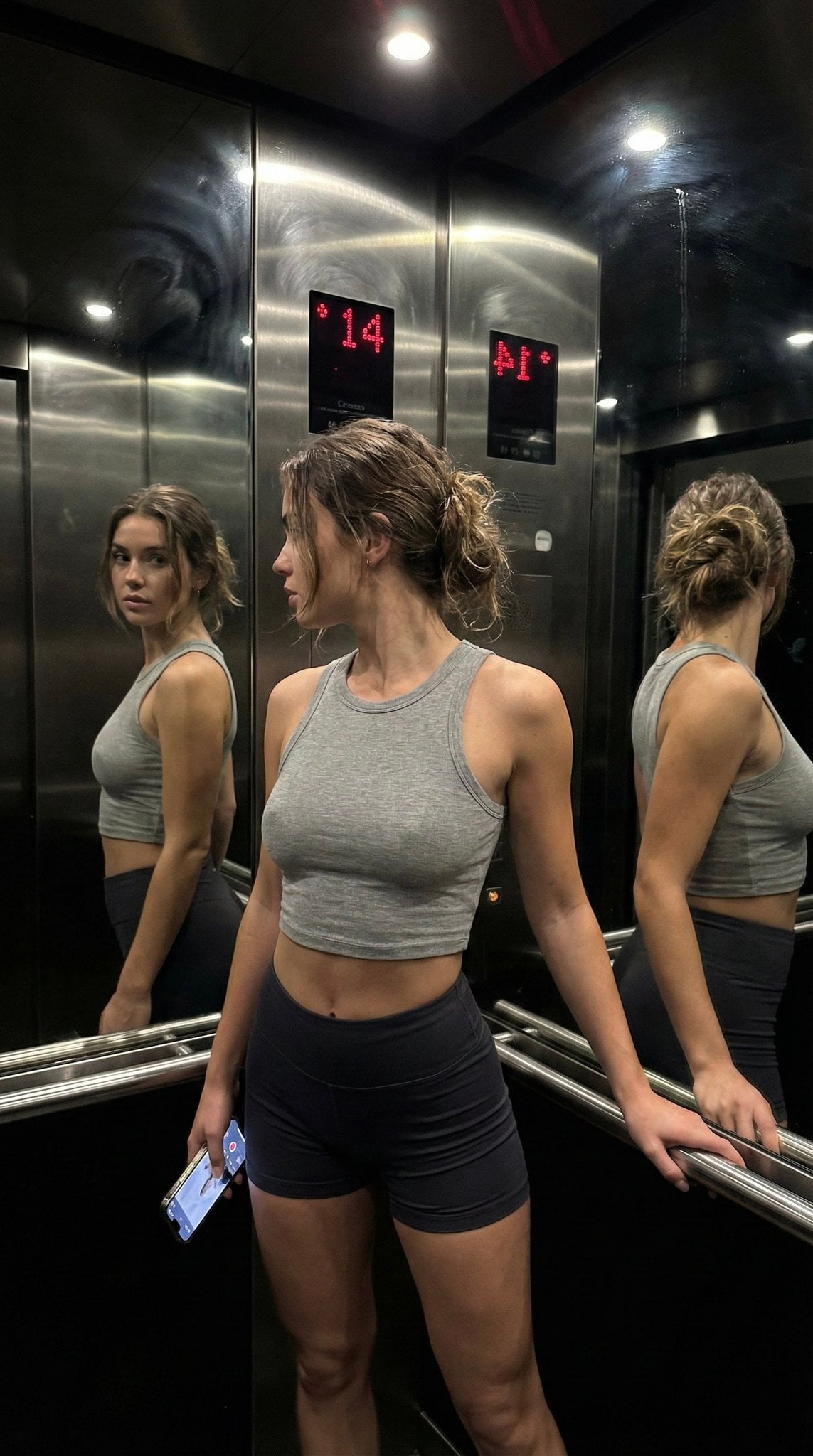
Late Night Elevator Multi Mirror Selfie
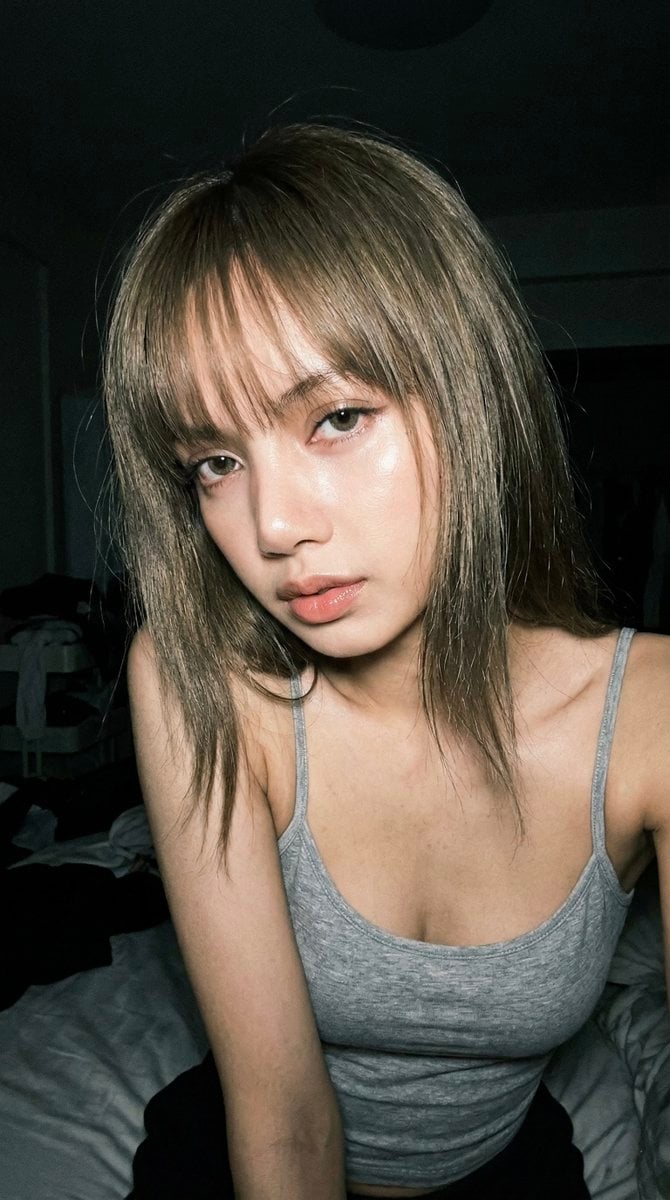
Late Night Raw iPhone Flash Selfie
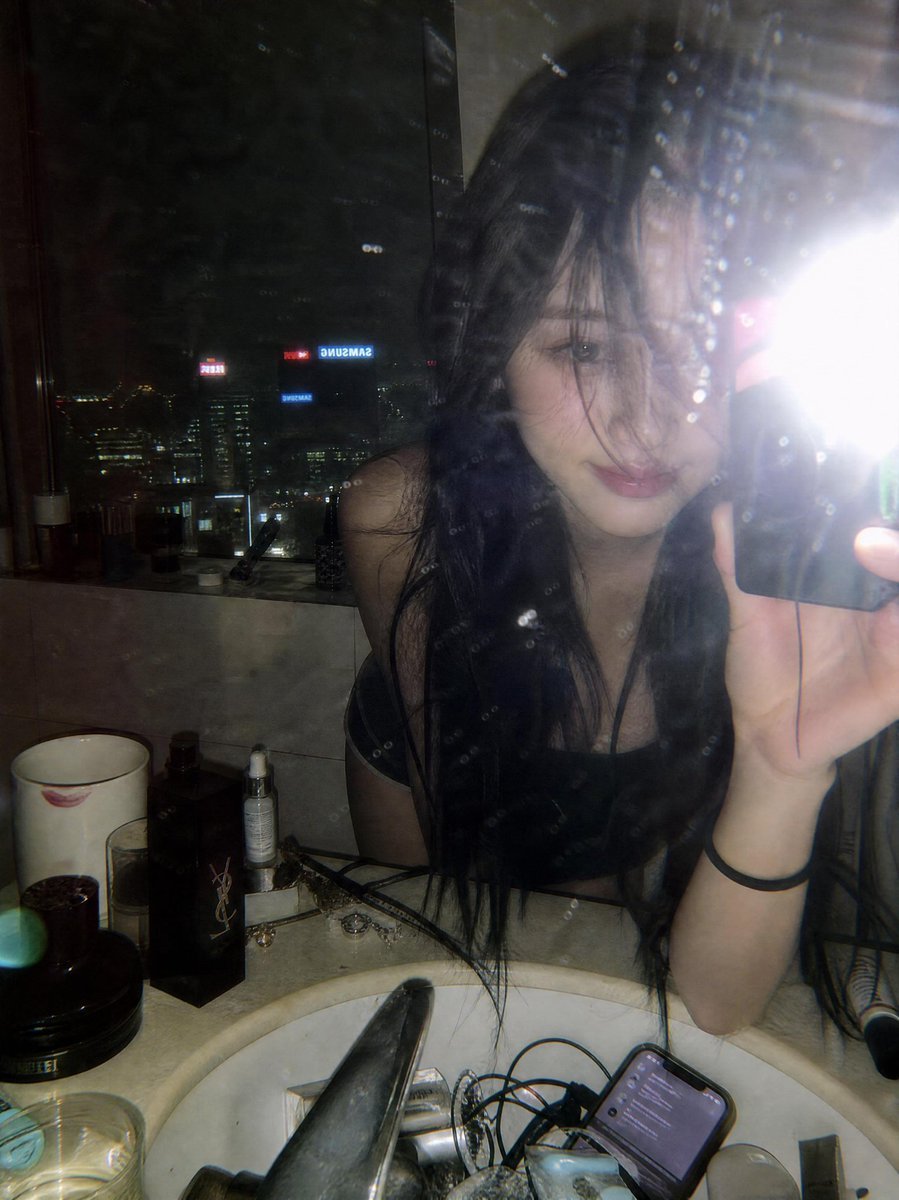
Late Night Luxury Mirror Selfie
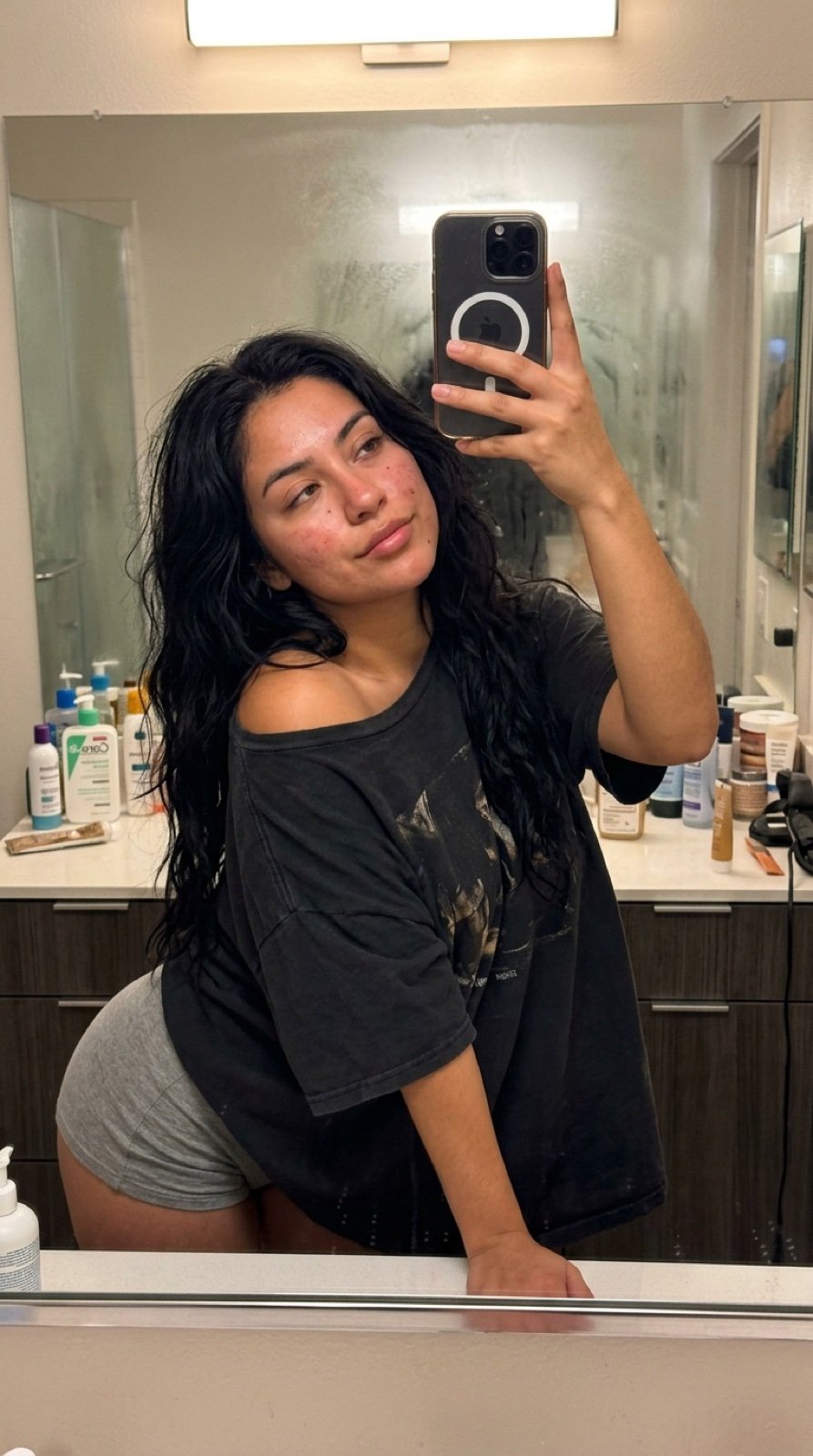
Intimate Late Night Bathroom Selfie
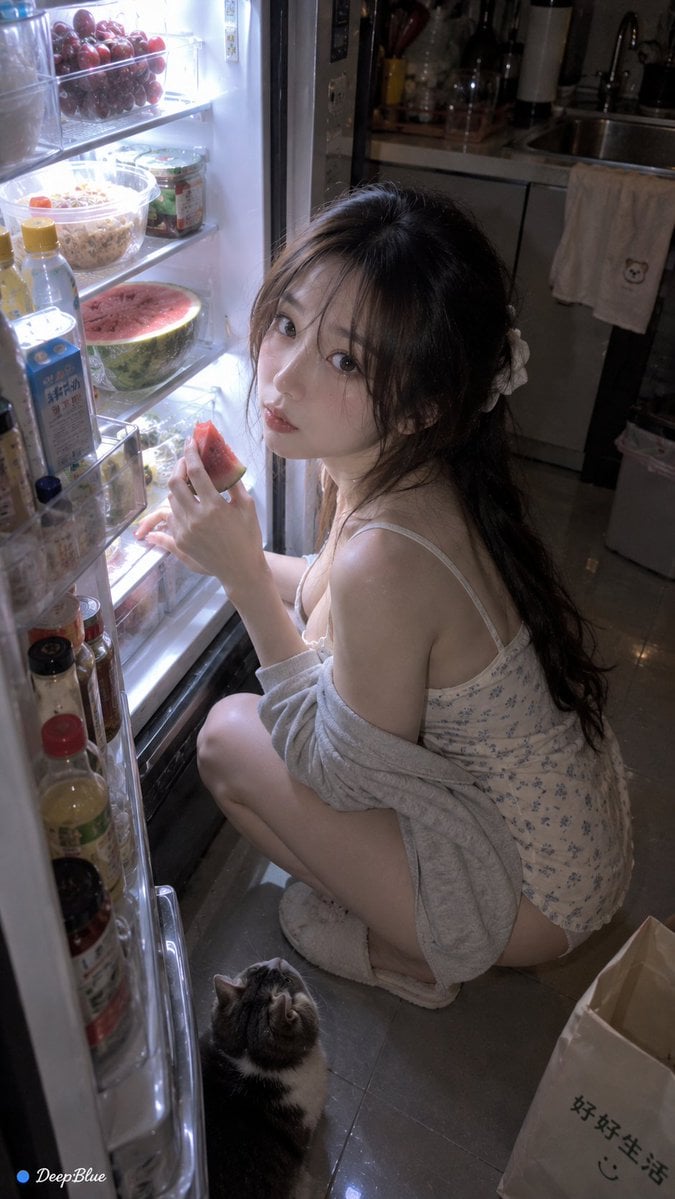
Late Night Fridge Candid Snapshot

Late-Night Hamster Manga Page
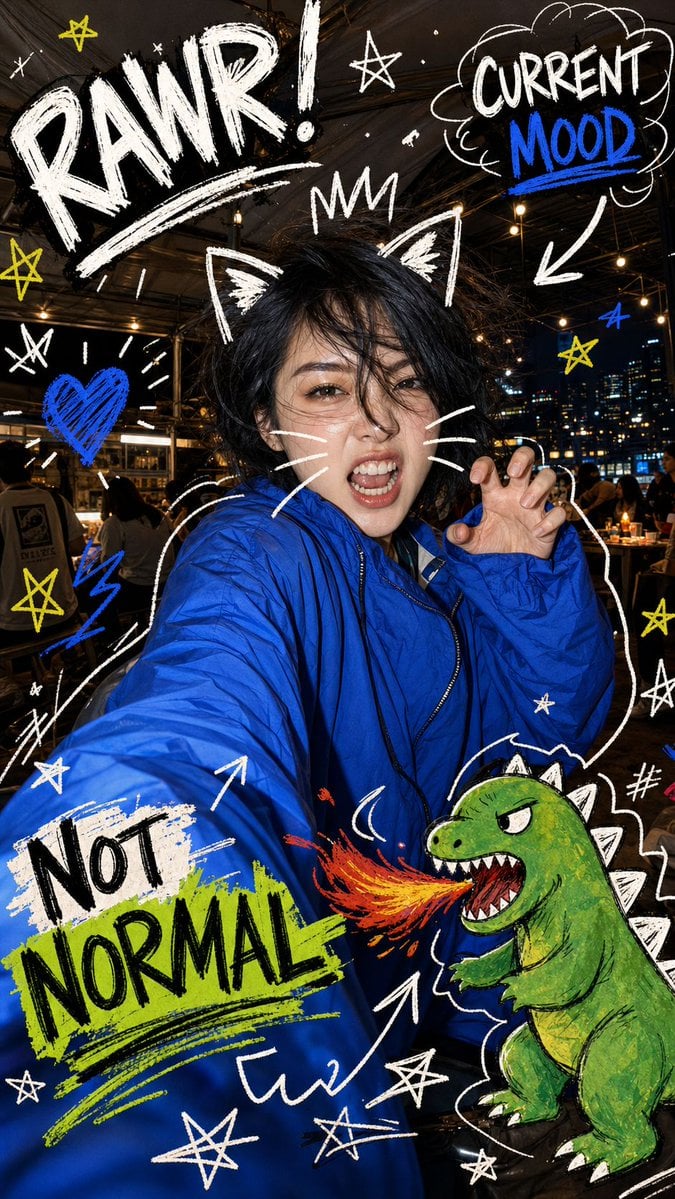
Nighttime Doodle Flash Selfie

Rooftop Fisheye — Cat-Ear Balaclava at Golden Hour

Felt & Knit 3D Character — Photo-Exact Face, Pixar-Quality Plush Figurine

Eid al-Adha Cute Chaos — Fisheye Selfie with Farm Selfie, Mosque & Animals
Make it yours
Late Night Bedroom Selfie AI Photo Series works as-is. These are the safest ways to change it without losing the look.
Change one field
Copy a single group, rewrite it, and generate again so you can see what that field is doing.
Keep the frame, change the subject
Hold the composition and light of Late Night Bedroom Selfie AI Photo Series, then swap wardrobe, props or the person for a new take.
| If the result… | Why | Fix |
|---|---|---|
| The result drifts from the preview | Too many fields changed at once. | Reuse Late Night Bedroom Selfie AI Photo Series as-is first, then change one group — subject, light, or setting. |
| The model over-stylizes the scene | The prose prompt leaves finish and camera underspecified. | Add one camera or lighting sentence and stay on Nano Banana 2. |
More Nano Banana 2 templates
Other prompts made for Nano Banana 2.

Photorealistic Leaf Shaped Like a Dragon

K-Pop Idol Portrait Grid for Rapid Selection

Poetic Rain Forest Portrait During Golden Hour

Urban Street Portrait with Cartoon Inner Self Duo

Candid Nighttime Photo with Cat Prompt

High-Concept 3D Diorama Generation Prompt

Cinematic Futuristic Studio Portrait Template

Skincare Editorial Photography Collage Prompt

Hyper-Realistic Commercial Product Photography (Splash Effect)

Hyper-Realistic Nightclub Portrait Prompt
More image prompts
Fresh picks from across the catalog.
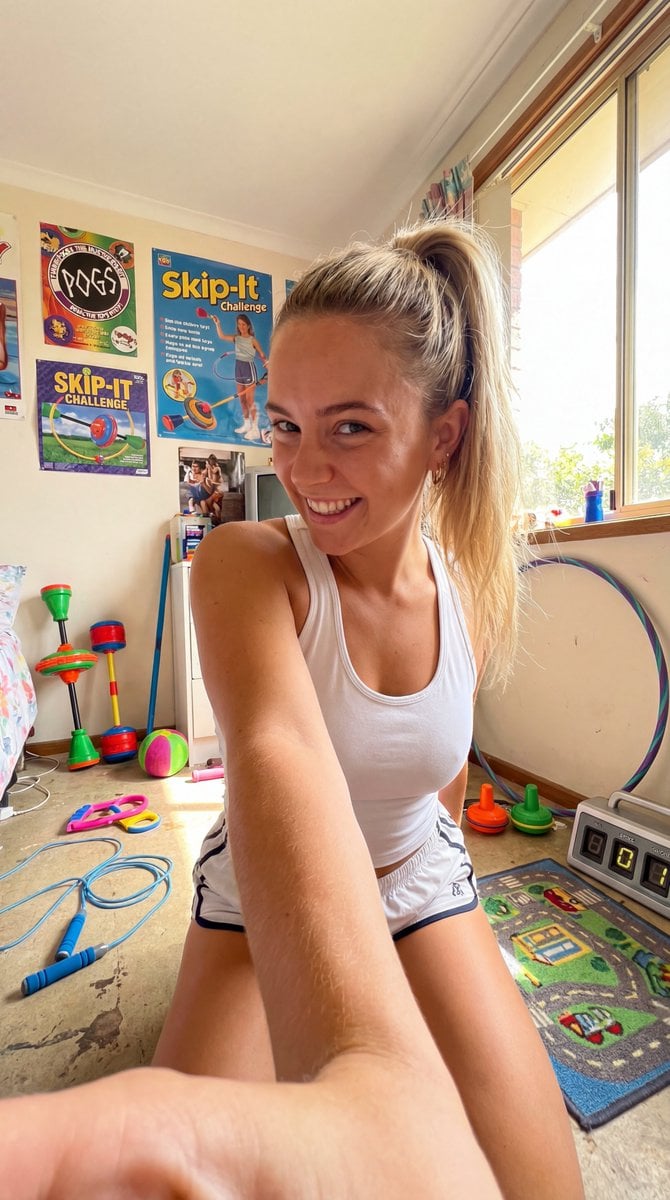
90s Skip-It Toy Selfie from Low Angle
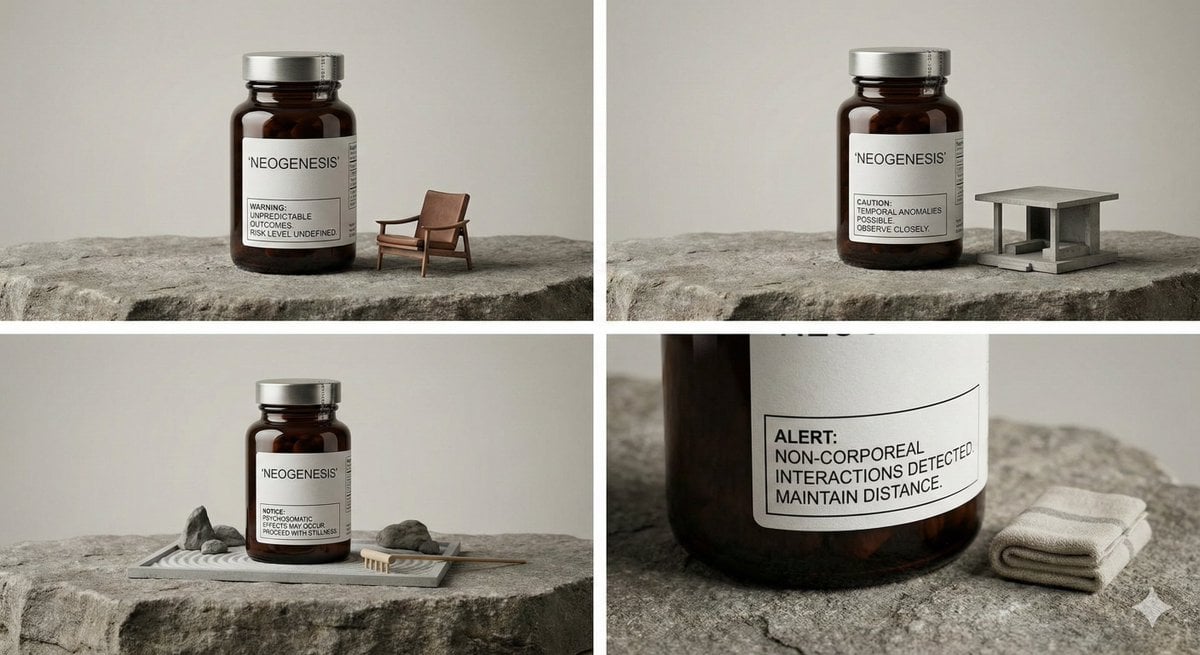
High-Quality Industrial Product Photography with Functional Displacement

Chaoshan Beef Ball Vintage Food Poster
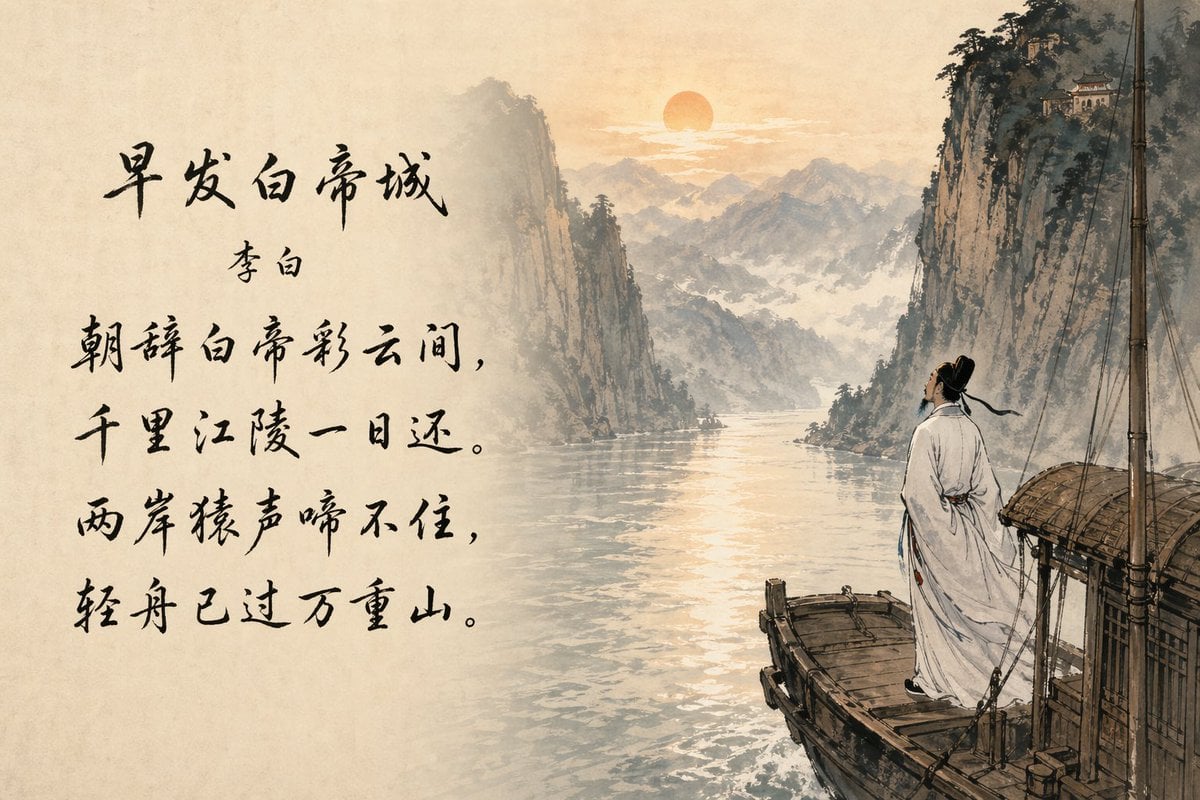
Classical Chinese Poem Scroll Landscape

Cinematic rainy night bus stop prompt
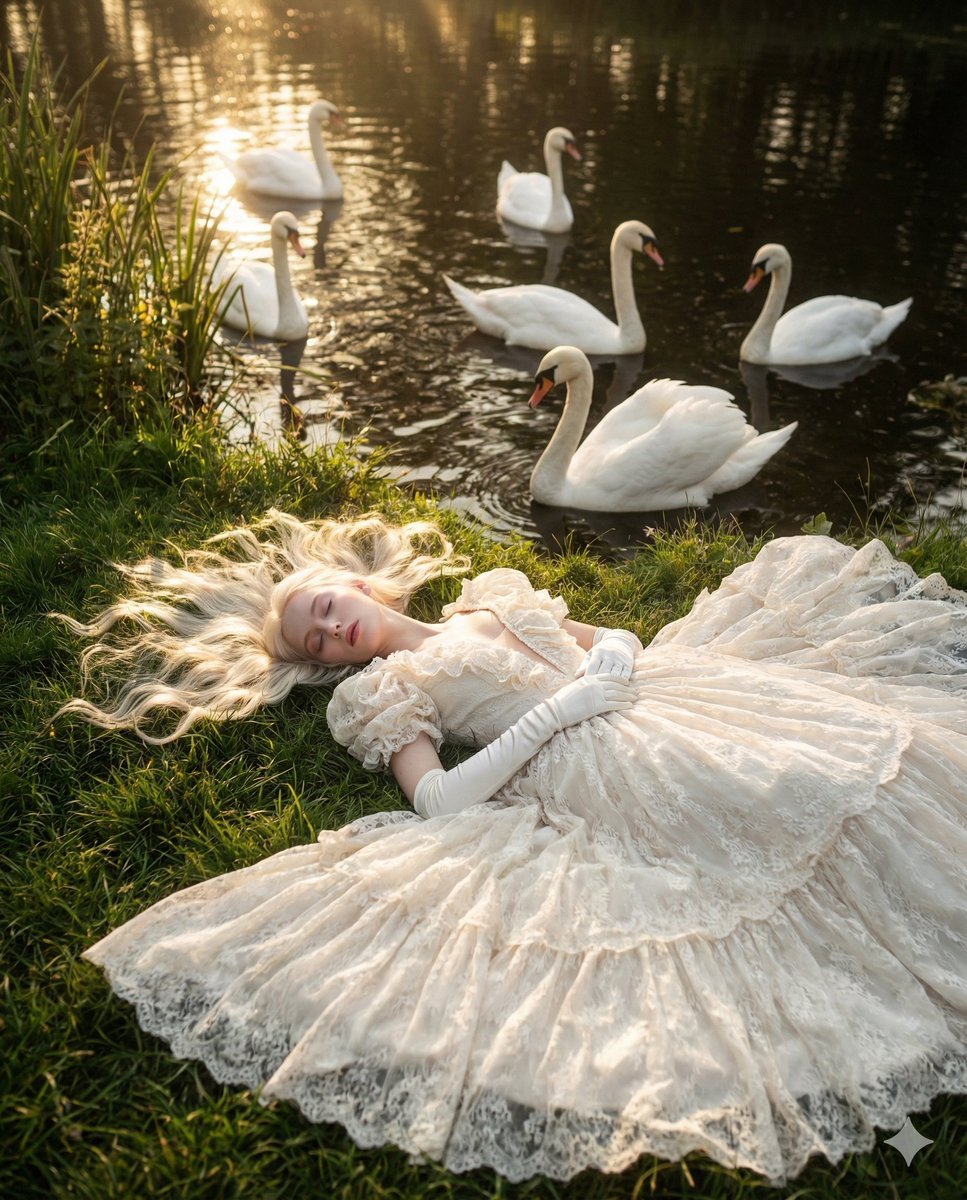
Ethereal Fantasy Portrait with Swans and Golden Hour Light
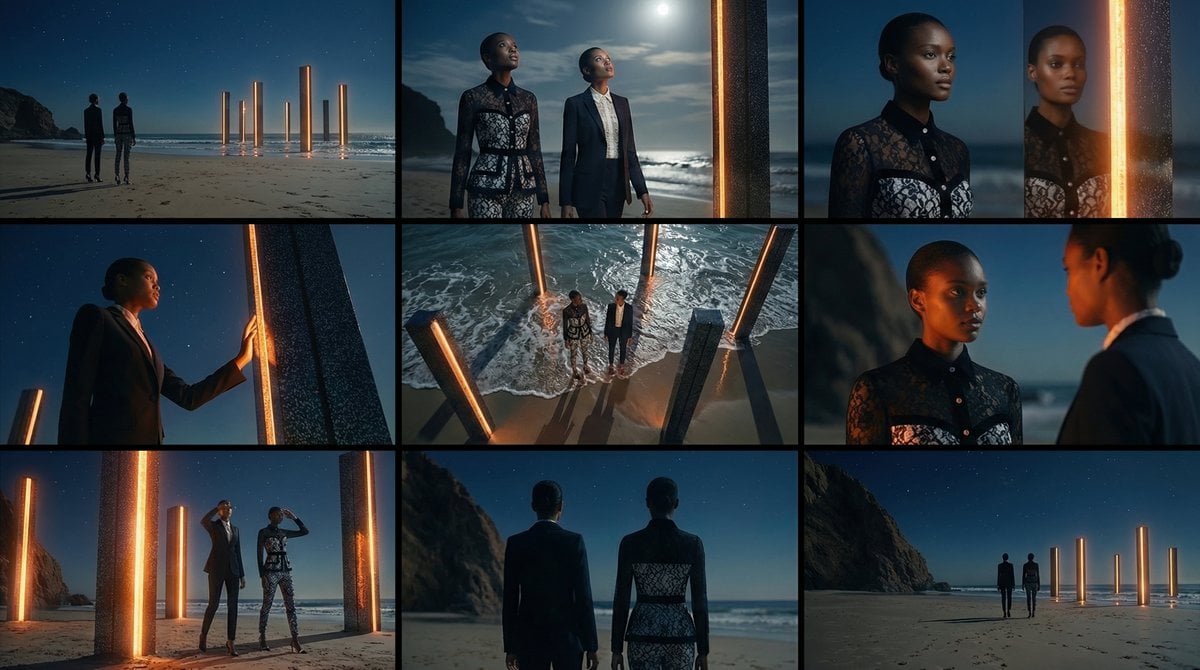
Storyboard Grid Generation Prompt (3x3)
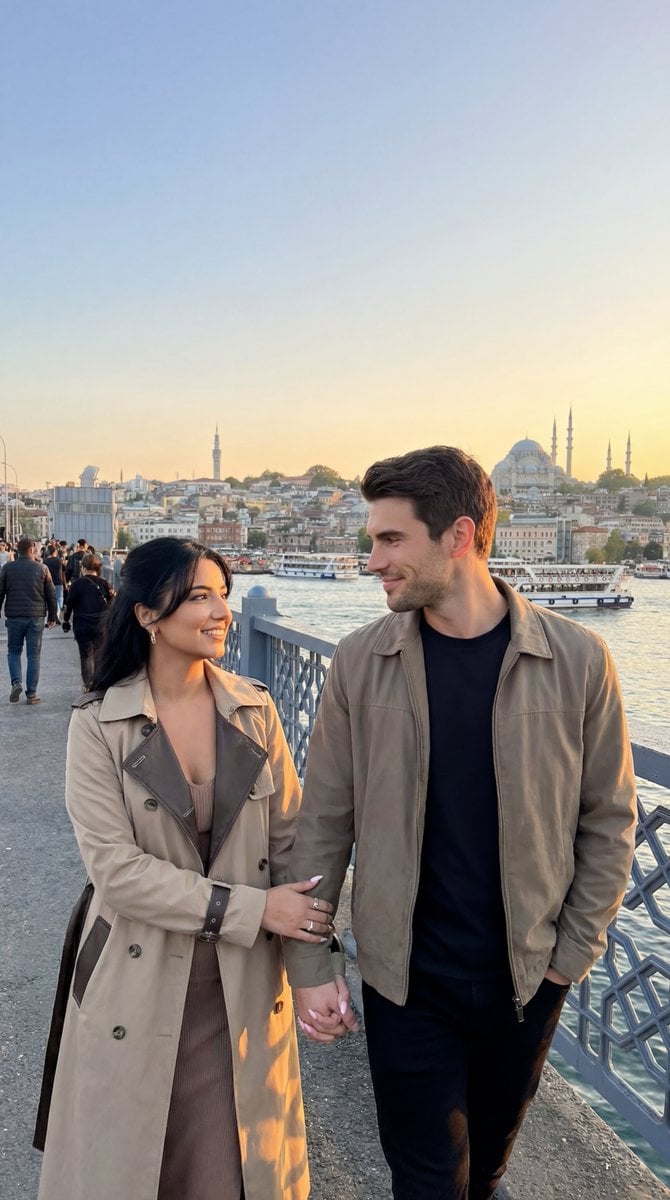
Photoreal Istanbul Romance with Identity Lock
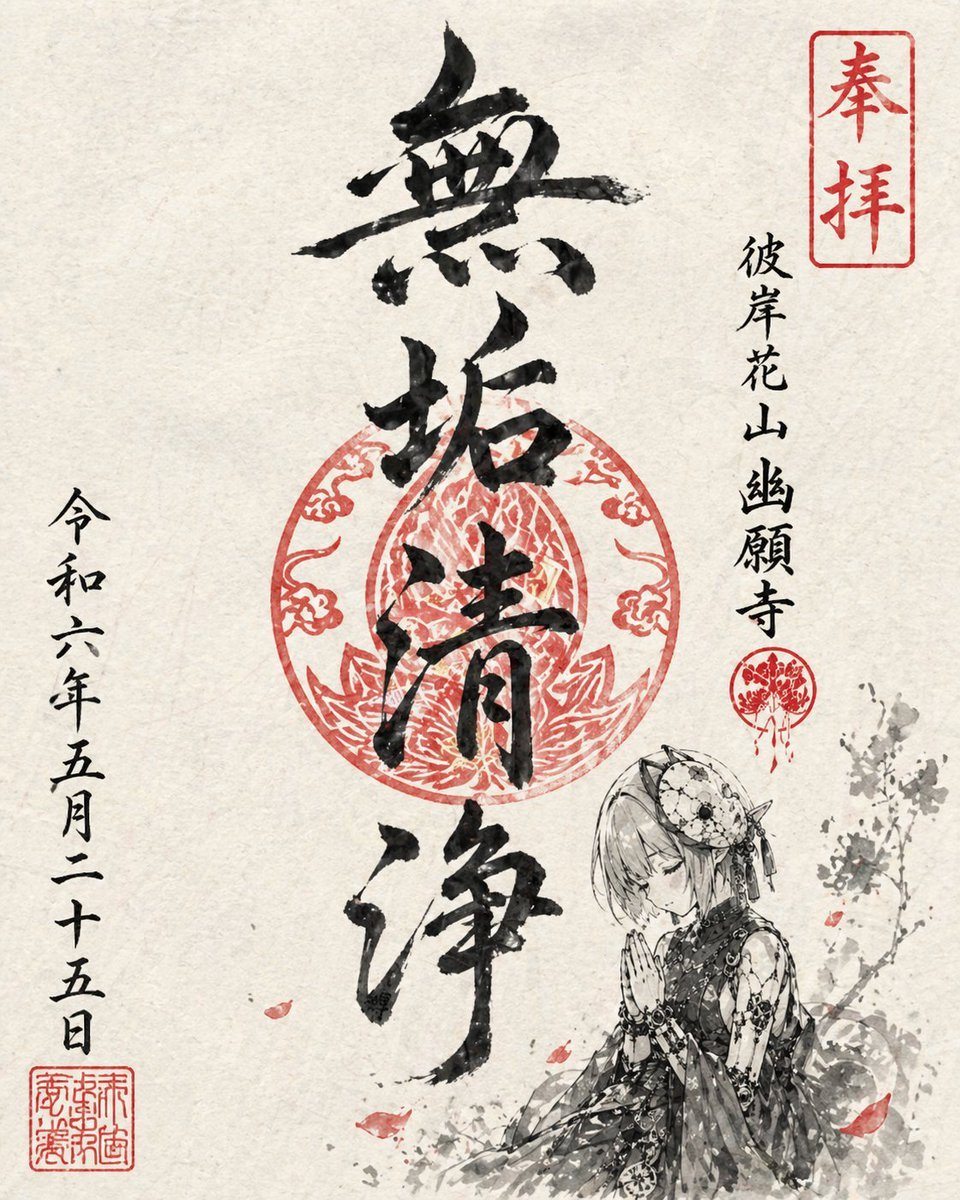
Goshuin Style Character Illustration
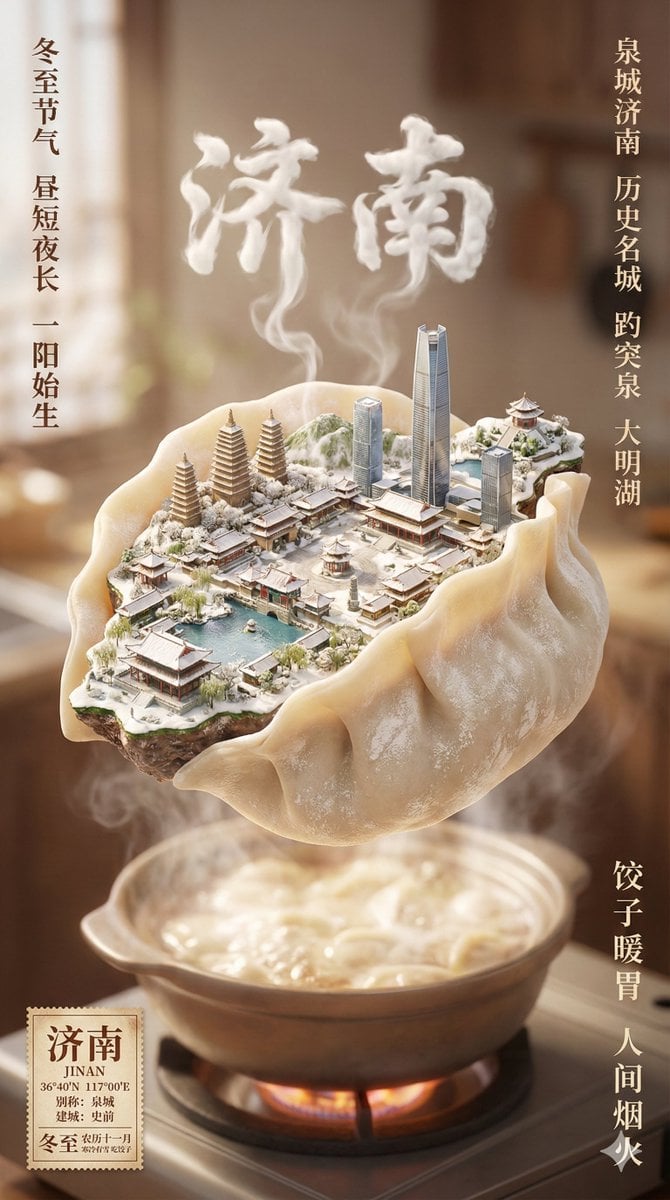
Winter Solstice City Food Art Poster Prompt
Browse template categories
Late Night Bedroom Selfie AI Photo Series questions
How do I use the Late Night Bedroom Selfie AI Photo Series template?
Add your photo if the template asks for one, edit the prompt if you like — the template's model and format are already selected — and press Generate. Your version opens in PicX Studio.
Can I customize the Late Night Bedroom Selfie AI Photo Series template?
Yes. You can change the subject, setting, lighting, mood, format, and available model controls before creating your image.
Is the Late Night Bedroom Selfie AI Photo Series template free?
Opening and editing this template is free. Generating uses credits, shown on the Generate button when you are signed in.
Which AI model should I use?
Start with Nano Banana 2, which is the model associated with this template. You can compare another compatible model for a different finish.
Looking for something else? Browse all templates.

Your photo, any look
Thousands of ready templates for every top image and video model, from one credit balance.