
Goshuin Style Character Illustration
A detailed prompt for generating temple-stamp style illustrations using ink-wash textures and a specific black and vermilion color palette.
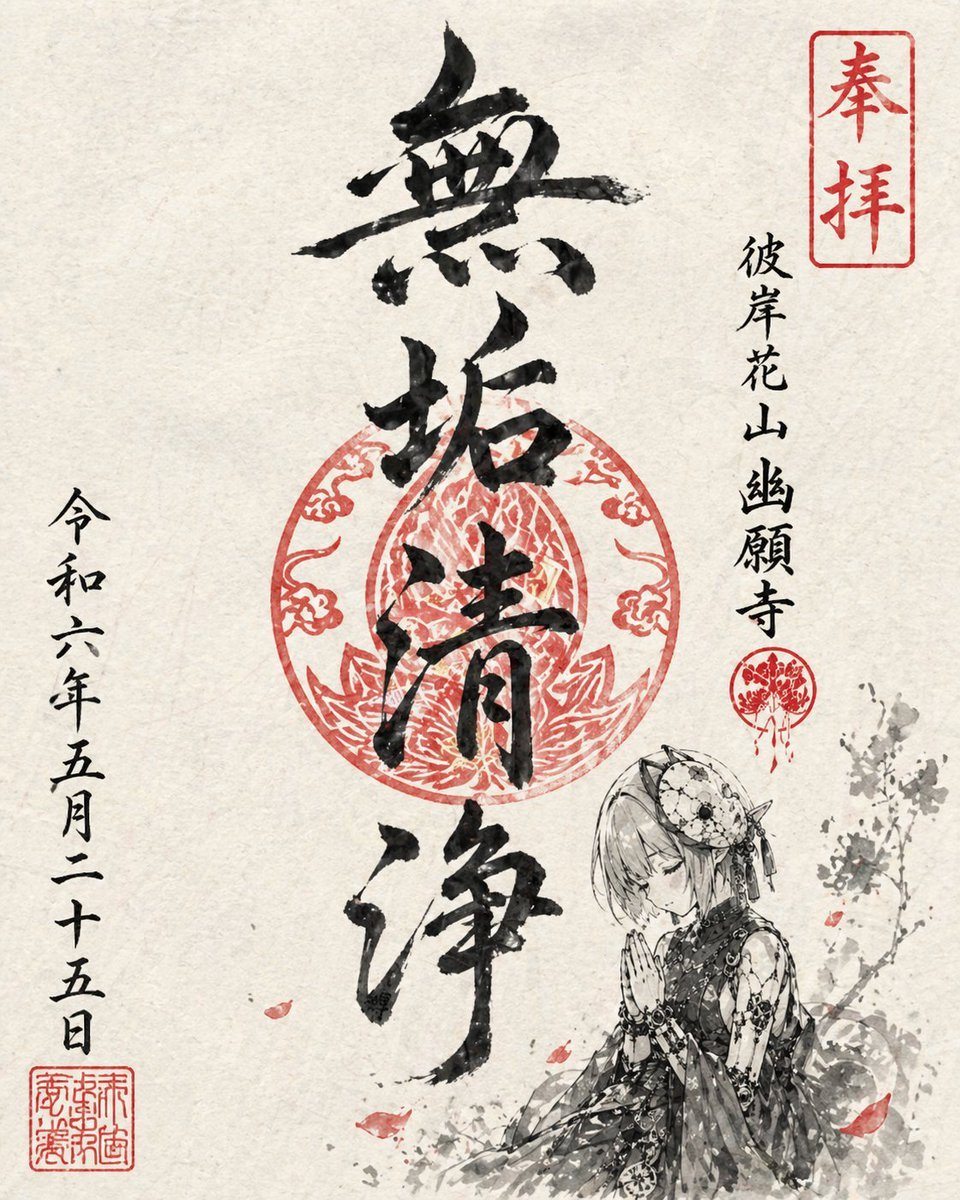
- Prompt included
- Model and format preset
- Free template
The prompt behind this image
Copy the exact prompt behind Goshuin Style Character Illustration, or open it in the studio and make it yours.
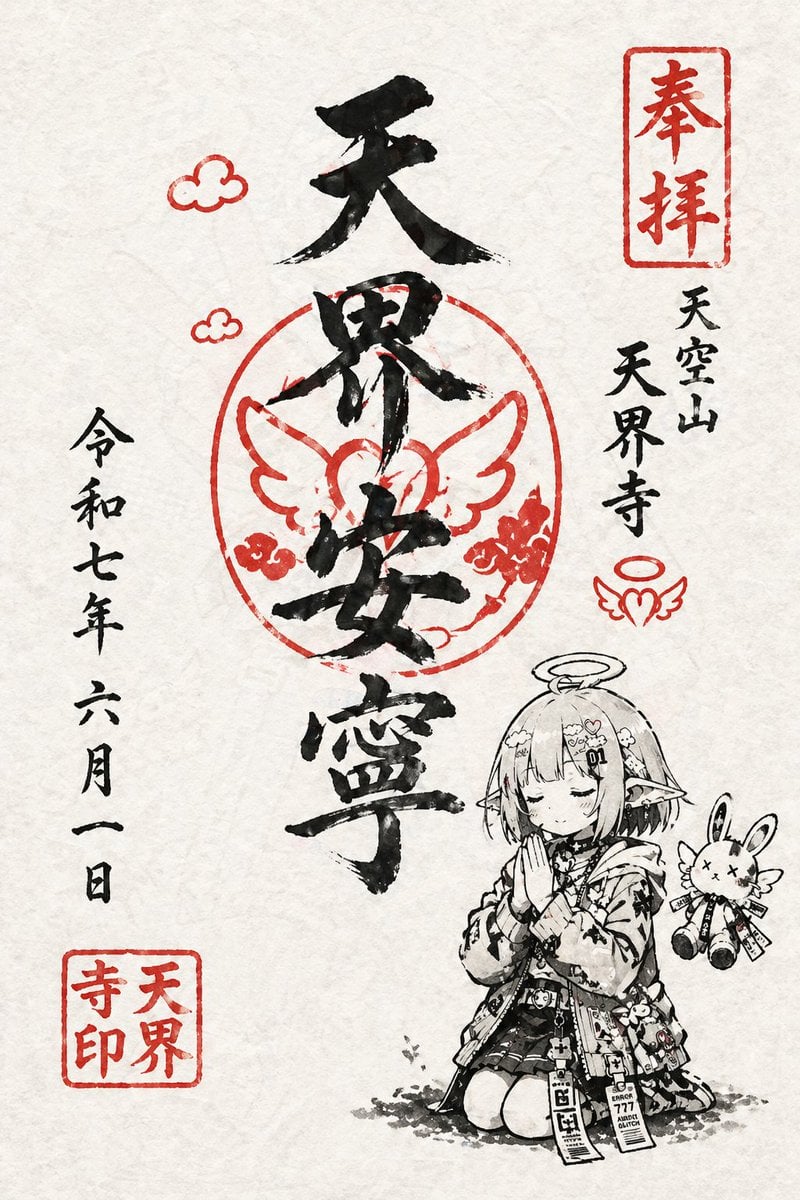
{argument name="キャラクター" default="このキャラクター"}を使って、架空の{argument name="寺の名前" default="寺"}の御朱印風イラストを描く。 全体は和紙の質感を感じるシンプルな構成にする。 描画は筆を使ったような墨絵タッチで表現し、色は黒と朱色のみを使用する。 御朱印として、キャラクターにあった寺の名前、メインの筆文字{argument name="文字数" default="4文字"}、日付を含める。 日付は縦書きで自然に配置する。 キャラクターは小さめに配置し、御朱印の一部として馴染むようにする。 ポーズは祈っている姿や静かな佇まいなど、落ち着いた雰囲気にする。 全体は実在の御朱印のように整ったレイアウトにしつつ、どこか個性的で印象に残るデザインにする。
Reference images included
Goshuin Style Character Illustration needs input media to work. They load alongside the prompt when you open it in the studio.
How to use Goshuin Style Character Illustration in 3 steps
- 1Upload ImagePNG, JPG or paste
Add your photo
Upload the photo the template builds on. The prompt, model and format are already set.
- 2…a portrait of your subject in softgolden-hour light, 85mm…
Personalize
Edit the subject and creative details for your destination.
- 3Generate
Generate
Press Generate — your image is created in PicX Studio, so you can compare it with the original and refine one variable at a time.
More like this
Templates with the same subject, style or setup. Open one to see its prompt.

Quiet Minimalist Anime Style Guide

Real Illustration Split Portrait Transition
Quiet Minimalist Anime Style Guide

Watercolor Café Cheesecake Editorial Illustration
Real Illustration Split Portrait Transition

Bold Side Profile Superhero Poster

Hero Portrait Comic Multi-Panel Poster

Spider-Verse Painterly Portrait Poster

Captain Tsubasa Anime World Cup Poster

Anime Character Charm Analysis Sheet
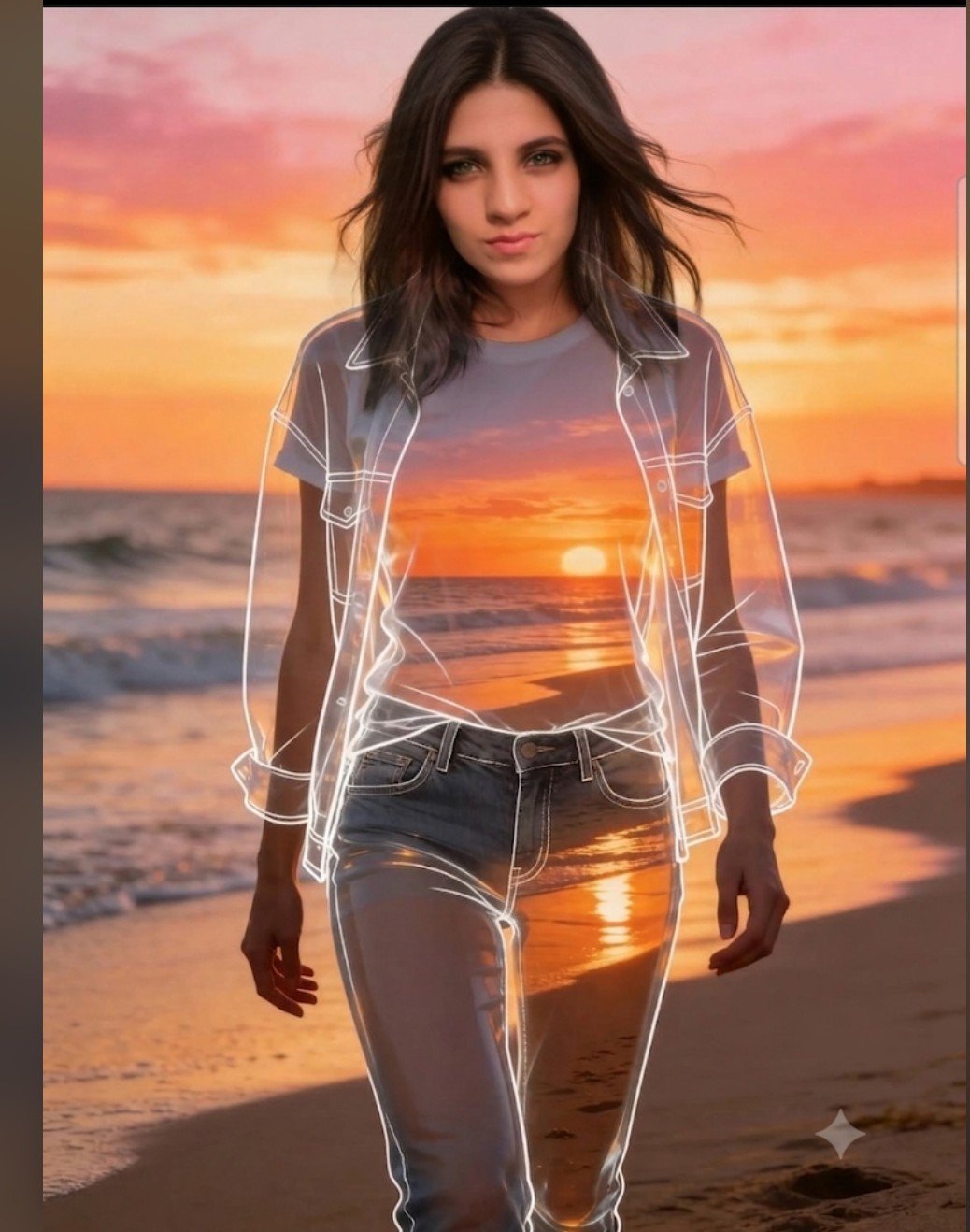
Beach Sunset Double Exposure Wireframe Portrait
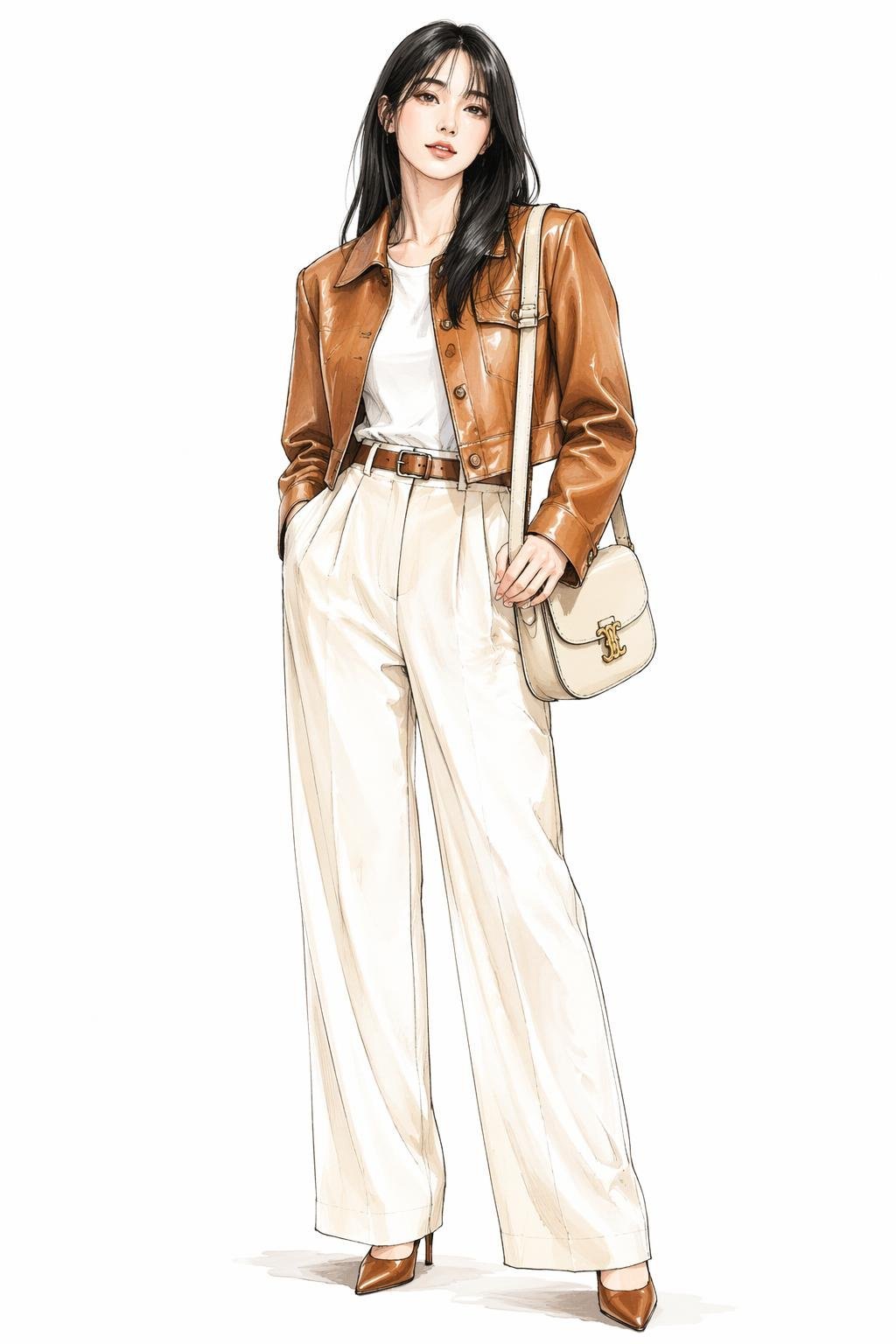
Leather Jacket Cream Trousers Fashion Sketch
Make it yours
Goshuin Style Character Illustration works as-is. These are the safest ways to change it without losing the look.
Change one field
Copy a single group, rewrite it, and generate again so you can see what that field is doing.
Keep the frame, change the subject
Hold the composition and light of Goshuin Style Character Illustration, then swap wardrobe, props or the person for a new take.
| If the result… | Why | Fix |
|---|---|---|
| The result drifts from the preview | Too many fields changed at once. | Reuse Goshuin Style Character Illustration as-is first, then change one group — subject, light, or setting. |
| The model over-stylizes the scene | The prose prompt leaves finish and camera underspecified. | Add one camera or lighting sentence and stay on GPT Image 2. |
More GPT Image 2 templates
Other prompts made for GPT Image 2.

Six VTuber Japanese Logo Sheet

Realistic Portrait of Woman and Deer

The Vista Modular Condo Poster

AI Model Routing Comparison Infographic

2.5D Anime Art Board

Isometric Productivity Desk Scene

New York Double Exposure Poster

Four-Panel AI Landscape Comparison

Japanese Tatami Lifestyle Magazine Cover

NESCAFÉ Coffee Map Poster
More image prompts
Fresh picks from across the catalog.
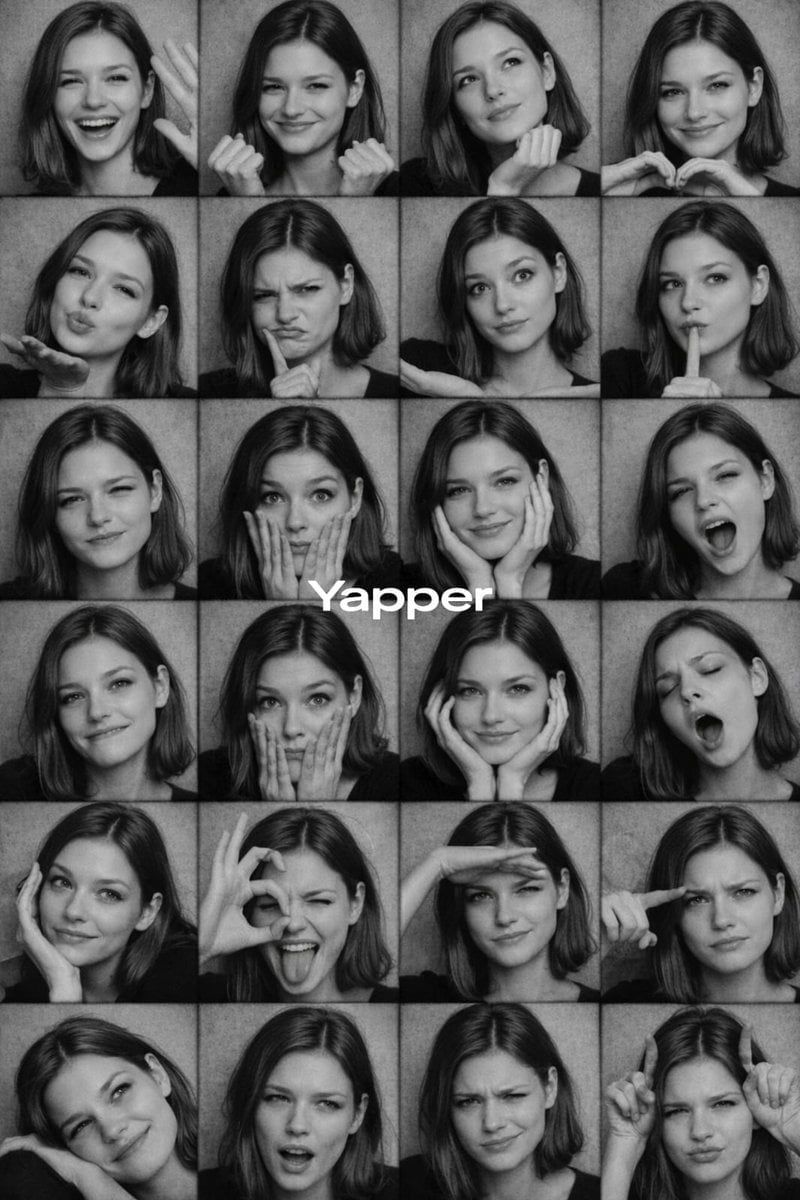
Black and White Photobooth Expression Grid Prompt
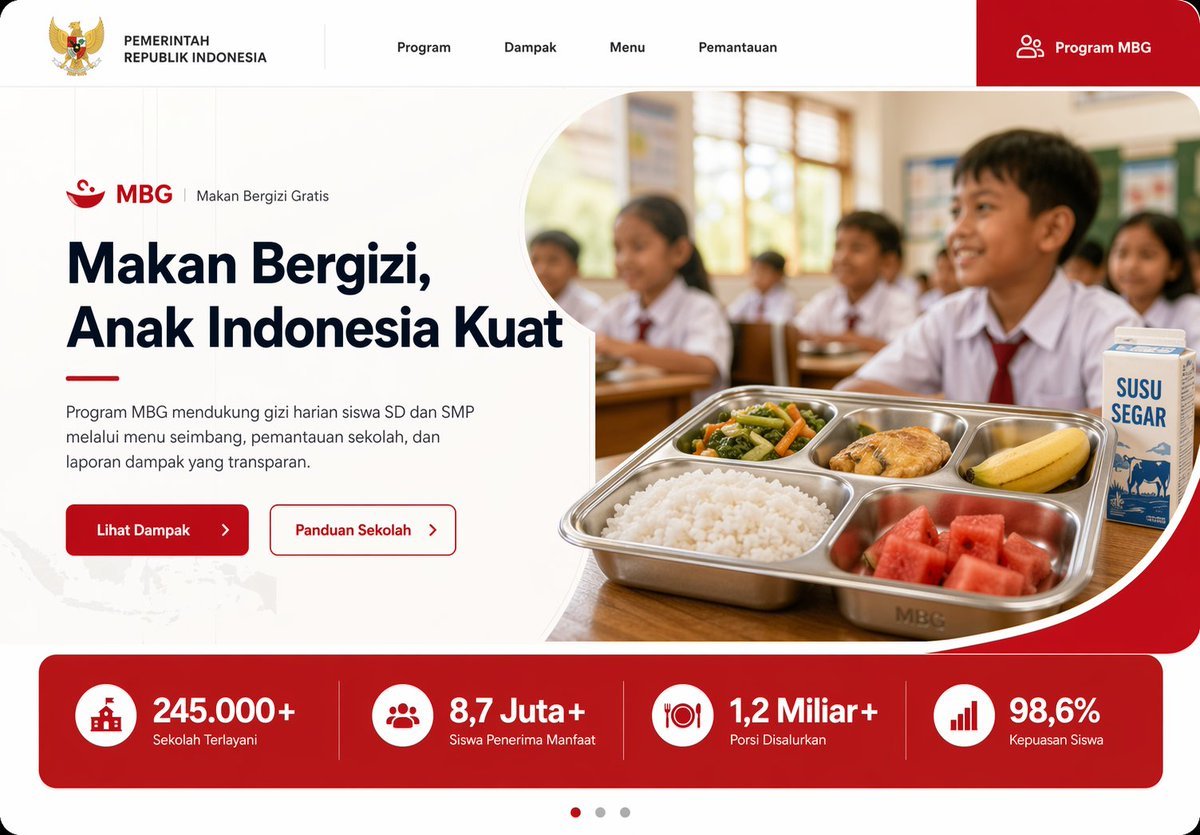
Indonesian School Nutrition Landing Page
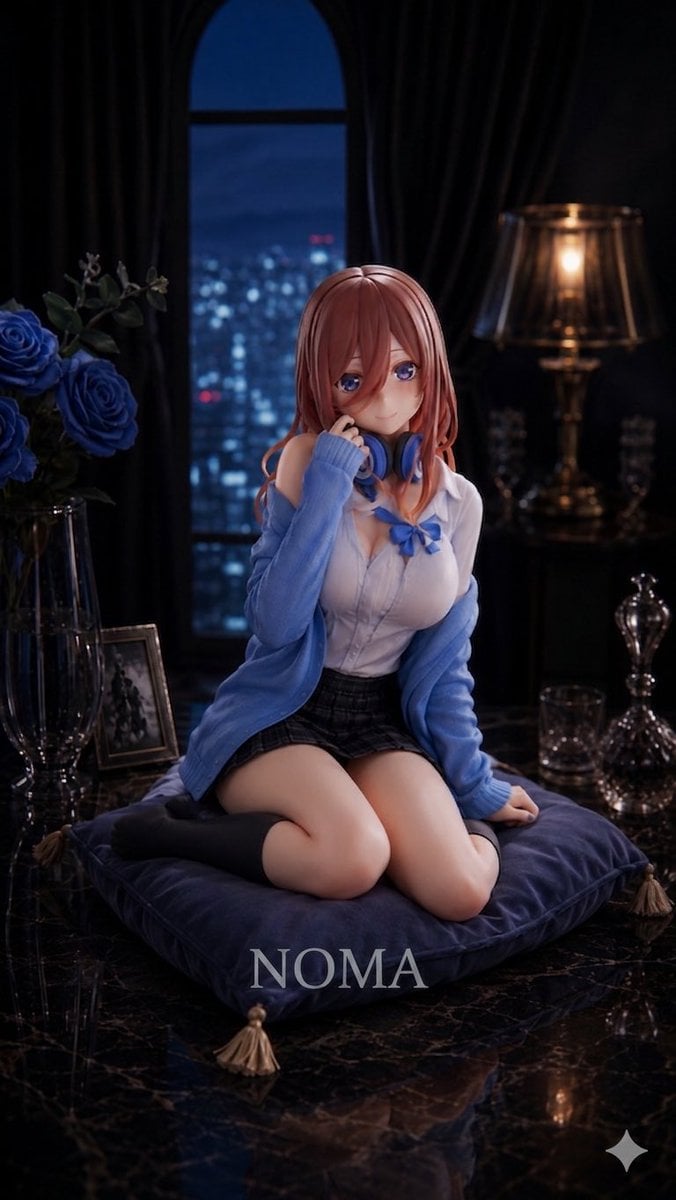
Anime Prize Figure Photography
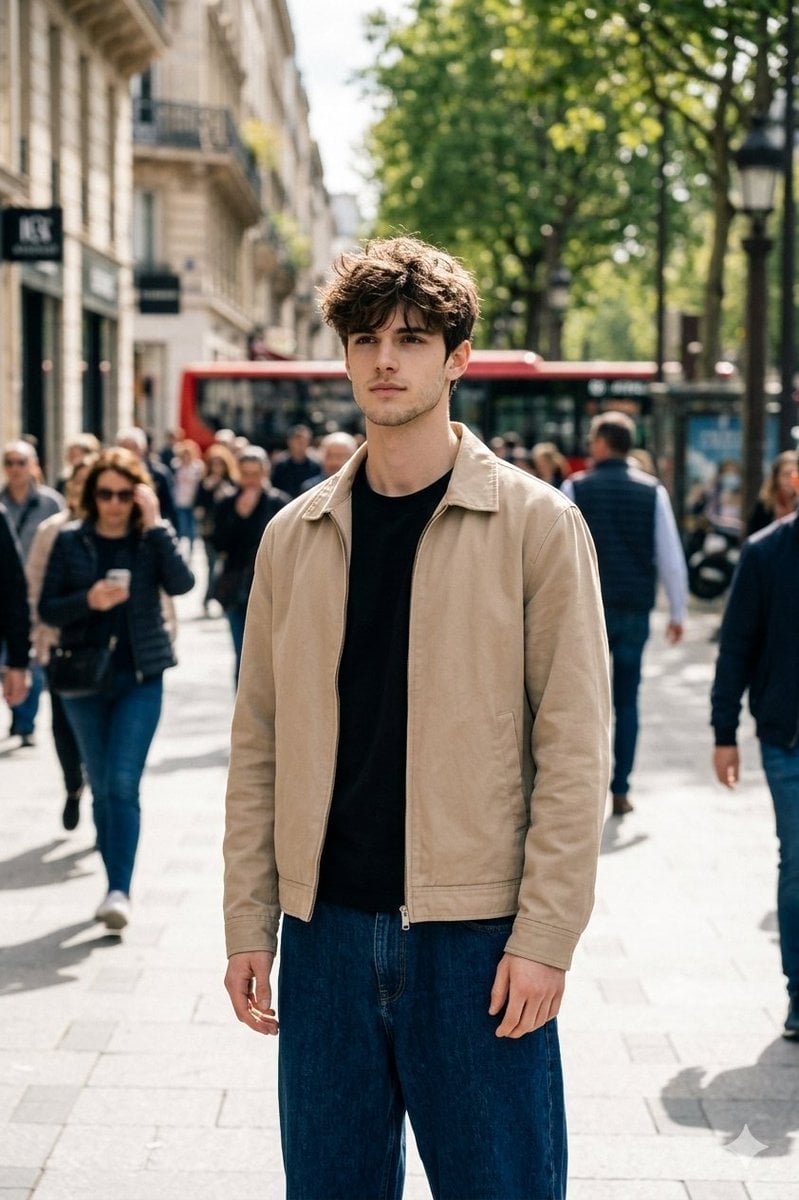
Cinematic Street Portrait in Natural Daylight
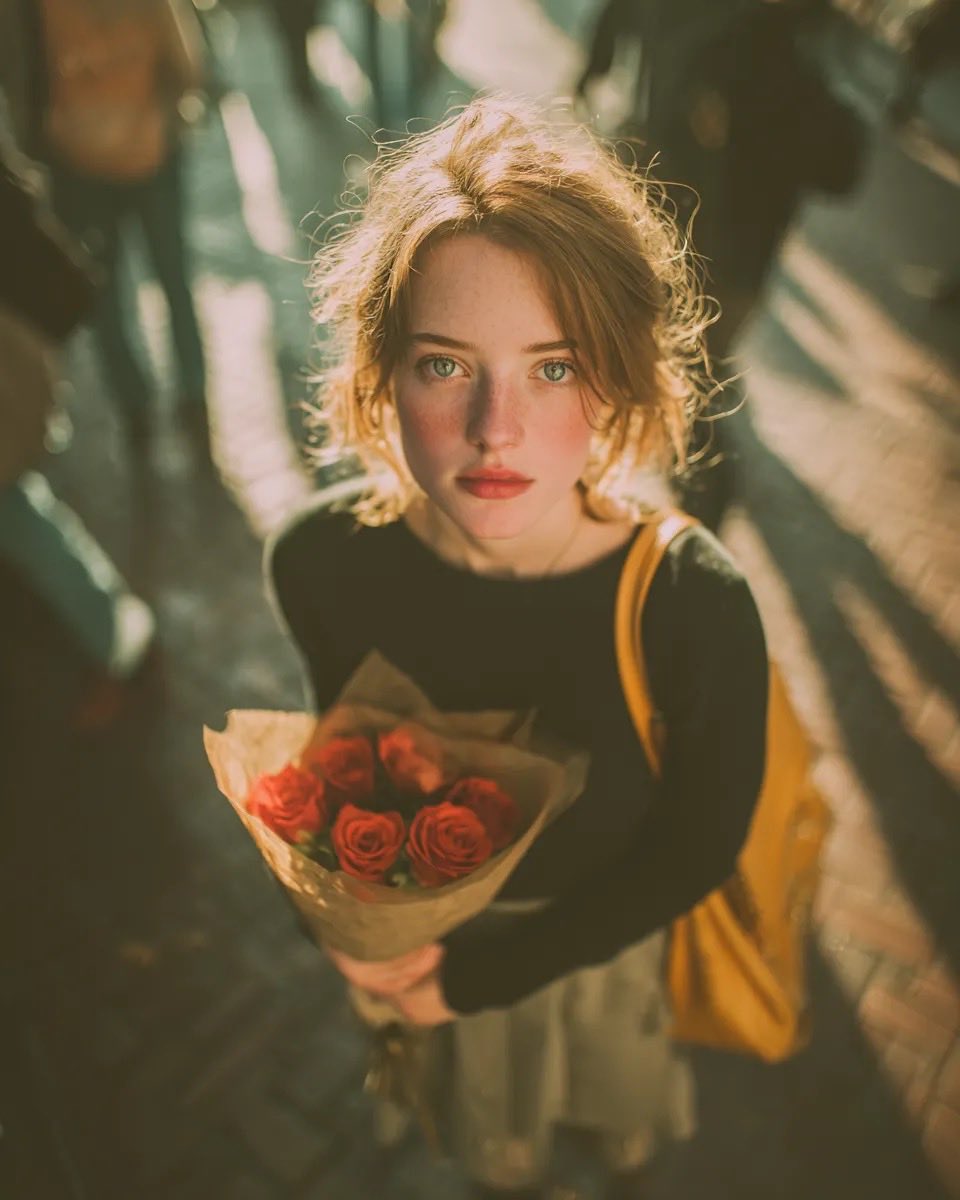
Vintage Film Grain Portrait
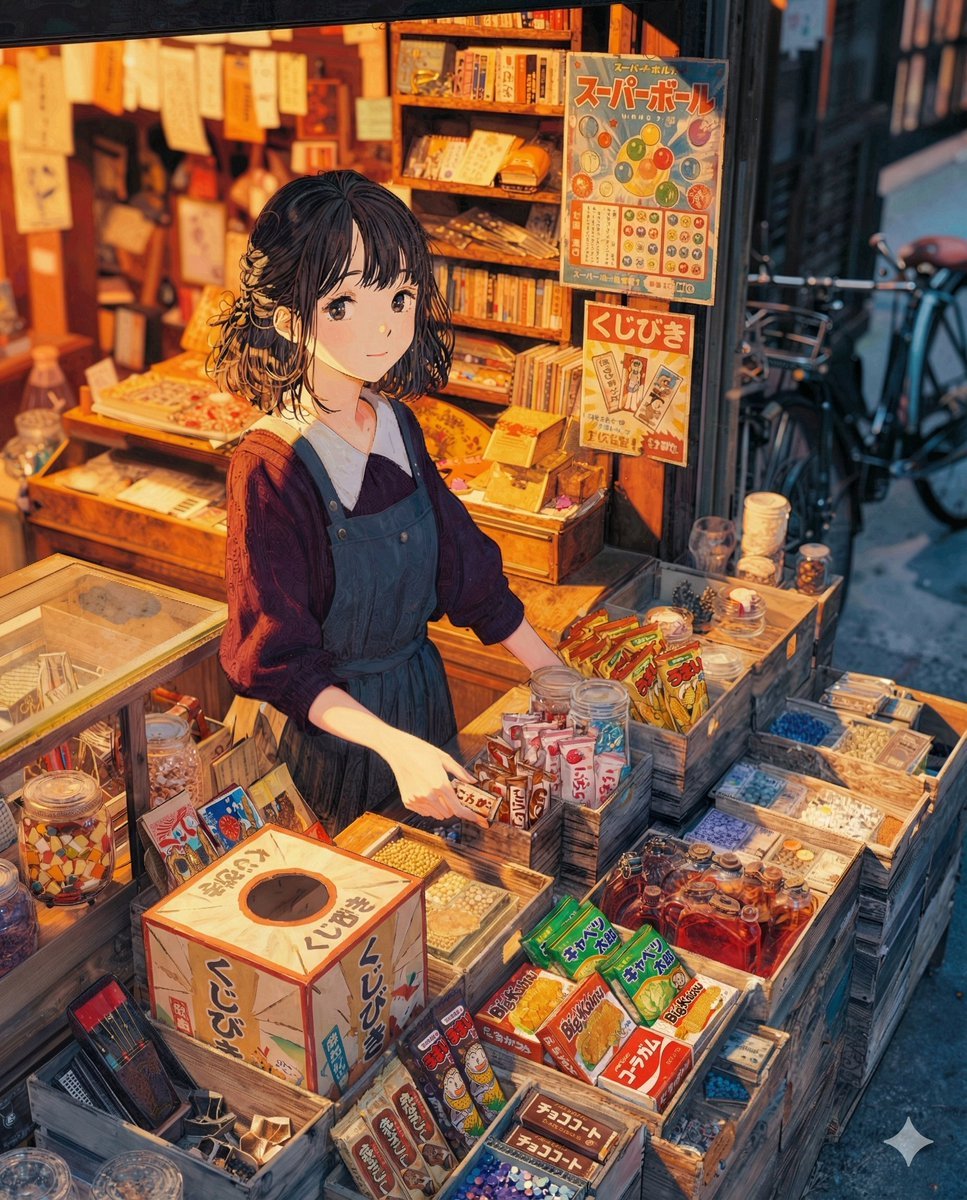
To the Candy Shop Image Generation
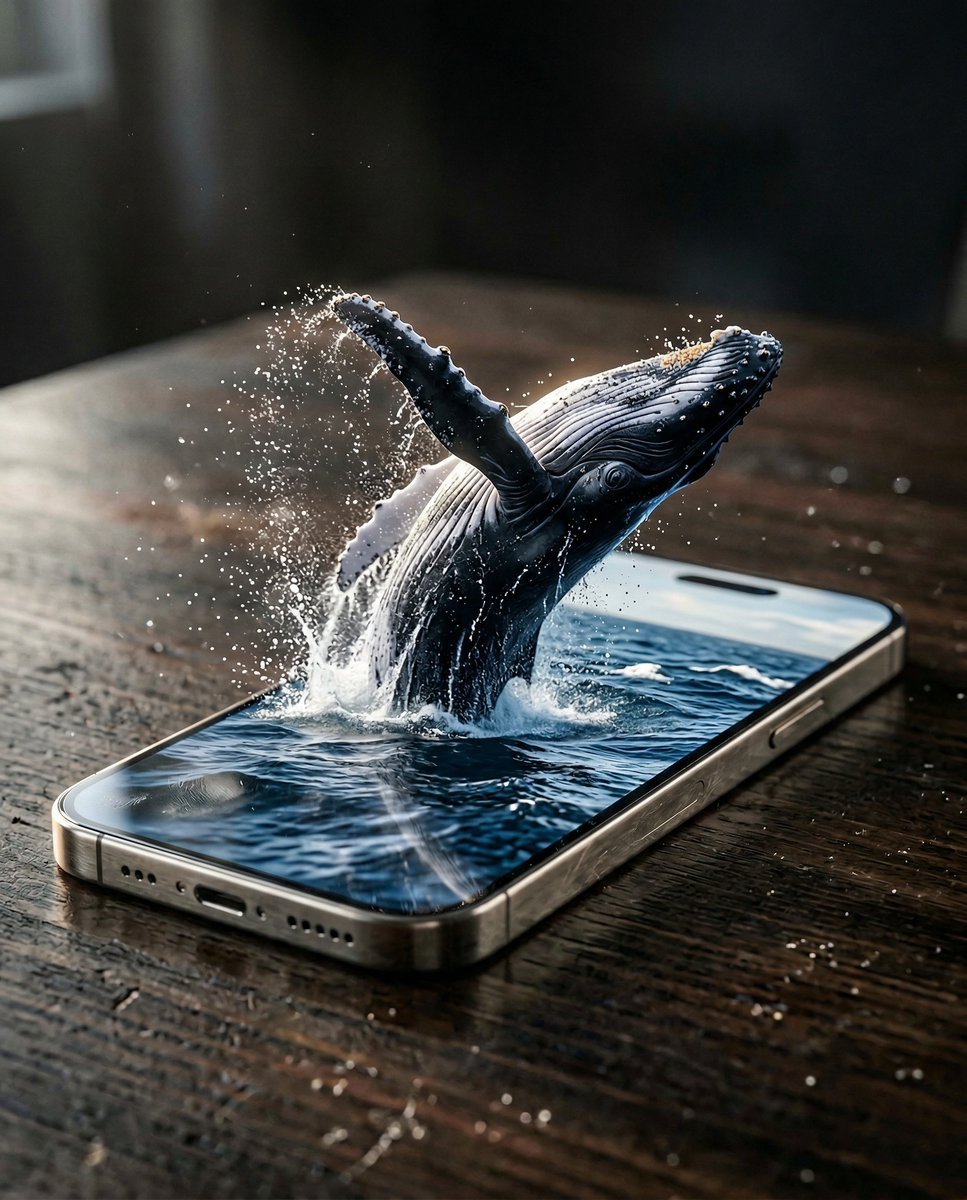
Hyper-Realistic iPhone Whale Breach Scene
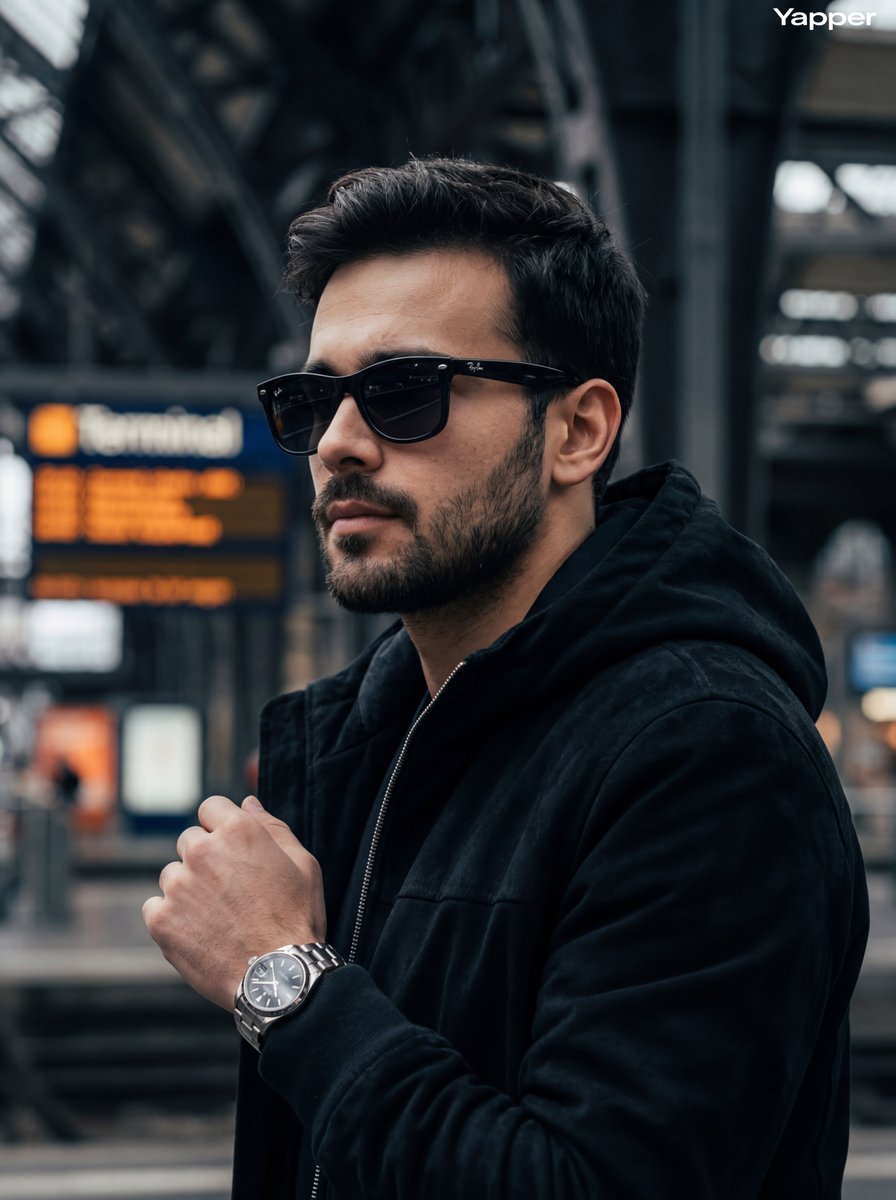
Cinematic Street Photography Portrait
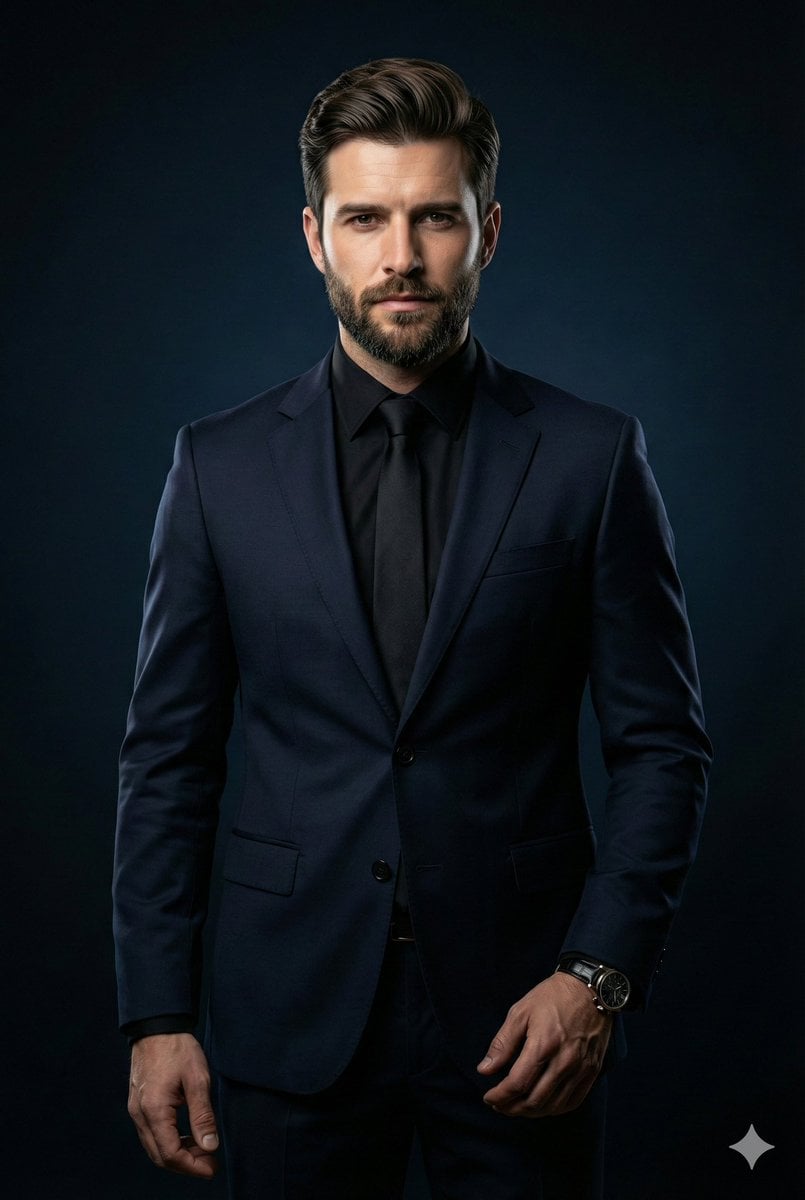
Cinematic Portrait of Middle-Aged Man in Suit
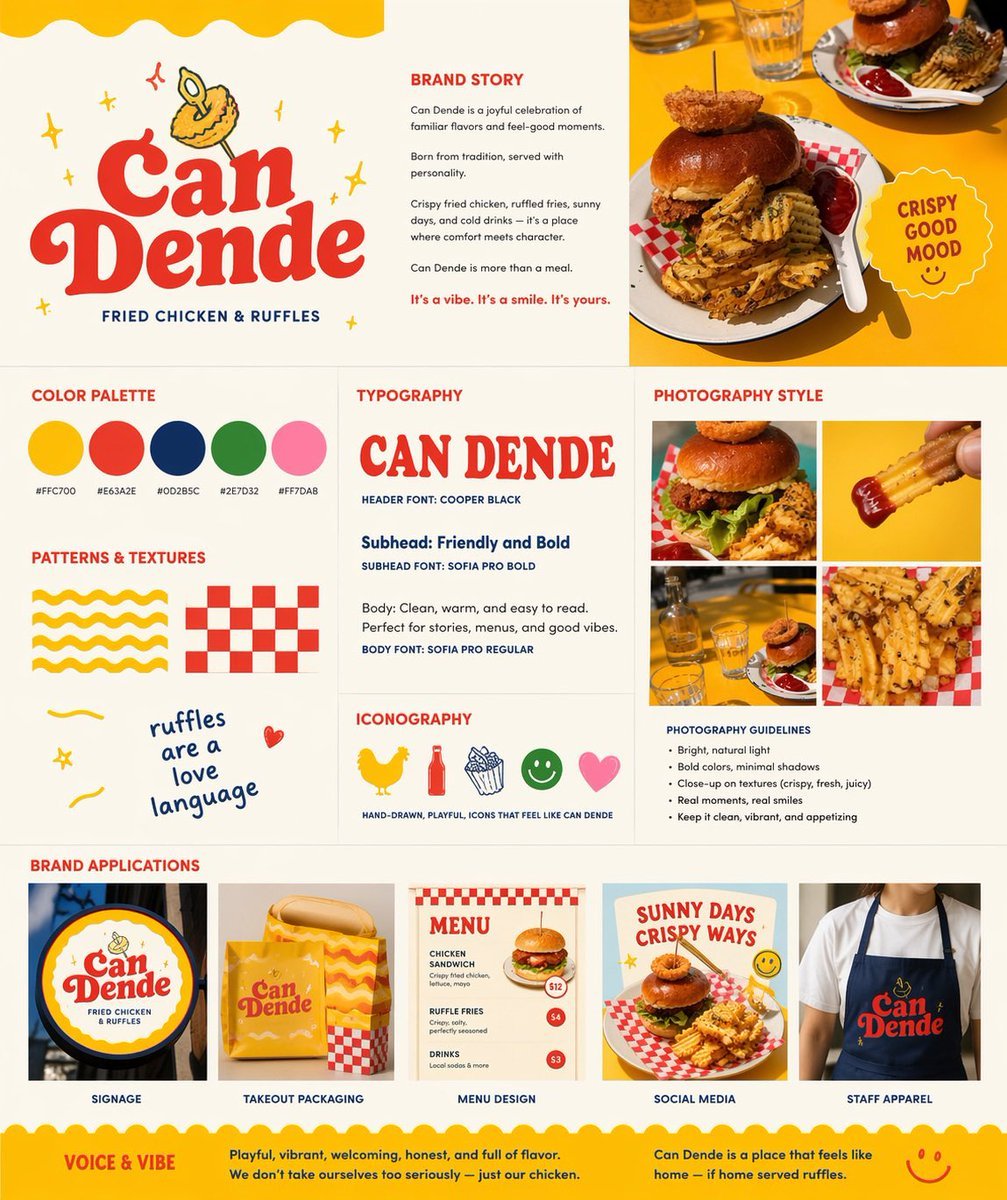
Retro Fast-Food Brand Board
Browse template categories
Goshuin Style Character Illustration questions
How do I use the Goshuin Style Character Illustration template?
Add your photo if the template asks for one, edit the prompt if you like — the template's model and format are already selected — and press Generate. Your version opens in PicX Studio.
Can I customize the Goshuin Style Character Illustration template?
Yes. You can change the subject, setting, lighting, mood, format, and available model controls before creating your image.
Is the Goshuin Style Character Illustration template free?
Opening and editing this template is free. Generating uses credits, shown on the Generate button when you are signed in.
Which AI model should I use?
Start with GPT Image 2, which is the model associated with this template. You can compare another compatible model for a different finish.
Looking for something else? Browse all templates.

Your photo, any look
Thousands of ready templates for every top image and video model, from one credit balance.