
Quiet Minimalist Anime Style Guide
Quiet Minimalist Anime Style Guide

- Prompt included
- Model and format preset
- Free template
The prompt behind this image
Copy the exact prompt behind Quiet Minimalist Anime Style Guide, or open it in the studio and make it yours.
Visual style director for a quiet minimalist anime-influenced illustration style with restraint, silence, soft shape design, and clear emotional atmosphere. Do not chase realism, do not add excessive detail, do not decorate beyond what the subject requires. Final image should feel calm, suspended, pale, dreamlike. Use soft pastel low-saturation palette with misty blue, grey green, warm ivory, pale rose, soft lavender, muted beige, off white, charcoal black, washed sky tones. Gentle contrast, reduced outlines, no glossy highlights or dramatic contrast. Soft cel shading in two or three simple value steps. Preserve negative space and calm composition. Mood quiet, ethereal, wistful, clear. Avoid generic quality tags or decorative text.
How to use Quiet Minimalist Anime Style Guide in 3 steps
- 1
Open
The prompt is already in the box next to the preview, with the template's model and format selected.
- 2…a portrait of your subject in softgolden-hour light, 85mm…
Personalize
Edit the subject and creative details for your destination.
- 3Generate
Generate
Press Generate — your image is created in PicX Studio, so you can compare it with the original and refine one variable at a time.
More like this
Templates with the same subject, style or setup. Open one to see its prompt.
Quiet Minimalist Anime Style Guide

Retro Anime Space Captain Portrait
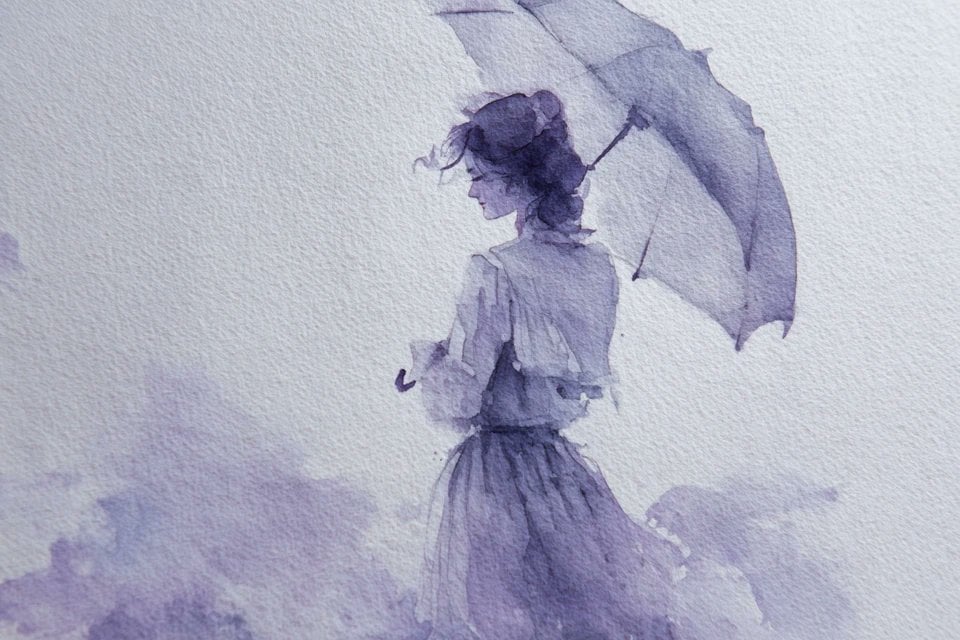
Watercolor Dreamscape — Nano Banana

Minecraft Japanese Research Lab Exploration
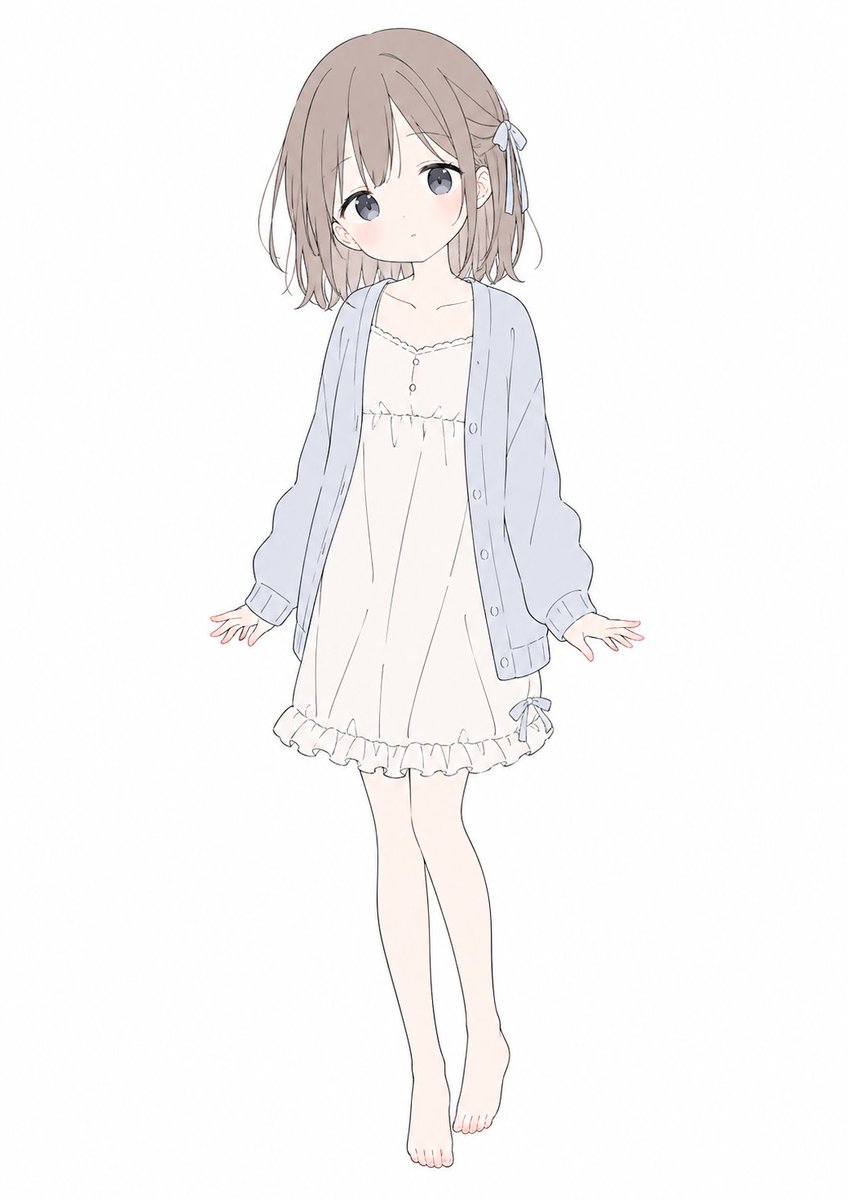
Gpt2 Comic Storyboard Soft Pastel Anime Girl Full Body

Glass Skin Beauty Portrait — Soft Pastel Nano Banana
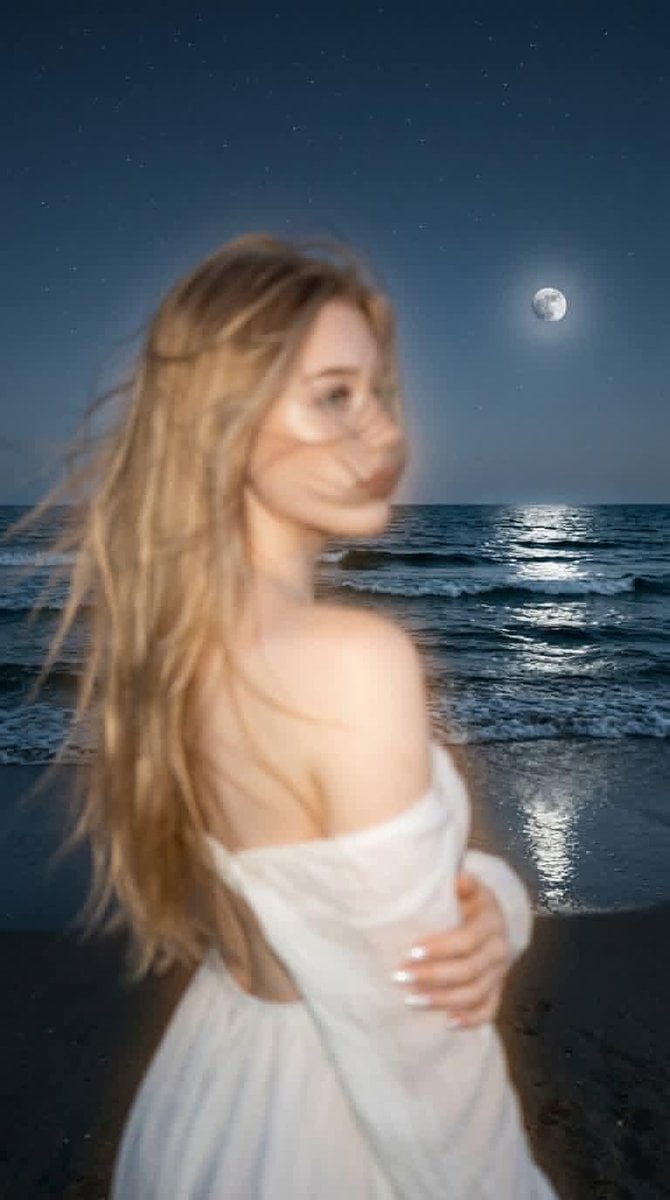
Dreamlike Night Beach Portrait
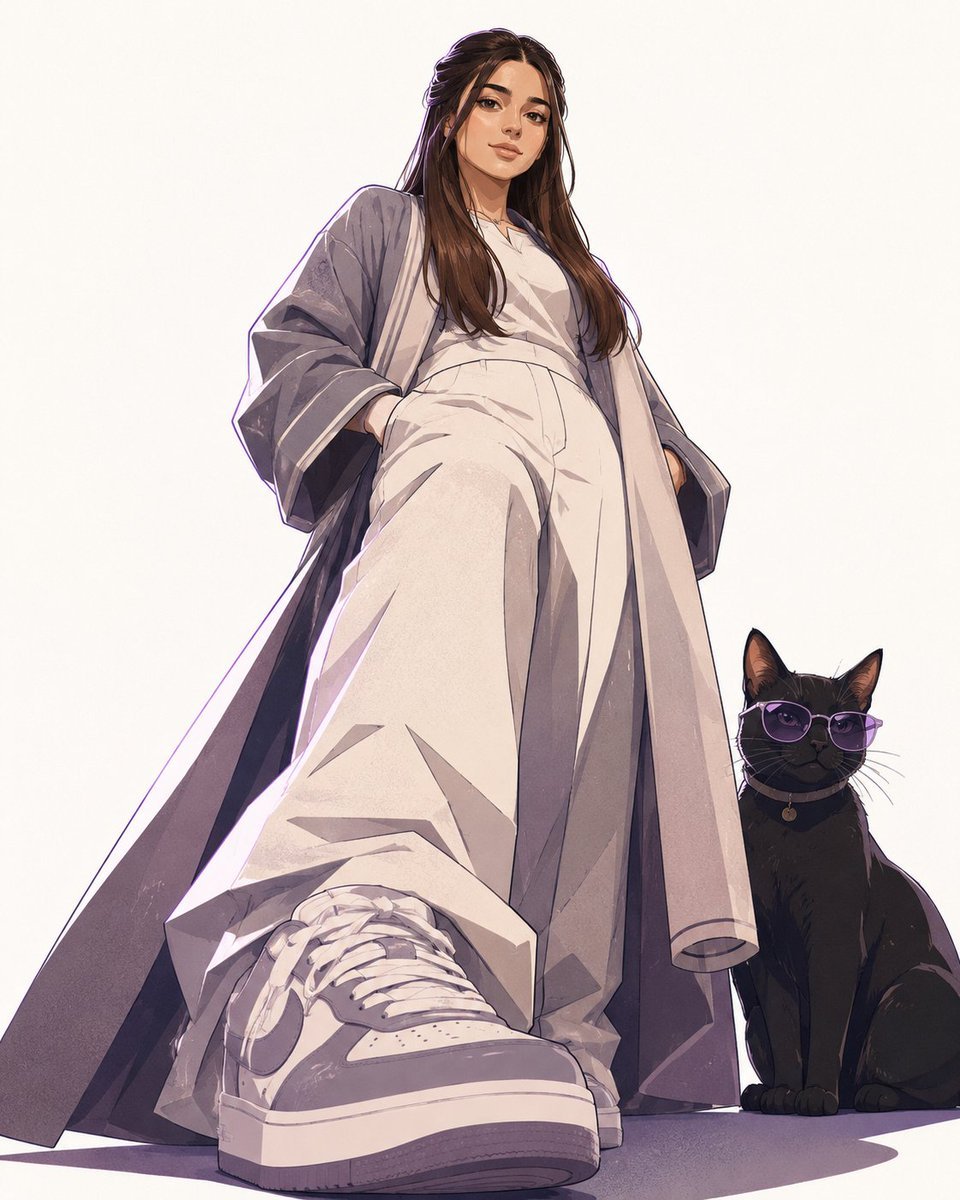
Minimalist Anime Saudi Streetwear Portrait
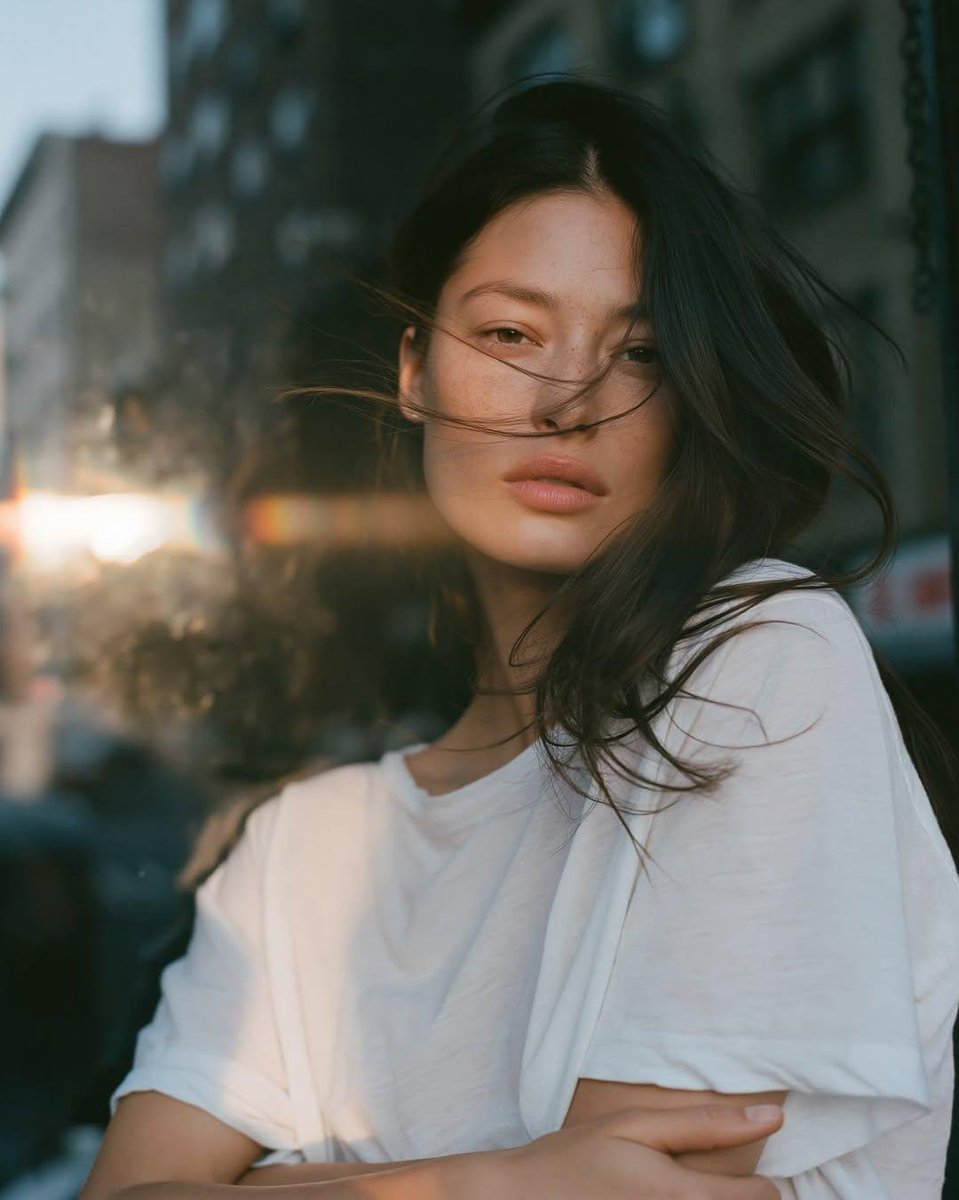
Atmospheric Urban Film Portrait
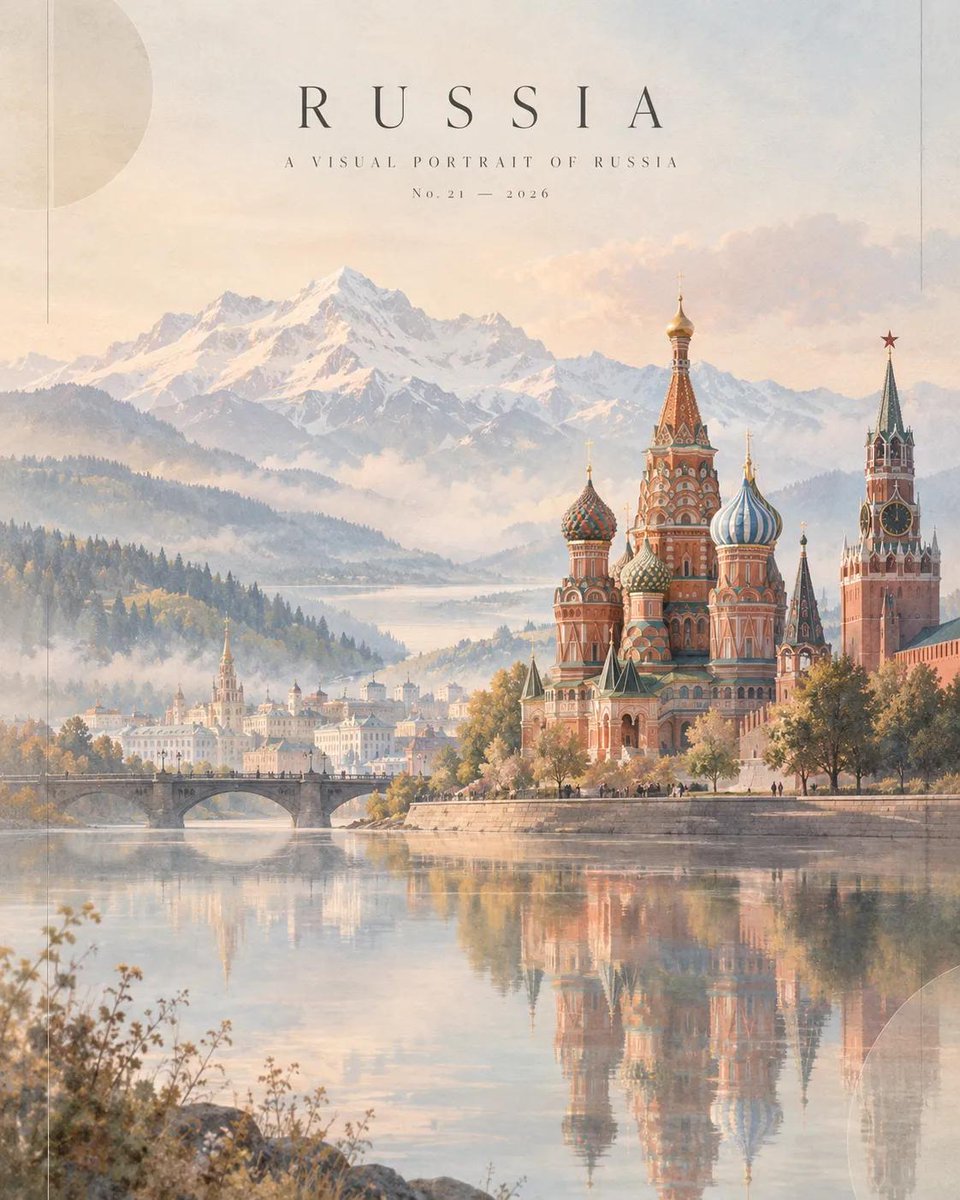
Dreamlike Russia Travel Magazine Cover
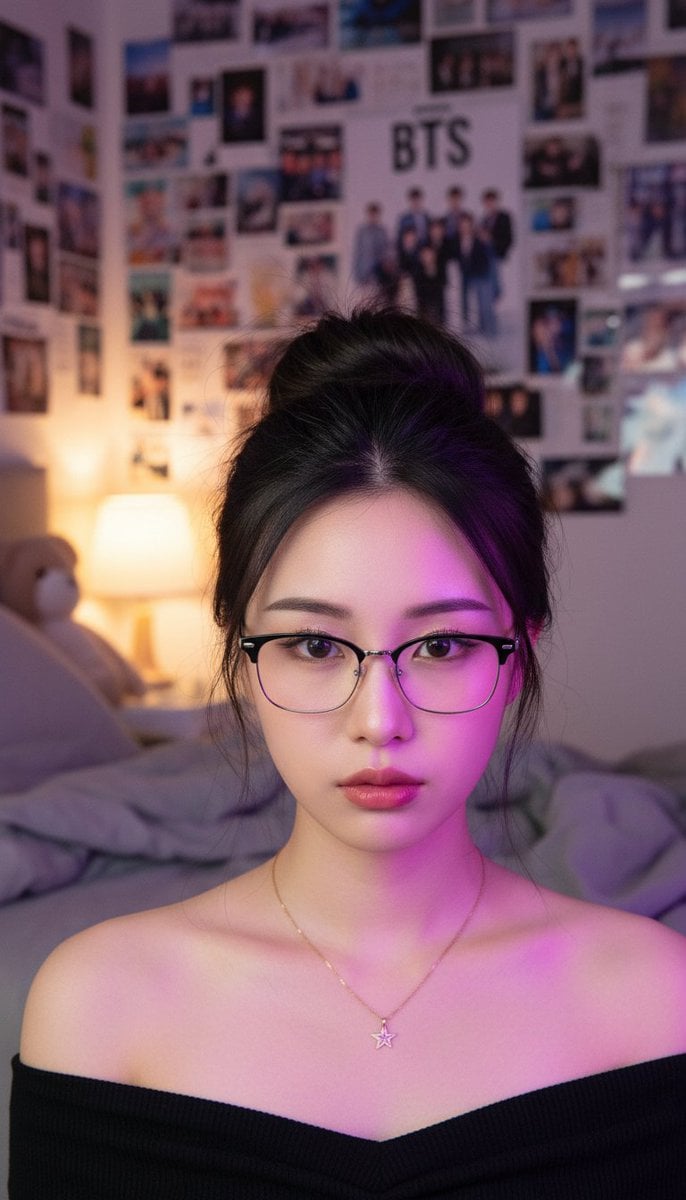
Atmospheric K-pop Fan Room Portrait
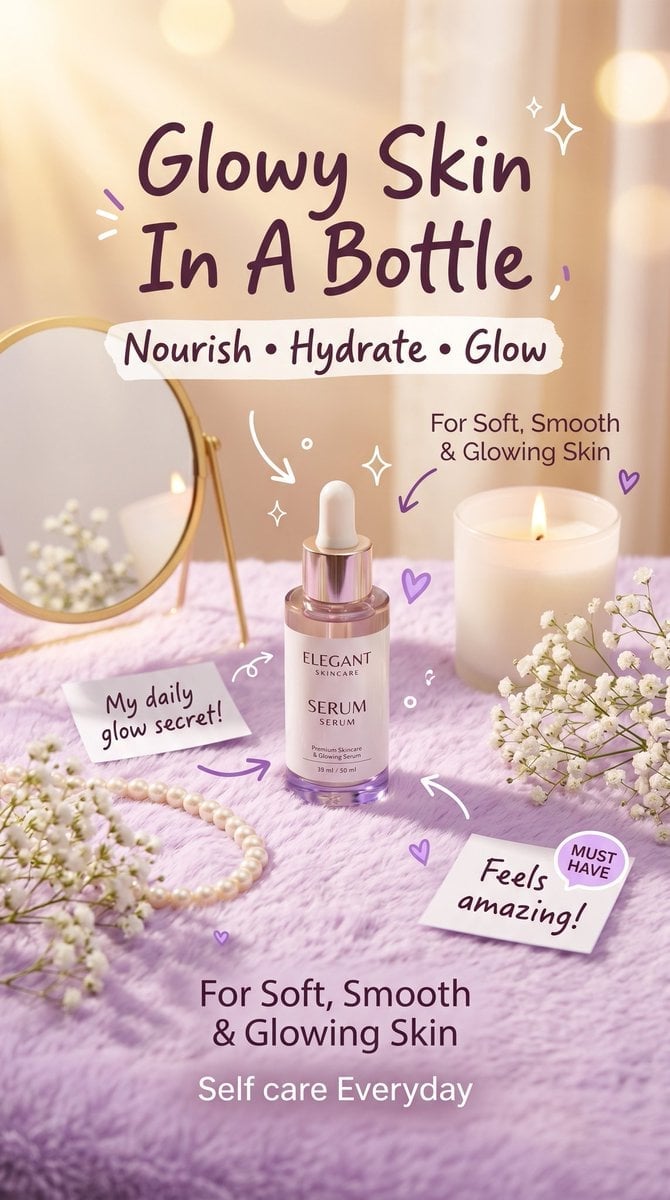
Luxury aesthetic skincare advertisement,soft pastel background, warm
Make it yours
Quiet Minimalist Anime Style Guide works as-is. These are the safest ways to change it without losing the look.
Change one field
Copy a single group, rewrite it, and generate again so you can see what that field is doing.
Keep the frame, change the subject
Hold the composition and light of Quiet Minimalist Anime Style Guide, then swap wardrobe, props or the person for a new take.
| If the result… | Why | Fix |
|---|---|---|
| The result drifts from the preview | Too many fields changed at once. | Reuse Quiet Minimalist Anime Style Guide as-is first, then change one group — subject, light, or setting. |
| The model over-stylizes the scene | The prose prompt leaves finish and camera underspecified. | Add one camera or lighting sentence and stay on PicX Studio. |
More image prompts
Fresh picks from across the catalog.
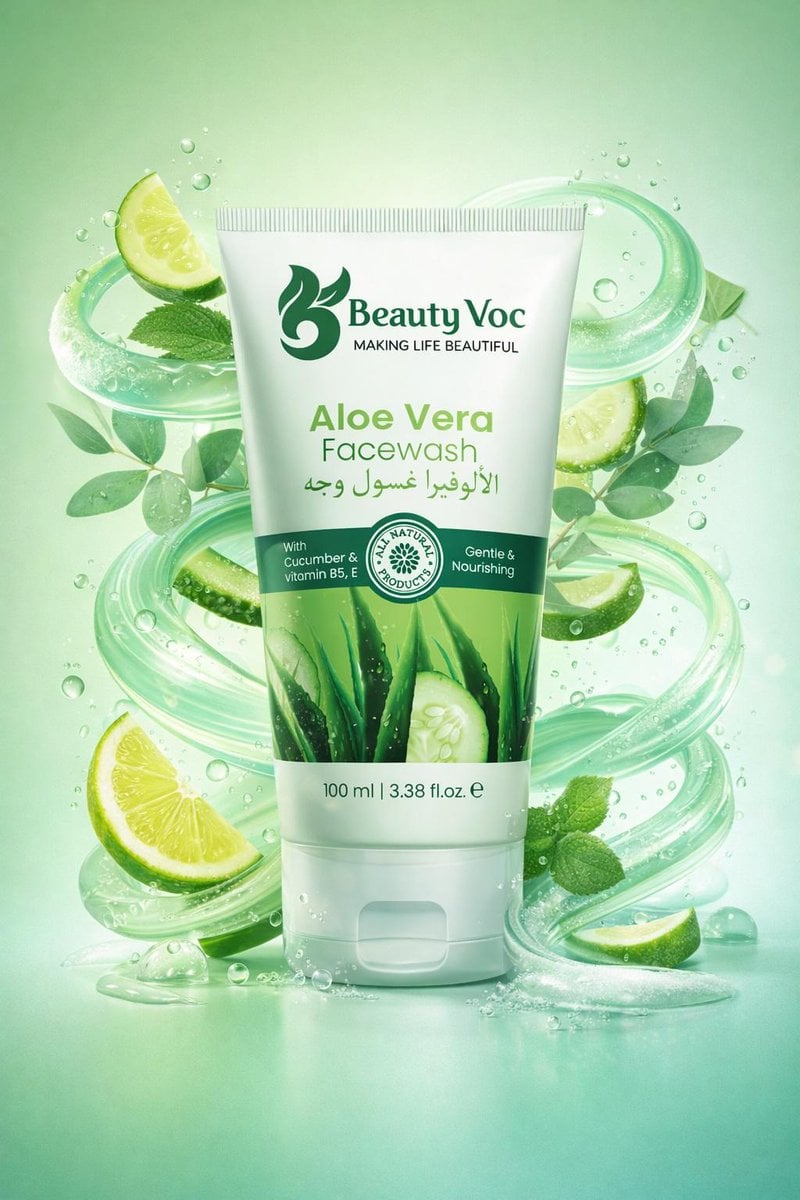
Skincare Product Key Visual Generator
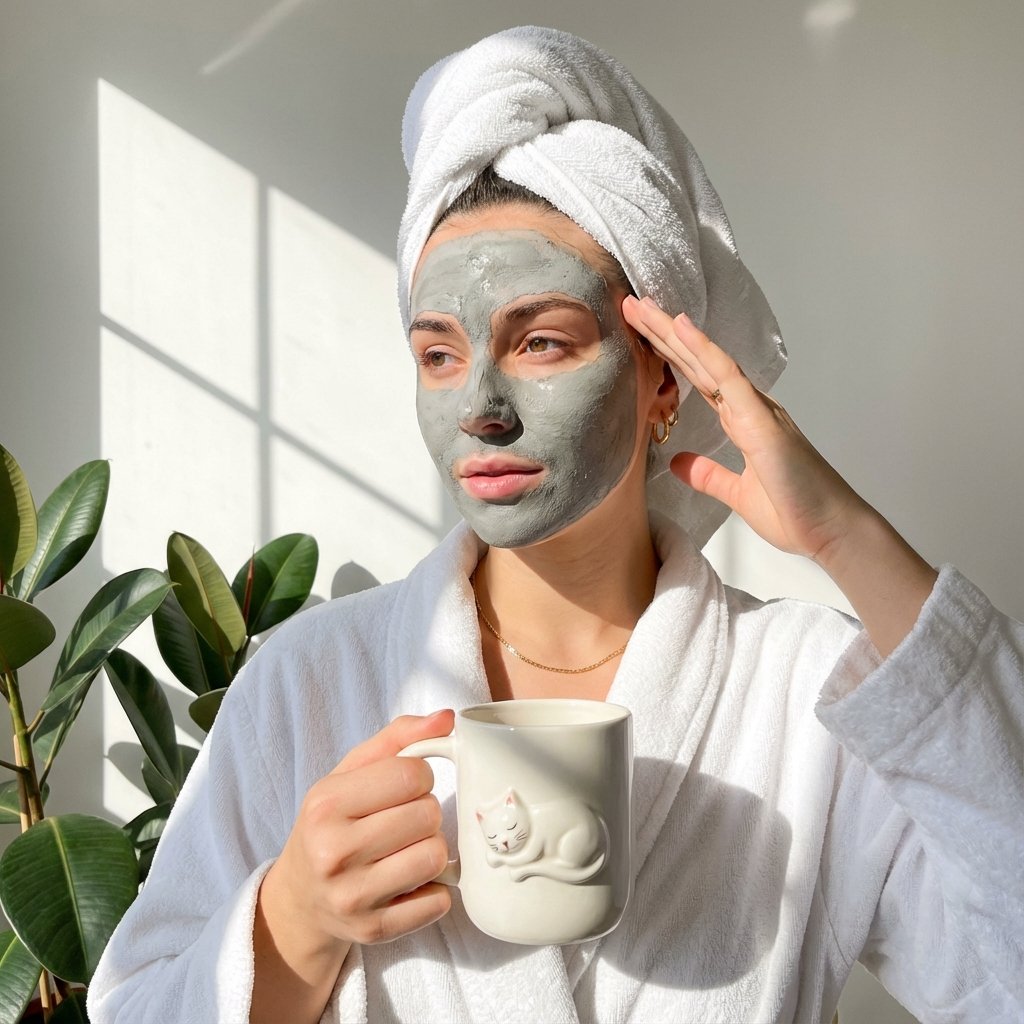
Self-Care Morning Routine Portrait
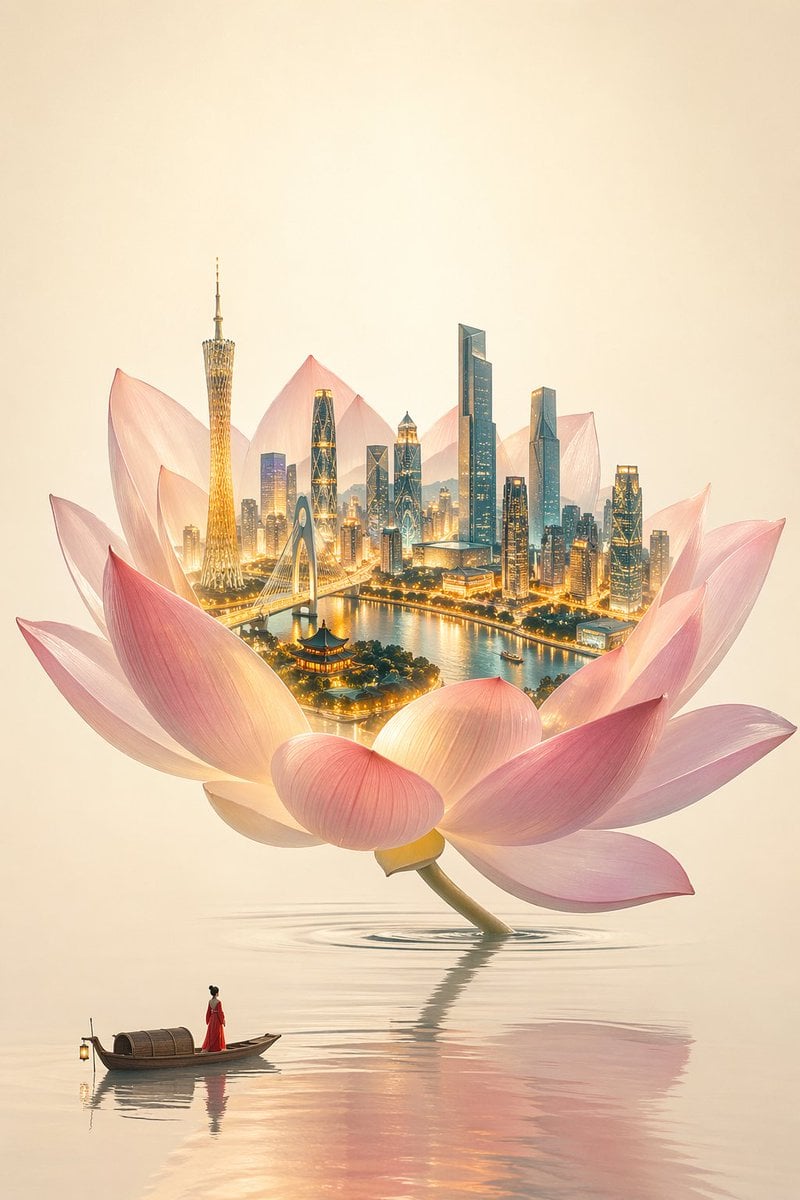
One Flower, One World City Illustration
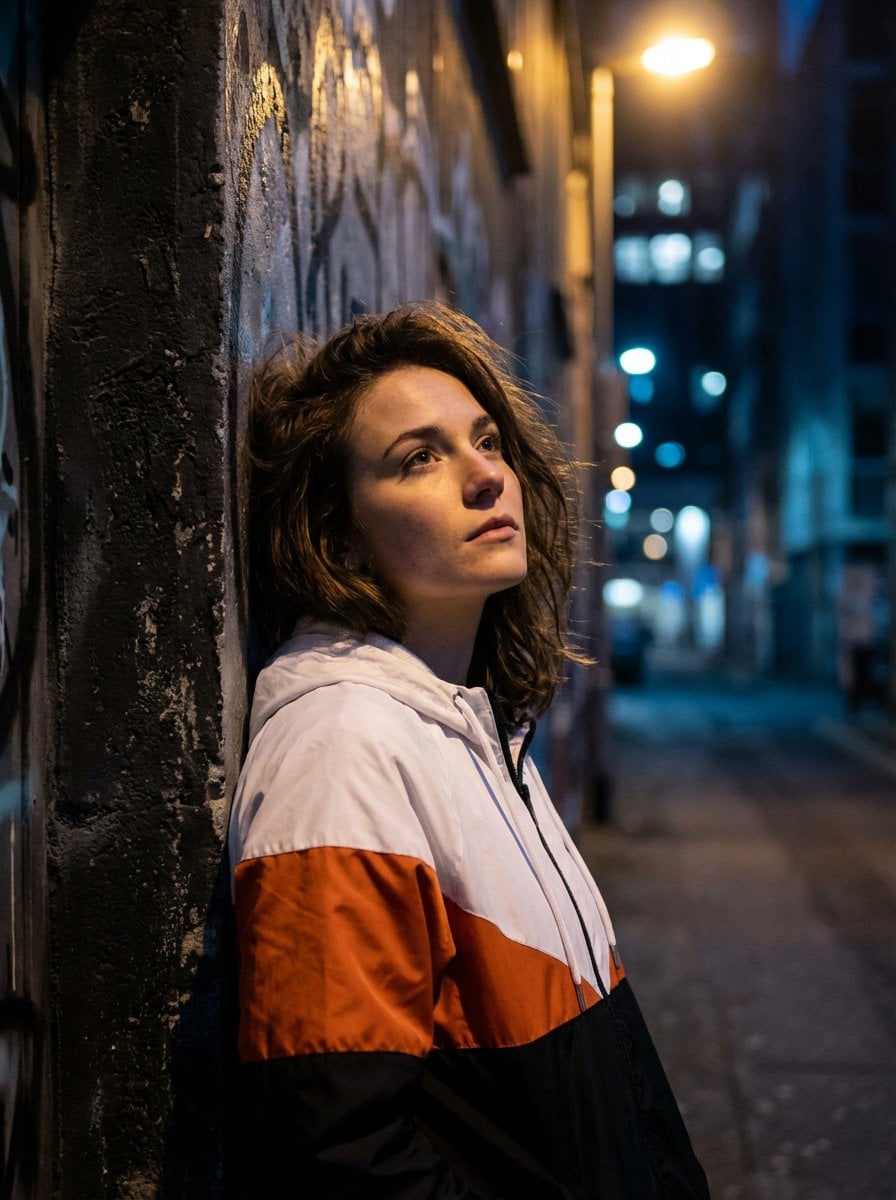
Dramatic Urban Portrait with Overhead Lighting
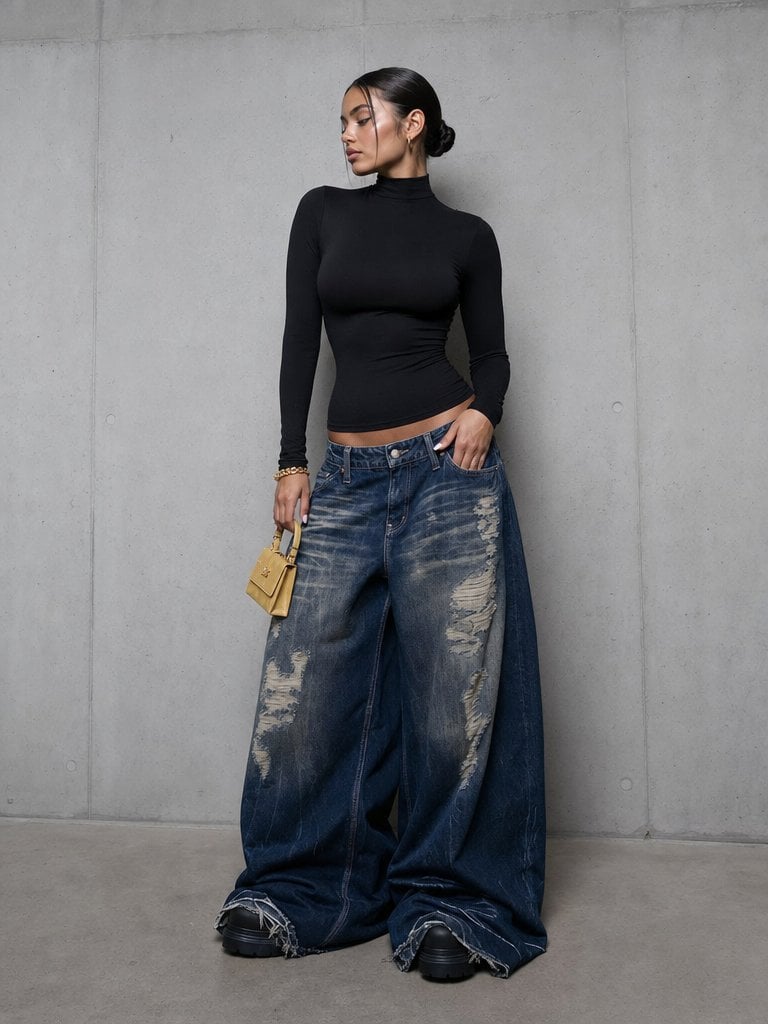
Editorial Portrait in Extreme Baggy Jeans
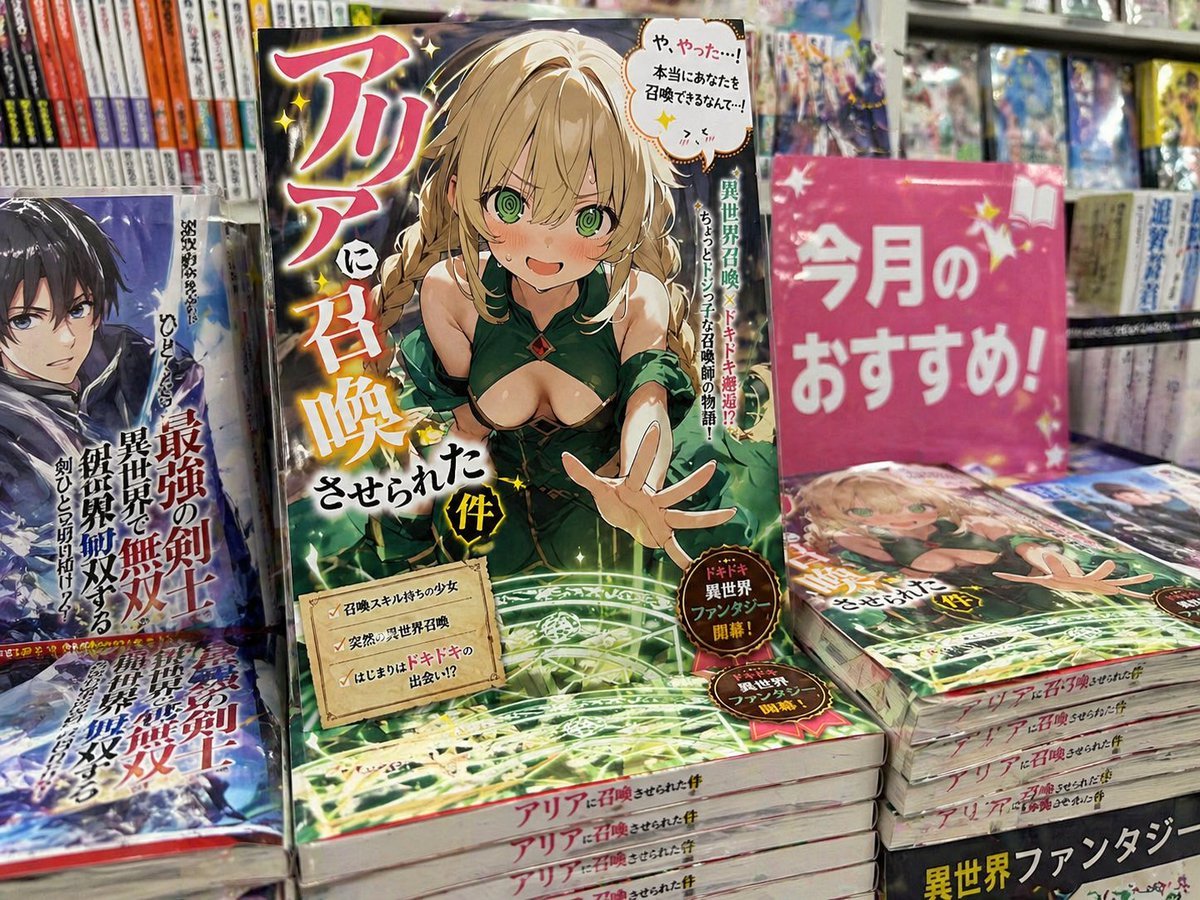
Light novel cover and bookstore display
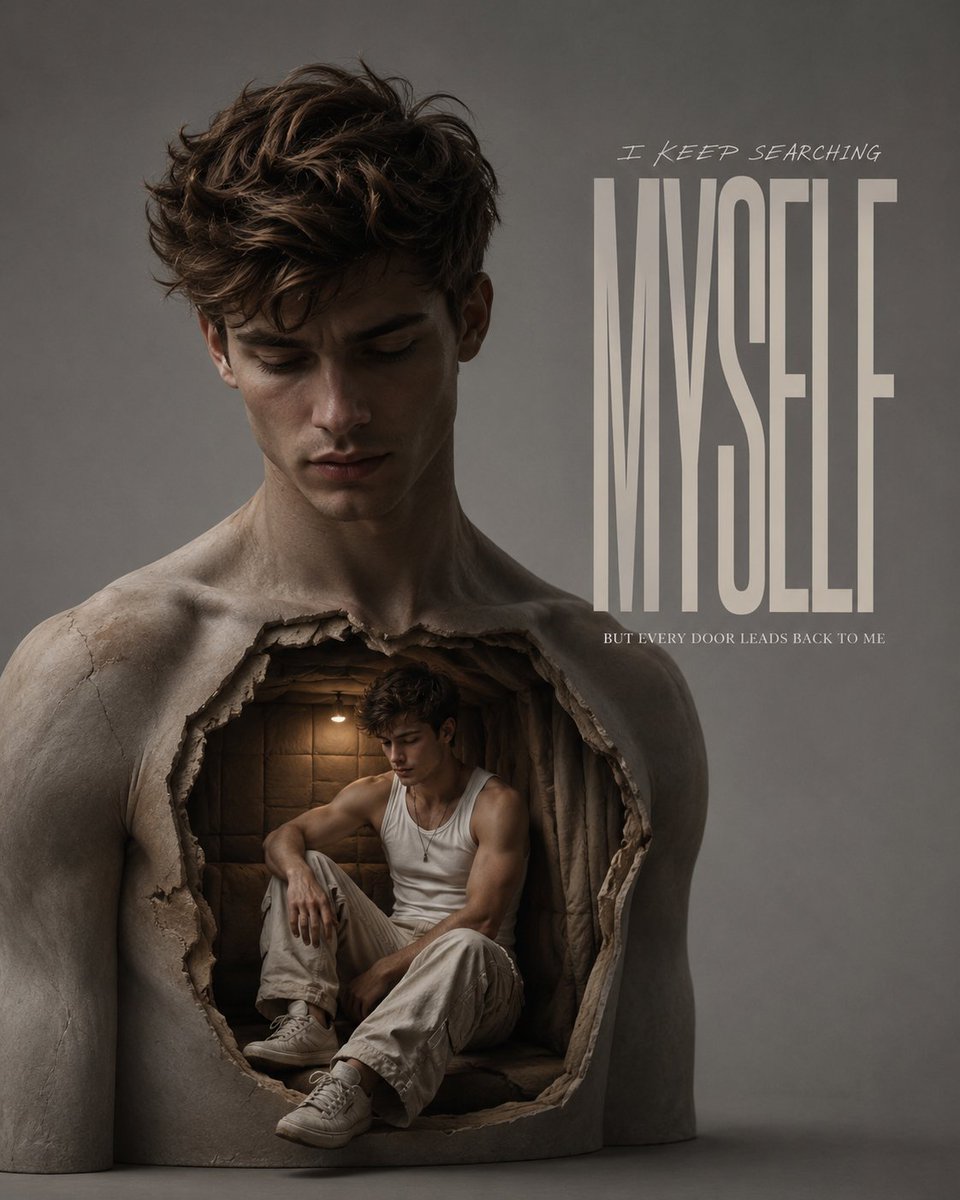
Surreal Chest Sculpture Fashion Campaign
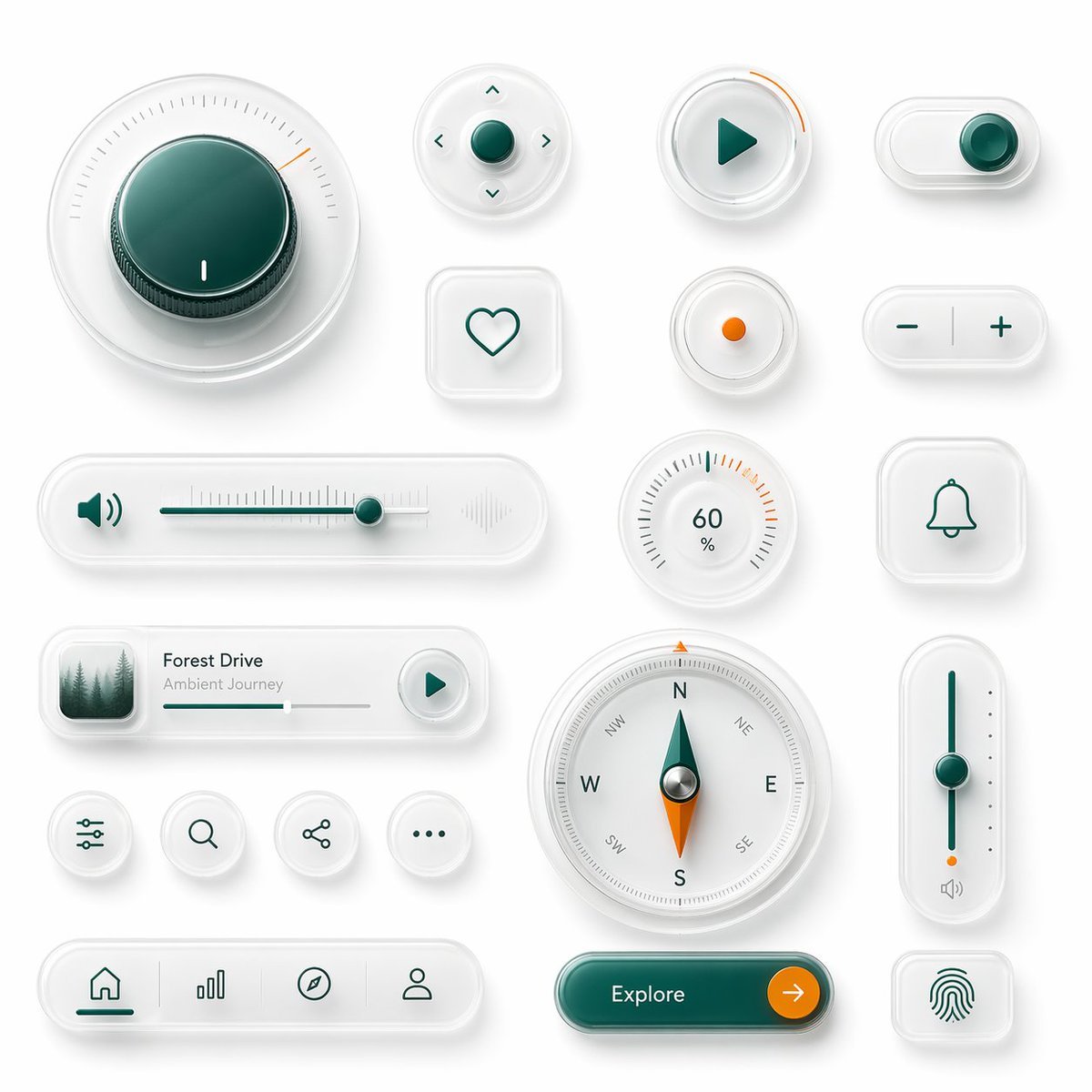
Neumorphic Glass UI Kit Board

Gpt2 Game Asset Gta 6 in Bangalore Flower Market
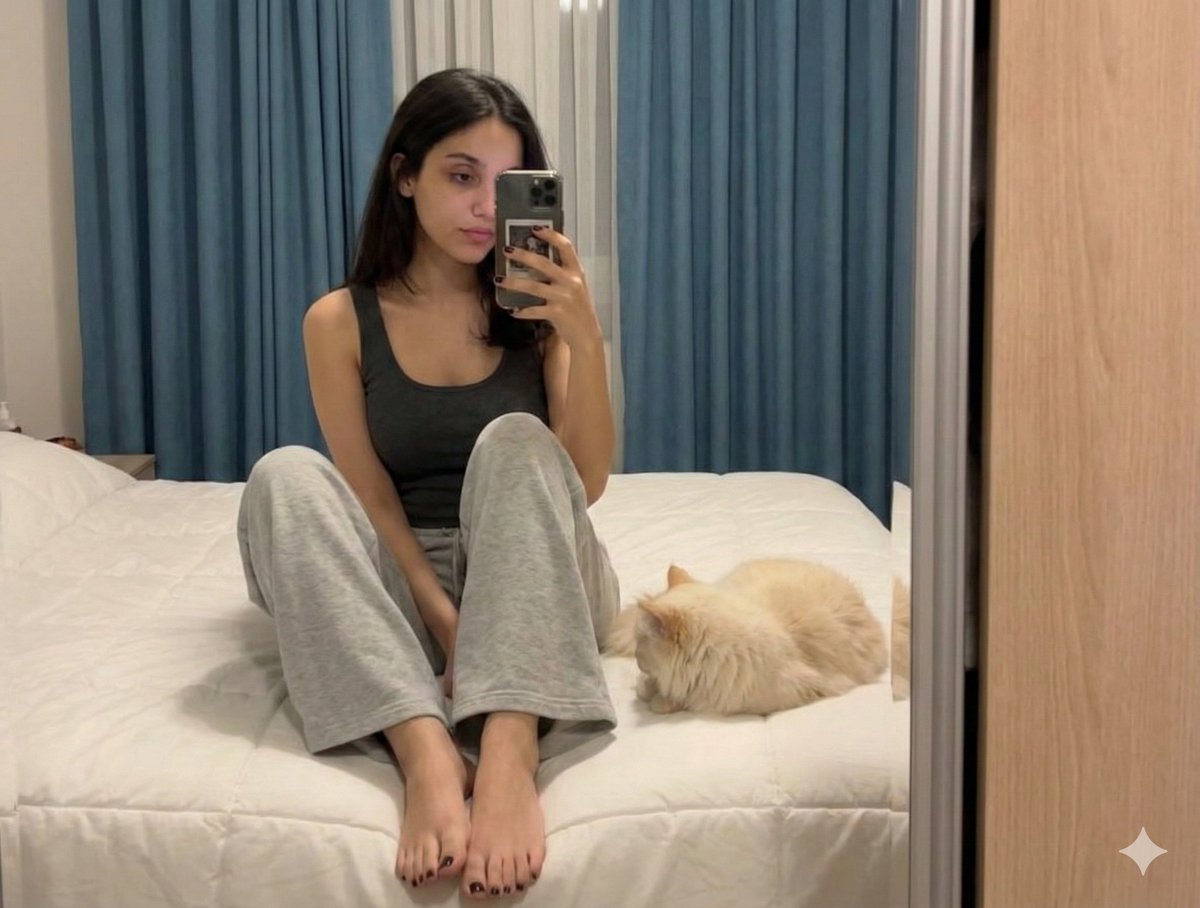
Nano Banana Pro Prompt: Candid Mirror Selfie with Cat
Browse template categories
Quiet Minimalist Anime Style Guide questions
How do I use the Quiet Minimalist Anime Style Guide template?
Add your photo if the template asks for one, edit the prompt if you like — the template's model and format are already selected — and press Generate. Your version opens in PicX Studio.
Can I customize the Quiet Minimalist Anime Style Guide template?
Yes. You can change the subject, setting, lighting, mood, format, and available model controls before creating your image.
Is the Quiet Minimalist Anime Style Guide template free?
Opening and editing this template is free. Generating uses credits, shown on the Generate button when you are signed in.
Which AI model should I use?
Choose a compatible model in PicX Studio based on the style, speed, and output controls your project needs.
Looking for something else? Browse all templates.

Your photo, any look
Thousands of ready templates for every top image and video model, from one credit balance.