
One Flower, One World City Illustration
A highly detailed, professional commercial illustration prompt for creating a minimalist city scene contained within a glowing lotus flower.
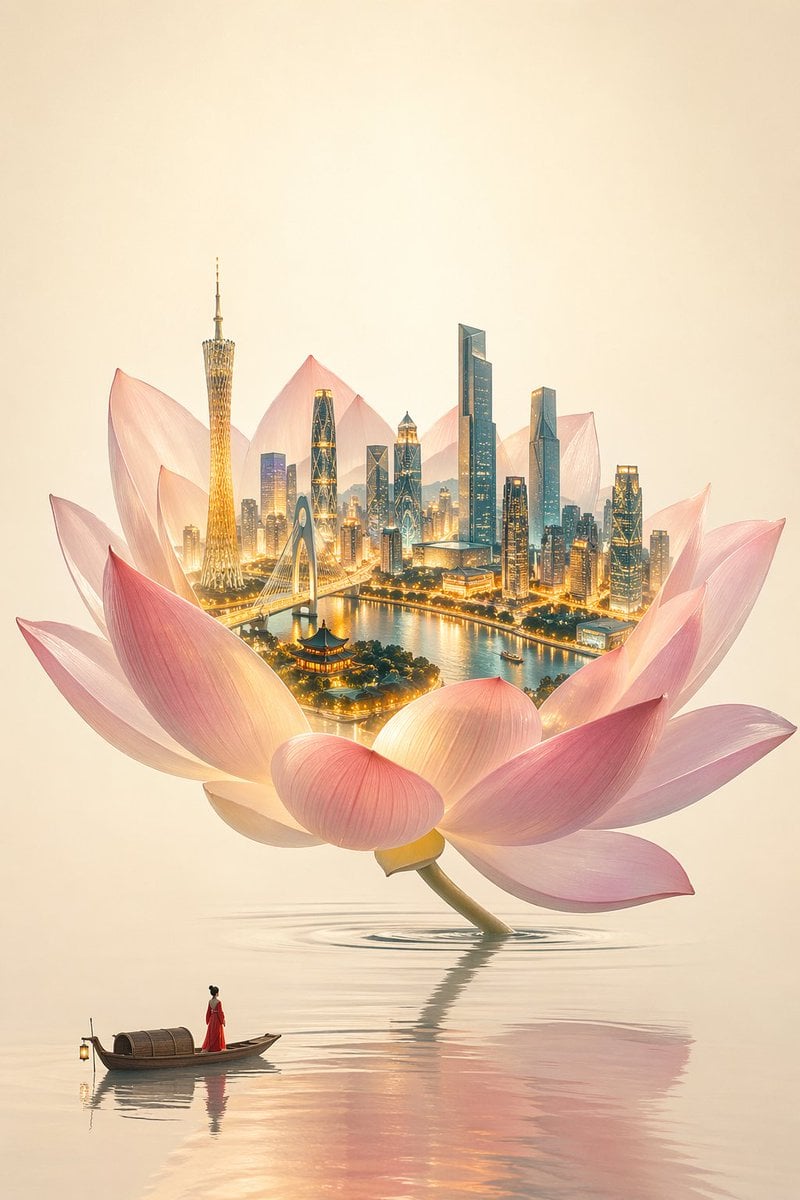
- Prompt included
- Model and format preset
- Free template
The prompt behind this image
Copy the exact prompt behind One Flower, One World City Illustration, or open it in the studio and make it yours.
New Chinese-style minimalist Eastern aesthetic × high-end commercial illustration, theme "{argument name="Theme" default="A Flower, A World"}", minimalist, restrained, ethereal, high-end commercial visual, surreal Eastern mood, a clean and translucent image with no gray haze or dirty colors, a giant lotus flower serving as a spatial container, growing naturally from calm water with a slight tilt, an elegant composition with ample negative space, low-saturation clean pink, soft rouge tones, semi-transparent petals, light and translucent, matte and low-contrast, softened edges + slight depth of field. Inside the lotus is the sole visual focus: a glowing 3D miniature {argument name="City" default="Guangzhou"} cityscape, including {argument name="Landmarks" default="Canton Tower, the Zhujiang New Town skyline, Liede Bridge, the Pearl River waterfront"}, a few Lingnan-style buildings, an ultra-detailed city structure with realistic materials and extremely high clarity of detail. The city's highlights are warm gold and its shadows are cool cyan-blue, forming a warm-cool contrast, with lighting that feels luminous and energetic — locally high saturation but not overdone — and the city's brightness clearly exceeding that of the lotus. The water surface is clear, minimal, and calm, with only a few soft ripples and weak reflections. The background has a warm off-white rice-paper texture, with no ink-wash strokes, generous negative space, and a very slight glow gradient at the center. The overall feel is translucent, never gray or stuffy. At the bottom of the image is a minimalist small boat carrying a red-clad fisherwoman, very small in scale, standing still and gazing up at the lotus — red being the only high-saturation accent. The overall lighting should be translucent, clean, and layered, with no gray haze and no washed-out whites. High-end CG commercial illustration, cinematic realistic lighting, high dynamic range, ultra-fine detail, 8K detail, ArtStation-level quality, enhanced color separation, clean color grading, cyan-orange contrast, warm highlights with cool shadows, with saturation boosted only in the city lights, tones soft and translucent, lighting sharp and bright, with no gray haze, no dullness, and no low-saturation fogginess.
How to use One Flower, One World City Illustration in 3 steps
- 1
Open
The prompt is already in the box next to the preview, with the template's model and format selected.
- 2…a portrait of your subject in softgolden-hour light, 85mm…
Personalize
Edit the subject and creative details for your destination.
- 3Generate
Generate
Press Generate — your image is created in PicX Studio, so you can compare it with the original and refine one variable at a time.
More like this
Templates with the same subject, style or setup. Open one to see its prompt.

Captain Tsubasa Anime World Cup Poster

City Posters by Nano Banana Pro

Cozy Knit Sweater Window Portrait

Minimalist Hand-Drawn Doodle Portrait
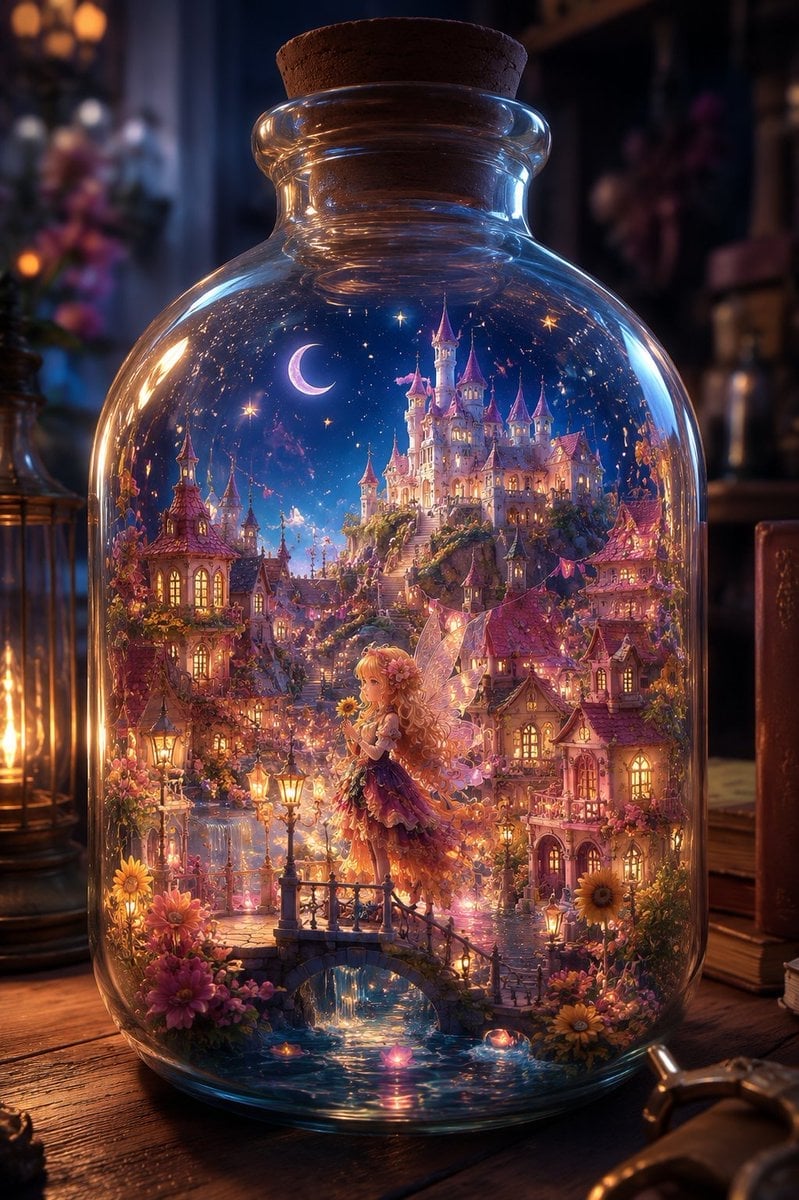
Sunflower Fairy World in a Bottle

GTA San Andreas Indonesian Style Illustration

Quiet Minimalist Anime Style Guide

Real Illustration Split Portrait Transition
Quiet Minimalist Anime Style Guide

Watercolor Café Cheesecake Editorial Illustration
Real Illustration Split Portrait Transition

Bold Side Profile Superhero Poster
Make it yours
One Flower, One World City Illustration works as-is. These are the safest ways to change it without losing the look.
Change one field
Copy a single group, rewrite it, and generate again so you can see what that field is doing.
Keep the frame, change the subject
Hold the composition and light of One Flower, One World City Illustration, then swap wardrobe, props or the person for a new take.
| If the result… | Why | Fix |
|---|---|---|
| The result drifts from the preview | Too many fields changed at once. | Reuse One Flower, One World City Illustration as-is first, then change one group — subject, light, or setting. |
| The model over-stylizes the scene | The prose prompt leaves finish and camera underspecified. | Add one camera or lighting sentence and stay on GPT Image 2. |
More GPT Image 2 templates
Other prompts made for GPT Image 2.

Six VTuber Japanese Logo Sheet

Realistic Portrait of Woman and Deer

The Vista Modular Condo Poster

AI Model Routing Comparison Infographic

2.5D Anime Art Board

Isometric Productivity Desk Scene

New York Double Exposure Poster

Four-Panel AI Landscape Comparison

Japanese Tatami Lifestyle Magazine Cover

NESCAFÉ Coffee Map Poster
More image prompts
Fresh picks from across the catalog.
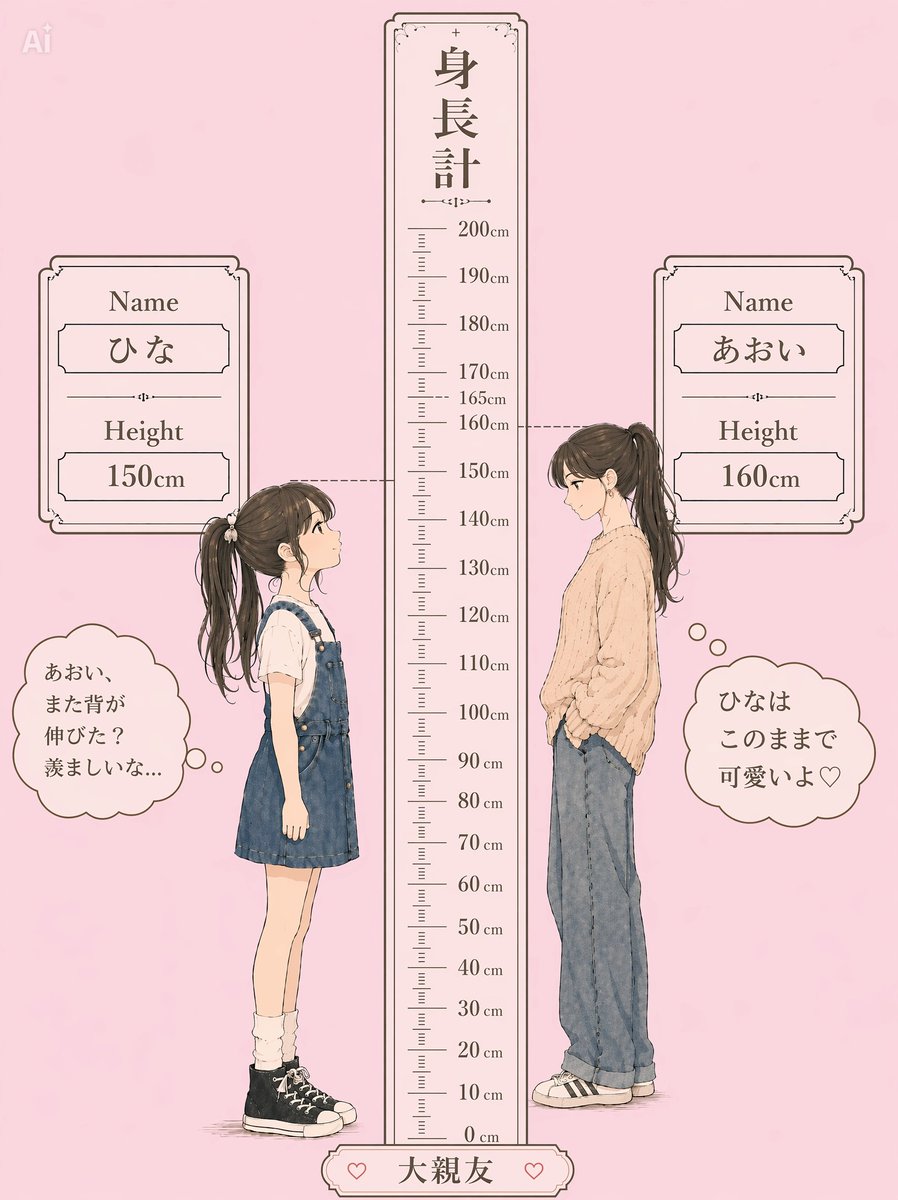
Pastel Height Difference Best Friends
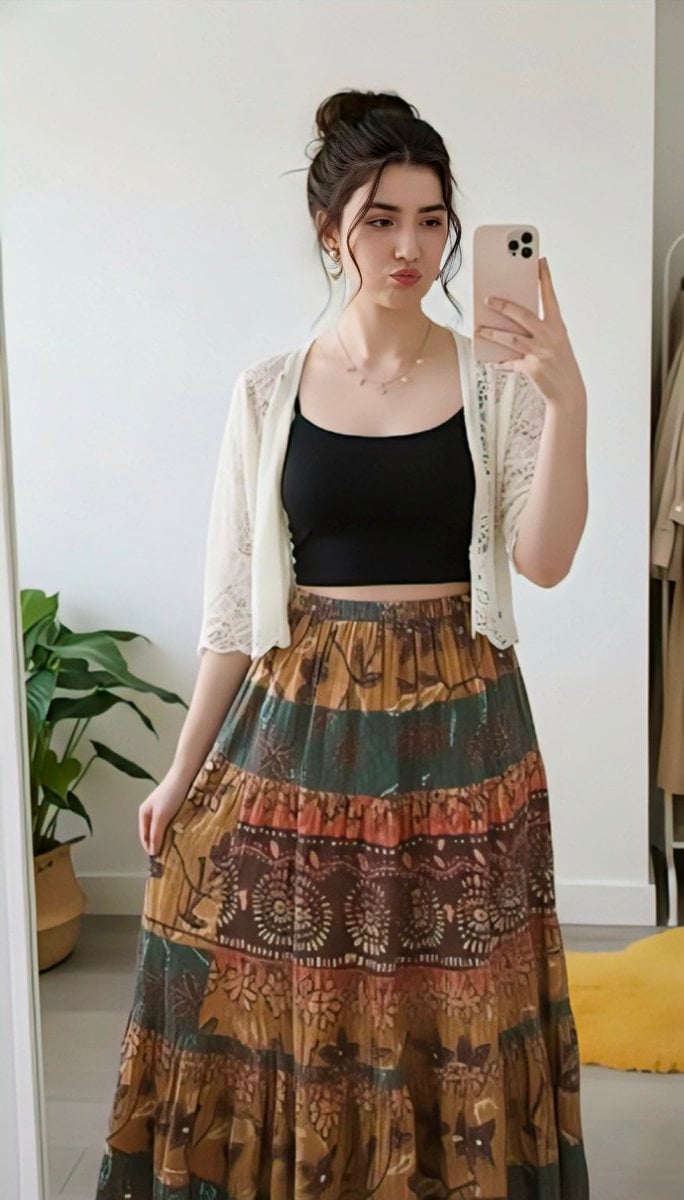
Replace clothing while keeping identity and pose
Pebble mosaic portrait of a beautiful woman
Korean Style Desktop Calendar 2027
Bentley Capsule Luxury Ad
Cinematic Black and White Portrait Prompt of Man with Horse and Cigar
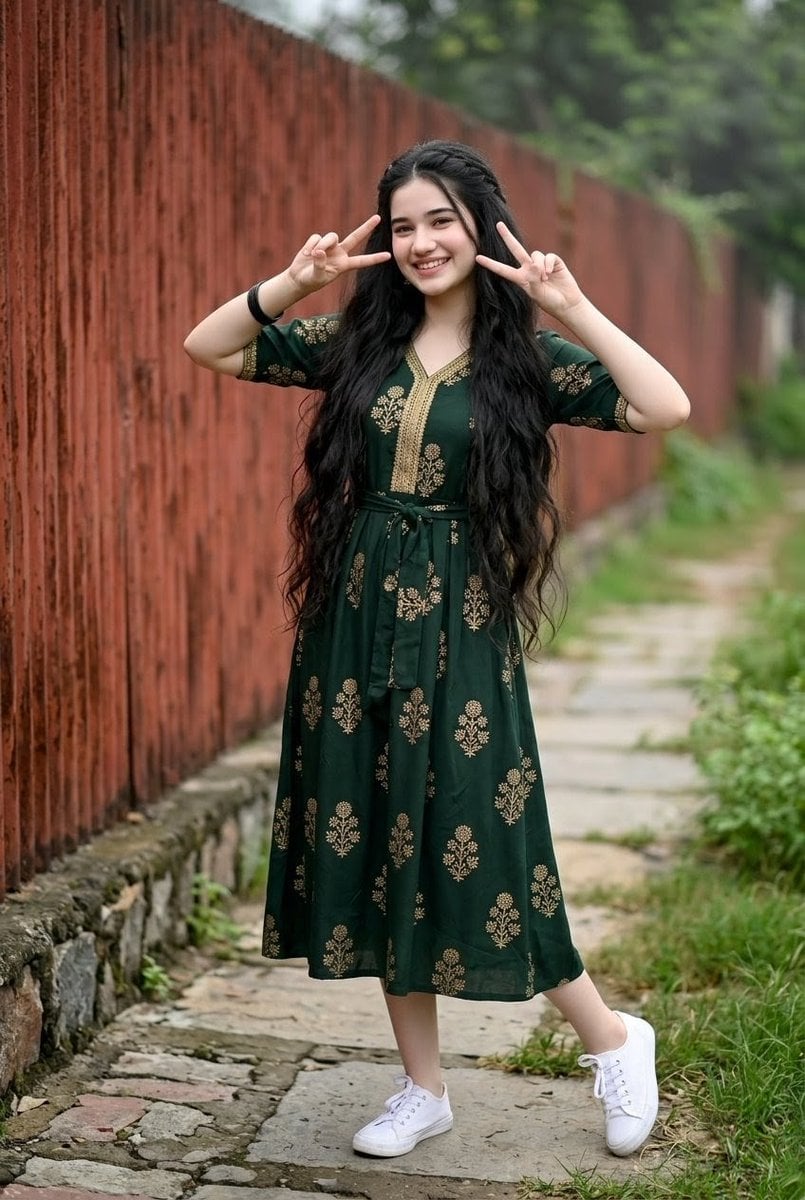
Young Indian Woman in Green Midi Dress
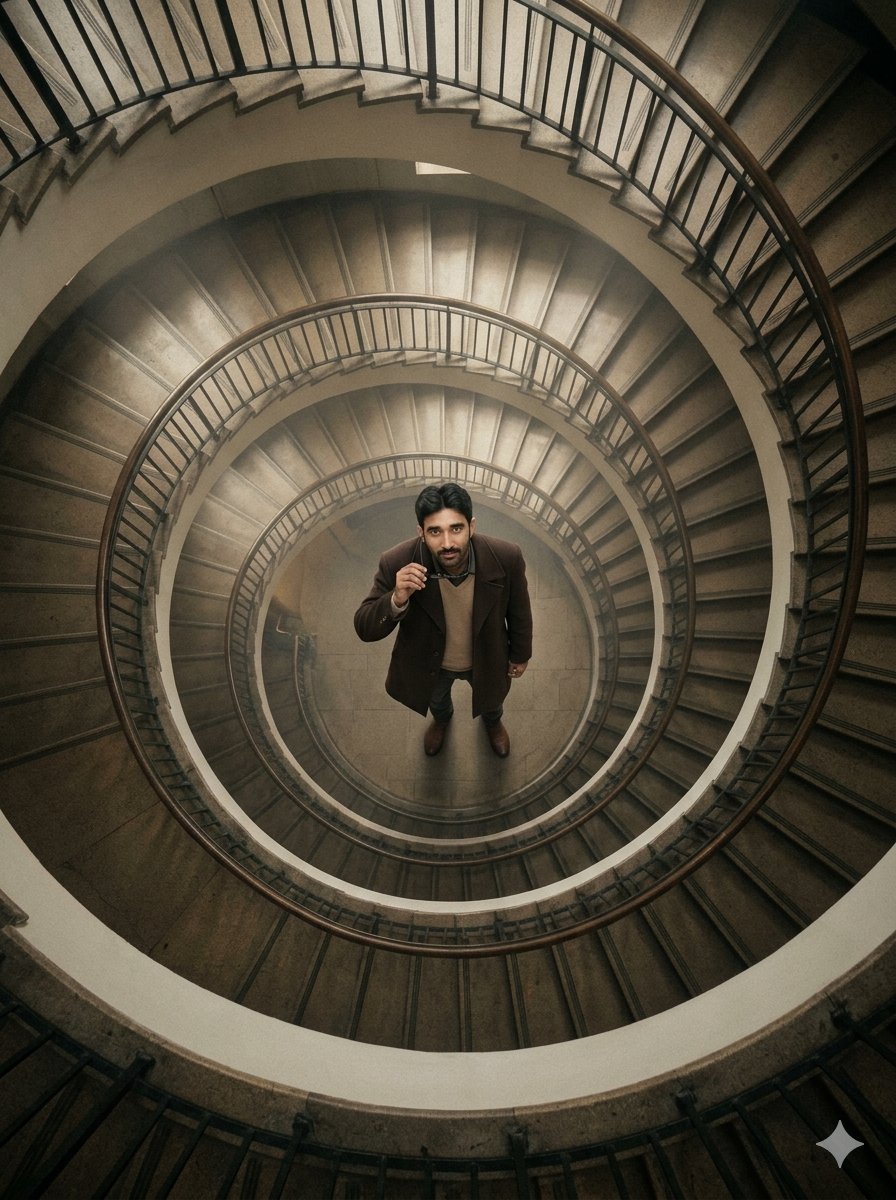
Overhead Spiral Staircase Portrait
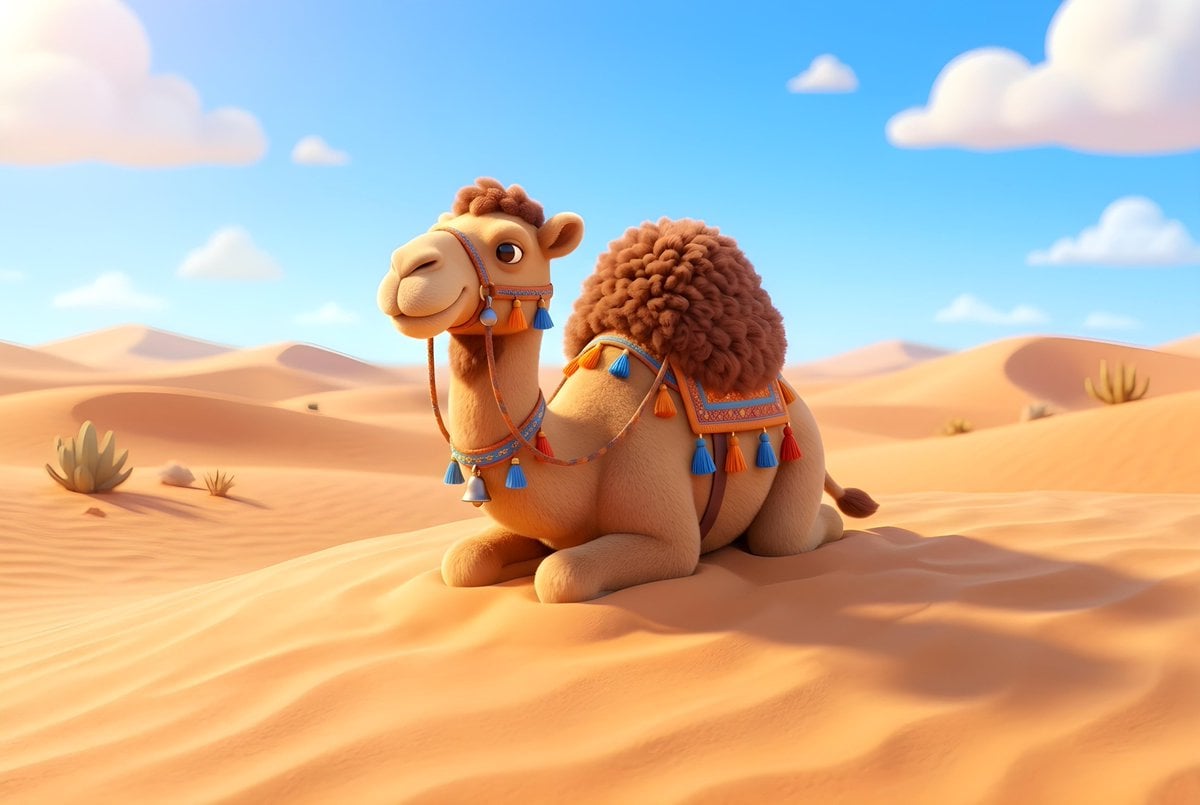
Dromedary Camel in Desert
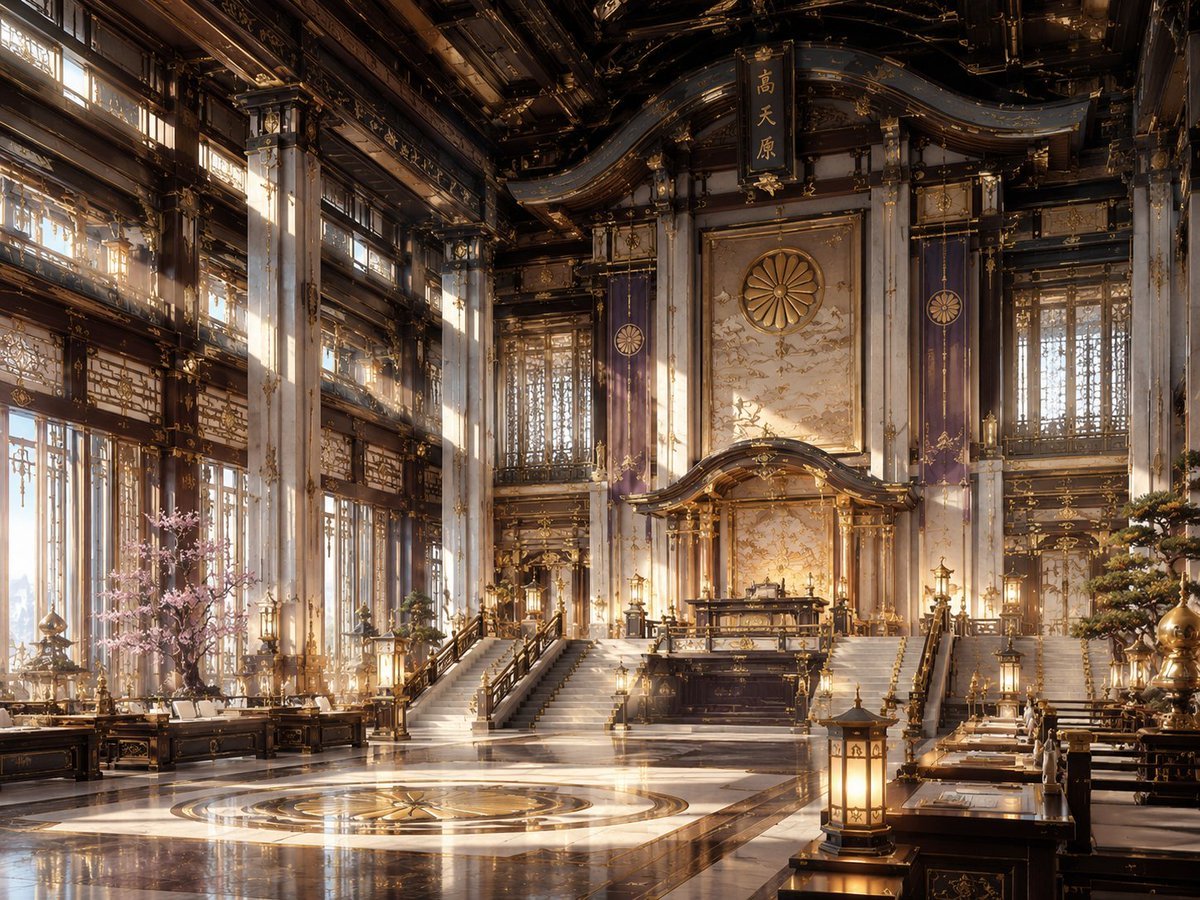
NeoNippon Imperial Throne Hall
Browse template categories
One Flower, One World City Illustration questions
How do I use the One Flower, One World City Illustration template?
Add your photo if the template asks for one, edit the prompt if you like — the template's model and format are already selected — and press Generate. Your version opens in PicX Studio.
Can I customize the One Flower, One World City Illustration template?
Yes. You can change the subject, setting, lighting, mood, format, and available model controls before creating your image.
Is the One Flower, One World City Illustration template free?
Opening and editing this template is free. Generating uses credits, shown on the Generate button when you are signed in.
Which AI model should I use?
Start with GPT Image 2, which is the model associated with this template. You can compare another compatible model for a different finish.
Looking for something else? Browse all templates.

Your photo, any look
Thousands of ready templates for every top image and video model, from one credit balance.