
Young Indian Woman in Green Midi Dress
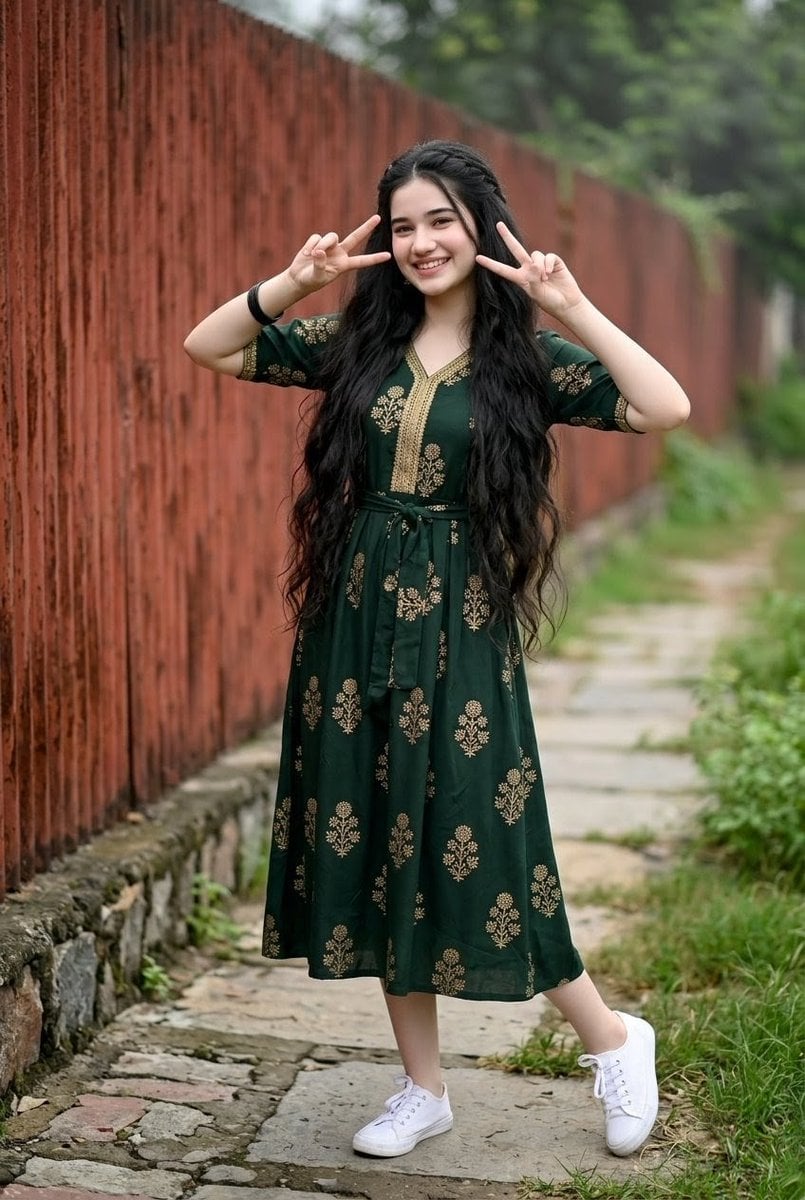
A realistic full-body outdoor fashion portrait of a young Indian woman with very long wavy black hair wearing a dark green embroidered midi dress.
- Prompt included
- Model and format preset
- Free template
The prompt behind this image
Copy the exact prompt behind Young Indian Woman in Green Midi Dress, or open it in the studio and make it yours.
Full-body outdoor portrait of a {argument name="character age and ethnicity" default="young Indian woman in her late teens to early 20s"} with a fair light skin tone, standing on a narrow stone-paved walkway beside a long rusty red metal fence that recedes into the distance. She has extremely long, thick, naturally voluminous wavy {argument name="hair color" default="dark black hair"} flowing well below her waist. Her face is softly anonymized/blurred, but the pose should feel cheerful and playful: both arms raised, making peace signs with both hands near her face, elbows bent outward. She wears a {argument name="dress color and style" default="dark forest green midi dress"} with short sleeves, a V-neck placket, a tie belt at the waist, and gold embroidered floral block-print motifs repeated across the bodice, sleeves, and skirt; include a gold embroidered border around the neckline and sleeve hems. Add exactly 2 visible shoes: clean white lace-up sneakers. Add exactly 1 visible accessory: a simple black bracelet on one wrist. The setting is lush and natural, with green grass and plants along the path, trees in the blurred background, and shallow depth of field. Use soft overcast daylight, realistic photography, vertical 2:3 composition, subject centered, full body visible from head to shoes, natural colors, detailed fabric texture, no text, no watermark, no extra people.
How to use Young Indian Woman in Green Midi Dress in 3 steps
- 1Upload ImagePNG, JPG or paste
Add your photo
Upload the photo the template builds on. The prompt, model and format are already set.
- 2…a portrait of your subject in softgolden-hour light, 85mm…
Personalize
Edit the subject and creative details for your destination.
- 3Generate
Generate
Press Generate — your image is created in PicX Studio, so you can compare it with the original and refine one variable at a time.
More like this
Templates with the same subject, style or setup. Open one to see its prompt.
Ultra-Photorealistic Indian Woman with Roses
Fine Art Oil Portrait of a Young Woman

Portrait of a young woman in her early 20s walking calmly on a beautiful
Indian Woman Luxury Car Portrait
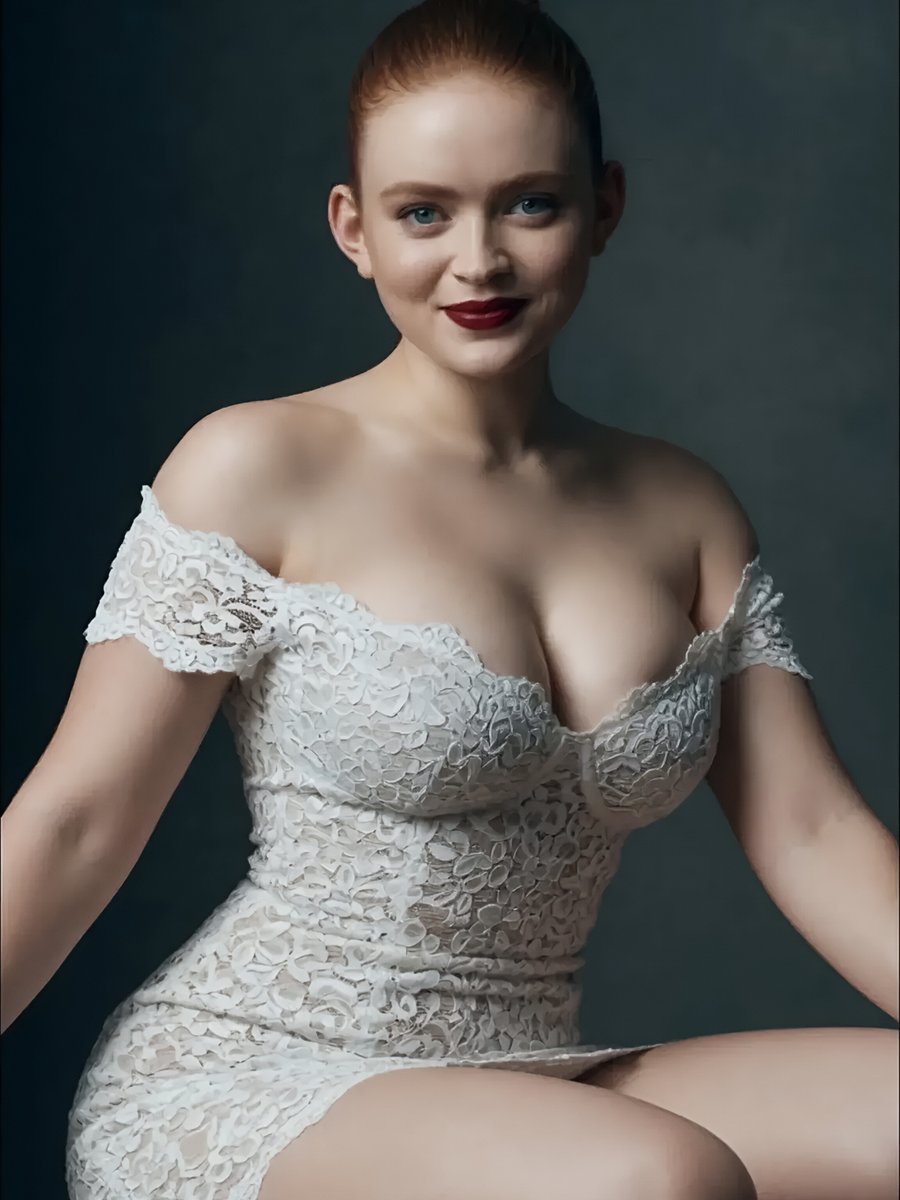
Studio Portrait of Woman in Lace Dress
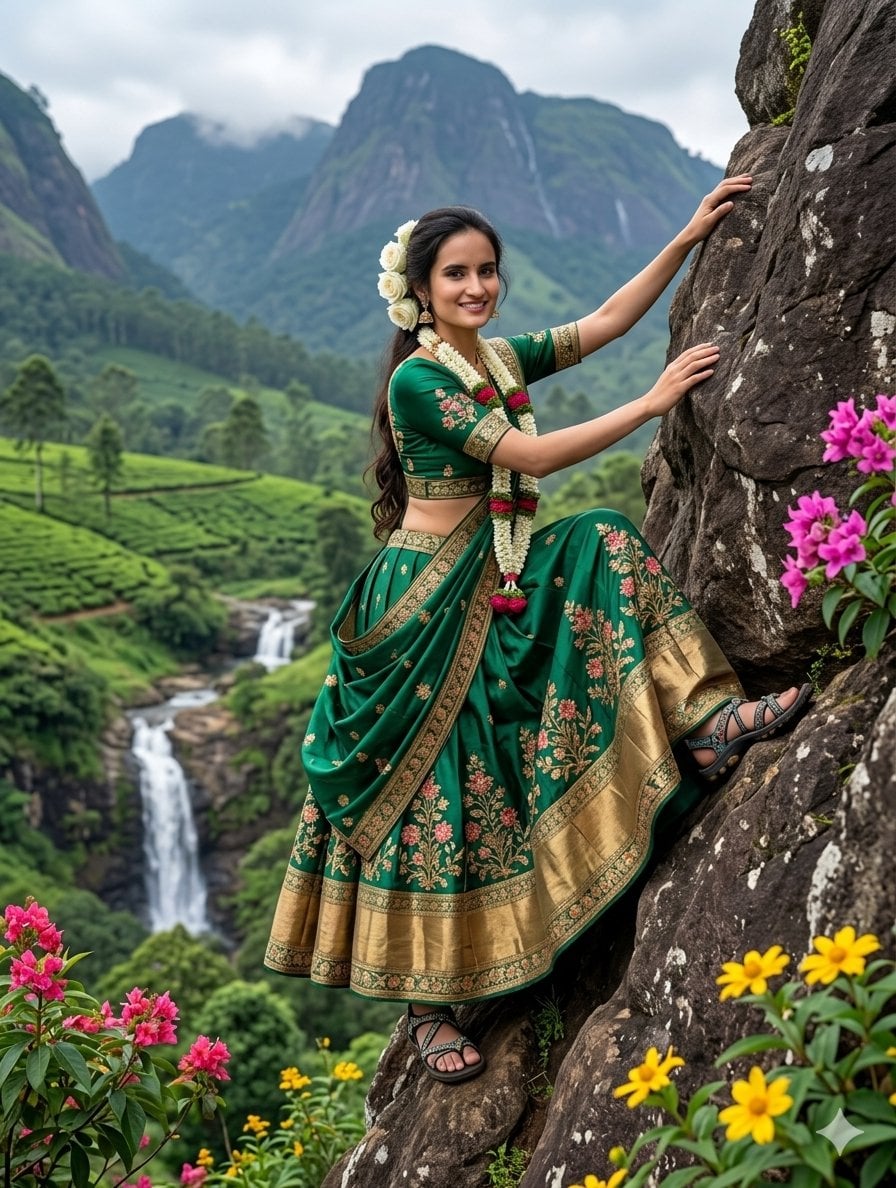
Indian Woman Stunt-Style Rock Climbing
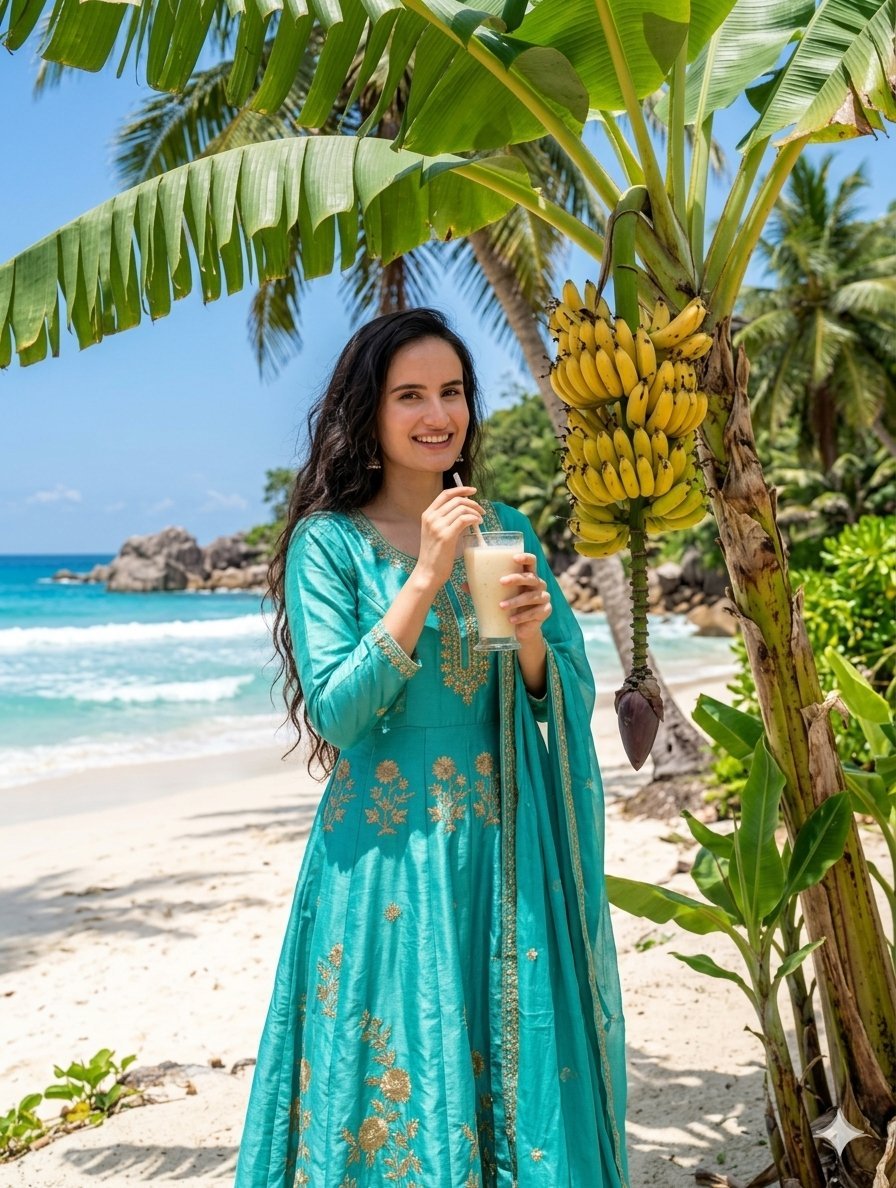
Indian Woman Drinking Banana Milkshake
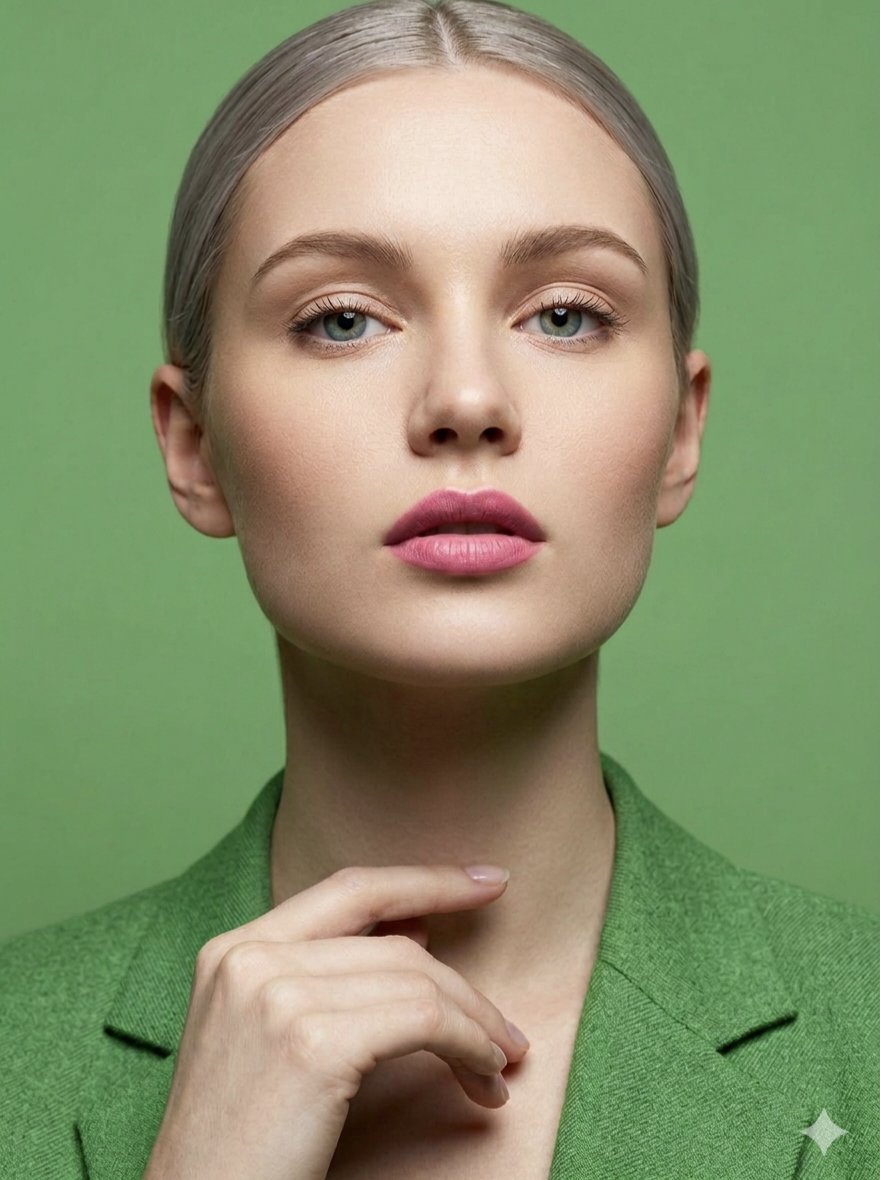
Silver Hair Woman in Lime Green Blazer

Indian Businesswoman Luxury Office Portrait
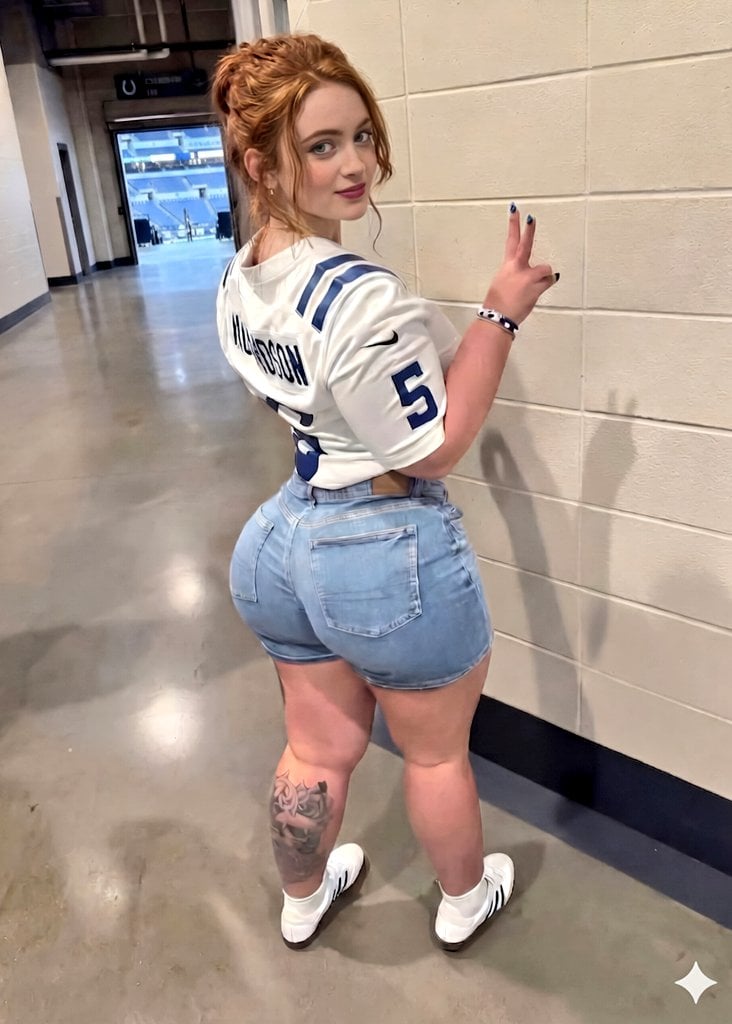
Young Woman in Football Jersey at Stadium
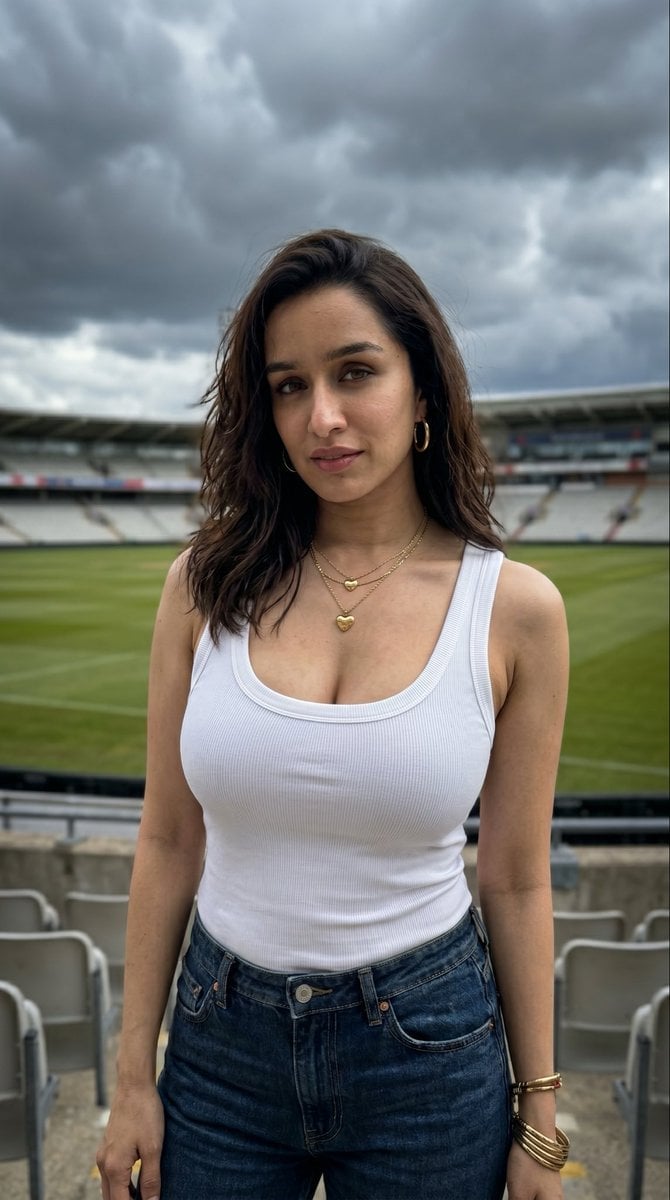
Young Woman in Sports Stadium Portrait

Elegant Green Evening Gown Studio Fashion Portrait
Make it yours
Young Indian Woman in Green Midi Dress works as-is. These are the safest ways to change it without losing the look.
Change one field
Copy a single group, rewrite it, and generate again so you can see what that field is doing.
Keep the frame, change the subject
Hold the composition and light of Young Indian Woman in Green Midi Dress, then swap wardrobe, props or the person for a new take.
| If the result… | Why | Fix |
|---|---|---|
| The result drifts from the preview | Too many fields changed at once. | Reuse Young Indian Woman in Green Midi Dress as-is first, then change one group — subject, light, or setting. |
| The model over-stylizes the scene | The prose prompt leaves finish and camera underspecified. | Add one camera or lighting sentence and stay on GPT Image 2. |
More GPT Image 2 templates
Other prompts made for GPT Image 2.

Six VTuber Japanese Logo Sheet

Realistic Portrait of Woman and Deer

The Vista Modular Condo Poster

AI Model Routing Comparison Infographic

2.5D Anime Art Board

Isometric Productivity Desk Scene

New York Double Exposure Poster

Four-Panel AI Landscape Comparison

Japanese Tatami Lifestyle Magazine Cover

NESCAFÉ Coffee Map Poster
More image prompts
Fresh picks from across the catalog.

Artemis II Mission Journal Diorama
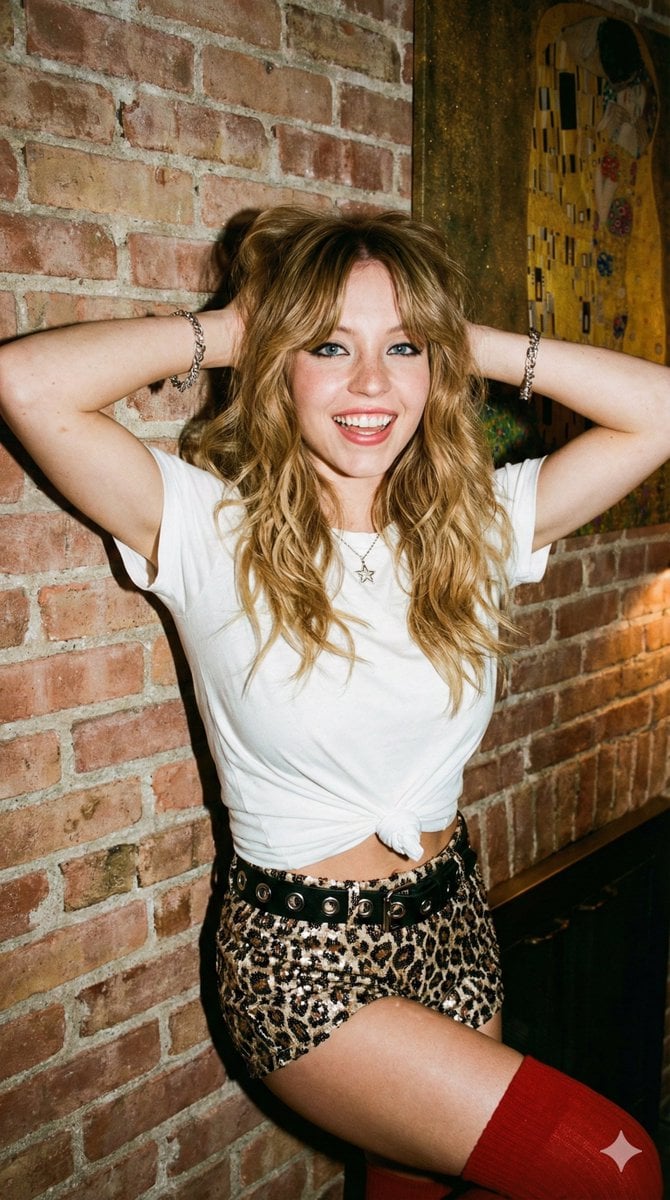
Flash Photography Portrait with Brick Wall
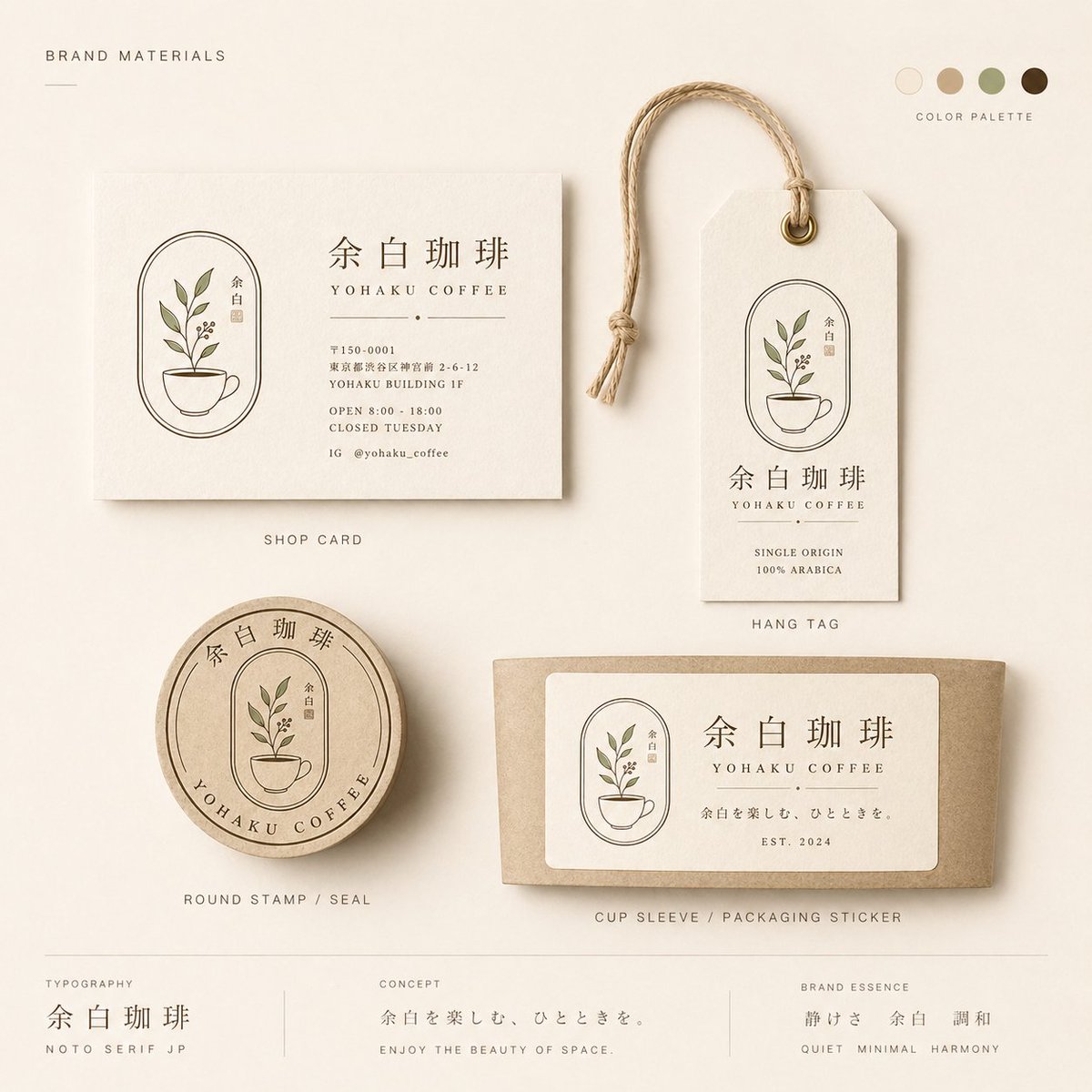
Yohaku Coffee Brand Materials Board
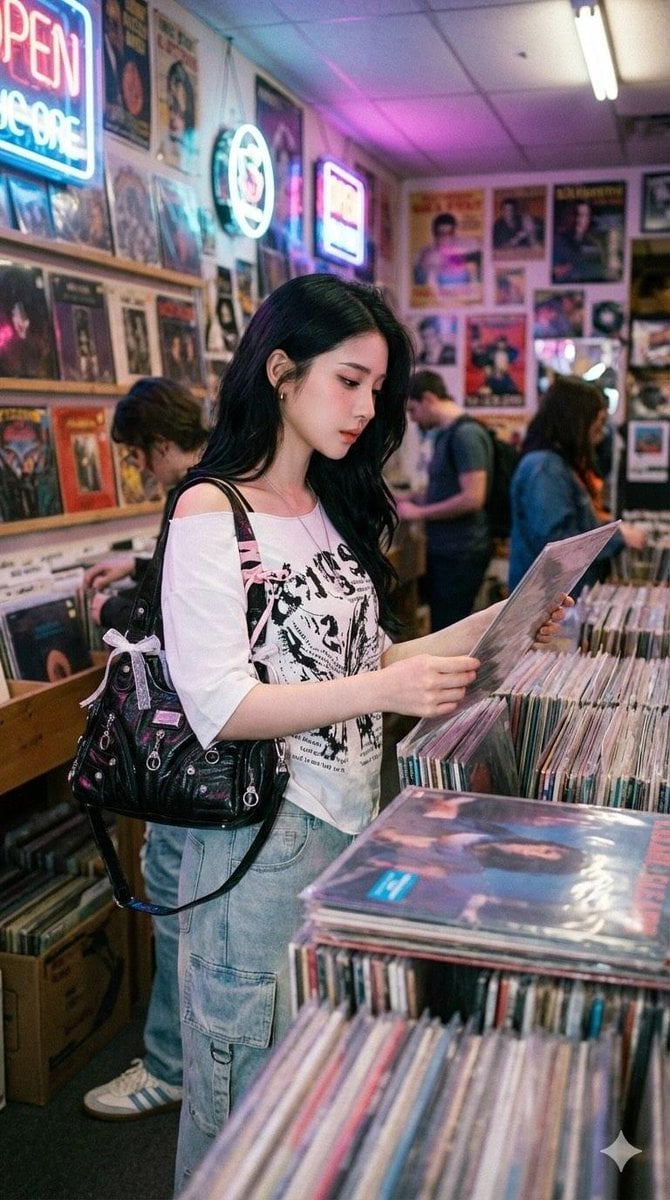
Y2K Coquette Streetwear in a Vintage Record Store
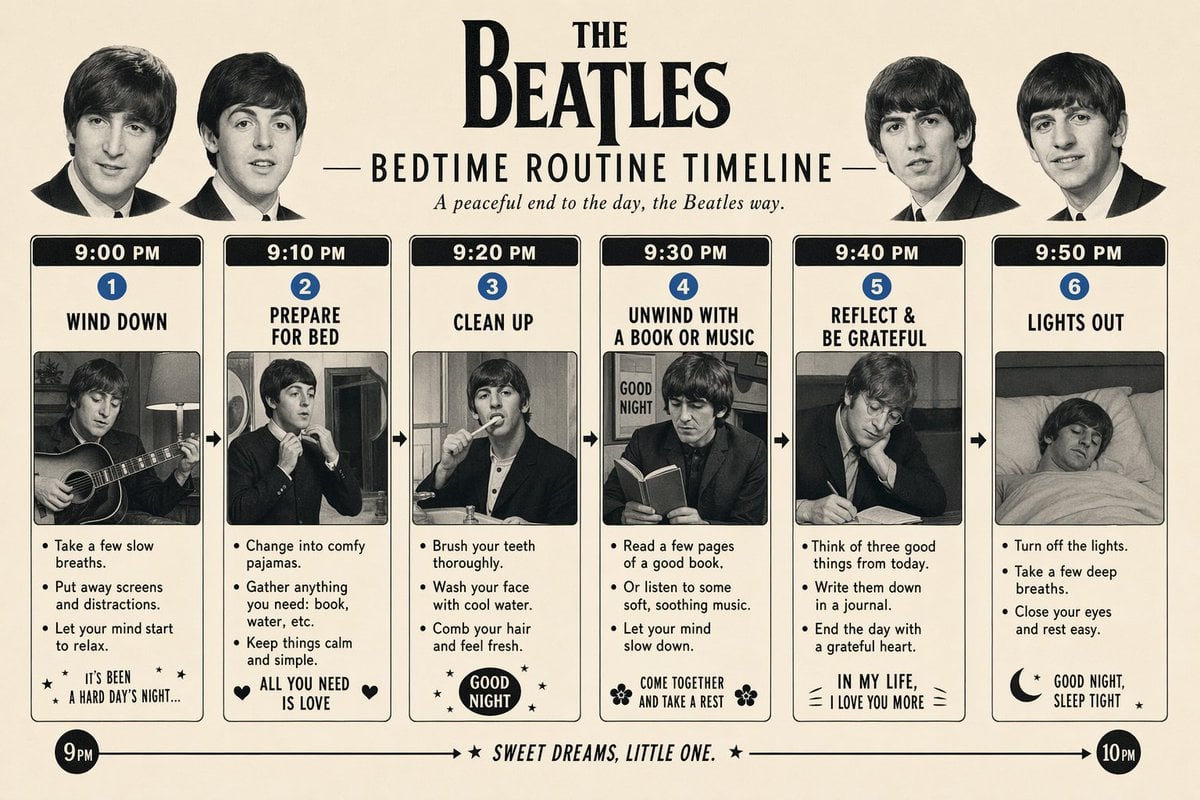
Themed Routine Timeline Infographic

X Strength04 X Gpt Image 2 on Chatgpt
untitled
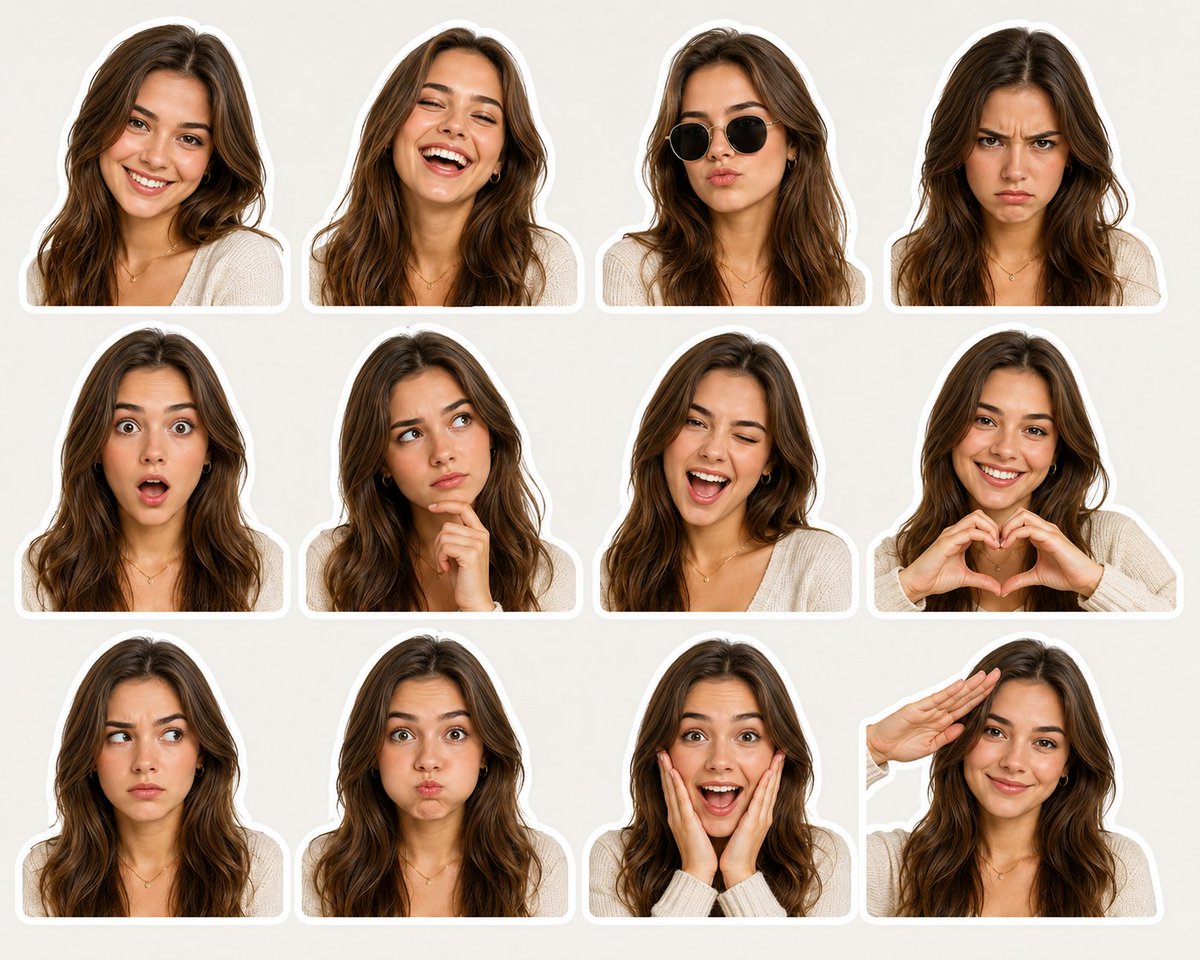
Sticker Pack Facial Expressions Grid
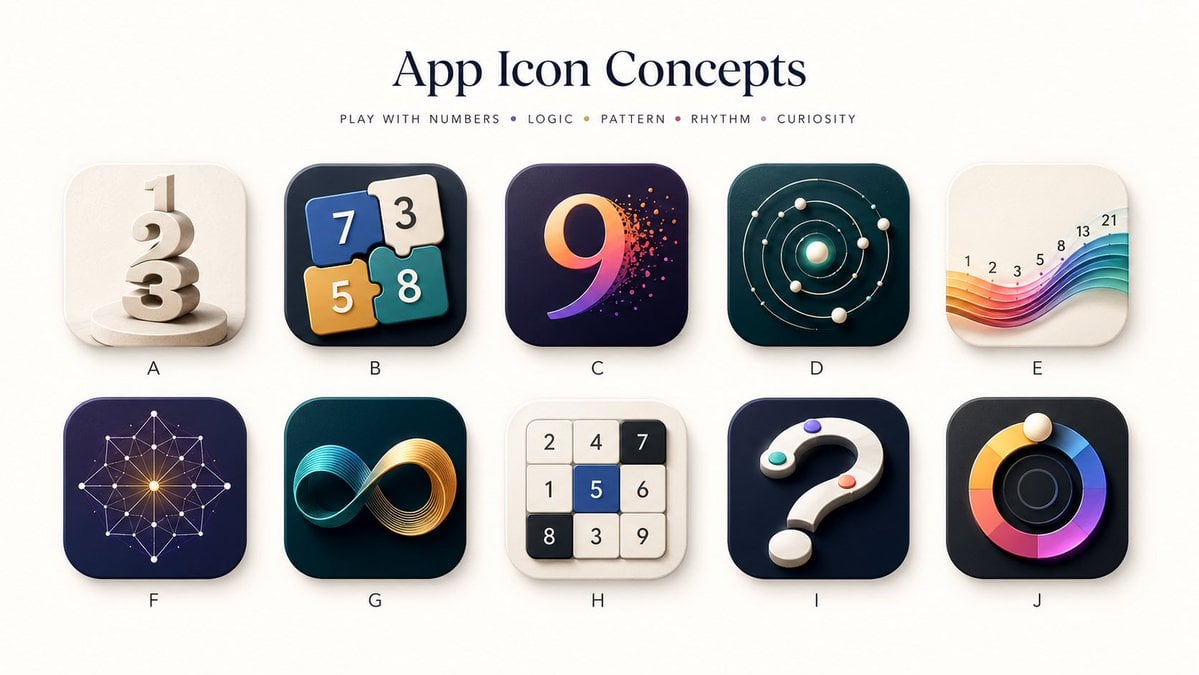
Number Puzzle App Icon Concepts
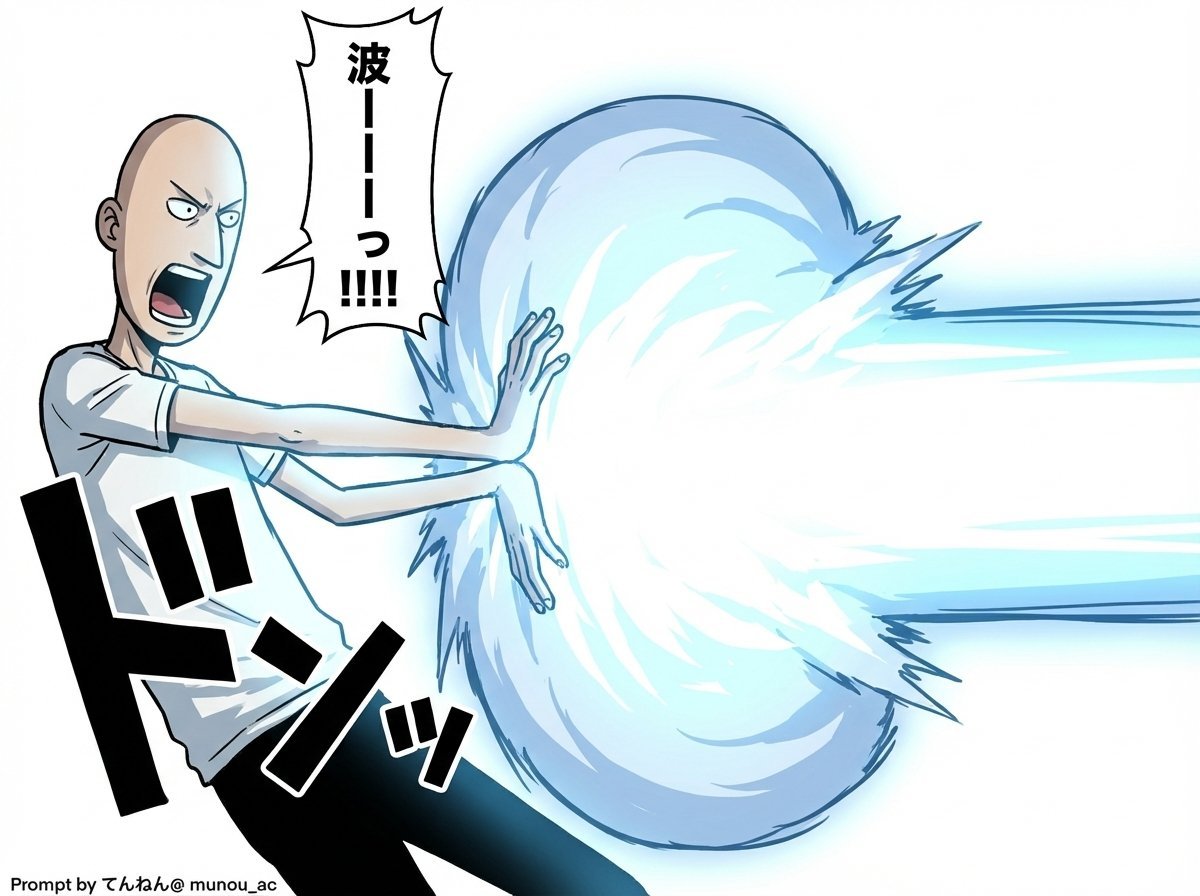
Kamehameha Attack Image Generation (Technical Prompt)
Browse template categories
Young Indian Woman in Green Midi Dress questions
How do I use the Young Indian Woman in Green Midi Dress template?
Add your photo if the template asks for one, edit the prompt if you like — the template's model and format are already selected — and press Generate. Your version opens in PicX Studio.
Can I customize the Young Indian Woman in Green Midi Dress template?
Yes. You can change the subject, setting, lighting, mood, format, and available model controls before creating your image.
Is the Young Indian Woman in Green Midi Dress template free?
Opening and editing this template is free. Generating uses credits, shown on the Generate button when you are signed in.
Which AI model should I use?
Start with GPT Image 2, which is the model associated with this template. You can compare another compatible model for a different finish.
Looking for something else? Browse all templates.

Your photo, any look
Thousands of ready templates for every top image and video model, from one credit balance.