
Kamehameha Attack Image Generation (Technical Prompt)
A highly detailed, technical prompt structure for Nano Banana Pro (v1.2) designed to generate an image of a character charging an energy attack (Kamehameha), focusing heavily on technical specifications like camera…
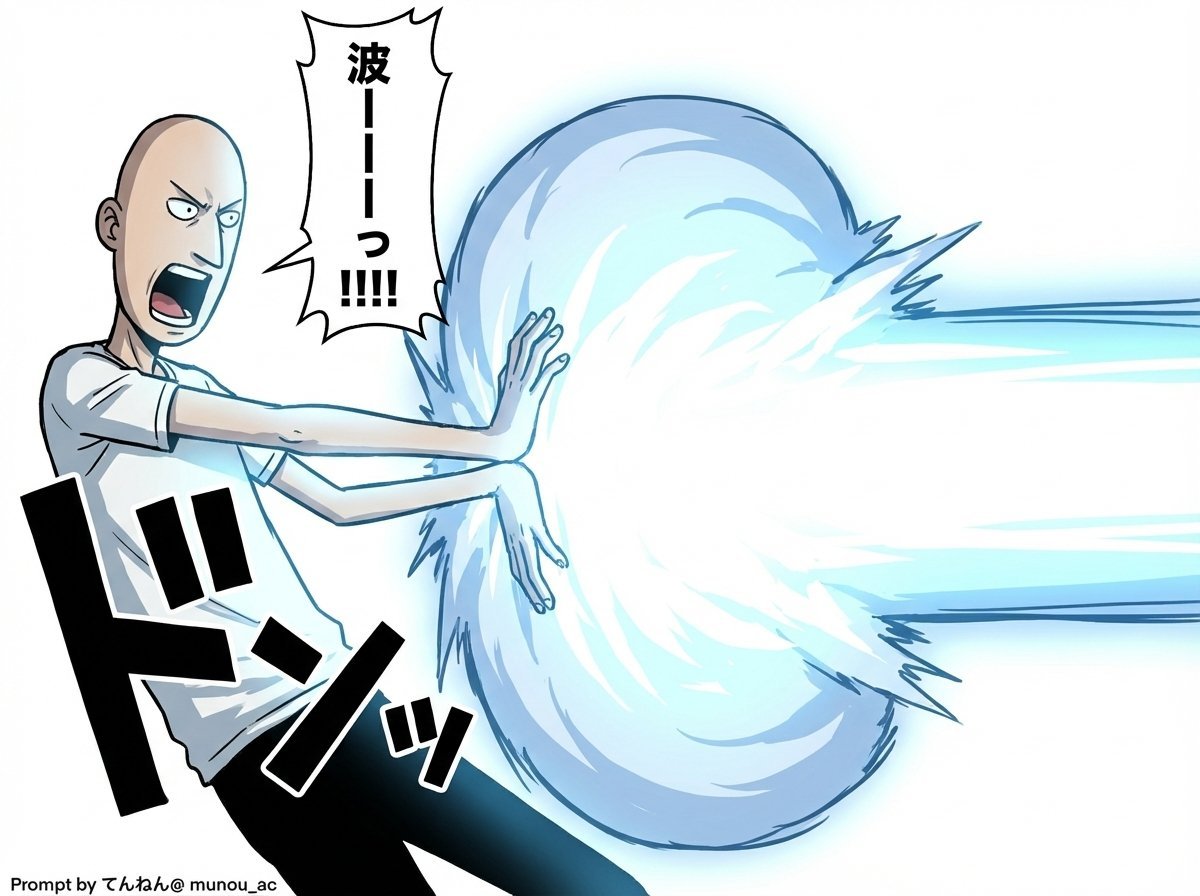
- Prompt included
- Model and format preset
- Free template
The prompt behind this image
Copy the exact prompt behind Kamehameha Attack Image Generation (Technical Prompt), or open it in the studio and make it yours.
# Image Generation Prompt: Nano Banana Pro v1.2 # 1. Basic Command - Task: Image generation - Reference: Faithfully reproduce and preserve the character, outfit, and taste of the attached image - Quality: Super High Definition # 2. Technical Specifications - Aspect Ratio: 16:9 - Rendering Style: Based on the taste of the attached image, apply cel shading + volumetric lighting - Line Art: Thin # 3. Camera Work and Composition - Camera: Virtual camera / focal length 50mm / aperture f/2.8 - Angle: 15-degree Dutch Angle - Focus: Focus on subject - Depth of Field: Shallow depth of field on the background (with blur) # 4. Scene Details A. Character - Appearance (Hair/Eyes/Clothing): [Fully preserve the style of the attached image] - Hair blowing in response to the pressure of the energy - Eyes are glowing, with a sharp anime-style shape - Pose & Action: - Action: Charging an energy attack - Stance: Legs planted wide, torso twisted to the right in a forward-leaning stance - Hands: Both hands cupped facing each other as if scooping (at right-hip height), muscles strongly tensed - Expression: A face full of determination and intense effort, mouth open, shouting B. Lighting and Mood - Global Illumination: #ffffff - Key Light: - Source: The energy ball between both hands - Color: Cyan blue, electric - Intensity: 2.5EV overexposure (high brightness) - Shadows: Sharp, dynamic shadows extending away from the center C. Visual Effects - Main Element: A spherical, turbulent plasma energy ball (between both hands) - Core Color: #ffffff - Outer Glow: #00ffff - Particles: Blue sparks floating and rising - Lens Flare: Anamorphic blue streaks of light - Bloom: Intensity 0.8 D. Background - Context: An abstract studio space - Visual: A simple gradient background - Colors: #ffffff to #c0efff ※Prioritize the layer-detail colors over the introduction's specified colors - Detail Level: Low (to make the subject stand out) # 5. Text Elements - Comic-style speech bubbles Place vertically elongated oval speech bubbles that respond to the timing of the shout, at the following coordinate positions Adjust flexibly so they don't overlap the character - "{argument name="shout 1" default="か..."}" : upper left (X: 0.08, Y: 0.15) - "{argument name="shout 2" default="め..."}" : middle left (X: 0.22, Y: 0.35) - "{argument name="shout 3" default="は..."}" : middle right (X: 0.78, Y: 0.55) - "{argument name="shout 4" default="め..."}" : lower right (X: 0.90, Y: 0.75)
How to use Kamehameha Attack Image Generation (Technical Prompt) in 3 steps
- 1Upload ImagePNG, JPG or paste
Add your photo
Upload the photo the template builds on. The prompt, model and format are already set.
- 2…a portrait of your subject in softgolden-hour light, 85mm…
Personalize
Edit the subject and creative details for your destination.
- 3Generate
Generate
Press Generate — your image is created in PicX Studio, so you can compare it with the original and refine one variable at a time.
More like this
Templates with the same subject, style or setup. Open one to see its prompt.

Isometric Vehicle Teardown Infographic Template
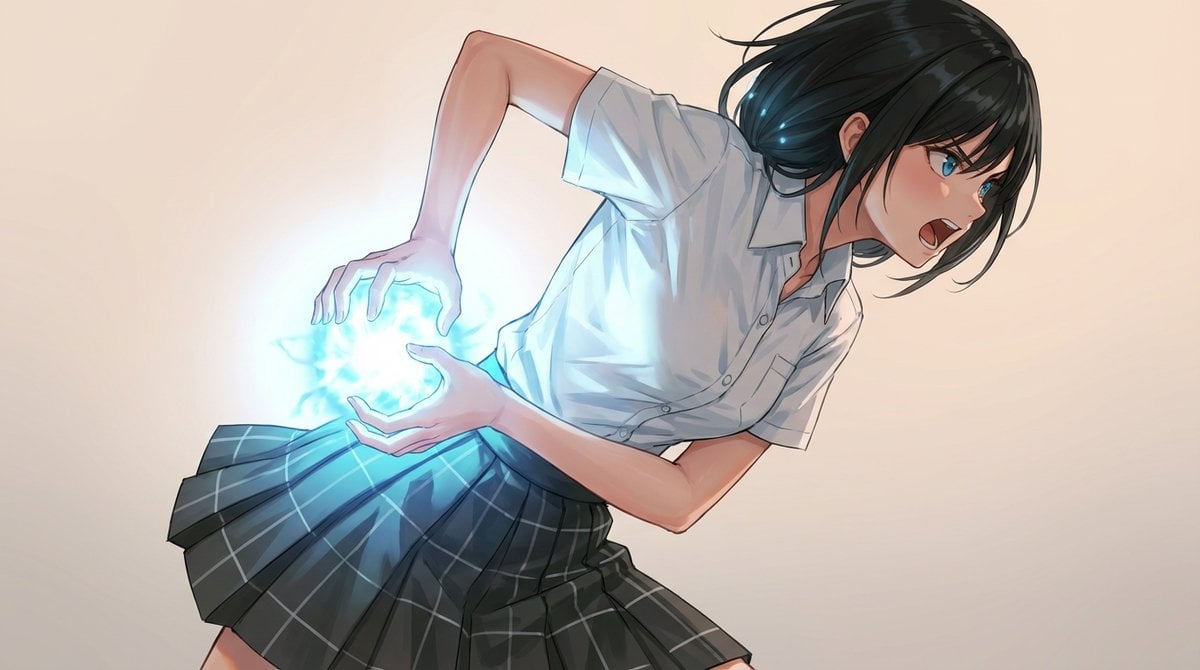
Kamehameha-Style Energy Wave Generation Prompts (Charge and Release)
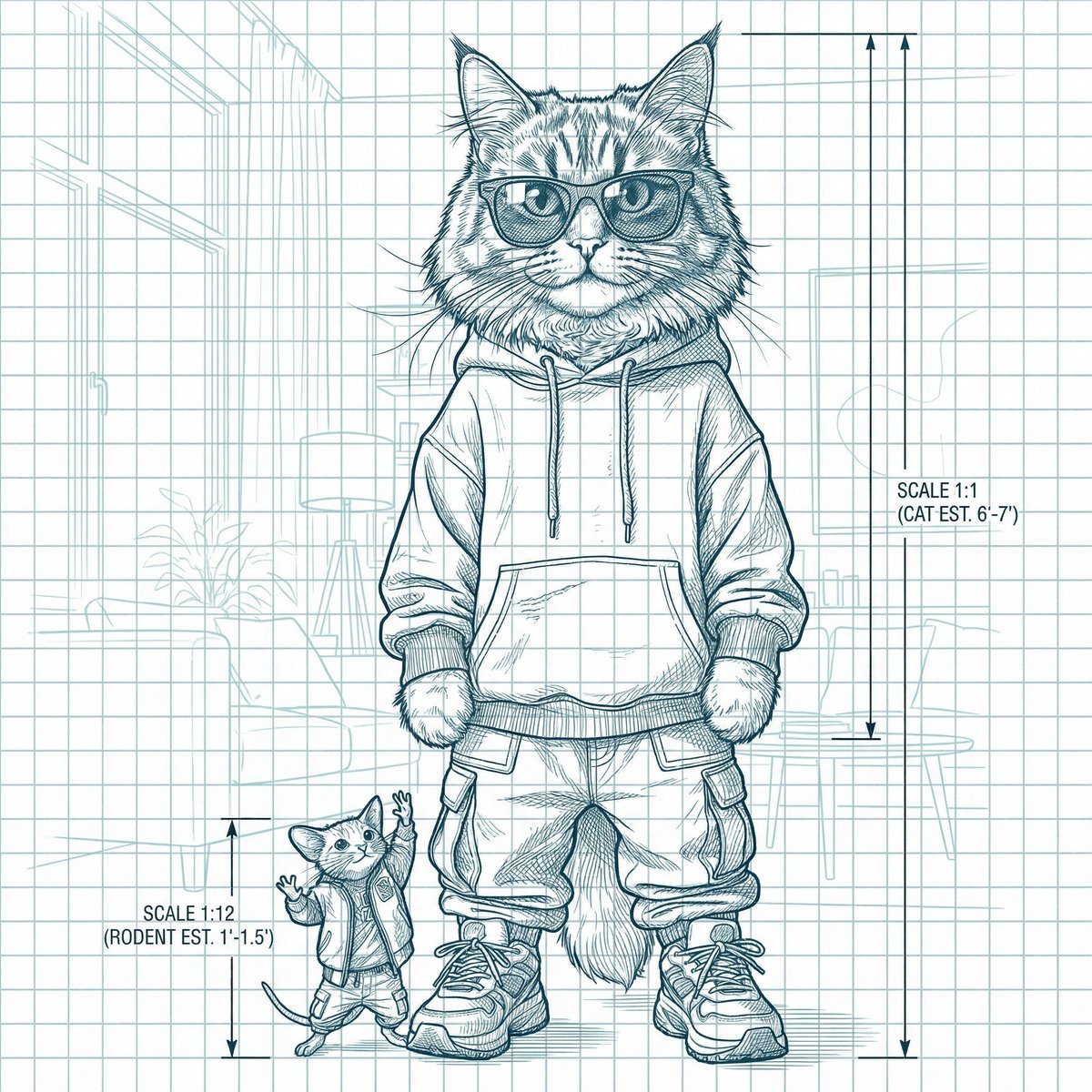
Blueprint-style technical schematic generation
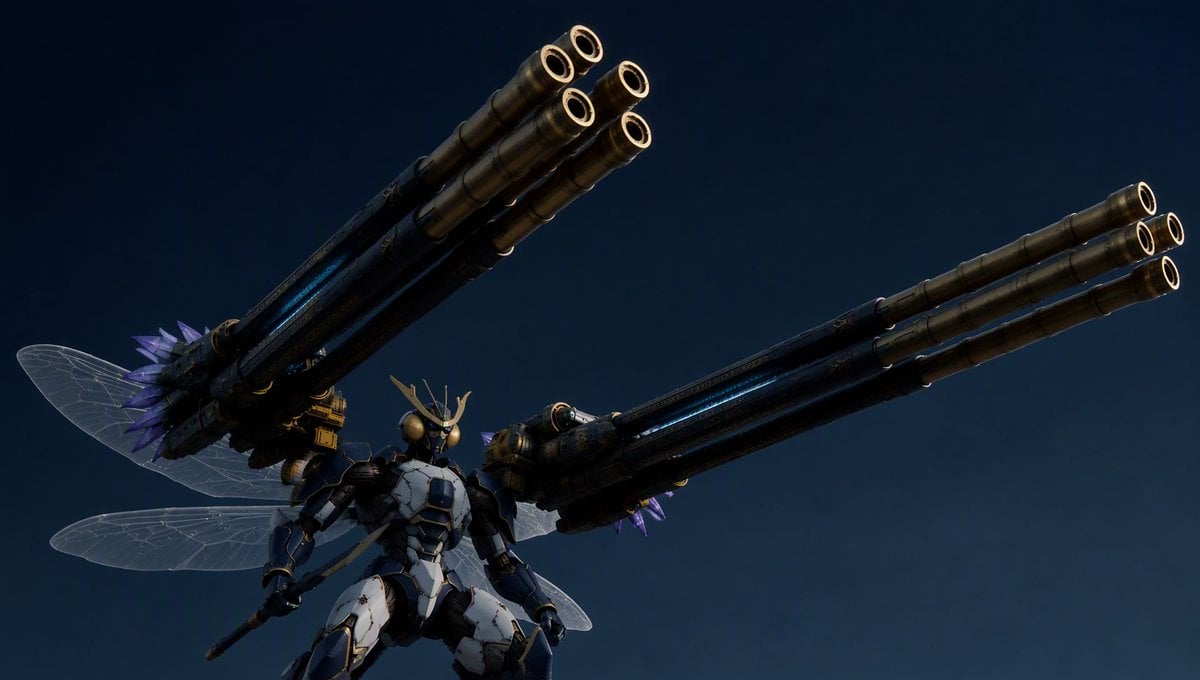
Insect Mecha Cannon Attack
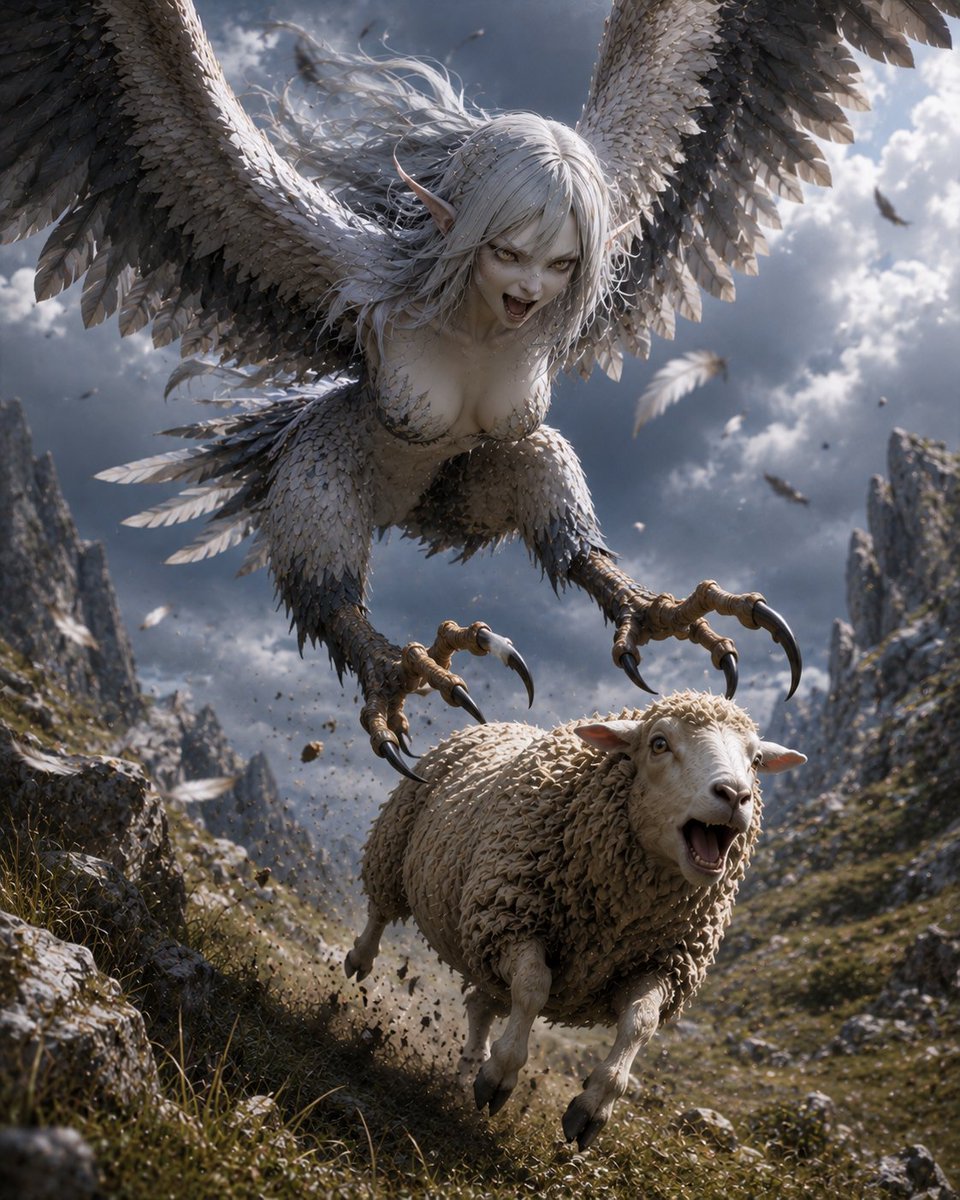
Harpy Attacking Sheep
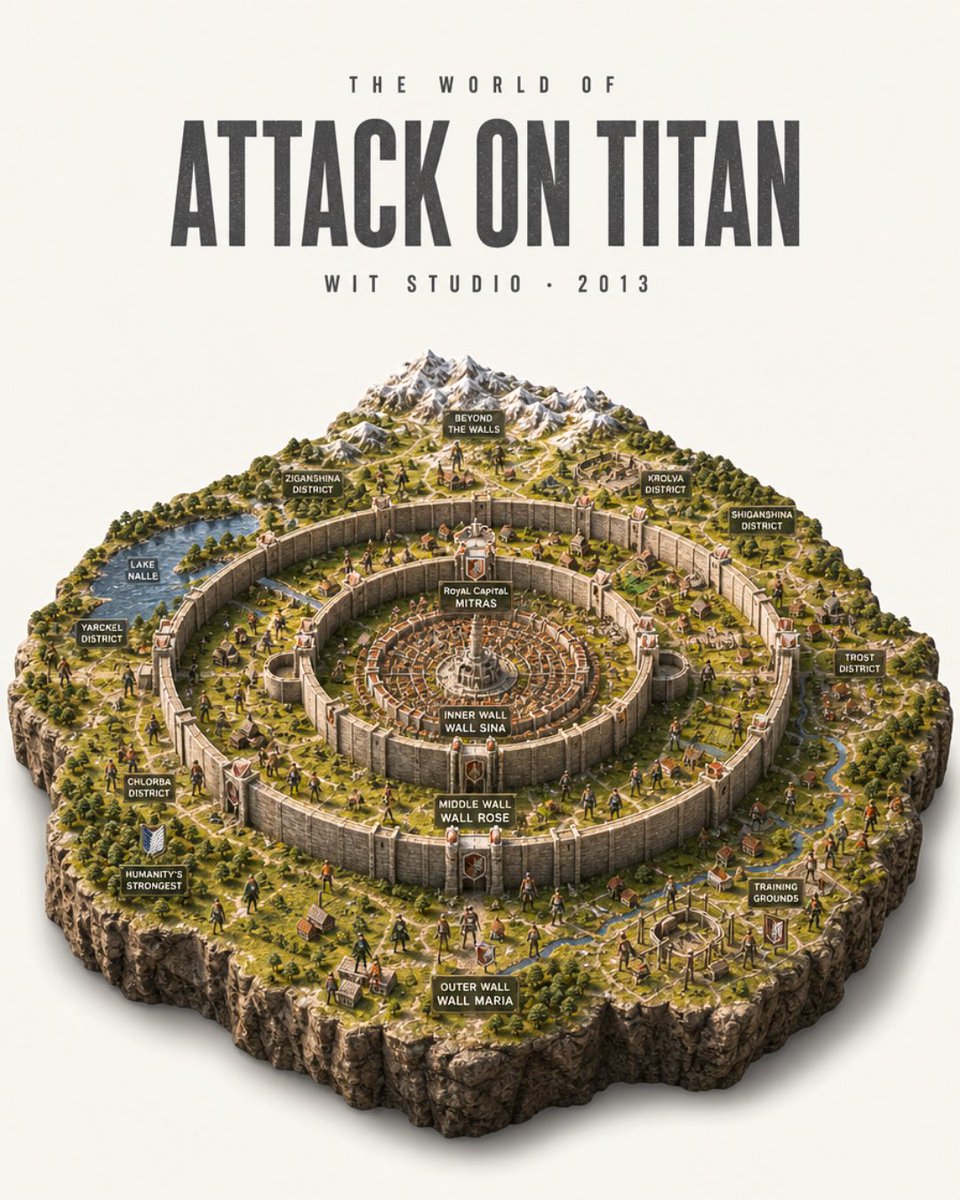
Attack on Titan Isometric Diorama Map

AI Chat Image Generation Screenshot

Anime Girl Generation Grid
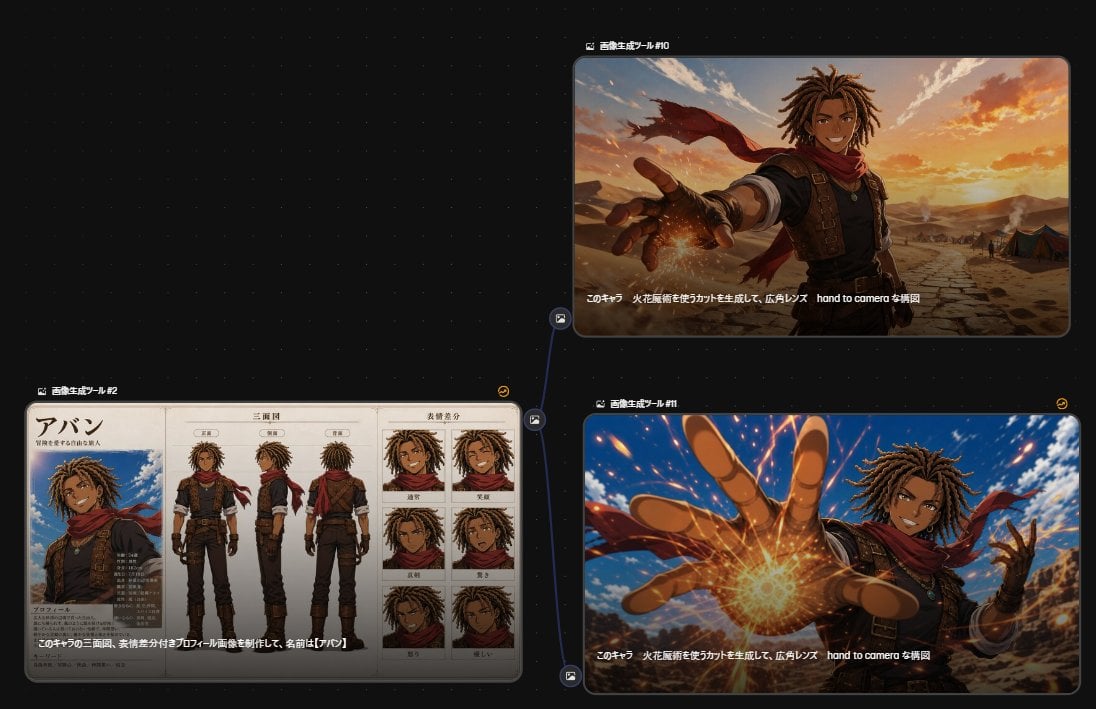
Anime Character Generation Workflow
Music-to-Image Generation Prompt
Technical Vehicle with Machine Gun
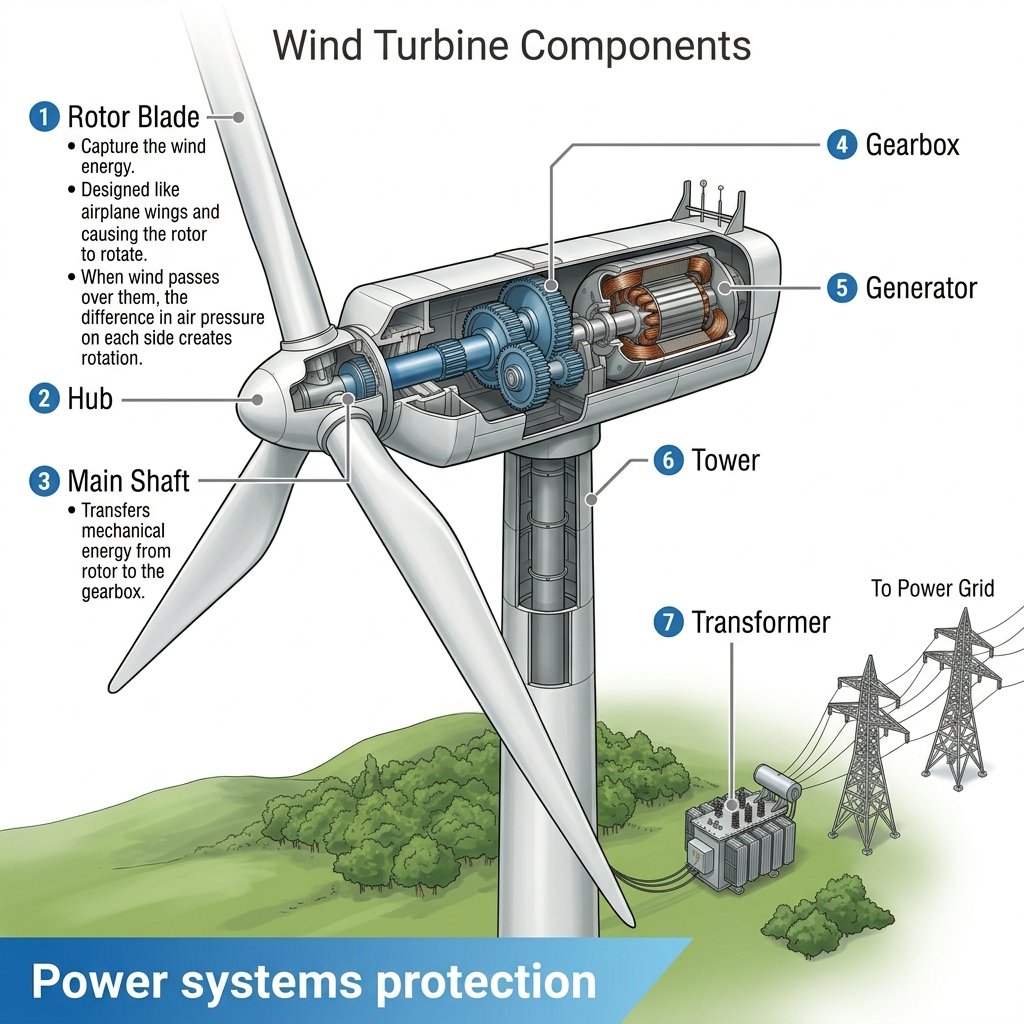
Wind Turbine Technical Schematic
Make it yours
Kamehameha Attack Image Generation (Technical Prompt) works as-is. These are the safest ways to change it without losing the look.
Change one field
Copy a single group, rewrite it, and generate again so you can see what that field is doing.
Keep the frame, change the subject
Hold the composition and light of Kamehameha Attack Image Generation (Technical Prompt), then swap wardrobe, props or the person for a new take.
| If the result… | Why | Fix |
|---|---|---|
| The result drifts from the preview | Too many fields changed at once. | Reuse Kamehameha Attack Image Generation (Technical Prompt) as-is first, then change one group — subject, light, or setting. |
| The model over-stylizes the scene | The prose prompt leaves finish and camera underspecified. | Add one camera or lighting sentence and stay on Nano Banana 2. |
More Nano Banana 2 templates
Other prompts made for Nano Banana 2.

Photorealistic Leaf Shaped Like a Dragon

K-Pop Idol Portrait Grid for Rapid Selection

Poetic Rain Forest Portrait During Golden Hour

Urban Street Portrait with Cartoon Inner Self Duo

Candid Nighttime Photo with Cat Prompt

High-Concept 3D Diorama Generation Prompt

Cinematic Futuristic Studio Portrait Template

Skincare Editorial Photography Collage Prompt

Hyper-Realistic Commercial Product Photography (Splash Effect)

Hyper-Realistic Nightclub Portrait Prompt
More image prompts
Fresh picks from across the catalog.
Hyper-Realistic Fire Sneaker Advertisement
Four-panel manga about a hungry woman and pancakes
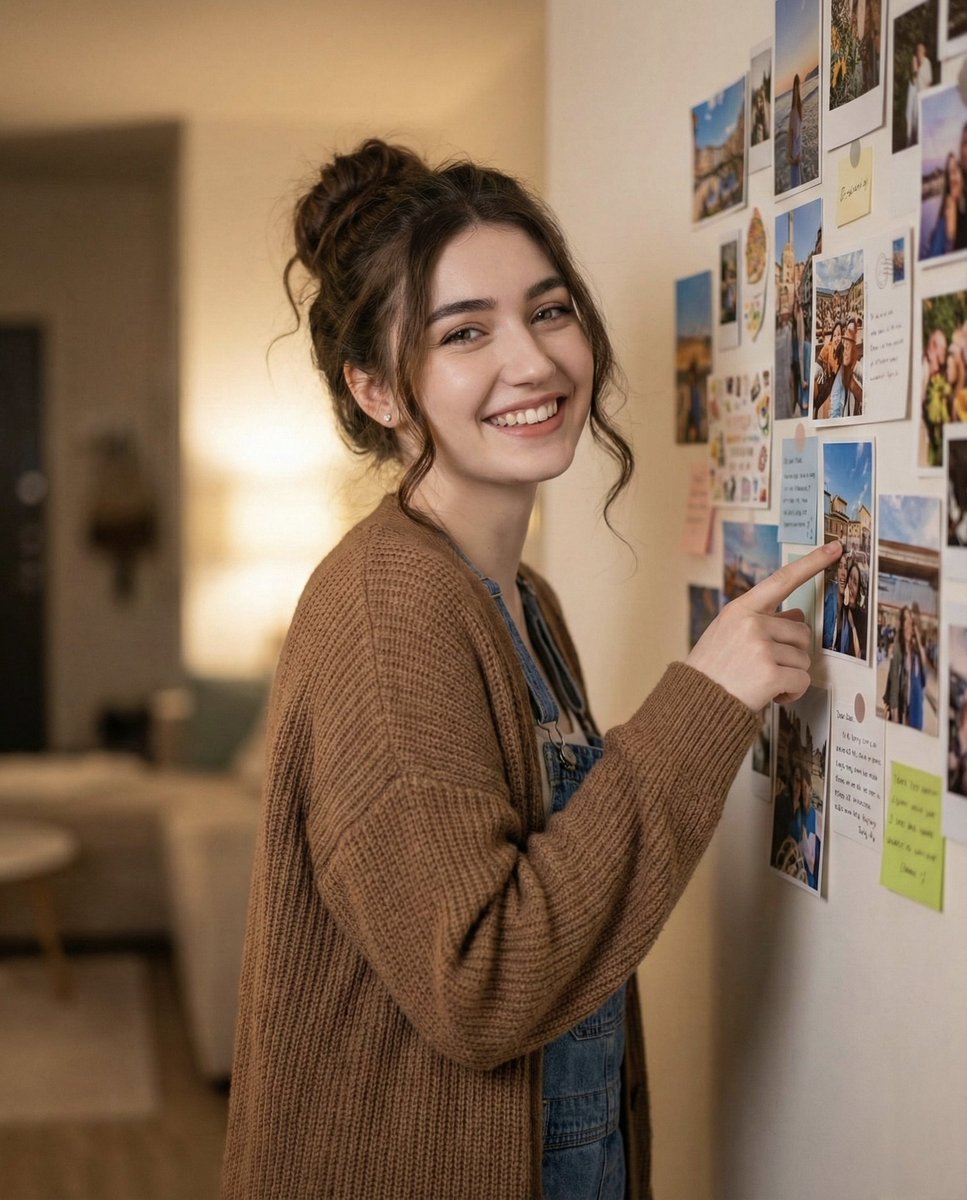
Candid Warm Indoor Portrait
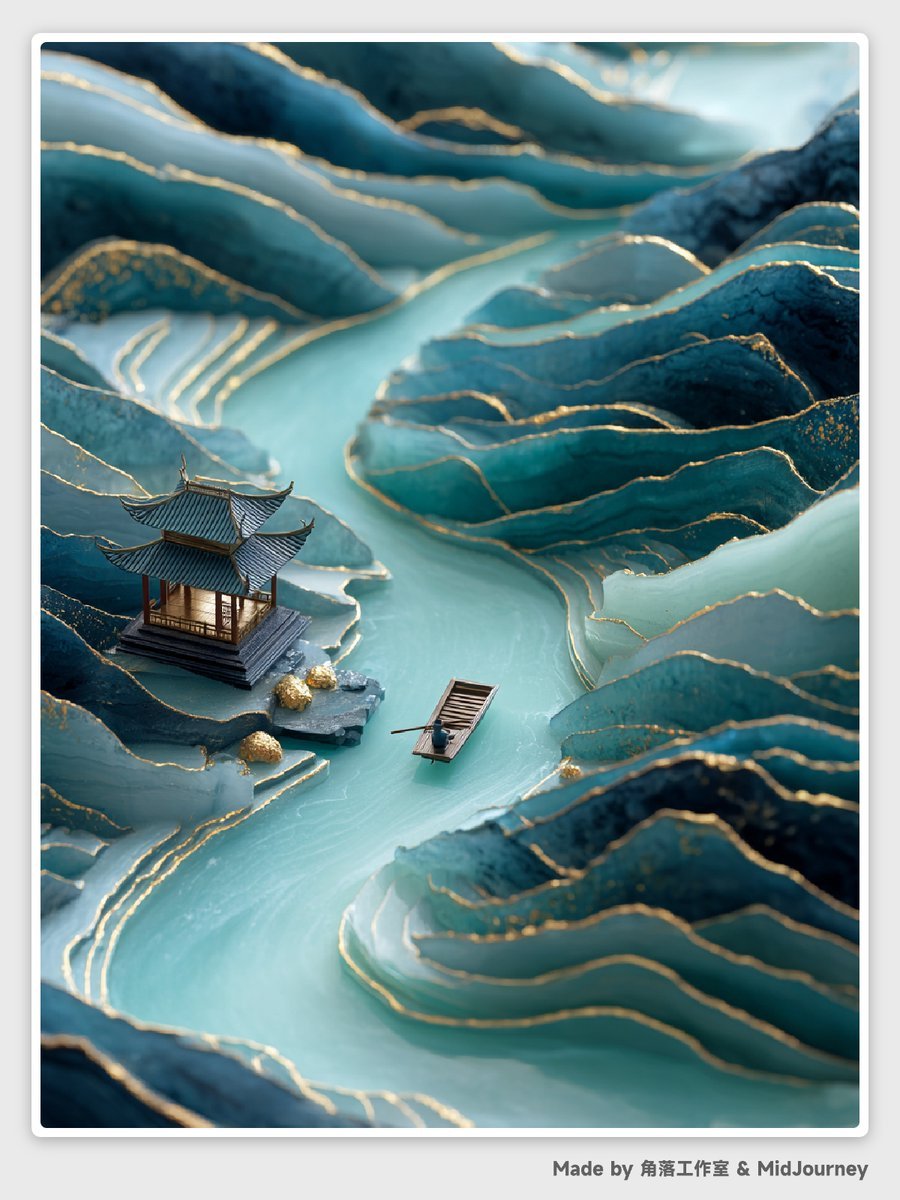
Abstract Chinese Landscape Miniatures Prompt
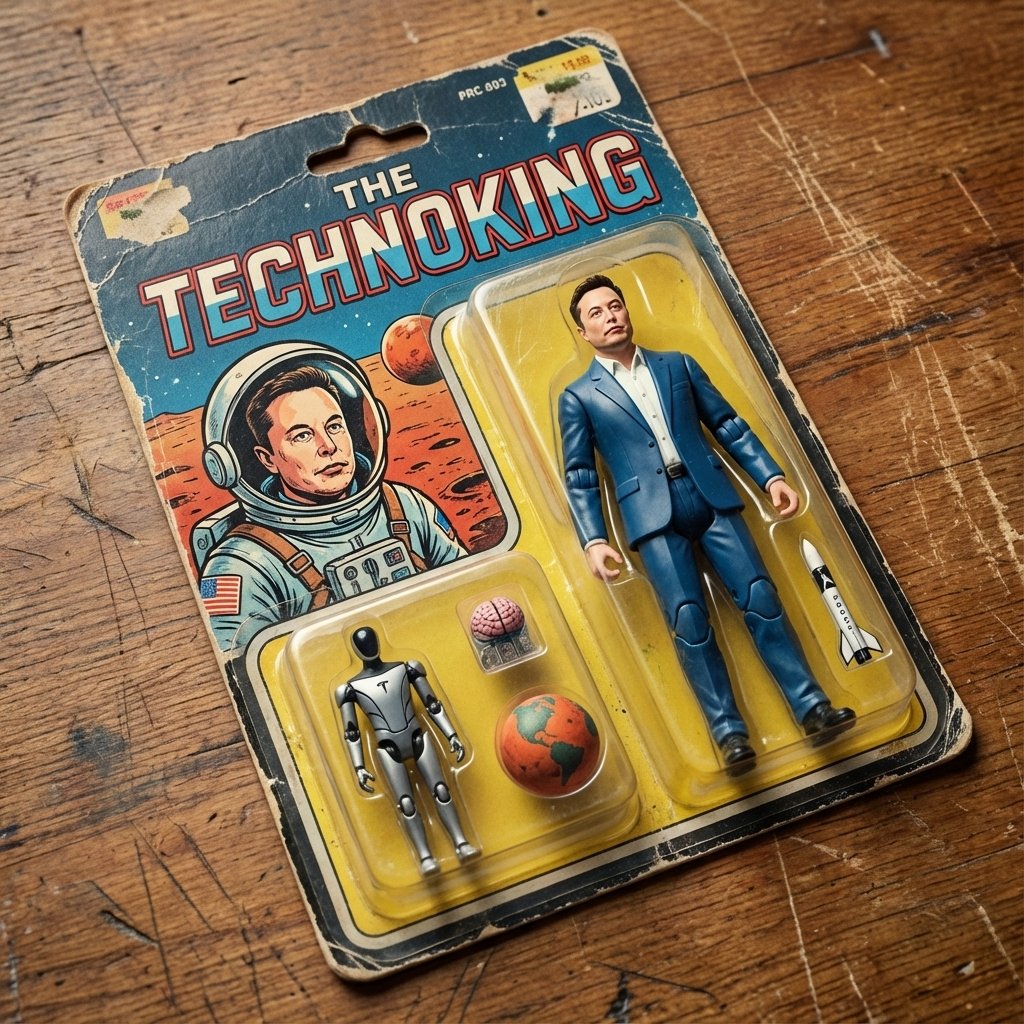
Vintage Action Figure Packaging Generator
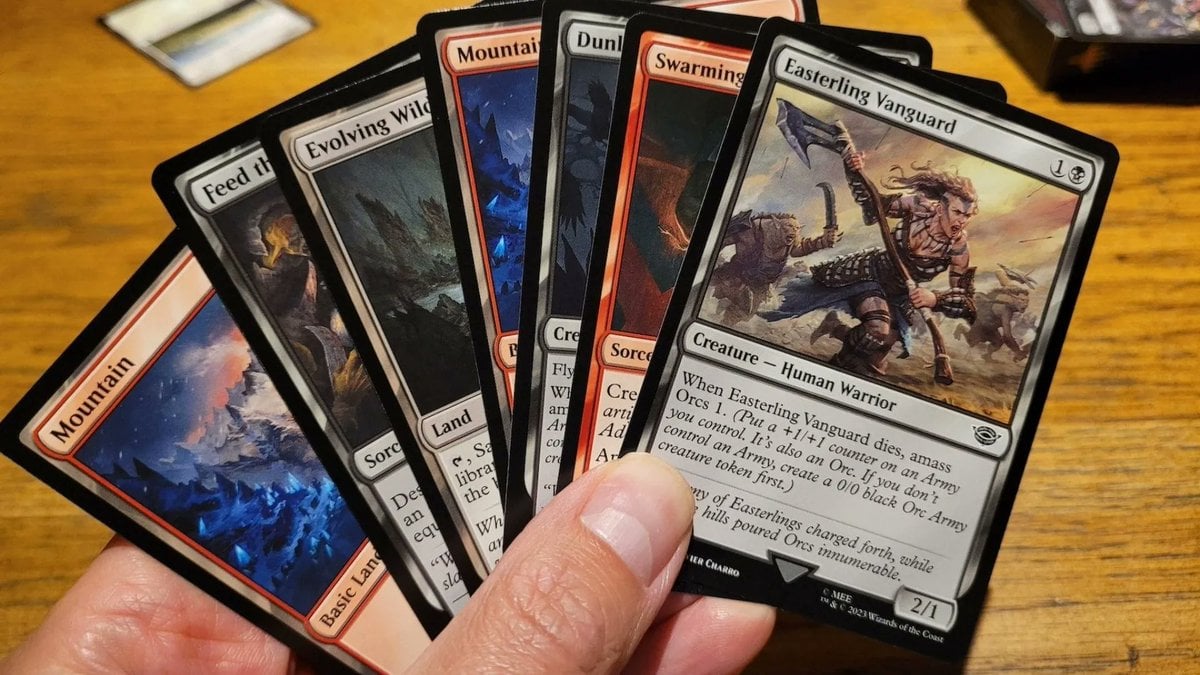
Cards, Shakespeare, and Nabokov scenes
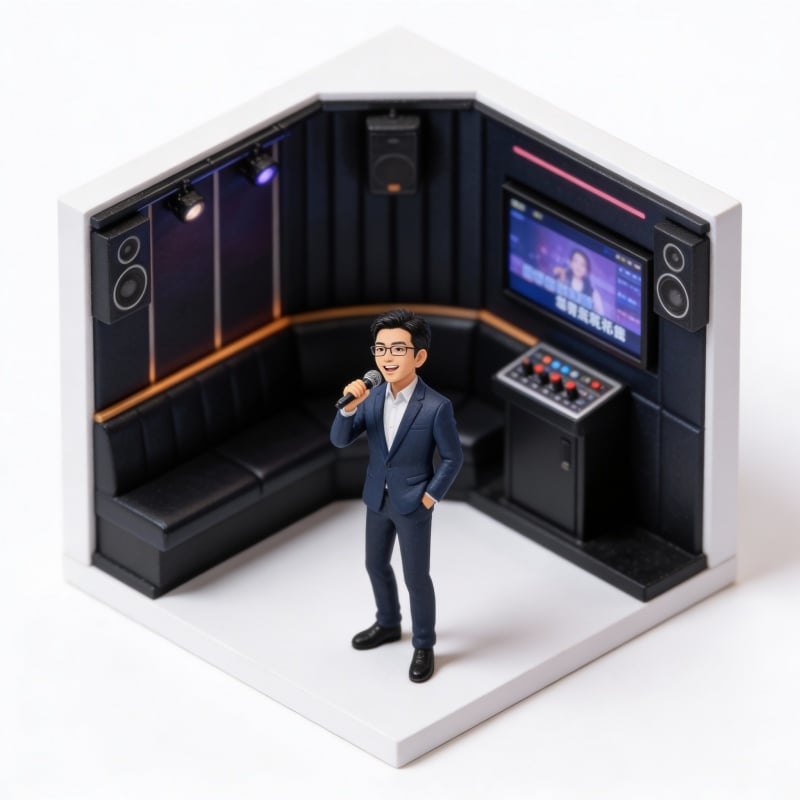
Miniature Figure Generation: Everyday Life of 'Scissors Old Man'
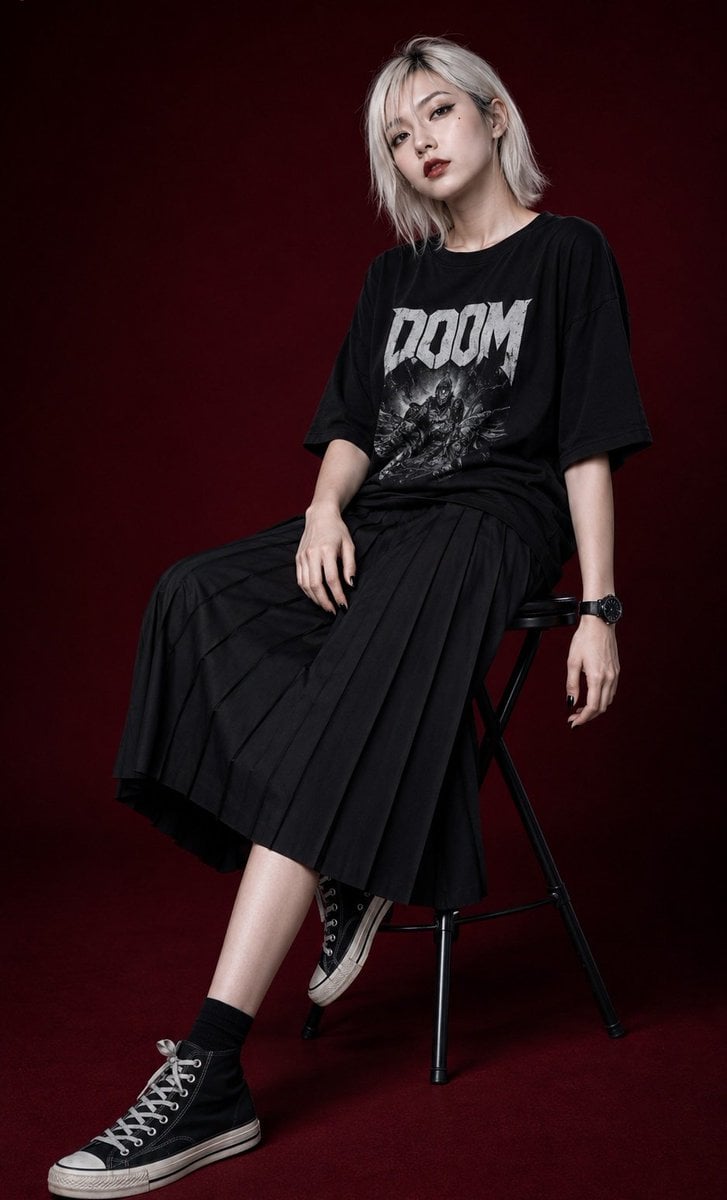
Edgy Asian Fashion Studio Portrait
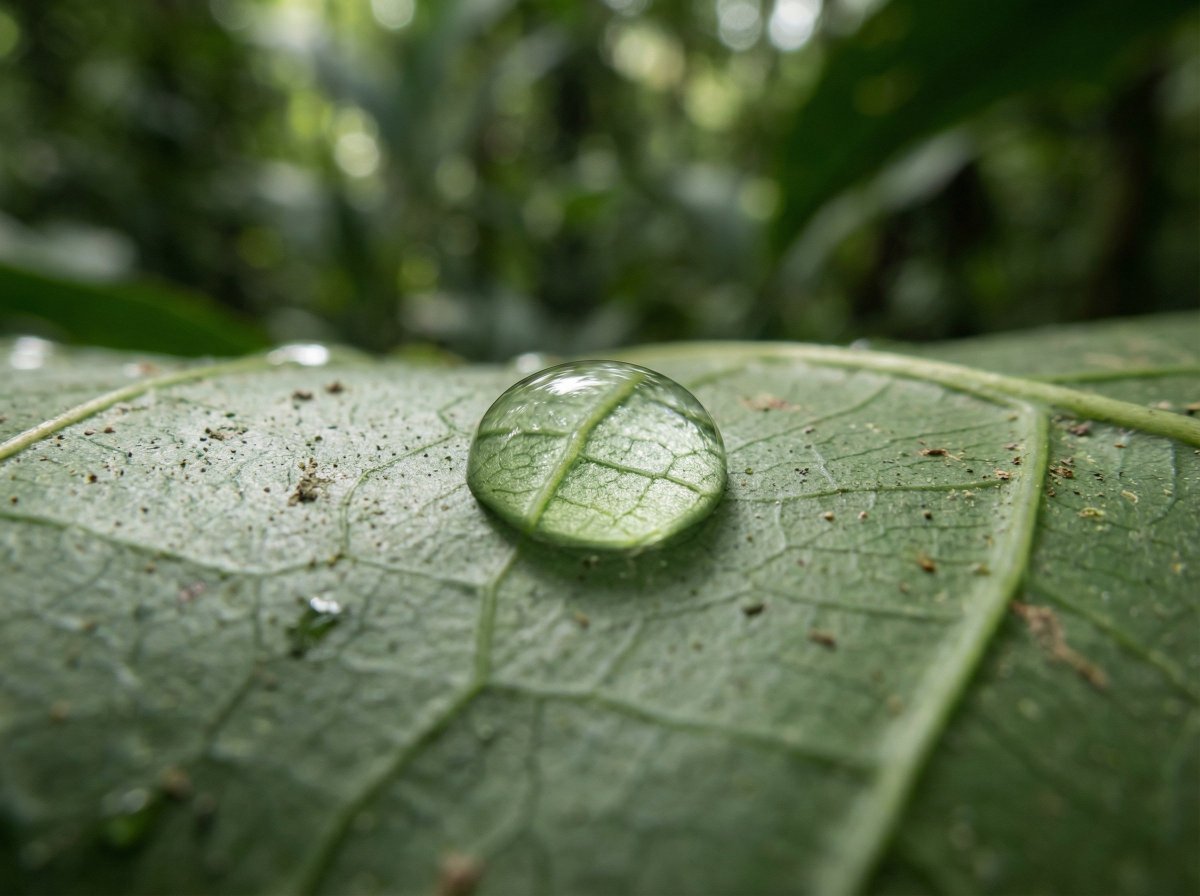
Scientific Macro Documentary Photography Prompt for Water Droplet on Leaf
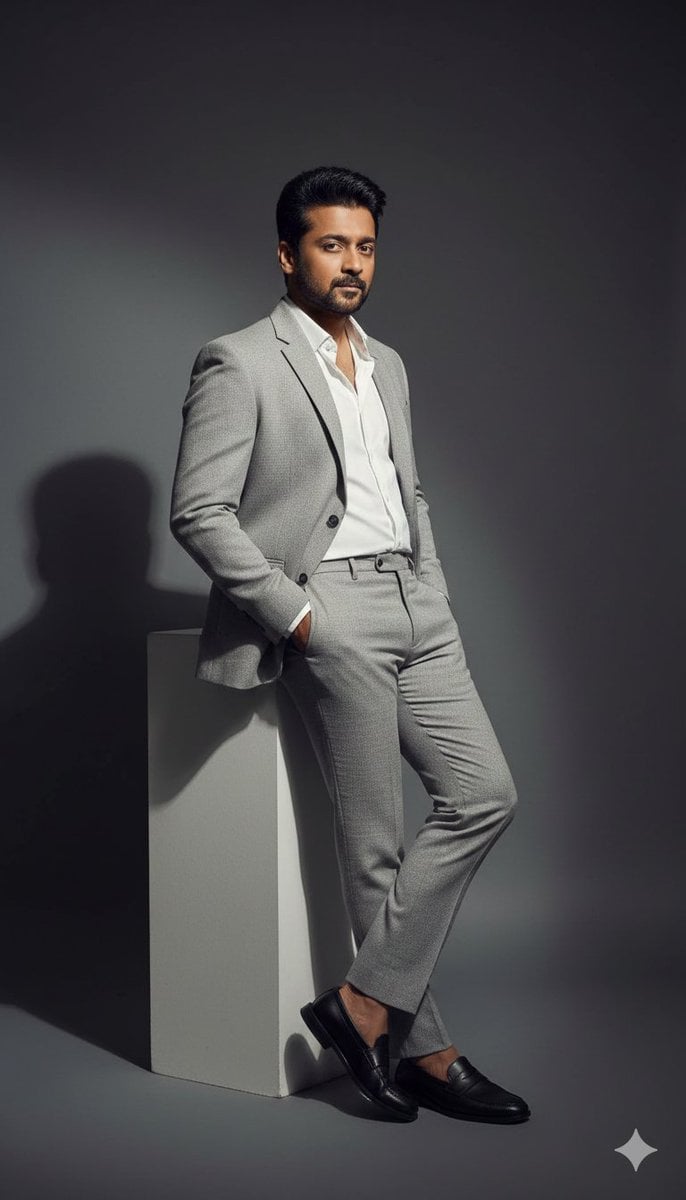
High-Contrast Fashion Editorial Portrait of a Man
Browse template categories
Kamehameha Attack Image Generation (Technical Prompt) questions
How do I use the Kamehameha Attack Image Generation (Technical Prompt) template?
Add your photo if the template asks for one, edit the prompt if you like — the template's model and format are already selected — and press Generate. Your version opens in PicX Studio.
Can I customize the Kamehameha Attack Image Generation (Technical Prompt) template?
Yes. You can change the subject, setting, lighting, mood, format, and available model controls before creating your image.
Is the Kamehameha Attack Image Generation (Technical Prompt) template free?
Opening and editing this template is free. Generating uses credits, shown on the Generate button when you are signed in.
Which AI model should I use?
Start with Nano Banana 2, which is the model associated with this template. You can compare another compatible model for a different finish.
Looking for something else? Browse all templates.

Your photo, any look
Thousands of ready templates for every top image and video model, from one credit balance.