
Attack on Titan Isometric Diorama Map
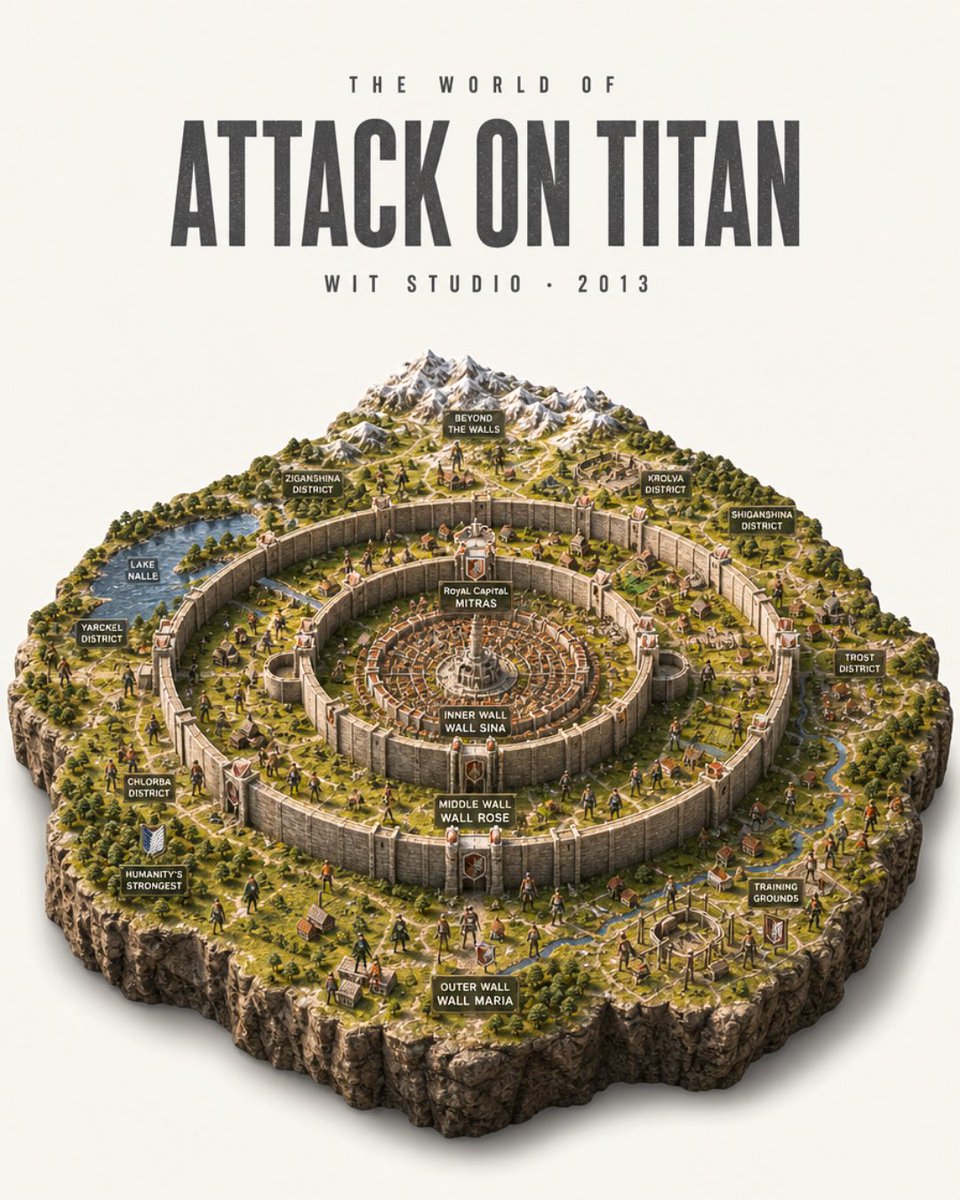
Creates a detailed poster-style isometric miniature map of the Attack on Titan world with concentric walls, districts, labels, and studio typography.
- Prompt included
- Model and format preset
- Free template
The prompt behind this image
Copy the exact prompt behind Attack on Titan Isometric Diorama Map, or open it in the studio and make it yours.
Goal: Create an ultra-detailed photorealistic isometric miniature scale-model diorama poster of the world from {argument name="anime title" default="Attack on Titan"}, presented like a collectible museum map on a clean off-white studio background. Canvas: Vertical 4:5 poster composition. The upper third is typography, the lower two-thirds is a floating square-cut terrain diorama with rugged rocky sides and a soft realistic shadow beneath. Top typography: Centered at the top, use tall condensed bold distressed sans-serif lettering. Small spaced text above reads "THE WORLD OF". Main title reads "{argument name="main title text" default="ATTACK ON TITAN"}" in very large dark charcoal letters. Small spaced text below reads "{argument name="studio line" default="WIT STUDIO • 2013"}". Diorama layout: Show the walled civilization as a high-angle isometric model with three enormous concentric circular stone walls and fortified gates. The center contains a dense circular royal city with radial streets and a white central monument. Surrounding rings contain miniature villages, farms, roads, rivers, forests, watchtowers, and tiny human figures. Beyond the walls at the back are snow-capped mountains, wilderness, scattered ruins, and open terrain. The outer edge of the model is a thick cliff-like cutaway rock base with grass on top. Labeled signs: Include exactly 14 small dark rectangular map-label plaques with white uppercase text, placed around the diorama: 1) "BEYOND THE WALLS" near the mountains, 2) "ZIGANSHINA DISTRICT" on the upper-left wall area, 3) "KROLVA DISTRICT" on the upper-right wall area, 4) "SHIGANSHINA DISTRICT" on the far right, 5) "LAKE NALLE" by a blue lake on the left, 6) "YARCKEL DISTRICT" on the left outer area, 7) "CHLORBA DISTRICT" on the lower-left area, 8) "HUMANITY'S STRONGEST" beside a small military crest on the lower-left, 9) "TROST DISTRICT" on the right outer area, 10) "TRAINING GROUNDS" on the lower-right, 11) "ROYAL CAPITAL MITRAS" at the central city, 12) "INNER WALL WALL SINA" on the innermost wall, 13) "MIDDLE WALL WALL ROSE" on the middle wall, 14) "OUTER WALL WALL MARIA" on the front outer wall. Subject details: Make the wall rings tall, pale stone, weathered, and segmented with massive gates and red-roofed towers. Populate the landscape with tiny soldiers, civilians, horses, tiled-roof houses, roads, farmland plots, bridges, streams, and forests. Add a few tiny Titan-like humanoid silhouettes outside and near the walls for scale, but keep the scene map-like rather than action-focused. Visual style: Hyper-realistic miniature model photography mixed with anime-world cartography, crisp isometric perspective, warm daylight, realistic shadows, high texture detail, tiny hand-painted model figures, natural greens and browns, pale stone walls, snowy gray mountains, cinematic depth of field but all important labels legible. Constraints: Keep the image as a single poster, no border, no watermark, no extra logos. Preserve the exact 14 map labels listed above and the three wall labels. Use an off-white background and a centered floating diorama with clean studio lighting.
How to use Attack on Titan Isometric Diorama Map in 3 steps
- 1Upload ImagePNG, JPG or paste
Add your photo
Upload the photo the template builds on. The prompt, model and format are already set.
- 2…a portrait of your subject in softgolden-hour light, 85mm…
Personalize
Edit the subject and creative details for your destination.
- 3Generate
Generate
Press Generate — your image is created in PicX Studio, so you can compare it with the original and refine one variable at a time.
More like this
Templates with the same subject, style or setup. Open one to see its prompt.

Isometric Process Educational Diorama

Isometric Brand Store Diorama
Photorealistic Diorama Isometric Map Prompt

Cozy Isometric Bathroom Miniature Diorama

Layered Paper Cut Forest Diorama

Soft Handcrafted Paper-Cut Layered Illustration

FIFA World Cup — Brazil National Pass Diorama

Isometric Vehicle Teardown Infographic Template
Nocturnal Paris Diorama Map
Nocturnal Tokyo Diorama Map
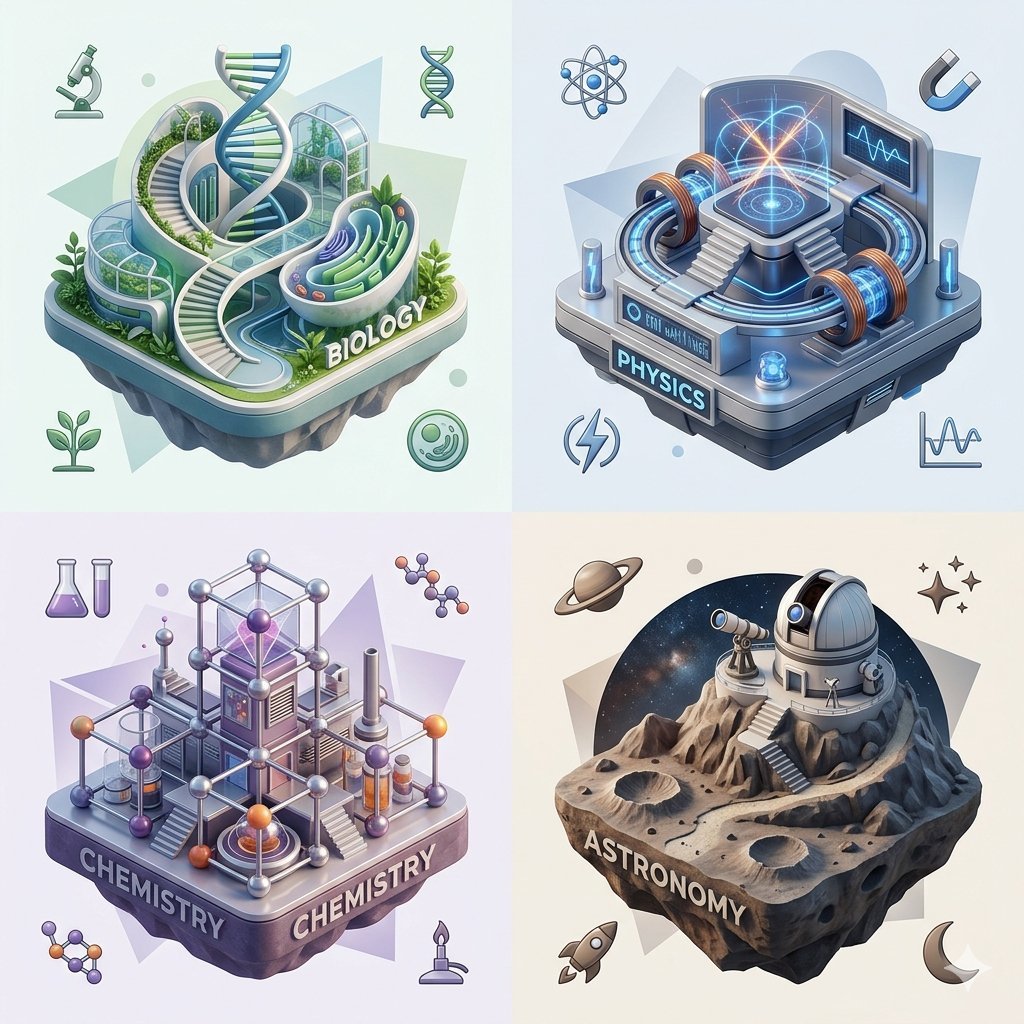
Isometric Science Concept Diorama Grid
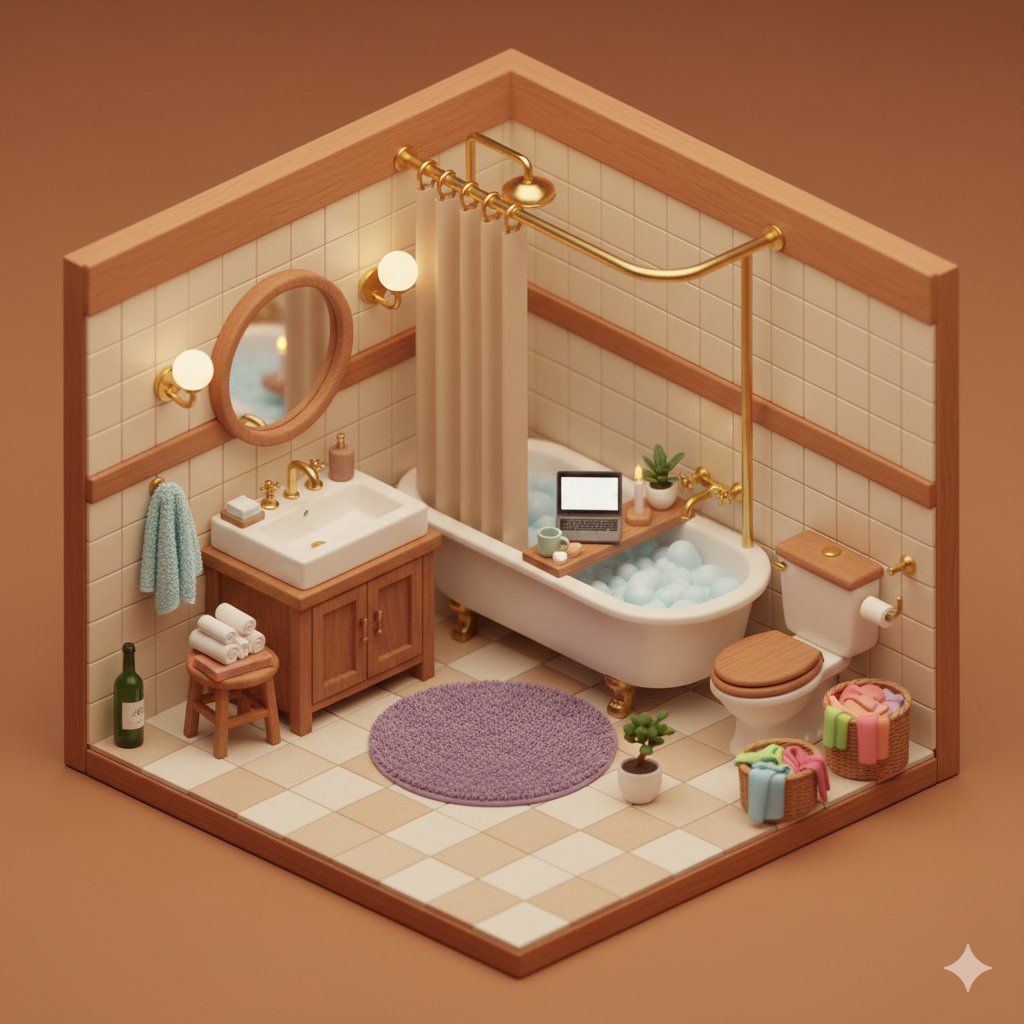
Cozy Isometric Bathroom Diorama
Make it yours
Attack on Titan Isometric Diorama Map works as-is. These are the safest ways to change it without losing the look.
Change one field
Copy a single group, rewrite it, and generate again so you can see what that field is doing.
Keep the frame, change the subject
Hold the composition and light of Attack on Titan Isometric Diorama Map, then swap wardrobe, props or the person for a new take.
| If the result… | Why | Fix |
|---|---|---|
| The result drifts from the preview | Too many fields changed at once. | Reuse Attack on Titan Isometric Diorama Map as-is first, then change one group — subject, light, or setting. |
| The model over-stylizes the scene | The prose prompt leaves finish and camera underspecified. | Add one camera or lighting sentence and stay on GPT Image 2. |
More GPT Image 2 templates
Other prompts made for GPT Image 2.

Six VTuber Japanese Logo Sheet

Realistic Portrait of Woman and Deer

The Vista Modular Condo Poster

AI Model Routing Comparison Infographic

2.5D Anime Art Board

Isometric Productivity Desk Scene

New York Double Exposure Poster

Four-Panel AI Landscape Comparison

Japanese Tatami Lifestyle Magazine Cover

NESCAFÉ Coffee Map Poster
More image prompts
Fresh picks from across the catalog.
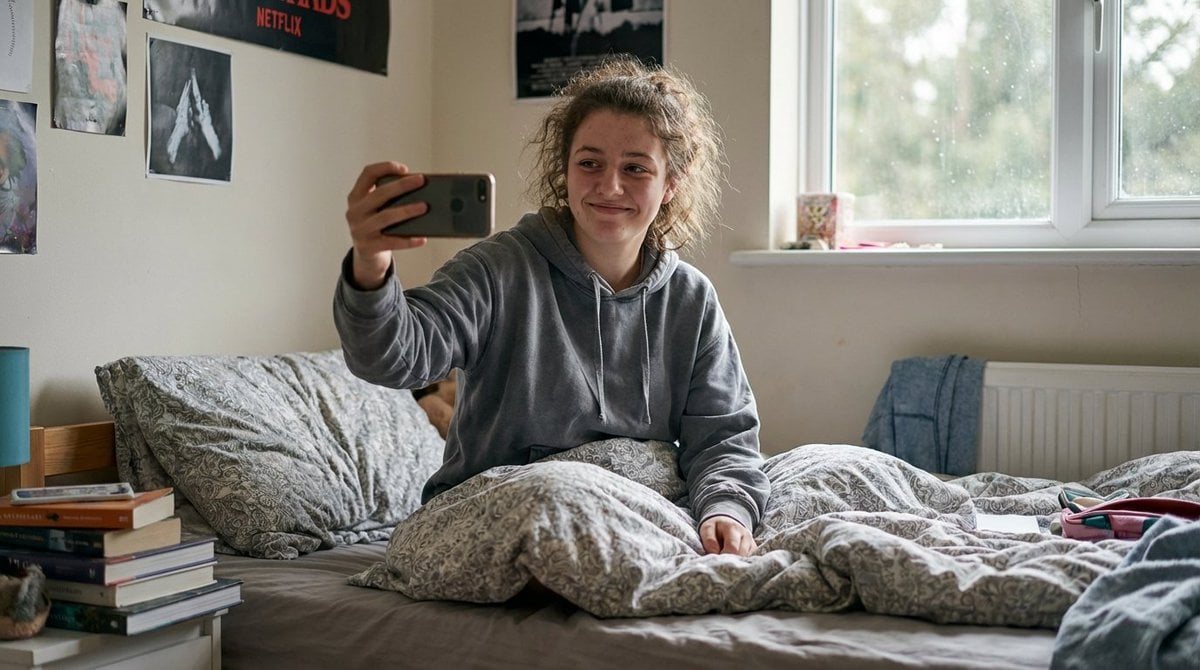
Hyper-Realistic Documentary Photography Style Prompt
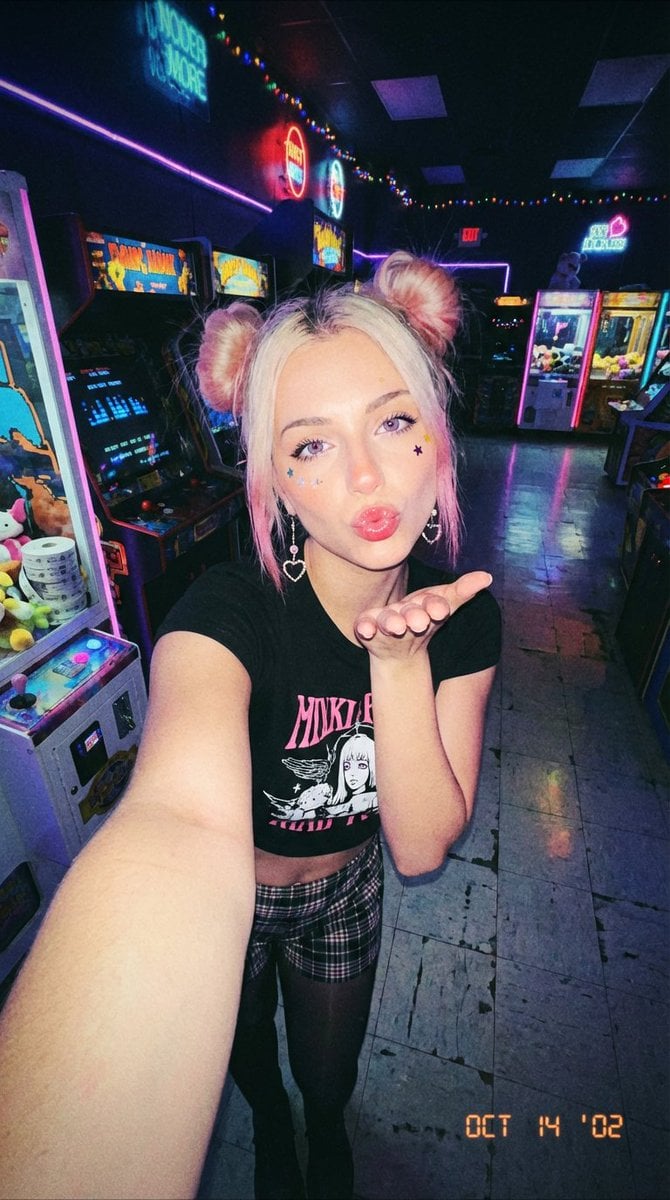
Y2K Grunge Arcade Selfie Portrait
Cinematic Floral Mountain Biker
Everyday Object Reimagined as a City
Cinematic 4-Cut Video Prompt of Woman Painting
Abstract Aqua Anime Poster
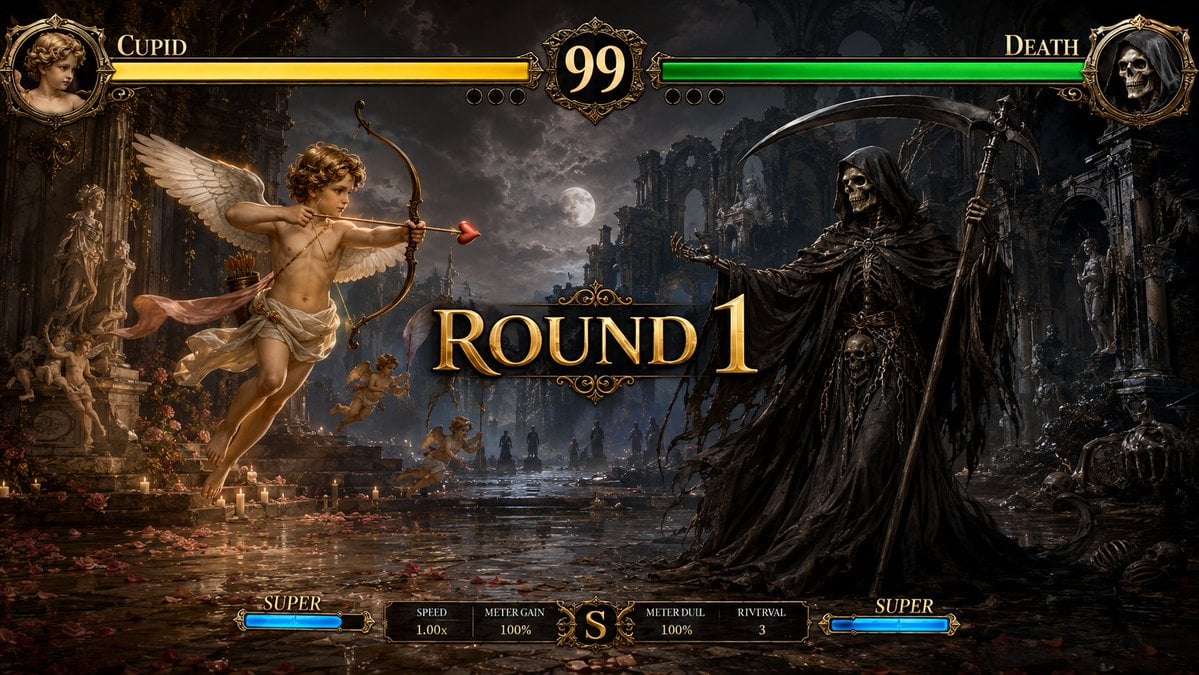
Mythological Fighting Game Versus Screen
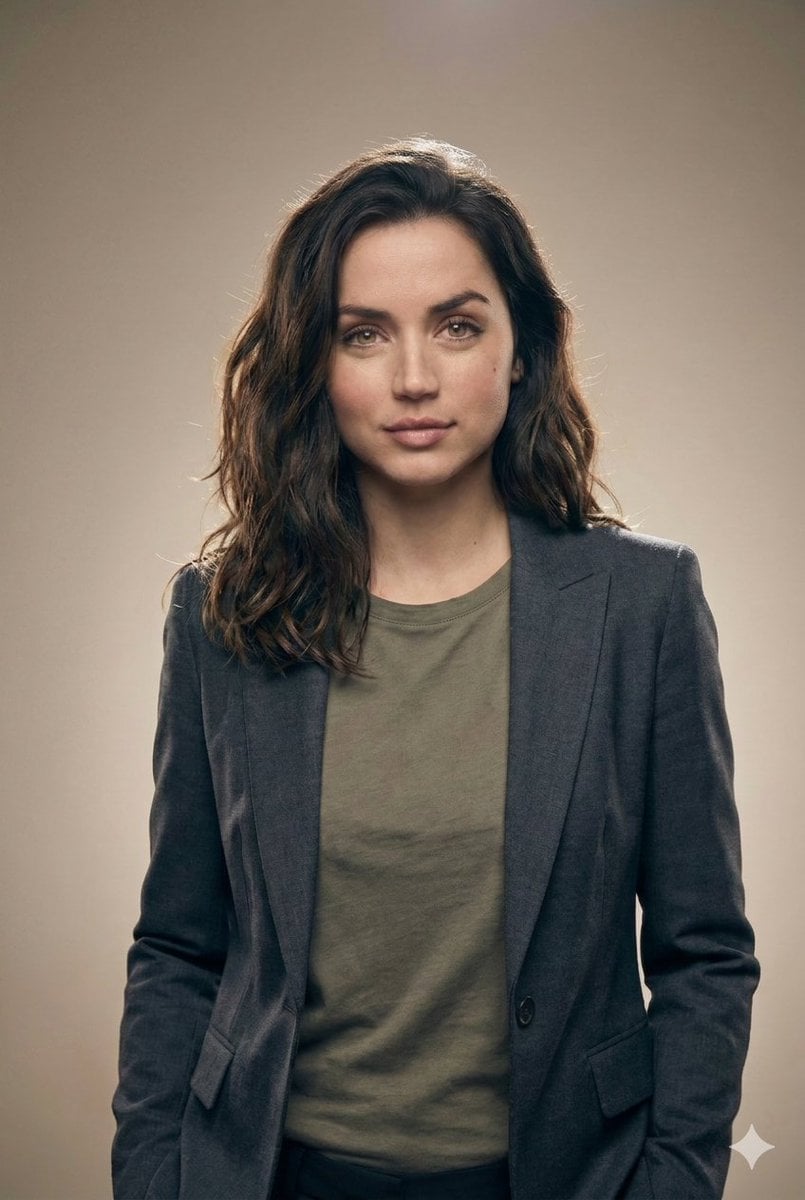
Editorial Studio Portrait in Blazer
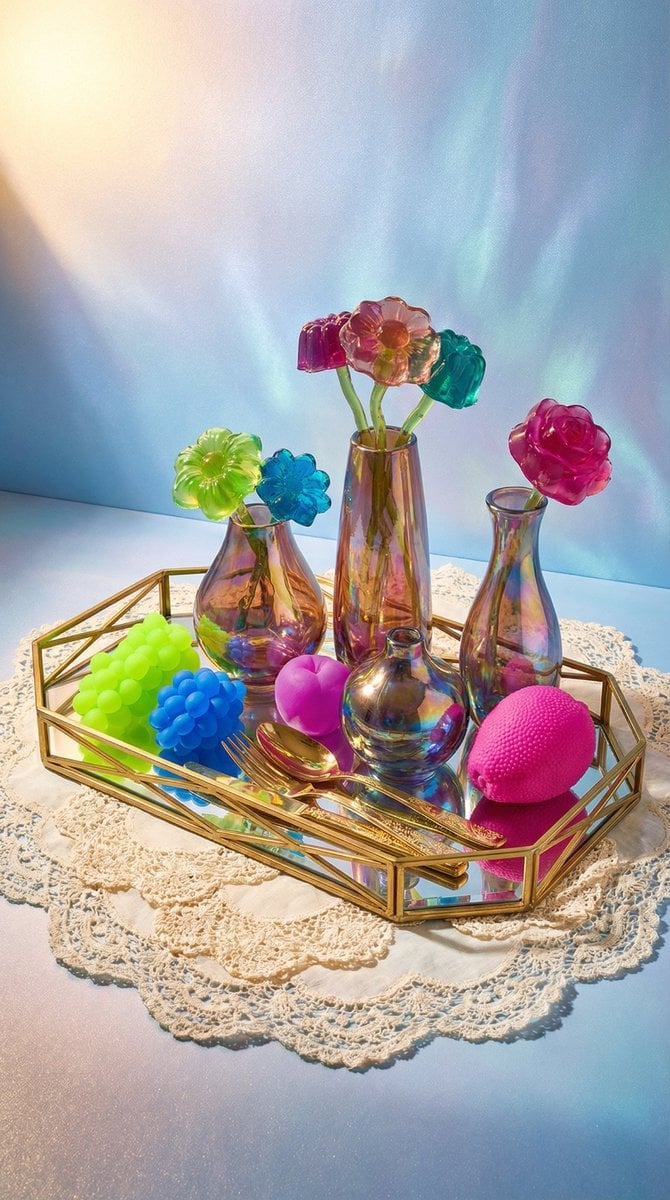
Maximalist Tabletop Arrangement Product Photography
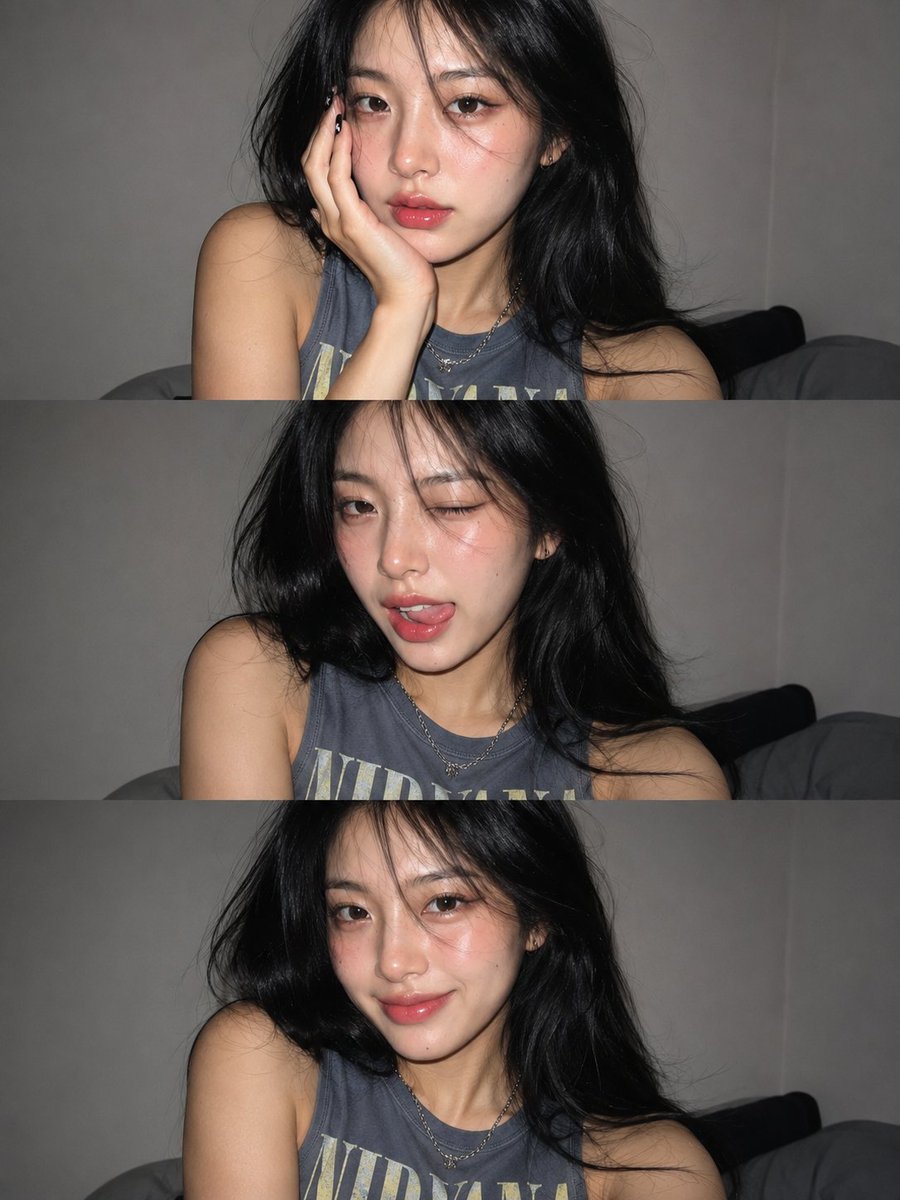
Gen Z Flash Selfie Collage
Browse template categories
Attack on Titan Isometric Diorama Map questions
How do I use the Attack on Titan Isometric Diorama Map template?
Add your photo if the template asks for one, edit the prompt if you like — the template's model and format are already selected — and press Generate. Your version opens in PicX Studio.
Can I customize the Attack on Titan Isometric Diorama Map template?
Yes. You can change the subject, setting, lighting, mood, format, and available model controls before creating your image.
Is the Attack on Titan Isometric Diorama Map template free?
Opening and editing this template is free. Generating uses credits, shown on the Generate button when you are signed in.
Which AI model should I use?
Start with GPT Image 2, which is the model associated with this template. You can compare another compatible model for a different finish.
Looking for something else? Browse all templates.

Your photo, any look
Thousands of ready templates for every top image and video model, from one credit balance.