
Cinematic Floral Mountain Biker
Generates a bold low-angle action illustration of a futuristic cyclist speeding through a vibrant abstract floral tunnel.
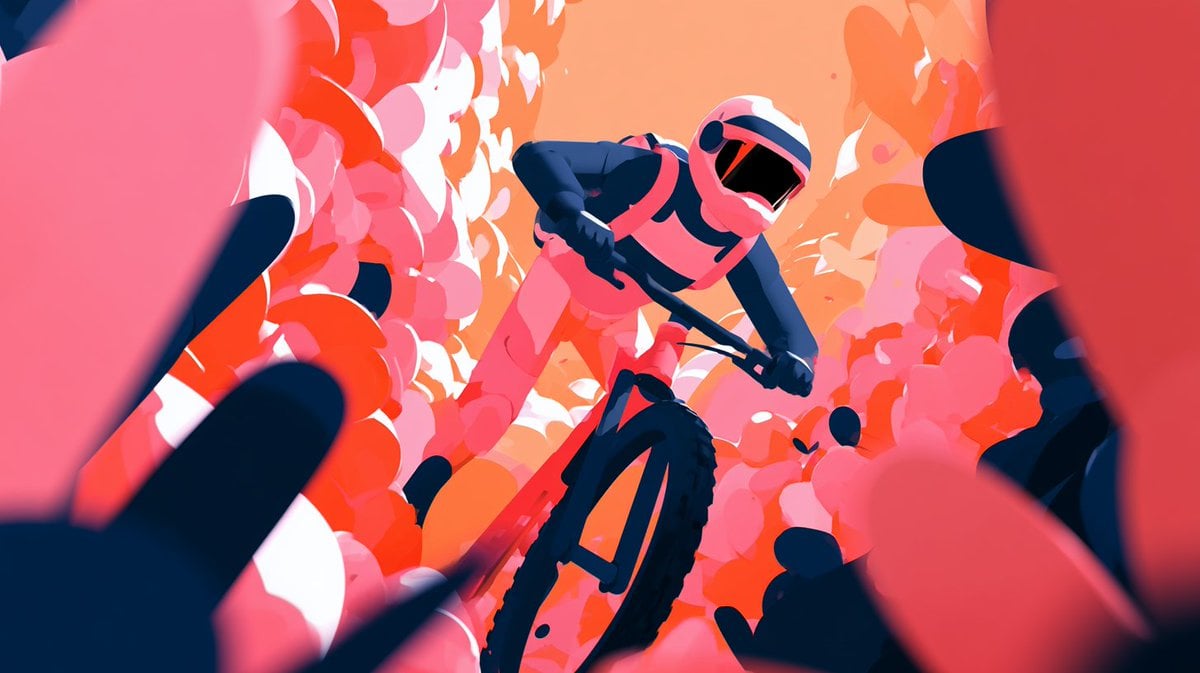
- Prompt included
- Model and format preset
- Free template
The prompt behind this image
Copy the exact prompt behind Cinematic Floral Mountain Biker, or open it in the studio and make it yours.
Create a dynamic cinematic digital illustration of a {argument name="subject" default="mountain biker"} racing downhill through a tunnel-like canyon of dense abstract flower petals and rounded foliage shapes. Use an extreme low-angle wide shot from directly in front of the bike, with the oversized front tire dominating the lower center foreground and the rider leaning aggressively forward over the handlebars. The rider wears a sleek full-face helmet with a black reflective visor, a fitted futuristic cycling suit in {argument name="rider colors" default="hot pink, coral, and deep navy"}, gloves, and protective gear. Surround the scene with thick walls of stylized petals and leaf silhouettes in {argument name="environment colors" default="vivid pink, red, coral, orange, and white"}, forming a rushing corridor that suggests speed and motion. Add large blurred foreground petal shapes on the left and right edges for depth, dark navy shadow shapes for contrast, and a warm peach-orange glowing background at the vanishing point. The style should be highly aesthetic, bold, graphic, semi-abstract, with smooth vector-like shapes, painterly gradients, dramatic foreshortening, high saturation, strong rim lighting, motion energy, and no visible text.
How to use Cinematic Floral Mountain Biker in 3 steps
- 1Upload ImagePNG, JPG or paste
Add your photo
Upload the photo the template builds on. The prompt, model and format are already set.
- 2…a portrait of your subject in softgolden-hour light, 85mm…
Personalize
Edit the subject and creative details for your destination.
- 3Generate
Generate
Press Generate — your image is created in PicX Studio, so you can compare it with the original and refine one variable at a time.
More like this
Templates with the same subject, style or setup. Open one to see its prompt.

Teen Girl Alpine Lake Mountain View

Mountain Lake Sunset Landscape

Floraverse Botanical Fusion

FLORAVERSE BOTANICAL FUSION

Premium Vintage Travel Poster Landscape
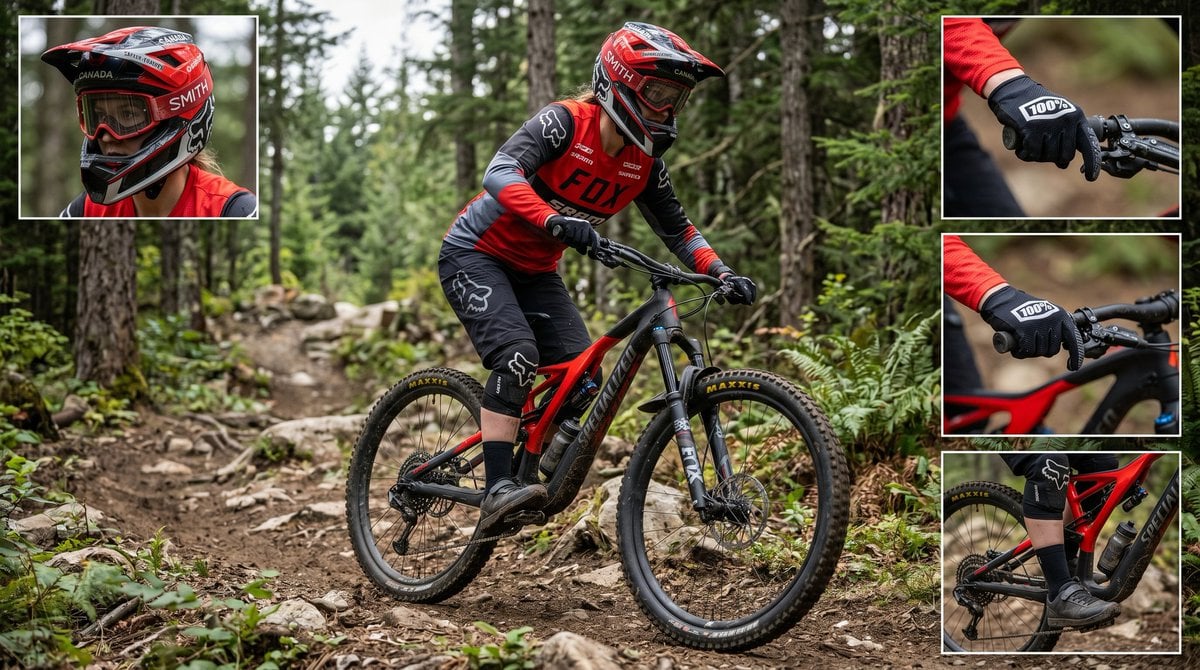
Mountain Biker Action Shots Prompt

Tropical Vacation Selfie — Nano Banana (Chryzleen)

Coastal Bench Portrait — Navy Floral Sundress
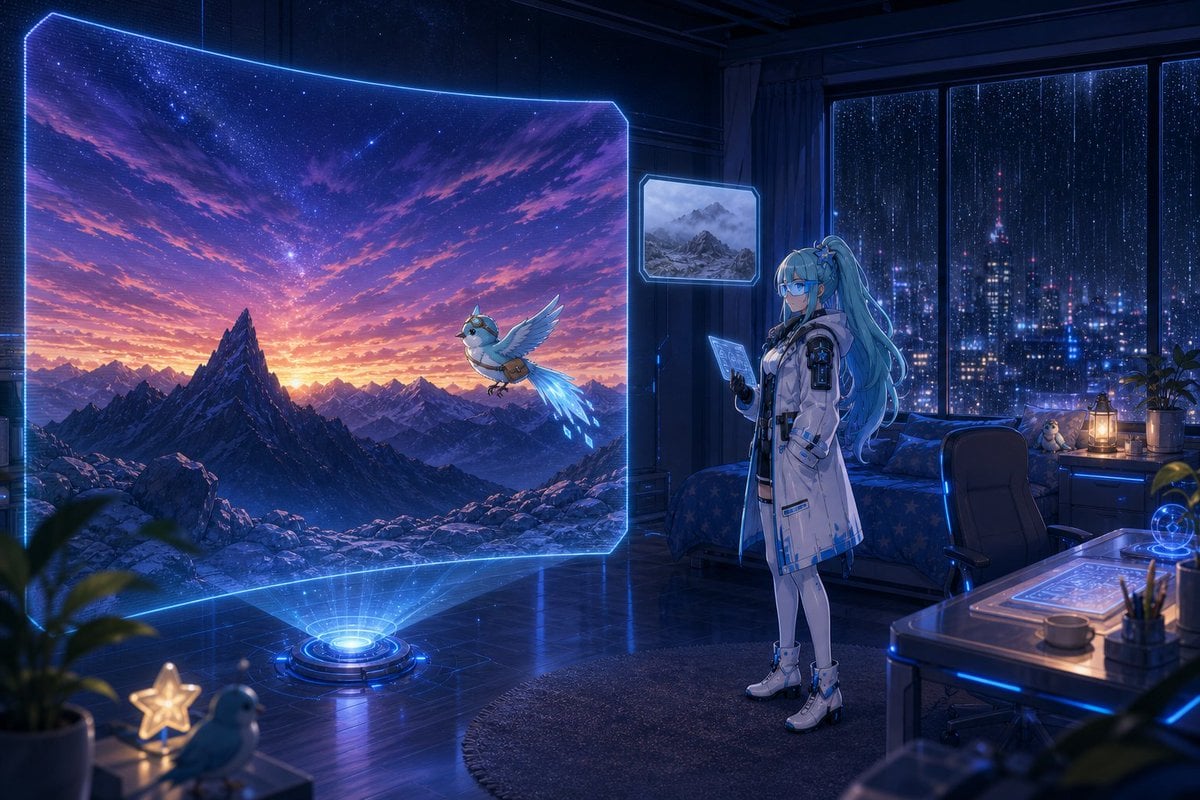
Holographic Mountain Bedroom

Lone Mountaineer in Moonlit Snow
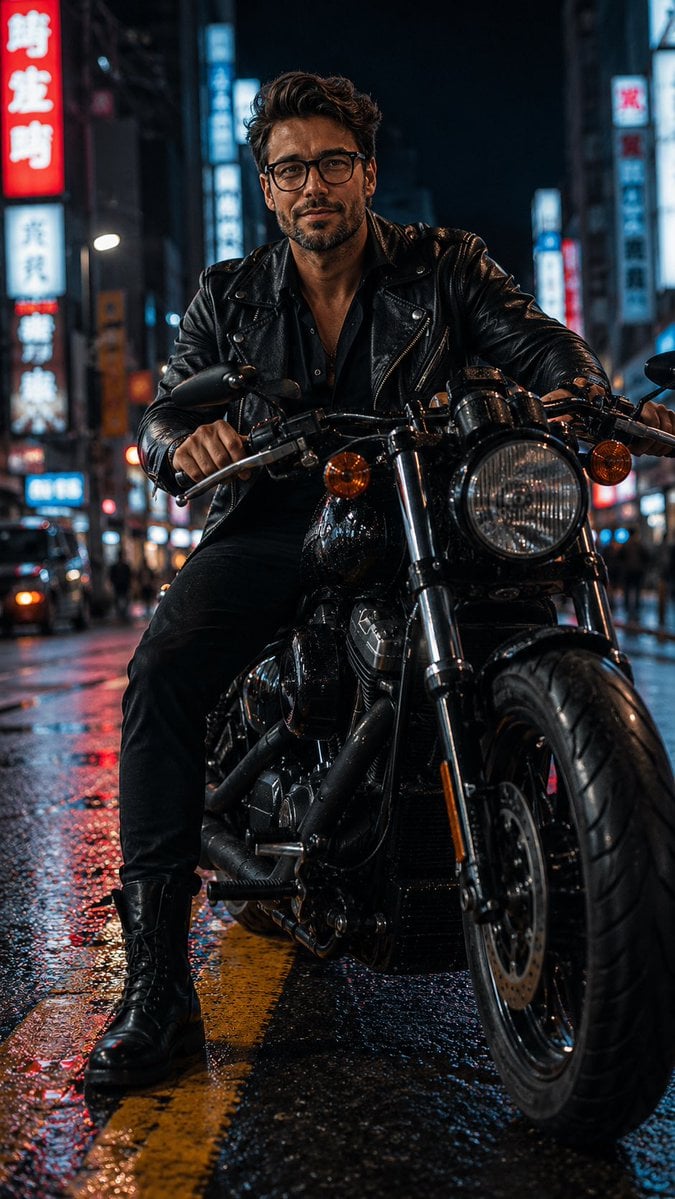
Biker in Tokyo Nightscape
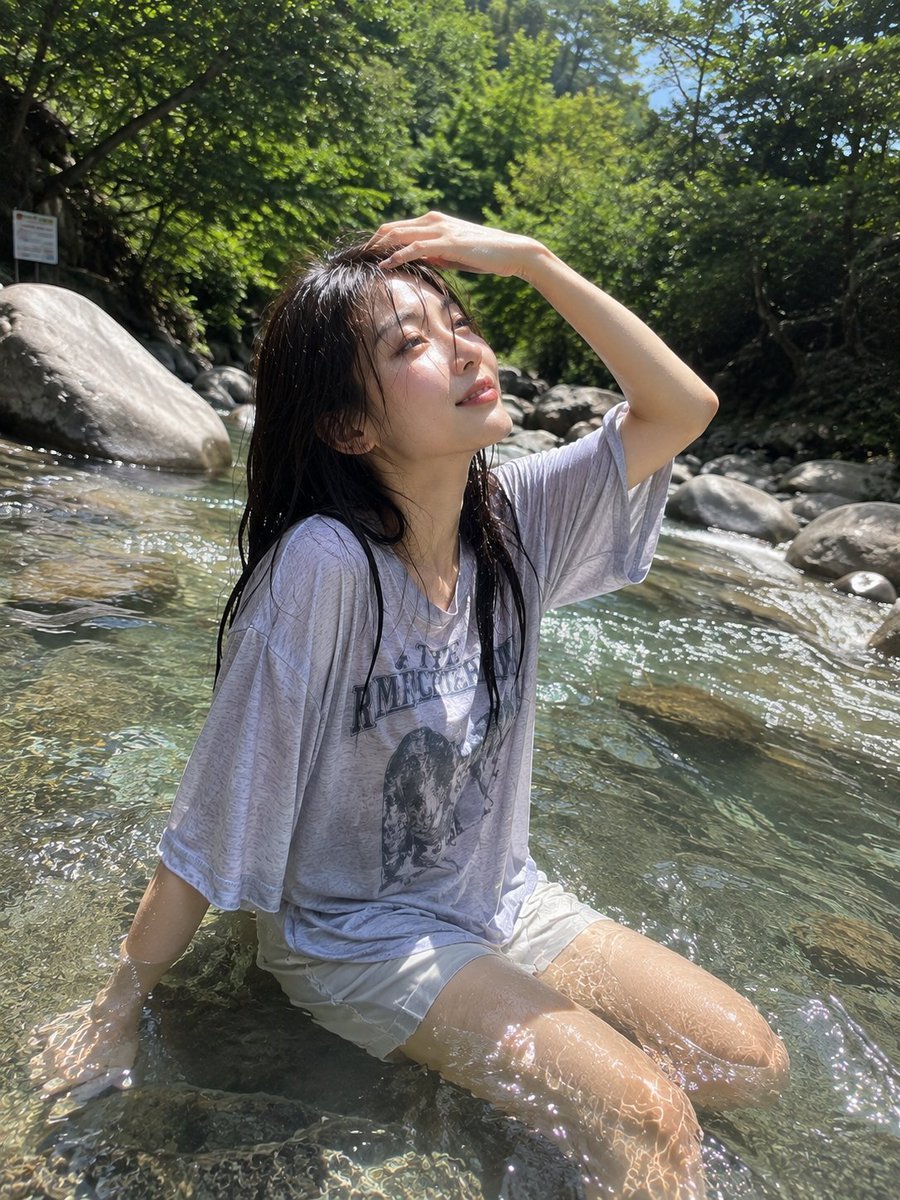
Candid Mountain Stream Photography
Make it yours
Cinematic Floral Mountain Biker works as-is. These are the safest ways to change it without losing the look.
Change one field
Copy a single group, rewrite it, and generate again so you can see what that field is doing.
Keep the frame, change the subject
Hold the composition and light of Cinematic Floral Mountain Biker, then swap wardrobe, props or the person for a new take.
| If the result… | Why | Fix |
|---|---|---|
| The result drifts from the preview | Too many fields changed at once. | Reuse Cinematic Floral Mountain Biker as-is first, then change one group — subject, light, or setting. |
| The model over-stylizes the scene | The prose prompt leaves finish and camera underspecified. | Add one camera or lighting sentence and stay on GPT Image 2. |
More GPT Image 2 templates
Other prompts made for GPT Image 2.

Six VTuber Japanese Logo Sheet

Realistic Portrait of Woman and Deer

The Vista Modular Condo Poster

AI Model Routing Comparison Infographic

2.5D Anime Art Board

Isometric Productivity Desk Scene

New York Double Exposure Poster

Four-Panel AI Landscape Comparison

Japanese Tatami Lifestyle Magazine Cover

NESCAFÉ Coffee Map Poster
More image prompts
Fresh picks from across the catalog.
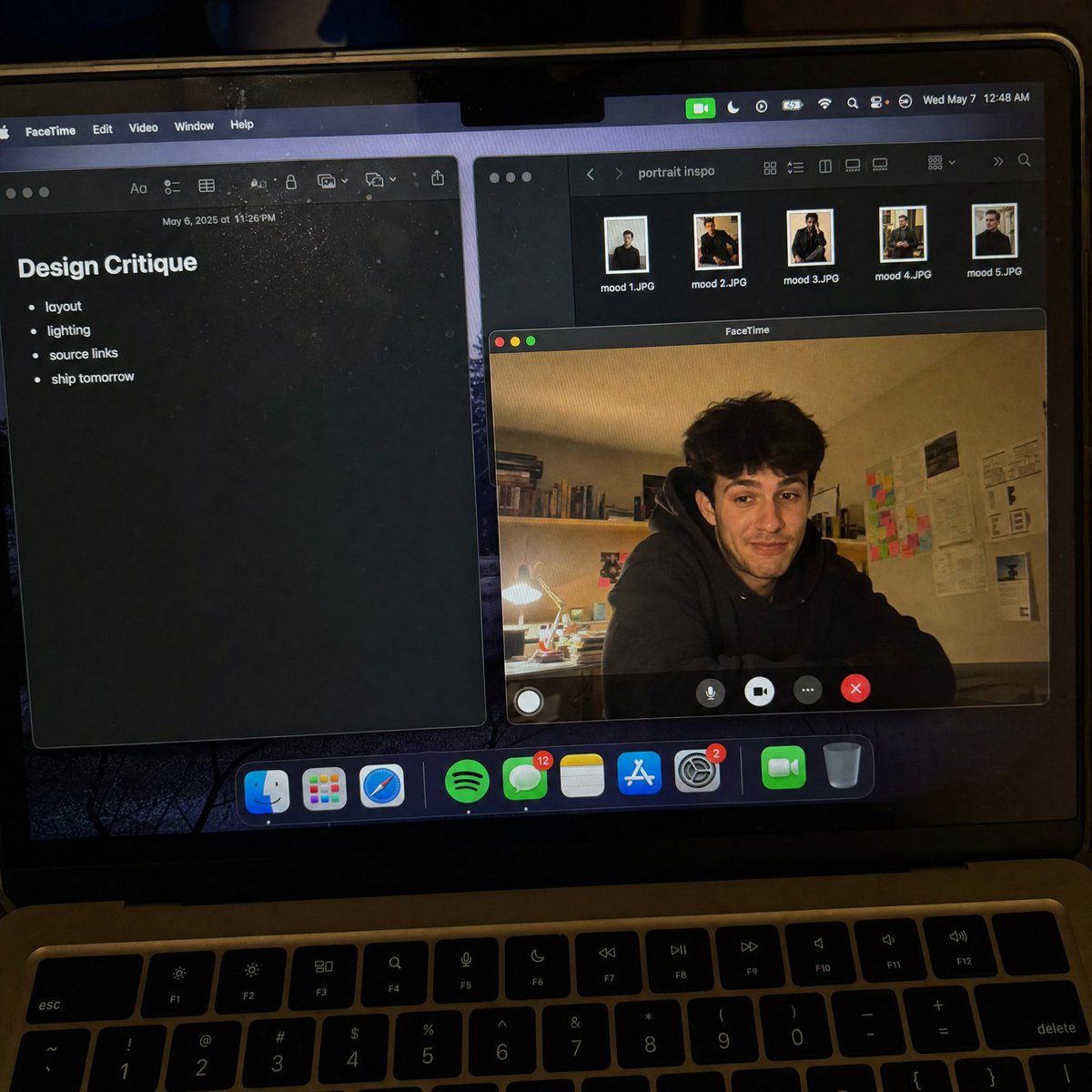
Handheld Laptop Screen POV
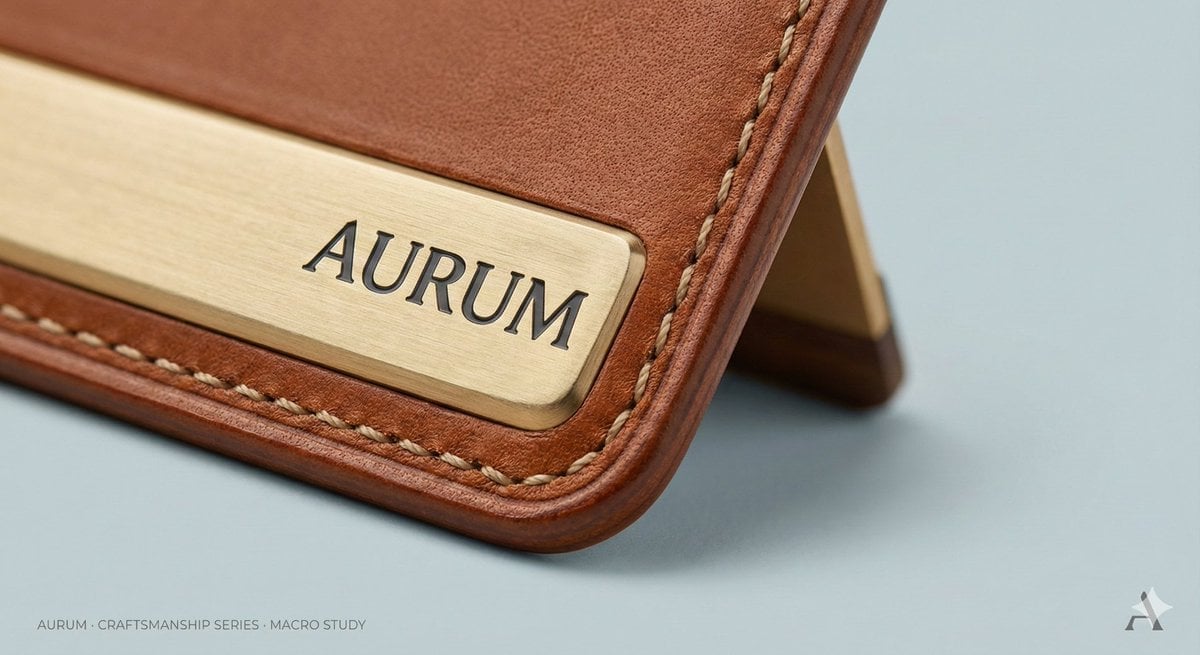
High-End Concept Art Magazine Editorial Photograph Prompt
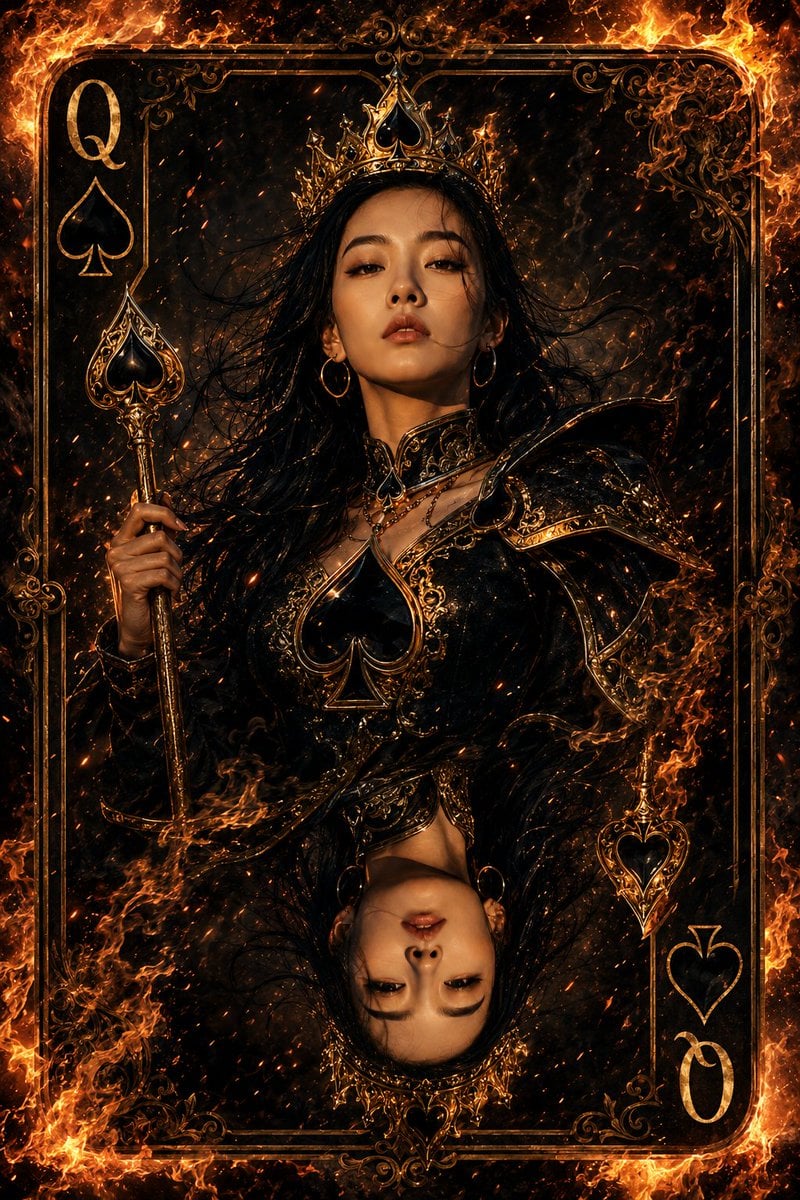
Queen of Spades Fantasy Playing Card
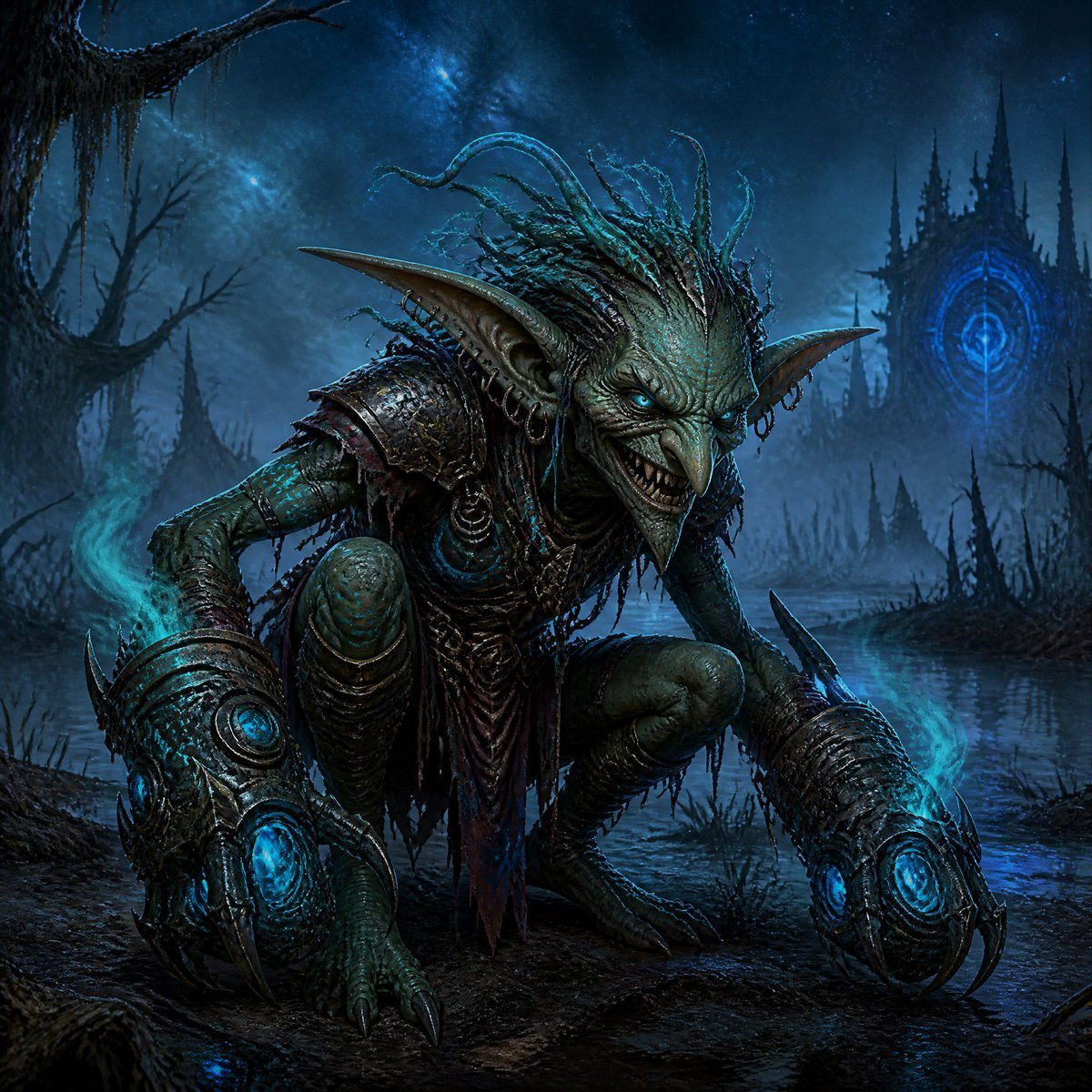
Dark Goblin Shaman in Haunted Swamp
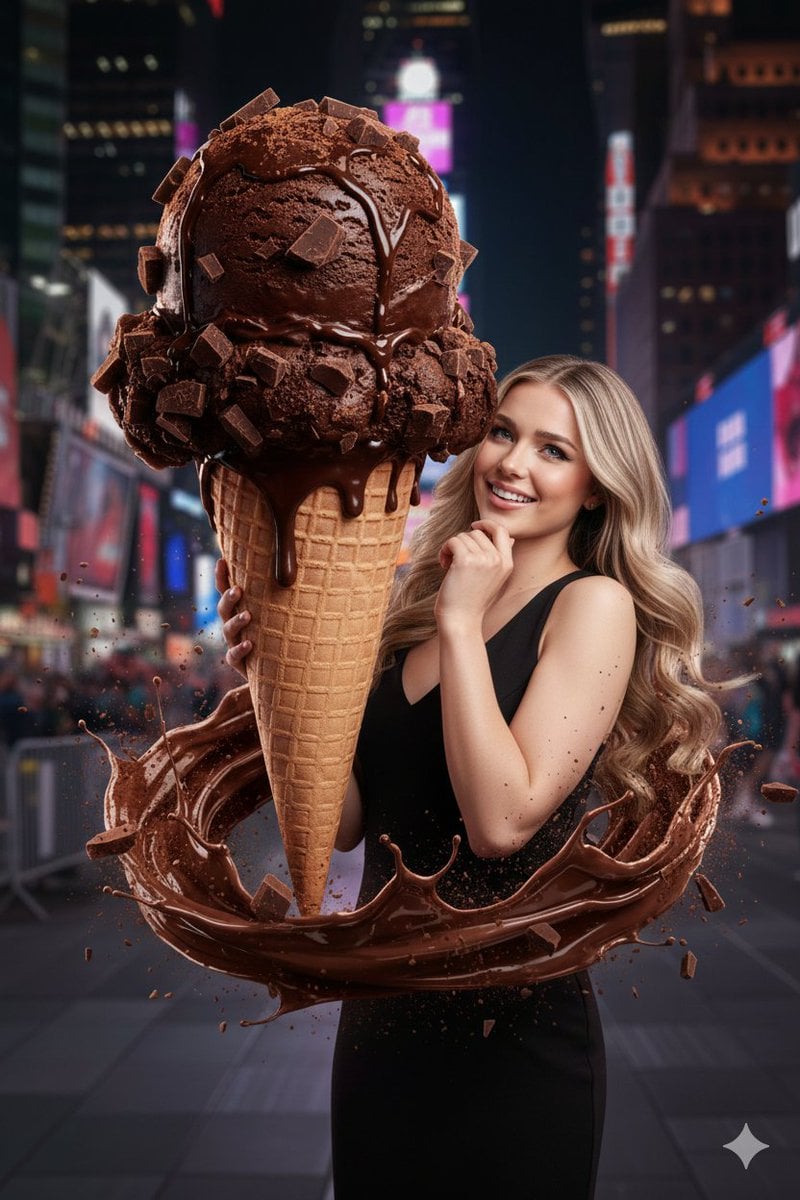
Hyperrealistic Chocolate Ice Cream Commercial Prompt
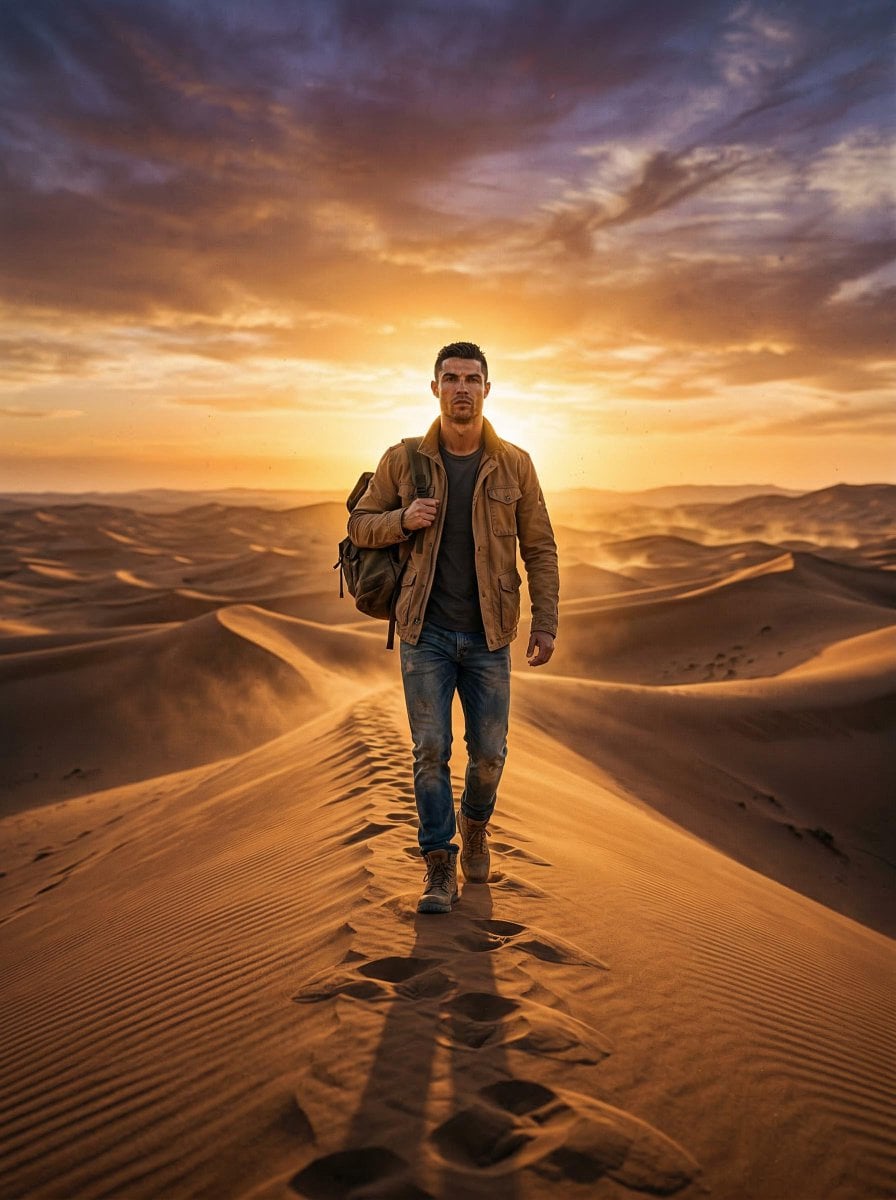
Lone Traveler in Saharan Dunes Prompt
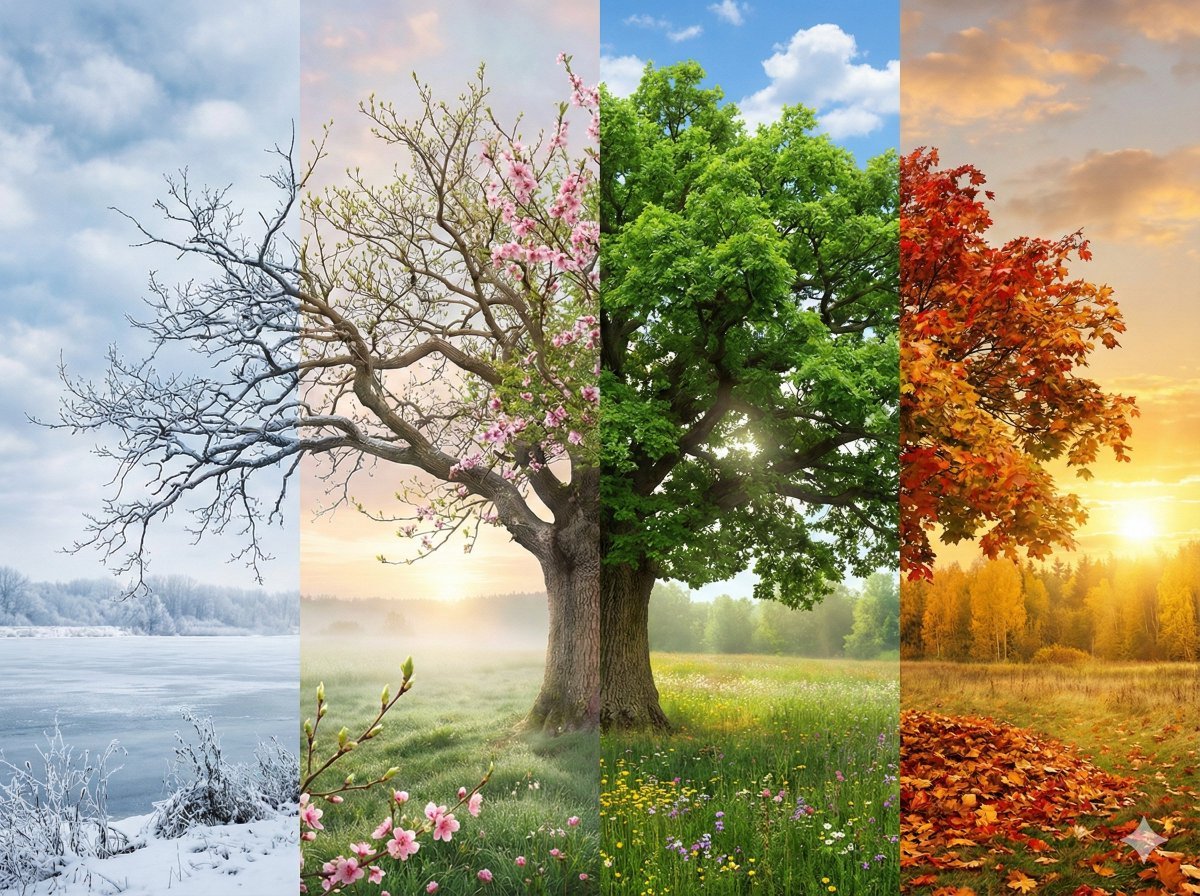
Four Seasons Transition Prompt
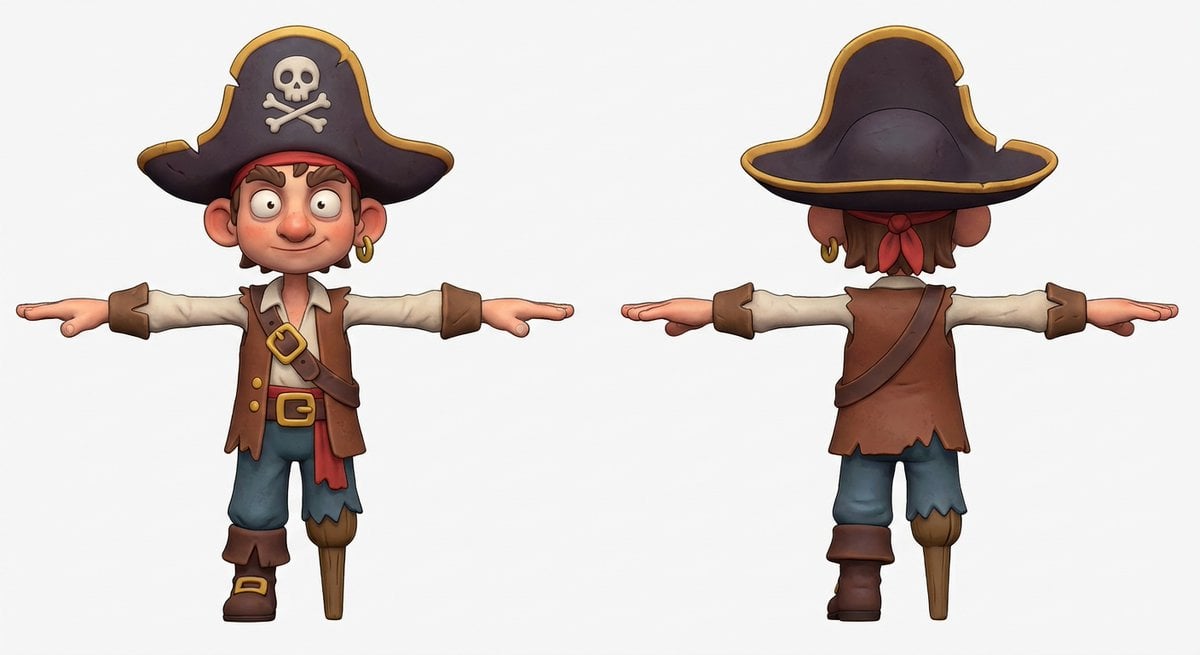
3D Pirate Character in T-Pose for Modeling
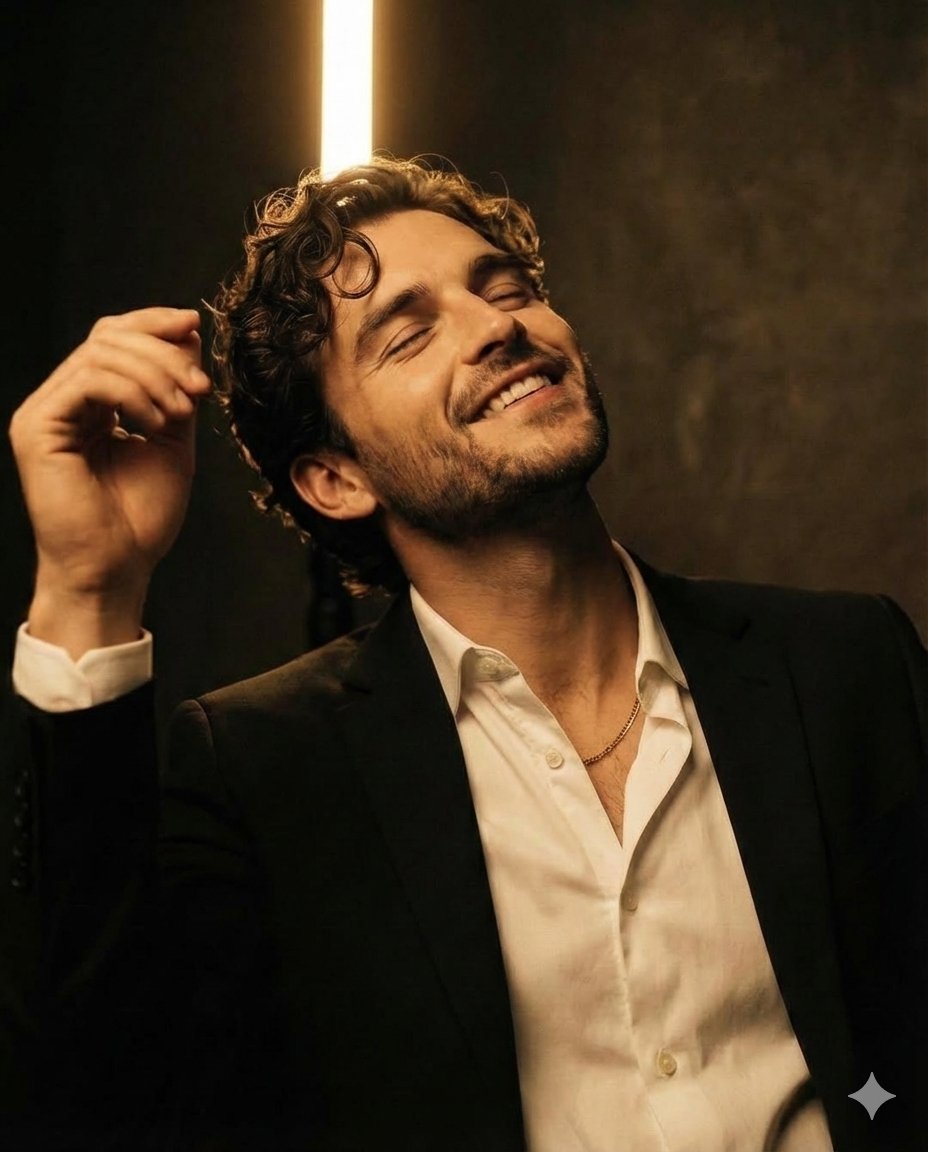
Chiaroscuro Editorial Portrait of a Man
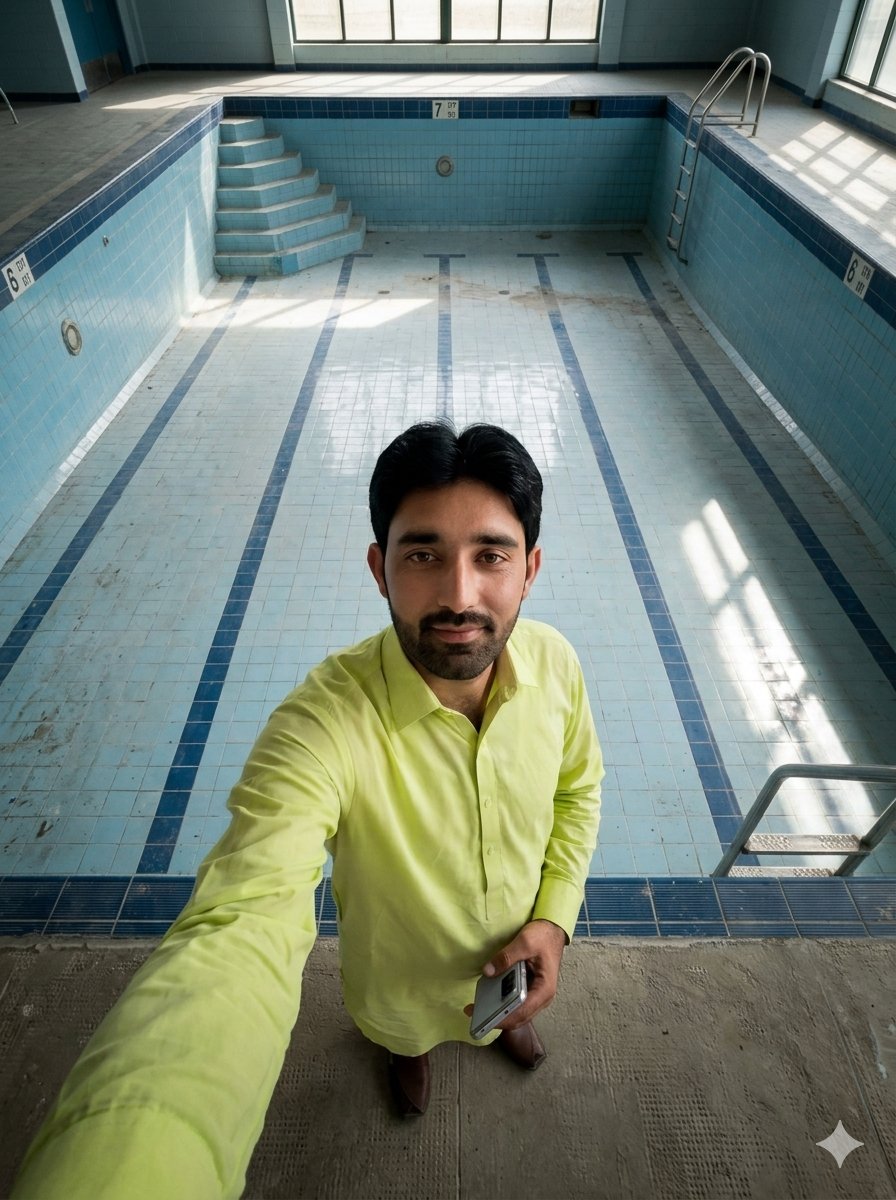
Top-Down Selfie in Empty Indoor Pool
Browse template categories
Cinematic Floral Mountain Biker questions
How do I use the Cinematic Floral Mountain Biker template?
Add your photo if the template asks for one, edit the prompt if you like — the template's model and format are already selected — and press Generate. Your version opens in PicX Studio.
Can I customize the Cinematic Floral Mountain Biker template?
Yes. You can change the subject, setting, lighting, mood, format, and available model controls before creating your image.
Is the Cinematic Floral Mountain Biker template free?
Opening and editing this template is free. Generating uses credits, shown on the Generate button when you are signed in.
Which AI model should I use?
Start with GPT Image 2, which is the model associated with this template. You can compare another compatible model for a different finish.
Looking for something else? Browse all templates.

Your photo, any look
Thousands of ready templates for every top image and video model, from one credit balance.