How do I use the Queen of Spades Fantasy Playing Card template?
Edit the prompt in the box under the preview — the template's model and format are already selected — and press Generate. Your version appears right on this page.
An ultra-detailed fantasy playing card design featuring a queen in black-and-gold, surrounded by glowing embers and dramatic fire.

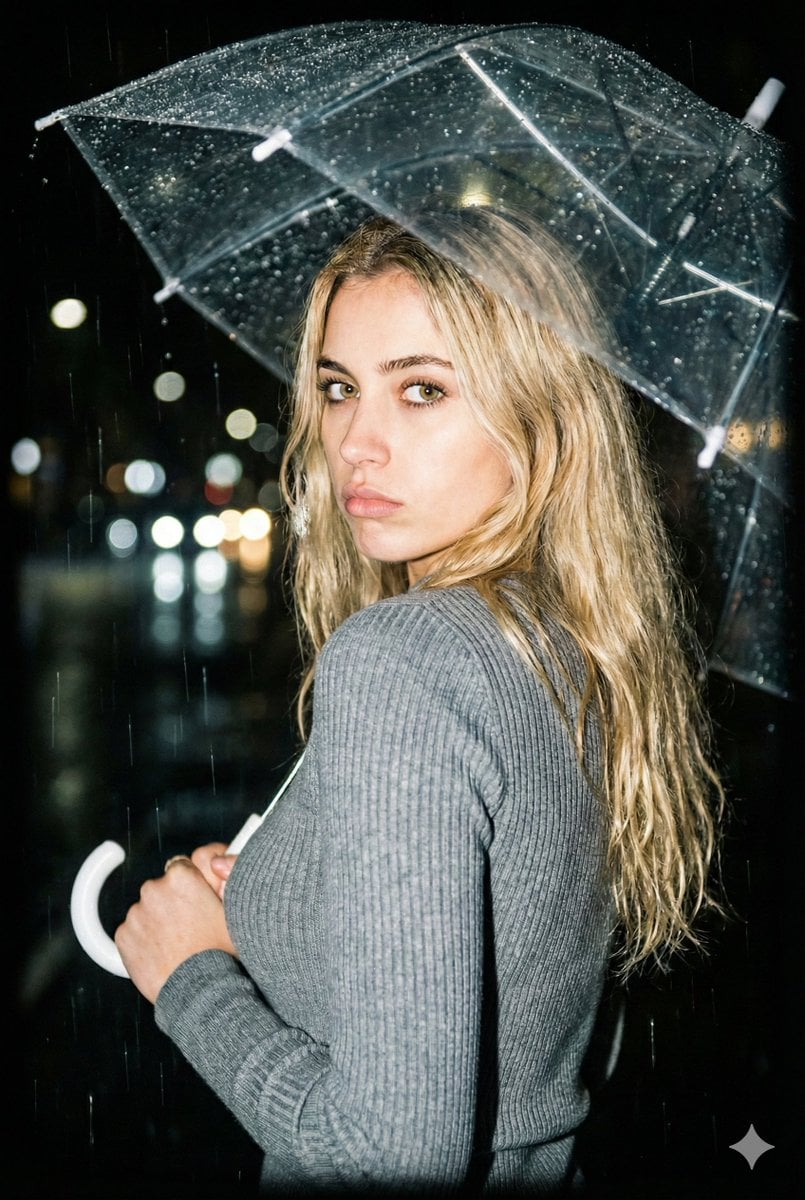
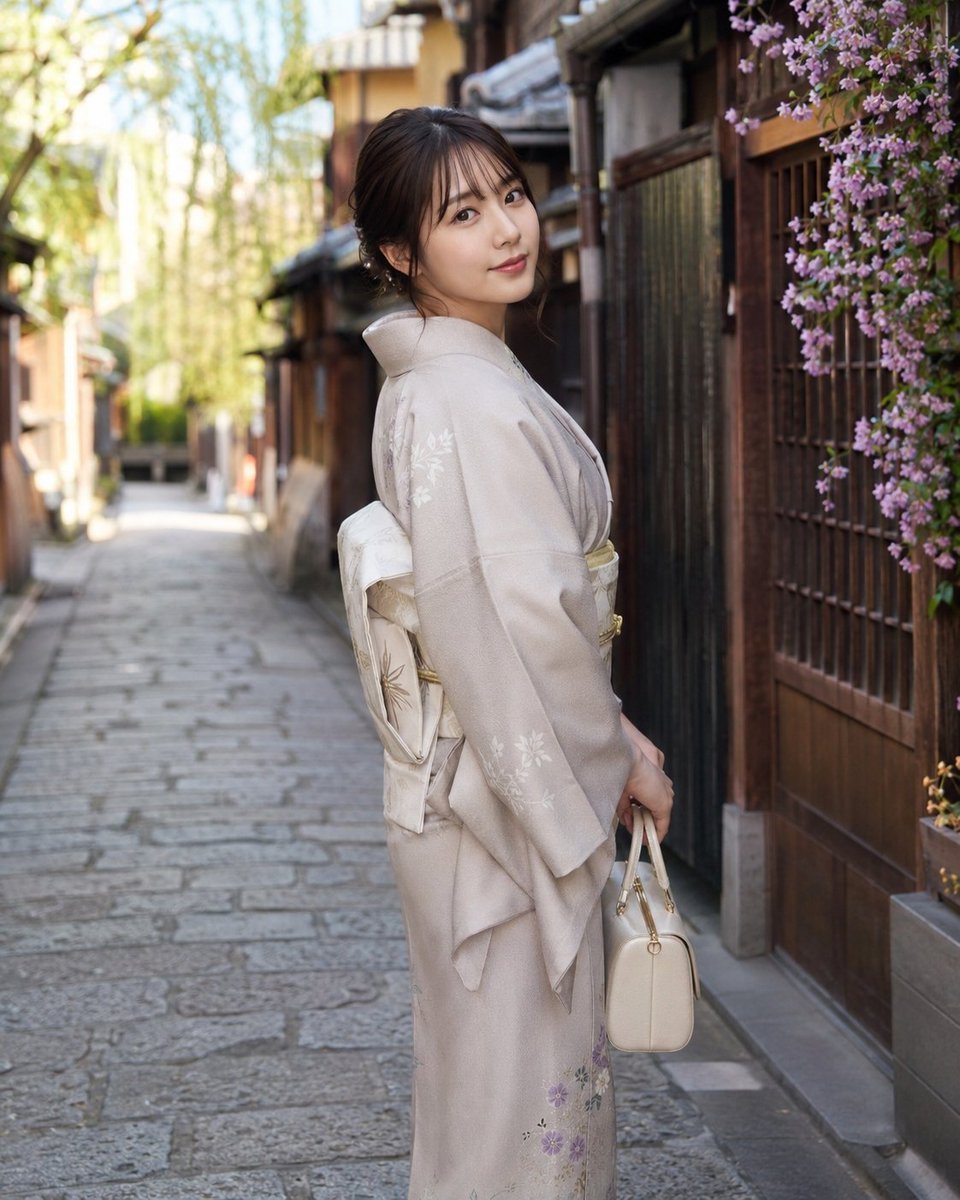
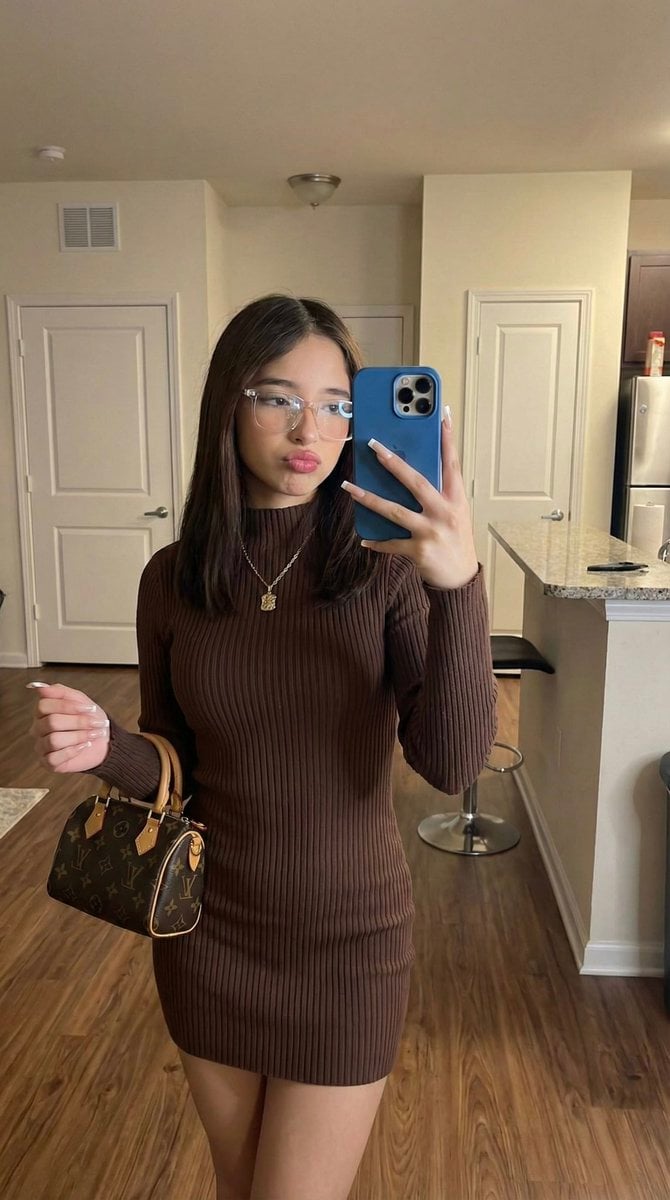
This template uses your photo — add one with the + button.
Ultra-detailed fantasy playing card illustration of the Queen of Spades, featuring the exact same young woman’s face from the reference image, centered inside a royal playing card frame. She wears a luxurious {argument name="outfit" default="black-and-gold queen outfit with spade symbols"}, an ornate golden crown with a black spade jewel, glowing embers around her. The card border is engulfed in dramatic realistic fire, sparks and smoke floating through the scene. Cinematic lighting, warm orange fire glow reflecting on her face, dark fantasy style, hyper-realistic face, ultra sharp focus, 8k, extremely detailed textures, symmetrical composition, magical atmosphere, epic, unique, majestic, high contrast, professional digital art
Ultra-detailed fantasy playing card illustration of the Queen of Spades, featuring the exact same young woman’s face from the reference image, centered inside a royal playing card frame. She wears a luxurious {argument name="outfit" default="black-and-gold queen outfit with spade symbols"}, an ornate golden crown with a black spade jewel, glowing embers around her. The card border is engulfed in dramatic realistic fire, sparks and smoke floating through the scene. Cinematic lighting, warm orange fire glow reflecting on her face, dark fantasy style, hyper-realistic face, ultra sharp focus, 8k, extremely detailed textures, symmetrical composition, magical atmosphere, epic, unique, majestic, high contrast, professional digital art
Edit the prompt in the box under the preview — the template's model and format are already selected — and press Generate. Your version appears right on this page.
Yes. You can change the subject, setting, lighting, mood, format, and available model controls before creating your image.
Opening and editing this template is free. Generating uses credits, shown on the Generate button when you are signed in.
Start with GPT Image 2, which is the model associated with this template. You can compare another compatible model for a different finish.
Follow a topic to a crawlable collection of related PicX Studio templates.