
Unfinished Sketch Comes Alive Portrait
Unfinished Sketch Comes Alive Portrait is a ready photo look.

- Prompt included
- Model and format preset
- Free template
The prompt behind this image
Copy the exact prompt behind Unfinished Sketch Comes Alive Portrait, or open it in the studio and make it yours.
The Unfinished Sketch Comes Alive It started as a few pencil lines. Then imagination refused to stay on the page. GPT Image 2.0 Prompt below 👇 Create a breathtaking vertical 4:5 cinematic surreal artwork where a hand drawn pencil sketch gradually transforms into a living photorealistic world. The transition must feel seamless and magical, making viewers pause to understand where the drawing ends and reality begins. The left side of the image should be a premium artist’s sketchbook page filled with an unfinished graphite drawing. Show realistic pencil strokes, construction lines, shading, eraser marks, smudges, textured paper, and an artist’s pencil resting naturally near the bottom corner. The sketch depicts an elegant woman standing before an unfinished fantasy landscape with mountains, a castle, trees, birds, and a stone pathway. As the image moves toward the center, allow the graphite drawing to slowly dissolve into reality. Pencil strokes become flowing fabric, sketched birds become real birds in flight, paper textures transform into clouds, and drawn architecture becomes fully three dimensional. At the center of the composition, the woman is stepping from the illustrated world into the fully photorealistic world. Half of her body should still retain subtle pencil textures while the other half becomes completely realistic with natural skin tones, flowing hair, and detailed fabric. She wears a flowing champagne colored dress with delicate embroidery that appears to be woven from pencil strokes on one side and luxurious fabric on the other. Her long dark hair transforms naturally from loose graphite lines into realistic flowing hair moving gently in the breeze. The right side of the image should become a spectacular cinematic fantasy landscape filled with towering mountains, an emerald lake, an ancient castle, dramatic clouds, blooming flowers, birds flying across the sky, and warm golden sunlight. The stone pathway beneath her should transform from simple pencil lines into richly textured cobblestones with realistic reflections and intricate details. Allow tiny graphite particles, sketch fragments, and pencil shavings to dissolve into glowing light particles as they cross into the realistic world. Use dramatic golden hour sunlight to illuminate the realistic side while soft neutral paper tones remain on the illustrated side. Create a rich cinematic color palette using warm gold, champagne, emerald green, sapphire blue, soft ivory, charcoal graphite, and subtle earthy tones. The composition should naturally guide the viewer’s eye from the unfinished sketchbook page, through the magical transformation, toward the fully realized fantasy world. Every transition should feel smooth, believable, and artistically beautiful rather than a hard split. Make viewers immediately wonder whether imagination is becoming reality or reality is becoming imagination. Use exceptional attention to realistic anatomy, flowing fabric, paper texture, pencil shading, lighting, reflections, environmental depth, and seamless visual transitions. Highly photorealistic, cinematic storytelling, surreal fine art, magical realism, premium illustration quality, extraordinary visual effects, emotionally captivating, rich detail, elegant composition, and instantly scroll stopping. No text, no logos, no watermark.
How to use Unfinished Sketch Comes Alive Portrait in 3 steps
- 1Upload ImagePNG, JPG or paste
Add your photo
Upload the photo the template builds on. The prompt, model and format are already set.
- 2…a portrait of your subject in softgolden-hour light, 85mm…
Personalize
Edit the subject and creative details for your destination.
- 3Generate
Generate
Press Generate — your image is created in PicX Studio, so you can compare it with the original and refine one variable at a time.
More like this
Templates with the same subject, style or setup. Open one to see its prompt.

Face-Locked Train Window Lifestyle Portrait
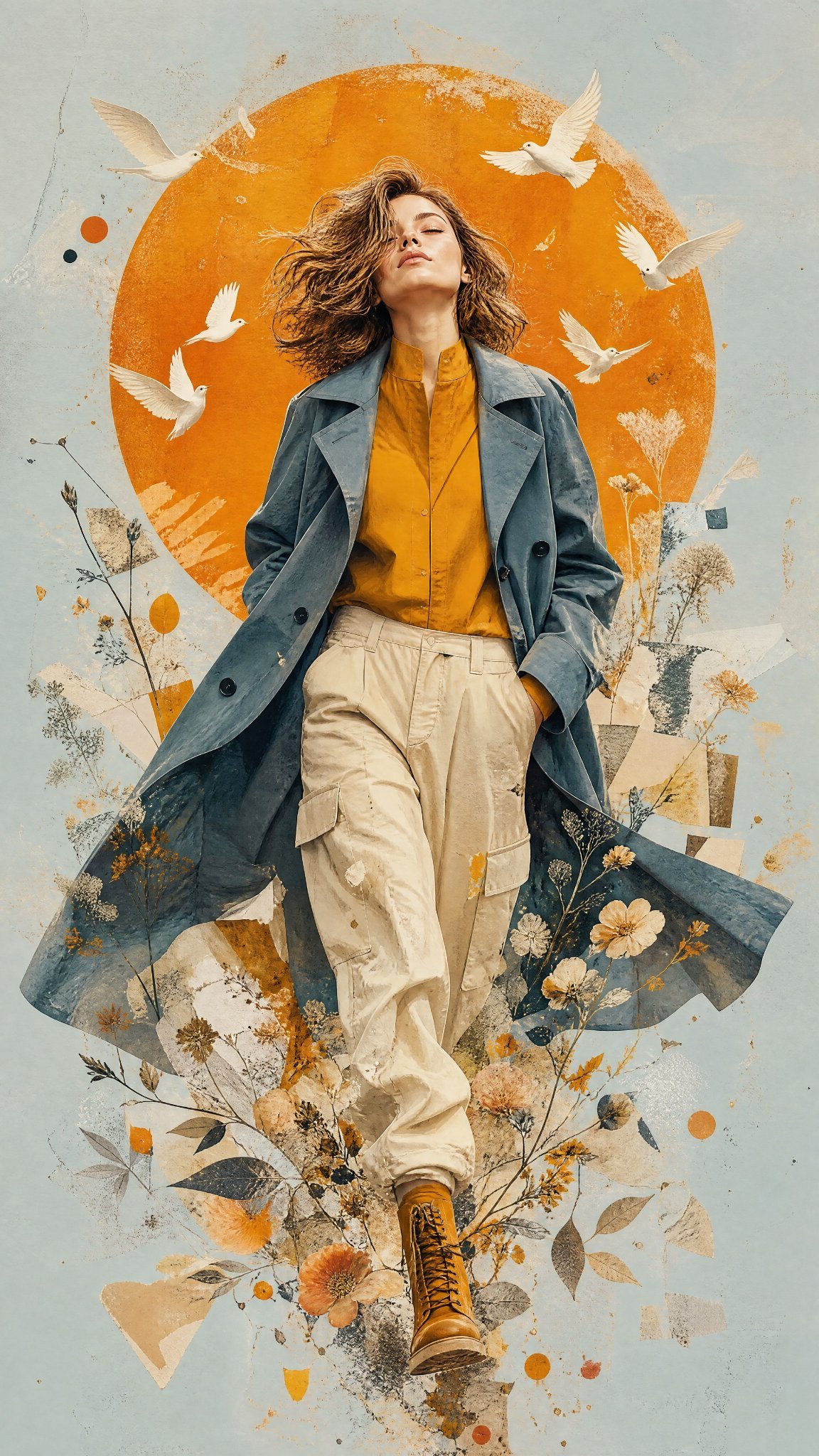
Mixed Media Editorial Woman Illustration

Face-Locked Identity Reference Portrait

80s Golden Hour Cinema

Face-Locked Cream Half-Zip Street Walk
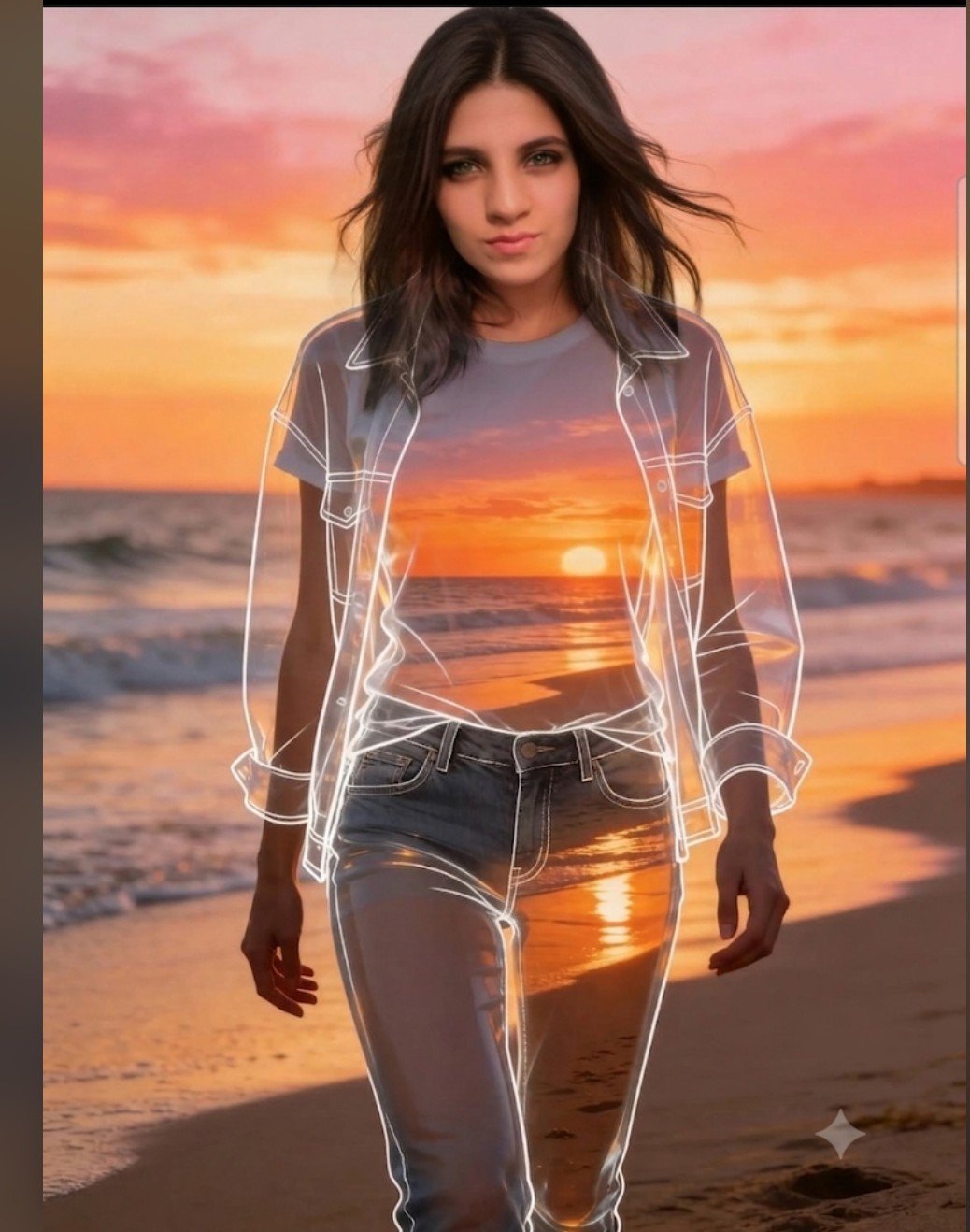
Beach Sunset Double Exposure Wireframe Portrait
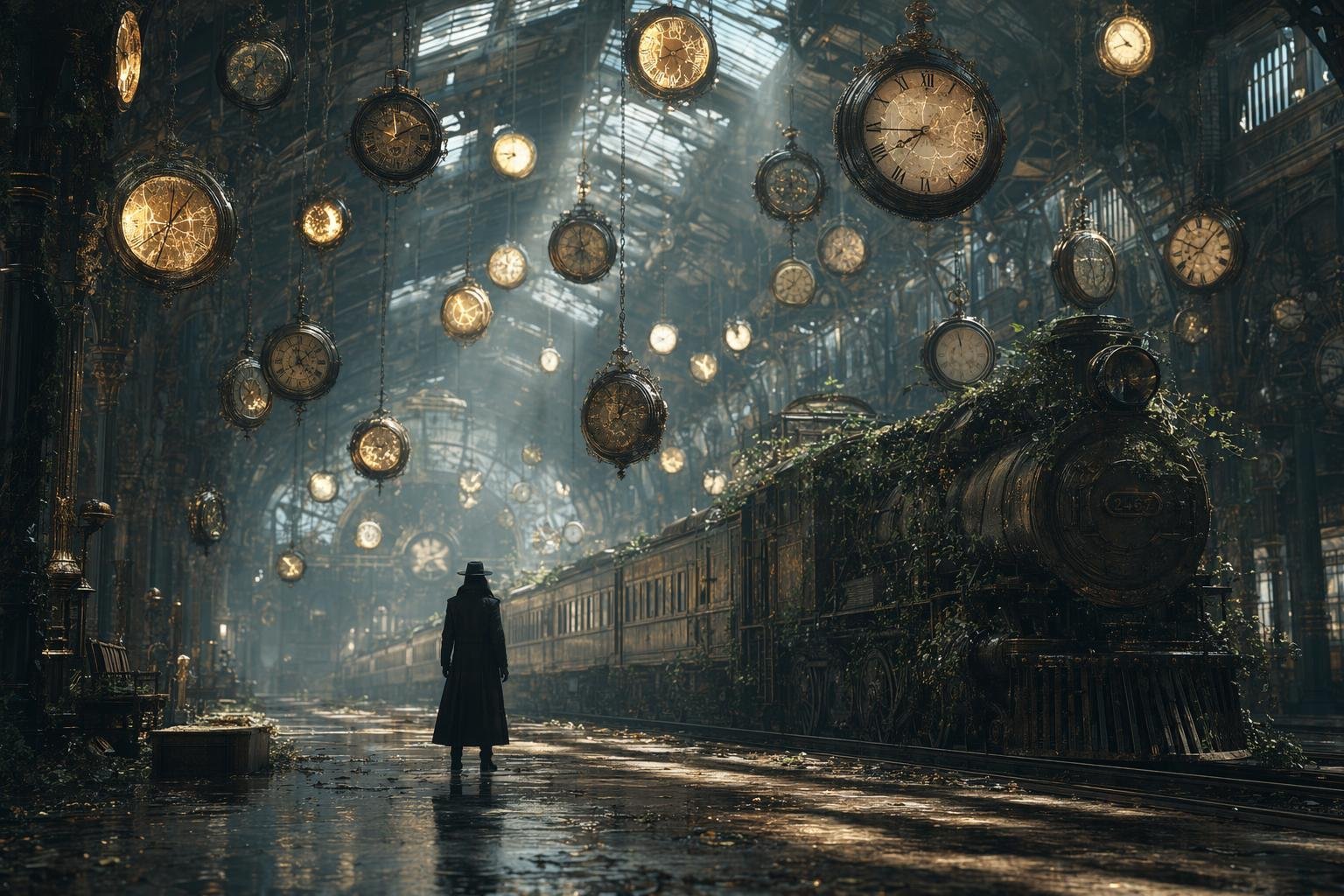
Same Traveler Different Timeline Portrait

Dancer Character - Four View Reference Sheet
JSON Seedance - Fairy Macro Flight
Videogame Cinematic Trailer - Seedance 2.0

If We Met in 1985

80s Bollywood Star
Make it yours
Unfinished Sketch Comes Alive Portrait works as-is. These are the safest ways to change it without losing the look.
Change one field
Copy a single group, rewrite it, and generate again so you can see what that field is doing.
Keep the frame, change the subject
Hold the composition and light of Unfinished Sketch Comes Alive Portrait, then swap wardrobe, props or the person for a new take.
| If the result… | Why | Fix |
|---|---|---|
| The result drifts from the preview | Too many fields changed at once. | Reuse Unfinished Sketch Comes Alive Portrait as-is first, then change one group — subject, light, or setting. |
| The model over-stylizes the scene | The prose prompt leaves finish and camera underspecified. | Add one camera or lighting sentence and stay on PicX Studio. |
More image prompts
Fresh picks from across the catalog.
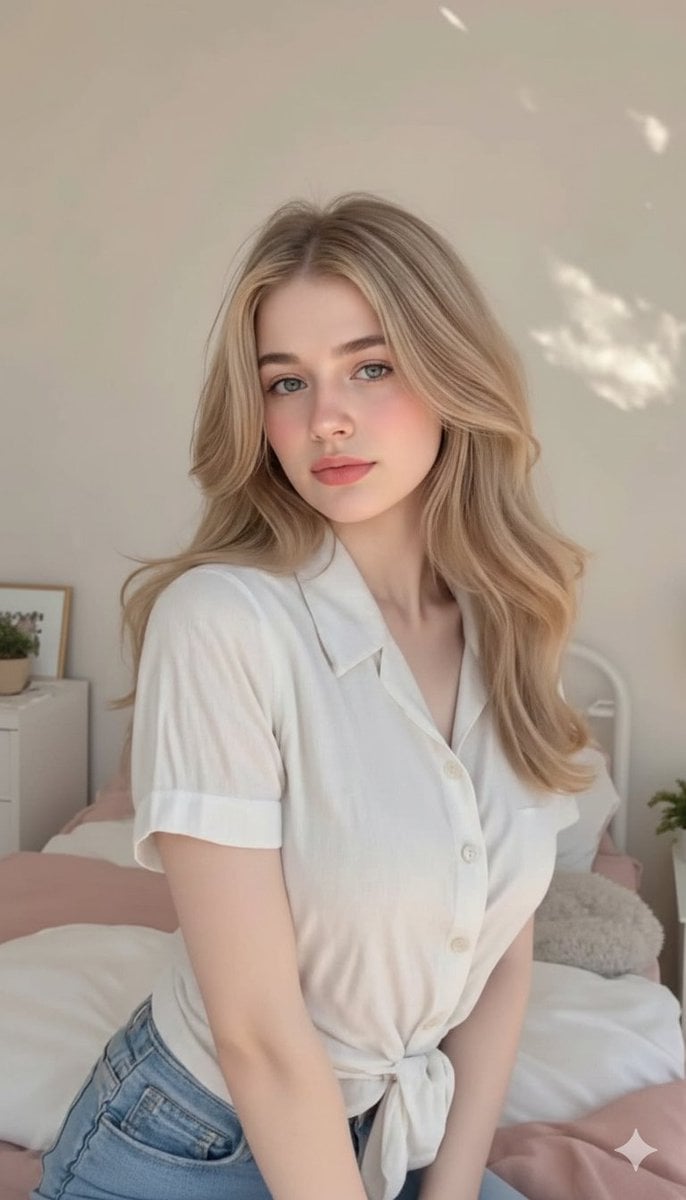
Aesthetic Bedroom Portrait of a Woman
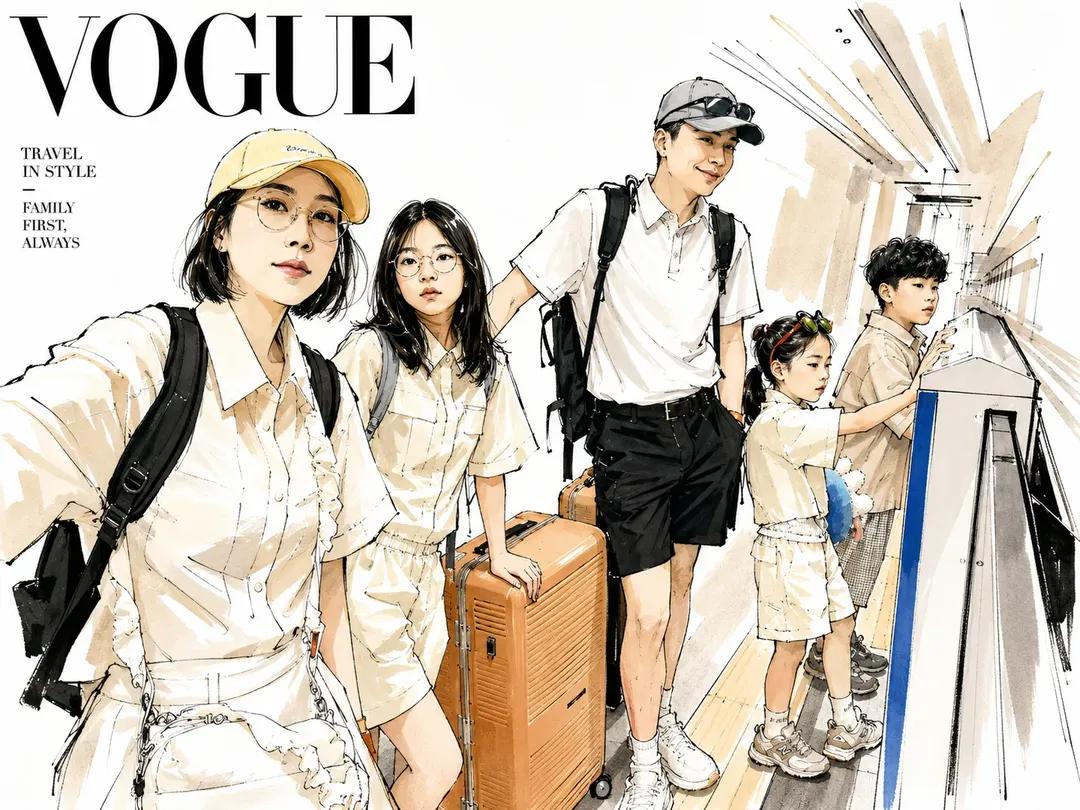
Vogue Style Watercolor Travel Illustration

University Campus Aerial View
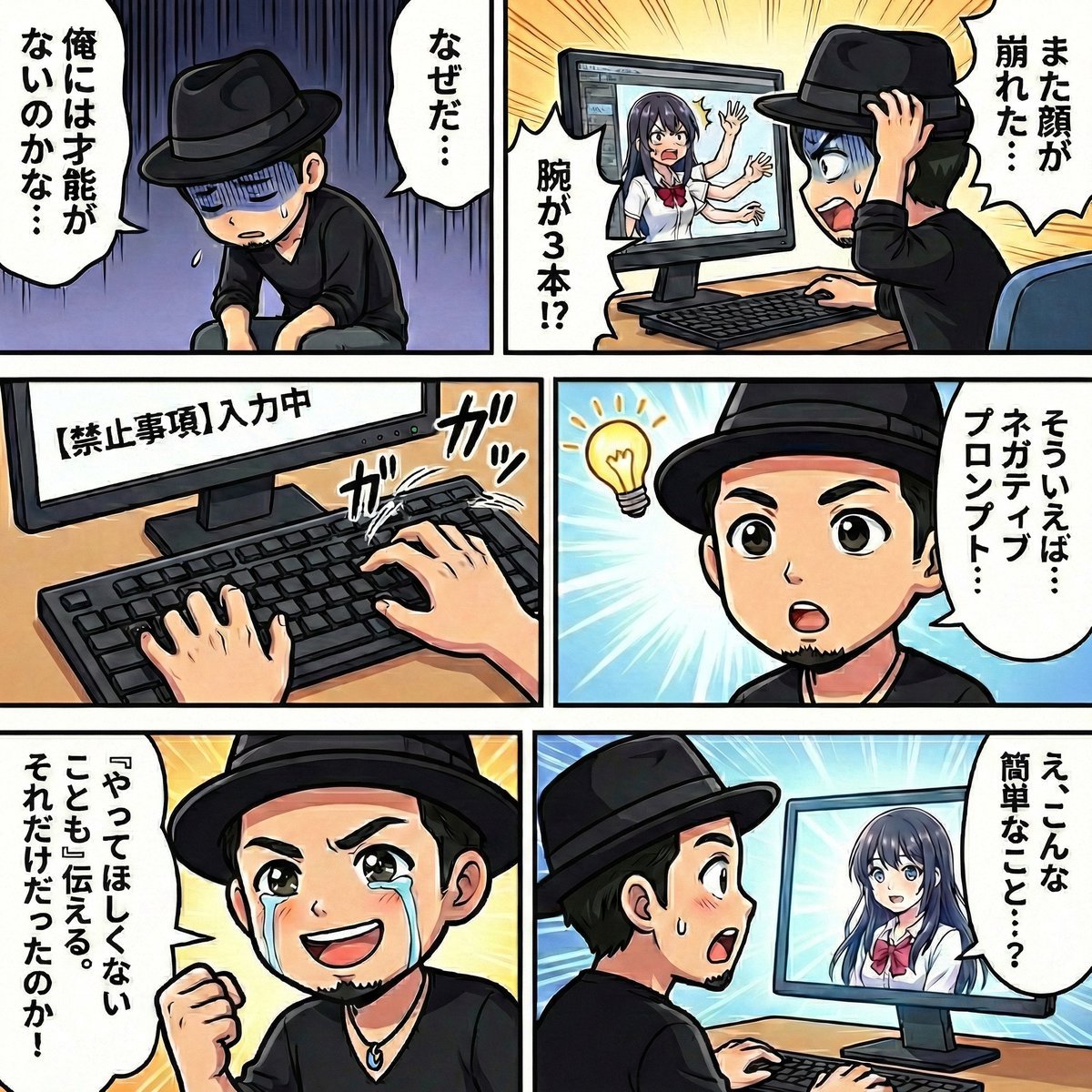
Negative Prompting for Manga Generation in NanoBanana Pro
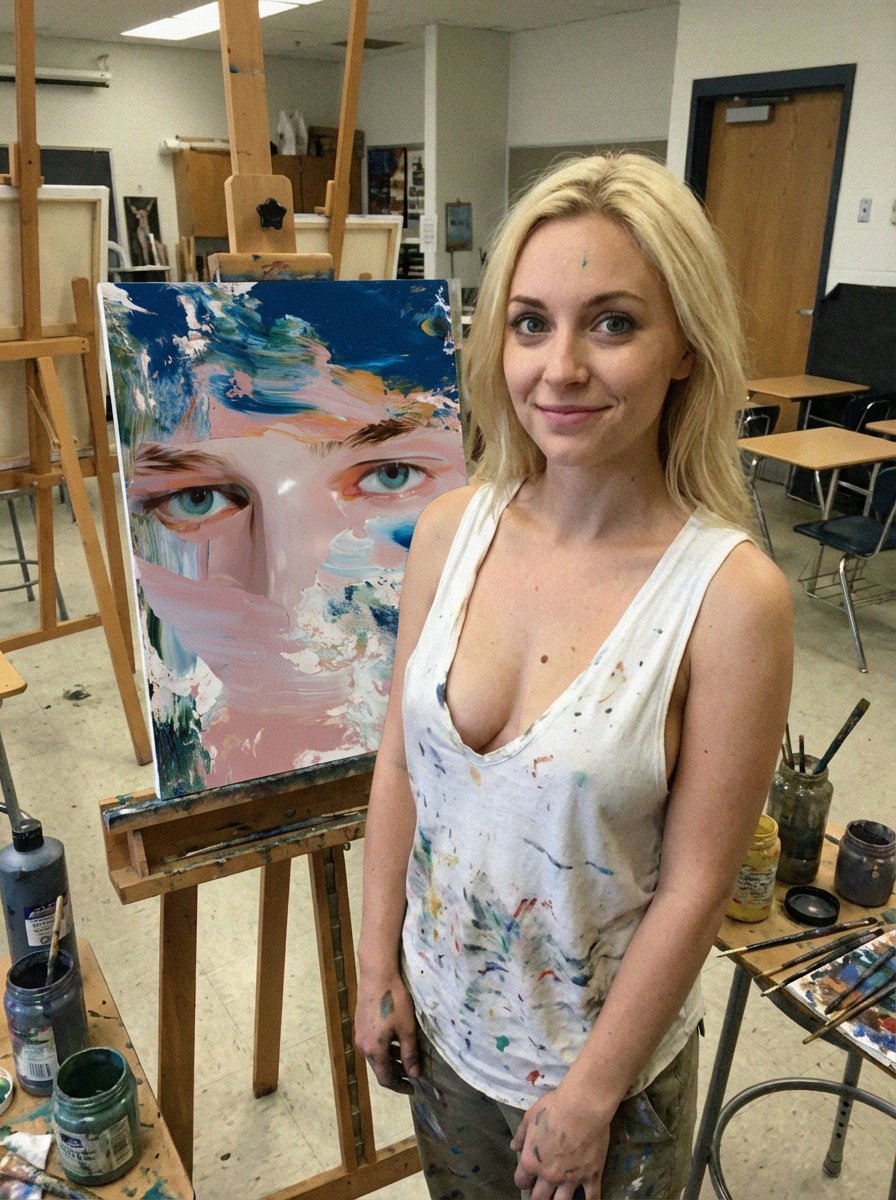
Low-Quality Smartphone Photo of an Artist in a Classroom
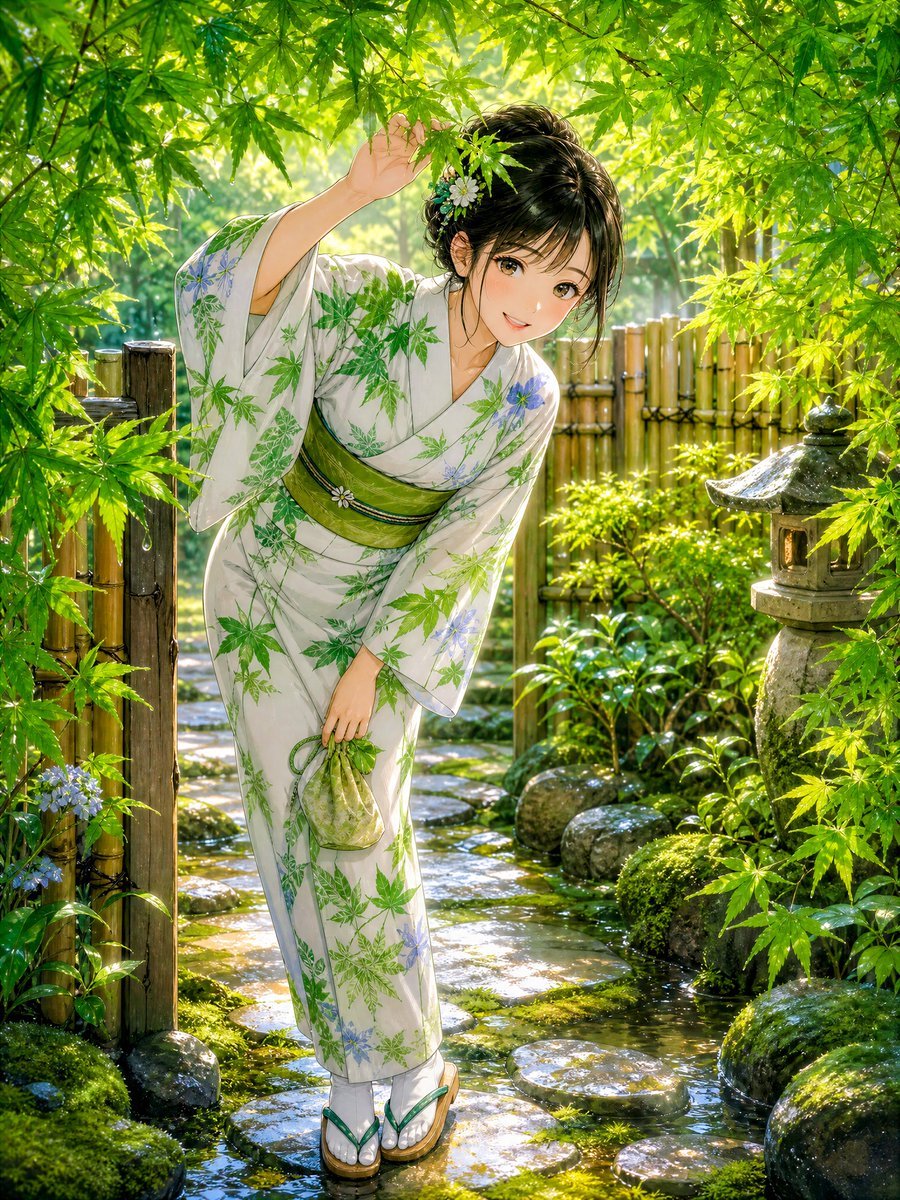
Rainy Maple Garden Kimono Scene
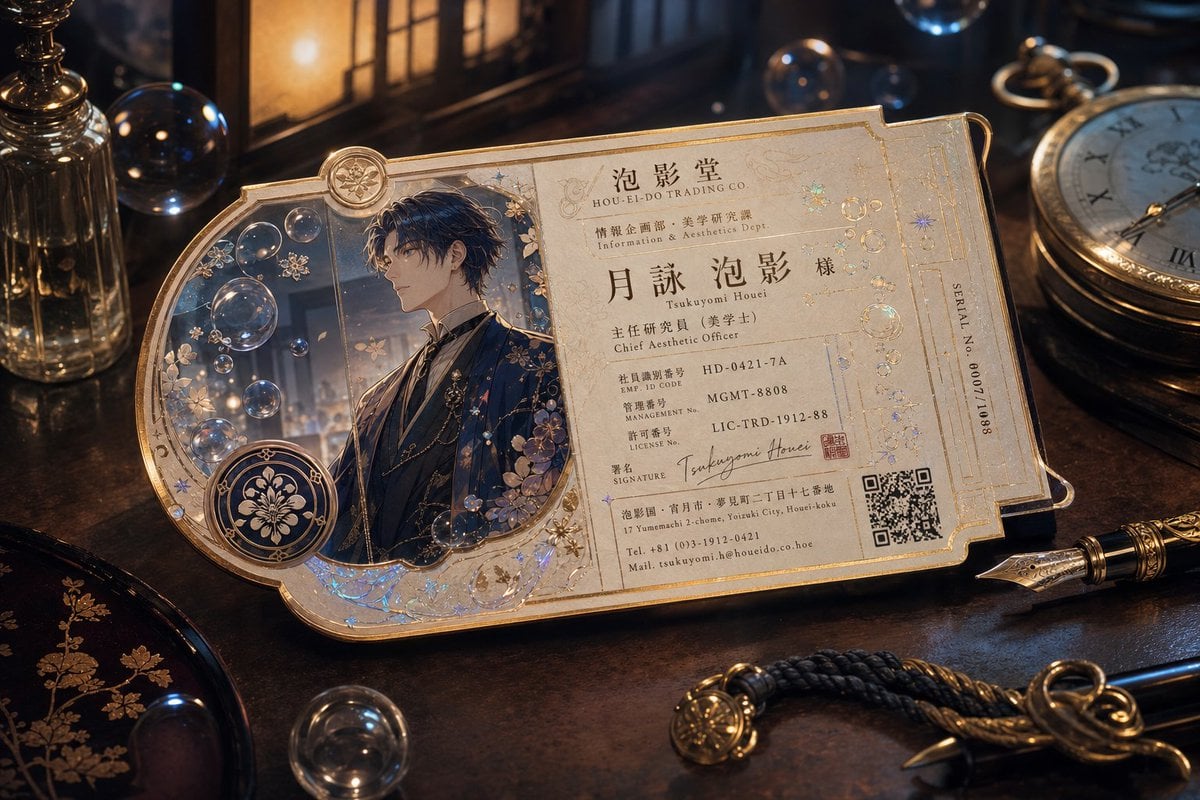
Ornate Fantasy Business Card
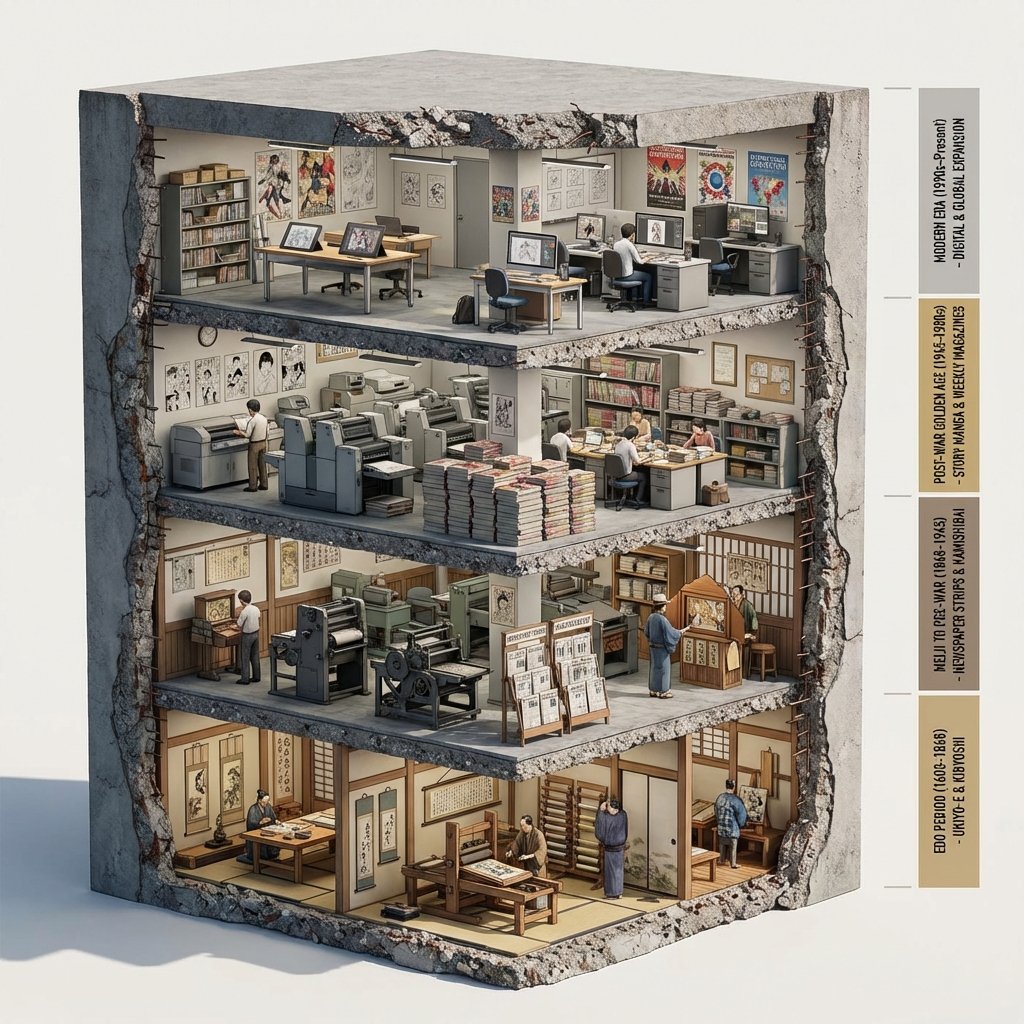
Manga Evolution Architectural Section Prompt

Japanese Aqua Fashion Magazine Cover
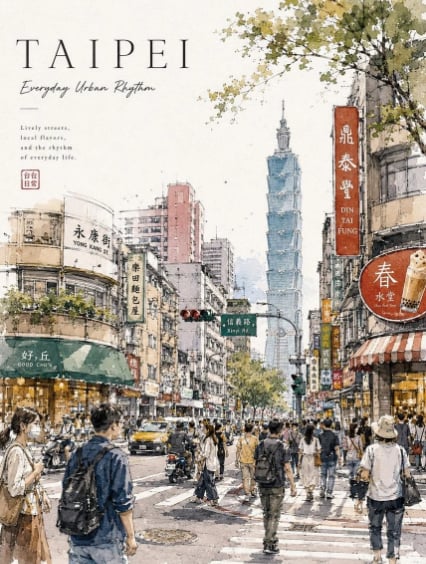
Taipei Watercolor Travel Poster
Browse template categories
Unfinished Sketch Comes Alive Portrait questions
How do I use the Unfinished Sketch Comes Alive Portrait template?
Add your photo if the template asks for one, edit the prompt if you like — the template's model and format are already selected — and press Generate. Your version opens in PicX Studio.
Can I customize the Unfinished Sketch Comes Alive Portrait template?
Yes. You can change the subject, setting, lighting, mood, format, and available model controls before creating your image.
Is the Unfinished Sketch Comes Alive Portrait template free?
Opening and editing this template is free. Generating uses credits, shown on the Generate button when you are signed in.
Which AI model should I use?
Choose a compatible model in PicX Studio based on the style, speed, and output controls your project needs.
Looking for something else? Browse all templates.

Your photo, any look
Thousands of ready templates for every top image and video model, from one credit balance.