
JSON Seedance - Fairy Macro Flight
JSON Seedance - Fairy Macro Flight is a ready photo look.
- Prompt included
- Model and format preset
- Free template
The prompt behind this image
Copy the exact prompt behind JSON Seedance - Fairy Macro Flight, or open it in the studio and make it yours.
Seedance 2.0 works better with JSON prompts { cinematography: { camera_perspective: extreme macro FPV tracking shot, camera tightly attached to the fairy's back, synchronized with wing flapping frequency, lens: 8mm probe lens ultra wide macro, extreme perspective distortion, grass blades appear like towering skyscrapers at frame edges, depth_of_field: very shallow depth of field (f/1.4 simulated), effects: [radial motion blur, foreground bokeh from fast-moving pollen and dust particles, dynamic focus shifts due to high-speed flight] }, motion_dynamics: { flight_path: chaotic, nonlinear high-speed weaving through giant grass stems, rapid directional changes, dodging petals sideways, actions: [360 degree barrel roll through a massive glowing vine arch], speed_ramping: time dilation effect, slow motion at 120fps when passing dew drops showing reflected micro world, then sudden acceleration to 2.5x speed toward distant target, camera_motion: high-frequency shaky cam caused by wind pressure and velocity }, environment: { setting: macro grassland world where each blade of grass resembles a massive green wave with detailed vein textures, flora: flowers appear as grand floating palaces, pollen particles drifting in the air, scale: extreme size contrast, micro subject in gigantic natural environment, interaction: [fairy wing airflow causes nearby grass to sway gently, upon landing, puppy breath creates visible micro vortex affecting fairy hair and wings], final_target: a giant puppy nose resembling a massive black volcanic mountain with wet organic texture }, lighting: { time: warm afternoon sunlight, style: dreamy, cinematic, fairytale atmosphere with dappled light and shadow, material_response: [subsurface scattering on grass blades, glowing translucent green under backlight, fairy wings are semi-transparent like cicada wings with iridescent interference colors, puppy nose is wet, uneven, slightly reflective with leathery texture] }, physics: { wind: strong airflow interaction from high-speed flight, particles: floating pollen and dust reacting to motion, breath_simulation: soft visible airflow from puppy nose creating micro turbulence }, mood: { emotion: intense, adrenaline-filled, thrilling adventure, immersion: strong sense of scale contrast, small vs massive world visual impact, tone: fantastical, cinematic, awe-inspiring } }
How to use JSON Seedance - Fairy Macro Flight in 3 steps
- 1Upload ImagePNG, JPG or paste
Add your photo
Upload the photo the template builds on. The prompt, model and format are already set.
- 2…a portrait of your subject in softgolden-hour light, 85mm…
Personalize
Edit the subject and creative details for your destination.
- 3Generate
Generate
Press Generate — your image is created in PicX Studio, so you can compare it with the original and refine one variable at a time.
More like this
Templates with the same subject, style or setup. Open one to see its prompt.
Seedance - Brand Commercial
Videogame Cinematic Trailer - Seedance 2.0
Seedance - Dragon vs Python Battle
Seedance - Street Bull Incident
Seedance - Epic Fight Scene

Japanese Romance Short Film Seedance 2 0

Transformation the Bus Seedance 2 0 Robo

Transformation the Burger Seedance 2 0 a

untitled

untitled

untitled
Swat Takedown Seedance 2 0 Cinematic
Make it yours
JSON Seedance - Fairy Macro Flight works as-is. These are the safest ways to change it without losing the look.
Change one field
Copy a single group, rewrite it, and generate again so you can see what that field is doing.
Keep the frame, change the subject
Hold the composition and light of JSON Seedance - Fairy Macro Flight, then swap wardrobe, props or the person for a new take.
| If the result… | Why | Fix |
|---|---|---|
| The result drifts from the preview | Too many fields changed at once. | Reuse JSON Seedance - Fairy Macro Flight as-is first, then change one group — subject, light, or setting. |
| The model over-stylizes the scene | The prose prompt leaves finish and camera underspecified. | Add one camera or lighting sentence and stay on PicX Studio. |
More image prompts
Fresh picks from across the catalog.

Attempting to Recreate a BeautyPlus Prompt
Luxury Korean Beauty Editorial
Hyper-Realistic Commercial Food Photography
Dark Fantasy Cathedral Handshake Art

Vintage Rubber Hose Cartoon Transformation
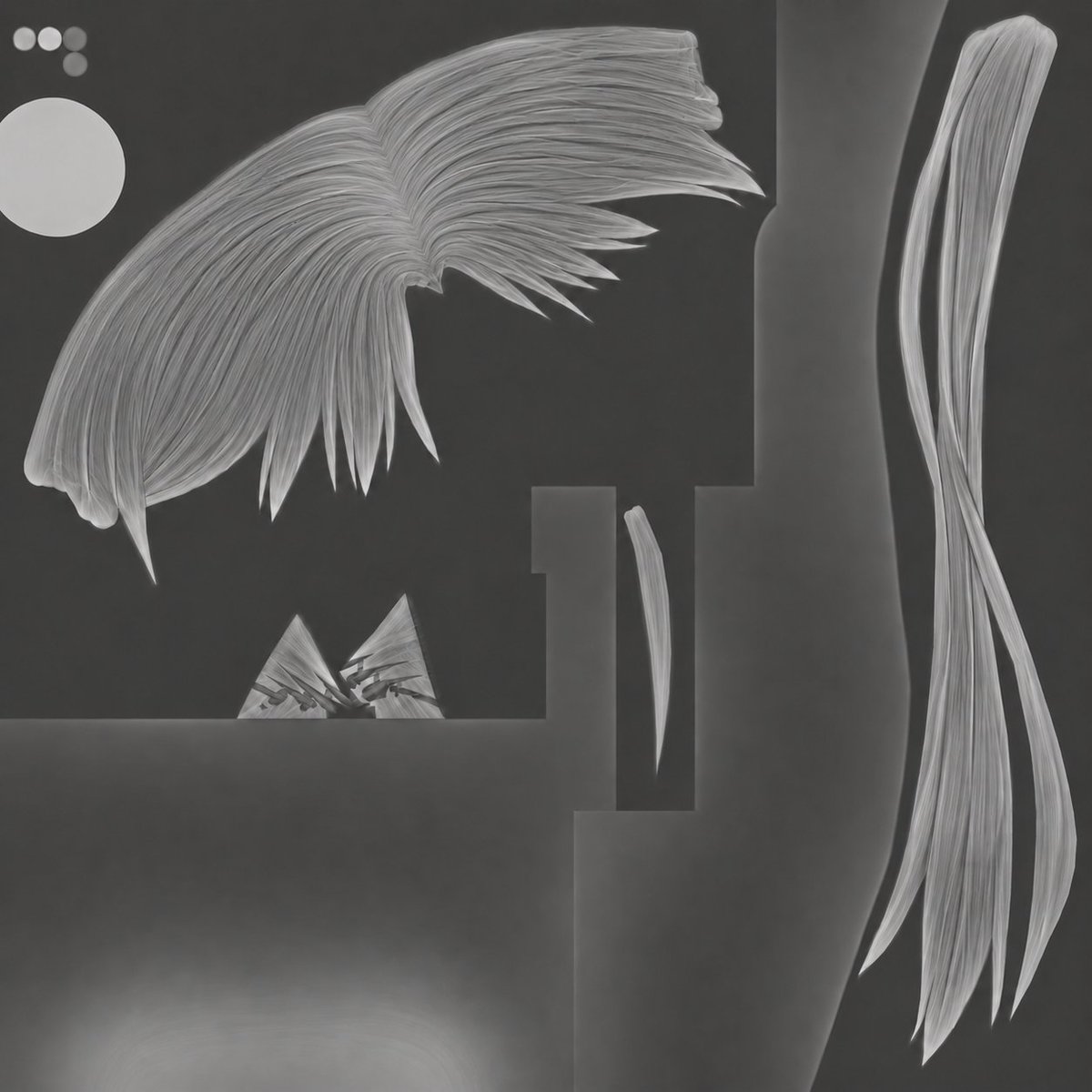
3D Hair Texture Height Map
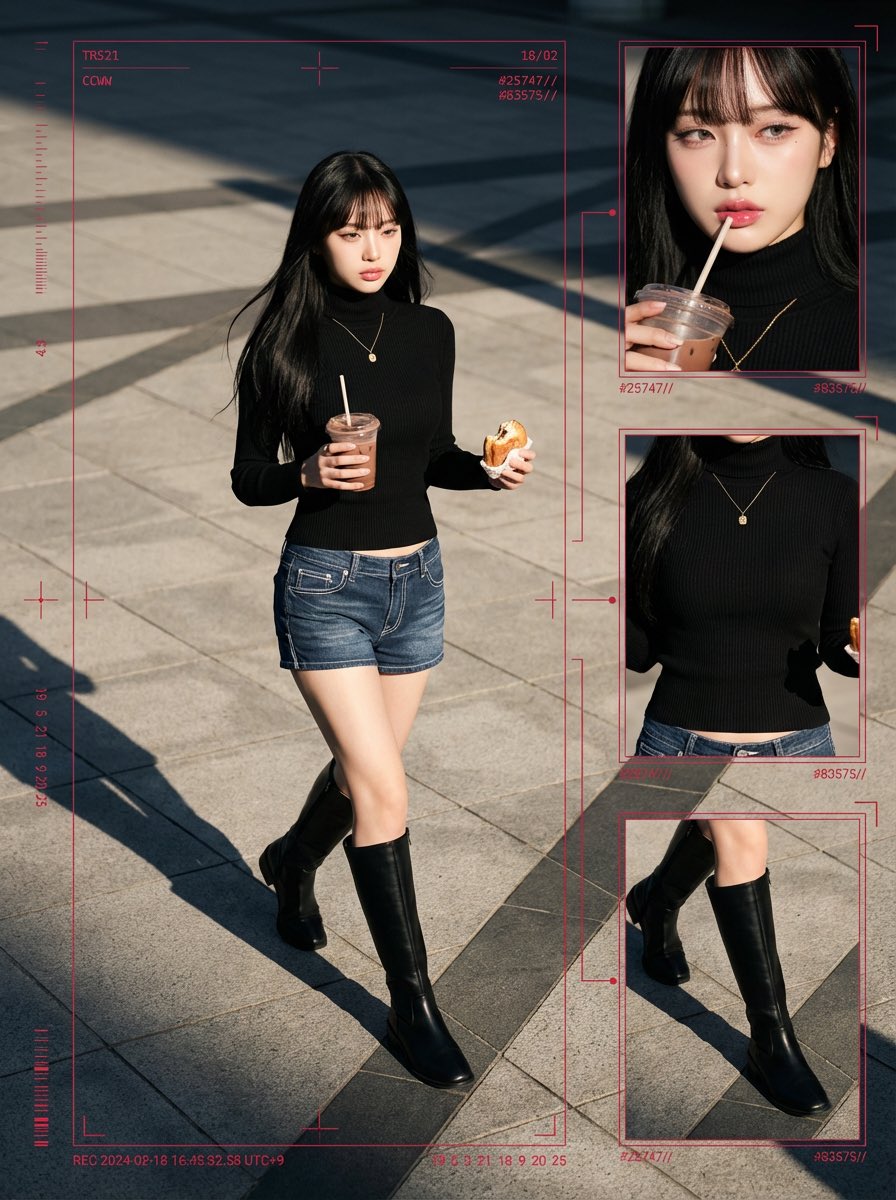
Cyber-Grunge Surveillance Fashion Editorial Prompt (Japanese Woman)
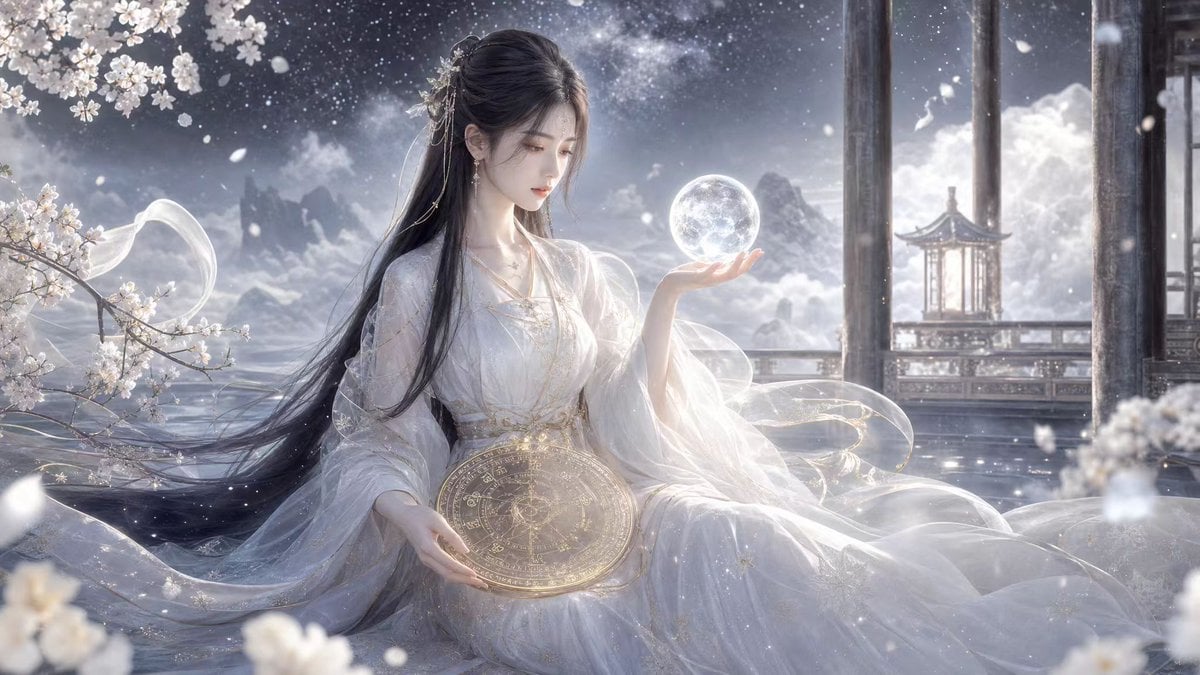
Pure White Fairy Fortune Teller
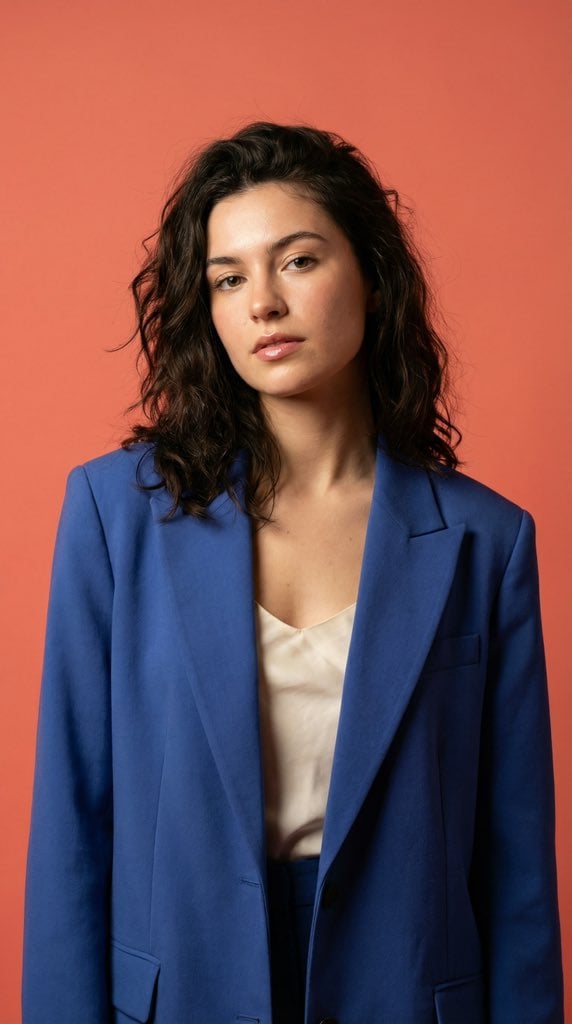
Ultra-Realistic Fashion Model Studio Photoshoot
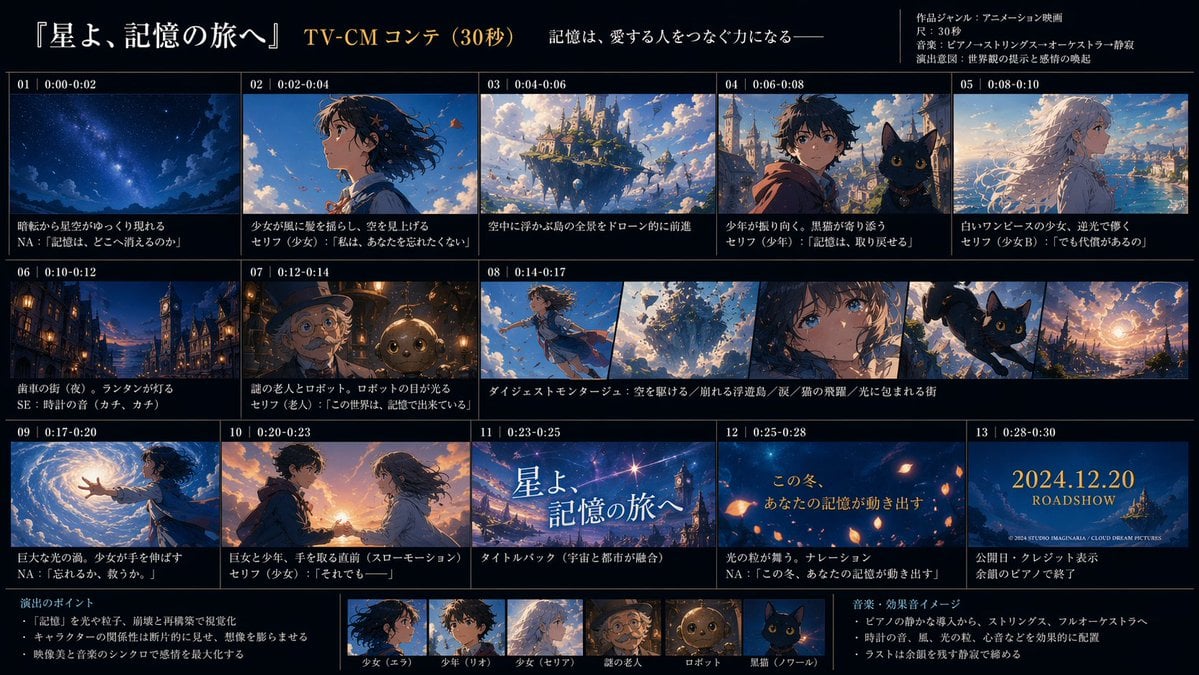
Anime TV CM Storyboard Sheet
Browse template categories
JSON Seedance - Fairy Macro Flight questions
How do I use the JSON Seedance - Fairy Macro Flight template?
Add your photo if the template asks for one, edit the prompt if you like — the template's model and format are already selected — and press Generate. Your version opens in PicX Studio.
Can I customize the JSON Seedance - Fairy Macro Flight template?
Yes. You can change the subject, setting, lighting, mood, format, and available model controls before creating your image.
Is the JSON Seedance - Fairy Macro Flight template free?
Opening and editing this template is free. Generating uses credits, shown on the Generate button when you are signed in.
Which AI model should I use?
Choose a compatible model in PicX Studio based on the style, speed, and output controls your project needs.
Looking for something else? Browse all templates.

Your photo, any look
Thousands of ready templates for every top image and video model, from one credit balance.