
Seedance - Brand Commercial
Seedance - Brand Commercial is a ready photo look.
- Prompt included
- Model and format preset
- Free template
The prompt behind this image
Copy the exact prompt behind Seedance - Brand Commercial, or open it in the studio and make it yours.
Premium ad for product. A macro close-up with extremely detailed surface texture. Cinematic grazing light glides across the surface. The camera executes an ultra-smooth push move, revealing craftsmanship details. A breathtaking bullet-time moment captures the product in motion. The camera performs a high-speed 360-degree orbital move while the product's motion slows to near stillness, showcasing an anti-gravity physical spectacle. Every detail remains sharp, clear, and fully solid. Cinematic rapid cuts perfectly synchronized to the music. Includes: a low-angle power shot, a lateral texture sweep, and a top-down reveal angle. Use Stomp and Woosh transitions: motion blur during movement, and snap to sharp clarity on the beat. Finally, the camera pulls back smoothly into a perfect centered hero frame. The product returns to a premium minimalist studio environment with volumetric lighting. 15-second duration, 16:9 aspect ratio, 720p photorealistic textures, ray-traced reflections, and extremely shallow depth of field.
How to use Seedance - Brand Commercial in 3 steps
- 1
Open
The prompt is already in the box next to the preview, with the template's model and format selected.
- 2…a portrait of your subject in softgolden-hour light, 85mm…
Personalize
Edit the subject and creative details for your destination.
- 3Generate
Generate
Press Generate — your image is created in PicX Studio, so you can compare it with the original and refine one variable at a time.
More like this
Templates with the same subject, style or setup. Open one to see its prompt.
Seedance - Arrow Microscopic Battle
JSON Seedance - Fairy Macro Flight
Seedance - Dragon vs Python Battle
Seedance - Street Bull Incident
Seedance - Epic Fight Scene
Commercial Headphone Campaign - Seedance 2.0
Videogame Cinematic Trailer - Seedance 2.0

Japanese Romance Short Film Seedance 2 0

Transformation the Bus Seedance 2 0 Robo

Transformation the Burger Seedance 2 0 a

untitled

untitled
Make it yours
Seedance - Brand Commercial works as-is. These are the safest ways to change it without losing the look.
Change one field
Copy a single group, rewrite it, and generate again so you can see what that field is doing.
Keep the frame, change the subject
Hold the composition and light of Seedance - Brand Commercial, then swap wardrobe, props or the person for a new take.
| If the result… | Why | Fix |
|---|---|---|
| The result drifts from the preview | Too many fields changed at once. | Reuse Seedance - Brand Commercial as-is first, then change one group — subject, light, or setting. |
| The model over-stylizes the scene | The prose prompt leaves finish and camera underspecified. | Add one camera or lighting sentence and stay on PicX Studio. |
More image prompts
Fresh picks from across the catalog.
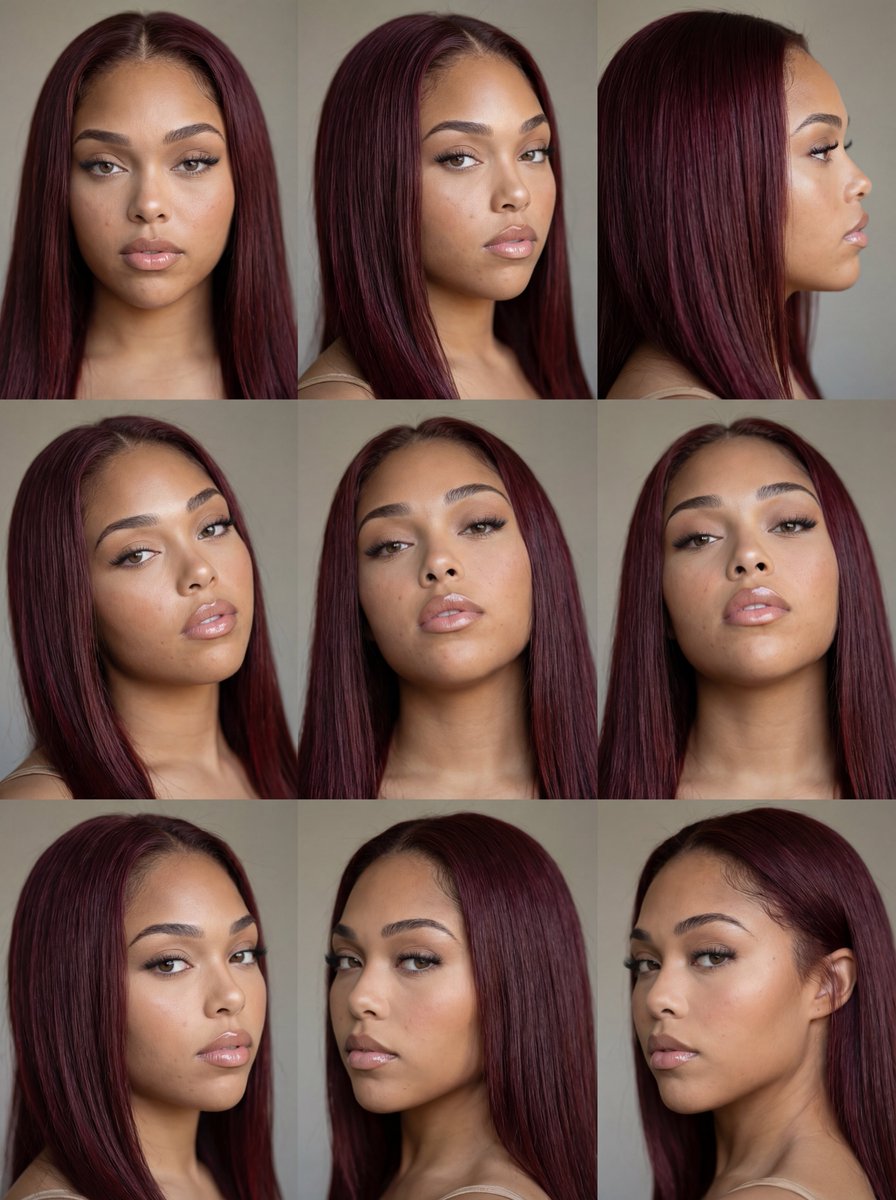
Nine-Panel Face Consistency Grid Prompt for Nano Banana Pro
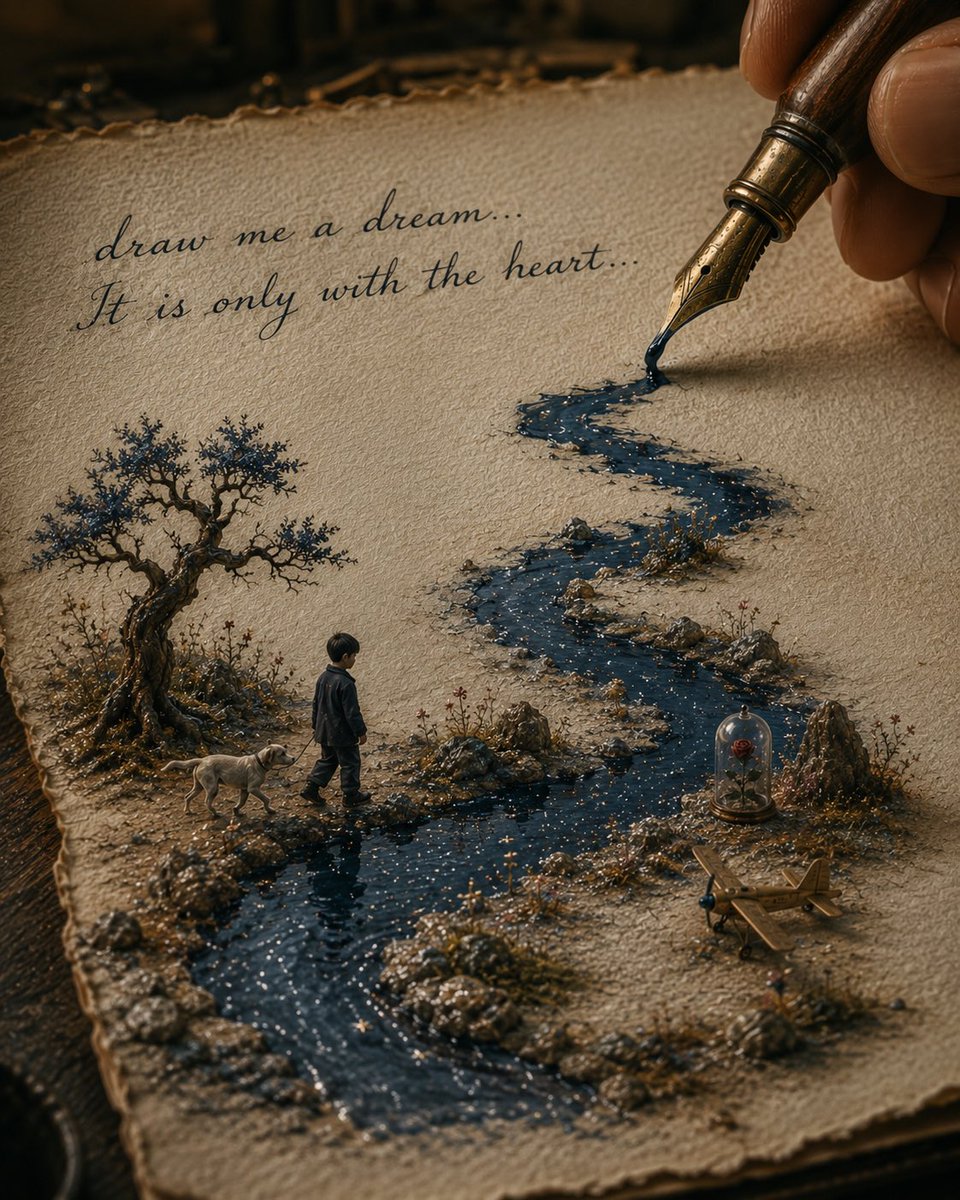
Ink River Fairy Tale Diorama
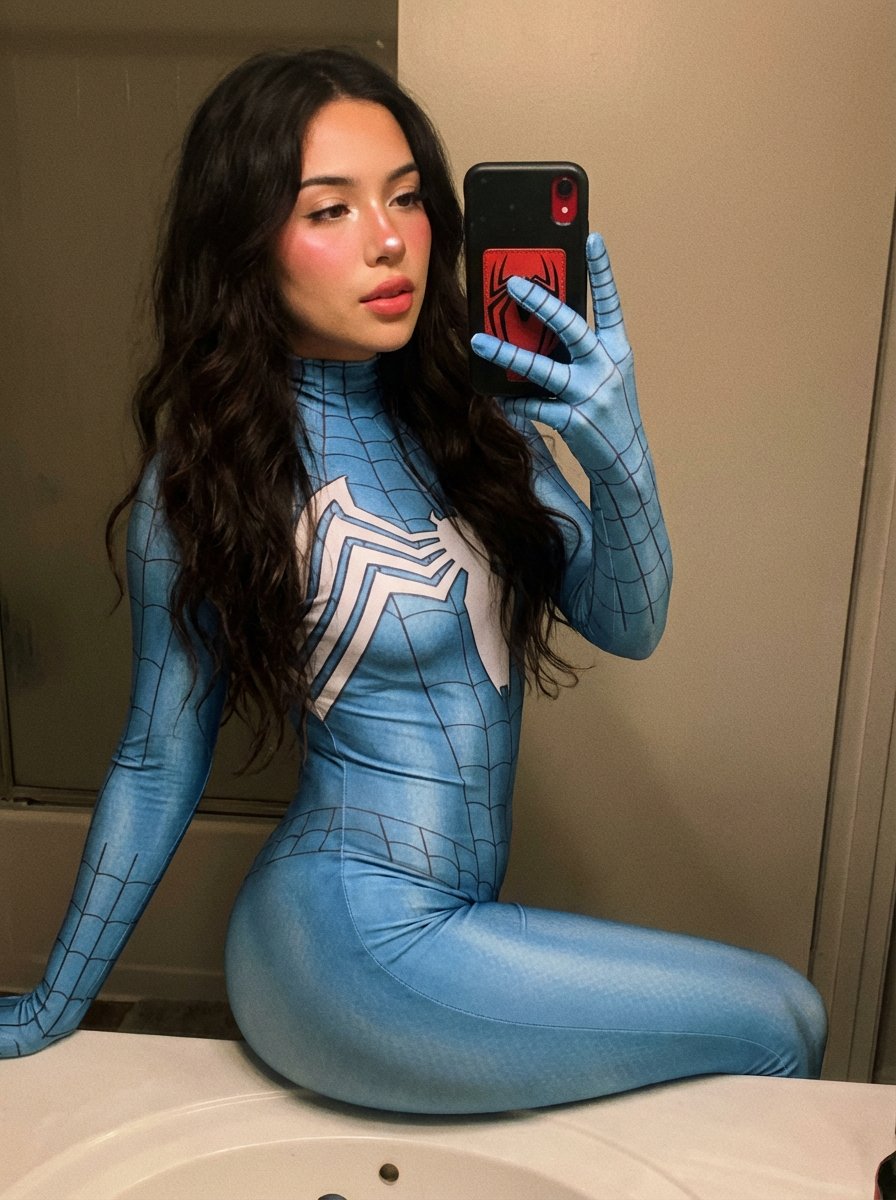
Spider-Woman Symbiote Mirror Selfie Prompt
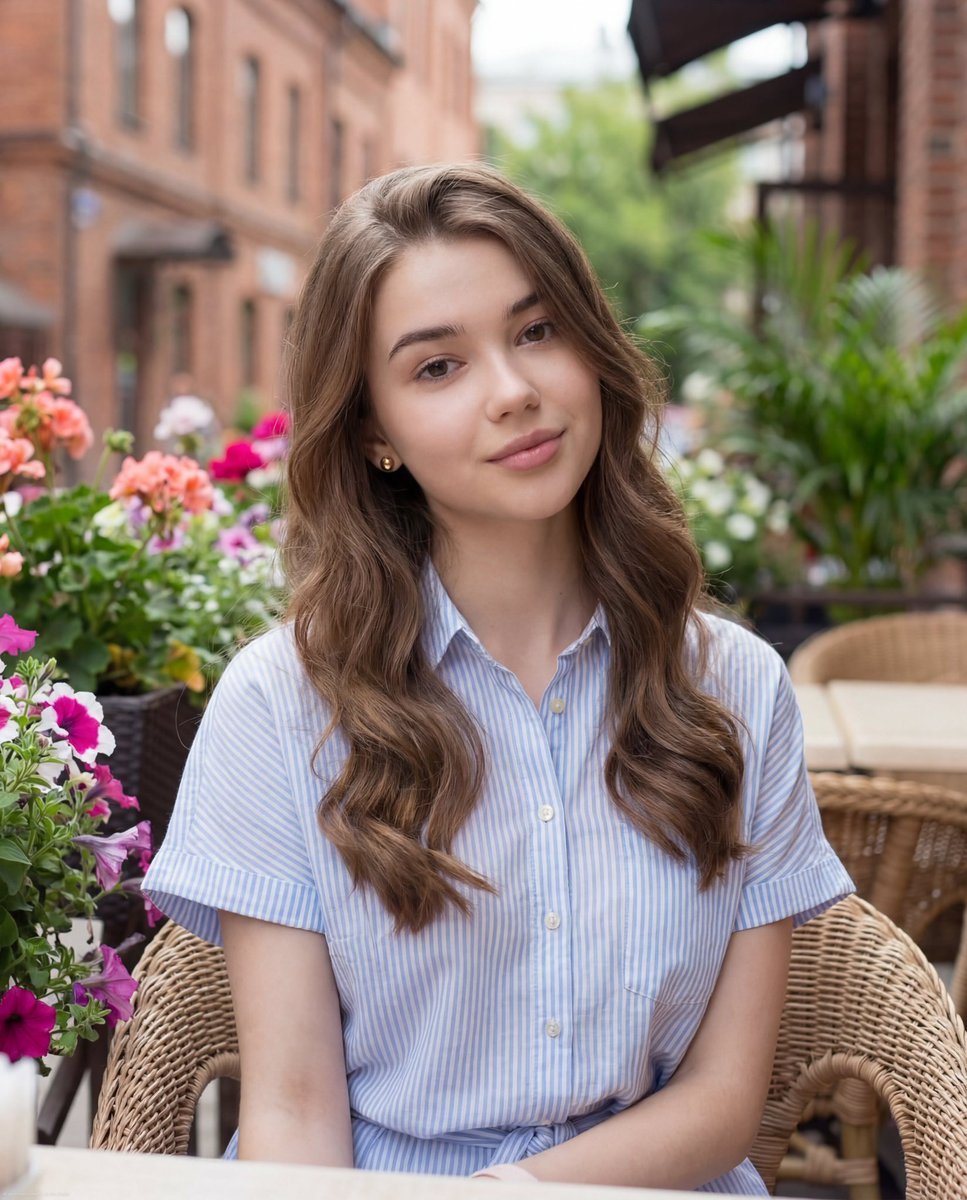
Casual Lifestyle Portrait at Outdoor Café
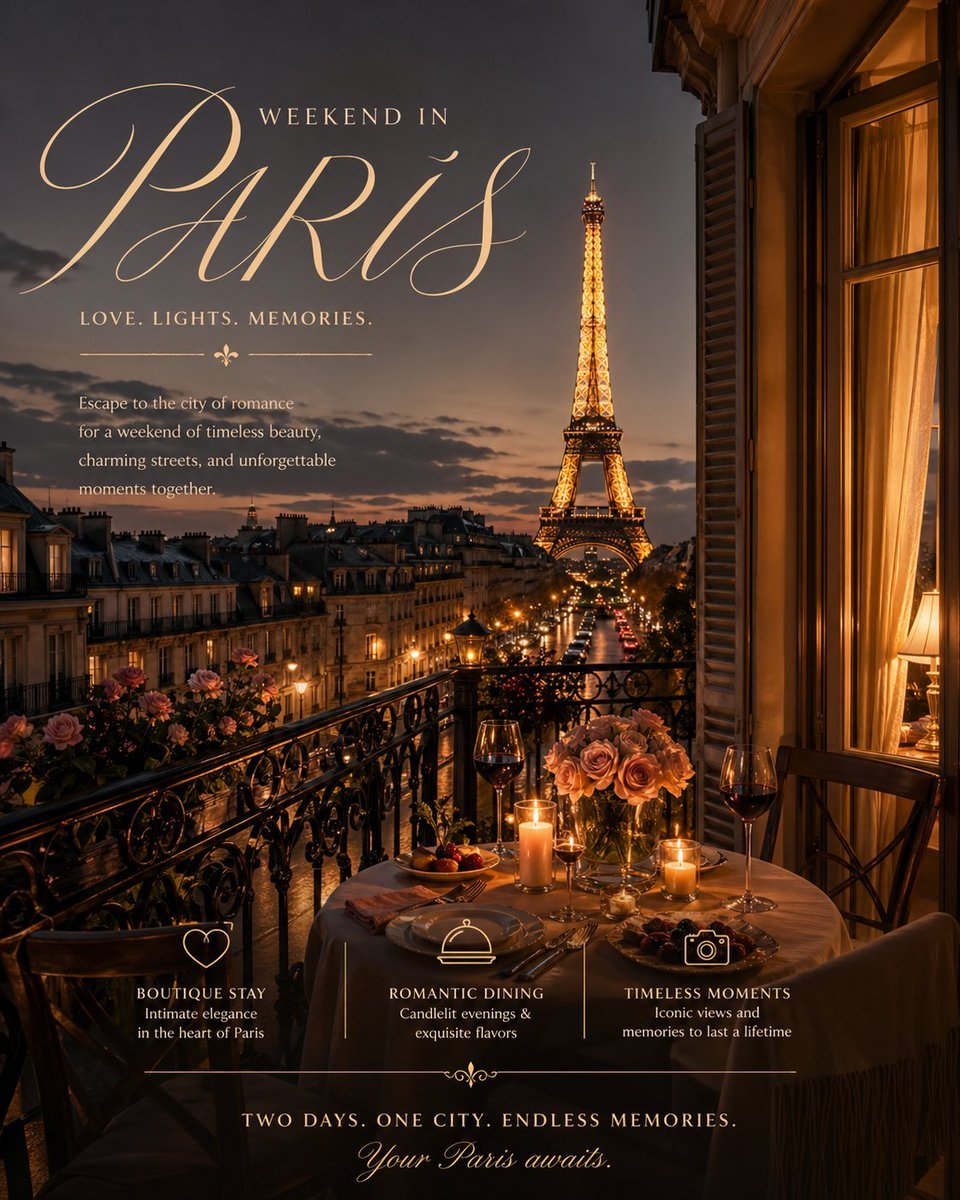
Romantic Weekend Getaway Poster
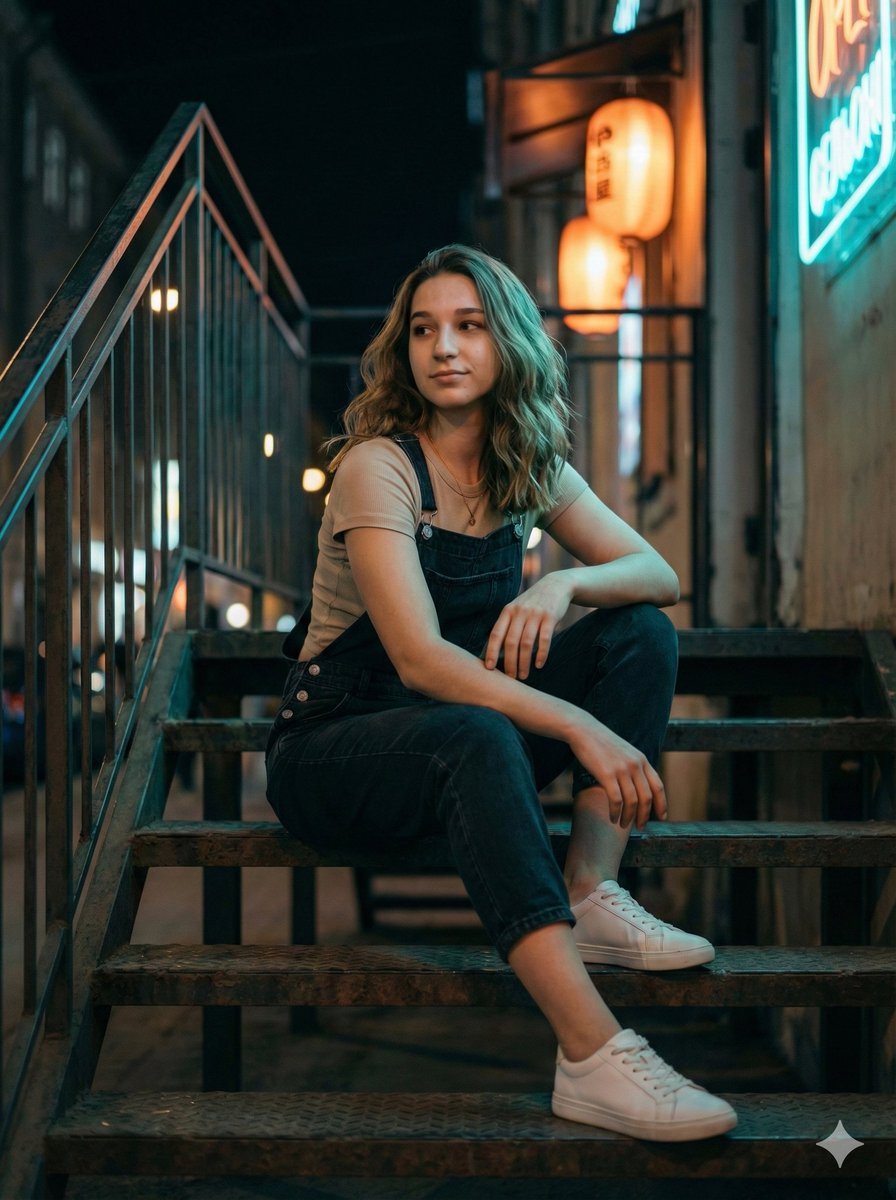
Cinematic Night Portrait on Urban Stairs
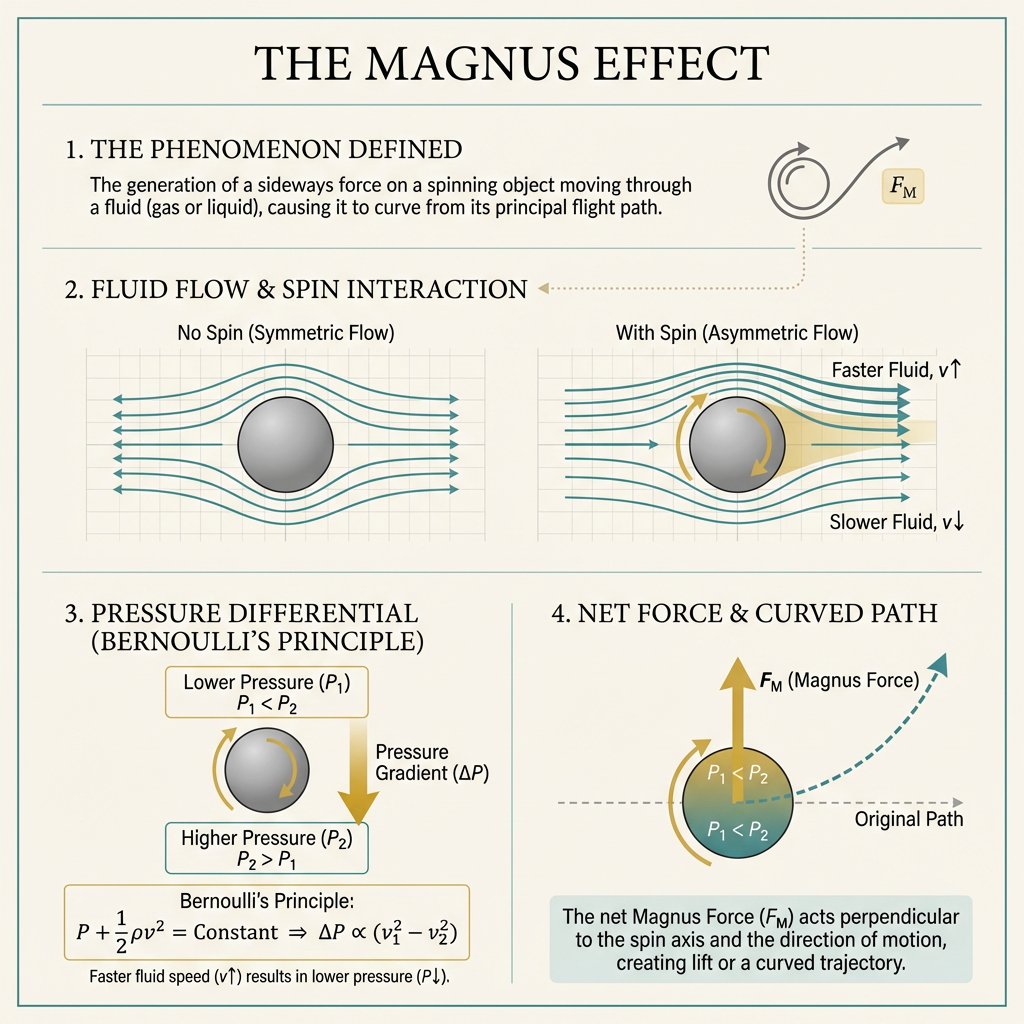
Minimal Magnus Effect Infographic
Panel Grid Layout for Portrait Photography with Detailed JSON Prompt
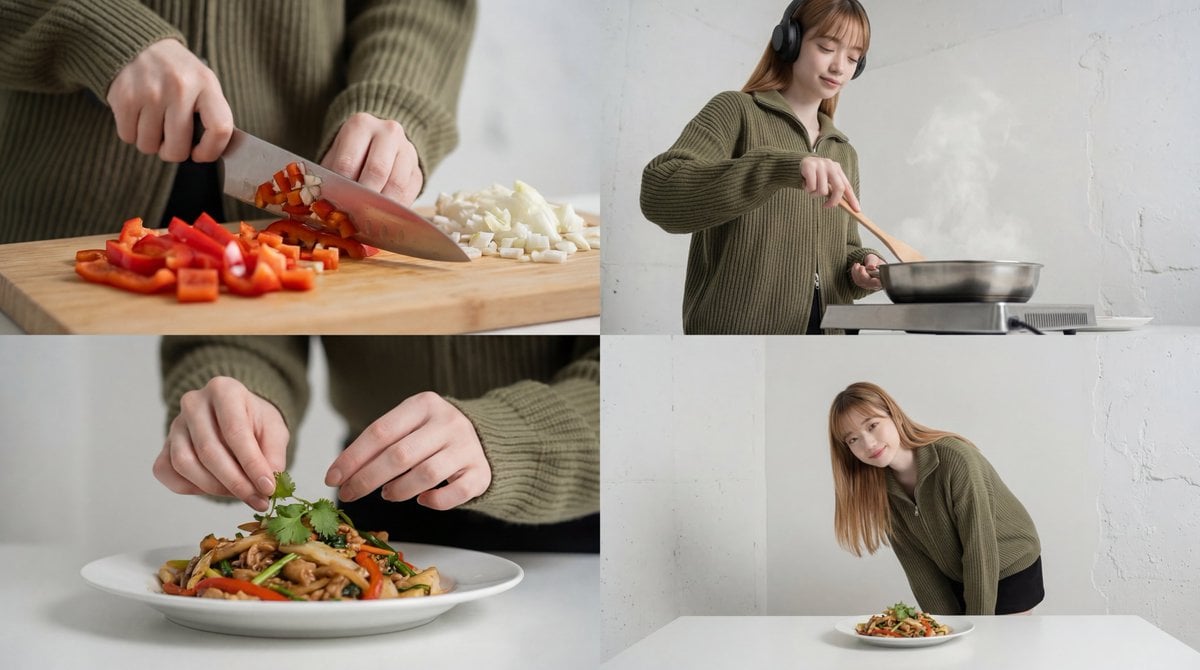
Cinematic Food Short Video Prompt (Summary)

Structured Prompt for Coffee Shop Lifestyle Photo
Featured in prompt roundups
Hand-picked collections that include this template.
Browse template categories
Seedance - Brand Commercial questions
How do I use the Seedance - Brand Commercial template?
Add your photo if the template asks for one, edit the prompt if you like — the template's model and format are already selected — and press Generate. Your version opens in PicX Studio.
Can I customize the Seedance - Brand Commercial template?
Yes. You can change the subject, setting, lighting, mood, format, and available model controls before creating your image.
Is the Seedance - Brand Commercial template free?
Opening and editing this template is free. Generating uses credits, shown on the Generate button when you are signed in.
Which AI model should I use?
Choose a compatible model in PicX Studio based on the style, speed, and output controls your project needs.
Looking for something else? Browse all templates.

Your photo, any look
Thousands of ready templates for every top image and video model, from one credit balance.