
Commercial Headphone Campaign - Seedance 2.0
Commercial Headphone Campaign - Seedance 2.0 is a ready photo look.
- Prompt included
- Model and format preset
- Free template
The prompt behind this image
Copy the exact prompt behind Commercial Headphone Campaign - Seedance 2.0, or open it in the studio and make it yours.
Premium headphone campaign video, 15 seconds, single unbroken continuous shot, no cuts, smooth Steadicam movement flowing through connected spaces. The product is a pair of glossy black over-ear headphones. The camera begins tight on the headphones resting on a white table in a quiet, empty room — silence. A hand reaches in, picks them up, and puts them on. The moment they click onto the head, music kicks in, and the world transforms. The camera pulls back, revealing the person standing in a bustling coffee shop — a barista slides a cup across the counter in the foreground, steam rising, but the wearer walks past unfazed, eyes closed, to the music. The camera follows them seamlessly through a door that opens directly into a skatepark — a skater rolls past perfectly timed to the beat, the wearer walks between ramps without looking, and the camera tracks alongside them. They push through another door into a packed laundromat — machines spinning, someone folding clothes, a kid running past — all choreographed to the rhythm, all ignored by the wearer who is completely immersed. The camera swoops low under a hanging sheet and rises into a rooftop at golden hour — the city skyline wide open, wind hitting the wearer's clothes. They stop at the edge, and the camera orbits them slowly for the first time. They open their eyes and smile. They take the headphones off — the music stops instantly, replaced by the rush of city noise, wind, and distant traffic. They look at the headphones in their hand. They put them back on. Music returns. They close their eyes again. The camera continues orbiting and slowly pulls upward into a wide aerial view — the wearer small on the rooftop, the city around them, everything moving except them. The headphones catch the last glint of golden light. Brand name appears in clean, minimal typography. The entire video is one continuous flowing shot — the camera never stops moving, never cuts, gliding through spaces connected by doors, walls, and seamless architectural transitions.
How to use Commercial Headphone Campaign - Seedance 2.0 in 3 steps
- 1
Open
The prompt is already in the box next to the preview, with the template's model and format selected.
- 2…a portrait of your subject in softgolden-hour light, 85mm…
Personalize
Edit the subject and creative details for your destination.
- 3Generate
Generate
Press Generate — your image is created in PicX Studio, so you can compare it with the original and refine one variable at a time.
More like this
Templates with the same subject, style or setup. Open one to see its prompt.
Seedance - Brand Commercial

Goalmaster Youth Sports Poster
Seedance - Dragon vs Python Battle
Seedance - Arrow Microscopic Battle
Seedance - Street Bull Incident
Seedance - 83 Year Old Rave (maxescu)
Seedance - Character Transition
Seedance - Epic Fight Scene
JSON Seedance - Fairy Macro Flight
Motion Design Minimal - Seedance 2.0
Mixed Media Fashion Film - Seedance 2.0
2D Cel Animation - Seedance 2.0
Make it yours
Commercial Headphone Campaign - Seedance 2.0 works as-is. These are the safest ways to change it without losing the look.
Change one field
Copy a single group, rewrite it, and generate again so you can see what that field is doing.
Keep the frame, change the subject
Hold the composition and light of Commercial Headphone Campaign - Seedance 2.0, then swap wardrobe, props or the person for a new take.
| If the result… | Why | Fix |
|---|---|---|
| The result drifts from the preview | Too many fields changed at once. | Reuse Commercial Headphone Campaign - Seedance 2.0 as-is first, then change one group — subject, light, or setting. |
| The model over-stylizes the scene | The prose prompt leaves finish and camera underspecified. | Add one camera or lighting sentence and stay on PicX Studio. |
More image prompts
Fresh picks from across the catalog.
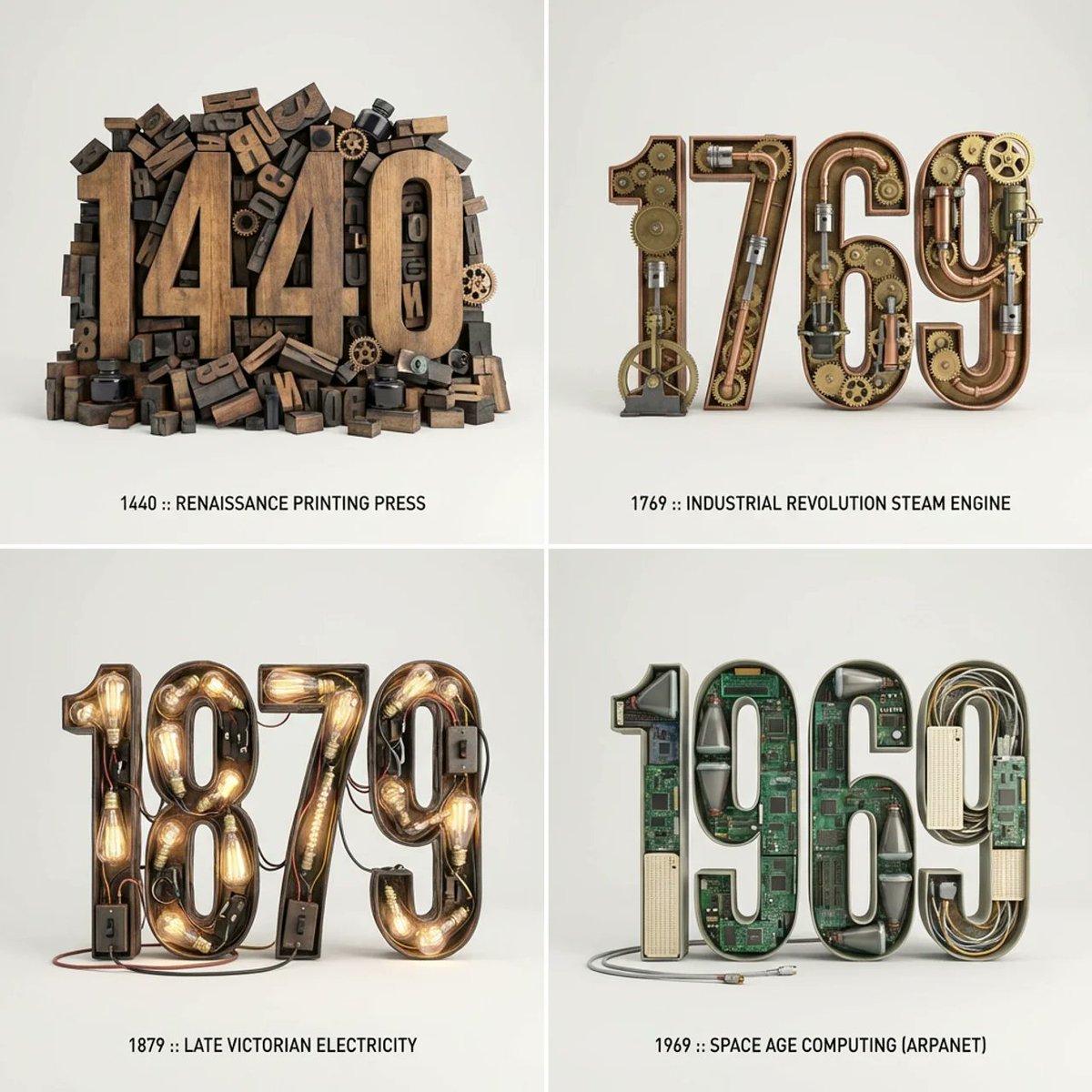
Typographic Sculpture of Historical Inventions
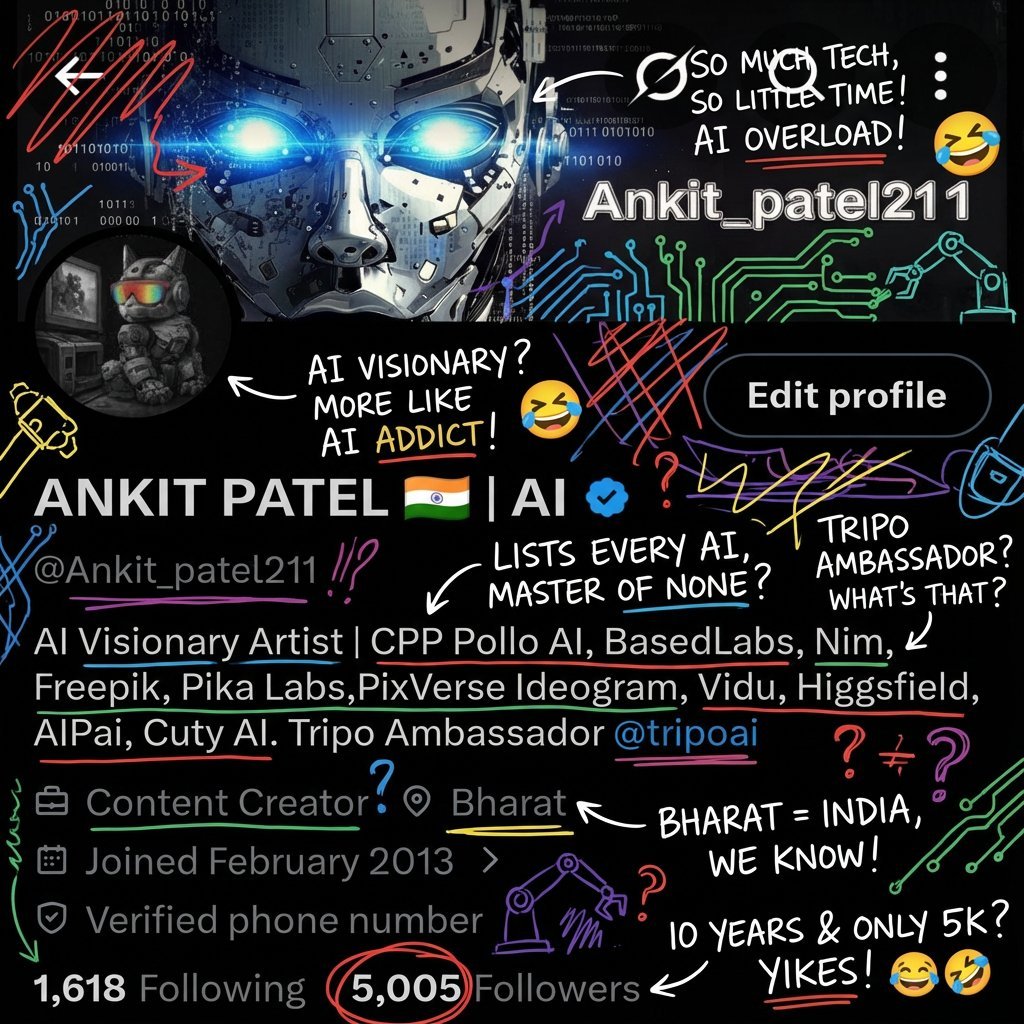
Image Transformation into Energetic Roast Scribbles
untitled
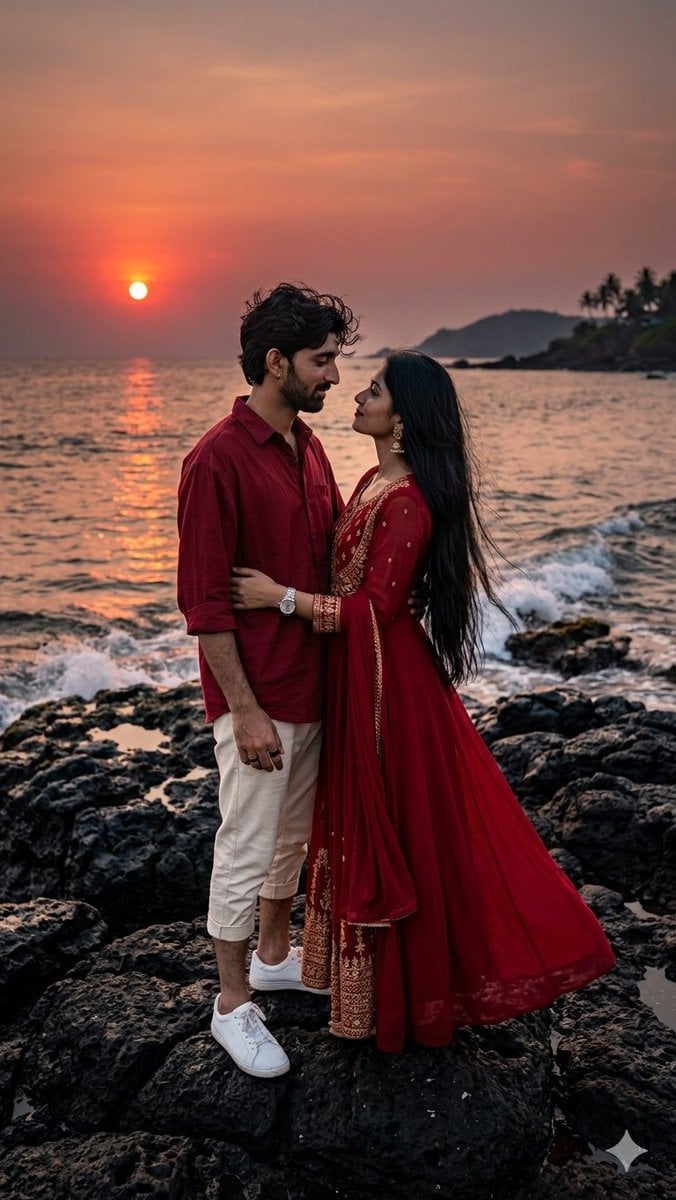
Romantic Sunset Couple Portrait

Anime Girl Eating Ramen Edit
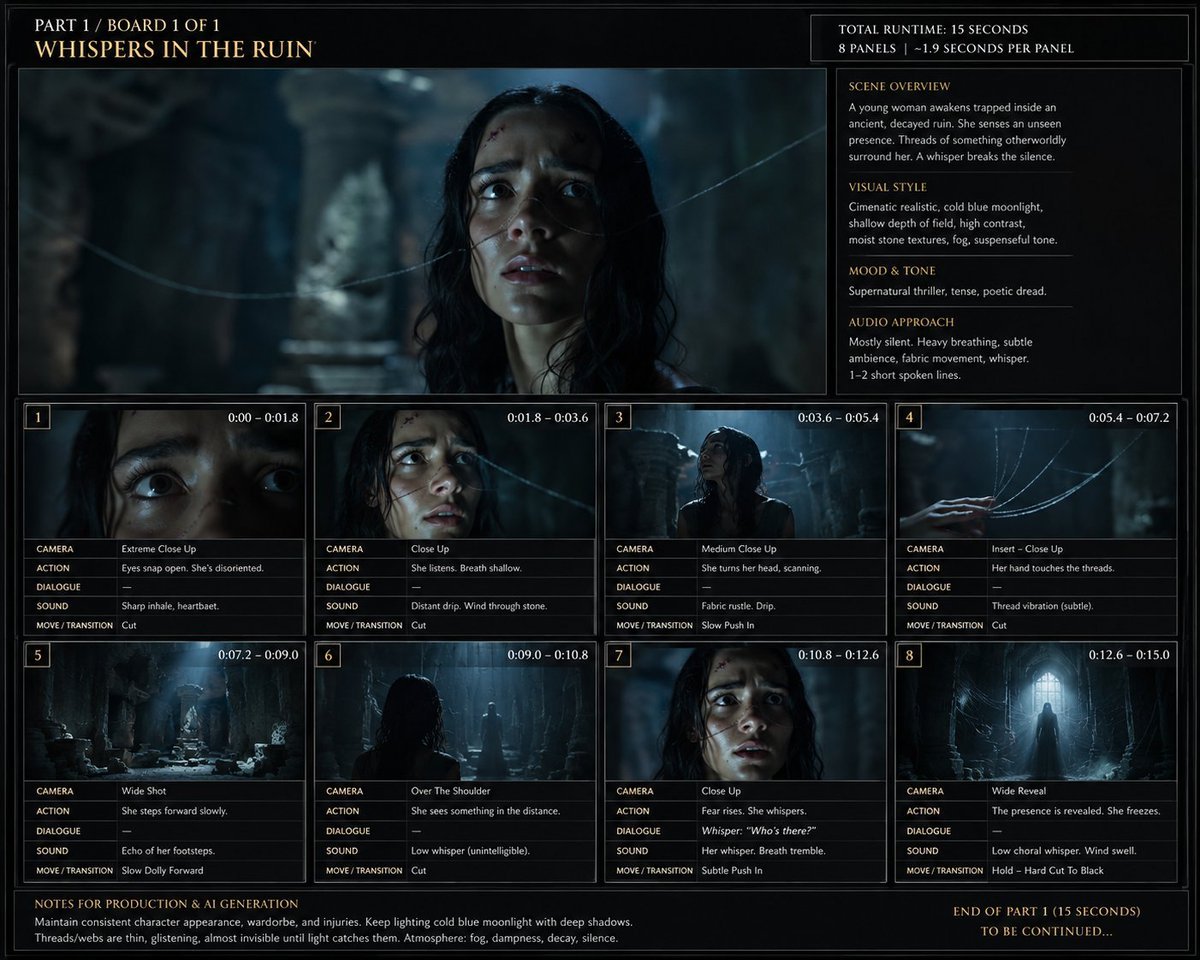
Whispers in the Ruin Storyboard
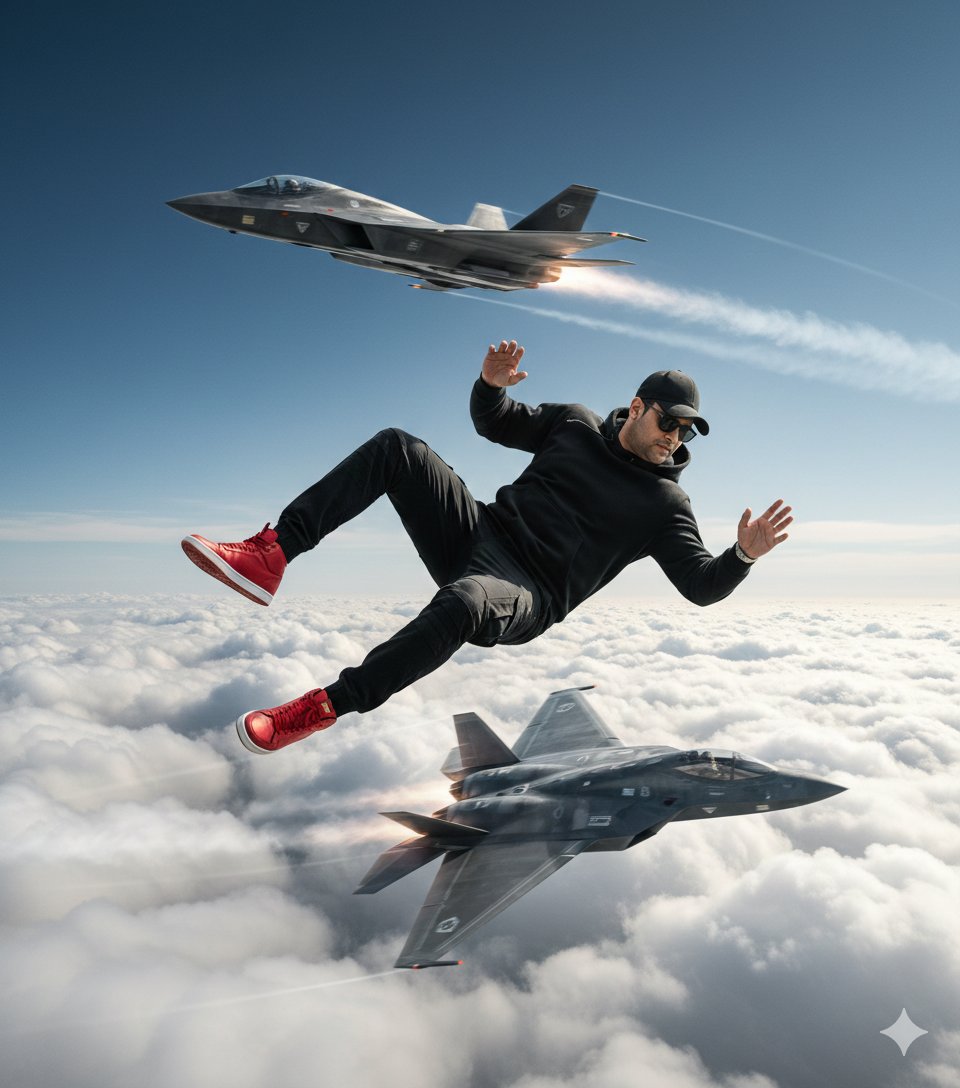
Ultra-Realistic Cinematic Scene of Floating in Mid-Air
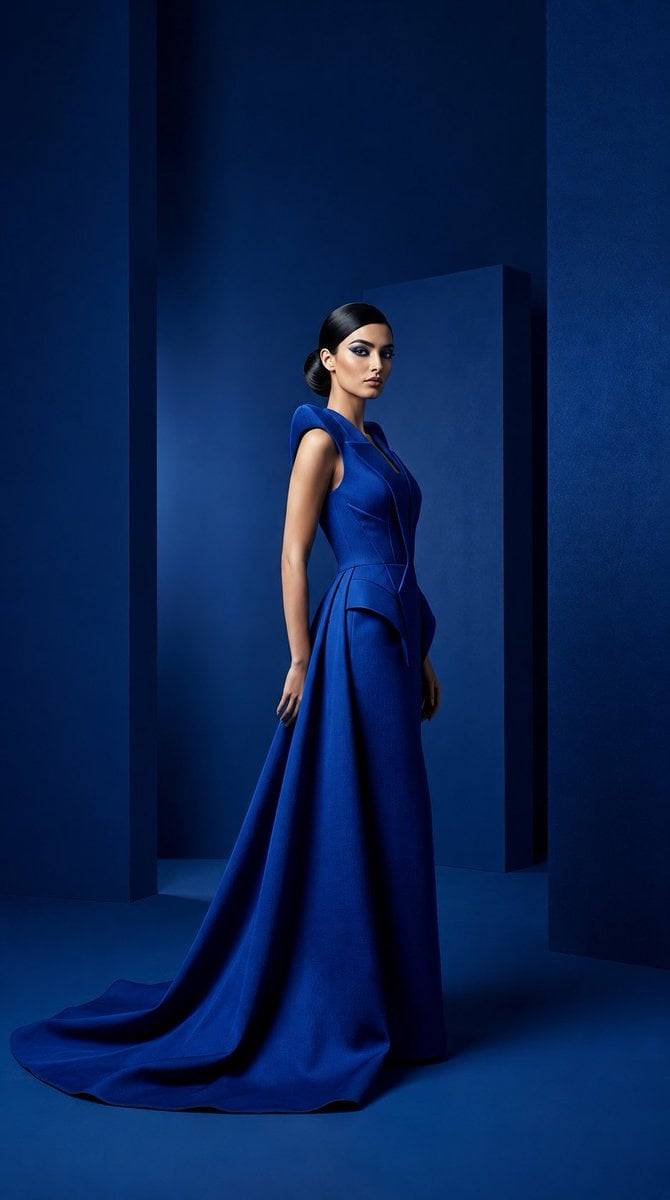
Cobalt Couture Editorial Portrait
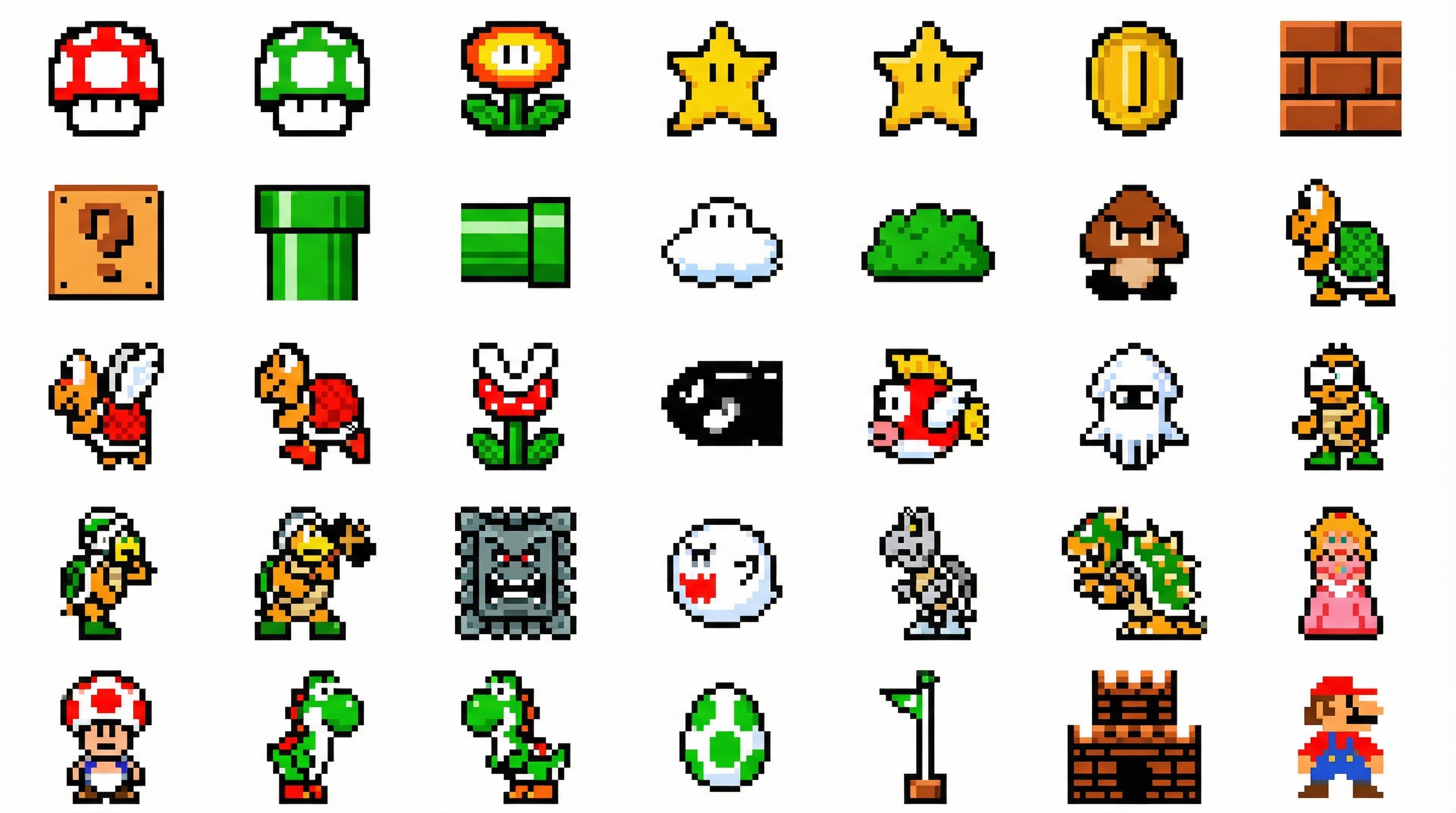
Nano Banana 2 in Game Items and Characte
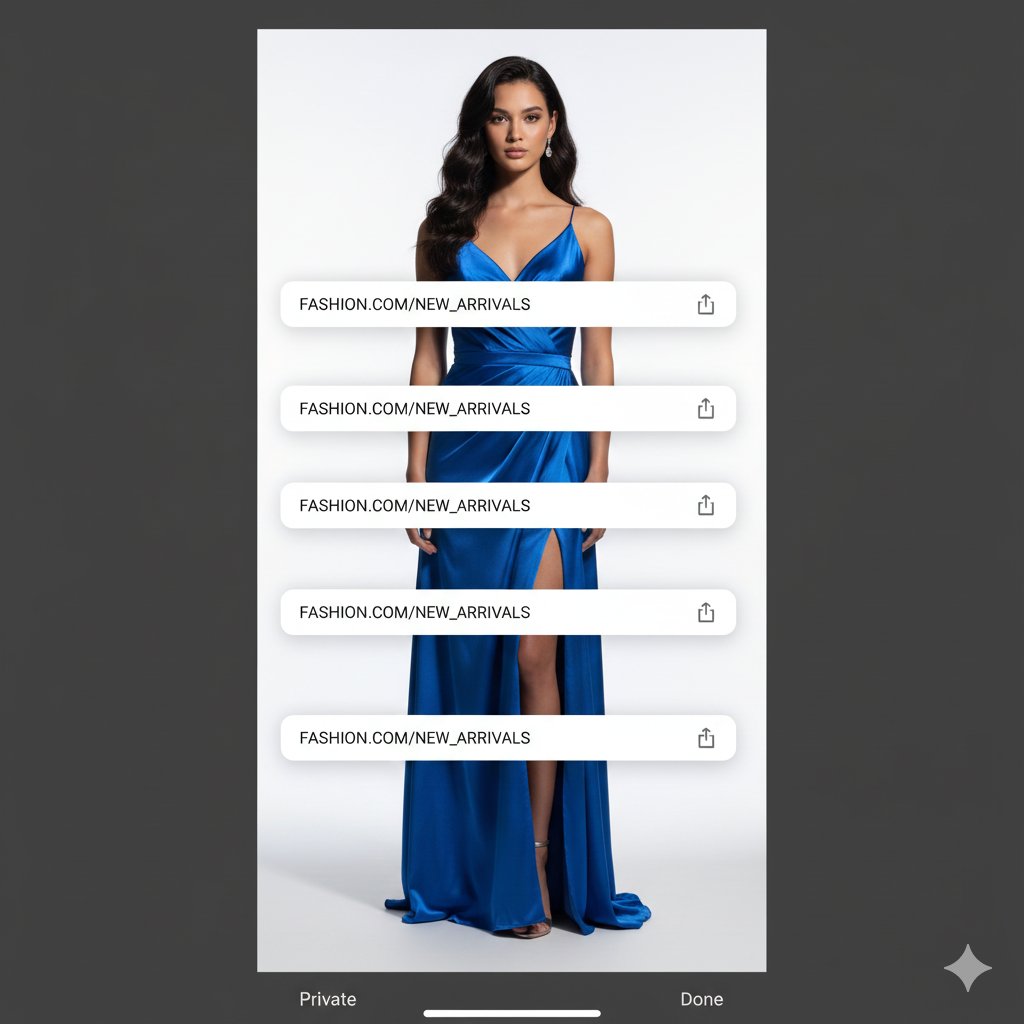
Studio Portrait with Digital UI Overlay
Featured in prompt roundups
Hand-picked collections that include this template.
Browse template categories
Commercial Headphone Campaign - Seedance 2.0 questions
How do I use the Commercial Headphone Campaign - Seedance 2.0 template?
Add your photo if the template asks for one, edit the prompt if you like — the template's model and format are already selected — and press Generate. Your version opens in PicX Studio.
Can I customize the Commercial Headphone Campaign - Seedance 2.0 template?
Yes. You can change the subject, setting, lighting, mood, format, and available model controls before creating your image.
Is the Commercial Headphone Campaign - Seedance 2.0 template free?
Opening and editing this template is free. Generating uses credits, shown on the Generate button when you are signed in.
Which AI model should I use?
Choose a compatible model in PicX Studio based on the style, speed, and output controls your project needs.
Looking for something else? Browse all templates.

Your photo, any look
Thousands of ready templates for every top image and video model, from one credit balance.