
2D Cel Animation - Seedance 2.0
2D Cel Animation - Seedance 2.0 is a ready photo look.
- Prompt included
- Model and format preset
- Free template
The prompt behind this image
Copy the exact prompt behind 2D Cel Animation - Seedance 2.0, or open it in the studio and make it yours.
15 seconds hand-drawn 2D cel animation opening sequence. Protagonist: young man with spiky black hair in a messy bun, pale skin, dark decorative face paint lines under eyes, all-black high-collar long coat, black boots, black gloves — cool, mysterious look but constantly in silly situations. Sequence: 1. Dramatic close-up of his face in moody green and purple lighting, a bird lands on his head, a serious expression breaks. 2. Cut to title KOROKORO in bouncy handwritten letters with cute doodles. 3. Fast-paced comedy montage: him walking dramatically, then stepping on a banana peel and falling; sitting cool at a cafe while stray cats pile onto lap, cannot move; posing on rooftop at sunset then phone rings with cute ringtone; dragged shopping by little old lady who thinks he's her grandson; getting broth splashed on black coat while eating ramen. 4. Final shot: him on a park bench covered in birds and cats, a flower in his hair, staring at the camera unamused. Freeze frame, title reappears. Lighting contrast: dark, moody lighting for dramatic scenes, bright pastel lighting for comedy moments. Upbeat pop-rock soundtrack.
How to use 2D Cel Animation - Seedance 2.0 in 3 steps
- 1
Open
The prompt is already in the box next to the preview, with the template's model and format selected.
- 2…a portrait of your subject in softgolden-hour light, 85mm…
Personalize
Edit the subject and creative details for your destination.
- 3Generate
Generate
Press Generate — your image is created in PicX Studio, so you can compare it with the original and refine one variable at a time.
More like this
Templates with the same subject, style or setup. Open one to see its prompt.












Make it yours
2D Cel Animation - Seedance 2.0 works as-is. These are the safest ways to change it without losing the look.
Change one field
Copy a single group, rewrite it, and generate again so you can see what that field is doing.
Keep the frame, change the subject
Hold the composition and light of 2D Cel Animation - Seedance 2.0, then swap wardrobe, props or the person for a new take.
| If the result… | Why | Fix |
|---|---|---|
| The result drifts from the preview | Too many fields changed at once. | Reuse 2D Cel Animation - Seedance 2.0 as-is first, then change one group — subject, light, or setting. |
| The model over-stylizes the scene | The prose prompt leaves finish and camera underspecified. | Add one camera or lighting sentence and stay on PicX Studio. |
More image prompts
Fresh picks from across the catalog.
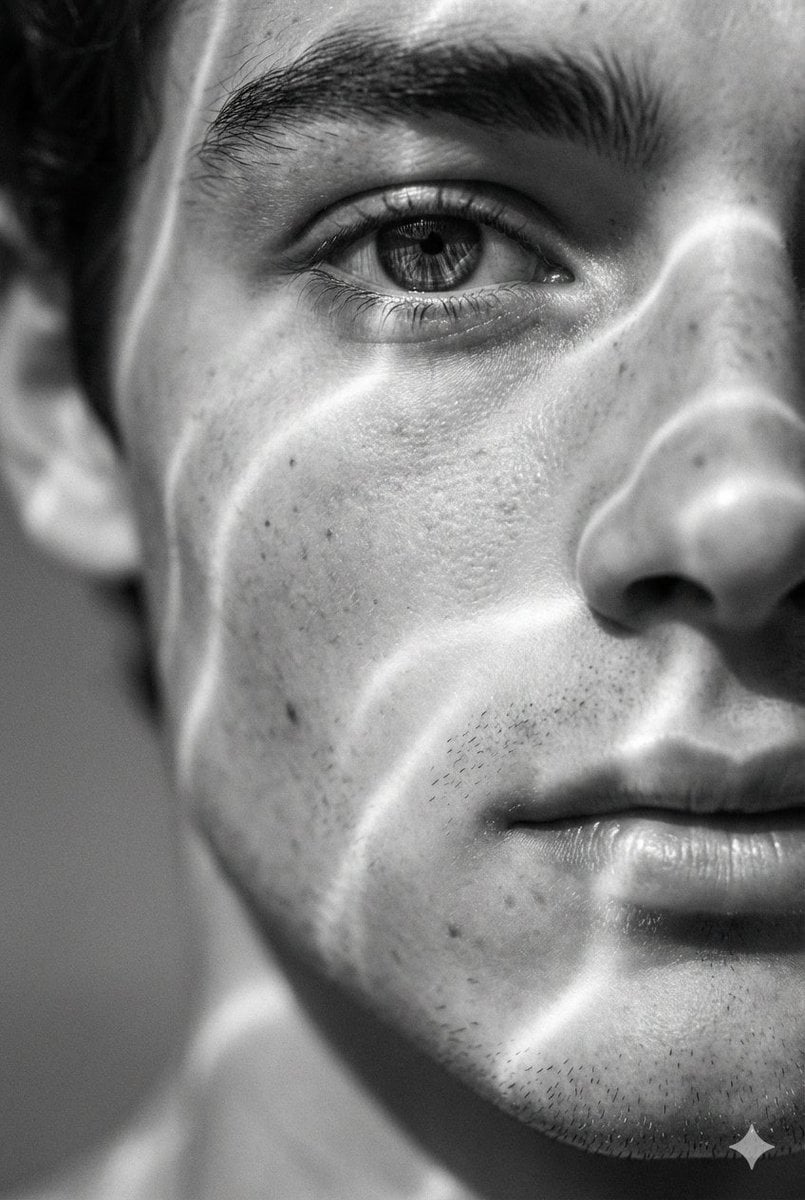
Surreal Black and White Close-Up Portrait with Luminous Lines

Anime Villain Infographic Poster
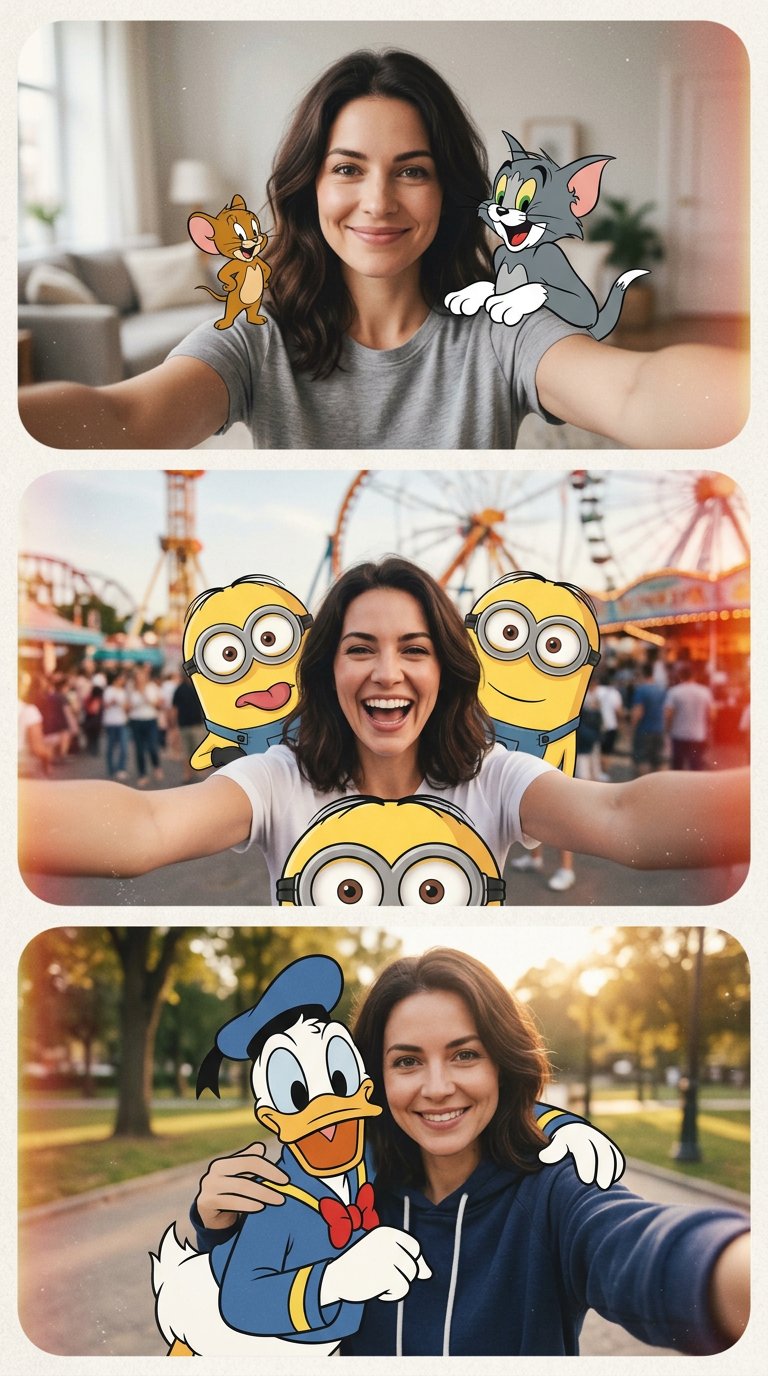
cartoon

Subway Juice Drink Advertisement

Photorealistic Scientist in Futuristic AI Lab
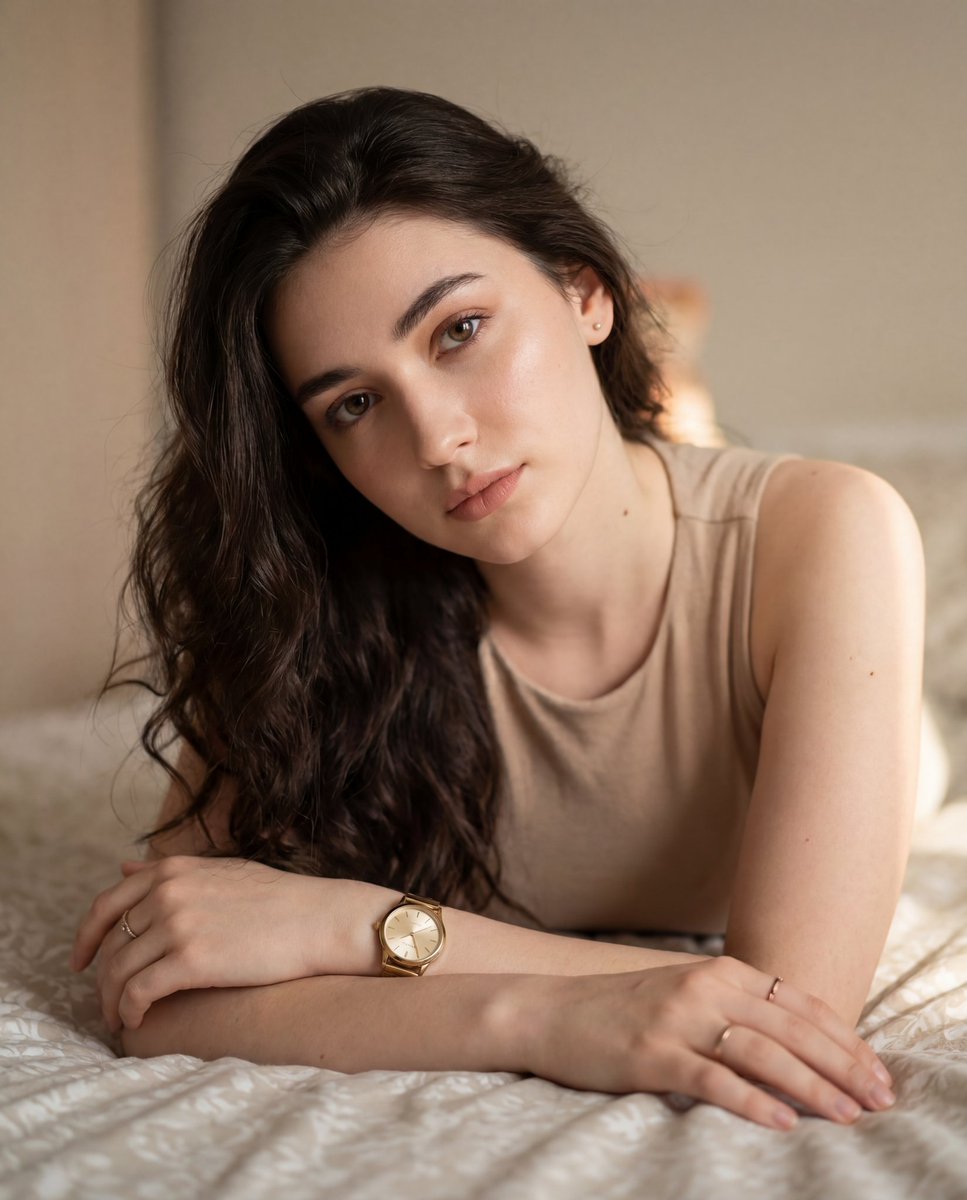
Colored Pencil Illustration Style Prompt

Video prompt for surreal miniature Pringles can snowboard scene
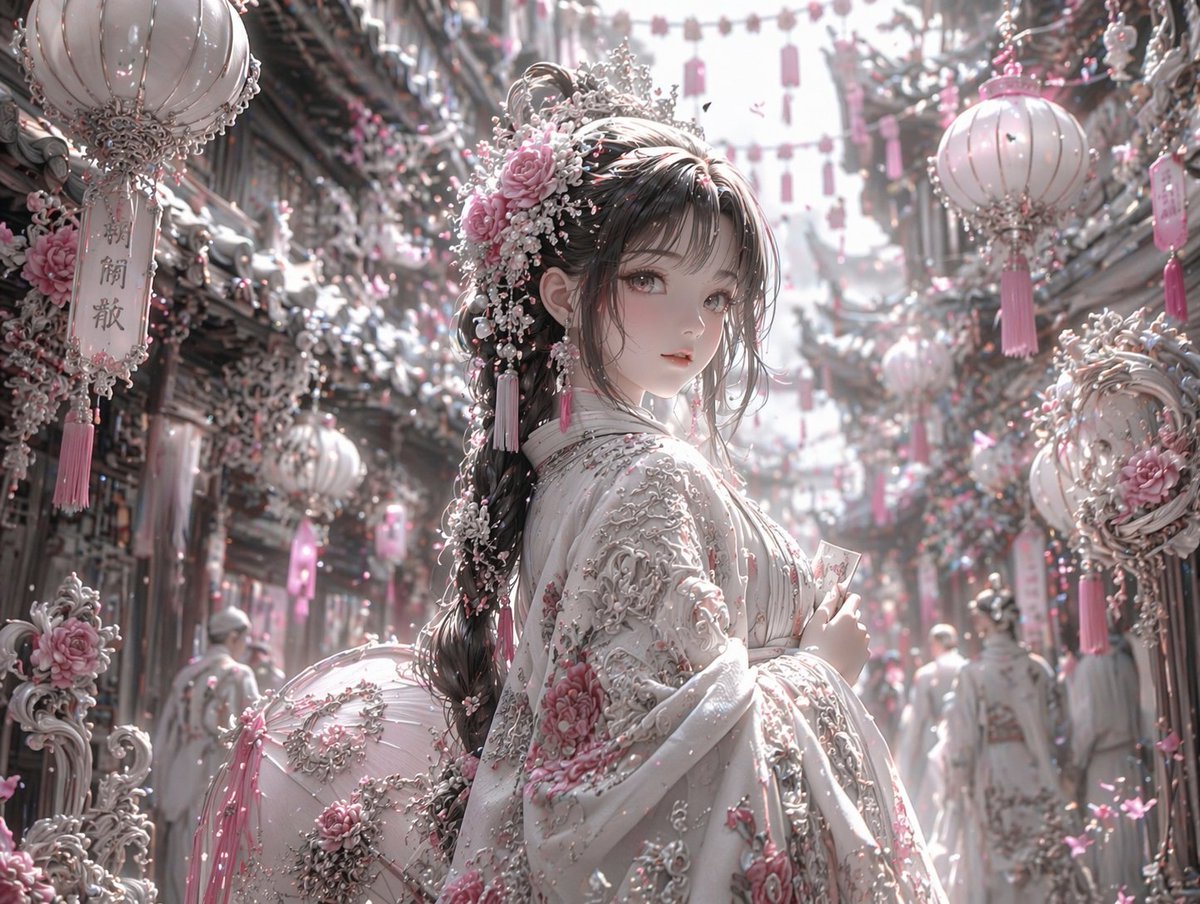
Pastel Pink and Silver Ornate Style Transfer
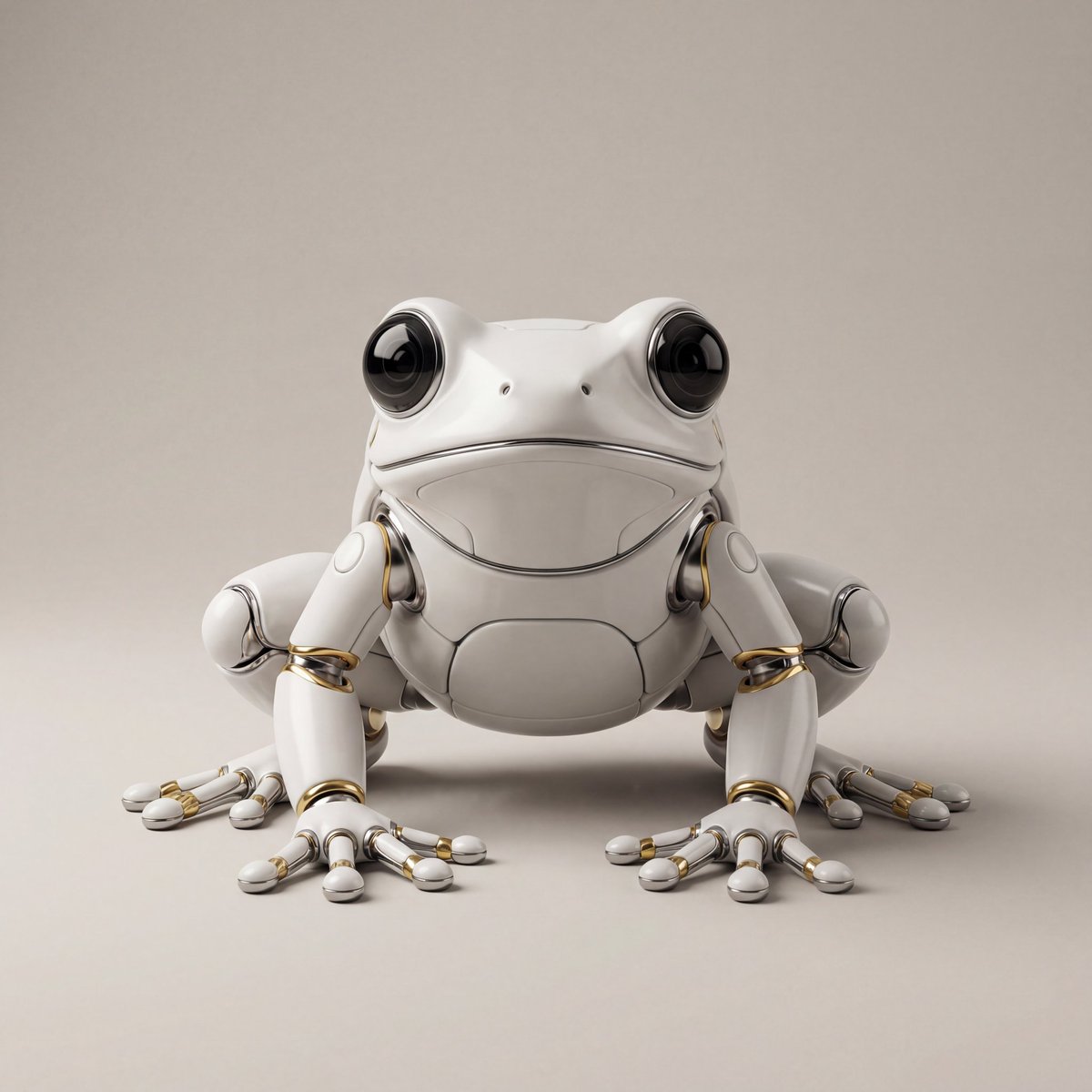
Hyper-Realistic Robotic Frog Design

Double Exposure Rugged Portrait
Featured in prompt roundups
Hand-picked collections that include this template.
Browse template categories
2D Cel Animation - Seedance 2.0 questions
How do I use the 2D Cel Animation - Seedance 2.0 template?
Add your photo if the template asks for one, edit the prompt if you like — the template's model and format are already selected — and press Generate. Your version opens in PicX Studio.
Can I customize the 2D Cel Animation - Seedance 2.0 template?
Yes. You can change the subject, setting, lighting, mood, format, and available model controls before creating your image.
Is the 2D Cel Animation - Seedance 2.0 template free?
Opening and editing this template is free. Generating uses credits, shown on the Generate button when you are signed in.
Which AI model should I use?
Choose a compatible model in PicX Studio based on the style, speed, and output controls your project needs.
Looking for something else? Browse all templates.

Your photo, any look
Thousands of ready templates for every top image and video model, from one credit balance.