
Seedance - 83 Year Old Rave (maxescu)
Seedance - 83 Year Old Rave (maxescu) is a ready photo look.
- Prompt included
- Model and format preset
- Free template
The prompt behind this image
Copy the exact prompt behind Seedance - 83 Year Old Rave (maxescu), or open it in the studio and make it yours.
aesthetic: phone held up in a dark warehouse rave, UV light and smoke. audio: drum and bass building, tension rising, the crowd holding their breath. timeline: 0-4s: Phone camera in a dark warehouse rave. Lasers cutting through smoke. Hundreds of people. Front and center, an 83-year-old man in a tweed blazer and bow tie. His white shirt glowing under UV. Standing still, eyes closed, nodding slowly. 4-8s: The drop hits. He explodes. Arms flailing, jumping, blazer flying off one shoulder. Two girls next to him back away covering their mouths. A guy filming nearly drops his phone. 8-15s: He's in his own world. Eyes closed, going harder than anyone. The crowd has given him space because his energy is too big. Phones pointed at him from every angle. His glowing shirt a purple beacon in the dark. quality: single shot, dark with UV and lasers, the glowing shirt, smoke haze, reactions visible in flashes of light.
How to use Seedance - 83 Year Old Rave (maxescu) in 3 steps
- 1
Open
The prompt is already in the box next to the preview, with the template's model and format selected.
- 2…a portrait of your subject in softgolden-hour light, 85mm…
Personalize
Edit the subject and creative details for your destination.
- 3Generate
Generate
Press Generate — your image is created in PicX Studio, so you can compare it with the original and refine one variable at a time.
More like this
Templates with the same subject, style or setup. Open one to see its prompt.
80 Year Old Rapper Mv Seedance 2 0 Stree
Seedance - Dragon vs Python Battle
Seedance - Arrow Microscopic Battle
Seedance - Street Bull Incident
Seedance - Character Transition
Seedance - Brand Commercial
Seedance - Epic Fight Scene
JSON Seedance - Fairy Macro Flight
Commercial Headphone Campaign - Seedance 2.0
Motion Design Minimal - Seedance 2.0
Mixed Media Fashion Film - Seedance 2.0
2D Cel Animation - Seedance 2.0
Make it yours
Seedance - 83 Year Old Rave (maxescu) works as-is. These are the safest ways to change it without losing the look.
Change one field
Copy a single group, rewrite it, and generate again so you can see what that field is doing.
Keep the frame, change the subject
Hold the composition and light of Seedance - 83 Year Old Rave (maxescu), then swap wardrobe, props or the person for a new take.
| If the result… | Why | Fix |
|---|---|---|
| The result drifts from the preview | Too many fields changed at once. | Reuse Seedance - 83 Year Old Rave (maxescu) as-is first, then change one group — subject, light, or setting. |
| The model over-stylizes the scene | The prose prompt leaves finish and camera underspecified. | Add one camera or lighting sentence and stay on PicX Studio. |
More image prompts
Fresh picks from across the catalog.
Detailed Image Prompt for Nano Banana Pro
Contrast Street Art Mural
First-Person Fantasy RPG Screenshot
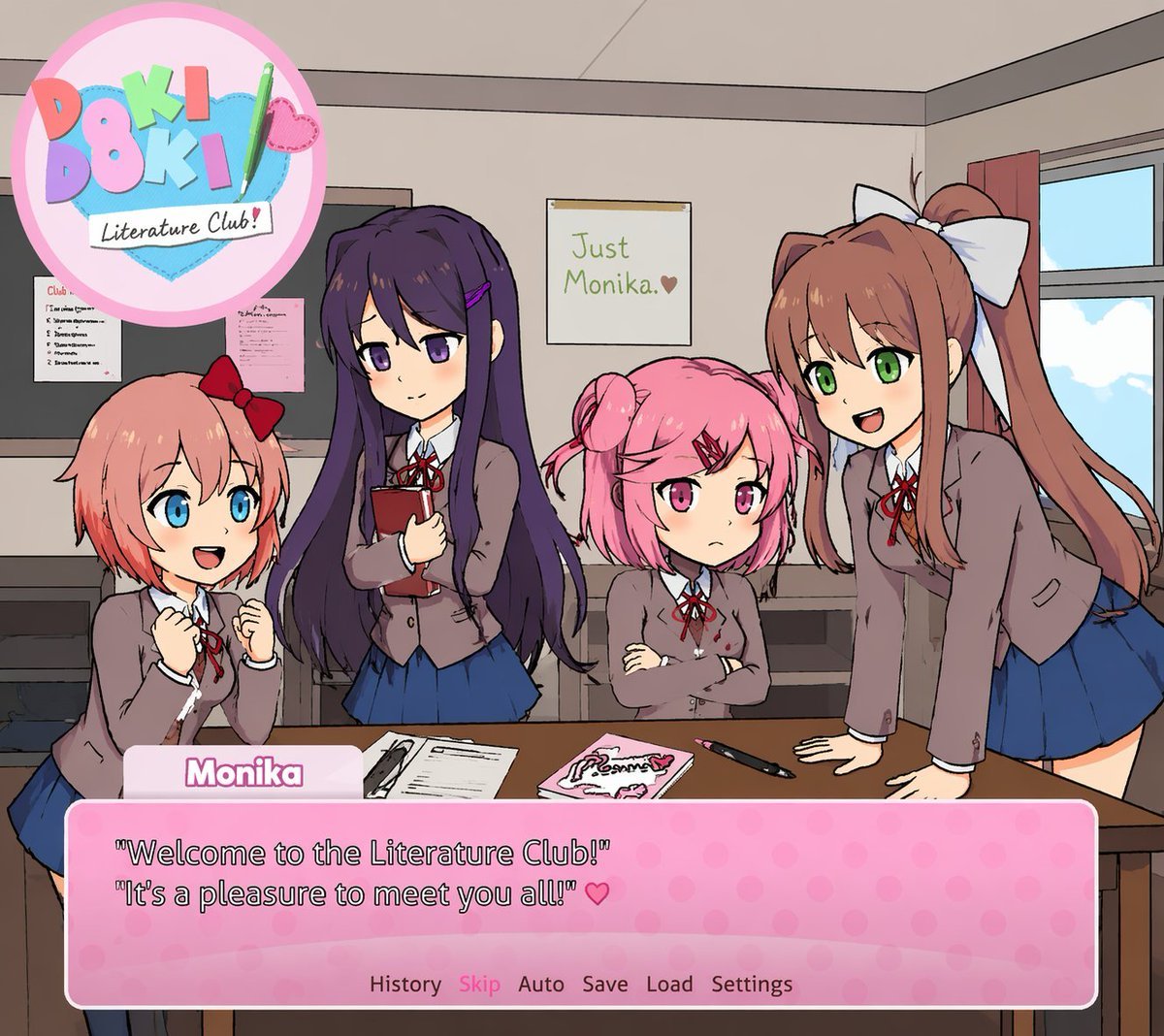
Visual Novel Screenshot Mockup

Japanese AI Product Landing Page Hero
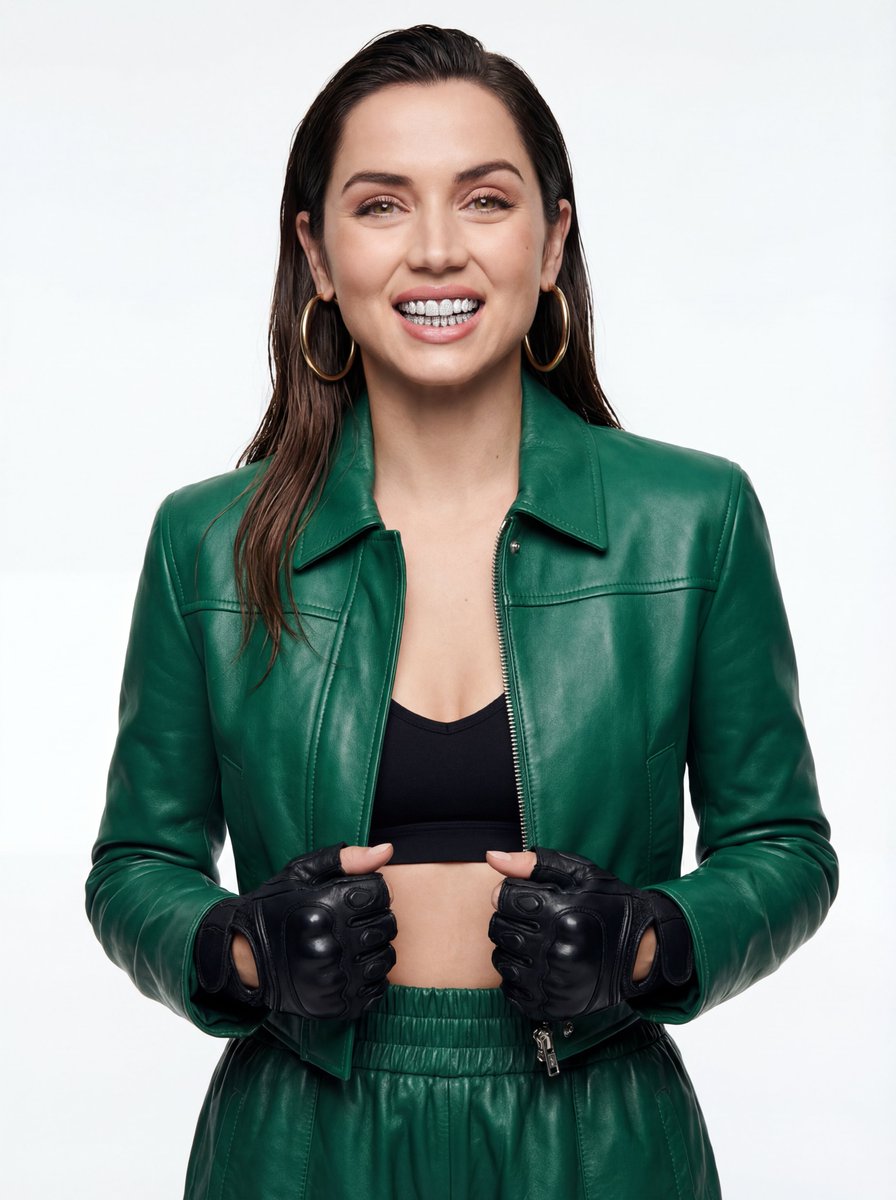
High-Fashion Urban Editorial Portrait with Grillz
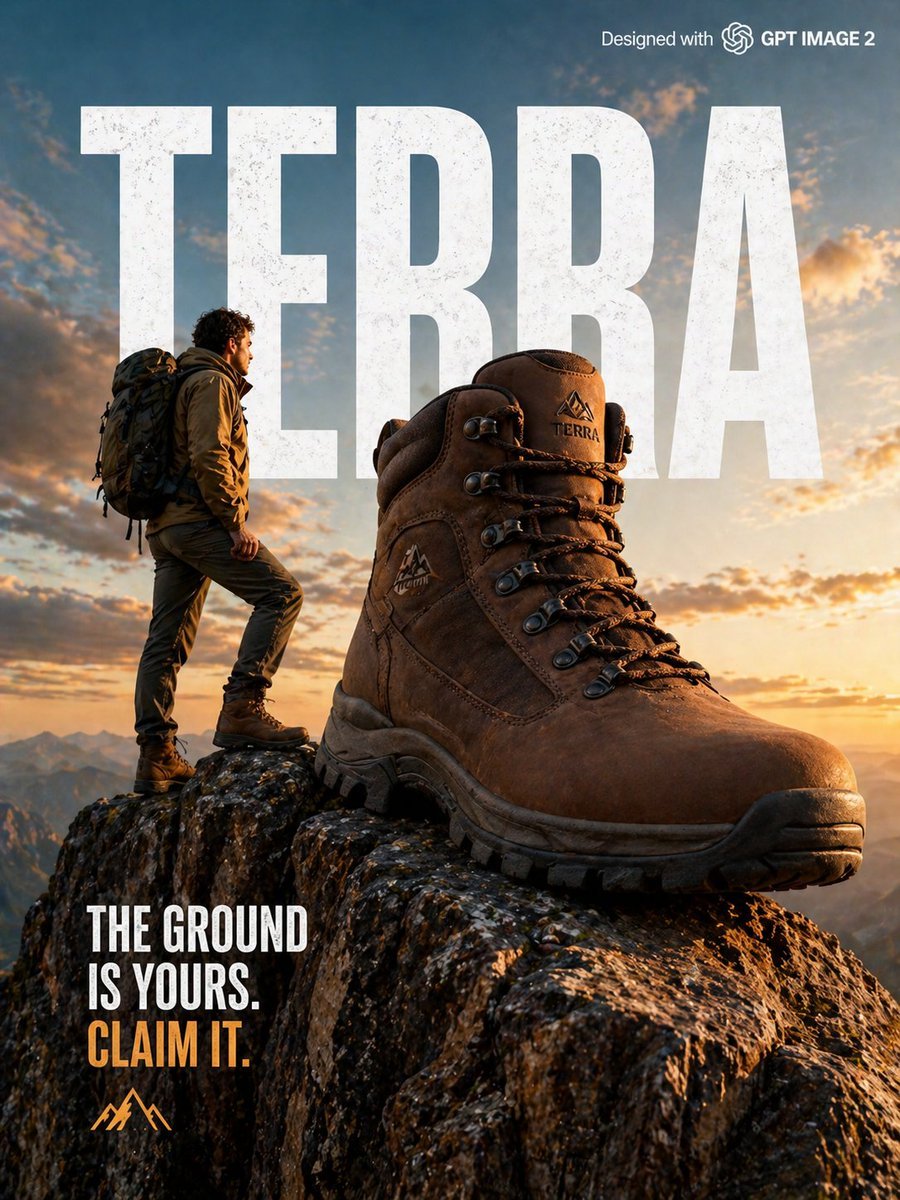
X Strength04 X Gpt Image 2 on Chatgpt
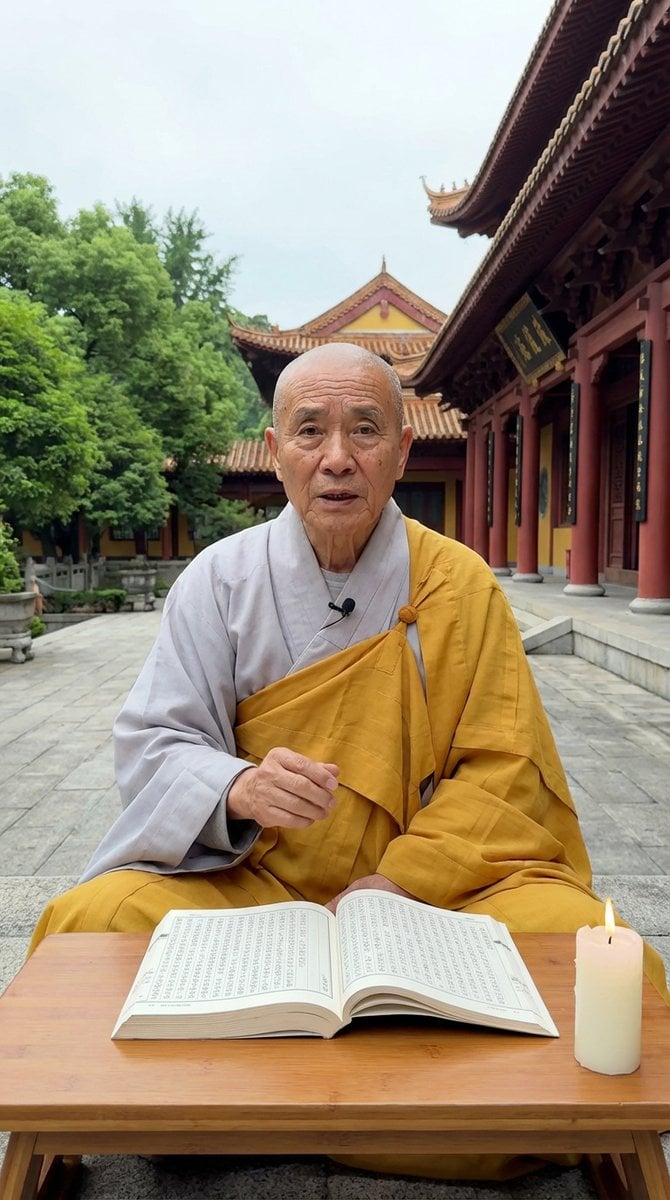
Monk Delivering Life Advice Video Still Prompt
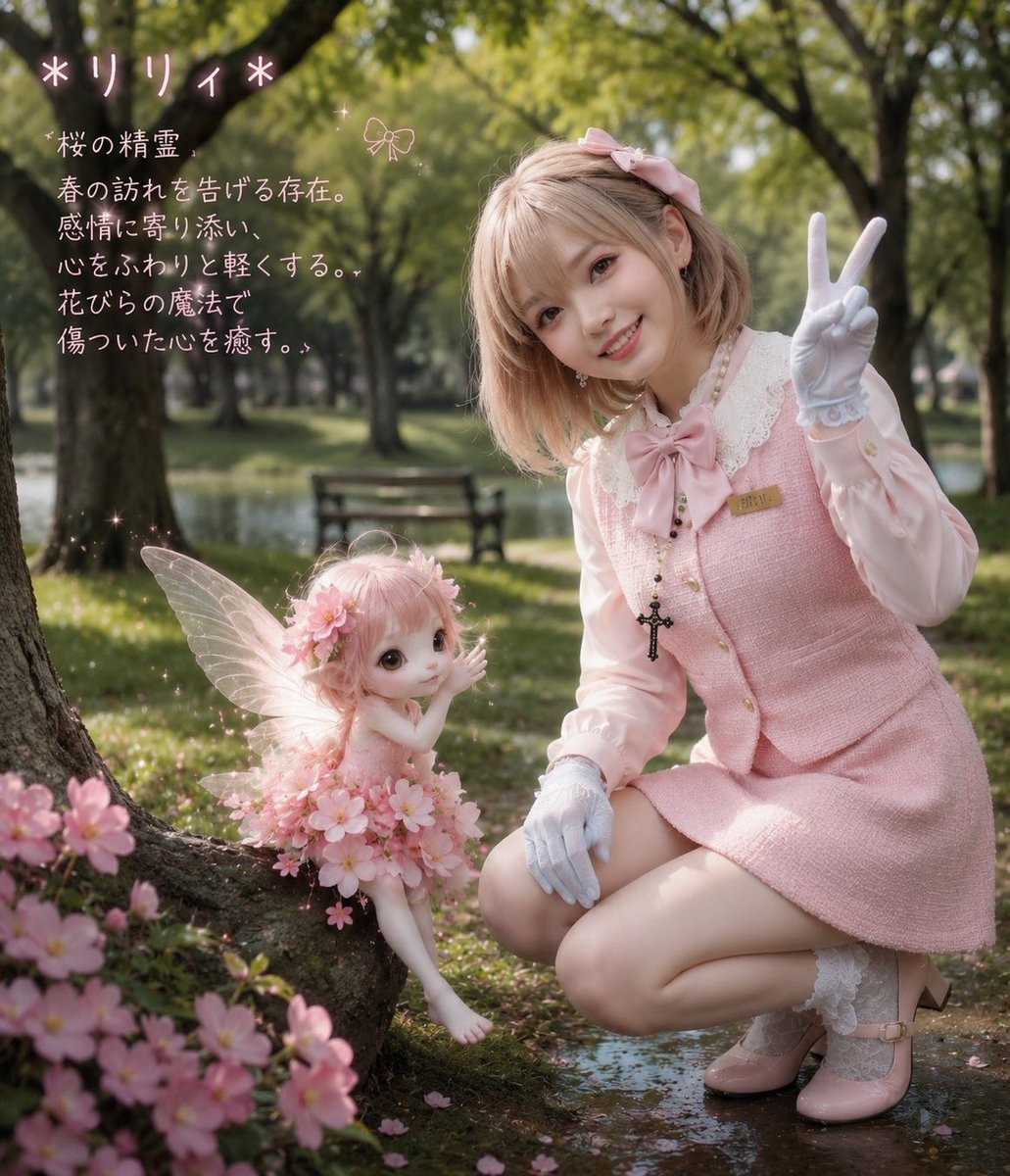
Cherry Blossom Fairy Familiar
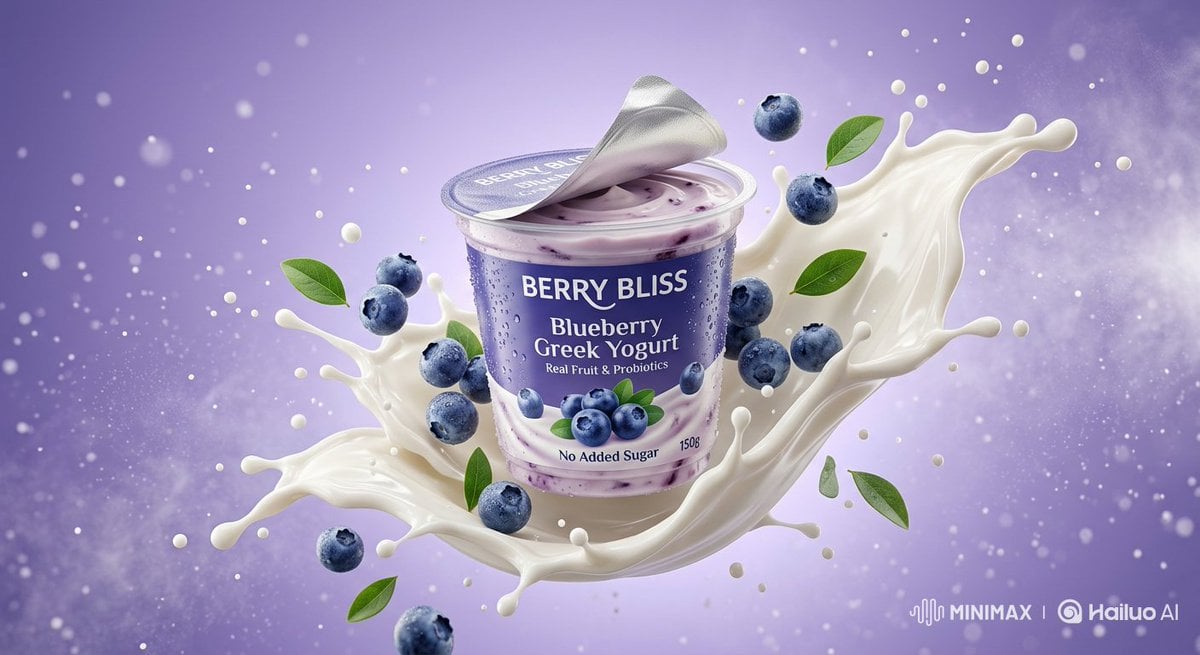
Ultra-Realistic Product Photography of Yogurt
Featured in prompt roundups
Hand-picked collections that include this template.
Browse template categories
Seedance - 83 Year Old Rave (maxescu) questions
How do I use the Seedance - 83 Year Old Rave (maxescu) template?
Add your photo if the template asks for one, edit the prompt if you like — the template's model and format are already selected — and press Generate. Your version opens in PicX Studio.
Can I customize the Seedance - 83 Year Old Rave (maxescu) template?
Yes. You can change the subject, setting, lighting, mood, format, and available model controls before creating your image.
Is the Seedance - 83 Year Old Rave (maxescu) template free?
Opening and editing this template is free. Generating uses credits, shown on the Generate button when you are signed in.
Which AI model should I use?
Choose a compatible model in PicX Studio based on the style, speed, and output controls your project needs.
Looking for something else? Browse all templates.

Your photo, any look
Thousands of ready templates for every top image and video model, from one credit balance.