
Japanese AI Product Landing Page Hero
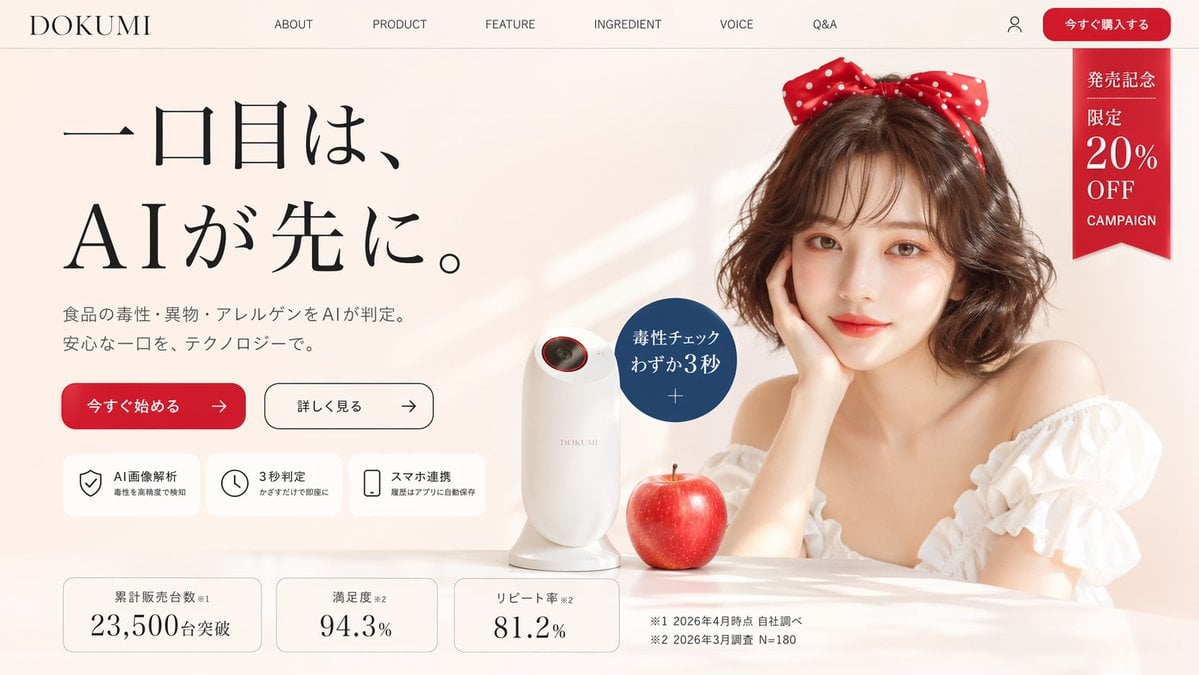
A premium Japanese e-commerce hero image for a fictional AI food-safety scanner, suitable for startup landing pages and concept product marketing.
- Prompt included
- Model and format preset
- Free template
The prompt behind this image
Copy the exact prompt behind Japanese AI Product Landing Page Hero, or open it in the studio and make it yours.
Create a polished Japanese landing page hero image for a fictional premium consumer tech product brand called {argument name="brand name" default="DOKUMI"}. The page should look like a modern beauty-tech and food-safety product website, in a soft warm beige and ivory palette with elegant editorial styling, lots of whitespace, and subtle luxury cosmetics branding. Use a wide desktop web layout screenshot with a top navigation bar, a large left-aligned headline block, and a right-side lifestyle product photo composition. The top header contains 8 visible navigation elements in a single row: the brand logo text "DOKUMI" at far left, then "ABOUT", "PRODUCT", "FEATURE", "INGREDIENT", "VOICE", "Q&A", then a small user account icon, and a rounded red call-to-action button labeled "今すぐ購入する" at the far right. Beneath the button area on the upper right, add a vertical red ribbon badge with white Japanese text reading exactly 4 stacked text groups: "発売記念", "限定", "20%", "OFF", plus small "CAMPAIGN" text below. The hero section is split into two main columns. On the left, place a very large Japanese headline in elegant Mincho-style serif typography over three lines: "一口目は、", then "AIが先に。" with dramatic scale and generous spacing. Below it, add a smaller two-line Japanese subheading describing AI-based detection of food toxins, foreign substances, and allergens before eating, in a refined gray tone. Under that, place 2 horizontal CTA buttons: a filled red rounded button labeled "今すぐ始める" with a right arrow, and a white outlined rounded button labeled "詳しく見る" with a right arrow. Below the buttons, add a row of 3 rounded white feature cards with thin borders and simple black line icons. The 3 cards are: 1) shield icon with title "AI画像解析" and a smaller subtitle about detecting toxins with high precision, 2) clock icon with title "3秒判定" and a smaller subtitle about instant results just by holding it up, 3) smartphone icon with title "スマホ連携" and a smaller subtitle about automatic history saving in the app. At the bottom of the hero, add a row of 3 statistic cards with rounded corners and thin borders. The 3 cards read: 1) "累計販売台数※1" with large number "23,500" and smaller "台突破", 2) "満足度※2" with large number "94.3%", 3) "リピート率※2" with large number "81.2%". To the right of these cards, place 2 small footnote lines in Japanese: "※1 2026年4月時点 自社調べ" and "※2 2026年3月調査 N=180". On the right side, create a soft, glamorous lifestyle photo scene. Show a stylish young woman with shoulder-length softly curled brown hair, fair skin, and a large red polka-dot bow headband. She wears an off-shoulder white ruffled blouse and rests her face lightly on one hand at a glossy tabletop. Her face is obscured by a centered rectangular skin-tone privacy block. In front of her on the table sits a sleek white handheld scanner device with a rounded vertical body and a small dark lens opening near the top rim accented in red. Next to the device is a realistic glossy red apple. Near the device, overlay a dark blue circular callout badge with white Japanese text reading "毒性チェック" and "わずか3秒", with a small plus sign beneath. Use soft natural window light from the left, faint diagonal light streaks on the background wall, gentle shadows, realistic product rendering, and a premium e-commerce LP aesthetic. The composition should feel clean, aspirational, and slightly playful, like a startup landing page for an unusual AI gadget. Include all visible Japanese text exactly where specified.
How to use Japanese AI Product Landing Page Hero in 3 steps
- 1Upload ImagePNG, JPG or paste
Add your photo
Upload the photo the template builds on. The prompt, model and format are already set.
- 2…a portrait of your subject in softgolden-hour light, 85mm…
Personalize
Edit the subject and creative details for your destination.
- 3Generate
Generate
Press Generate — your image is created in PicX Studio, so you can compare it with the original and refine one variable at a time.
More like this
Templates with the same subject, style or setup. Open one to see its prompt.
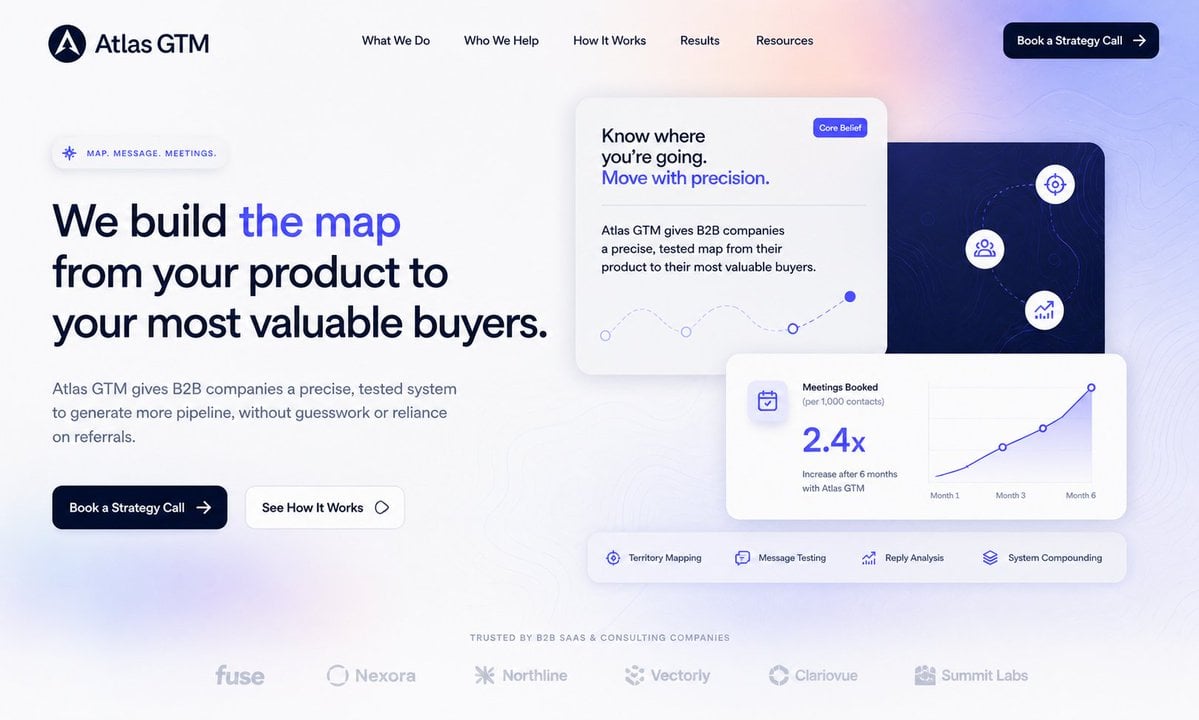
Atlas GTM SaaS Hero Landing Page
NOVALITH SaaS Landing Page Hero

Mintpage AI Landing Page Hero
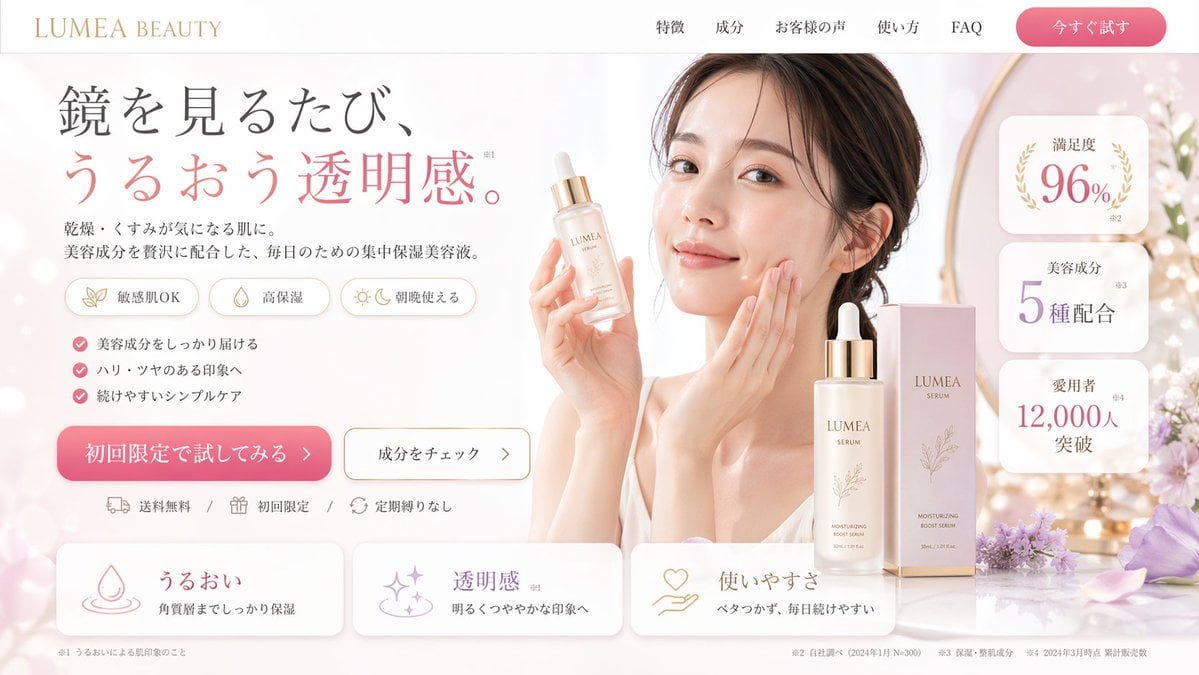
Beauty Product Landing Page Mockup
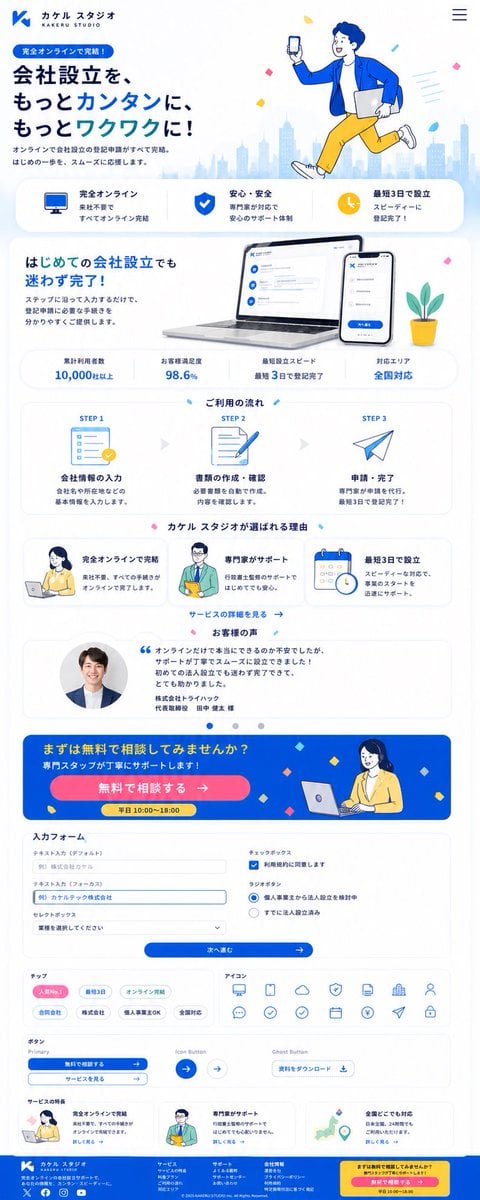
Japanese Company Setup Landing Page

Minecraft Japanese Research Lab Exploration
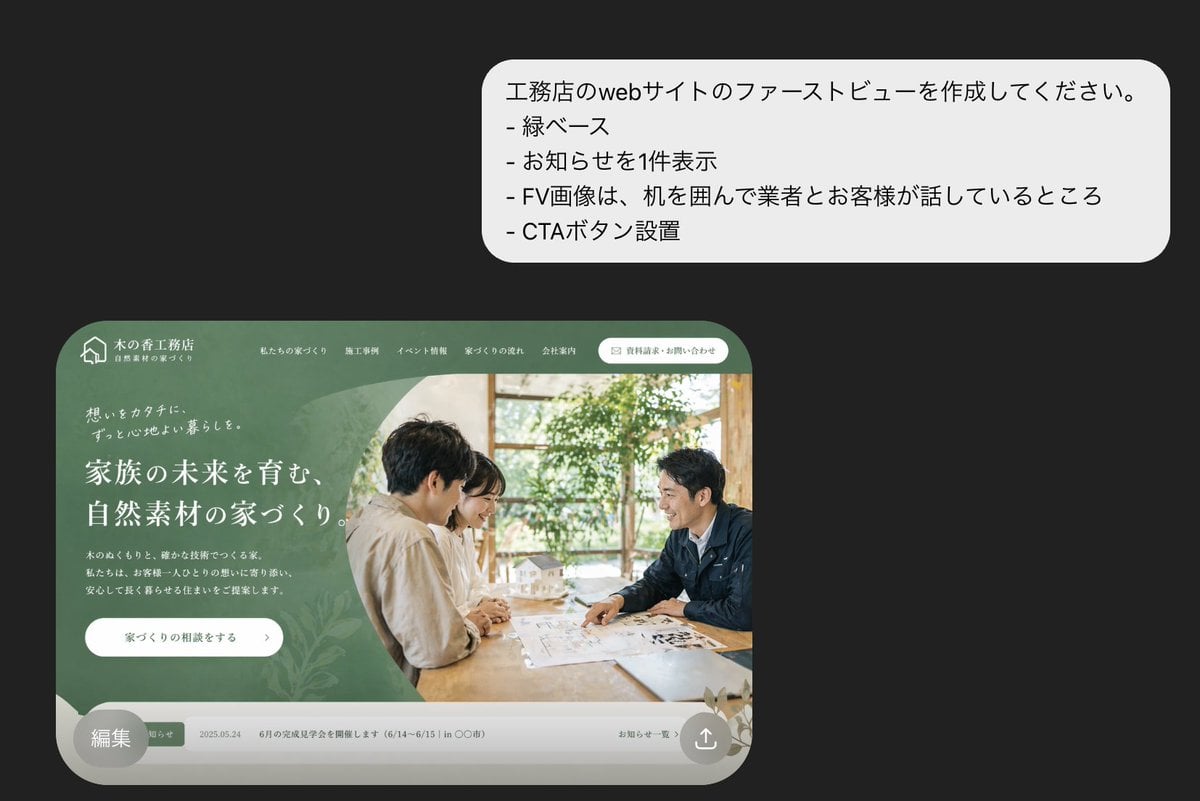
Japanese Builder Website Hero Mockup
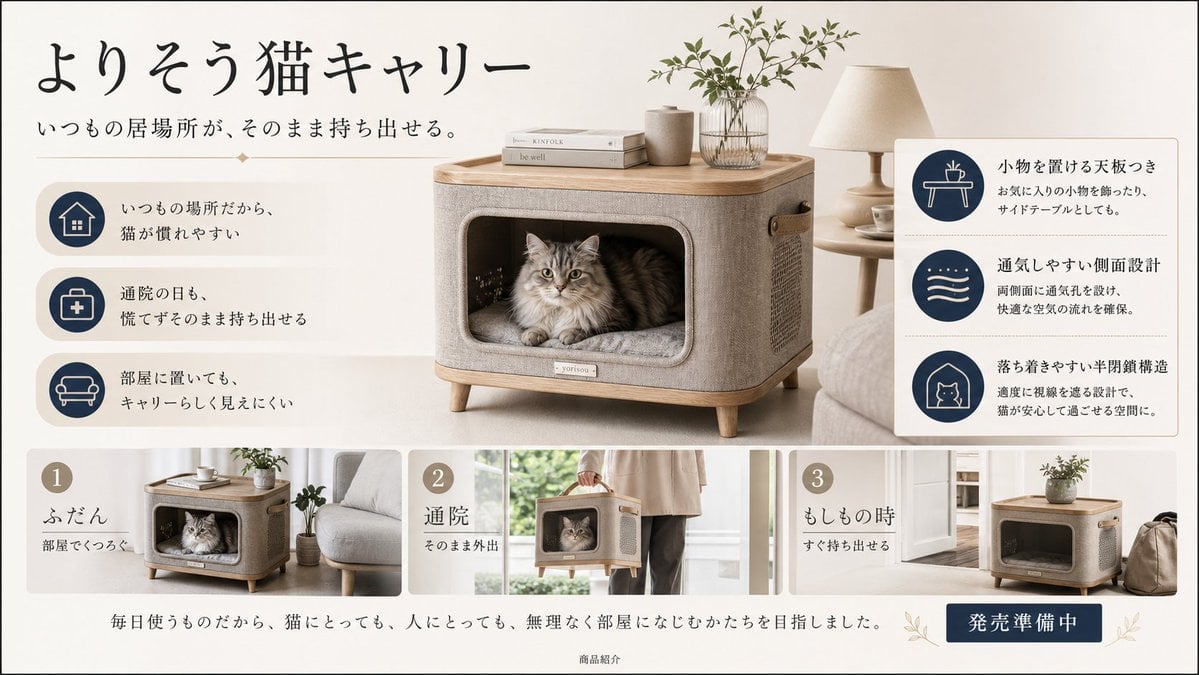
Japanese Cat Carrier Product Ad
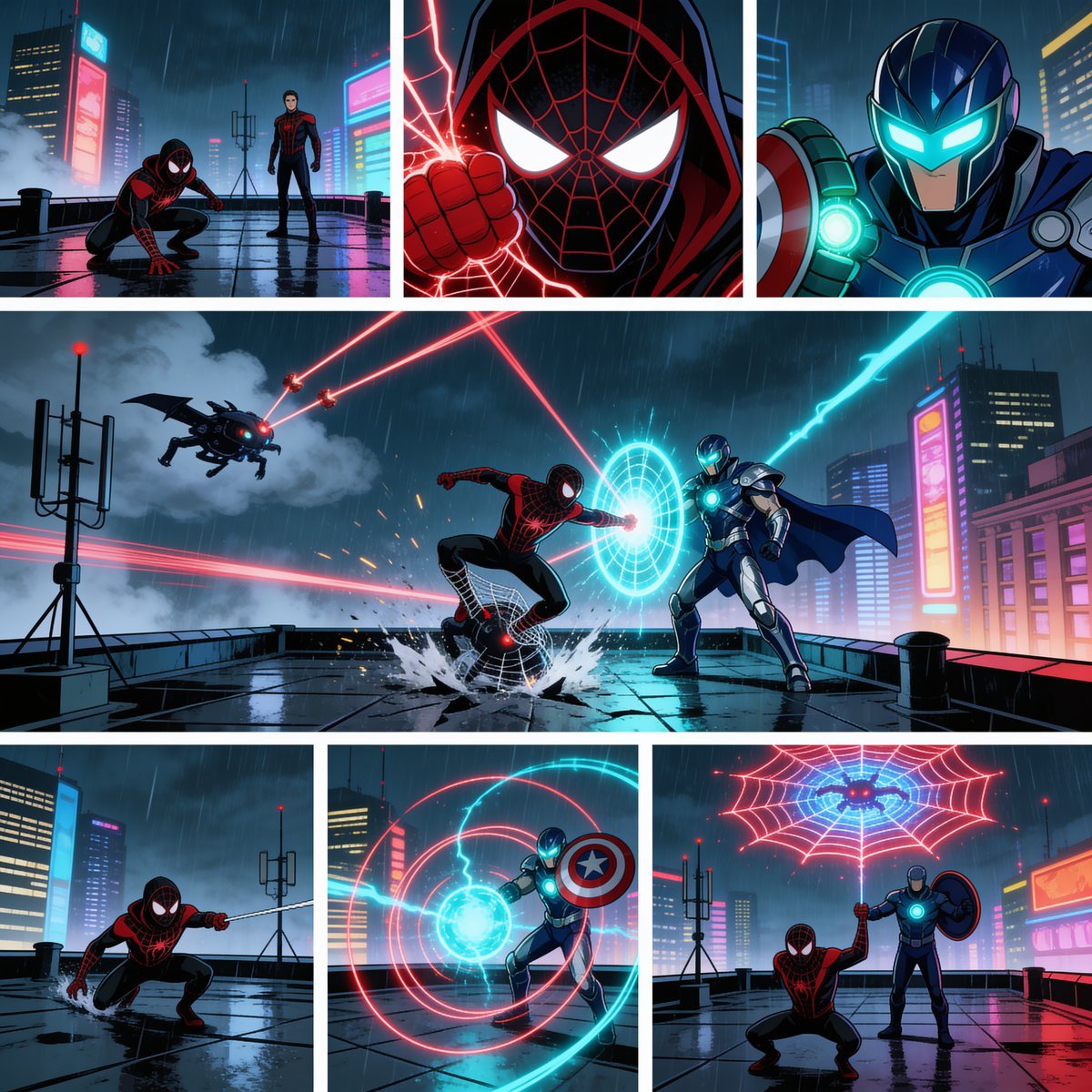
Rainy Cyberpunk Superhero Comic Page
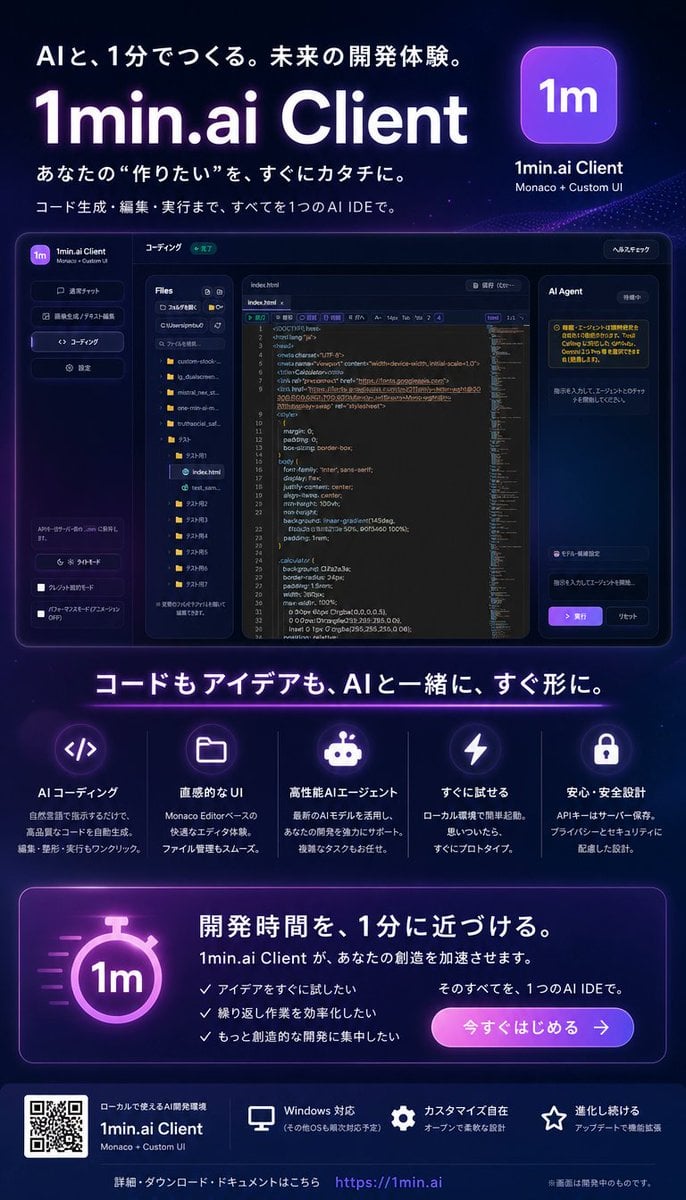
Neon Japanese AI IDE Landing Poster
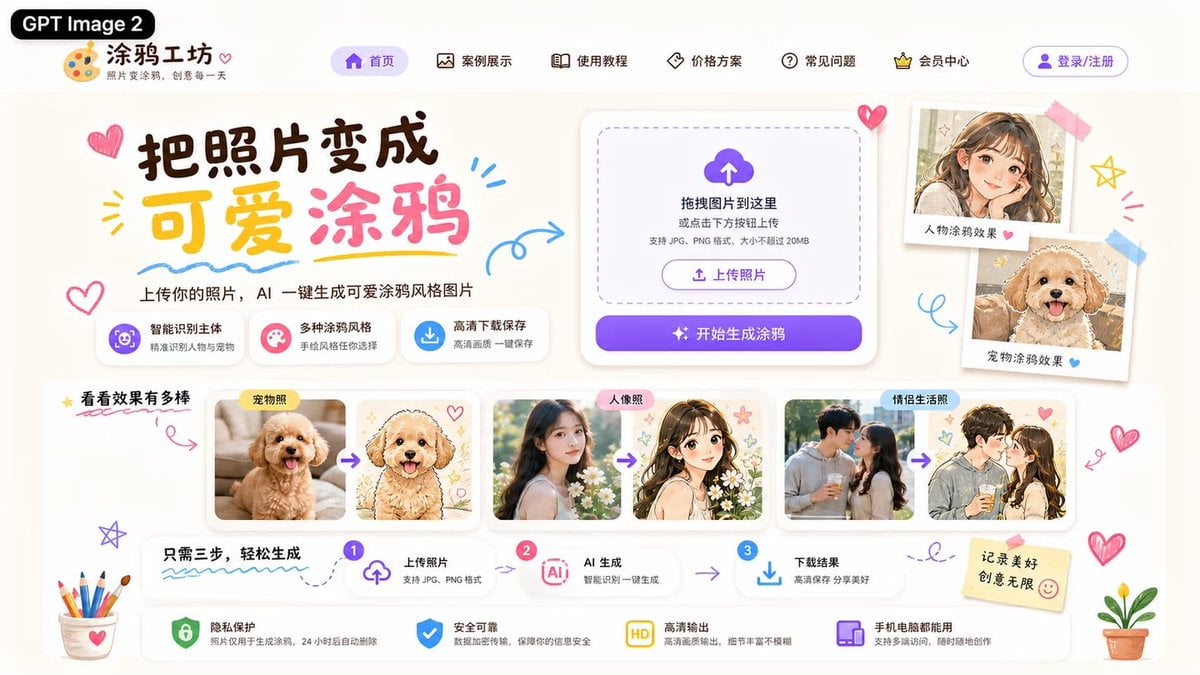
Cute AI Doodle Generator Landing Page
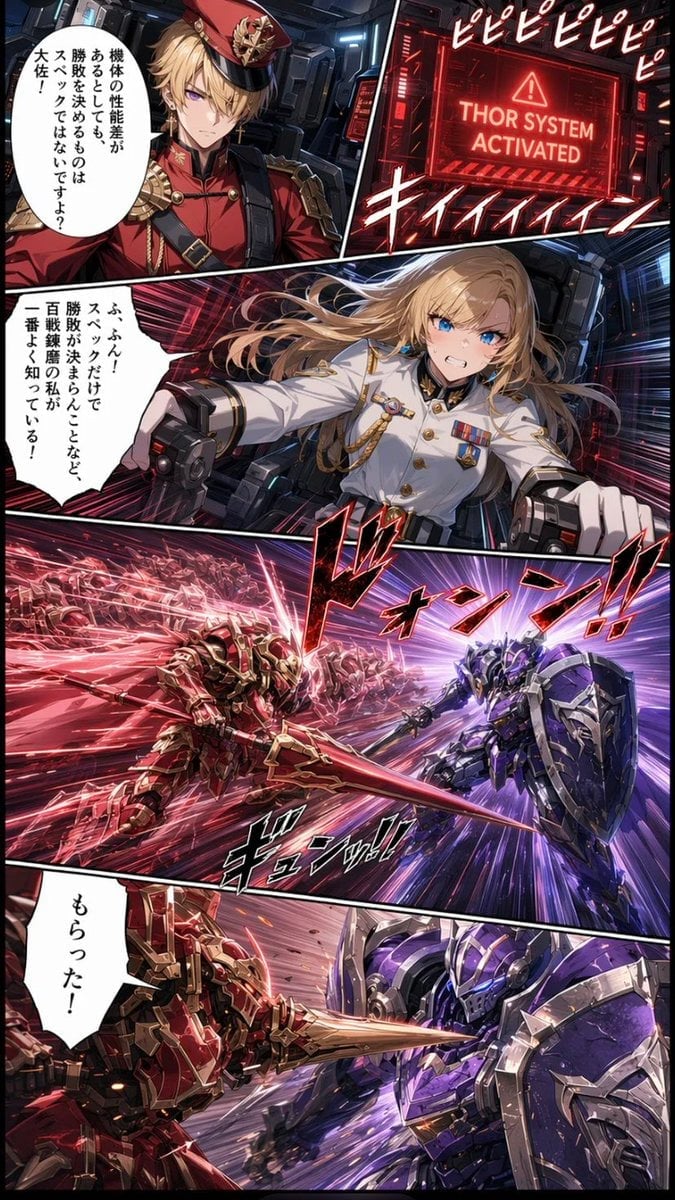
Japanese Webtoon Mecha Battle Page
Make it yours
Japanese AI Product Landing Page Hero works as-is. These are the safest ways to change it without losing the look.
Change one field
Copy a single group, rewrite it, and generate again so you can see what that field is doing.
Keep the frame, change the subject
Hold the composition and light of Japanese AI Product Landing Page Hero, then swap wardrobe, props or the person for a new take.
| If the result… | Why | Fix |
|---|---|---|
| The result drifts from the preview | Too many fields changed at once. | Reuse Japanese AI Product Landing Page Hero as-is first, then change one group — subject, light, or setting. |
| The model over-stylizes the scene | The prose prompt leaves finish and camera underspecified. | Add one camera or lighting sentence and stay on GPT Image 2. |
More GPT Image 2 templates
Other prompts made for GPT Image 2.

Six VTuber Japanese Logo Sheet

Realistic Portrait of Woman and Deer

The Vista Modular Condo Poster

AI Model Routing Comparison Infographic

2.5D Anime Art Board

Isometric Productivity Desk Scene

New York Double Exposure Poster

Four-Panel AI Landscape Comparison

Japanese Tatami Lifestyle Magazine Cover

NESCAFÉ Coffee Map Poster
More image prompts
Fresh picks from across the catalog.
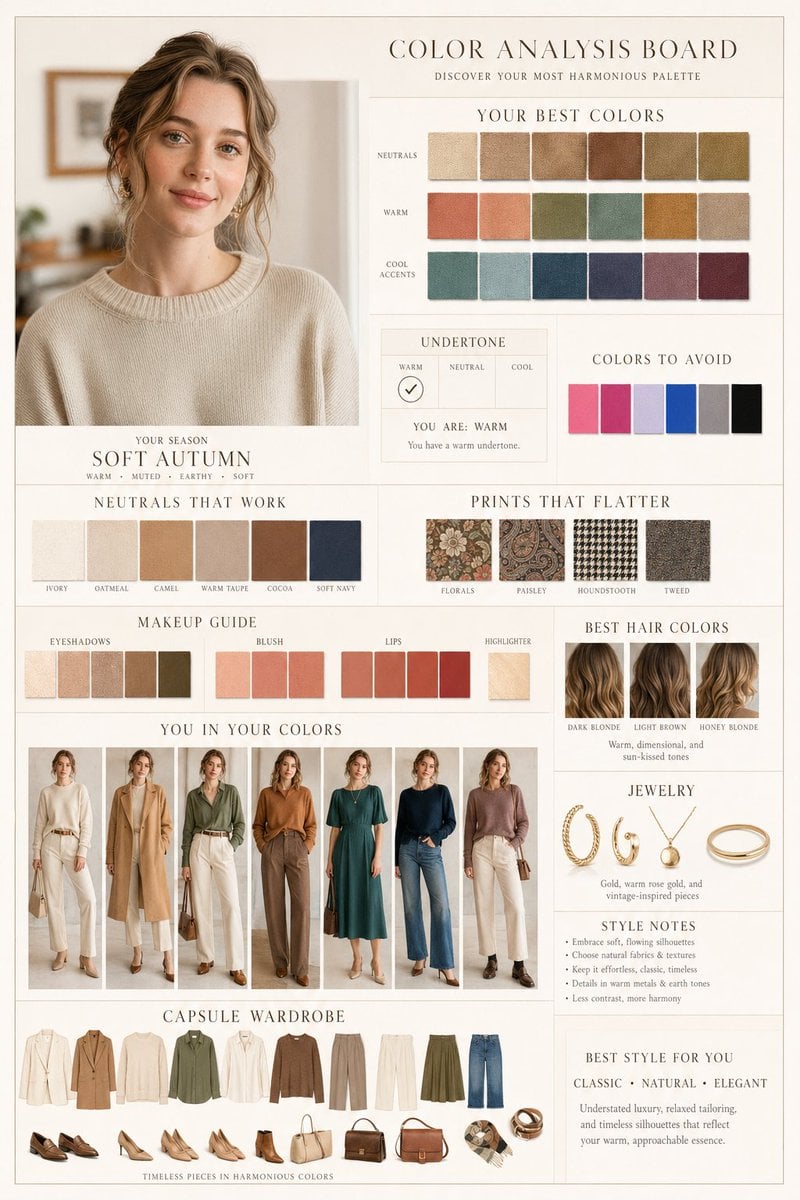
Luxury Fashion Color Analysis Board

Vogue Magazine Cover Style Fashion Portrait
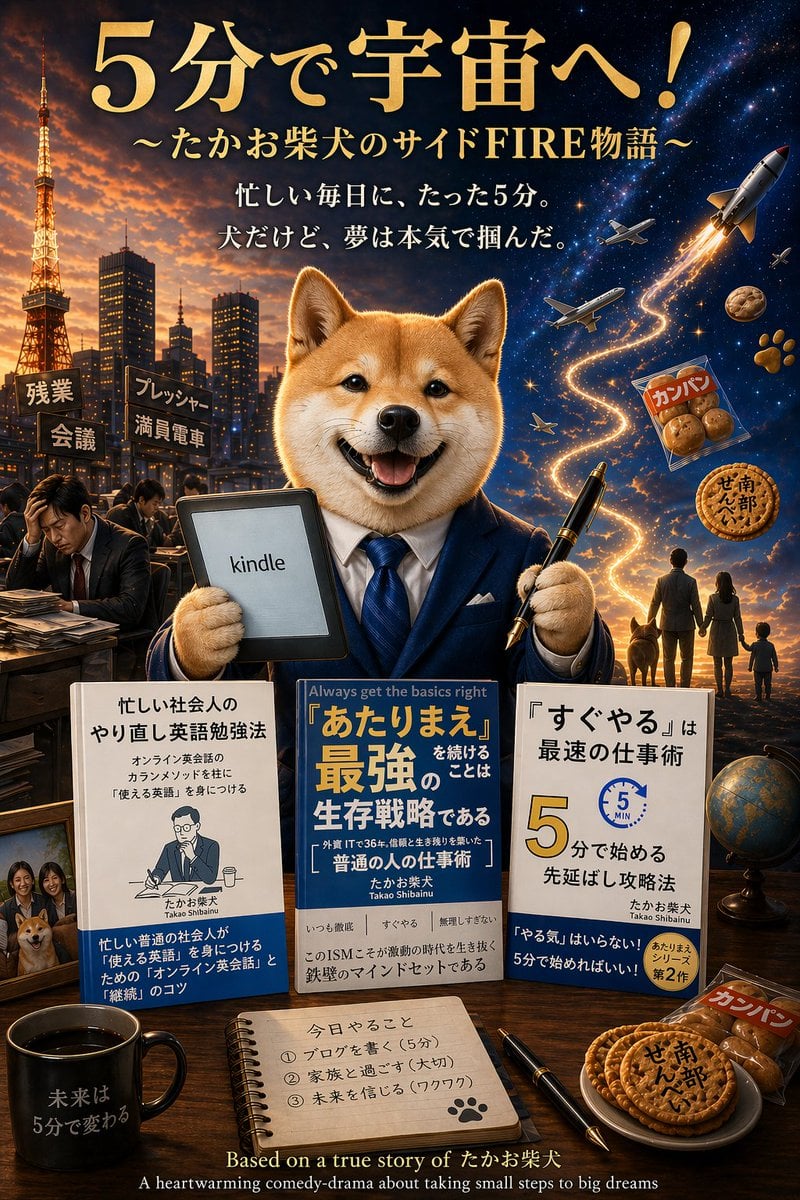
Shiba Inu Space Dream Poster

Explosive Japanese X Monetization Thumbnail

Iridescent Water Phone Wallpaper

Candid Identity Reference Portrait

X Minahil42298354 Subject a Heartwarming Portrait
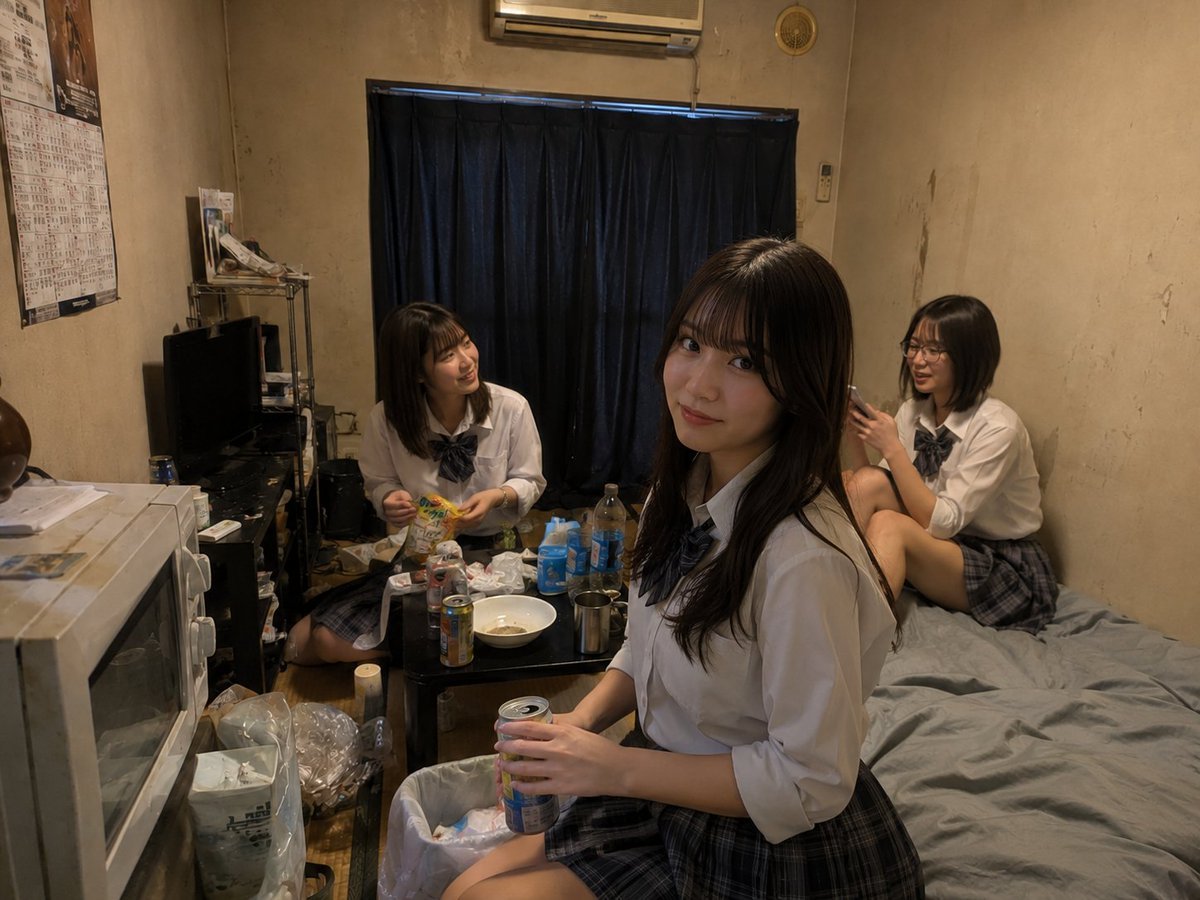
Messy Room Student Hangout
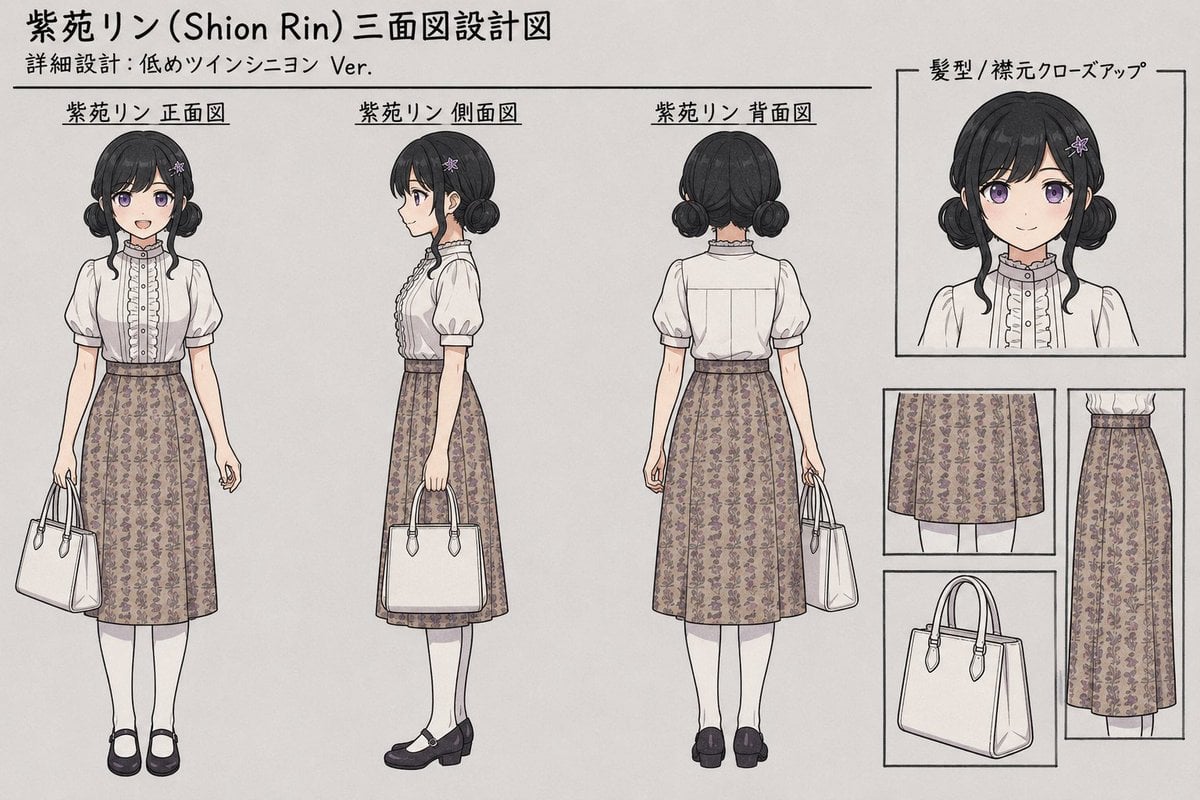
Shion Rin Three-View Design Sheet

Vintage Americana Desert Illustration
Browse template categories
Japanese AI Product Landing Page Hero questions
How do I use the Japanese AI Product Landing Page Hero template?
Add your photo if the template asks for one, edit the prompt if you like — the template's model and format are already selected — and press Generate. Your version opens in PicX Studio.
Can I customize the Japanese AI Product Landing Page Hero template?
Yes. You can change the subject, setting, lighting, mood, format, and available model controls before creating your image.
Is the Japanese AI Product Landing Page Hero template free?
Opening and editing this template is free. Generating uses credits, shown on the Generate button when you are signed in.
Which AI model should I use?
Start with GPT Image 2, which is the model associated with this template. You can compare another compatible model for a different finish.
Looking for something else? Browse all templates.

Your photo, any look
Thousands of ready templates for every top image and video model, from one credit balance.