
Japanese Webtoon Mecha Battle Page
A detailed prompt for generating a vertical Japanese webtoon manga page with cockpit drama, a red alert system, and a high-speed mecha duel.
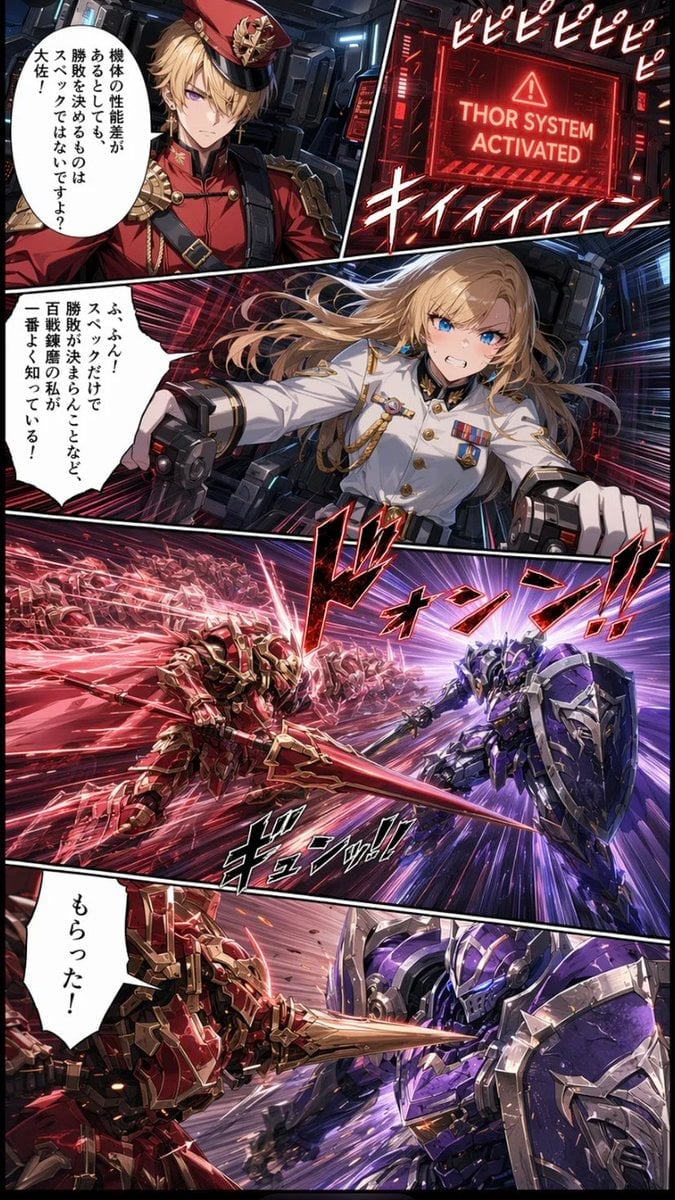
- Prompt included
- Model and format preset
- Premium template
The prompt behind this image
Copy the exact prompt behind Japanese Webtoon Mecha Battle Page, or open it in the studio and make it yours.
Goal: Create a vertical Japanese webtoon-style mecha battle manga page with dramatic diagonal paneling, glossy anime rendering, intense motion lines, red and purple sci-fi lighting, and high-contrast cinematic action. Canvas: Tall vertical comic page, approximately 2:3 aspect ratio, full bleed, black gutters between panels, dense detail, polished GPT-image anime/webtoon look. Layout: Use exactly 5 comic panels arranged from top to bottom. Panel 1 is the upper-left character close-up, panel 2 is the upper-right warning screen, panel 3 is a wide middle cockpit/action reaction panel, panel 4 is a large wide battle charge panel, and panel 5 is the bottom close-combat impact panel. Panel details: 1. Upper-left panel: A stern young male officer with blond hair and purple eyes stands in a futuristic cockpit. He wears an ornate red military uniform with black trim, gold epaulettes, medals, straps, and a red peaked cap with a gold crest. Add one vertical white Japanese speech bubble reading 「機体の性能差があるとしても、勝敗を決めるものはスペックではないですよ?大佐!」. 2. Upper-right panel: A red glowing sci-fi monitor in a dark cockpit, displaying the English warning text “THOR SYSTEM ACTIVATED” with a triangular alert icon. Surround it with red UI frames and Japanese sound effect lettering repeated at the top, like 「ピピピピピ」, plus a large red-white alarm sound effect near the bottom. 3. Middle panel: A determined young female pilot with long flowing blonde hair and bright blue eyes lunges forward gripping twin control handles inside a futuristic cockpit. She wears a crisp white military uniform with black collar, gold buttons, medals, shoulder cords, and decorative pins. Her expression is fierce and confident. Add one jagged white Japanese speech bubble reading 「ふふん!スペックだけで勝敗が決まらんことなど百戦錬磨のワシが一番よく知っている!」. 4. Large battle panel: Two humanoid mecha clash at extreme speed in outer-space or a neon battlefield corridor. On the left, a red-and-gold armored knight-like mecha charges with a long red energy lance, followed by a swarm-like trail of red afterimages or allied units. On the right, a blue-purple heavily armored mecha with a large shield and sword braces for impact. Use explosive red and violet speed lines converging at the clash. Add large stylized Japanese impact sound effects such as 「ドォンン!!」 and 「ギュンッ!!」. 5. Bottom panel: Close-up continuation of the duel: the red mecha’s lance pierces or strikes the purple mecha’s shield/armor at point-blank range, scattering sparks and debris. The red mecha is on the left, purple mecha on the right, with extreme motion blur and bright energy streaks. Add one vertical white Japanese speech bubble on the left reading 「もらった!」. Visual style: Japanese webtoon manga, high-detail anime faces, sharp line art, saturated red and purple lighting, metallic mecha rendering, dramatic perspective, dense speed effects, glowing energy weapons, cinematic sci-fi cockpit interiors, bold manga sound effects with white outlines and red/black fills. Key customizable elements: The male officer should be {argument name="male officer uniform color" default="red"}; the female pilot should be {argument name="female pilot uniform color" default="white"}; the alert screen text should read {argument name="alert screen text" default="THOR SYSTEM ACTIVATED"}; the left mecha should be {argument name="left mecha color" default="red and gold"}; the right mecha should be {argument name="right mecha color" default="blue-purple and silver"}. Constraints: Keep exactly 5 panels, exactly 3 speech bubbles, and preserve the Japanese manga page feel. Do not add extra characters, extra panels, watermarks, page numbers, or English narration outside the monitor text.
How to use Japanese Webtoon Mecha Battle Page in 3 steps
- 1Upload ImagePNG, JPG or paste
Add your photo
Upload the photo the template builds on. The prompt, model and format are already set.
- 2…a portrait of your subject in softgolden-hour light, 85mm…
Personalize
Edit the subject and creative details for your destination.
- 3Generate
Generate
Press Generate — your image is created in PicX Studio, so you can compare it with the original and refine one variable at a time.
More like this
Templates with the same subject, style or setup. Open one to see its prompt.
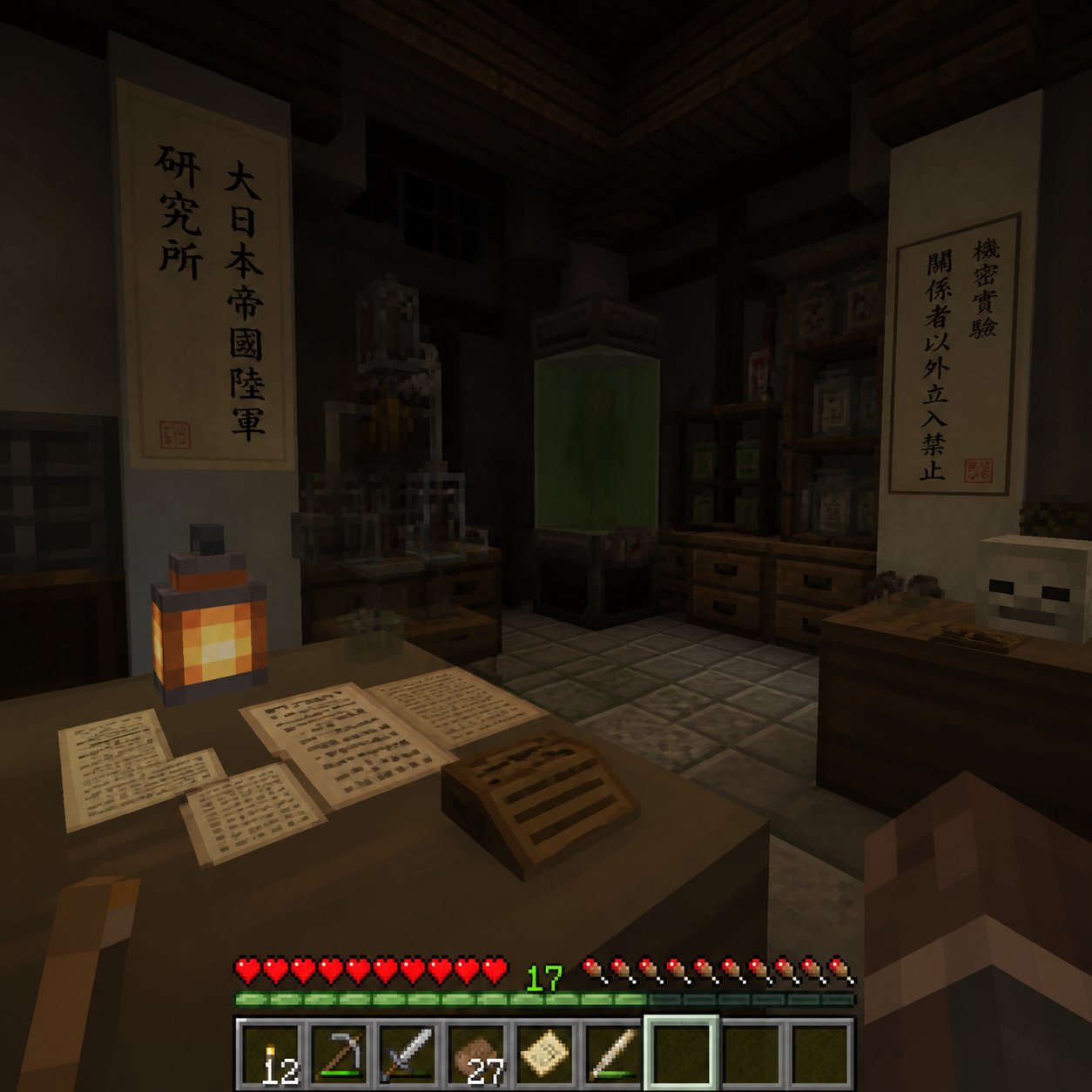
Minecraft Japanese Research Lab Exploration
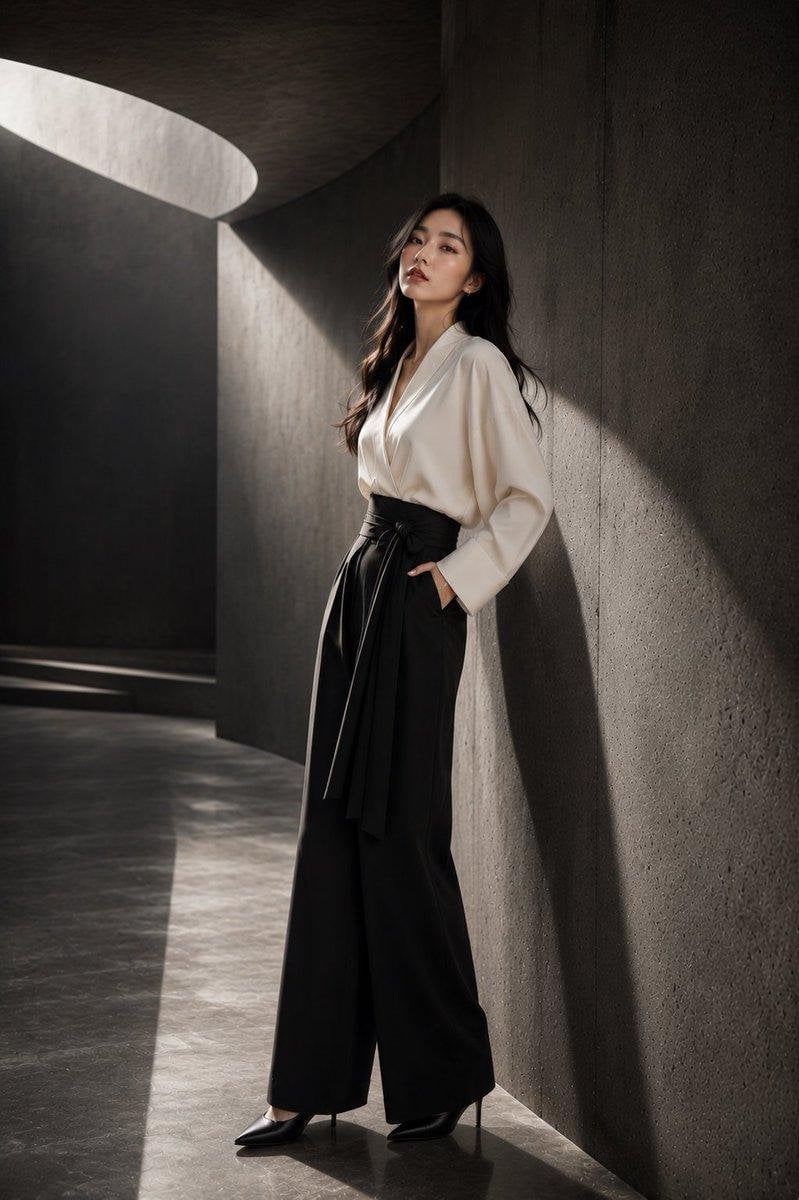
Japanese Architectural Concrete Studio Fashion Campaign
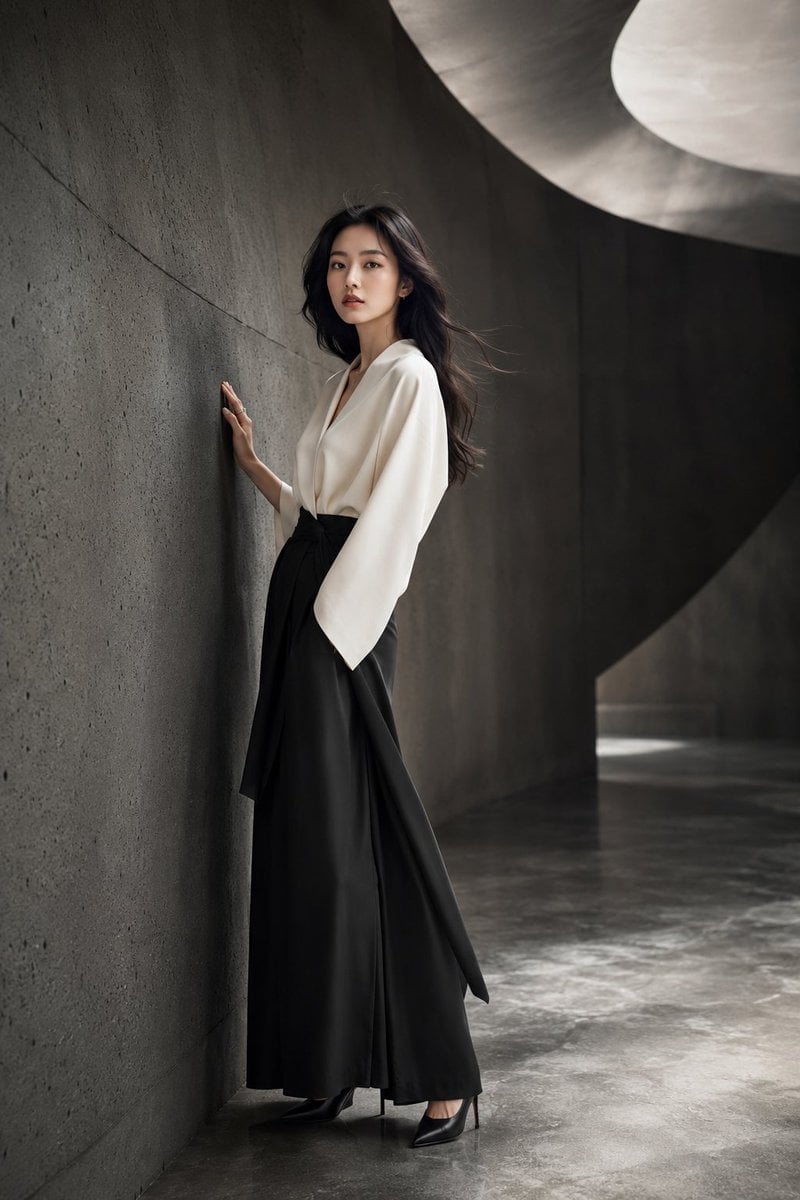
Japanese Minimalist Concrete Studio Fashion Editorial

Blue Backdrop Luxury Fashion Portrait Campaign
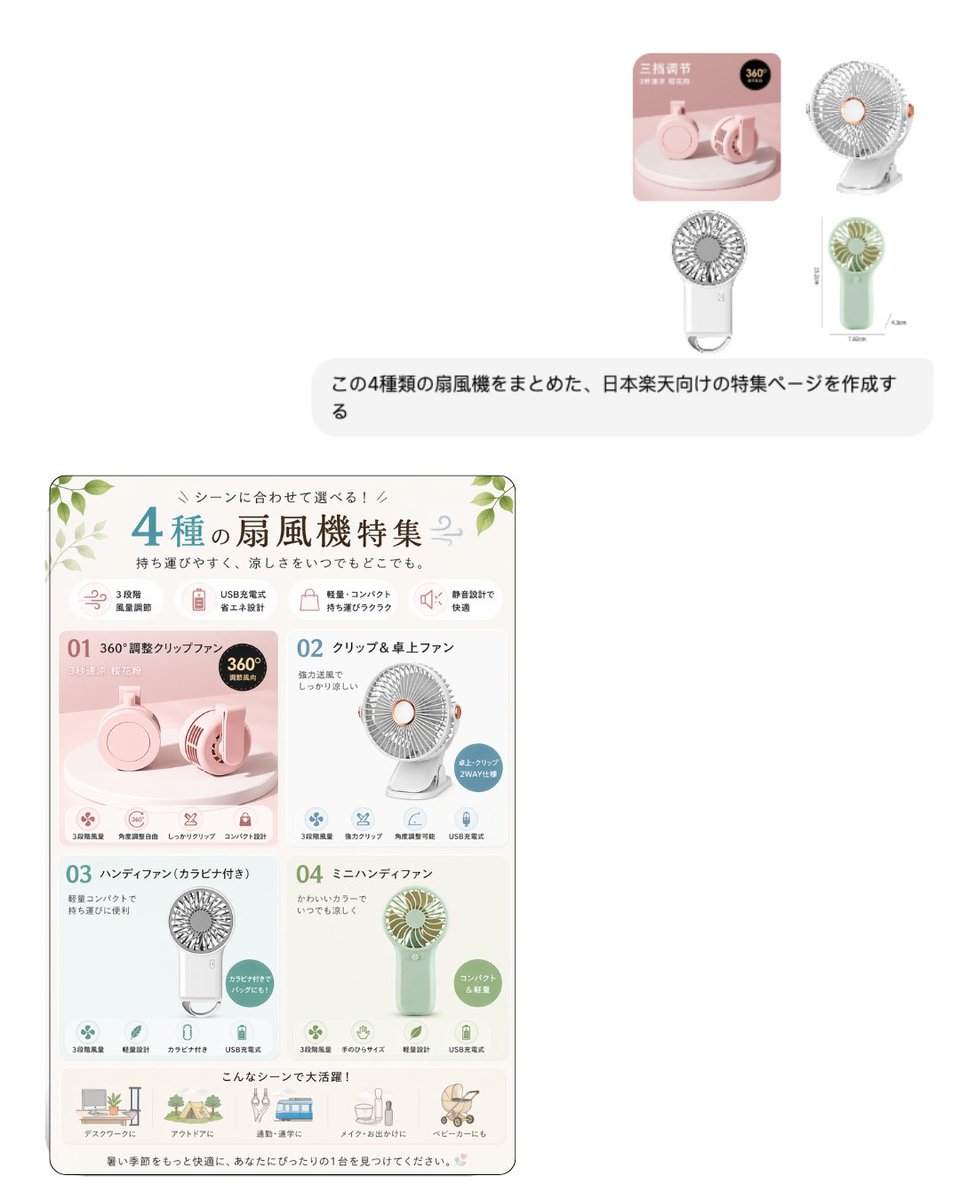
Japanese EC Portable Fan Feature Page
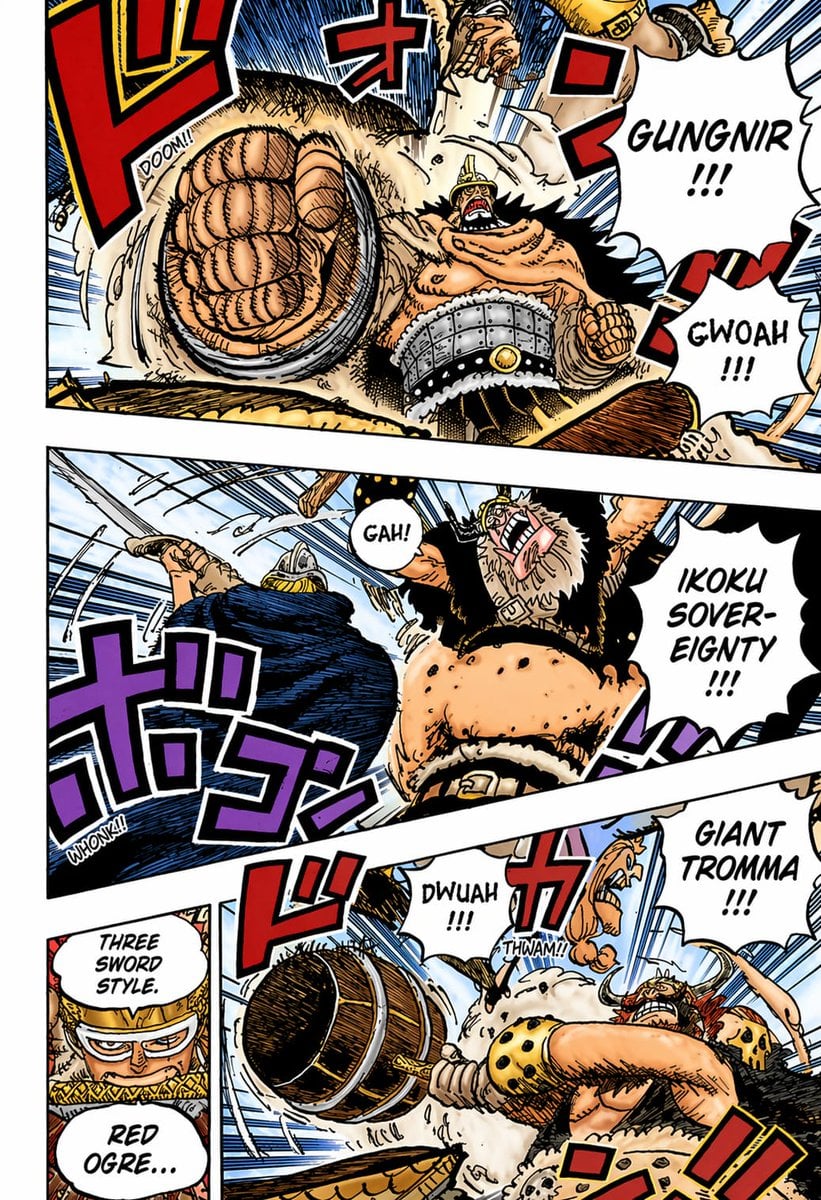
Colored Shonen Manga Battle Page
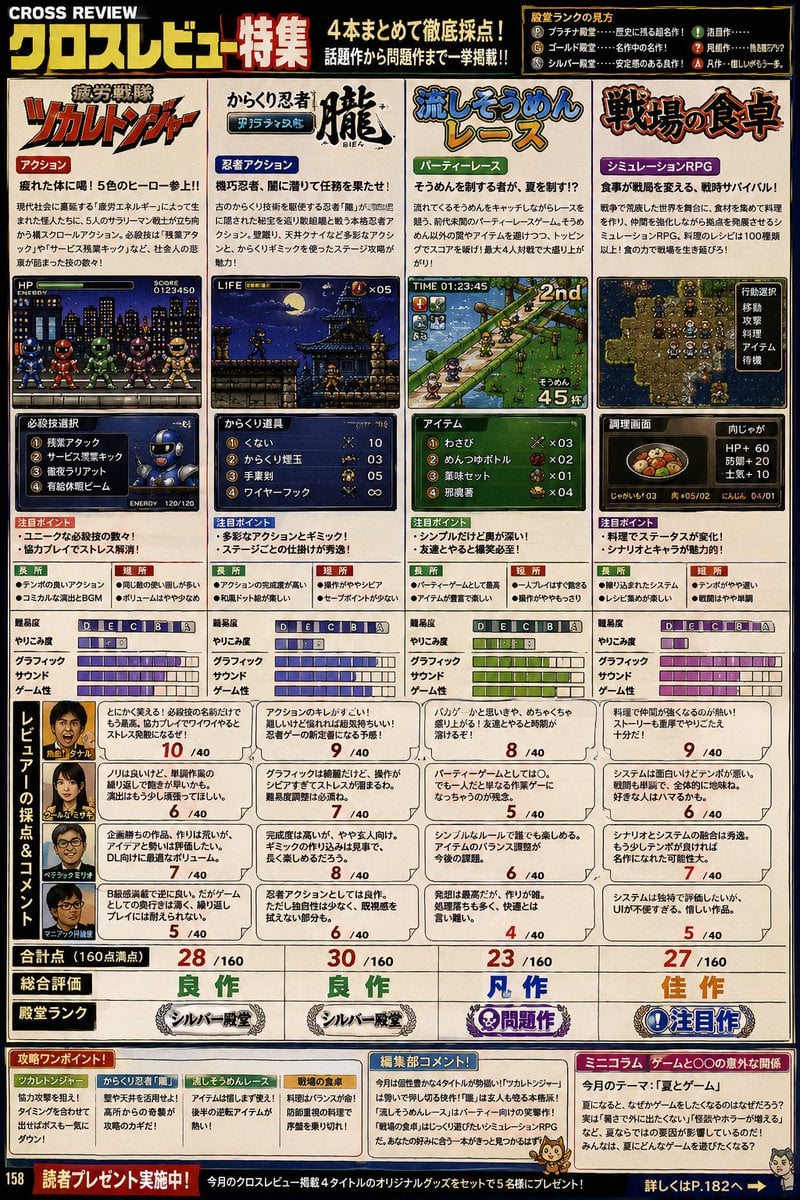
Retro Japanese Gaming Magazine Review Page
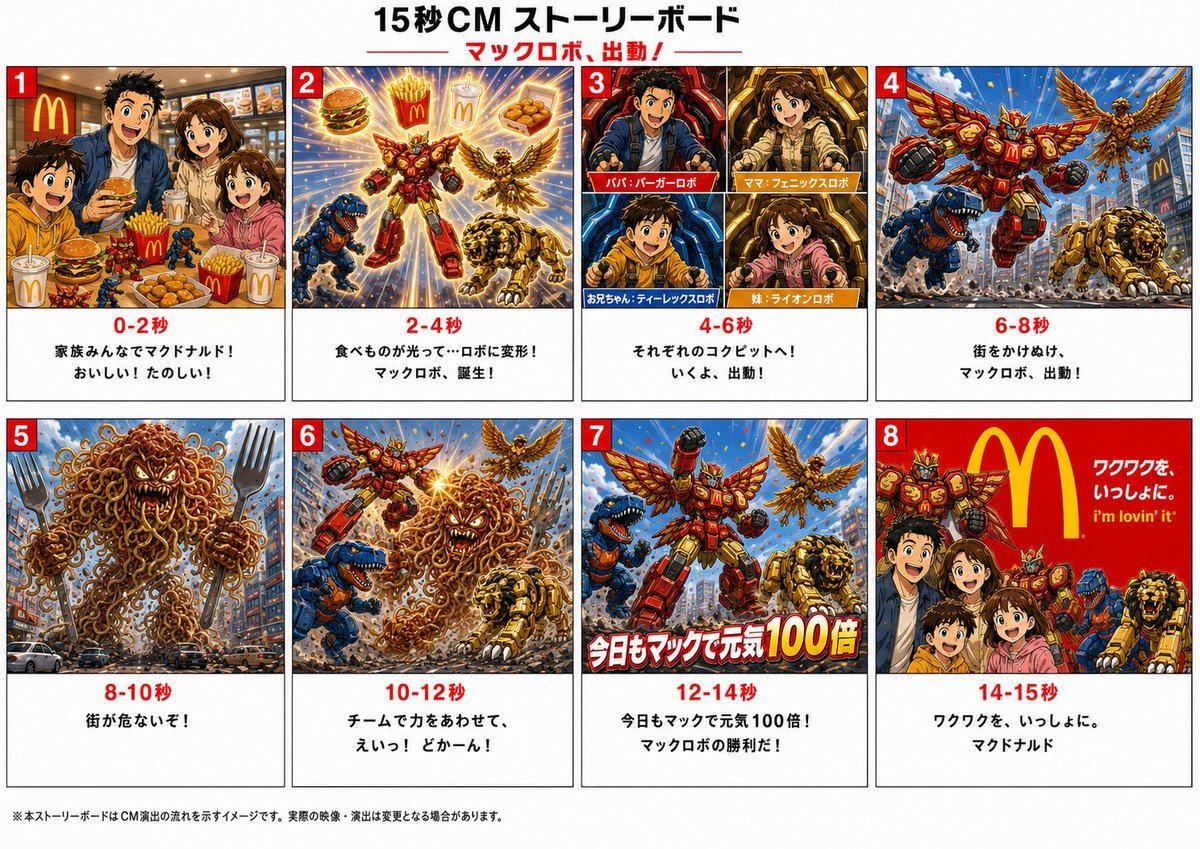
Japanese Mecha Fast Food Storyboard
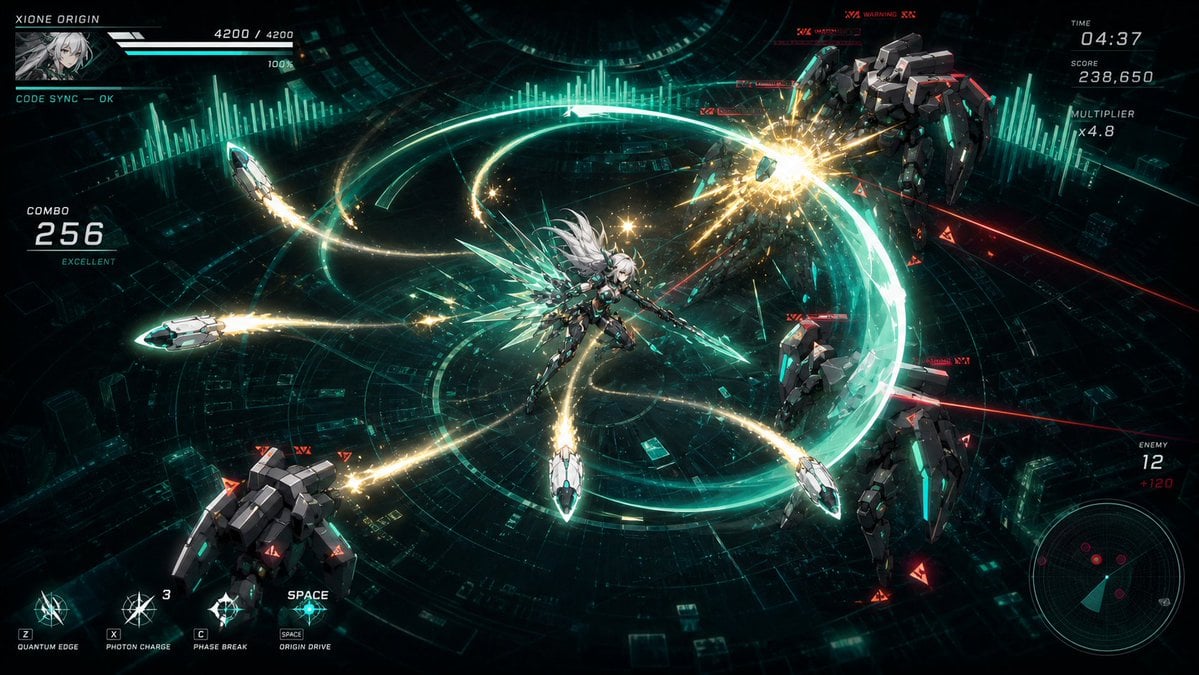
Cyber Angel Mecha Battle HUD
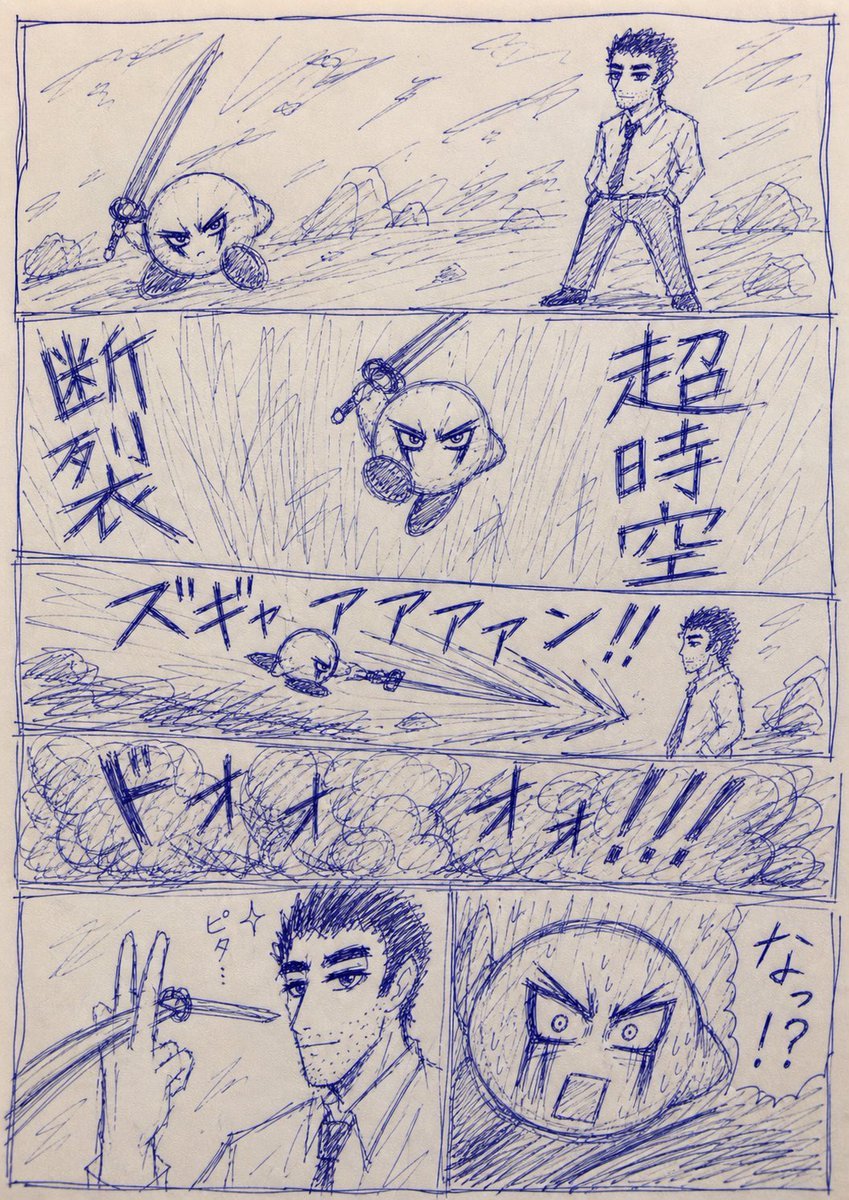
Blue Pen Cringe Manga Battle Page
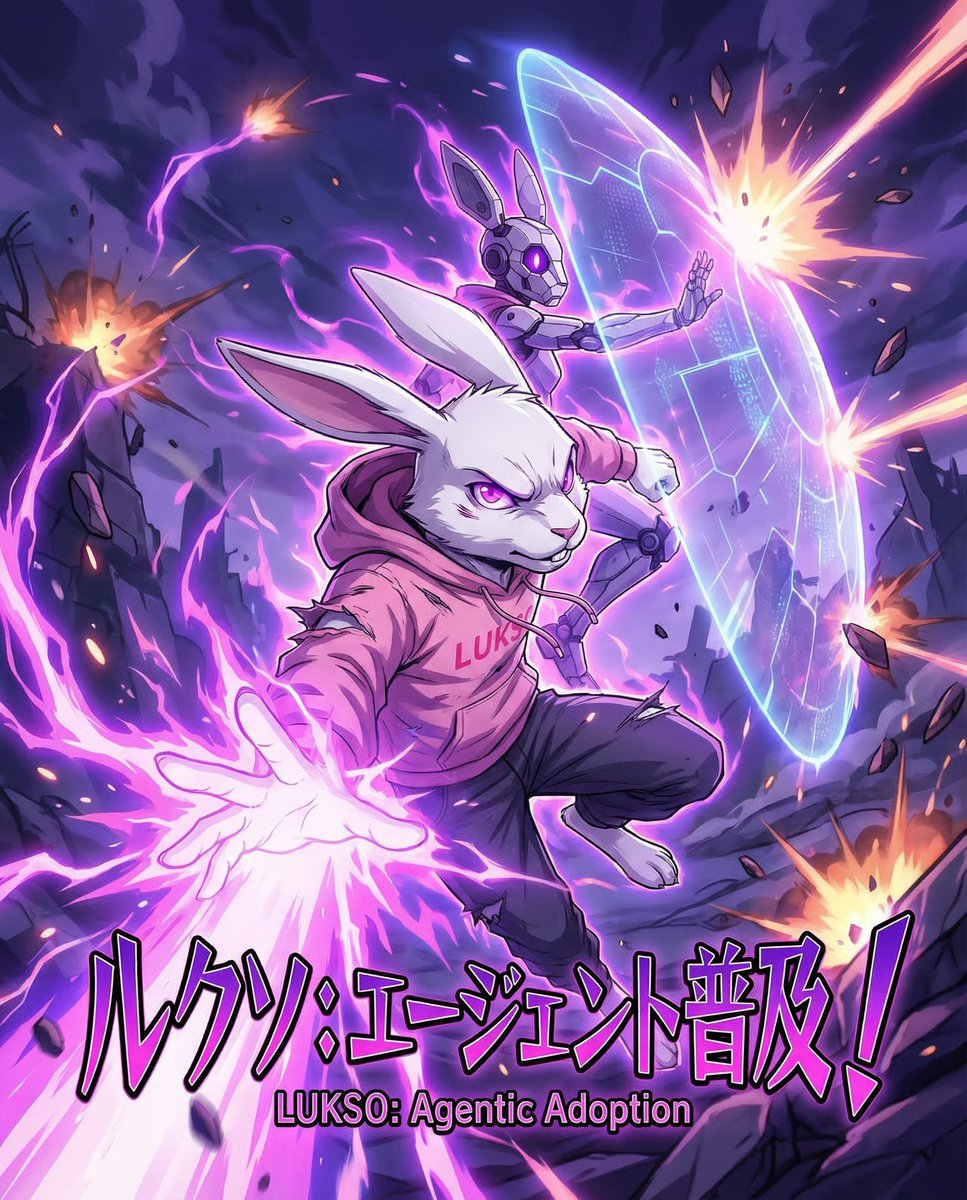
Dynamic Anime Battle Poster with Japanese Text

Gpt2 Youtube Thumbnail Japanese Ai Battle Youtube Thumbnail
Make it yours
Japanese Webtoon Mecha Battle Page works as-is. These are the safest ways to change it without losing the look.
Change one field
Copy a single group, rewrite it, and generate again so you can see what that field is doing.
Keep the frame, change the subject
Hold the composition and light of Japanese Webtoon Mecha Battle Page, then swap wardrobe, props or the person for a new take.
| If the result… | Why | Fix |
|---|---|---|
| The result drifts from the preview | Too many fields changed at once. | Reuse Japanese Webtoon Mecha Battle Page as-is first, then change one group — subject, light, or setting. |
| The model over-stylizes the scene | The prose prompt leaves finish and camera underspecified. | Add one camera or lighting sentence and stay on GPT Image 2. |
More GPT Image 2 templates
Other prompts made for GPT Image 2.

Realistic Portrait of Woman and Deer

The Vista Modular Condo Poster

AI Model Routing Comparison Infographic

2.5D Anime Art Board

Isometric Productivity Desk Scene

New York Double Exposure Poster

Four-Panel AI Landscape Comparison

Japanese Tatami Lifestyle Magazine Cover

NESCAFÉ Coffee Map Poster

Brutalist Cogito Chinese Typography Poster
More image prompts
Fresh picks from across the catalog.
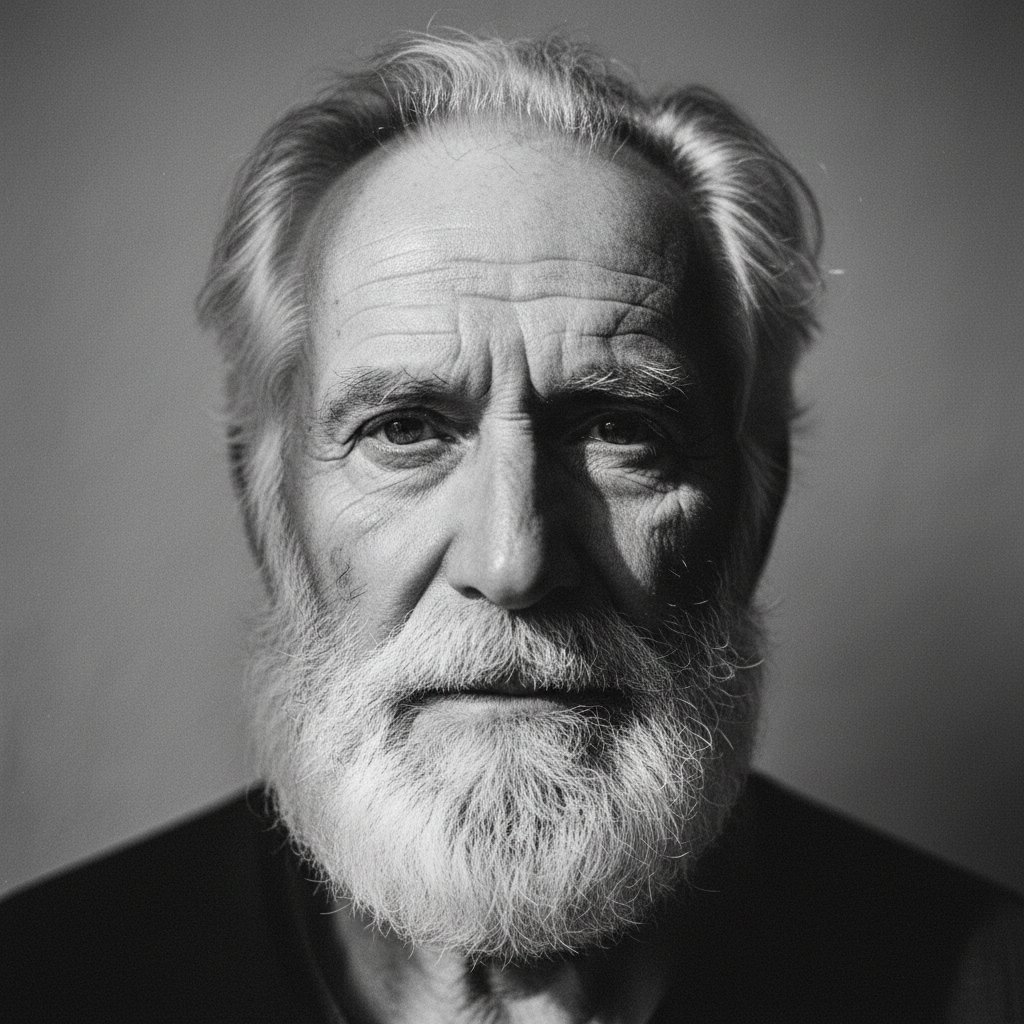
Elderly bearded man black-and-white portrait
Kawaii Anime Sticker Sheet

Gpt2 E Commerce Main Image Skincare Product Studio Shot

Golden Hour Fitness Muse

Cinematic Meadow Portrait
Kijiro Cat Rider Movie Poster
JAL First Class Cabin Interior

Vinyl Record Store Illusion Portrait
Mad Max Wasteland Survivor Film Still
Cinematic Beyblade Rooftop Launch
Browse template categories
Japanese Webtoon Mecha Battle Page questions
How do I use the Japanese Webtoon Mecha Battle Page template?
Add your photo if the template asks for one, edit the prompt if you like — the template's model and format are already selected — and press Generate. Your version opens in PicX Studio.
Can I customize the Japanese Webtoon Mecha Battle Page template?
Yes. You can change the subject, setting, lighting, mood, format, and available model controls before creating your image.
Is the Japanese Webtoon Mecha Battle Page template free?
Opening and editing this template is free. Generating uses credits, shown on the Generate button when you are signed in.
Which AI model should I use?
Start with GPT Image 2, which is the model associated with this template. You can compare another compatible model for a different finish.
Looking for something else? Browse all templates.

Your photo, any look
Thousands of ready templates for every top image and video model, from one credit balance.