
Kijiro Cat Rider Movie Poster
A detailed prompt for generating a fictional Japanese animated film poster featuring an adventurous cat motorcyclist on a coastal fantasy journey.
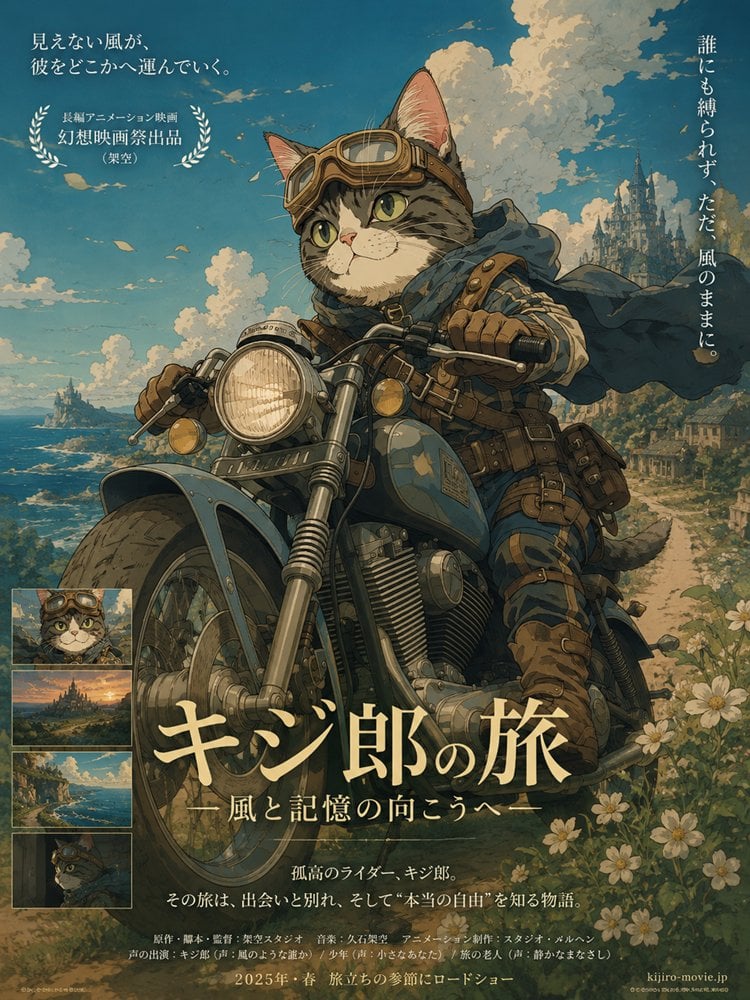
- Prompt included
- Model and format preset
- Premium template
The prompt behind this image
Copy the exact prompt behind Kijiro Cat Rider Movie Poster, or open it in the studio and make it yours.
Goal: Create a richly detailed fictional Japanese animated movie poster about an adventurous anthropomorphic cat traveling by motorcycle, with a nostalgic hand-painted anime fantasy style. Canvas: Vertical theatrical poster, 3:4 aspect ratio, warm cinematic composition, full-bleed illustration with layered Japanese typography. Use a soft teal-blue sky, golden sunlight, muted browns, cream highlights, and painterly film-grain texture. Main subject: Center a brave tabby cat rider named {argument name="character name" default="Kijiro"}, shown as a cute but heroic anthropomorphic cat with green eyes, striped fur, large upright ears, and a calm determined expression. The cat wears vintage aviator goggles on its head, a leather helmet strap, blue scarf and windblown cape, rugged blue travel clothes, brown gloves, belts, pouches, knee guards, boots, and small adventurer gear. The cat rides a large vintage blue motorcycle toward the viewer at a low angle; include a big round headlamp, chrome forks, front fender, engine details, handlebars, leather saddlebags, and weathered scratches. Background: A sweeping coastal road curves along cliffs beside a deep blue sea. Add white flowers and greenery in the lower right foreground, distant islands and waves on the left, and a tall fantasy castle city on a hill in the right background. The sky is bright blue with dramatic cream clouds and drifting petals or paper-like flecks, creating a sense of wind and travel. Layout and text: Make the design look like a Japanese theatrical poster. Include exactly 4 small rectangular preview stills stacked vertically along the lower-left side: 1 close-up portrait of the goggled cat, 1 sunset castle landscape, 1 coastal road landscape, and 1 dark side-profile cat portrait. Add a laurel-award block in the upper left with small Japanese festival-style text. Add vertical Japanese tagline text on the upper right. Add a large cream Japanese title across the lower center: {argument name="main title text" default="キジ郎の旅"}. Beneath it add the subtitle {argument name="subtitle text" default="風と記憶の向こうへ"}. Add a small synopsis line in Japanese near the bottom center and dense tiny production credits along the bottom edge. Add a release line reading {argument name="release text" default="2025年・春 旅立ちの季節にロードショー"} and a small fictional website in the bottom right. Visible Japanese copy to include: upper-left tagline “見えない風が、彼をどこかへ運んでいく。”; upper-left award text “長編アニメーション映画 / 幻想映画祭出品 /(架空)”; right vertical tagline “誰にも縛られず、ただ、風のままに。”; synopsis “孤高のライダー、キジ郎。その旅は、出会いと別れ、そして“本当の自由”を知る物語。” Visual style: Detailed 2D anime poster illustration, reminiscent of classic hand-painted adventure animation and fantasy road movies, intricate linework, textured watercolor-gouache shading, cinematic lighting, charming animal character design, aged paper grain, elegant Japanese typography, no photorealism. Constraints: Keep all text integrated as poster typography, avoid modern UI elements, avoid logos or real studio names, do not add extra characters, and keep the motorcycle, cat, castle, ocean road, flowers, and exactly 4 preview stills clearly visible.
How to use Kijiro Cat Rider Movie Poster in 3 steps
- 1Upload ImagePNG, JPG or paste
Add your photo
Upload the photo the template builds on. The prompt, model and format are already set.
- 2…a portrait of your subject in softgolden-hour light, 85mm…
Personalize
Edit the subject and creative details for your destination.
- 3Generate
Generate
Press Generate — your image is created in PicX Studio, so you can compare it with the original and refine one variable at a time.
More like this
Templates with the same subject, style or setup. Open one to see its prompt.

Gpt2 Youtube Thumbnail Wuxia Movie Character Posters

Japan Travel Brochure Poster

Surreal Cat Astronaut — Humanoid Face Freefall

Cartoon TV Show Poster Pack

Trendy Cafe Drink Promo Poster

Urban Fashion Editorial Collage Streetwear Poster

Premium Fashion Editorial Cover Layout System

Polo Ralph Lauren Luxury American Heritage Fashion Campaign

Monochrome Halftone Editorial Fashion Poster

Retro Mirror Luxury Fashion Campaign Poster

Luxury Fashion Campaign Typography Poster System

Premium Fashion Editorial Campaign Poster System
Make it yours
Kijiro Cat Rider Movie Poster works as-is. These are the safest ways to change it without losing the look.
Change one field
Copy a single group, rewrite it, and generate again so you can see what that field is doing.
Keep the frame, change the subject
Hold the composition and light of Kijiro Cat Rider Movie Poster, then swap wardrobe, props or the person for a new take.
| If the result… | Why | Fix |
|---|---|---|
| The result drifts from the preview | Too many fields changed at once. | Reuse Kijiro Cat Rider Movie Poster as-is first, then change one group — subject, light, or setting. |
| The model over-stylizes the scene | The prose prompt leaves finish and camera underspecified. | Add one camera or lighting sentence and stay on GPT Image 2. |
More GPT Image 2 templates
Other prompts made for GPT Image 2.

Six VTuber Japanese Logo Sheet

Realistic Portrait of Woman and Deer

The Vista Modular Condo Poster

AI Model Routing Comparison Infographic

2.5D Anime Art Board

Isometric Productivity Desk Scene

New York Double Exposure Poster

Four-Panel AI Landscape Comparison

Japanese Tatami Lifestyle Magazine Cover

NESCAFÉ Coffee Map Poster
More image prompts
Fresh picks from across the catalog.
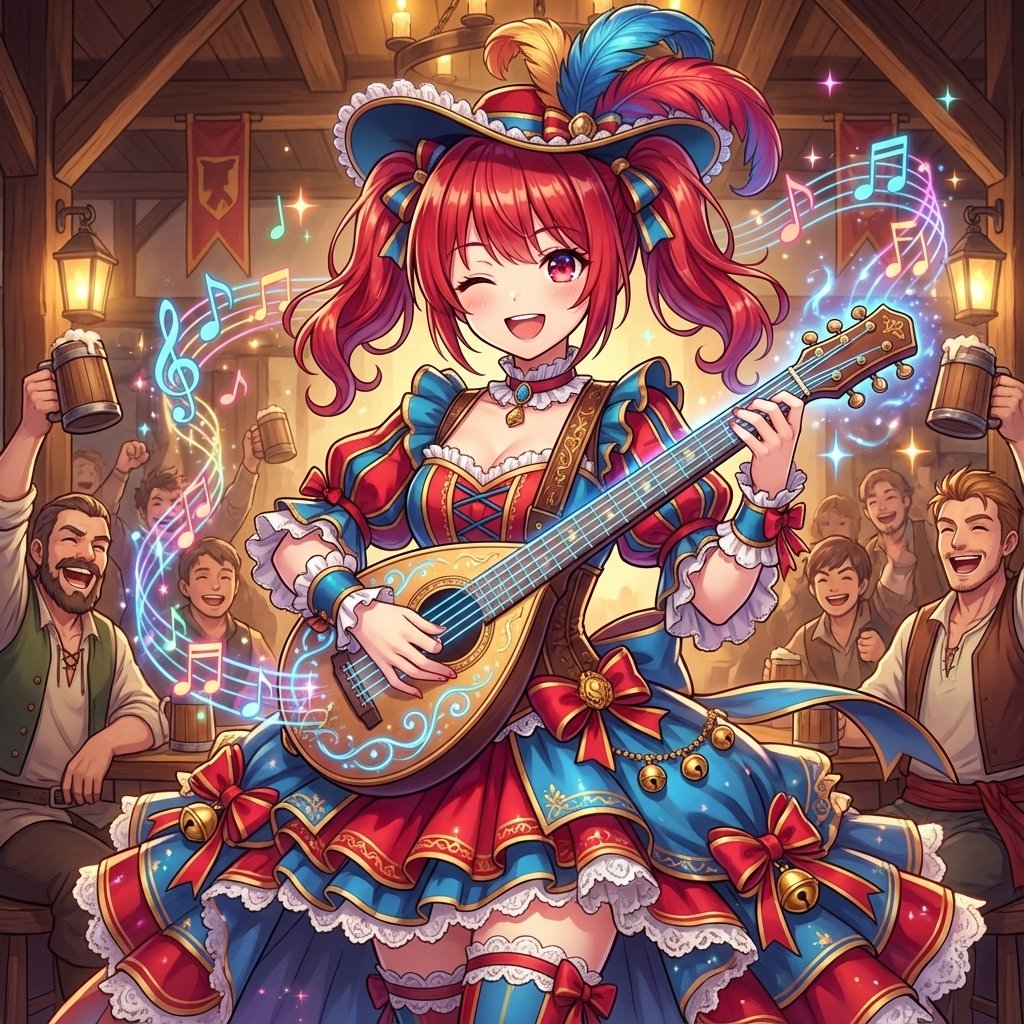
AI Conversion to Bard (Minstrel) Character
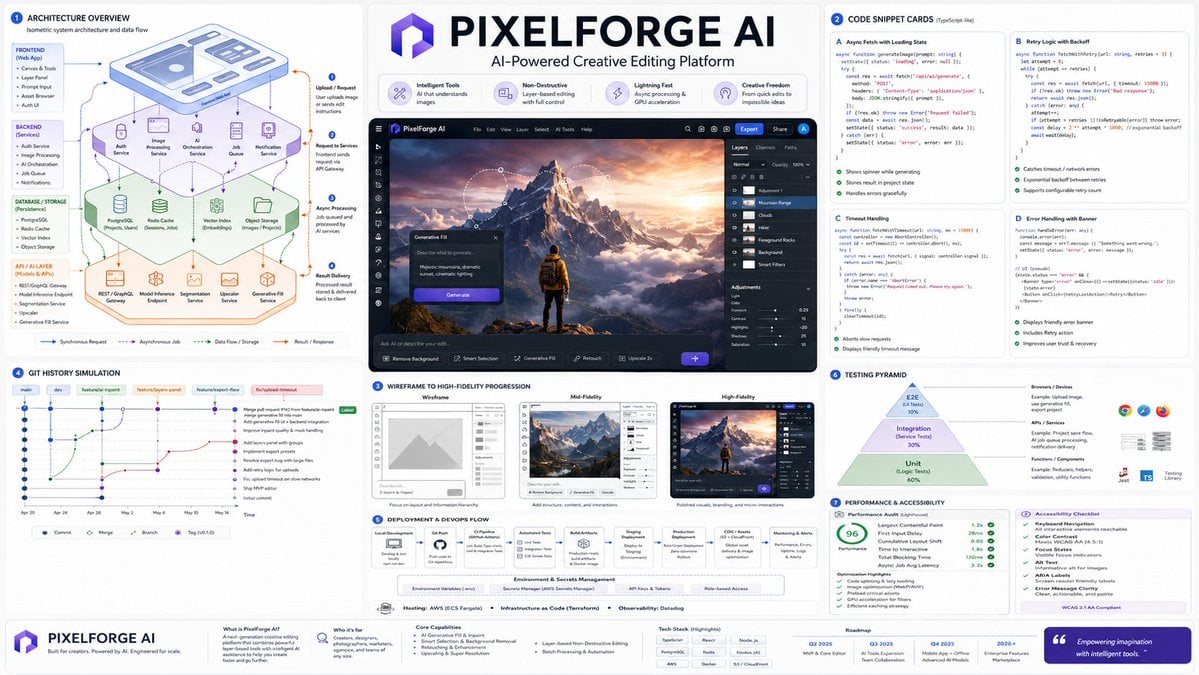
Software Architecture Visualization Diagram
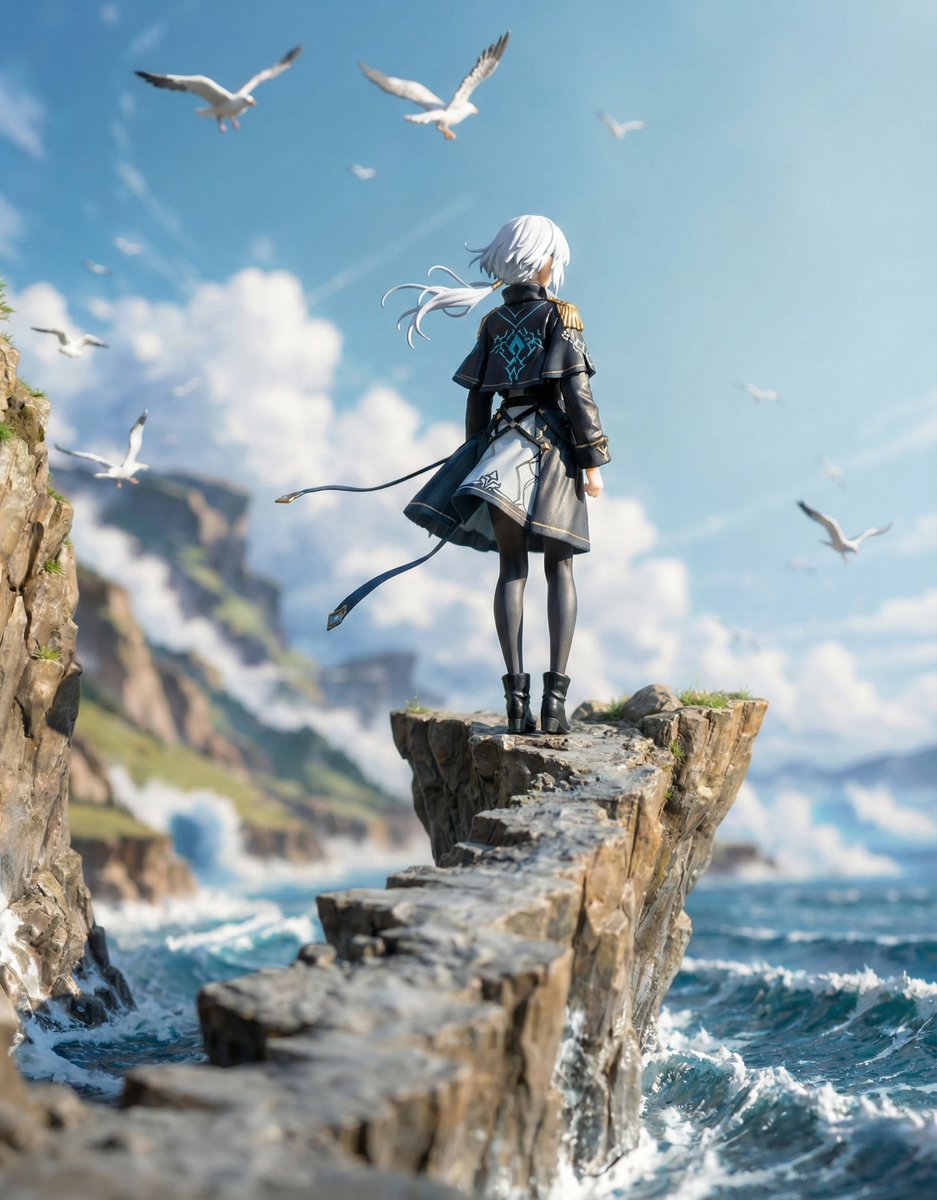
Structured Figure/Diorama Generation Prompt for Nano Banana Pro
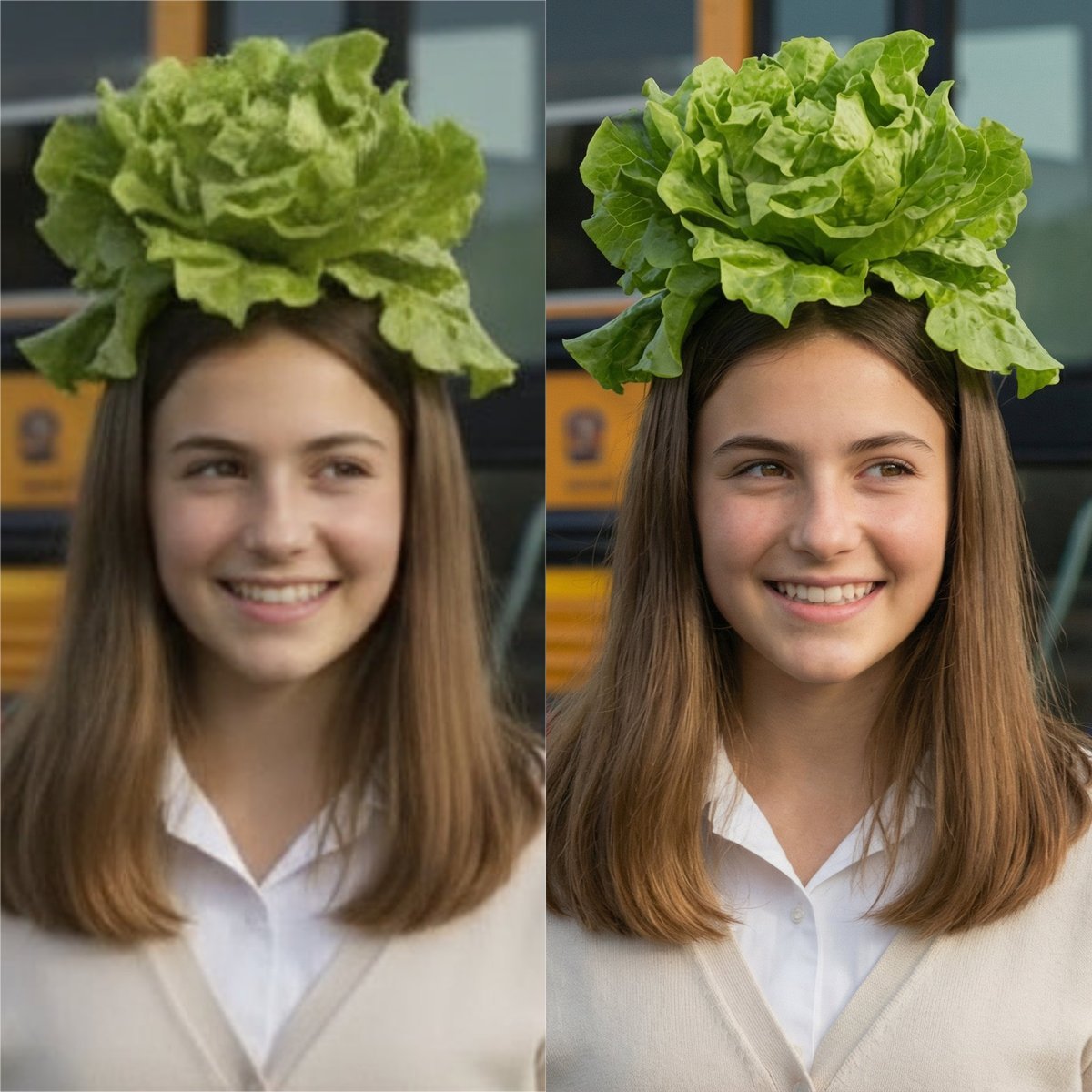
Nano Banana Pro Image Upscaler Prompt
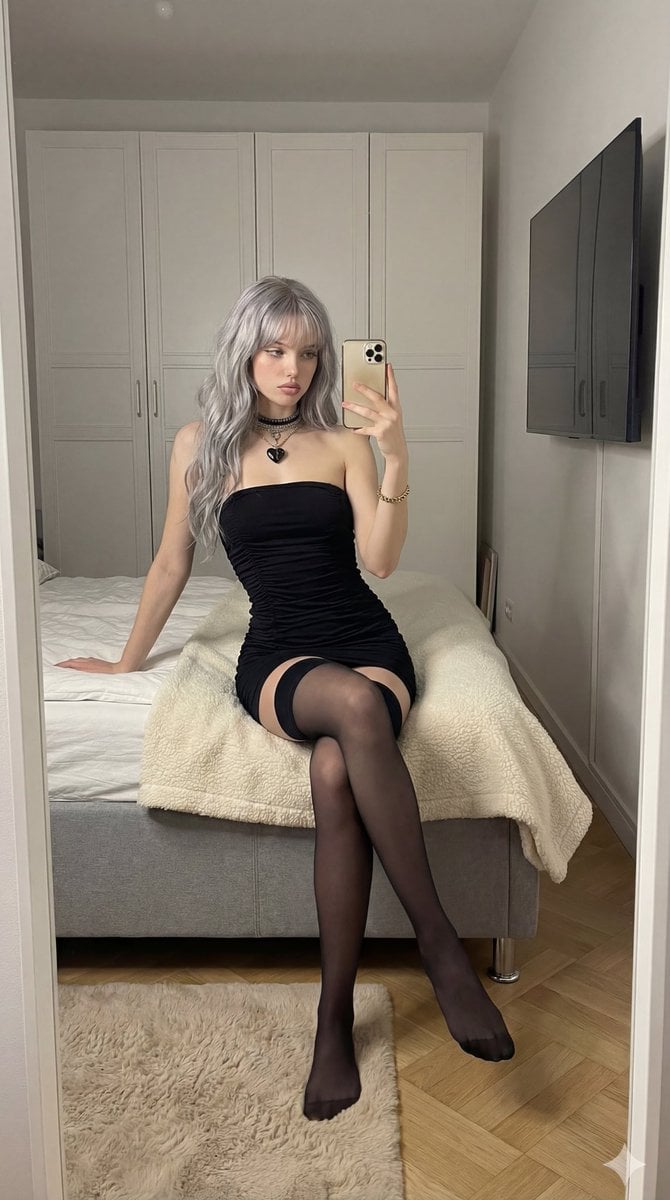
Mirror Selfie in Black Tube Dress Prompt

Hyper-Realistic Cinematic Football Stadium on a Smartphone Screen
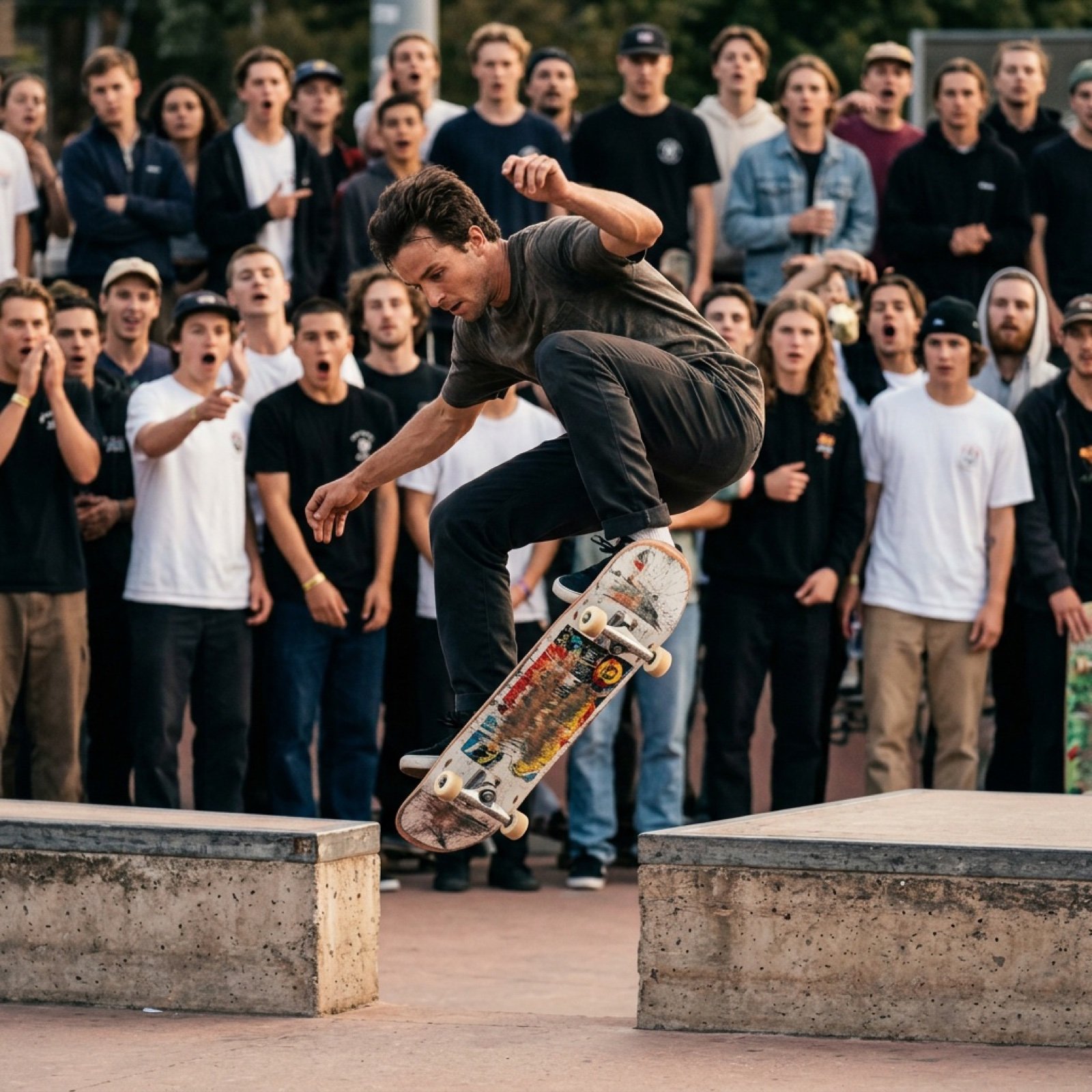
Grok Video Prompt: High-Speed Skateboard Tricks
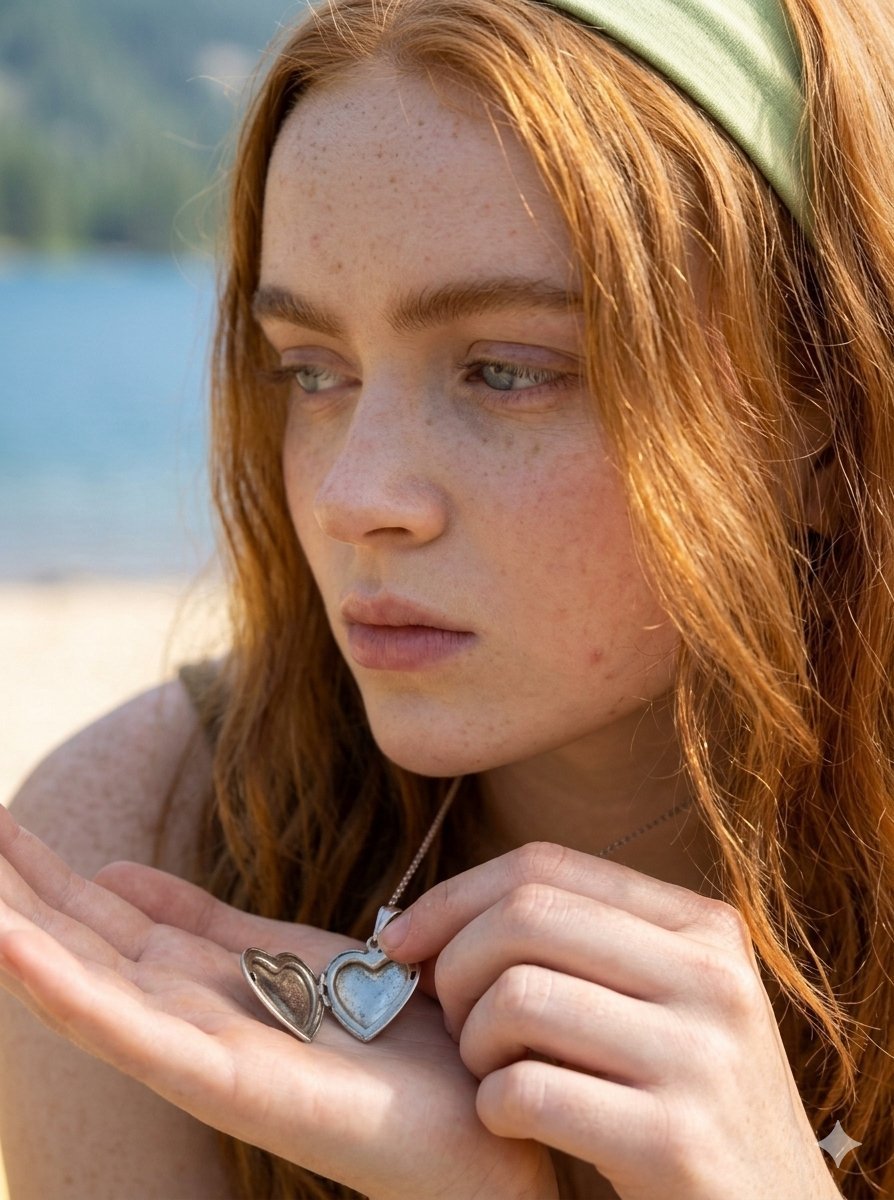
Lifestyle Fashion Photography on a Beach

3D Construction Safety Icon Set

Ordinary Evening Street Snapshot
Browse template categories
Kijiro Cat Rider Movie Poster questions
How do I use the Kijiro Cat Rider Movie Poster template?
Add your photo if the template asks for one, edit the prompt if you like — the template's model and format are already selected — and press Generate. Your version opens in PicX Studio.
Can I customize the Kijiro Cat Rider Movie Poster template?
Yes. You can change the subject, setting, lighting, mood, format, and available model controls before creating your image.
Is the Kijiro Cat Rider Movie Poster template free?
Opening and editing this template is free. Generating uses credits, shown on the Generate button when you are signed in.
Which AI model should I use?
Start with GPT Image 2, which is the model associated with this template. You can compare another compatible model for a different finish.
Looking for something else? Browse all templates.

Your photo, any look
Thousands of ready templates for every top image and video model, from one credit balance.