
Structured Figure/Diorama Generation Prompt for Nano Banana Pro
A highly structured, programmer-like prompt designed for Nano Banana Pro to generate images of figures or dioramas.
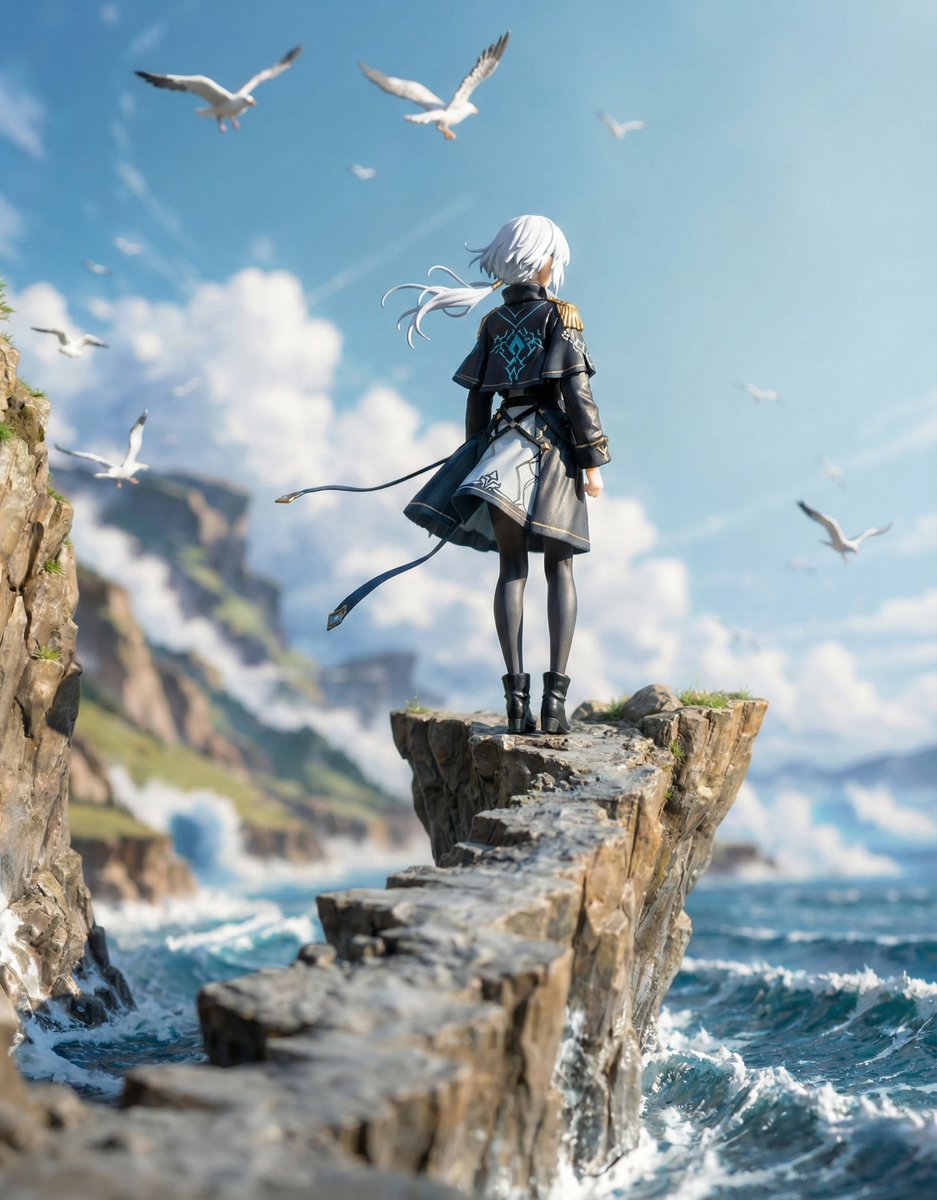
- Prompt included
- Model and format preset
- Free template
The prompt behind this image
Copy the exact prompt behind Structured Figure/Diorama Generation Prompt for Nano Banana Pro, or open it in the studio and make it yours.
■ COMPOSITION_MODE:構図とアングル Faithful Framing:元のイラストのズーム倍率や構図を「そのまま」維持します。 Full-Body:元の絵が上半身だけでも、足元まで補完して「全身フィギュア」として描き出します。 High-Angle View:斜め45度上からの「俯瞰(鳥瞰)視点」へ強制的に切り替えます。 ■ ENVIRONMENT_TYPE:背景の構築 Auto: AIが元画像を分析し、詳細な背景があれば「ジオラマ」を、シンプルなら「スタジオ背景」を自動選択します。 Force Diorama: 元の絵が白バックでも、無理やり精巧なミニチュアセット(街並み、自然、室内など)を構築します。 Force Studio: どんな背景も消し去り、清潔感のある撮影用の背景紙やアクリル板に変更します。 ■ ASPECT_RATIO:画面の比率 Inherit: 元画像と同じ比率。 Square: 1:1。SNS投稿やアイコン風の構図に。 Portrait: 9:16。スマホの壁紙用や、立ち姿のフィギュアをダイナミックに見せる際に。 Landscape: 16:9。横長のジオラマセットを広く見せたい場合に。 ■ DISPLAY_BASE:台座の選択 Simple Round: 透明または不透明な円形のプラスチック台座。最も一般的なフィギュアらしい見た目になります。 Decorative: キャラクターのテーマに合わせた装飾付きの専用台座(瓦礫、魔法陣、豪華な意匠など)。 Diorama Floor: 台座という概念をなくし、フィギュアが直接ジオラマの地面に立っている状態にします。 None: 台座も地面のディテールも排除した、最もシンプルな自立状態。 ■ DENSITY:情報の密度 Standard: すっきりと整理された、カタログ写真のような仕上がり。 High: ジオラマ内に大量の小物(模型用の草、瓦礫、家具のミニチュアなど)を追加し、情報密度を極限まで高めます。 ■ FIGURE_MATERIAL:フィギュアの材質感 Standard PVC: 市販フィギュアの標準的なプラスチック感。光を柔らかく拡散します。 Premium Resin: 緻密な造形と、わずかな透明感を伴う高級な樹脂感。ガレージキットのような質感。 Glossy Plastic: ツヤあり塗装を施したような、強い反射を伴う質感。 ■ LIGHTING_STYLE:ライティング(照明) Natural: 窓際で撮ったような柔らかい自然光。日常的な雰囲気。 Bright Studio: 複数の照明を当てた、影が少なくディテールがはっきり見える広告写真風。 Cinematic: 強いコントラストと陰影で、物語の一場面のような重厚な雰囲気を演出。
How to use Structured Figure/Diorama Generation Prompt for Nano Banana Pro in 3 steps
- 1
Open
The prompt is already in the box next to the preview, with the template's model and format selected.
- 2…a portrait of your subject in softgolden-hour light, 85mm…
Personalize
Edit the subject and creative details for your destination.
- 3Generate
Generate
Press Generate — your image is created in PicX Studio, so you can compare it with the original and refine one variable at a time.
More like this
Templates with the same subject, style or setup. Open one to see its prompt.

Woman in Mall with Chanel Bag - Heart Gesture

Manga Generation Prompt Template for Nano Banana Pro

Layered Paper Cut Forest Diorama

Soft Handcrafted Paper-Cut Layered Illustration

Isometric Process Educational Diorama

Isometric Brand Store Diorama

FIFA World Cup — Brazil National Pass Diorama

VFX Comparison Image Prompt (Before/After) for Nano Banana Pro
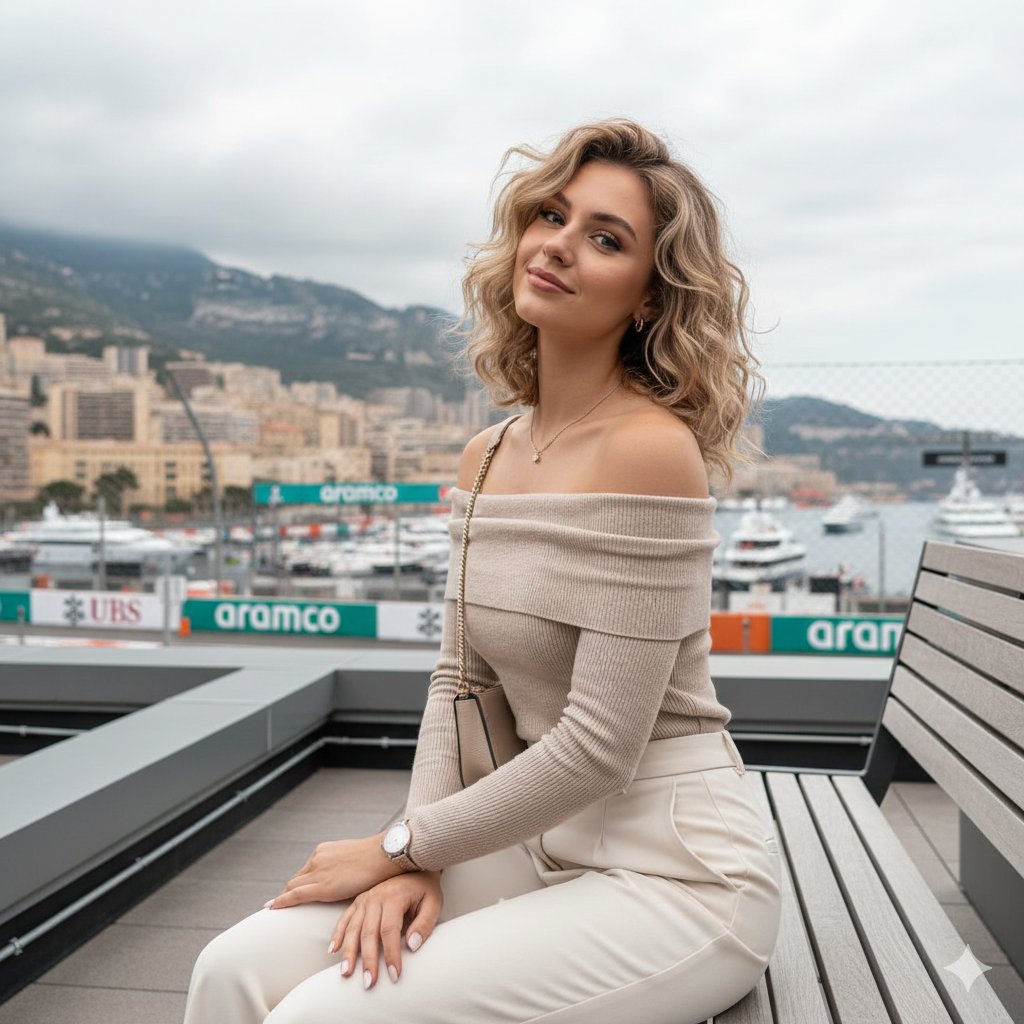
Detailed JSON-structured image generation prompt for a relaxed luxury portrait

High-Concept 3D Diorama Generation Prompt

Nano Banana Prompt for Consistent Character Jumpshots

Cinematic Camera Instructions for Nano Banana Pro
Make it yours
Structured Figure/Diorama Generation Prompt for Nano Banana Pro works as-is. These are the safest ways to change it without losing the look.
Change one field
Copy a single group, rewrite it, and generate again so you can see what that field is doing.
Keep the frame, change the subject
Hold the composition and light of Structured Figure/Diorama Generation Prompt for Nano Banana Pro, then swap wardrobe, props or the person for a new take.
| If the result… | Why | Fix |
|---|---|---|
| The result drifts from the preview | Too many fields changed at once. | Reuse Structured Figure/Diorama Generation Prompt for Nano Banana Pro as-is first, then change one group — subject, light, or setting. |
| The model over-stylizes the scene | The prose prompt leaves finish and camera underspecified. | Add one camera or lighting sentence and stay on Nano Banana 2. |
More Nano Banana 2 templates
Other prompts made for Nano Banana 2.

Photorealistic Leaf Shaped Like a Dragon

K-Pop Idol Portrait Grid for Rapid Selection

Poetic Rain Forest Portrait During Golden Hour

Urban Street Portrait with Cartoon Inner Self Duo

Candid Nighttime Photo with Cat Prompt

Cinematic Futuristic Studio Portrait Template

Skincare Editorial Photography Collage Prompt

Hyper-Realistic Commercial Product Photography (Splash Effect)

Hyper-Realistic Nightclub Portrait Prompt

Cinematic Urban Rain Scene Prompt (Neo-Noir)
More image prompts
Fresh picks from across the catalog.
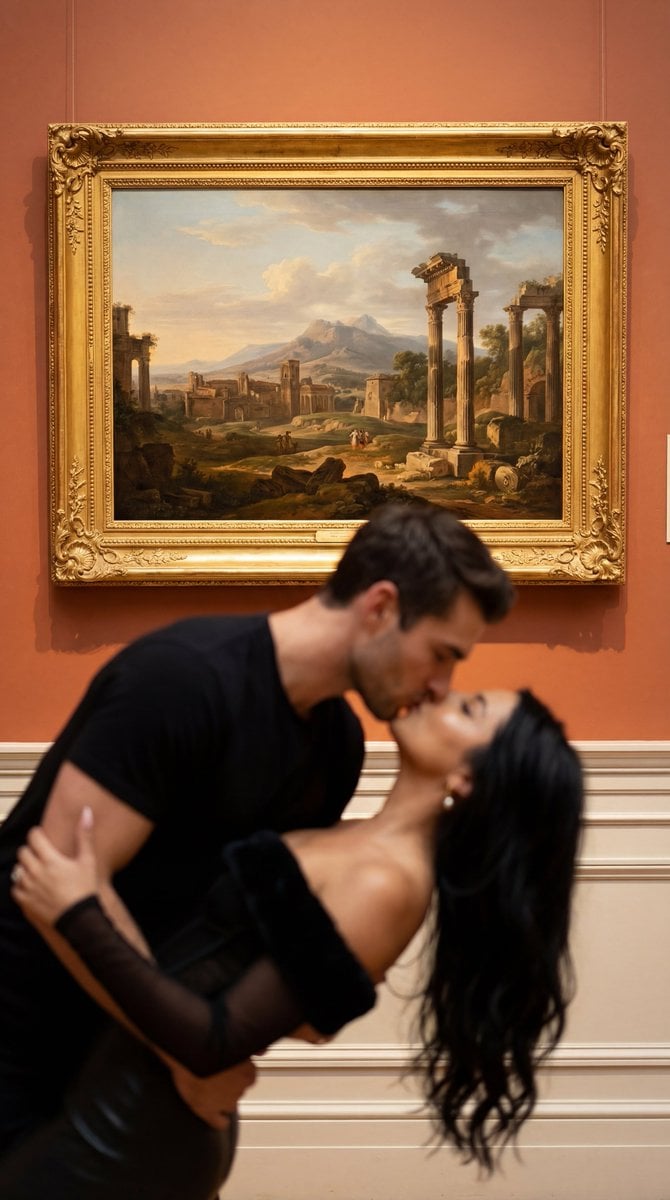
Cinematic Museum Romance Dip-Kiss Editorial Prompt
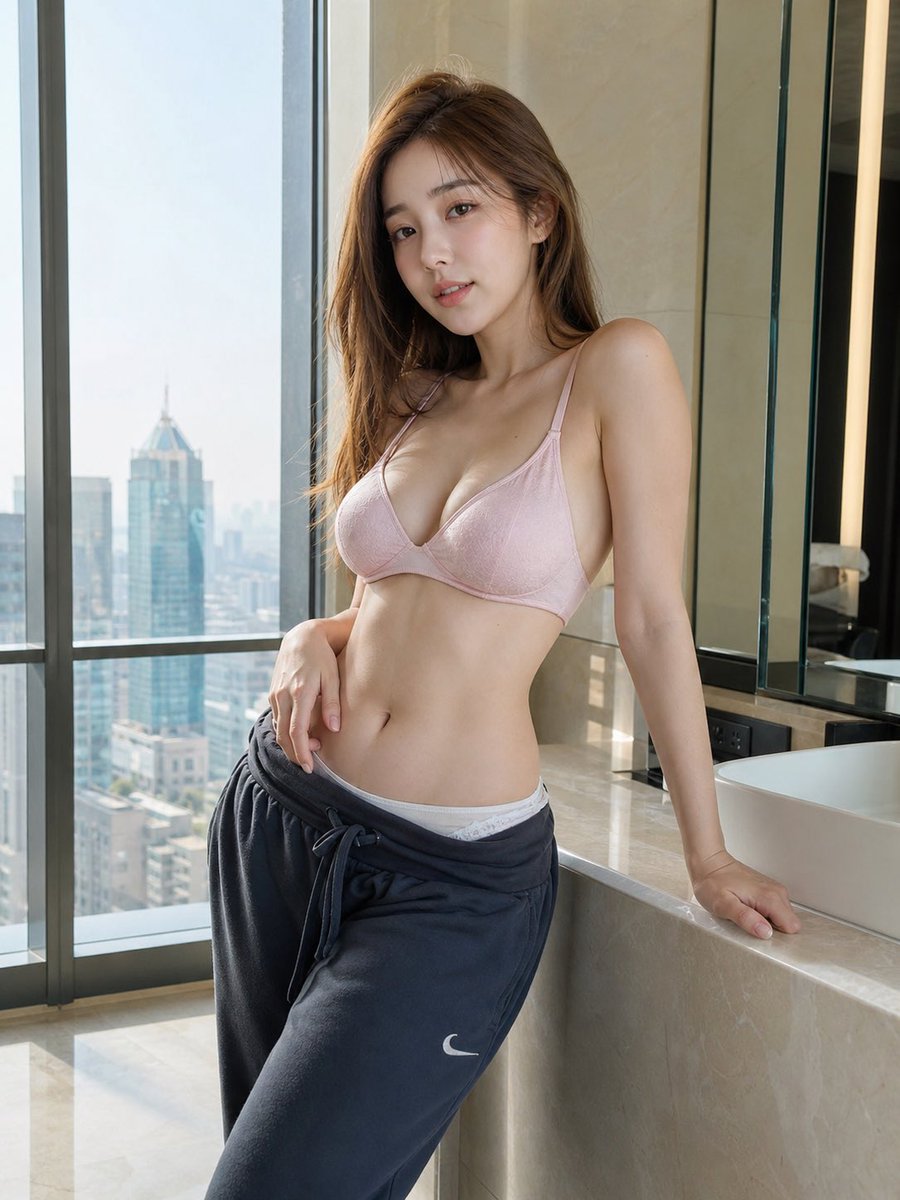
Hyper-realistic Apartment Interior Portrait
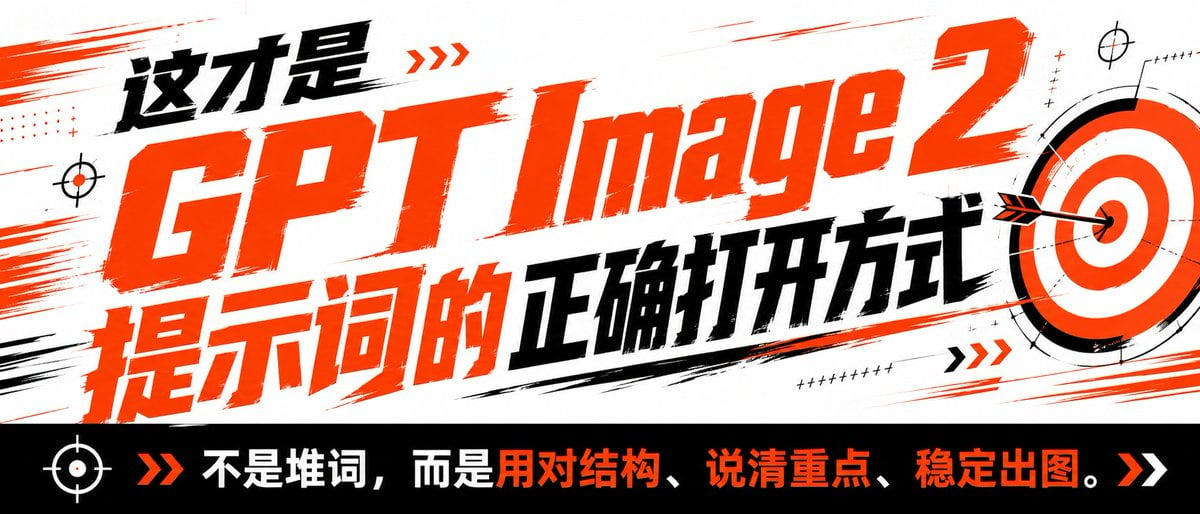
High-Contrast Tactical Magazine Cover
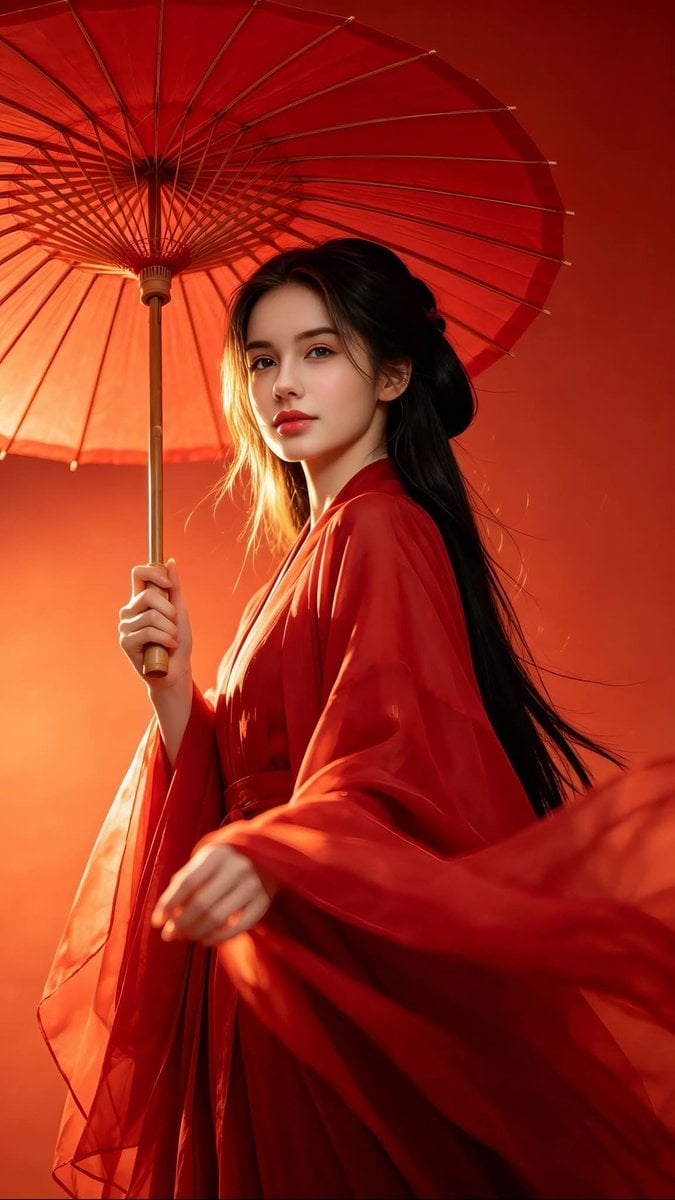
Chinese Hanfu Red Fantasy Portrait
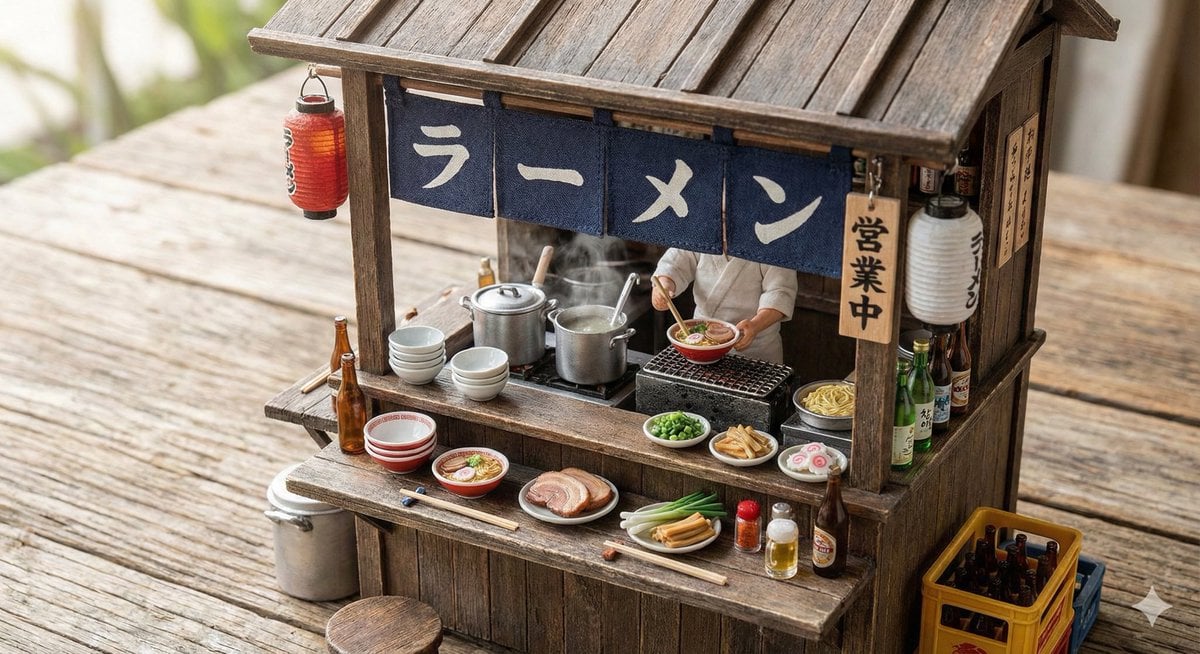
Generating Various Everyday Scenes
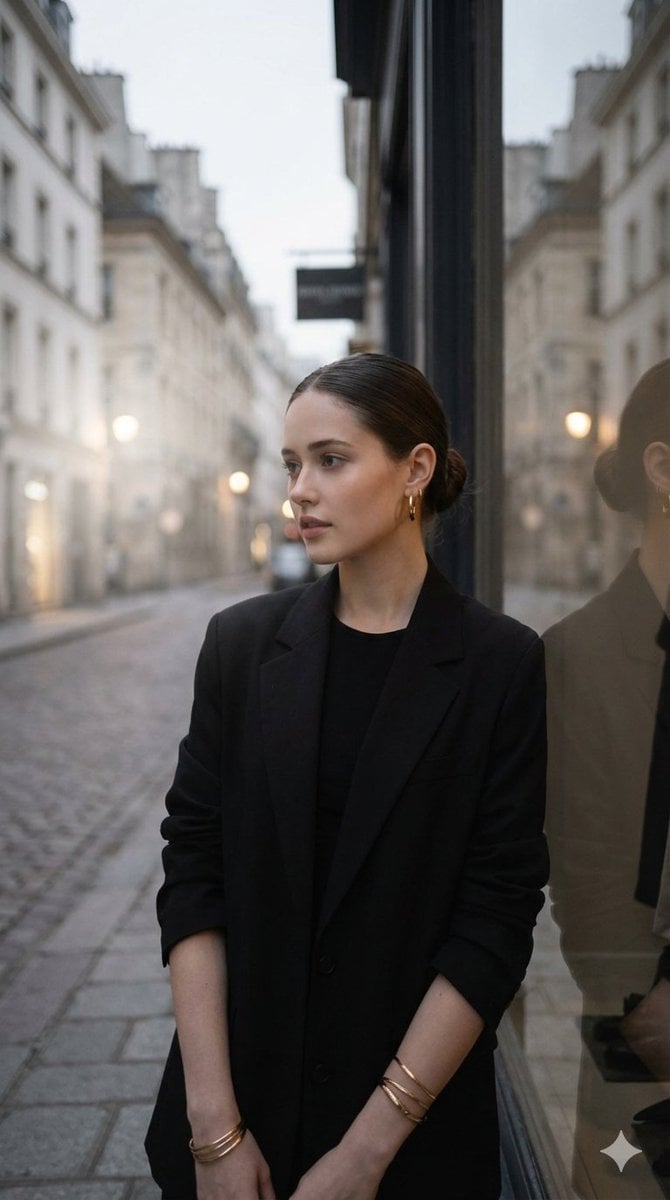
European Street Fashion Editorial
Intimate Club VIP Lounge Moment
Alpine Ski Portrait with Anatomical Specifications
Split Composition Portrait of a Man
Cinematic Action Photo and Video Prompt (Woman and Chimpanzee on Motorcycle)
Browse template categories
Structured Figure/Diorama Generation Prompt for Nano Banana Pro questions
How do I use the Structured Figure/Diorama Generation Prompt for Nano Banana Pro template?
Add your photo if the template asks for one, edit the prompt if you like — the template's model and format are already selected — and press Generate. Your version opens in PicX Studio.
Can I customize the Structured Figure/Diorama Generation Prompt for Nano Banana Pro template?
Yes. You can change the subject, setting, lighting, mood, format, and available model controls before creating your image.
Is the Structured Figure/Diorama Generation Prompt for Nano Banana Pro template free?
Opening and editing this template is free. Generating uses credits, shown on the Generate button when you are signed in.
Which AI model should I use?
Start with Nano Banana 2, which is the model associated with this template. You can compare another compatible model for a different finish.
Looking for something else? Browse all templates.

Your photo, any look
Thousands of ready templates for every top image and video model, from one credit balance.