
Anti-Plastic/Hyper-Realism Protocol for Human Skin Texture
A highly technical and detailed prompt protocol designed for Nano Banana Pro to eliminate the 'plastic skin' look in human images, focusing on hyper-realistic texture and natural flaws.
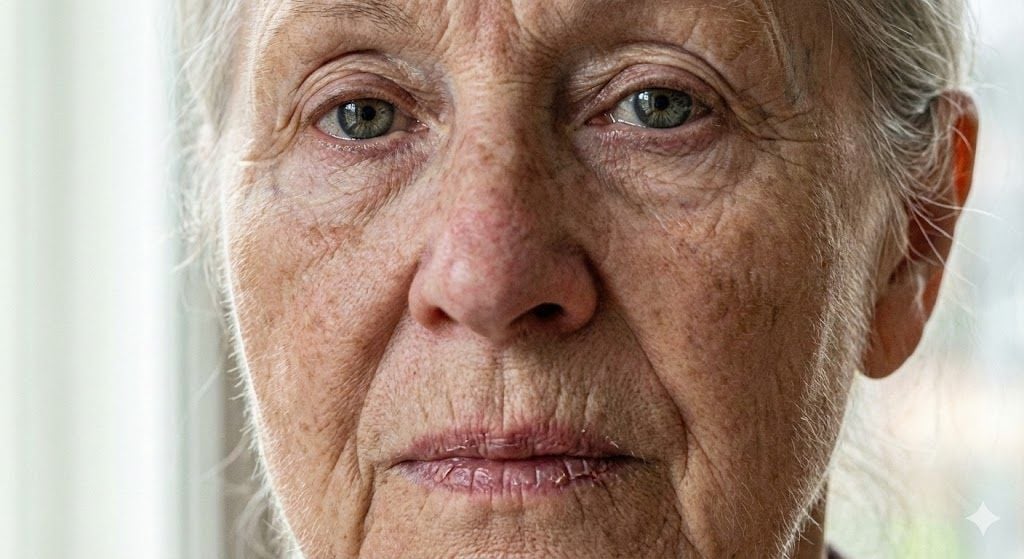
- Prompt included
- Model and format preset
- Free template
The prompt behind this image
Copy the exact prompt behind Anti-Plastic/Hyper-Realism Protocol for Human Skin Texture, or open it in the studio and make it yours.
When generating images of humans: use ANTI-PLASTIC/HYPER-REALISM protocol. All images must be EVER in 8K resolution. OVERRIDE default smoothing. Render skin as biological topography. [1] ADAPTIVE SETUP: Adapt Subject/Light/Style to query. SCALING: Close-Up->Force Macro/Micro-details. Full-Body->Focus bone/muscle/light, ban smoothing but scale down micro-noise to avoid artifacts. [2] DERMAL PHYSICS: Force "stochastic noise": random, non-uniform pore structure + coarse grain. Ban smooth/waxy surfaces. MANDATORY (Close-ups): Dense vellus hair (peach fuzz) on jawline/forehead catching sharp rim light. [3] SUBSURFACE SCATTERING: Reject uniform tones. Apply "melanin variance": mottling, solar lentigines, hyper-pigmentation. Simulate thin-skin translucency. Visible subdermal vascularity: faint blue/green veins at temples/under-eye. Erythema + telangiectasia around nostrils/tear ducts. [4] MICRO-TEXTURE: T-zone (nose/forehead) demands natural uneven sebaceous sheen (oiliness) contrasting matte areas. Highlights must reveal skin micro-relief [5] EYES: Irises: deep, chaotic fibrous striations + crystalline refraction. Sclera: distinct red vascular mapping. Lower waterline: thick, pooling liquid reflection (tear film) [6] LIPS: Texturally dry/dehydrated. Deep vertical fissures, micro-cracks, peeling flakes. Uneven specular highlights [7] FAIL STATE: If skin appears smooth, doll-like, or airbrushed, GENERATION FAILS. Maximize texture defects, asymmetry, topographical imperfections
How to use Anti-Plastic/Hyper-Realism Protocol for Human Skin Texture in 3 steps
- 1
Open
The prompt is already in the box next to the preview, with the template's model and format selected.
- 2…a portrait of your subject in softgolden-hour light, 85mm…
Personalize
Edit the subject and creative details for your destination.
- 3Generate
Generate
Press Generate — your image is created in PicX Studio, so you can compare it with the original and refine one variable at a time.
More like this
Templates with the same subject, style or setup. Open one to see its prompt.
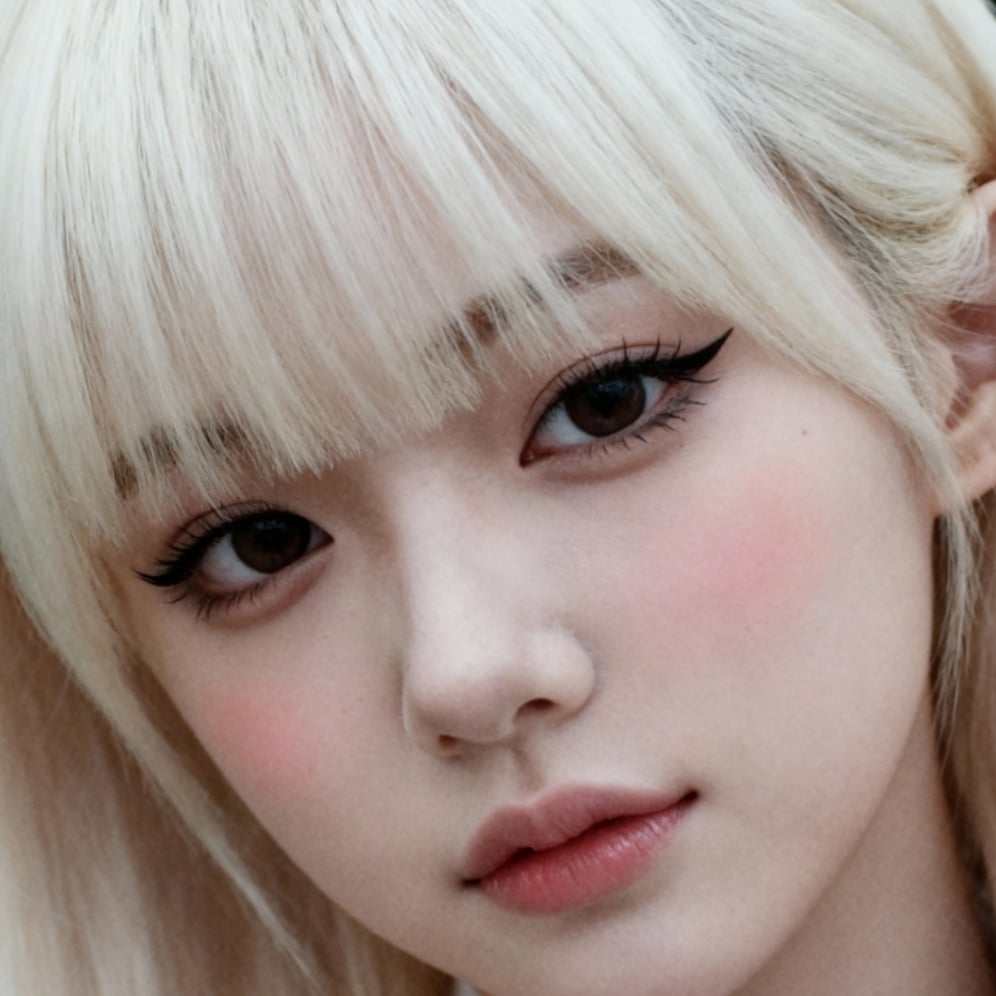
Ultra-High Resolution Upscale and Skin Texture Transfer Prompt
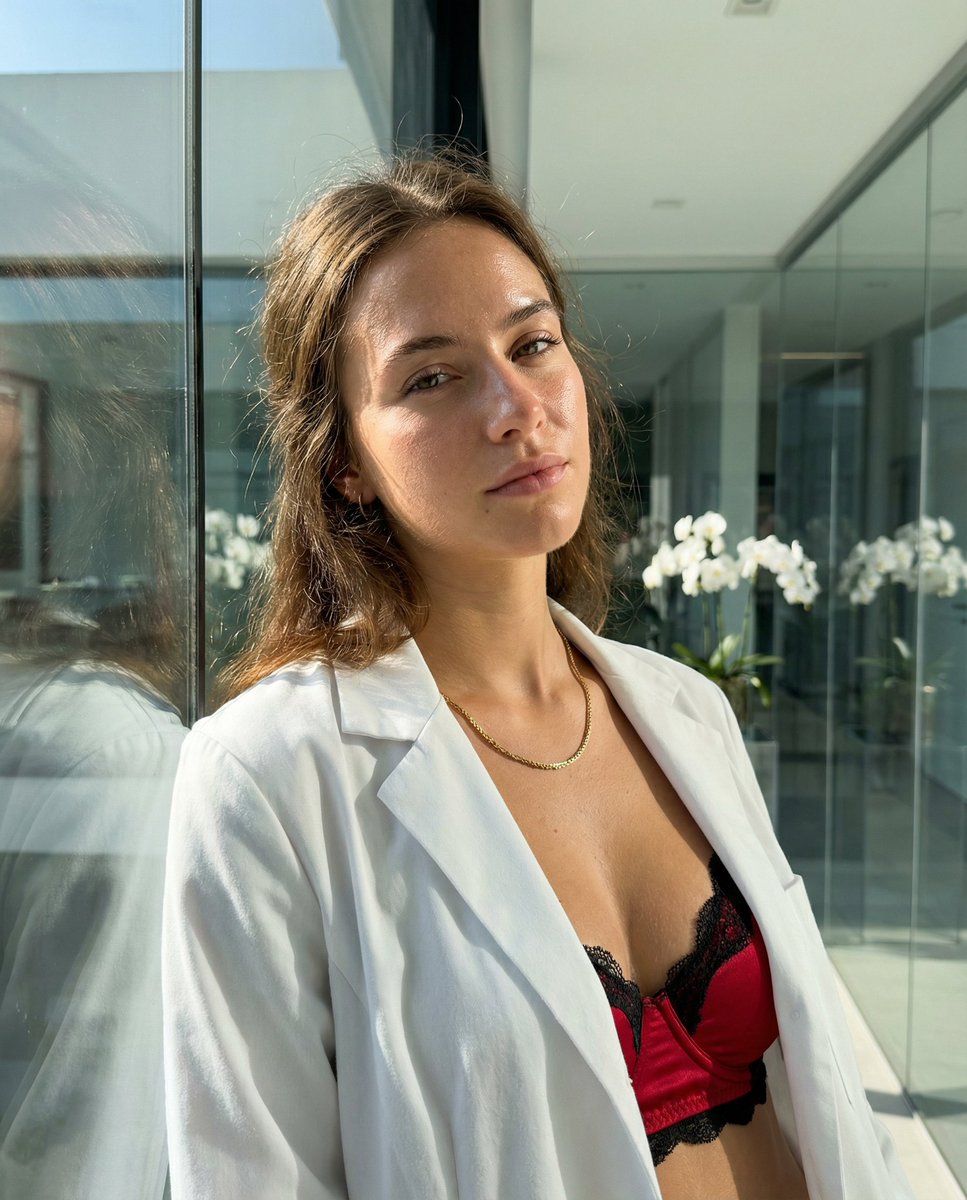
High-Fidelity Skin Texture Portrait of a Young Doctor
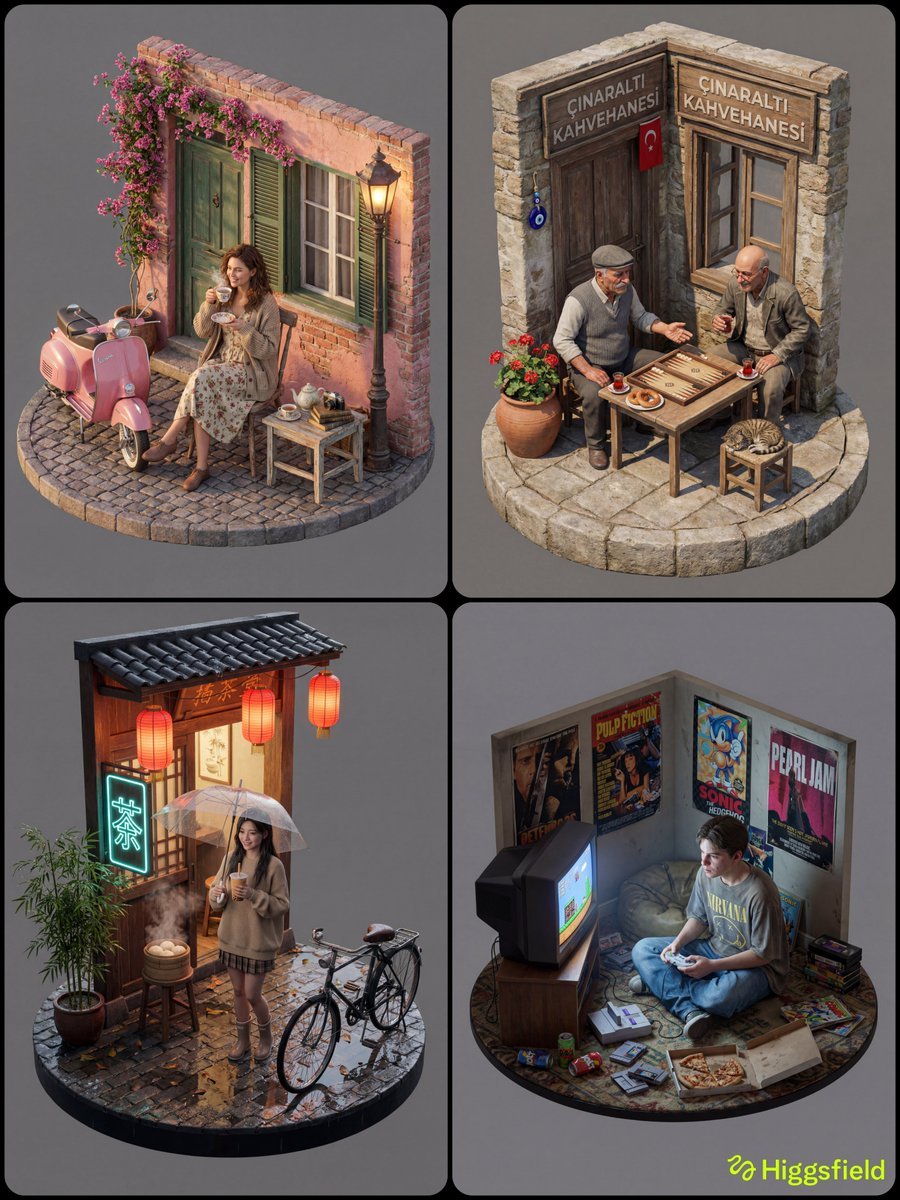
Isometric 3D Diorama with Living Human Texture
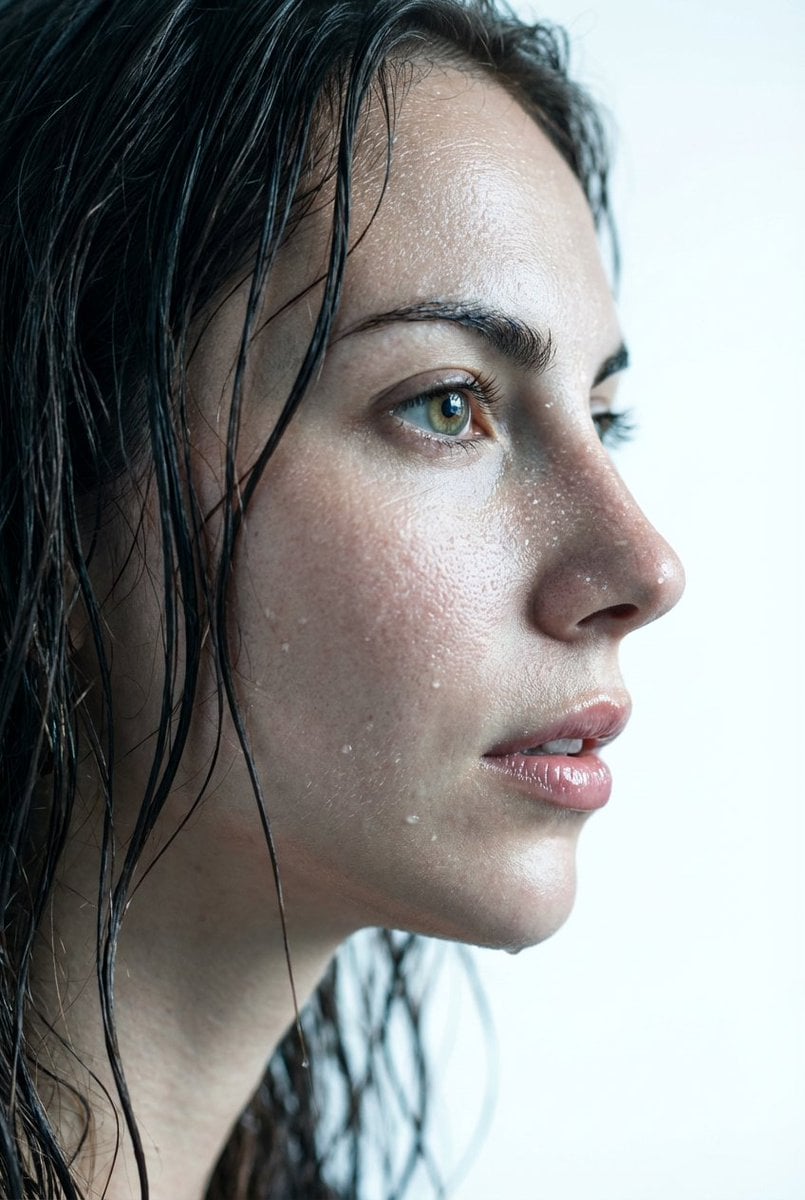
Hyper-Realistic Wet Skin Texture Prompt for Nano Banana Pro
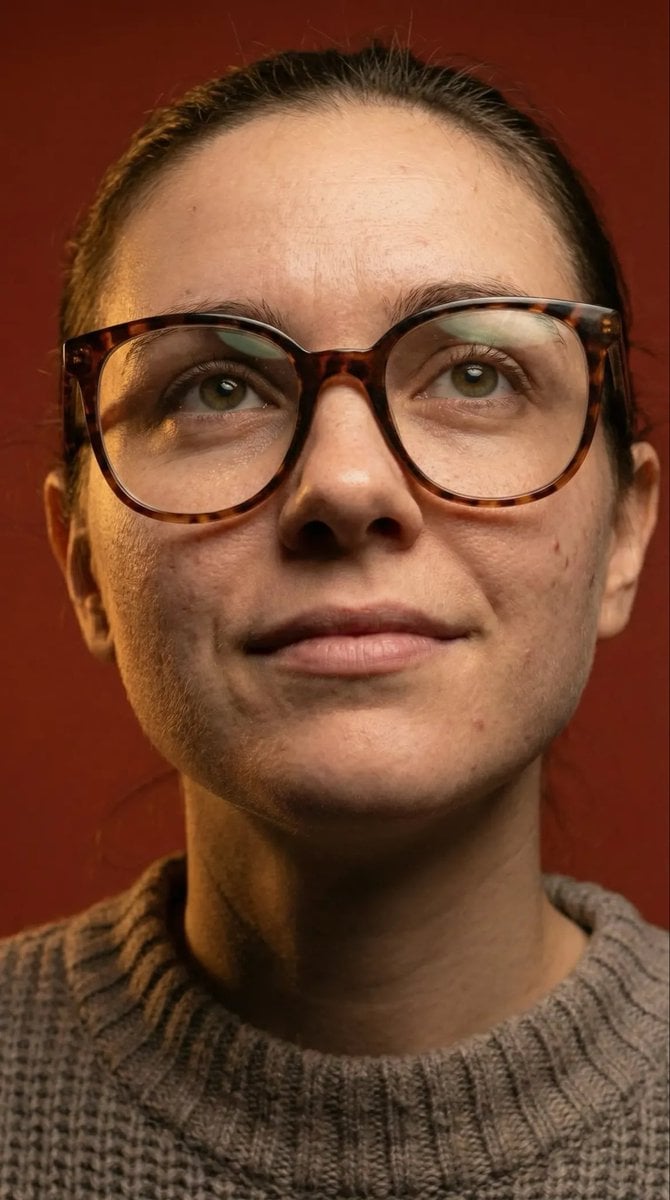
Macro Detail Portrait with Glasses and Skin Texture Prompt
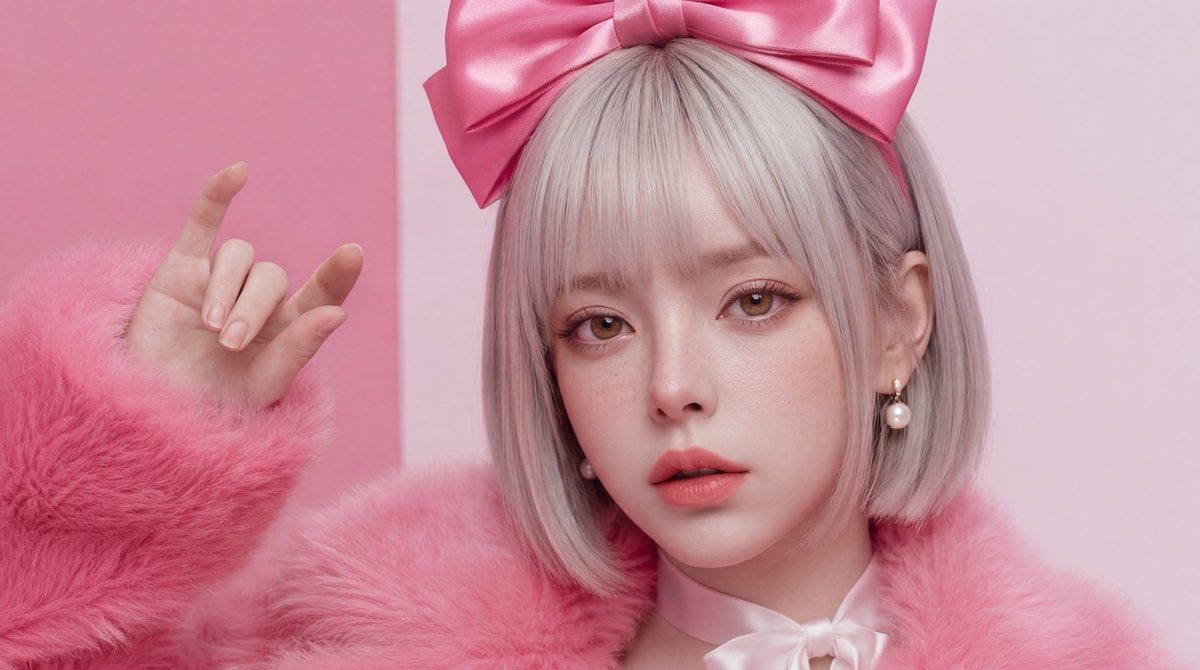
Hyper-Realistic Skin Texture Prompt for Nano Banana Pro (Detailed Version)
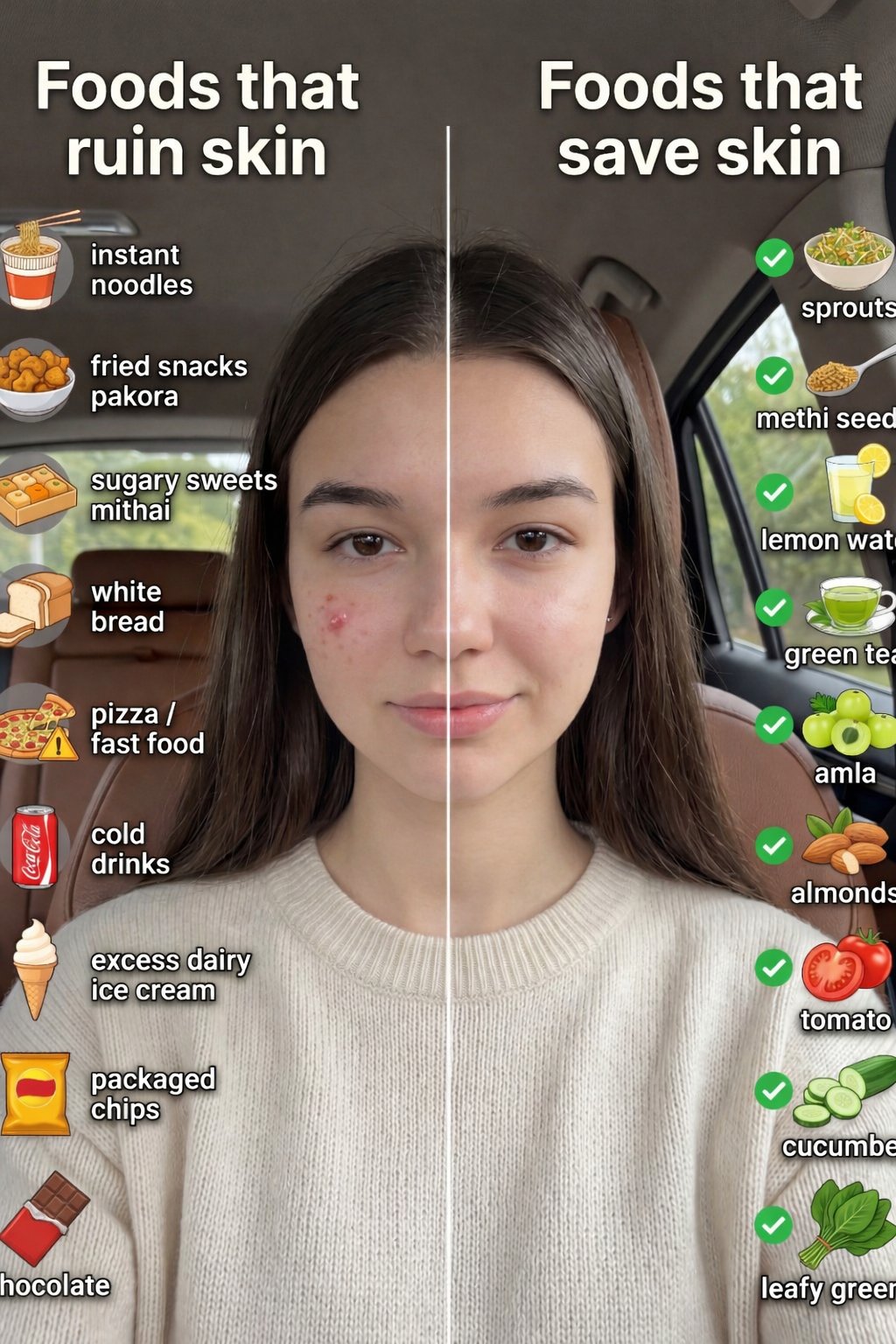
Skin Comparison Portrait — Nano Banana Pro

Cinematic Portrait with Textured Crimson Wall
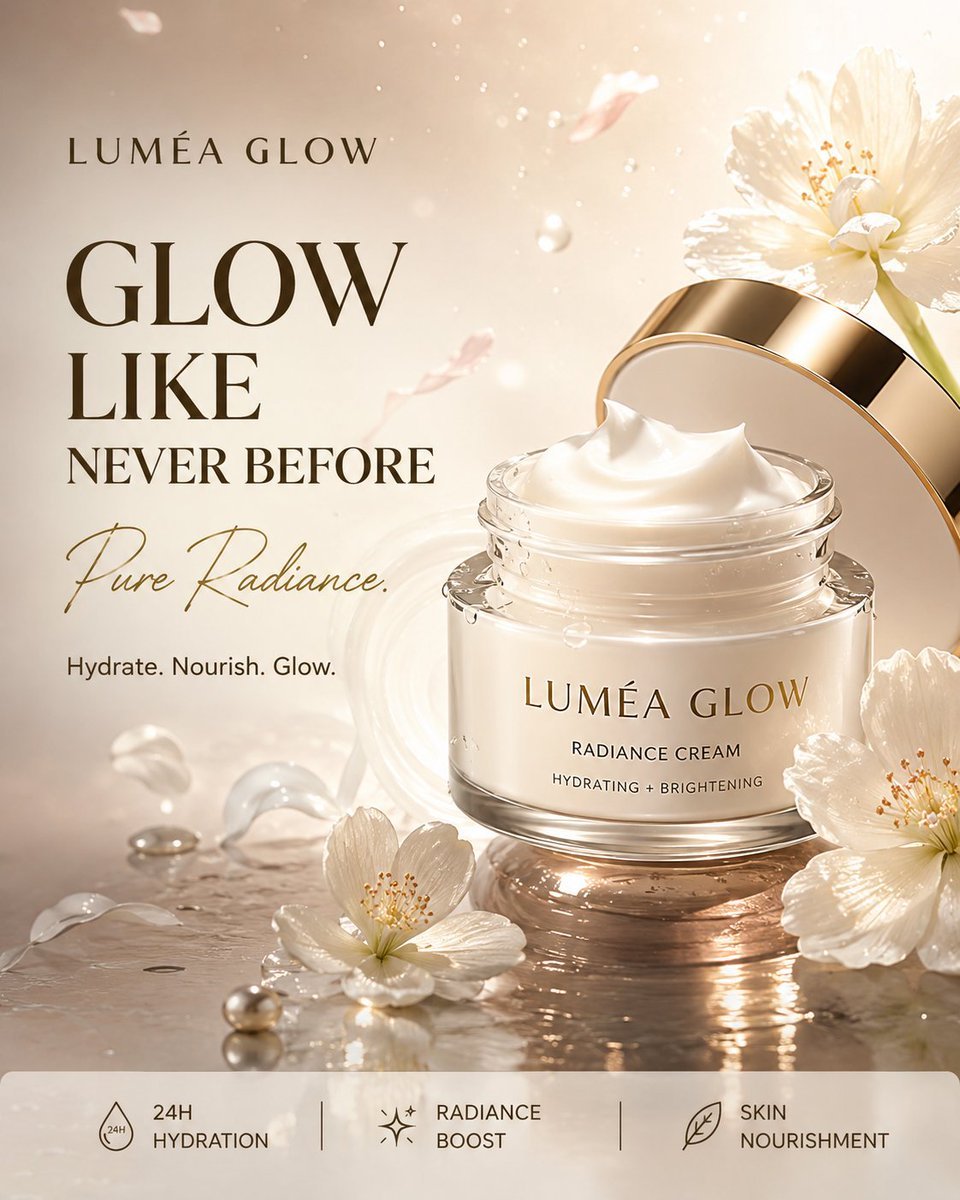
Luxury Skincare Product Advertisement

Fantasy Realism and Art Nouveau Fusion
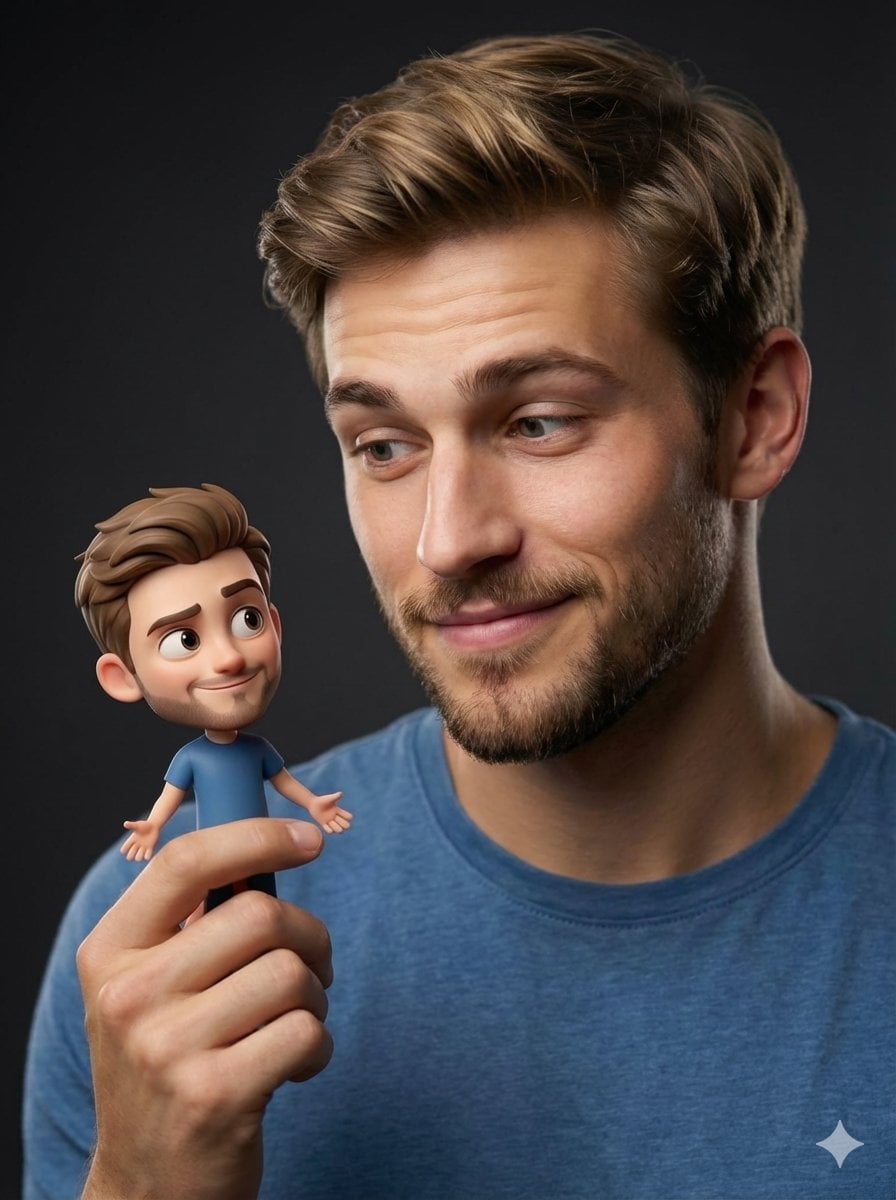
Human with Miniature 3D Self Portrait
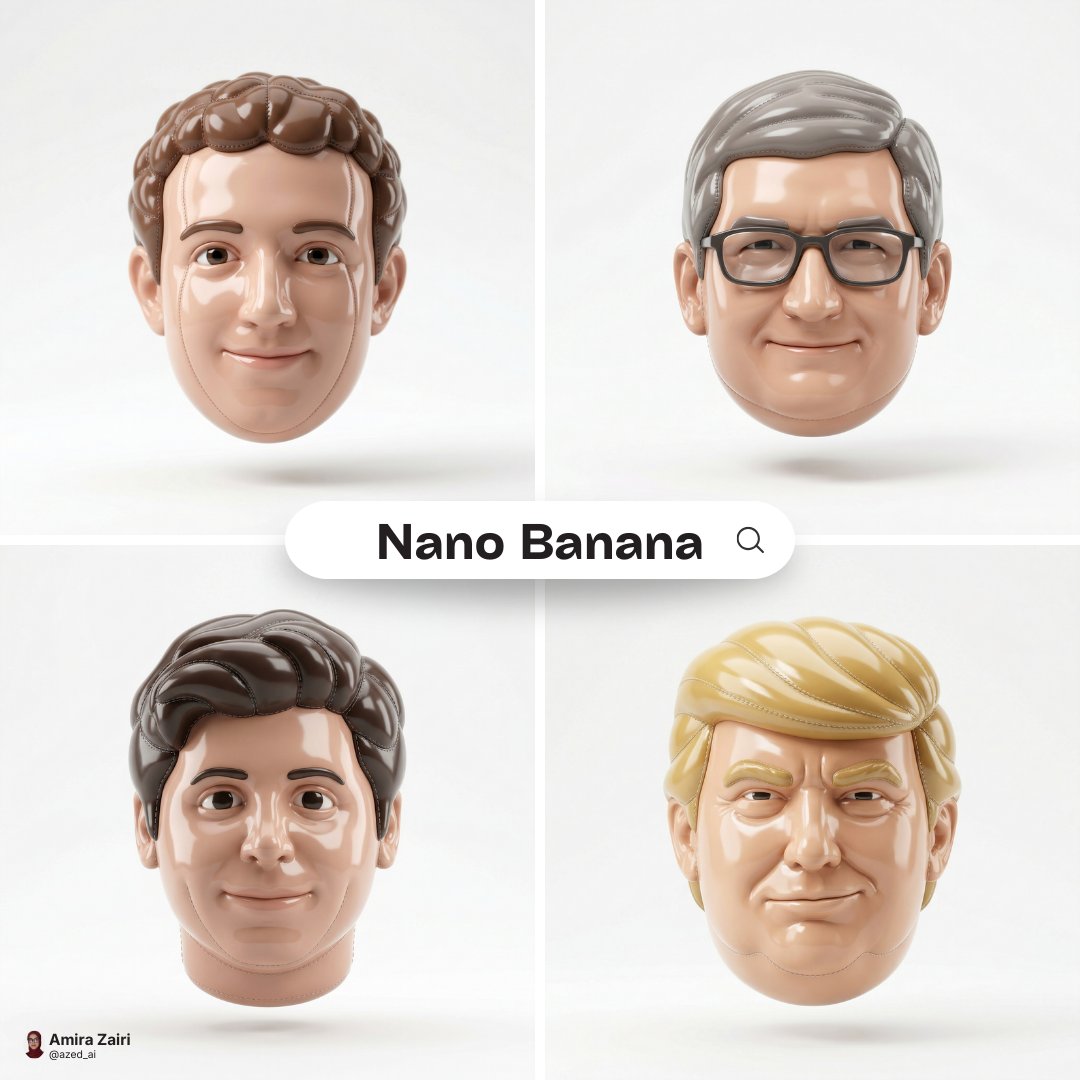
Made of smooth inflated glossy vinyl plastic, ultra-realistic 3D render
Make it yours
Anti-Plastic/Hyper-Realism Protocol for Human Skin Texture works as-is. These are the safest ways to change it without losing the look.
Change one field
Copy a single group, rewrite it, and generate again so you can see what that field is doing.
Keep the frame, change the subject
Hold the composition and light of Anti-Plastic/Hyper-Realism Protocol for Human Skin Texture, then swap wardrobe, props or the person for a new take.
| If the result… | Why | Fix |
|---|---|---|
| The result drifts from the preview | Too many fields changed at once. | Reuse Anti-Plastic/Hyper-Realism Protocol for Human Skin Texture as-is first, then change one group — subject, light, or setting. |
| The model over-stylizes the scene | The prose prompt leaves finish and camera underspecified. | Add one camera or lighting sentence and stay on Nano Banana 2. |
More Nano Banana 2 templates
Other prompts made for Nano Banana 2.

Photorealistic Leaf Shaped Like a Dragon

K-Pop Idol Portrait Grid for Rapid Selection

Poetic Rain Forest Portrait During Golden Hour

Urban Street Portrait with Cartoon Inner Self Duo

Candid Nighttime Photo with Cat Prompt

High-Concept 3D Diorama Generation Prompt

Cinematic Futuristic Studio Portrait Template

Skincare Editorial Photography Collage Prompt

Hyper-Realistic Commercial Product Photography (Splash Effect)

Hyper-Realistic Nightclub Portrait Prompt
More image prompts
Fresh picks from across the catalog.
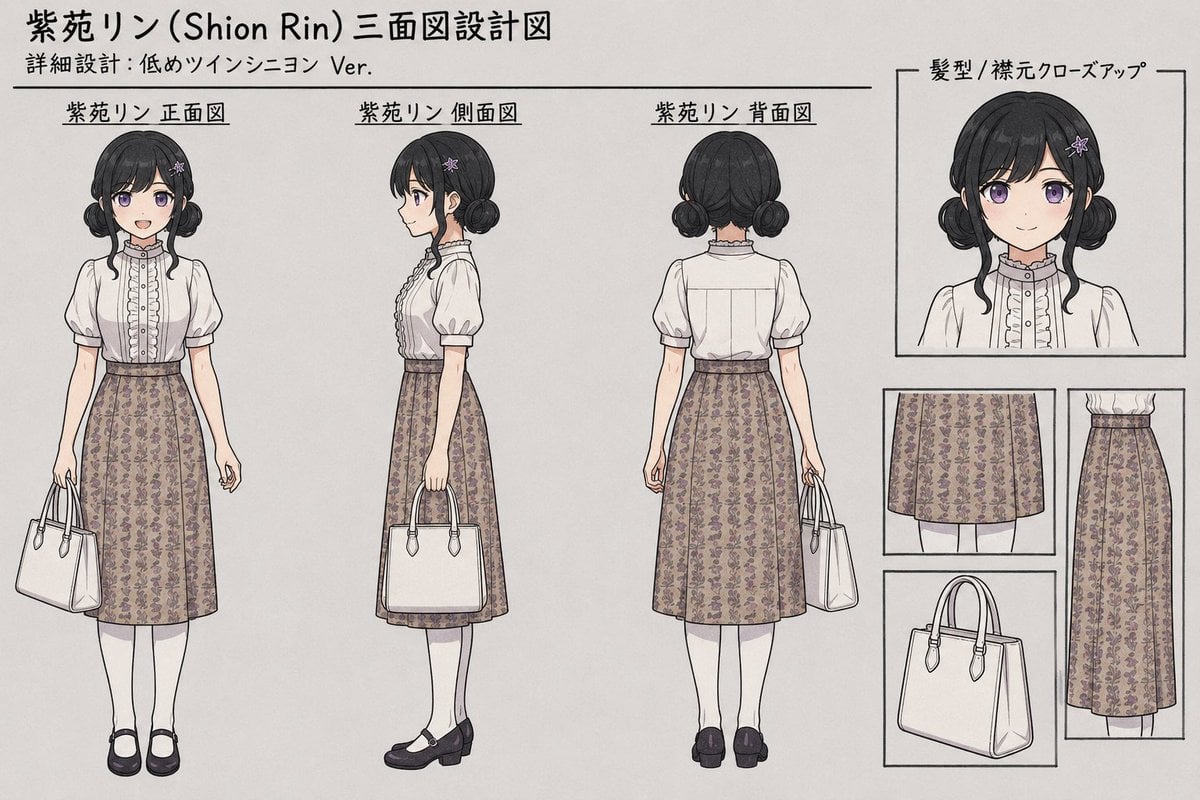
Shion Rin Three-View Design Sheet
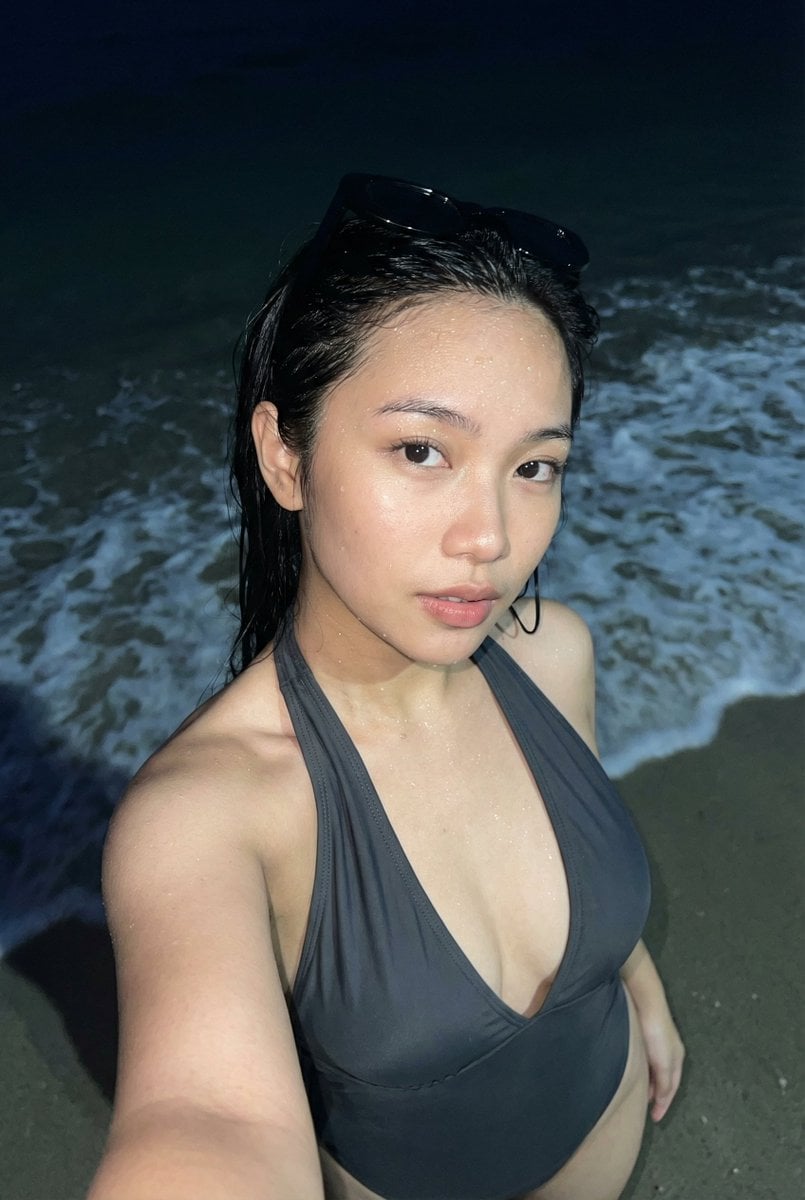
Realistic Smartphone Flash Selfie at Night Beach
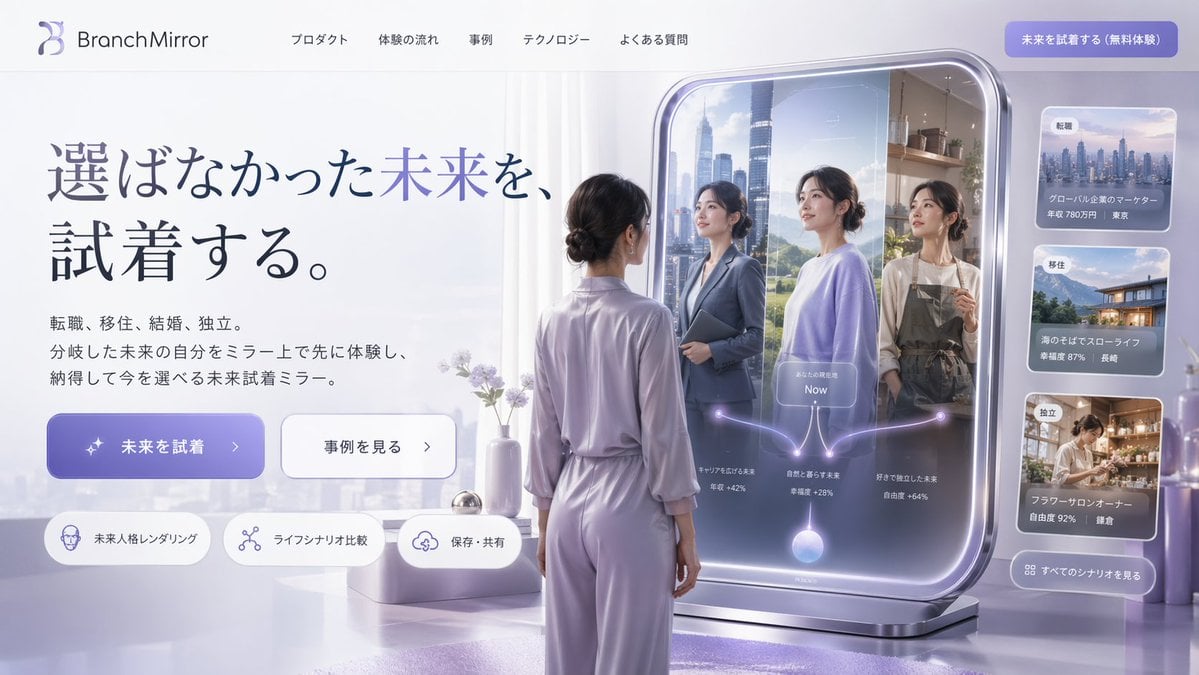
Futuristic Smart Mirror Website Mockup
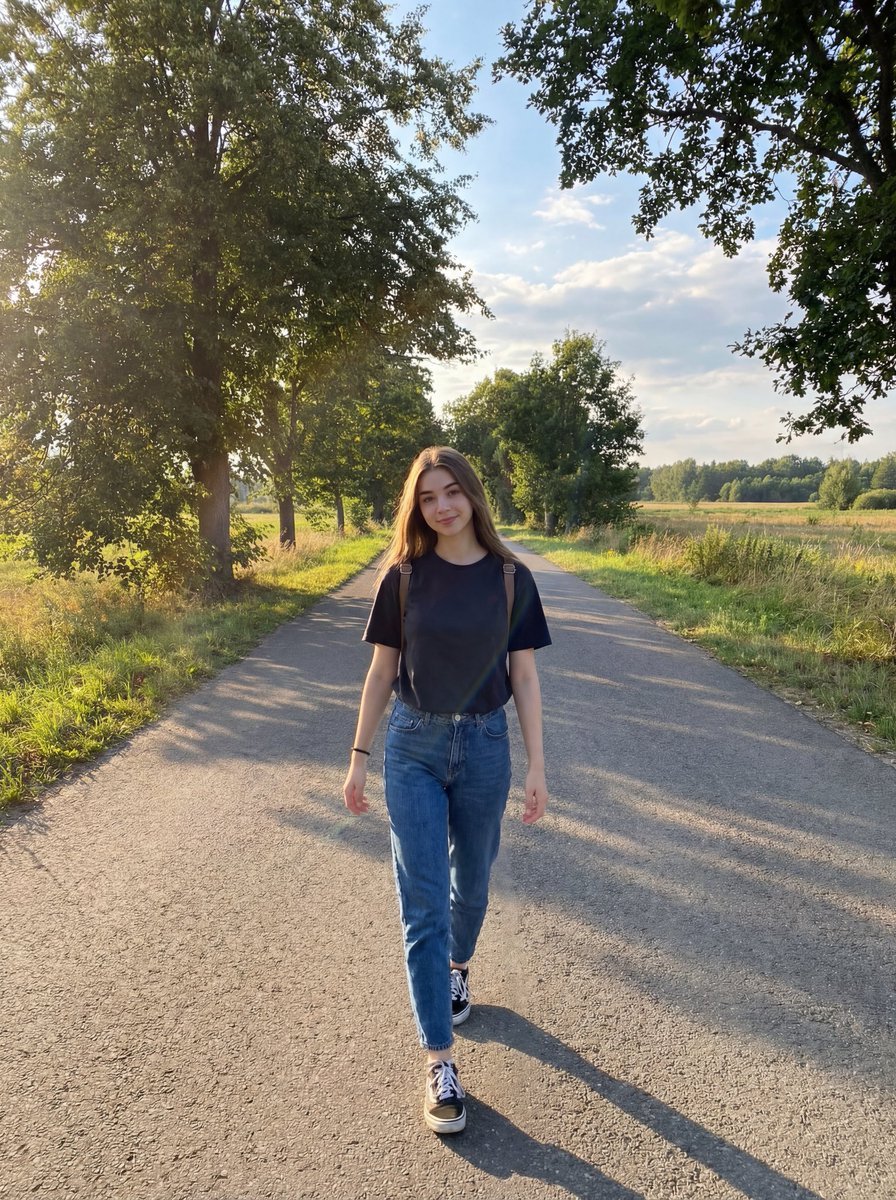
Natural Lifestyle Portrait on Country Road at Golden Hour
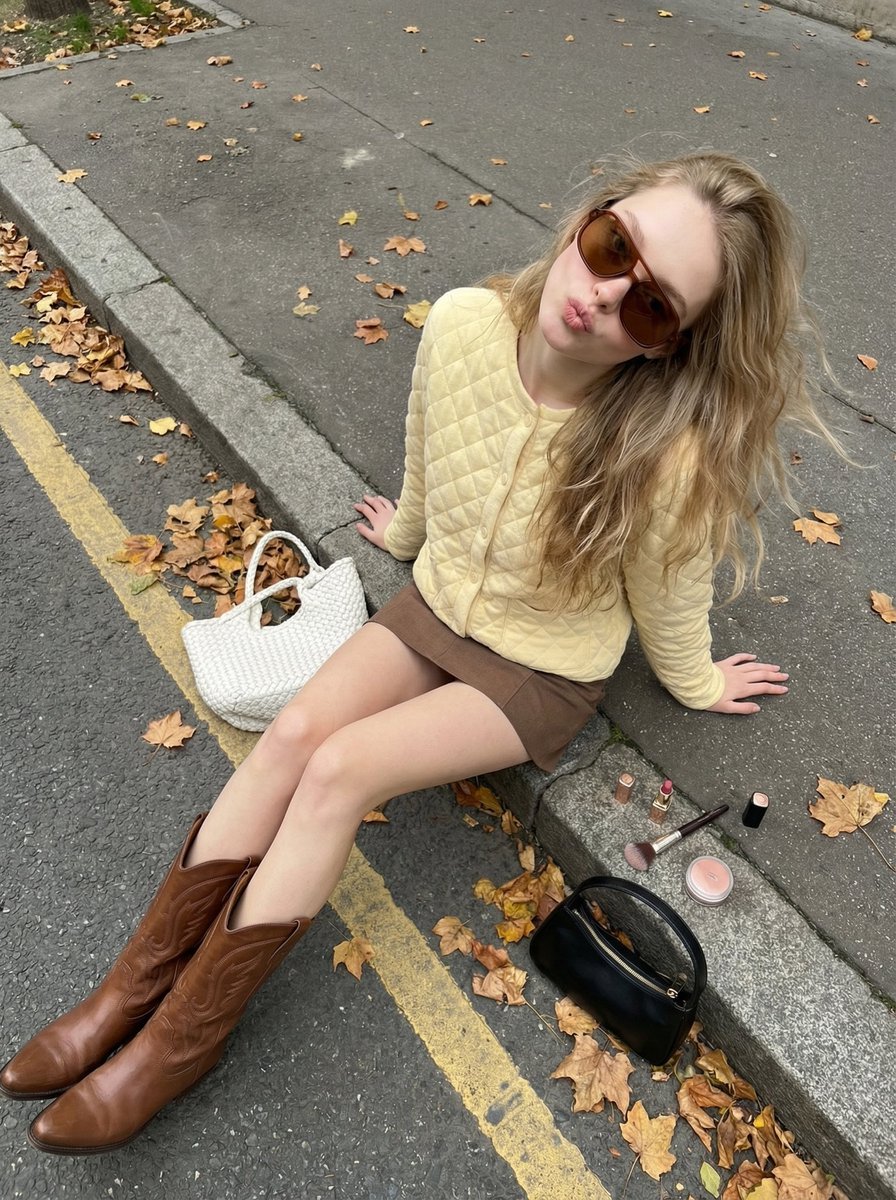
High-Angle Street Style Photo with Makeup Items

Retro Robot Powering Illo with Codex
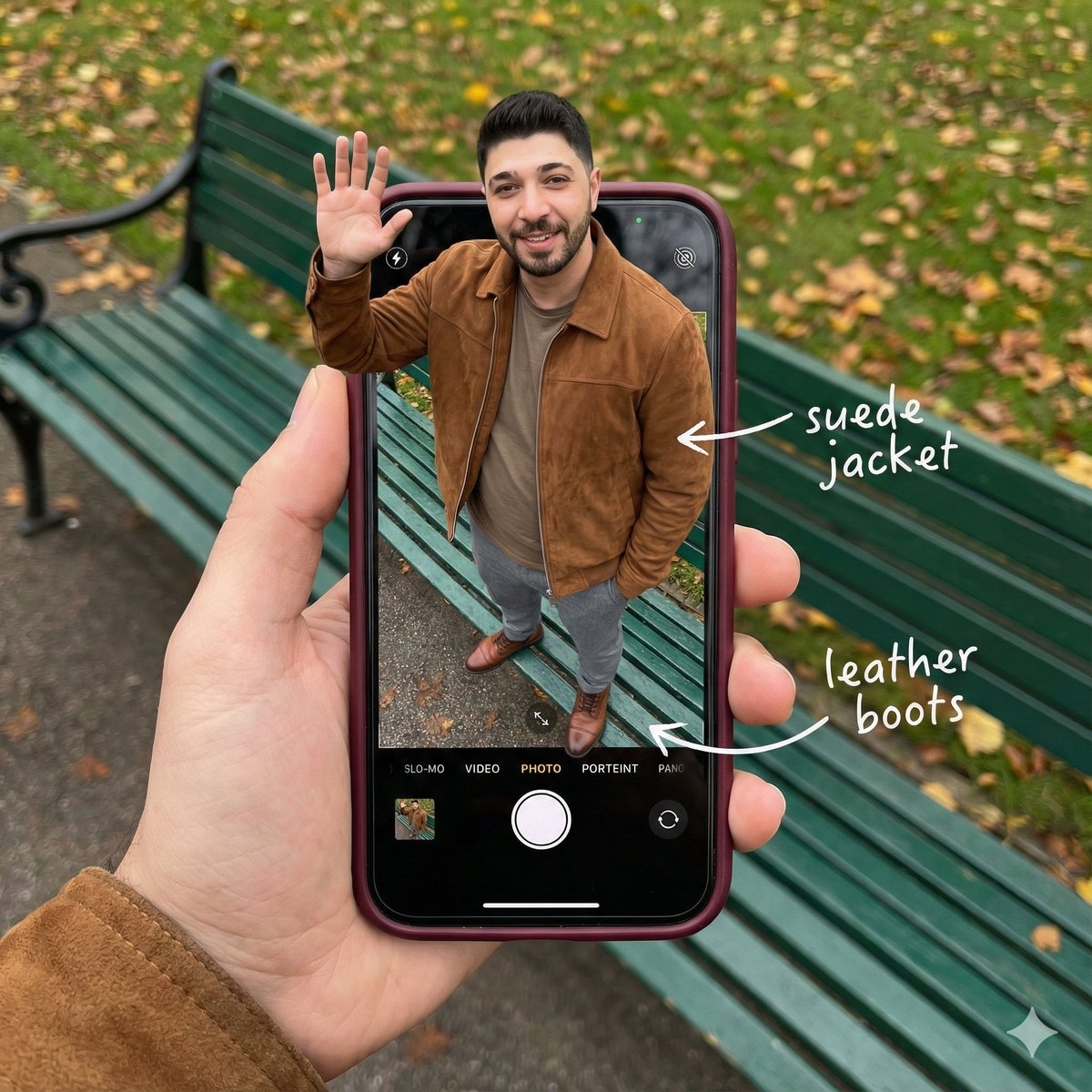
Smartphone Screen Stepping Out Optical Illusion Prompt
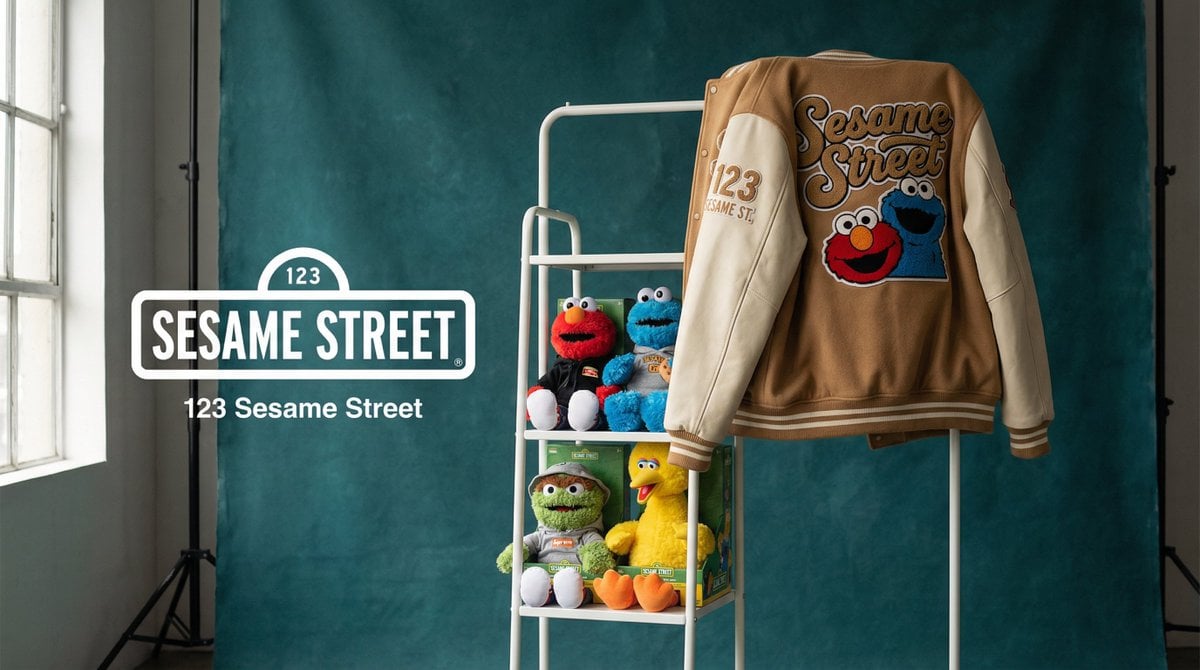
Brand Merch Drop Generator
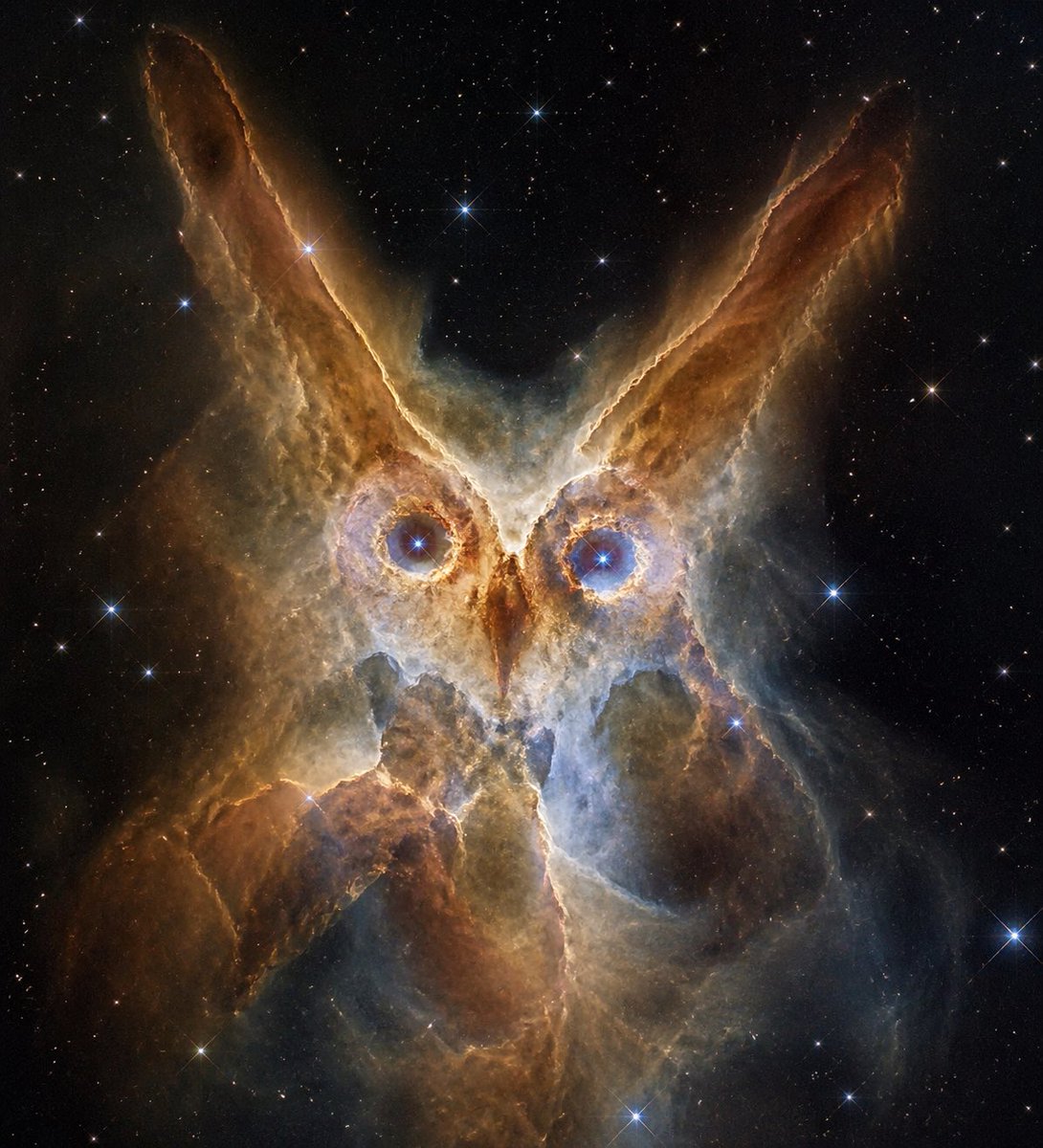
Owl-Shaped Nebula in Deep Space

Chibi Tetsuzankou Impact Attack
Browse template categories
Anti-Plastic/Hyper-Realism Protocol for Human Skin Texture questions
How do I use the Anti-Plastic/Hyper-Realism Protocol for Human Skin Texture template?
Add your photo if the template asks for one, edit the prompt if you like — the template's model and format are already selected — and press Generate. Your version opens in PicX Studio.
Can I customize the Anti-Plastic/Hyper-Realism Protocol for Human Skin Texture template?
Yes. You can change the subject, setting, lighting, mood, format, and available model controls before creating your image.
Is the Anti-Plastic/Hyper-Realism Protocol for Human Skin Texture template free?
Opening and editing this template is free. Generating uses credits, shown on the Generate button when you are signed in.
Which AI model should I use?
Start with Nano Banana 2, which is the model associated with this template. You can compare another compatible model for a different finish.
Looking for something else? Browse all templates.

Your photo, any look
Thousands of ready templates for every top image and video model, from one credit balance.