
Owl-Shaped Nebula in Deep Space
This prompt generates a realistic cosmic scene of a nebula naturally resembling an owl, ideal for surreal astronomy art and dramatic sci-fi visuals.
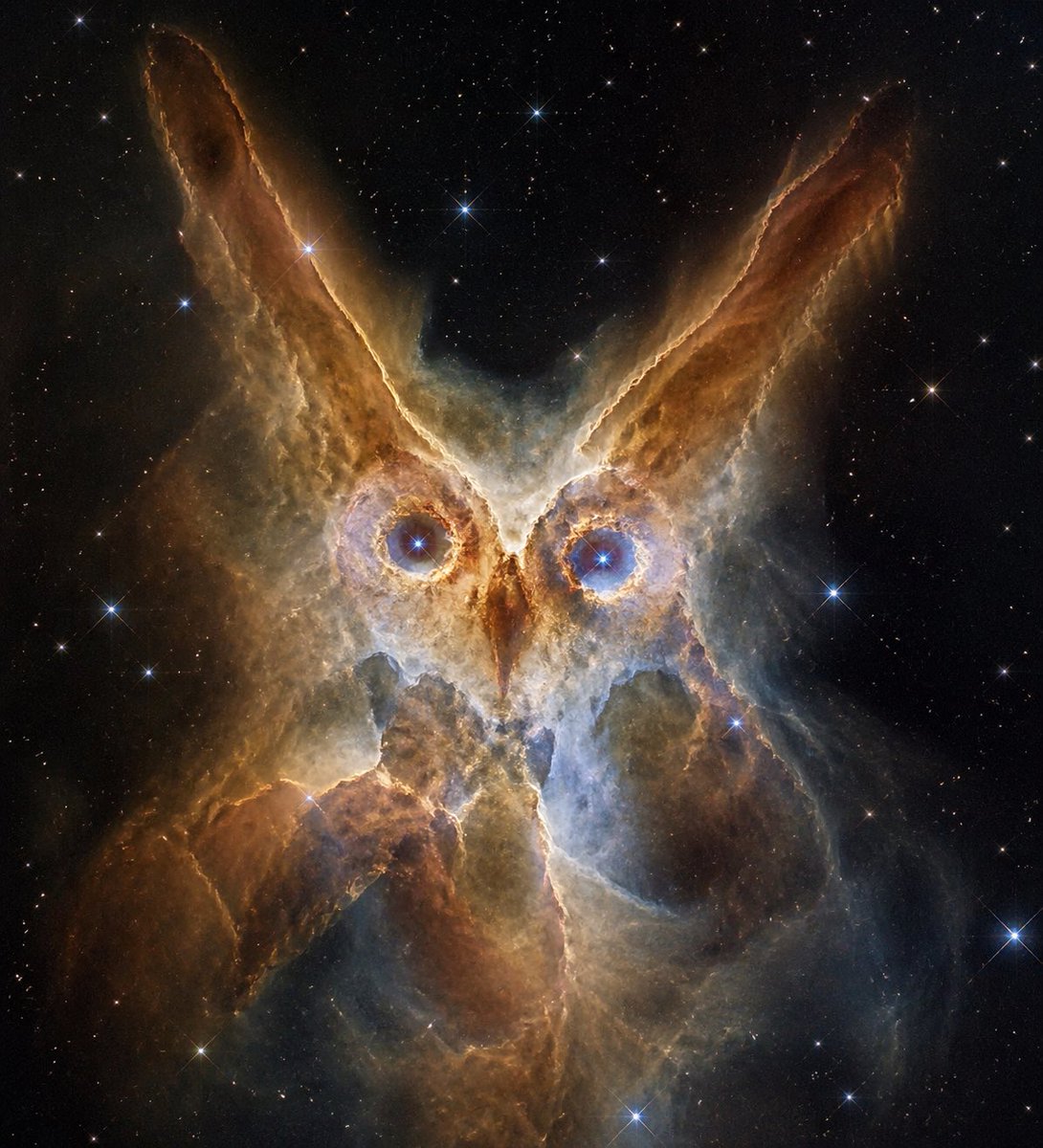
- Prompt included
- Model and format preset
- Free template
The prompt behind this image
Copy the exact prompt behind Owl-Shaped Nebula in Deep Space, or open it in the studio and make it yours.
A majestic deep-space scene of an owl-shaped nebula floating in a black starfield, centered composition, the cosmic gas and dust naturally forming the clear face of an owl. Two large glowing circular eyes with bright electric-blue star cores, a narrow pointed beak of amber light between them, and two long upward-sweeping ear tufts made of burnt-orange and golden-brown nebula pillars. The body is formed from layered translucent clouds of warm copper, sepia, ivory, and cool smoky blue, with soft luminous edges and intricate filament textures. Surround the figure with many sharp stars of varying sizes, including several bright blue-white stars with subtle diffraction spikes. Make the owl shape unmistakable but still fully made of astronomical nebula structures, realistic space photography aesthetic, dramatic contrast, ultra-detailed, ethereal glow, inspired by a {argument name="animal silhouette" default="owl"} formed from a {argument name="cosmic subject" default="nebula"}, with {argument name="primary glow color" default="amber and blue"} tones, portrait orientation, centered and symmetrical, cinematic and awe-inspiring.
How to use Owl-Shaped Nebula in Deep Space in 3 steps
- 1Upload ImagePNG, JPG or paste
Add your photo
Upload the photo the template builds on. The prompt, model and format are already set.
- 2…a portrait of your subject in softgolden-hour light, 85mm…
Personalize
Edit the subject and creative details for your destination.
- 3Generate
Generate
Press Generate — your image is created in PicX Studio, so you can compare it with the original and refine one variable at a time.
More like this
Templates with the same subject, style or setup. Open one to see its prompt.

Miniature Travel Diorama Postcard
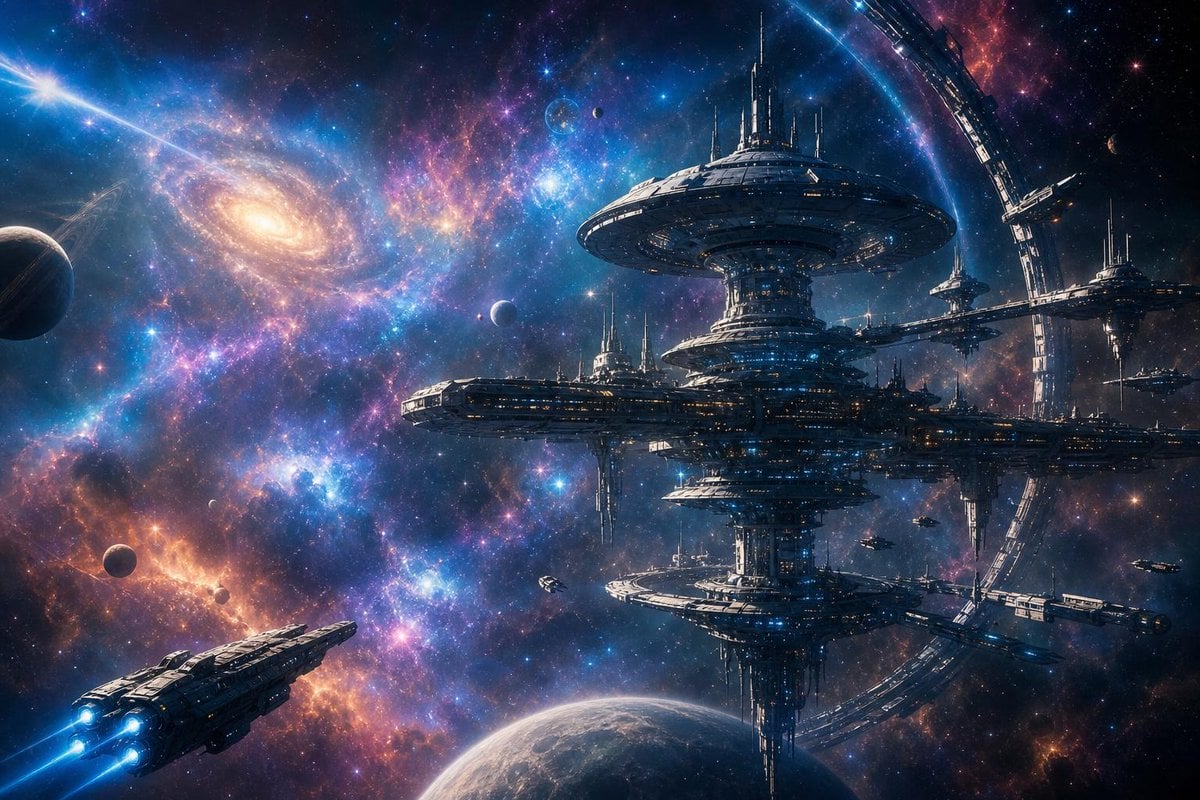
Grand Space Nebula Station

Astronaut Zero-Gravity Coffee Splash
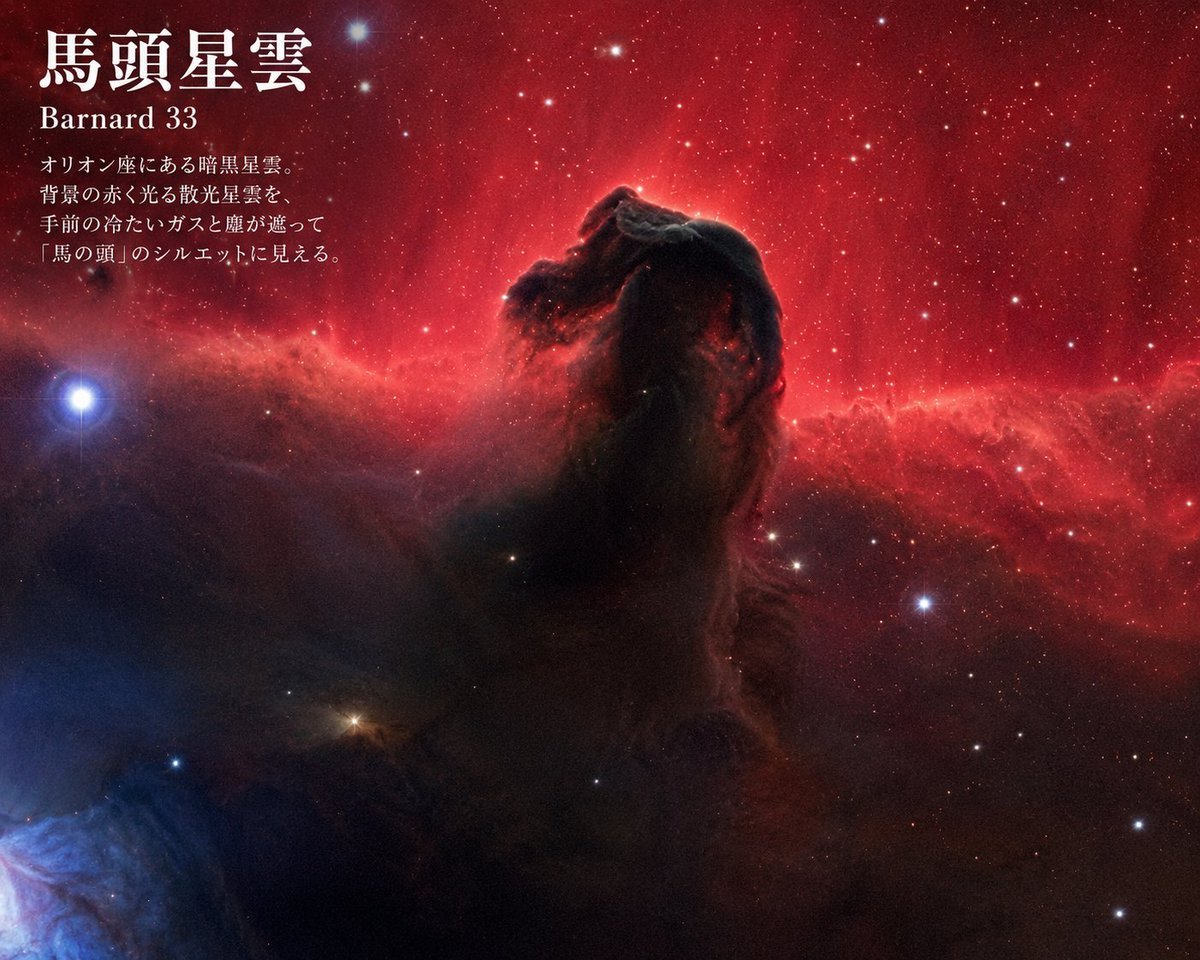
Horsehead Nebula Poster
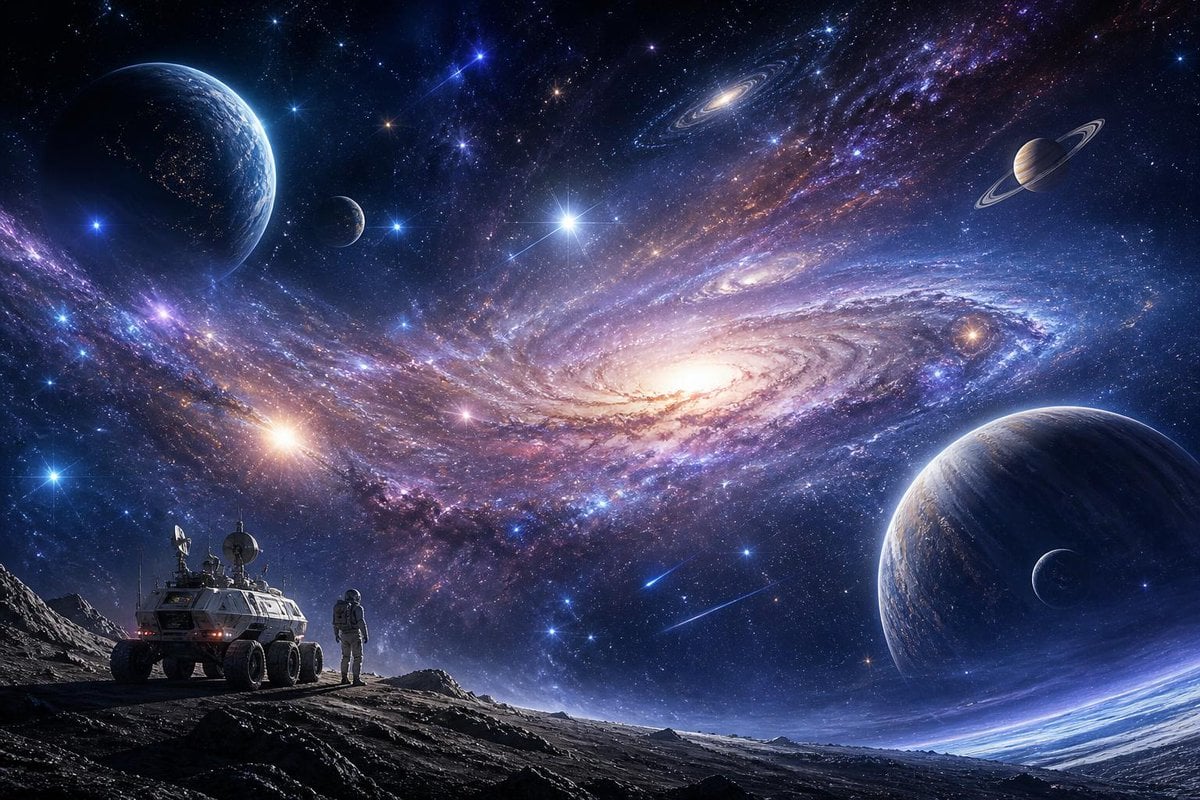
Galactic Exploration and Nebulae

Exploration Ship Crossing a Glowing Nebula
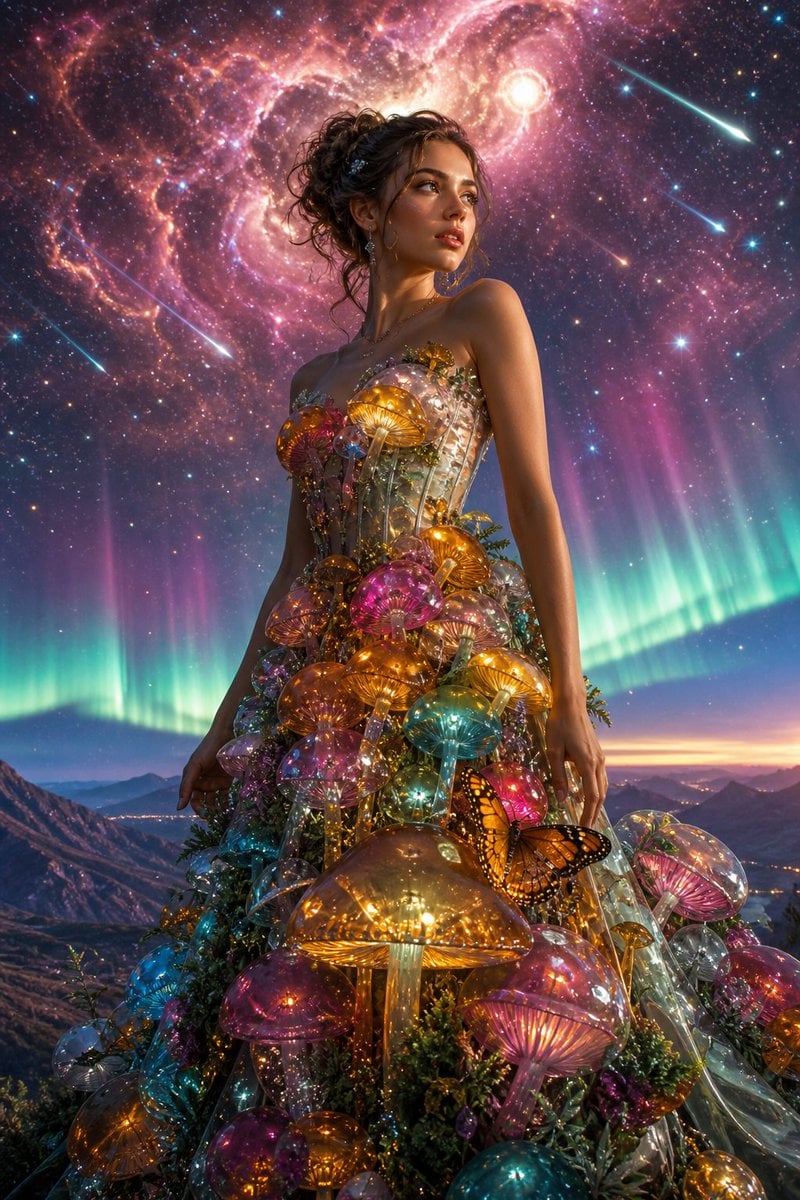
Glass Mushroom Gown in Cosmic Nebula
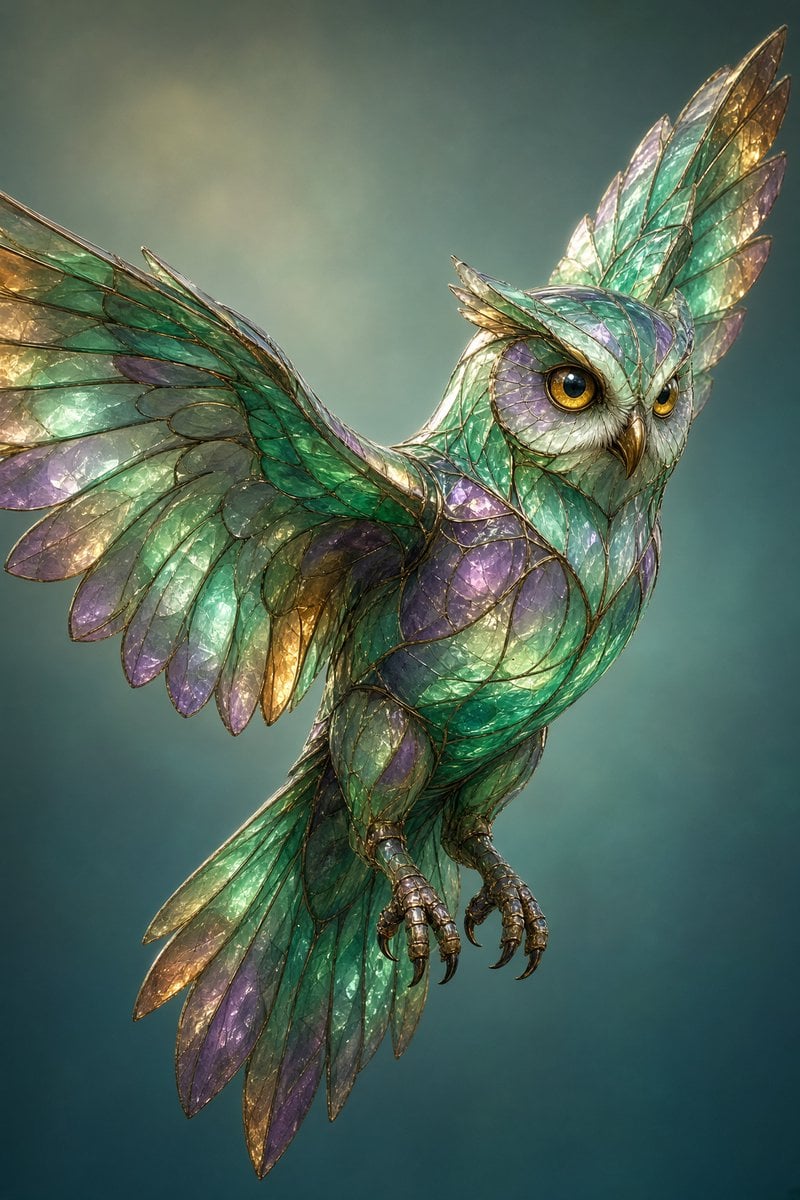
Stained Glass Flying Owl

Farmer in Deep Work Aura
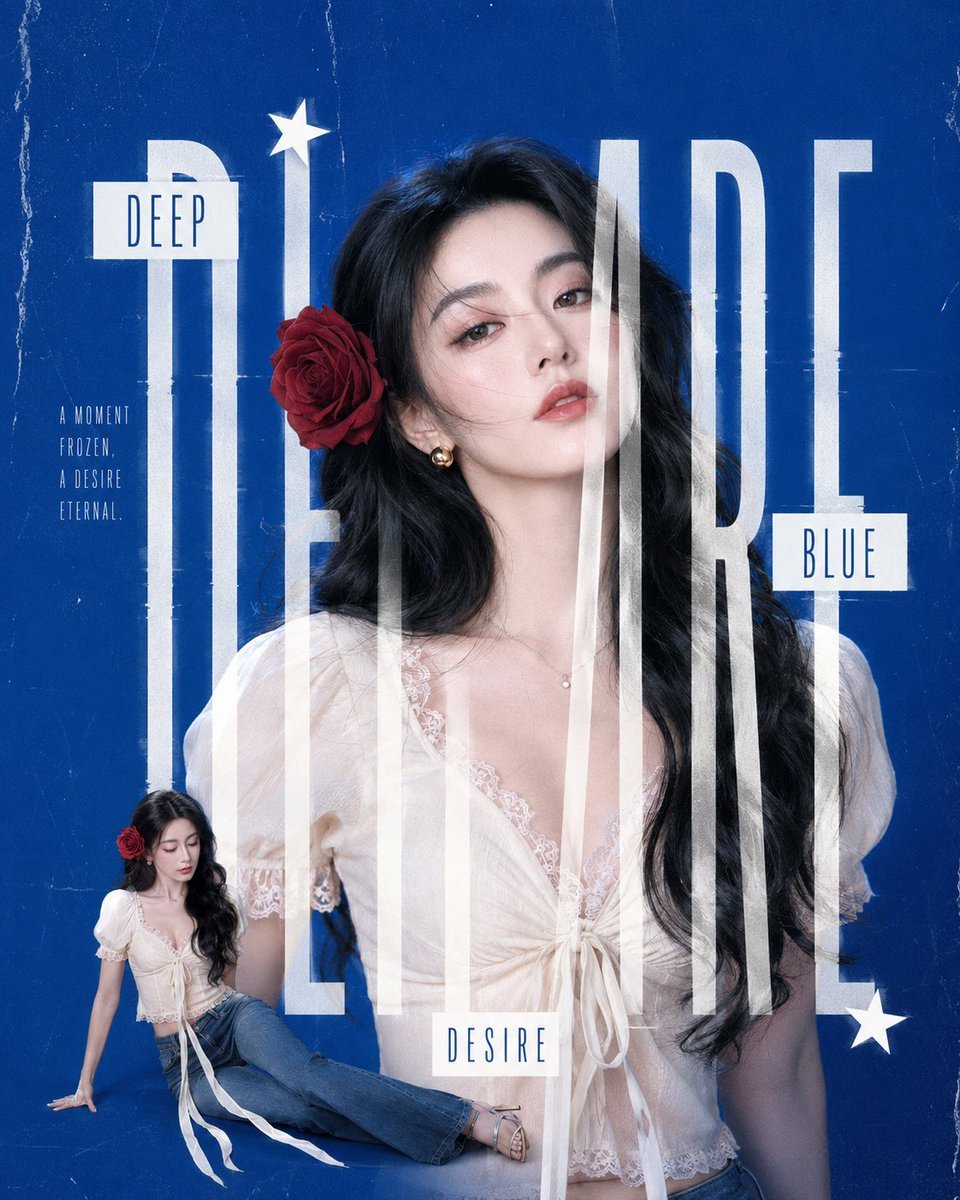
Deep Blue Desire Fashion Poster
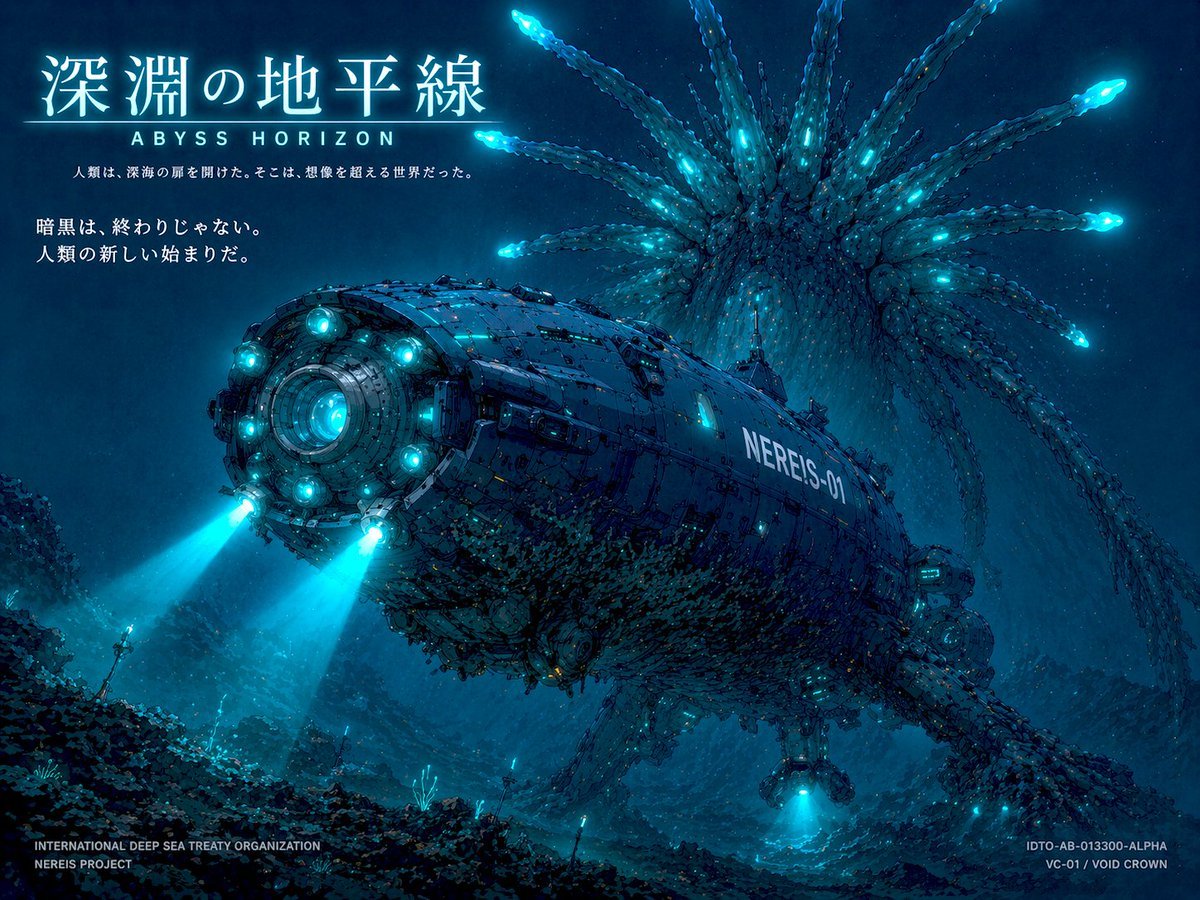
Sci-Fi Deep Sea Submarine Poster
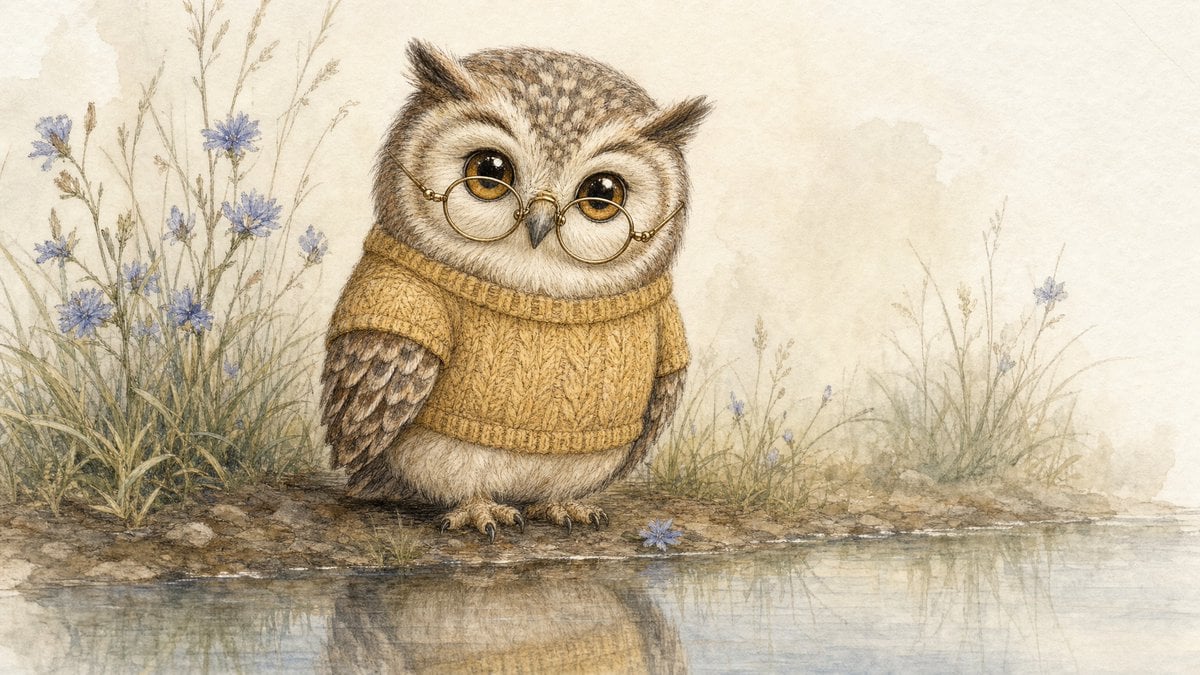
Watercolor Owl in Yellow Sweater
Make it yours
Owl-Shaped Nebula in Deep Space works as-is. These are the safest ways to change it without losing the look.
Change one field
Copy a single group, rewrite it, and generate again so you can see what that field is doing.
Keep the frame, change the subject
Hold the composition and light of Owl-Shaped Nebula in Deep Space, then swap wardrobe, props or the person for a new take.
| If the result… | Why | Fix |
|---|---|---|
| The result drifts from the preview | Too many fields changed at once. | Reuse Owl-Shaped Nebula in Deep Space as-is first, then change one group — subject, light, or setting. |
| The model over-stylizes the scene | The prose prompt leaves finish and camera underspecified. | Add one camera or lighting sentence and stay on GPT Image 2. |
More GPT Image 2 templates
Other prompts made for GPT Image 2.

Six VTuber Japanese Logo Sheet

Realistic Portrait of Woman and Deer

The Vista Modular Condo Poster

AI Model Routing Comparison Infographic

2.5D Anime Art Board

Isometric Productivity Desk Scene

New York Double Exposure Poster

Four-Panel AI Landscape Comparison

Japanese Tatami Lifestyle Magazine Cover

NESCAFÉ Coffee Map Poster
More image prompts
Fresh picks from across the catalog.
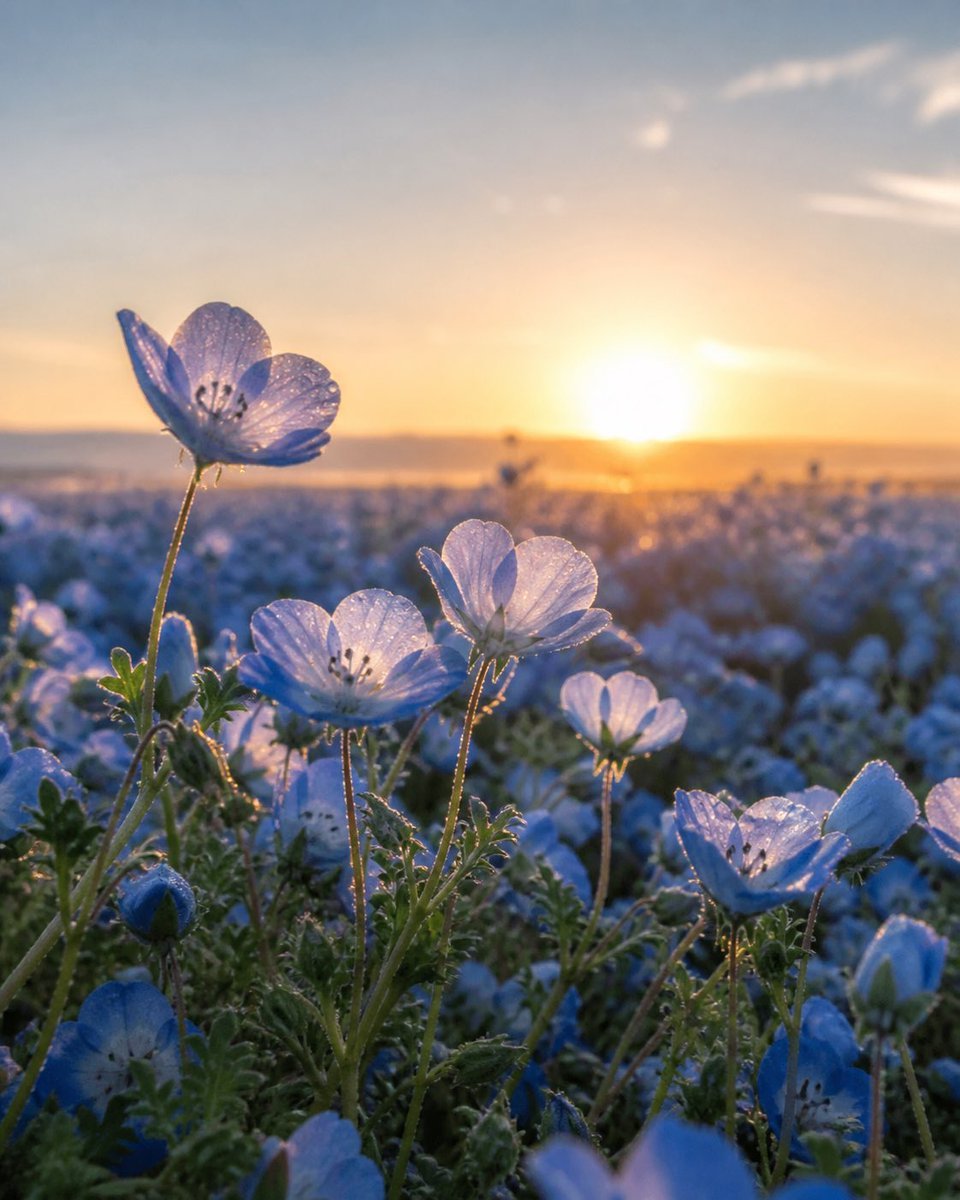
Dewy Nemophila Sunrise Macro
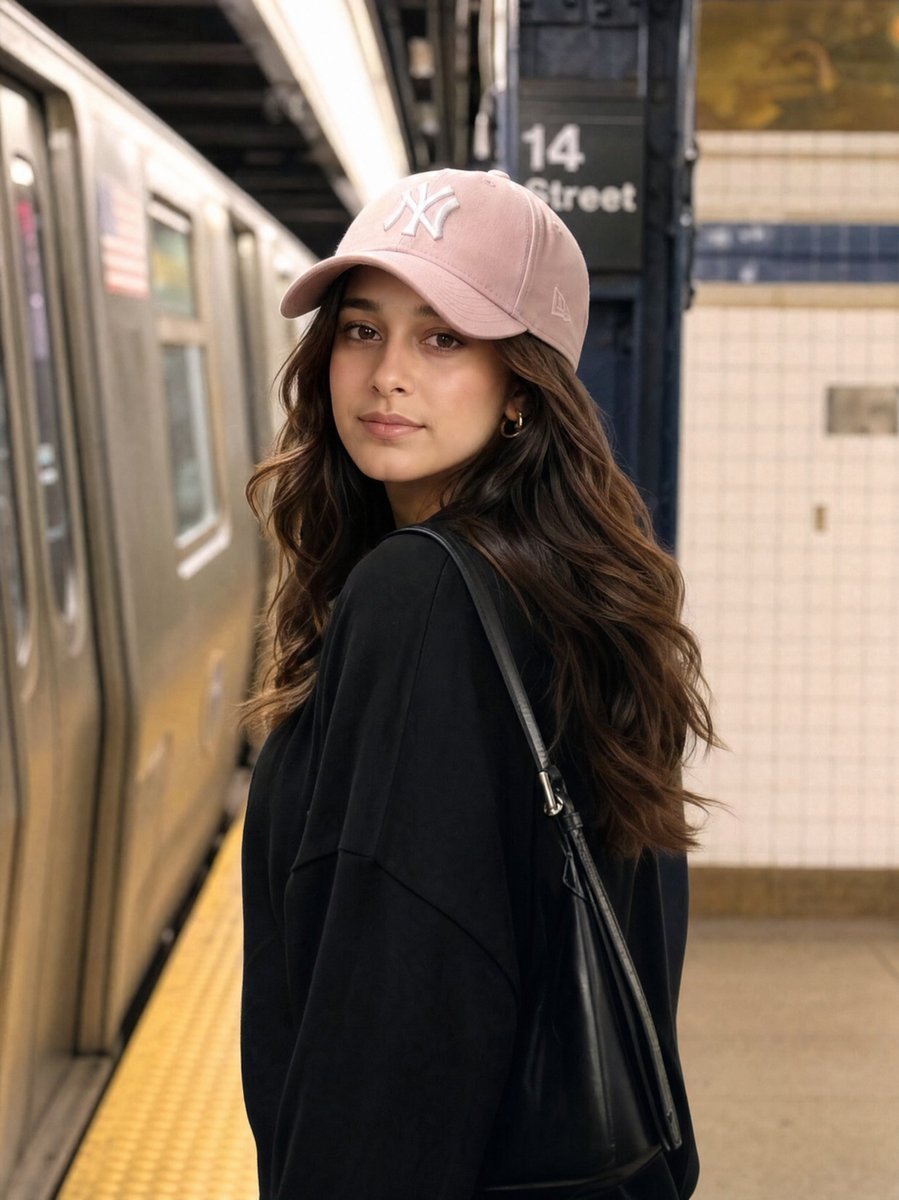
Identity Preservation Subway Portrait
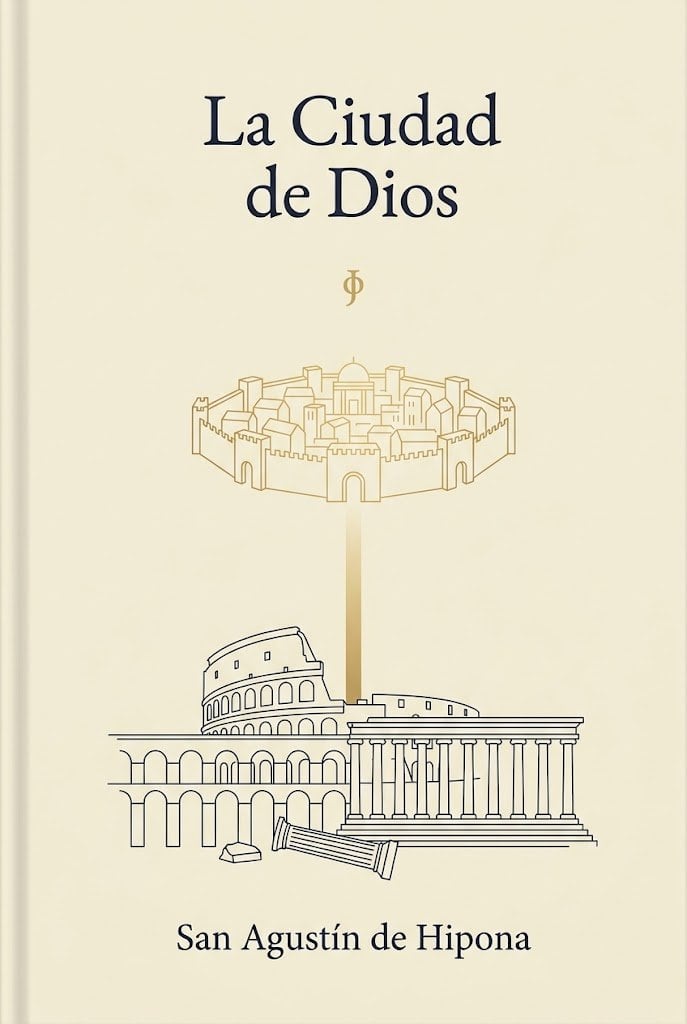
Minimalist Saint Augustine Book Cover
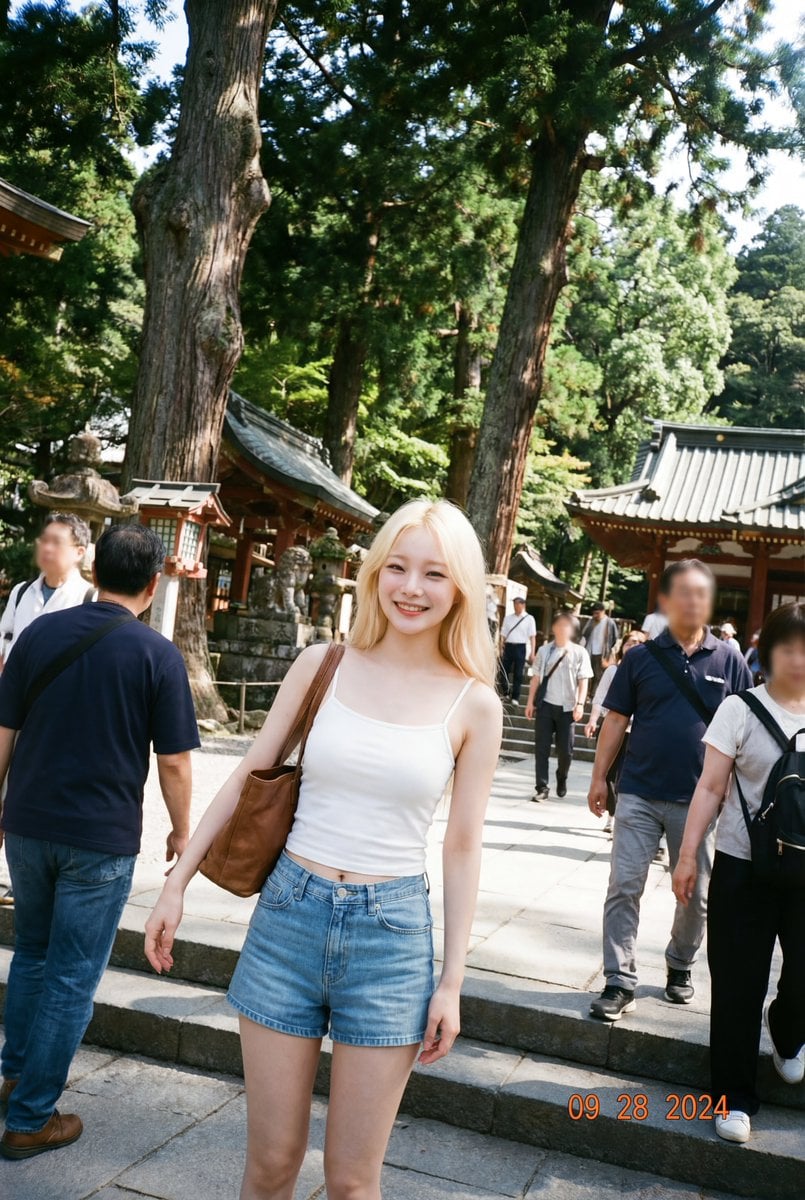
Make photos look bad with specified GPS coordinates
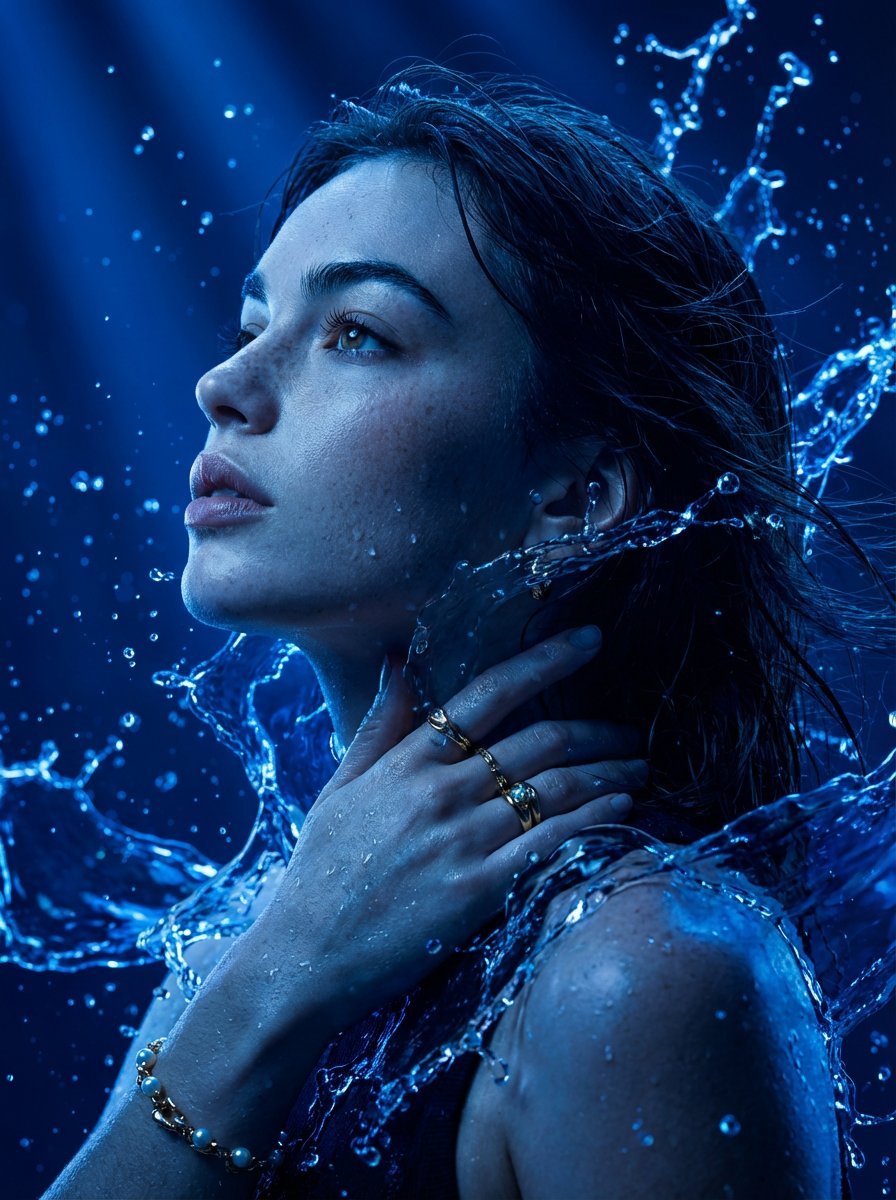
Cinematic Portrait Drenched in Electric Blue Water Splashes
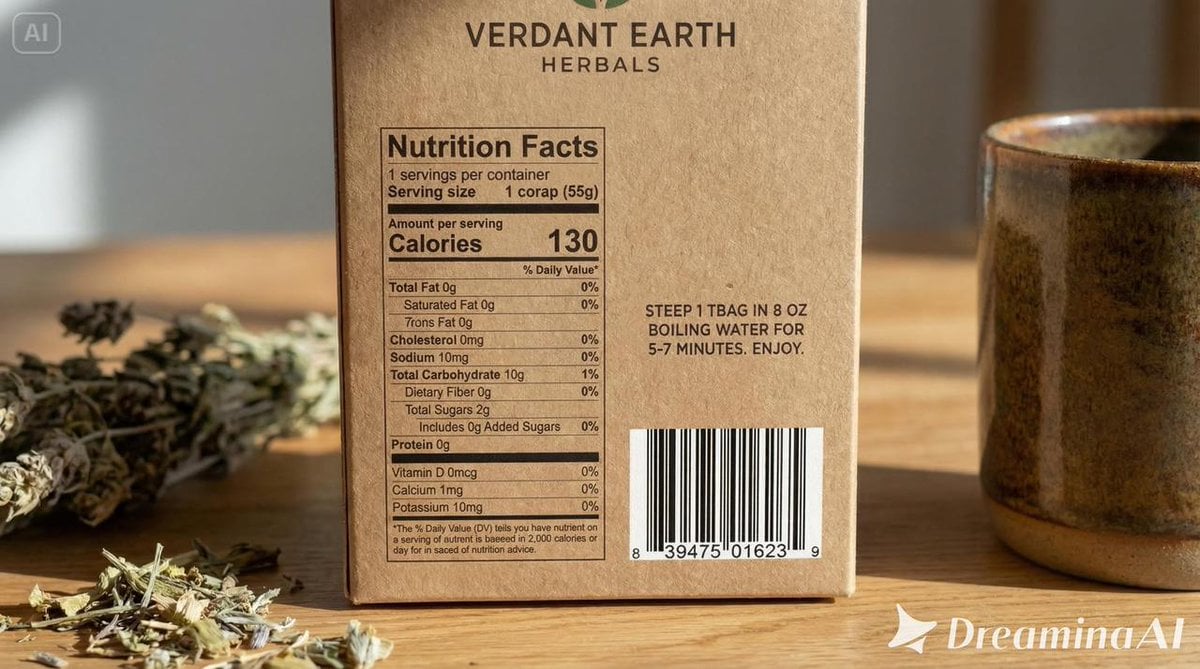
Packaging mockup with tiny text test prompt
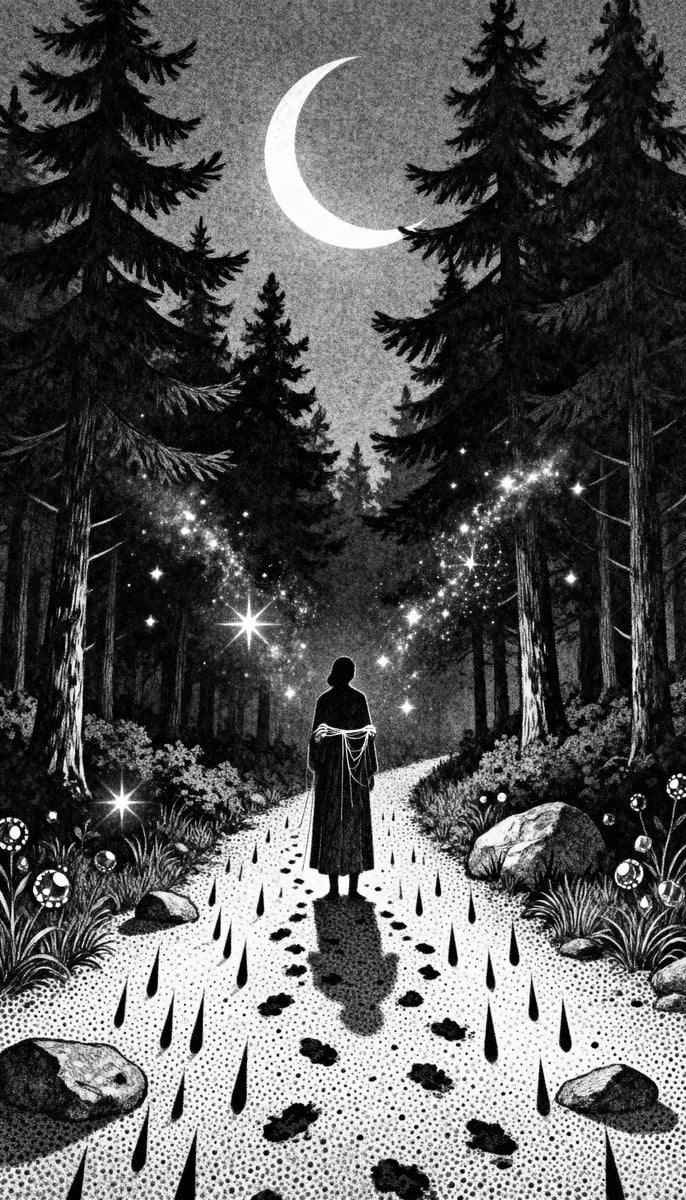
Gothic Stipple Art Poem Visualization

mirror
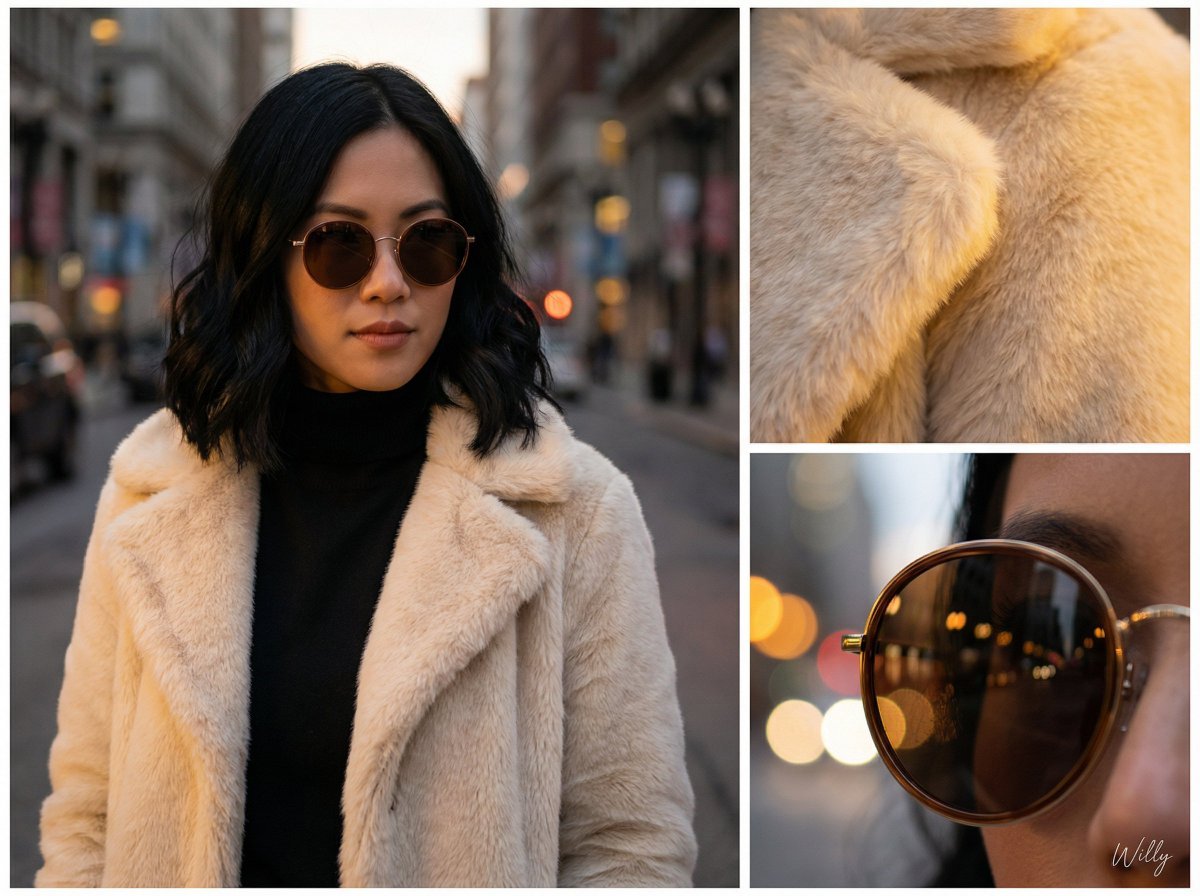
Asymmetric Grid Editorial Portrait with Detail Shots
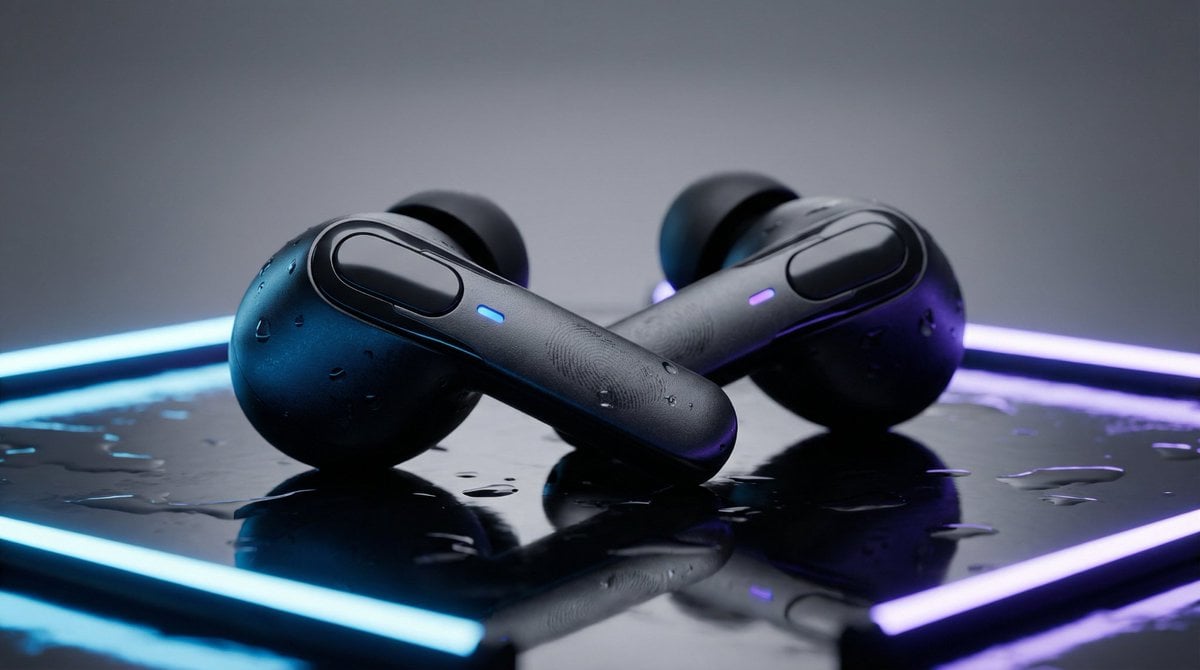
High-End Product Mockup for Wireless Earbuds
Browse template categories
Owl-Shaped Nebula in Deep Space questions
How do I use the Owl-Shaped Nebula in Deep Space template?
Add your photo if the template asks for one, edit the prompt if you like — the template's model and format are already selected — and press Generate. Your version opens in PicX Studio.
Can I customize the Owl-Shaped Nebula in Deep Space template?
Yes. You can change the subject, setting, lighting, mood, format, and available model controls before creating your image.
Is the Owl-Shaped Nebula in Deep Space template free?
Opening and editing this template is free. Generating uses credits, shown on the Generate button when you are signed in.
Which AI model should I use?
Start with GPT Image 2, which is the model associated with this template. You can compare another compatible model for a different finish.
Looking for something else? Browse all templates.

Your photo, any look
Thousands of ready templates for every top image and video model, from one credit balance.