
mirror
mirror is a ready photo look.

- Prompt included
- Model and format preset
- Free template
The prompt behind this image
Copy the exact prompt behind mirror, or open it in the studio and make it yours.
- Subject › Reference Image Subject
- The woman in the attached reference image (DO NOT TOUCH FACE).
- Subject › Description
- A stunning woman with an athletic hourglass figure posing for a full-body mirror selfie.
- Subject › Mirror Rules
- Reflected image in a large black-framed mirror, clear reflection, correct proportions, no double limbs.
- Subject › Age
- determined by the uploaded reference image
- Subject › Expression › Eyes › Look
- Focused on the phone screen
- Subject › Expression › Eyes › Energy
- Calm and confident
- Subject › Expression › Eyes › Direction
- Slightly downward toward the mirror
- Subject › Expression › Mouth › Position
- Natural closed lips
- Subject › Expression › Mouth › Energy
- Relaxed
- Subject › Expression › Overall
- Effortlessly cool and composed
- Subject › Face › Preserve Original
- Preserve original facial features and structure
- Subject › Face › Makeup
- Natural 'no-makeup' look, clean skin
- Subject › Hair › Color
- Same as reference image
- Subject › Hair › Style
- Long, flowing naturally over shoulders with bangs
- Subject › Hair › Effect
- Silky texture with subtle highlights from sunlight
- Subject › Body › Frame
- Fit and curvy, athletic silhouette
- Subject › Body › Waist
- Slim, defined waistline
- Subject › Body › Chest
- Naturally supported by the bodysuit
- Subject › Body › Legs
- Long, toned legs, standing with a slight confident stance
- Subject › Body › Skin › Visible Areas
- Shoulders, arms, thighs
- Subject › Body › Skin › Tone
- Consistent with reference image
- Subject › Body › Skin › Texture
- Smooth, natural skin texture
- Subject › Body › Skin › Lighting Effect
- Strong shadow play from sunlight, creating rhythmic stripes across the skin
- Subject › Clothing › Top › Type
- Tight-fitting one-piece bodysuit
Raw JSON
{

"subject": {

"reference_image_subject": "The woman in the attached reference image (DO NOT TOUCH FACE).",

"description": "A stunning woman with an athletic hourglass figure posing for a full-body mirror selfie.",

"mirror_rules": "Reflected image in a large black-framed mirror, clear reflection, correct proportions, no double limbs.",

"age": "determined by the uploaded reference image",

"expression": {

"eyes": {

"look": "Focused on the phone screen",

"energy": "Calm and confident",

"direction": "Slightly downward toward the mirror"

},

"mouth": {

"position": "Natural closed lips",

"energy": "Relaxed"

},

"overall": "Effortlessly cool and composed"

},

"face": {

"preserve_original": "Preserve original facial features and structure",

"makeup": "Natural 'no-makeup' look, clean skin"

},

"hair": {

"color": "Same as reference image",

"style": "Long, flowing naturally over shoulders with bangs",

"effect": "Silky texture with subtle highlights from sunlight"

},

"body": {

"frame": "Fit and curvy, athletic silhouette",

"waist": "Slim, defined waistline",

"chest": "Naturally supported by the bodysuit",

"legs": "Long, toned legs, standing with a slight confident stance",

"skin": {

"visible_areas": "Shoulders, arms, thighs",

"tone": "Consistent with reference image",

"texture": "Smooth, natural skin texture",

"lighting_effect": "Strong shadow play from sunlight, creating rhythmic stripes across the skin"

}

},

"clothing": {

"top": {

"type": "Tight-fitting one-piece bodysuit",

"color": "Soft pastel pink",

"details": "Thin spaghetti straps, scoop neckline, high-cut hip",

"effect": "Ultra-thin fabric revealing subtle body contours"

},

"bottom": {

"type": "Thigh-high graphic socks",

"color": "White with black trim and cartoon patterns",

"details": "Sporty knit texture"

}

}

},

"accessories": {

"jewelry": "Minimalist black choker",

"device": "Modern white smartphone held with one hand",

"prop": "Black hair tie on the wrist"

},

"photography": {

"camera_style": "High-end smartphone mirror selfie, social media aesthetic",

"angle": "Eye-level, straight-on mirror reflection",

"shot_type": "Full-body shot",

"aspect_ratio": "3:4",

"texture": "Clean, sharp, slight digital sensor noise in shadows for authenticity",

"lighting": "Hard directional sunlight from the side, long dramatic shadows, high contrast",

"depth_of_field": "Deep focus, entire room and reflection are clear"

},

"background": {

"setting": "Minimalist modern interior",

"wall_color": "Off-white, matte finish",

"elements": [

"Large rectangular black-framed mirror",

"Wall power outlets",

"Grey carpeted floor"

],

"atmosphere": "Quiet afternoon, cinematic stillness",

"lighting": "Golden hour sunlight streaming through a window"

},

"the_vibe": {

"energy": "Serene and vibrant",

"mood": "Intimate yet distant",

"aesthetic": "Minimalist lifestyle, clean girl aesthetic",

"authenticity": "Raw mobile photo quality, unedited vibe",

"intimacy": "A private moment in a personal dressing area",

"story": "The sun tilted just right, casting shadows that danced like stripes, capturing a moment of self-appreciation before a workout.",

"caption_energy": "Golden hour glow."

},

"constraints": {

"must_keep": [

"Natural shadow stripes on the wall and body",

"Black mirror frame",

"Pink bodysuit color"

],

"avoid": [

"Over-smoothed skin",

"Flash lighting",

"Messy background"

]

},

"negative_prompt": [

"distorted reflection",

"extra fingers",

"blurry face",

"unnatural proportions",

"messy room",

"low resolution",

"airbrushed skin"

],

"photography_style": {

"camera": "iPhone 15 Pro style handheld capture, realistic lens perspective",

"lighting": "natural, believable light behavior with soft falloff",

"quality": "photorealistic detail, sharp focus, natural texture retention"

}

}How to use mirror in 3 steps
- 1Upload ImagePNG, JPG or paste
Add your photo
Upload the photo the template builds on. The prompt, model and format are already set.
- 2…a portrait of your subject in softgolden-hour light, 85mm…
Personalize
Edit the subject and creative details for your destination.
- 3Generate
Generate
Press Generate — your image is created in PicX Studio, so you can compare it with the original and refine one variable at a time.
More like this
Templates with the same subject, style or setup. Open one to see its prompt.

Rooftop Fisheye — Cat-Ear Balaclava at Golden Hour

Felt & Knit 3D Character — Photo-Exact Face, Pixar-Quality Plush Figurine

Eid al-Adha Cute Chaos — Fisheye Selfie with Farm Selfie, Mosque & Animals

Cat Photobomb Selfie — 0.5x Wide Angle Café Chaos

Gen Z Triple Selfie Collage — Y2K Flash Photography

Surreal Cat Astronaut — Humanoid Face Freefall

Retro Mirror Luxury Fashion Campaign Poster
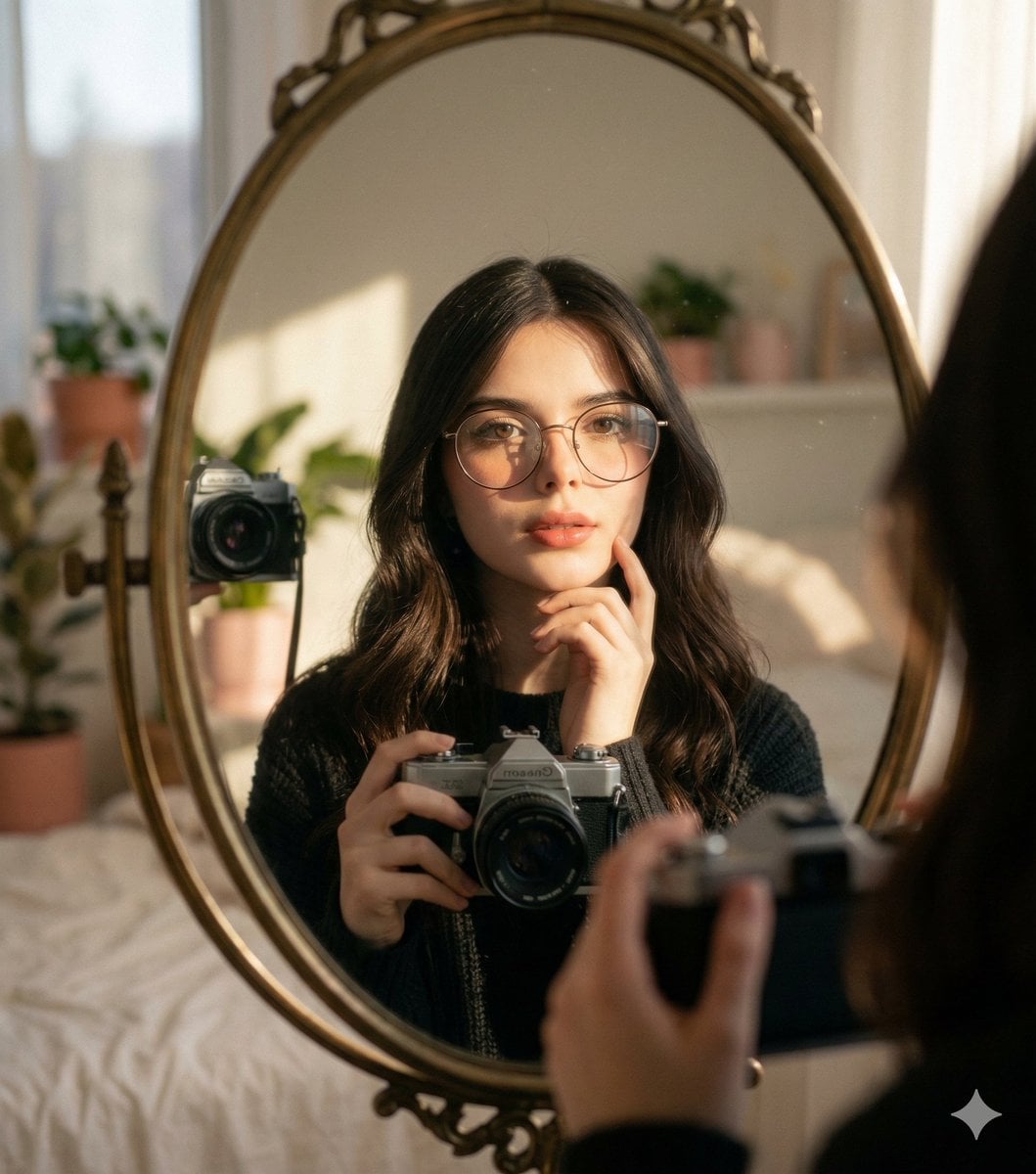
Oval Mirror Vintage Camera Self Portrait
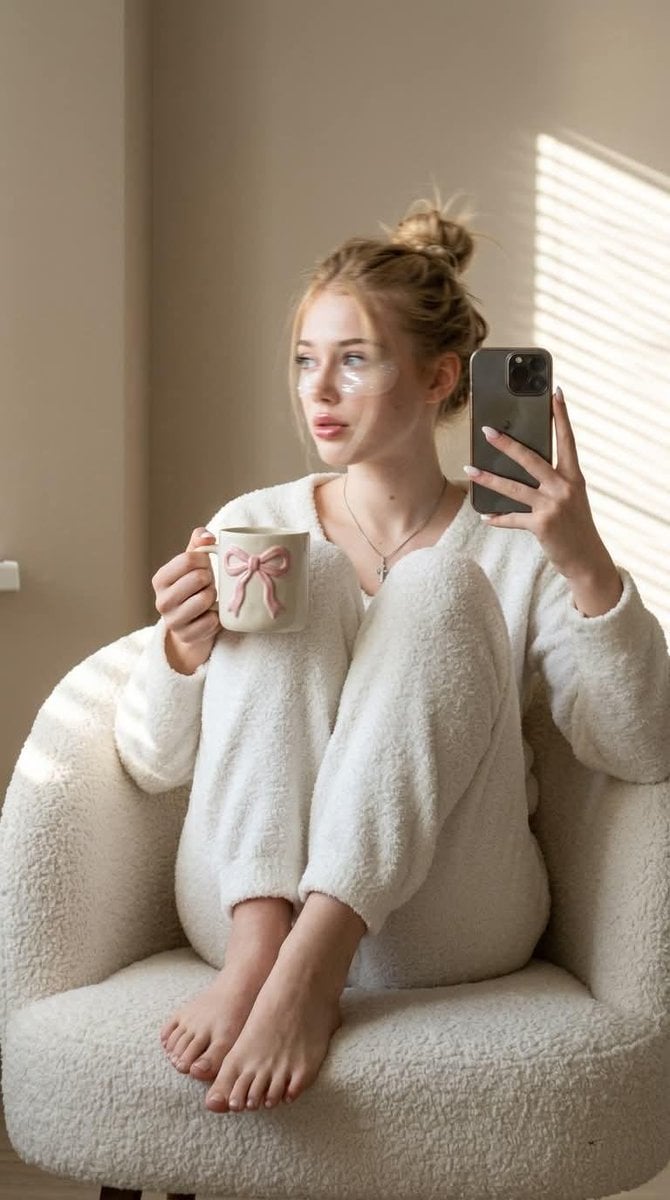
Morning Mirror Selfie Candid

Panel Mirror Selfie Collage
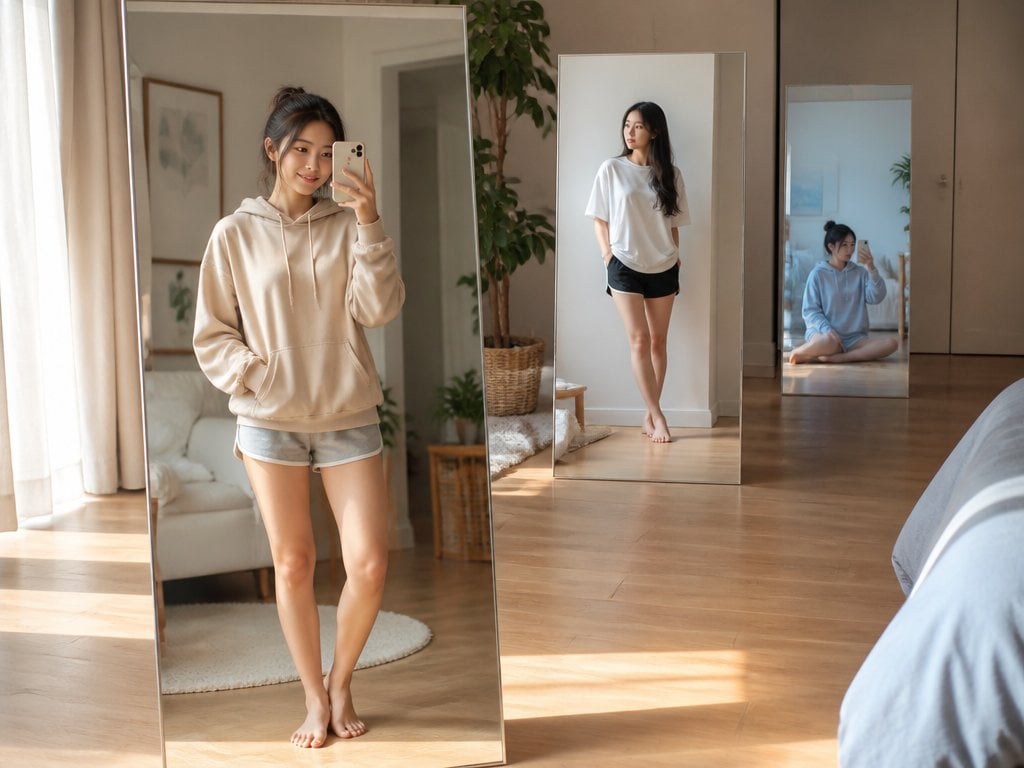
Floating Mirror Korean Apartment Lifestyle Photo
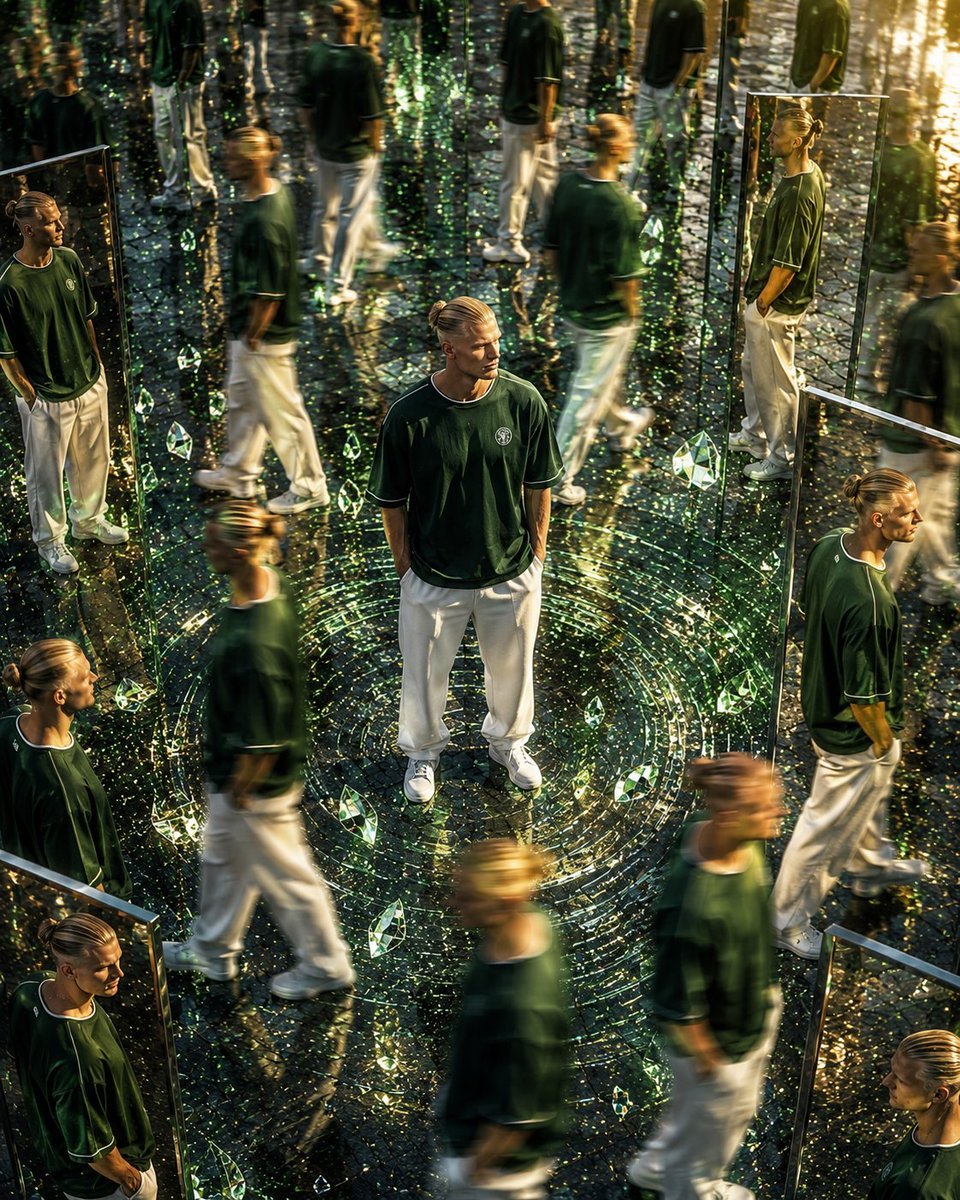
Surreal Mirror Clone Editorial
Make it yours
mirror works as-is. These are the safest ways to change it without losing the look.
Swap the setting
Keep the rest of the prompt and replace the location block. The current setting is “Minimalist modern interior”.
Swap the light
One lighting change is enough to compare takes. Current light: “Strong shadow play from sunlight, creating rhythmic stripes across the skin”.
Change one field
Copy a single group, rewrite it, and generate again so you can see what that field is doing.
| If the result… | Why | Fix |
|---|---|---|
| The result drifts from the preview | Too many fields changed at once. | Reuse mirror as-is first, then change one group — subject, light, or setting. |
| PicX Studio ignores part of the JSON | Some models flatten or skip nested keys. | Keep the same values and paste them as a short paragraph instead. |
More image prompts
Fresh picks from across the catalog.
Identity-Locked Mirror Selfie Pose Recreation Prompt

Parametrized Movie Poster Generation Prompt
Cinematic Overhead Portrait of a Man on a Red Couch
Deep Black Skin Selfie Portrait Prompt
Underwater Chinese Ink Dreamscape Portrait
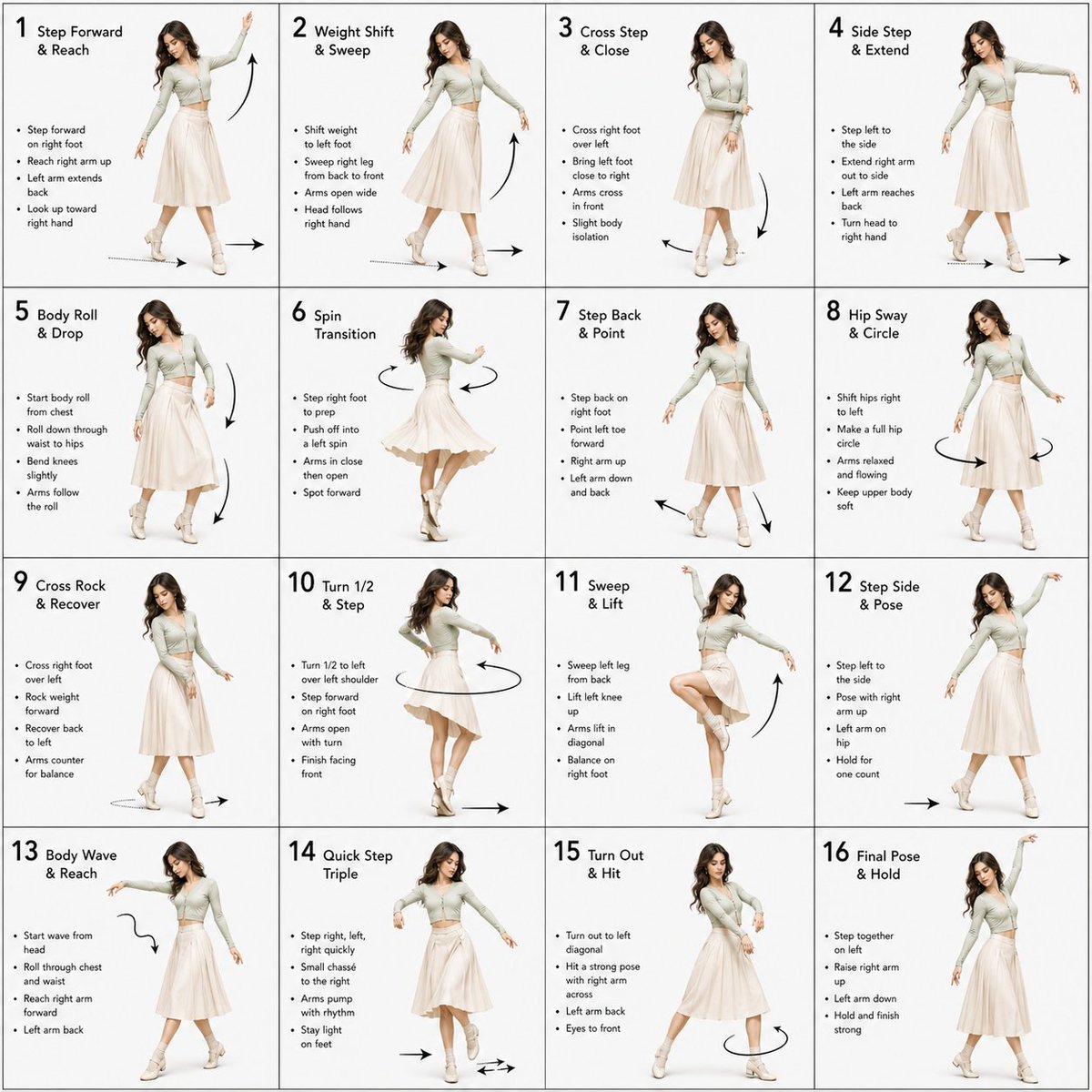
Dance Choreography Instruction Sheet Prompt
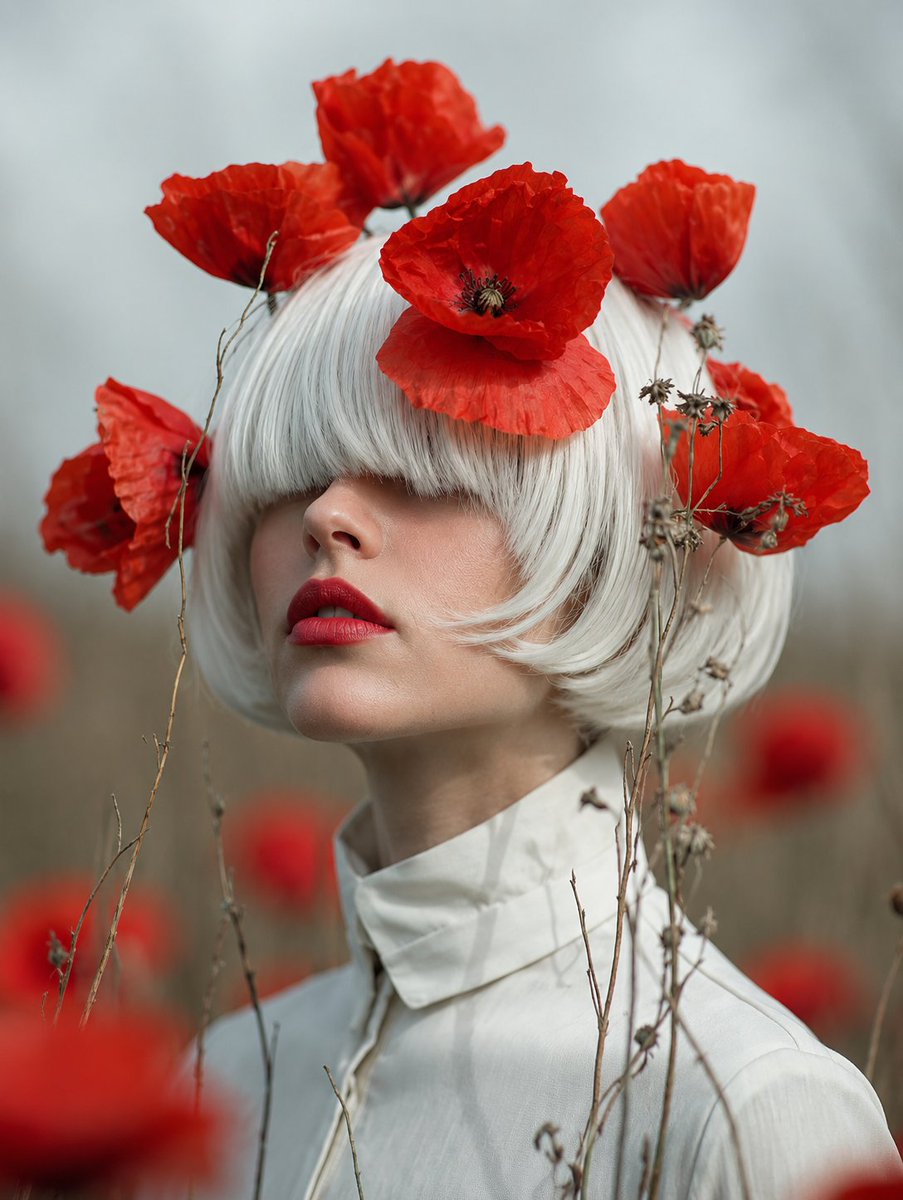
Faceless Lady of Red Poppies

Nigerian Street Eats Collage
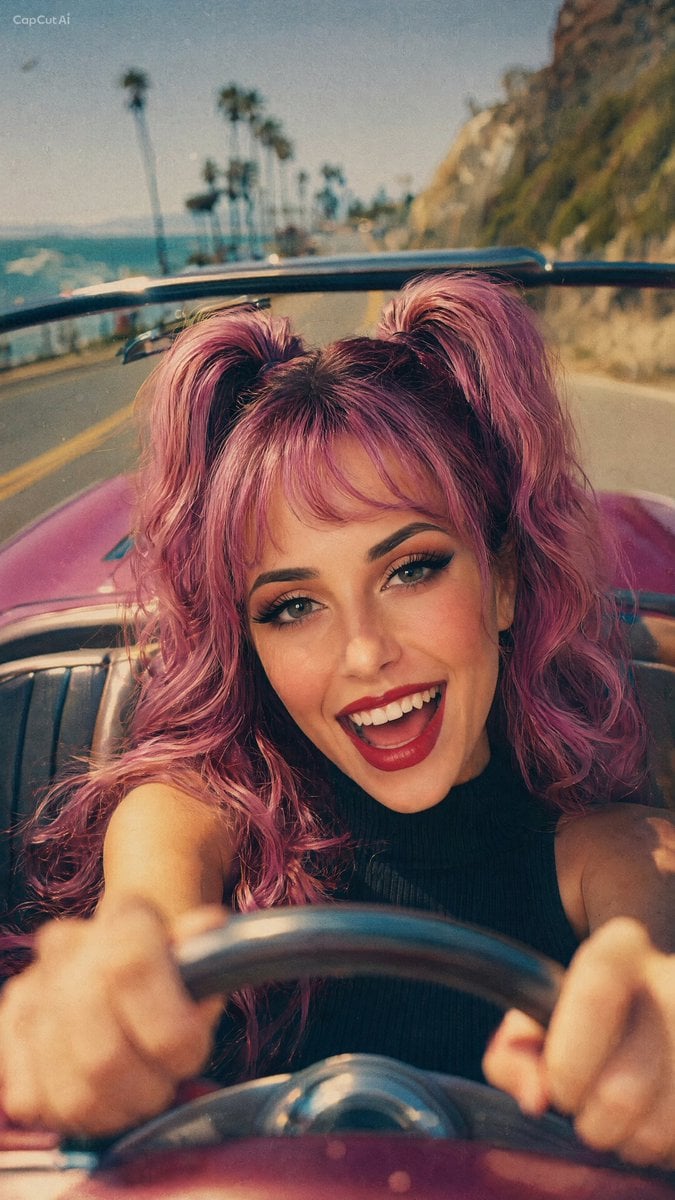
90s Retro Film Driving Shot
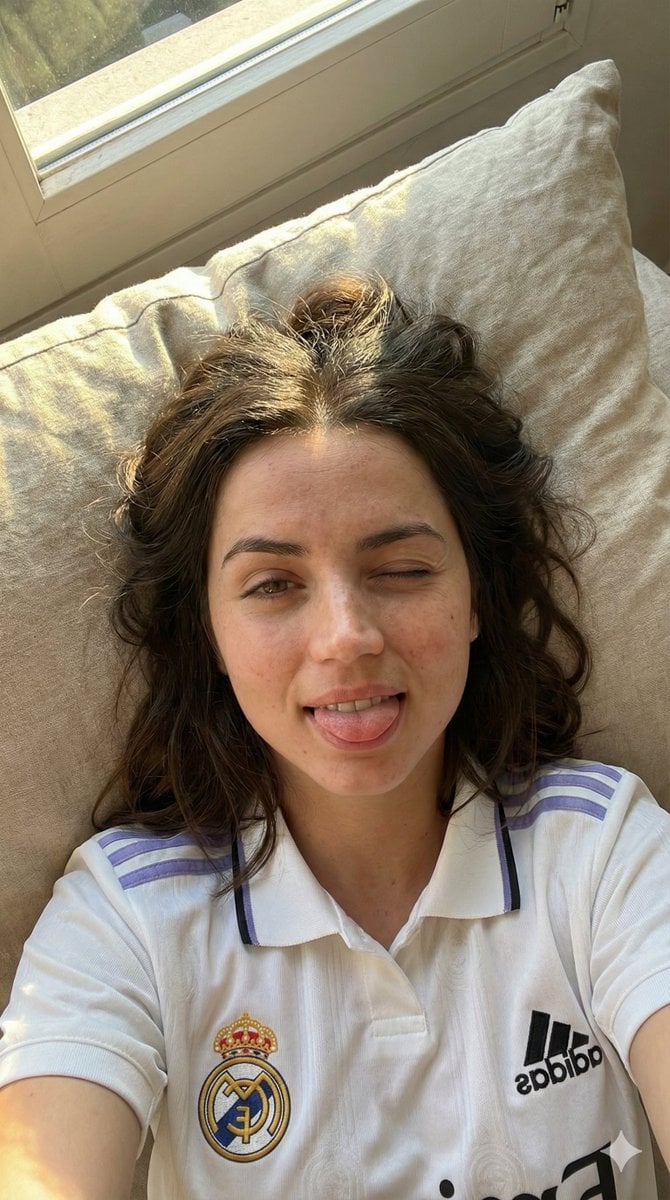
JSON Prompt for Scarlett Johansson in Real Madrid Kit (Candid Selfie)
Browse template categories
mirror questions
How do I use the mirror template?
Add your photo if the template asks for one, edit the prompt if you like — the template's model and format are already selected — and press Generate. Your version opens in PicX Studio.
Can I customize the mirror template?
Yes. You can change the subject, setting, lighting, mood, format, and available model controls before creating your image.
Is the mirror template free?
Opening and editing this template is free. Generating uses credits, shown on the Generate button when you are signed in.
Which AI model should I use?
Choose a compatible model in PicX Studio based on the style, speed, and output controls your project needs.
Looking for something else? Browse all templates.

Your photo, any look
Thousands of ready templates for every top image and video model, from one credit balance.