
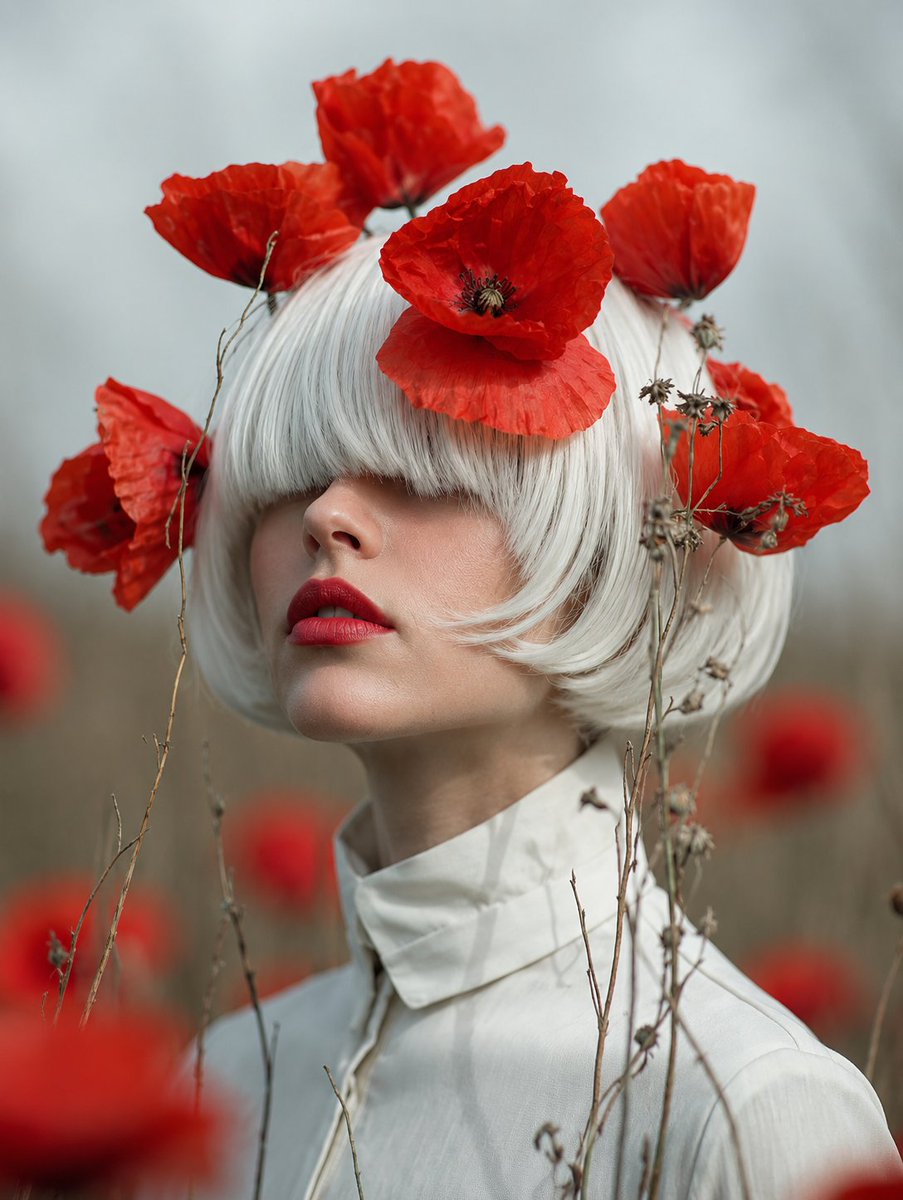
Faceless Lady of Red Poppies
Generates a surreal fine-art portrait of a white-haired figure in a misty red poppy field for editorial or poetic visual concepts.
- Prompt included
- Model and format preset
- Free template
The prompt behind this image
Copy the exact prompt behind Faceless Lady of Red Poppies, or open it in the studio and make it yours.
Create a fine-art photographic portrait titled {argument name="title concept" default="The Lady of Red Poppies"}: a pale, androgynous woman with a short blunt white bob haircut stands in a misty poppy field, wearing a structured high-collared white blouse. Her face is deliberately hidden by a centered matte square block in muted taupe, giving the image an anonymous surreal editorial quality. Around and above her head are exactly 7 vivid red poppy blossoms: one large poppy centered over the forehead, two large poppies rising behind the crown, one poppy at the left side of the head, one poppy at the right side, one smaller red poppy partially visible near the right cheek area, and one lower right poppy among dried stems. Include thin dried wildflower stems and seed heads crossing the foreground and framing the portrait. Use a muted gray-green foggy background with soft red poppies blurred in the distance, shallow depth of field, natural diffused overcast light, subdued earthy tones contrasted with intense crimson petals, cinematic vertical composition, elegant melancholy mood, hyperrealistic texture in the papery poppy petals and white hair, 3:4 aspect ratio.
How to use Faceless Lady of Red Poppies in 3 steps
- 1Upload ImagePNG, JPG or paste
Add your photo
Upload the photo the template builds on. The prompt, model and format are already set.
- 2…a portrait of your subject in softgolden-hour light, 85mm…
Personalize
Edit the subject and creative details for your destination.
- 3Generate
Generate
Press Generate — your image is created in PicX Studio, so you can compare it with the original and refine one variable at a time.
More like this
Templates with the same subject, style or setup. Open one to see its prompt.
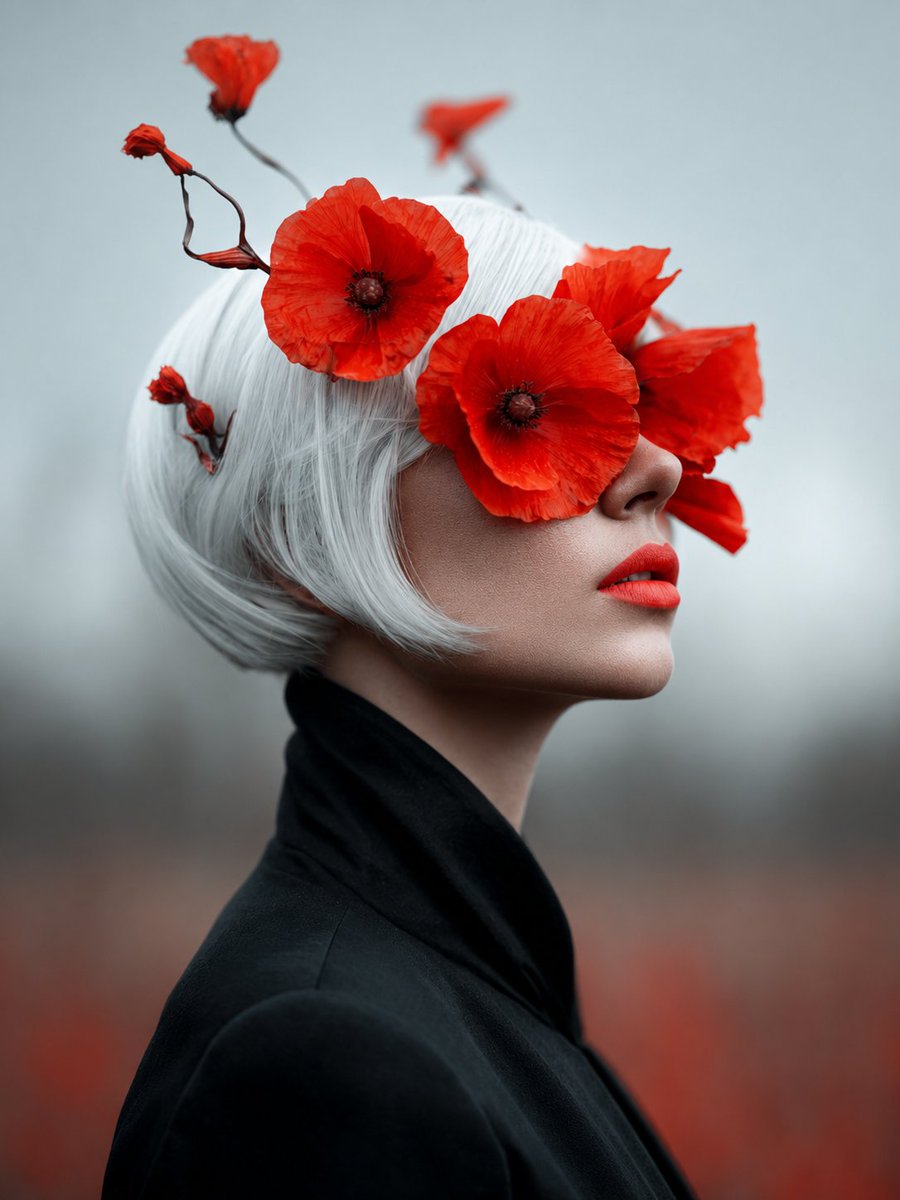
Lady of Red Poppies Portrait
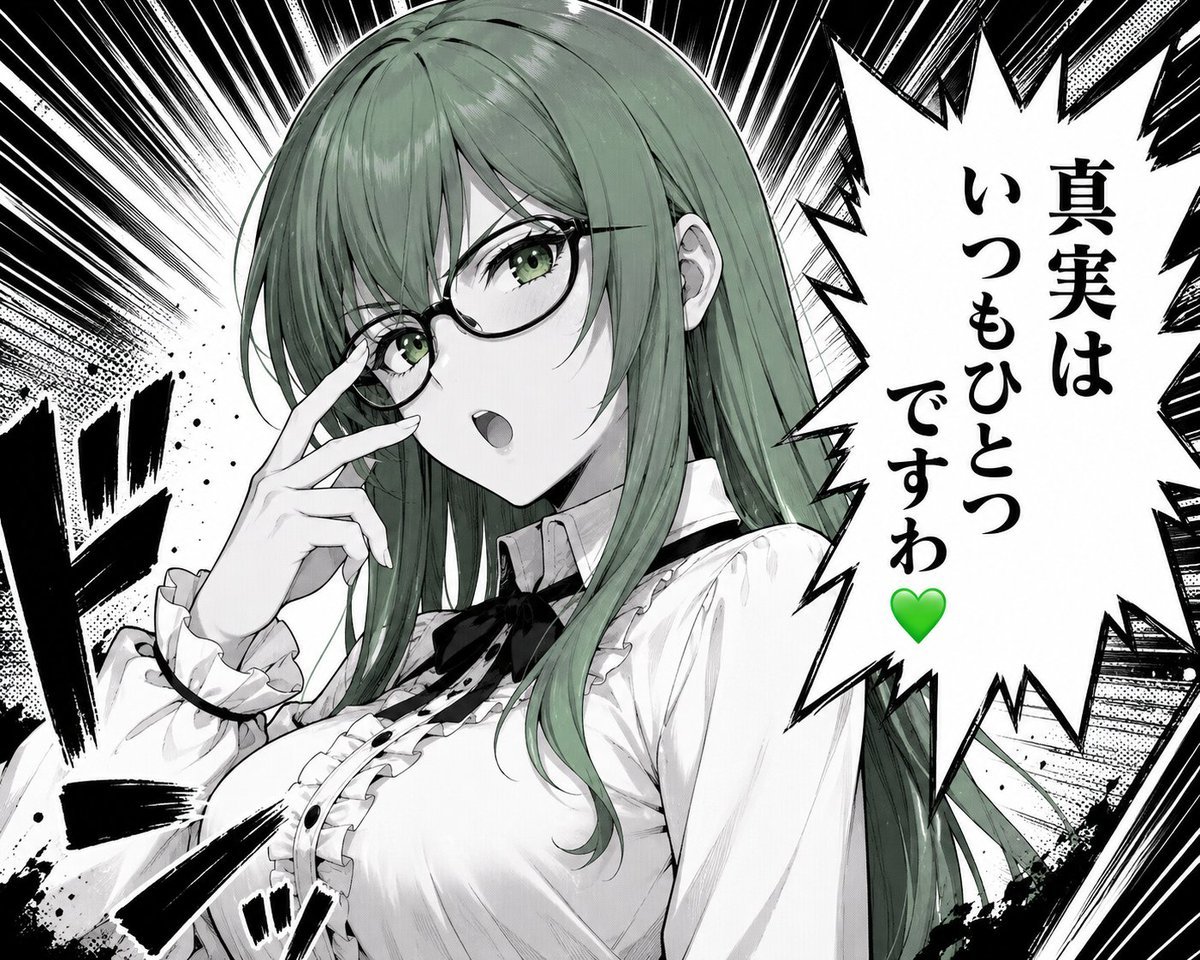
Green-Haired Manga Lady Speech Bubble

Bold Red Contrast Fashion Editorial Newspaper Room

Panning Motion Soccer Kick Poster
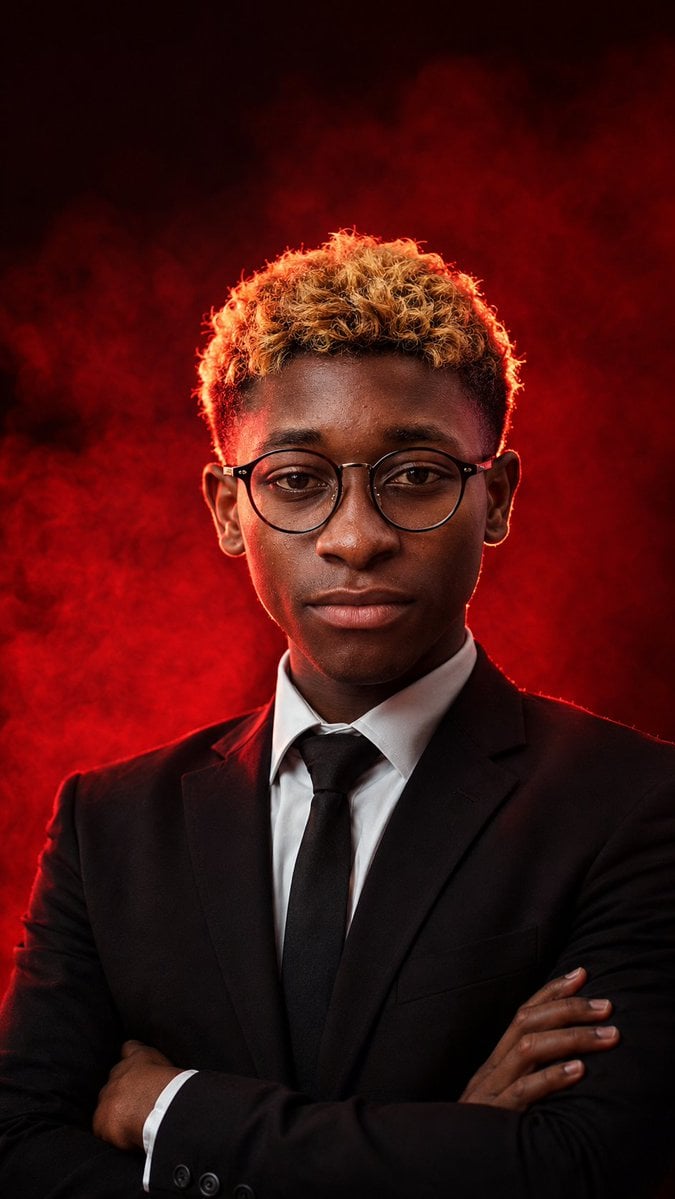
Faceless Red Smoke Executive Portrait
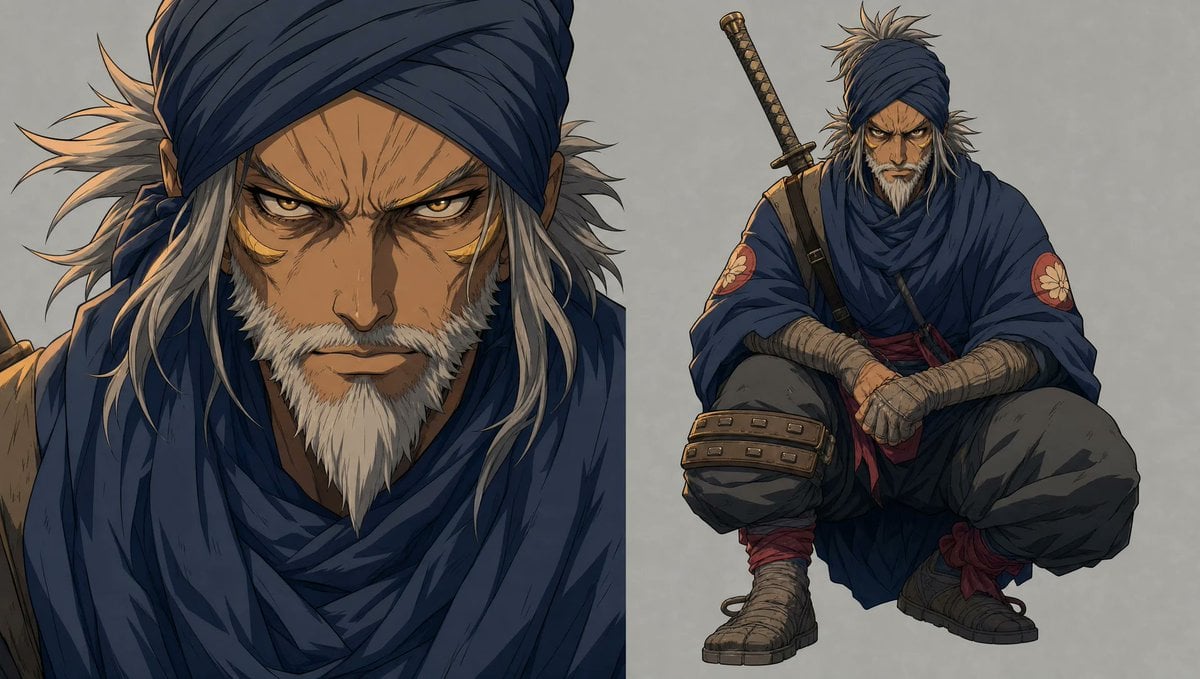
Faceless Shinobi Character Redesign

Dancer Character - Four View Reference Sheet
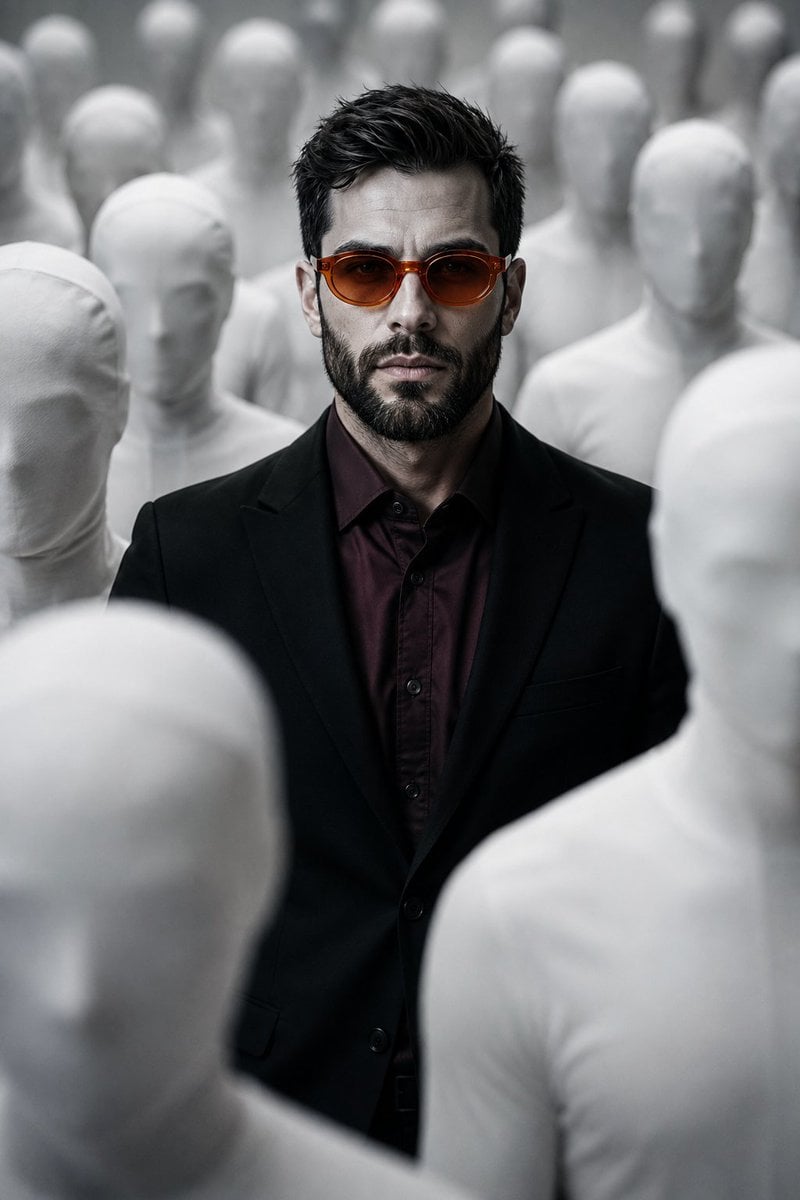
Surreal Faceless Figures Portrait
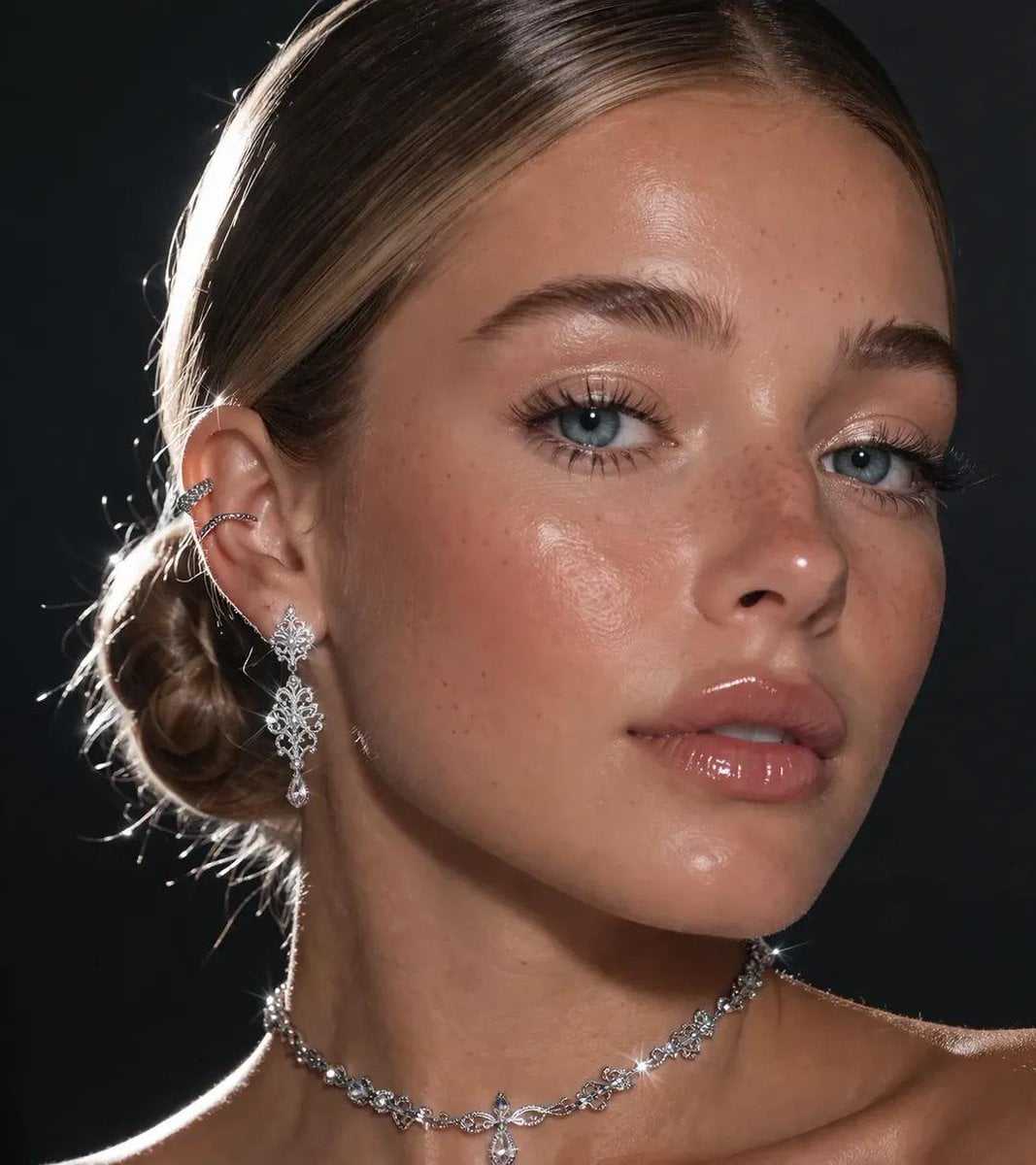
An extreme close-up focusing on a pretty lady s face and neck

Faceless Wolf Cut Fashion Portrait
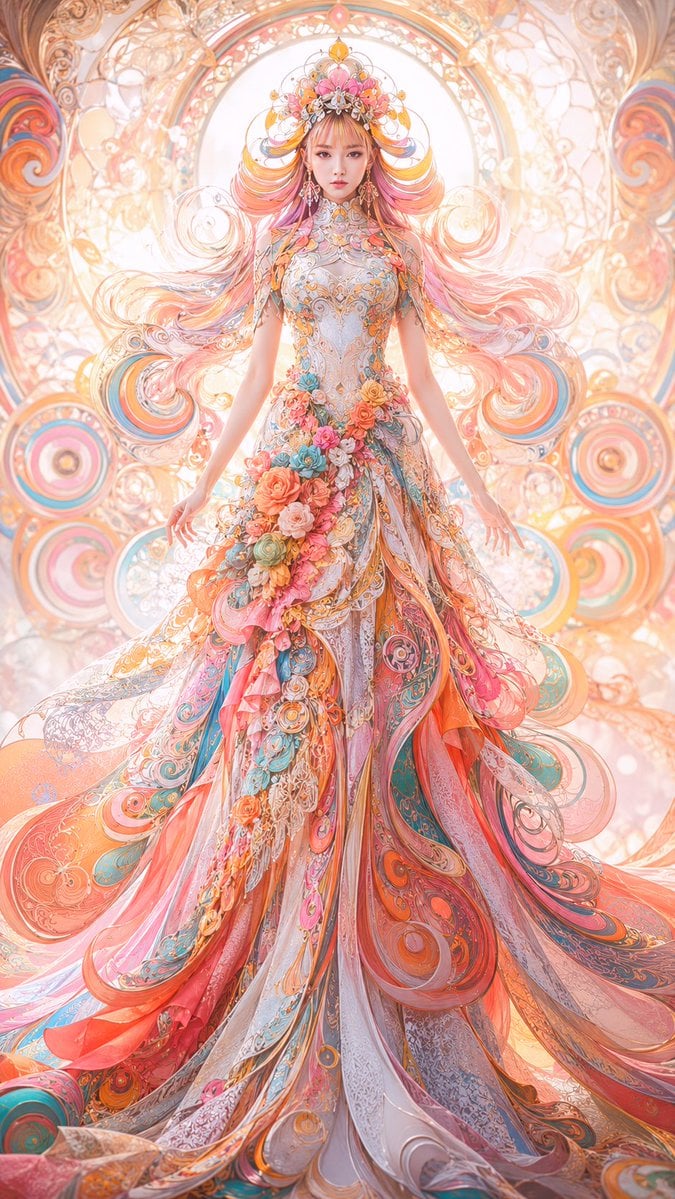
Faceless Art Nouveau Fantasy Princess
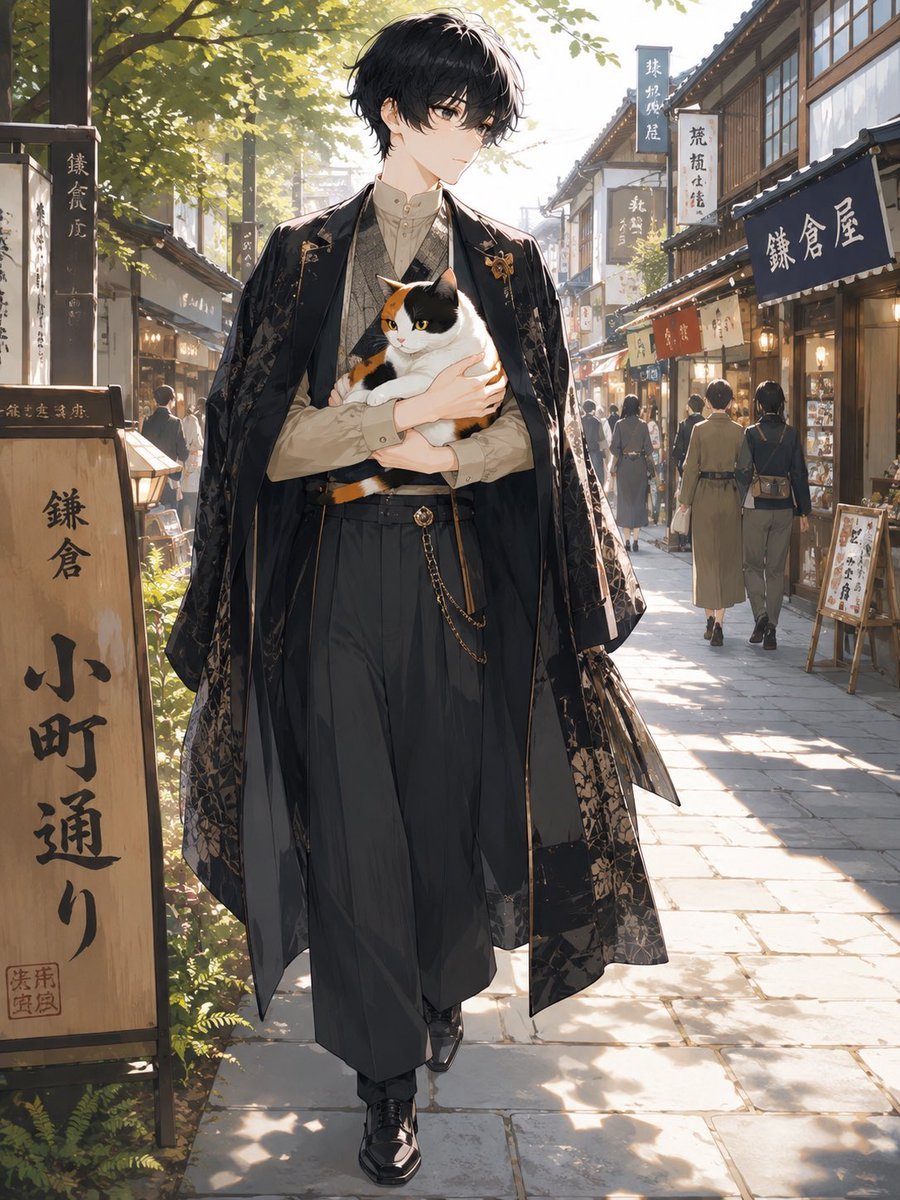
Faceless Anime Man Holding Calico Cat
Make it yours
Faceless Lady of Red Poppies works as-is. These are the safest ways to change it without losing the look.
Change one field
Copy a single group, rewrite it, and generate again so you can see what that field is doing.
Keep the frame, change the subject
Hold the composition and light of Faceless Lady of Red Poppies, then swap wardrobe, props or the person for a new take.
| If the result… | Why | Fix |
|---|---|---|
| The result drifts from the preview | Too many fields changed at once. | Reuse Faceless Lady of Red Poppies as-is first, then change one group — subject, light, or setting. |
| The model over-stylizes the scene | The prose prompt leaves finish and camera underspecified. | Add one camera or lighting sentence and stay on GPT Image 2. |
More GPT Image 2 templates
Other prompts made for GPT Image 2.

Six VTuber Japanese Logo Sheet

Realistic Portrait of Woman and Deer

The Vista Modular Condo Poster

AI Model Routing Comparison Infographic

2.5D Anime Art Board

Isometric Productivity Desk Scene

New York Double Exposure Poster

Four-Panel AI Landscape Comparison

Japanese Tatami Lifestyle Magazine Cover

NESCAFÉ Coffee Map Poster
More image prompts
Fresh picks from across the catalog.

Christmas Photo Prompt for Gemini Nano Banana

Japanese Eel Derby Logo

博物馆图鉴式汉服拆解图 — GPT-image-2
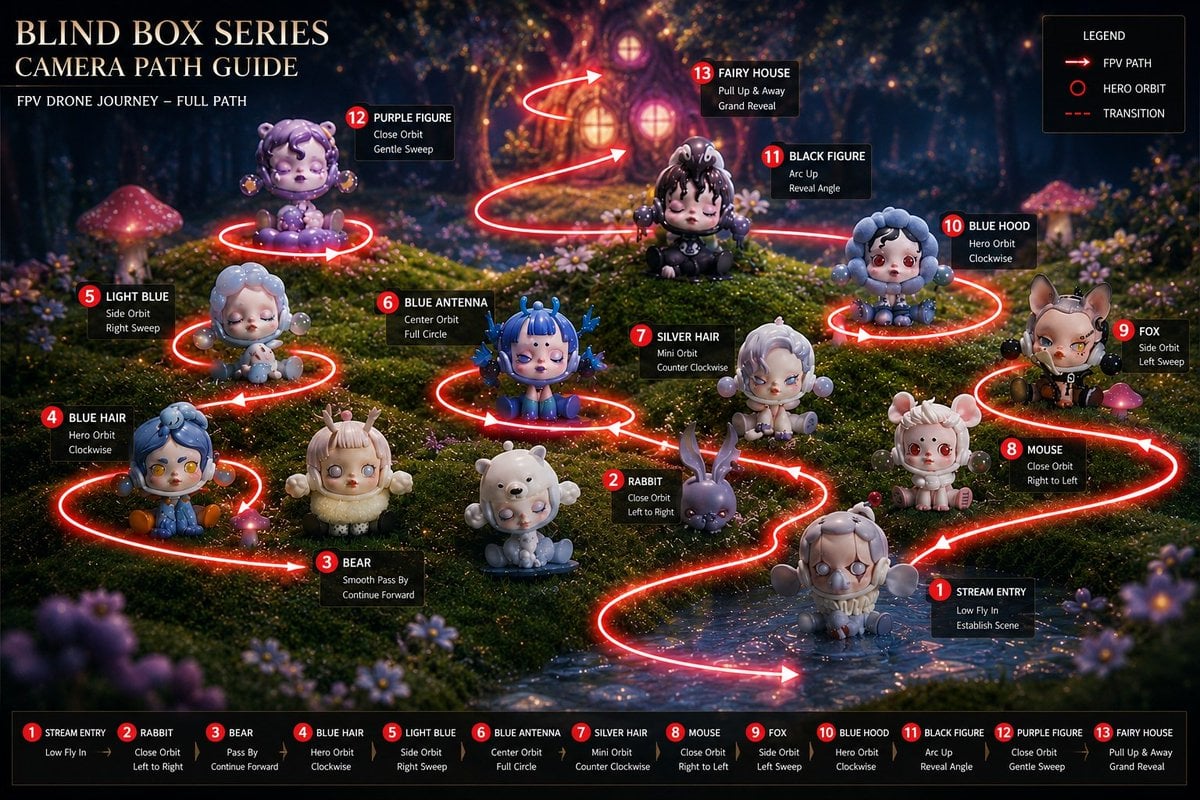
Blind Box Camera Path Guide
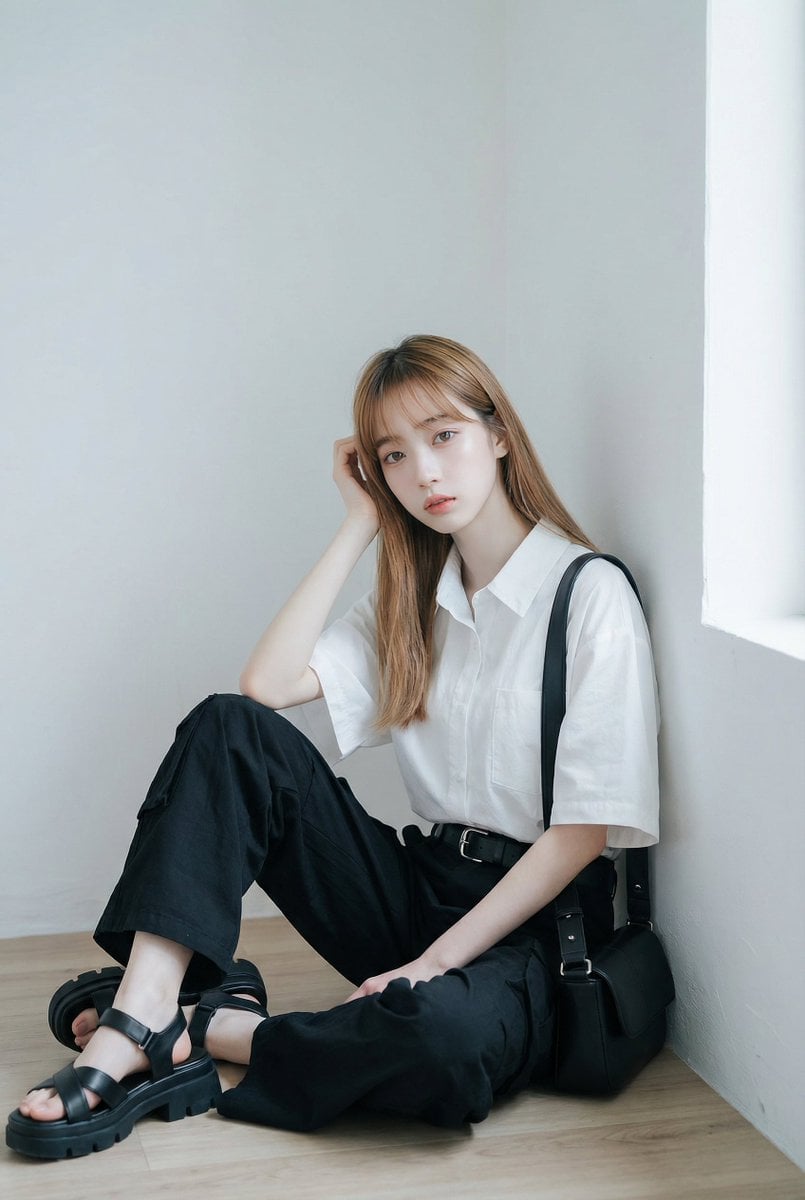
AI Fashion Prompt: Monochromatic Minimalist Utilitarian Style
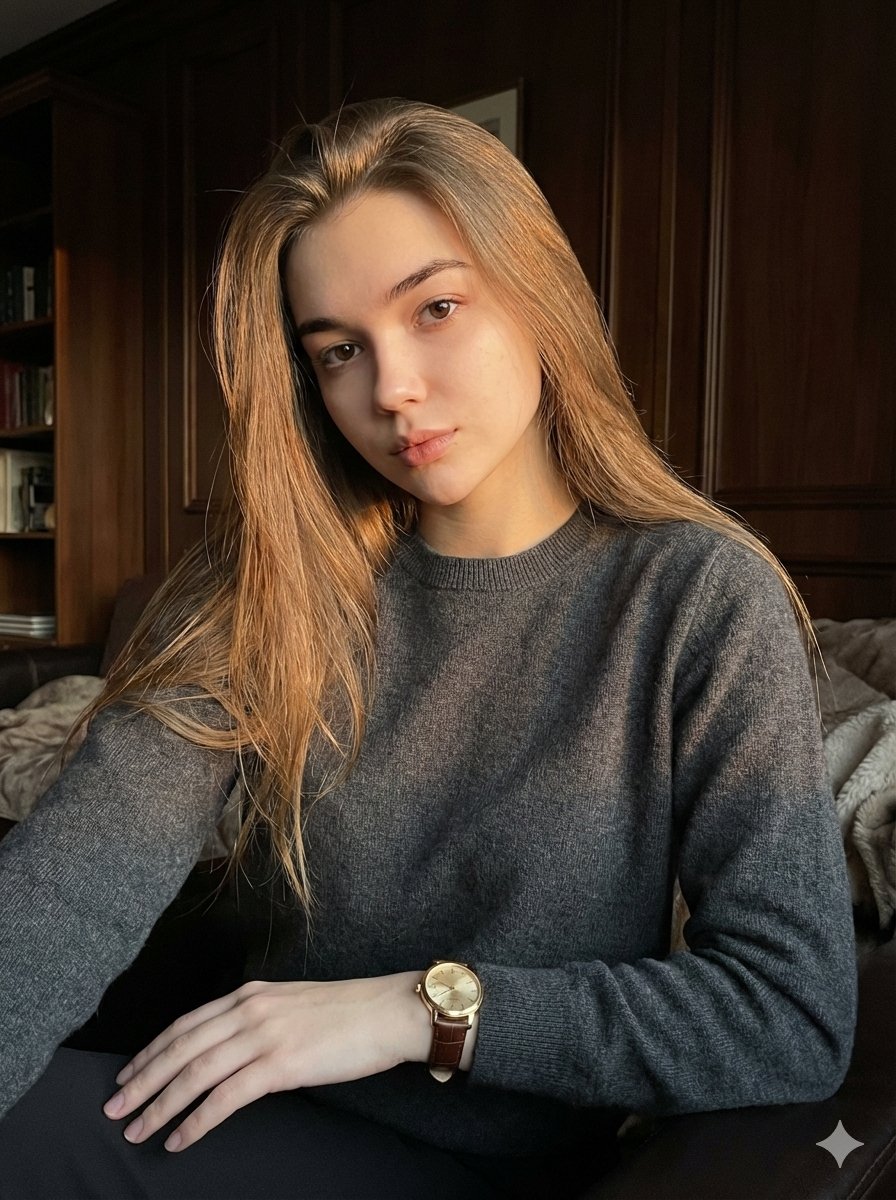
Quiet Luxury Editorial Portrait with Identity Lock
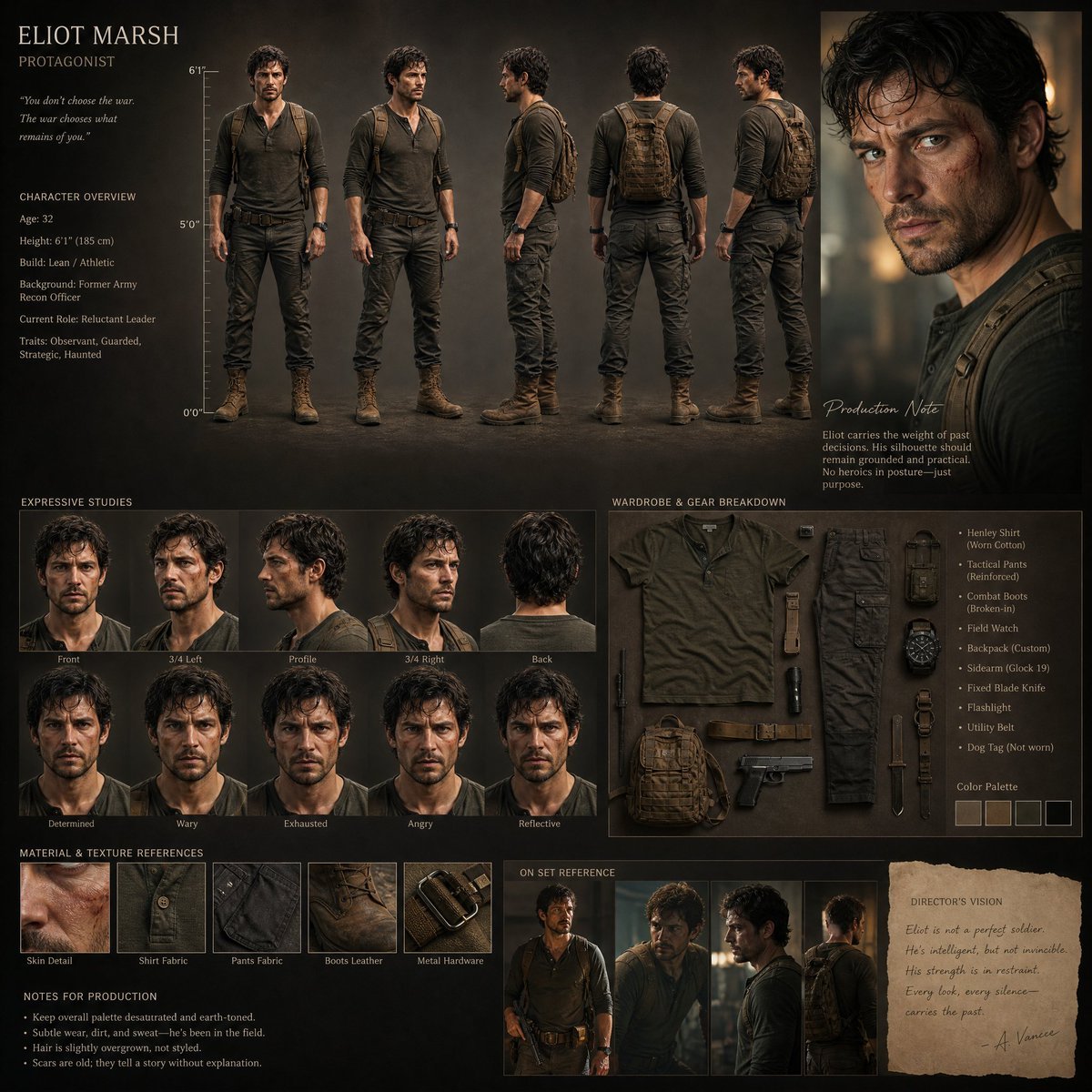
Realistic Character Design Board

Zhang Qian 3D Historical Archive Poster
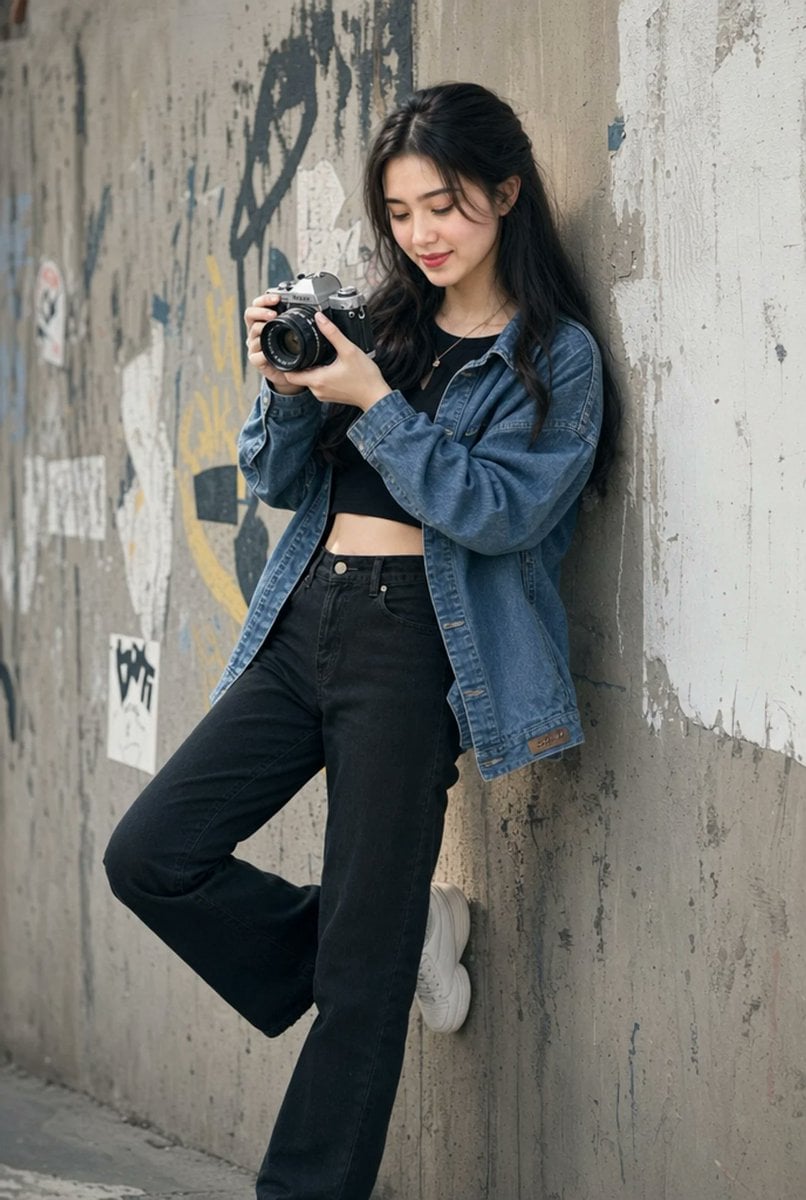
Urban Film Camera Portrait

First-Person AR Shopping Interface Overlay
Browse template categories
Faceless Lady of Red Poppies questions
How do I use the Faceless Lady of Red Poppies template?
Add your photo if the template asks for one, edit the prompt if you like — the template's model and format are already selected — and press Generate. Your version opens in PicX Studio.
Can I customize the Faceless Lady of Red Poppies template?
Yes. You can change the subject, setting, lighting, mood, format, and available model controls before creating your image.
Is the Faceless Lady of Red Poppies template free?
Opening and editing this template is free. Generating uses credits, shown on the Generate button when you are signed in.
Which AI model should I use?
Start with GPT Image 2, which is the model associated with this template. You can compare another compatible model for a different finish.
Looking for something else? Browse all templates.

Your photo, any look
Thousands of ready templates for every top image and video model, from one credit balance.