
Green-Haired Manga Lady Speech Bubble
Generates a dramatic manga-style portrait of a green-haired glasses-wearing woman with a jagged Japanese speech bubble, ideal for anime character art or social posts.
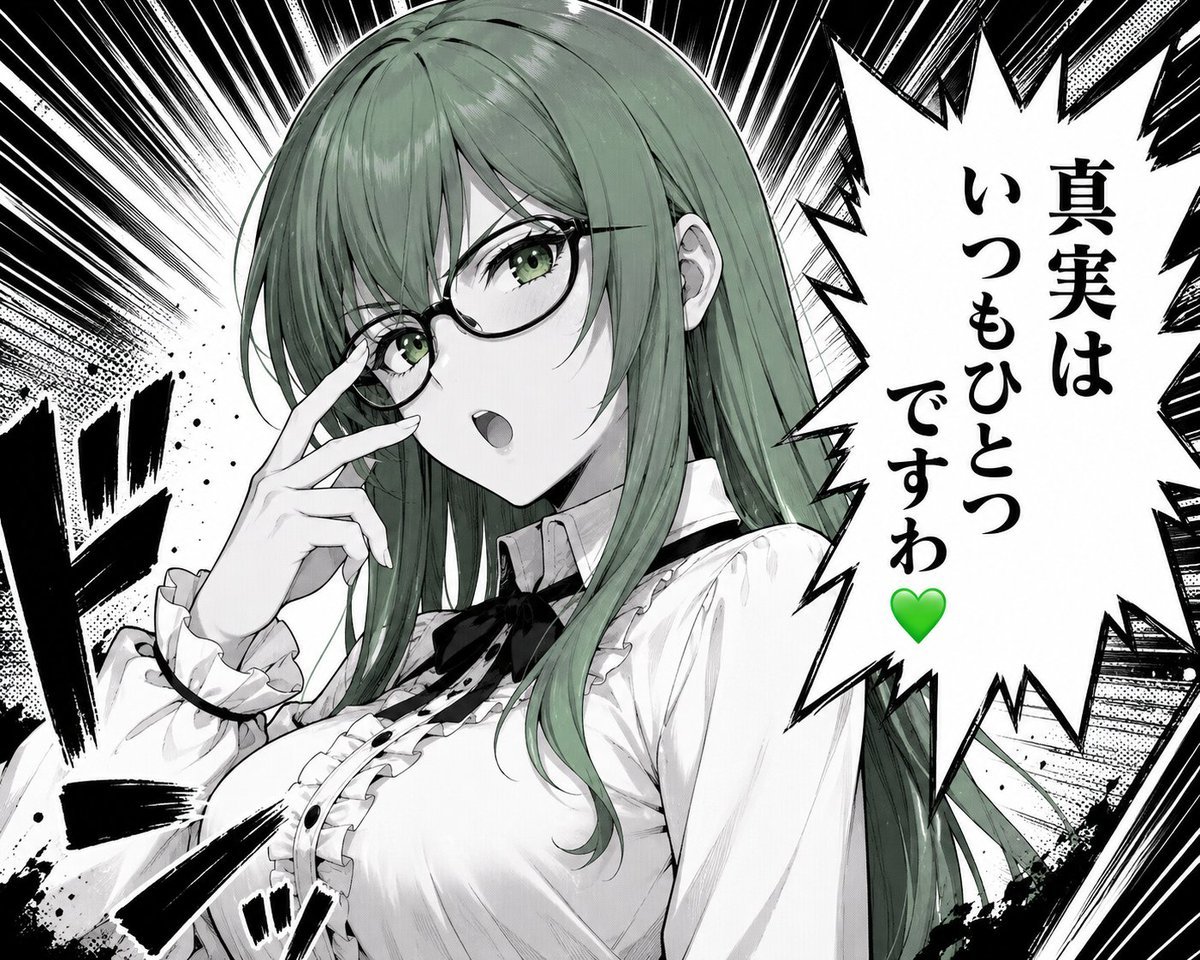
- Prompt included
- Model and format preset
- Free template
The prompt behind this image
Copy the exact prompt behind Green-Haired Manga Lady Speech Bubble, or open it in the studio and make it yours.
Create a dramatic monochrome manga/anime close-up illustration of {argument name="character name" default="Misaki, the Green Lady"}, a beautiful young woman with long straight {argument name="hair color" default="muted sage green"} hair and green eyes, wearing thin black oval glasses. She is shown from the chest up in a confident three-quarter pose, touching the bridge of her glasses with two fingers as if adjusting them, mouth slightly open mid-speech, expression composed and sharp. Her outfit is a refined white Victorian-inspired blouse with ruffled cuffs, ruffled front placket, small black buttons, a black ribbon bow at the collar, and a high neck detail; include exactly 6 visible outfit/accessory elements: glasses, black collar ribbon, ruffled cuffs, ruffled chest trim, black front buttons, and white blouse. Use a high-contrast black-and-white manga page style with selective green color only in the hair, eyes, and a green heart. Background: explosive radial speed lines, halftone textures, ink splatter, heavy black impact strokes, and manga sound-effect marks on the left and lower foreground. On the right side, place one large jagged speech bubble with vertical Japanese text reading {argument name="speech bubble text" default="真実は\nいつもひとつ\nですわ\n💚"}; keep the green heart at the bottom of the text. Composition should be dynamic and intense, with the character occupying the left and center, the speech bubble occupying the right third, crisp line art, screentone shading, glossy hair highlights, and no extra characters, no watermark, no borders beyond the manga-style effects.
How to use Green-Haired Manga Lady Speech Bubble in 3 steps
- 1Upload ImagePNG, JPG or paste
Add your photo
Upload the photo the template builds on. The prompt, model and format are already set.
- 2…a portrait of your subject in softgolden-hour light, 85mm…
Personalize
Edit the subject and creative details for your destination.
- 3Generate
Generate
Press Generate — your image is created in PicX Studio, so you can compare it with the original and refine one variable at a time.
More like this
Templates with the same subject, style or setup. Open one to see its prompt.

Elegant Green Evening Gown Studio Fashion Portrait
Elegant Green Evening Gown Studio Fashion Portrait

Premium Editorial Branding Poster Charcoal Green
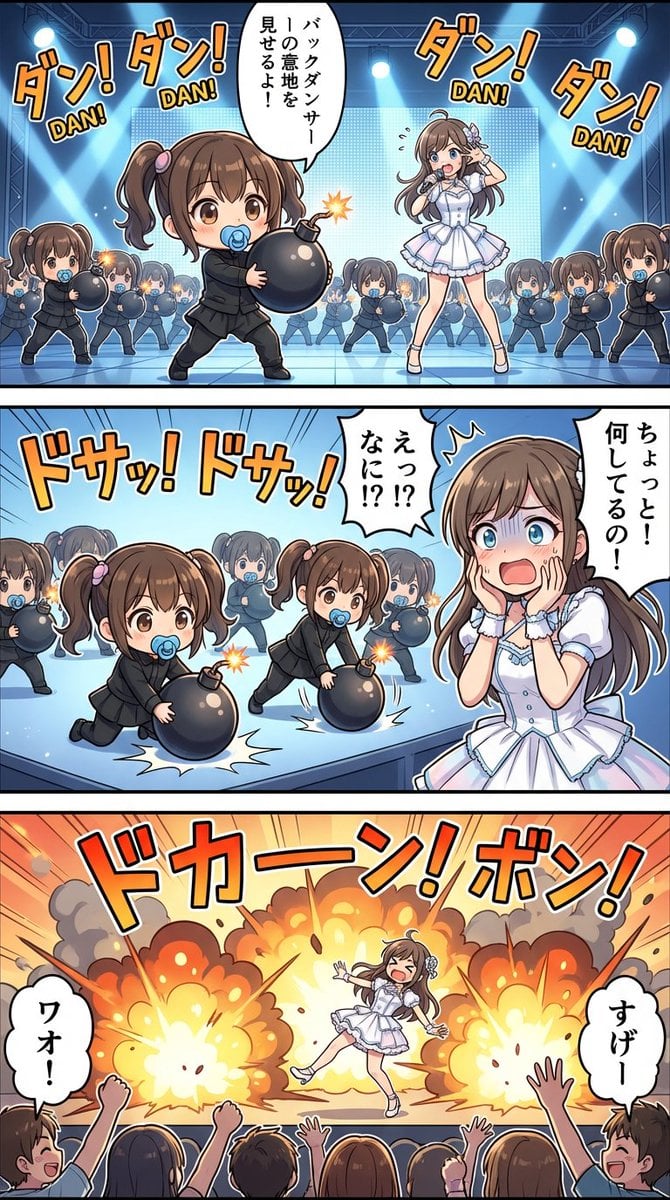
High-detail story-art layout with frames and speech bubbles
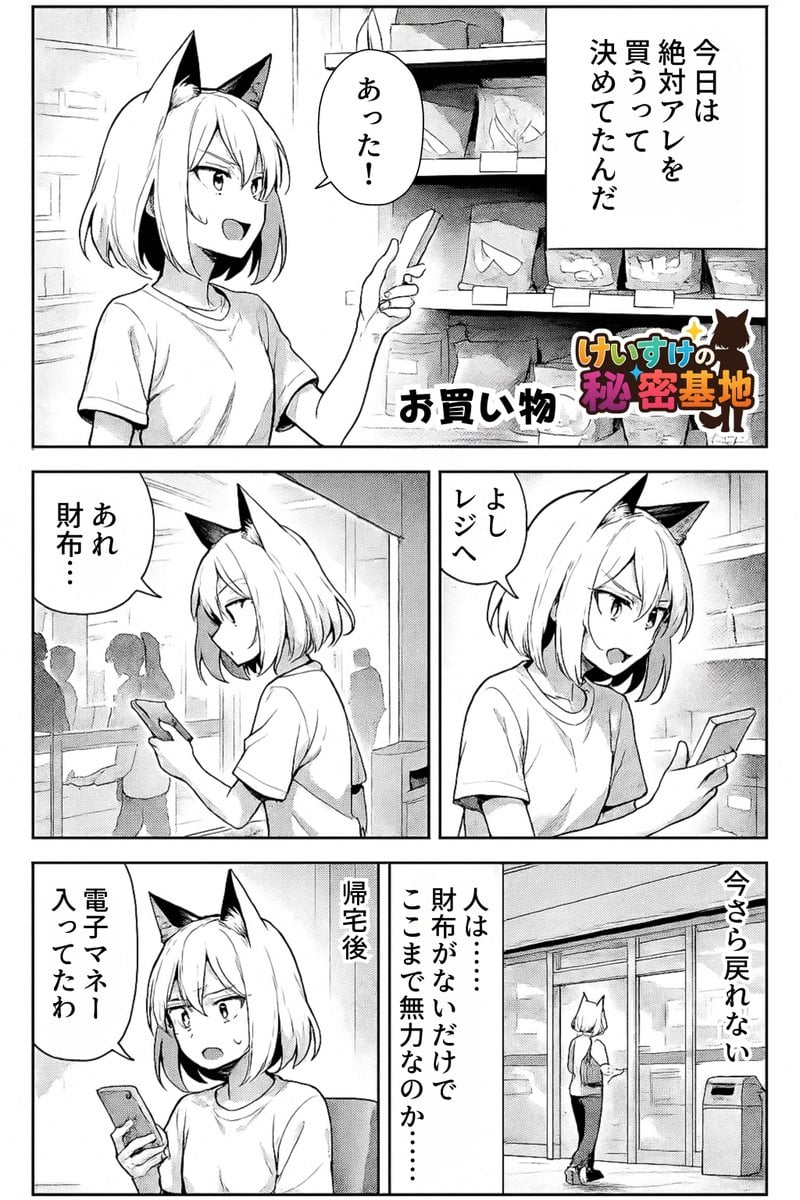
Keep art, translate manga speech to English in original balloons
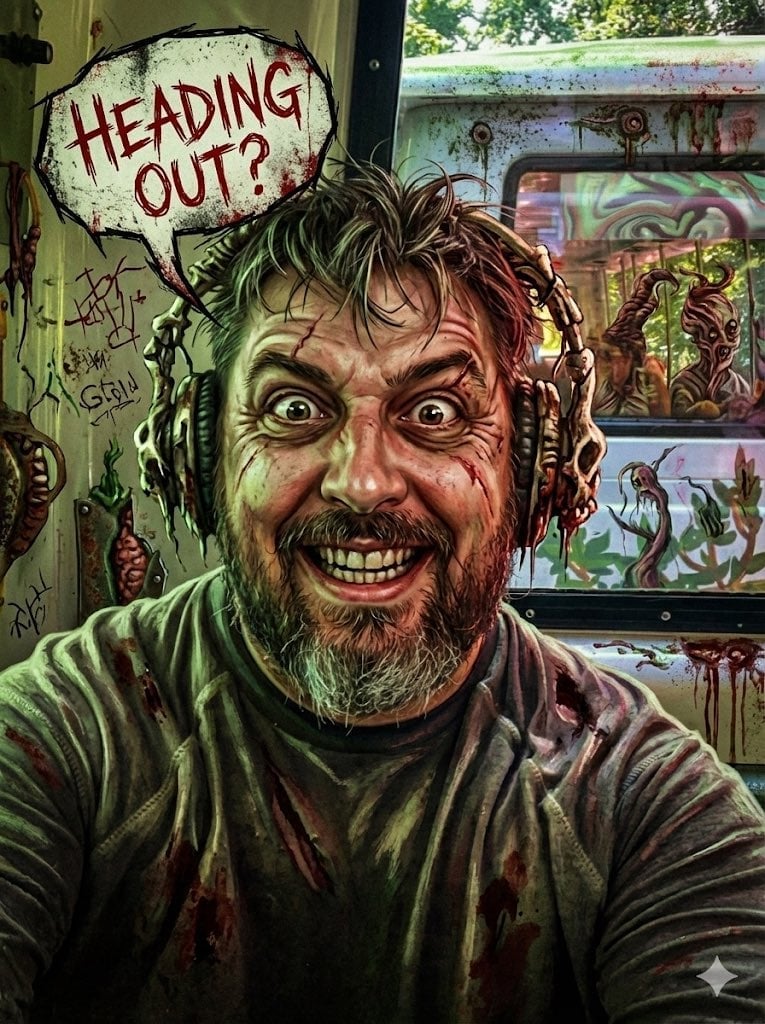
Messed Up Psycho Image with Speech Bubble
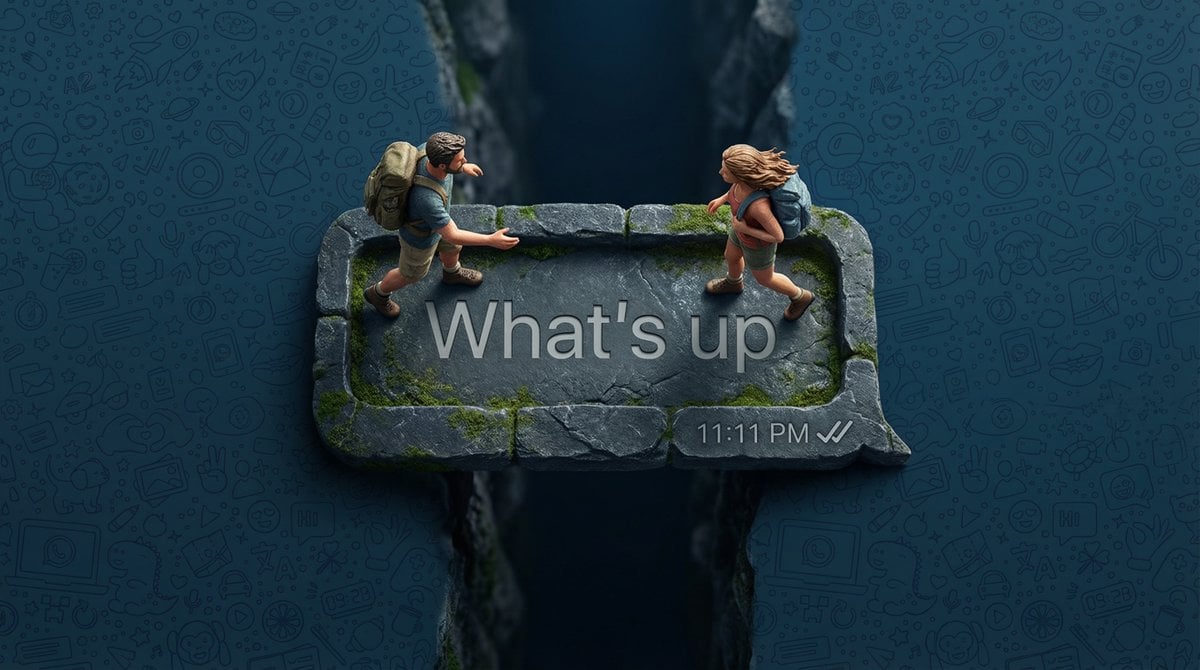
WhatsApp Speech Bubble Bridge Macro Photography
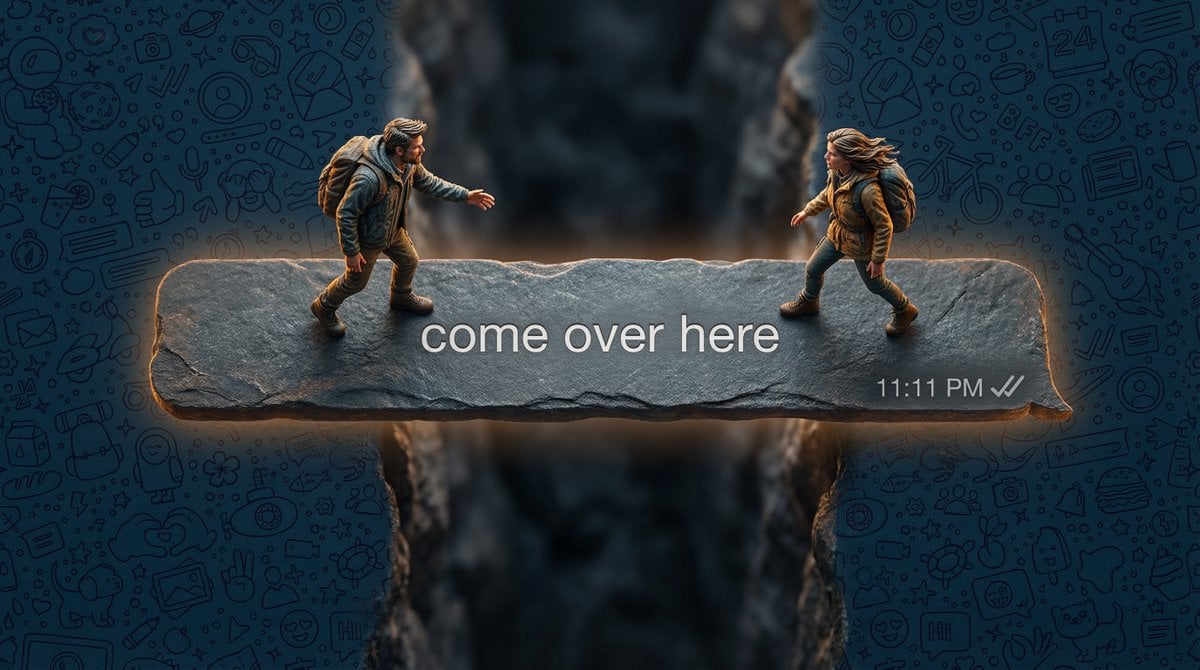
Hyper-realistic macro photography of tiny humans on a WhatsApp speech bubble bridge
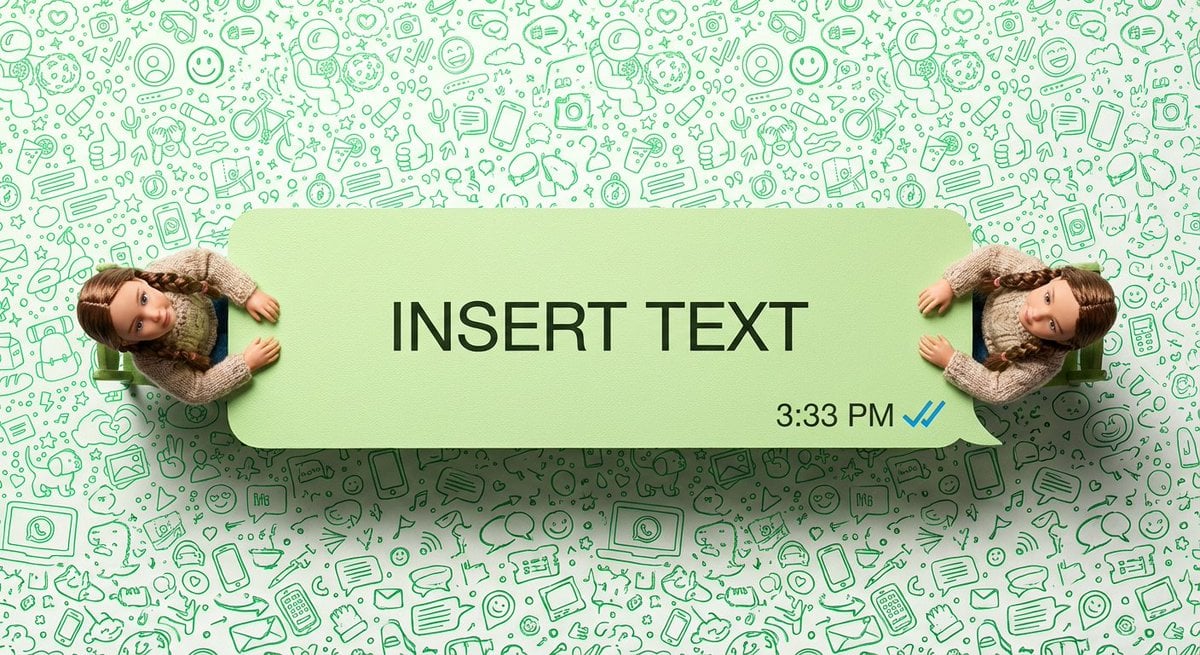
WhatsApp Speech Bubble Dining Table Macro Shot

Nano Banana Pro Thumbnail Generation: Geometric Pop and Speech Bubbles
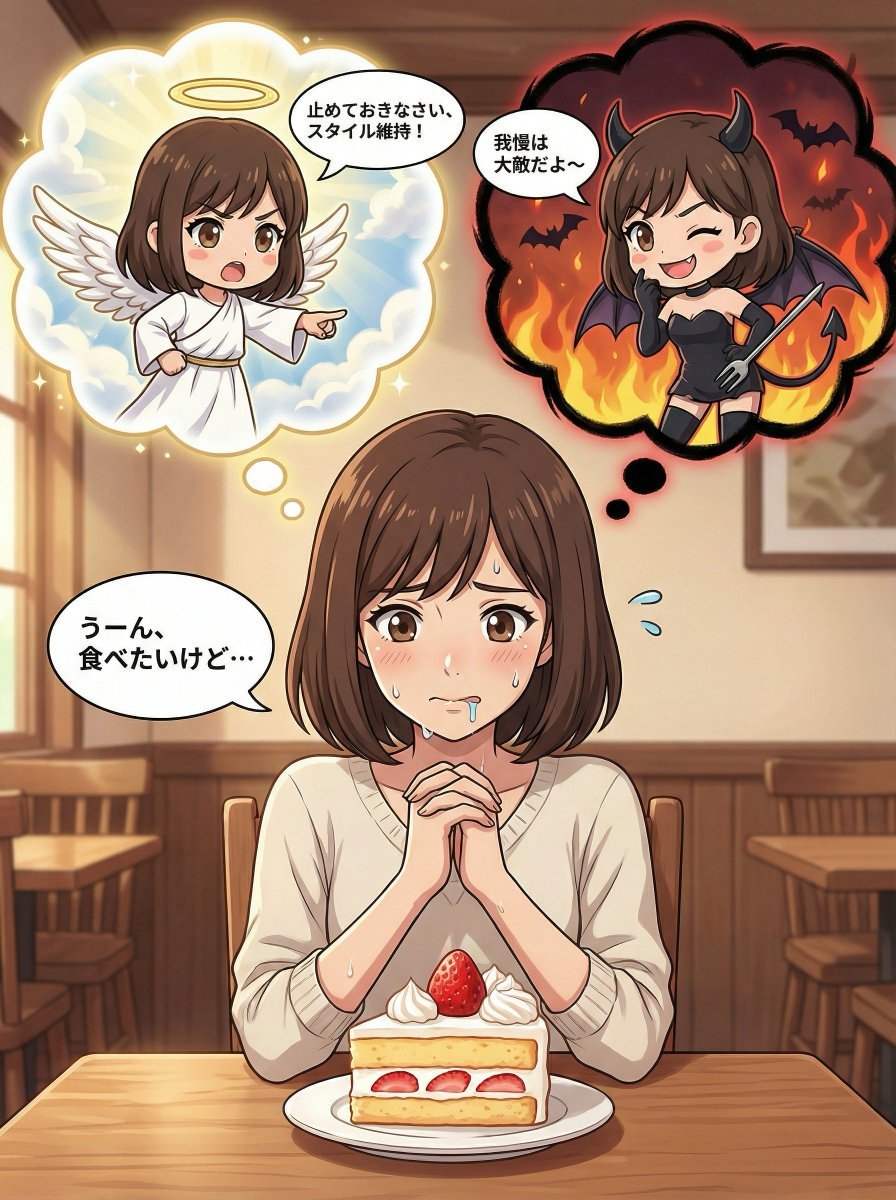
Complex Comic Panel Generation: Speech Bubbles and Identity Separation
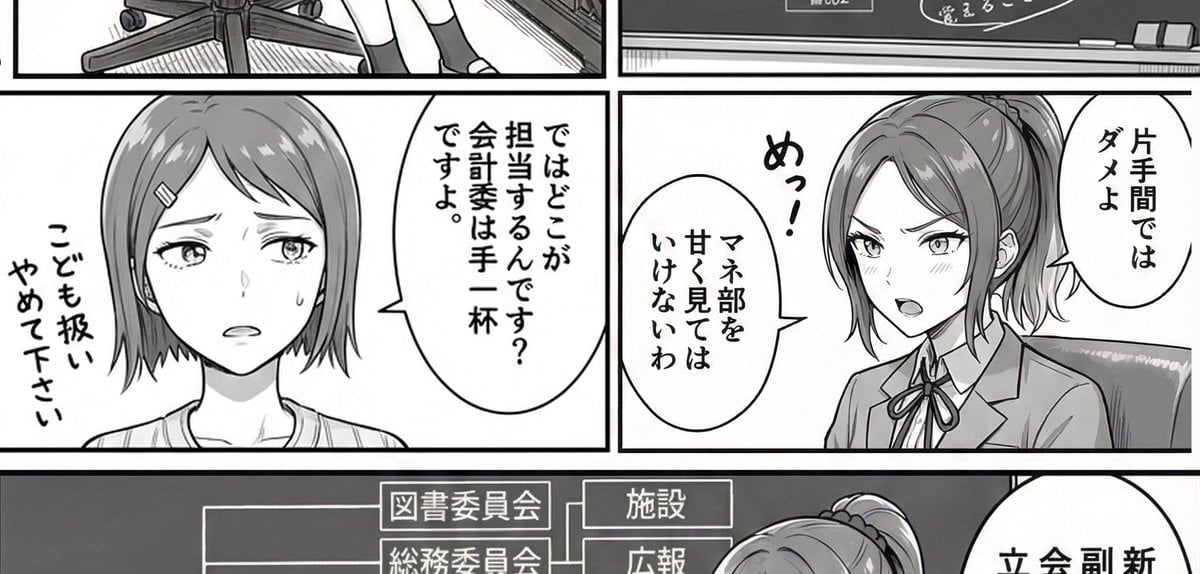
AI Art Experiment: Speech Bubbles and Hand-Drawn Text
Make it yours
Green-Haired Manga Lady Speech Bubble works as-is. These are the safest ways to change it without losing the look.
Change one field
Copy a single group, rewrite it, and generate again so you can see what that field is doing.
Keep the frame, change the subject
Hold the composition and light of Green-Haired Manga Lady Speech Bubble, then swap wardrobe, props or the person for a new take.
| If the result… | Why | Fix |
|---|---|---|
| The result drifts from the preview | Too many fields changed at once. | Reuse Green-Haired Manga Lady Speech Bubble as-is first, then change one group — subject, light, or setting. |
| The model over-stylizes the scene | The prose prompt leaves finish and camera underspecified. | Add one camera or lighting sentence and stay on GPT Image 2. |
More GPT Image 2 templates
Other prompts made for GPT Image 2.

Six VTuber Japanese Logo Sheet

Realistic Portrait of Woman and Deer

The Vista Modular Condo Poster

AI Model Routing Comparison Infographic

2.5D Anime Art Board

Isometric Productivity Desk Scene

New York Double Exposure Poster

Four-Panel AI Landscape Comparison

Japanese Tatami Lifestyle Magazine Cover

NESCAFÉ Coffee Map Poster
More image prompts
Fresh picks from across the catalog.
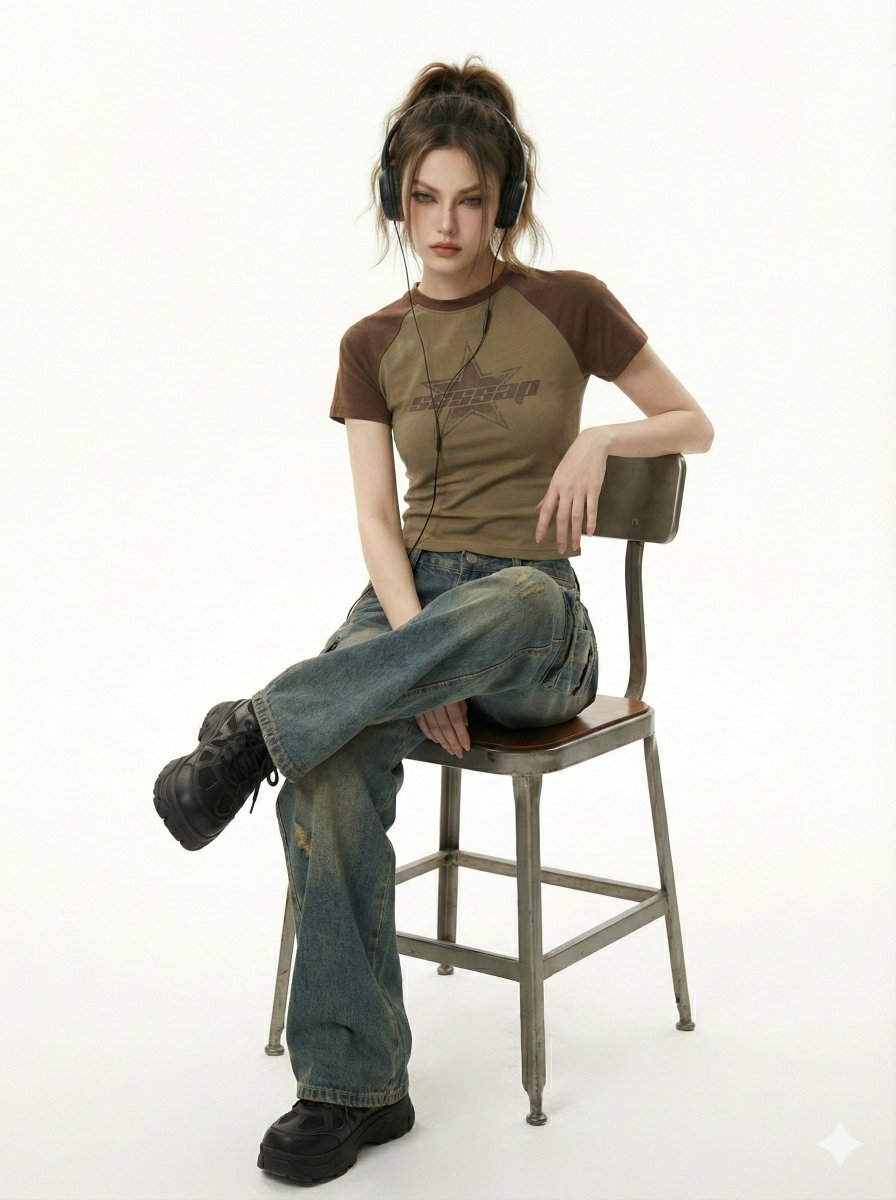
Y2K Indie Sleaze Editorial Portrait

Hyper-Realistic Candid Shopping Photo with Identity Lock
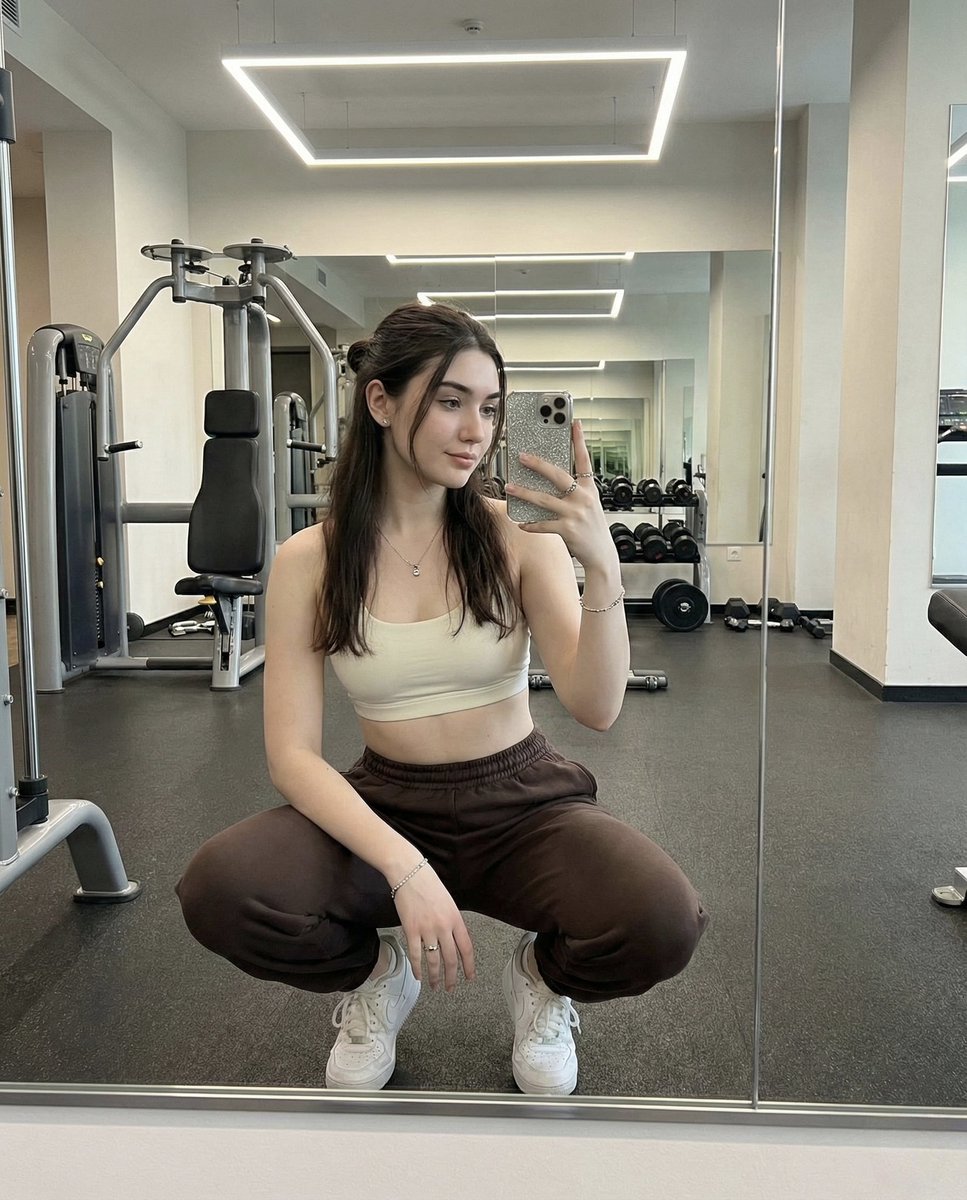
Mirror Selfie in a Modern Gym with Face Preservation
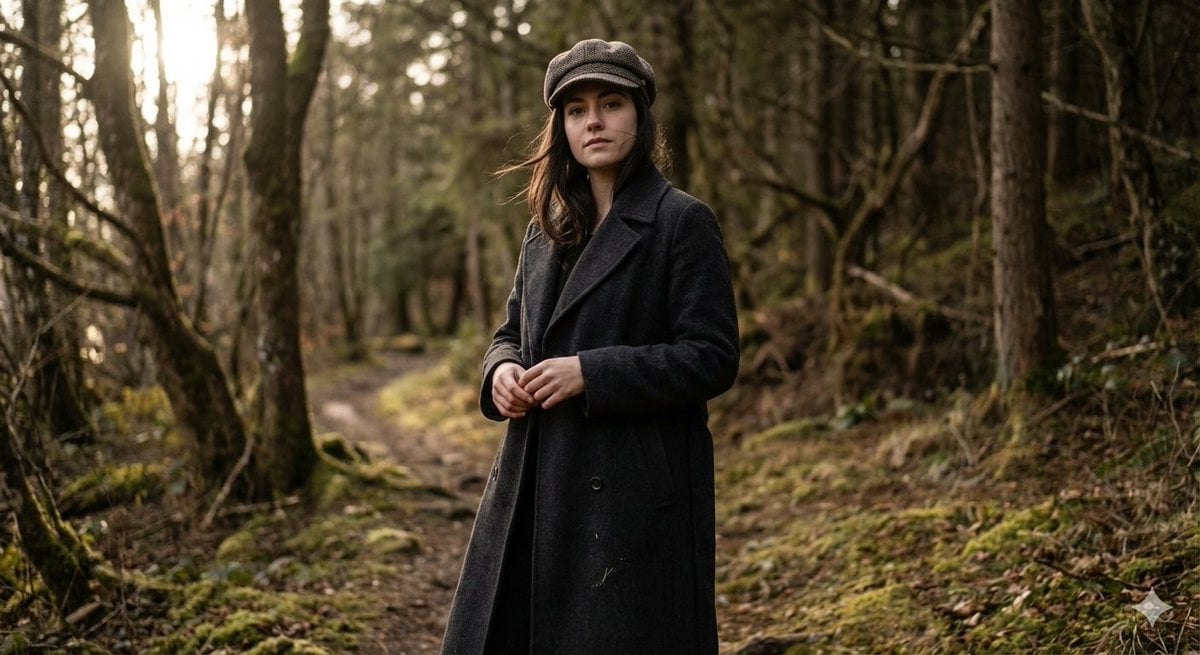
Realistic Full-Body Portrait in Forest Prompt
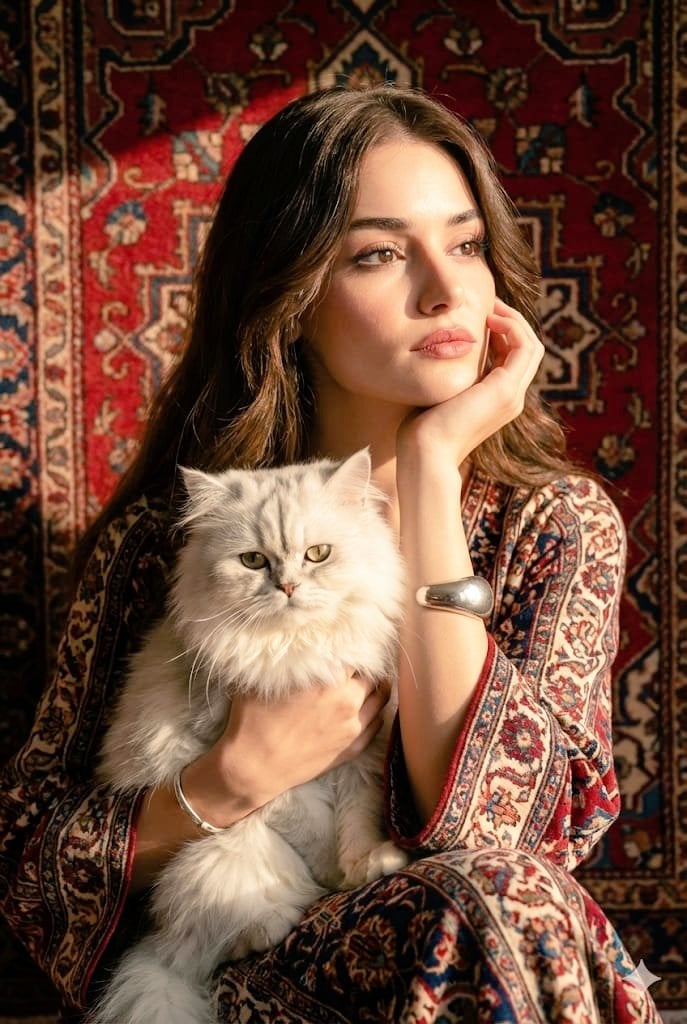
Persian Carpet Inspired Portrait Prompt
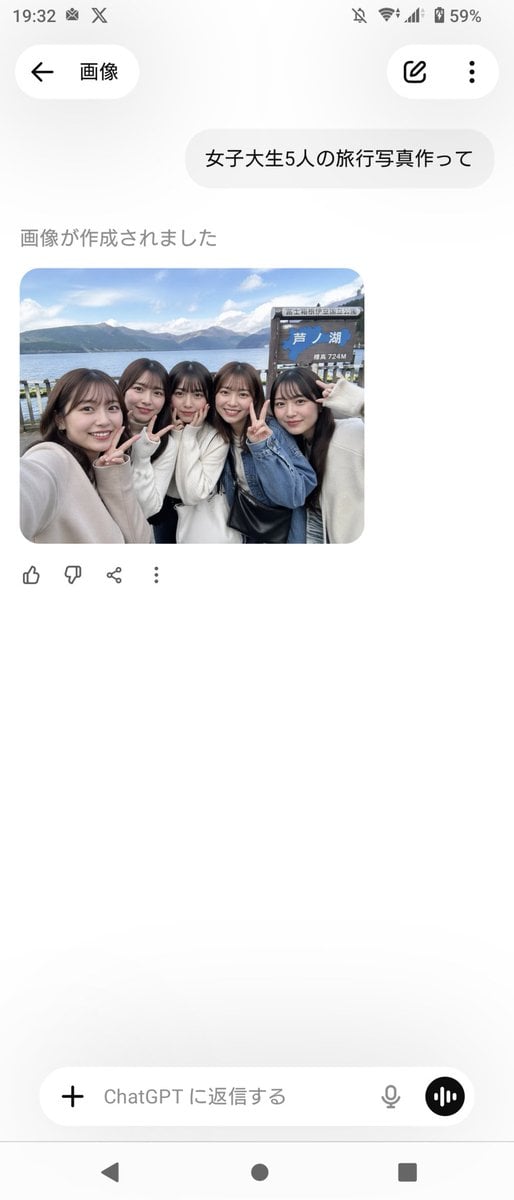
Realistic Friends Trip Selfie at Lake Ashi
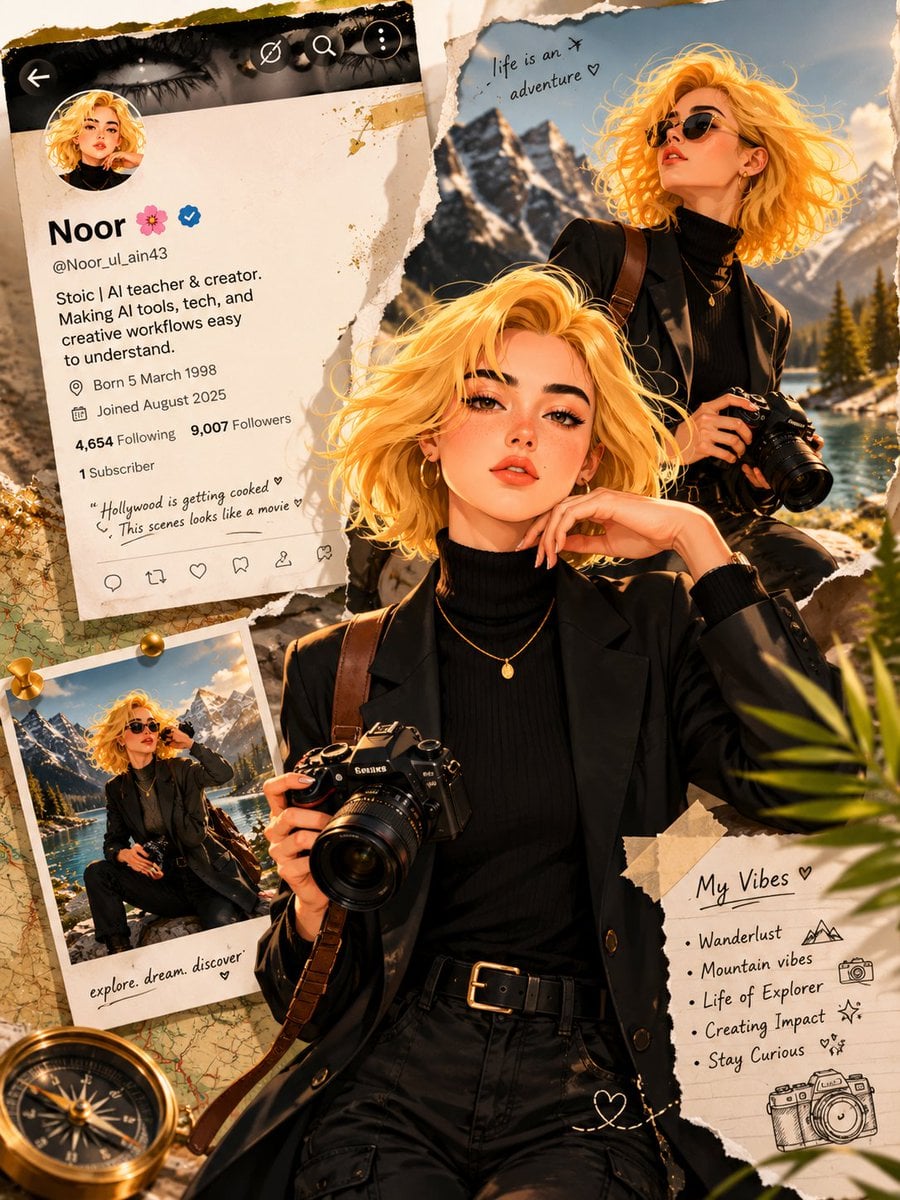
Luxury Travel Scrapbook Poster
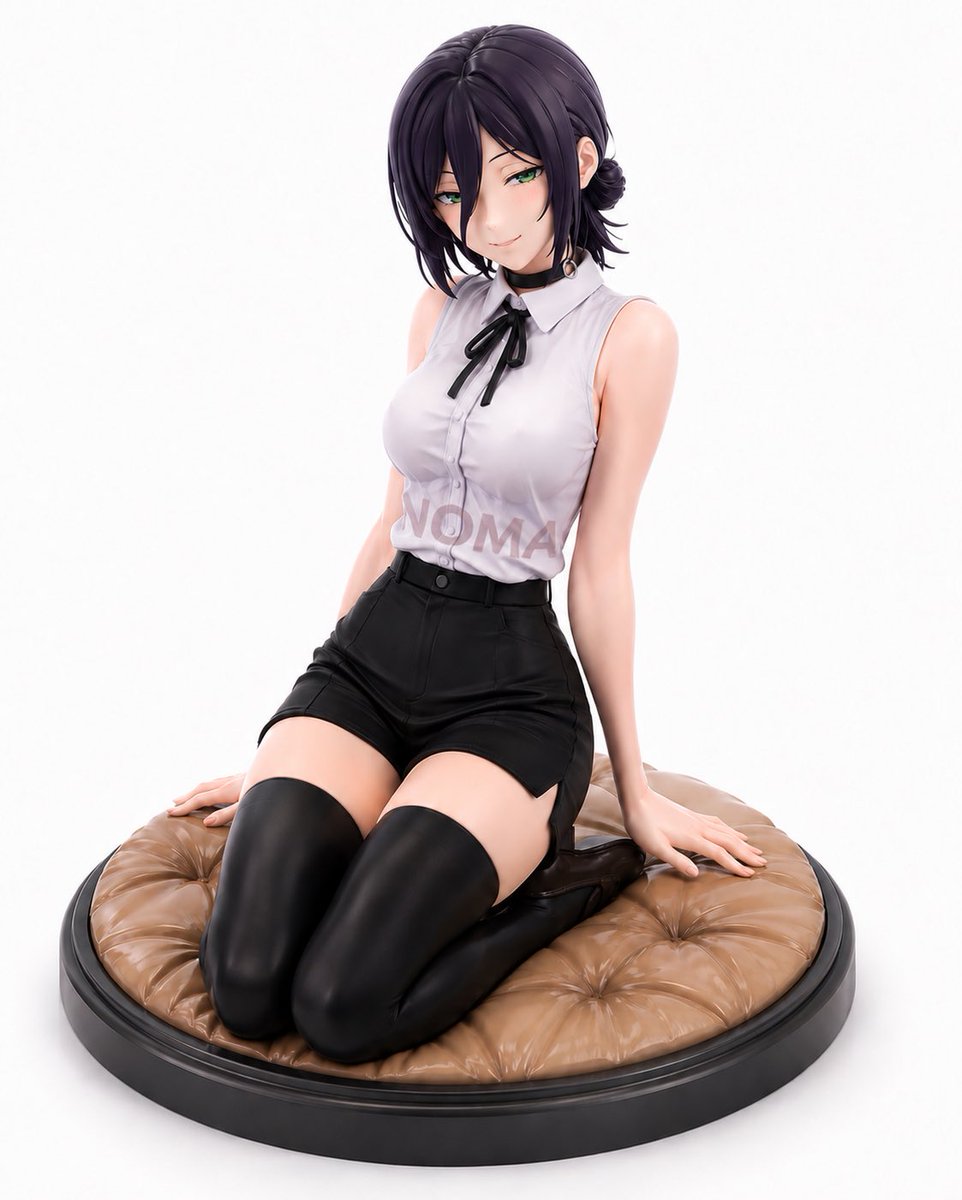
Reze Prize Figure Product Shot

Four-Member Anime Idol Anniversary Visual

Christmas Surprise Box Dynamic Action Shot
Browse template categories
Green-Haired Manga Lady Speech Bubble questions
How do I use the Green-Haired Manga Lady Speech Bubble template?
Add your photo if the template asks for one, edit the prompt if you like — the template's model and format are already selected — and press Generate. Your version opens in PicX Studio.
Can I customize the Green-Haired Manga Lady Speech Bubble template?
Yes. You can change the subject, setting, lighting, mood, format, and available model controls before creating your image.
Is the Green-Haired Manga Lady Speech Bubble template free?
Opening and editing this template is free. Generating uses credits, shown on the Generate button when you are signed in.
Which AI model should I use?
Start with GPT Image 2, which is the model associated with this template. You can compare another compatible model for a different finish.
Looking for something else? Browse all templates.

Your photo, any look
Thousands of ready templates for every top image and video model, from one credit balance.