
Christmas Surprise Box Dynamic Action Shot
A detailed prompt for generating a dynamic, high-speed action photograph capturing a young woman bursting out of a giant Christmas gift box.

- Prompt included
- Model and format preset
- Free template
The prompt behind this image
Copy the exact prompt behind Christmas Surprise Box Dynamic Action Shot, or open it in the studio and make it yours.
(Dynamic action photography, explosion composition, festive art style). An explosive surprise composition where a young woman bursts out from a giant Christmas gift box in a moment of pure joy. The Action: The character is wearing a white faux fur winter coat and a red Santa hat, leaping upward with arms raised in celebration, frozen in mid-air jump. A huge red and gold wrapped gift box below her is exploding open with the lid flying off. Dynamic Elements: Colorful ribbons and wrapping paper pieces explode outward in all directions. Snow and magical glitter burst upward like confetti. Small snow-covered pine trees with colorful Christmas lights shoot out from the box. Gift tags, ornaments, and tinsel swirl in the air. Snowflakes scatter in the explosive motion. Background: Soft-focused cozy living room with Christmas decorations, fireplace, creating warm festive atmosphere. Lighting: Magical glow emanating from inside the gift box, illuminating the character from below with warm golden light. Colorful Christmas lights create bokeh trails. Dynamic motion blur on flying objects. Technical: High-speed photography freeze frame, particle explosion effects, dynamic composition, vibrant festive colors, 8k resolution, joyful and energetic aesthetic.
How to use Christmas Surprise Box Dynamic Action Shot in 3 steps
- 1
Open
The prompt is already in the box next to the preview, with the template's model and format selected.
- 2…a portrait of your subject in softgolden-hour light, 85mm…
Personalize
Edit the subject and creative details for your destination.
- 3Generate
Generate
Press Generate — your image is created in PicX Studio, so you can compare it with the original and refine one variable at a time.
More like this
Templates with the same subject, style or setup. Open one to see its prompt.

Seedance 2.0 - Anime Girl Fight
Seedance - Anime Fighting Game Finisher

Venom SpongeBob Hyperreal Cinematic Mix

Victory Aura Superhero Neon Poster

Hero Portrait Comic Multi-Panel Poster

Panning Motion Soccer Kick Poster

Dual Composition Hero Action Football Poster

Argentina Vamos Diagonal Fan Poster
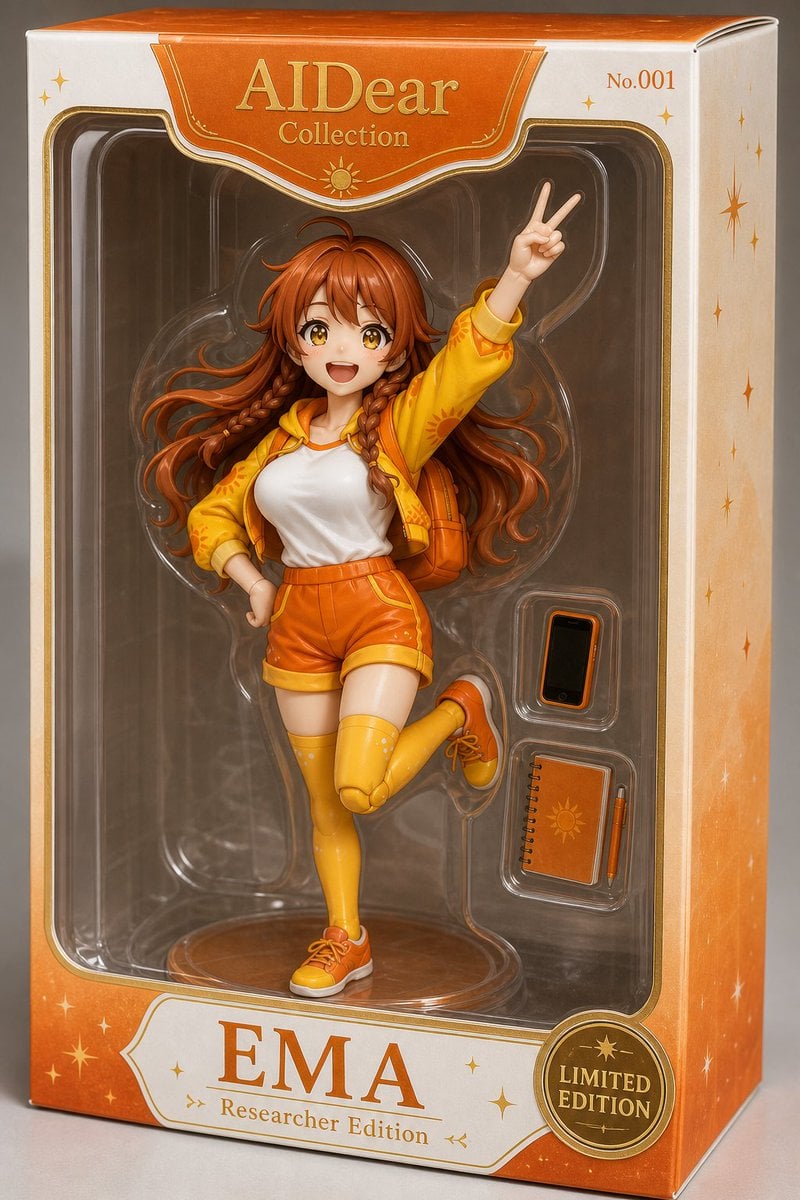
EMA Collectible Action Figure Box
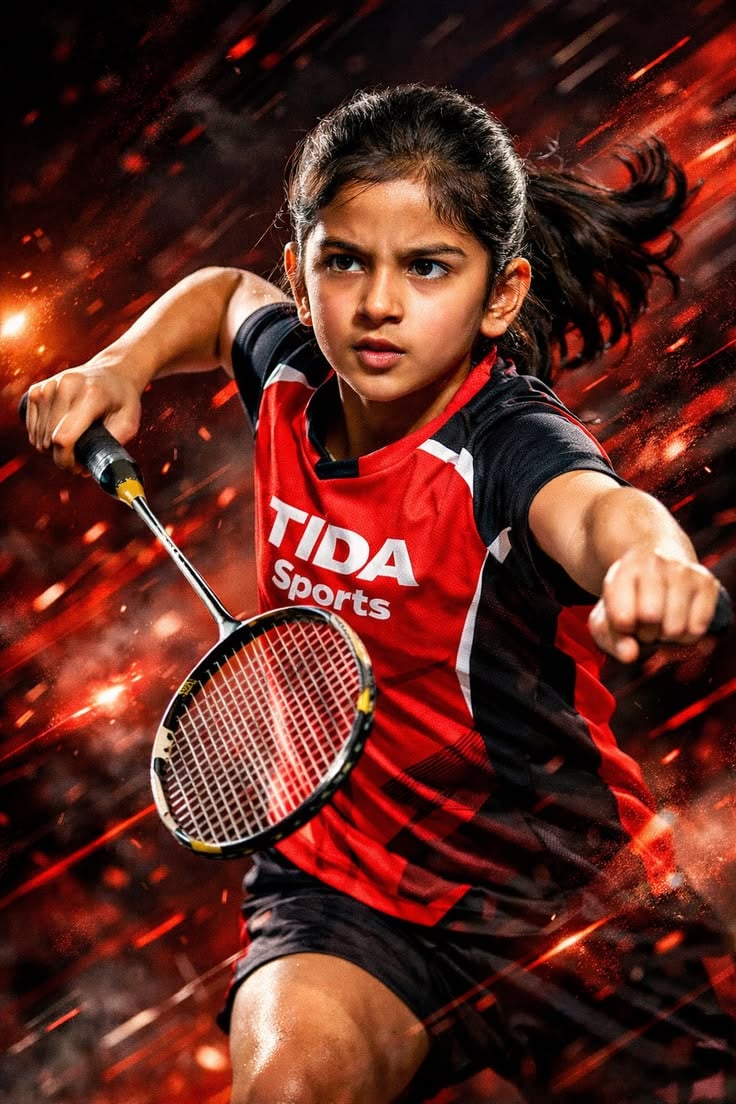
Dynamic Sports Action Portrait
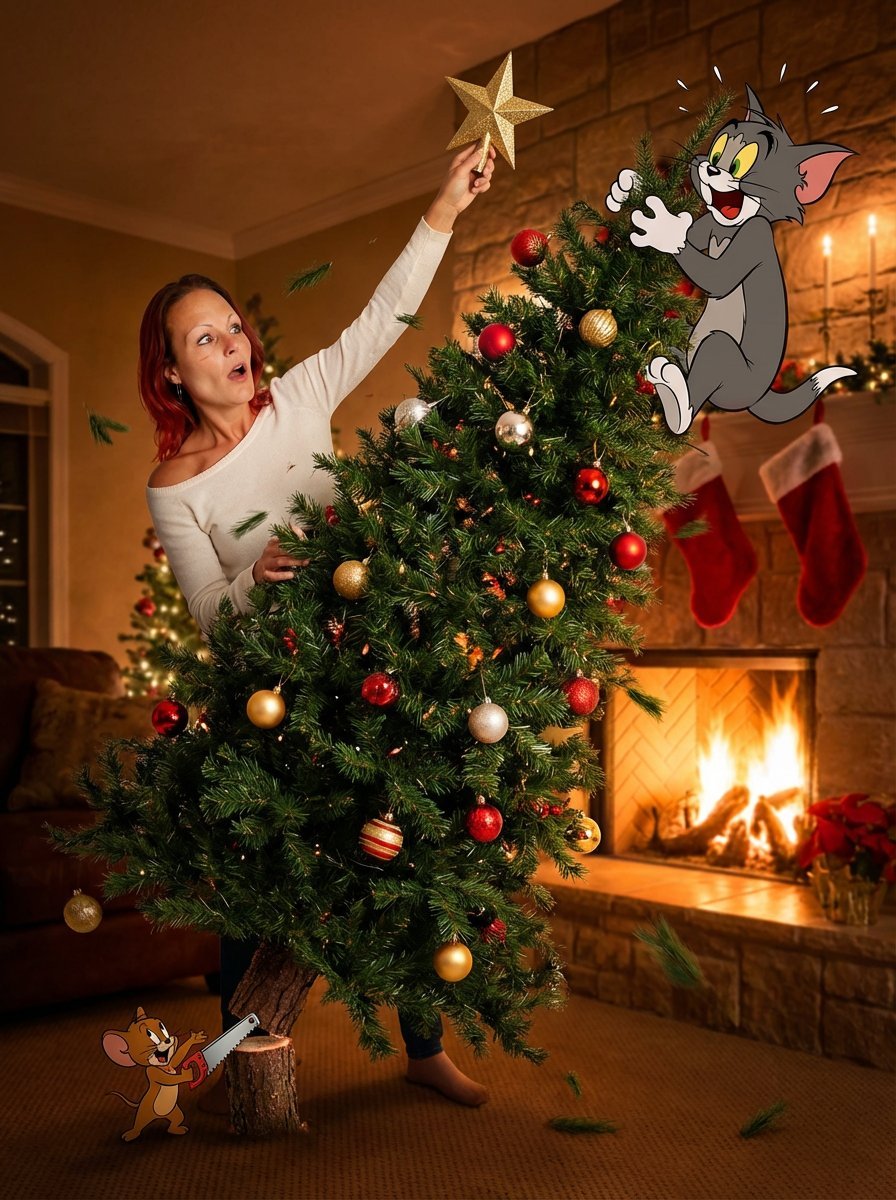
Christmas Tree Disaster Action Freeze (Tom and Jerry Style)
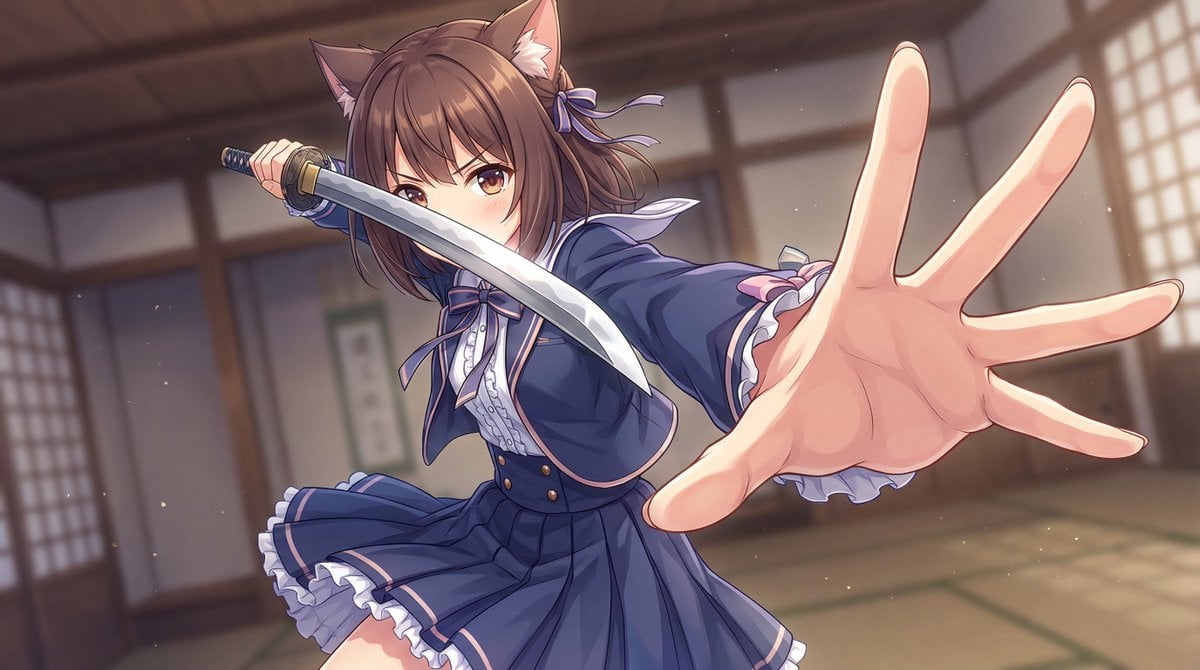
Dynamic Wide-Angle Action Pose Prompt (Gatotsu Style)
Make it yours
Christmas Surprise Box Dynamic Action Shot works as-is. These are the safest ways to change it without losing the look.
Change one field
Copy a single group, rewrite it, and generate again so you can see what that field is doing.
Keep the frame, change the subject
Hold the composition and light of Christmas Surprise Box Dynamic Action Shot, then swap wardrobe, props or the person for a new take.
| If the result… | Why | Fix |
|---|---|---|
| The result drifts from the preview | Too many fields changed at once. | Reuse Christmas Surprise Box Dynamic Action Shot as-is first, then change one group — subject, light, or setting. |
| The model over-stylizes the scene | The prose prompt leaves finish and camera underspecified. | Add one camera or lighting sentence and stay on Nano Banana 2. |
More Nano Banana 2 templates
Other prompts made for Nano Banana 2.

Photorealistic Leaf Shaped Like a Dragon

K-Pop Idol Portrait Grid for Rapid Selection

Poetic Rain Forest Portrait During Golden Hour

Urban Street Portrait with Cartoon Inner Self Duo

Candid Nighttime Photo with Cat Prompt

High-Concept 3D Diorama Generation Prompt

Cinematic Futuristic Studio Portrait Template

Skincare Editorial Photography Collage Prompt

Hyper-Realistic Commercial Product Photography (Splash Effect)

Hyper-Realistic Nightclub Portrait Prompt
More image prompts
Fresh picks from across the catalog.

Image Fusion Prompt

SaaS AI Dashboard Landing Page
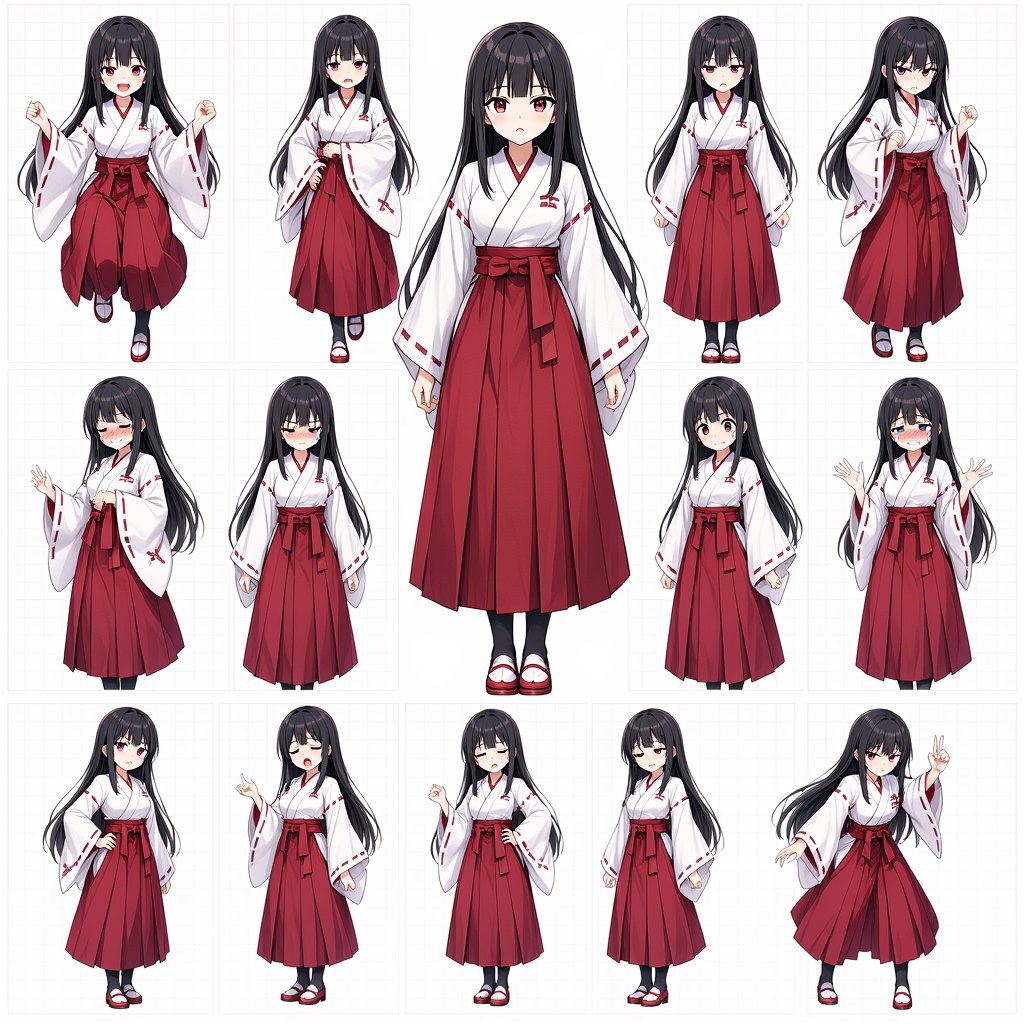
Anime Shrine Maiden Character Sheet
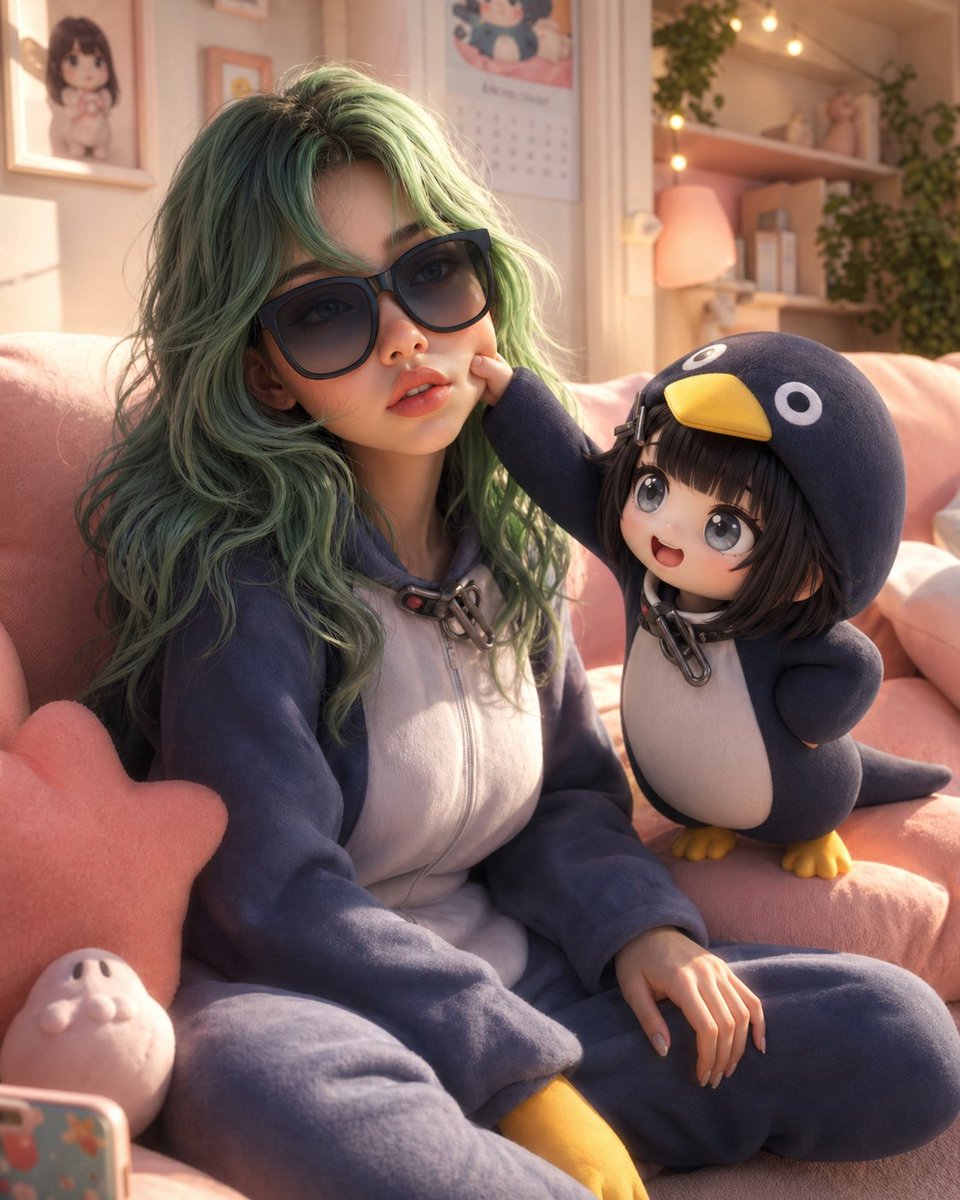
3D Animated Scene with Reference Matching
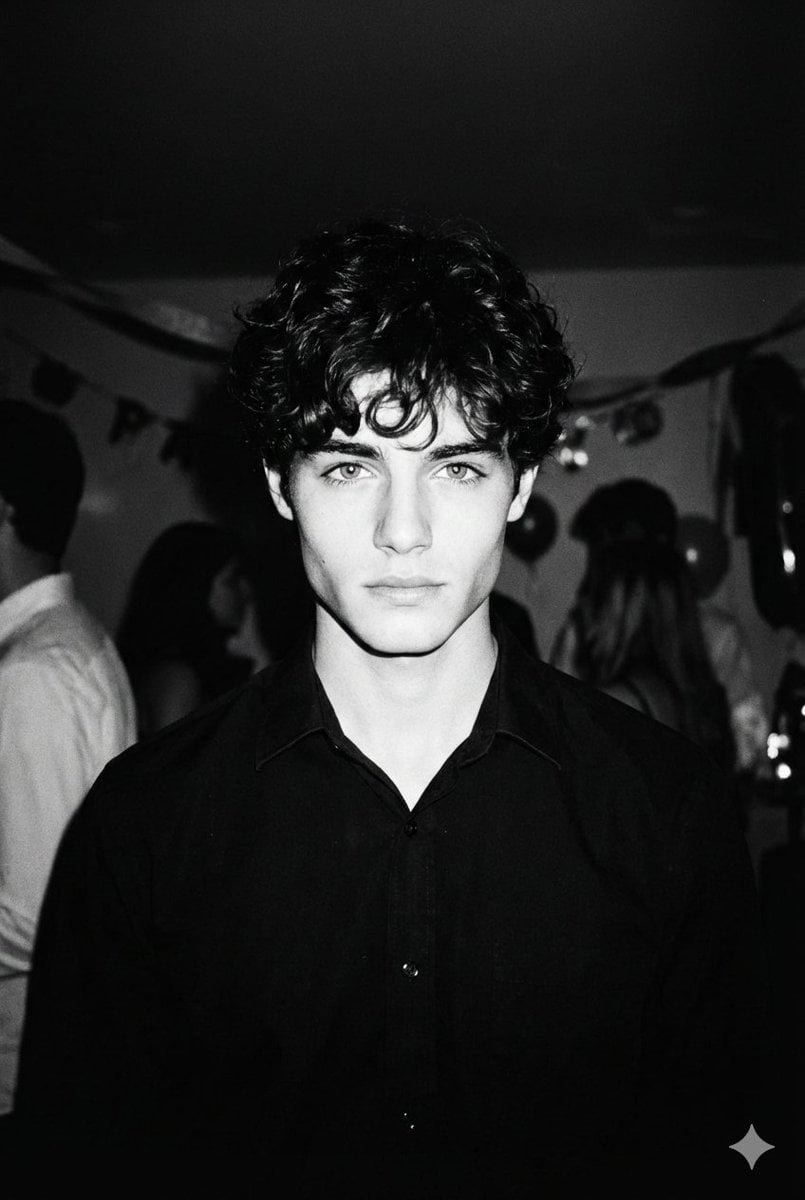
High-Contrast 90s Disposable Camera Portrait

Cinematic Jungle Warrior Handshake
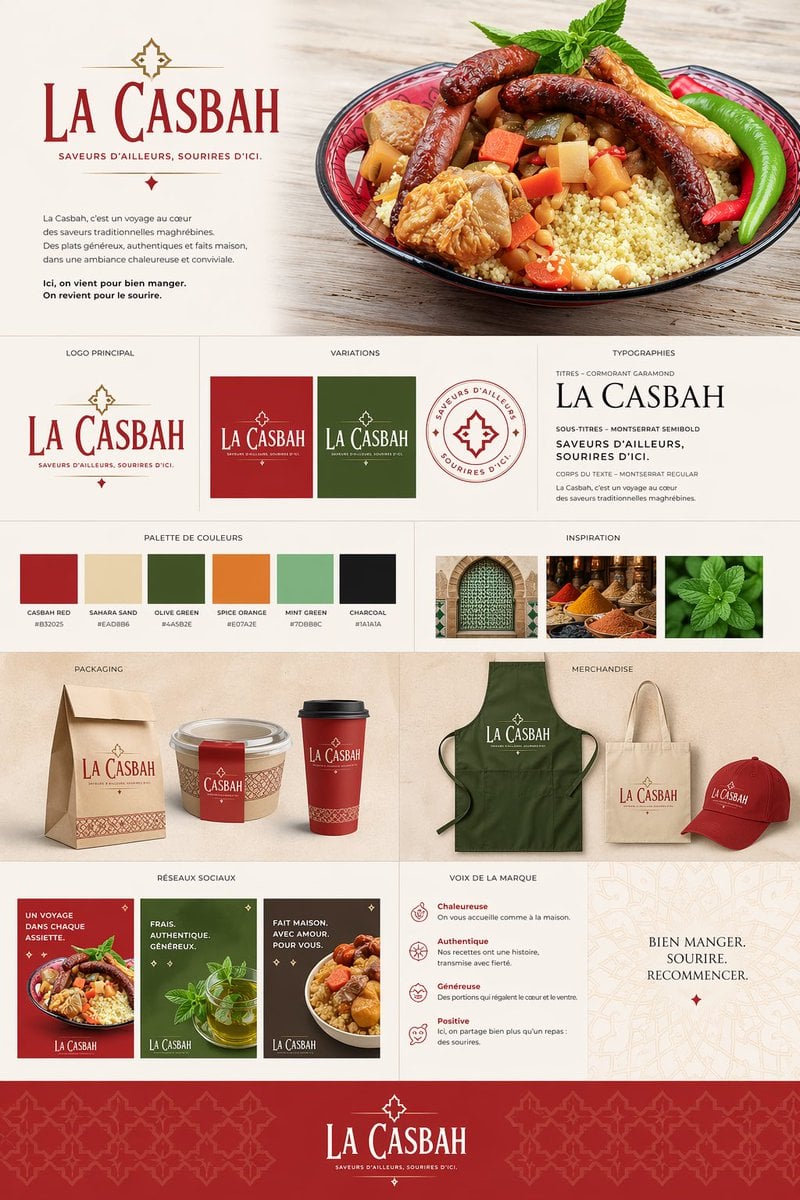
Moroccan Restaurant Brand Board
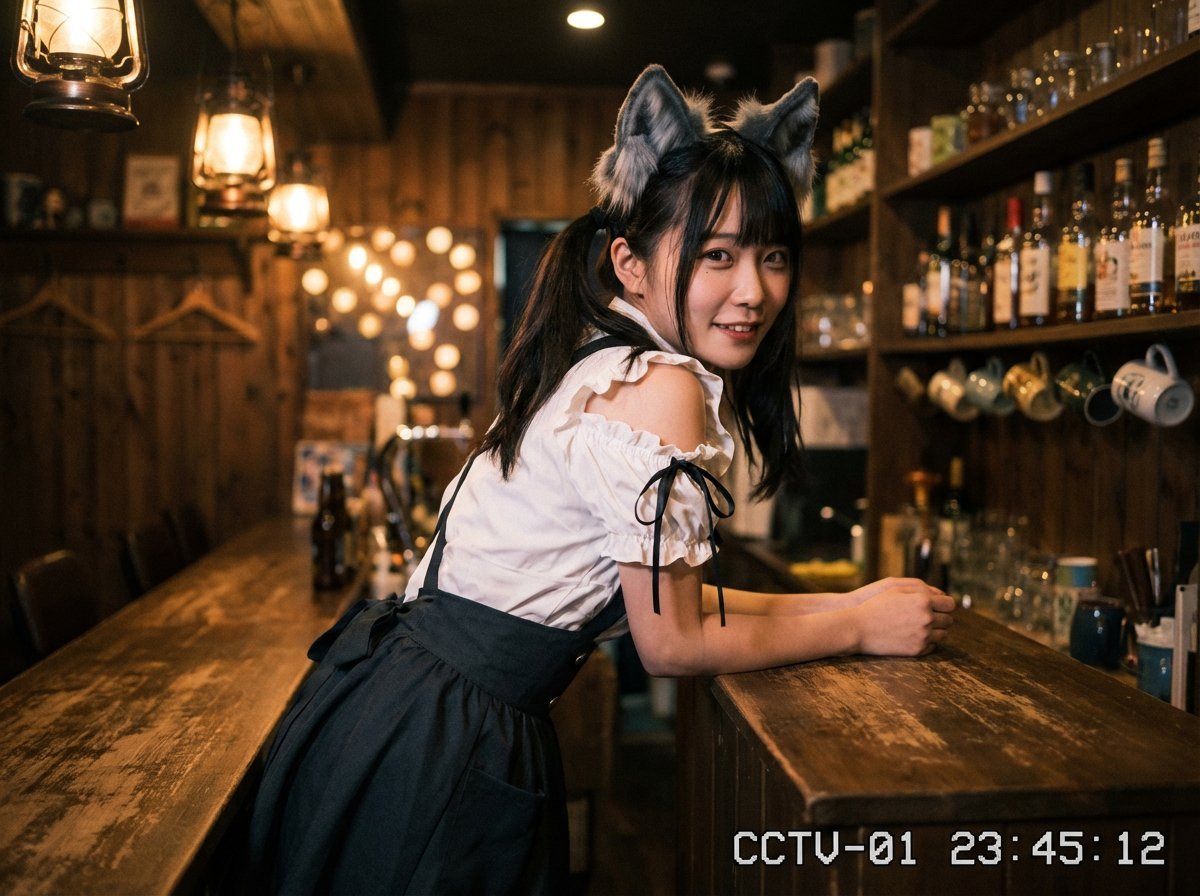
Cozy Maid Café Portrait with CCTV Aesthetic
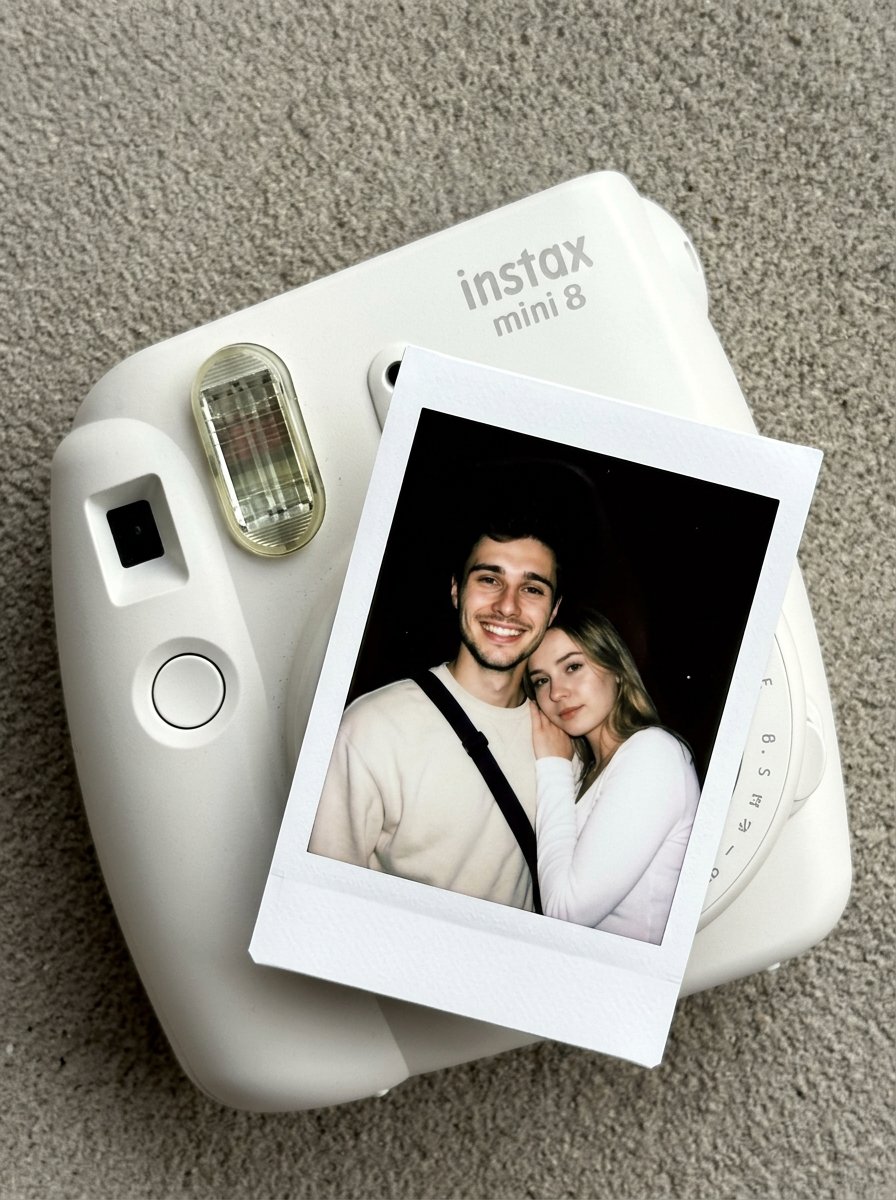
02 Instax Camera Product — Nano Banana 2
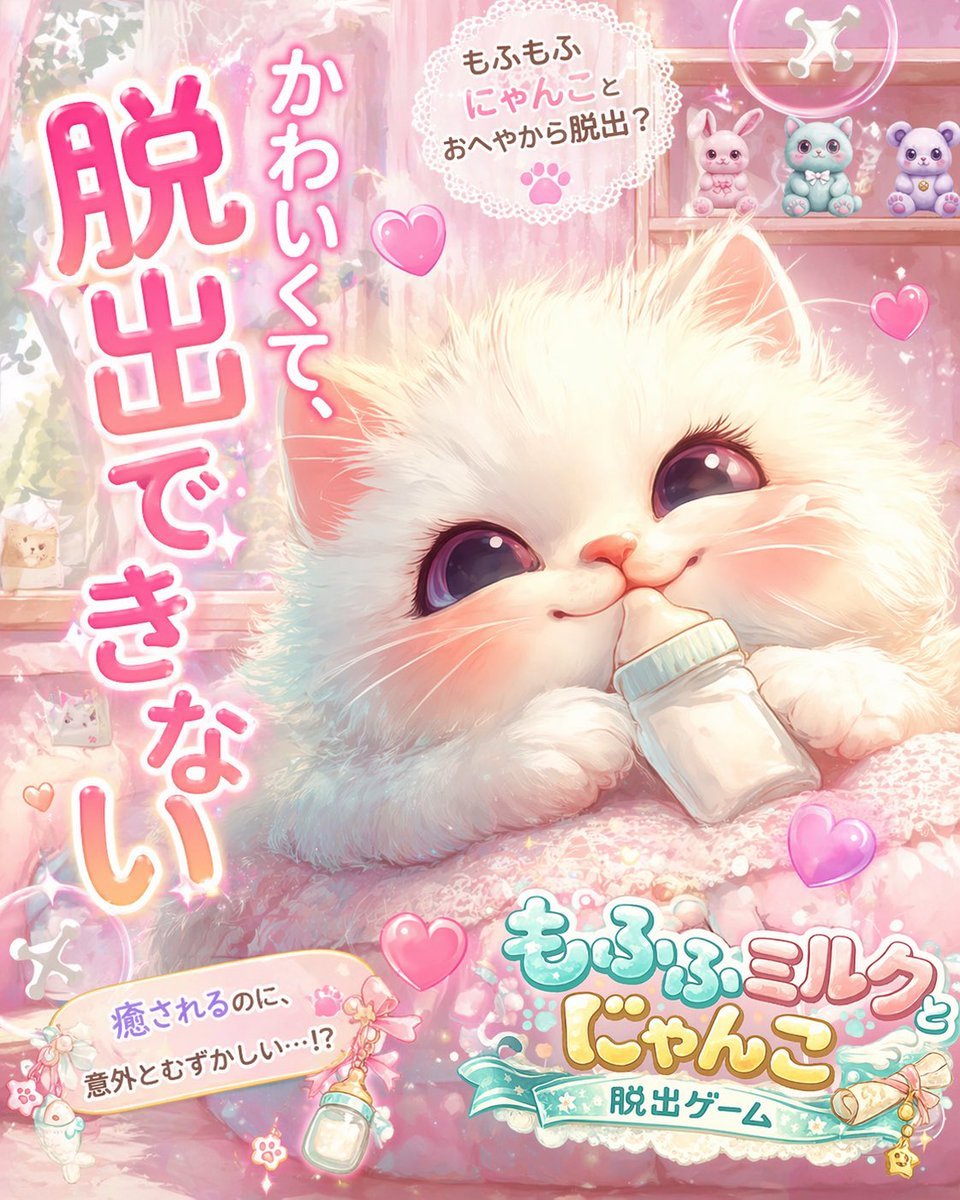
Kawaii Pink Kitten Escape Game Ad
Browse template categories
Christmas Surprise Box Dynamic Action Shot questions
How do I use the Christmas Surprise Box Dynamic Action Shot template?
Add your photo if the template asks for one, edit the prompt if you like — the template's model and format are already selected — and press Generate. Your version opens in PicX Studio.
Can I customize the Christmas Surprise Box Dynamic Action Shot template?
Yes. You can change the subject, setting, lighting, mood, format, and available model controls before creating your image.
Is the Christmas Surprise Box Dynamic Action Shot template free?
Opening and editing this template is free. Generating uses credits, shown on the Generate button when you are signed in.
Which AI model should I use?
Start with Nano Banana 2, which is the model associated with this template. You can compare another compatible model for a different finish.
Looking for something else? Browse all templates.

Your photo, any look
Thousands of ready templates for every top image and video model, from one credit balance.