
EMA Collectible Action Figure Box
Generates a realistic boxed anime action figure product shot with custom packaging text, accessories, and premium collectible styling.
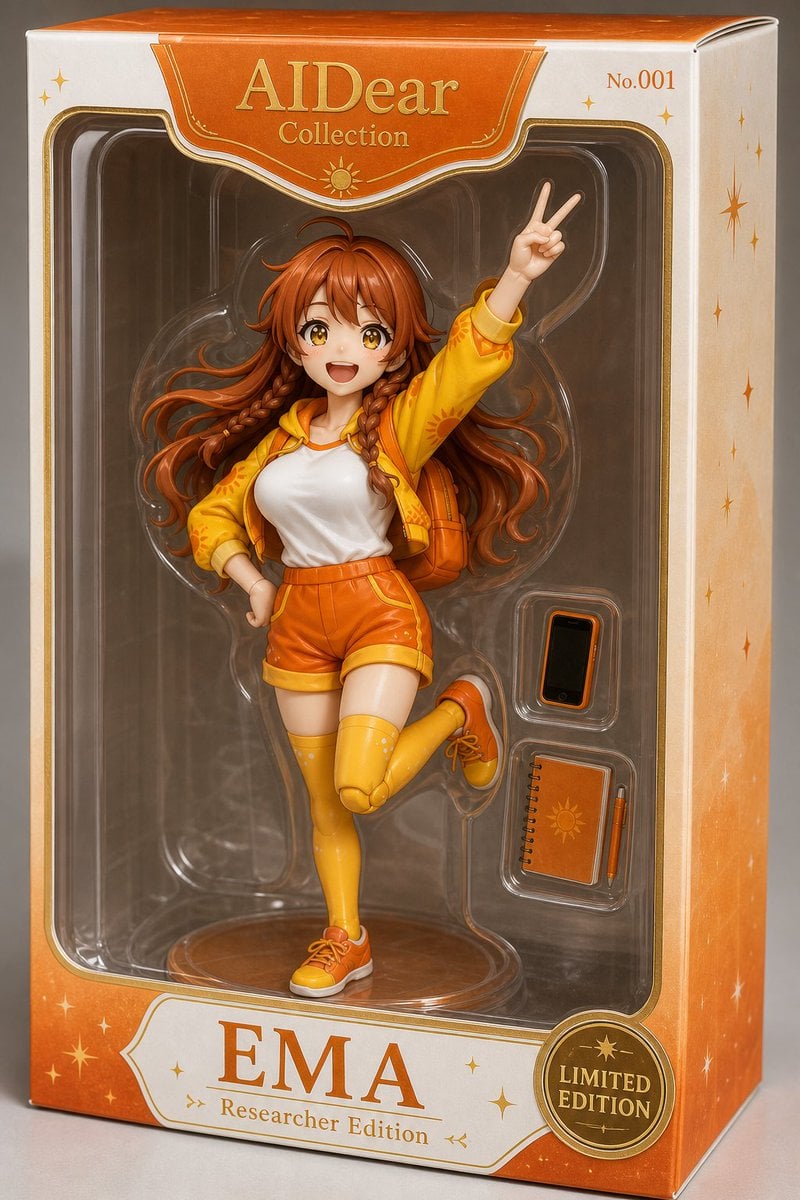
- Prompt included
- Model and format preset
- Free template
The prompt behind this image
Copy the exact prompt behind EMA Collectible Action Figure Box, or open it in the studio and make it yours.
Create a realistic high-end product photo of an anime-style action figure sealed inside a collectible retail box. The figure is {argument name="character name" default="EMA"}, a cheerful original girl character with very long flowing {argument name="hair color" default="orange-red"} hair and two front braids, but her face is intentionally covered by a centered square blur censor block. She is posed dynamically on one leg with her right hand raised in a V-sign peace pose and her other hand on her hip. Outfit details: exactly 7 main clothing pieces — yellow cropped jacket with orange sun motifs, white sleeveless top, orange high-waisted shorts, brown belt, yellow thigh-high socks, orange sneakers, and an orange backpack. Place her in a clear molded plastic blister tray with a round transparent stand at the bottom. Include exactly 3 visible accessories in separate molded compartments on the right side: a black smartphone with an orange case, a small orange spiral notebook with a sun emblem, and a matching orange pen. Packaging: tall rectangular premium toy box photographed at a slight front-right angle, white and orange gradient cardboard with gold trim, rounded clear window, star and sparkle decorations, and an elegant orange top label. Use accurate readable package text: top center says "AIDear" with "Collection" beneath it, top right says "No.001", bottom nameplate says large "EMA" with smaller "Researcher Edition" beneath, and a gold circular seal at lower right says "LIMITED EDITION". The overall style should resemble a real Japanese collectible action figure package, glossy plastic reflections, warm studio lighting, sharp product photography, orange-and-gold color theme, clean gray background, no extra figures, no extra accessories, no watermark.
How to use EMA Collectible Action Figure Box in 3 steps
- 1Upload ImagePNG, JPG or paste
Add your photo
Upload the photo the template builds on. The prompt, model and format are already set.
- 2…a portrait of your subject in softgolden-hour light, 85mm…
Personalize
Edit the subject and creative details for your destination.
- 3Generate
Generate
Press Generate — your image is created in PicX Studio, so you can compare it with the original and refine one variable at a time.
More like this
Templates with the same subject, style or setup. Open one to see its prompt.

Venom SpongeBob Hyperreal Cinematic Mix
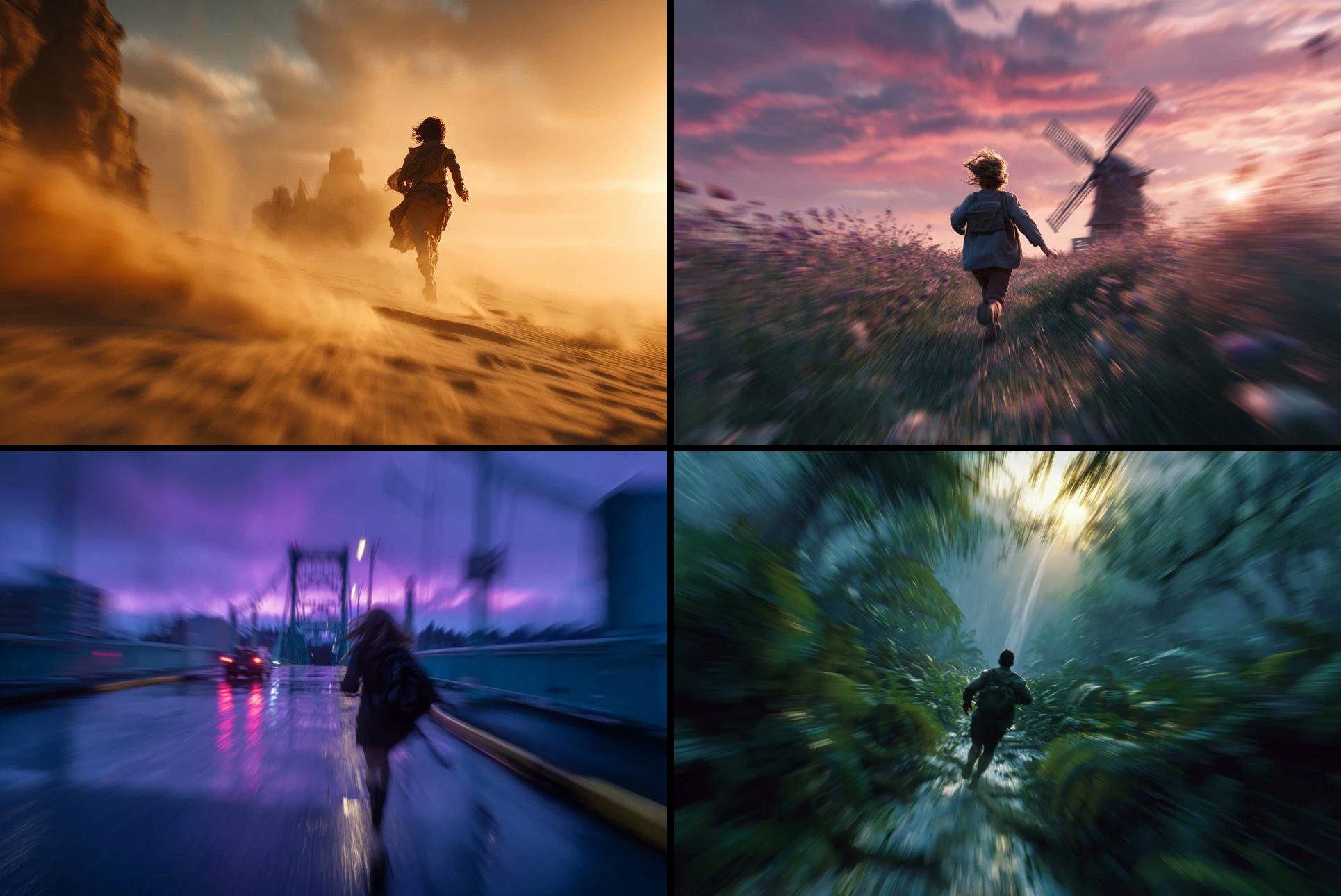
Freedom in Motion — Cinematic Sprint
PixVerse v6 - Cinematic Fire Scene
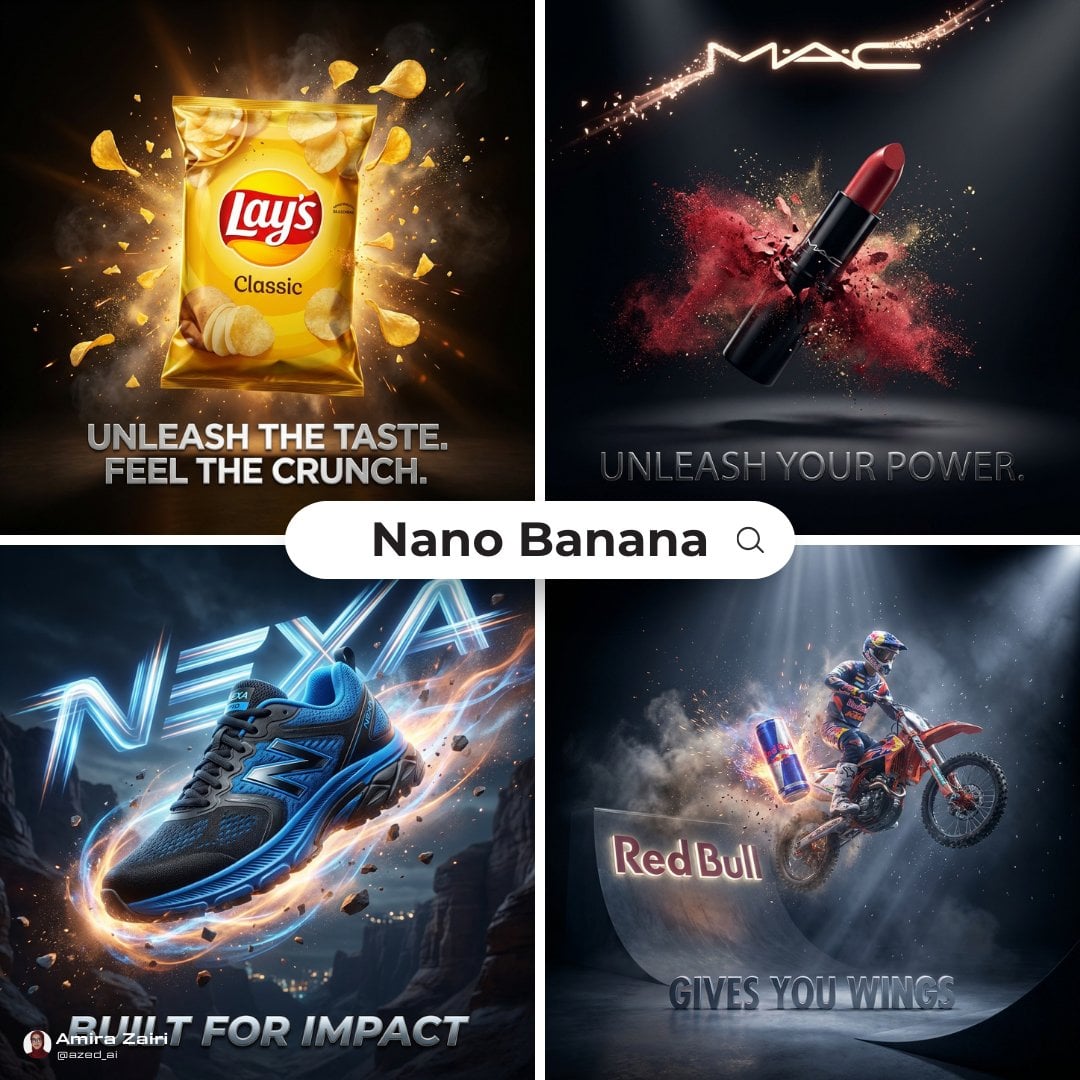
Cinematic 3D action-packed advertisement captured in an intense
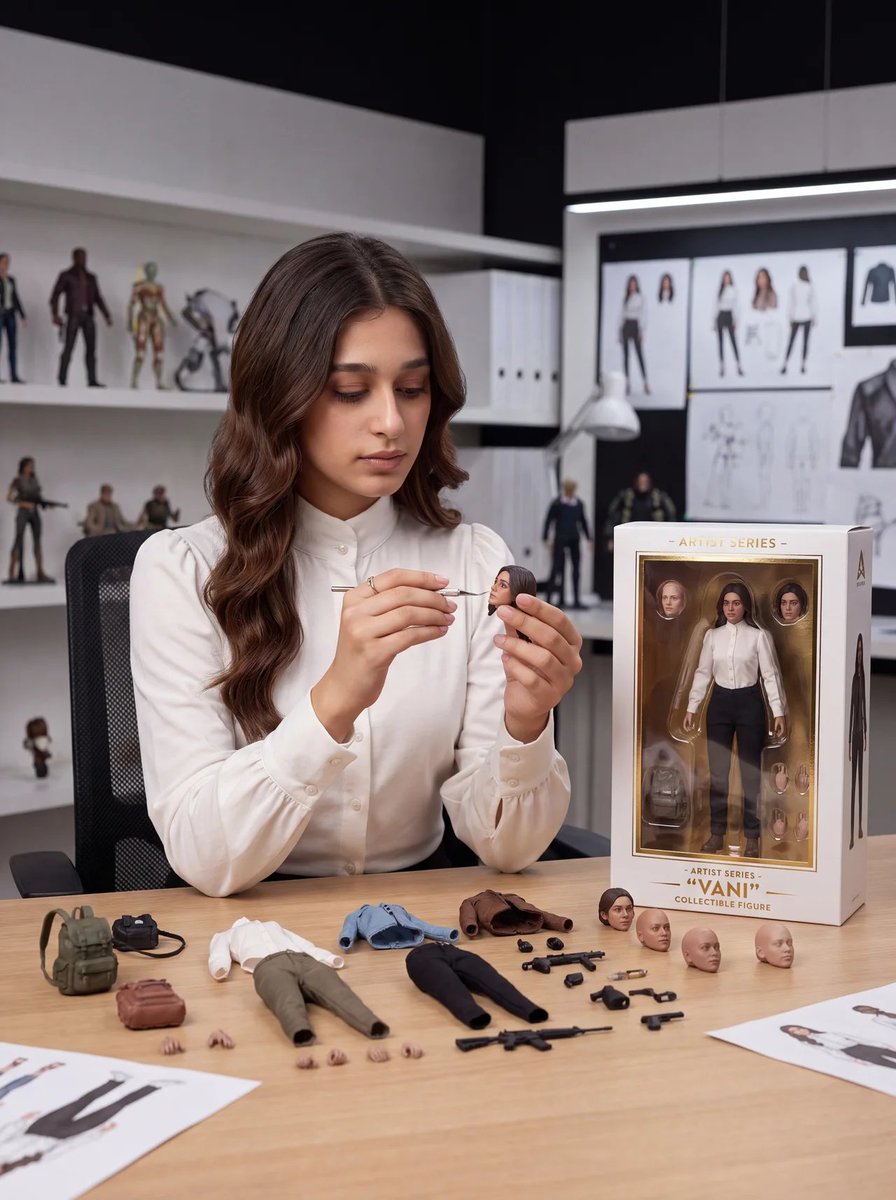
Toy Designer Collectible Figure Studio

Felt & Knit 3D Character — Photo-Exact Face, Pixar-Quality Plush Figurine
Retro 80s Action Figure Aesthetic

Hero Portrait Comic Multi-Panel Poster

Panning Motion Soccer Kick Poster

Dual Composition Hero Action Football Poster

FIFA World Cup — Brazil National Pass Diorama
Action Figure Stylization Prompt
Make it yours
EMA Collectible Action Figure Box works as-is. These are the safest ways to change it without losing the look.
Change one field
Copy a single group, rewrite it, and generate again so you can see what that field is doing.
Keep the frame, change the subject
Hold the composition and light of EMA Collectible Action Figure Box, then swap wardrobe, props or the person for a new take.
| If the result… | Why | Fix |
|---|---|---|
| The result drifts from the preview | Too many fields changed at once. | Reuse EMA Collectible Action Figure Box as-is first, then change one group — subject, light, or setting. |
| The model over-stylizes the scene | The prose prompt leaves finish and camera underspecified. | Add one camera or lighting sentence and stay on GPT Image 2. |
More GPT Image 2 templates
Other prompts made for GPT Image 2.

Six VTuber Japanese Logo Sheet

Realistic Portrait of Woman and Deer

The Vista Modular Condo Poster

AI Model Routing Comparison Infographic

2.5D Anime Art Board

Isometric Productivity Desk Scene

New York Double Exposure Poster

Four-Panel AI Landscape Comparison

Japanese Tatami Lifestyle Magazine Cover

NESCAFÉ Coffee Map Poster
More image prompts
Fresh picks from across the catalog.
Doodled Strawberry Matcha Drink Photo
Ultra-Realistic Portrait in Cinematic Bathroom Lighting
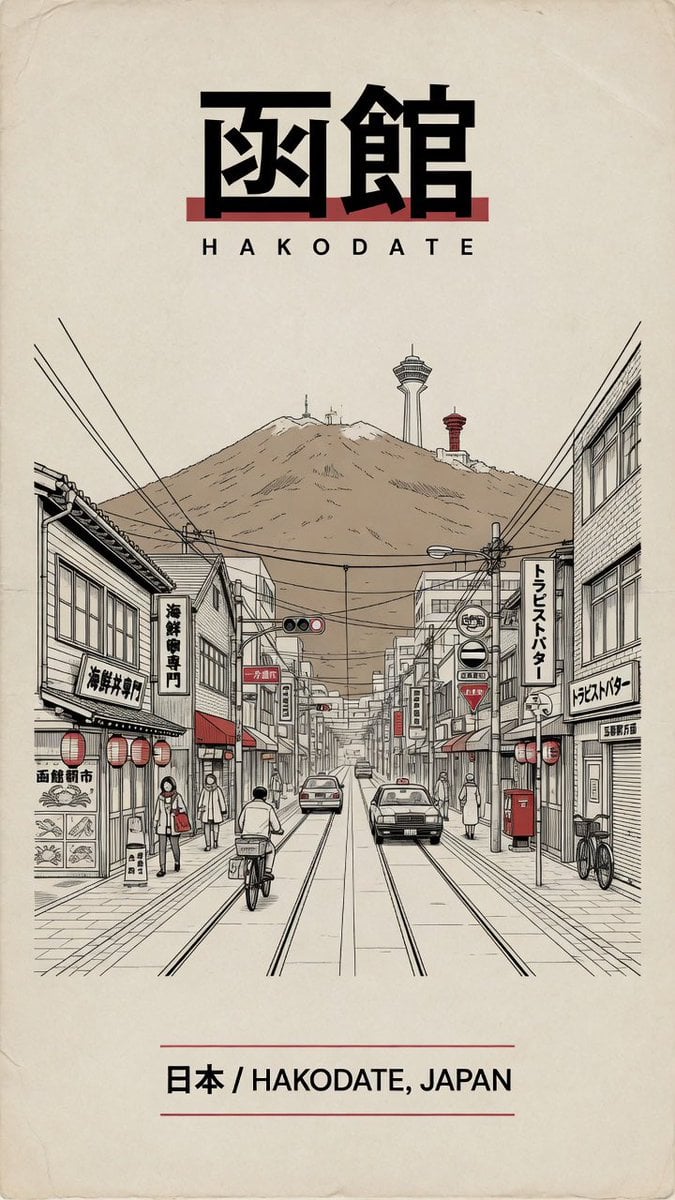
Vintage Hakodate Travel Poster
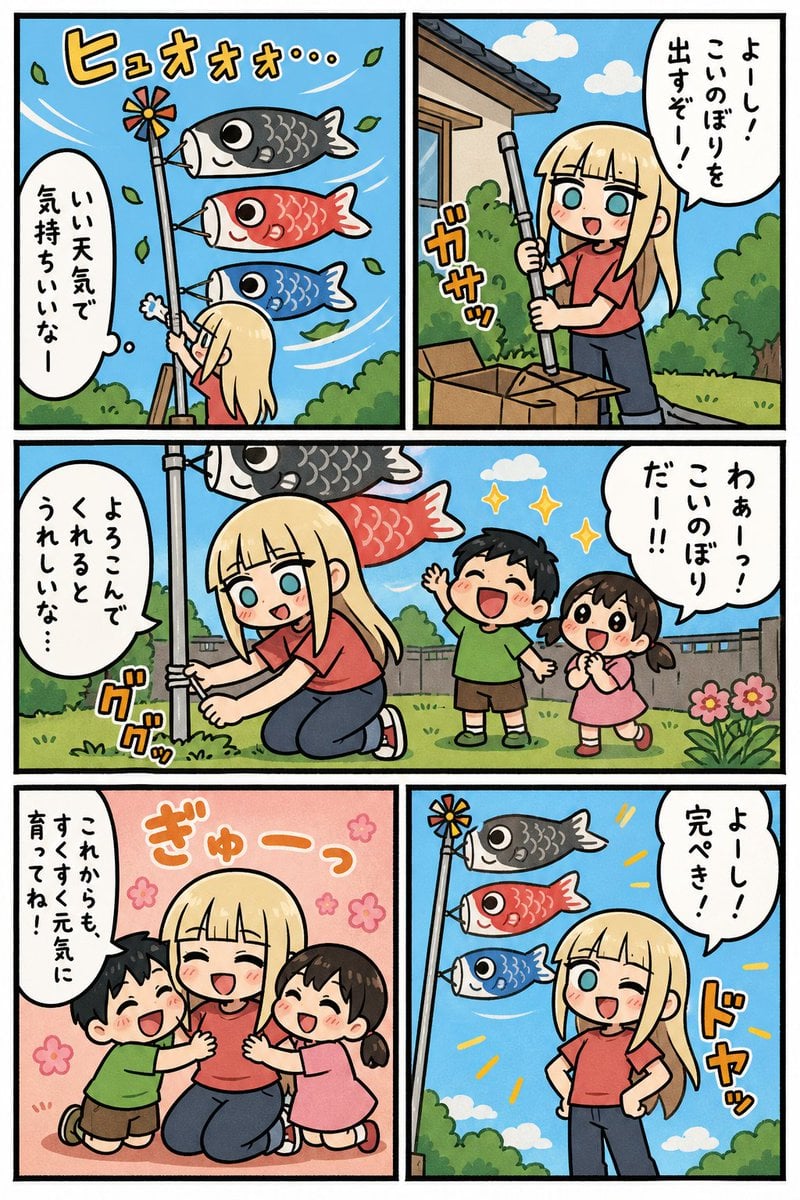
Koinobori Family Manga Page
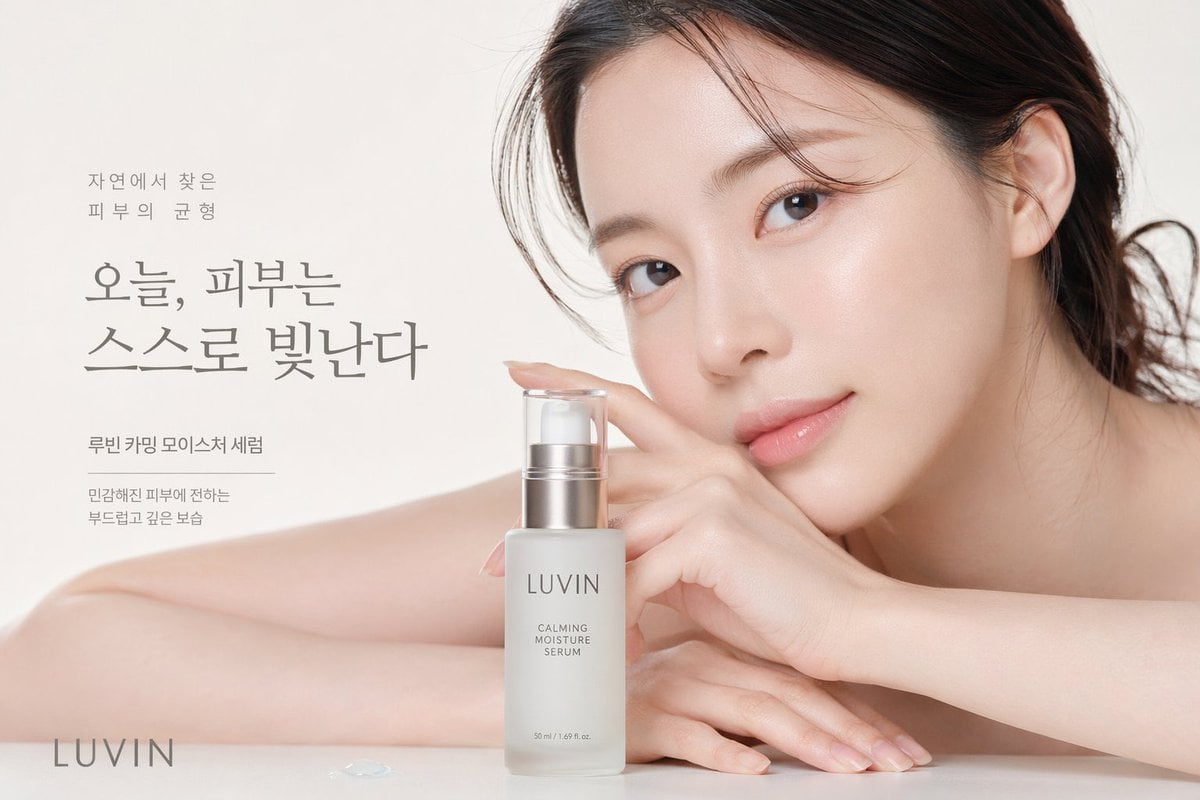
Skincare Beauty Campaign Advertisement
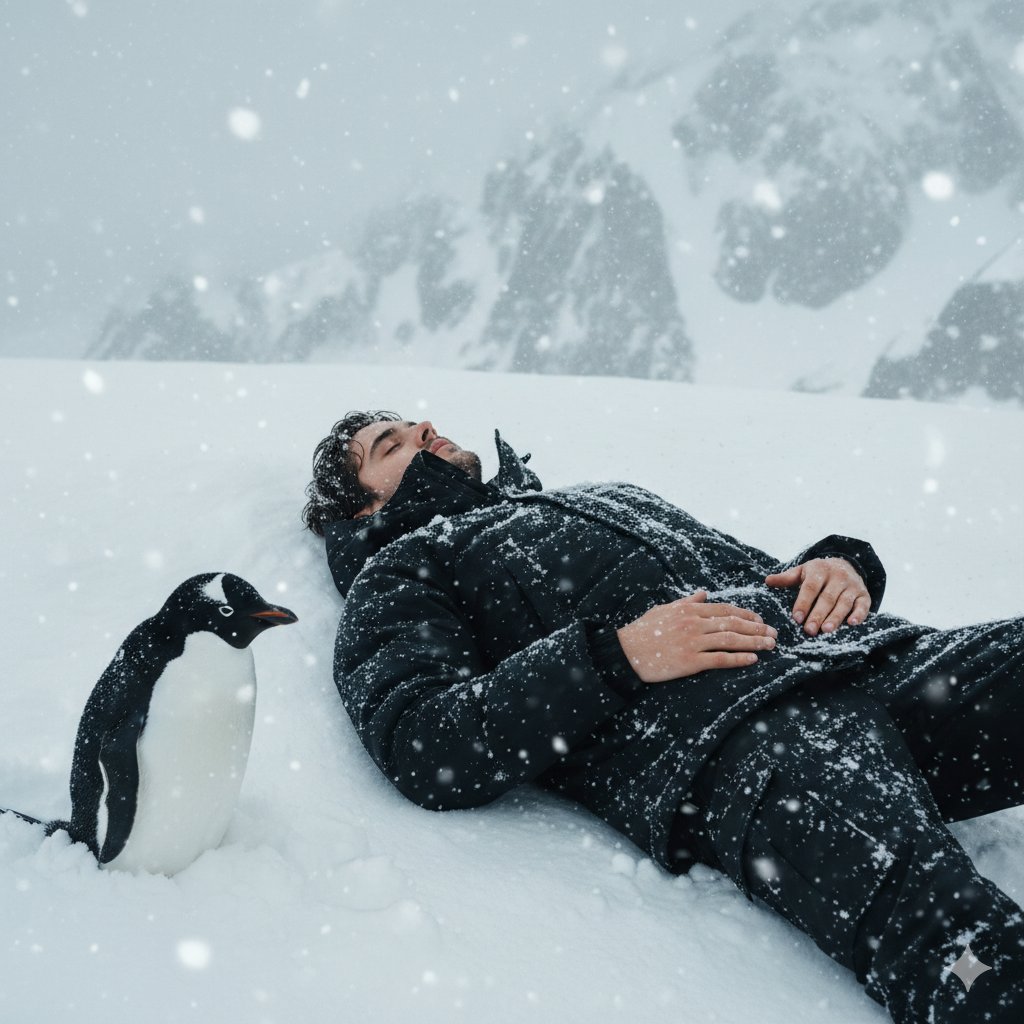
Tired Penguin in Alt Text Prompt
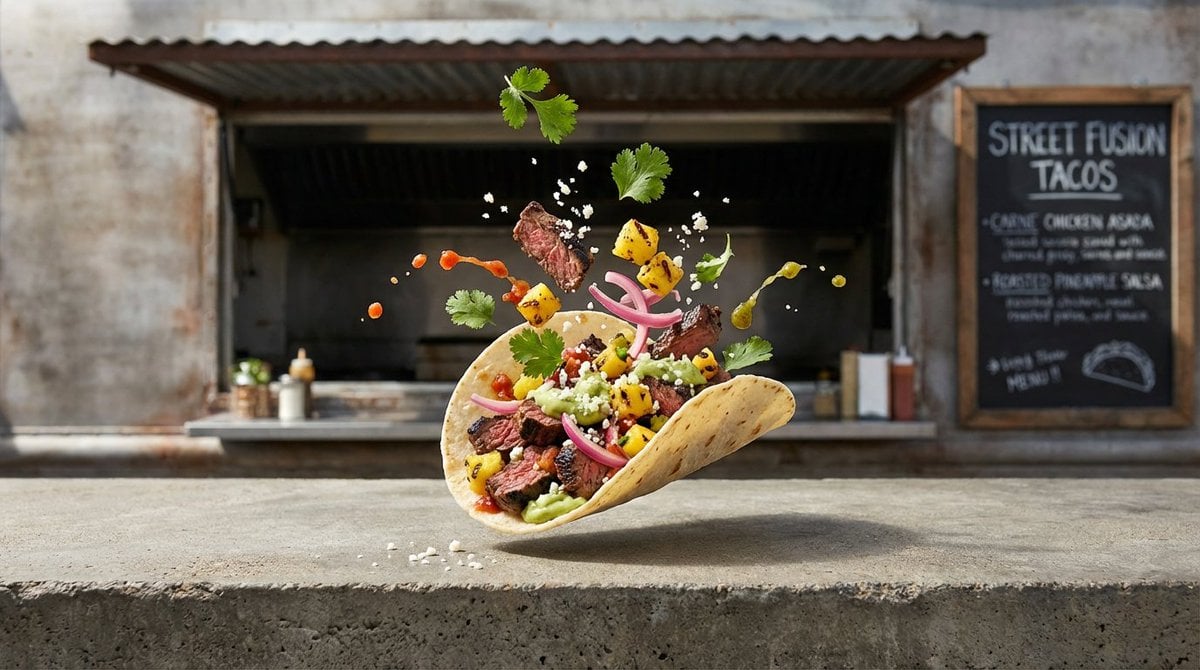
Four High-Detail Composite Photography Prompts
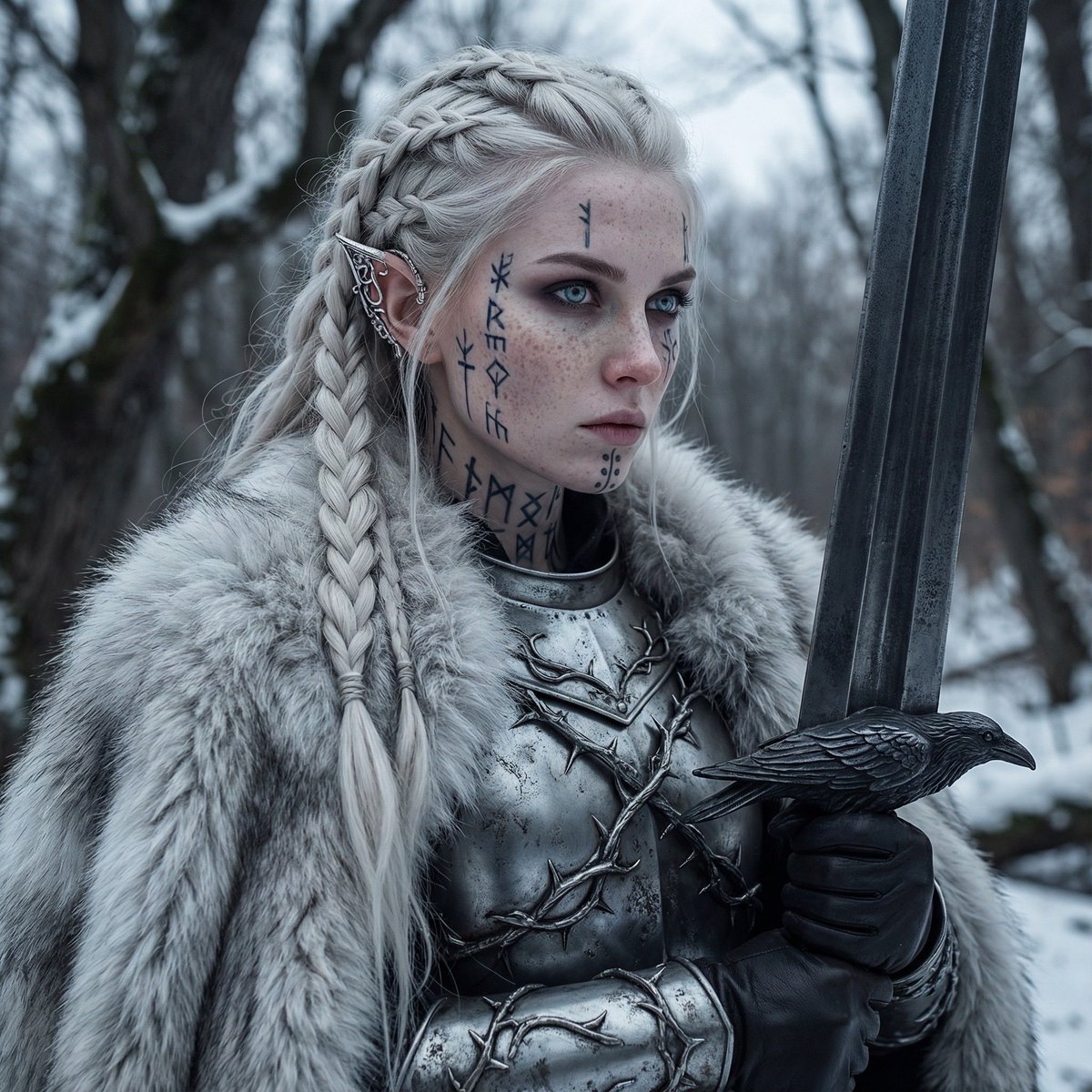
Fierce Elven Warrior Princess Cinematic Portrait

Detailed Image Prompt for Rustic Vintage Aesthetic
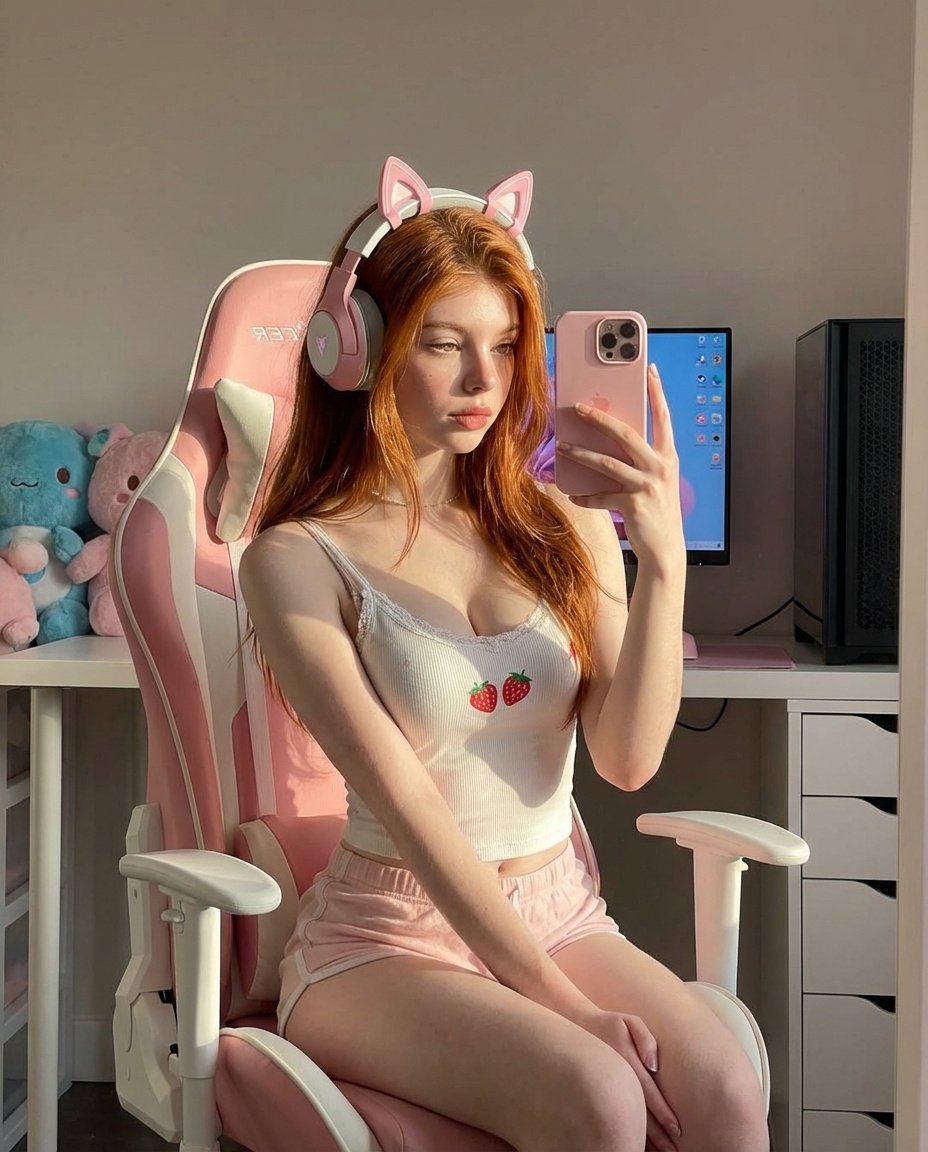
Ultra Realistic Kawaii Gamer Girl Mirror Selfie
Browse template categories
EMA Collectible Action Figure Box questions
How do I use the EMA Collectible Action Figure Box template?
Add your photo if the template asks for one, edit the prompt if you like — the template's model and format are already selected — and press Generate. Your version opens in PicX Studio.
Can I customize the EMA Collectible Action Figure Box template?
Yes. You can change the subject, setting, lighting, mood, format, and available model controls before creating your image.
Is the EMA Collectible Action Figure Box template free?
Opening and editing this template is free. Generating uses credits, shown on the Generate button when you are signed in.
Which AI model should I use?
Start with GPT Image 2, which is the model associated with this template. You can compare another compatible model for a different finish.
Looking for something else? Browse all templates.

Your photo, any look
Thousands of ready templates for every top image and video model, from one credit balance.