
Toy Designer Collectible Figure Studio
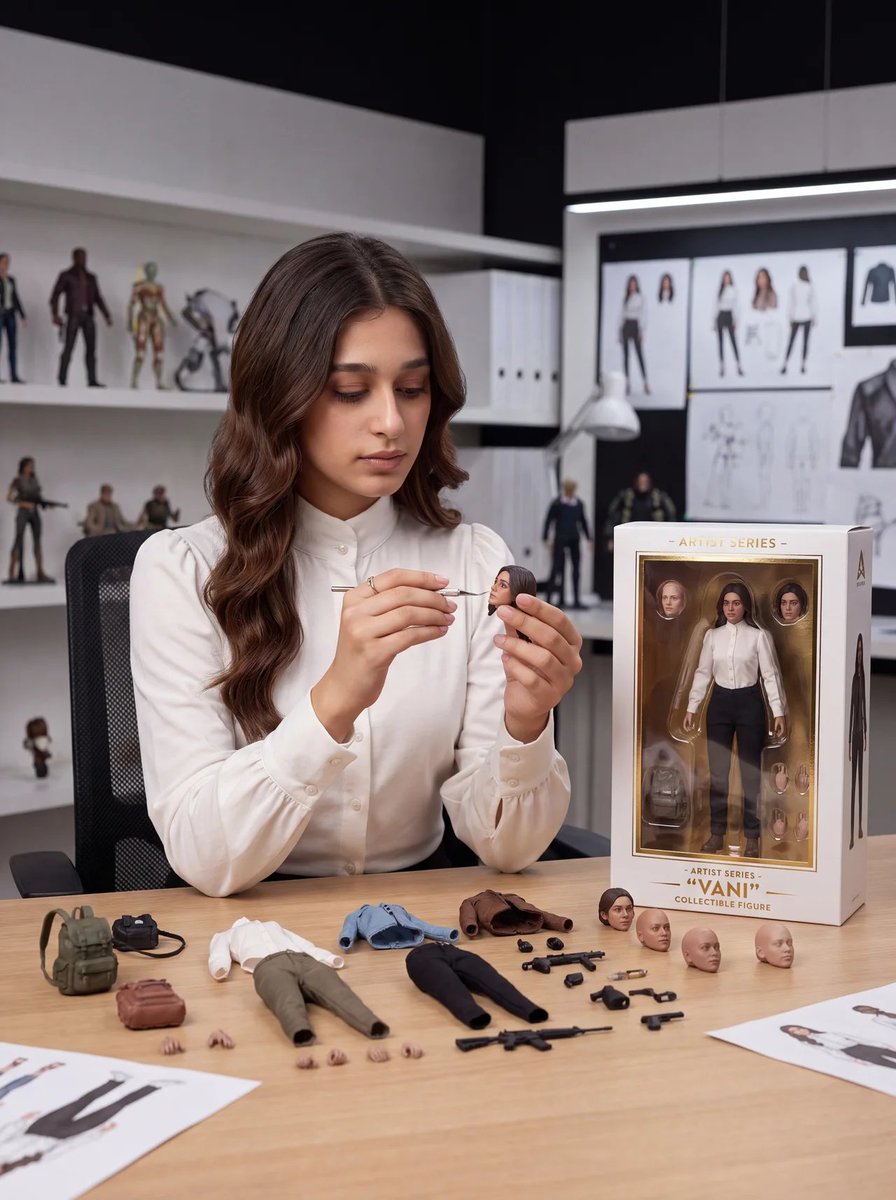
A photorealistic studio scene of a toy designer painting a custom collectible action figure with boxed packaging and neatly arranged accessories.
- Prompt included
- Model and format preset
- Premium template
The prompt behind this image
Copy the exact prompt behind Toy Designer Collectible Figure Studio, or open it in the studio and make it yours.
Goal: Create a realistic premium toy design studio scene where {argument name="character name" default="VANI"}, a young woman toy designer, is customizing a collectible action figure based on herself. Canvas: Vertical 3:4 editorial product-photography composition, eye-level camera, shallow depth of field, crisp studio lighting, modern white-and-black designer workspace. Main subject: A young woman with {argument name="hair color" default="long wavy dark brown hair"}, center-left at a wooden worktable, wearing a high-neck white blouse with buttoned cuffs. She sits in a black mesh office chair, looking down with calm concentration while holding a small action-figure head in one hand and painting it with a fine detail brush in the other. The miniature head should resemble her face and hairstyle. Environment: Premium toy design studio with white shelving on the left and a large design board on the back wall. On the shelves, show exactly 8 background collectible figures: 5 standing figures on the upper shelf, 2 armed figures on the middle shelf, and 1 tiny chibi-style figure on the lower shelf. On the rear wall, include pinned character concept sheets showing front/back outfit views, head studies, pose sketches, and a jacket design. Add white binders, a desk lamp, and a few blurred prototype figures for depth. Table layout and counted objects: Arrange exactly 32 visible loose toy-design components on the table: 1 green backpack, 1 small black bag, 1 brown pouch, 1 white shirt torso piece, 1 pair of olive pants with attached legs, 1 blue jacket, 1 brown jacket, 1 pair of black pants with attached legs, 3 separate painted human heads, 3 separate unpainted bald heads, 2 tiny loose hands near the pouch, 4 tiny loose hands in front of the pants, 1 long rifle, 1 compact rifle, 4 small pistols, and 6 small black accessory parts. Also include two printed character reference sheets partially visible at the bottom corners. Packaging: On the right side of the table, place a premium boxed action figure with a clear display window and white packaging trimmed in gold. The box contains the full figure wearing a white blouse, black pants, and brown shoes, plus visible portrait/head accessories inside. Printed text on the box should read “ARTIST SERIES” at the top, “ARTIST SERIES” above the name, “{argument name="figure name" default="VANI"}” in large quotation marks, and “COLLECTIBLE FIGURE” below. Add a small minimalist triangular studio logo near the top-right of the box. Visual style: Photorealistic, high-end collectible toy photography, realistic skin texture, soft shadows, accurate scale for 1/12 action-figure accessories, clean luxury product design aesthetic, neutral palette of whites, wood, black, olive green, brown, and muted blue. Constraints: Keep all text legible, avoid extra logos or watermarks, do not add extra table accessories beyond the counted objects, keep the designer’s expression focused and serene, and make the boxed figure clearly match the designer.
How to use Toy Designer Collectible Figure Studio in 3 steps
- 1Upload ImagePNG, JPG or paste
Add your photo
Upload the photo the template builds on. The prompt, model and format are already set.
- 2…a portrait of your subject in softgolden-hour light, 85mm…
Personalize
Edit the subject and creative details for your destination.
- 3Generate
Generate
Press Generate — your image is created in PicX Studio, so you can compare it with the original and refine one variable at a time.
More like this
Templates with the same subject, style or setup. Open one to see its prompt.

Felt & Knit 3D Character — Photo-Exact Face, Pixar-Quality Plush Figurine
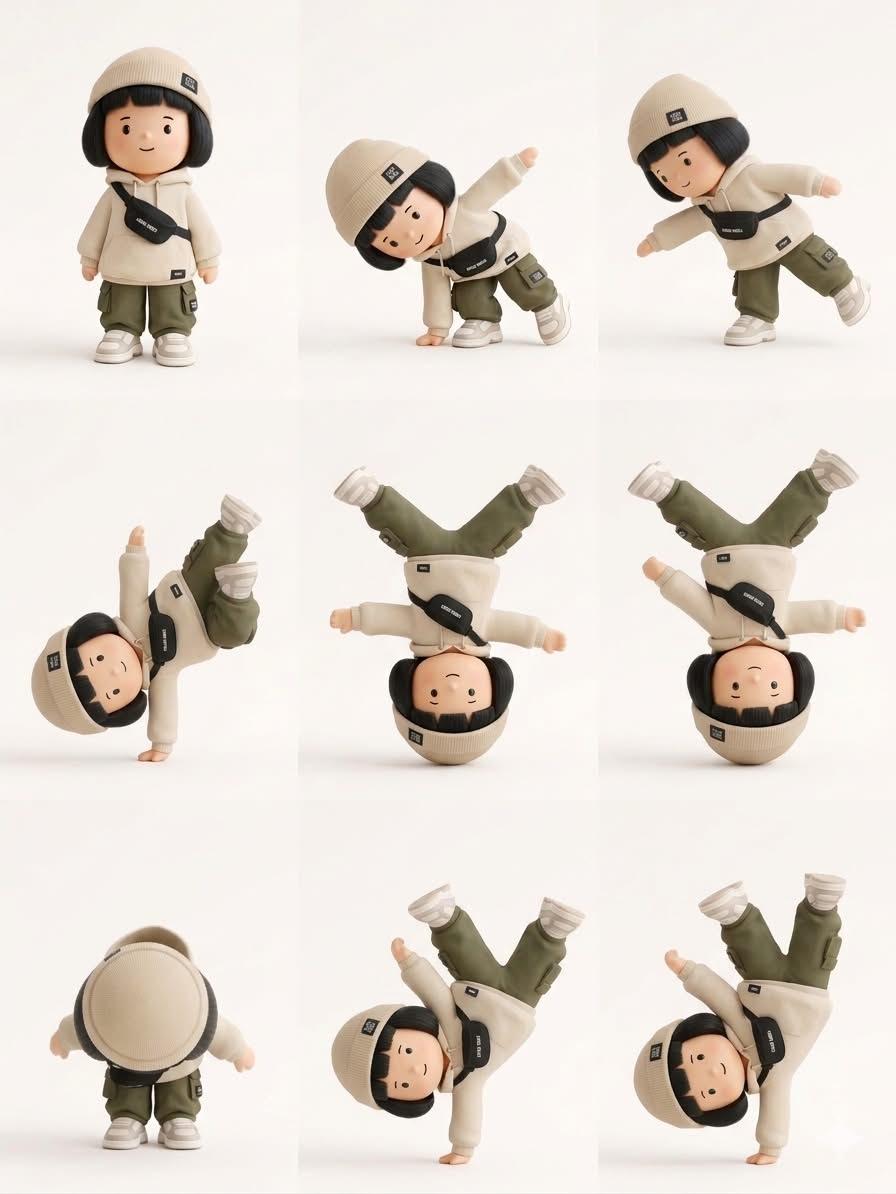
Designer Art Toy Collectible
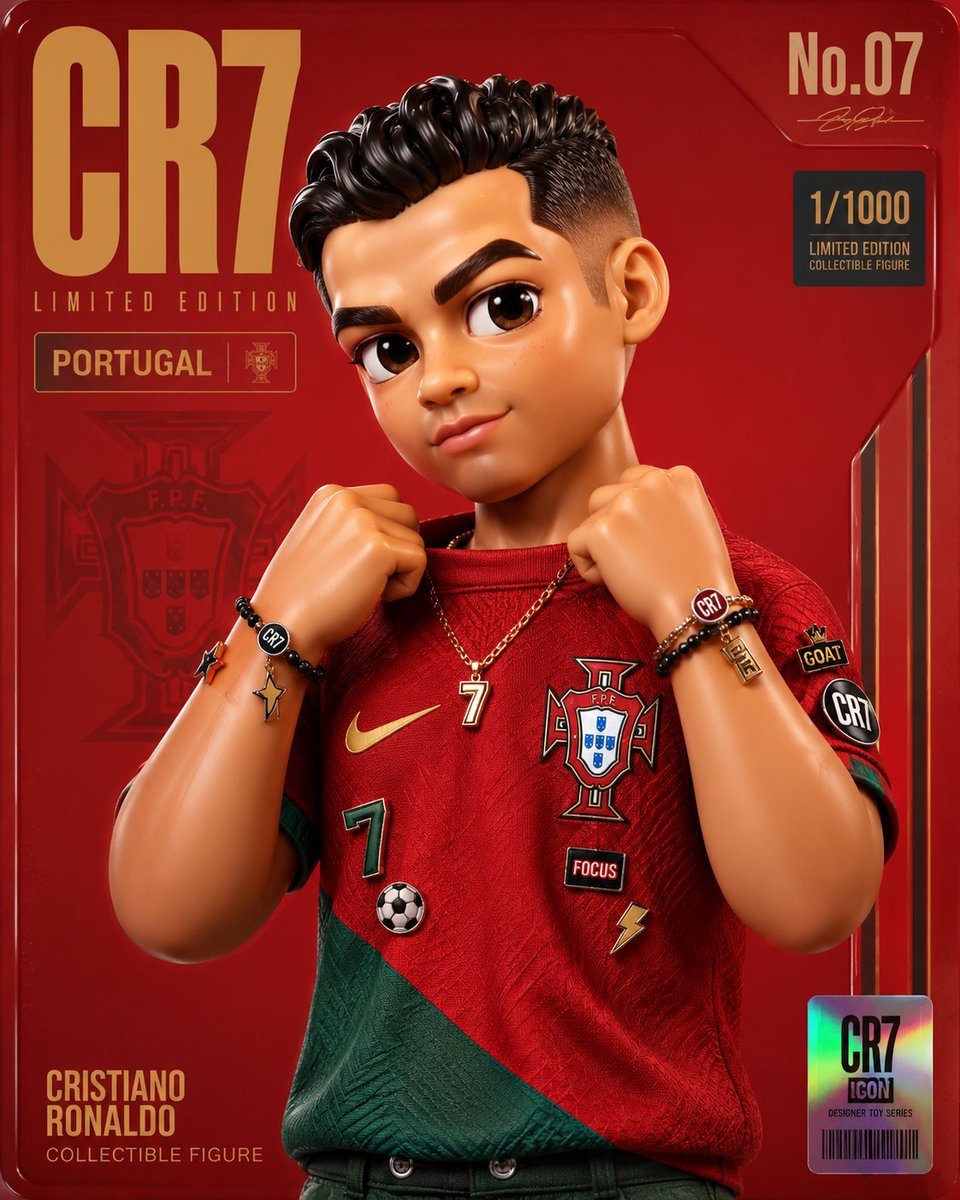
Premium Designer Collectible Toy Aesthetic

80s Couple Studio Portrait

1985 Studio Portrait
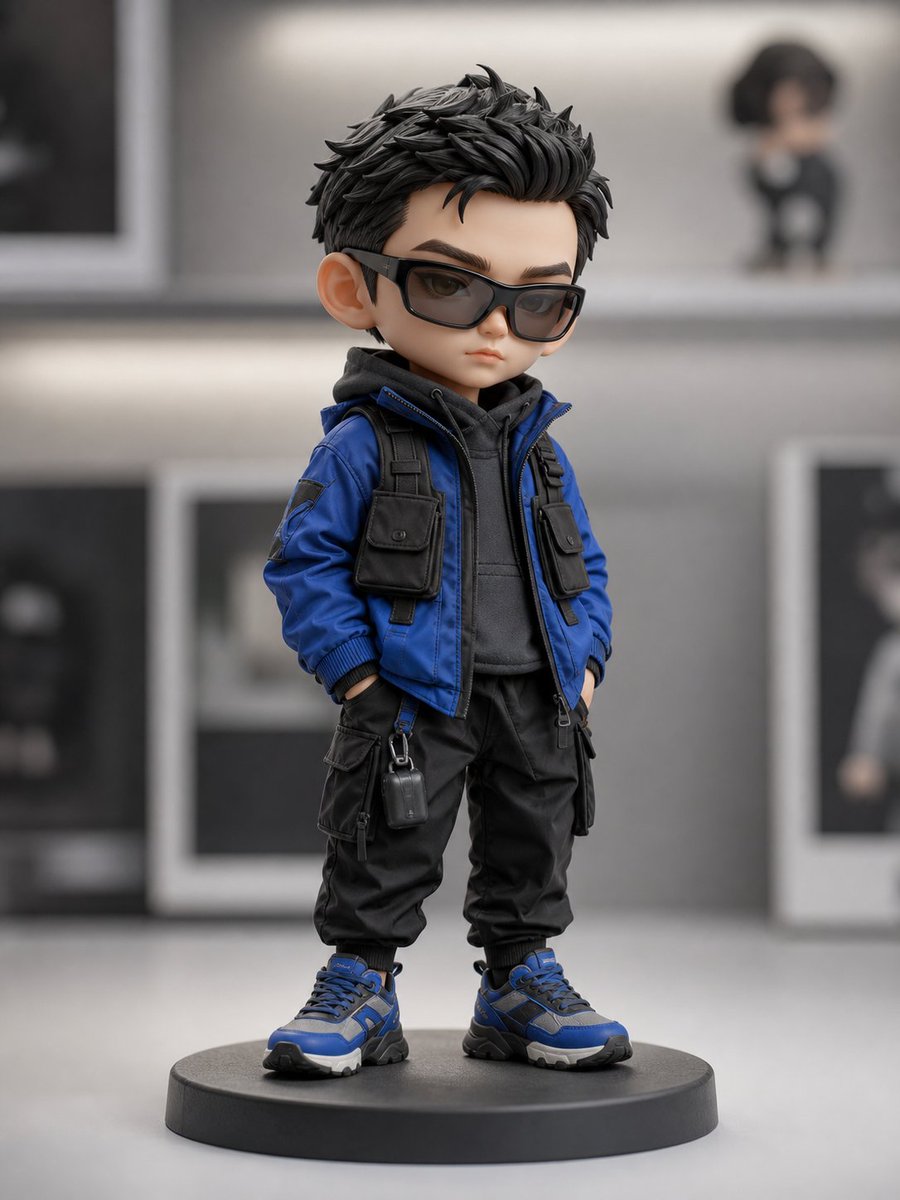
Chibi Streetwear Collectible Toy
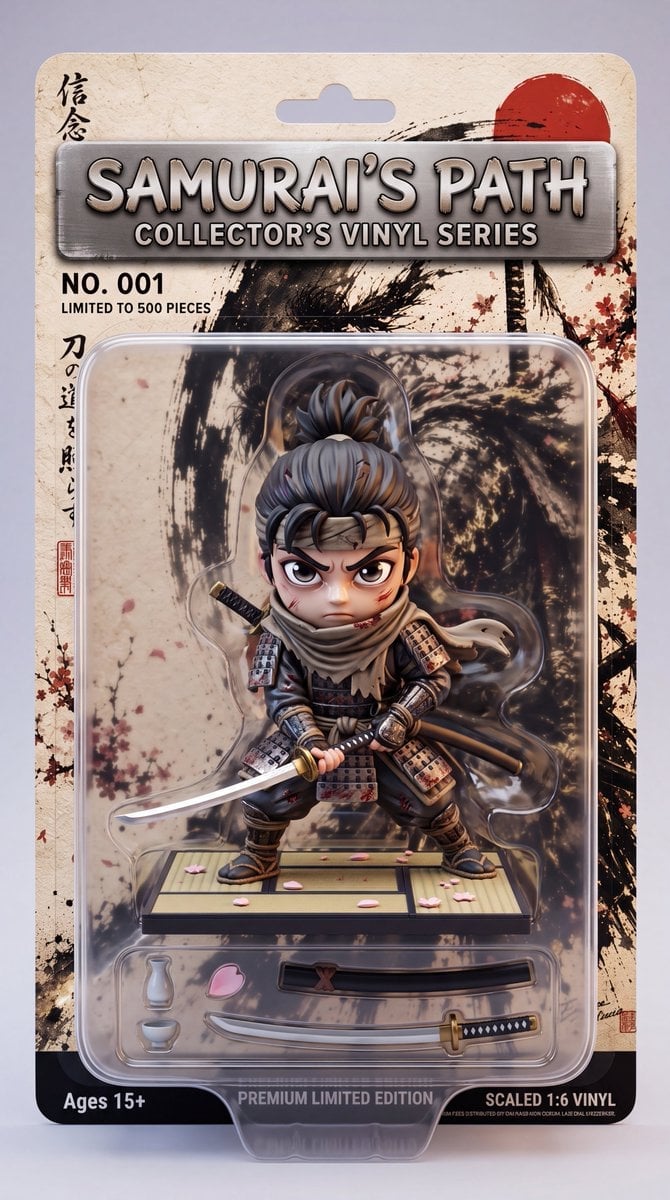
Stylized Collectible Toy Packaging
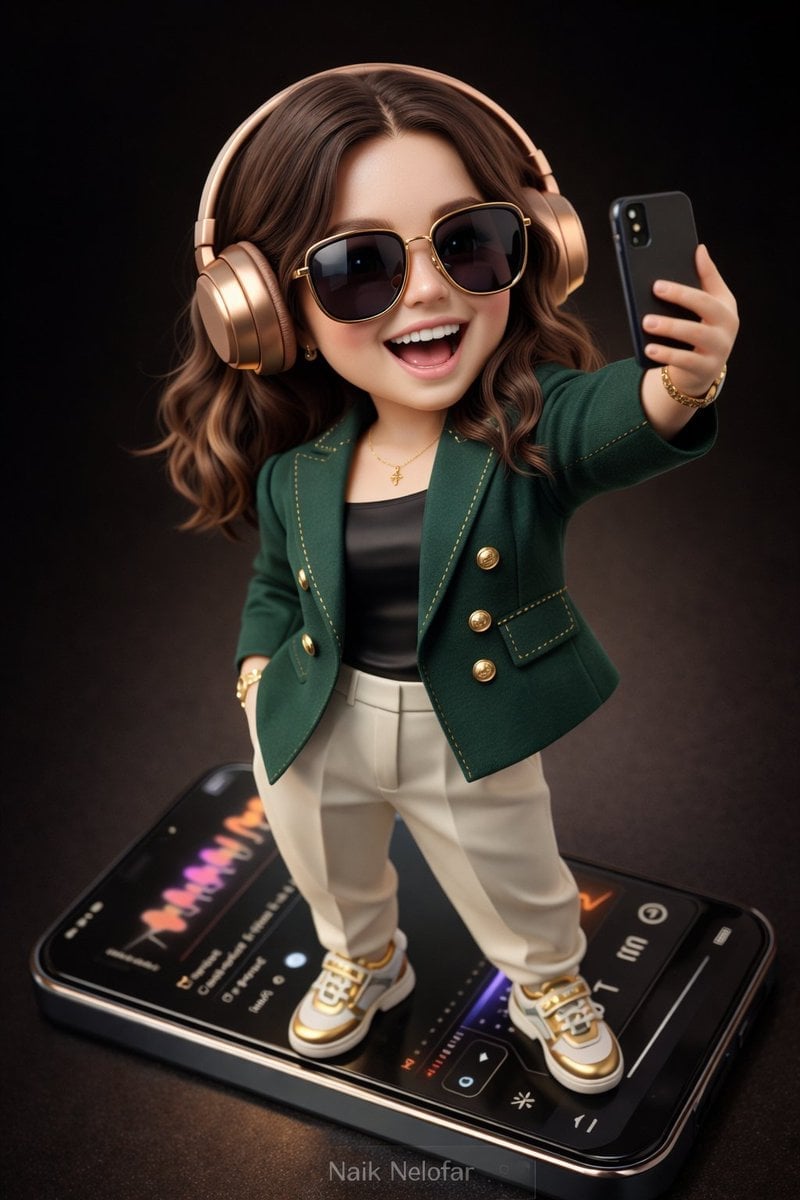
Chibi Designer Toy Character on Smartphone
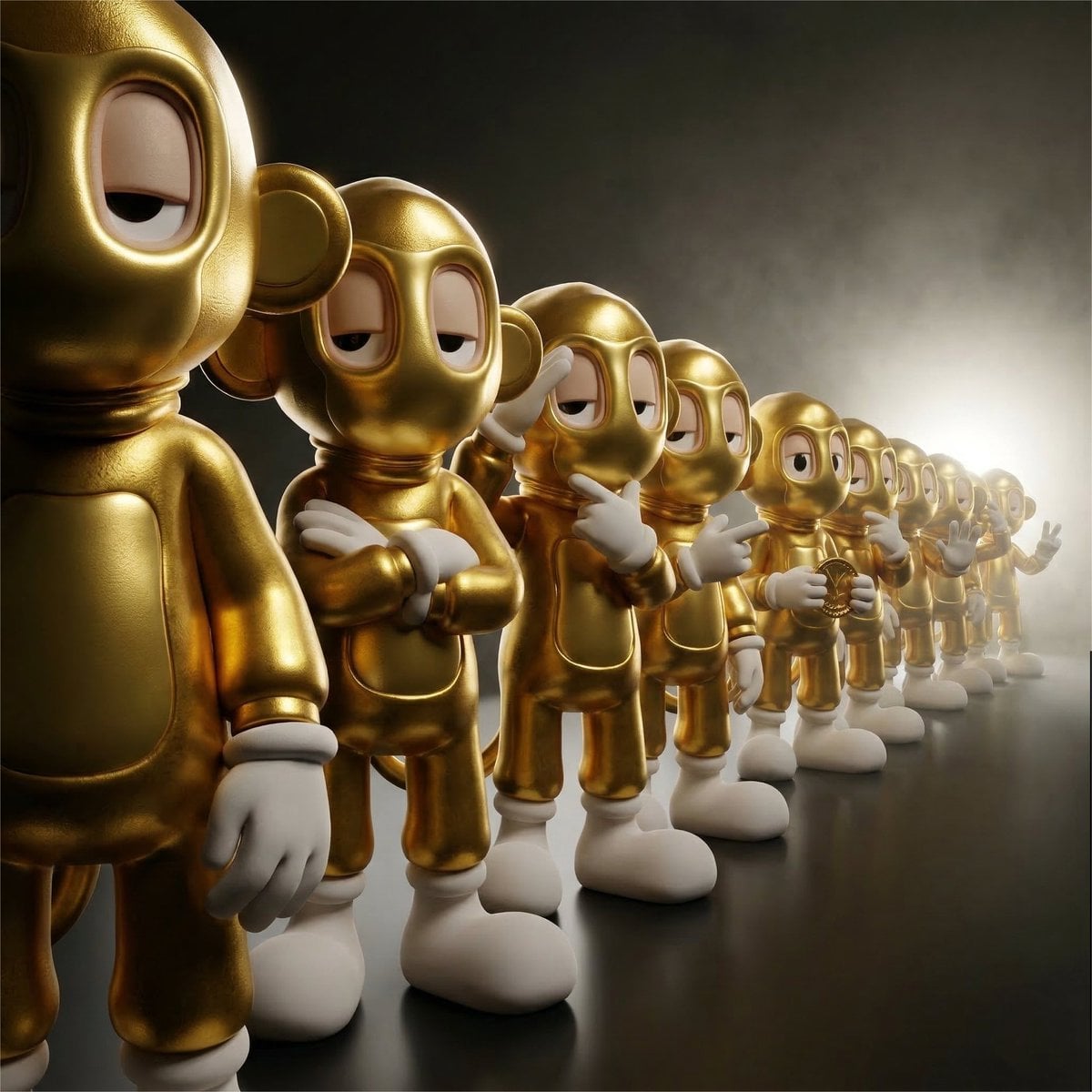
Collectible Vinyl Toy Procession 3D
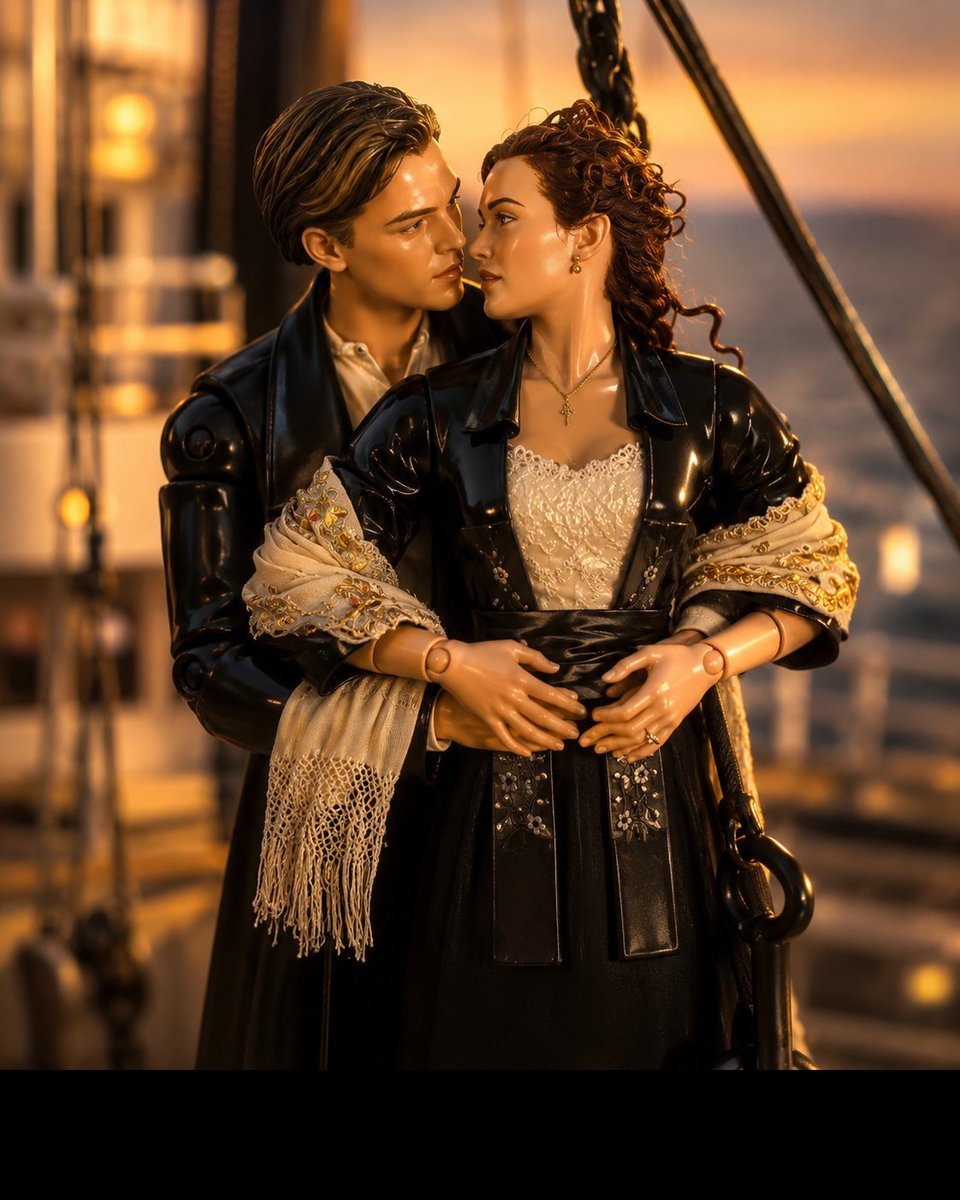
3D Collectible Toy Ocean Liner Render
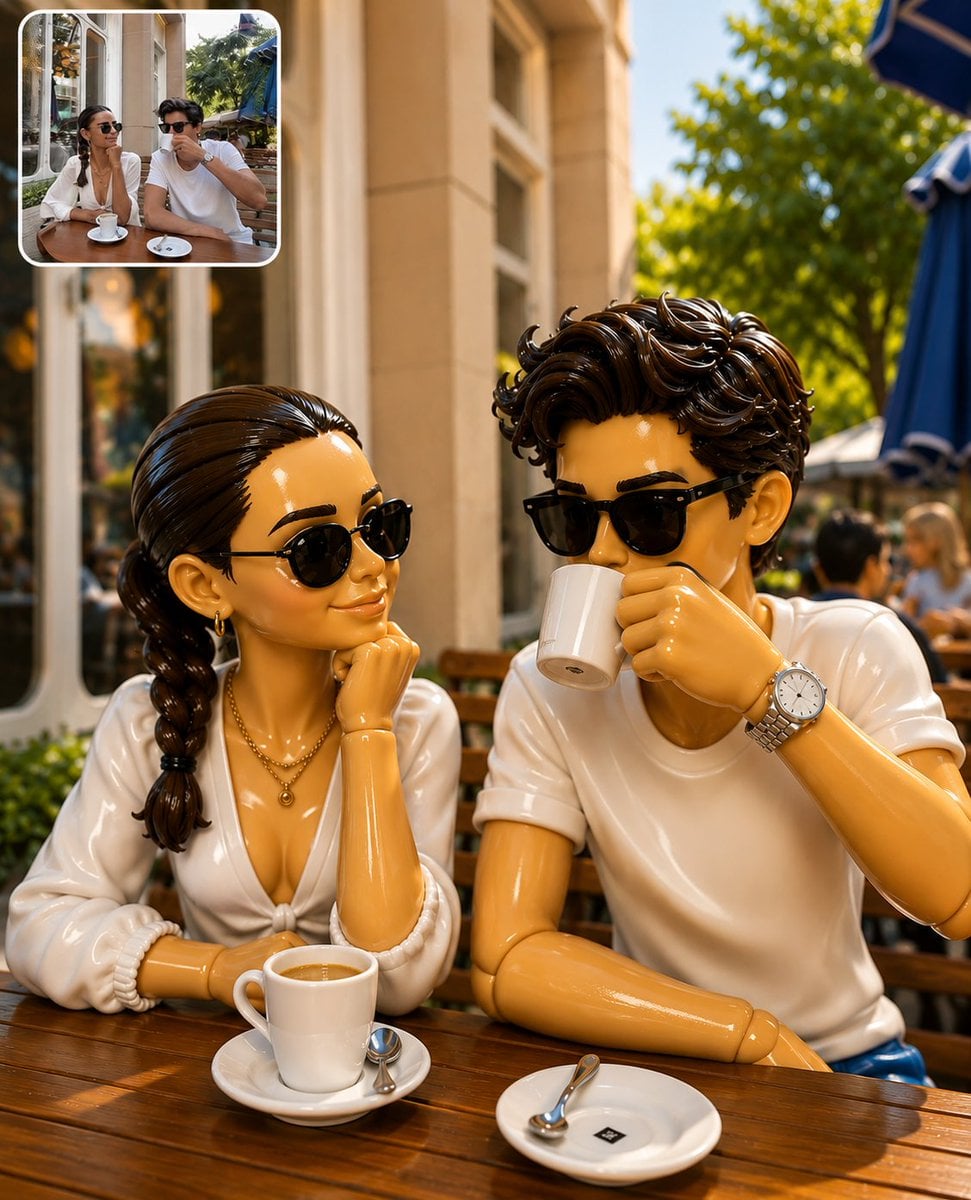
3D Collectible Toy Diorama

Cinematic Low-Angle Fashion Portrait Smoke Editorial
Make it yours
Toy Designer Collectible Figure Studio works as-is. These are the safest ways to change it without losing the look.
Change one field
Copy a single group, rewrite it, and generate again so you can see what that field is doing.
Keep the frame, change the subject
Hold the composition and light of Toy Designer Collectible Figure Studio, then swap wardrobe, props or the person for a new take.
| If the result… | Why | Fix |
|---|---|---|
| The result drifts from the preview | Too many fields changed at once. | Reuse Toy Designer Collectible Figure Studio as-is first, then change one group — subject, light, or setting. |
| The model over-stylizes the scene | The prose prompt leaves finish and camera underspecified. | Add one camera or lighting sentence and stay on GPT Image 2. |
More GPT Image 2 templates
Other prompts made for GPT Image 2.

Six VTuber Japanese Logo Sheet

Realistic Portrait of Woman and Deer

The Vista Modular Condo Poster

AI Model Routing Comparison Infographic

2.5D Anime Art Board

Isometric Productivity Desk Scene

New York Double Exposure Poster

Four-Panel AI Landscape Comparison

Japanese Tatami Lifestyle Magazine Cover

NESCAFÉ Coffee Map Poster
More image prompts
Fresh picks from across the catalog.
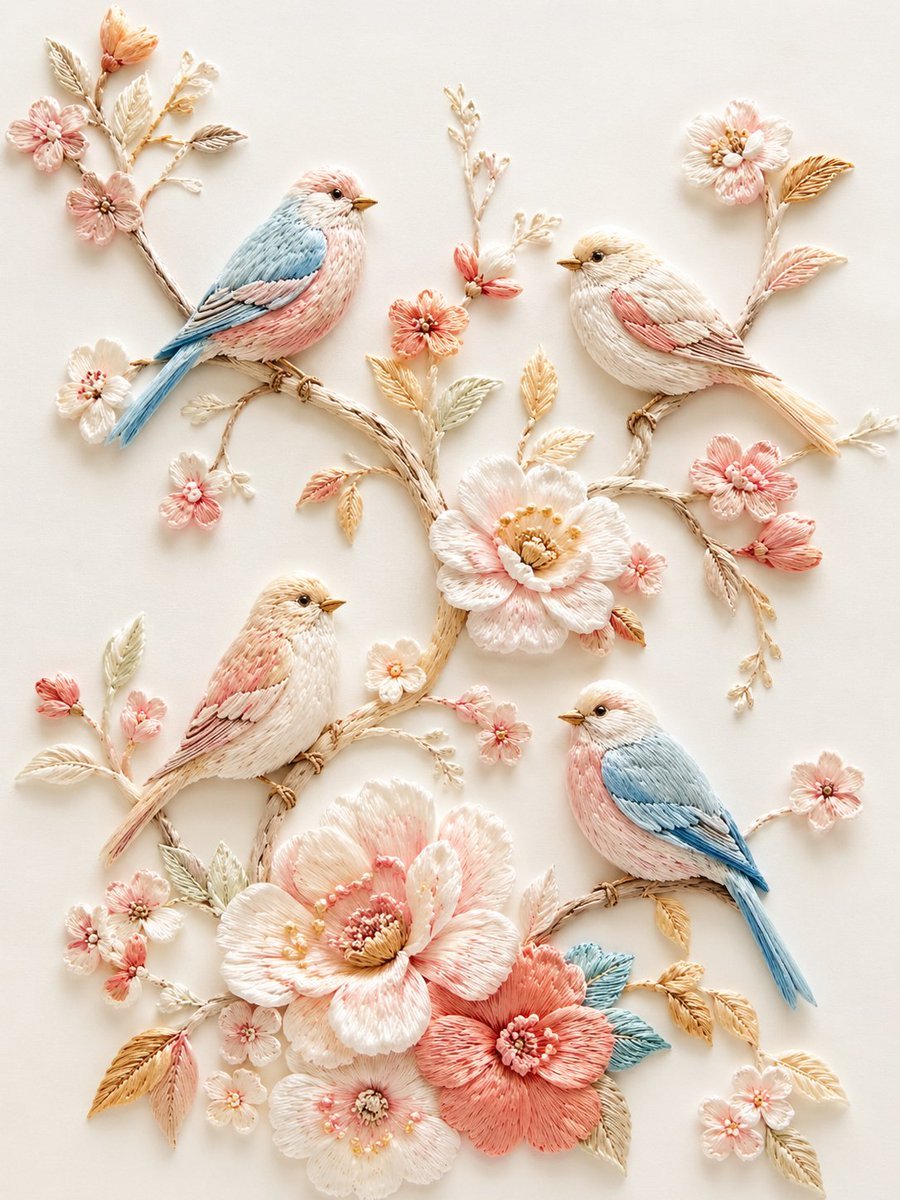
Exquisite Relief Embroidery Illustration
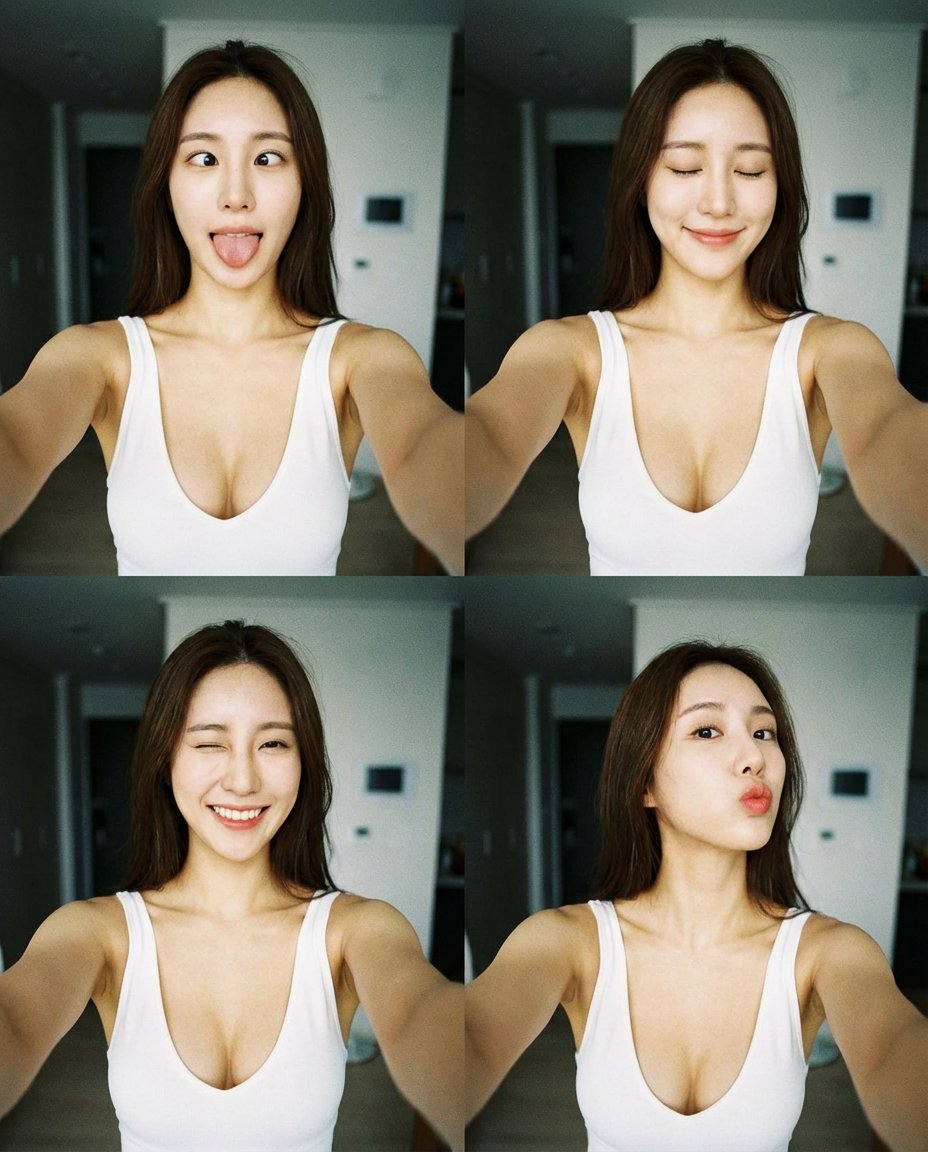
2x2 Selfie Collage with Playful Poses
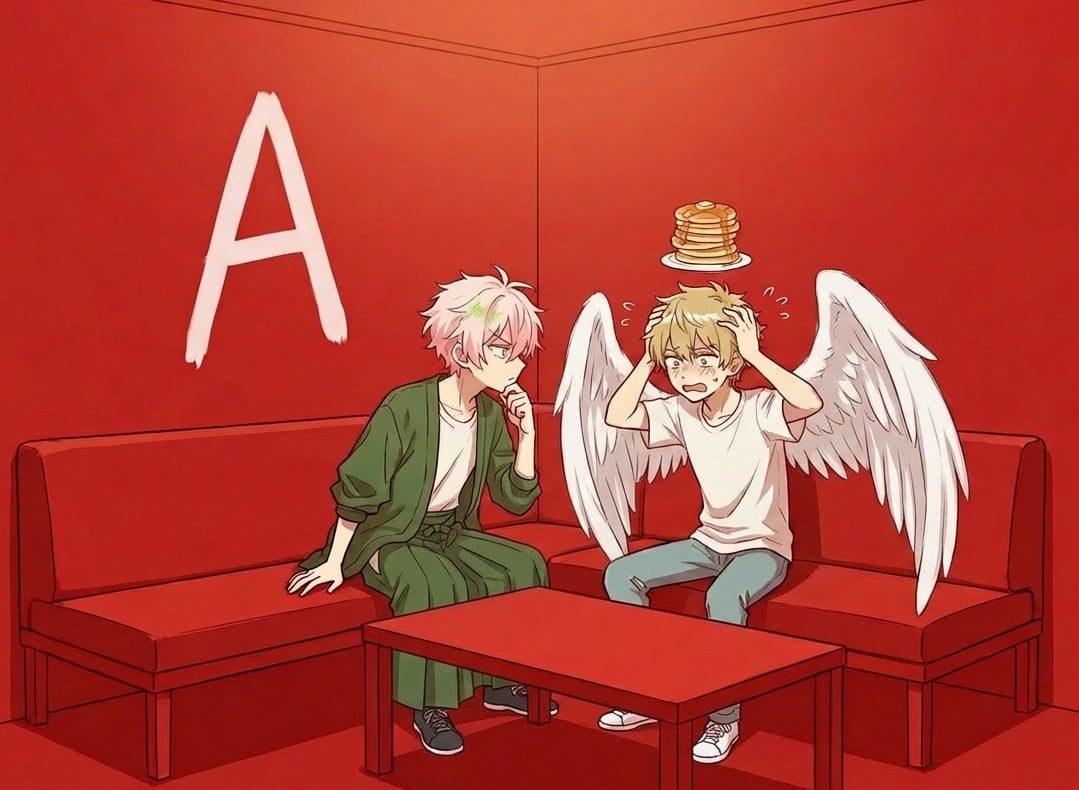
Character in a Red Room Scene Prompt

Tech Product Announcement Infographic

Cinematic 8K Mutton Karahi Food Macro Shot
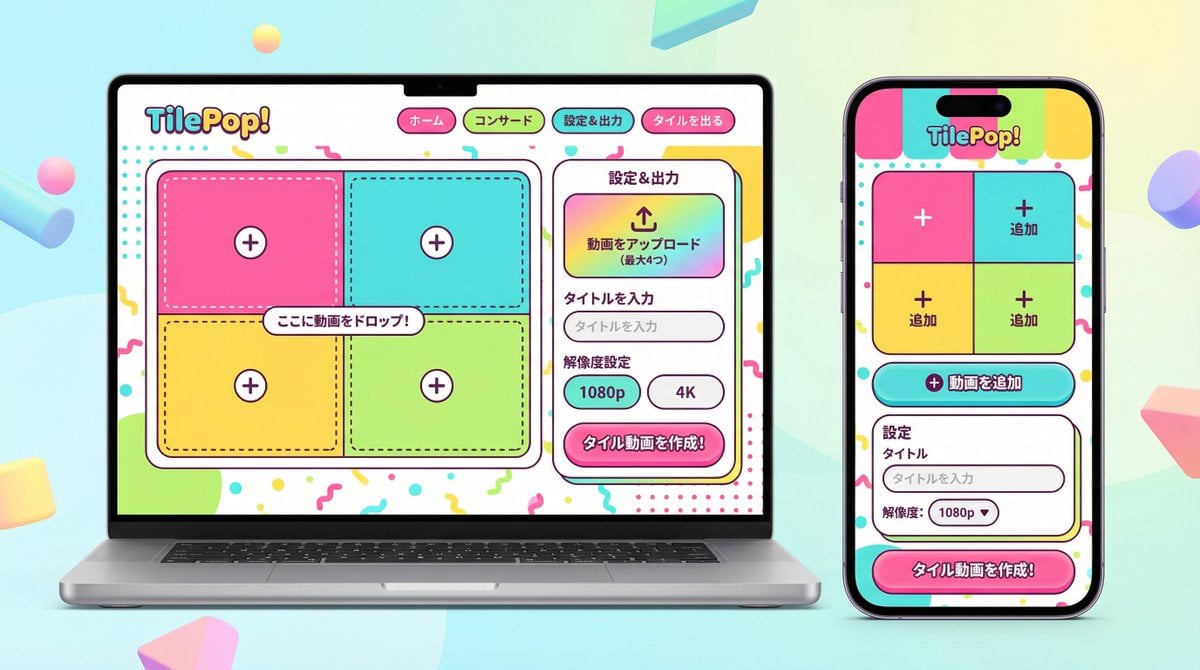
UI/UX Redesign Prompt (Pop Design Style)
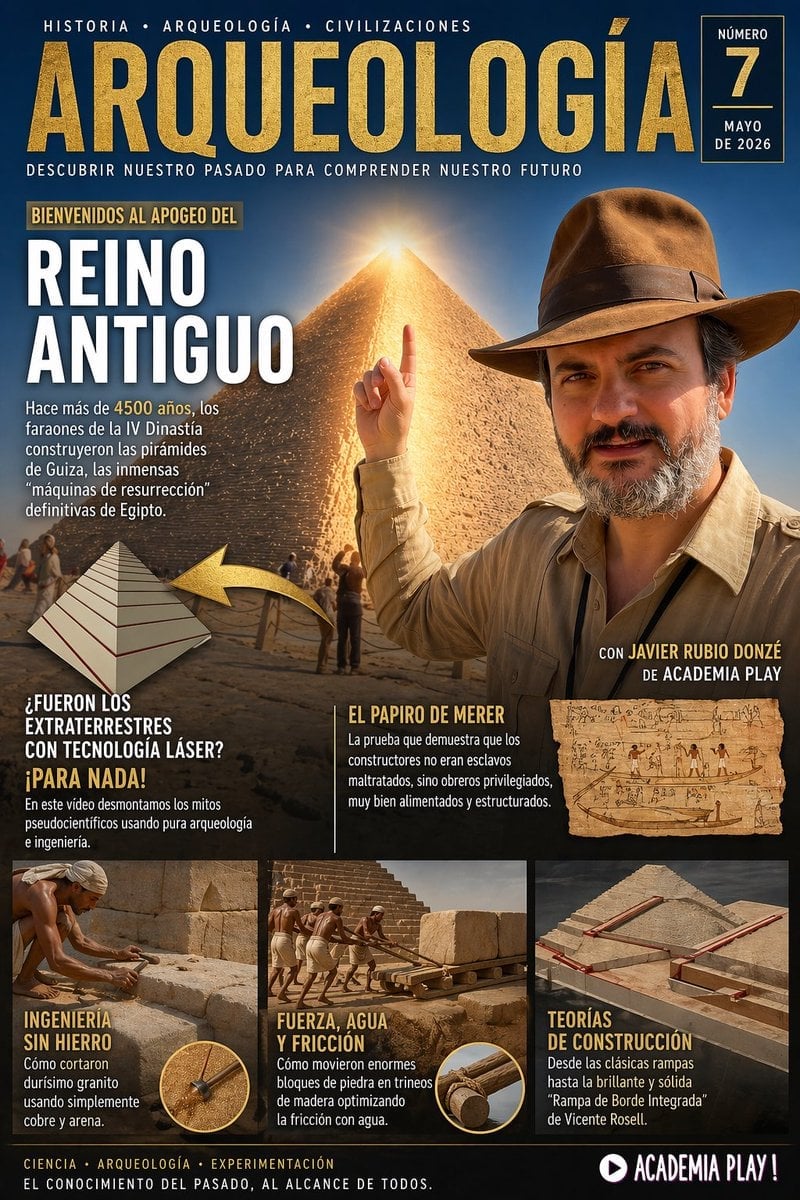
Spanish Archaeology Magazine Cover
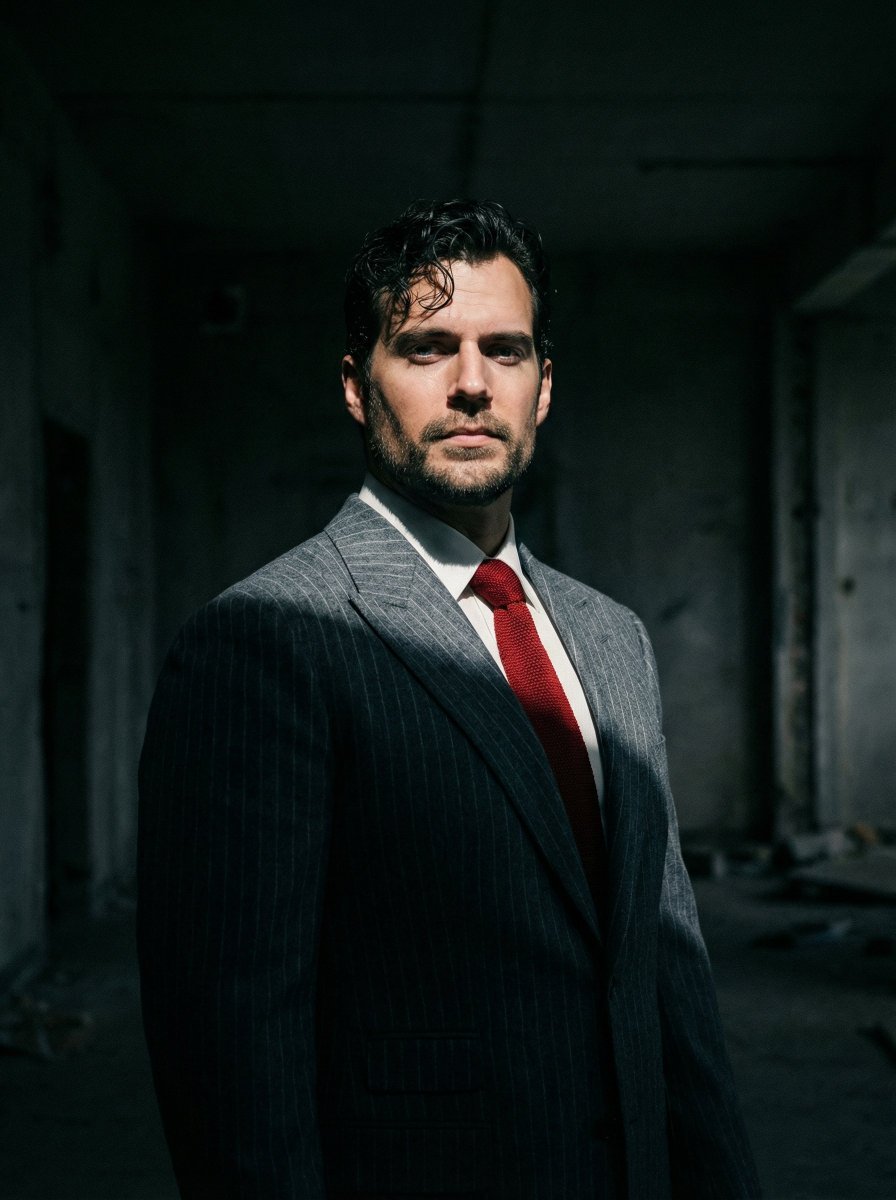
Dramatic Cinematic Low-Angle Portrait Prompt (Reference Image Required)
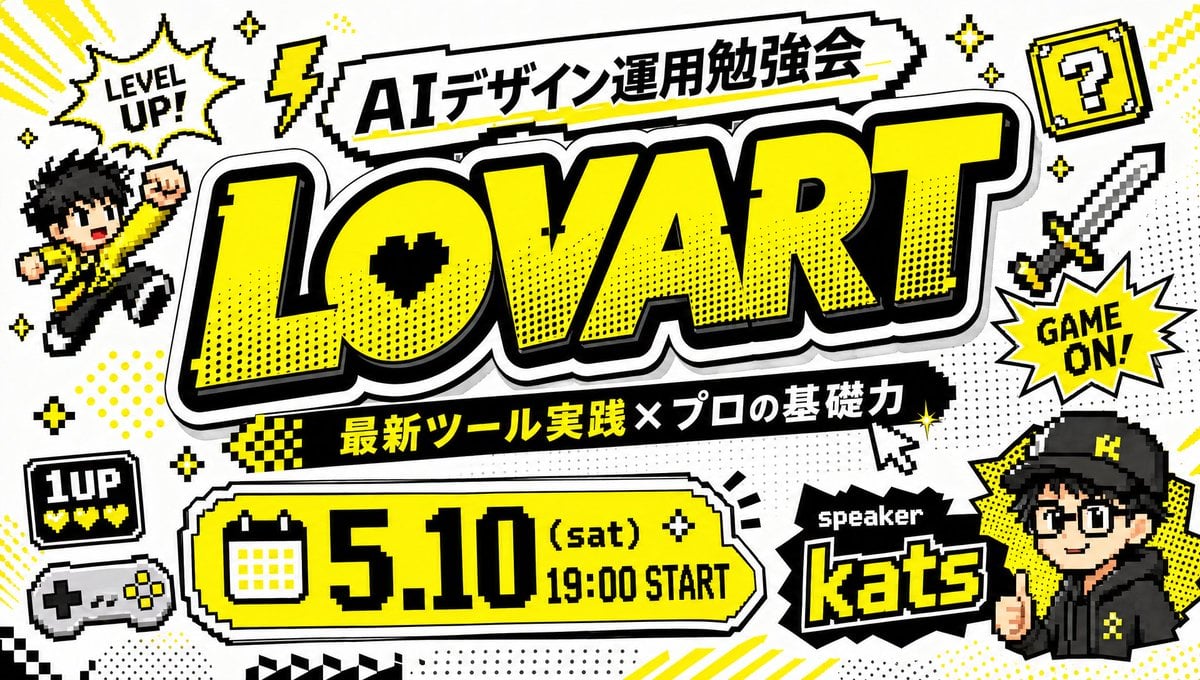
Retro Game Style Japanese Event Banner
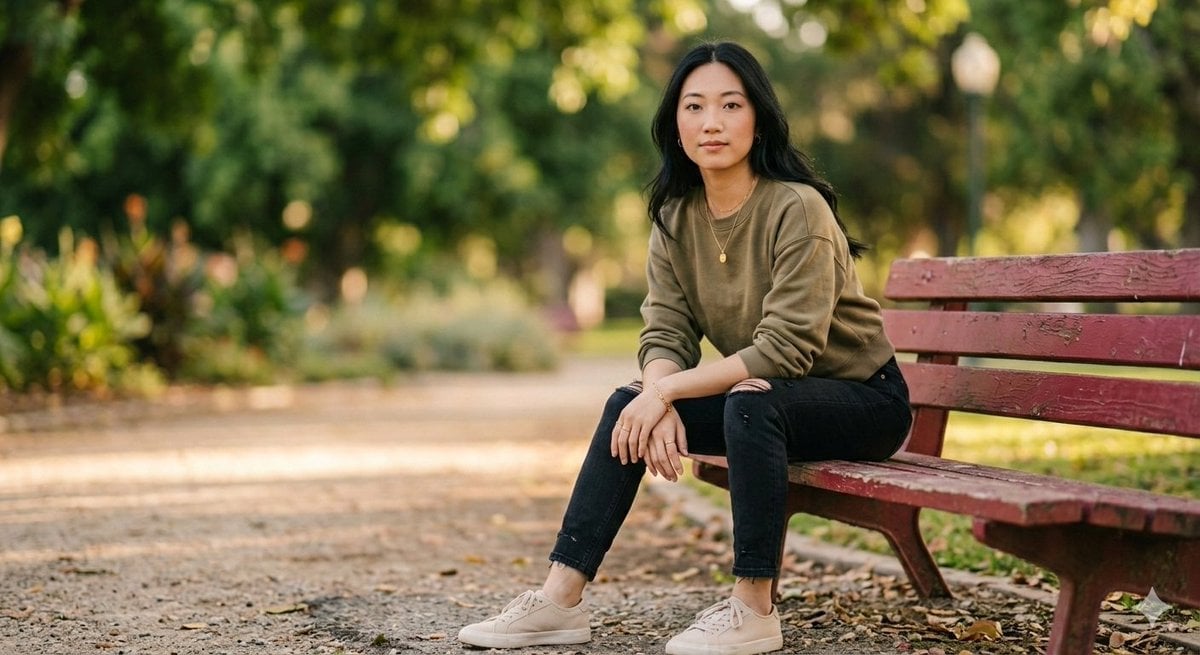
Fashionable Young Woman in Park Setting Prompt
Browse template categories
Toy Designer Collectible Figure Studio questions
How do I use the Toy Designer Collectible Figure Studio template?
Add your photo if the template asks for one, edit the prompt if you like — the template's model and format are already selected — and press Generate. Your version opens in PicX Studio.
Can I customize the Toy Designer Collectible Figure Studio template?
Yes. You can change the subject, setting, lighting, mood, format, and available model controls before creating your image.
Is the Toy Designer Collectible Figure Studio template free?
Opening and editing this template is free. Generating uses credits, shown on the Generate button when you are signed in.
Which AI model should I use?
Start with GPT Image 2, which is the model associated with this template. You can compare another compatible model for a different finish.
Looking for something else? Browse all templates.

Your photo, any look
Thousands of ready templates for every top image and video model, from one credit balance.