
3D Collectible Toy Diorama
A creative prompt to transform a reference photo of a couple into a Pixar-style 3D vinyl collectible toy diorama at a cafe.
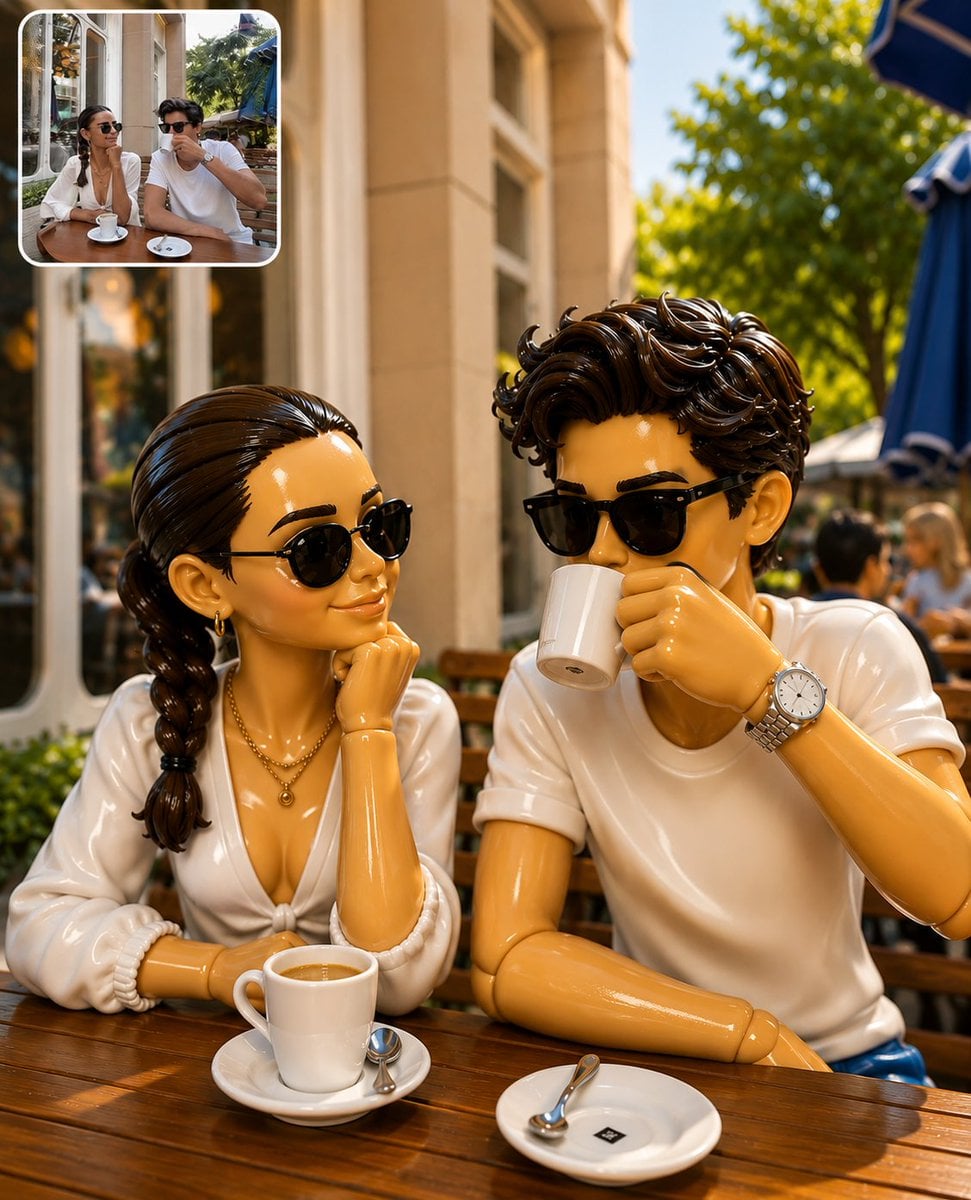
- Prompt included
- Model and format preset
- Free template
The prompt behind this image
Copy the exact prompt behind 3D Collectible Toy Diorama, or open it in the studio and make it yours.
Create a highly detailed 3D collectible toy diorama of a {argument name="subject" default="stylish young couple sitting at an outdoor café table"}, inspired by a real-life reference photo. Transform both people into {argument name="style" default="premium designer vinyl figures"} with smooth glossy plastic surfaces, articulated toy-joint details, oversized expressive eyes, realistic facial features, and fashionable outfits. The female figure has dark braided hair, black sunglasses, gold earrings, layered gold necklaces, and a white V-neck blouse. She rests her chin on her hand while smiling at her companion. The male figure has thick wavy dark hair, black sunglasses, a white t-shirt, and a silver wristwatch while drinking coffee from a white ceramic cup. Both figures sit at a wooden café table with coffee cups, saucers, and spoons. The setting is an elegant {argument name="location" default="European-style outdoor café"} with warm beige architecture, large windows, blue umbrellas, lush green trees, and softly blurred background guests. Style: Pixar-inspired collectible toy, premium vinyl figure, designer toy aesthetic, ultra-realistic 3D render, glossy plastic texture, toy photography, shallow depth of field, cinematic lighting, warm golden-hour sunlight, photorealistic materials, high-end commercial product photography, sharp focus, ultra detailed, 8K resolution. Composition: Front-facing medium shot, both characters centered, natural poses, café ambiance, depth and realism, professional advertisement quality. Render Quality: Octane Render, Unreal Engine 5, ray tracing, global illumination, realistic reflections, HDR lighting, highly detailed textures, collectible figurine showcase.
How to use 3D Collectible Toy Diorama in 3 steps
- 1Upload ImagePNG, JPG or paste
Add your photo
Upload the photo the template builds on. The prompt, model and format are already set.
- 2…a portrait of your subject in softgolden-hour light, 85mm…
Personalize
Edit the subject and creative details for your destination.
- 3Generate
Generate
Press Generate — your image is created in PicX Studio, so you can compare it with the original and refine one variable at a time.
More like this
Templates with the same subject, style or setup. Open one to see its prompt.

Felt & Knit 3D Character — Photo-Exact Face, Pixar-Quality Plush Figurine

FIFA World Cup — Brazil National Pass Diorama
Chibi Streetwear Collectible Toy
Stylized Collectible Toy Packaging
Collectible Vinyl Toy Procession 3D

3D Collectible Toy Ocean Liner Render
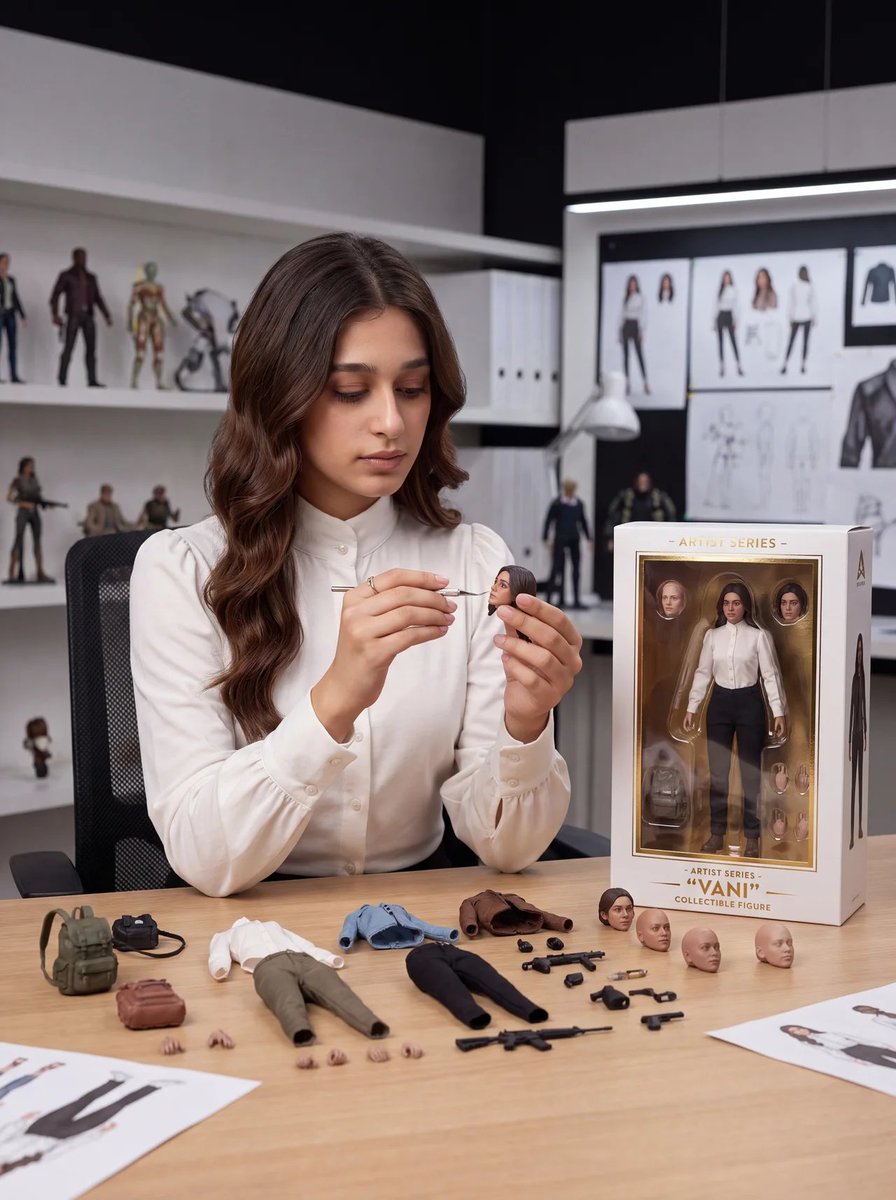
Toy Designer Collectible Figure Studio

Layered Paper Cut Forest Diorama

Soft Handcrafted Paper-Cut Layered Illustration

Isometric Process Educational Diorama

Isometric Brand Store Diorama
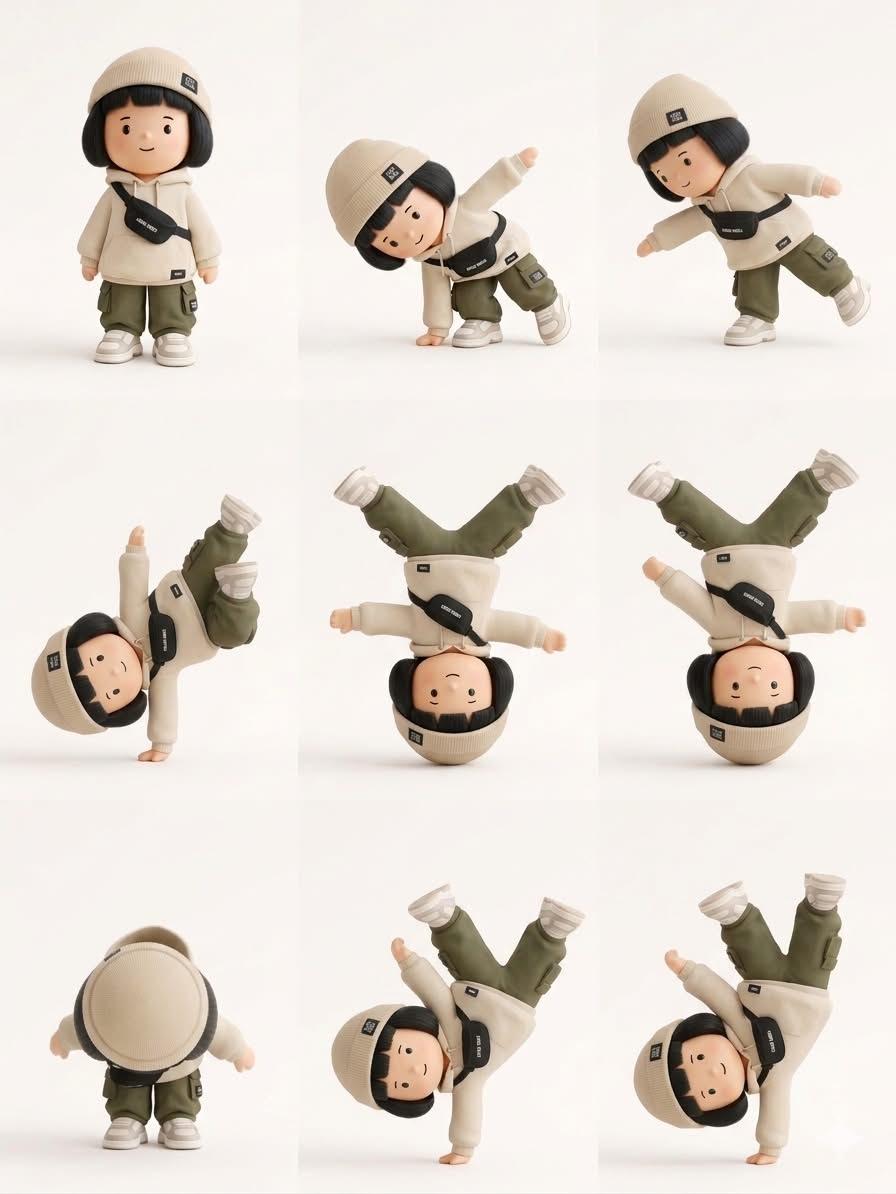
Designer Art Toy Collectible
Make it yours
3D Collectible Toy Diorama works as-is. These are the safest ways to change it without losing the look.
Change one field
Copy a single group, rewrite it, and generate again so you can see what that field is doing.
Keep the frame, change the subject
Hold the composition and light of 3D Collectible Toy Diorama, then swap wardrobe, props or the person for a new take.
| If the result… | Why | Fix |
|---|---|---|
| The result drifts from the preview | Too many fields changed at once. | Reuse 3D Collectible Toy Diorama as-is first, then change one group — subject, light, or setting. |
| The model over-stylizes the scene | The prose prompt leaves finish and camera underspecified. | Add one camera or lighting sentence and stay on GPT Image 2. |
More GPT Image 2 templates
Other prompts made for GPT Image 2.

Six VTuber Japanese Logo Sheet

Realistic Portrait of Woman and Deer

The Vista Modular Condo Poster

AI Model Routing Comparison Infographic

2.5D Anime Art Board

Isometric Productivity Desk Scene

New York Double Exposure Poster

Four-Panel AI Landscape Comparison

Japanese Tatami Lifestyle Magazine Cover

NESCAFÉ Coffee Map Poster
More image prompts
Fresh picks from across the catalog.
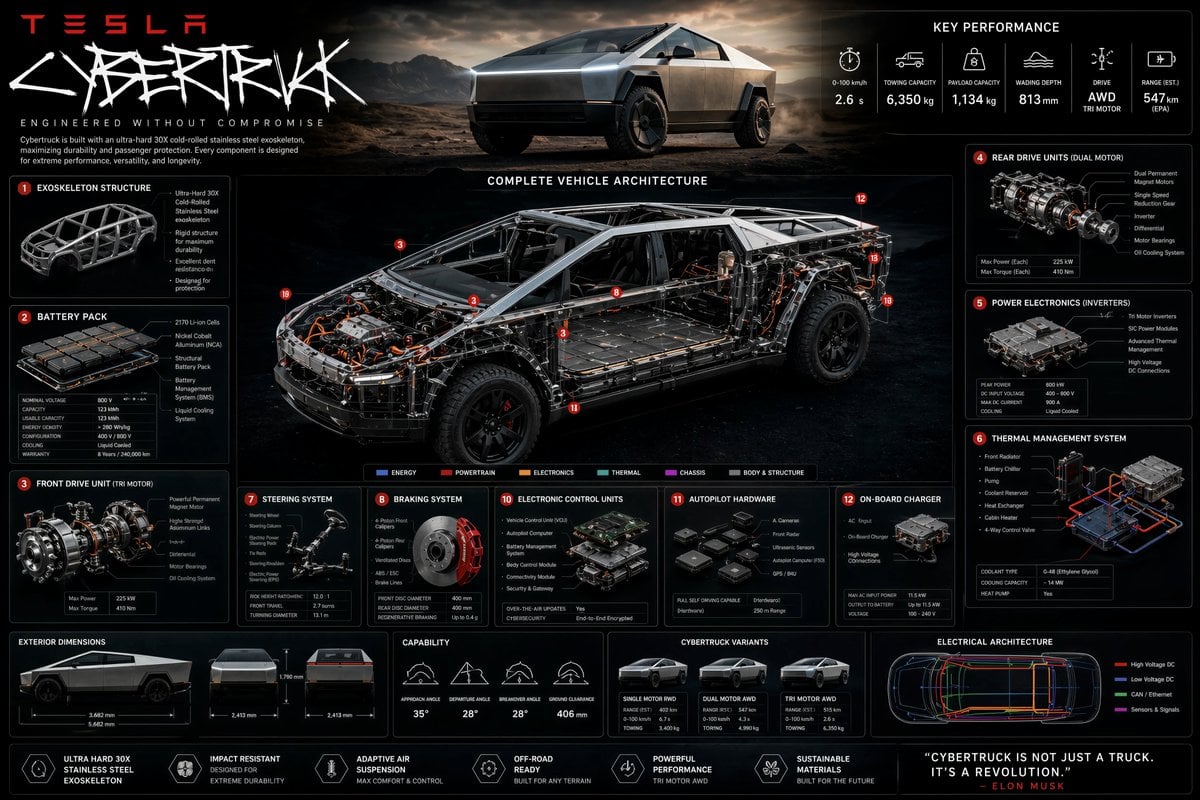
Technical Cutaway Infographic Poster
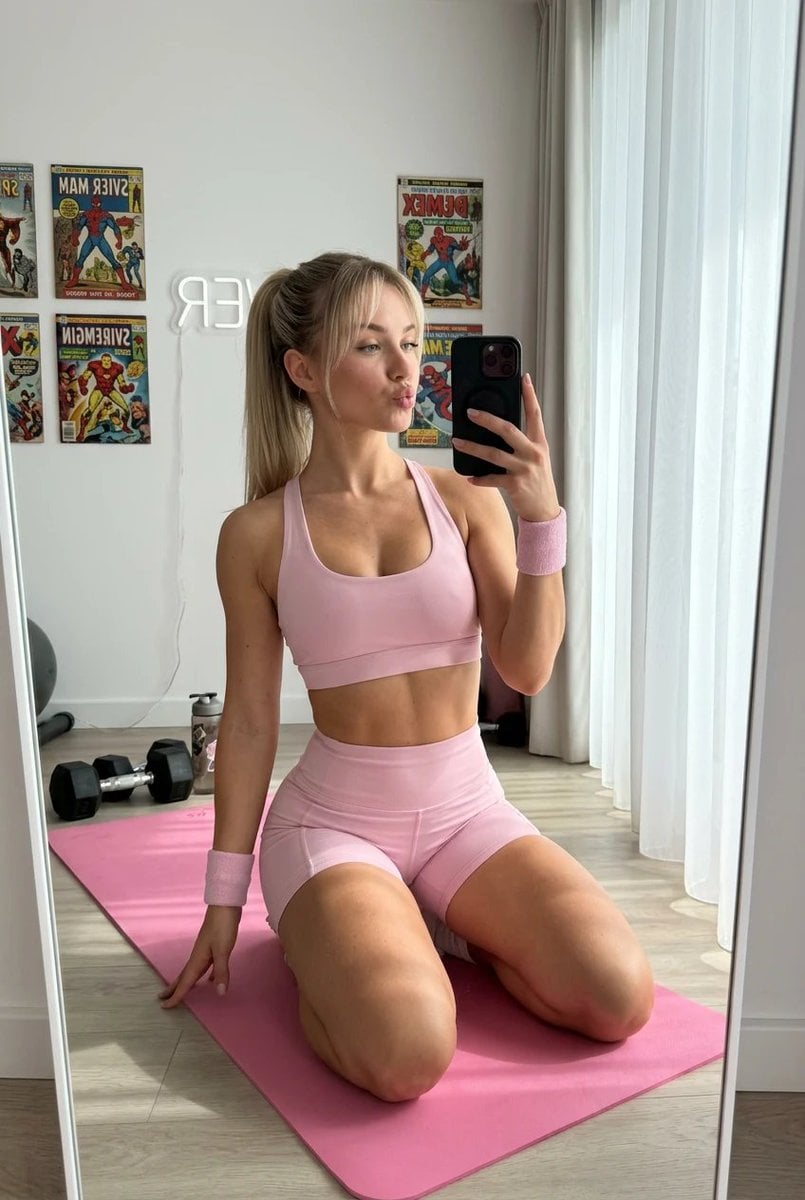
Blonde Fitness Girl Mirror Selfie in Modern Apartment
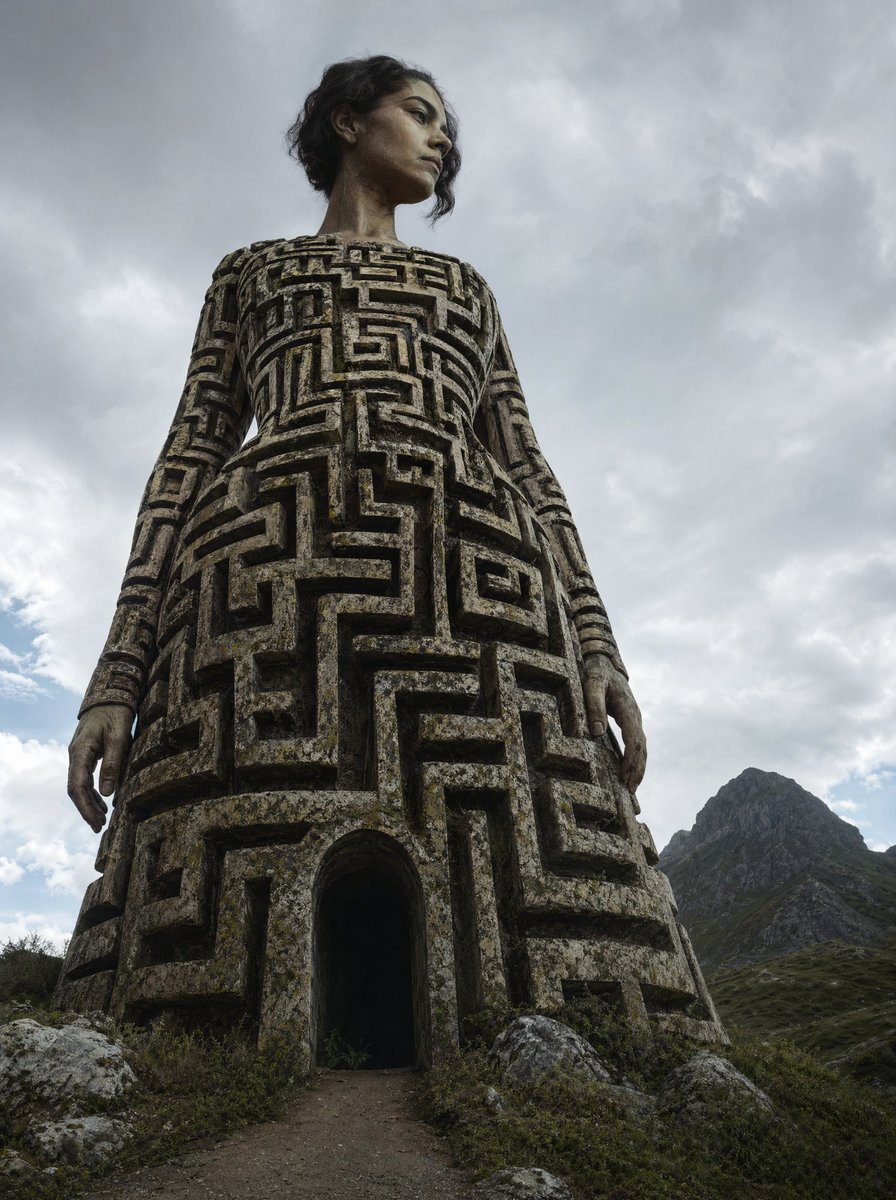
Colossal Labyrinth Woman Monument
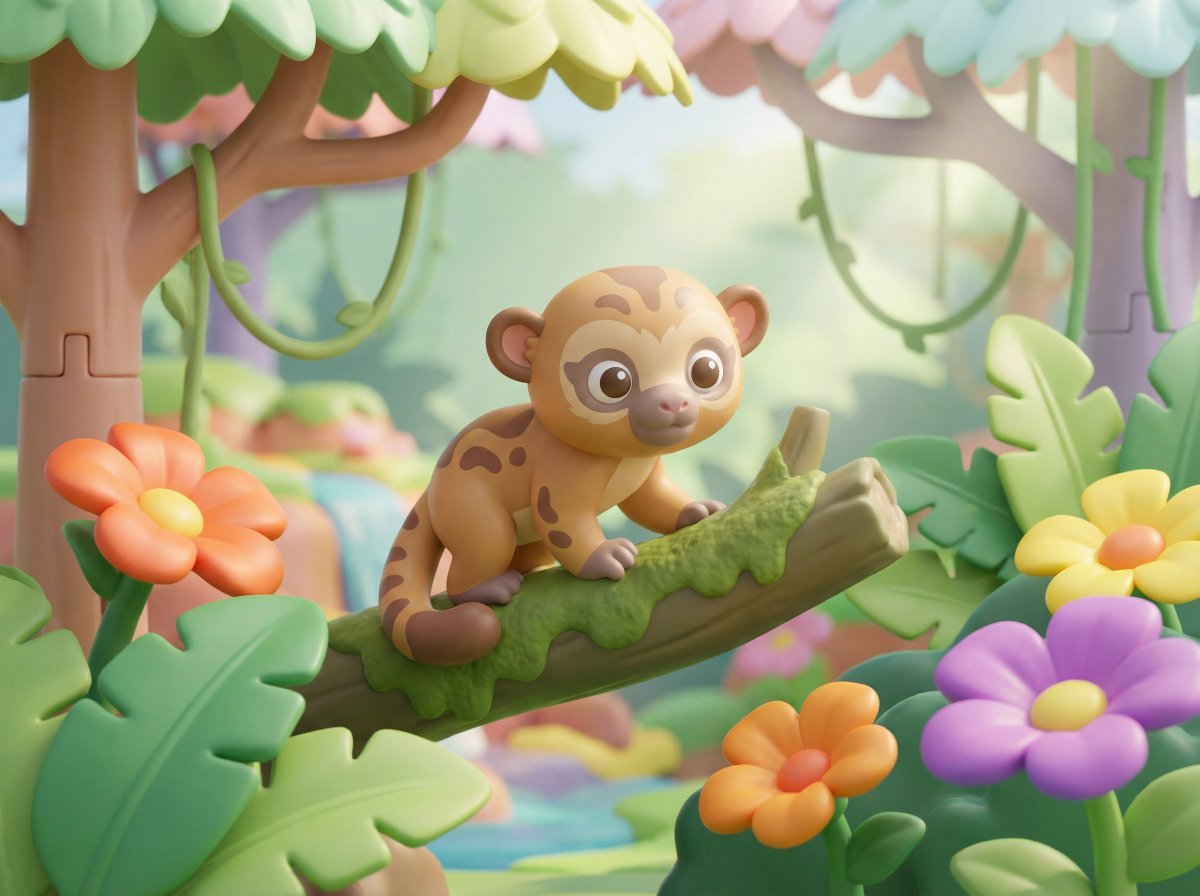
Playful 3D Toy Kinkajou Prompt
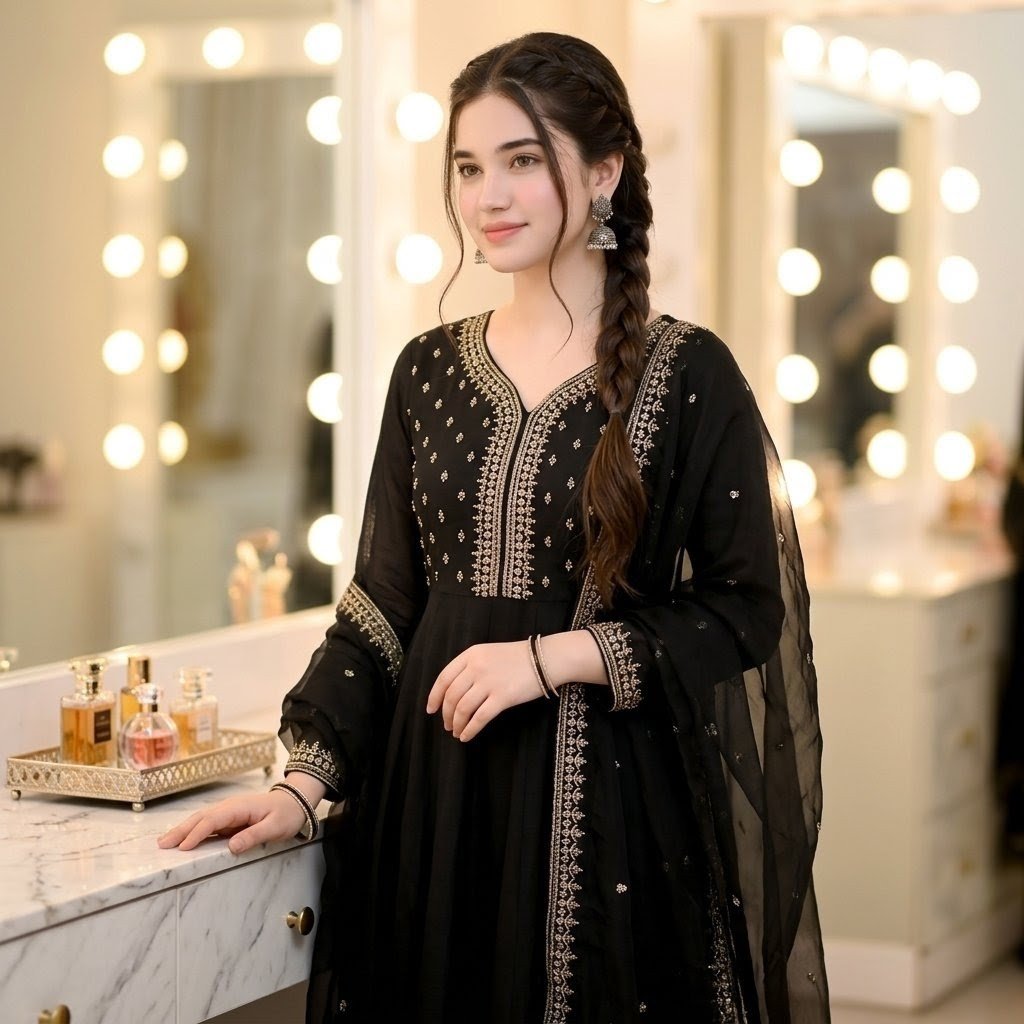
Indian Ethnic Wear Portrait

Melancholic K-Drama Subway Poster
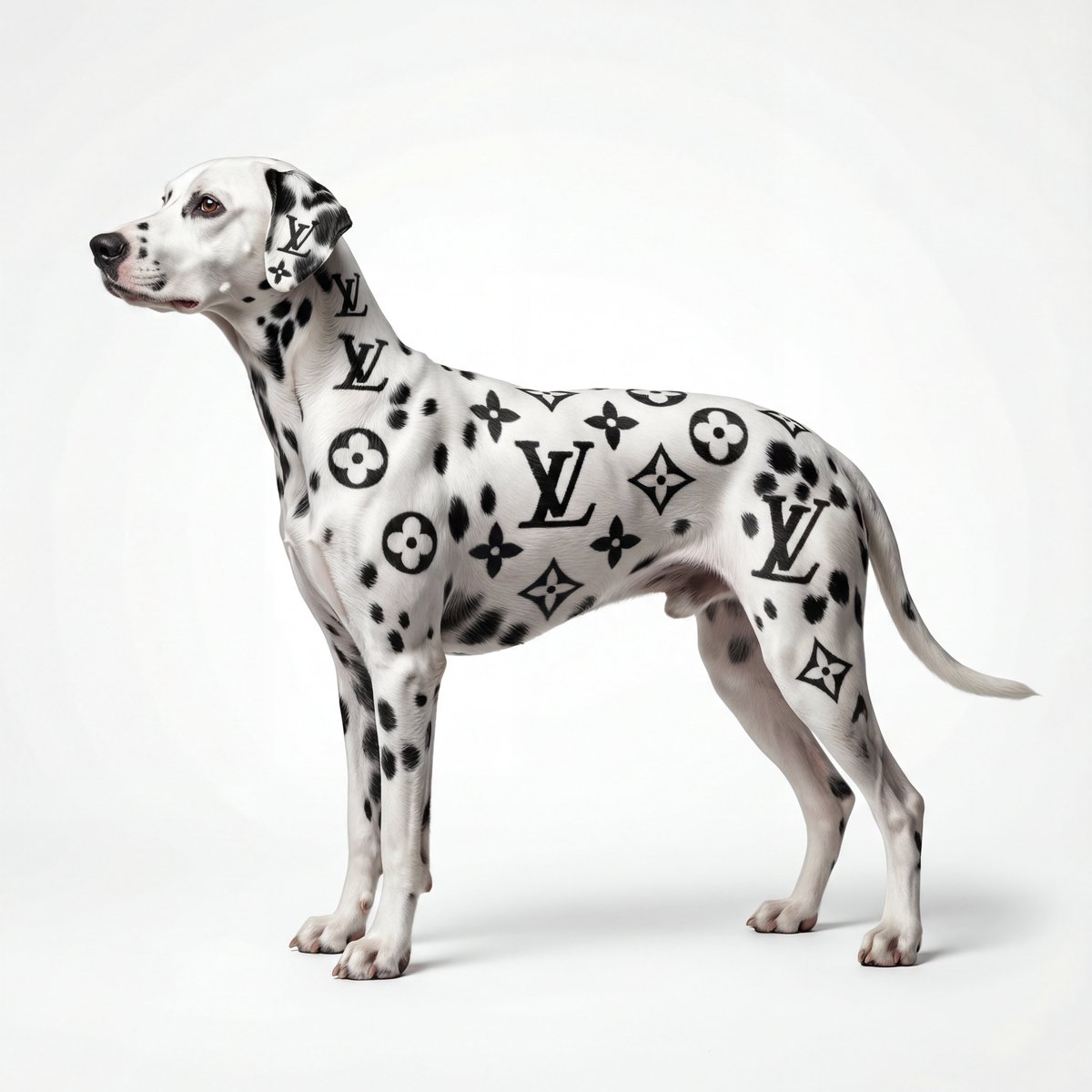
Museum-Quality Animal Portrait with Integrated Luxury Brand Pattern

Absurd Book Title Image Generation
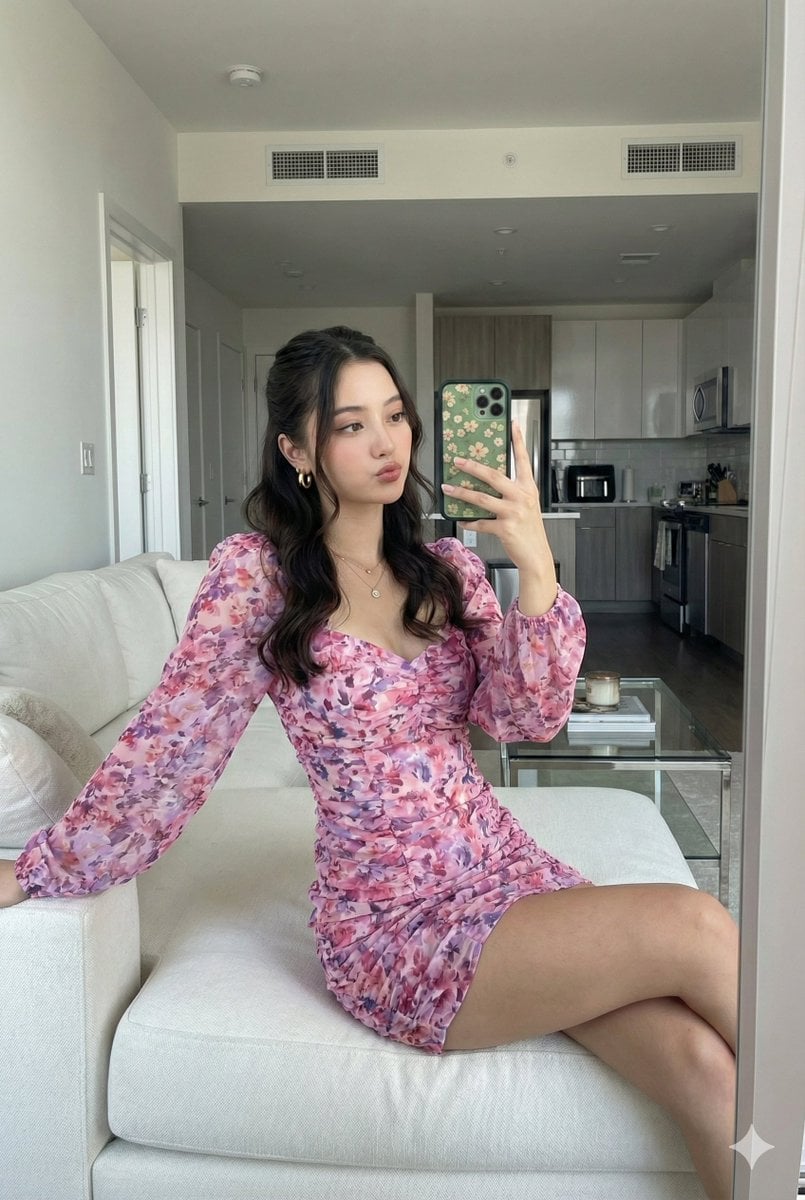
Mirror Selfie with Face Preservation Prompt

Layered Reflection Portrait Photography Prompt
Browse template categories
3D Collectible Toy Diorama questions
How do I use the 3D Collectible Toy Diorama template?
Add your photo if the template asks for one, edit the prompt if you like — the template's model and format are already selected — and press Generate. Your version opens in PicX Studio.
Can I customize the 3D Collectible Toy Diorama template?
Yes. You can change the subject, setting, lighting, mood, format, and available model controls before creating your image.
Is the 3D Collectible Toy Diorama template free?
Opening and editing this template is free. Generating uses credits, shown on the Generate button when you are signed in.
Which AI model should I use?
Start with GPT Image 2, which is the model associated with this template. You can compare another compatible model for a different finish.
Looking for something else? Browse all templates.

Your photo, any look
Thousands of ready templates for every top image and video model, from one credit balance.