
Museum-Quality Animal Portrait with Integrated Luxury Brand Pattern
A highly detailed, structured prompt for generating a museum-quality, ultra-detailed portrait of an animal (e.g., dog, fish, bird) on a pure white or black background.
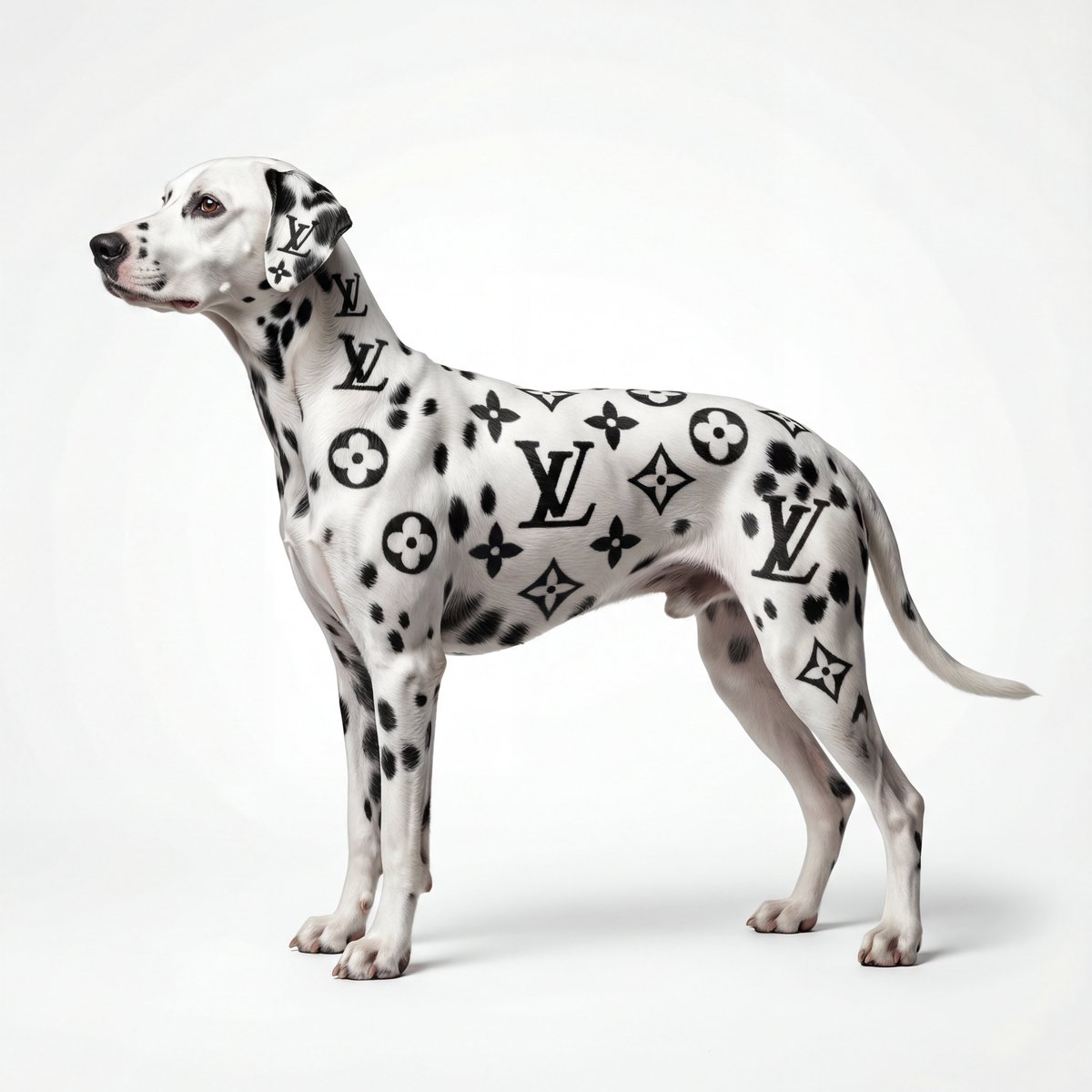
- Prompt included
- Model and format preset
- Free template
The prompt behind this image
Copy the exact prompt behind Museum-Quality Animal Portrait with Integrated Luxury Brand Pattern, or open it in the studio and make it yours.
MUSEUM-QUALITY ultra-detailed {argument name="动物名称" default="[动物名称]"} portrait, pure {argument name="背景颜色" default="white/black"} background, professional studio photography, 8K resolution. This must be BREATHTAKINGLY BEAUTIFUL and ELEGANT. PERFECT POSE - FULL BODY VISIBLE (CRITICAL): - The {argument name="动物名称" default="[动物名称]"} is captured in graceful side profile view, facing left - {argument name="姿态描述" default="[姿态描述: Standing pose for dogs/cats | Swimming pose for fish | Sitting pose for birds | Flying pose for butterflies]"} - The COMPLETE animal is visible from head to tail/fins/wings to all legs/paws/feet - Elegant posture - {argument name="优雅姿态" default="[back straight for mammals | body curved for fish | wings spread for birds]"}, displaying perfect {argument name="品种/物种" default="[breed/species]"} proportions - Head held with dignity and grace - The animal appears poised, noble, and regal like a fine art subject - Overall silhouette shows complete graceful body lines in their most beautiful form COMPOSITION (CRITICAL): - FULL BODY of the animal is visible within the frame - The animal occupies the central 60-70% of the image - Generous {argument name="背景颜色" default="background color"} negative space around all sides (top, bottom, left, right) - Animal is centered with balanced spacing - Clean, minimalist, gallery-worthy composition - High-end luxury brand campaign aesthetic BASE COLOR/TEXTURE: {argument name="根据动物选择基础描述" default="[根据动物选择基础描述]"} For spotted animals (Dalmatian, Leopard, Koi fish): - Pristine {argument name="基础颜色" default="white/golden/orange"} base with natural {argument name="纹理" default="texture: fur/scales/feathers"} - The base color is luminous and clean For solid color animals (Black cat, White dove, Golden retriever): - {argument name="基础颜色" default="[Base color]"} coat/fur/feathers with silky sheen - Natural highlights defining body structure BRAND PATTERN INTEGRATION - {argument name="品牌名称" default="[品牌名称]"} (CLEAR AND RECOGNIZABLE): PRIMARY (55-60% - Natural animal patterns): - Natural {argument name="自然图案" default="spots/stripes/scales/feathers"} in organic distribution - Maintains the authentic look of the {argument name="动物物种" default="[animal species]"} - Irregular, asymmetric patterns true to nature SECONDARY (40-45% - CLEAR Brand Elements): The {argument name="自然图案元素" default="natural pattern elements"} are strategically arranged and shaped to clearly form recognizable {argument name="品牌名称" default="[品牌名称]"} motifs: Brand: {argument name="品牌" default="[Louis Vuitton]"} Core visual elements: {argument name="核心视觉元素" default="[LV monogram letters, quatrefoil four-petal flowers, geometric diamonds]"} On the MAIN BODY (most visible area - torso/back/side): - Multiple clear "{argument name="核心 Logo" default="[核心Logo]"}" formed by connected {argument name="图案连接" default="spots/stripes/markings"} - making them easily readable and recognizable - Several {argument name="品牌标志性图案" default="[品牌标志性图案]"} clearly visible - {argument name="例如" default="[例如: quatrefoil flower shapes formed by 4 rounded spots in clover pattern]"} - {argument name="装饰性几何图案" default="[装饰性几何图案]"} between the main logos On the HEAD and NECK area: - 1-2 smaller {argument name="Logo" default="[Logo]"} formations - {argument name="标志性图案" default="[标志性图案]"} near the {argument name="面部特征" default="ear/eye/facial features"} On the LEGS/TAIL/WINGS/FINS: - {argument name="几何图案或重复纹样" default="[几何图案或重复纹样]"} suggesting the brand's signature pattern Pattern execution requirements: - The {argument name="品牌核心元素" default="[品牌核心元素]"} should be CLEARLY RECOGNIZABLE at first glance - not abstract hints - {argument name="Pattern elements" default="[Pattern elements]"} are arranged in organized repeating pattern like {argument name="品牌" default="[品牌]"} signature print/canvas
How to use Museum-Quality Animal Portrait with Integrated Luxury Brand Pattern in 3 steps
- 1
Open
The prompt is already in the box next to the preview, with the template's model and format selected.
- 2…a portrait of your subject in softgolden-hour light, 85mm…
Personalize
Edit the subject and creative details for your destination.
- 3Generate
Generate
Press Generate — your image is created in PicX Studio, so you can compare it with the original and refine one variable at a time.
More like this
Templates with the same subject, style or setup. Open one to see its prompt.
Luxury Brand Campaign Portrait
Cute Ball Shaped Animal Characters

Found Photograph: Us, 1970

80s Couple Studio Portrait

80s Bollywood Star

80s Golden Hour Cinema

Me in 1985

1985 Studio Portrait

Hyper-Realistic Minecraft POV Portrait

A luxury brand advertisement featuring three stylish arranged
Luxury Arcade with Sunlight Patterns

Luxury ABKR Portrait Poster
Make it yours
Museum-Quality Animal Portrait with Integrated Luxury Brand Pattern works as-is. These are the safest ways to change it without losing the look.
Change one field
Copy a single group, rewrite it, and generate again so you can see what that field is doing.
Keep the frame, change the subject
Hold the composition and light of Museum-Quality Animal Portrait with Integrated Luxury Brand Pattern, then swap wardrobe, props or the person for a new take.
| If the result… | Why | Fix |
|---|---|---|
| The result drifts from the preview | Too many fields changed at once. | Reuse Museum-Quality Animal Portrait with Integrated Luxury Brand Pattern as-is first, then change one group — subject, light, or setting. |
| The model over-stylizes the scene | The prose prompt leaves finish and camera underspecified. | Add one camera or lighting sentence and stay on Nano Banana 2. |
More Nano Banana 2 templates
Other prompts made for Nano Banana 2.

Photorealistic Leaf Shaped Like a Dragon

K-Pop Idol Portrait Grid for Rapid Selection

Poetic Rain Forest Portrait During Golden Hour

Urban Street Portrait with Cartoon Inner Self Duo

Candid Nighttime Photo with Cat Prompt

High-Concept 3D Diorama Generation Prompt

Cinematic Futuristic Studio Portrait Template

Skincare Editorial Photography Collage Prompt

Hyper-Realistic Commercial Product Photography (Splash Effect)

Hyper-Realistic Nightclub Portrait Prompt
More image prompts
Fresh picks from across the catalog.
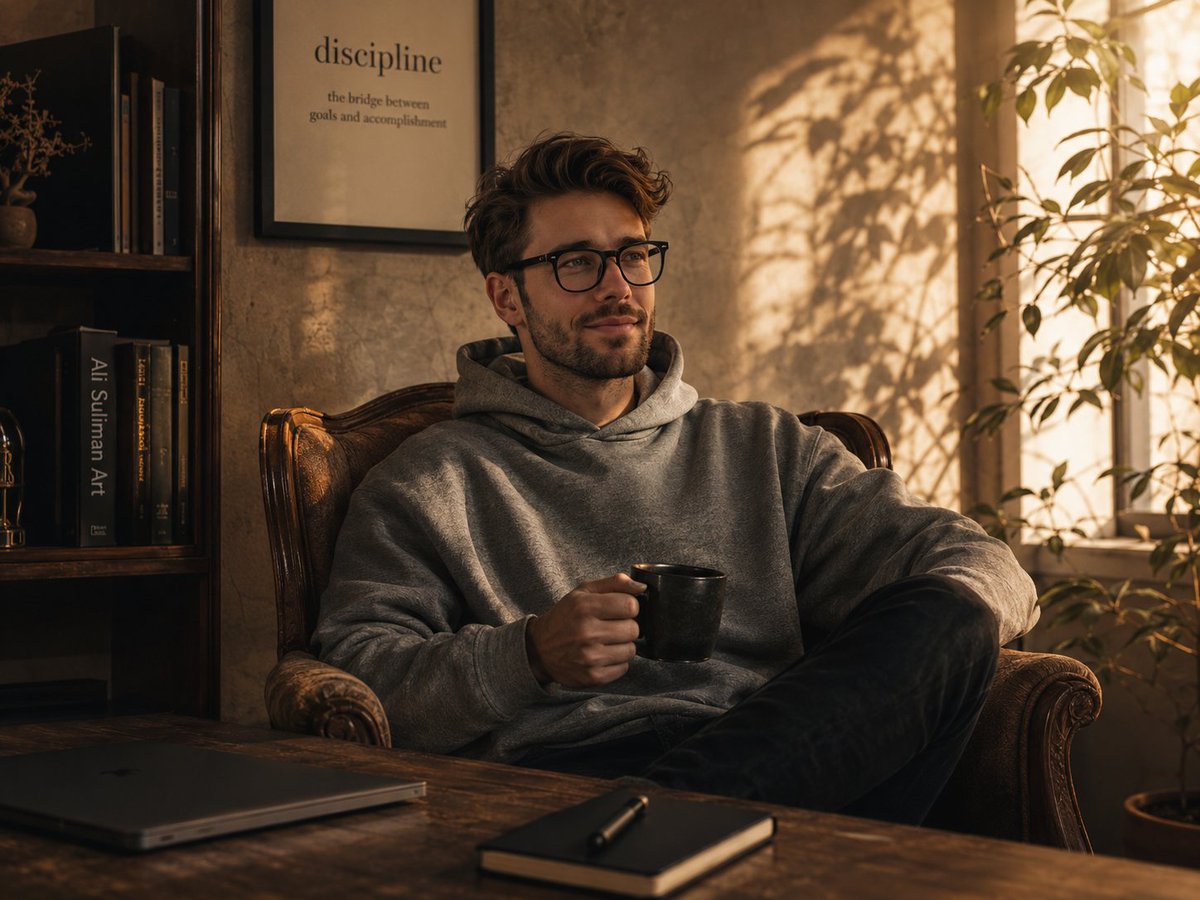
Golden Hour Intellectual Study Portrait
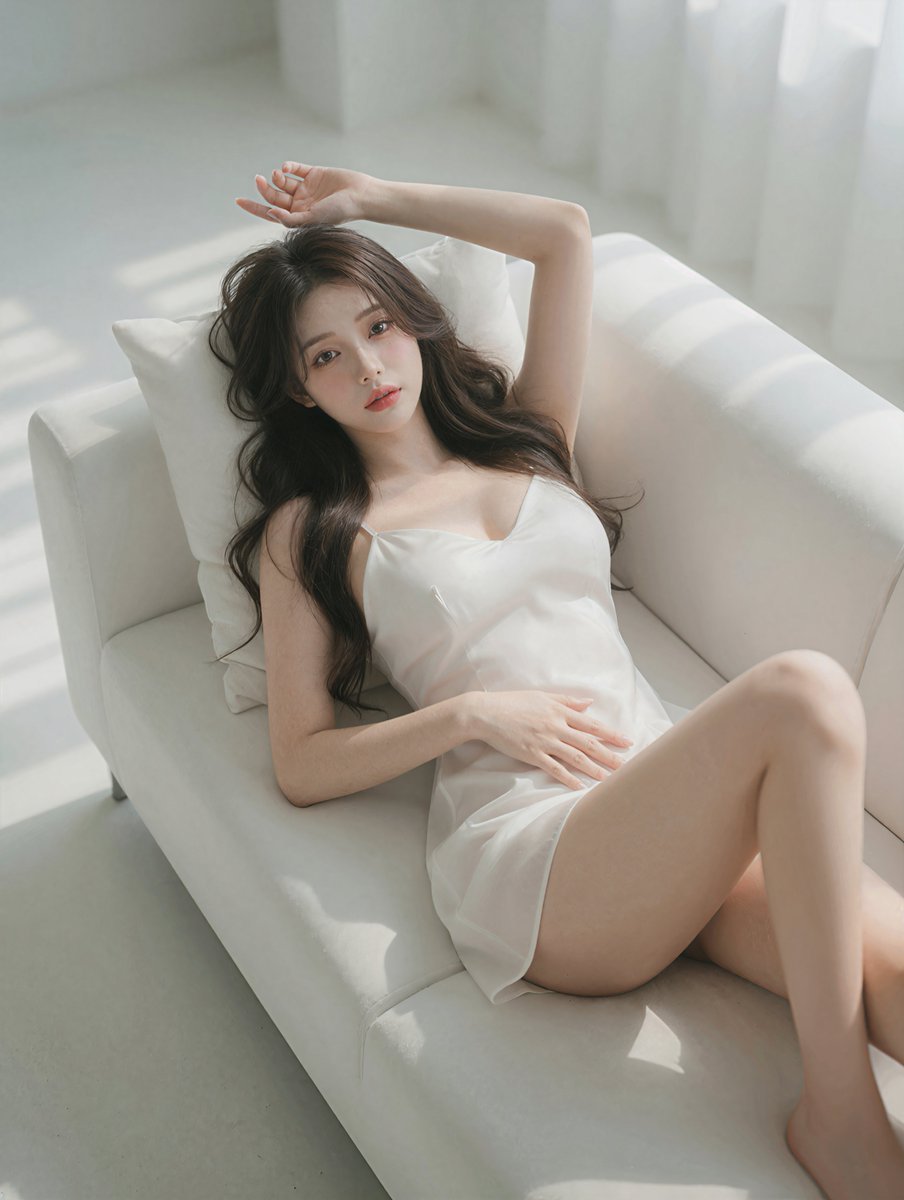
Photorealistic Reclining Portrait
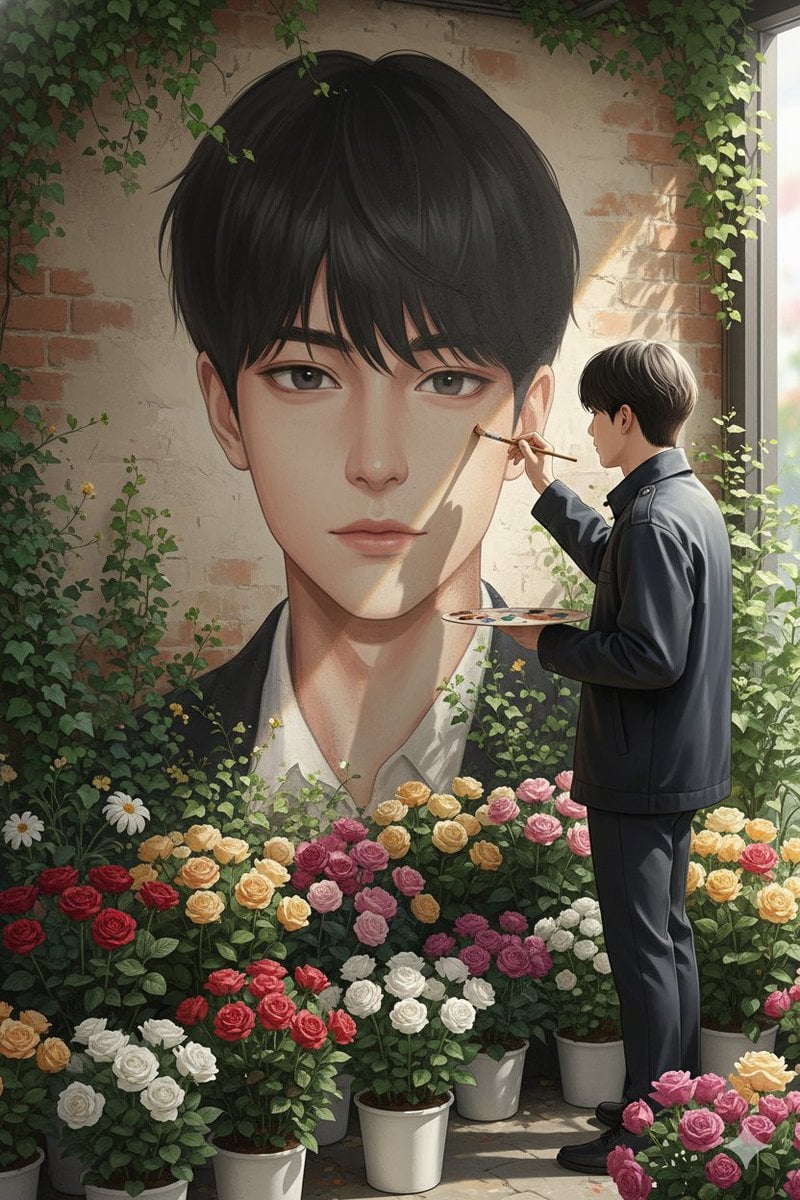
Ultra-Realistic Portrait of an Artist Painting a Self-Mural
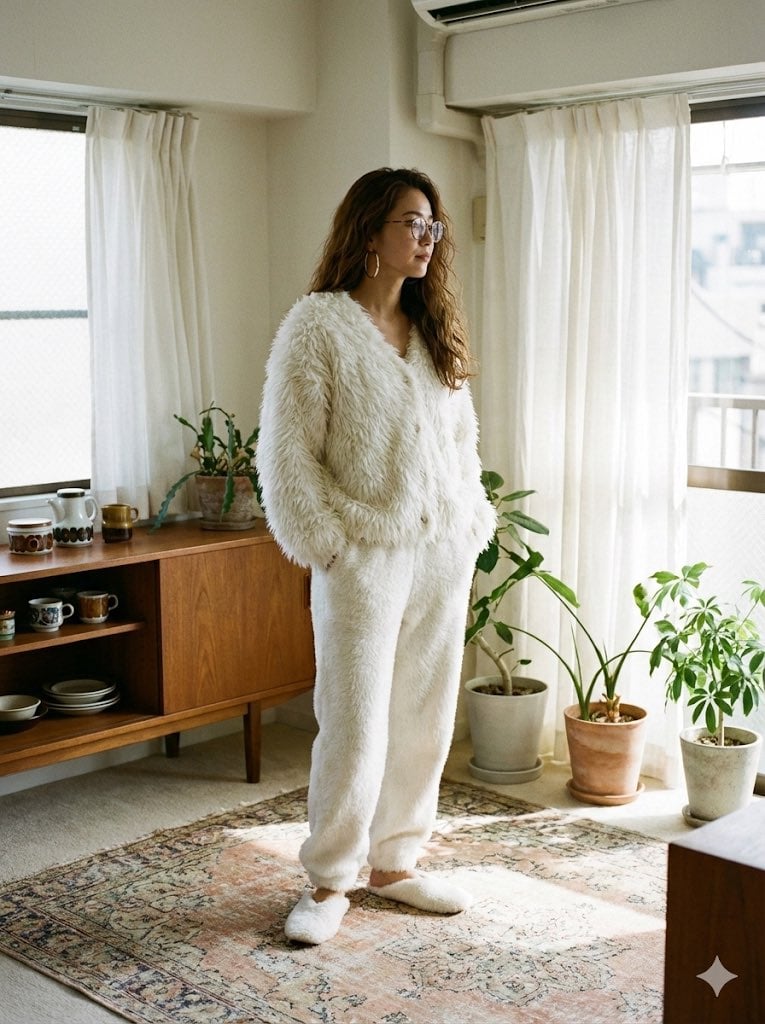
Cozy Retro Loungewear with Shaggy Faux Fur
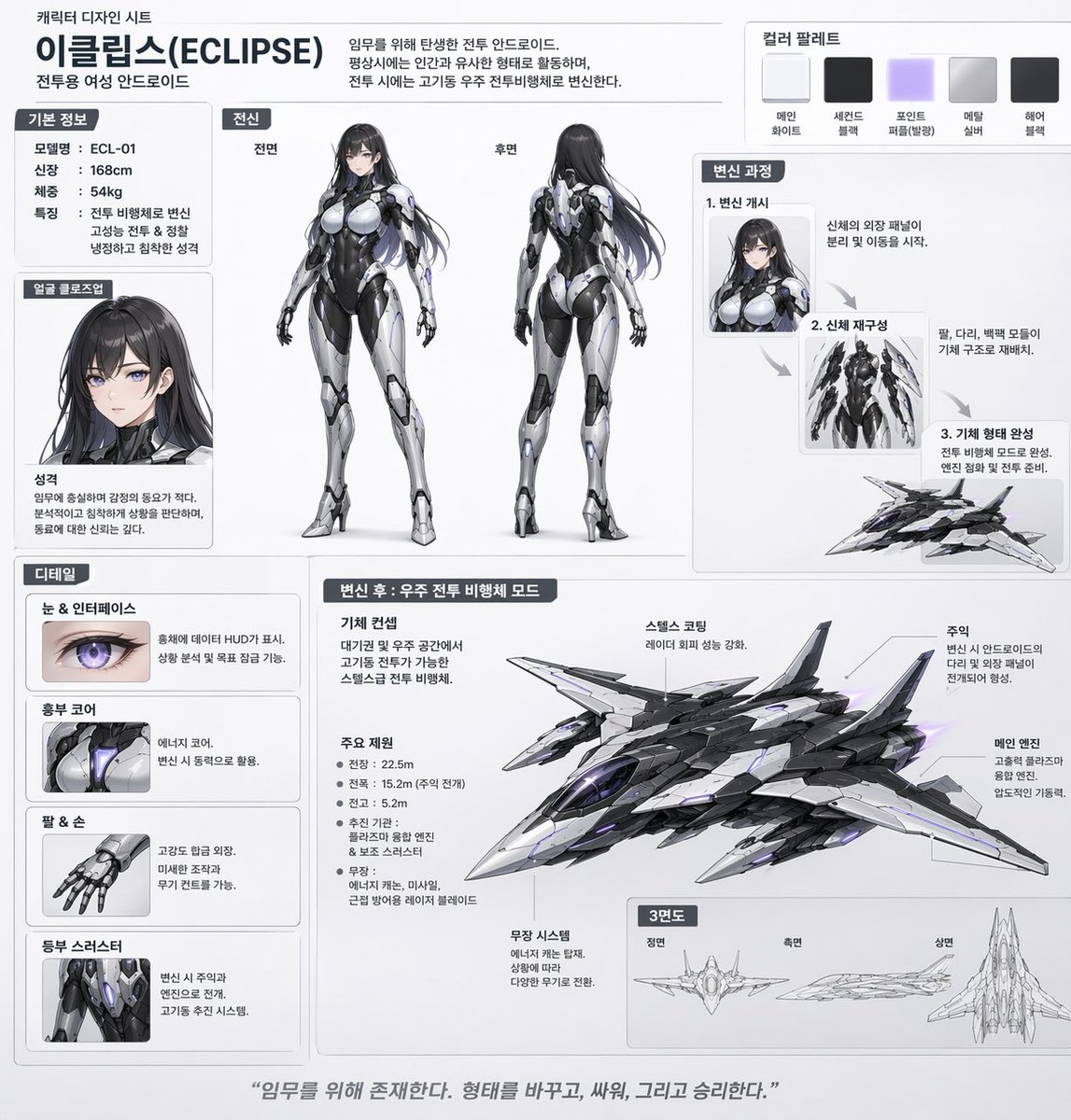
Mecha-Girl Character Design Sheet
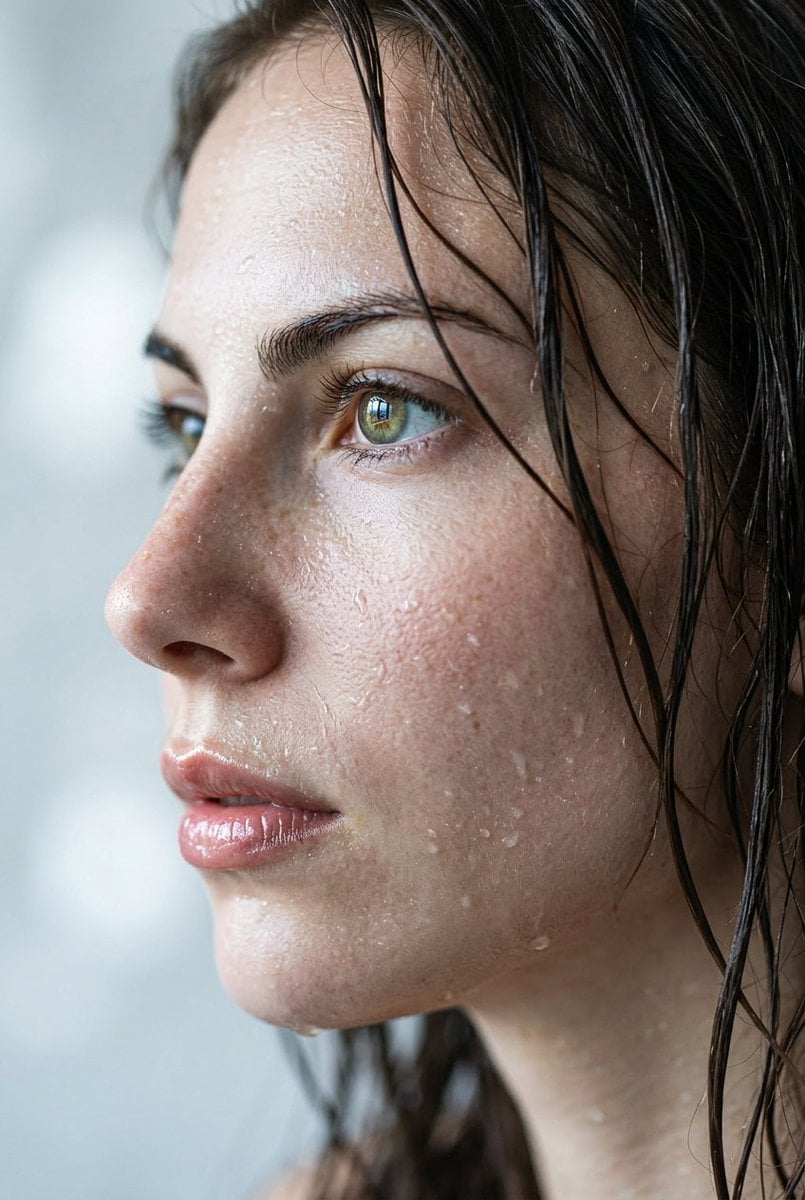
Extreme Wet Close-up Portrait
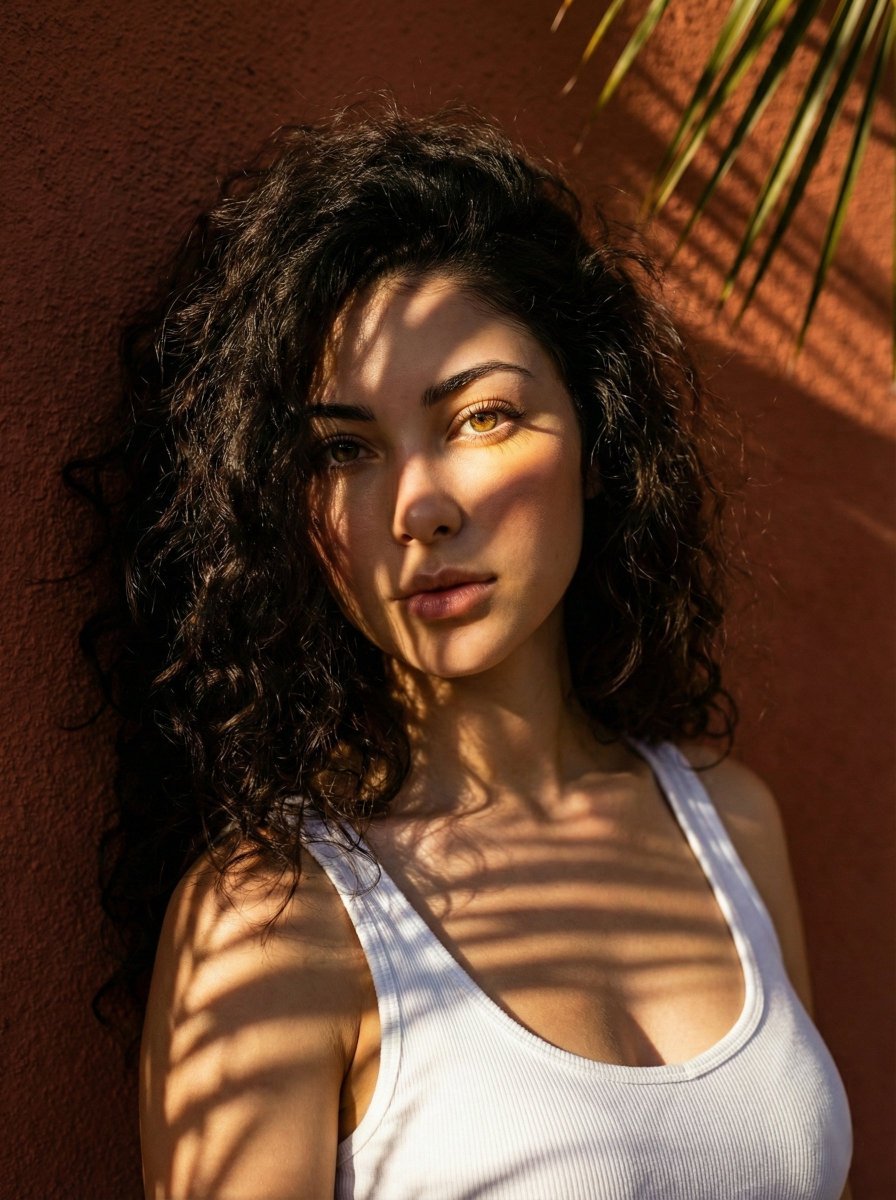
High-Contrast Portrait with Palm Tree Shadows
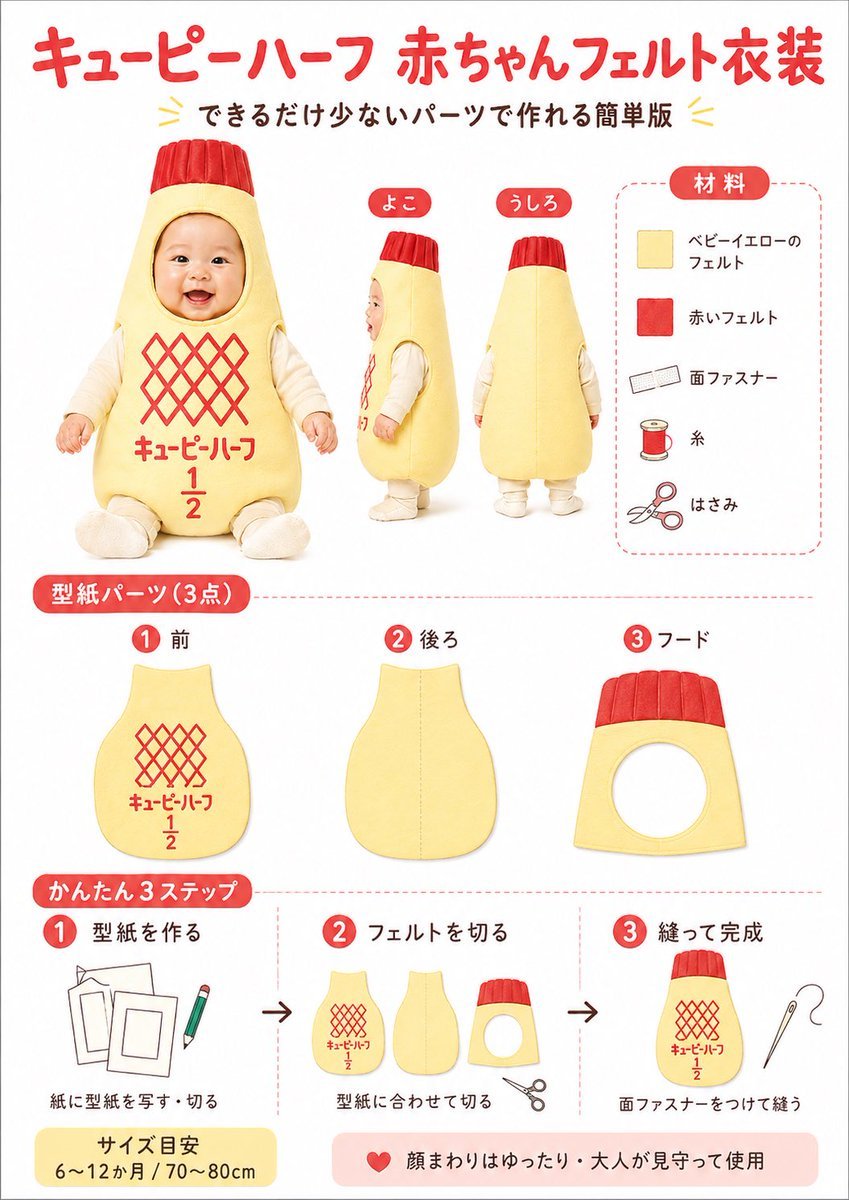
Japanese Baby Felt Costume DIY Sheet
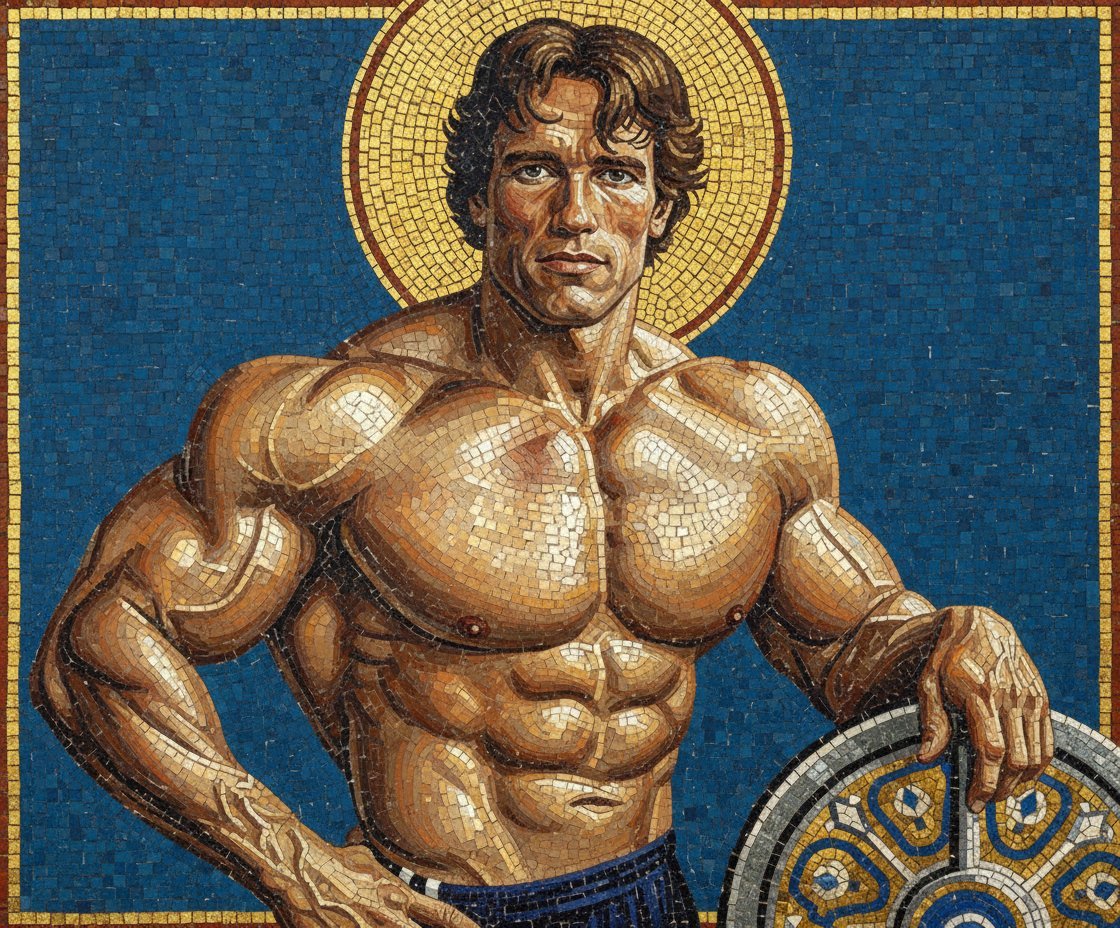
Byzantine Mosaic Style Portrait Prompt
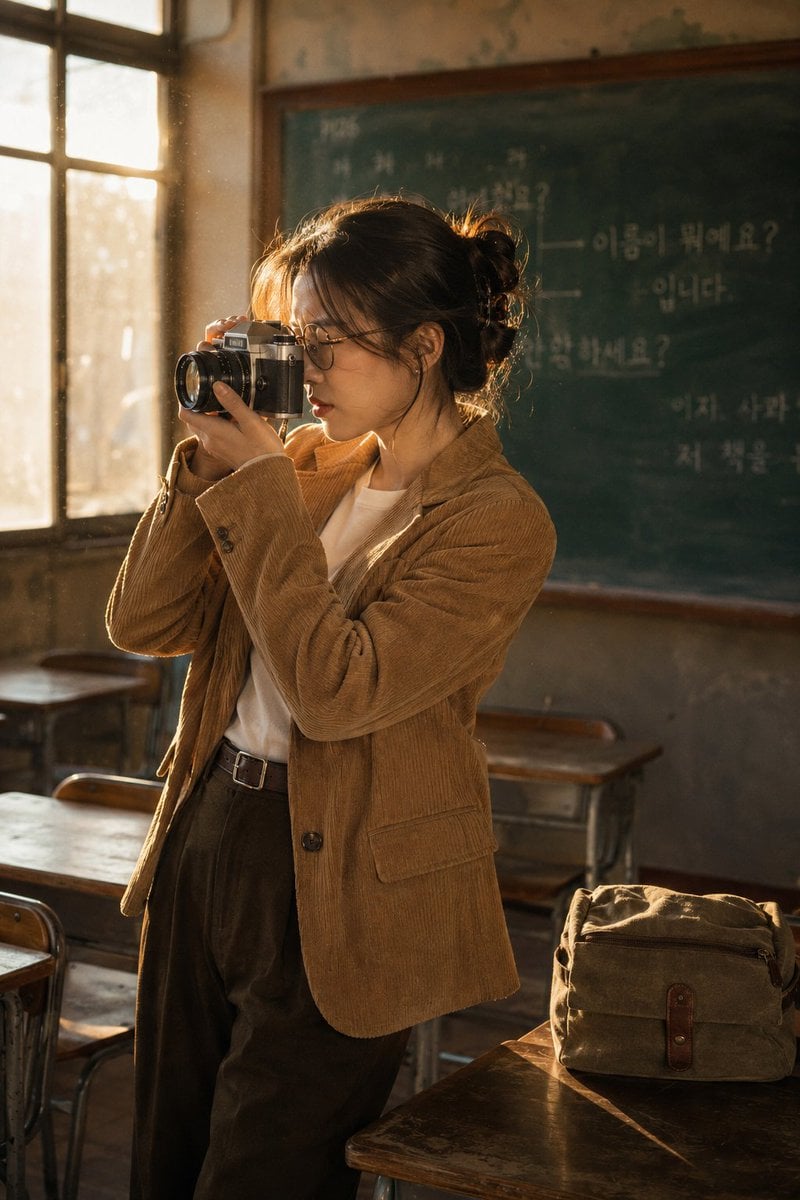
Vintage Film Camera Portrait
Browse template categories
Museum-Quality Animal Portrait with Integrated Luxury Brand Pattern questions
How do I use the Museum-Quality Animal Portrait with Integrated Luxury Brand Pattern template?
Add your photo if the template asks for one, edit the prompt if you like — the template's model and format are already selected — and press Generate. Your version opens in PicX Studio.
Can I customize the Museum-Quality Animal Portrait with Integrated Luxury Brand Pattern template?
Yes. You can change the subject, setting, lighting, mood, format, and available model controls before creating your image.
Is the Museum-Quality Animal Portrait with Integrated Luxury Brand Pattern template free?
Opening and editing this template is free. Generating uses credits, shown on the Generate button when you are signed in.
Which AI model should I use?
Start with Nano Banana 2, which is the model associated with this template. You can compare another compatible model for a different finish.
Looking for something else? Browse all templates.

Your photo, any look
Thousands of ready templates for every top image and video model, from one credit balance.