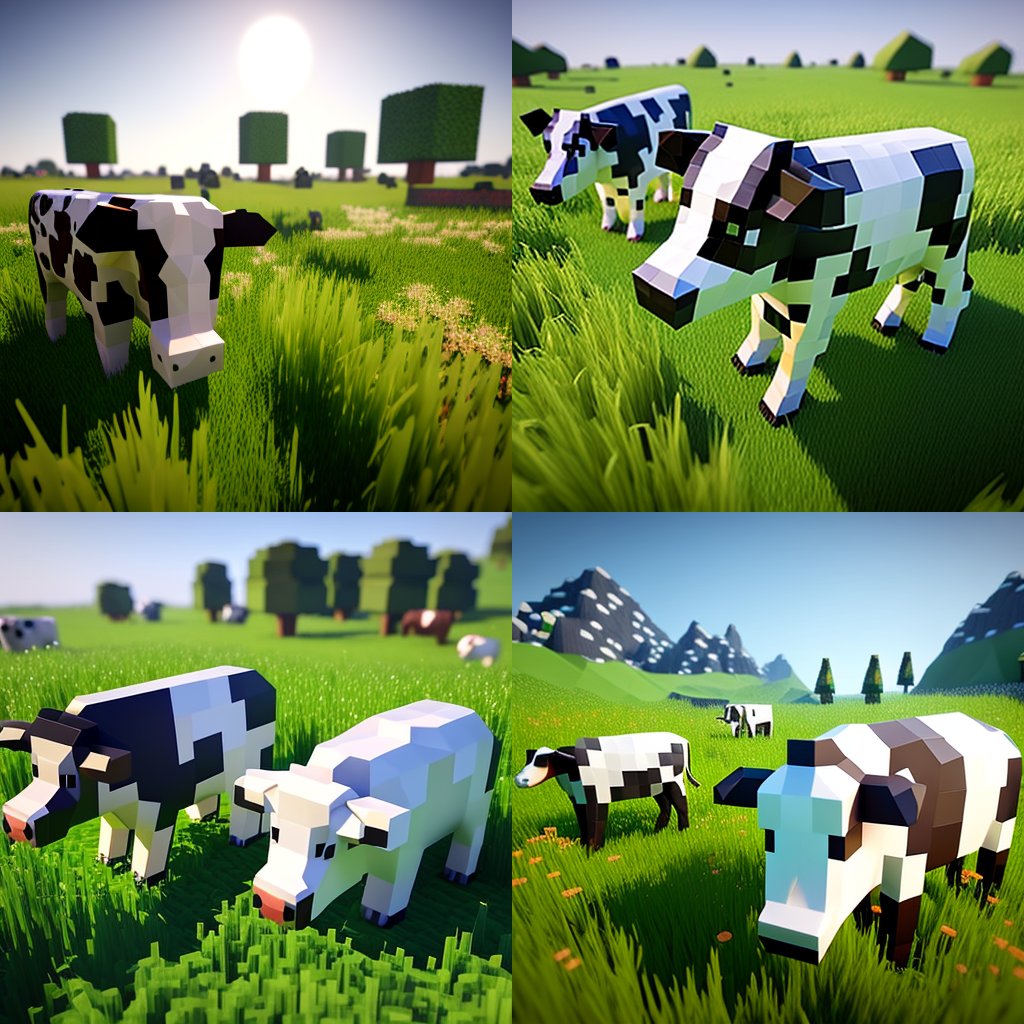
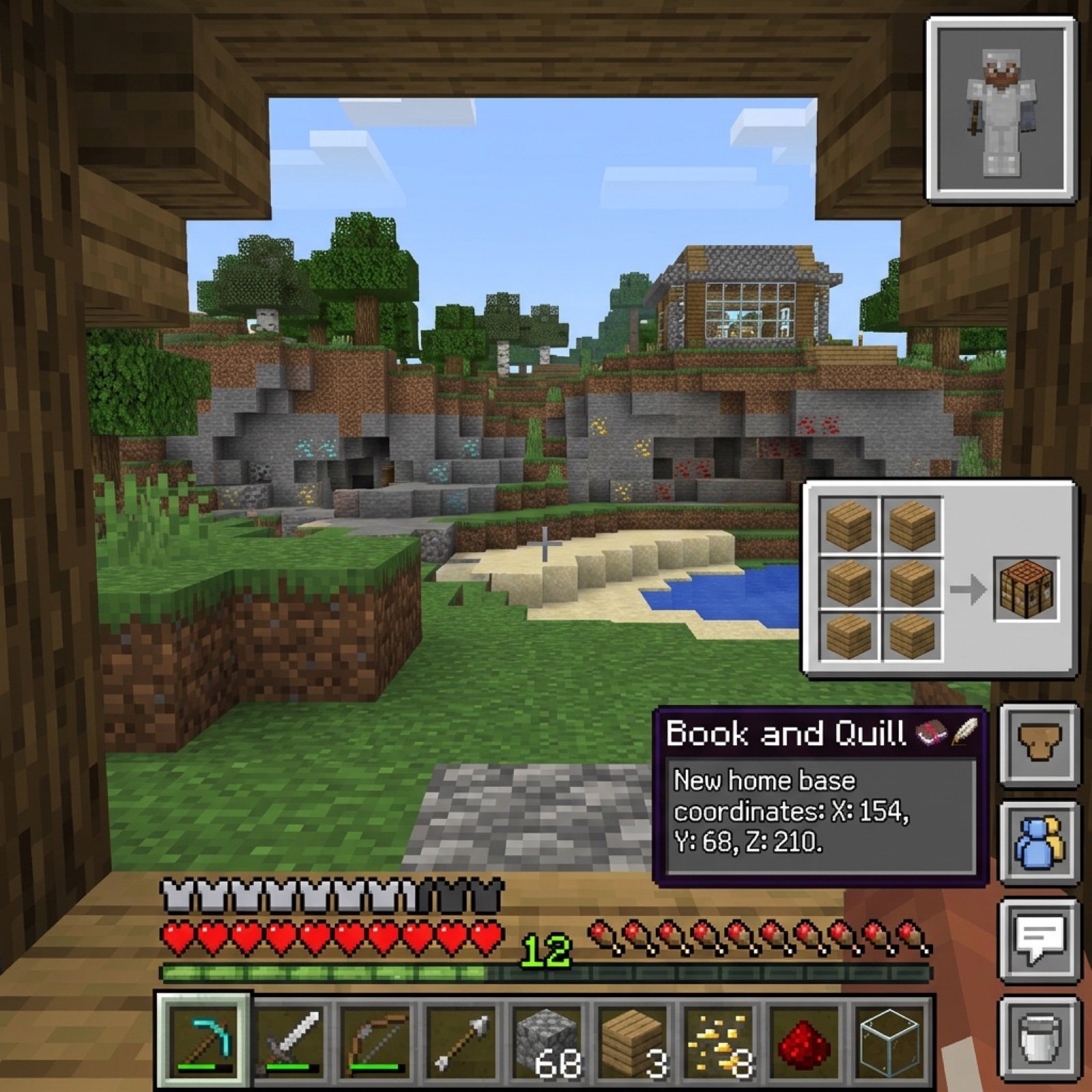
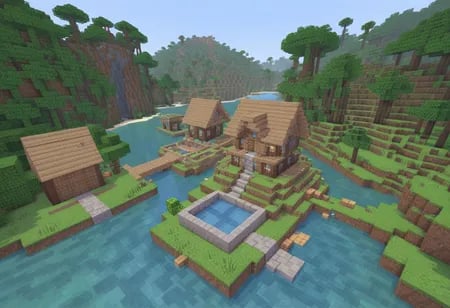
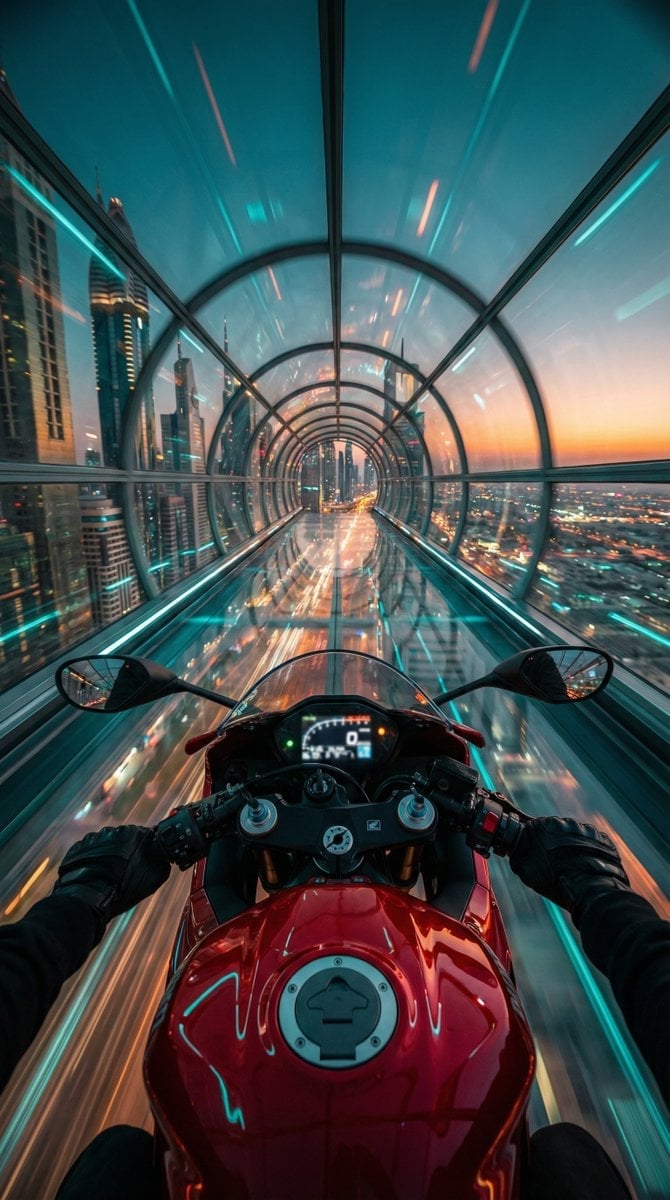
How do I use the Hyper-Realistic Minecraft POV Portrait template?
Edit the prompt in the box under the preview — the template's model and format are already selected — and press Generate. Your version appears right on this page.
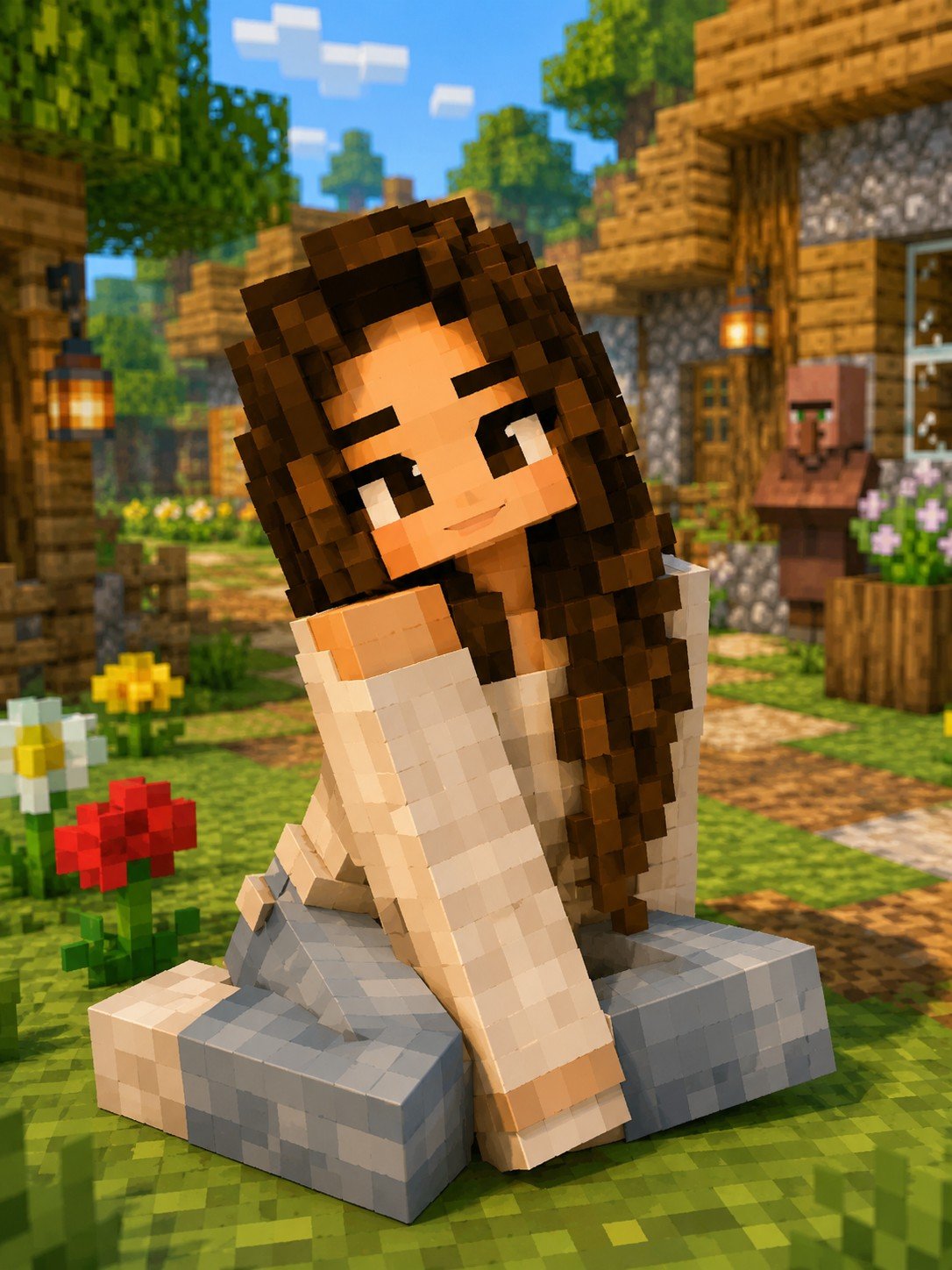
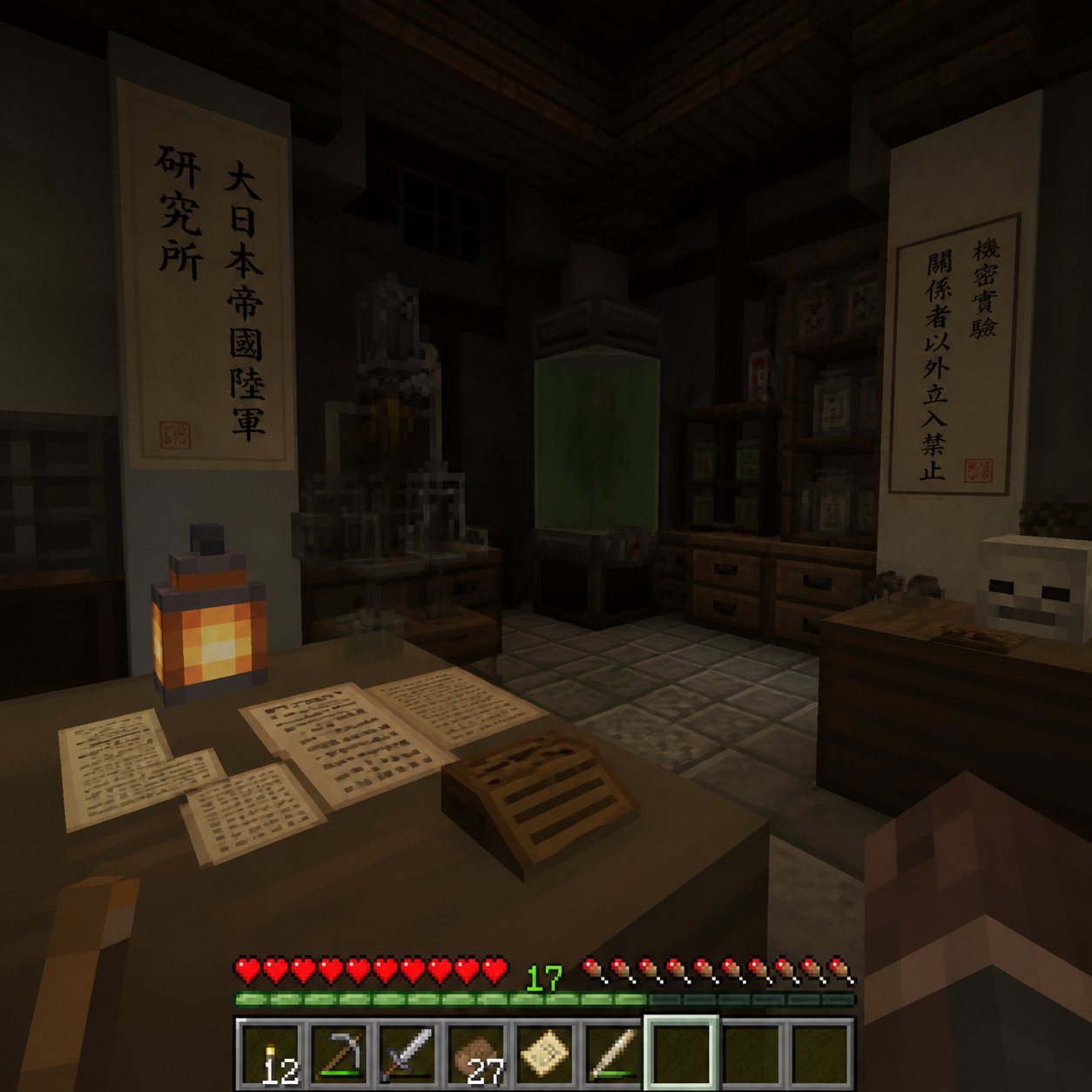
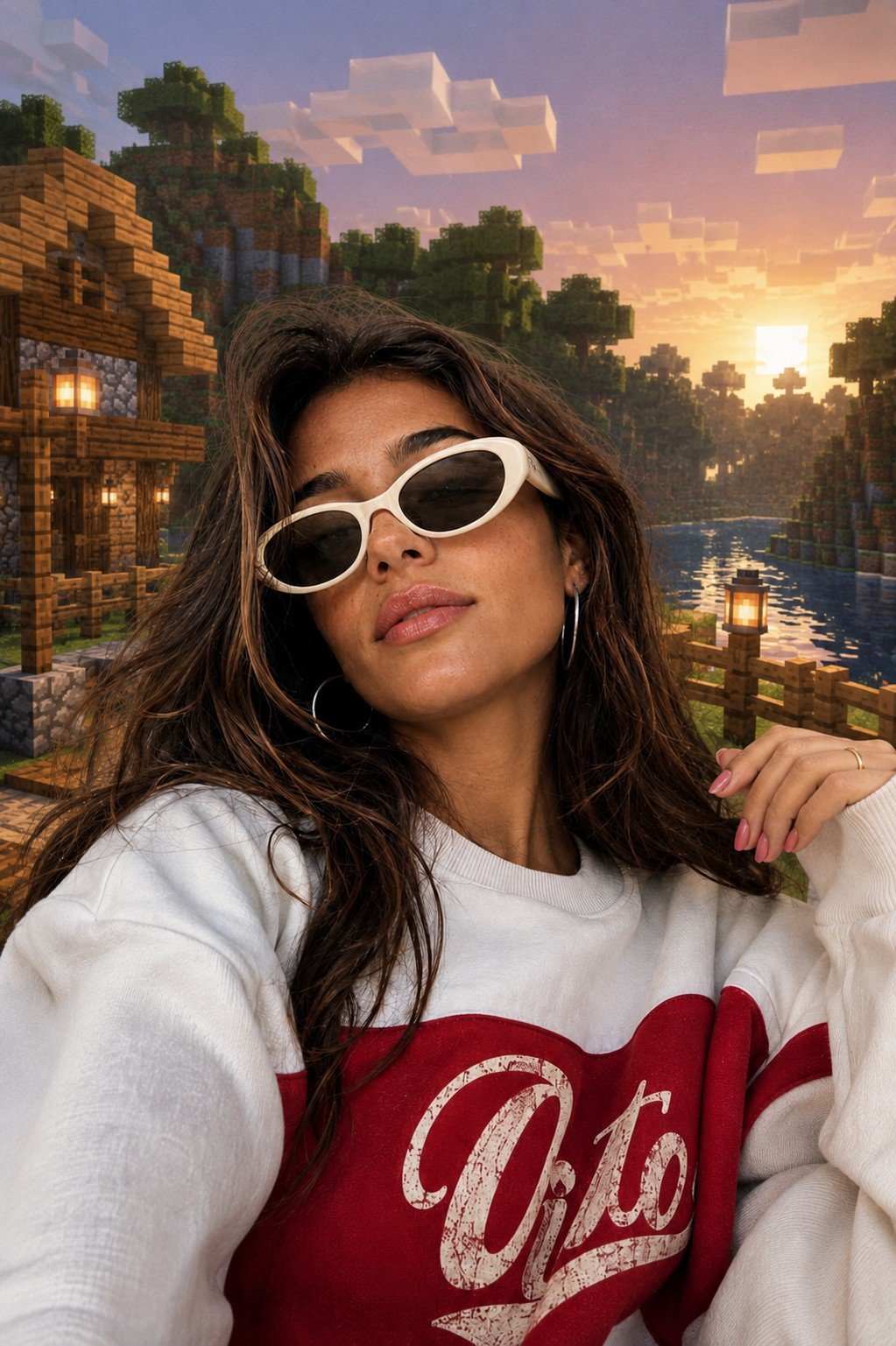
Midjourney prompt for hyper-realistic Minecraft character portrait in first-person view.

A hyper-realistic Minecraft-style 3D render of a young man standing in a sunflower field at golden hour. The character is rendered in Minecraft's iconic blocky voxel aesthetic but with cinematic lighting, volumetric god rays, and lens flare. Soft bokeh background with pixelated mountains and a warm orange sunset sky. The character wears a casual hoodie, has a contemplative expression looking to the side. Minecraft grass blocks and flowers surround the scene. Emotional, nostalgic atmosphere, ultra-detailed texture mapping on each block, 8K resolution --ar 4:5
A hyper-realistic Minecraft-style 3D render of a young man standing in a sunflower field at golden hour. The character is rendered in Minecraft's iconic blocky voxel aesthetic but with cinematic lighting, volumetric god rays, and lens flare. Soft bokeh background with pixelated mountains and a warm orange sunset sky. The character wears a casual hoodie, has a contemplative expression looking to the side. Minecraft grass blocks and flowers surround the scene. Emotional, nostalgic atmosphere, ultra-detailed texture mapping on each block, 8K resolution --ar 4:5
Edit the prompt in the box under the preview — the template's model and format are already selected — and press Generate. Your version appears right on this page.
Yes. You can change the subject, setting, lighting, mood, format, and available model controls before creating your image.
Opening and editing this template is free. Generating uses credits, shown on the Generate button when you are signed in.
Choose a compatible model in PicX Studio based on the style, speed, and output controls your project needs.
Follow a topic to a crawlable collection of related PicX Studio templates.