
Minecraft You Died Winter Death Screen
Cinematic top-down winter “You Died!” mashup: photoreal subject on snow with scattered pixel items, spider mob, and classic Respawn UI.

- Prompt included
- Model and format preset
- Free template
The prompt behind this image
Copy the exact prompt behind Minecraft You Died Winter Death Screen, or open it in the studio and make it yours.
Use 100% of the face and body from my reference image. Create a cinematic top-down winter scene inspired by a Minecraft death screen. The person is lying spread out on snow. Wearing casual winter clothes, realistic pose, cold atmospheric lighting, slightly desaturated tones, footprints visible in the snow. Surround the person with floating or placed pixelated Minecraft-style items, including a diamond sword, bow, pickaxe, emerald, steak, and Ender eye music disc and spider mob. Add a realistic Minecraft 'You Died!' game over overlay at the top with pixel font, including score - 0, crosshair symbol, and two retro UI buttons labeled 'Respawn' and 'Title Screen'. Blend realistic Photography with pixel-art game elements naturally. Soft shadows, moody winter aesthetic, ultra detailed, vertical composition, DSLR realism, subtle depth of field, high contrast, 9:16 ratio.
How to use Minecraft You Died Winter Death Screen in 3 steps
- 1Upload ImagePNG, JPG or paste
Add your photo
Upload the photo the template builds on. The prompt, model and format are already set.
- 2…a portrait of your subject in softgolden-hour light, 85mm…
Personalize
Edit the subject and creative details for your destination.
- 3Generate
Generate
Press Generate — your image is created in PicX Studio, so you can compare it with the original and refine one variable at a time.
More like this
Templates with the same subject, style or setup. Open one to see its prompt.

Photoreal Selfie Minecraft Block World

Photoreal Selfie Minecraft Village Ghast UI
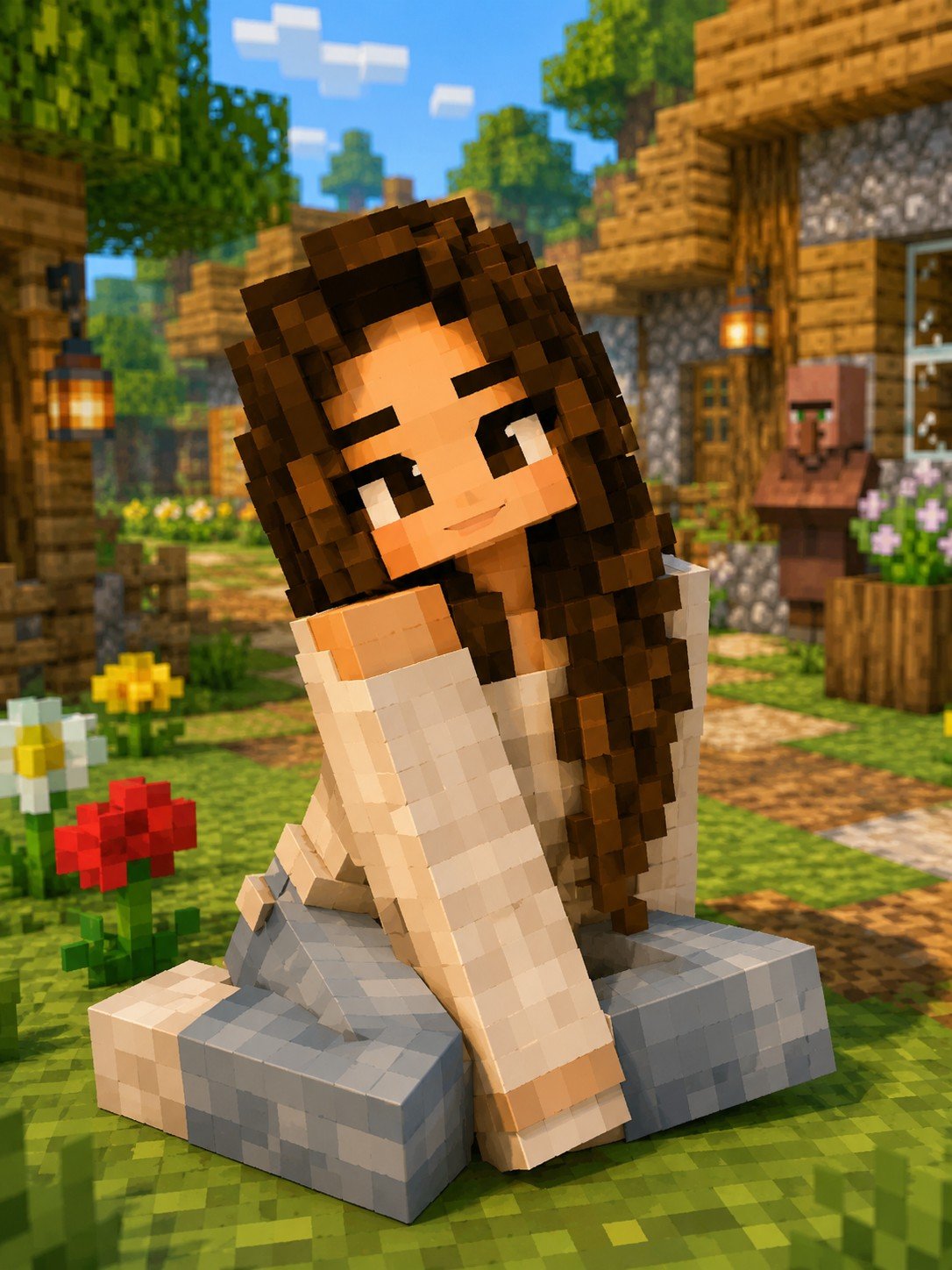
Minecraft Voxel Character Village Portrait
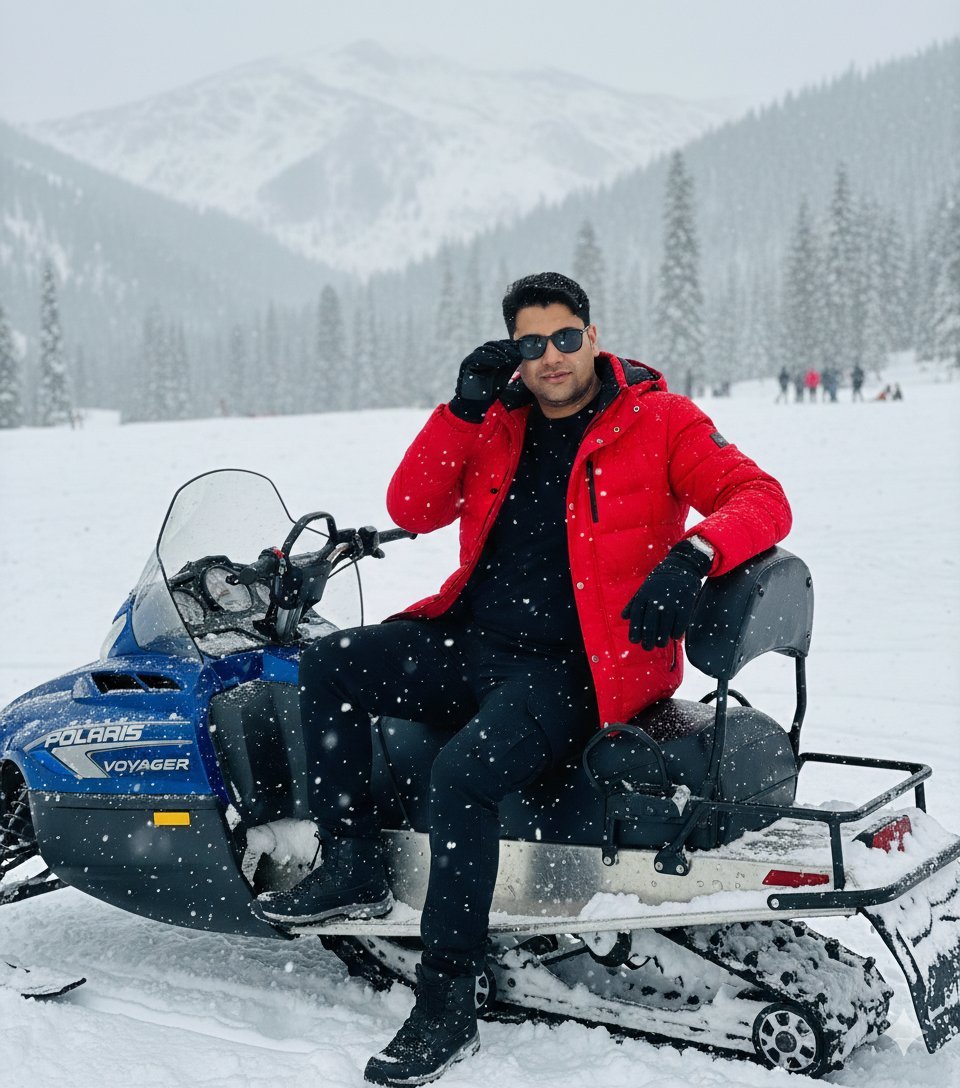
Snowy Locations Views Winter Special

Hyper-Realistic Minecraft POV Portrait
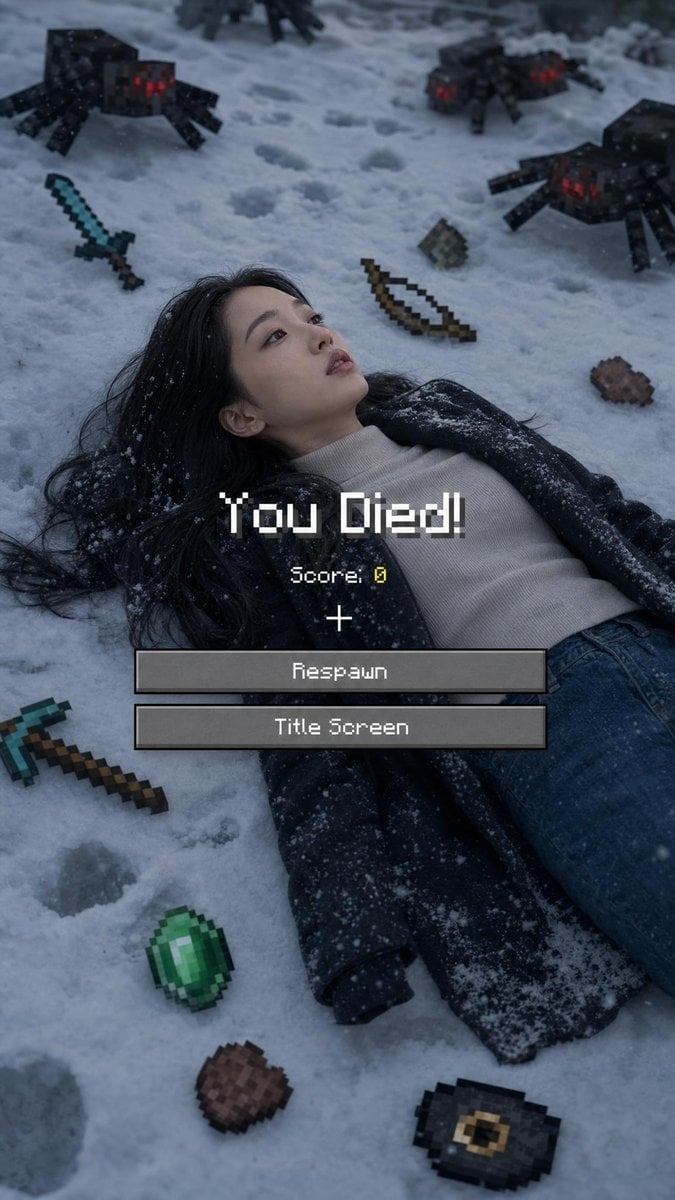
Minecraft Death Screen Portrait
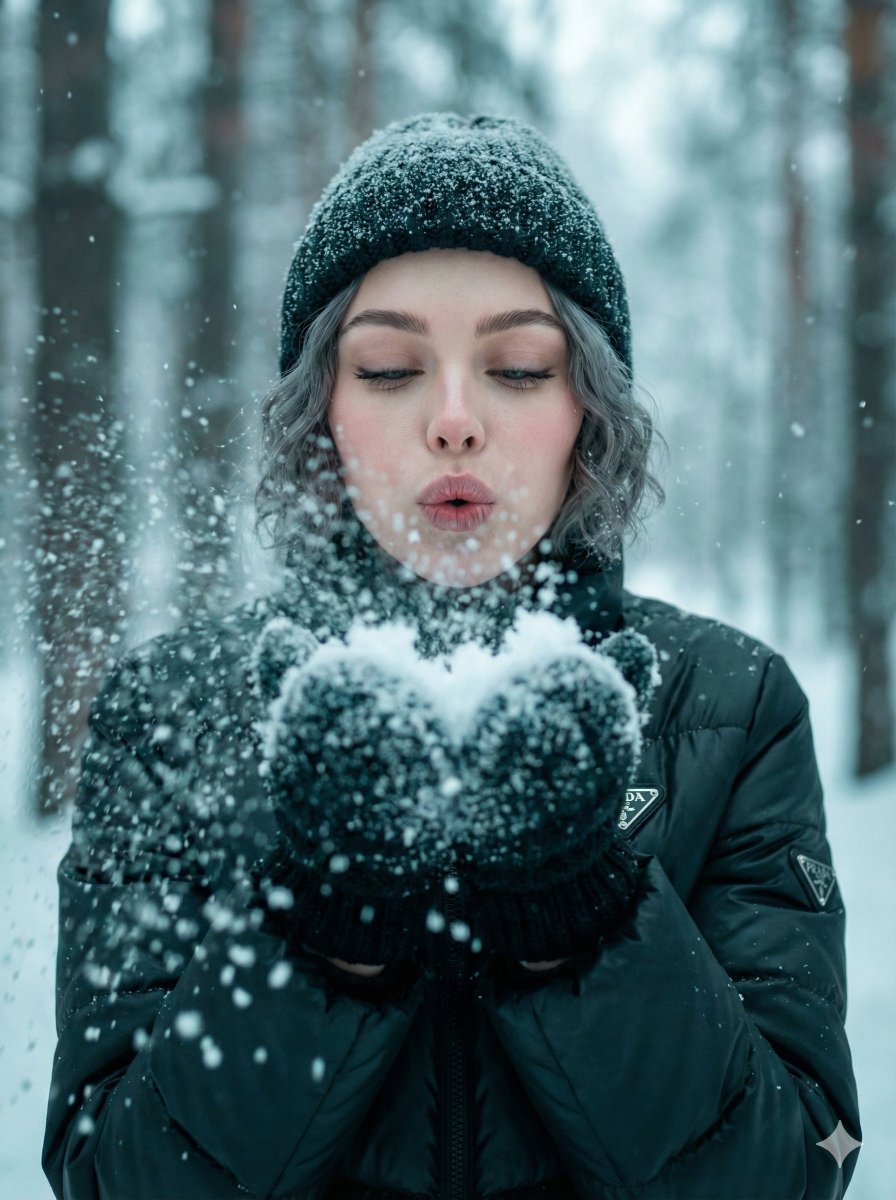
Ultra-Realistic Winter Snow Blowing Portrait Prompt

Found Photograph: Us, 1970

80s Couple Studio Portrait

80s Bollywood Star

80s Golden Hour Cinema

Me in 1985
Make it yours
Minecraft You Died Winter Death Screen works as-is. These are the safest ways to change it without losing the look.
Change one field
Copy a single group, rewrite it, and generate again so you can see what that field is doing.
Keep the frame, change the subject
Hold the composition and light of Minecraft You Died Winter Death Screen, then swap wardrobe, props or the person for a new take.
| If the result… | Why | Fix |
|---|---|---|
| The result drifts from the preview | Too many fields changed at once. | Reuse Minecraft You Died Winter Death Screen as-is first, then change one group — subject, light, or setting. |
| The model over-stylizes the scene | The prose prompt leaves finish and camera underspecified. | Add one camera or lighting sentence and stay on Image To Image. |
More Image To Image templates
Other prompts made for Image To Image.

More image prompts
Fresh picks from across the catalog.

Cinematic Editorial Male Portrait
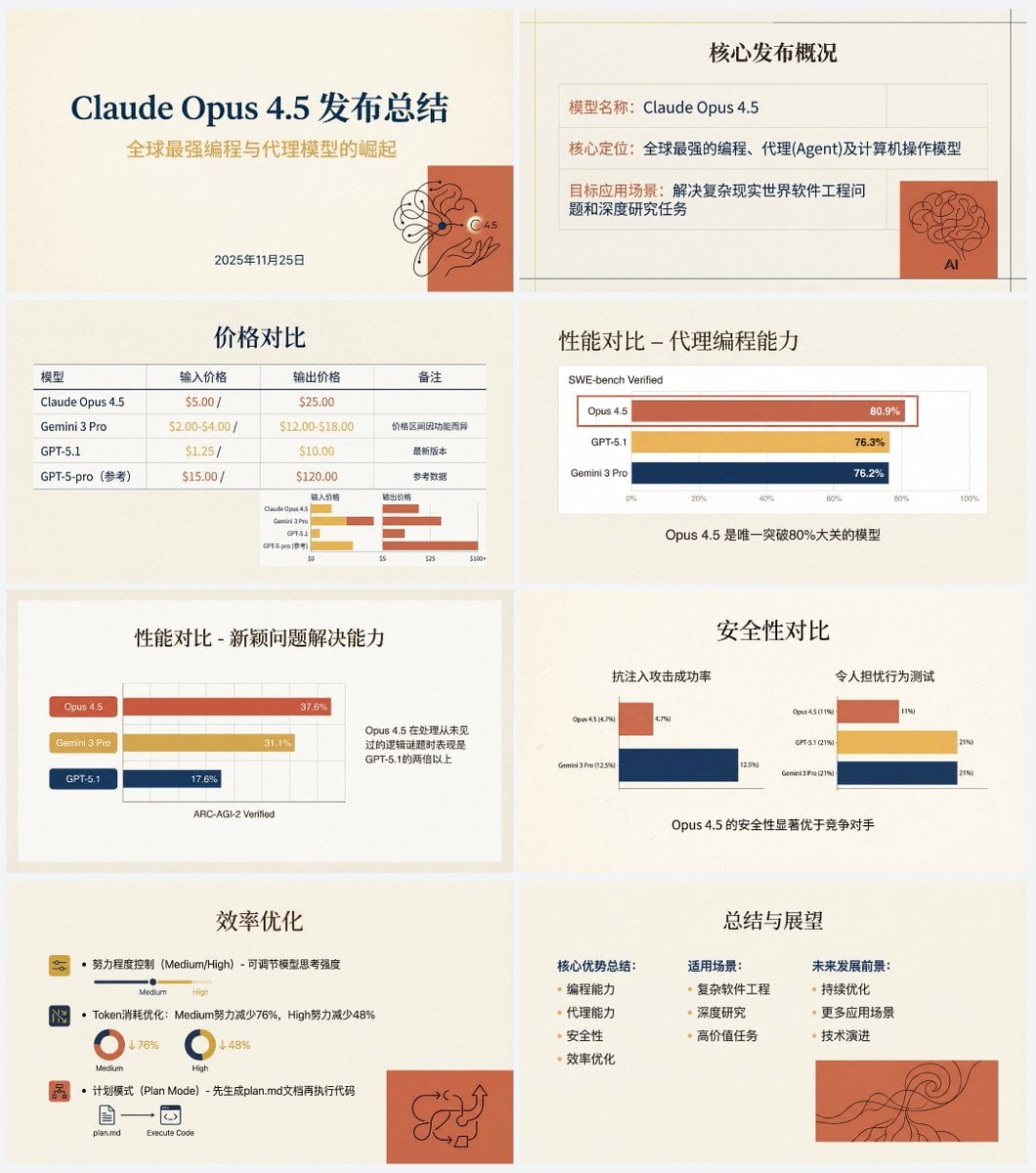
Anthropic-style warm academic PPT workflow prompt

Influencer Holding Floating Profile Card
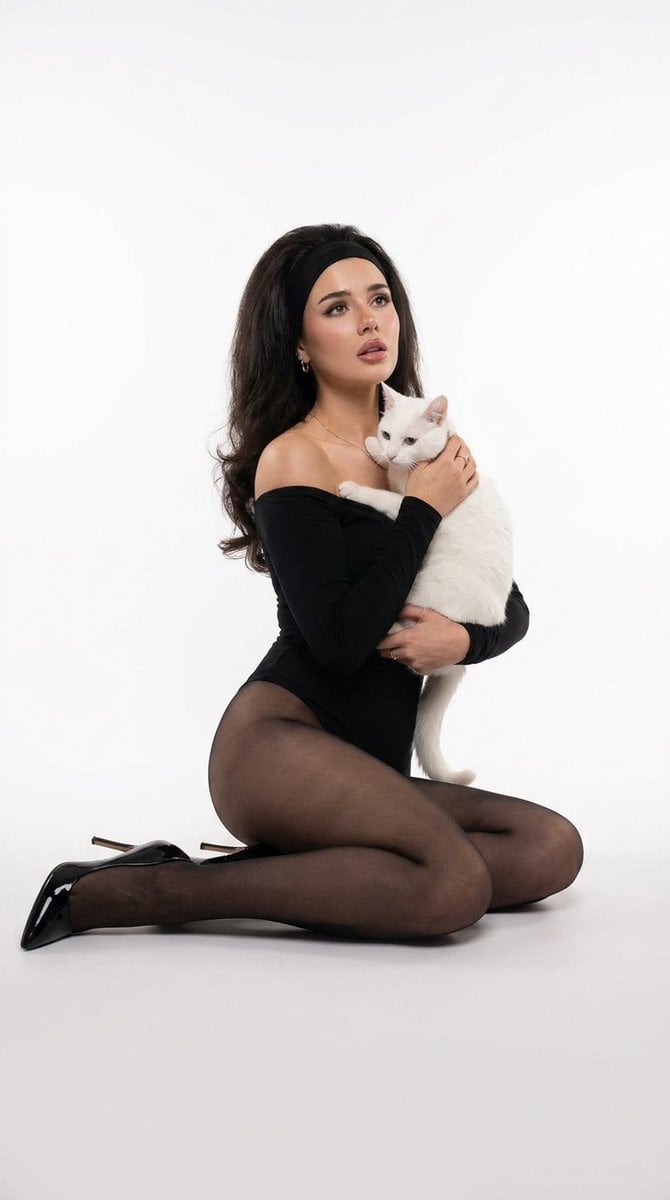
Studio Legwear Photography
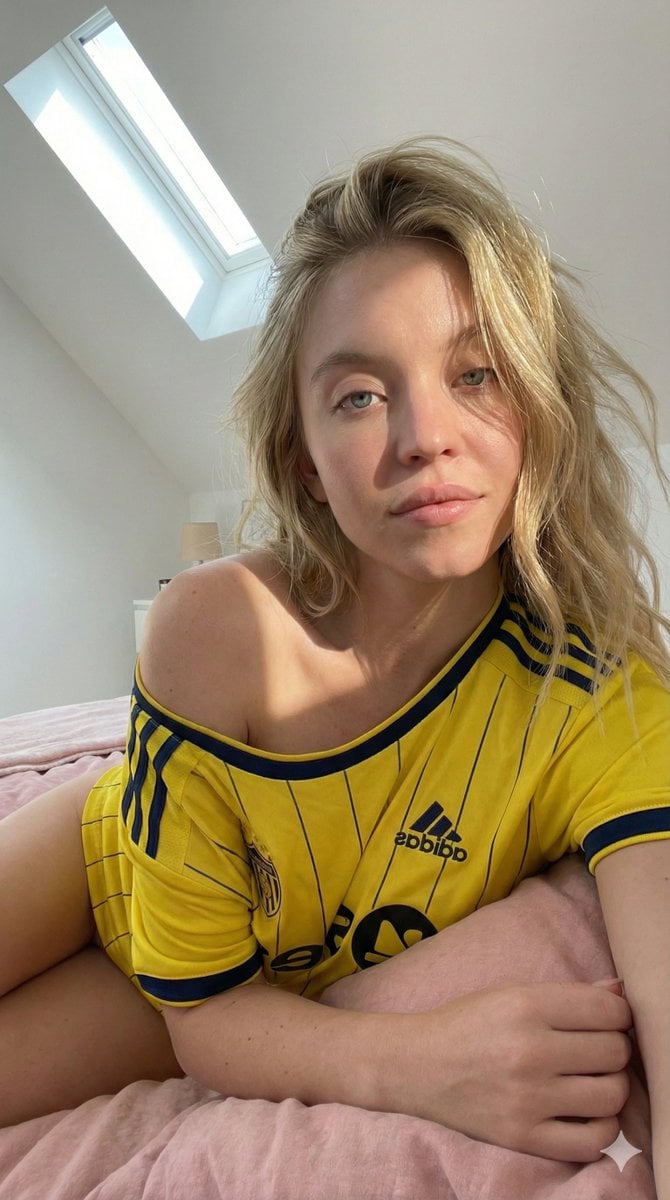
Candid Selfie in Soccer Jersey in an Attic Bedroom
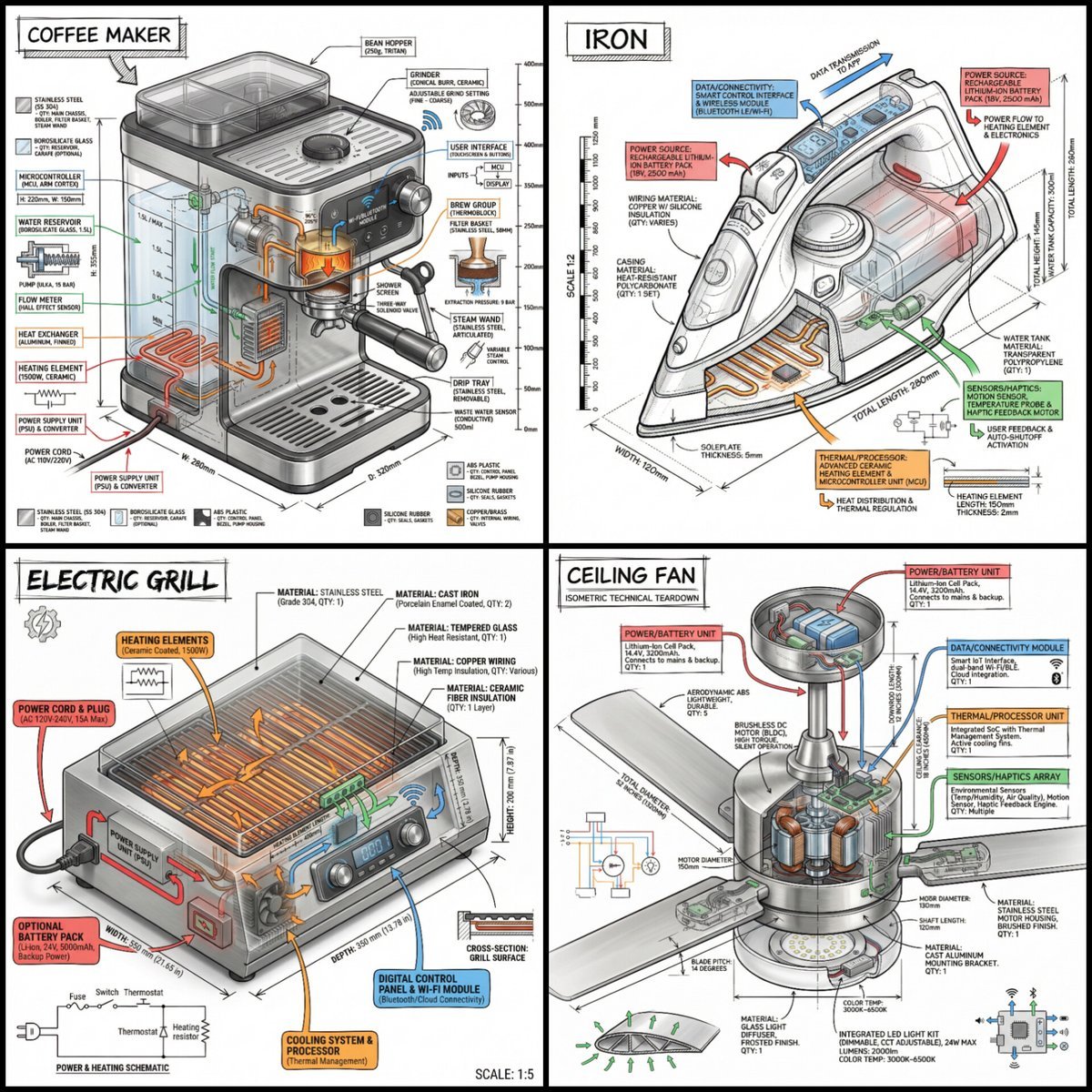
Technical Infographic of an Object with Isometric 3D View
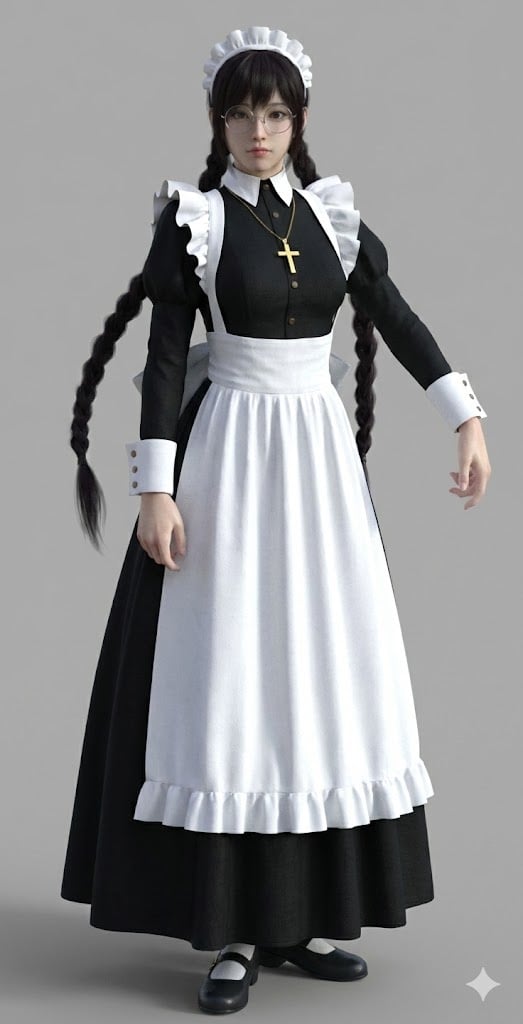
Anime Character to 3DCG Figure Prompt
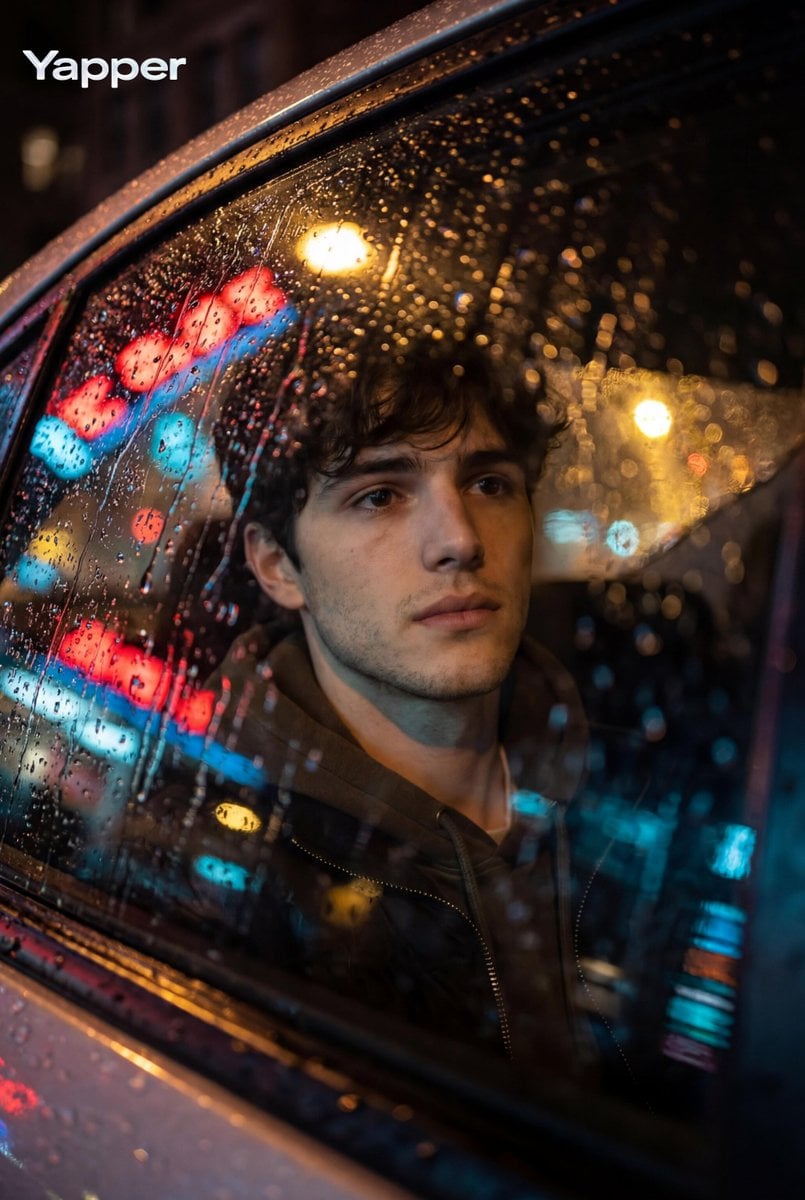
Cinematic Photo Inside a Car at Night with Rain
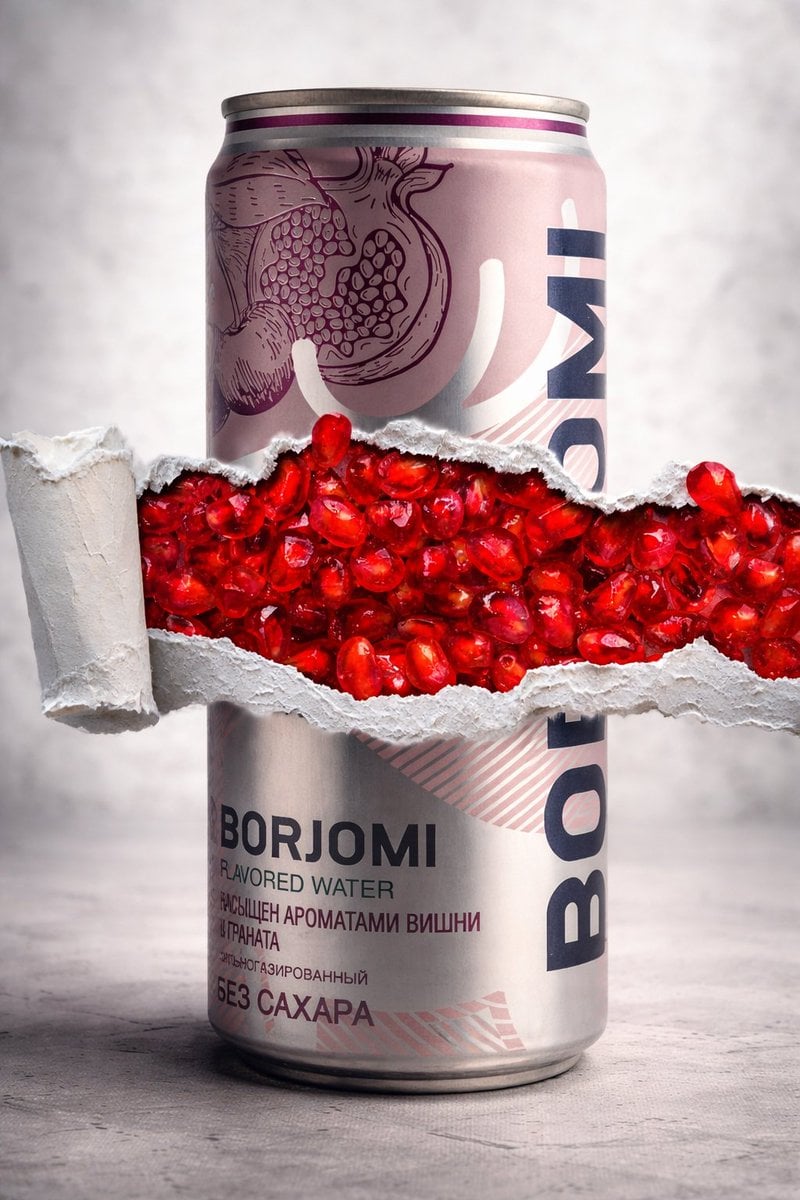
8K Product Photography with Conceptual Cutaway (Borjomi)
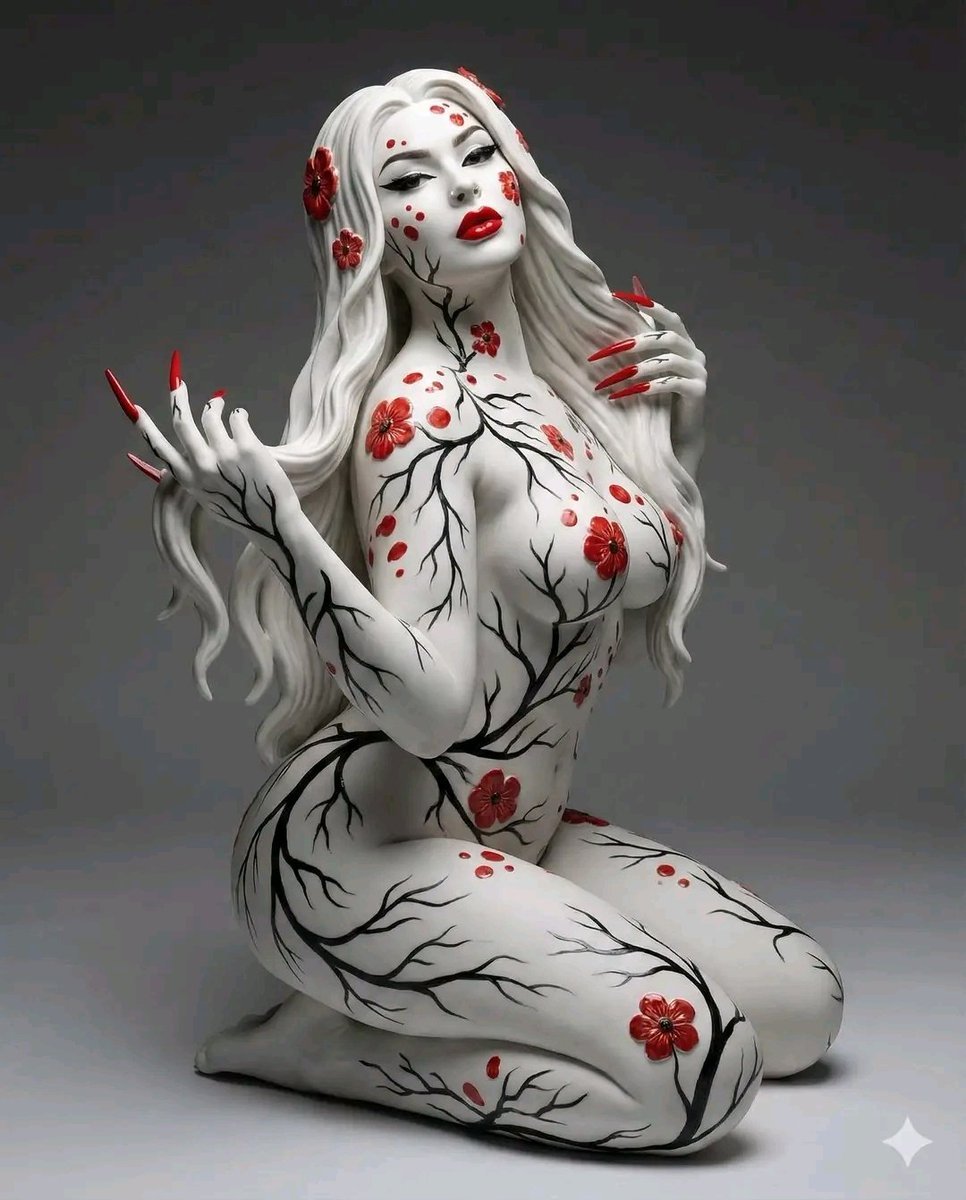
Surreal Porcelain Flora Figure Prompt
Featured in prompt roundups
Hand-picked collections that include this template.
Browse template categories
Minecraft You Died Winter Death Screen questions
How do I use the Minecraft You Died Winter Death Screen template?
Add your photo if the template asks for one, edit the prompt if you like — the template's model and format are already selected — and press Generate. Your version opens in PicX Studio.
Can I customize the Minecraft You Died Winter Death Screen template?
Yes. You can change the subject, setting, lighting, mood, format, and available model controls before creating your image.
Is the Minecraft You Died Winter Death Screen template free?
Opening and editing this template is free. Generating uses credits, shown on the Generate button when you are signed in.
Which AI model should I use?
Start with Image To Image, which is the model associated with this template. You can compare another compatible model for a different finish.
Looking for something else? Browse all templates.

Your photo, any look
Thousands of ready templates for every top image and video model, from one credit balance.