
Anthropic-style warm academic PPT workflow prompt
A workflow-style prompt for Nano Banana Pro that first outlines a PPT from an article, then generates each slide in a warm, academic Anthropic/Claude-inspired design style.
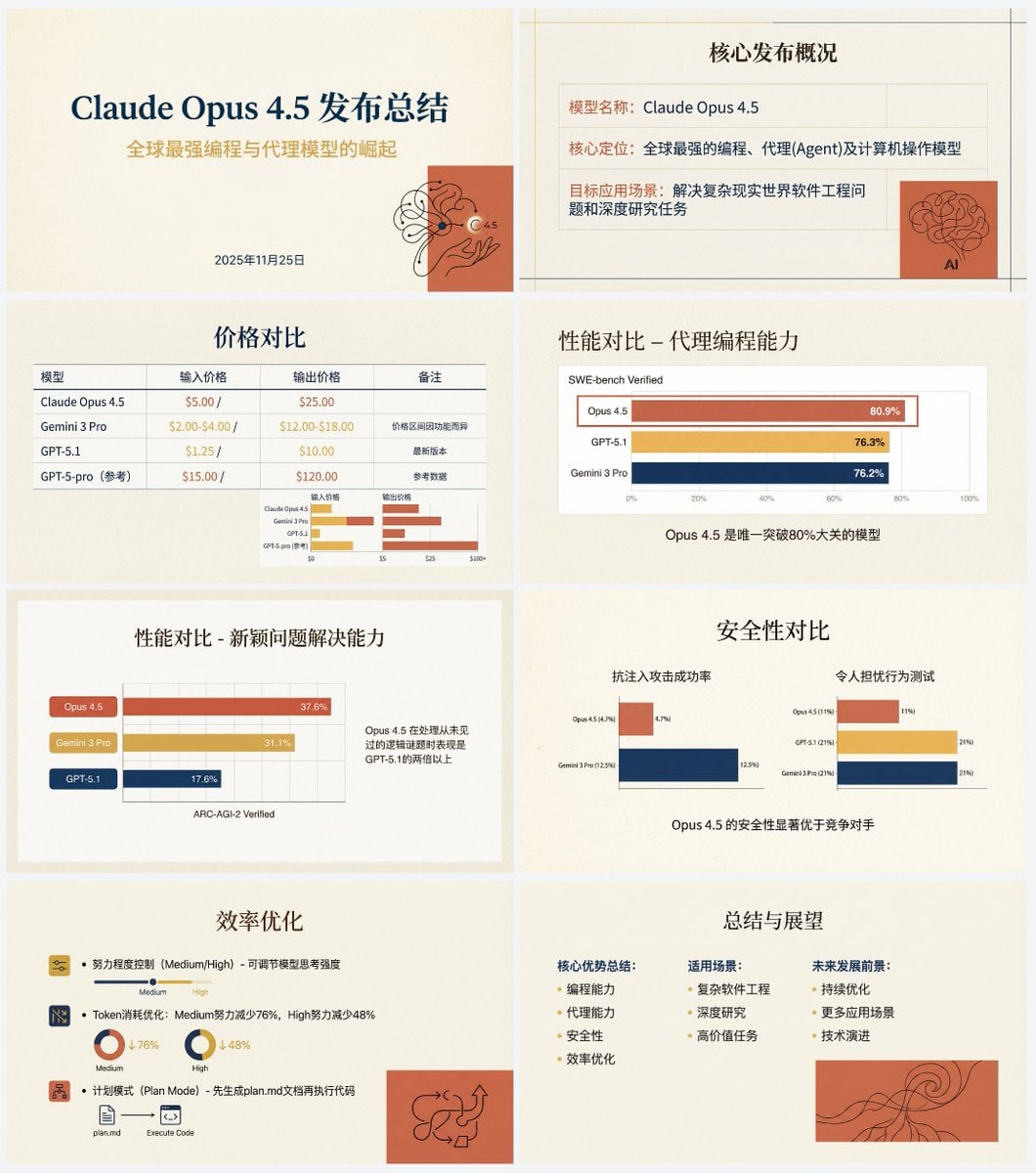
- Prompt included
- Model and format preset
- Free template
The prompt behind this image
Copy the exact prompt behind Anthropic-style warm academic PPT workflow prompt, or open it in the studio and make it yours.
帮我根据下面这个文章做一套专业的的中文PPT。 先写1个PPT大纲,规划出每一页的PPT的内容。 然后将每一页的PPT内容分别扔给Nana Banana pro生成对应页面的PPT,需要确保风格一致。 PPT的具体风格应该为“Anthropic/Claude 风格”的“温暖学术人文主义”设计。 背景:使用暖米色/奶油色 (# F3F0E9) 作为纯色底色,略微高级纸张质感。 字体:标题使用优雅的衬线体(Serif),正文使用现代无衬线体(Sans-serif)。 配色:主色调为赤陶红 (# D67052) 和芥末黄 (# F0B857),搭配深海军蓝作为点缀。避免使用霓虹色或纯黑色。 视觉元素:使用注重排版的网格布局,插图风格应为抽象的、有机的黑色手绘线条画,置于赤陶红纯色色块之上,你需要非常克制的使用插图和点缀类的插图元素,插图需要为内容服务。 图表:扁平化、极简的图表,强调数据对比,去除多余边框。 文字和图像都由 Nano Banana Pro 生成,另外不要将PPT 变成一整张图,一页一张图。 文章内容为:
How to use Anthropic-style warm academic PPT workflow prompt in 3 steps
- 1
Open
The prompt is already in the box next to the preview, with the template's model and format selected.
- 2…a portrait of your subject in softgolden-hour light, 85mm…
Personalize
Edit the subject and creative details for your destination.
- 3Generate
Generate
Press Generate — your image is created in PicX Studio, so you can compare it with the original and refine one variable at a time.
More like this
Templates with the same subject, style or setup. Open one to see its prompt.
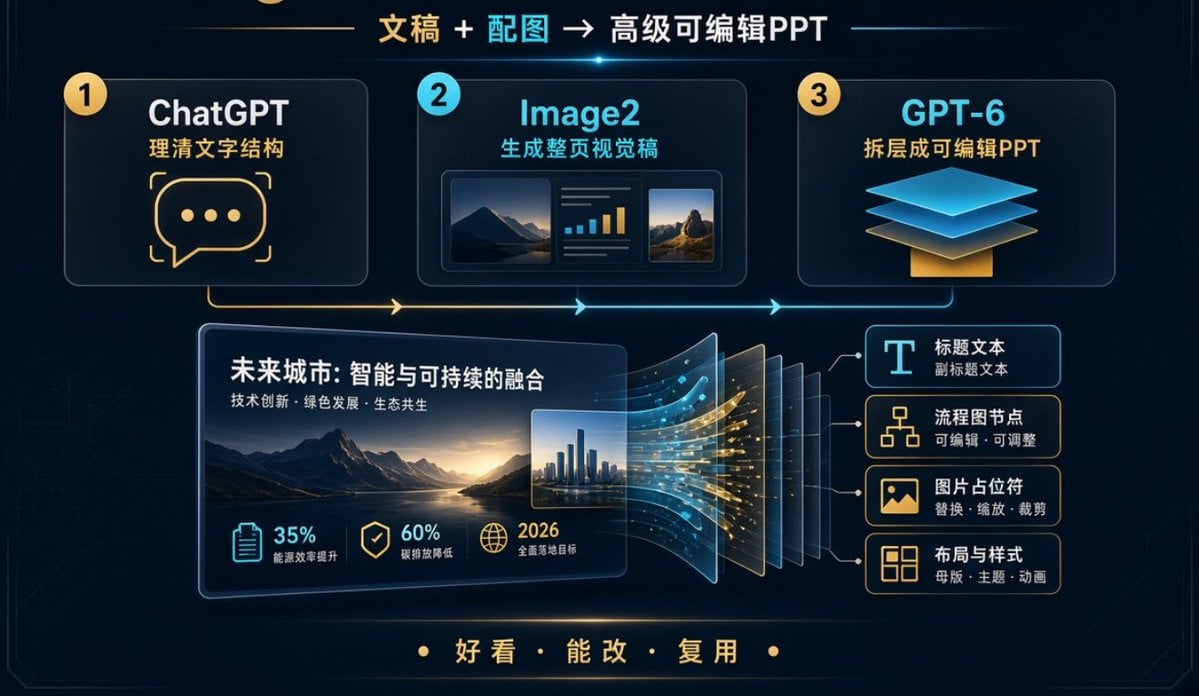
Editable PPT Workflow Infographic
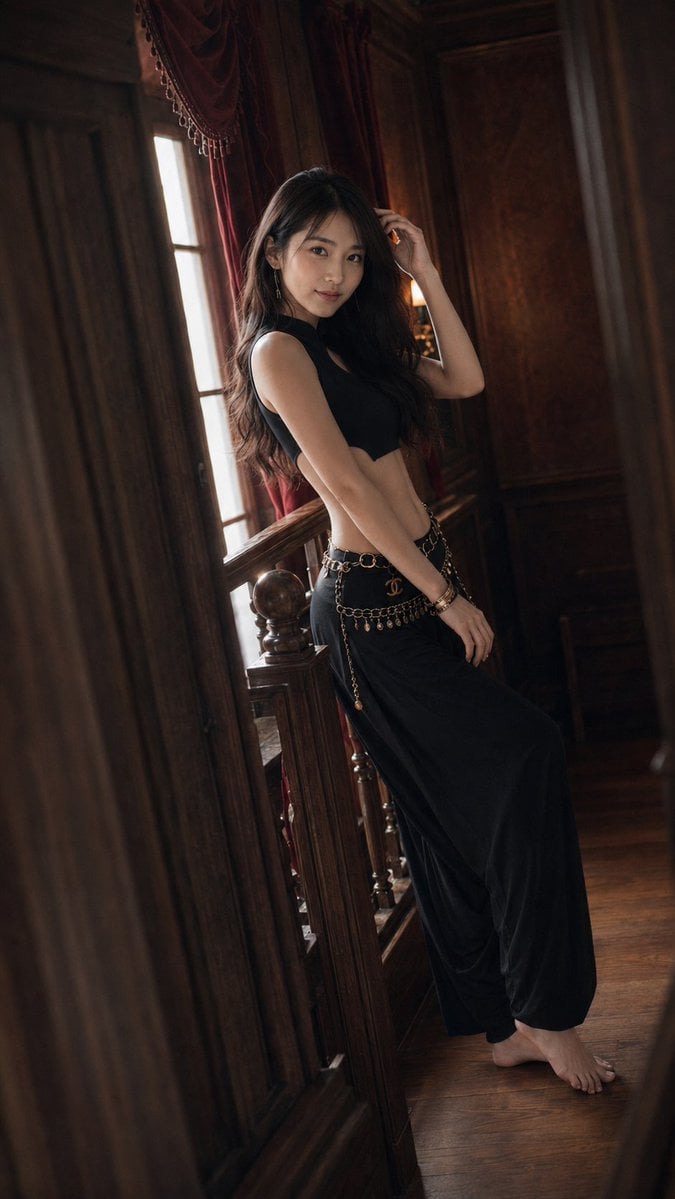
Warm Vintage Manor Bohemian Fashion Editorial
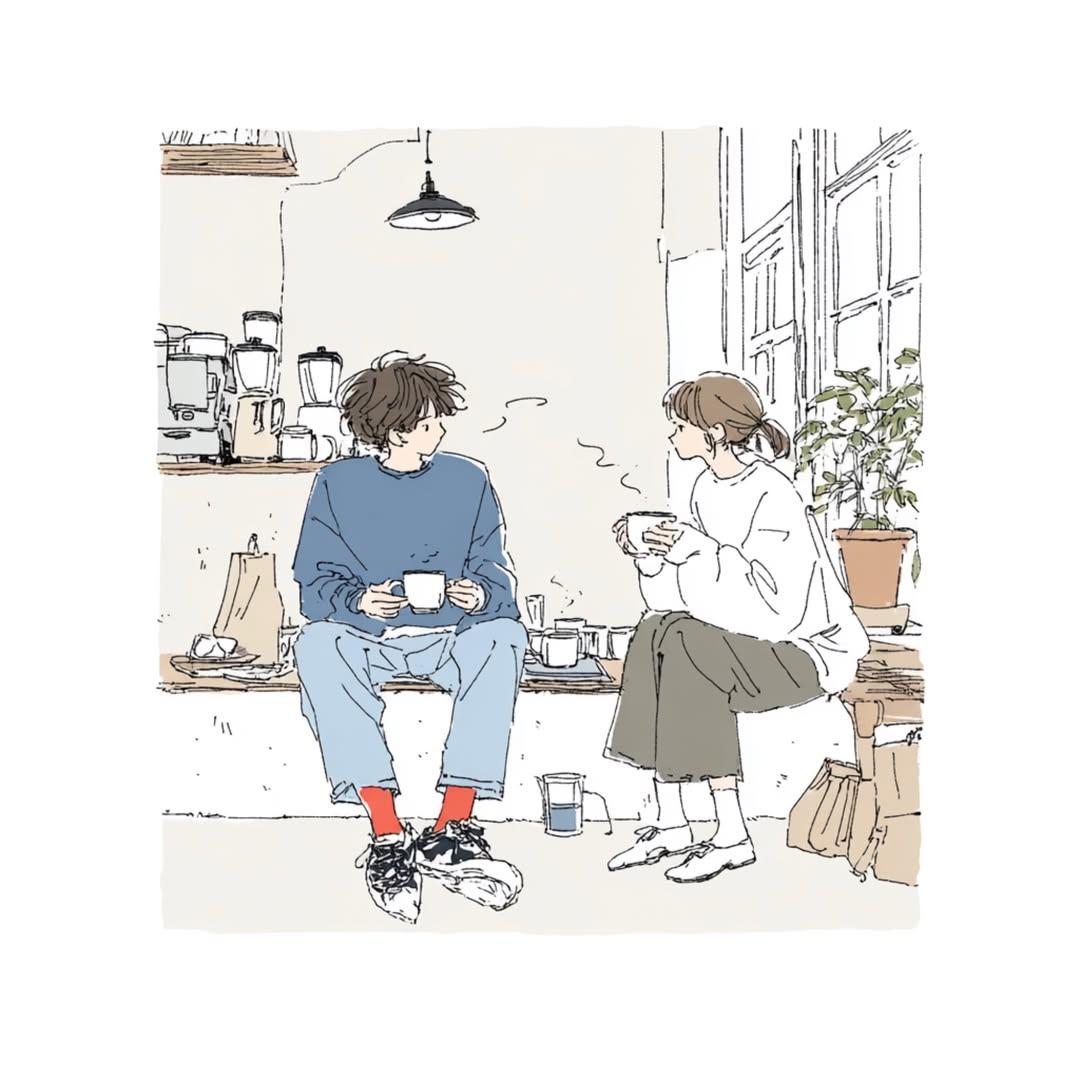
Delicate Japanese Café Lifestyle Illustration

Cozy Café Ice Cream Hands Close-Up

Warm Window Side Café Studio Portrait
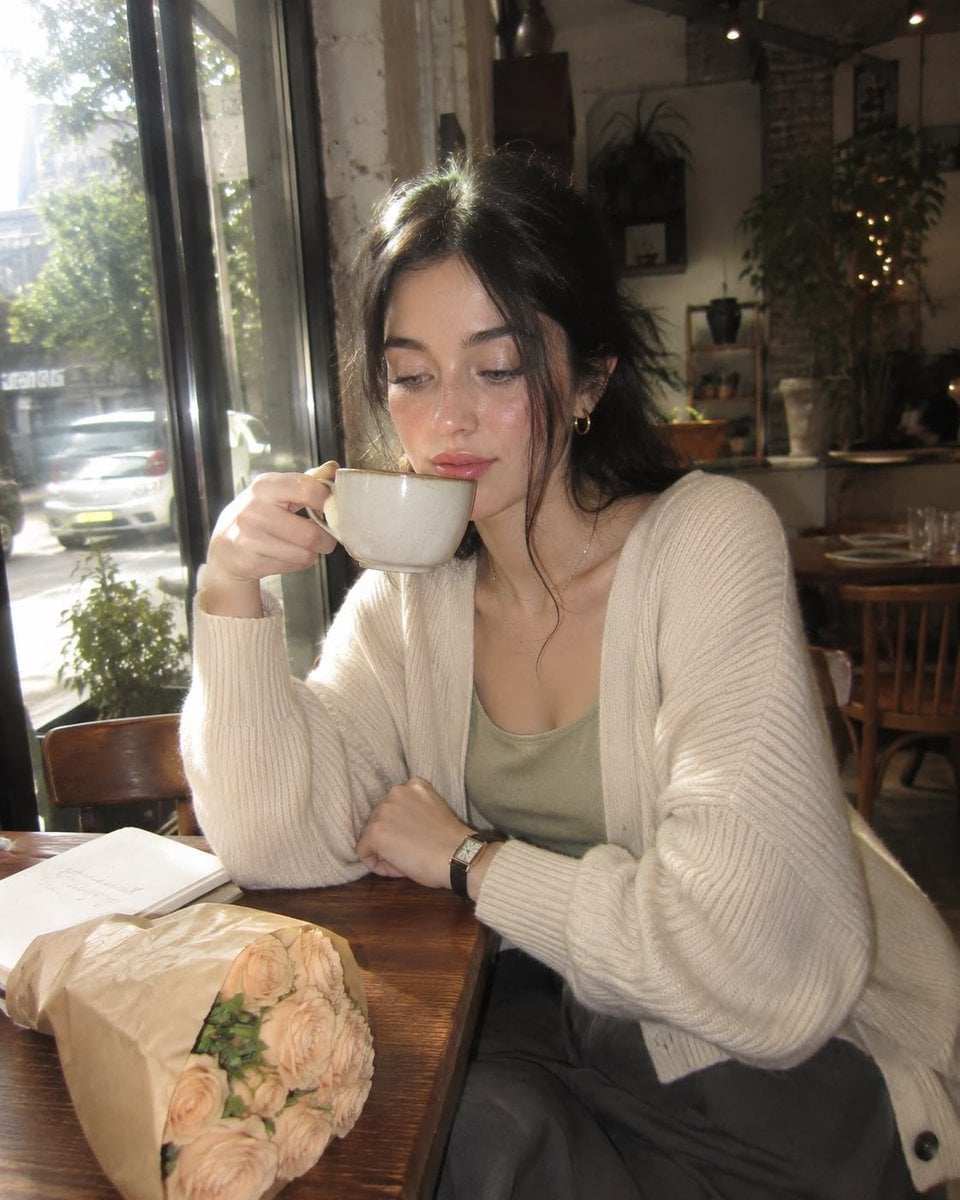
Nostalgic Digicam Café Afternoon Portrait
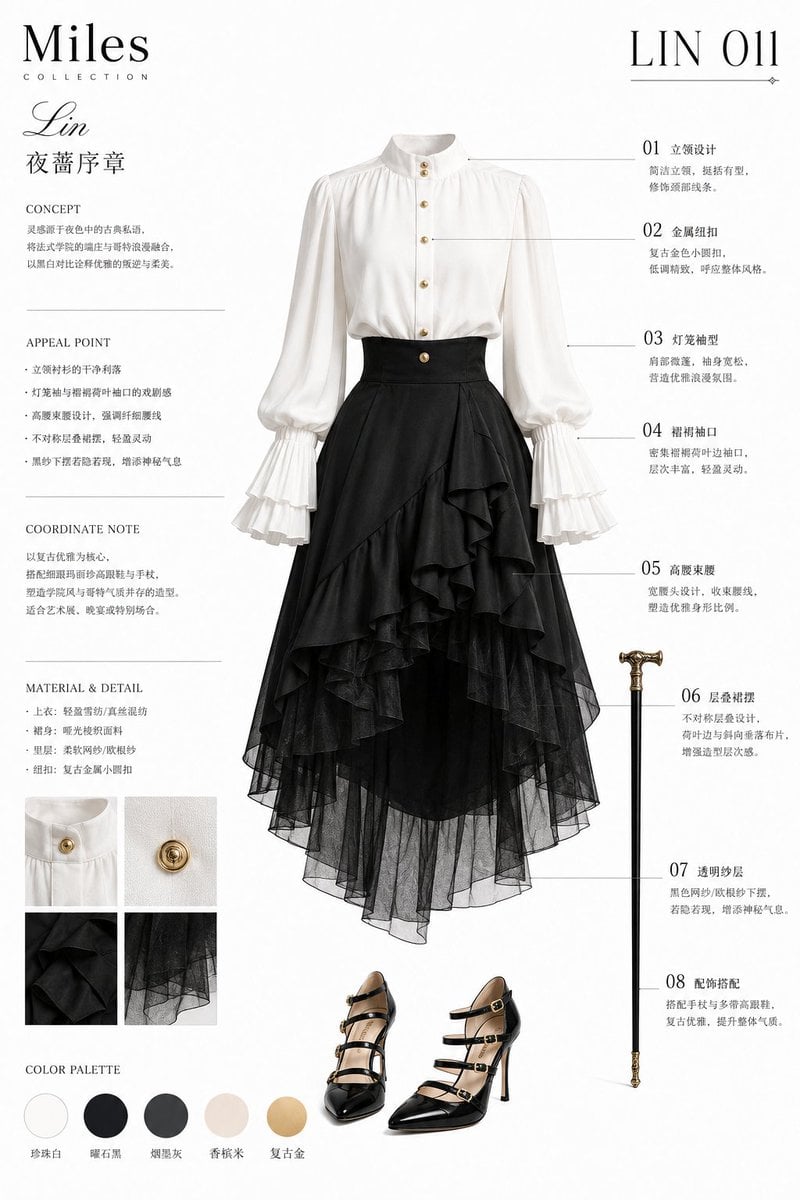
French Academic Light Gothic Fashion
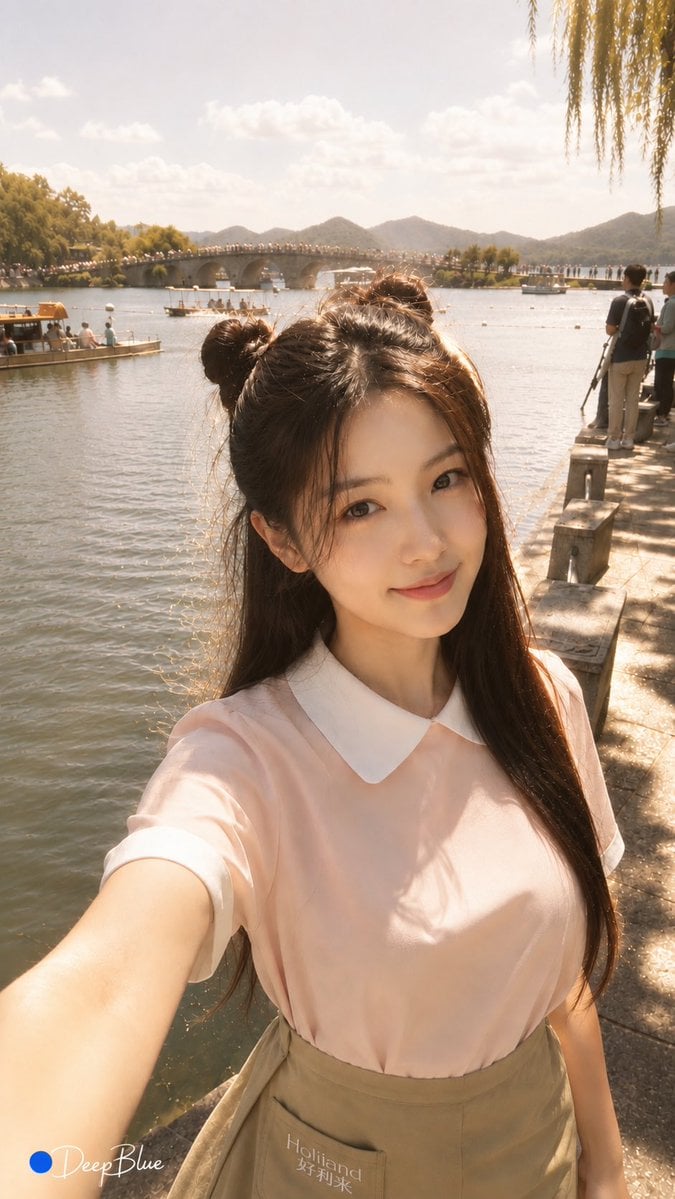
Warm Lakeside Travel Selfie

Warm Anime Bookstore Clerk Portrait
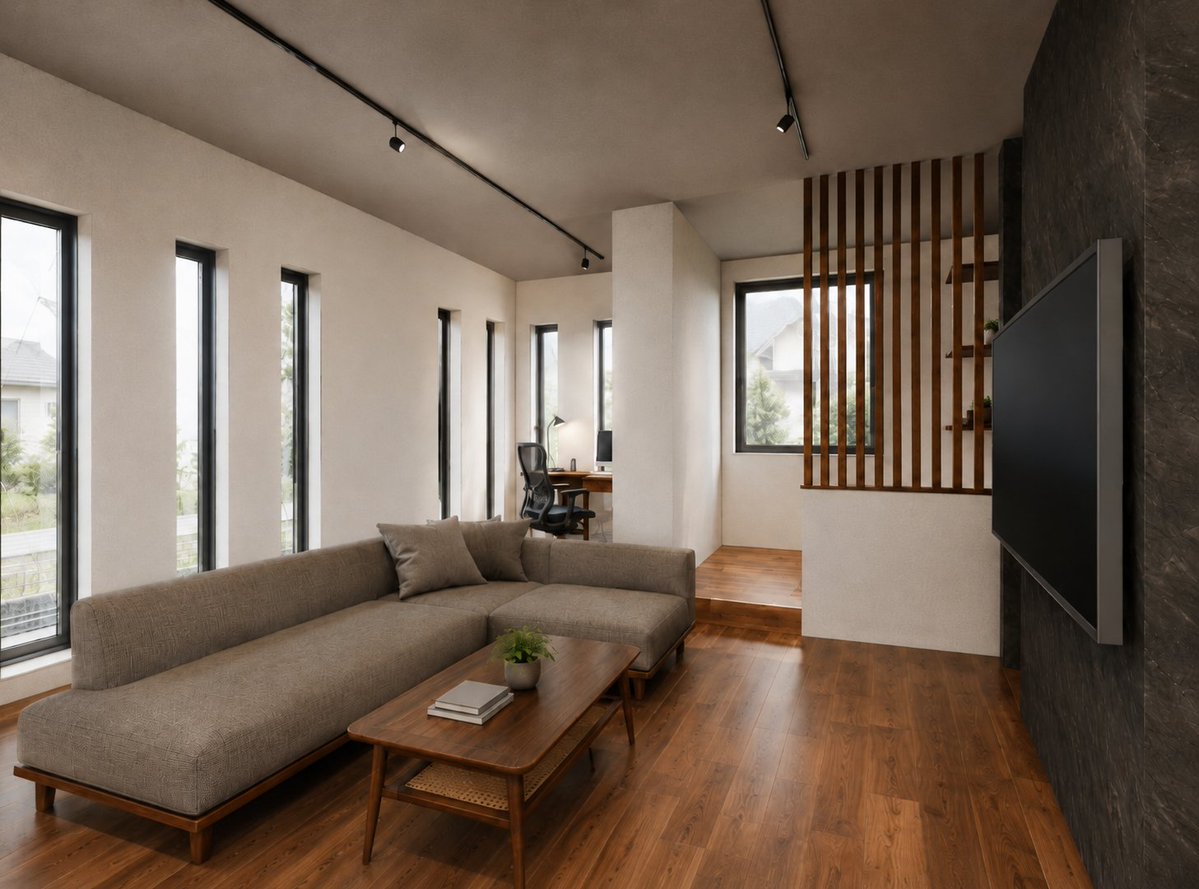
Warm Modern Japanese Living Room Render
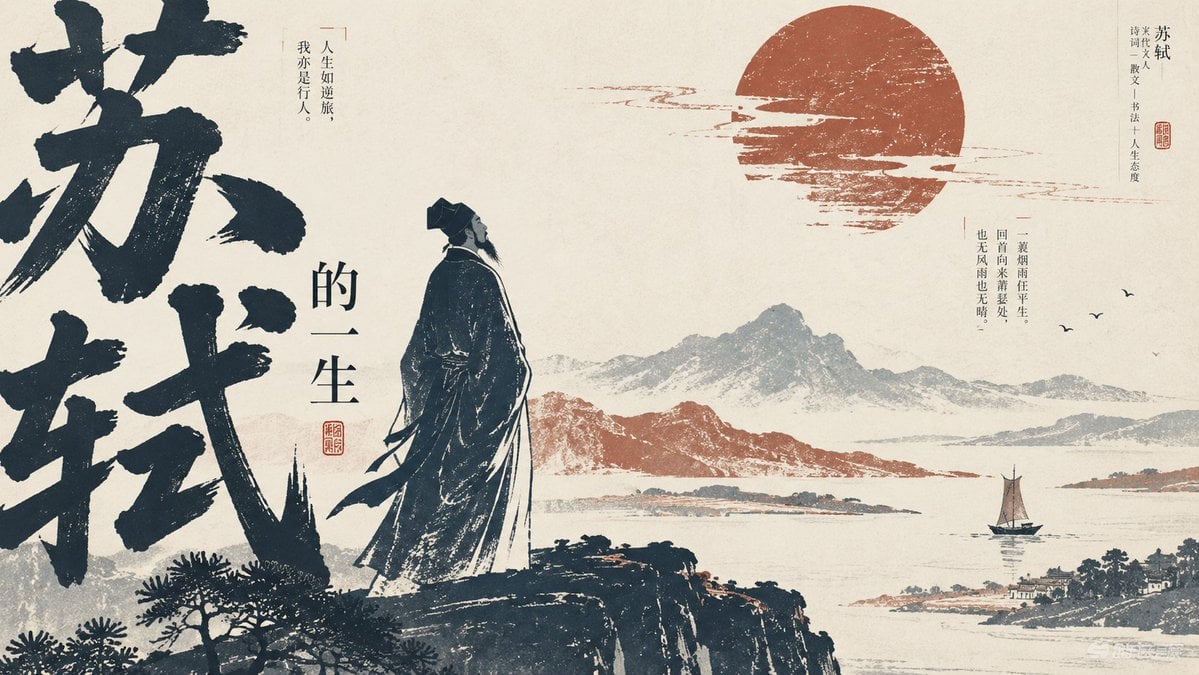
Editorial PPT Cover Design
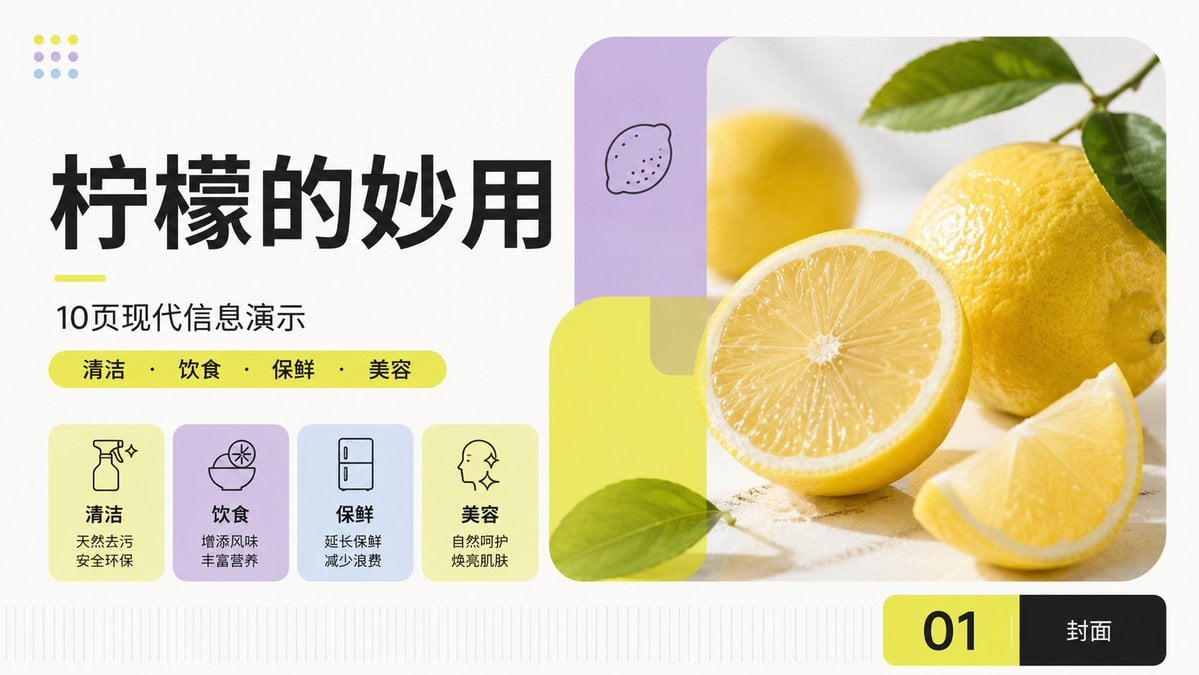
Modern Lemon Uses PPT Cover
Make it yours
Anthropic-style warm academic PPT workflow prompt works as-is. These are the safest ways to change it without losing the look.
Change one field
Copy a single group, rewrite it, and generate again so you can see what that field is doing.
Keep the frame, change the subject
Hold the composition and light of Anthropic-style warm academic PPT workflow prompt, then swap wardrobe, props or the person for a new take.
| If the result… | Why | Fix |
|---|---|---|
| The result drifts from the preview | Too many fields changed at once. | Reuse Anthropic-style warm academic PPT workflow prompt as-is first, then change one group — subject, light, or setting. |
| The model over-stylizes the scene | The prose prompt leaves finish and camera underspecified. | Add one camera or lighting sentence and stay on Nano Banana 2. |
More Nano Banana 2 templates
Other prompts made for Nano Banana 2.

Photorealistic Leaf Shaped Like a Dragon

K-Pop Idol Portrait Grid for Rapid Selection

Poetic Rain Forest Portrait During Golden Hour

Urban Street Portrait with Cartoon Inner Self Duo

Candid Nighttime Photo with Cat Prompt

High-Concept 3D Diorama Generation Prompt

Cinematic Futuristic Studio Portrait Template

Skincare Editorial Photography Collage Prompt

Hyper-Realistic Commercial Product Photography (Splash Effect)

Hyper-Realistic Nightclub Portrait Prompt
More image prompts
Fresh picks from across the catalog.

Detailed JSON Prompt for Lifestyle Portrait Photography
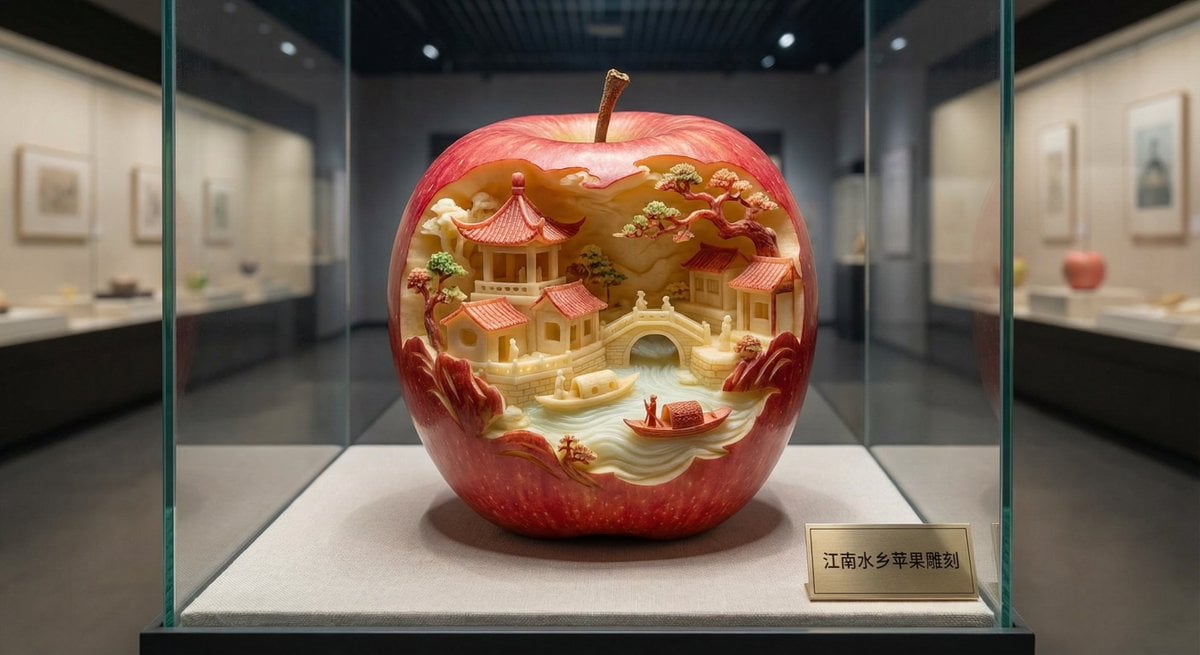
Apple Carving Art Prompt

Futuristic Corporate Enablement Infographic

Winter Christmas Photoshoot with Huskies
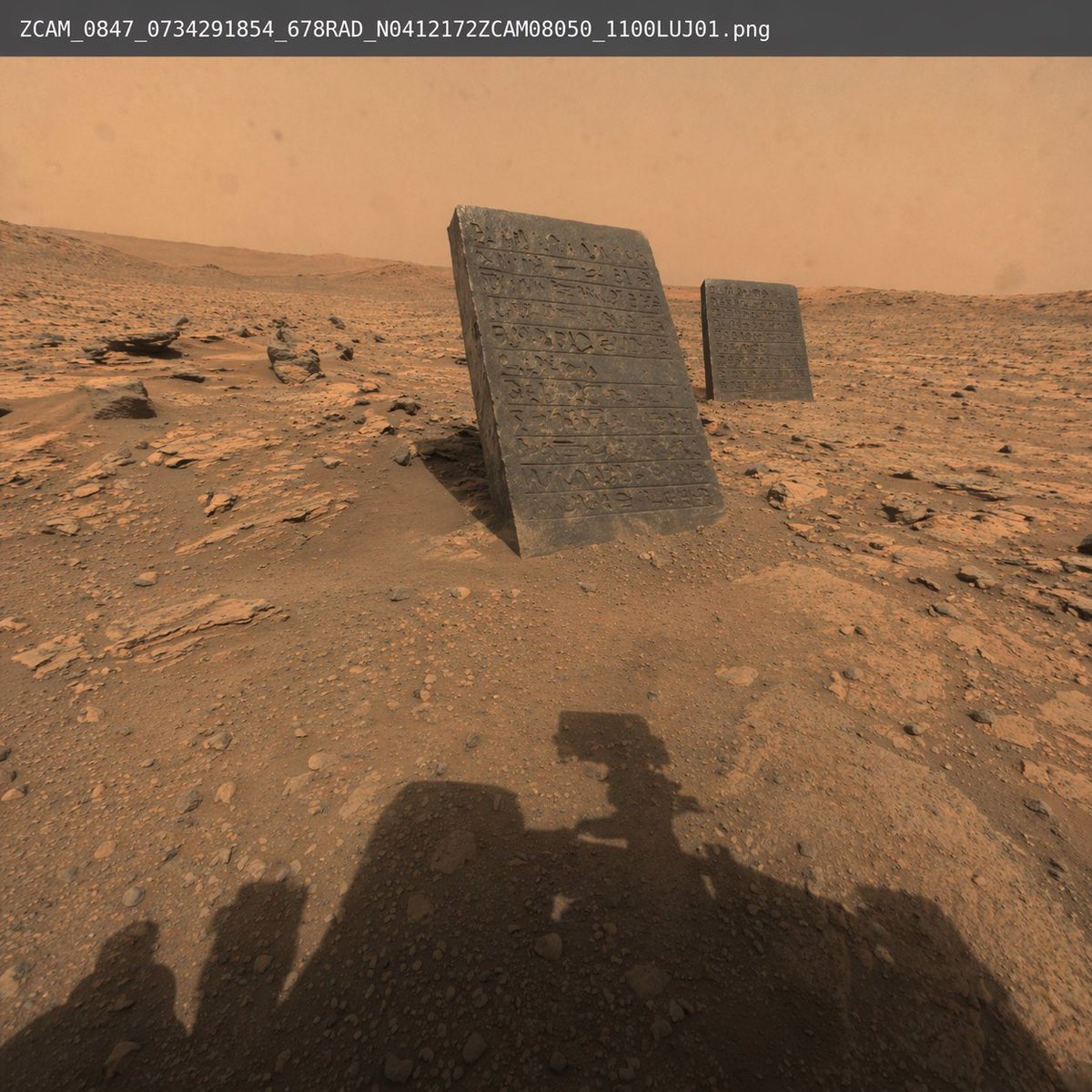
Mars Rover Discovery Photo
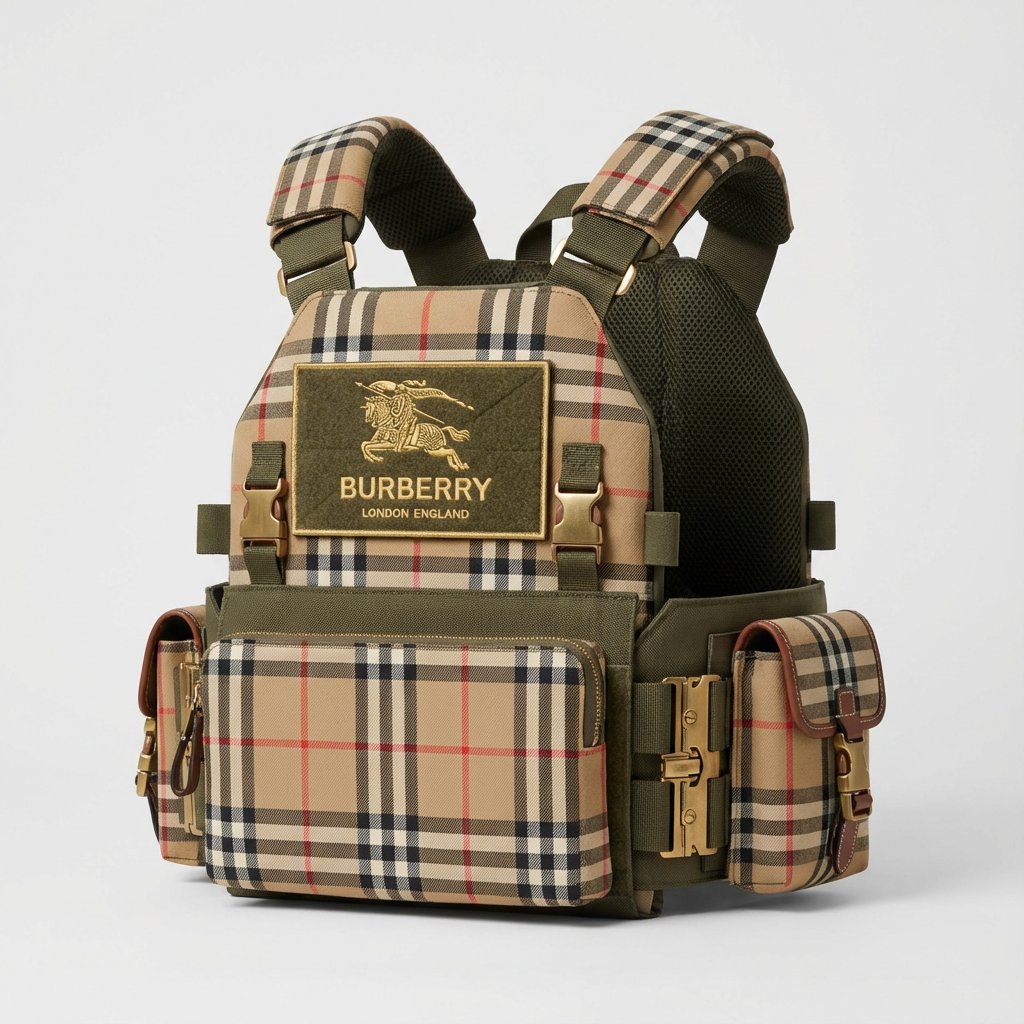
Burberry Battle Vest
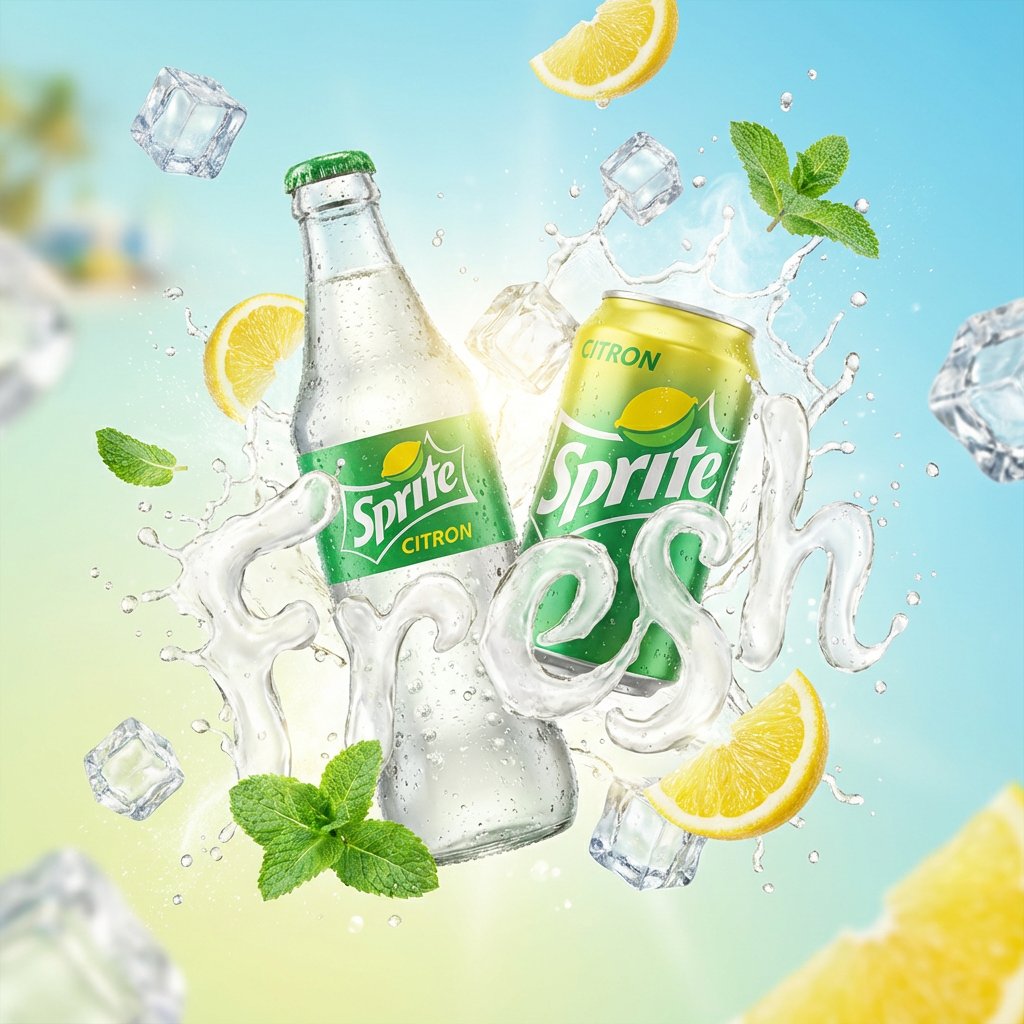
High-End Soda Advertising Visual

Realistic McDonald's Selfie Portrait

Hygge Winter Family Photo Prompt
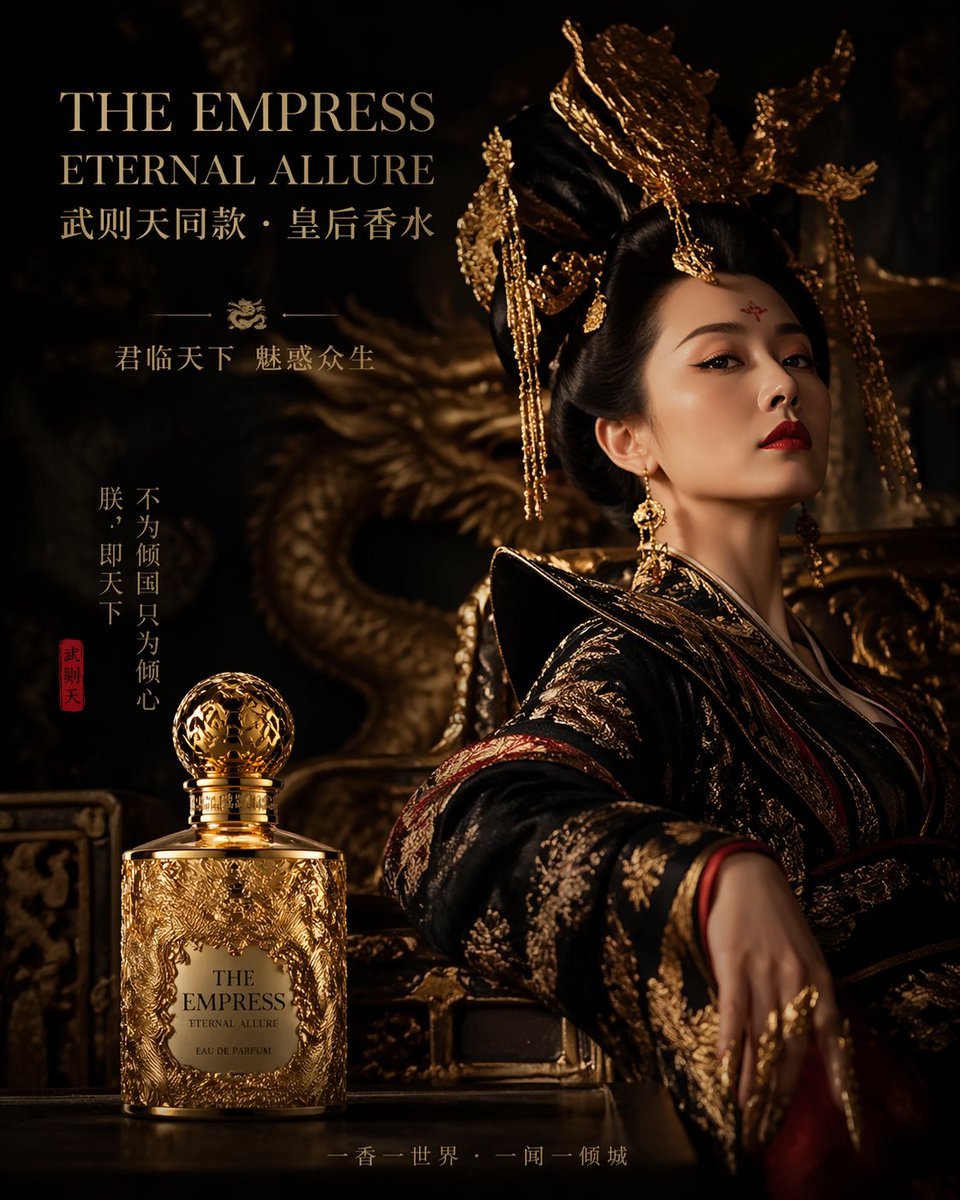
Royal Perfume Advertisement Prompt
Browse template categories
Anthropic-style warm academic PPT workflow prompt questions
How do I use the Anthropic-style warm academic PPT workflow prompt template?
Add your photo if the template asks for one, edit the prompt if you like — the template's model and format are already selected — and press Generate. Your version opens in PicX Studio.
Can I customize the Anthropic-style warm academic PPT workflow prompt template?
Yes. You can change the subject, setting, lighting, mood, format, and available model controls before creating your image.
Is the Anthropic-style warm academic PPT workflow prompt template free?
Opening and editing this template is free. Generating uses credits, shown on the Generate button when you are signed in.
Which AI model should I use?
Start with Nano Banana 2, which is the model associated with this template. You can compare another compatible model for a different finish.
Looking for something else? Browse all templates.

Your photo, any look
Thousands of ready templates for every top image and video model, from one credit balance.