
Delicate Japanese Café Lifestyle Illustration
Delicate Japanese Café Lifestyle Illustration

- Prompt included
- Model and format preset
- Free template
The prompt behind this image
Copy the exact prompt behind Delicate Japanese Café Lifestyle Illustration, or open it in the studio and make it yours.
Delicate contemporary Japanese lifestyle illustration with cozy slice-of-life atmosphere. Hand-drawn pen-and-ink sketch illustration, thin expressive linework, loose imperfect contours, minimalist editorial artwork, soft watercolor washes, subtle paper texture, elegant negative space, sketchbook aesthetic, modern Japanese indie illustration. Two young adults seated naturally and facing one another with casual oversized clothing, relaxed body language, authentic interaction. Faces minimally rendered with delicate linework. Cozy indoor setting such as café, coffee shop, apartment, studio, bookstore, kitchen corner, or creative workspace with wooden furniture, coffee mugs, indoor plants, shelves, books, and windows. Muted and desaturated colors: dusty blue, warm cream, soft beige, light gray, sage green, warm brown, off-white, plus one small accent object. Soft natural daylight from windows, gentle ambient illumination, minimal shading, sparse details, watercolor-style color fills, soft edges, subtle texture. Mood is comfortable, quiet, nostalgic, peaceful, intimate, cozy, everyday happiness, slow living, thoughtful conversation.
How to use Delicate Japanese Café Lifestyle Illustration in 3 steps
- 1
Open
The prompt is already in the box next to the preview, with the template's model and format selected.
- 2…a portrait of your subject in softgolden-hour light, 85mm…
Personalize
Edit the subject and creative details for your destination.
- 3Generate
Generate
Press Generate — your image is created in PicX Studio, so you can compare it with the original and refine one variable at a time.
More like this
Templates with the same subject, style or setup. Open one to see its prompt.

Japanese Café Sketch Duo Illustration

Luxury Sliced Wordmark Player Poster

Nano Banana - Paris Cafe Editorial

Cozy Watercolor Slice of Life Illustration

Watercolor Anim Cafe Morning
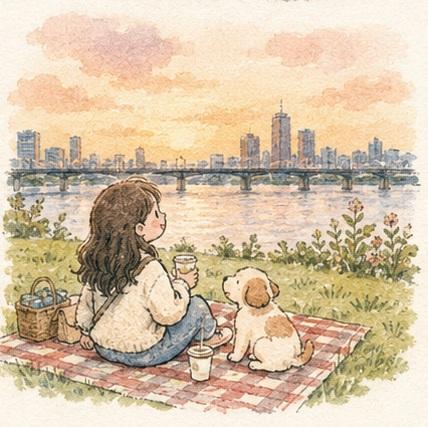
Cozy Watercolor Anime Slice of Life

Automotive Blueprint Split Composition

Premium Vintage Travel Poster Landscape

Noir Justice Revenge Awakening Portrait

Anime Character Charm Analysis Sheet

Minimalist Olive Green Editorial Poster

Japanese Minimalist Editorial Fashion Poster
Make it yours
Delicate Japanese Café Lifestyle Illustration works as-is. These are the safest ways to change it without losing the look.
Change one field
Copy a single group, rewrite it, and generate again so you can see what that field is doing.
Keep the frame, change the subject
Hold the composition and light of Delicate Japanese Café Lifestyle Illustration, then swap wardrobe, props or the person for a new take.
| If the result… | Why | Fix |
|---|---|---|
| The result drifts from the preview | Too many fields changed at once. | Reuse Delicate Japanese Café Lifestyle Illustration as-is first, then change one group — subject, light, or setting. |
| The model over-stylizes the scene | The prose prompt leaves finish and camera underspecified. | Add one camera or lighting sentence and stay on PicX Studio. |
More image prompts
Fresh picks from across the catalog.

Cyberpunk AI Creative Workspace

Urban Iced Coffee Portrait
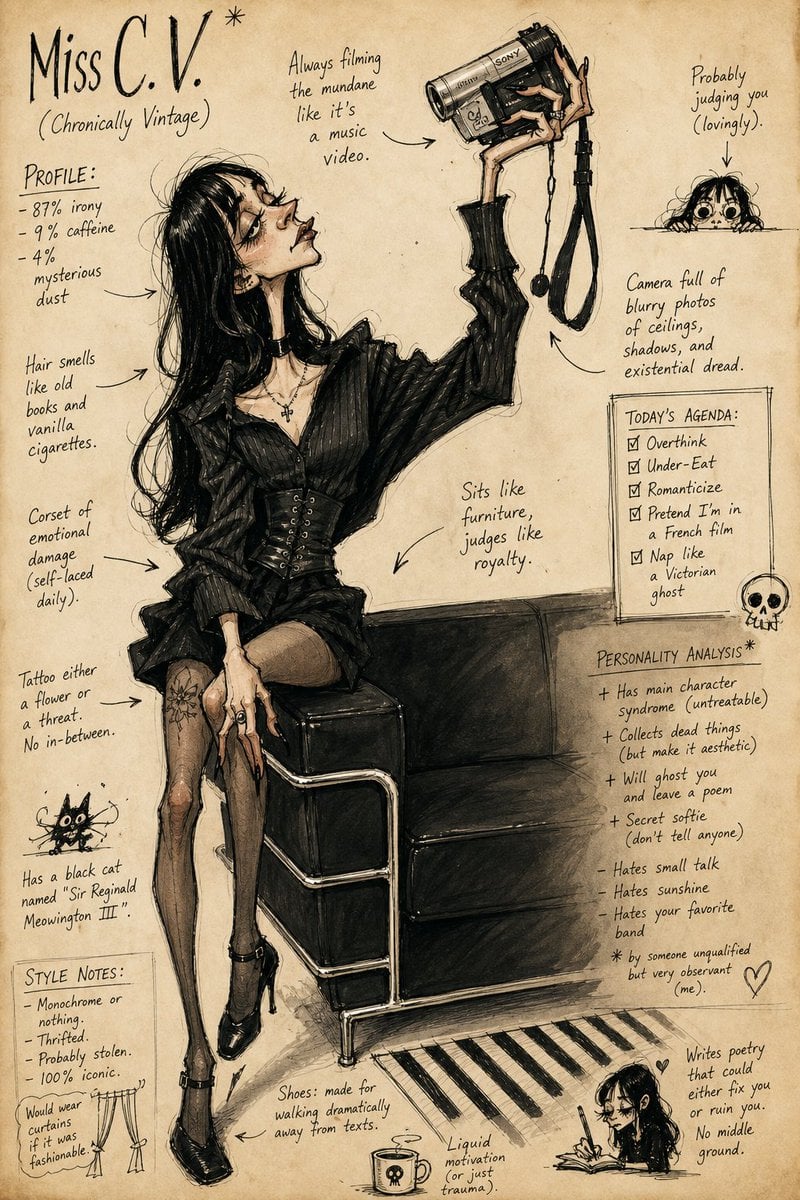
Grotesque Fashion Caricature Sketch

Romantic Opulence Portrait Prompt (Red Dress)
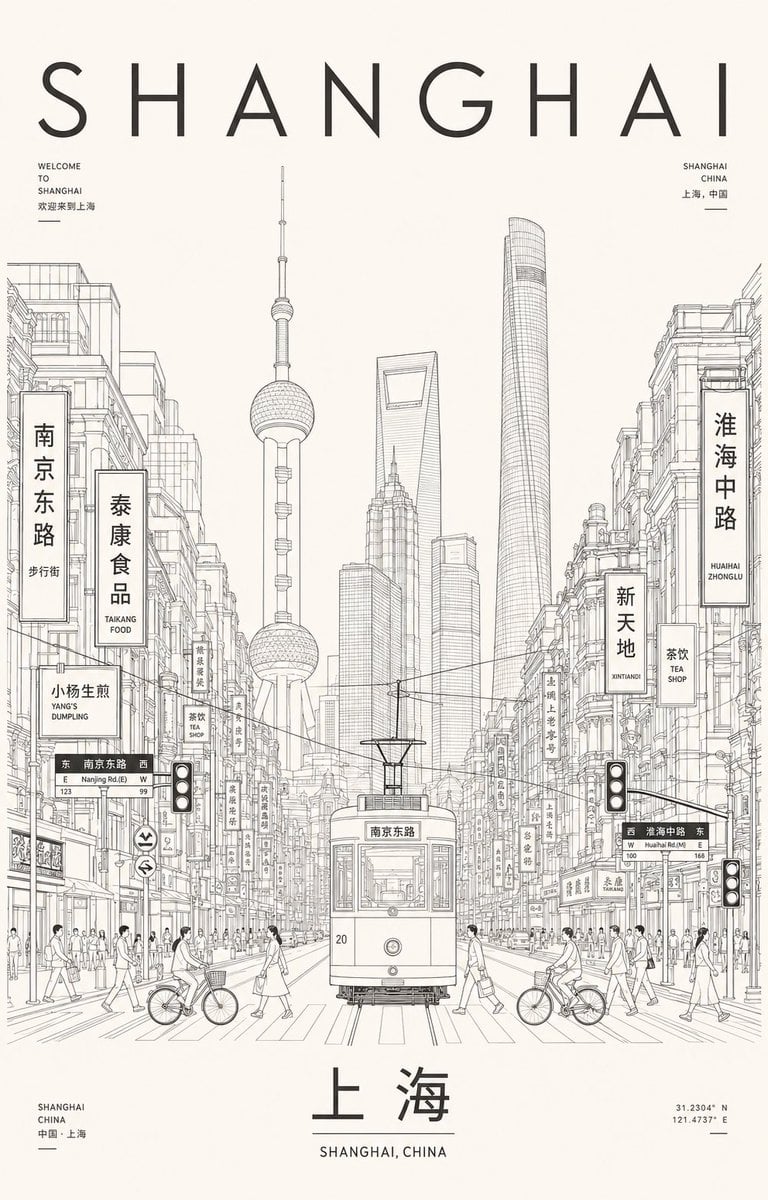
Minimalist Shanghai Line Art Poster
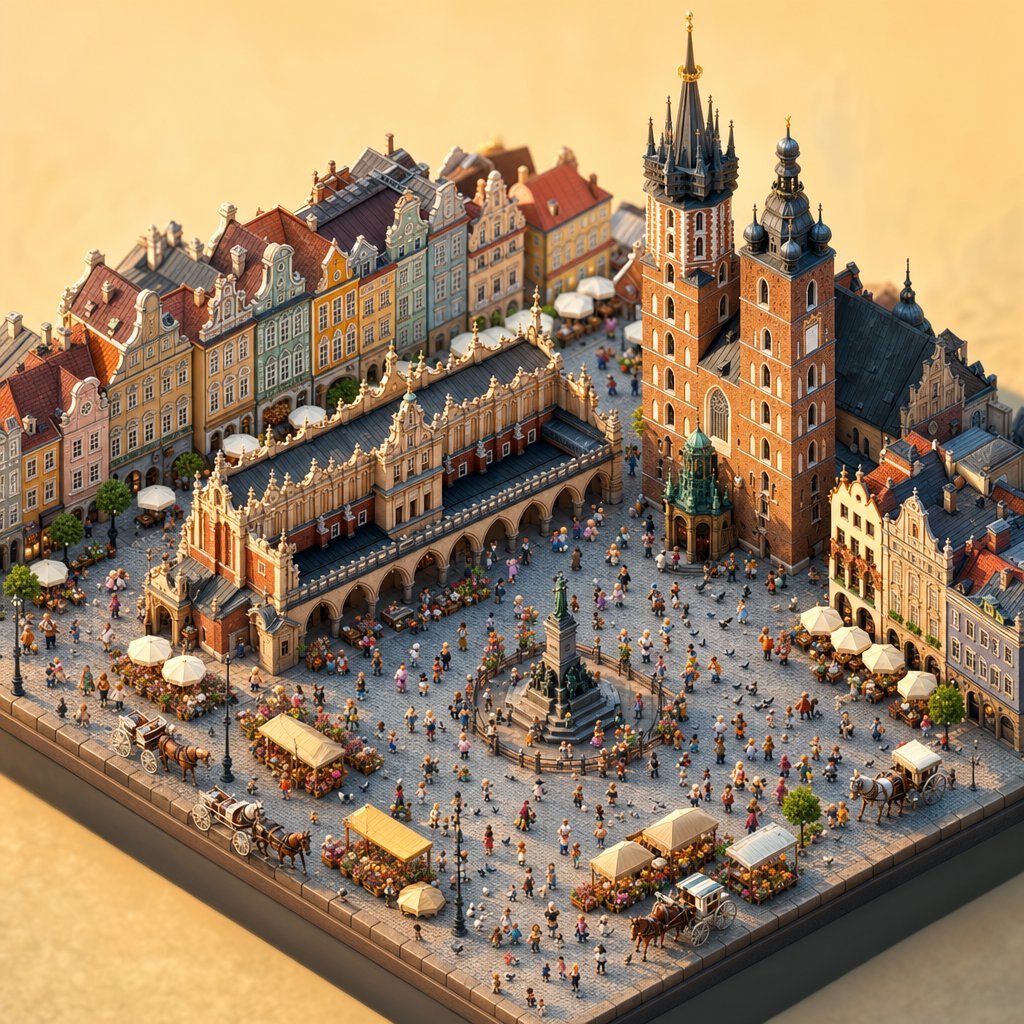
Isometric Krakow Market Square Diorama

Ancient Pyramid Floating Over a Modern Battlefield

Young Woman in a Red Ensemble in an Alpi

Cinematic 12-Panel Timeline of a Subject's Epic Day

Luxury Hair Dryer Beauty Ad
Browse template categories
Delicate Japanese Café Lifestyle Illustration questions
How do I use the Delicate Japanese Café Lifestyle Illustration template?
Add your photo if the template asks for one, edit the prompt if you like — the template's model and format are already selected — and press Generate. Your version opens in PicX Studio.
Can I customize the Delicate Japanese Café Lifestyle Illustration template?
Yes. You can change the subject, setting, lighting, mood, format, and available model controls before creating your image.
Is the Delicate Japanese Café Lifestyle Illustration template free?
Opening and editing this template is free. Generating uses credits, shown on the Generate button when you are signed in.
Which AI model should I use?
Choose a compatible model in PicX Studio based on the style, speed, and output controls your project needs.
Looking for something else? Browse all templates.

Your photo, any look
Thousands of ready templates for every top image and video model, from one credit balance.