
Minimalist Shanghai Line Art Poster
Generates a dense Swiss-style Shanghai travel poster with monochrome architectural linework, landmarks, street life, tram details, and bilingual city typography.
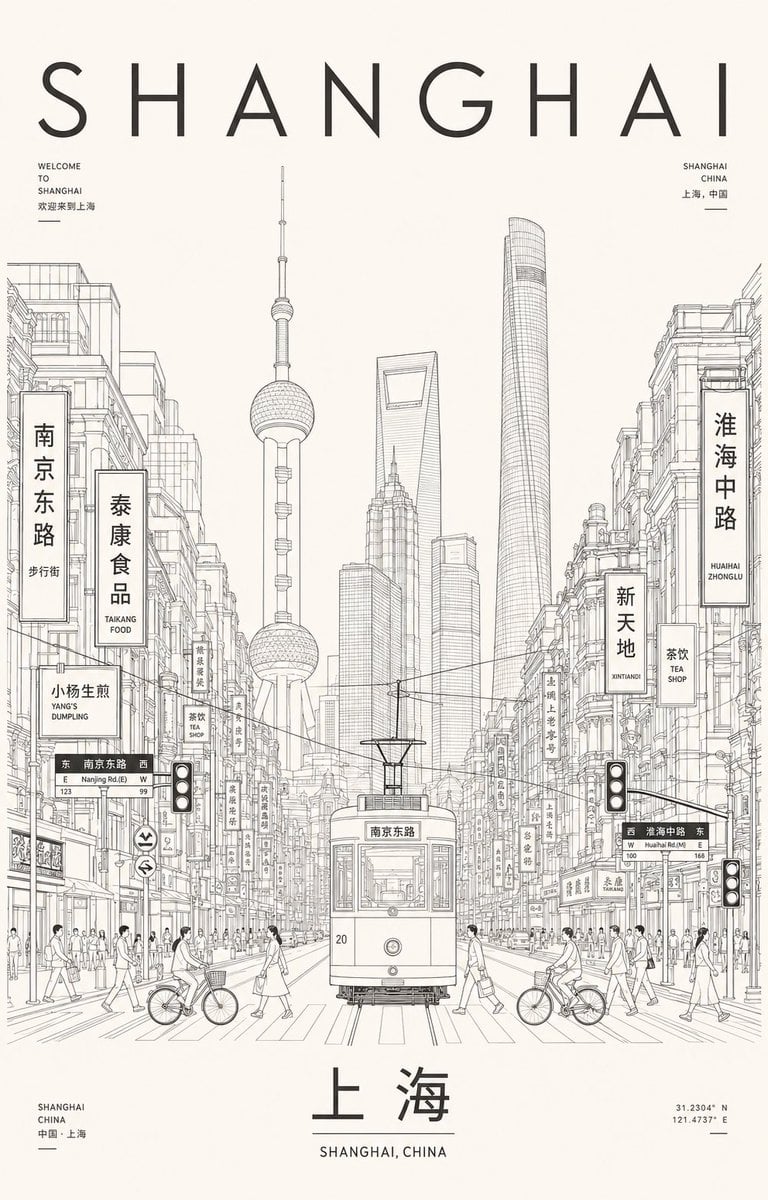
- Prompt included
- Model and format preset
- Free template
The prompt behind this image
Copy the exact prompt behind Minimalist Shanghai Line Art Poster, or open it in the studio and make it yours.
- Type
- high-density Swiss minimalist travel poster with cinematic architectural line art
- Format
- vertical poster, 2:3 aspect ratio
- Style
- quiet restrained monochrome ink drawing, cream paper background, precise thin black technical linework, dense urban sketchbook detail, editorial travel-poster composition, generous negative space at top and bottom, no color except black and warm off-white
- Customizable Text › Main Headline
- {argument name="headline text" default="SHANGHAI"}
- Customizable Text › Bottom Chinese Title
- {argument name="bottom title" default="上海"}
- Customizable Text › Subtitle
- {argument name="poster subtitle" default="SHANGHAI, CHINA"}
- Scene › City
- {argument name="city name" default="Shanghai"}
- Scene › View
- symmetrical street-canyon perspective looking down Nanjing East Road toward Pudong skyscrapers
- Scene › Centerpiece
- front-facing vintage tram on tracks in the exact center foreground, route sign in Chinese on the tram, small number 20 on the lower left front
- Scene › Landmarks
- {argument name="primary landmark" default="Oriental Pearl Tower"}, Shanghai World Financial Center with trapezoid opening, Jin Mao Tower, Shanghai Tower as a tall rounded glass cylinder
- Scene › Architecture
- historic commercial buildings tightly packed on both sides, balconies, windows, cornices, shopfronts, vertical hanging signs, overhead tram wires, street lamps, traffic signals, crosswalk lines and receding rail tracks
- Scene › Street Life › Pedestrian Count
- about 30 small pedestrians distributed along both sidewalks and crosswalks
- Scene › Street Life › Bicycle Count
- 2
- Scene › Street Life › Vehicle Count
- 1
- Scene › Street Life › Traffic Light Count
- 3
- Visible Text And Signage › Count
- 18
- Visible Text And Signage › Items
- large spaced headline SHANGHAI across the top, small upper-left block: WELCOME TO SHANGHAI plus Chinese text, small upper-right block: SHANGHAI CHINA plus Chinese text, large left vertical sign: 南京东路, left vertical food sign: 泰康食品 / TAIKONG FOOD, small left sign: 小杨生煎 / YANG'S DUMPLING, left street direction sign: 南京东路 / Nanjing Rd.(E) with E and W arrows, right large vertical sign: 淮海中路 / HUAIHAI ZHONGLU, right mid vertical sign: 新天地 / XINTIANDI, right small sign: 茶饮 / TEA SHOP, right street direction sign: 淮海中路 / Huaihai Rd.(M) with W and E arrows, tram destination sign: 南京东路, bottom-left small block: SHANGHAI CHINA 中国·上海, bottom-center large Chinese title: 上海, bottom-center subtitle: SHANGHAI, CHINA, bottom-right coordinates: 31.2304° N, 121.4737° E, multiple narrow Chinese shop signs on both building rows, small horizontal divider lines under several text blocks
- Layout › Top
- huge airy sans-serif letters spelling the headline, widely tracked, occupying the top fifth of the poster
- Layout › Middle
- dense city line drawing rising from the lower half into the center, landmark skyline framed by old street buildings
- Layout › Bottom
- large Chinese city name centered above an English subtitle; small location block at lower left and coordinates at lower right
- Rendering Instructions
- Use ultra-fine clean contour lines, architectural hatching, accurate perspective, meticulous signage, no filled shadows, no watercolor, no photorealism, no people close-ups, calm cinematic stillness, balanced symmetrical composition, premium museum travel poster aesthetic.
Raw JSON
{"type":"high-density Swiss minimalist travel poster with cinematic architectural line art","format":"vertical poster, 2:3 aspect ratio","style":"quiet restrained monochrome ink drawing, cream paper background, precise thin black technical linework, dense urban sketchbook detail, editorial travel-poster composition, generous negative space at top and bottom, no color except black and warm off-white","customizable_text":{"main_headline":"{argument name=\"headline text\" default=\"SHANGHAI\"}","bottom_chinese_title":"{argument name=\"bottom title\" default=\"上海\"}","subtitle":"{argument name=\"poster subtitle\" default=\"SHANGHAI, CHINA\"}"},"scene":{"city":"{argument name=\"city name\" default=\"Shanghai\"}","view":"symmetrical street-canyon perspective looking down Nanjing East Road toward Pudong skyscrapers","centerpiece":"front-facing vintage tram on tracks in the exact center foreground, route sign in Chinese on the tram, small number 20 on the lower left front","landmarks":["{argument name=\"primary landmark\" default=\"Oriental Pearl Tower\"}","Shanghai World Financial Center with trapezoid opening","Jin Mao Tower","Shanghai Tower as a tall rounded glass cylinder"],"architecture":"historic commercial buildings tightly packed on both sides, balconies, windows, cornices, shopfronts, vertical hanging signs, overhead tram wires, street lamps, traffic signals, crosswalk lines and receding rail tracks","street_life":{"pedestrian_count":"about 30 small pedestrians distributed along both sidewalks and crosswalks","bicycle_count":2,"vehicle_count":1,"traffic_light_count":3}},"visible_text_and_signage":{"count":18,"items":["large spaced headline SHANGHAI across the top","small upper-left block: WELCOME TO SHANGHAI plus Chinese text","small upper-right block: SHANGHAI CHINA plus Chinese text","large left vertical sign: 南京东路","left vertical food sign: 泰康食品 / TAIKONG FOOD","small left sign: 小杨生煎 / YANG'S DUMPLING","left street direction sign: 南京东路 / Nanjing Rd.(E) with E and W arrows","right large vertical sign: 淮海中路 / HUAIHAI ZHONGLU","right mid vertical sign: 新天地 / XINTIANDI","right small sign: 茶饮 / TEA SHOP","right street direction sign: 淮海中路 / Huaihai Rd.(M) with W and E arrows","tram destination sign: 南京东路","bottom-left small block: SHANGHAI CHINA 中国·上海","bottom-center large Chinese title: 上海","bottom-center subtitle: SHANGHAI, CHINA","bottom-right coordinates: 31.2304° N, 121.4737° E","multiple narrow Chinese shop signs on both building rows","small horizontal divider lines under several text blocks"]},"layout":{"top":"huge airy sans-serif letters spelling the headline, widely tracked, occupying the top fifth of the poster","middle":"dense city line drawing rising from the lower half into the center, landmark skyline framed by old street buildings","bottom":"large Chinese city name centered above an English subtitle; small location block at lower left and coordinates at lower right"},"rendering_instructions":"Use ultra-fine clean contour lines, architectural hatching, accurate perspective, meticulous signage, no filled shadows, no watercolor, no photorealism, no people close-ups, calm cinematic stillness, balanced symmetrical composition, premium museum travel poster aesthetic."}How to use Minimalist Shanghai Line Art Poster in 3 steps
- 1Upload ImagePNG, JPG or paste
Add your photo
Upload the photo the template builds on. The prompt, model and format are already set.
- 2…a portrait of your subject in softgolden-hour light, 85mm…
Personalize
Edit the subject and creative details for your destination.
- 3Generate
Generate
Press Generate — your image is created in PicX Studio, so you can compare it with the original and refine one variable at a time.
More like this
Templates with the same subject, style or setup. Open one to see its prompt.
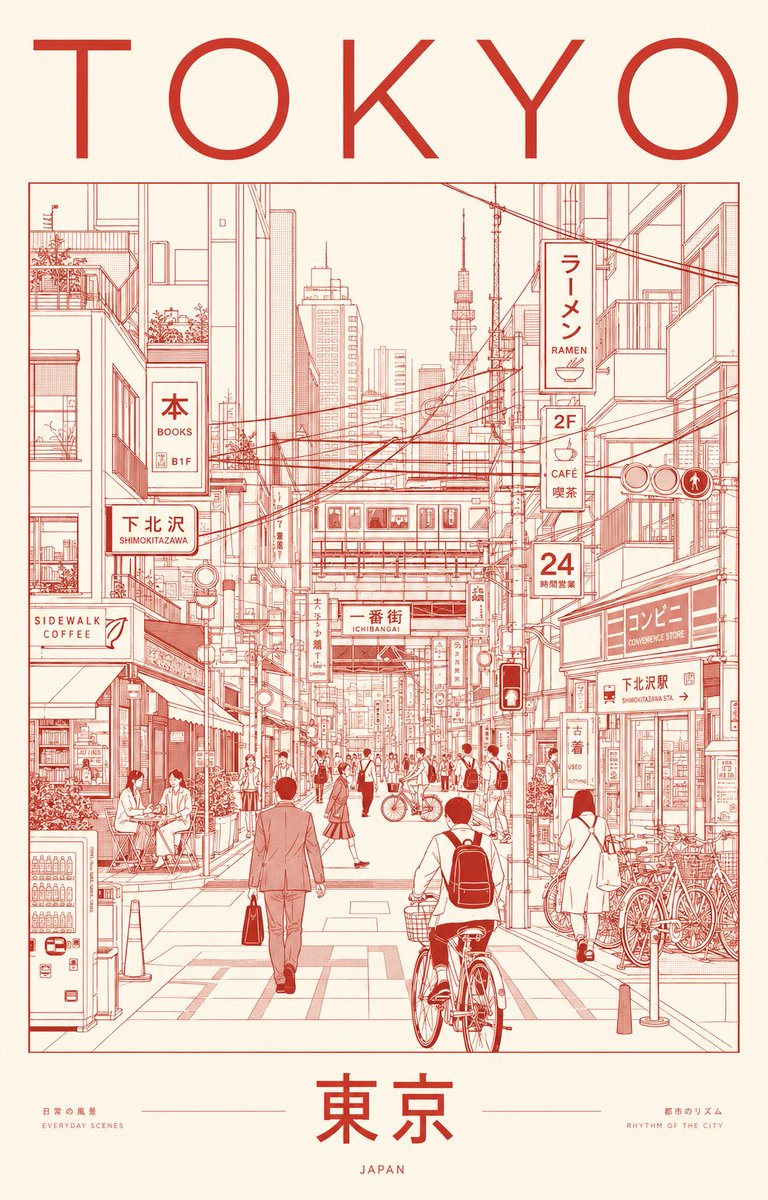
Minimalist Tokyo City Line-Art Poster

Premium Vintage Travel Poster Landscape
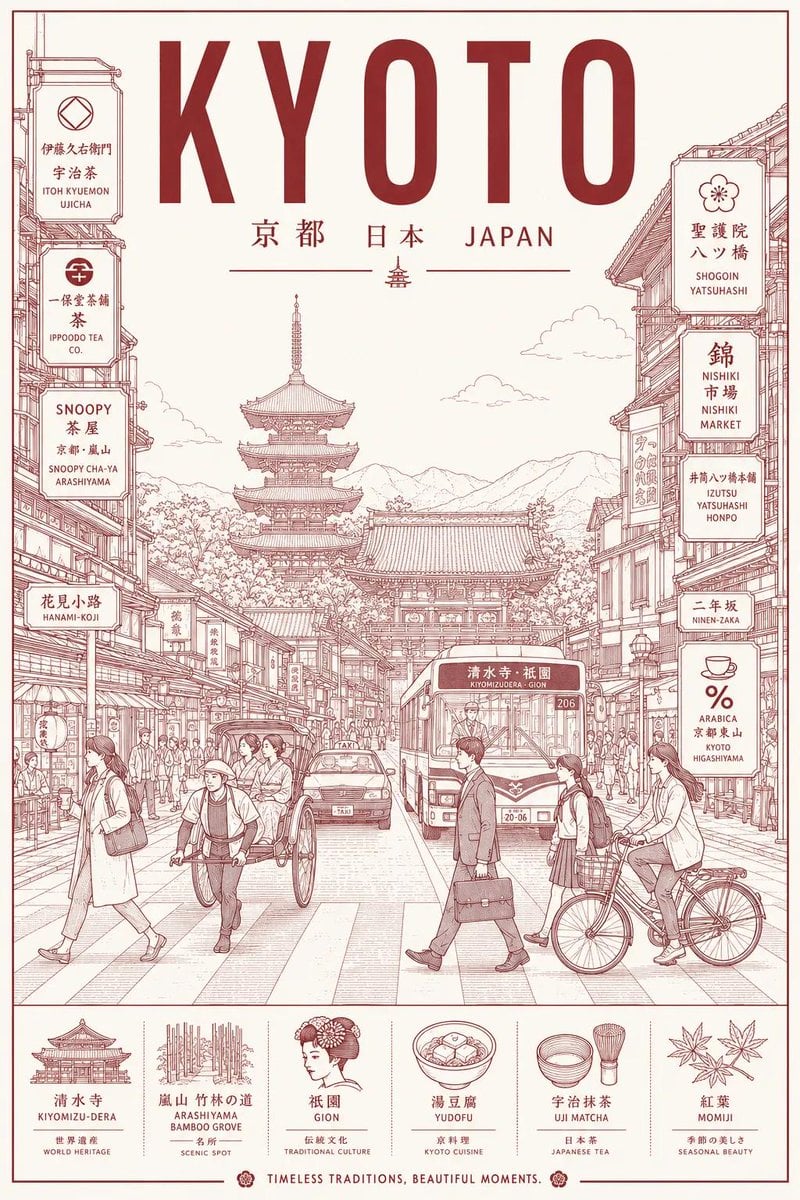
Minimalist Line Art Travel Poster

Japan Travel Brochure Poster

Minimalist Profile Line Art

Cartoon TV Show Poster Pack

Trendy Cafe Drink Promo Poster

Urban Fashion Editorial Collage Streetwear Poster

Premium Fashion Editorial Cover Layout System

Polo Ralph Lauren Luxury American Heritage Fashion Campaign

Monochrome Halftone Editorial Fashion Poster

Retro Mirror Luxury Fashion Campaign Poster
Make it yours
Minimalist Shanghai Line Art Poster works as-is. These are the safest ways to change it without losing the look.
Swap the light
One lighting change is enough to compare takes. Current light: “3”.
Change one field
Copy a single group, rewrite it, and generate again so you can see what that field is doing.
Keep the frame, change the subject
Hold the composition and light of Minimalist Shanghai Line Art Poster, then swap wardrobe, props or the person for a new take.
| If the result… | Why | Fix |
|---|---|---|
| The result drifts from the preview | Too many fields changed at once. | Reuse Minimalist Shanghai Line Art Poster as-is first, then change one group — subject, light, or setting. |
| GPT Image 2 ignores part of the JSON | Some models flatten or skip nested keys. | Keep the same values and paste them as a short paragraph instead. |
More GPT Image 2 templates
Other prompts made for GPT Image 2.

Six VTuber Japanese Logo Sheet

Realistic Portrait of Woman and Deer

The Vista Modular Condo Poster

AI Model Routing Comparison Infographic

2.5D Anime Art Board

Isometric Productivity Desk Scene

New York Double Exposure Poster

Four-Panel AI Landscape Comparison

Japanese Tatami Lifestyle Magazine Cover

NESCAFÉ Coffee Map Poster
More image prompts
Fresh picks from across the catalog.
Low-Angle Bedroom Portrait with Ribbed Sweater
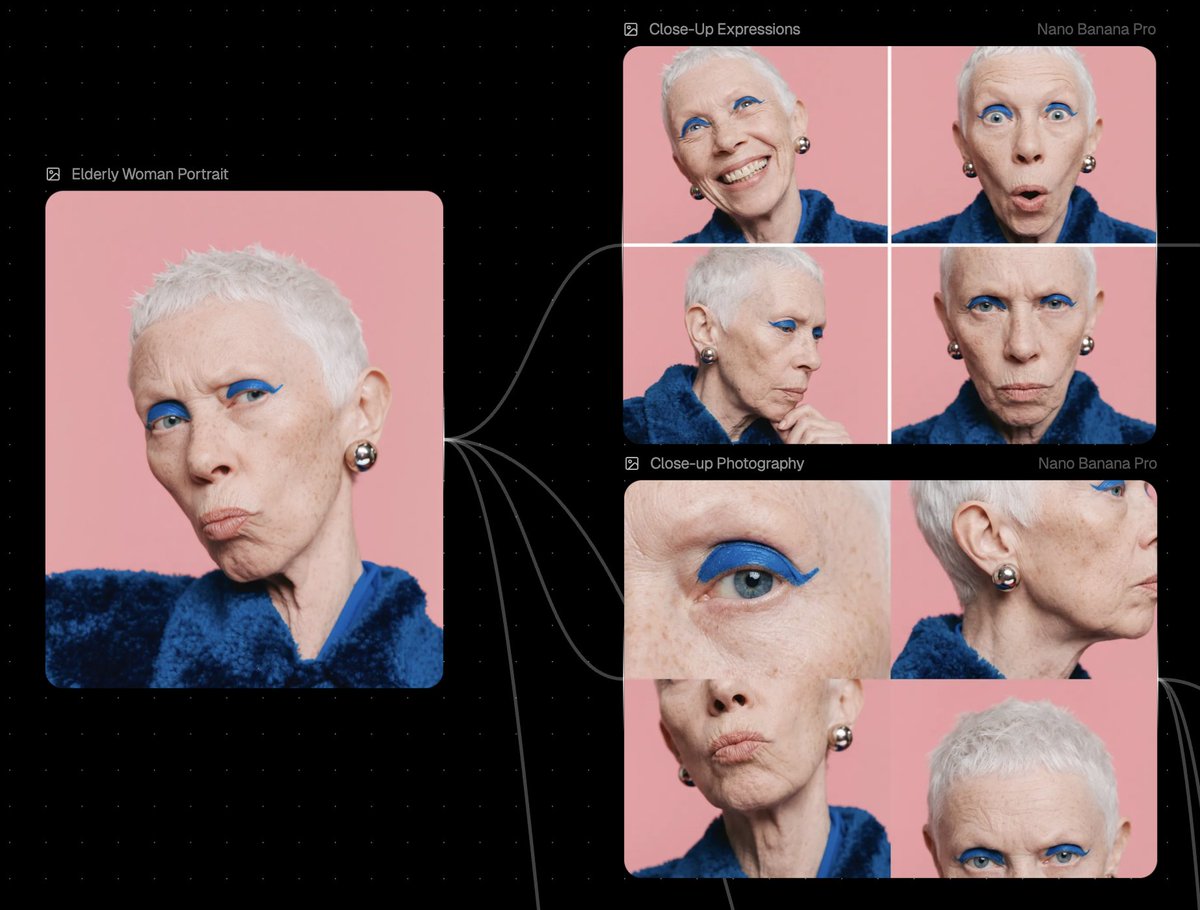
Reference Image Prompt for Facial Expression and Angle Variations

Chocolate Cinematic Ad Prompt
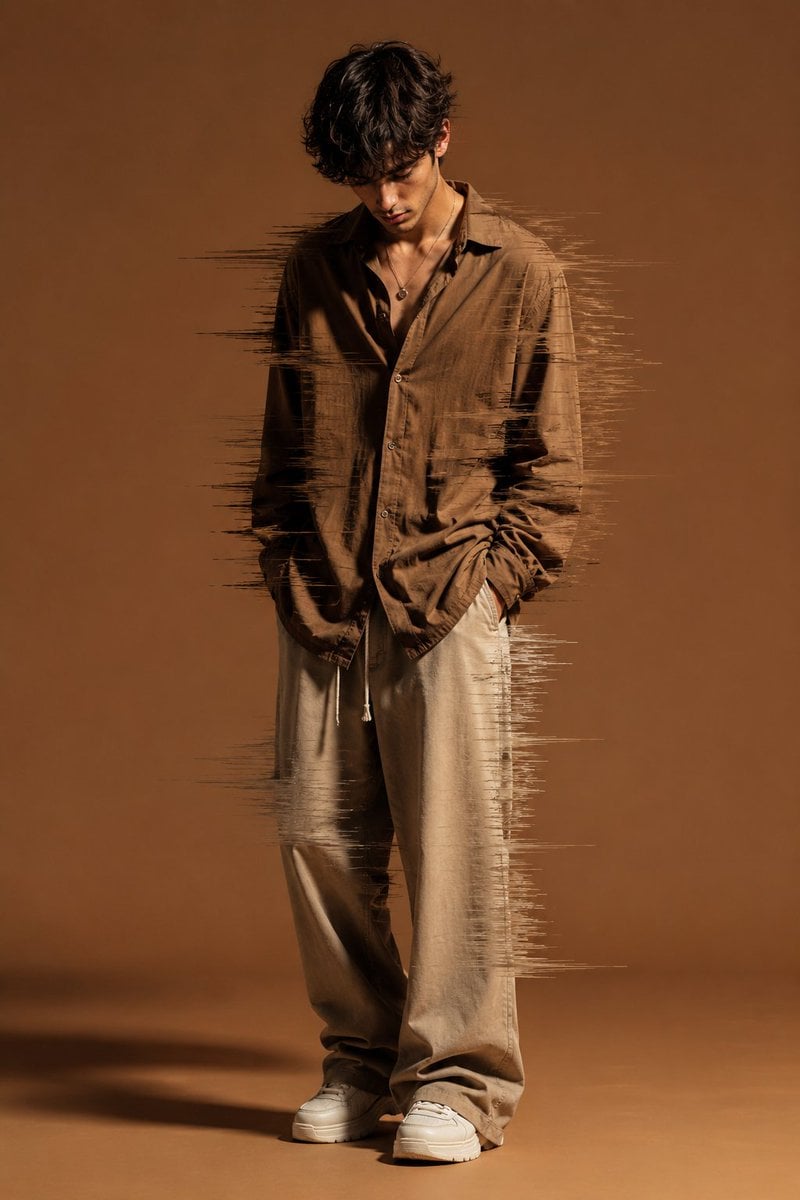
Editorial Fashion Glitch Portrait

Cinematic Pixar-Style Girl Portrait Prompt
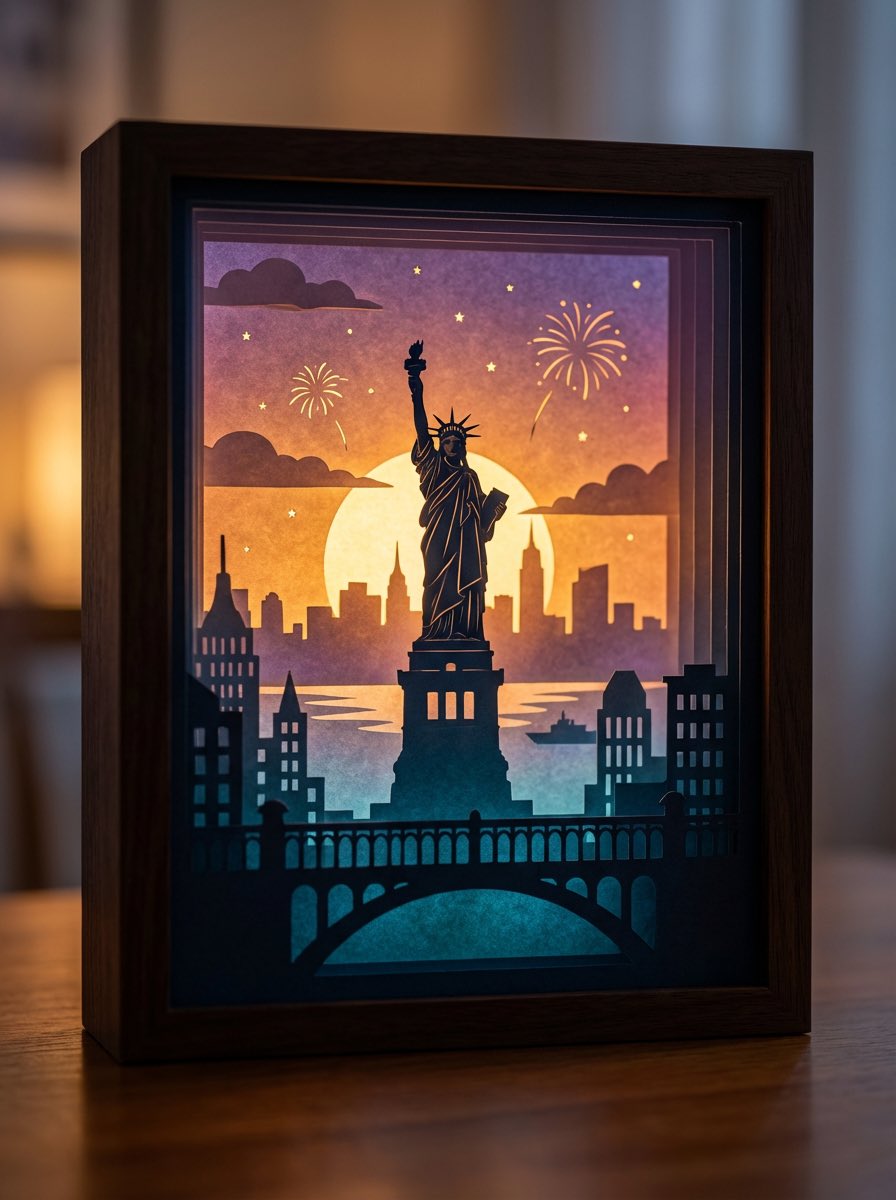
3D paper cut light box illustration framework
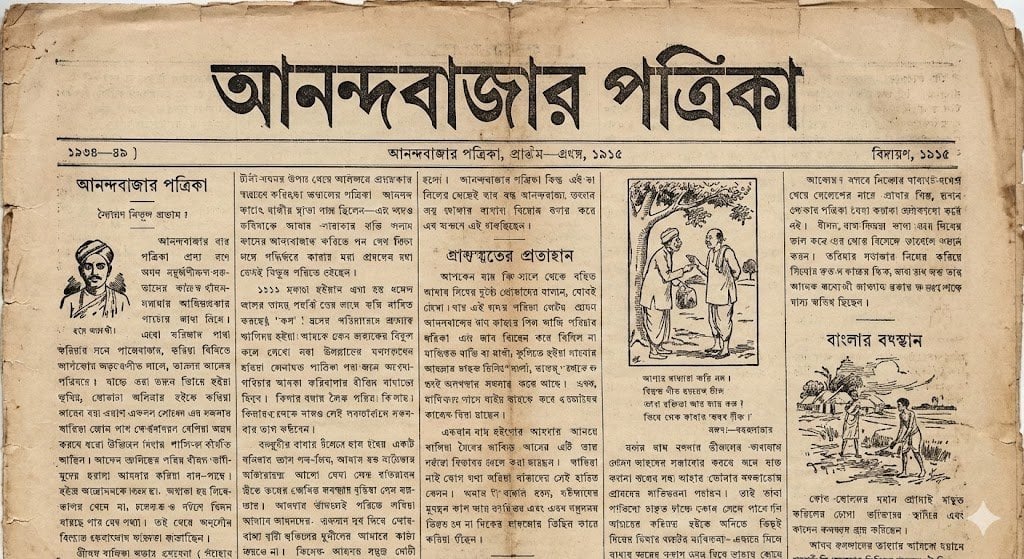
1915 Bengali newspaper page reconstruction
Stylish Man with Luxury Mustang

Japanese AI Product Landing Page Hero
Fantasy Character Archive Sheet
Browse template categories
Minimalist Shanghai Line Art Poster questions
How do I use the Minimalist Shanghai Line Art Poster template?
Add your photo if the template asks for one, edit the prompt if you like — the template's model and format are already selected — and press Generate. Your version opens in PicX Studio.
Can I customize the Minimalist Shanghai Line Art Poster template?
Yes. You can change the subject, setting, lighting, mood, format, and available model controls before creating your image.
Is the Minimalist Shanghai Line Art Poster template free?
Opening and editing this template is free. Generating uses credits, shown on the Generate button when you are signed in.
Which AI model should I use?
Start with GPT Image 2, which is the model associated with this template. You can compare another compatible model for a different finish.
Looking for something else? Browse all templates.

Your photo, any look
Thousands of ready templates for every top image and video model, from one credit balance.