
Fantasy Character Archive Sheet
Generates a dark ornate RPG-style blank character reference sheet for designing and documenting an original character.
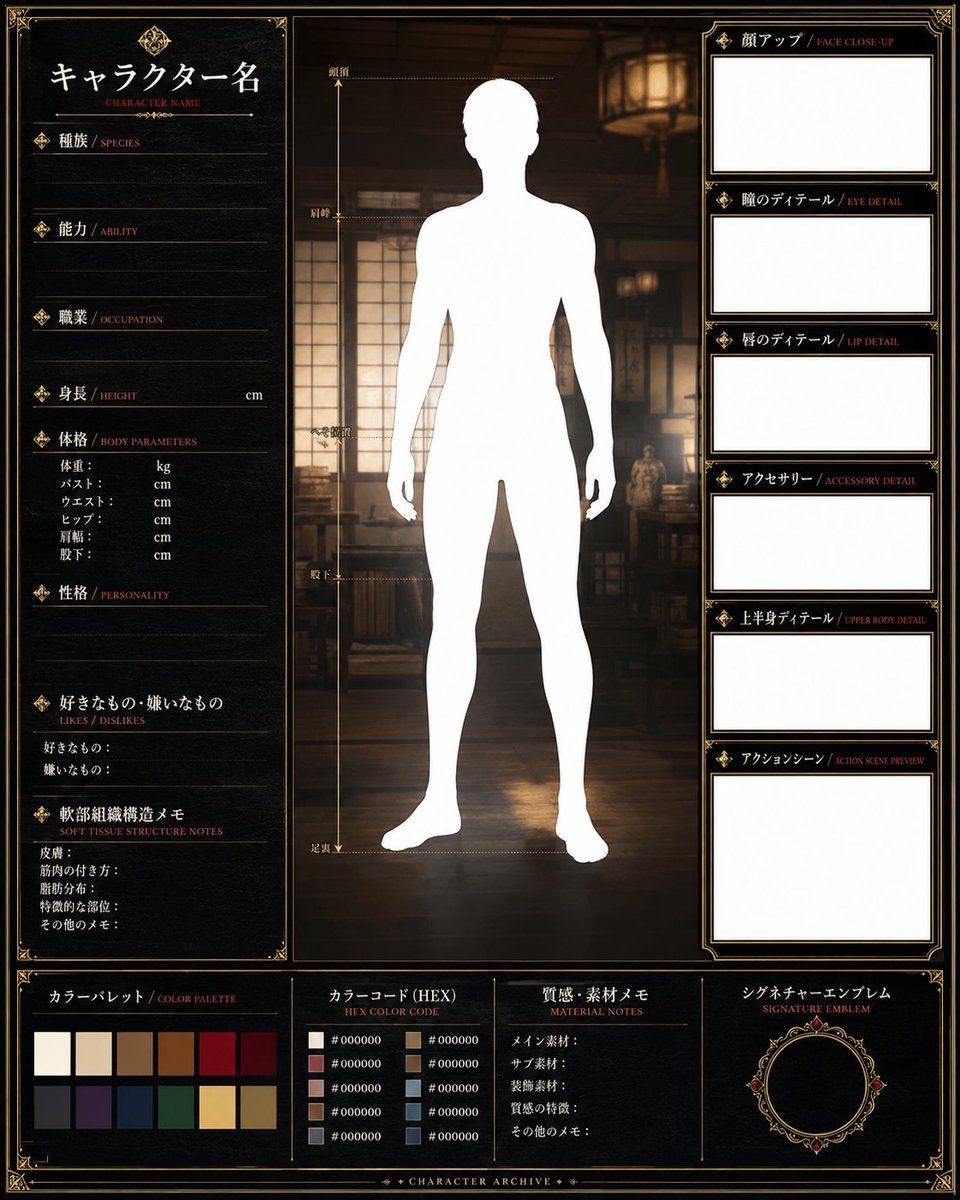
- Prompt included
- Model and format preset
- Free template
The prompt behind this image
Copy the exact prompt behind Fantasy Character Archive Sheet, or open it in the studio and make it yours.
- Type
- blank fantasy character archive reference sheet template
- Style
- dark ornate RPG dossier, black parchment texture, thin antique gold borders, decorative corner filigree, small diamond icons, bilingual Japanese headings with small red English subtitles, cinematic warm lighting
- Canvas › Orientation
- square
- Canvas › Background
- dim traditional wooden interior with shoji-style windows, lantern glow, shelves and furniture blurred behind the central figure
- Main Subject › Position
- center
- Main Subject › Description
- full-body front-facing blank white human silhouette for character design, standing upright with relaxed arms and legs slightly apart, no facial features or clothing
- Main Subject › Customizable Character Name
- {argument name="character name" default="キャラクター名"}
- Layout › Left Profile Panel › Position
- left column
- Layout › Left Profile Panel › Count
- 10
- Layout › Left Profile Panel › Sections › 0 › Label
- キャラクター名 / CHARACTER NAME
- Layout › Left Profile Panel › Sections › 0 › Description
- large name field at top with decorative emblem
- Layout › Left Profile Panel › Sections › 1 › Label
- 種族 / SPECIES
- Layout › Left Profile Panel › Sections › 1 › Description
- lined blank entry field
- Layout › Left Profile Panel › Sections › 2 › Label
- 能力 / ABILITY
- Layout › Left Profile Panel › Sections › 2 › Description
- lined blank entry field
- Layout › Left Profile Panel › Sections › 3 › Label
- 職業 / OCCUPATION
- Layout › Left Profile Panel › Sections › 3 › Description
- lined blank entry field
- Layout › Left Profile Panel › Sections › 4 › Label
- 身長 / HEIGHT
- Layout › Left Profile Panel › Sections › 4 › Description
- blank line ending in cm
- Layout › Left Profile Panel › Sections › 5 › Label
- 体格 / BODY PARAMETERS
- Layout › Left Profile Panel › Sections › 5 › Description
- six small measurement rows: weight kg, bust cm, waist cm, hip cm, shoulder width cm, inseam cm
- Layout › Left Profile Panel › Sections › 6 › Label
- 性格 / PERSONALITY
- Layout › Left Profile Panel › Sections › 6 › Description
- lined blank entry field
- Layout › Left Profile Panel › Sections › 7 › Label
- 好きなもの・嫌いなもの / LIKES / DISLIKES
Raw JSON
{"type":"blank fantasy character archive reference sheet template","style":"dark ornate RPG dossier, black parchment texture, thin antique gold borders, decorative corner filigree, small diamond icons, bilingual Japanese headings with small red English subtitles, cinematic warm lighting","canvas":{"orientation":"square","background":"dim traditional wooden interior with shoji-style windows, lantern glow, shelves and furniture blurred behind the central figure"},"main_subject":{"position":"center","description":"full-body front-facing blank white human silhouette for character design, standing upright with relaxed arms and legs slightly apart, no facial features or clothing","customizable_character_name":"{argument name=\"character name\" default=\"キャラクター名\"}"},"layout":{"left_profile_panel":{"position":"left column","count":10,"sections":[{"label":"キャラクター名 / CHARACTER NAME","description":"large name field at top with decorative emblem"},{"label":"種族 / SPECIES","description":"lined blank entry field"},{"label":"能力 / ABILITY","description":"lined blank entry field"},{"label":"職業 / OCCUPATION","description":"lined blank entry field"},{"label":"身長 / HEIGHT","description":"blank line ending in cm"},{"label":"体格 / BODY PARAMETERS","description":"six small measurement rows: weight kg, bust cm, waist cm, hip cm, shoulder width cm, inseam cm"},{"label":"性格 / PERSONALITY","description":"lined blank entry field"},{"label":"好きなもの・嫌いなもの / LIKES / DISLIKES","description":"two rows for likes and dislikes"},{"label":"軟部組織構造メモ / SOFT TISSUE STRUCTURE NOTES","description":"six note rows for skin, muscle attachment, fat distribution, characteristic parts, other notes"},{"label":"decorative footer space","description":"empty bottom margin within the left ornate panel"}]},"center_measurement_area":{"position":"center behind silhouette","count":6,"labels":["頭頂","肩峰","大転子","膝下","足底","足裏丈"],"description":"vertical gold body-height measuring guide on the left side of the silhouette with dotted horizontal markers"},"right_detail_panel":{"position":"right column","count":6,"sections":[{"label":"顔アップ / FACE CLOSE-UP","description":"large empty white rectangular box"},{"label":"瞳のディテール / EYE DETAIL","description":"empty white rectangular box"},{"label":"唇のディテール / LIP DETAIL","description":"empty white rectangular box"},{"label":"アクセサリー / ACCESSORY DETAIL","description":"empty white rectangular box"},{"label":"上半身ディテール / UPPER BODY DETAIL","description":"empty white rectangular box"},{"label":"アクションシーン / ACTION SCENE PREVIEW","description":"empty white rectangular box"}]},"bottom_panel":{"position":"full-width bottom strip","count":4,"sections":[{"label":"カラーパレット / COLOR PALETTE","description":"ten visible swatches arranged as 2 rows of 5: off-white, cream, tan brown, dark brown, deep red, charcoal gray, dark purple, navy, deep green, gold"},{"label":"カラーコード (HEX) / HEX COLOR CODE","description":"ten bullet rows with small swatches and placeholder text #000000"},{"label":"質感・素材メモ / MATERIAL NOTES","description":"five note rows for main material, sub material, decoration material, texture features, other notes"},{"label":"シグネチャーエンブレム / SIGNATURE EMBLEM","description":"empty circular black emblem frame with ornate gold ring and red jewel accents"}]},"footer_text":"CHARACTER ARCHIVE"},"text_parameters":{"species":"{argument name=\"species text\" default=\"種族\"}","occupation":"{argument name=\"occupation text\" default=\"職業\"}","height":"{argument name=\"height value\" default=\"cm\"}","footer":"{argument name=\"footer title\" default=\"CHARACTER ARCHIVE\"}"},"rendering_instructions":"Create a clean reusable blank character design worksheet with all boxes empty except printed labels. Keep the central silhouette pure white, the preview boxes pure white, the borders crisp antique gold, and the Japanese text legible with small red English translations. No completed character art, no handwriting, no extra annotations."}How to use Fantasy Character Archive Sheet in 3 steps
- 1Upload ImagePNG, JPG or paste
Add your photo
Upload the photo the template builds on. The prompt, model and format are already set.
- 2…a portrait of your subject in softgolden-hour light, 85mm…
Personalize
Edit the subject and creative details for your destination.
- 3Generate
Generate
Press Generate — your image is created in PicX Studio, so you can compare it with the original and refine one variable at a time.
More like this
Templates with the same subject, style or setup. Open one to see its prompt.
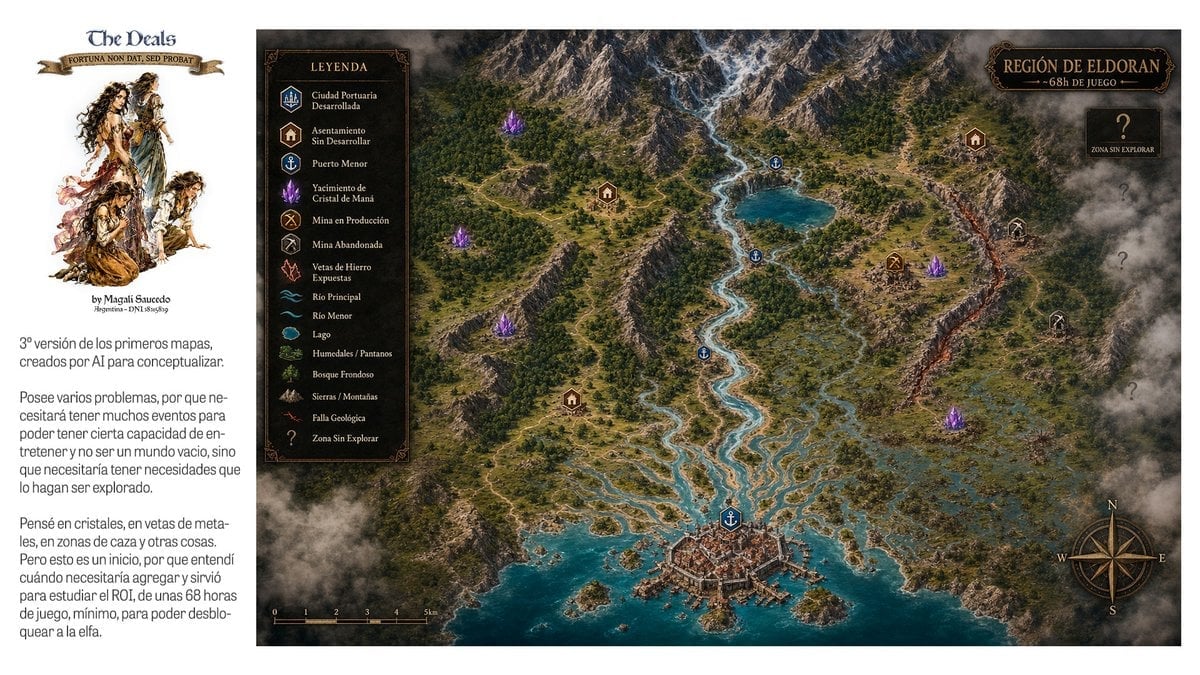
Fantasy RPG Region Map Sheet
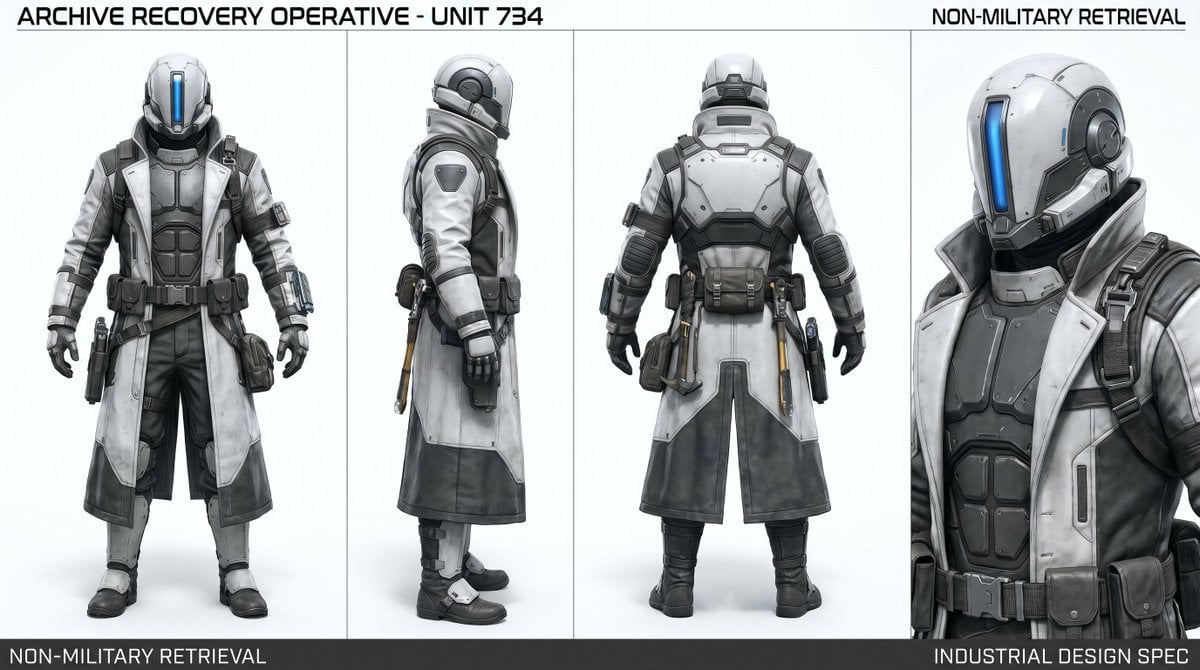
Archive Recovery Operative Character Sheet

Anime Fantasy Celestial Movie Poster
Anime Fantasy Celestial Movie Poster

Minecraft Fantasy Kingdom Voxel Landscape

Unfinished Sketch Comes Alive Portrait

Open Travel Journal Overhead Still Life

Tiny Woman Miniature Fantasy Macro Scene

Dancer Character - Four View Reference Sheet

Movement Sheet - Dance Reference (Seedance 2.0)
JSON Seedance - Fairy Macro Flight
Videogame Cinematic Trailer - Seedance 2.0
Make it yours
Fantasy Character Archive Sheet works as-is. These are the safest ways to change it without losing the look.
Swap the setting
Keep the rest of the prompt and replace the location block. The current setting is “dim traditional wooden interior with shoji-style windows, lantern glow, shelves ”.
Change one field
Copy a single group, rewrite it, and generate again so you can see what that field is doing.
Keep the frame, change the subject
Hold the composition and light of Fantasy Character Archive Sheet, then swap wardrobe, props or the person for a new take.
| If the result… | Why | Fix |
|---|---|---|
| The result drifts from the preview | Too many fields changed at once. | Reuse Fantasy Character Archive Sheet as-is first, then change one group — subject, light, or setting. |
| GPT Image 2 ignores part of the JSON | Some models flatten or skip nested keys. | Keep the same values and paste them as a short paragraph instead. |
More GPT Image 2 templates
Other prompts made for GPT Image 2.

Realistic Portrait of Woman and Deer

The Vista Modular Condo Poster

AI Model Routing Comparison Infographic

2.5D Anime Art Board

Isometric Productivity Desk Scene

New York Double Exposure Poster

Four-Panel AI Landscape Comparison

Japanese Tatami Lifestyle Magazine Cover

NESCAFÉ Coffee Map Poster

Brutalist Cogito Chinese Typography Poster
More image prompts
Fresh picks from across the catalog.

Moody Cinematic Portrait on Snowy Mountain Ridge
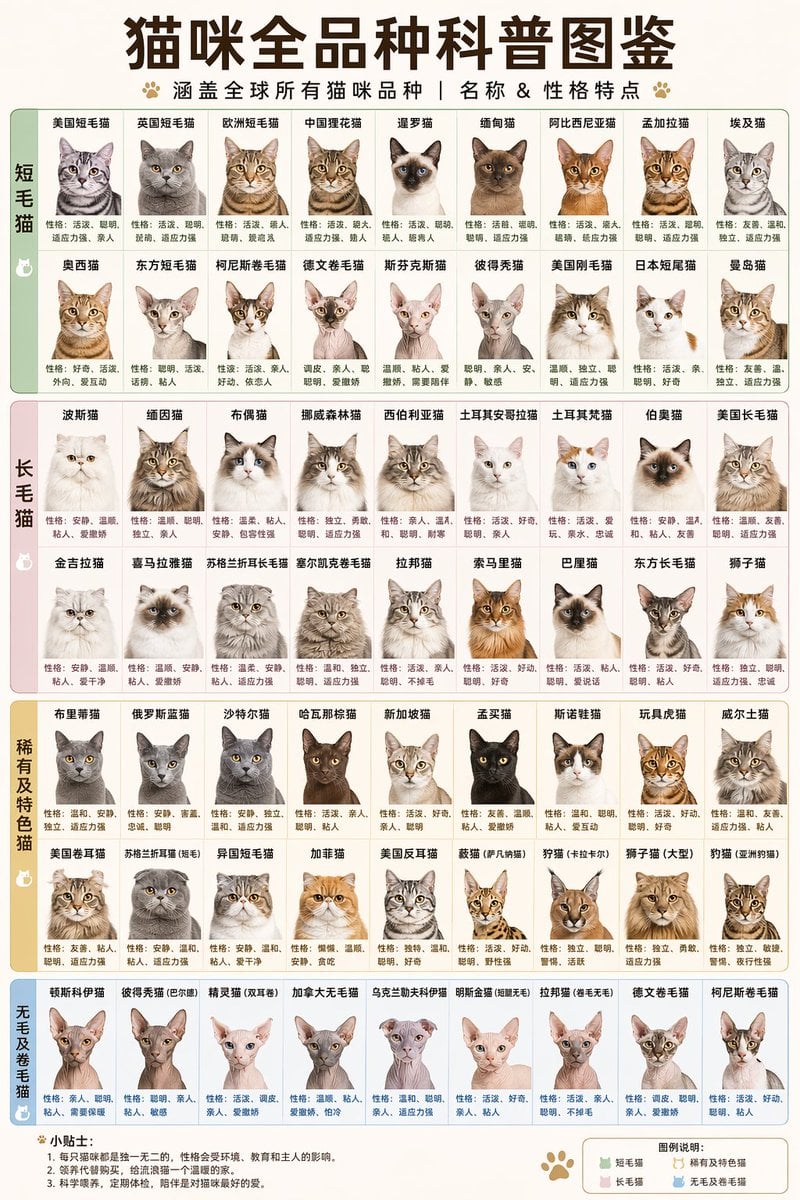
Comprehensive Cat Breed Infographic
Quiet Luxury Editorial Fashion Template
Ink Noir Splatter Portrait
Ultra-Photoreal Candid Home Entry Night Scene Prompt
Cozy Study Room Night Portrait

Ishihara Color Blindness Test Plate
Anime Scuba Diving Character Portrait

Sticker Art Style - Rainbow Girl v2
Dreamy Mermaid Café Illustration with Menu Display
Browse template categories
Fantasy Character Archive Sheet questions
How do I use the Fantasy Character Archive Sheet template?
Add your photo if the template asks for one, edit the prompt if you like — the template's model and format are already selected — and press Generate. Your version opens in PicX Studio.
Can I customize the Fantasy Character Archive Sheet template?
Yes. You can change the subject, setting, lighting, mood, format, and available model controls before creating your image.
Is the Fantasy Character Archive Sheet template free?
Opening and editing this template is free. Generating uses credits, shown on the Generate button when you are signed in.
Which AI model should I use?
Start with GPT Image 2, which is the model associated with this template. You can compare another compatible model for a different finish.
Looking for something else? Browse all templates.

Your photo, any look
Thousands of ready templates for every top image and video model, from one credit balance.