
Fantasy RPG Region Map Sheet
Generates a polished fantasy game-region concept sheet with a Spanish legend, world map, markers, and design-note sidebar.
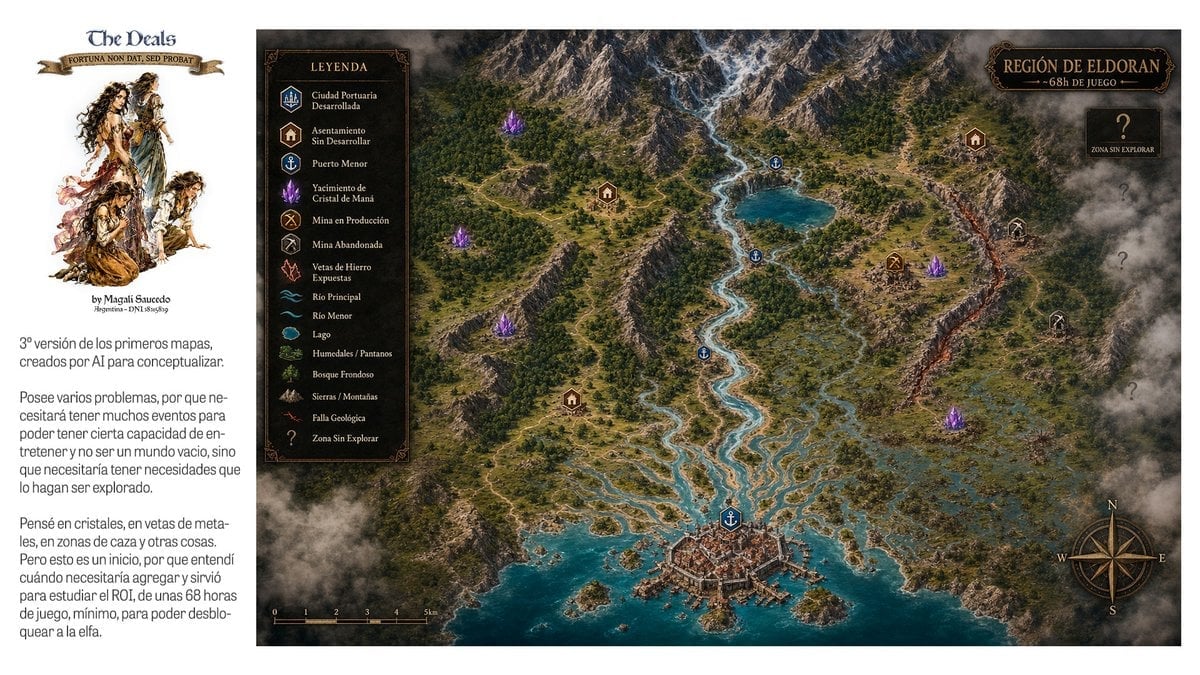
- Prompt included
- Model and format preset
- Premium template
The prompt behind this image
Copy the exact prompt behind Fantasy RPG Region Map Sheet, or open it in the studio and make it yours.
Goal: Create a wide fantasy worldbuilding presentation sheet for an open-world RPG region, combining a left editorial note panel and a large illustrated top-down map. Canvas: 16:9 horizontal image, clean white background. The left 20% is a white sidebar; the right 80% is a detailed parchment-dark fantasy map framed edge-to-edge. Left sidebar: At the top, place the logo text {argument name="project title" default="The Deals"} in a medieval serif font, with a small ribbon beneath reading {argument name="motto text" default="FORTUNA NON DAT, SED PROBAT"}. Under it, add a painterly fantasy character cluster: exactly 4 ragged adventurer/elf-like figures in sepia watercolor, arranged vertically. Below the illustration add a small byline. Then add two Spanish explanatory paragraphs in a narrow column, modern sans-serif, dark gray, resembling a design note about a third version of early AI concept maps, gameplay events, crystals, ore veins, hunting zones, and needing about 68 hours of gameplay. Main map: An isometric/top-down high-detail fantasy region map titled {argument name="region title" default="REGIÓN DE ELDORAN"} with subtitle {argument name="subtitle" default="~68h DE JUEGO"} in an ornate dark plaque at the top right. The region has a snowy mountain range across the top, dense green forests, winding rivers, a turquoise lake, wetlands and marshes on the right, rocky hills, a glowing orange geological fault running vertically near the right side, and a fortified harbor city at the bottom center opening into a teal sea with small islands and docks. Use dramatic clouds and fog around the edges, especially the bottom left and right border, for an unexplored-map feeling. Legend: Add a dark rectangular ornate legend box near the upper left of the map titled “LEYENDA”. It must contain exactly 15 labeled rows with small icons: 1 Ciudad Portuaria Desarrollada, 2 Asentamiento Sin Desarrollar, 3 Puerto Menor, 4 Yacimiento de Cristal de Maná, 5 Mina en Producción, 6 Mina Abandonada, 7 Vetas de Hierro Expuestas, 8 Río Principal, 9 Río Menor, 10 Lago, 11 Humedales / Pantanos, 12 Bosque Frondoso, 13 Sierras / Montañas, 14 Falla Geológica, 15 Zona Sin Explorar. Map markers: Place exactly 1 developed port city marker at the bottom city, exactly 4 minor port anchor markers along rivers/lake/coast, exactly 4 settlement house markers, exactly 5 glowing purple mana crystal clusters, exactly 1 active mine marker, exactly 2 abandoned mine markers, and exactly 4 large question marks in smoky unexplored zones on the right side. Keep marker colors consistent with the legend: blue for ports/water, brown for settlements, purple for crystals, gold for active mine, gray for abandoned mine, red/orange for fault. Extra map details: Add a compass rose at the bottom right with N, E, S, W letters; add a small black scale bar at the bottom left marked from 0 to 5 km; use thin roads and trails connecting settlements, mines, ports, and the main city. The map should feel like a polished game-design concept board, with realistic terrain textures, ornate fantasy UI frames, warm gold typography, and no modern UI elements. Constraints: Preserve the Spanish labels and medieval-fantasy atmosphere. Do not add extra legend categories, extra character figures, or extra major title plaques. Keep the composition clean and readable at presentation size.
How to use Fantasy RPG Region Map Sheet in 3 steps
- 1Upload ImagePNG, JPG or paste
Add your photo
Upload the photo the template builds on. The prompt, model and format are already set.
- 2…a portrait of your subject in softgolden-hour light, 85mm…
Personalize
Edit the subject and creative details for your destination.
- 3Generate
Generate
Press Generate — your image is created in PicX Studio, so you can compare it with the original and refine one variable at a time.
More like this
Templates with the same subject, style or setup. Open one to see its prompt.
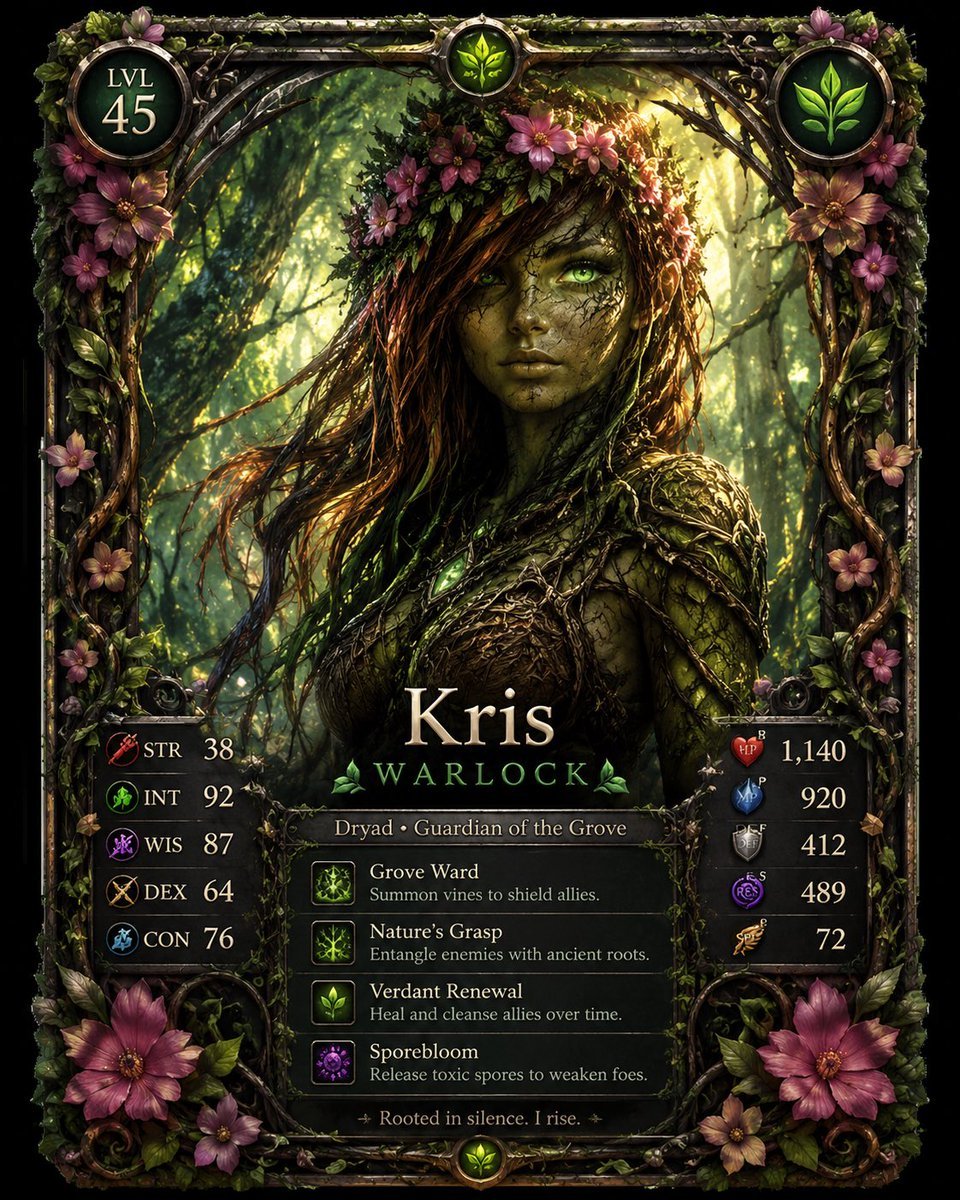
Fantasy Dryad RPG Character Card
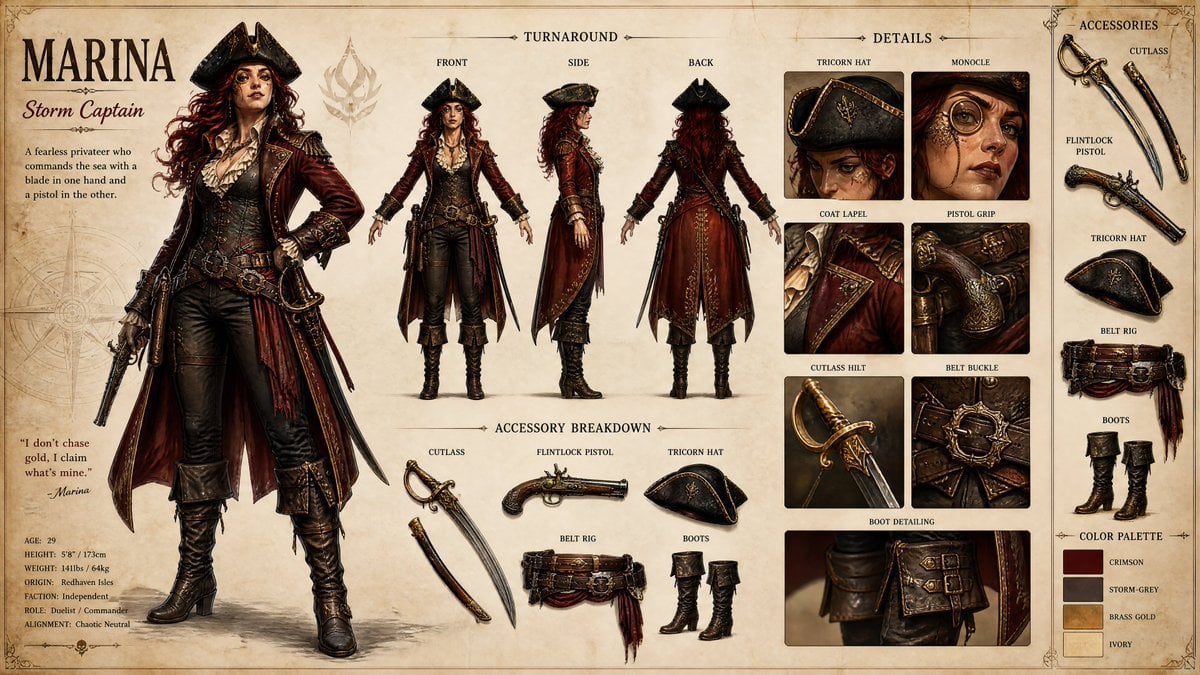
Pirate RPG Character Design Sheet

Anime Fantasy Celestial Movie Poster
Anime Fantasy Celestial Movie Poster

Minecraft Fantasy Kingdom Voxel Landscape

Unfinished Sketch Comes Alive Portrait

Open Travel Journal Overhead Still Life

Tiny Woman Miniature Fantasy Macro Scene
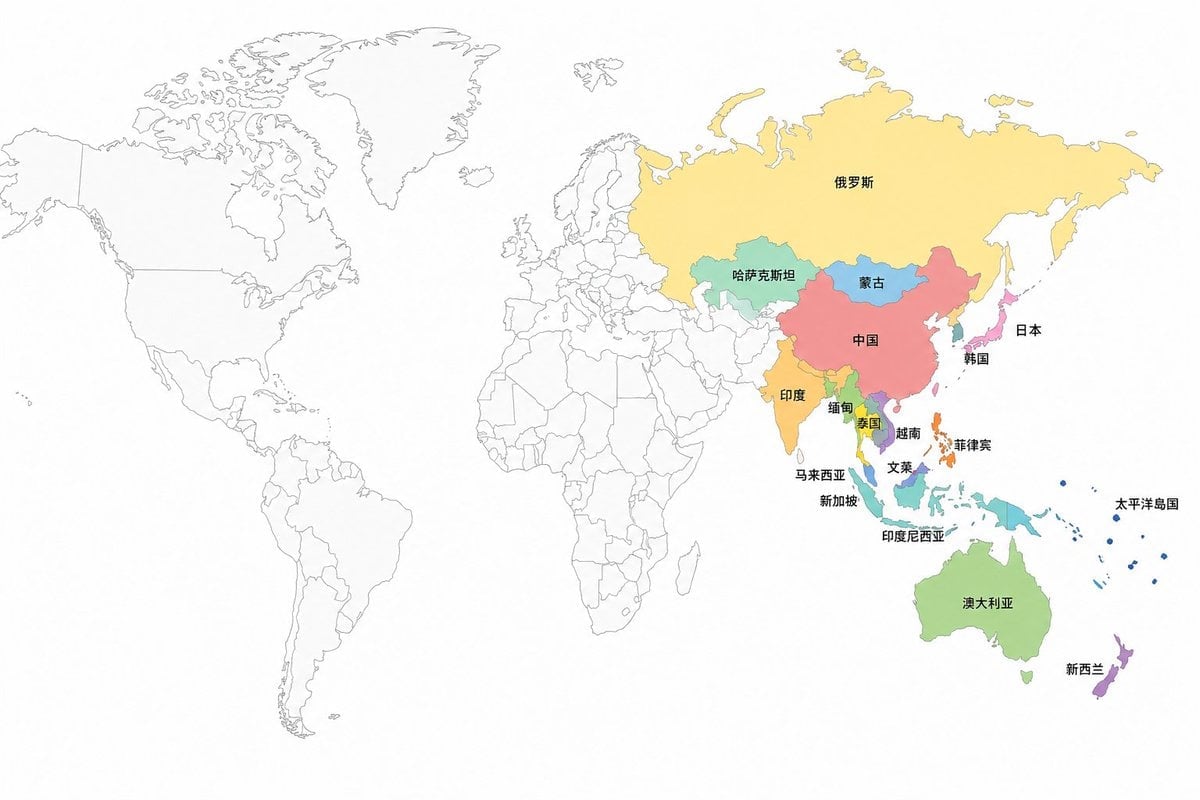
APAC Region Highlighted World Map

JRPG Fantasy Title Logo Splash Screen
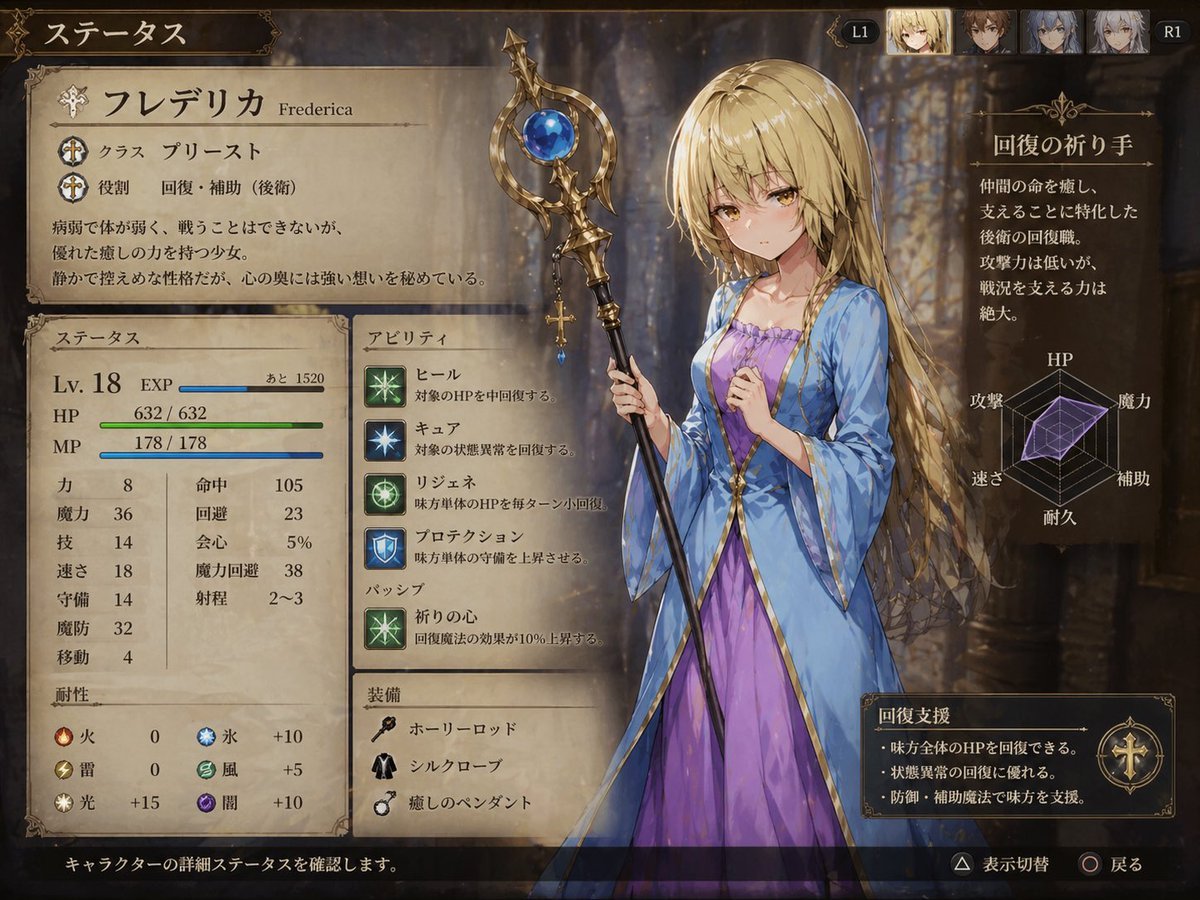
Fantasy JRPG Priest Status Screen
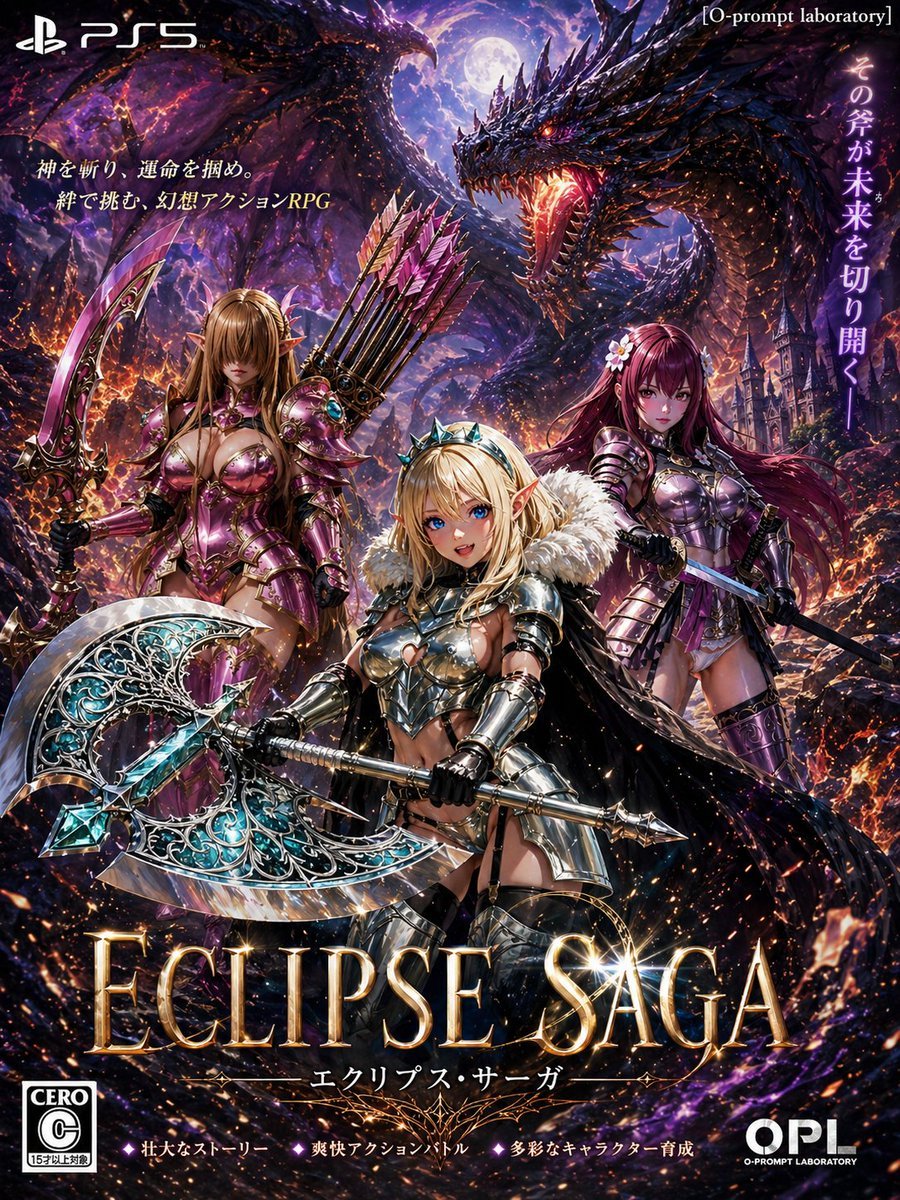
Dark Fantasy PS5 RPG Cover Art
Make it yours
Fantasy RPG Region Map Sheet works as-is. These are the safest ways to change it without losing the look.
Change one field
Copy a single group, rewrite it, and generate again so you can see what that field is doing.
Keep the frame, change the subject
Hold the composition and light of Fantasy RPG Region Map Sheet, then swap wardrobe, props or the person for a new take.
| If the result… | Why | Fix |
|---|---|---|
| The result drifts from the preview | Too many fields changed at once. | Reuse Fantasy RPG Region Map Sheet as-is first, then change one group — subject, light, or setting. |
| The model over-stylizes the scene | The prose prompt leaves finish and camera underspecified. | Add one camera or lighting sentence and stay on GPT Image 2. |
More GPT Image 2 templates
Other prompts made for GPT Image 2.

Six VTuber Japanese Logo Sheet

Realistic Portrait of Woman and Deer

The Vista Modular Condo Poster

AI Model Routing Comparison Infographic

2.5D Anime Art Board

Isometric Productivity Desk Scene

New York Double Exposure Poster

Four-Panel AI Landscape Comparison

Japanese Tatami Lifestyle Magazine Cover

NESCAFÉ Coffee Map Poster
More image prompts
Fresh picks from across the catalog.

Cinematic Dual-Color Studio Portrait
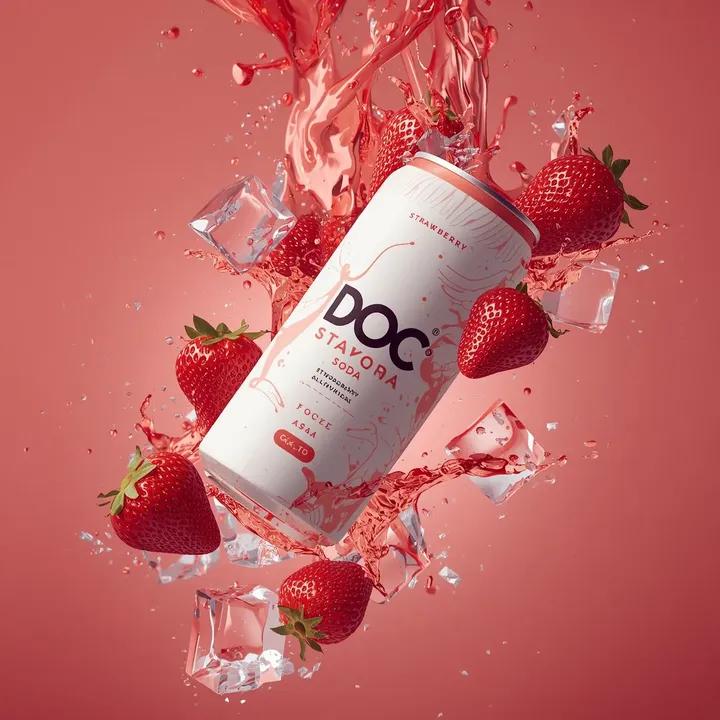
Hyper-photorealistic soda can product advertisement prompt
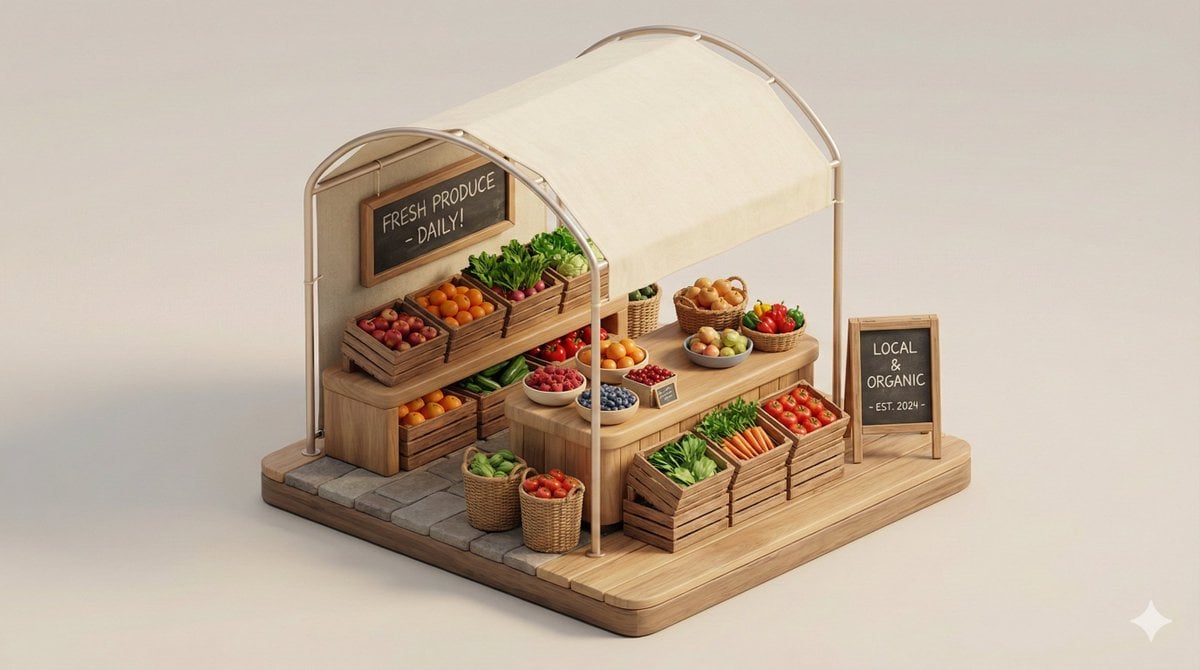
Minimal 3D Isometric Urban Retail Kiosk Diorama
Avant-Garde Fashion Editorial Portrait
Game-Inspired Architectural Prompt
Pastoral Full-Body Portrait in Sheep Pasture
Hyper-Realistic Man and Lion Portrait (Face Preservation)
Food Plating and Processing for Instagram
Candid TV Announcer Family Moment
Pastel Chinese Landscape Expansion
Browse template categories
Fantasy RPG Region Map Sheet questions
How do I use the Fantasy RPG Region Map Sheet template?
Add your photo if the template asks for one, edit the prompt if you like — the template's model and format are already selected — and press Generate. Your version opens in PicX Studio.
Can I customize the Fantasy RPG Region Map Sheet template?
Yes. You can change the subject, setting, lighting, mood, format, and available model controls before creating your image.
Is the Fantasy RPG Region Map Sheet template free?
Opening and editing this template is free. Generating uses credits, shown on the Generate button when you are signed in.
Which AI model should I use?
Start with GPT Image 2, which is the model associated with this template. You can compare another compatible model for a different finish.
Looking for something else? Browse all templates.

Your photo, any look
Thousands of ready templates for every top image and video model, from one credit balance.