
Fantasy Dryad RPG Character Card
Generates a premium dark fantasy RPG card featuring a dryad warlock character with ornate woodland UI, stats, abilities, and collectible game-card styling.
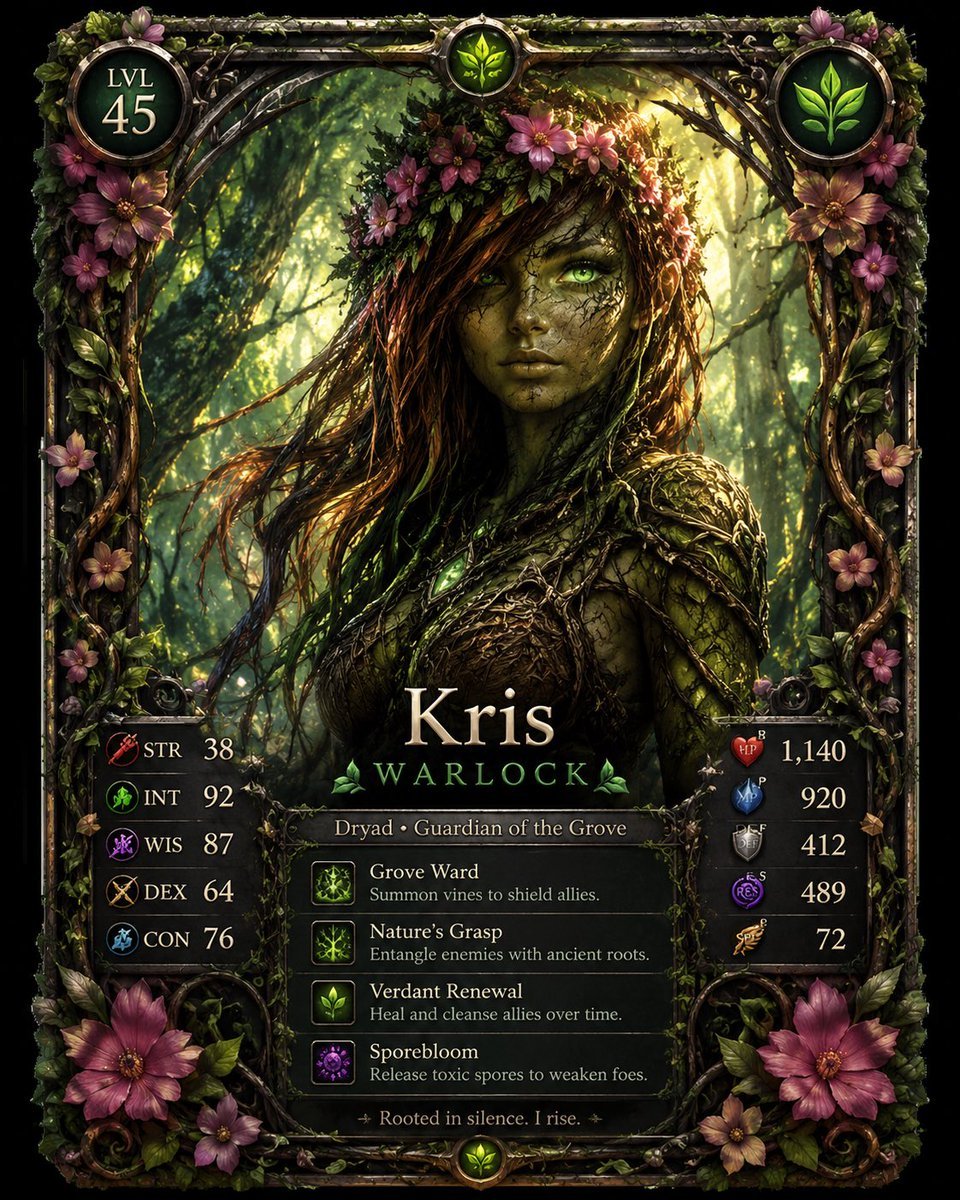
- Prompt included
- Model and format preset
- Premium template
The prompt behind this image
Copy the exact prompt behind Fantasy Dryad RPG Character Card, or open it in the studio and make it yours.
Goal: Create a highly detailed fantasy RPG character card for {argument name="character name" default="Kris"}, styled like a premium collectible game card from a dark woodland fantasy universe. Canvas: Vertical portrait card, roughly 4:5 aspect ratio, centered on a black background. The card fills almost the entire canvas and has an ornate carved frame made of dark metal, twisted vines, moss, leaves, branches, and pink-purple forest flowers. Main subject: A female dryad warlock, half human and half tree spirit, shown from the waist up in a dense enchanted forest. She has glowing green eyes, cracked bark-like olive skin, long tangled dark brown hair mixed with vines and moss, and a crown of leaves and magenta flowers. Her expression is calm, serious, and mystical. She wears organic armor made of bark, roots, leaves, vines, and natural textures, with small glowing green magical accents. Warm sunlight filters through tall trees behind her, creating a dramatic green-gold forest glow. Card frame and decorative UI: Use a gothic fantasy game-card layout with metallic filigree, curled roots, ivy, moss, and floral ornaments. Include three circular emblems across the top: left circle shows “LVL” above “45”; center small circle shows a glowing green leaf icon; right circle shows a larger green leaf emblem. The border includes many natural decorations, especially vines and exactly 10 prominent pink-purple flowers: 4 clustered near the upper left border, 2 near the upper right border, 1 midway down the left border, 1 midway down the right border, and 2 large flowers at the bottom corners. Name and class area: Place the large centered name {argument name="character name" default="Kris"} in elegant serif fantasy lettering near the lower middle. Directly beneath it write {argument name="character class" default="WARLOCK"} in spaced green capital letters, flanked by small leaf ornaments. Below that, add a narrow title plaque reading “Dryad • Guardian of the Grove”. Left stat panel: Add a dark translucent vertical stat box at lower left with exactly 5 rows, each row containing a small colored fantasy icon, a three-letter stat label, and a number. The rows are: STR 38 with a red weapon icon, INT 92 with a green nature icon, WIS 87 with a purple magic icon, DEX 64 with a gold bow icon, CON 76 with a blue endurance icon. Right stat panel: Add a matching dark translucent vertical stat box at lower right with exactly 5 rows, each row containing a small colored shield/gem icon and a number. The rows are: red HP icon 1,140; blue MP icon 920; gray DEF icon 412; purple RES icon 489; gold SPD icon 72. Ability panel: At the bottom center, create exactly 4 horizontal ability rows with square icons on the left and text on the right. Row 1: “Grove Ward” with description “Summon vines to shield allies.” Row 2: “Nature’s Grasp” with description “Entangle enemies with ancient roots.” Row 3: “Verdant Renewal” with description “Heal and cleanse allies over time.” Row 4: “Sporebloom” with description “Release toxic spores to weaken foes.” Use glowing green and purple nature-magic icons. Footer: Add a small centered flavor quote at the very bottom: “✦ Rooted in silence. I rise. ✦” and a small round green leaf medallion beneath it. Visual style: Ultra-detailed dark fantasy digital painting, cinematic lighting, realistic textures, intricate UI, collectible RPG card design, sharp focus, high contrast, emerald green and warm gold palette with magenta floral accents. Make the typography crisp and readable. Avoid extra characters, extra stat rows, modern logos, watermarks, or misspelled text.
How to use Fantasy Dryad RPG Character Card in 3 steps
- 1Upload ImagePNG, JPG or paste
Add your photo
Upload the photo the template builds on. The prompt, model and format are already set.
- 2…a portrait of your subject in softgolden-hour light, 85mm…
Personalize
Edit the subject and creative details for your destination.
- 3Generate
Generate
Press Generate — your image is created in PicX Studio, so you can compare it with the original and refine one variable at a time.
More like this
Templates with the same subject, style or setup. Open one to see its prompt.
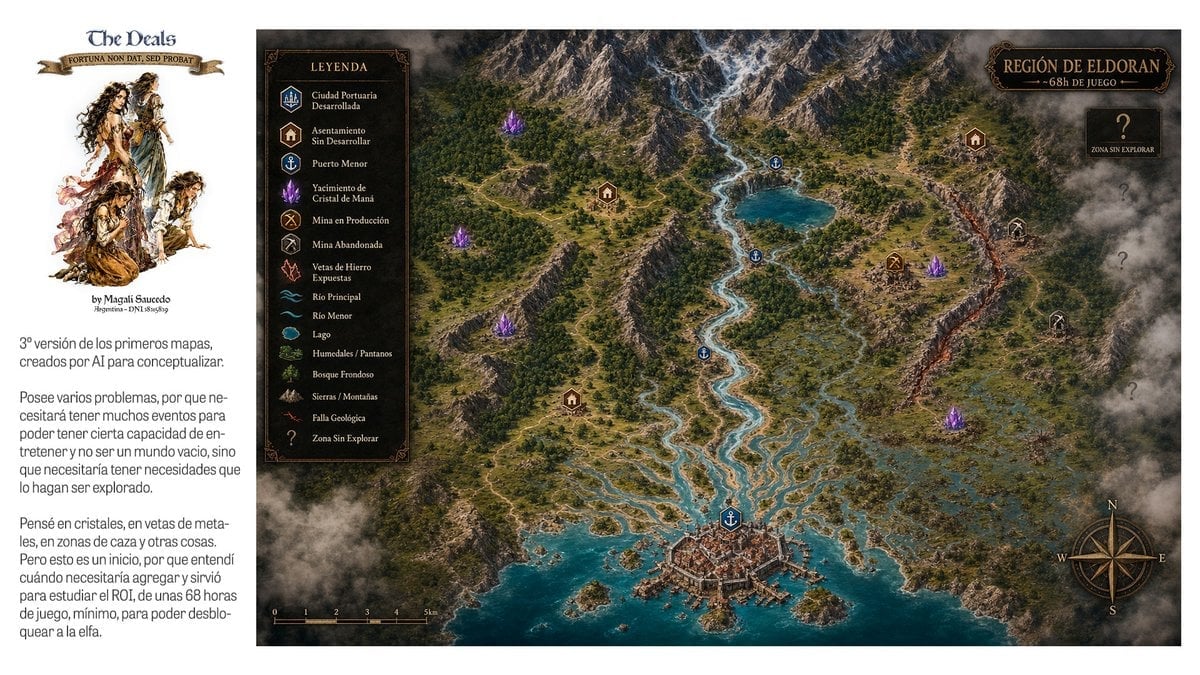
Fantasy RPG Region Map Sheet

Anime Fantasy Celestial Movie Poster
Anime Fantasy Celestial Movie Poster

Minecraft Fantasy Kingdom Voxel Landscape

Unfinished Sketch Comes Alive Portrait

Open Travel Journal Overhead Still Life

Tiny Woman Miniature Fantasy Macro Scene

JRPG Fantasy Title Logo Splash Screen
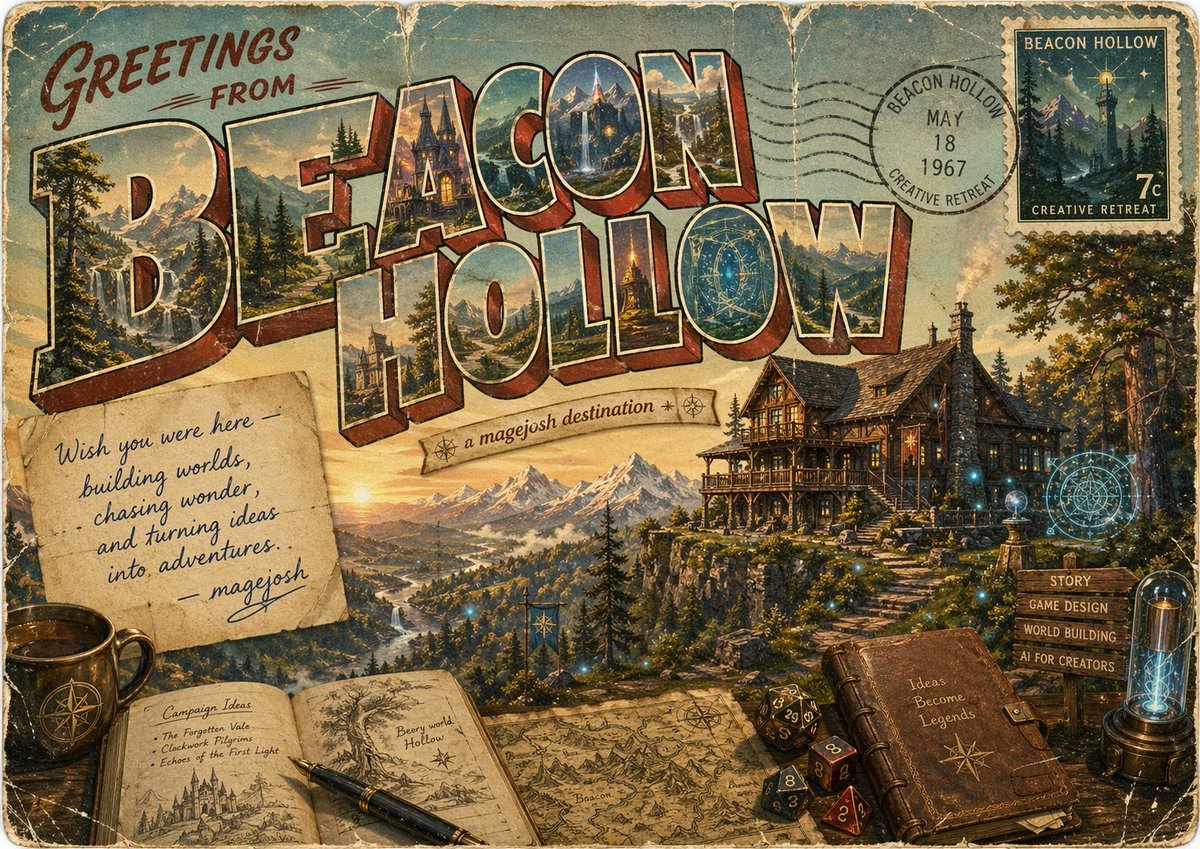
Vintage Fantasy Postcard of Beacon Hollow
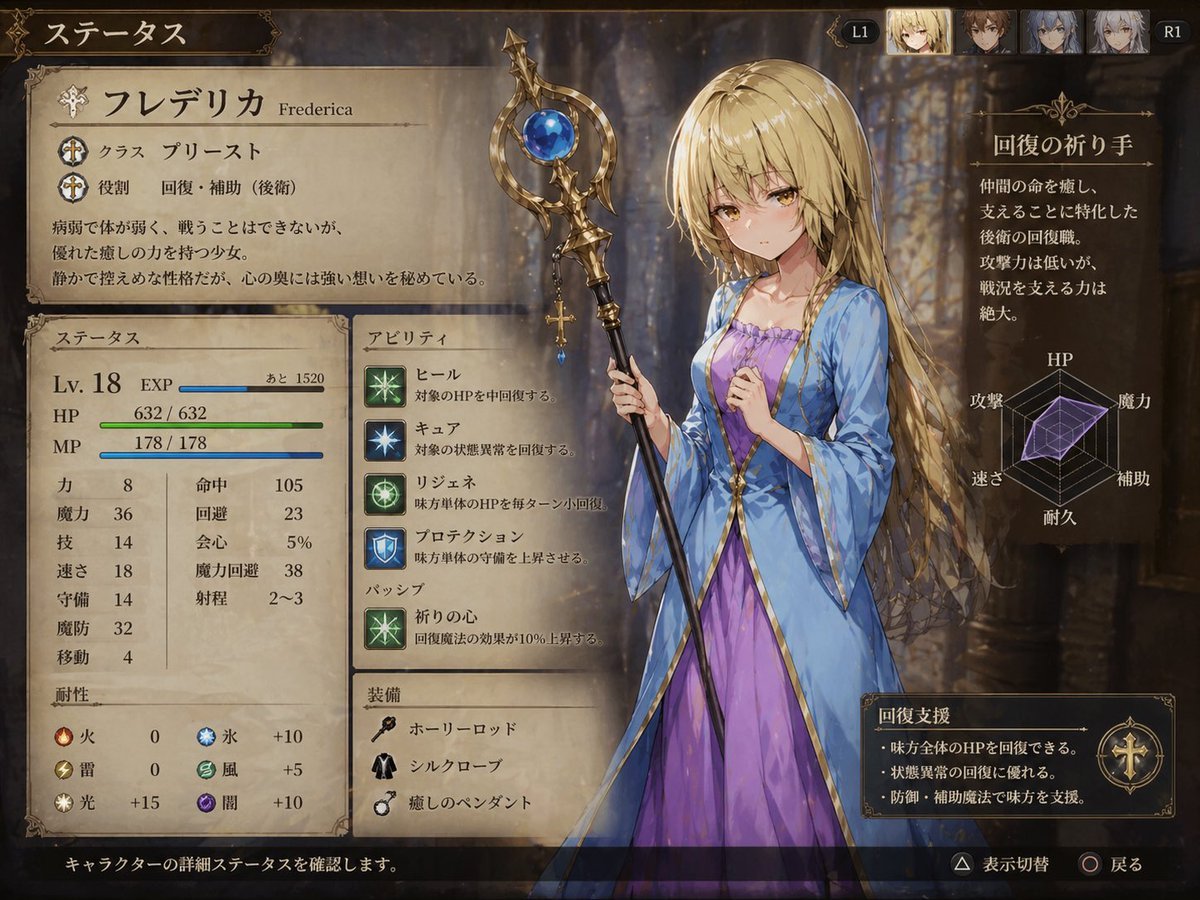
Fantasy JRPG Priest Status Screen
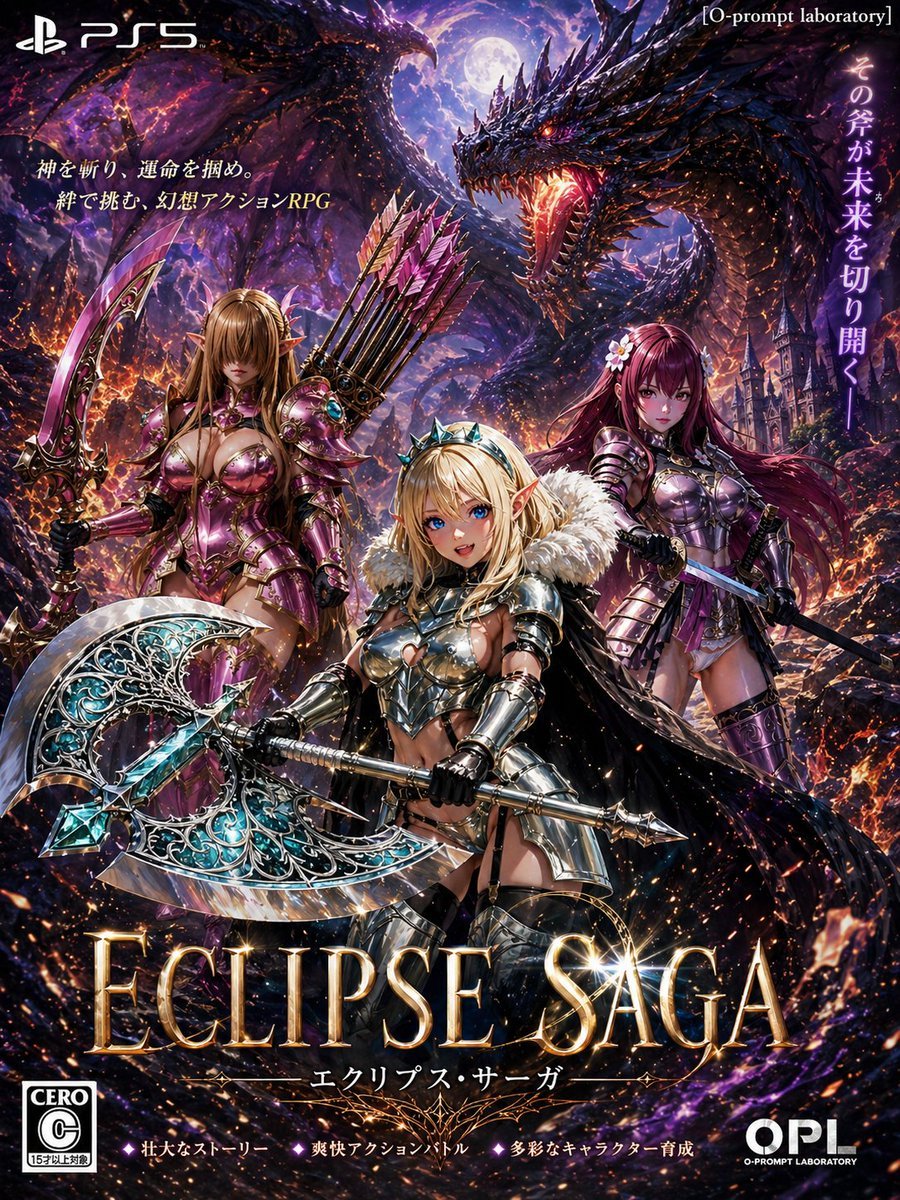
Dark Fantasy PS5 RPG Cover Art
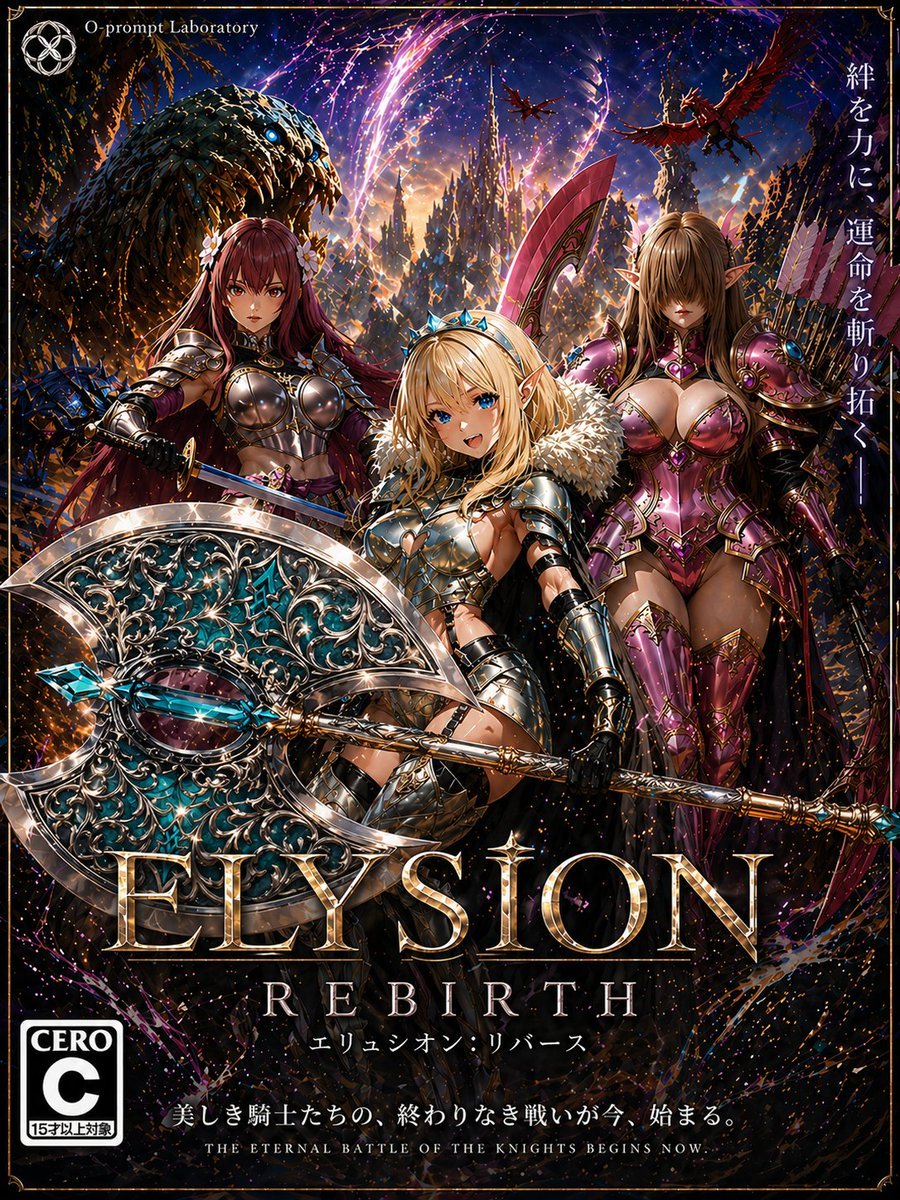
Fantasy RPG Game Cover with Three Knight Women
Make it yours
Fantasy Dryad RPG Character Card works as-is. These are the safest ways to change it without losing the look.
Change one field
Copy a single group, rewrite it, and generate again so you can see what that field is doing.
Keep the frame, change the subject
Hold the composition and light of Fantasy Dryad RPG Character Card, then swap wardrobe, props or the person for a new take.
| If the result… | Why | Fix |
|---|---|---|
| The result drifts from the preview | Too many fields changed at once. | Reuse Fantasy Dryad RPG Character Card as-is first, then change one group — subject, light, or setting. |
| The model over-stylizes the scene | The prose prompt leaves finish and camera underspecified. | Add one camera or lighting sentence and stay on GPT Image 2. |
More GPT Image 2 templates
Other prompts made for GPT Image 2.

Six VTuber Japanese Logo Sheet

Realistic Portrait of Woman and Deer

The Vista Modular Condo Poster

AI Model Routing Comparison Infographic

2.5D Anime Art Board

Isometric Productivity Desk Scene

New York Double Exposure Poster

Four-Panel AI Landscape Comparison

Japanese Tatami Lifestyle Magazine Cover

NESCAFÉ Coffee Map Poster
More image prompts
Fresh picks from across the catalog.
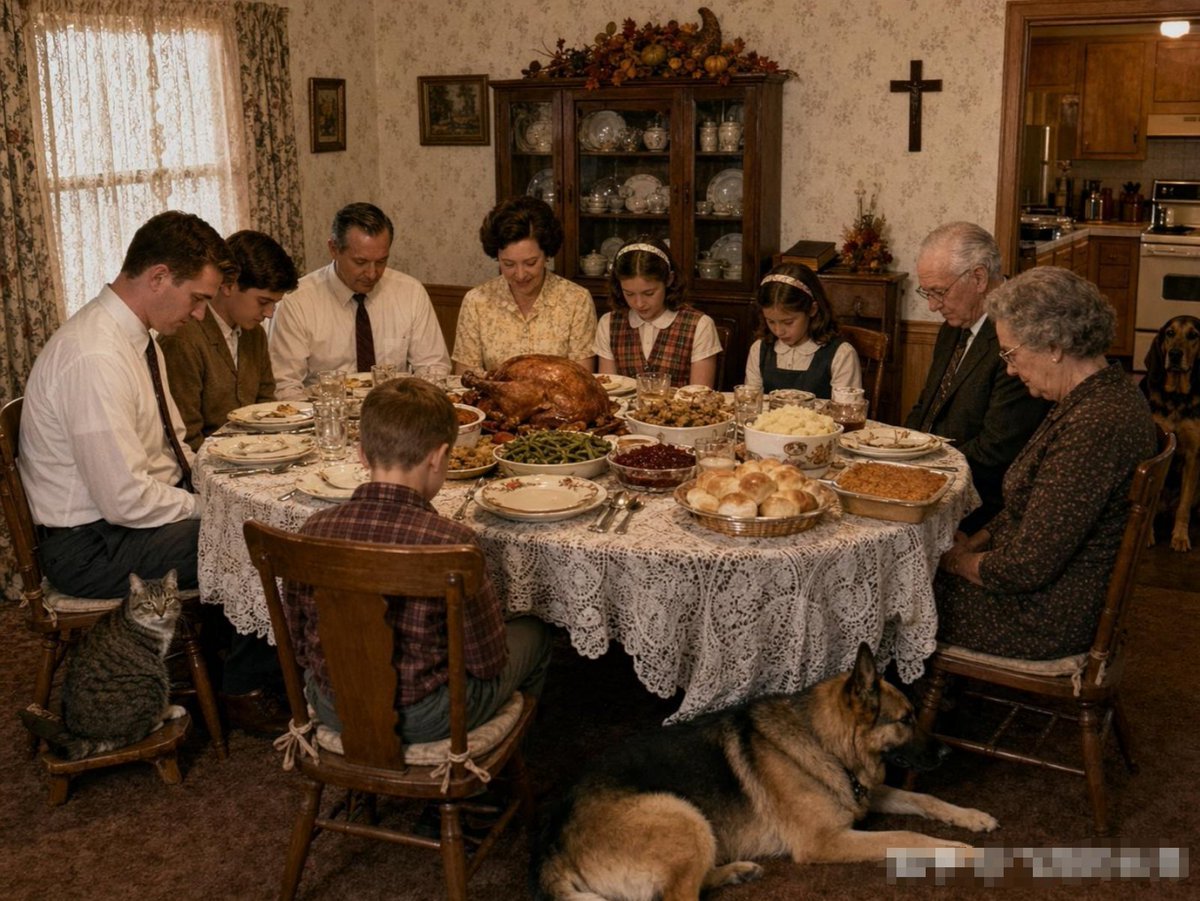
Uncanny Thanksgiving Family Dinner

Foggy pine forest cinematic portrait

Requesting Transparent PNG Output
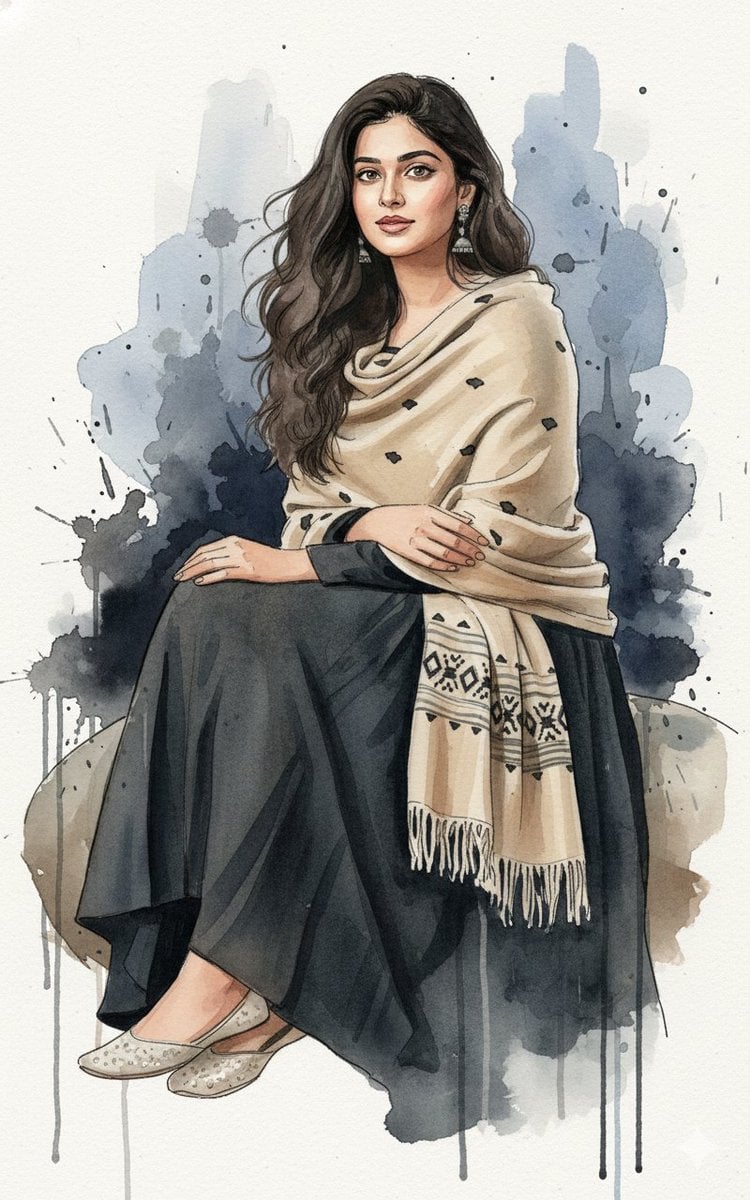
Fine-Art Ink and Watercolor Portrait with Identity Lock

Anime Style Basketball Athlete Poster
Luxury Cherry Product Photography Prompt (Black Diamond)
Fine Art Low-Key Portrait in Vintage Dress
Golden Hour Outdoor Lifestyle Portrait Prompt

3D Stylized Soccer Player

Dynamic Energy Drink Advertisement
Browse template categories
Fantasy Dryad RPG Character Card questions
How do I use the Fantasy Dryad RPG Character Card template?
Add your photo if the template asks for one, edit the prompt if you like — the template's model and format are already selected — and press Generate. Your version opens in PicX Studio.
Can I customize the Fantasy Dryad RPG Character Card template?
Yes. You can change the subject, setting, lighting, mood, format, and available model controls before creating your image.
Is the Fantasy Dryad RPG Character Card template free?
Opening and editing this template is free. Generating uses credits, shown on the Generate button when you are signed in.
Which AI model should I use?
Start with GPT Image 2, which is the model associated with this template. You can compare another compatible model for a different finish.
Looking for something else? Browse all templates.

Your photo, any look
Thousands of ready templates for every top image and video model, from one credit balance.