
Golden Hour Outdoor Lifestyle Portrait Prompt
A highly detailed structured prompt for Google Nano Banana Pro requesting an outdoor lifestyle portrait of a young woman during golden hour in an urban park.
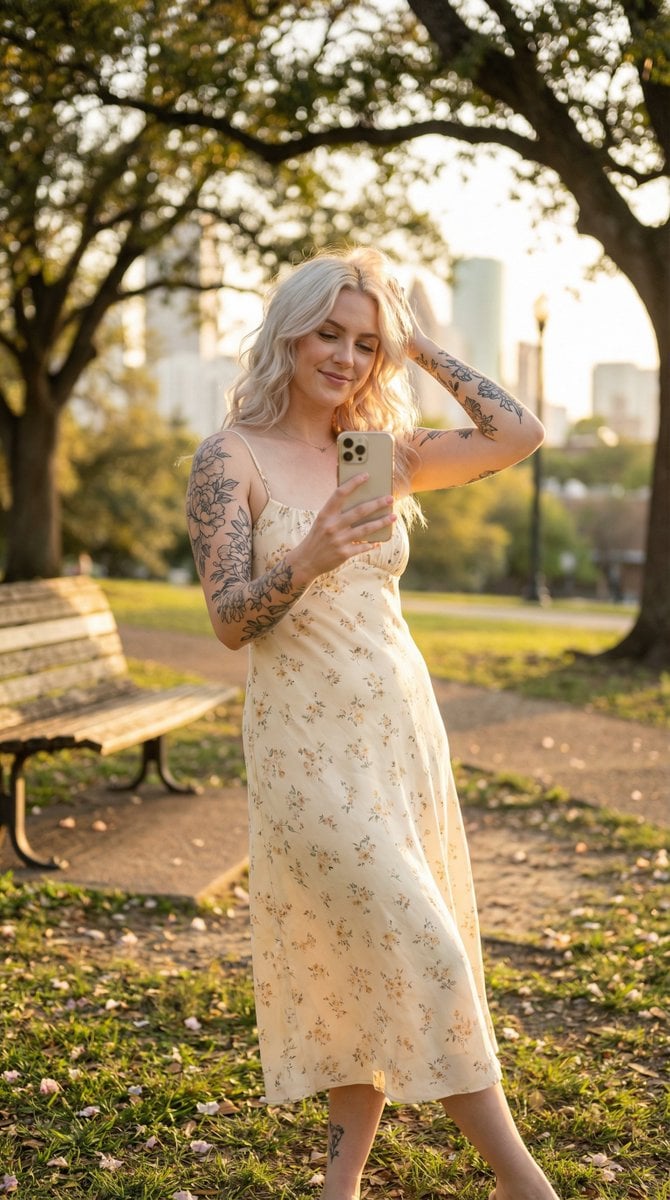
- Prompt included
- Model and format preset
- Free template
The prompt behind this image
Copy the exact prompt behind Golden Hour Outdoor Lifestyle Portrait Prompt, or open it in the studio and make it yours.
{ "scene_type": "Outdoor lifestyle portrait", "environment": { "location": "Quiet urban park during golden hour", "background": { "main_elements": "Lush green grass, scattered wildflowers, large old oak trees with dappled light, soft bokeh city skyline peeking through distant foliage", "props": "Vintage wooden bench partially visible, fallen petals on the ground", "color_palette": "Warm golds, soft greens, creamy highlights, subtle pastel wildflower accents" }, "atmosphere": "Warm, peaceful, golden, gently breezy, late-afternoon serenity" }, "subject": { "gender_presentation": "Feminine", "approximate_age_group": "Young adult", "skin_tone": "Fair with natural texture and subtle sun-kissed glow", "hair": { "color": "{argument name="hair color" default="Platinum blonde"}", "style": "Long, loose waves with natural movement from a light breeze, strands catching golden light" }, "facial_features": { "expression": "Soft, content half-smile, eyes gently looking toward camera / reflection, relaxed and dreamy", "makeup": "Minimal, natural dewy look with soft glow and hint of bronzer" }, "body_details": { "build": "Slim to average", "visible_tattoos": [ "Floral and illustrative tattoos on arms", "Small delicate tattoo visible on upper thigh / calf area" ] } }, "pose": { "position": "Standing casually in open grassy area, holding phone for mirror-style selfie (using phone screen reflection or front camera)", "body_orientation": "Three-quarter turn toward camera, weight on back leg, hip slightly popped for natural curve", "legs": "Relaxed stance, one foot playfully turned inward, creating gentle S-curve silhouette", "arms": "One hand holding phone at chest/waist level, other hand lightly brushing hair back or resting on hip", "head": "Slightly tilted, looking directly at camera with soft eye contact", "overall_feel": "Effortless, carefree, sun-warmed confidence, lightly playful outdoor moment" }, "clothing": { "outfit_type": "Light, breezy summer dress or co-ord set", "color": "Soft buttery cream / pale lavender with subtle floral print", "material": "Flowy cotton-linen blend or chiffon with gentle movement in the breeze", "details": "Delicate thin straps or off-shoulder neckline, midi or just-above-knee length, soft ruffle or lace trim accents" }, "styling": { "accessories": [ "Delicate layered thin necklaces", "Small hoop or stud earrings", "Minimalist ring or two" ], "overall_style": "Romantic, feminine, sun-drenched casual elegance" }, "lighting": { "type": "Golden hour natural sunlight", "source": "Low warm sun from slightly behind and to the side (back/side lighting)", "quality": "Rich golden rim light, soft flattering fill, long gentle shadows", "shadows": "Subtle and sculpted — defining cheekbones, collarbones, fabric fold"
How to use Golden Hour Outdoor Lifestyle Portrait Prompt in 3 steps
- 1
Open
The prompt is already in the box next to the preview, with the template's model and format selected.
- 2…a portrait of your subject in softgolden-hour light, 85mm…
Personalize
Edit the subject and creative details for your destination.
- 3Generate
Generate
Press Generate — your image is created in PicX Studio, so you can compare it with the original and refine one variable at a time.
More like this
Templates with the same subject, style or setup. Open one to see its prompt.

Outdoor Cafe Portrait — White Ruched Top Nano Banana

80s Golden Hour Cinema

Rooftop Fisheye — Cat-Ear Balaclava at Golden Hour

Minimalist Golden Hour Selfie
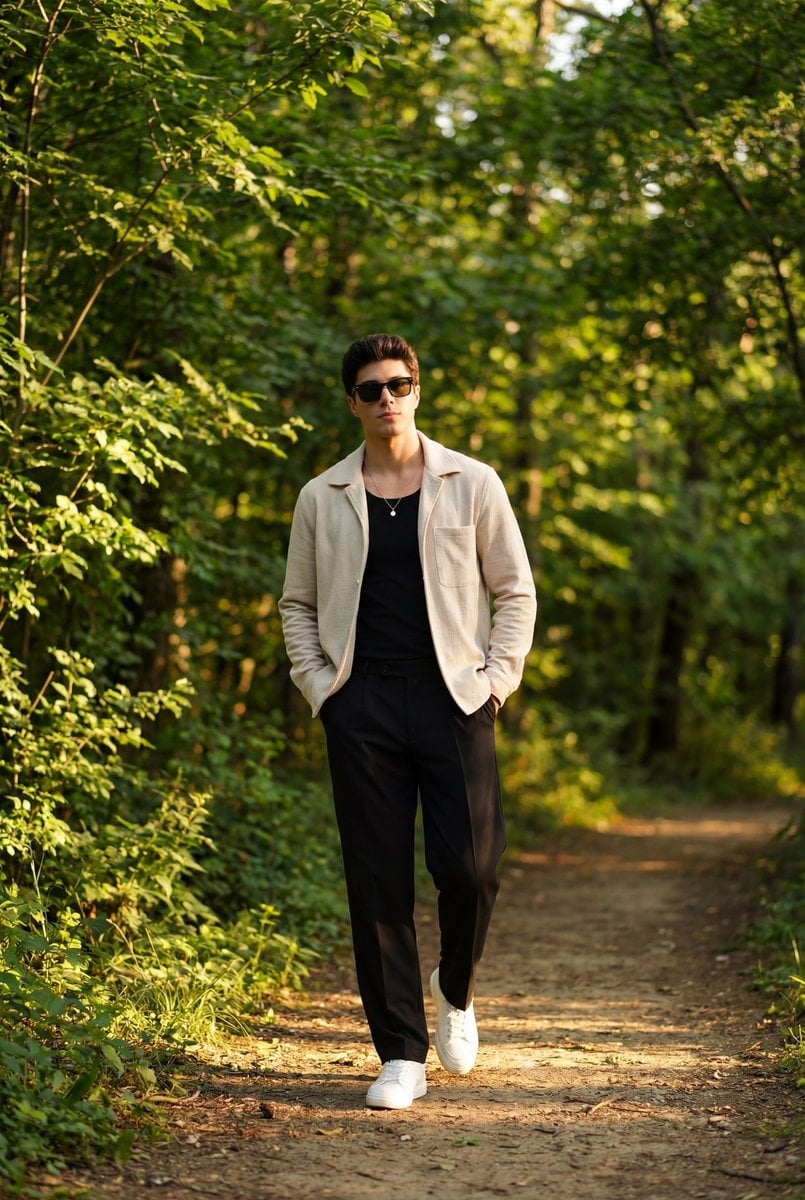
Golden Hour Outdoor Portrait of a Stylish Man
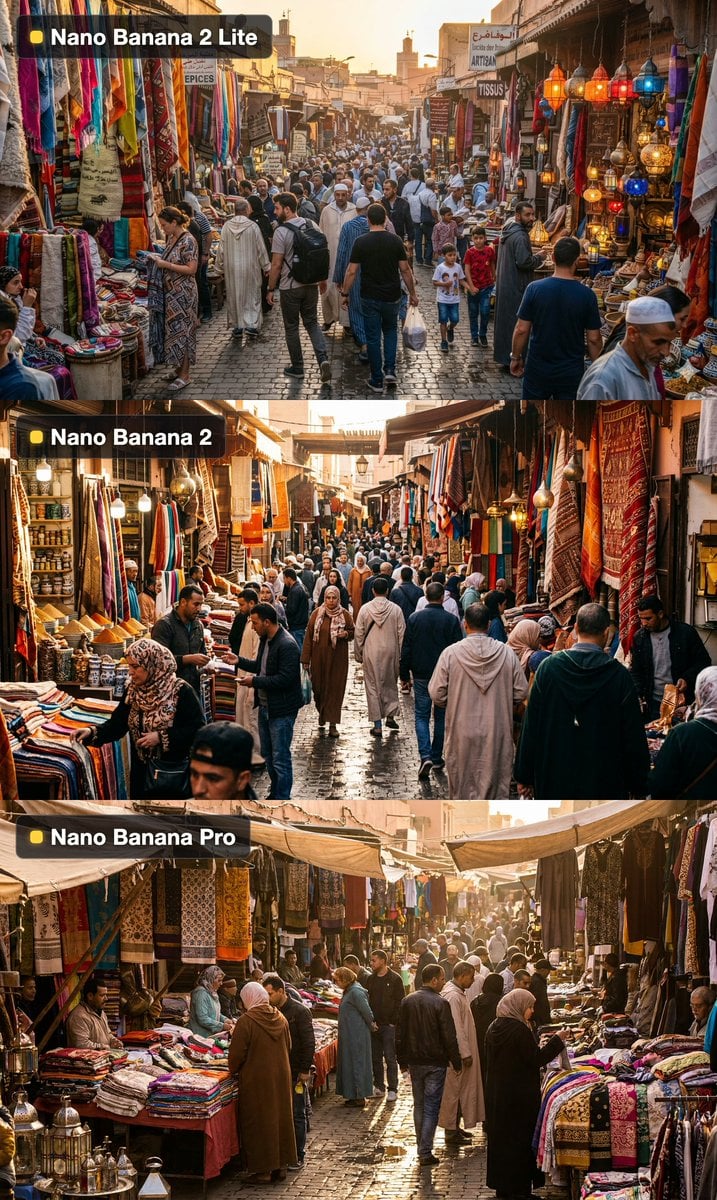
Golden Hour Outdoor Market
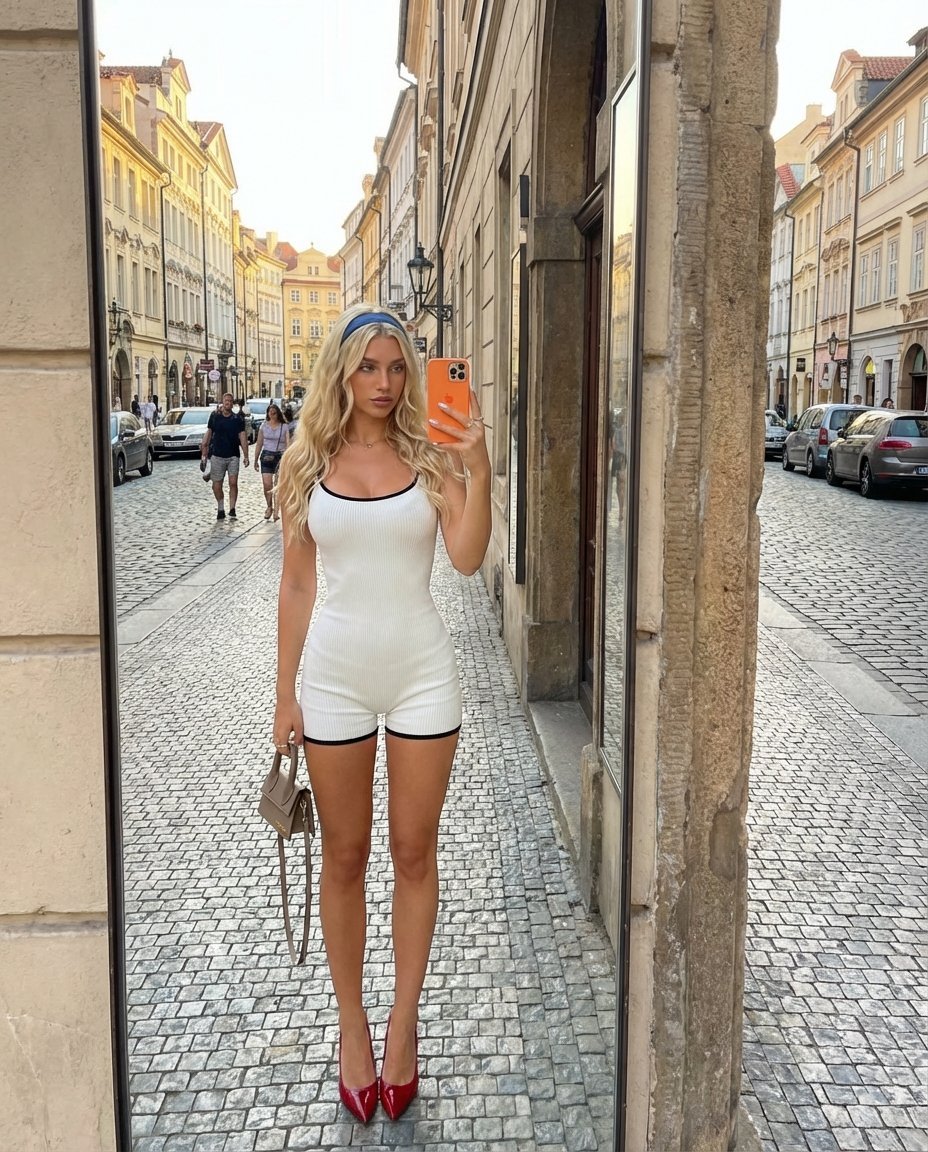
Outdoor Mirror Selfie in European City at Golden Hour

Cinematic Golden Hour Garden Portrait

Cinematic Golden Hour Urban Portrait

Golden Hour Redhead Portrait

Golden Hour Cinematic Boss Energy Portrait

Golden Hour Cinematic Portrait
Make it yours
Golden Hour Outdoor Lifestyle Portrait Prompt works as-is. These are the safest ways to change it without losing the look.
Change one field
Copy a single group, rewrite it, and generate again so you can see what that field is doing.
Keep the frame, change the subject
Hold the composition and light of Golden Hour Outdoor Lifestyle Portrait Prompt, then swap wardrobe, props or the person for a new take.
| If the result… | Why | Fix |
|---|---|---|
| The result drifts from the preview | Too many fields changed at once. | Reuse Golden Hour Outdoor Lifestyle Portrait Prompt as-is first, then change one group — subject, light, or setting. |
| The model over-stylizes the scene | The prose prompt leaves finish and camera underspecified. | Add one camera or lighting sentence and stay on Nano Banana 2. |
More Nano Banana 2 templates
Other prompts made for Nano Banana 2.

Photorealistic Leaf Shaped Like a Dragon

K-Pop Idol Portrait Grid for Rapid Selection

Poetic Rain Forest Portrait During Golden Hour

Urban Street Portrait with Cartoon Inner Self Duo

Candid Nighttime Photo with Cat Prompt

High-Concept 3D Diorama Generation Prompt

Cinematic Futuristic Studio Portrait Template

Skincare Editorial Photography Collage Prompt

Hyper-Realistic Commercial Product Photography (Splash Effect)

Hyper-Realistic Nightclub Portrait Prompt
More image prompts
Fresh picks from across the catalog.

Dragon Wolf in Jungle Ruins
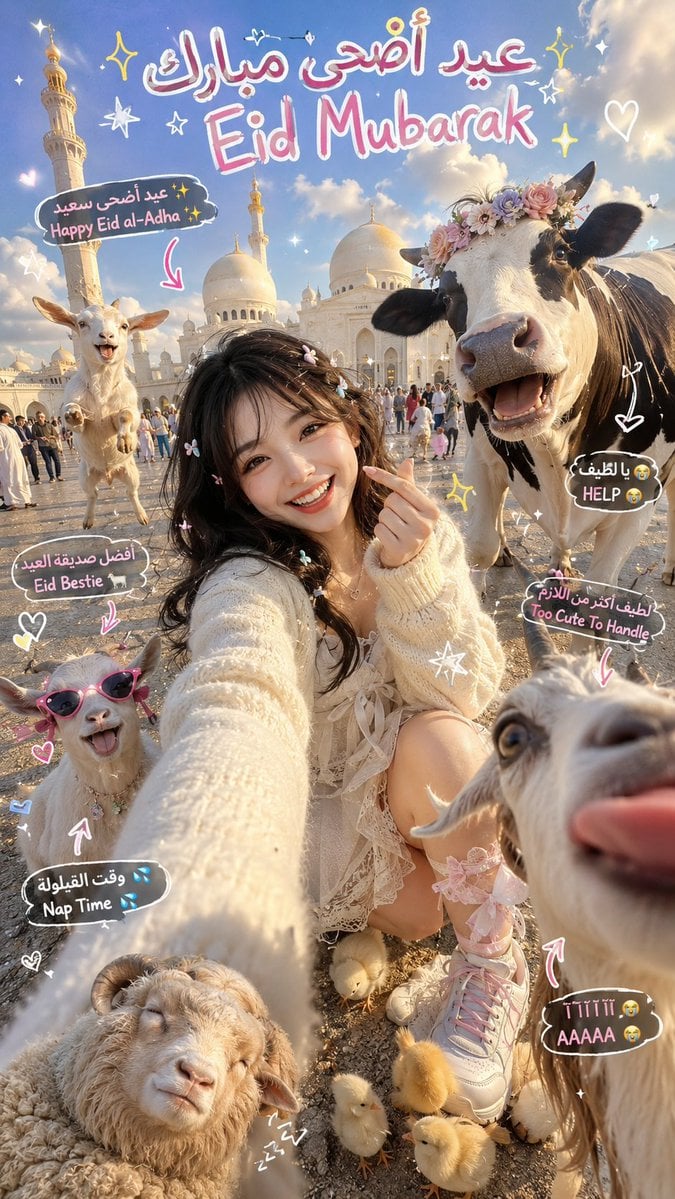
Chaotic Eid Selfie with Animals
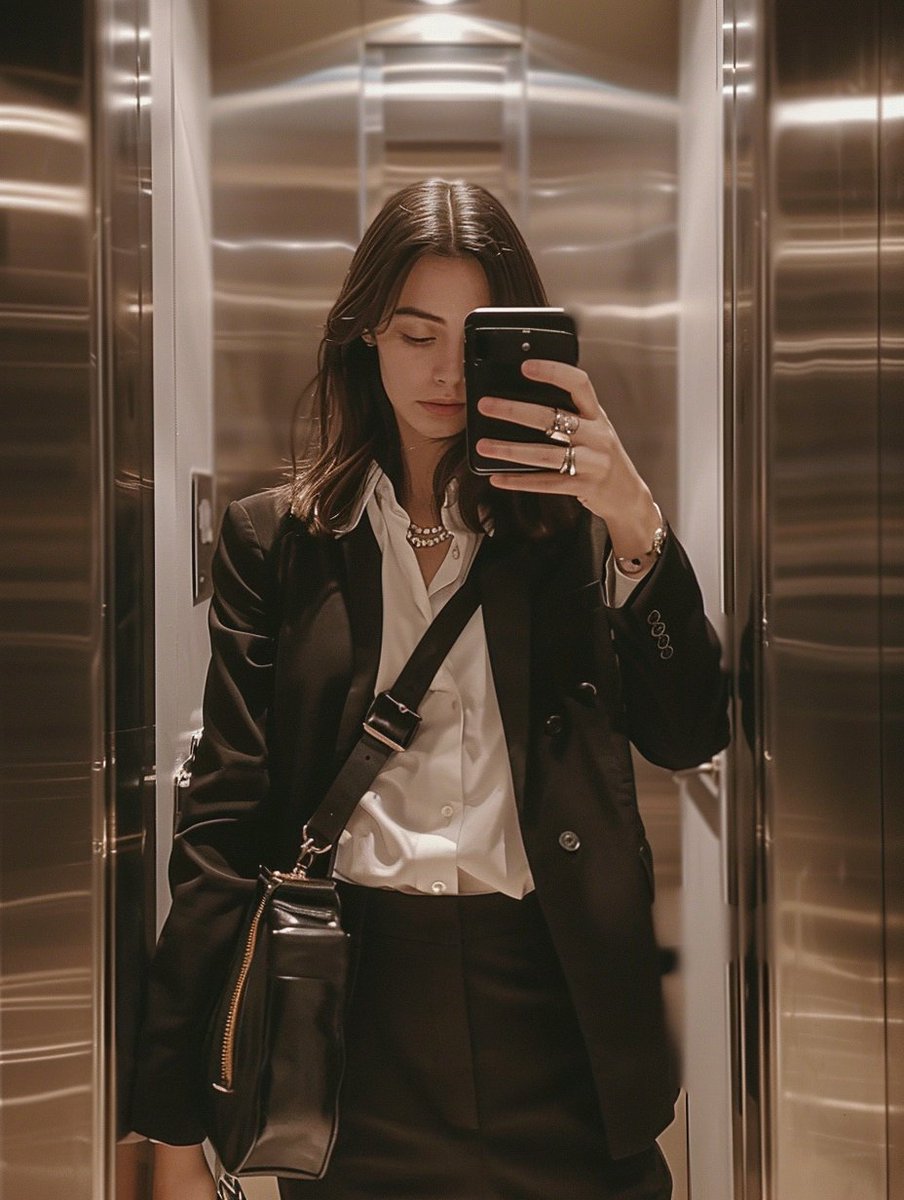
iPhone Mirror Selfie with Old Money Corporate Elegance Vibe
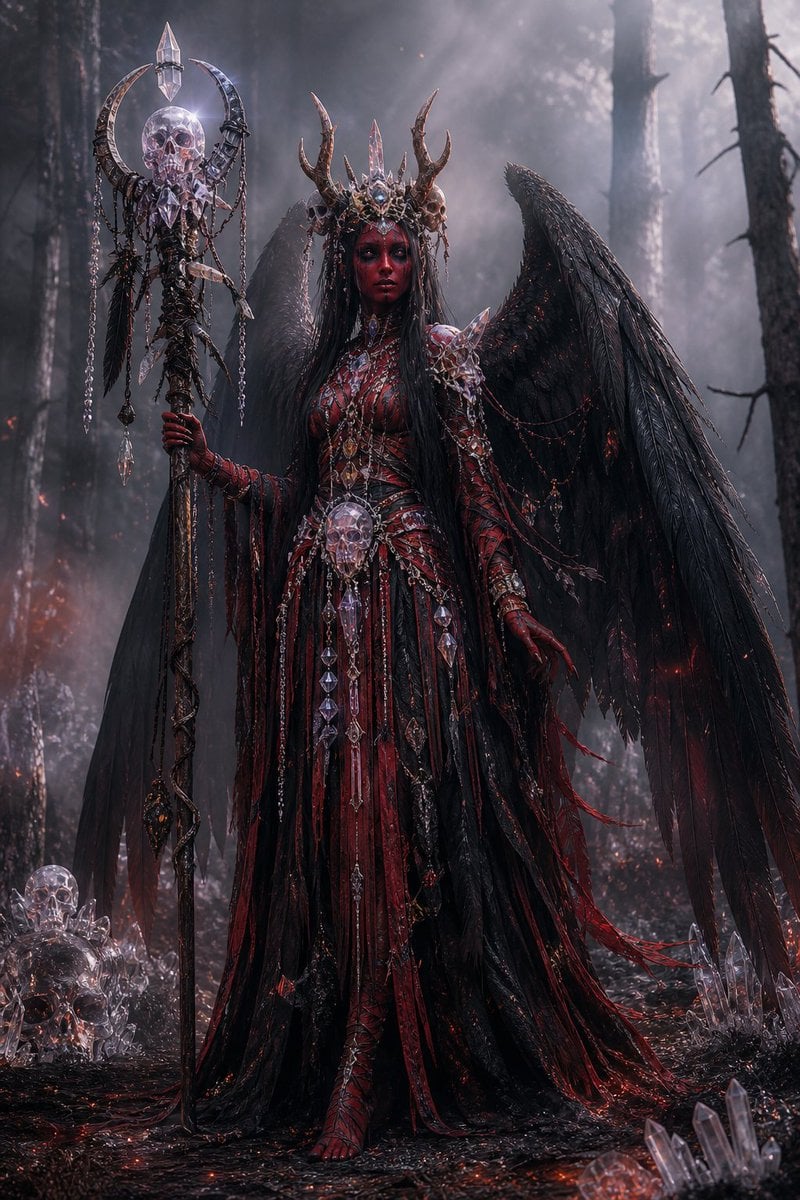
Gothic Fallen Angel Queen

Anime Phoenix Girl Ruins Scene
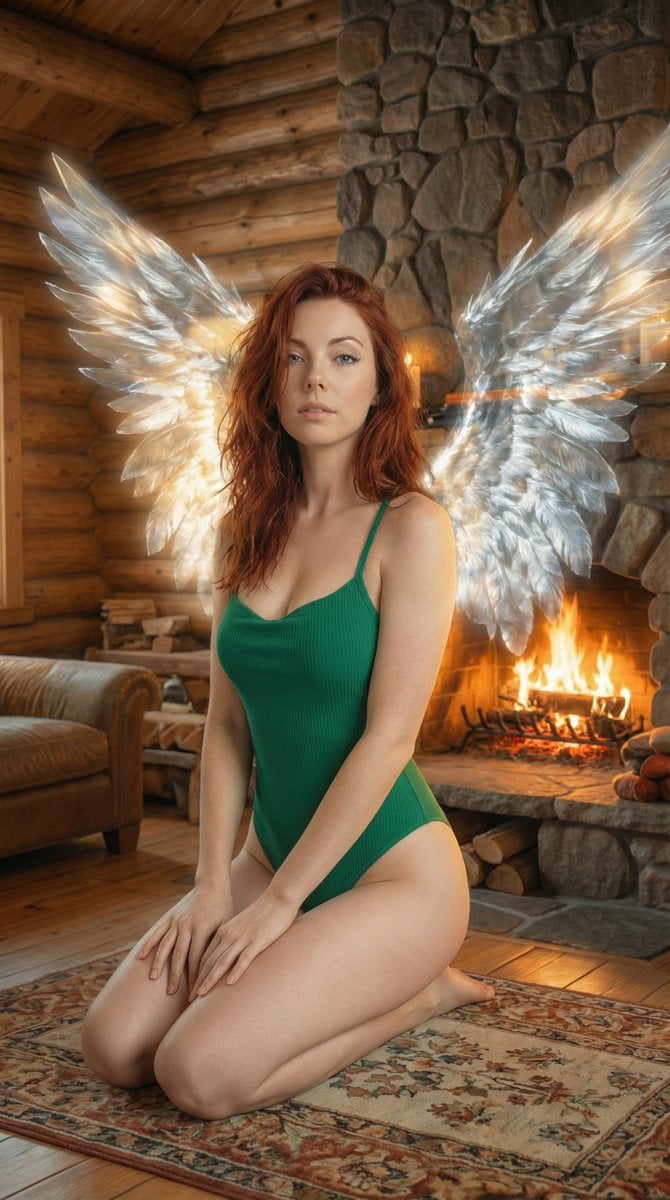
Ethereal Winged Portrait in Rustic Cabin Prompt
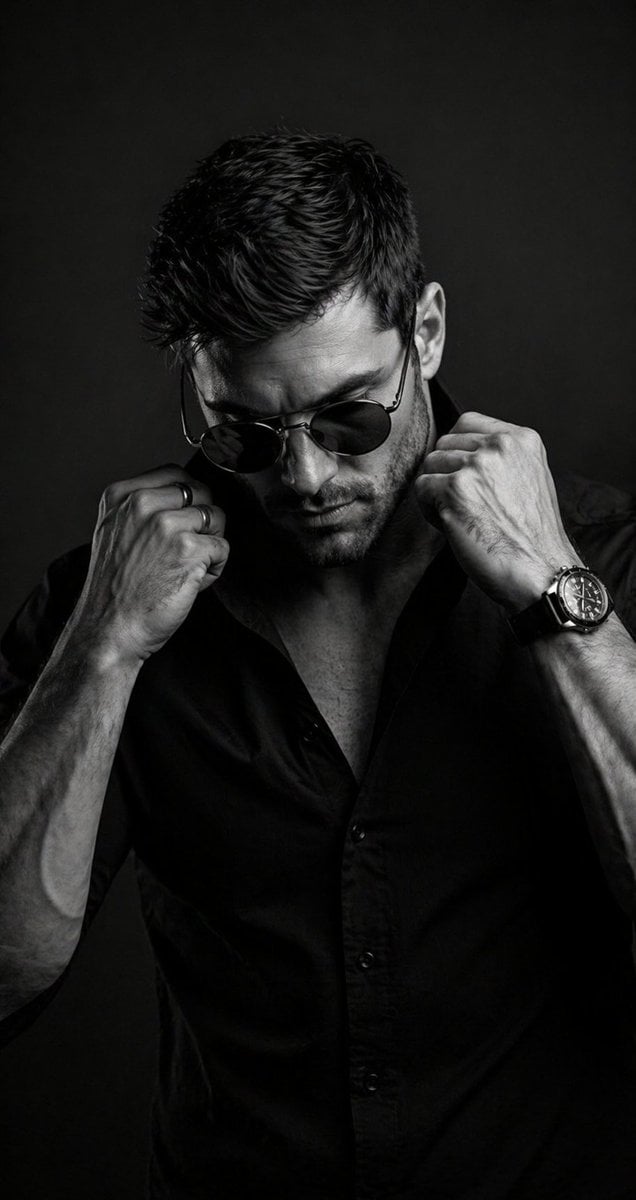
B&W Cinematic Studio Portrait
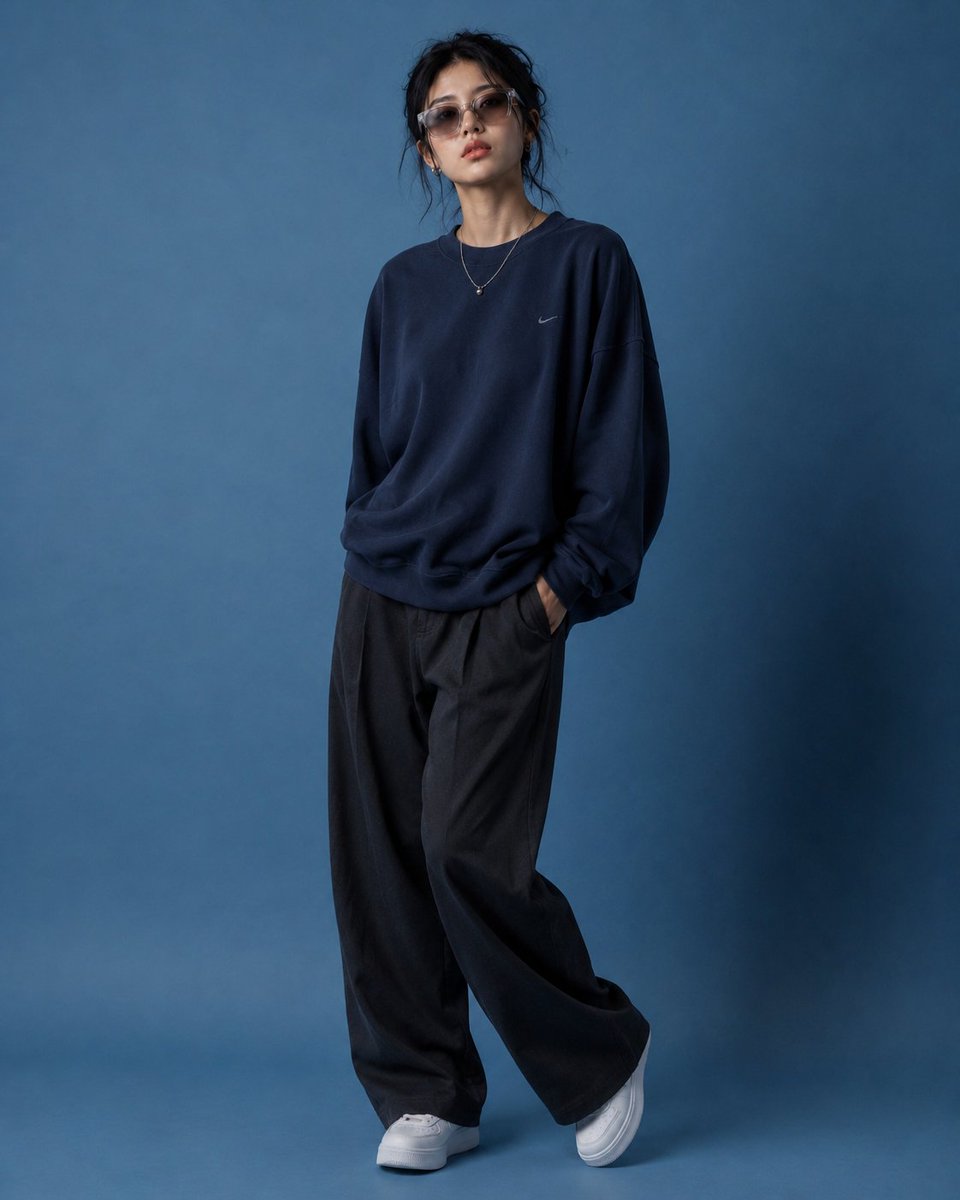
Editorial Fashion Pose Transformation
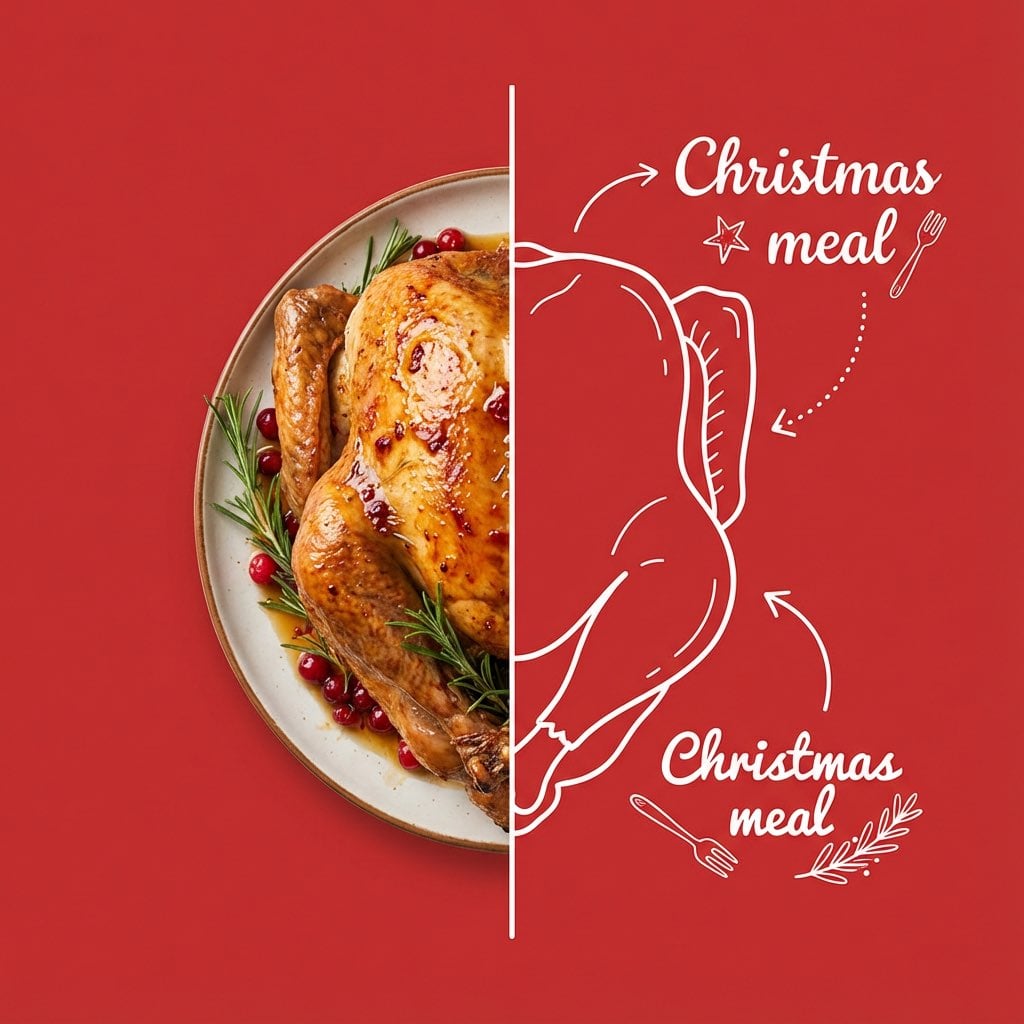
Culinary Poster with Split Photo/Illustration Design
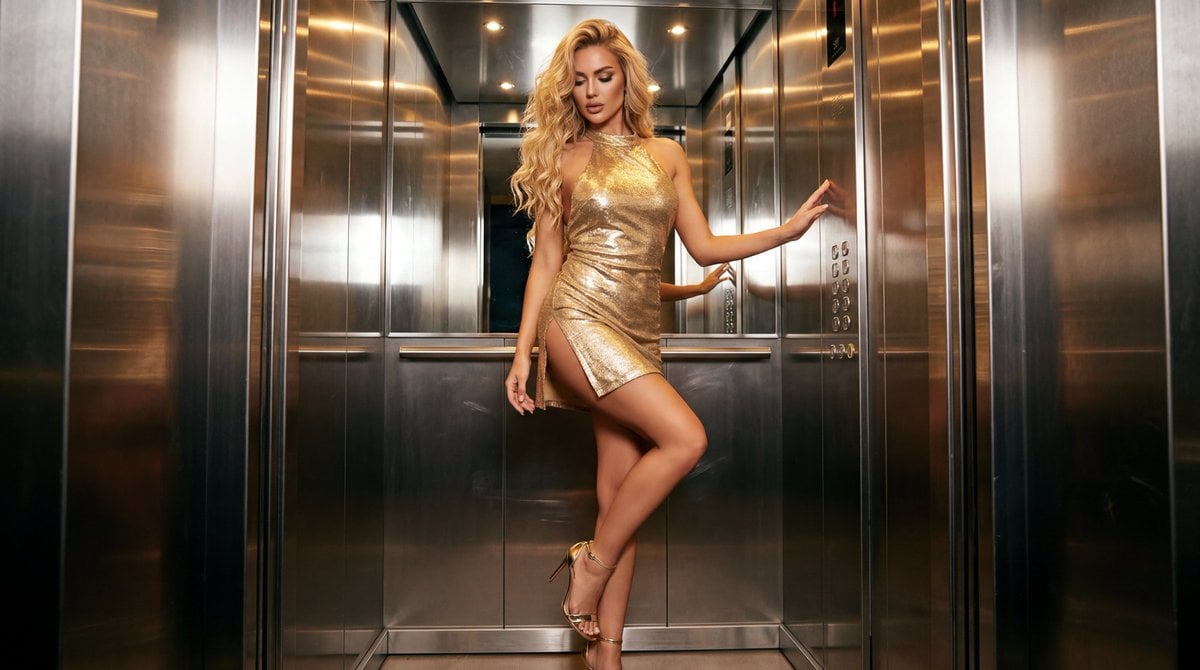
Glamorous Fashion Photoshoot in Steel Elevator
Browse template categories
Golden Hour Outdoor Lifestyle Portrait Prompt questions
How do I use the Golden Hour Outdoor Lifestyle Portrait Prompt template?
Add your photo if the template asks for one, edit the prompt if you like — the template's model and format are already selected — and press Generate. Your version opens in PicX Studio.
Can I customize the Golden Hour Outdoor Lifestyle Portrait Prompt template?
Yes. You can change the subject, setting, lighting, mood, format, and available model controls before creating your image.
Is the Golden Hour Outdoor Lifestyle Portrait Prompt template free?
Opening and editing this template is free. Generating uses credits, shown on the Generate button when you are signed in.
Which AI model should I use?
Start with Nano Banana 2, which is the model associated with this template. You can compare another compatible model for a different finish.
Looking for something else? Browse all templates.

Your photo, any look
Thousands of ready templates for every top image and video model, from one credit balance.