
Gothic Fallen Angel Queen
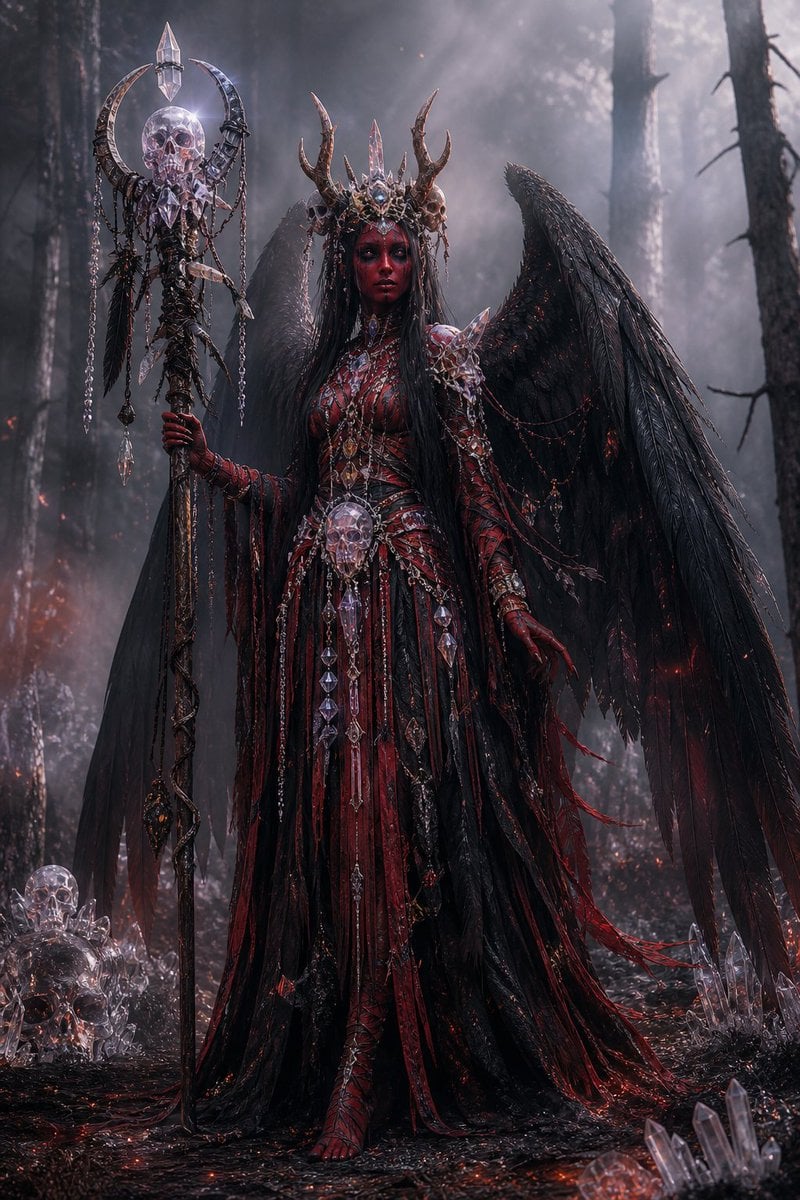
Generates a cinematic dark fantasy portrait of an ornate winged necromancer queen in a burned forest, useful for gothic character art or villain concepts.
- Prompt included
- Model and format preset
- Premium template
The prompt behind this image
Copy the exact prompt behind Gothic Fallen Angel Queen, or open it in the studio and make it yours.
Create a dark fantasy full-body portrait of a gothic fallen angel queen standing in a smoky burned forest at night, centered in the frame. She has enormous ragged black feathered wings spread behind her, very long straight {argument name="hair color" default="jet black"} hair, and a mysterious featureless shadowed face hidden beneath an ornate antlered crown made of blackened metal, crystal spikes, tiny skulls, and bone-like horns. Her outfit is an elaborate {argument name="dress colors" default="blood red and black"} ceremonial gown with layered shredded fabric, leather-like panels, thorny armor, ribbed bodice details, long clawed gloves, dangling chains, ruby accents, skull ornaments, and many clear crystal pendants. She holds a tall necromancer staff in her left hand: a dark twisted pole topped with a crescent-shaped metal frame, a translucent crystal skull, a pointed crystal finial, hanging chains, feathers, and dangling crystal shards. Add a large crystal skull pendant at her waist and scattered crystal skulls and quartz clusters on the charred ground around her. The environment is a dense dead forest with tall black tree trunks, drifting fog, ash, tiny red embers, faint fires in the distance, wet black soil, and dramatic cold moonlit haze from the upper right. Use an ultra-detailed cinematic photoreal fantasy style, high contrast, intricate gothic jewelry, sharp textures, volumetric light rays, moody desaturated blacks and grays with glowing crimson highlights, vertical composition, imposing regal pose, ominous supernatural atmosphere.
How to use Gothic Fallen Angel Queen in 3 steps
- 1Upload ImagePNG, JPG or paste
Add your photo
Upload the photo the template builds on. The prompt, model and format are already set.
- 2…a portrait of your subject in softgolden-hour light, 85mm…
Personalize
Edit the subject and creative details for your destination.
- 3Generate
Generate
Press Generate — your image is created in PicX Studio, so you can compare it with the original and refine one variable at a time.
More like this
Templates with the same subject, style or setup. Open one to see its prompt.
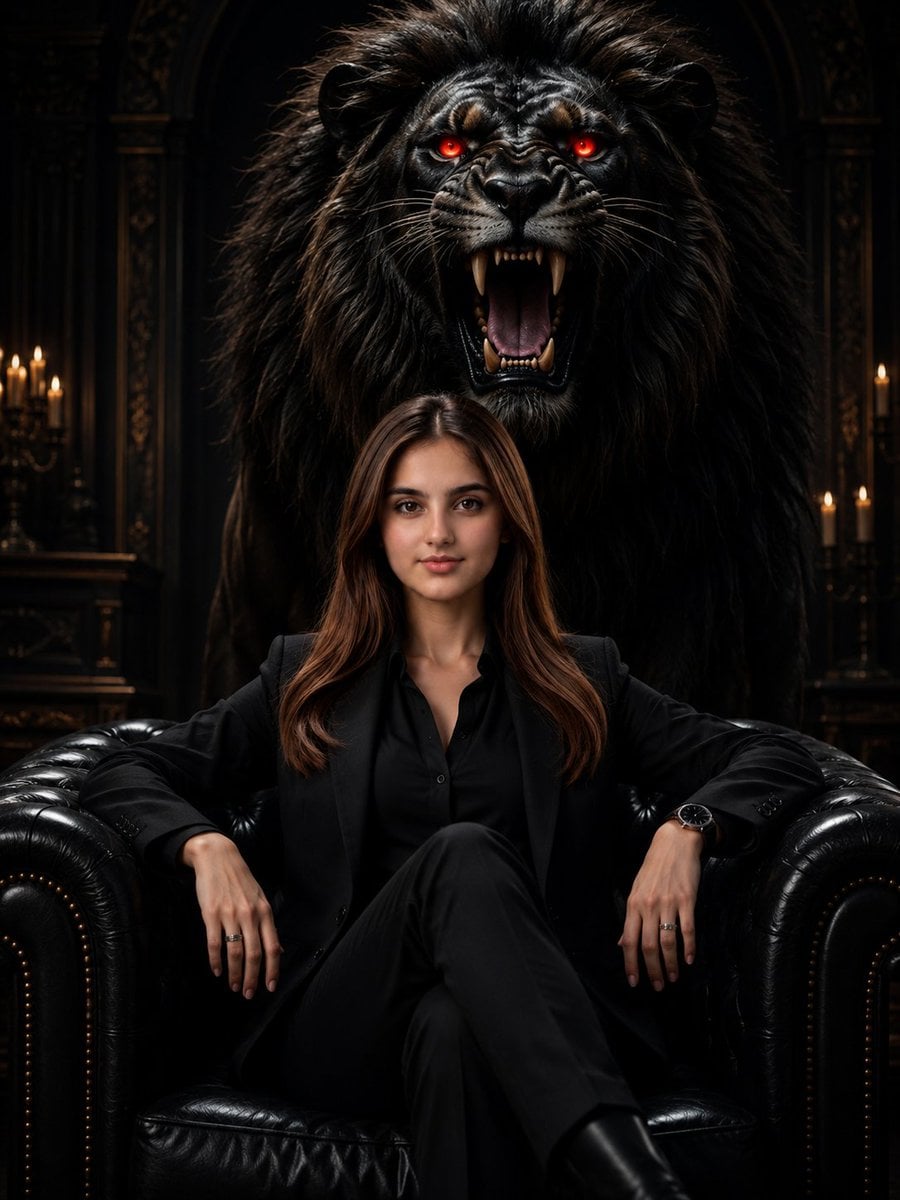
Gothic Lion Queen Portrait
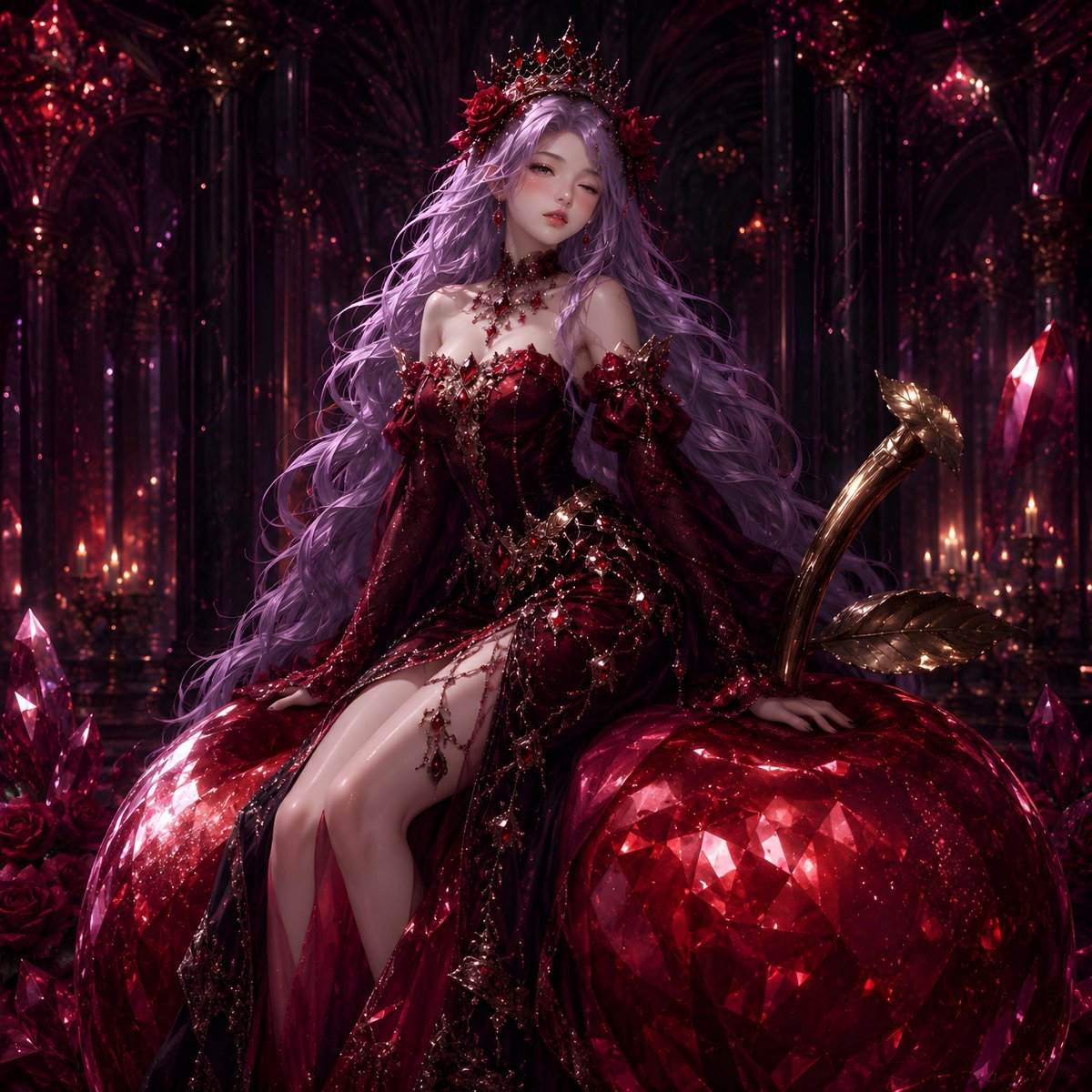
Gothic Rose Fantasy Queen Portrait
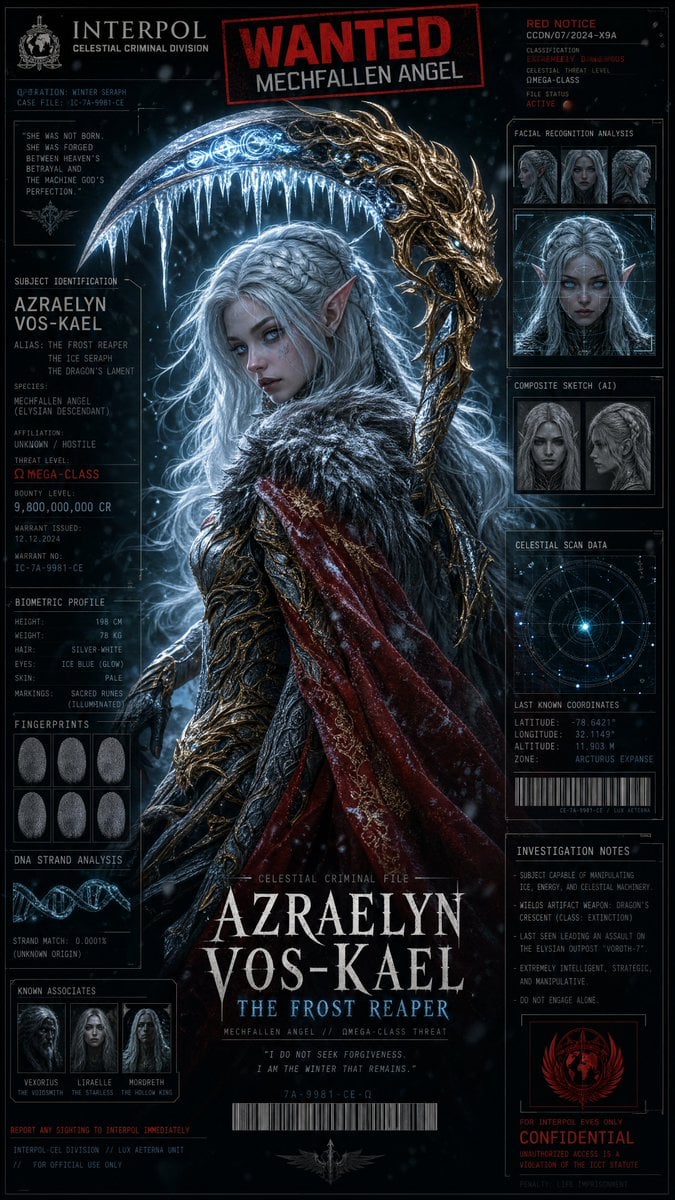
Cyber-Fantasy Mechfallen Angel Poster
Cyberpunk Fallen Angel Samurai
Fallen Angel Conversion

Gothic Japanese Mobile Homepage

Burning Gothic Flood Escape
Disco Queens 35-Year Reunion
Queen and Snake Portrait
Dark Queen Aesthetic Fashion Elements
Fallen Wolf in Snowy Forest
Angel Shih Tzu Over Ink Pond
Make it yours
Gothic Fallen Angel Queen works as-is. These are the safest ways to change it without losing the look.
Change one field
Copy a single group, rewrite it, and generate again so you can see what that field is doing.
Keep the frame, change the subject
Hold the composition and light of Gothic Fallen Angel Queen, then swap wardrobe, props or the person for a new take.
| If the result… | Why | Fix |
|---|---|---|
| The result drifts from the preview | Too many fields changed at once. | Reuse Gothic Fallen Angel Queen as-is first, then change one group — subject, light, or setting. |
| The model over-stylizes the scene | The prose prompt leaves finish and camera underspecified. | Add one camera or lighting sentence and stay on GPT Image 2. |
More GPT Image 2 templates
Other prompts made for GPT Image 2.

Six VTuber Japanese Logo Sheet

Realistic Portrait of Woman and Deer

The Vista Modular Condo Poster

AI Model Routing Comparison Infographic

2.5D Anime Art Board

Isometric Productivity Desk Scene

New York Double Exposure Poster

Four-Panel AI Landscape Comparison

Japanese Tatami Lifestyle Magazine Cover

NESCAFÉ Coffee Map Poster
More image prompts
Fresh picks from across the catalog.

Photorealistic Self-Portrait Drawing with Reference Images

Sticker Art Style - Rainbow Girl
Intense Ink Sketch Portrait with Face Likeness
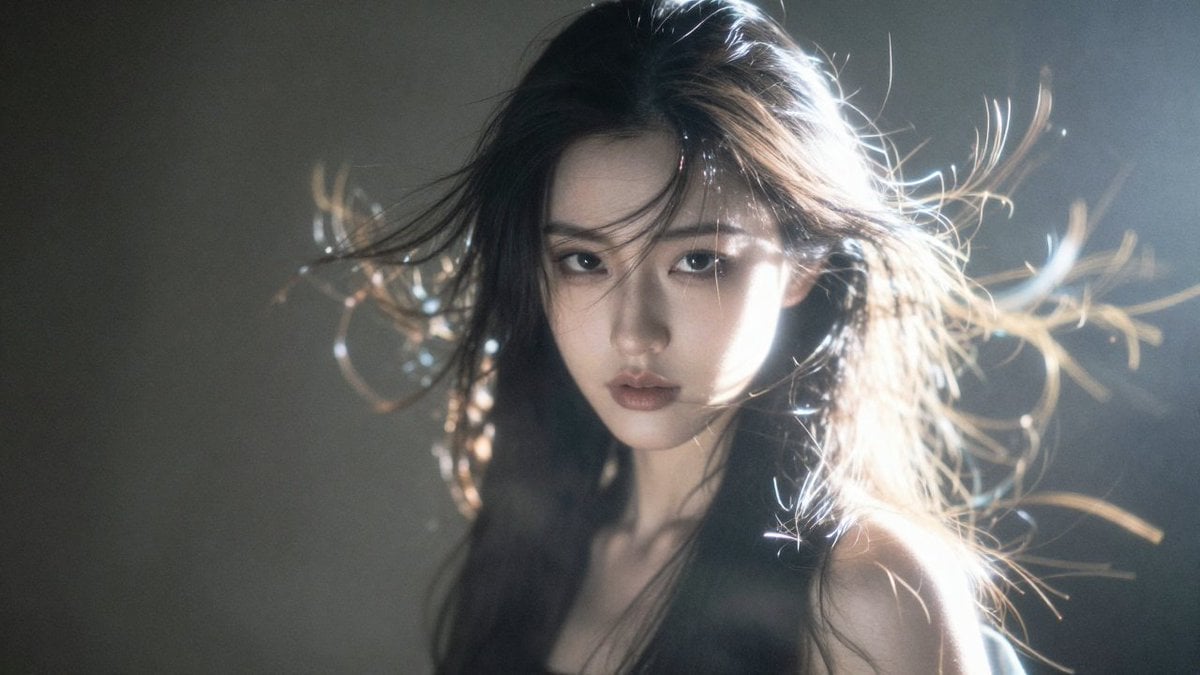
Hyper-Detailed Saber Cosplay Film Photography Prompt
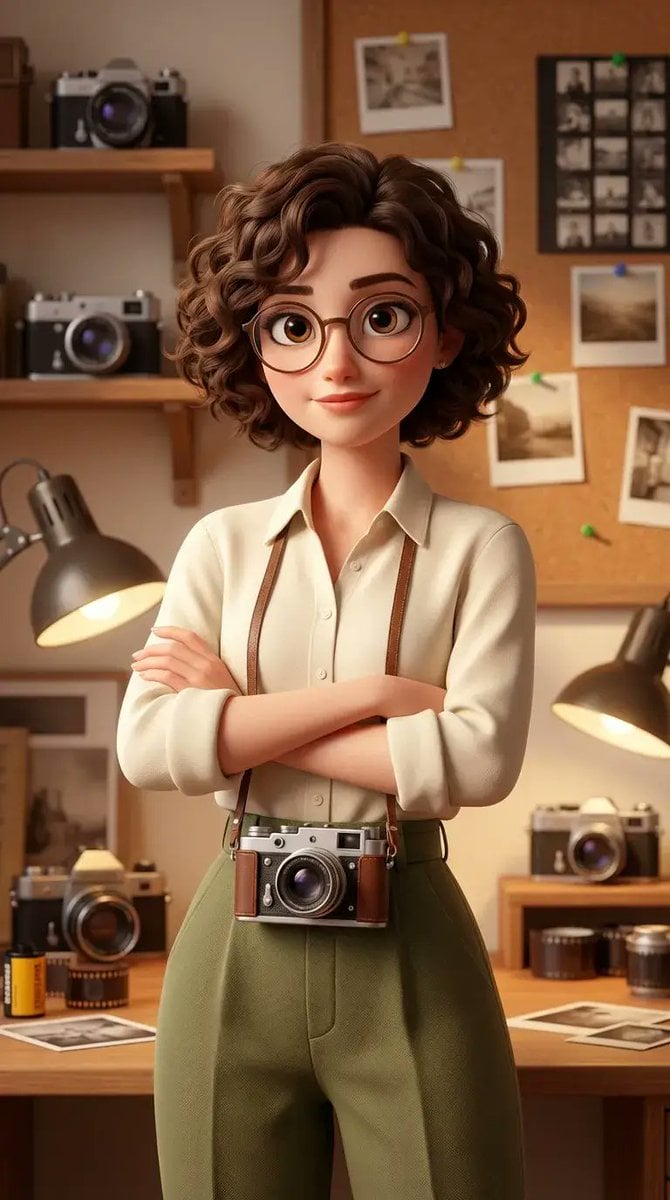
Stylized 3D Animated Female Photographer Character (Pixar Style)

Gritty Comic-Book Graphic Novel Portrait
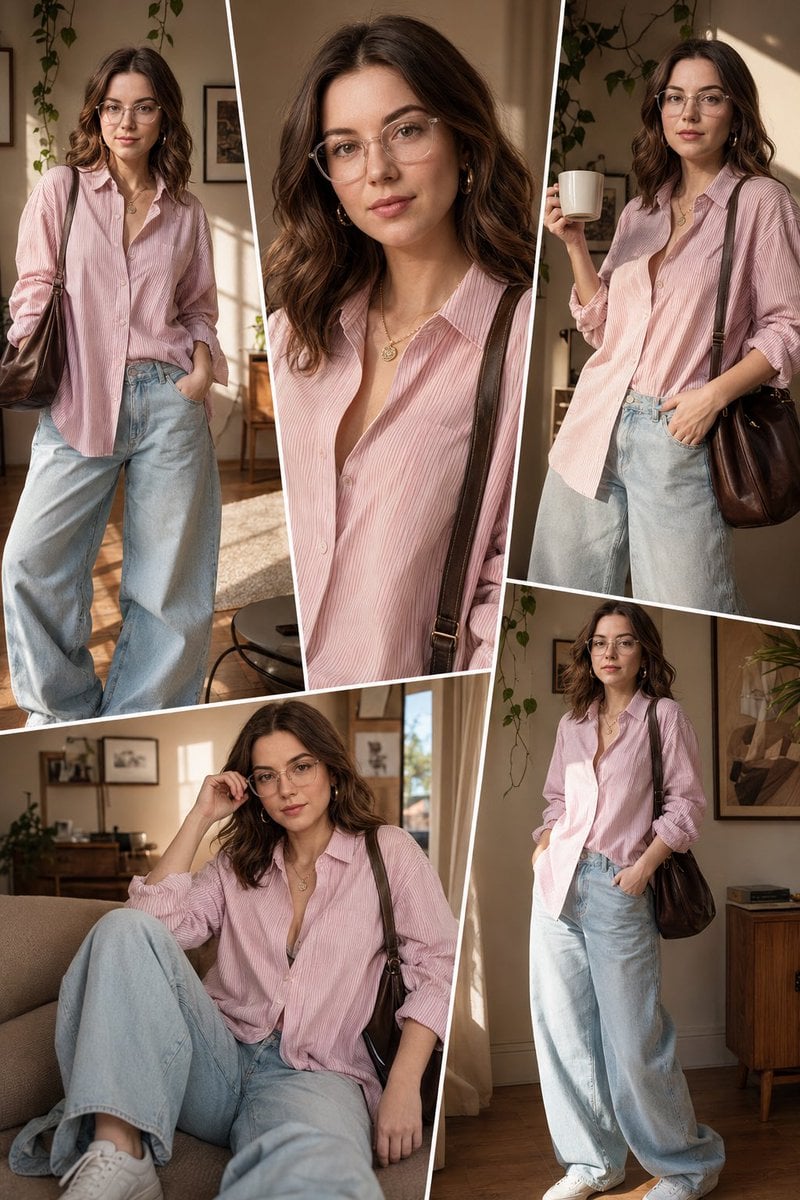
Sunlit Interior Fashion Collage

Vegeta and Frieza Cosplay Comedy
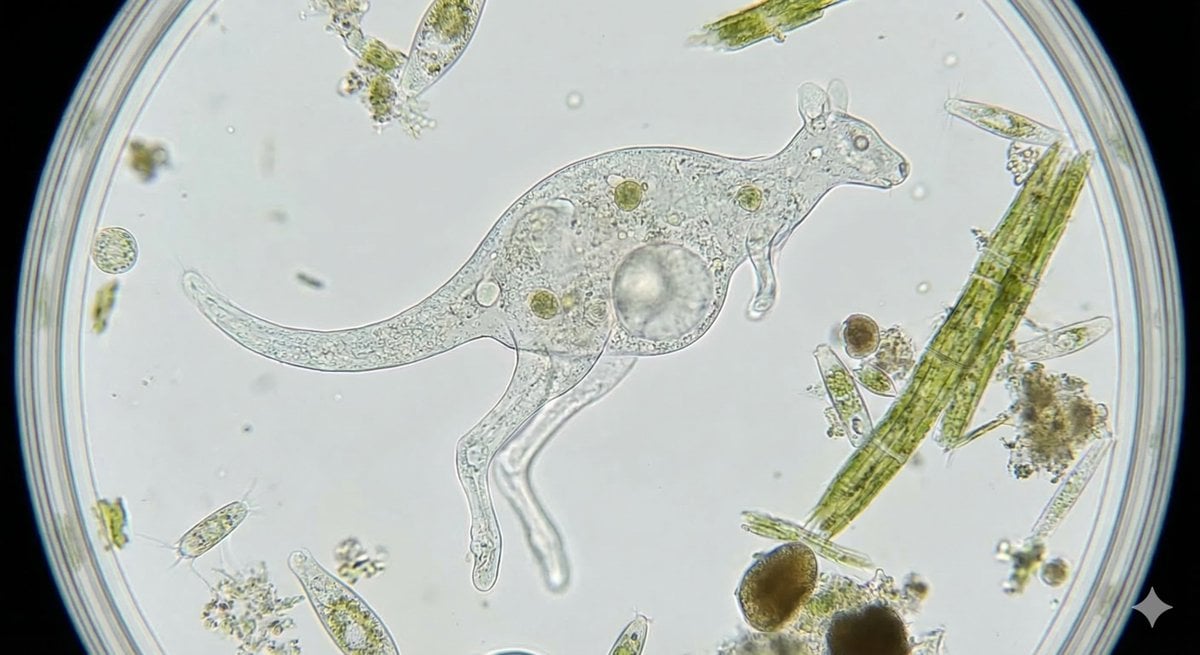
Kangaroo-Inspired Single-Celled Organism
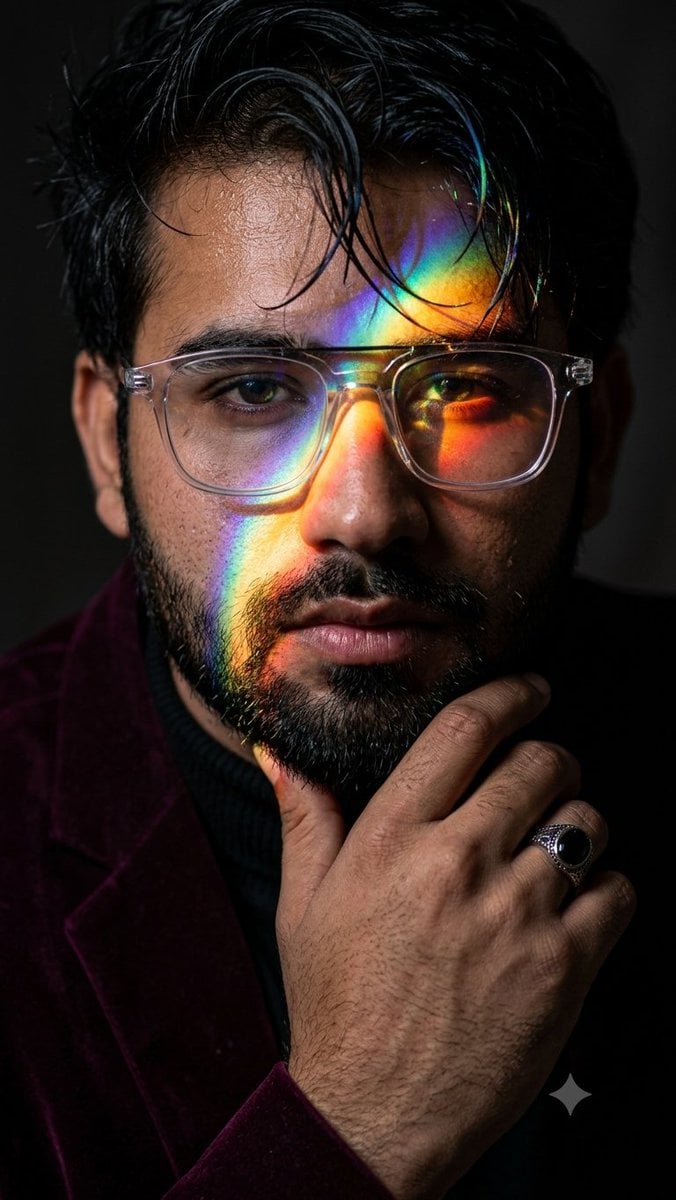
Prismatic Rainbow Light High Fashion Portrait
Browse template categories
Gothic Fallen Angel Queen questions
How do I use the Gothic Fallen Angel Queen template?
Add your photo if the template asks for one, edit the prompt if you like — the template's model and format are already selected — and press Generate. Your version opens in PicX Studio.
Can I customize the Gothic Fallen Angel Queen template?
Yes. You can change the subject, setting, lighting, mood, format, and available model controls before creating your image.
Is the Gothic Fallen Angel Queen template free?
Opening and editing this template is free. Generating uses credits, shown on the Generate button when you are signed in.
Which AI model should I use?
Start with GPT Image 2, which is the model associated with this template. You can compare another compatible model for a different finish.
Looking for something else? Browse all templates.

Your photo, any look
Thousands of ready templates for every top image and video model, from one credit balance.