
Burning Gothic Flood Escape
A cinematic medieval disaster scene showing refugees fleeing through floodwater as a vast Gothic structure burns behind them.

- Prompt included
- Model and format preset
- Free template
The prompt behind this image
Copy the exact prompt behind Burning Gothic Flood Escape, or open it in the studio and make it yours.
Create a cinematic dark-fantasy disaster scene in ultra-wide 16:9 format: a vast {argument name="building type" default="Gothic cathedral-palace"} is engulfed in an enormous inferno at night, its spires, arched windows, flying buttresses, and roof skeleton silhouetted against towering orange flames and black smoke. The lower half of the scene is flooded water reflecting the fire in rippling molten-gold highlights. In the foreground, show exactly 5 medieval refugees on wet stone steps and in waist-deep water: 1 hooded figure at far left carrying a patterned tapestry or banner, 1 crouched person beside crates, 1 central man reaching forward while throwing a round metal shield or platter into the water, 1 kneeling hooded person scooping or dropping a metal jug, and 1 small partial silhouette at the extreme left edge. Include exactly 3 prominent loose metal objects in the water near the foreground: a round bowl, a small cup, and a dropped pitcher. In the middle distance, add exactly 3 small boats carrying dark silhouettes, plus scattered tiny figures along the flooded quay, all dwarfed by the burning architecture. Use {argument name="era" default="medieval"} clothing, rough cloaks, leather belts, tunics, and wet fabric. Lighting should be dramatic and realistic, with intense backlight from the blaze, ember sparks in the air, smoke haze, high contrast chiaroscuro, wet stone texture, water splashes, and volumetric fire glow. Camera is low at water level, wide-angle, immersive, epic scale, photorealistic, highly detailed, no text, no modern objects, no watermark.
How to use Burning Gothic Flood Escape in 3 steps
- 1Upload ImagePNG, JPG or paste
Add your photo
Upload the photo the template builds on. The prompt, model and format are already set.
- 2…a portrait of your subject in softgolden-hour light, 85mm…
Personalize
Edit the subject and creative details for your destination.
- 3Generate
Generate
Press Generate — your image is created in PicX Studio, so you can compare it with the original and refine one variable at a time.
More like this
Templates with the same subject, style or setup. Open one to see its prompt.
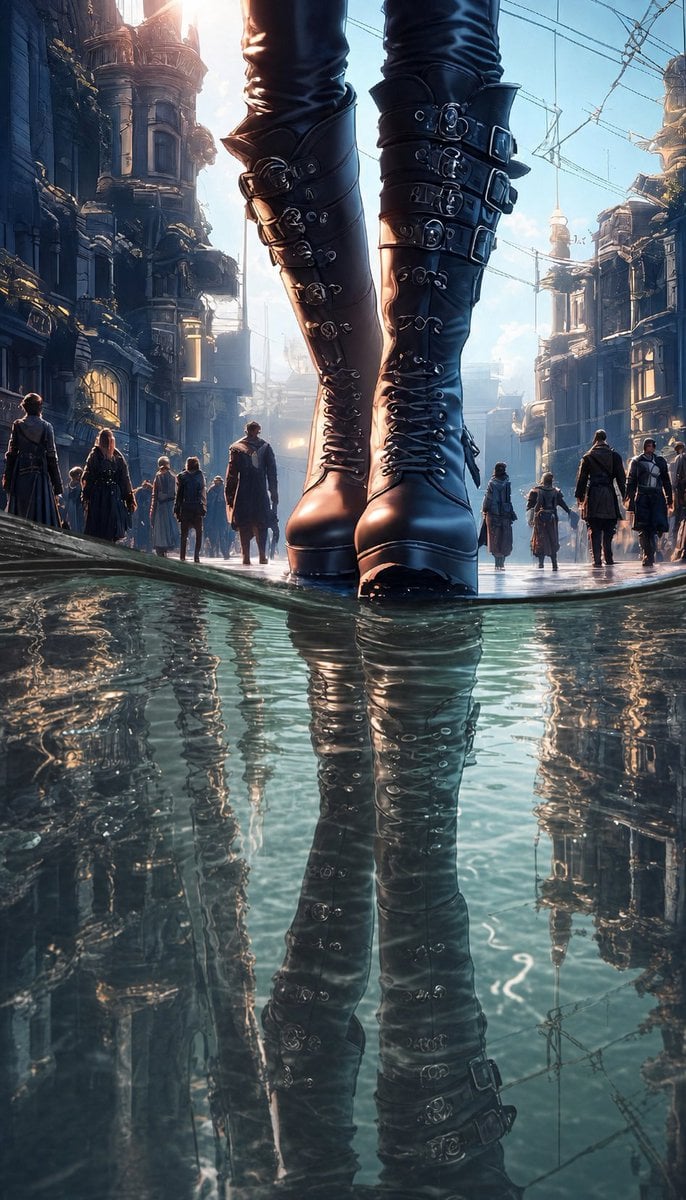
Giant Gothic Boots in Flooded City

Burning Gothic Library Sorcerer
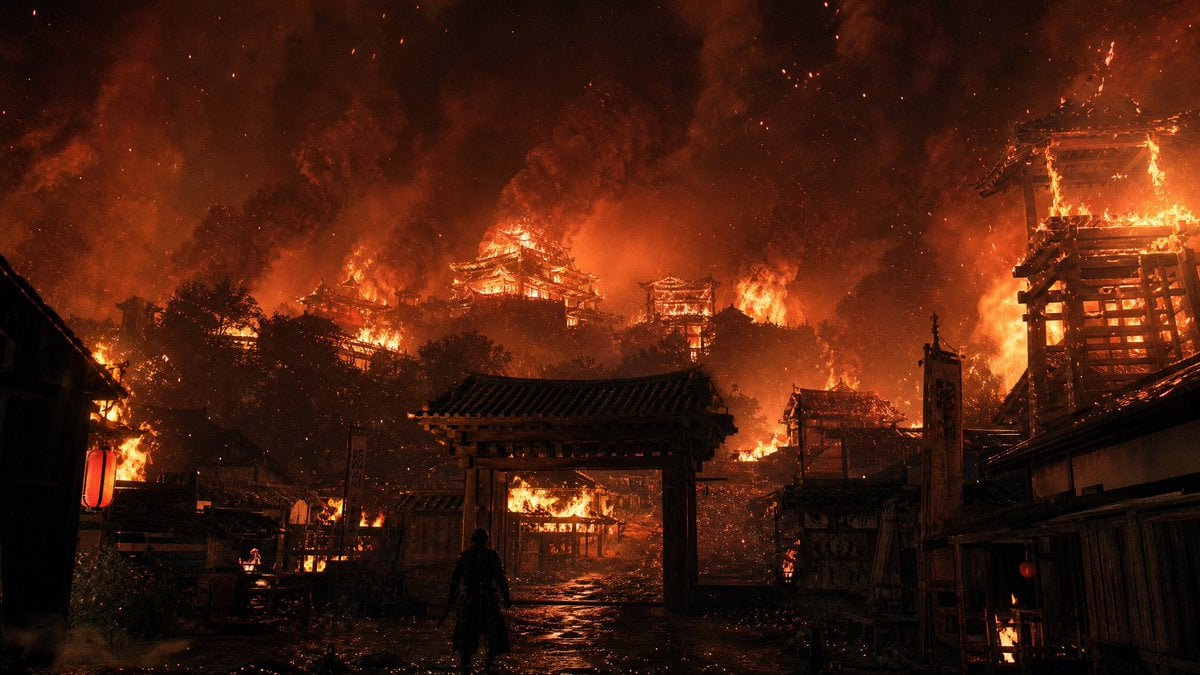
Burning Feudal Japanese Village
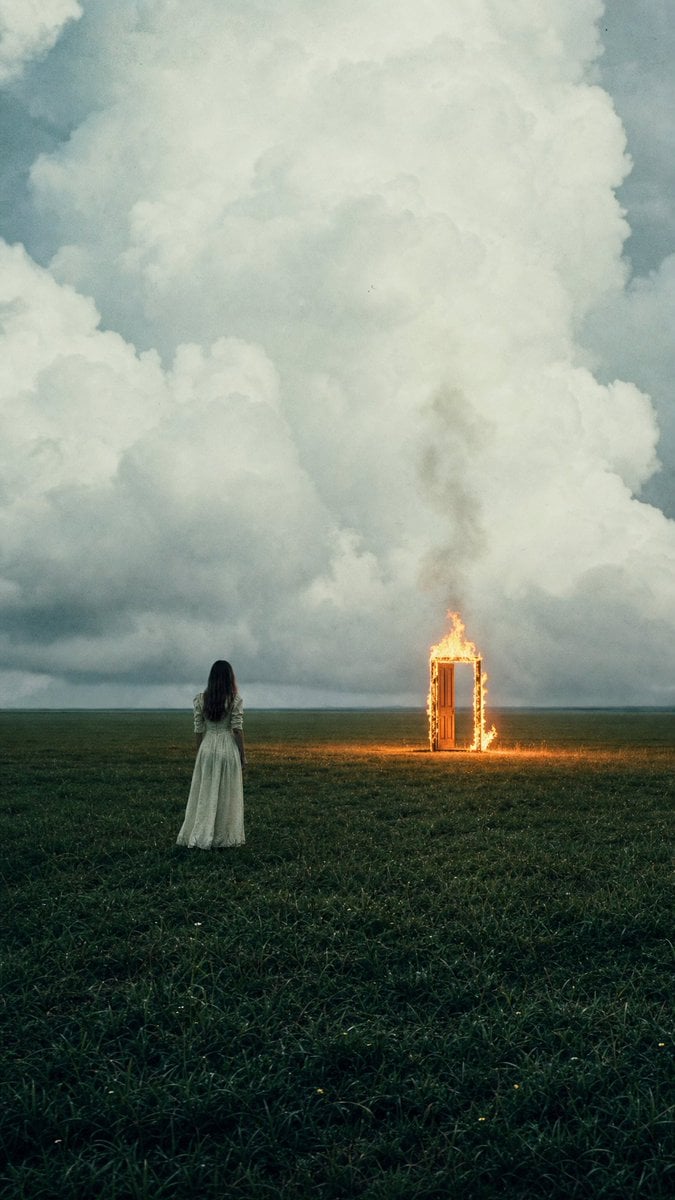
Woman Facing Burning Doorway
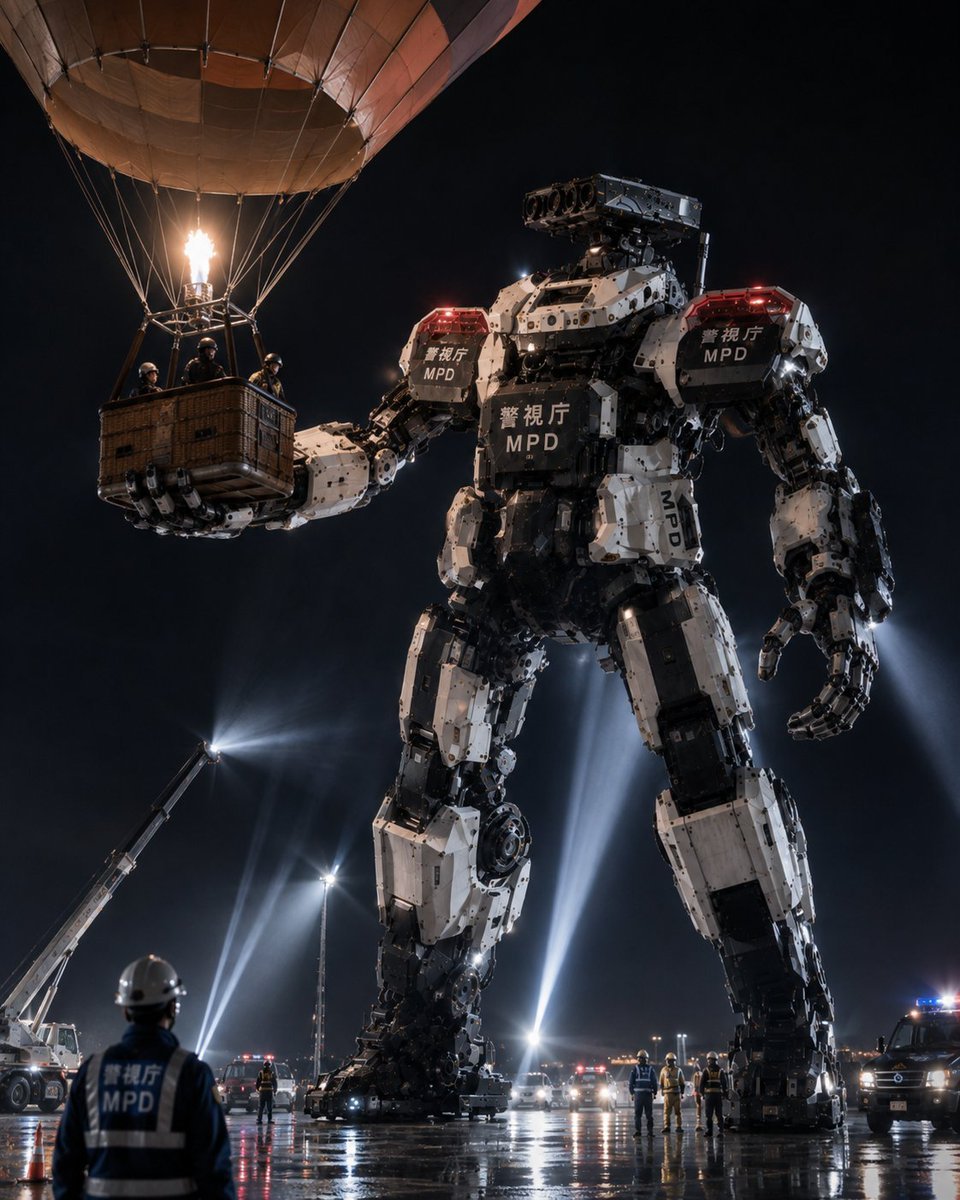
MPD Robot Arrests Balloon Escapees
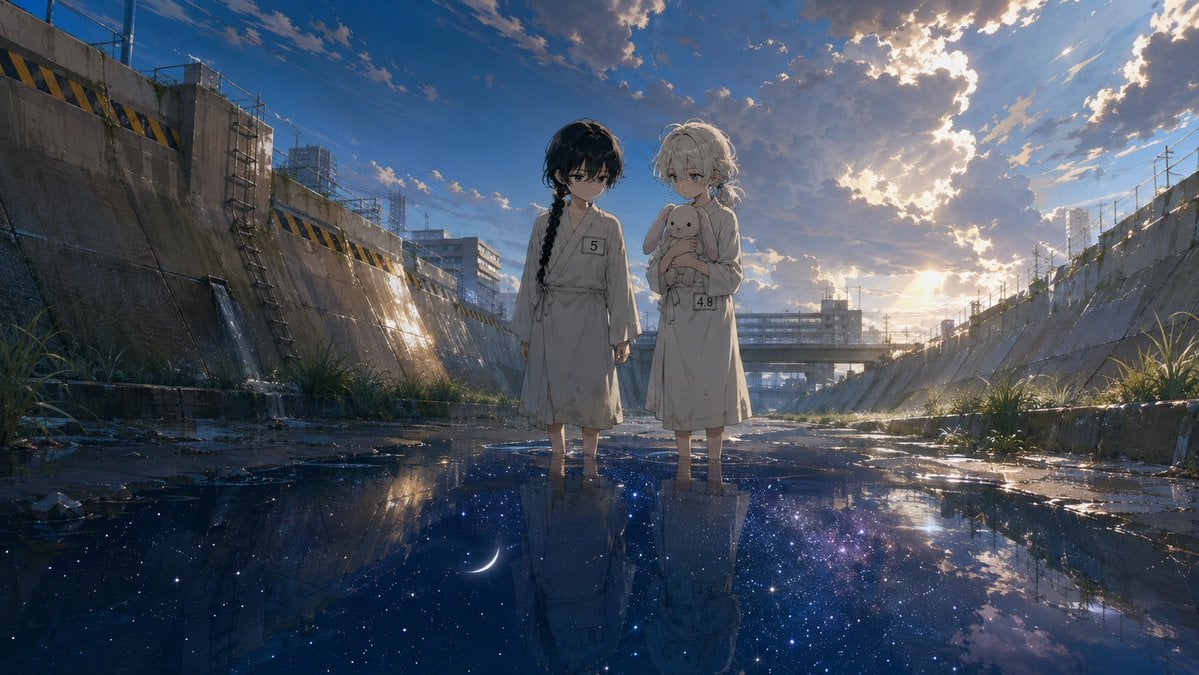
Anime Girls in Starry Flooded Canal
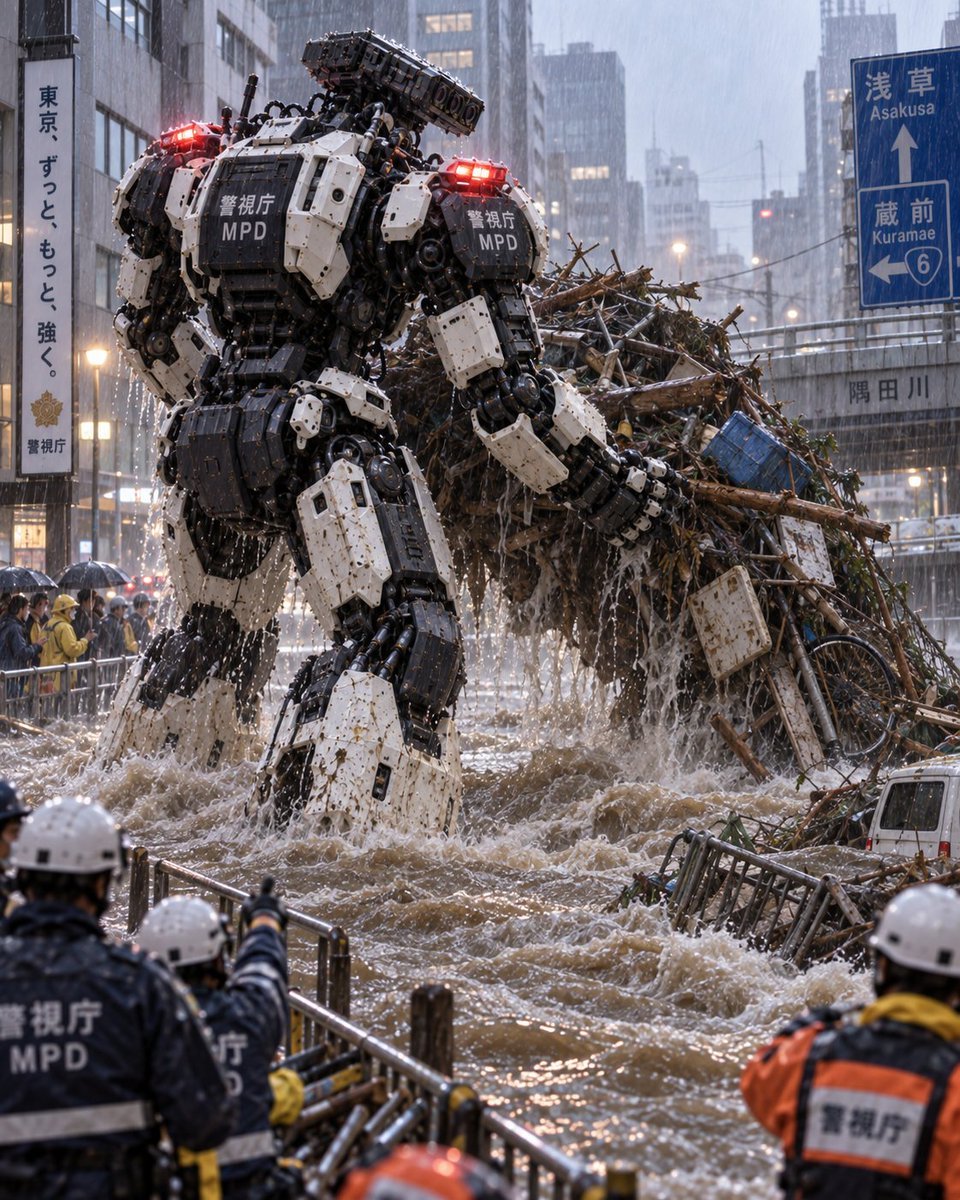
Tokyo Police Flood Rescue Mech

Gothic Japanese Mobile Homepage
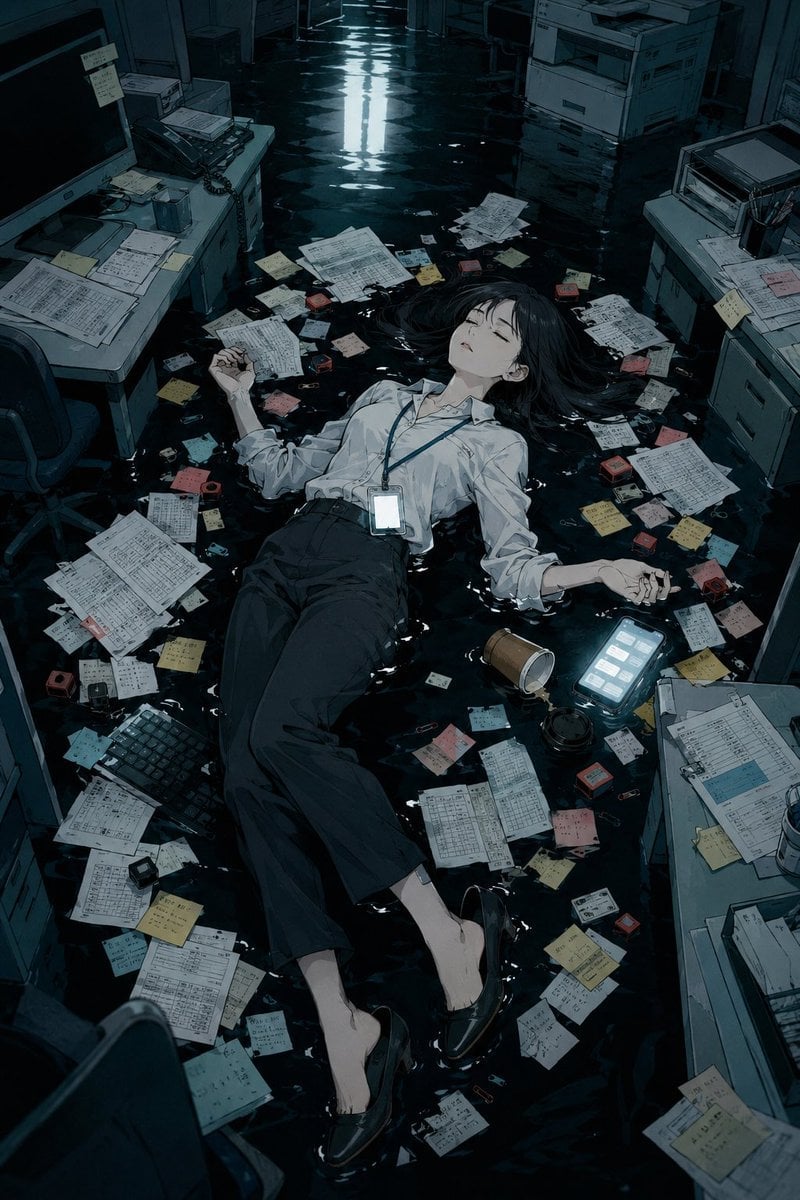
Flooded Office Burnout Anime Scene
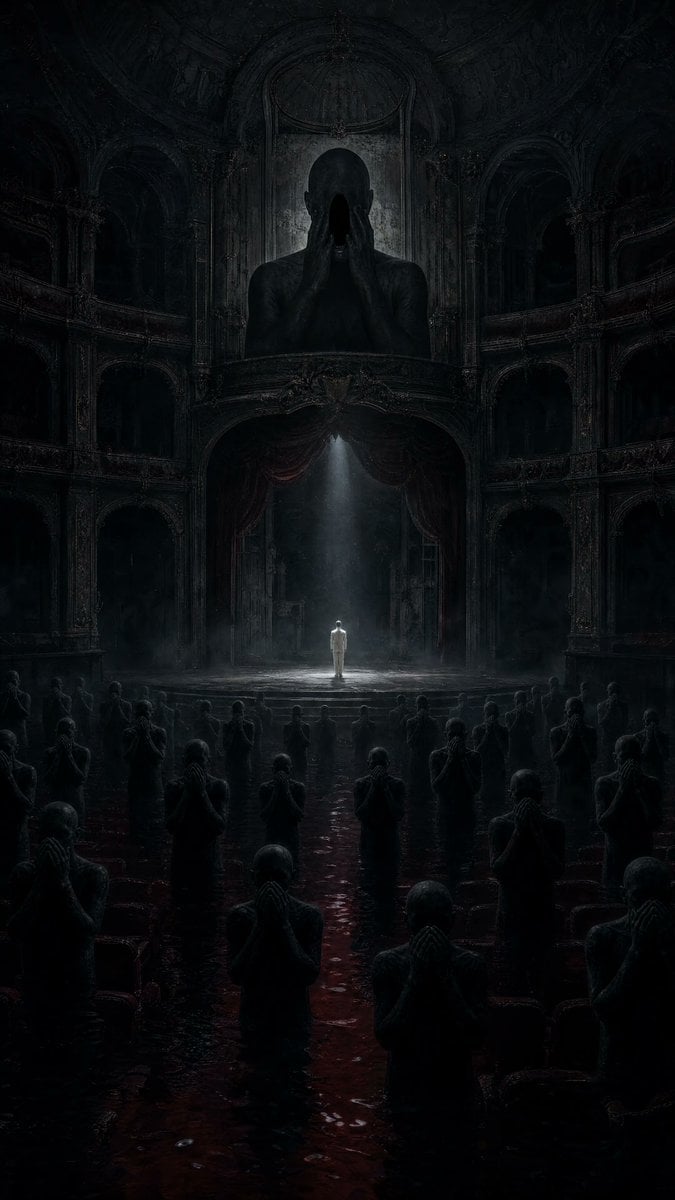
Dark Surrealist Flooded Opera House
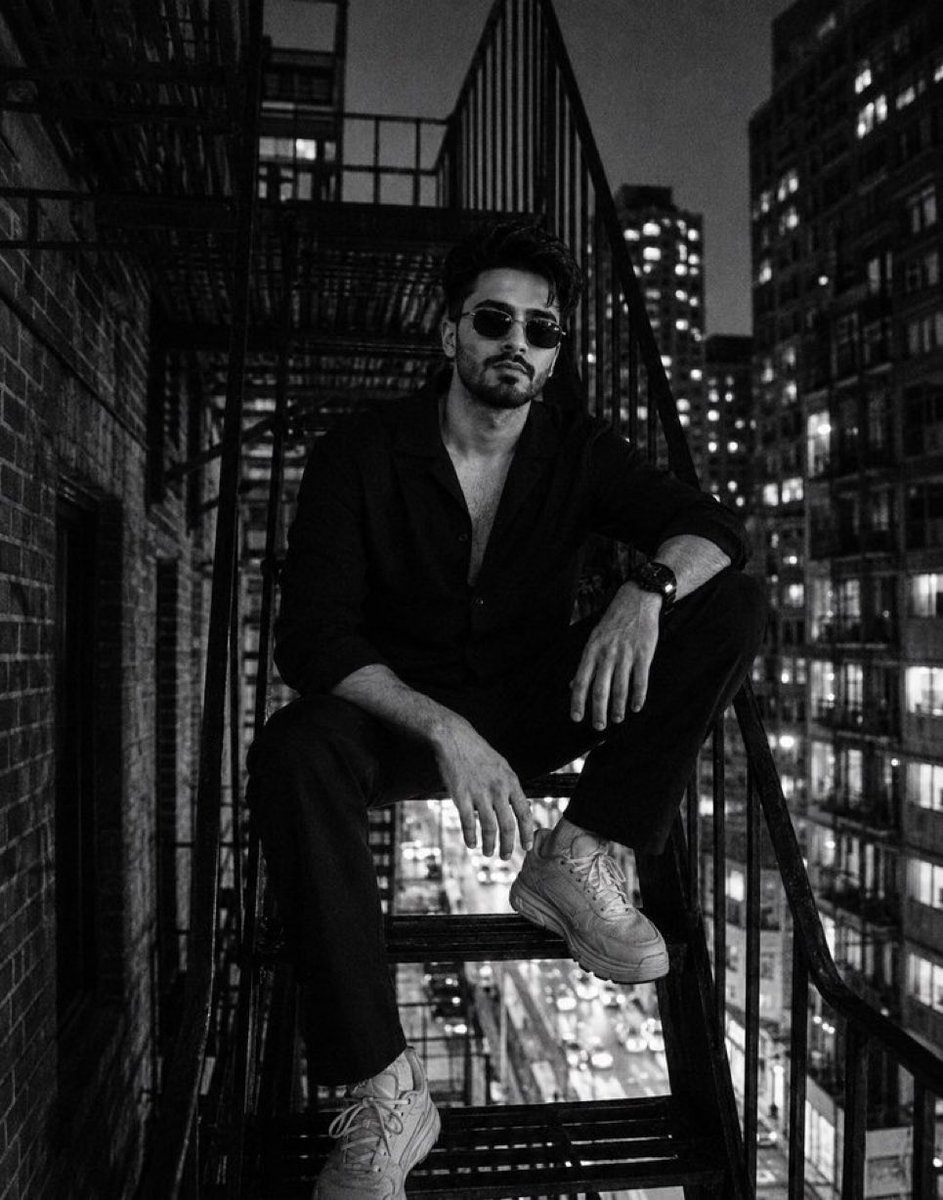
Night City Fire Escape Portrait
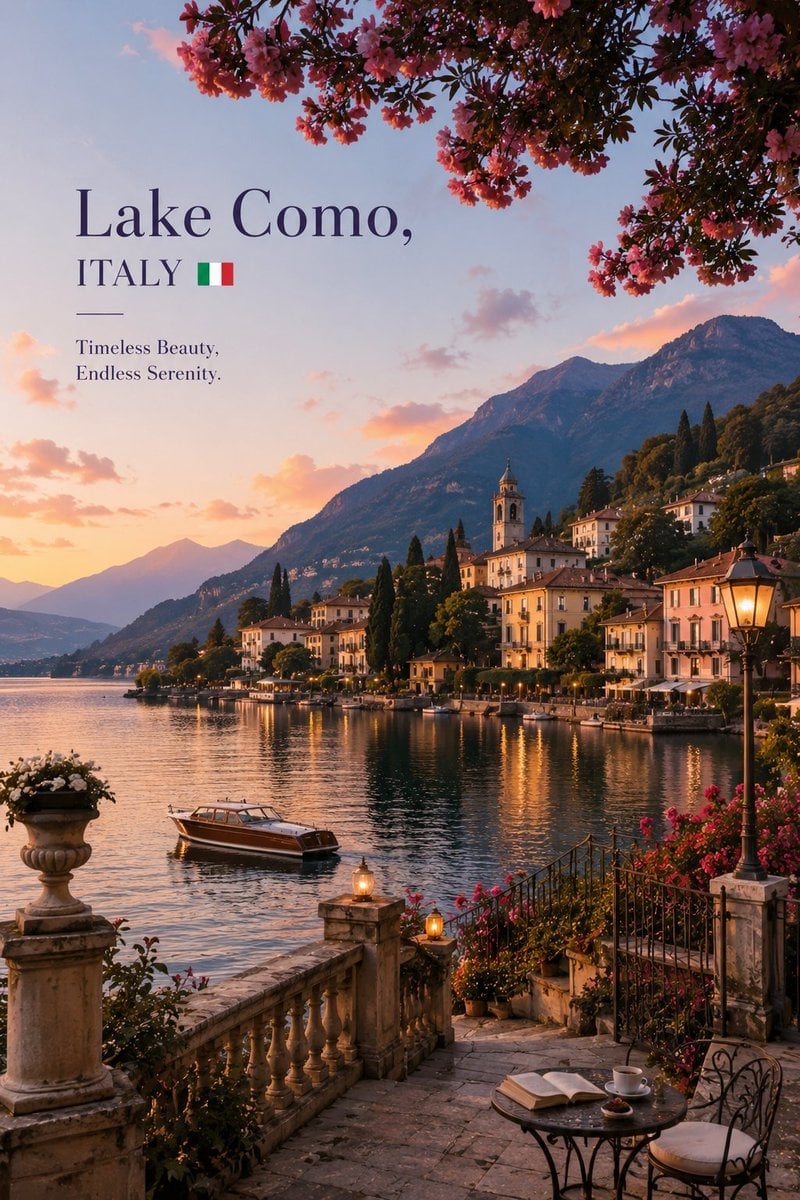
Luxury Travel Editorial Lakeside Escape
Make it yours
Burning Gothic Flood Escape works as-is. These are the safest ways to change it without losing the look.
Change one field
Copy a single group, rewrite it, and generate again so you can see what that field is doing.
Keep the frame, change the subject
Hold the composition and light of Burning Gothic Flood Escape, then swap wardrobe, props or the person for a new take.
| If the result… | Why | Fix |
|---|---|---|
| The result drifts from the preview | Too many fields changed at once. | Reuse Burning Gothic Flood Escape as-is first, then change one group — subject, light, or setting. |
| The model over-stylizes the scene | The prose prompt leaves finish and camera underspecified. | Add one camera or lighting sentence and stay on GPT Image 2. |
More GPT Image 2 templates
Other prompts made for GPT Image 2.

Six VTuber Japanese Logo Sheet

Realistic Portrait of Woman and Deer

The Vista Modular Condo Poster

AI Model Routing Comparison Infographic

2.5D Anime Art Board

Isometric Productivity Desk Scene

New York Double Exposure Poster

Four-Panel AI Landscape Comparison

Japanese Tatami Lifestyle Magazine Cover

NESCAFÉ Coffee Map Poster
More image prompts
Fresh picks from across the catalog.
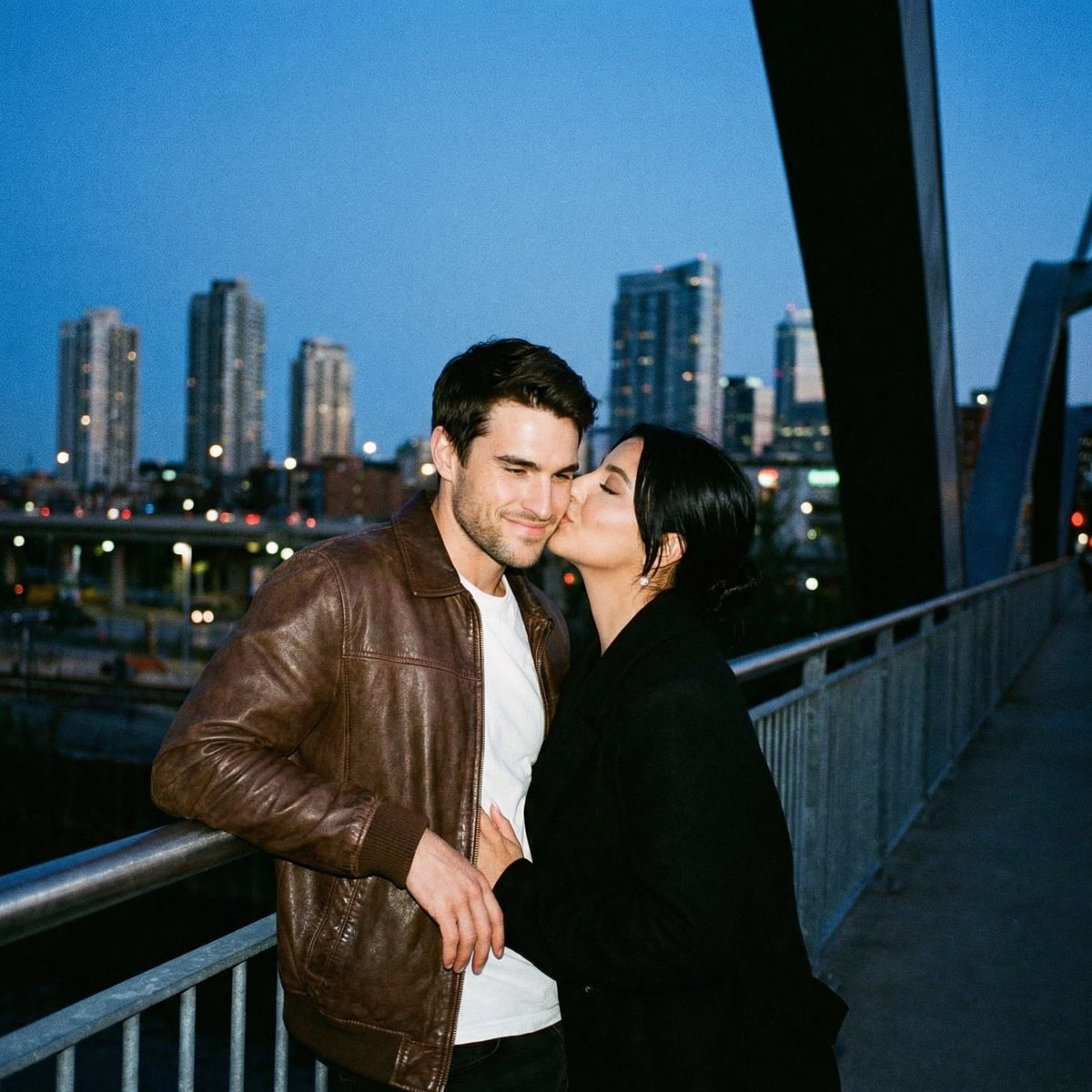
Ultra Analog Film Candid Romance Scene
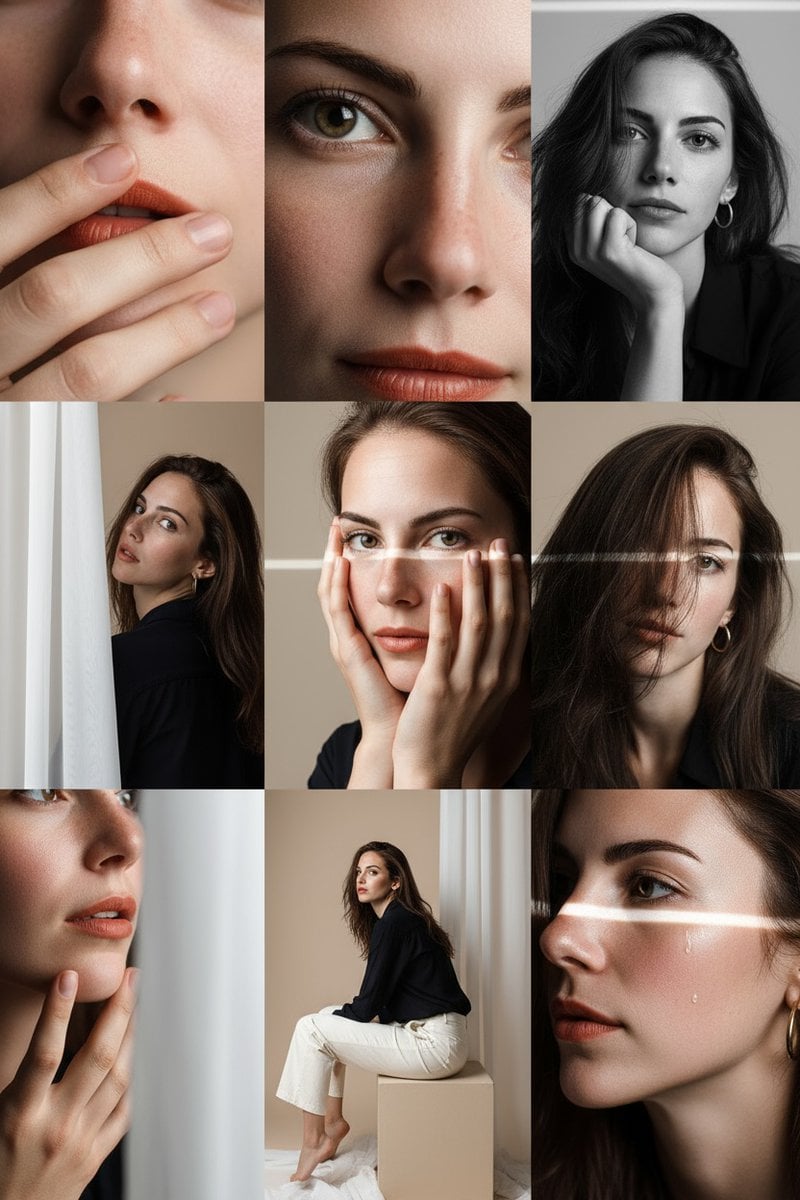
Gemini Nano-Banana Photo Prompt
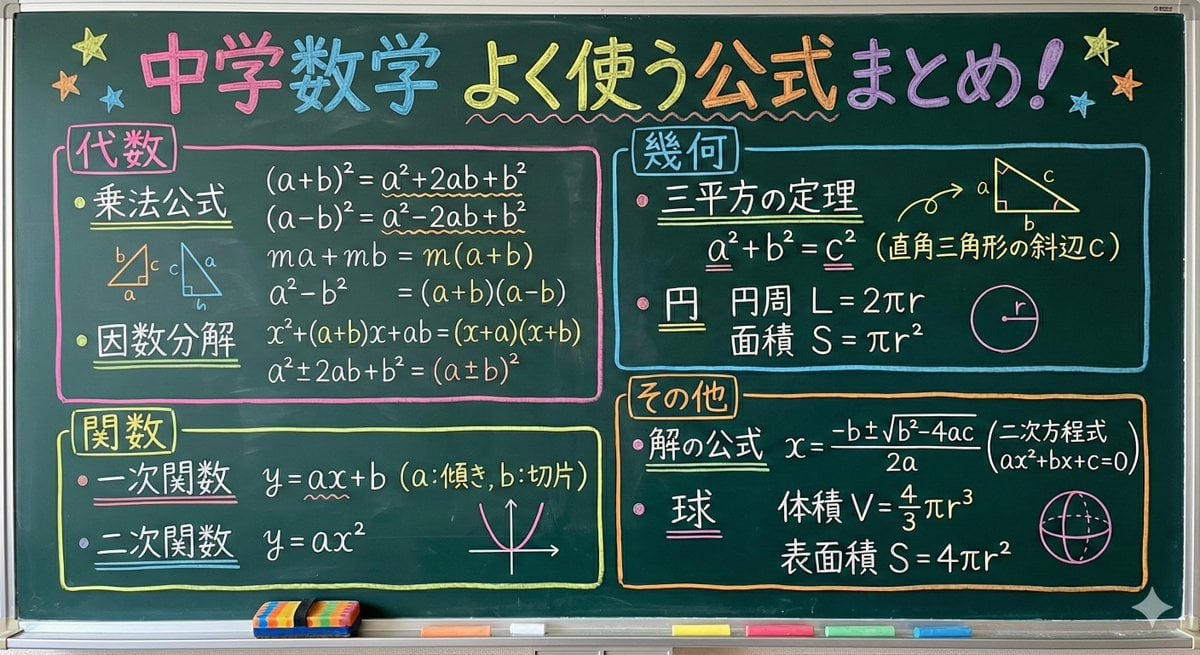
Educational Prompt for High School Math Formulas on a Chalkboard
Cinematic Vector Fashion Portrait
Image Replacement Prompt
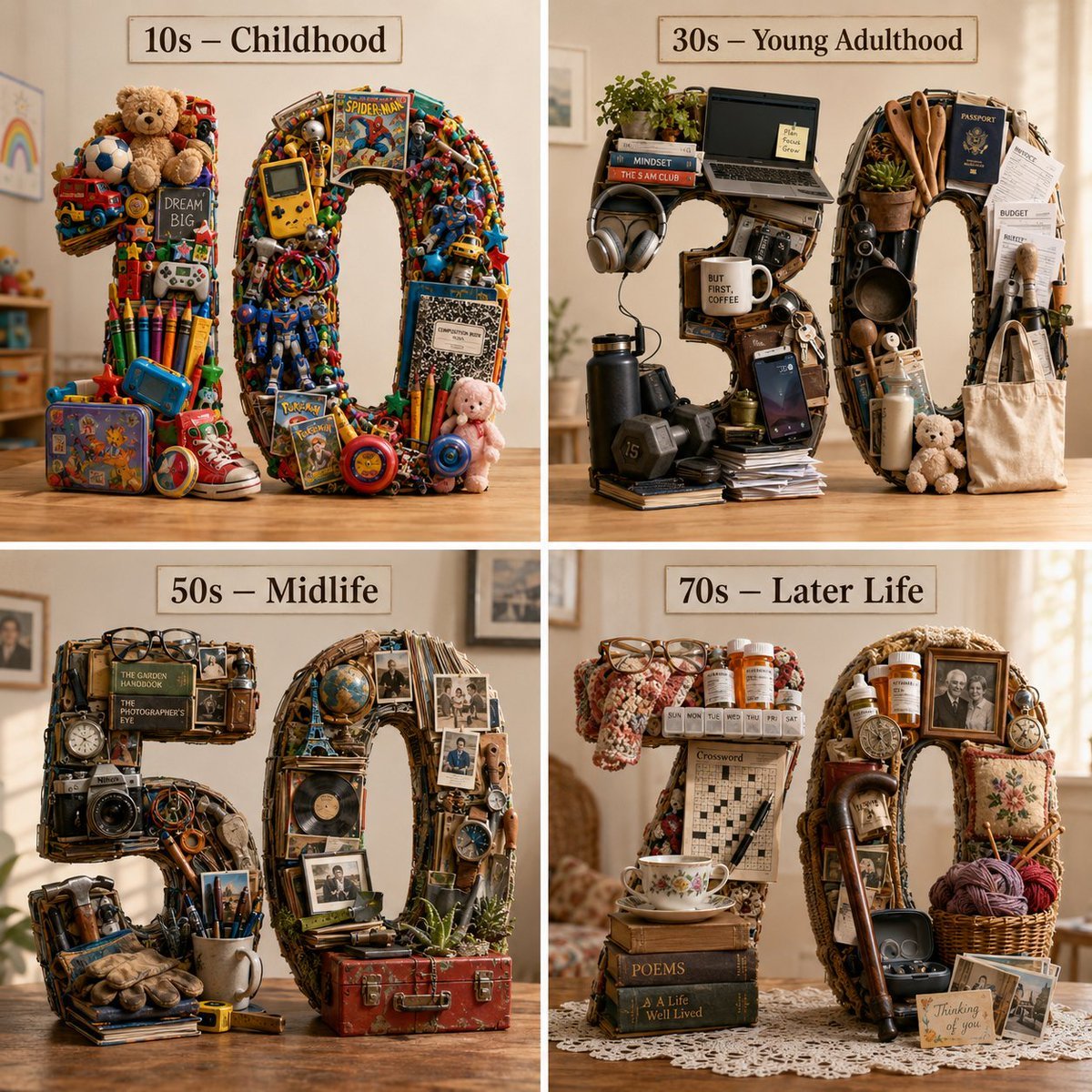
Typographic Human Life Stages Sculpture
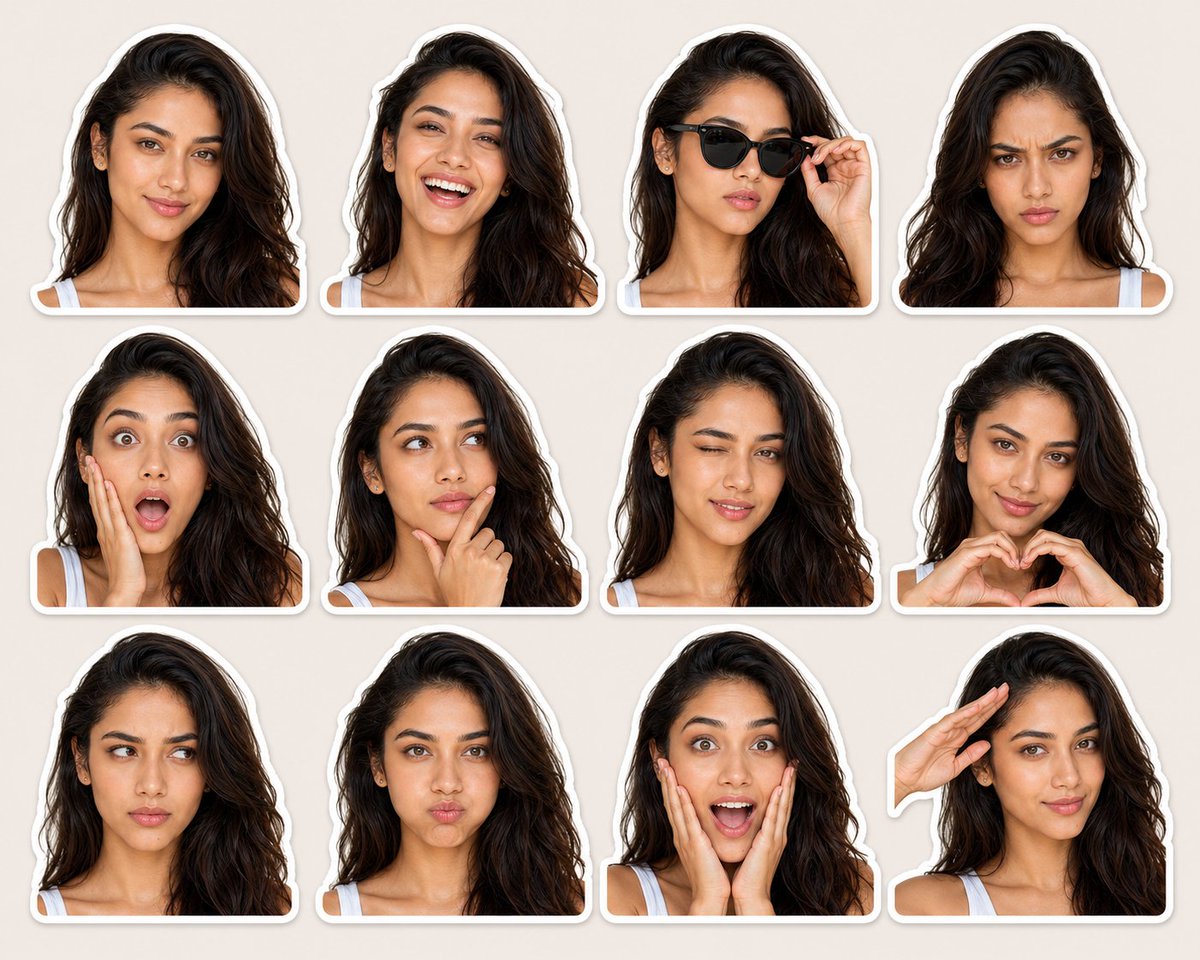
Expression-Rich Sticker Pack Grid
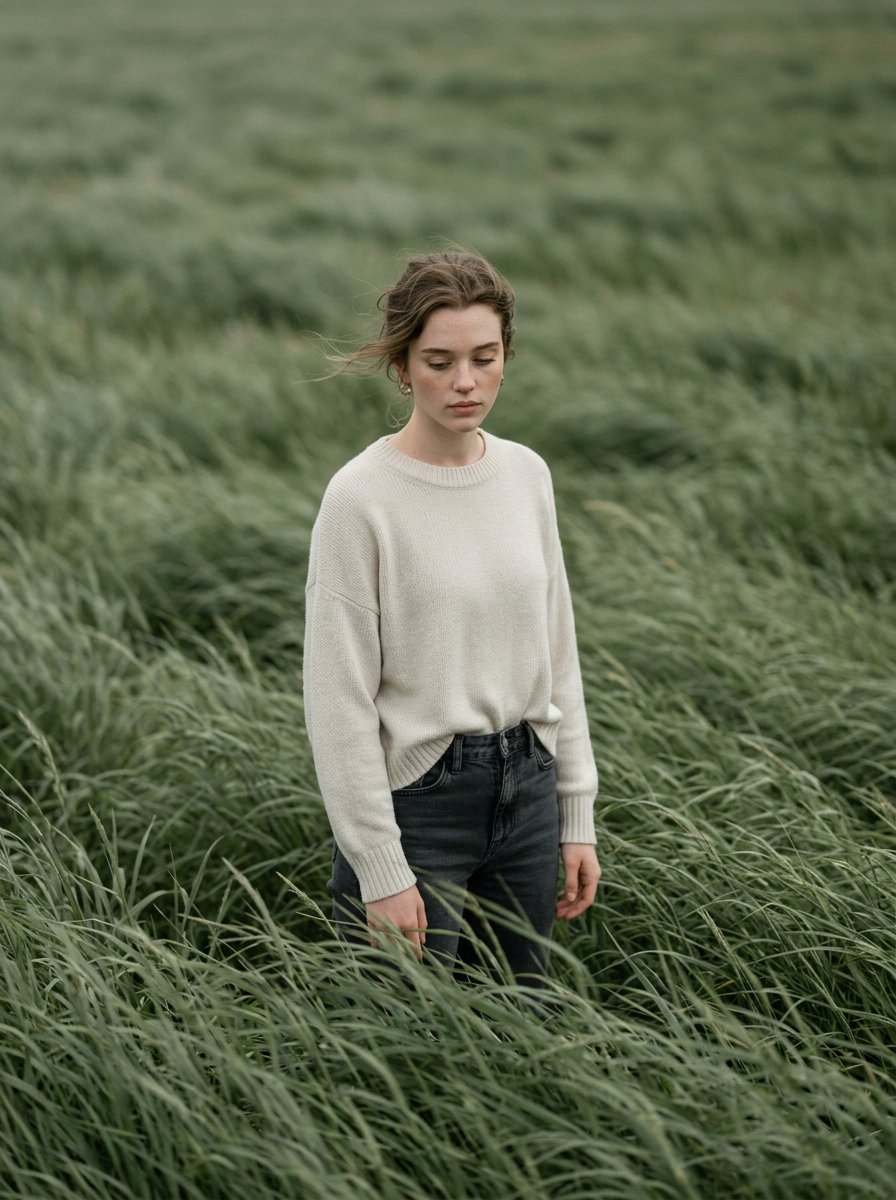
Cinematic Editorial Style Portrait in a

Cute Amigurumi Wizard Plush

Anime Fashion Lookbook Collage
Browse template categories
Burning Gothic Flood Escape questions
How do I use the Burning Gothic Flood Escape template?
Add your photo if the template asks for one, edit the prompt if you like — the template's model and format are already selected — and press Generate. Your version opens in PicX Studio.
Can I customize the Burning Gothic Flood Escape template?
Yes. You can change the subject, setting, lighting, mood, format, and available model controls before creating your image.
Is the Burning Gothic Flood Escape template free?
Opening and editing this template is free. Generating uses credits, shown on the Generate button when you are signed in.
Which AI model should I use?
Start with GPT Image 2, which is the model associated with this template. You can compare another compatible model for a different finish.
Looking for something else? Browse all templates.

Your photo, any look
Thousands of ready templates for every top image and video model, from one credit balance.